Chroma vs Qdrant vs Milvus: Which Vector Database Fits Your Stage
Turn this article into takeaways for your work.


Each assistant summarizes the article only for you and suggests best practices for your work.
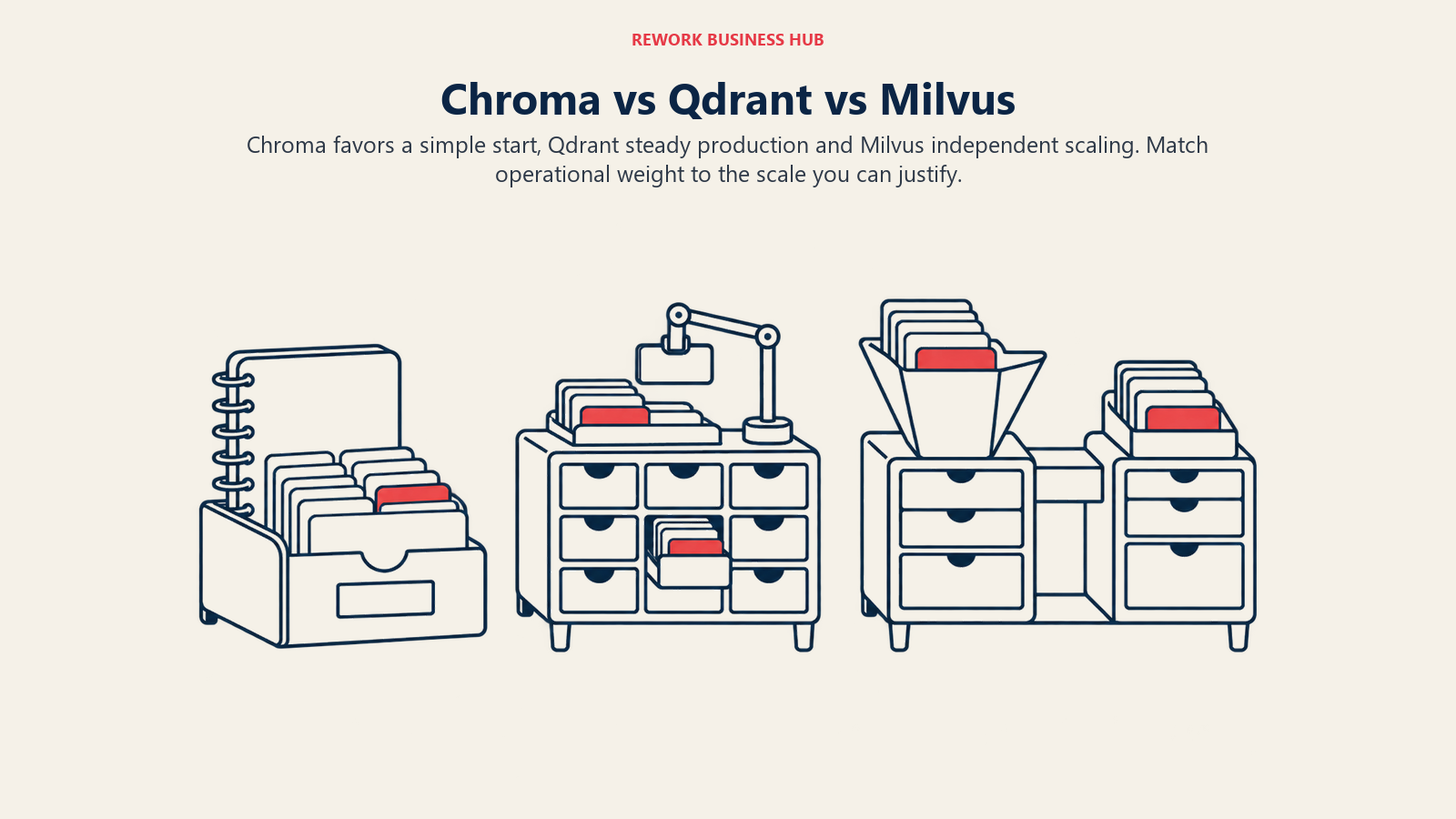
You're picking a vector database, and three names keep coming up: Chroma, Qdrant, and Milvus. All three are open source, all three run self-hosted or fully managed, and most roundups rank them against each other like they're interchangeable. They aren't. The honest way to compare them is a maturity ladder: prototype, production, and large scale, and the useful question isn't "which one wins," it's "where on that ladder is your project actually standing right now."
This is written for the person who has to answer for the infrastructure bill as much as the query latency: a technical founder, a head of engineering, or whoever owns the retrieval layer behind a RAG pipeline or an AI agent's memory. We'll price one real workload across all three managed clouds, show exactly what each one makes you run and maintain yourself, and give you a straight answer on which one fits at which scale, because most people asking this question have somewhere between 100,000 and 5 million vectors, not the billion-vector workloads these vendors love to put on a slide.
TL;DR
| Dimension | Chroma | Qdrant | Milvus |
|---|---|---|---|
| Best fit | Prototyping through small production | Mid-scale production where query latency and cost per query both matter | Large scale: 100M+ vectors, or a roadmap that gets you there |
| License | Apache 2.0 | Apache 2.0 | Apache 2.0 |
| Self-hosted footprint | 1 container, no external dependencies | 1 container, no external dependencies | 3+ containers (etcd, object storage, Milvus itself), more in a real cluster |
| Managed cloud | Chroma Cloud (usage-based, scale to zero) | Qdrant Cloud (reserved dedicated resources, billed hourly) | Zilliz Cloud (Serverless or Dedicated) |
| Cost at 1M vectors (see pricing section) | Roughly $2 to $5/month | $68.34/month (reserved node) | Roughly $2/month on Serverless, or from $126/month Dedicated |
| GitHub stars (2026-10-02) | 29.4k | 34.9k | 46.3k |
| Standout strength | Python-native, embedded mode, dev experience | Query latency and hybrid search at a given budget | Independent scaling of ingest and query at very large scale |
| Honest weakness | Youngest managed cloud, unproven at massive scale | Reserved-node pricing is a flat floor even at near-zero traffic | Heaviest to self-host, and most teams don't need the scale yet |
License, Company, and Who's Actually Behind Each Project
Start here because it's the thing people get wrong most often in 2026, after a wave of open-source data tools quietly moved to source-available licenses. None of these three has done that.
| Project | Core engine license | Managed cloud | Who builds it |
|---|---|---|---|
| Chroma | Apache 2.0 (chroma-core/chroma) | Chroma Cloud | Chroma, the company |
| Qdrant | Apache 2.0 (qdrant/qdrant) | Qdrant Cloud (Managed, Hybrid, Private) | Qdrant, the company that built and still maintains the open-source engine |
| Milvus | Apache 2.0, a graduated LF AI & Data Foundation project | Zilliz Cloud | Zilliz created Milvus in 2017 and still leads its development, but Milvus itself is governed by the vendor-neutral Linux Foundation, not owned by Zilliz |
The Milvus and Zilliz relationship confuses people, so get it straight before you write a vendor requisition: Milvus is the open-source database. Zilliz is the company that created it and now sells the managed version, Zilliz Cloud. You can run Milvus entirely independently of Zilliz, with no account, no API key, nothing. That's a meaningfully different arrangement from a company that owns its database outright and only offers a hosted SKU. Chroma and Qdrant work the same way: full Apache 2.0 code on GitHub, a company-run managed cloud sitting next to it, no feature gate between the free self-hosted version and the first paid tier of the cloud product.
A quick maturity read, since "how battle-tested is this" is a real question when you're picking infrastructure you'll live with for years:
| Signal (captured 2026-10-02) | Chroma | Qdrant | Milvus |
|---|---|---|---|
| GitHub stars | 29.4k | 34.9k | 46.3k |
| Forks | 2.5k | 2.7k | 4.3k |
| Governance | Company-led | Company-led | Linux Foundation graduated project, Zilliz-led |
| Recent milestone | Continuous releases on main |
Core engine at v1.19.1 | Milvus 3.0 shipped July 2026 with a lake-native architecture |
Milvus has the biggest community footprint by a wide margin, which tracks with it being the oldest of the three and the one most enterprise data teams have already evaluated for a vector database at scale. That doesn't make it the right pick for your project; it makes it the most-tested option if you end up needing what it's built for.
The Real Operational Cost: What Each One Makes You Run
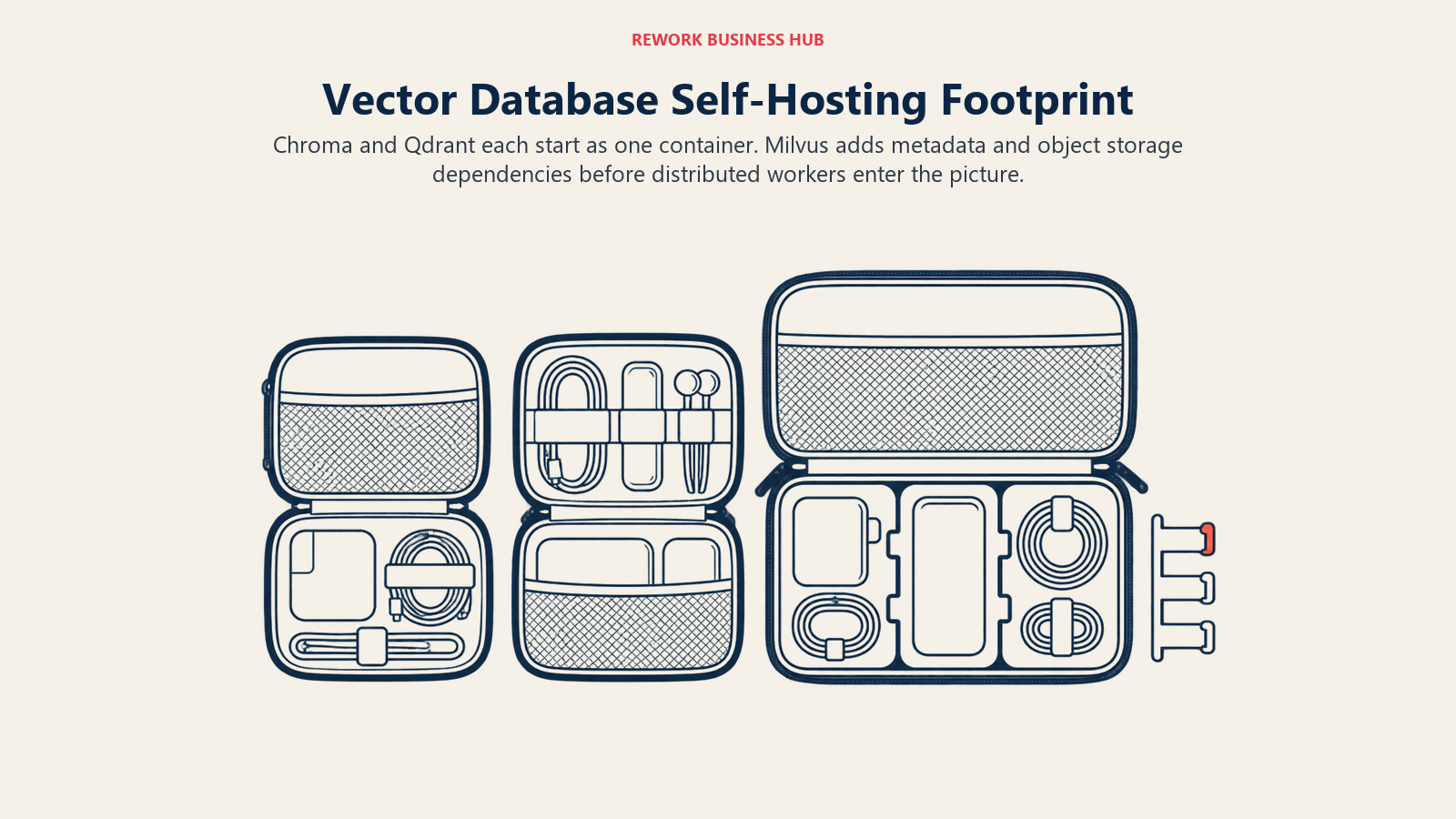
The license fee for all three is zero. The thing that actually separates them is what you have to stand up, patch, and keep alive to run them yourself, and this is the section most comparisons skip because it's harder to put in a table than a price tag.
| Chroma (self-hosted) | Qdrant (self-hosted) | Milvus Standalone | Milvus Distributed | |
|---|---|---|---|---|
| Containers/processes to run | 1 | 1 | 3: Milvus itself, etcd, MinIO | 8 or more: a proxy layer, one active coordinator, separate streaming/query/data worker nodes, etcd, object storage, and a write-ahead log |
| External dependencies | None | None (needs POSIX-compatible block storage, not NFS or S3) | etcd (metadata) and MinIO/S3-compatible object storage, bundled in the standard Docker Compose file | Same as Standalone, plus a message queue: Kafka, Pulsar, or the newer embedded Woodpecker log |
| Published minimum memory | Not published; comfortable in a small container for light workloads | Not published; sizing scales with vector count and dimensions | 8 GB RAM, per Milvus's own Standalone requirements | Scales per node; a real cluster realistically needs well over 32 GB spread across workers |
| How you'd run it in production | Docker, Kubernetes, no special operator | Docker, Kubernetes, with an official Helm chart | Docker Compose for small setups, Kubernetes for anything serious | Kubernetes with the Milvus Operator, or skip self-hosting entirely and use Zilliz Cloud |
| Backup story | Copy the data volume yourself, or let Chroma Cloud handle it | Built-in snapshot API | The separate milvus-backup tool, coordinated against etcd and object storage |
Same tooling, at cluster scale, with more moving parts to get consistent |
Those memory and container counts are vendor-documented. The "realistic engineer time" judgment underneath them is ours, built from how these systems are actually structured, not a number you can fetch from a pricing page: keeping a single Chroma or Qdrant container healthy is a few hours a month at small scale, mostly monitoring and the occasional version bump. Milvus Standalone adds etcd and object storage into that loop, which is a half-day-a-month kind of commitment once you've tuned it. A real Milvus cluster is a part-time job, which is exactly why most teams at that scale either hire for it or hand it to Zilliz Cloud instead of running it themselves.
One genuine improvement worth noting: Milvus 3.0, released July 2026, replaced the separate Kafka or Pulsar requirement with an embedded write-ahead log called Woodpecker that uses object storage as its backend. That's a real simplification of the Standalone deployment compared to older Milvus versions, even if the distributed cluster is still the heaviest of the three to run.
If you're choosing between standing up AI infrastructure yourself versus paying a managed cloud to carry that weight, this operational table is the real version of the build versus buy decision. The license cost is the same either way. The engineering hours aren't.
Feature and Capability Comparison
| Capability | Chroma | Qdrant | Milvus |
|---|---|---|---|
| Core engine language | Rust, with a Python-first API | Rust | Go and C++ |
| Search types | Vector similarity, full-text, and metadata filtering in one query | Vector similarity, payload filtering, hybrid dense plus sparse search, full-text | Vector similarity, scalar filtering, hybrid search, full-text, range search, grouping search |
| Quantization | Not a primary feature | Scalar, product, and binary quantization | Multiple index families, including IVF, HNSW, and DiskANN |
| GPU-accelerated indexing | No | Qdrant Cloud Premium tier | Yes, a long-standing Milvus strength at large index sizes |
| Embedded or local mode | Yes: pip install chromadb, in-process, no server needed to start |
Yes: a local mode in the Python client for prototyping | Yes: Milvus Lite, pip install pymilvus[milvus-lite], single process |
| Deployment targets | Self-hosted Docker, Chroma Cloud | Self-hosted Docker/Kubernetes, Managed Cloud, Hybrid Cloud, Private Cloud | Milvus Lite, Standalone, Distributed/Kubernetes, Zilliz Cloud, BYOC |
| Cloud providers on managed tier | Not itemized by provider on the pricing page | AWS, Azure, GCP | AWS and Google Cloud on Standard; AWS, Google Cloud, and Azure on Enterprise and Business Critical |
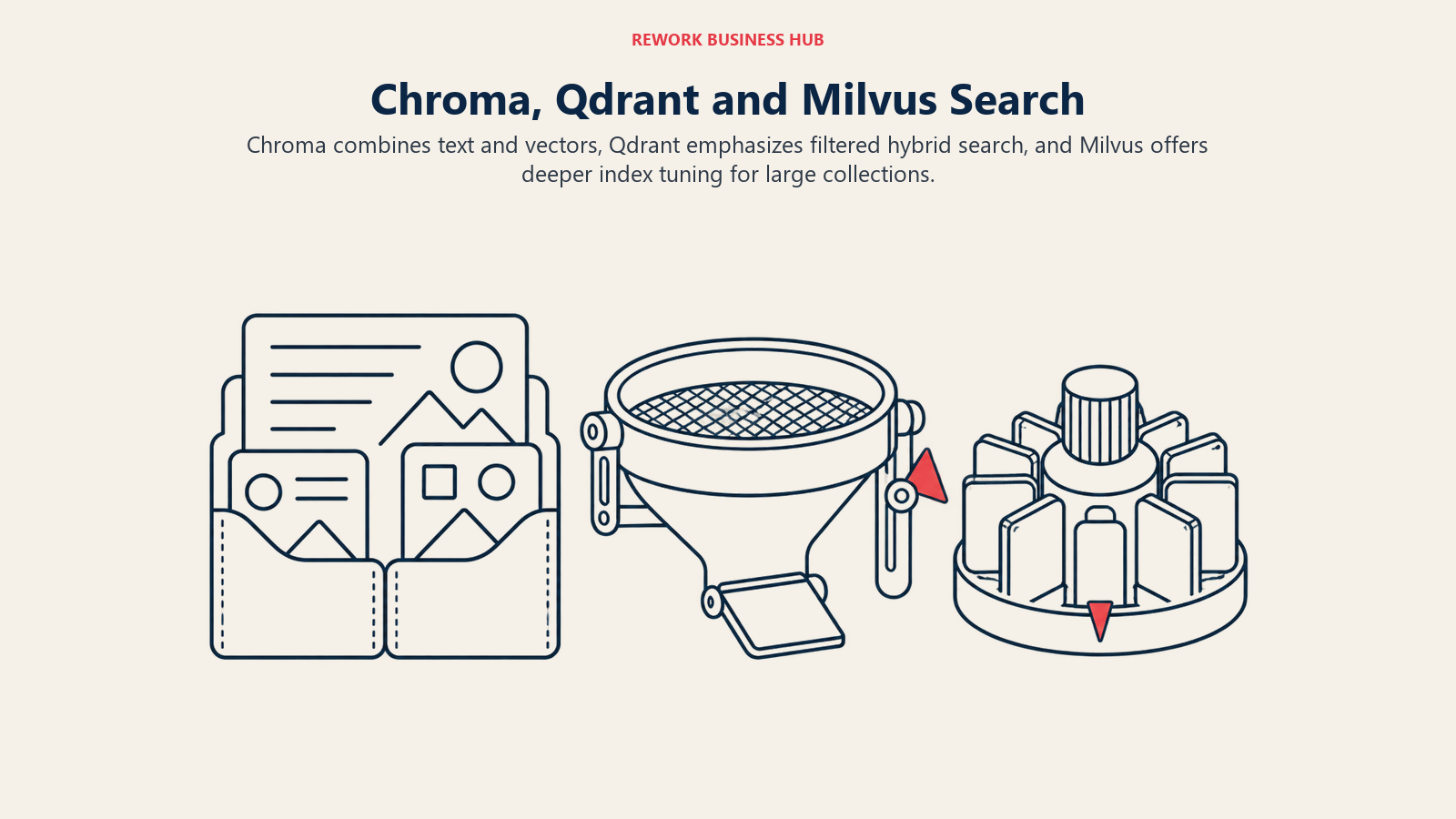
The pattern that matters for a reader evaluating this for a RAG assistant or an agent's retrieval layer: Chroma treats text, metadata, and vectors as one combined search surface, which fits how most RAG apps actually query (find similar, and filter by date or source). Qdrant treats payload filtering and hybrid search as first-class citizens, which matters once you're filtering by tenant or permission alongside semantic similarity. Milvus has the deepest index tuning surface of the three, which is the kind of control that pays off once you're past the point where a default HNSW index is good enough.
All three also ship an embedded or local mode now, which blurs the "pick one and commit" framing a little. You genuinely can prototype on Chroma's in-process client, Qdrant's local mode, or Milvus Lite on a laptop, and move to the managed or self-hosted version of the same product without changing your retrieval code.
Pricing One Real Workload Across All Three Managed Clouds
Here's where the ranking flips once you plug in a real number instead of a headline rate. The workload: 1,000,000 vectors, 768 dimensions (a common embedding size), roughly 100,000 vector writes a month from ongoing ingestion, and roughly 50,000 queries a month. That's a realistic small-production workload, bigger than a prototype, nowhere near the scale these vendors show off in their marketing.
| Vendor | Plan priced | Monthly cost | What that buys |
|---|---|---|---|
| Qdrant Cloud | Standard, dedicated resources, AWS us-east-1 | $68.34/month | 1 node: 1 vCPU, 8 GiB RAM, 32 GiB disk, provisioned and running whether you query it or not |
| Chroma Cloud | Starter, pay-per-use | Roughly $2 to $5/month | No reserved capacity; billed only for the GiB actually written, stored, and queried |
| Zilliz Cloud | Serverless | Roughly $2/month at this scale | Pay-per-compute-unit, scales to zero between queries, no reserved node |
| Zilliz Cloud | Dedicated, Capacity-optimized, Standard plan (if you need guaranteed low latency instead of Serverless) | From $126/month | 1 reserved Capacity-optimized compute unit, which holds roughly 8 million 768-dimension vectors |
Qdrant and Zilliz figures come from each vendor's own pricing calculator (1,000,000 vectors, 768 dimensions, no replication or quantization, AWS us-east-1); the Chroma figure applies its published per-unit rates ($2.50 per GiB written, $0.33 per GiB per month stored, $0.0075 per TiB queried, $0.09 per GiB of egress) to the same workload.
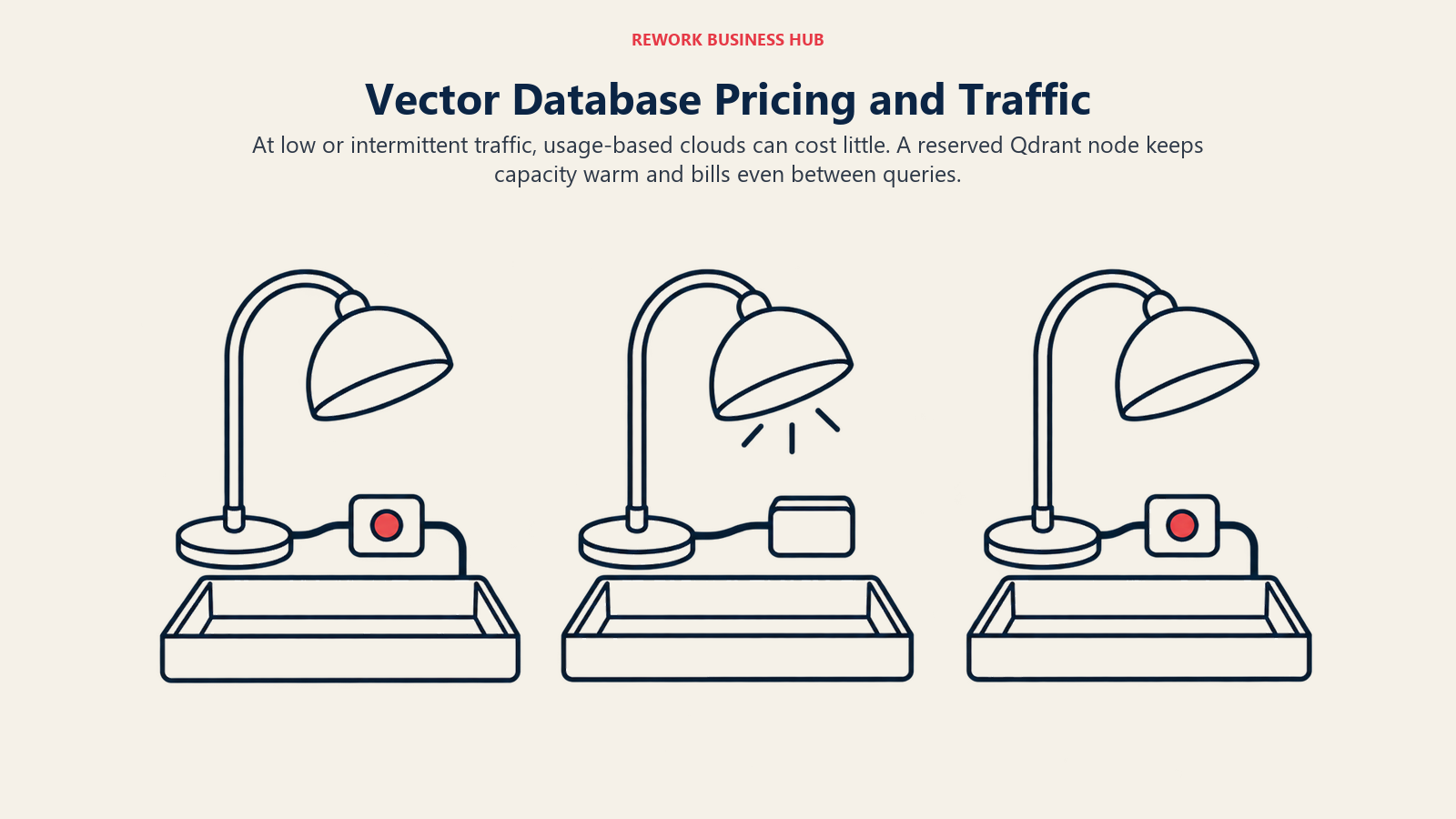
This is the single most useful number in this article. At 1 million vectors, the two pay-per-use options, Chroma and Zilliz Serverless, both cost less than a few cups of coffee a month. Qdrant Cloud's Standard tier, by contrast, reserves a dedicated node and bills for it by the hour whether you send one query or a million, which is why it lands at roughly $68/month for the exact same workload. That floor isn't a flaw: it's the trade you're accepting in exchange for a warm, predictable node with no cold-start latency, which matters a great deal once your traffic is steady rather than spiky.
The ranking doesn't hold at every scale, either. Push the same workload to 20 or 50 million vectors and the pay-per-use model on Chroma and Zilliz Serverless starts accumulating real dollars as write and query volume grows linearly with usage, while a reserved Qdrant node (or a Zilliz Dedicated cluster) becomes the cheaper, more predictable choice because you're paying for fixed capacity instead of metered operations. The lesson isn't "pick the cheapest one at 1 million vectors." It's "re-run this math at your actual vector count before you commit," because the crossover point is real and it moves depending on how spiky your traffic is.
Managed Cloud Plans Side by Side
| Entry tier | Mid tier | Top tier | |
|---|---|---|---|
| Chroma Cloud | Starter: $0/month base plus $5 in free credits, then usage-based with no minimum spend, scales to zero | Team: $250/month plus $100 in credits, then usage-based; 100 databases, 30 team members, SOC 2, volume discounts | Enterprise: custom pricing, unlimited databases and members, single-tenant and BYOC clusters, SLAs |
| Qdrant Cloud | Free: single-node, 0.5 vCPU, 1 GB RAM, 4 GB disk, free forever | Standard: usage-based billing on dedicated resources, 99.5% uptime SLA | Premium: minimum spend required, not published, SSO, private VPC links, 99.9% uptime SLA |
| Zilliz Cloud | Free: 5 GB storage, 2.5 million vCUs a month included, up to 5 collections, free forever | Standard: Serverless from $0/month pay-per-use, or Dedicated from $126/month per Capacity-optimized CU | Enterprise: from $197/month dedicated, 99.95% uptime SLA, SSO, granular RBAC; Business Critical: custom, contact sales, HIPAA-eligible |
One distinction worth sitting with: Qdrant's and Zilliz's free tiers are genuinely free forever within a fixed resource cap, not a trial. Chroma's Starter plan has no fixed free allocation at all, instead it has no monthly minimum, so a low-traffic project can run indefinitely for pennies rather than hitting a hard wall. Both models get you to "basically free for a small project." They get there differently, and which one you'd rather have depends on whether you want a predictable free ceiling or a bill that just stays tiny.
Where Chroma Wins (and Where It Doesn't)
Chroma earns its spot for prototyping through small production, and the case for it is specific, not vibes:
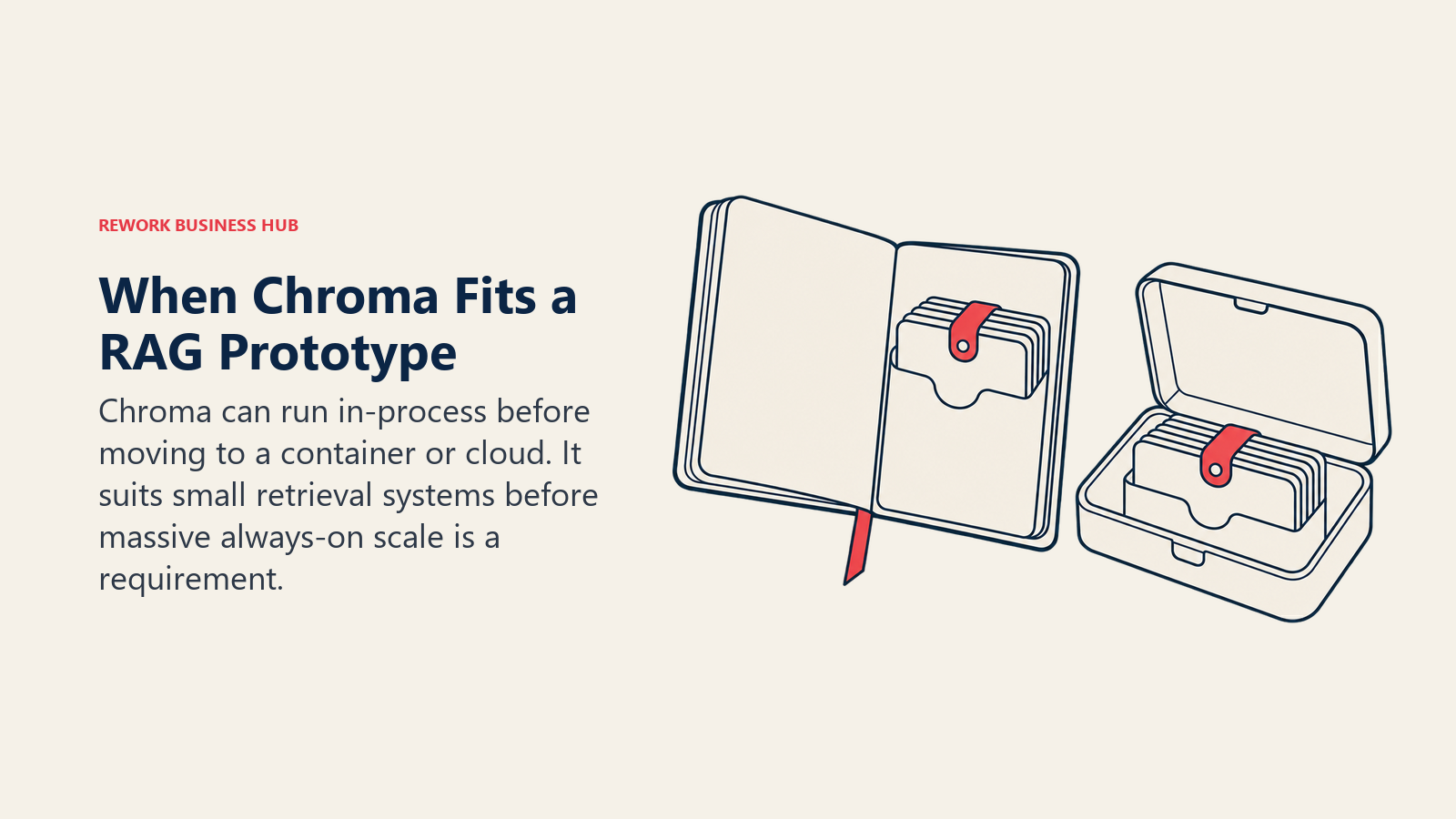
- The embedded Python client means you can go from
pip install chromadbto a working retrieval prototype with no server to stand up, then ship the identical API to a self-hosted container or Chroma Cloud without rewriting your retrieval code. - Full-text and metadata filtering live next to vector search in the same query, which matches how most RAG applications actually search: find similar, then filter by date, source, or permission.
- Starter's pricing has no monthly minimum, so a side project or an internal tool with light, unpredictable traffic can run indefinitely for the cost of a coffee, sometimes less.
The honest limitation: Chroma is the youngest company of the three, and its managed cloud is the newest. It hasn't been proven at the kind of multi-billion-vector, always-on production scale that Milvus's largest customers run daily. If your 12-month roadmap genuinely points at that scale, don't build your foundation on the product that hasn't been load-tested there yet. The Chroma alternatives guide lists the signs that it's time to move.
Where Qdrant Wins (and Where It Doesn't)
Qdrant's case is performance per dollar once you're past prototyping and into steady mid-scale production:
- It's a Rust engine built specifically around query latency, and its own published benchmark (more on that below) backs up the positioning even after you discount it for being vendor-run.
- Hybrid search, combining dense and sparse vectors in a single query, and payload filtering are core features, not add-ons bolted on after the fact, which matters once you're filtering by tenant or document type alongside semantic similarity in an AI agent's memory layer.
- Quantization options (scalar, product, binary) meaningfully shrink the RAM footprint at mid-scale, which is exactly where Qdrant Cloud's per-GB-RAM-hour billing rewards you for tuning it.
The honest limitation: Qdrant Cloud's Standard tier bills for provisioned resources, not metered usage. At low or spiky traffic, you're paying for a warm node whether you use it or not, which is that $68.34/month floor in the pricing table above for a workload that would cost a few dollars on Chroma or Zilliz Serverless. If your traffic genuinely sits near zero most of the time, that floor is dead weight you're carrying for latency you're not using yet. The Qdrant alternatives guide prices 11 other options at one workload.
Where Milvus Wins (and Where It Doesn't)
Milvus is built for billion-scale, and that's not marketing, it's architecture:
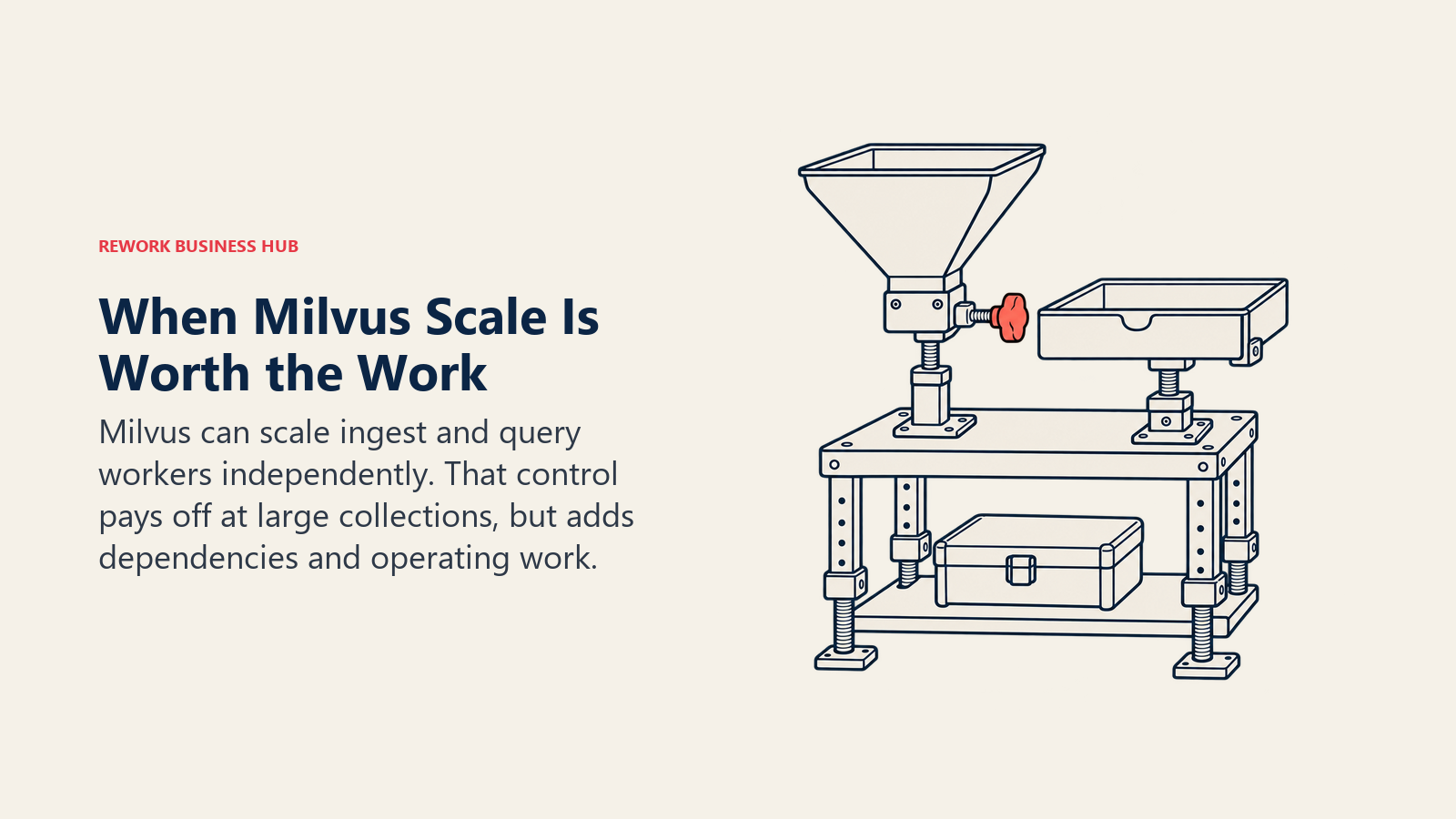
- Streaming, query, and data nodes scale independently in a Milvus cluster, which matters specifically once you're ingesting and querying hundreds of millions of vectors continuously and need to size those two workloads separately instead of together.
- Milvus 3.0's lake-native architecture (shipped July 2026) and its embedded Woodpecker write-ahead log removed the separate Kafka or Pulsar requirement that used to make a real Milvus cluster even heavier to run, a genuine operational improvement over prior versions.
- GPU-accelerated indexing is a real differentiator once CPU-only indexing becomes your bottleneck at very large collection sizes, something neither Chroma nor Qdrant's open-source engine offers today.
The honest limitation, stated plainly: most readers of this article do not have a billion vectors. If your collection sits under 10 million vectors, Milvus's operational weight (the three-container minimum in Standalone mode alone, the etcd and object-storage dependency baked in even at small scale) buys you headroom you aren't using yet. Milvus Lite exists as a fair bridge for prototyping on the same API, but production Milvus, self-hosted, remains the heaviest of the three to run yourself, by a wide margin.
Qdrant's Own Performance Benchmark (and Why to Discount It a Little)
Qdrant publishes a comparative benchmark against other vector search engines, including Milvus, on its own site. Here's one result worth looking at, not because the numbers are gospel, but because the shape of the trade-off is real:
| Engine | Dataset | Upload + index time | Latency (mean) | Requests per second | Precision |
|---|---|---|---|---|---|
| Qdrant | dbpedia-openai-1M-1536-angular | 24.4 minutes | 3.5 ms | 1,238 | 0.99 |
| Milvus | dbpedia-openai-1M-1536-angular | 1.2 minutes | 393.3 ms | 219 | 0.99 |
(reported) Published by Qdrant at qdrant.tech/benchmarks, last updated January and June 2024, viewed 2 October 2026. This is a vendor-run, self-published benchmark, so treat the exact margin with real skepticism: Qdrant chose the configuration, the hardware, and the framing. What's worth taking from it isn't the precise multiplier, it's the trade-off direction: in this test, Milvus indexed the same million vectors roughly 20 times faster than Qdrant did, while Qdrant answered queries roughly 100 times faster than Milvus did at the same precision. That's a genuine architectural trade-off between the two engines, not a one-sided win, even on the benchmark the "winner" published.
Honest Limitations, Side by Side
Every tool here gets a real weakness, not a polite one:
| Database | The limitation, plainly stated |
|---|---|
| Chroma | Newest company, newest managed cloud, least proven at massive always-on scale |
| Qdrant | Reserved-node billing on Qdrant Cloud Standard means you pay a fixed floor even at near-zero traffic |
| Milvus | Heaviest self-hosted footprint of the three, and most teams evaluating it don't actually have the vector count that justifies it yet |
Decision Framework
| Pick this | If this describes you |
|---|---|
| Chroma | You're prototyping retrieval for a RAG pipeline or an agent, want zero infrastructure to start, and expect to stay under a few million vectors for a while |
| Chroma | You want managed hosting that costs close to nothing until you actually have real traffic |
| Qdrant | You need the lowest query latency per dollar between roughly 500,000 and 50 million vectors, and your traffic is steady enough to justify a reserved node |
| Qdrant | Hybrid dense-plus-sparse search or payload filtering is a core requirement, not a nice-to-have |
| Milvus | You're already past 100 million vectors, or you can point to a 12-month roadmap that gets you there, and you have (or will hire) someone to own the infrastructure |
| Milvus | You need GPU-accelerated indexing for very large collections |
| Start on Chroma or Qdrant, migrate later if needed | You genuinely don't know yet. All three expose a similar enough API (insert, upsert, filtered similarity search) that the real migration cost later is re-embedding and re-indexing your data, not rewriting your application |
What to Do Next
Don't pick a vector database off a benchmark chart or a GitHub star count. Count your actual vectors today, and be honest about the number on your roadmap twelve months out, not the number a vendor's sales deck implies you'll need. For the rest of the field priced at one workload, see the vector database roundup.
Run Chroma's Starter plan or Qdrant's free tier for two weeks against real data from your own pipeline, not a public benchmark dataset. Measure your own query latency and your own monthly bill at your own traffic pattern. Only put Milvus on the shortlist once you can show the roadmap that actually gets you past 50 to 100 million vectors, because below that line you're paying its operational weight for headroom you don't need yet. If managed pricing is the open question, Pinecone vs Weaviate vs Qdrant prices Qdrant against two managed rivals at two workload sizes.
The license is identical on all three. The bill you'll actually carry, in dollars and in engineering hours, is the thing that's different, and now you have real numbers for both.
Frequently Asked Questions about Chroma, Qdrant, and Milvus
Is Chroma, Qdrant, or Milvus actually free to use?
All three are free to self-host under the Apache 2.0 license, with no feature gate between the open-source version and the first tier of their managed cloud. Qdrant Cloud and Zilliz Cloud also offer an always-free hosted tier for small workloads, and Chroma Cloud's Starter plan has no monthly minimum at all, so it scales down to pennies rather than hitting a hard free-tier wall.
Which one is easiest to self-host?
Chroma and Qdrant are each a single container with no external dependencies. Milvus Standalone needs three containers (Milvus itself, etcd for metadata, and MinIO for object storage), and a full Milvus cluster adds a write-ahead log and several more worker services on top of that.
Do I need a dedicated vector database if I'm already running Postgres?
If your workload is under a few million vectors, an extension like pgvector bolted onto Postgres you're already running can often cover you without adding a new system. Chroma, Qdrant, and Milvus earn their place once query latency, filtering complexity, or vector count outgrow what a relational database extension handles well.
Can I move between Chroma, Qdrant, and Milvus later if I pick wrong?
Yes, in practice. All three expose a similar API shape (collections, upsert, filtered similarity search), so switching means re-embedding and re-indexing your data into the new store, not rewriting your application's retrieval logic from scratch.
Does Milvus require Zilliz Cloud, or can I run it fully independently?
Milvus is a vendor-neutral open-source project governed by the LF AI and Data Foundation, and you can self-host it with no connection to Zilliz at all. Zilliz is the company that created Milvus in 2017 and still leads its development, and Zilliz Cloud is its managed offering, but running Milvus yourself never requires a Zilliz account.
Which is the best vector database for a RAG pipeline specifically?
It depends on your vector count and traffic pattern more than the RAG use case itself. A prototype or an internal RAG tool fits Chroma's pay-per-use model well. A production RAG system serving real user traffic at mid-scale usually fits Qdrant's latency profile and cost curve. A RAG system indexing an entire enterprise document corpus in the hundreds of millions of chunks is where Milvus's independently scaling architecture starts to pay for itself.

Principal Product Marketing Strategist
On this page
- TL;DR
- License, Company, and Who's Actually Behind Each Project
- The Real Operational Cost: What Each One Makes You Run
- Feature and Capability Comparison
- Pricing One Real Workload Across All Three Managed Clouds
- Managed Cloud Plans Side by Side
- Where Chroma Wins (and Where It Doesn't)
- Where Qdrant Wins (and Where It Doesn't)
- Where Milvus Wins (and Where It Doesn't)
- Qdrant's Own Performance Benchmark (and Why to Discount It a Little)
- Honest Limitations, Side by Side
- Decision Framework
- What to Do Next