AI in Accounts Payable: Invoice Capture, Matching and Approvals
Turn this article into takeaways for your work.


Each assistant summarizes the article only for you and suggests best practices for your work.
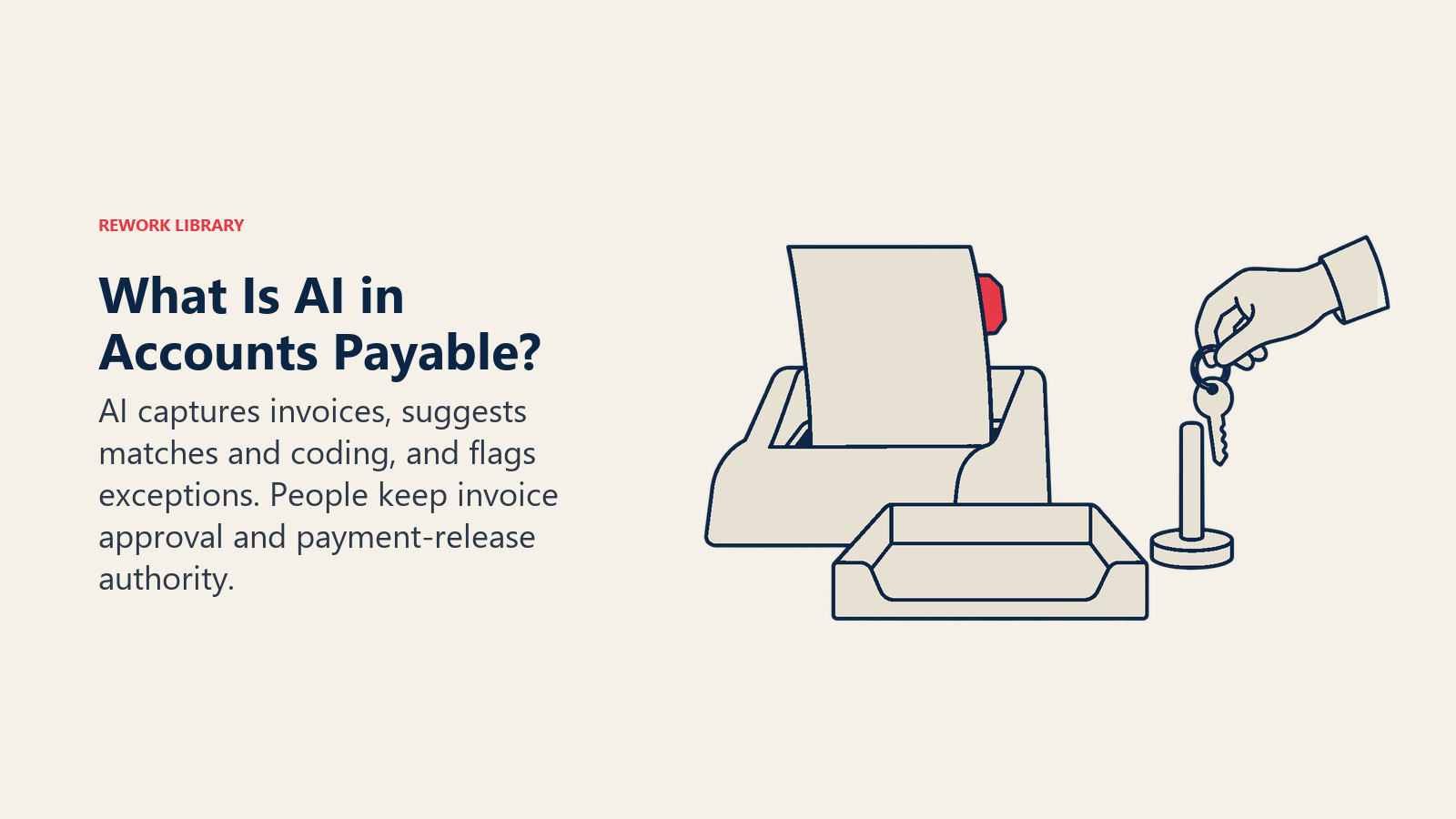
AI in accounts payable is the use of machine learning and language models to read incoming invoices, match them to purchase orders and receipts, suggest general ledger coding, route approvals and flag duplicates or suspicious payment changes, while people keep the authority to approve and release money. It doesn't replace the AP process. It takes over the typing, comparing and chasing that fills most of an AP clerk's week, and it hands the odd cases to a person.
This guide is for controllers, AP managers, finance directors and CFOs who want to understand what each AI step does, where it fails, and how to put it in without weakening controls. It covers the concepts. If you're ready to design the agent itself, the Invoice AP agent build blueprint covers roles, rules and handoffs.
Key Facts
- Ardent Partners' 2025 State of ePayables report, drawing on data from 204 AP and finance leaders, put best-in-class AP teams at $2.65 per invoice against a $12.42 average, and reported 79% lower processing costs and 79% faster cycle times than their peers (Ardent Partners).
- AFP's 2026 Payments Fraud and Control Survey found 76% of U.S. organizations experienced attempted or actual payments fraud in 2025, and 74% were affected by business email compromise (AFP).
- In the same survey, only 17% of organizations said they use AI to combat payments fraud (AFP).
- The FBI's 2025 Internet Crime Report lists business email compromise at $3,046,598,558 in reported losses for the year (FBI IC3).
The AP Workflow, and Where AI Fits
Accounts payable is a chain: an invoice arrives, someone reads it, someone checks it against what was ordered and received, someone codes it, someone approves it, and then it's paid. Each link is a place where AI can help, and each is also a place where a mistake costs money. The table shows the whole chain at a glance.
| AP step | What AI does | What a person still decides |
|---|---|---|
| Invoice capture | Reads PDFs, scans, emails and e-invoices and extracts vendor, dates, totals, tax and line items | Low-confidence fields and unreadable documents |
| Matching | Compares invoice to PO (2-way) or PO plus receipt (3-way) and explains differences | Whether a variance is acceptable |
| GL coding | Suggests accounts, cost centers and tax codes from past behavior | New vendors, unusual spend, capital vs. expense |
| Approvals | Routes to the right approver, reminds, escalates, summarizes the package | The approval itself |
| Duplicate detection | Spots near-identical invoices that exact-match rules miss | Whether to block or release |
| Fraud and change checks | Flags new bank details, odd amounts, lookalike vendors | Callback verification and payment release |
The rest of this guide takes these steps in order.
Invoice Capture: Reading the Document
Capture is where AI earns its keep first. Older optical character recognition (OCR) needed a template per vendor: it knew where the total sat on one supplier's invoice and failed on the next. Modern capture uses machine learning and, increasingly, language models that understand a document's meaning rather than its coordinates. They can find the total on an invoice they've never seen, and read line items from a table that wraps across pages.
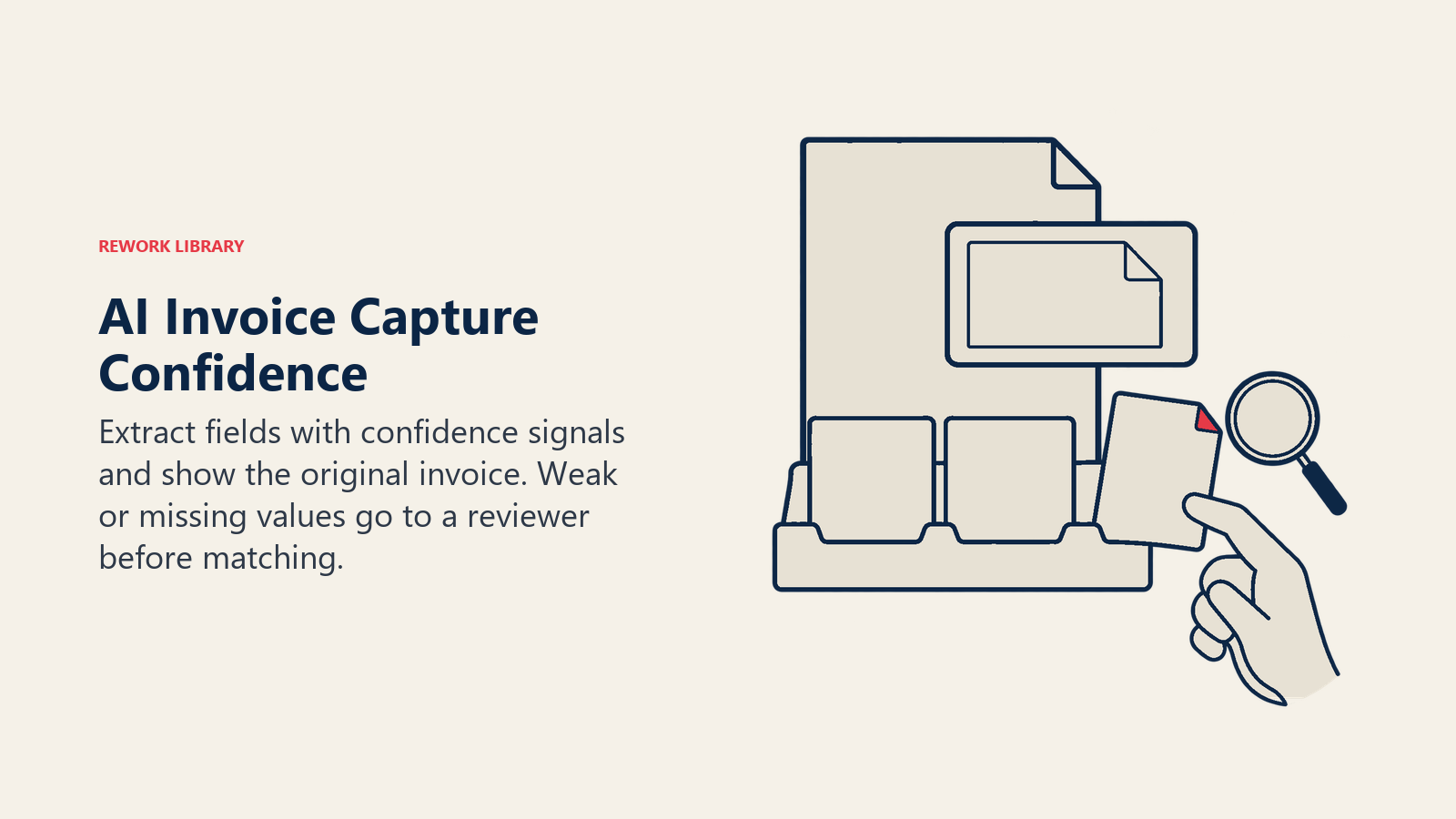
Expect three outcomes for every field: extracted with high confidence, extracted with low confidence, or not found. A good system shows the confidence and routes the weak ones to a person with the original document alongside. That reviewer queue is the human checkpoint for capture. Don't let low-confidence fields flow straight through to matching.
Capture quality depends on the inputs. Photos taken at an angle, handwritten notes and multi-invoice PDFs lower accuracy. Pushing suppliers toward e-invoicing, or at least a single invoice per file sent to one inbox, helps more than any model tweak. The data readiness guide for finance AI lists the vendor and PO hygiene that matters here.
Two-Way and Three-Way Matching
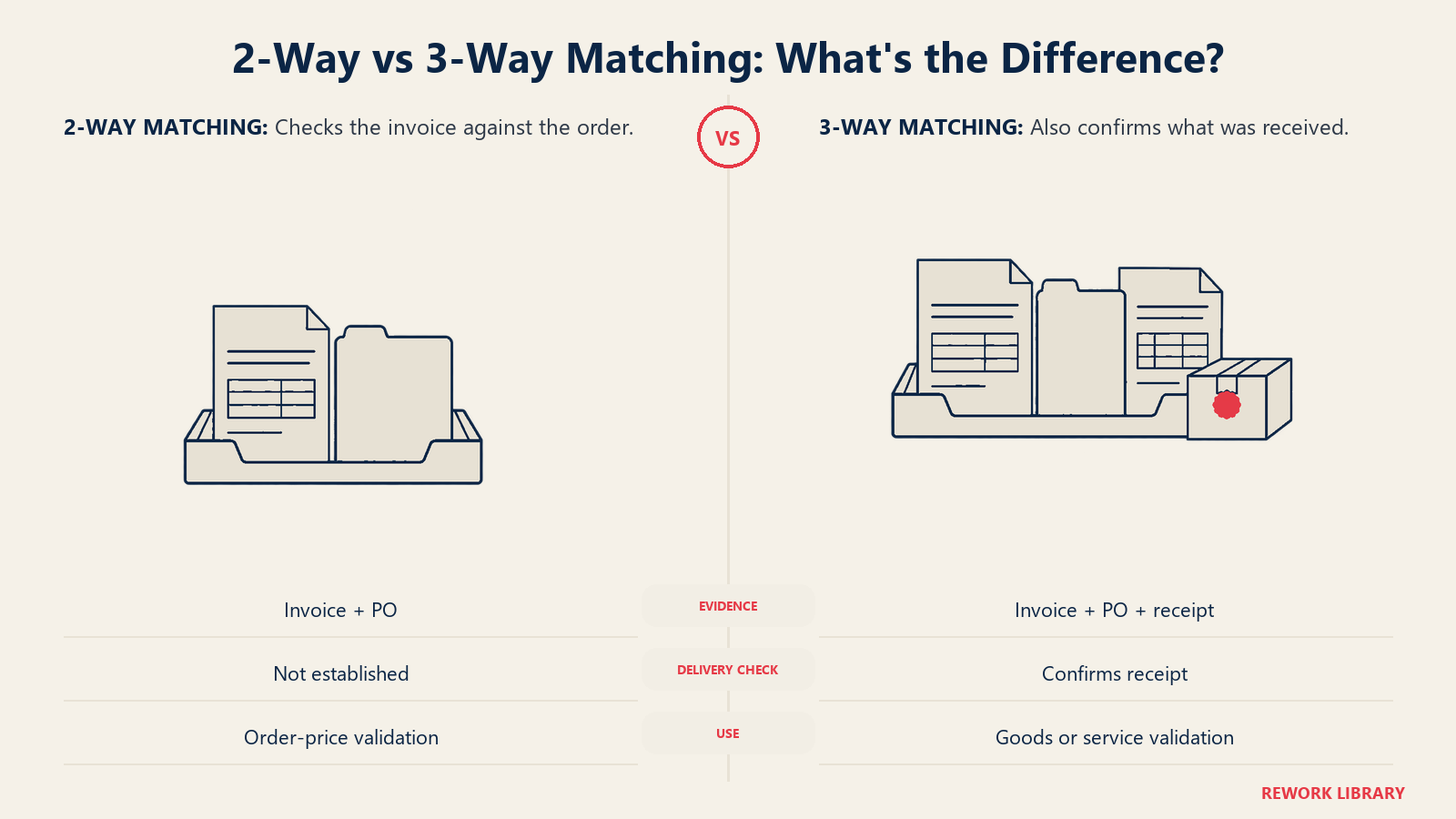
Matching is the control that says "we only pay for what we ordered and received." In a 2-way match, the invoice is compared with the purchase order: same vendor, same items, same quantity, same price. In a 3-way match, the goods receipt or service confirmation joins the comparison, so you don't pay for something that never arrived.
Rules engines handle exact matches well. Where AI adds value is in the mismatches that used to land on a clerk's desk:
- Unit of measure differences. The PO says 10 boxes of 12, the invoice says 120 each. A model can recognize that these are equal.
- Partial deliveries. An invoice covers three of five shipments. The system matches against what's been received so far and holds the rest.
- Description drift. "Laptop 14in" on the PO and "Notebook computer, 14-inch" on the invoice are the same item.
- Freight, tax and rounding. Small variances inside a tolerance you've set can pass. Larger ones go to review.
Notice the word tolerance. The AI shouldn't decide what variance is acceptable. You do, as policy: for example, auto-pass within a set percentage or amount and route anything above it. Document the tolerance, the owner and the review cadence, because auditors will ask who set it.
Non-PO invoices, such as utilities, rent and professional fees, can't be matched. For those, AI helps differently: it checks the invoice against the contract or last period's pattern and routes it to the budget owner.
GL Coding and Approvals
Coding is a prediction problem. Given the vendor, the description and the history, which account and cost center does this line belong in? A model trained on your own coded invoices can suggest the answer with a confidence score, and for recurring vendors it's often right. It's weakest where the same vendor supplies different kinds of spend, or where the right answer depends on context that isn't on the invoice, such as which project the purchase belongs to.
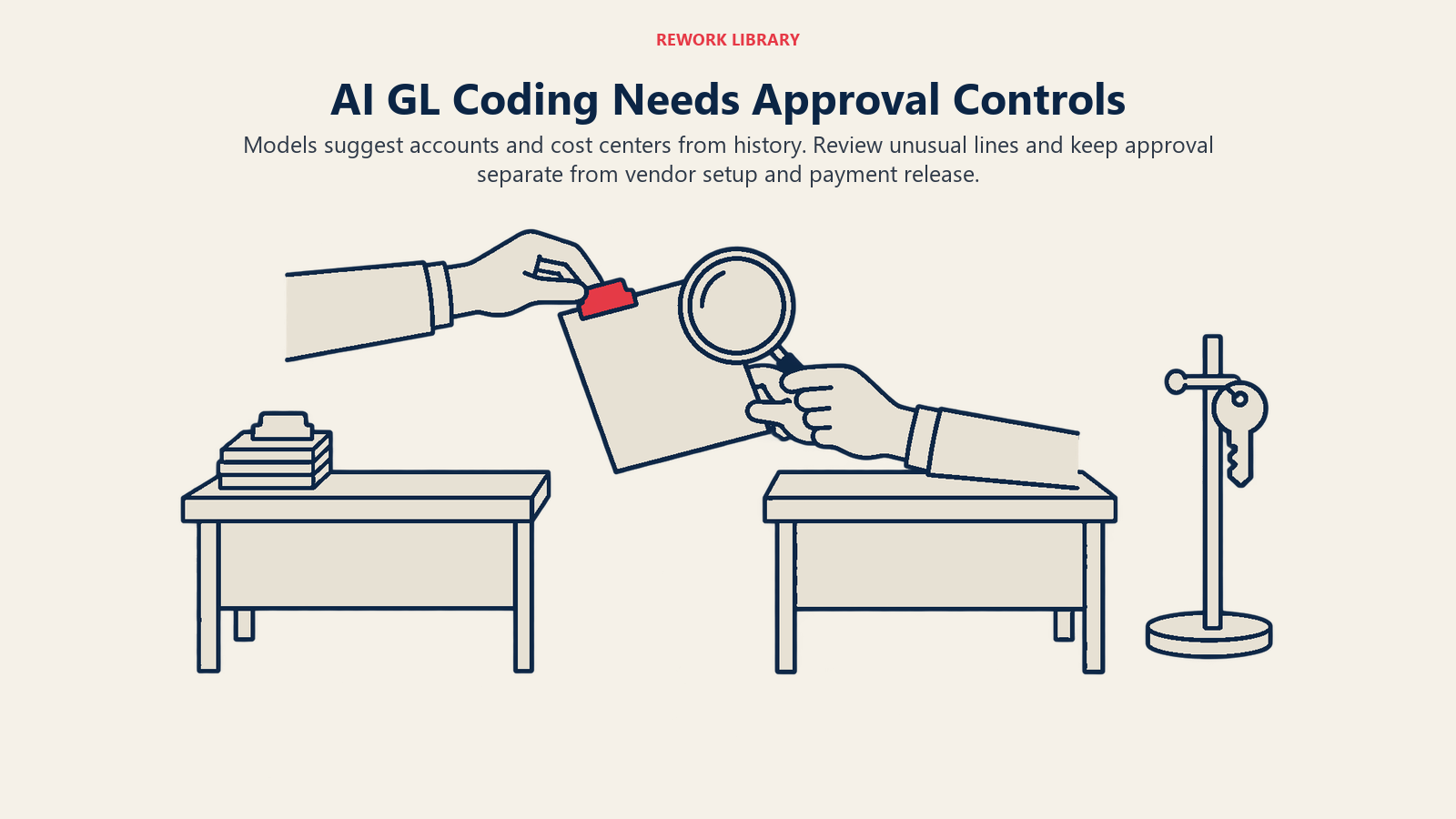
Treat coding suggestions like a junior preparer's work. Let high-confidence, repeat-pattern lines pass with sampling, and review new vendors, large amounts and anything near the capitalization threshold. Keep a log of every suggestion and every override. That log is also your best training data.
Approvals are mostly workflow, and AI plays a supporting role. It can identify the right approver from the cost center, summarize the package ("3-way match passed, one line over tolerance by 2%, vendor paid 11 times this year") and chase approvers who haven't responded. What it shouldn't do is approve on its own. Your delegation-of-authority matrix still applies, and segregation of duties still means the person who sets up a vendor isn't the person who releases a payment to it. For employee spend, the same pattern is covered in the expense approval agent guide.
Duplicate Detection
Exact duplicates are easy: same vendor, same invoice number, same amount. Real duplicates are messier. The invoice number gets re-keyed with a leading zero or a dash. The vendor sends the same bill by email and by mail. A supplier is set up twice under slightly different names. The amount changes by a few cents after a currency conversion.
AI-based duplicate detection scores similarity across several fields at once (vendor, amount, date, line items, reference numbers) and surfaces the probable pairs. You then decide on a threshold. Set it too tight and you miss real duplicates. Set it too loose and the team spends its day clearing false alarms, then starts ignoring the alerts, which is the worse outcome. Start loose during the parallel run, measure the false-alarm rate, and tighten.
Detection before payment is far cheaper than recovery after it. Once a duplicate has gone out, you're asking a supplier for a refund or a credit note, and some of those requests never resolve.
Fraud and Bank-Detail-Change Red Flags
AP is where outside fraud meets your cash. The common pattern isn't a hacker breaking in. It's an email that looks like it's from a real supplier, asking you to update their bank account. AFP's 2026 survey found 74% of organizations were affected by business email compromise in 2025, and the FBI's 2025 report records over $3 billion in reported BEC losses. Those are reported figures, and the true cost is higher.
The red flags AI can watch for in AP include:
- A bank-detail change followed by a payment. The classic. A change request, then a payment to the new account within days.
- A new account in a different country or bank than the vendor's history.
- A lookalike sender or vendor name, such as one letter changed in a domain or a near-duplicate vendor record.
- Urgency language in the email asking to skip the usual process.
- Amounts just under an approval threshold, or a sudden jump from a vendor's normal range.
- Invoice details that don't match the PO, such as a different remit-to address or a different legal entity.
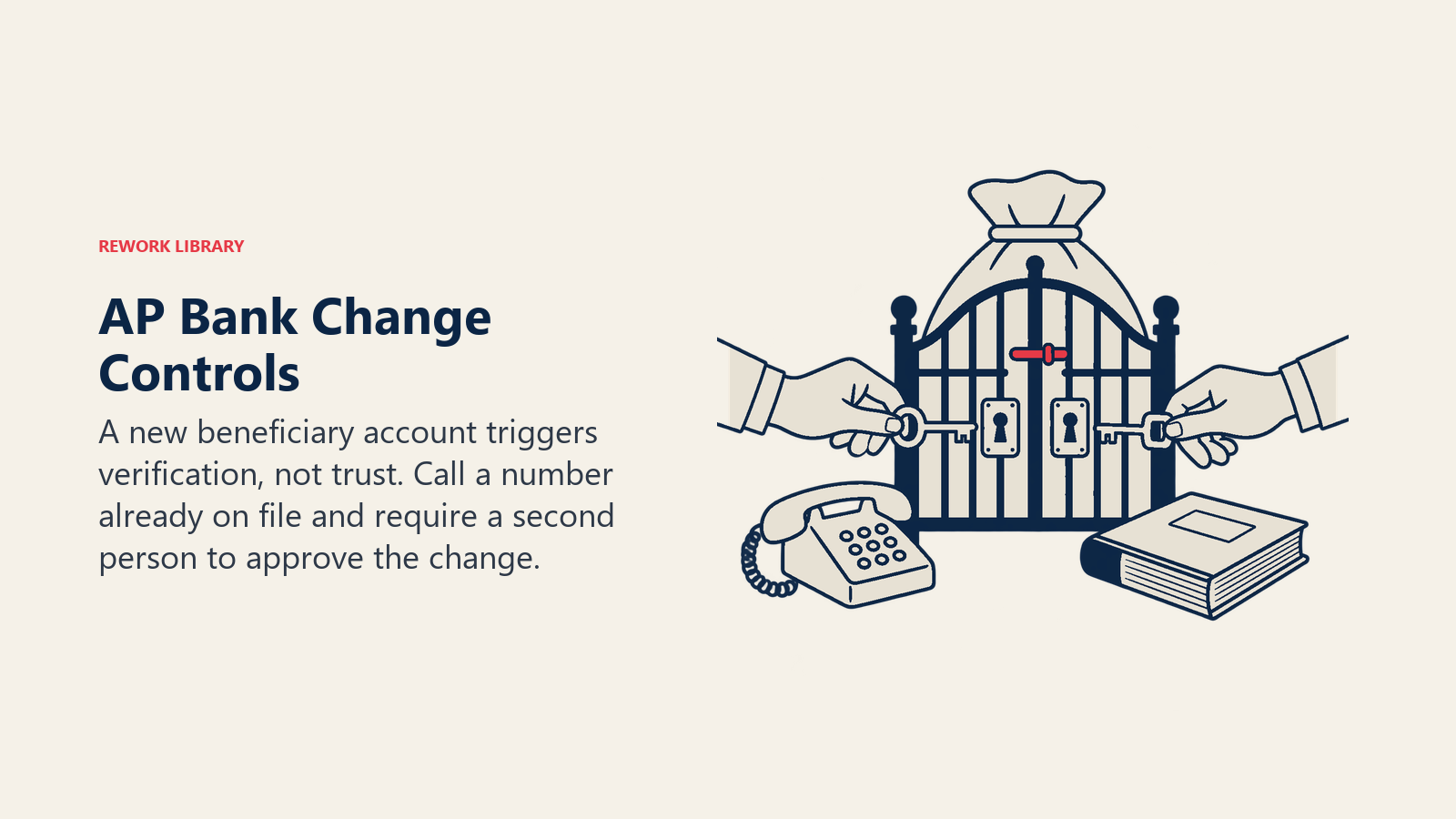
AI is good at the pattern-spotting part: comparing every payment to the vendor's history at a scale no one can do by hand. It is not the control. The control is a callback to a known phone number, one that you already held before the request arrived, followed by a second person approving the master-data change. A model can flag the change and block the payment until that callback is logged. It can't make the call.
AFP found only 17% of organizations use AI to combat payments fraud, so most teams still rely on manual checks. That's an opening, but also a reason for caution: a detection model is another system to govern, with its own false positives and its own blind spots.
How to Implement AI in AP, Step by Step
- Measure the current process. Record invoices per month, cost per invoice, cycle time, share touched by hand, exception rate and duplicate payments found in the last year. Without a baseline you can't tell if the project worked.
- Clean the vendor master. Merge duplicate vendors, confirm bank details against a trusted source, retire inactive records and name an owner for changes. This is the single highest-return step.
- Standardize intake. One inbox, one portal, one invoice per file where possible. Ask suppliers for e-invoices.
- Start with capture. It's the lowest-risk step: the output goes to a reviewer, not a ledger. Measure field-level accuracy on your own invoices, not a vendor demo set.
- Add matching and coding suggestions in shadow mode. Run them alongside your current process for at least one close cycle and compare every result.
- Set the policy in writing. Tolerances, confidence thresholds for auto-pass, who reviews the exceptions, and the callback rule for bank changes.
- Turn on duplicate and change detection before you turn on straight-through posting. Speed without these checks just moves errors faster.
- Go live on the safest slice. For instance, PO-backed invoices from established vendors under a set amount. Keep humans on everything else.
- Review monthly. Track the corrections reviewers make, the exceptions, and the near-misses. Retrain or retune on that evidence.
What to Measure
Speed alone is a misleading score. Watch these together:
- Touchless rate: the share of invoices that reach payment without anyone editing them.
- Cost per invoice and cycle time: the usual efficiency measures. Ardent's figures above give a rough sense of the gap between average and best-in-class teams, though your mix of invoice types will differ.
- Field accuracy and correction rate: how often reviewers change what the model extracted or coded.
- Exception aging: how long mismatches wait for resolution.
- Duplicates and misdirected payments: caught before payment, and found after.
- Early-payment discounts captured and late fees paid.
Common Pitfalls
Automating a broken process. If approvals sit in inboxes for three weeks today, a better reader of invoices won't fix that. Fix the routing and the delegation matrix first.
Trusting a demo. Accuracy on a vendor's sample set says little about your invoices from small suppliers in several languages. Test with your own.
Skipping the vendor master. Duplicates and bad bank details in the master become confident errors in the output.
Auto-approving without segregation of duties. The system's service account shouldn't be able to create a vendor, change its bank details and release the payment. Split those permissions the way you would for people.
Letting alerts go stale. An alert queue that nobody trusts is worse than none. Tune thresholds and review them on a schedule.
Forgetting the audit trail. Keep the original document, the extracted values, the model's suggestion, who changed what and when. If you can't reconstruct why a payment was made, you can't defend it.
Scripted bots mistaken for AI. Bots that copy fields between screens are useful, but they don't read unfamiliar documents. AI vs RPA in finance explains which tool fits which task.
What Changes for the AP Team
The clerk who keyed invoices becomes a reviewer who resolves exceptions, which takes more judgment and more knowledge of vendors and contracts. The AP manager spends less time on queues and more on vendor master quality, tolerances and fraud controls. The controller gets cleaner data into the close; see the month-end close checklist for where AP cut-off and accruals fit. For the staffing side, read AI and finance team roles. And for the mirror-image process on the revenue side, see AI in accounts receivable.
For the wider picture across the function, start with AI in finance and accounting.
Head of Finance Strategy