AI Expense Management: Receipt Capture, Policy Checks and Audits
Turn this article into takeaways for your work.


Each assistant summarizes the article only for you and suggests best practices for your work.
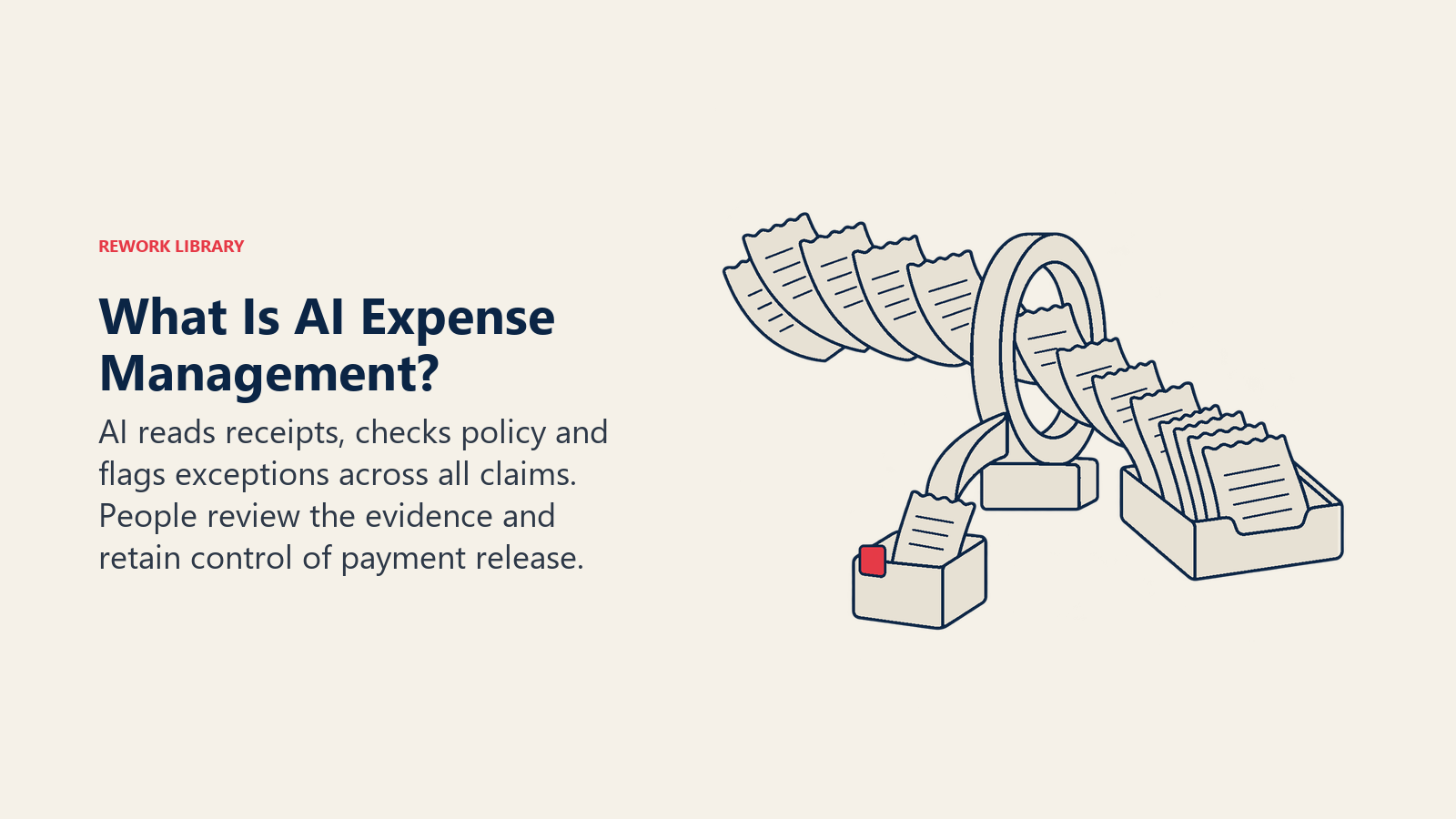
AI expense management is the use of machine learning and language models to read receipts, check each claim against your travel and expense policy, flag items that look wrong, and review every claim instead of a sample. The employee snaps a photo, the system extracts the merchant, date, amount and tax, compares the claim to policy, and routes only the exceptions to a person. Approvers stop eyeballing hundreds of clean lunches and start looking at the dozen that need judgment.
This guide is for finance managers, controllers and heads of finance who own the expense process and want to know what the technology actually does, where it fails, and how to introduce it without weakening controls. It stays at the concept and process level. If you want the build side, with the agent design, tools and approval logic, read the AI expense approval agent blueprint.
Key Facts
- The ACFE's Occupational Fraud 2026: A Report to the Nations analyzed 2,402 cases across 143 countries and territories, with a median loss of $104,000 per case (ACFE).
- In that study, the median scheme ran 12 months before detection, and fraud caught within six months had a median loss of $40,000 (ACFE).
- Tips were the top detection method, accounting for 43% of cases, and more than half of cases involved a lack of internal controls or an override of existing controls (ACFE).
- The IRS says documentary evidence such as receipts is generally required to support business expenses, except for expenses other than lodging under $75, and it is ordinarily adequate if it shows the amount, date, place and essential character of the expense (IRS Publication 463).
- The IRS also notes that supporting documents such as receipts and invoices matter because they support the entries in your books and on your tax return (IRS).
What AI Expense Management Does
Traditional expense control is a sampling game. An approver glances at a report, a finance analyst pulls maybe a few percent of claims for audit after the fact, and everything else passes on trust. That's not negligence. It's arithmetic. Nobody can read every receipt.
AI changes the arithmetic. Reading a receipt and comparing it to a rule costs almost nothing per claim, so the system can look at all of them, on submission, before money moves. It does four jobs:
- Capture. It turns a photo, PDF or forwarded email into structured fields.
- Check. It compares those fields to your policy, the card feed and the claim itself.
- Flag. It scores each claim for risk and explains why.
- Audit. It keeps a record of every decision so reviewers and auditors can follow it.
It's a specialized slice of the broader picture in AI in finance and accounting, and it shares plumbing with invoice work in AI in accounts payable.
How AI Reads a Receipt
Receipts are the worst kind of document: crumpled, photographed at an angle, printed in faded thermal ink, in a dozen languages and layouts. Two layers handle them.
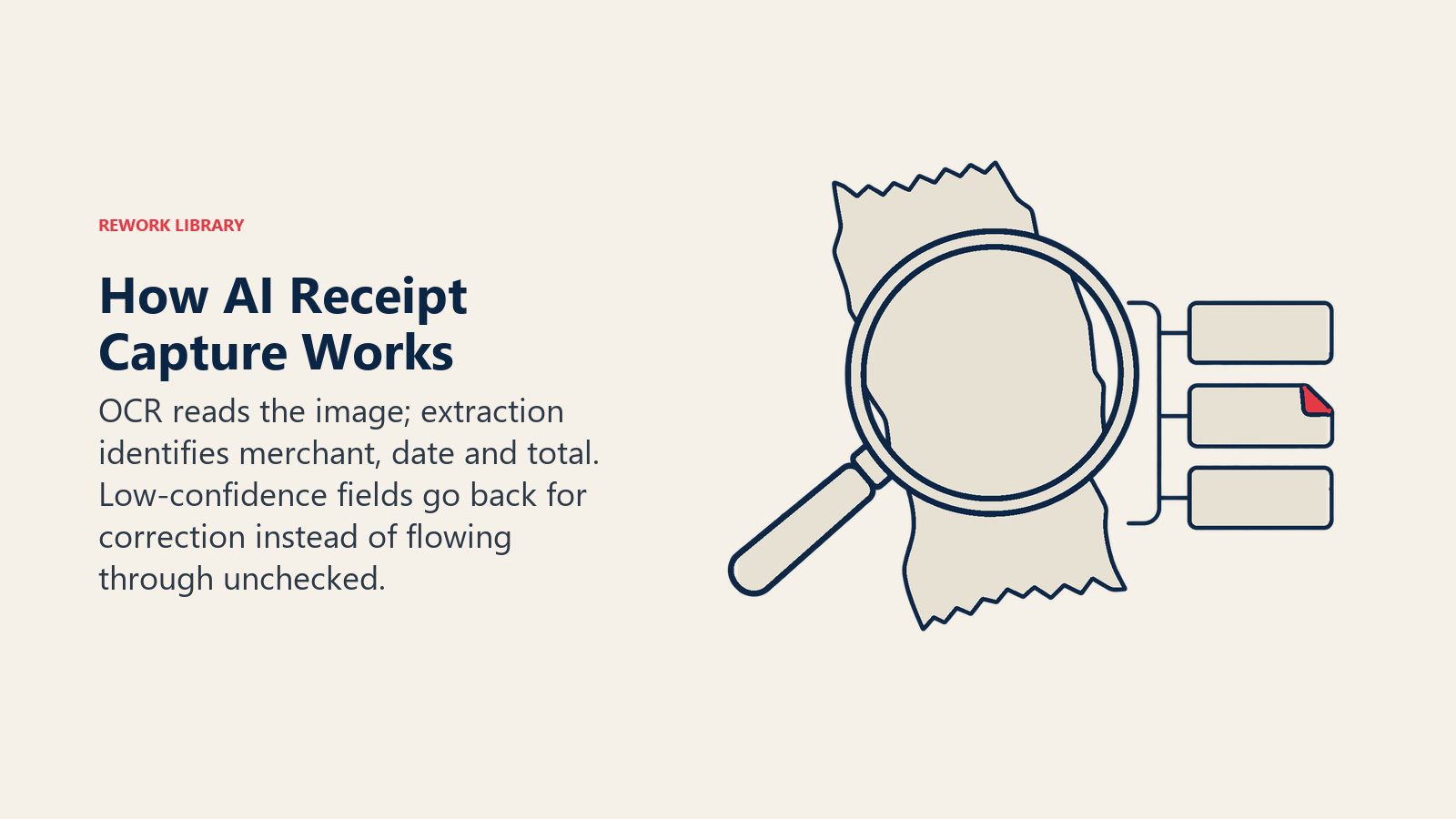
Optical character recognition (OCR) converts the image into text. Modern models cope with skew, glare and handwriting far better than the template-based tools of a decade ago, but they still stumble on thermal paper that has gone pale and on photos with a thumb across the total.
Extraction decides what the text means. Is "42.10" the subtotal, the total or the tip? Which line is the tax? Is this a restaurant or a hotel folio with ten line items? A language model or a trained extraction model maps the text into fields: merchant, date, currency, total, tax, payment method, and sometimes line items.
Good systems then attach a confidence score to each field. That score is what makes the process safe. A total read at 99% confidence flows through. A date read at 60% goes back to the employee with a request to retake the photo. Treat any system that returns a value with no confidence signal as a drafting aid, not a control.
Capture also pulls in context the receipt doesn't carry. It can match the claim to a corporate card transaction, a calendar entry, a travel booking or a mileage log, so the employee types less and the reviewer sees more.
How AI Checks Claims Against Policy
Your travel and expense policy is a set of rules written in prose: meal caps, hotel ceilings, class of travel, alcohol, tipping, advance approval for large items. Checking claims against it is where a language model earns its keep, because it can read the policy text and the claim together.
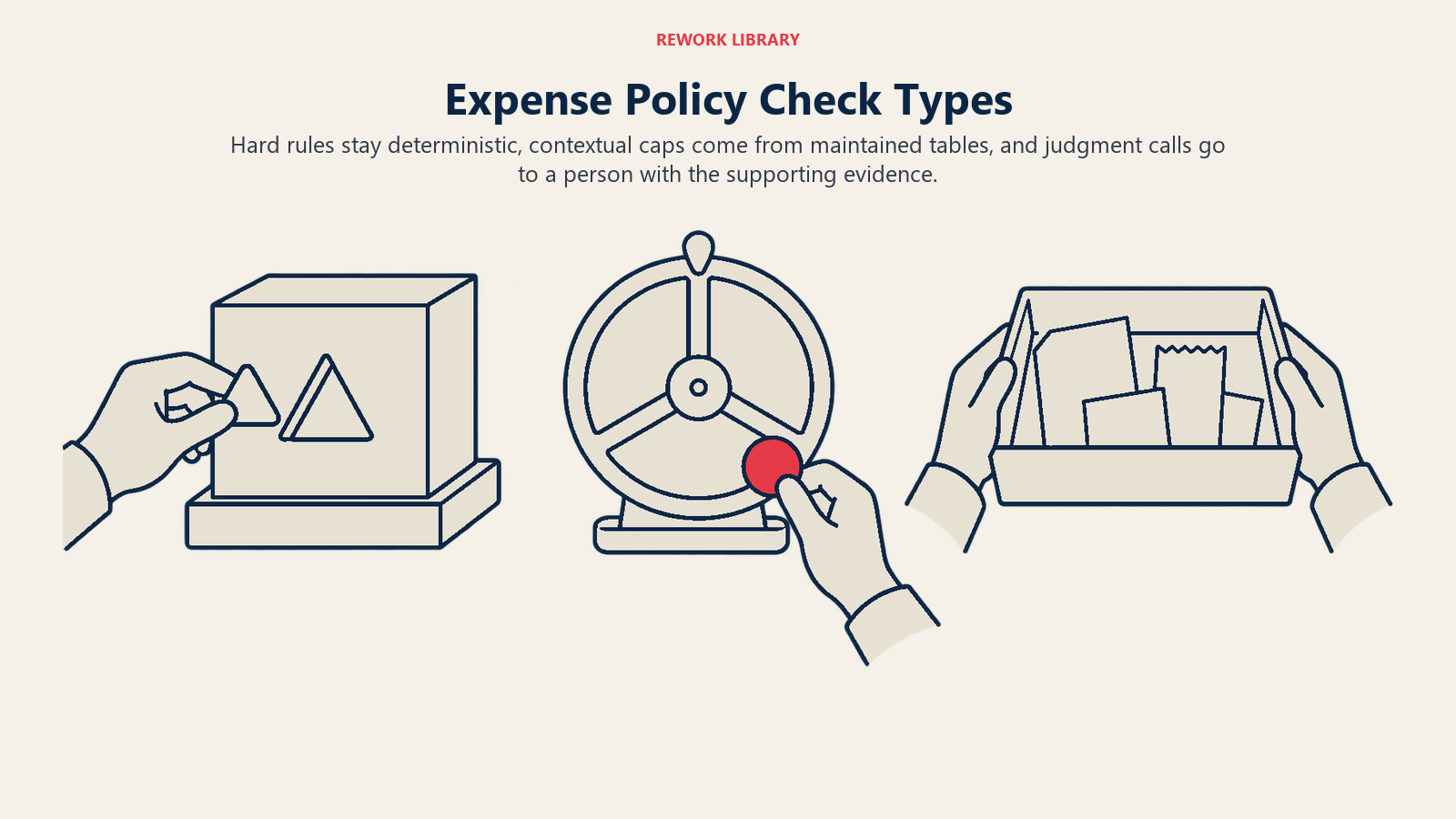
In practice, checks fall into three types:
- Hard rules. Deterministic and cheap: no alcohol on a client-meal claim, receipts required above a threshold, no claims older than 60 days. Keep these as plain rules in the system, not in a model's judgment.
- Contextual rules. The cap depends on the city, the traveler's grade or the trip type. The system looks these up from a table you maintain.
- Judgment calls. "Reasonable and necessary" or "primary business purpose." A model can compare the stated purpose to the merchant and the date and say whether it looks plausible. It should recommend, and a person should decide.
The tax angle matters here. In the US, the IRS expects documentary evidence for business expenses, and it treats a receipt as adequate when it shows the amount, date, place and essential character of the expense (IRS Publication 463). An AI check that confirms every claim above your threshold has a receipt with those fields is a direct, testable control. Other countries have their own rules, so confirm the local requirement with your tax advisor before you set the threshold.
What AI Flags: Duplicates, Splits, Altered Receipts and More
Flagging is where "audit every claim" becomes concrete. The table lists the patterns that matter and how a system spots them.
| Pattern | What it looks like | How AI catches it |
|---|---|---|
| Duplicate claim | Same receipt submitted twice, or once by the employee and once by a colleague | Match on merchant, date, amount and image similarity across all employees and periods |
| Double-dip | A card-paid expense also claimed out of pocket | Match the claim to the card feed |
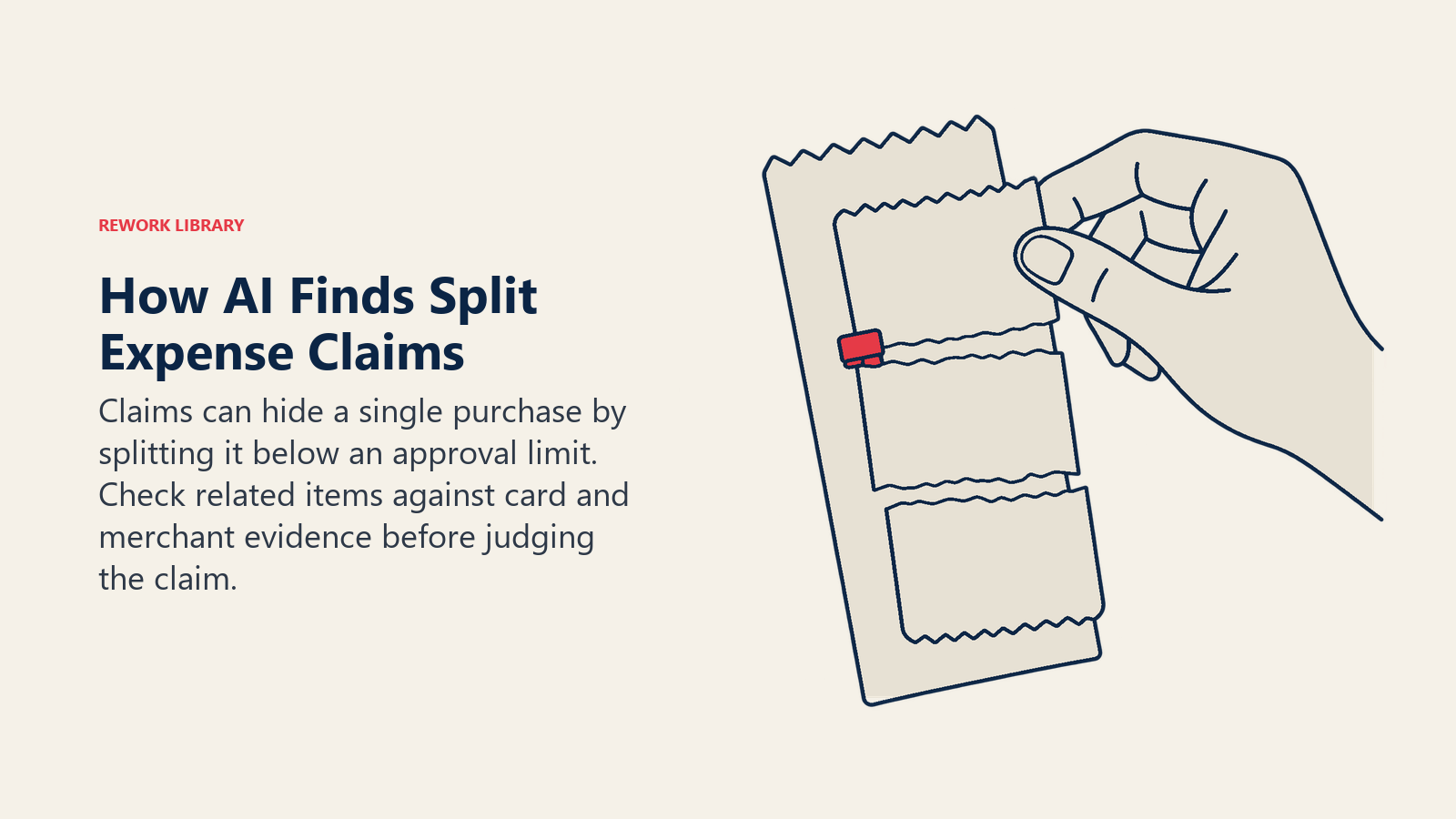
| Split transaction | One $240 dinner entered as three $80 items to dodge a $100 receipt or approval limit | Cluster same-merchant, same-day items that sum past a threshold |
| Altered receipt | Edited total, changed date, swapped merchant | Image forensics, font and spacing inconsistencies, mismatch between receipt total and card amount |
| Generated receipt | A fabricated image of a receipt that never existed | Missing or odd metadata, no matching card transaction, merchant data that doesn't exist |
| Out-of-policy merchant | Casino, nightclub, gift-card vendor, or a merchant category you've banned | Merchant category codes plus name matching against a restricted list |
| Personal expense in disguise | Weekend charges, a spa booked during a conference, mileage on a day with no trip | Compare to calendar, location and trip dates |
| Round-number and pattern anomalies | Claims clustered just under a limit, or always ending in the same digits | Statistical comparison to the employee's own history and peer group |
A word on generated receipts. Image tools can now produce a convincing receipt in seconds, so a receipt that looks right isn't proof that a purchase happened. That shifts the weight of verification away from the picture and toward corroboration: the card feed, the merchant record, the booking confirmation. If a claim has a clean image and nothing else behind it, route it to a person.
Two cautions. First, a flag is a lead, not a finding. Most flagged items turn out to be innocent: a legitimate group dinner paid in pieces, a corrected receipt, a vendor name that differs from the legal name. Second, detection is probabilistic. You'll tune thresholds to balance missed problems against reviewer overload, and you should expect to retune.
Why Auditing Every Claim Beats Sampling
The case for full-population review comes from how fraud and error behave over time. In the ACFE's 2026 study, the median scheme ran 12 months before it was caught, and cases caught within six months had a median loss of $40,000 (ACFE). Time is the multiplier. A control that looks at every claim as it's submitted shortens that window from months to days, because a pattern becomes visible on the second or third instance instead of after an annual audit.
The same study found tips were the most common way fraud was discovered, at 43% of cases, and that more than half of cases involved a lack of internal controls or an override of existing controls (ACFE). Read that as: people noticing things is valuable, and weak or bypassed controls are common. Automated review doesn't replace a hotline or a trained workforce. It adds a layer that doesn't depend on someone being brave enough to speak up.
The study covers occupational fraud broadly, not expense fraud alone, so use it as evidence for why detection speed matters, not as a forecast of what your expense program will find. Your own baseline is the number that counts.
Full-population review also helps honest employees. When the rules are applied identically to everyone, there's less room for the perception that the sales director's dinners get waved through while the junior analyst's get questioned. Consistency is a cultural benefit you won't find in a fraud report.
Where Humans Stay in the Loop
Don't let the tool close the loop alone. A sensible split:
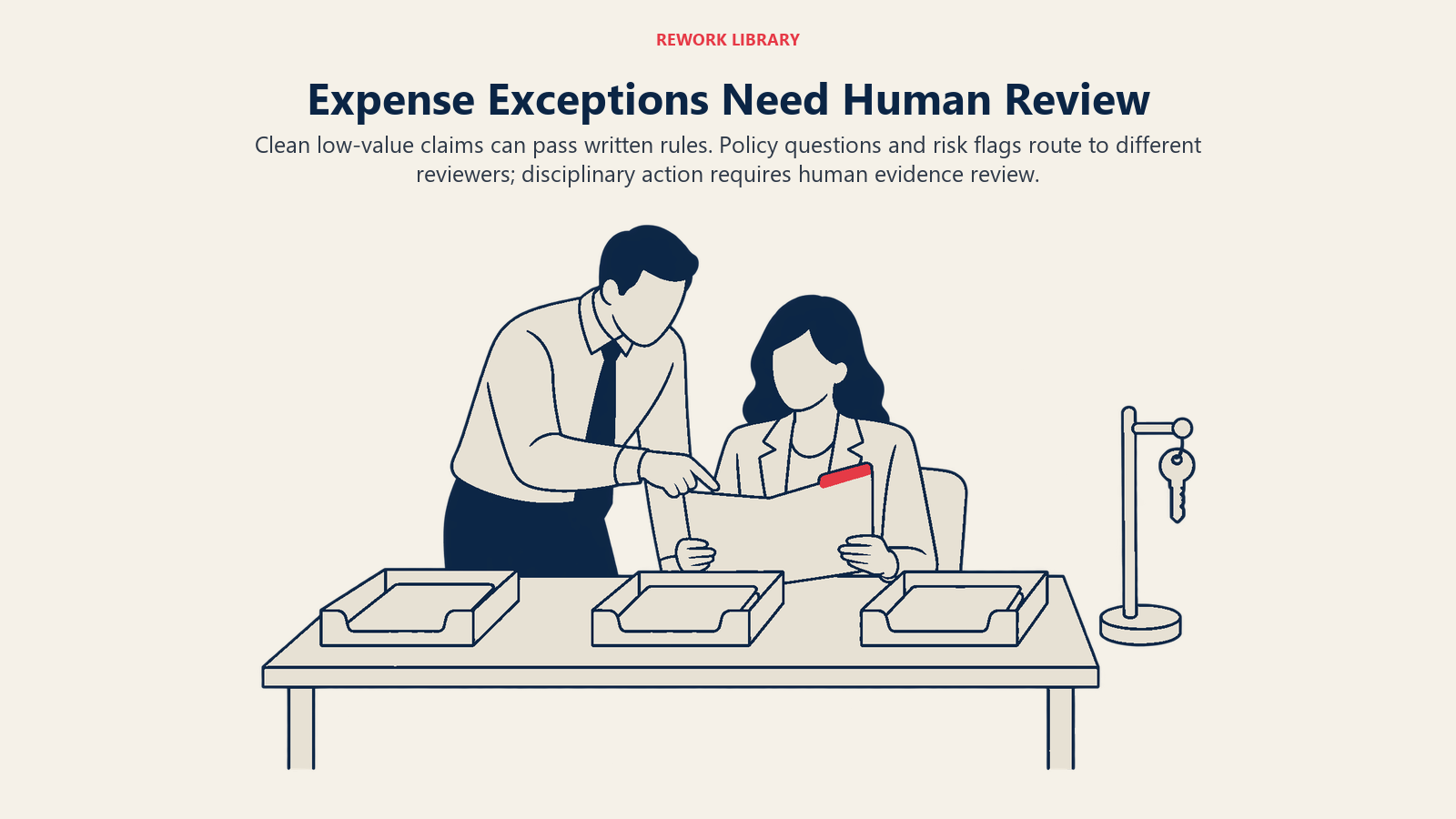
- Auto-approve claims that pass every hard rule, match a card transaction and sit below a value threshold you set.
- Route to the manager claims with a policy question the employee can explain, such as a client dinner above the cap.
- Route to finance claims with a risk flag: possible duplicate, altered receipt, restricted merchant.
- Route to internal audit or HR repeated patterns by the same person, never single items.
Anything that could lead to disciplinary action needs a human to look at the evidence first. A model's score is not evidence. The receipt, the card line and the explanation are. Design the review screen to show the claim, the flag reason and the supporting data side by side, so the reviewer can decide in under a minute.
This is the same human-in-the-loop discipline described across the collection. Finance data readiness for AI covers the inputs that make these checks reliable, such as clean cost-center and employee records.
How to Implement AI Expense Management, Step by Step
- Baseline the current process. Count claims per month, average processing time, the share needing rework, and how many are audited today. You need these to prove improvement later.
- Rewrite the policy as testable rules. Ambiguous language produces inconsistent checks. For every sentence, ask whether a machine could tell compliant from non-compliant. If not, either add a number or mark it as a human judgment.
- Set your receipt rule. Decide the amount above which a receipt is required, and which fields must be legible, in line with your local tax requirement.
- Connect the data. Corporate card feeds, travel bookings, the employee master and the cost-center list are what turn a receipt reader into a verifier.
- Pilot in shadow mode. Run the AI alongside your current approvers for one or two cycles. Compare what it flags to what humans caught, and note what each missed.
- Tune thresholds. Pick the flag sensitivity that gives reviewers a workable queue. A queue of 40% of all claims defeats the point.
- Go live in tiers. Start by auto-approving the cleanest low-value claims, keep human review on everything flagged, and widen the auto-approve band only as the error data supports it.
- Tell employees what's checked. Short, plain communication reduces both honest mistakes and the temptation to try something. It also makes appeals easier.
- Review monthly. Track false positives, escaped errors and reviewer overrides, and feed corrections back into the rules.
Who does what is a team question too. The preparer's job shifts from keying to reviewing, which AI and finance team roles covers in detail. If you're deciding between scripted automation and learned models for parts of this, AI vs RPA in finance lays out the trade-off.
Metrics to Track
| Metric | What it tells you |
|---|---|
| Straight-through rate | Share of claims approved with no human touch |
| Extraction accuracy by field | Whether total, date and tax are read correctly |
| Flag precision | Of the flagged claims, how many were real issues |
| Time from submission to reimbursement | Whether employees feel the benefit |
| Policy violation rate over time | Whether visibility changes behavior |
| Reviewer override rate | Where the model and your people disagree |
Watch the override rate closely. If reviewers overturn most flags in one category, the rule is wrong. If they never overturn anything, they may have stopped looking.
Pitfalls to Avoid
Treating OCR accuracy as a given. Test on your own receipts, including the ugly ones from taxis, small restaurants and overseas vendors. A vendor demo on clean receipts tells you little.
Automating a broken policy. If the policy is vague or ignored, AI will apply it inconsistently and loudly. Fix the policy first.
Publishing the fraud rules. Employees should know claims are reviewed. They don't need the exact thresholds and detection signals.
Treating flags as accusations. A clumsy rollout where the first message to an employee reads like a fraud notice destroys trust quickly. Phrase queries as requests for clarification.
Ignoring privacy. Receipts reveal where people eat, travel and shop. Limit who can see the data, set retention periods, and check the rules in each country where you operate before using location or calendar data.
Letting the model approve and pay alone. Keep payment release behind a separate control. The same tool that reads the claim shouldn't be able to move the cash without a rule or person in between.
Skipping the audit trail. For every claim, store the original image, the extracted fields, the confidence scores, the rules applied, the flags raised and who made the final call. That record is what makes the process defensible.
Where to Go Next
Start with the baseline from step one and one honest question: how many of your claims does anybody actually read today? Then pick a tier of low-risk claims to automate and a flag list you can staff. When you're ready to design the agent behind it, use the AI expense approval agent blueprint. For the wider map of where AI fits in the function, see AI finance use cases, and for the neighboring processes, AI in accounts payable and AI bookkeeping.
Head of Finance Strategy
On this page
- Key Facts
- What AI Expense Management Does
- How AI Reads a Receipt
- How AI Checks Claims Against Policy
- What AI Flags: Duplicates, Splits, Altered Receipts and More
- Why Auditing Every Claim Beats Sampling
- Where Humans Stay in the Loop
- How to Implement AI Expense Management, Step by Step
- Metrics to Track
- Pitfalls to Avoid
- Where to Go Next