AI in ERP Systems: What Embedded AI Does for Finance

Turn this article into takeaways for your work.


Each assistant summarizes the article only for you and suggests best practices for your work.
AI in ERP systems means machine-learning and generative features built directly into the enterprise resource planning suite that holds your general ledger, subledgers and approvals, so the AI works on your transaction data in place instead of in a separate tool. In finance, that usually shows up as three things: flags on unusual transactions, suggestions that speed up matching and classification, and a chat-style assistant that answers questions or drafts work.
This guide is for controllers, finance directors and ERP owners who are being told that "the AI is already in the suite" and need to decide what to switch on, what to ignore and how to judge it. It's vendor-neutral. For the broader picture of where AI fits across the function, start with AI in finance and accounting.
Key Facts
- Microsoft's Business Central documentation describes a Copilot feature that inspects bank transactions its standard automatic matching left unmatched and proposes more matches based on dates, amounts and descriptions. No proposed match is saved until the user reviews it (Microsoft Learn).
- That same documentation lists operational limits for the feature, for example that the number of open bank ledger entries in the statement's date range can't exceed roughly 3,000 in release wave 2 of 2025 and later (Microsoft Learn).
- Microsoft's archived 2024 release plan for its finance agents describes reconciliation help in Excel that can prepare a reconciliation report and documented action items "for future reference and audit" (Microsoft Learn).
- The NIST AI Risk Management Framework is voluntary and is organized around four functions: Govern, Map, Measure and Manage (NIST).
What "Embedded" Actually Means
There are three ways AI reaches a finance team's ERP, and they carry different risks.
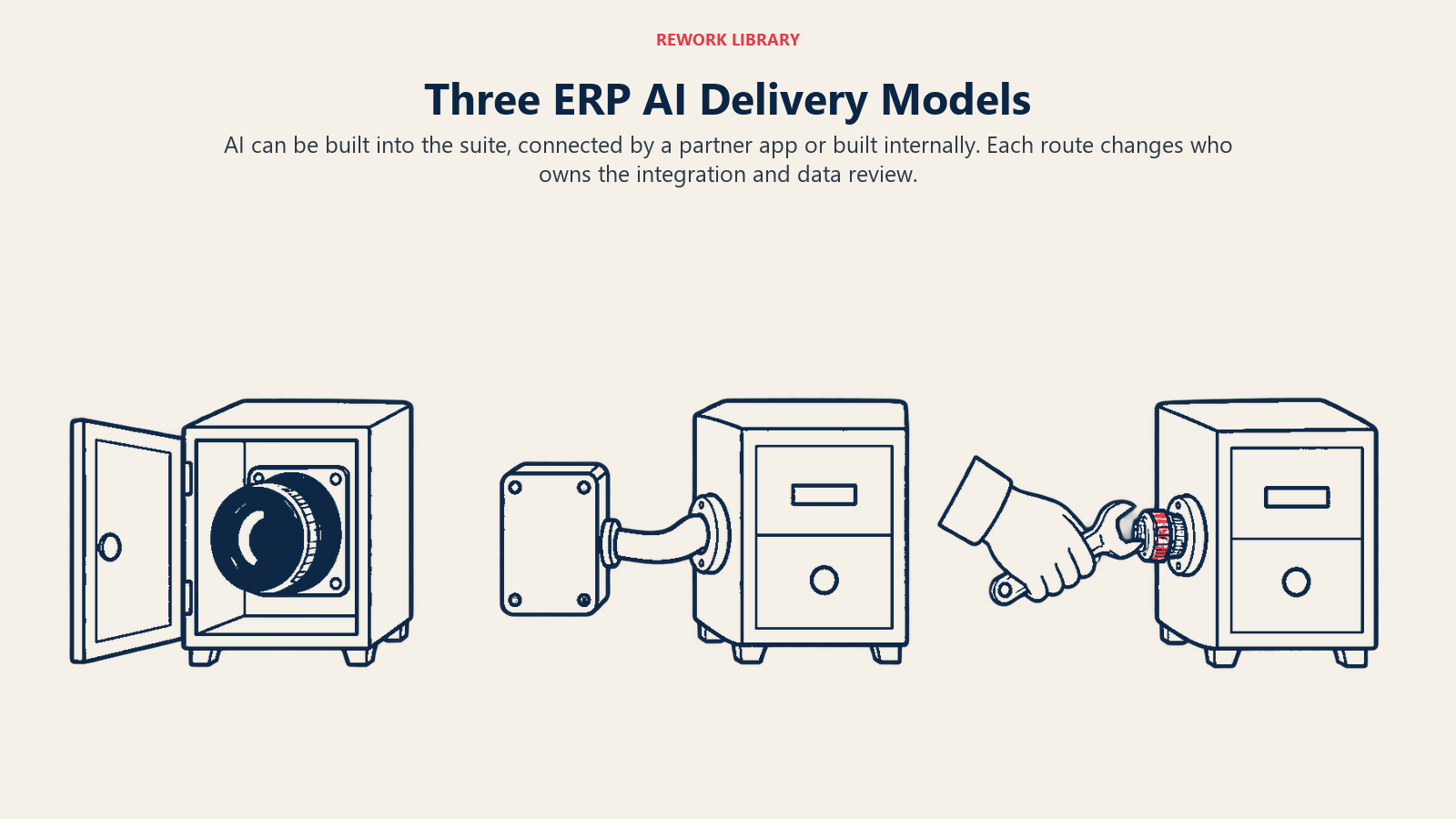
- Built into the suite. The vendor ships the feature inside the product. It reads the same ledger, vendor and customer records you already maintain, and it usually appears as a button, a suggestion column or a side-panel assistant.
- Added through a partner or marketplace app. A third party connects to the ERP through its APIs. The data leaves the suite, and the contract and security review are separate from your ERP agreement.
- Built by your own team. You call a model from your own scripts or integration layer. You control everything, and you own all of it.
This article focuses on the first kind, because it's the one that tends to arrive by surprise in a release note.
One caution on naming. Feature names, packaging and availability in ERP suites change from release to release. A capability called one thing this year may be renamed, folded into another product or retired next year. Evaluate the capability, not the brand name on the menu.
What Embedded AI Does in Finance, by Function
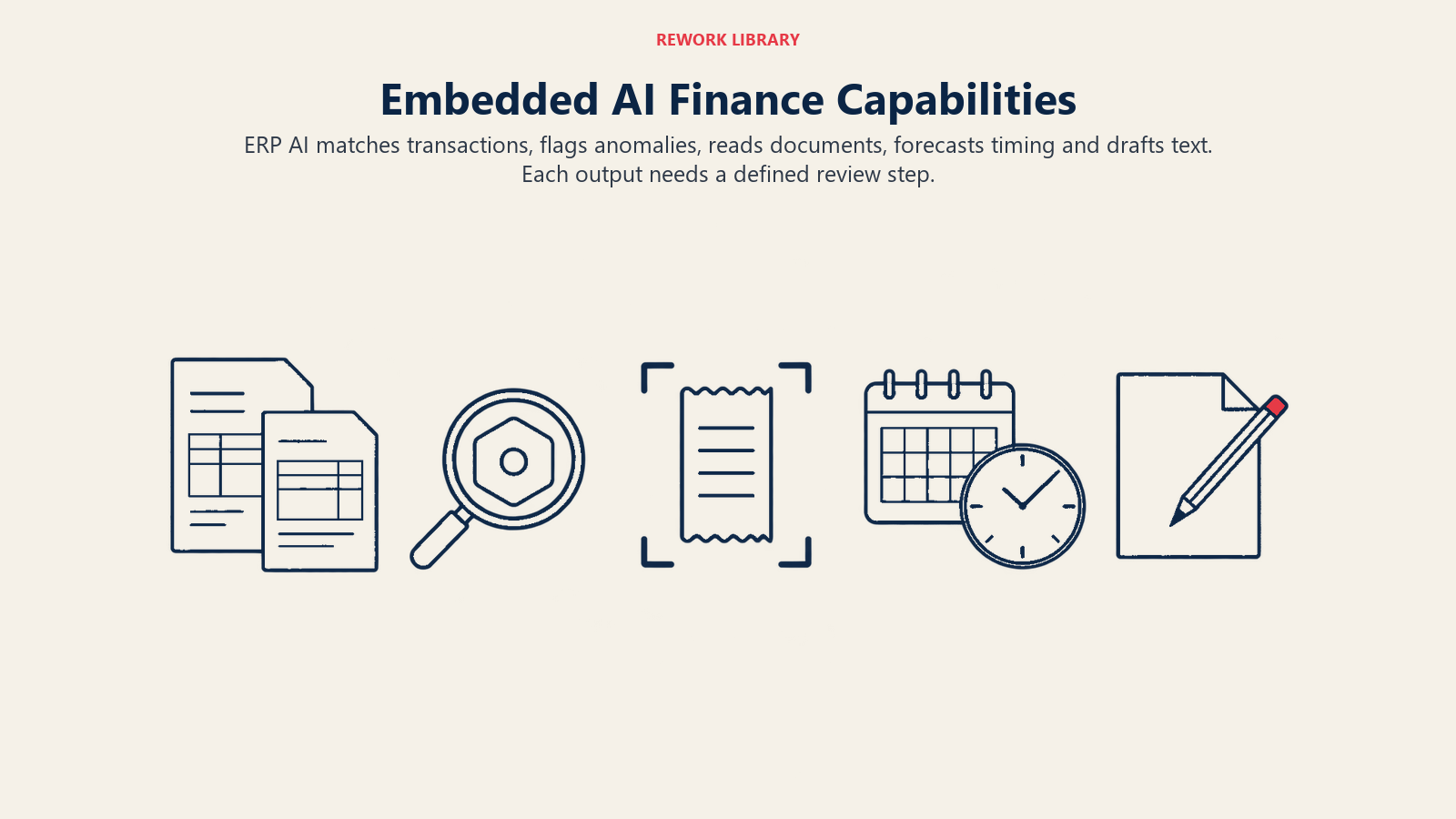
Most embedded features fall into a handful of capability types. Here's what each looks like in practice.
Matching and reconciliation
This is the most mature use. Classic rules-based matching handles the easy items, and AI picks up the leftovers. Microsoft's Business Central documentation gives a clear example: automatic matching runs first, then Copilot inspects the transactions it couldn't match and proposes more matches using dates, amounts and descriptions. It describes a customer who paid several invoices in one lump sum being matched to the multiple ledger entries. For lines that match nothing, the feature compares the bank description with account names and suggests the most likely account to post to, with "Fuel Stop 24" mapped to a transportation account as the example (Microsoft Learn).
Notice the design: proposals first, saving second, and the user can delete any line or discard all of them. That's the pattern to look for in any suite. For the finance-side view of the same task, see AI bank reconciliation.
Anomaly flags
Anomaly detection compares a transaction or balance to a baseline and raises a flag when it's unusual. In an ERP, common targets are:
- Duplicate or near-duplicate vendor invoices
- Payment amounts or bank details that differ from a vendor's history
- Journal entries posted at odd times, by unusual users or just under an approval limit
- Expense claims that break patterns for a person or a category
- Sudden swings in a balance-sheet account between periods
An anomaly flag isn't a finding. It's a prioritized reason to look. The value depends on how many flags are real, which is why a trial period should count false positives, not just hits. AI in accounts payable covers the invoice side.
Document capture and posting suggestions
Embedded document features read an invoice, receipt or contract and fill in fields: vendor, date, amount, tax, coding. Some then suggest the general ledger account or cost center based on past postings. The accuracy is usually high on clean, familiar documents and drops on unusual layouts, scans and one-off vendors. Capture quality sets the ceiling for everything downstream.
Predictive close and cash
"Predictive close" is a loose term. In practice it means models that estimate when close tasks will finish, flag reconciliations or accruals likely to be late, and project where balances will land before the period ends. The related forecasting features estimate cash receipts from customer payment behavior or project spend from open commitments. They're only as good as the history behind them. A business with short or changing history, such as a recent acquisition or a new product line, will see weaker forecasts. For the process view, see AI and the month-end close.
Assistants and generated drafts
The assistant is the most visible feature and the one with the widest range of quality. Typical jobs:
- Answering questions about data in natural language ("what were travel costs by department last quarter?")
- Drafting variance explanations, collections emails or journal descriptions
- Summarizing a customer's payment history before a call
- Guiding users through a process step by step
Microsoft's archived release plan for its finance agents describes this kind of work in the collections and variance-analysis areas: help drafting emails and saving communication summaries, plus variance analysis in pivot tables where users set the criteria in natural language (Microsoft Learn). That page is archived and no longer updated, which is itself a reminder of how fast these products move. Drafting is low risk when a person edits the text. It's higher risk when an assistant's number goes straight into a report.
Summary Table: Embedded Capability Types
| Capability type | What it does | Typical human step | Main risk |
|---|---|---|---|
| Matching and classification | Proposes matches and account codes | Reviewer accepts or rejects proposals | A wrong match hides a real difference |
| Anomaly flags | Raises unusual transactions or balances | Analyst investigates and closes the flag | Alert fatigue from false positives |
| Document capture | Extracts fields from invoices and receipts | Exceptions queue for low-confidence items | Misread amount or vendor posts quietly |
| Predictive close and cash | Estimates timing, balances and receipts | Owner compares to actuals and adjusts | Thin or shifting history gives poor estimates |
| Assistants and drafts | Answers questions, writes text | Person edits before use | A fluent answer built on the wrong data |
How to Evaluate Embedded AI Before You Switch It On
Treat a new embedded feature like any other change to a financial process. Here's a sequence that works for a team of any size.
- Name the problem first. Pick one pain point, such as unmatched bank lines, duplicate invoices or late flux commentary. A feature with no target gets adopted by whoever is curious and measured by no one.
- Read the vendor's own documentation for the feature. Look for what it does and doesn't do, which data it reads, which regions and languages it supports, its stated limits, prerequisites and whether it's labeled preview. The Microsoft page above, for instance, lists a language-support caveat and a volume ceiling. Limits like these decide whether the feature fits your volumes.
- Check the data it depends on. Matching needs clean descriptions, anomaly flags need history and forecasts need consistent periods. If your vendor master is full of duplicates, fix that before judging the AI. Finance data readiness for AI walks through the checks.
- Run it in a sandbox or in parallel. Use a test environment, or run the old process alongside the new for two or three cycles. Compare line by line.
- Measure against a baseline. Before you start, record how long the task takes, the error rate and the number of exceptions. After the trial, record the same numbers, plus false positives and how often reviewers overrode the AI.
- Confirm the human control. Find out where a person approves, what they see, and whether the feature can post without approval. Turn auto-post settings off during the trial.
- Ask where the data goes and who can see it. Embedded doesn't automatically mean it stays in your tenant. Find out what's sent to a model, where it's processed, how it's logged and whether it's used to train anything. AI finance data security lists the questions.
- Review the control impact. A new automated step changes your control design, your evidence trail and possibly your segregation of duties. Loop in your SOX or internal audit lead early.
- Decide, document and set a review date. Record why you adopted or declined the feature, who owns it, and when you'll re-check it. Because releases change behavior, re-test after material updates.
Questions to Put to the Vendor
Whether it's your ERP vendor or a partner, the same questions apply.
- Can we see why a flag was raised or a match was proposed? (This matters for explainable AI in finance.)
- Which settings let us require approval before anything posts?
- How are model or feature changes announced, and can we delay them?
- What logs are available for inputs, outputs and user overrides?
- What happens to our data, and can we opt out of uses beyond our own processing?
- What are the documented volume, language and region limits?
- If we leave the suite, what happens to the rules, mappings and history we've trained into it?
A framework such as NIST's can give the review a structure. The AI Risk Management Framework is voluntary, and its Govern, Map, Measure and Manage functions map neatly to ownership, context, testing and ongoing monitoring of a finance AI feature (NIST).
Common Pitfalls
- Switching on every feature at once. You can't tell what helped or what broke. Turn on one capability at a time.
- Judging by the demo. Demos use clean data. Your data has a decade of vendor-name variations and half-coded accounts.
- Counting hits and ignoring noise. An anomaly tool that raises 400 flags to find five problems may cost more analyst time than it saves.
- Letting auto-post stay on by default. The safest early setting is propose-and-review. Move to automatic only for categories with a proven record.
- Assuming the vendor handled accuracy. The vendor builds the feature. You own how it's used in your books.
- Ignoring release cadence. Cloud ERP updates arrive on a schedule you don't set. Behavior can change between cycles, so keep a test routine.
- Forgetting the people. Reviewers who don't trust the output will redo the work by hand, and reviewers who trust it too much will stop looking. Train for both.
- Treating embedded AI as a strategy. A feature list isn't a plan. Fit it into a roadmap for the finance function.
A Simple Starting Point
If you do nothing else this quarter, pick the one task where your team spends the most time on repetitive matching or checking, such as bank reconciliation or invoice review. Read the vendor's documentation for the matching feature in your suite, run it in a test environment for two cycles with proposals set to require approval, and count accepted suggestions, overrides and false positives. If the numbers beat your baseline, expand carefully. If they don't, you've spent a few days, not a quarter.
Frequently Asked Questions about AI in ERP Systems
What is embedded AI in an ERP system?
It's AI functionality that the ERP vendor builds into the suite itself, such as transaction matching, anomaly flags, document capture, forecasting and chat assistants. It works on the data already in your ledger and subledgers rather than in a separate application.
Is embedded AI better than a standalone AI tool?
Not automatically. Embedded features are convenient, share your permissions and need little integration. Standalone tools can go deeper on a single task. The right choice depends on the quality of the embedded feature for your volumes and how much control and visibility each option gives you.
Will embedded AI post entries without approval?
That depends on the feature and its settings. Microsoft's Business Central bank reconciliation feature, for instance, doesn't save proposed matches until the user keeps them, though it offers an optional setting to post automatically when everything is matched. Check the approval and auto-post settings of every feature before you enable it.
How do we measure whether an embedded AI feature is worth using?
Record a baseline for time, error rate and exceptions before the trial. Then run the feature in parallel for a few cycles and compare, counting accepted suggestions, reviewer overrides and false positives alongside time saved.
Do we need to involve internal audit or our SOX team?
Yes, when the feature touches a process that feeds financial reporting. A new automated step changes your control design and the evidence you keep, so share the design early rather than at year-end.
What if the vendor renames or retires the feature?
It happens, which is why you should document what the feature does for you in capability terms, keep your own baseline metrics and re-test after significant releases. Your process and controls should survive a change in product branding.
Head of Finance Strategy
On this page
- Key Facts
- What "Embedded" Actually Means
- What Embedded AI Does in Finance, by Function
- Matching and reconciliation
- Anomaly flags
- Document capture and posting suggestions
- Predictive close and cash
- Assistants and generated drafts
- Summary Table: Embedded Capability Types
- How to Evaluate Embedded AI Before You Switch It On
- Questions to Put to the Vendor
- Common Pitfalls
- A Simple Starting Point