Flujo de trabajo de lead nurturing: el proceso paso a paso desde el primer contacto hasta el cliente
Turn this article into takeaways for your work.


Each assistant summarizes the article only for you and suggests best practices for your work.
Pida a la mayoría de los agentes que describan su proceso de lead nurturing y obtendrá una lista de tácticas: algunos correos, unas cuantas llamadas, quizá una secuencia de mensajes de texto. Pídales que dibujen el flujo real, las etapas por las que pasa un lead y quién es responsable de qué en cada una, y casi nadie puede hacerlo.
Ese vacío es donde los leads desaparecen. No porque las tácticas sean malas, sino porque nadie definió el proceso que las conecta. Una campaña drip es una táctica. Un flujo de lead nurturing es el proceso que decide qué táctica aplica a qué lead, en qué momento, y a quién le toca notar cuándo algo necesita a una persona en lugar de otro correo automático.
El nurturing es un proceso, no una colección de tácticas
Piense en lo que realmente debe ocurrir entre el momento en que un lead entra a su sistema y el momento en que se convierte en cliente activo. Alguien tiene que hacer el primer contacto. Alguien tiene que calificarlo. El contenido tiene que mantenerlo interesado durante semanas o meses. Alguien tiene que notar cuándo está listo para avanzar y levantar el teléfono en el momento justo.
Cada una de esas partes es una etapa distinta, con su propio propósito, sus propias condiciones de entrada y salida, y a menudo con una persona o sistema distinto a cargo. Un flujo de trabajo vuelve todo eso explícito en lugar de dejarlo en manos de quien casualmente revise el CRM ese día.
Cómo mapear las etapas centrales del flujo
Un flujo de lead nurturing funcional suele pasar por cinco etapas, aunque los nombres y los límites exactos pueden ajustarse a su negocio.
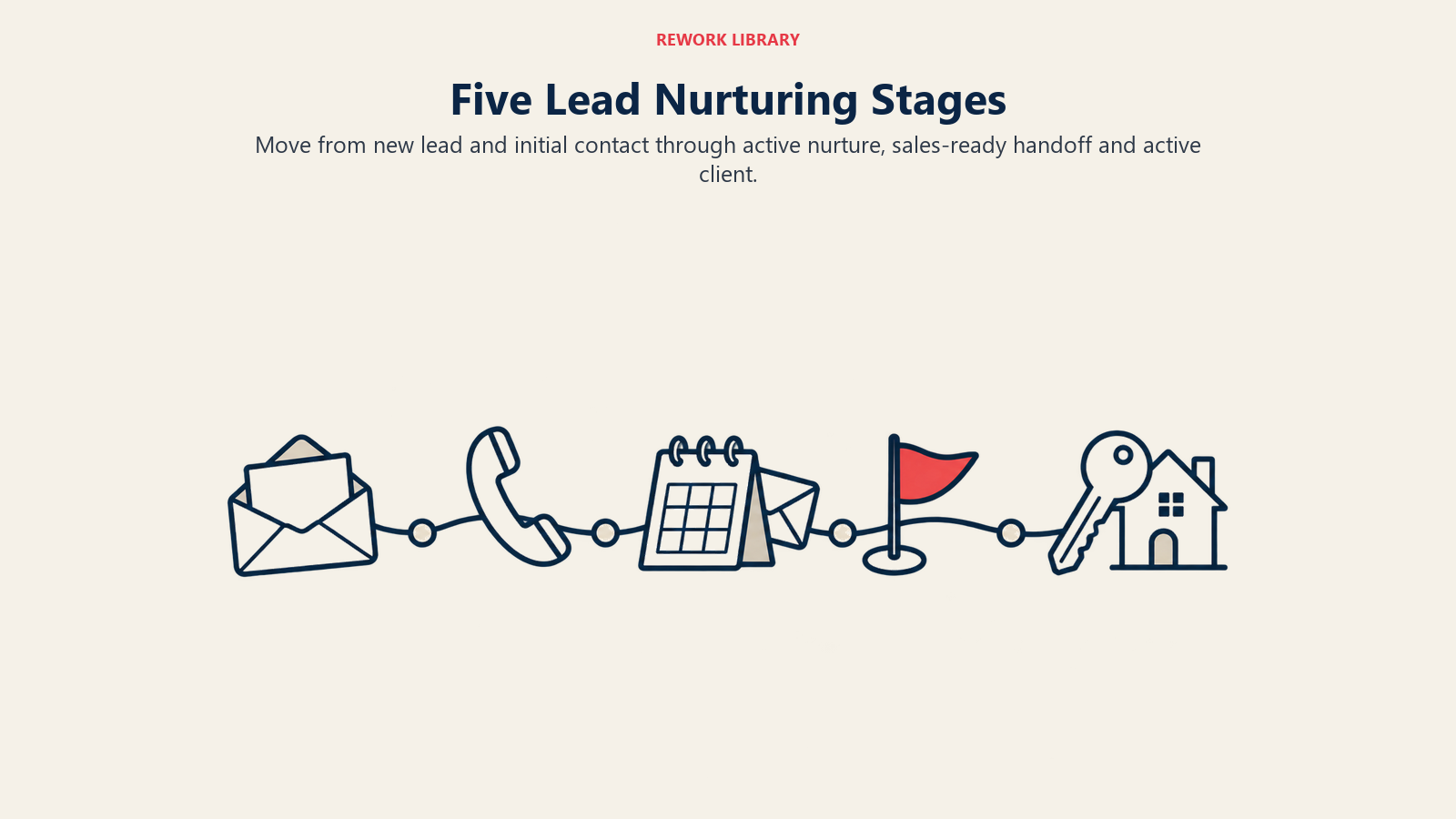
Lead nuevo. Un contacto entra a su sistema desde cualquier fuente. La única tarea en esta etapa es el acuse rápido: confirmar la recepción y fijar expectativas sobre lo que sigue, ligado directamente a sus estándares de velocidad de respuesta al lead.
Contacto inicial. Aquí ocurre la primera conversación real, normalmente el filtro rápido descrito en calificación de leads compradores. La condición de salida es una decisión: ¿este lead pasa a la búsqueda activa o a un nurturing de más largo plazo?
Nurturing activo. El lead no está listo hoy, pero tiene una intención genuina a futuro. Aquí corren el contenido de lead nurturing a largo plazo y las campañas de nurturing automatizadas, que mantienen la relación cálida sin consumir tiempo de venta activa.
Listo para ventas. Un comportamiento o una declaración directa indica que el lead está listo para avanzar ahora: agenda una consulta, responde con urgencia, solicita una valoración. Esta etapa debe disparar un traspaso inmediato a seguimiento humano.
Cliente activo. El lead se ha comprometido a trabajar con usted y pasa a su pipeline de transacciones, saliendo por completo del flujo de nurturing.
Dibuje estas cinco etapas como cajas con flechas entre ellas y tendrá el esqueleto de su flujo. Todo lo demás, el contenido, la automatización y los guiones, se acomoda alrededor de esta estructura.
Cómo definir la propiedad en cada etapa
Un flujo sin responsables claros solo describe lo que debería pasar en teoría. Asigne un rol o una persona concreta a cada etapa.
Si es un agente independiente, usted es responsable de todas las etapas, pero ponerlo por escrito sigue siendo importante porque le obliga a notar cuándo se descuida una etapa. Si dirige un equipo con un agente de ventas internas, el ISA normalmente se encarga desde Lead nuevo hasta Listo para ventas, manejando el volumen del contacto inicial y del nurturing, mientras que el agente de cierre toma el relevo desde Listo para ventas en adelante.
Sea cual sea su estructura, déjelo por escrito de forma explícita: quién es dueño de esta etapa, cómo se ve "terminado" en esta etapa y a quién pasa el lead después.
Disparadores del flujo entre etapas
Cada transición de etapa debe tener un disparador definido, no una vaga sensación de que "ya pasó suficiente tiempo". Los disparadores vagos son la razón por la que los leads se atascan.
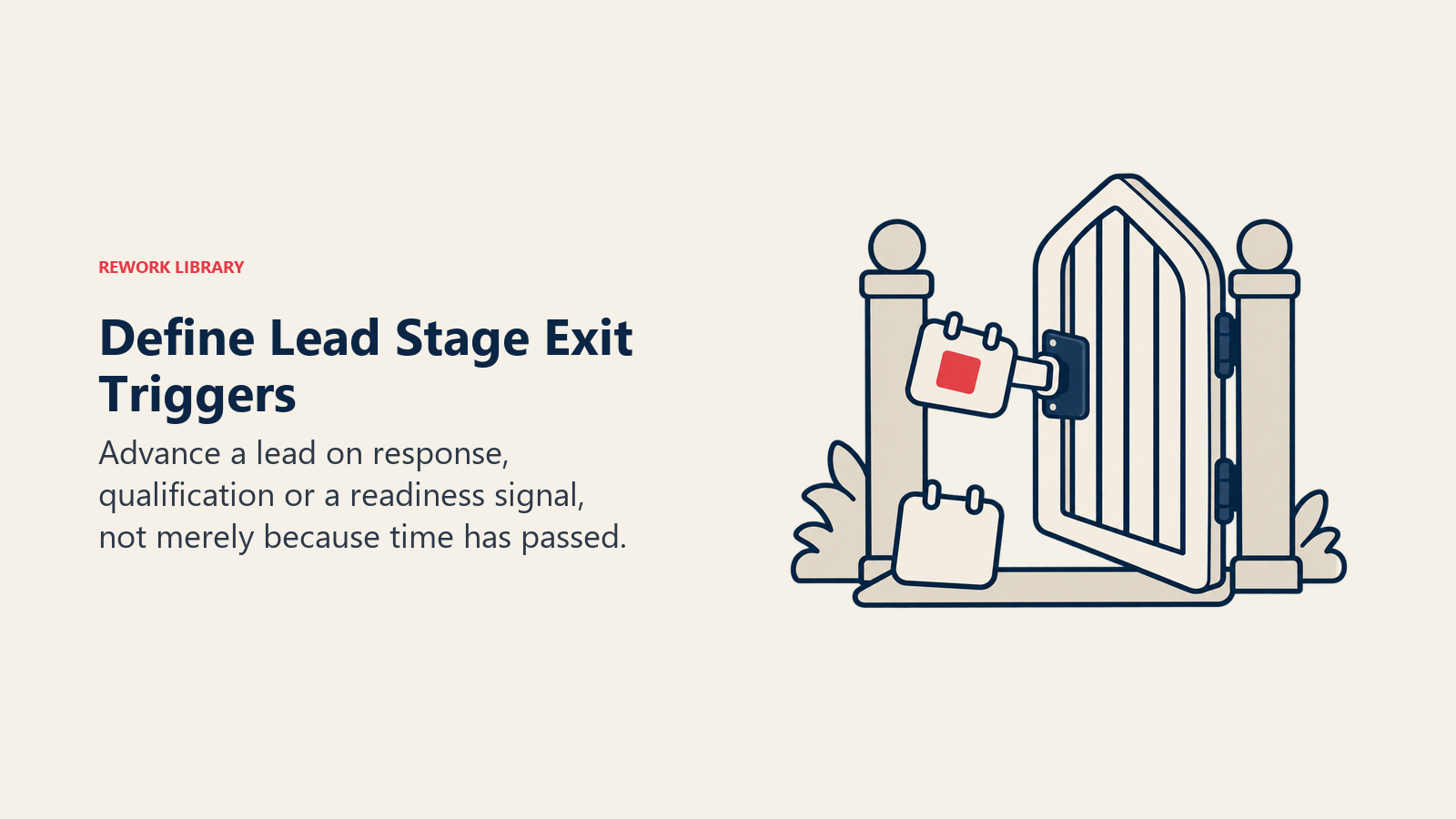
El paso de Lead nuevo a Contacto inicial se dispara cuando se recibe la primera respuesta o cuando vence un límite de tiempo establecido (lo que motiva un intento de seguimiento). El paso de Contacto inicial a Nurturing activo o Listo para ventas se dispara con el resultado de su filtro de calificación. El paso de Nurturing activo a Listo para ventas se dispara con señales de comportamiento específicas: agendar una cita, responder un correo con una pregunta directa, un aumento de actividad en el sitio web o alcanzar un umbral de puntuación en su sistema de lead scoring para bienes raíces.
Documente cada disparador con la claridad suficiente para que alguien que no conozca un lead específico pueda mirar el CRM y saber exactamente en qué etapa está y por qué.
Cómo combinar puntos de contacto automatizados y humanos
El verdadero valor del flujo es decidir dónde termina la automatización y dónde debe intervenir una persona. La automatización debe encargarse de lo repetitivo y predecible: correos de acuse, contenido educativo programado, seguimientos rutinarios durante el Nurturing activo. Las personas deben encargarse de los momentos que exigen criterio: la conversación inicial de calificación, cualquier traspaso al estado Listo para ventas y cada punto de contacto una vez que alguien se convierte en cliente activo. Si logra ese equilibrio, el flujo se convierte en una fuente de leads por derecho propio: los agentes clasificaron su CRM como su segunda fuente más productiva de leads de calidad, con un 23%, solo por detrás de las redes sociales con un 39%, en la Encuesta de Tecnología 2025 de REALTORS® de NAR.
Establezca reglas explícitas para cuando la automatización traspasa a una persona. Si un lead responde a cualquier correo automático con una pregunta real, eso debe crear de inmediato una tarea para una persona, no seguir en silencio por la secuencia. Si alguien alcanza una puntuación alta de interacción, eso debe disparar una tarea de llamada telefónica, no otro correo automático.
Variaciones del flujo según la fuente del lead
El mismo esqueleto de cinco etapas se aplica a todas las fuentes, pero el ritmo y el tono cambian. Un lead de Zillow debe pasar de Lead nuevo a Contacto inicial en cuestión de minutos, porque los leads de portales están comparando agentes en tiempo real. Un lead que descargó un reporte de mercado puede permanecer algo más en estado de Lead nuevo, ya que la urgencia es menor.
Un referido de un cliente anterior a veces puede saltarse por completo el filtro formal de calificación del Contacto inicial y pasar directo a un Nurturing activo más cálido y personal, o incluso directamente a Listo para ventas, ya que la confianza ya está establecida. Es una porción del pipeline mayor que antes: el Perfil de Compradores y Vendedores de Vivienda 2025 de NAR halló que los compradores primerizos cayeron a un mínimo histórico del 21% del mercado, una proporción que NAR sigue desde 1981, lo que sitúa a los compradores recurrentes, el grupo con más probabilidades de tener ya una relación con un agente, en aproximadamente cuatro de cada cinco transacciones.
Mapee estas variaciones de forma explícita en lugar de forzar a todas las fuentes de leads a un mismo ritmo.
Cómo manejar las excepciones del flujo
Los flujos reales necesitan reglas para cuando las cosas no salen como se planeó.
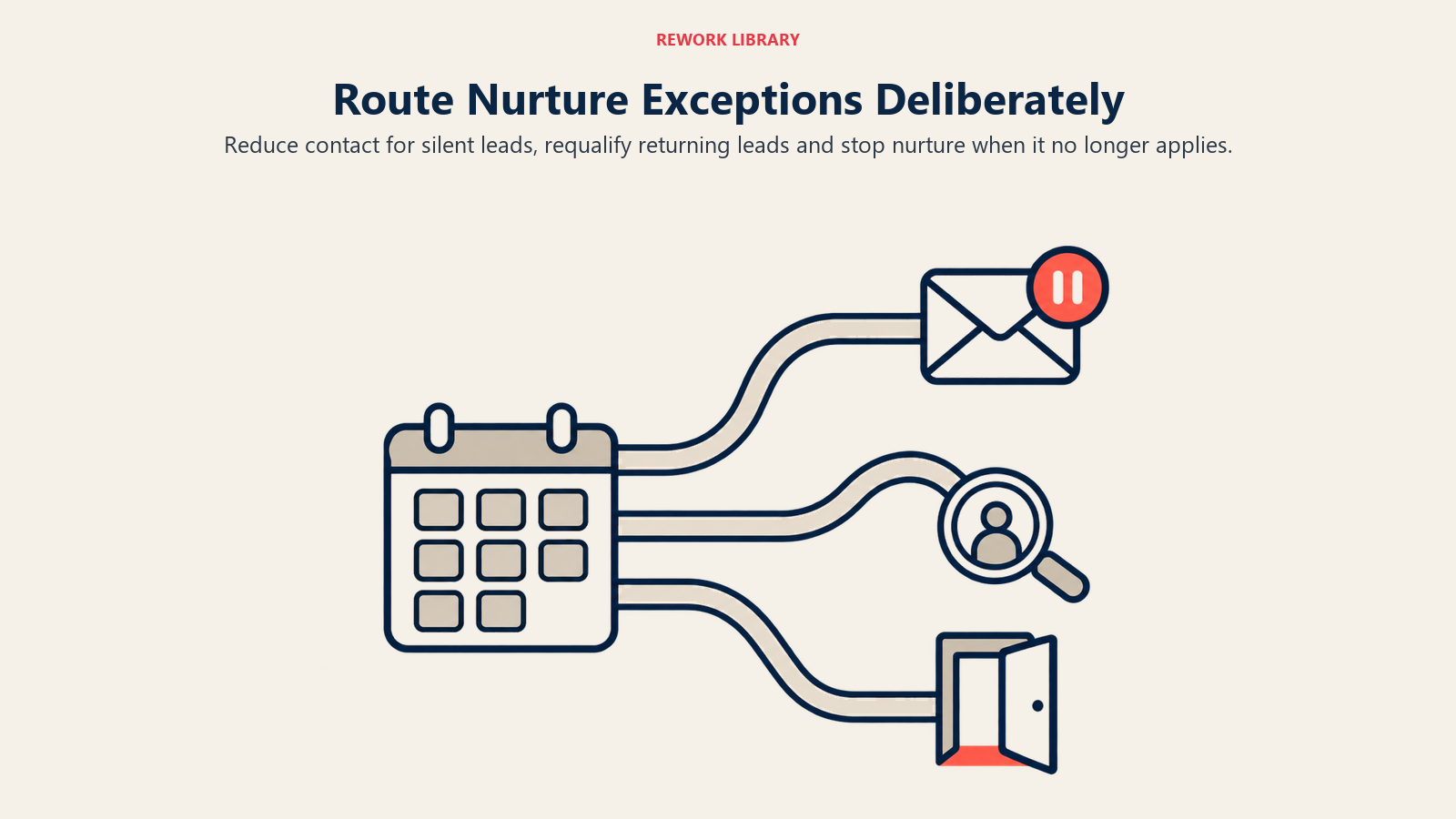
Los leads silenciosos que dejan de responder durante el Nurturing activo no deben seguir recibiendo contenido genérico de manera indefinida. Cree un disparador de reactivación: tras un periodo definido sin interacción, páselos a una vía de contacto más ligera y menos frecuente en lugar de suponer que siguen activamente interesados.
Los leads reactivados que de repente vuelven a interactuar tras meses de silencio deben regresar a Contacto inicial para una nueva verificación de calificación, no pasar directo a Listo para ventas, ya que su situación puede haber cambiado por completo.
Los leads perdidos que dicen expresamente que se comprometieron con otro agente o que ya no van a comprar deben salir del flujo de forma limpia en lugar de seguir recibiendo contenido de nurturing que ya no les aplica.
Cómo auditar y mejorar su flujo
Un flujo no es algo que se construye una vez y se olvida. Revíselo cada trimestre tomando una muestra de leads de cada etapa y comprobando si la experiencia real coincidió con lo que diseñó. ¿Hay leads que permanecen en Contacto inicial mucho más de lo previsto? ¿El traspaso a Listo para ventas ocurre realmente a tiempo, o hay leads marcados que pasan días sin una llamada de seguimiento?
Busque específicamente las etapas donde los leads parecen estancarse. Un estancamiento casi siempre apunta a un disparador ausente o mal definido, no a un problema de contenido. Arregle el disparador antes de reescribir los correos.
Por qué este enfoque de flujo supera al seguimiento improvisado
Los agentes que convierten constantemente más de su base de datos no son necesariamente mejores comunicadores. Simplemente han eliminado la incertidumbre sobre qué pasa después con cada lead. Cada contacto tiene una etapa definida, un responsable definido y un disparador definido para lo que sigue. Nada depende de la memoria ni de lo ocupado que esté el día. Vale la pena el esfuerzo porque la relación sigue pasando por un agente casi siempre: el 88% de los compradores adquirió su vivienda a través de un agente o broker durante el último año, según el Perfil de Compradores y Vendedores de Vivienda 2025 de NAR. El flujo solo decide si ese agente termina siendo usted.
Empiece dibujando su flujo actual con honestidad, incluidos los huecos. La mayoría de los agentes descubre que su flujo real tiene etapas sin ningún disparador definido, que suele ser justo el lugar por donde los leads han estado desapareciendo en silencio todo este tiempo.
Preguntas frecuentes sobre los flujos de lead nurturing
¿Cuál es la diferencia entre un flujo de lead nurturing y una campaña drip?
Una campaña drip es contenido, una serie programada de correos o mensajes. Un flujo de lead nurturing es el mapa de proceso más amplio que muestra cada etapa por la que pasa un lead, quién es responsable de cada una y qué dispara el movimiento entre ellas. Las campañas drip corren dentro de etapas específicas del flujo, con mayor frecuencia el Nurturing activo.
¿Cuántas etapas debe tener un flujo de lead nurturing?
La mayoría de los flujos inmobiliarios funciona bien con cinco etapas centrales: Lead nuevo, Contacto inicial, Nurturing activo, Listo para ventas y Cliente activo. Con menos etapas tienden a difuminarse puntos de decisión importantes; con muchas más resulta difícil de manejar de forma consistente.
¿Quién debe ser responsable de cada etapa en un equipo pequeño?
En un equipo pequeño o de una sola persona, una misma persona suele ser dueña de todas las etapas, pero documentar la propiedad de forma explícita sigue ayudando porque hace visible cuándo se descuida una etapa. En equipos más grandes, un agente de ventas internas suele encargarse de todo hasta Listo para ventas y luego traspasa al agente de cierre.
¿Cuál es el error más común en el flujo?
Las transiciones de etapa vagas. Sin disparadores claros para pasar un lead de una etapa a la siguiente, los leads se quedan a la deriva indefinidamente en una etapa, normalmente el Nurturing activo, sin que nadie note que se han enfriado.
Recursos Relacionados
Automatización y contenido de nurturing:
- Campañas de Nurturing Automatizadas - La infraestructura de disparadores y acciones que corre dentro de este flujo
- Estrategia de Campañas Drip - Secuencias de contenido que viven dentro de su etapa de Nurturing activo
- Nurturing de Leads a Largo Plazo - Estrategia de relación para leads con plazos más largos
Calificación y traspaso:
- Calificación de Leads Compradores - El filtro que ocurre en su etapa de Contacto inicial
- Lead Scoring para Bienes Raíces - Automatizar el disparador del Nurturing activo a Listo para ventas
- Modelo de Agente de Ventas Internas - Asignar la propiedad entre las etapas del flujo en un equipo

Sales Director
On this page
- El nurturing es un proceso, no una colección de tácticas
- Cómo mapear las etapas centrales del flujo
- Cómo definir la propiedad en cada etapa
- Disparadores del flujo entre etapas
- Cómo combinar puntos de contacto automatizados y humanos
- Variaciones del flujo según la fuente del lead
- Cómo manejar las excepciones del flujo
- Cómo auditar y mejorar su flujo
- Por qué este enfoque de flujo supera al seguimiento improvisado
- Recursos Relacionados