Automatisch erstellte Vertriebs-Follow-up-E-Mails
Turn this article into takeaways for your work.


Each assistant summarizes the article only for you and suggests best practices for your work.
Die Follow-up-E-Mail, die 2 Stunden nach einem Discovery-Anruf gesendet wird, erzielt etwa dreimal höhere Antwortquoten als dieselbe E-Mail, die am nächsten Morgen verschickt wird. Keine Theorie. Es ist das Muster, das immer wieder auftaucht, wenn Vertriebsteams die Antwortdaten nach Versandzeitpunkt relativ zum Gesprächsende auswerten.
Das Problem: Die meisten Vertriebsmitarbeiter verbringen diese 2 Stunden damit, die E-Mail zu schreiben.
Sie sitzen wieder am Schreibtisch, prüfen ihre Notizen, öffnen das CRM, um die benötigten Details zu finden, versuchen, die zugesagten Action Items zu rekonstruieren, und verfassen eine Zusammenfassung, die das Besprochene korrekt wiedergibt. Ein gewissenhafter Rep braucht an einem guten Tag 15 bis 20 Minuten. Ein beschäftigter Rep mit 4 aufeinanderfolgenden Anrufen macht entweder Abstriche oder schickt die E-Mail am nächsten Morgen.
KI-Entwurf in 30 Sekunden. Rep-Review in 3 Minuten. Senden.
Das ist der Workflow. Aber das Qualitätsproblem ist real, und den Entwurf gut genug zu machen, um das Vertrauen des Reps zu verdienen, ist die Arbeit, die die meisten Teams überspringen.
Was eine gute Follow-up-E-Mail enthalten sollte
Key Facts: Performance von Vertriebs-Follow-up-E-Mails
- Follow-up-E-Mails erzeugen zusammengenommen 42 % aller B2B-Kampagnen-Antworten -- die meisten Deals werden also durch Follow-ups vorangetrieben, nicht durch die erste Kontaktaufnahme. (Belkins, 2025)
- Ein einzelner E-Mail-Follow-up kann die Antwortquoten in B2B-Outreach-Kampagnen um 22 % steigern; die 3-7-7-Tage-Cadence erfasst 93 % aller Antworten bis Tag 10. (SalesCaptain, 2025)
- Top-performende B2B-Teams mit eng getakteten, spezifischen Follow-ups erzielen Antwortquoten von 15-25 % gegenüber dem 3-5 %-Durchschnitt bei undifferenziertem Outreach. (Instantly.ai, 2025)
Bevor besprochen wird, wie KI Follow-ups generiert, lohnt es sich, genau zu definieren, was eine gute Follow-up-E-Mail tatsächlich enthält. Der Standard für KI-generierte Follow-ups ist hoch: nicht von einer manuell geschriebenen eines erfahrenen Reps zu unterscheiden, nicht "ziemlich gut für KI."
Eine Betreffzeile, die sich auf den Anruf bezieht. Nicht "Nachfassen zu unserem Meeting." Etwas Konkretes: "Nächste Schritte aus unserem Gespräch über den Implementierungszeitplan für Q3" oder "Besprochene Ressourcen: Compliance-Fallstudien + ROI-Modell." Die Betreffzeile signalisiert, dass der Rep aufmerksam war.
Eine kurze Zusammenfassung des Besprochenen. Zwei bis vier Sätze über die wichtigsten Themen, kein Protokoll. Der Käufer sollte darüber hinwegsehen und bestätigen können, dass der Rep das Gespräch richtig verstanden hat. Hier wird auch aktives Zuhören demonstriert: Eine präzise und spezifische Zusammenfassung baut Glaubwürdigkeit auf.
Action Items mit Verantwortlichen. Wer tut was bis wann. "Ich schicke den Sicherheitsfragebogen bis Freitag" und "Sie stellen mich bis nächsten Mittwoch dem VP Engineering vor" sind klare Zusagen. Vage Action Items ("wir melden uns zu den nächsten Schritten") sind das Merkmal einer schwachen Follow-up-E-Mail.
Zugesagte Ressourcen. Wenn Sie sagten, Sie würden eine Fallstudie, ein Preisblatt, einen Integrationsleitfaden oder eine Vorlage für einen gemeinsamen Aktionsplan senden, ist die Follow-up-E-Mail der Ort, an dem Sie diese einbeziehen oder verlinken. Nicht in einer separaten E-Mail zwei Tage später.
Eine klare Aufforderung zum nächsten Meeting oder eine Bestätigung. Entweder "Ich sende eine Kalendereinladung für den 30-minütigen technischen Anruf, den wir für nächsten Donnerstag besprochen haben" oder "Lassen Sie mich wissen, ob der 45-minütige Demo-Termin am 23. noch für Sie passt." Der Deal schreitet durch bestätigte nächste Schritte voran, nicht durch offene Absichten.
Wie KI den Follow-up generiert
Das Workflow Copilot-Muster gilt hier:
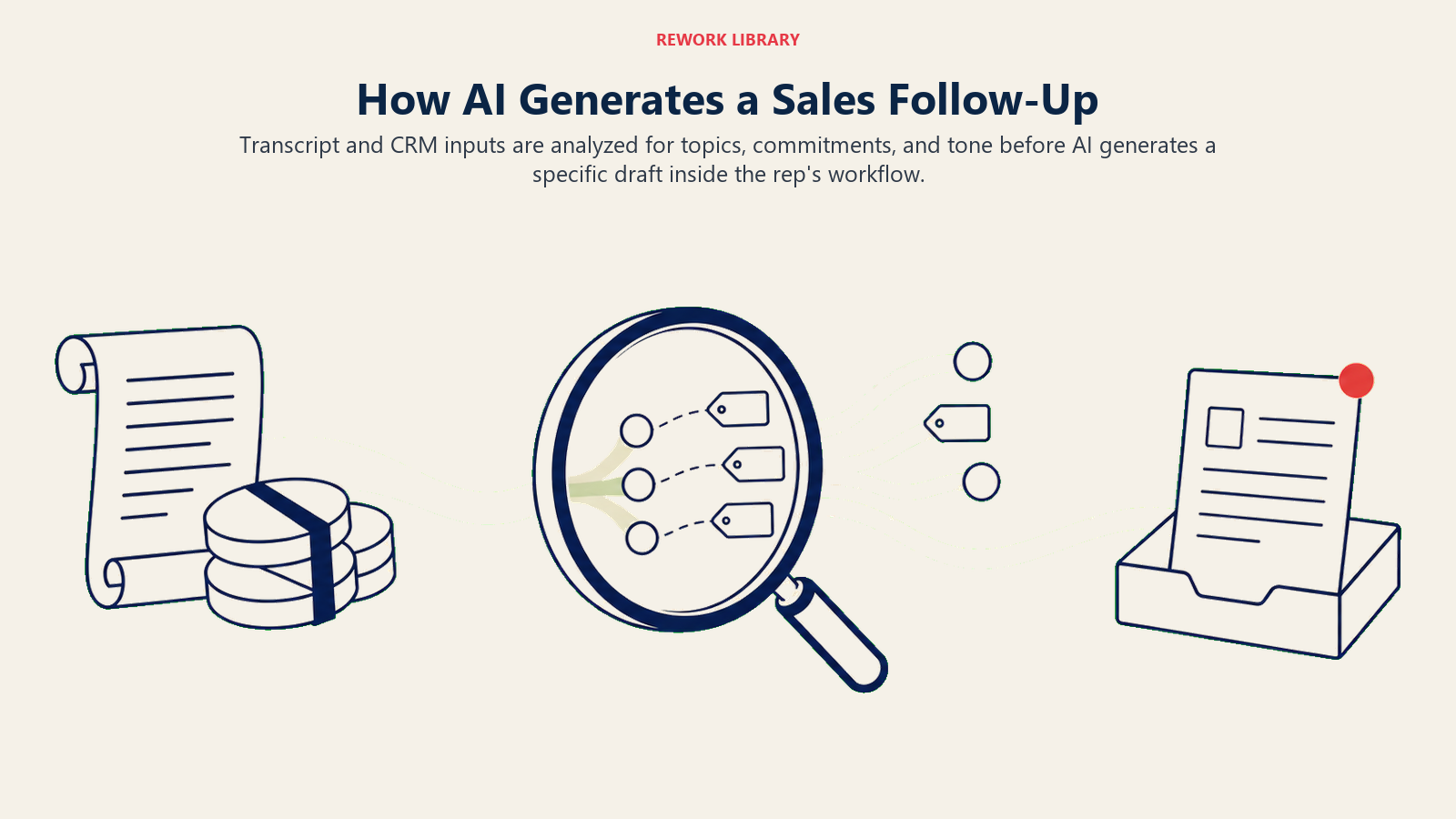
Ingest sammelt die Eingaben:
- Gesprächsprotokoll (von Gong, Chorus, Fireflies oder dem jeweiligen Meeting-Intelligence-Tool)
- CRM-Deal-Datensatz (Phase, Deal-Wert, Account-Verlauf, Kontaktdaten)
- Frühere E-Mail-Threads im Deal (zur Ton-Kalibrierung und Kontinuität)
- Alle Ressourcen, die der Rep zu senden zugesagt hat (falls im Anruf oder CRM markiert)
Analyze extrahiert die strukturierten Informationen:
- Besprochene Hauptthemen, nach Gesprächszeit und Aktualität gerankt
- Explizite Action Items: Zusagen des Reps, Zusagen des Käufers
- Fragen, die aufkamen und nicht vollständig beantwortet wurden
- Einwände, die der Rep angesprochen hat, gegenüber solchen, die offen blieben
- Ton und Formalitätsgrad des Anrufs (formell/C-Suite vs. informell/Praktiker)
Generate erstellt einen E-Mail-Entwurf mit:
- Betreffzeilen-Optionen (in der Regel 2 bis 3 Varianten)
- Strukturiertem Inhalt nach dem oben beschriebenen Fünf-Abschnitte-Format
- Ton, der dem Formalitätsgrad des Gesprächs entspricht
- Spezifischen Referenzen, die echte Personalisierung statt Template-Ausfüllung signalisieren
Der Generate-Schritt läuft in unter 30 Sekunden. Der Rep sieht den Entwurf in seinem CRM oder E-Mail-Client, nicht in einem separaten Tool. Je näher die Entwurfsoberfläche an dem Ort ist, von dem aus der Rep sendet, desto höher die Abschlussrate.
Guter Entwurf vs. schlechter Entwurf: ein direkter Vergleich
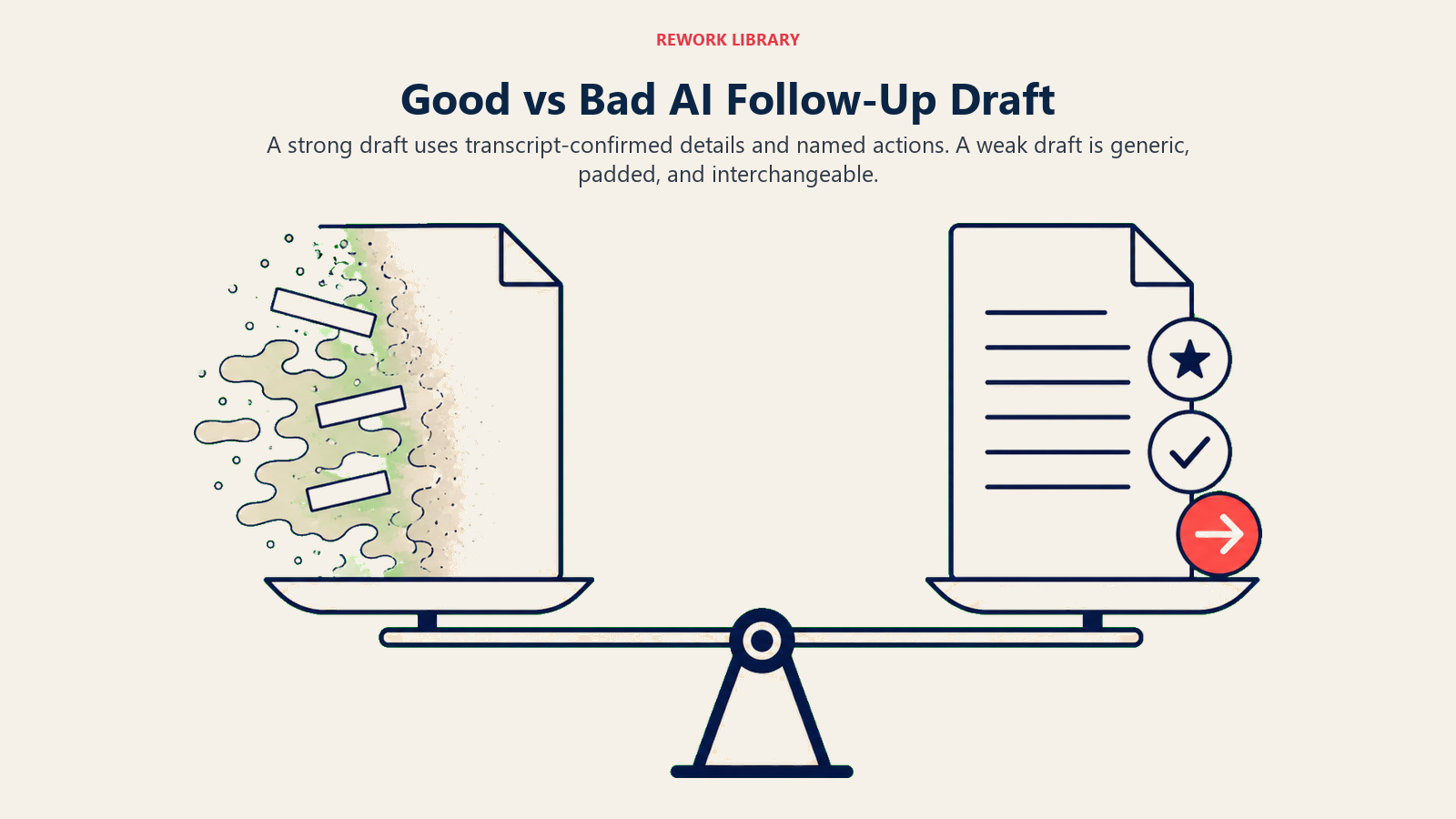
Die meisten Probleme mit KI-Follow-up-Entwürfen fallen in drei Kategorien: zu generisch, zu lang oder fehlender Schlüsselkontext. So sieht das in der Praxis aus.
Schlechter Entwurf (generisch, zu lang):
Betreff: Nachfassen zu unserem Anruf heute
Hallo [Name],
vielen Dank, dass Sie sich heute die Zeit genommen haben, mit uns zu sprechen. Es war wunderbar, mehr über die Herausforderungen und Ziele Ihrer Organisation zu erfahren. Wir haben in unserem Gespräch viel abgedeckt.
Wir haben über die Technologiebedürfnisse Ihres Unternehmens gesprochen und darüber, wie unsere Plattform helfen könnte. Sie erwähnten mehrere wichtige Punkte, die ich für unsere Unterlagen notiert habe. Ich freue mich darauf, zu erkunden, wie wir Ihr Team unterstützen können.
Wie besprochen, werden wir bezüglich der nächsten Schritte in Kontakt bleiben. Bitte zögern Sie nicht, sich zu melden, falls Sie Fragen haben.
Mit freundlichen Grüßen...
Dieser Entwurf klingt KI-generiert, weil er es ist. Er enthält keine spezifischen Informationen aus dem Anruf. Er hätte auch vor dem Meeting geschrieben werden können. Ein Käufer, der das liest, weiß, dass der Rep ihm nicht wirklich zugehört hat.
Guter Entwurf (spezifisch, angemessen kurz):
Betreff: Nächste Schritte: Sicherheits-Review-Dokumente + Intro zu Ihrem VP Engineering
Hallo Sarah,
danke für die Zeit heute. Ein paar Follow-ups:
Von meiner Seite bis Freitag:
- Sicherheitsfragebogen (SOC 2 + Datenhaltungsdetails, die Sie nachgefragt haben)
- Zwei Fallstudien von SaaS-Unternehmen in der Größenklasse 300 bis 500 Lizenzen
Von Ihrer Seite:
- Vorstellung von David (VP Engineering) vor der technischen Evaluierung
Ich sende eine Kalendereinladung für den 30-minütigen technischen Anruf, den wir für die Woche ab dem 2. Juni besprochen haben. Lassen Sie mich wissen, wenn ein anderer Termin besser passt.
Eine Frage, die ich sicher klar beantwortet haben möchte: die Sorge bezüglich der Datenportabilität bei einer möglichen Migration. Ich lege dazu eine technische Übersicht den Sicherheitsdokumenten bei.
Danke nochmals.
Dieser Entwurf ist spezifisch, prägnant, hat klare Action Items mit Verantwortlichen, geht auf eine offene Frage ein und treibt den Deal voran. Er liest sich, als hätte ihn ein erfahrener Rep geschrieben. Die KI hat ihn aus dem Gesprächsprotokoll in 30 Sekunden generiert.
Der Unterschied ist Kontextqualität. Der zweite Entwurf erforderte ein gutes Protokoll, einen CRM-Datensatz mit Deal-Details und eine Prompt-Konfiguration, die Spezifität gegenüber Länge priorisiert.
Was Entwürfe fehlschlagen lässt und wie man es behebt
Zu lang. KI-Modelle tendieren zur Vollständigkeit. Eine gute Follow-up-E-Mail hat 150 bis 250 Wörter. KI-generierte Entwürfe laufen oft auf 400 bis 500 Wörter hinaus, wenn sie nicht eingeschränkt werden. Behebung: Fügen Sie eine explizite Wortzahlbegrenzung in den Generierungs-Prompt ein. "Erstellen Sie eine Follow-up-E-Mail unter 250 Wörtern." Diese einzelne Einschränkung beseitigt die meisten Längprobleme.
Zu formell. Die Standard-LLM-Stimme ist glatt, leicht unternehmerisch, leicht unpersönlich. Sie passt nicht zur Stimme eines Reps, der gerade einen lockeren 45-minütigen Anruf mit einem Käufer geführt hat, mit dem er schon dreimal gesprochen hat. Behebung: Fügen Sie Ton-Kalibrierung in den System-Prompt ein. "Passen Sie den Formalitätsgrad des Gesprächs an. Wenn der Anruf gesprächig war und nur Vornamen verwendet wurden, sollte sich die E-Mail genauso anfühlen."
Fehlende Zusage. Die KI hat ein Action Item übersehen, das nebenbei im Anruf erwähnt wurde. Behebung: Führen Sie einen separaten Extraktionsschritt auf dem Protokoll speziell für Zusagen durch, mit einem Prompt, der darauf ausgelegt ist, Zusagen zu extrahieren statt Themen zusammenzufassen. Füttern Sie diese Liste explizit in die Entwurfserstellung. Verlassen Sie sich nicht auf den Zusammenfassungsschritt, um alle Zusagen zu erfassen.
Halluzinierte Spezifika. Die KI hat eine Tatsache eingefügt, die nicht im Gespräch vorkam. Das ist selten, aber katastrophal. Ein Käufer, der liest "wie Sie erwähnten, plant Ihr Team eine Erweiterung auf 200 Lizenzen" und sich nicht erinnert, das gesagt zu haben, verliert sofort das Vertrauen in den Rep. Behebung: Beschränken Sie das Modell darauf, nur Fakten zu referenzieren, die explizit im Protokoll und im CRM erscheinen. "Schließen Sie keine Informationen ein, die nicht direkt aus dem Gesprächsprotokoll oder dem CRM-Datensatz stammen. Im Zweifel weglassen."
Der Senior-Rep-Stimmen-Test
Der Senior-Rep Voice Test ist das einzige Qualitätsgatter für KI-generierte Follow-up-E-Mails: Würde Ihr erfahrenster Rep, der diesen Entwurf liest, ohne zu wissen, dass er KI-generiert ist, erkennen, dass er speziell über diesen Anruf geschrieben wurde? Der Test hat zwei Failure-Modi: Der Entwurf ist zu generisch (hätte an jeden gesendet werden können, unabhängig vom Gesprächsinhalt) oder der Entwurf enthält halluzinierte Spezifika (referenziert etwas, das der Käufer nie gesagt hat). Ein Entwurf, der den Test besteht, referenziert zwei oder mehr spezifische Anrufthemen, hat klare benannte Action Items mit Verantwortlichen und entspricht dem Ton der Beziehung. Ein Entwurf, der scheitert, wird neu geschrieben statt überarbeitet, weil oberflächliches Polieren eines generischen Rahmens keine Senior-Rep-Qualität produziert.
Die meisten KI-generierten Follow-up-Entwürfe scheitern am Senior-Rep Voice Test, wenn Prompt-Konfigurationen die KI nicht explizit einschränken, nur protokollbestätigte Fakten zu referenzieren, oder wenn keine Wortzahlbegrenzungen gesetzt sind und das Modell auf ausgeschmückte Unternehmenssprache zurückgreift.
Stimm- und Ton-Konsistenz
Reps haben unterschiedliche Schreibstile. Ein Rep schreibt kurze, prägnante E-Mails. Ein anderer ist wärmer und gesprächiger. Ein dritter ist formell mit neuen Interessenten und locker, sobald Vertrauen aufgebaut ist.
KI-generierte Entwürfe können sich an diese Unterschiede anpassen, wenn das System entsprechend konfiguriert ist. Der Ansatz: Fügen Sie die letzten 10 bis 20 gesendeten E-Mails des Reps als Stilbeispiele in den Systemkontext ein. Das nennt sich Style Transfer. Die KI leitet Stilmuster aus Beispielen ab und wendet sie auf den neuen Entwurf an.
Nicht jede Plattform unterstützt das nativ. Gong AIs Follow-up-Entwurfserstellung versucht, die Rep-Stimme aus historischen E-Mail-Daten zu erfassen. Generischere Implementierungen erfordern manuelle Prompt-Konfiguration durch Sales Enablement: "Schreibe in einem direkten, gesprächigen Stil. Vermeiden Sie formelle Begrüßungen. Verwenden Sie durchgehend Vornamen. Halten Sie die Sätze kurz."
Der praktische Mittelweg für die meisten Teams: Definieren Sie 3 bis 4 Stimm-Profile (formell, gesprächig, technisch, Executive) und lassen Sie Reps für jeden Anrufkontext das passende auswählen. Das gibt Personalisierung, ohne eine Rep-spezifische Konfiguration zu erfordern.
Template vs. generativ: wann was verwenden
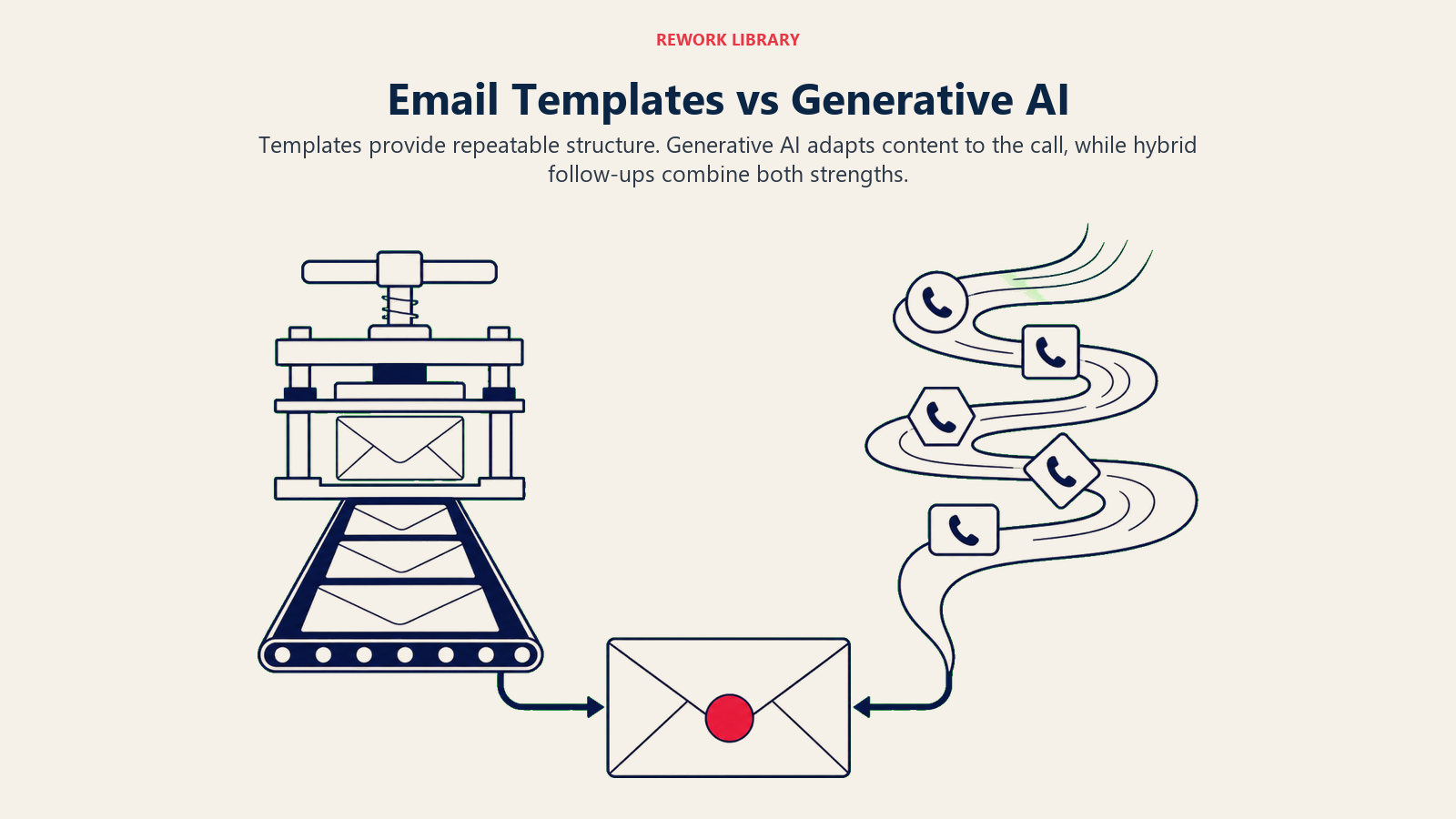
Regelbasierte E-Mail-Templates und KI-generierte Entwürfe dienen unterschiedlichen Zwecken. Der Fehler ist, sie als austauschbar zu behandeln.
Templates eignen sich gut für:
- Standardisierte Post-Demo-Follow-ups mit konsistenter Struktur
- Späte Phasen, wo das Format vertraglich wichtig ist
- Situationen, in denen Content-Compliance wichtig ist (regulierte Branchen)
- Sehr hochvolumigen Outreach, wo Konsistenz wertvoller ist als Personalisierung
Generative Entwürfe eignen sich gut für:
- Substanzielle Discovery-Anrufe mit variantenreichem Inhalt und mehreren Action Items
- Komplexe Deals mit mehreren Stakeholdern und miteinander verbundenen Zusagen
- Beziehungen, bei denen die Stimme und der Rapport des Reps zählen
- Situationen, in denen der Anruf Themen abdeckte, die Templates nicht vorwegnehmen
Viele Teams landen auf einem Hybrid: eine Template-Struktur (Abschnitte, Überschriftstil) mit KI-generiertem Inhalt für jeden Abschnitt. Das gibt Formatkonsistenz mit inhaltlicher Spezifität.
Follow-ups mit mehreren Stakeholdern
Wenn ein Anruf drei oder mehr Teilnehmer auf der Käuferseite hatte, erfordert der Follow-up ein anderes Denken. Sie können keine einzige E-Mail schreiben, die alle gleichwertig bedient.
Die praktischen Optionen:
Eine E-Mail an den Hauptansprechpartner (die Person, mit der der Rep die meiste Beziehung hat), mit genug Kontext, damit diese Person intern teilen kann. Das ist der häufigste Ansatz und funktioniert gut, wenn der Hauptansprechpartner gute interne Sichtbarkeit hat.
Separate Follow-ups pro Stakeholder für komplexe Deals, bei denen jeder Stakeholder unterschiedliche Anliegen hat. Der technische Evaluierer bekommt die Sicherheitsdokumentation. Der wirtschaftliche Käufer bekommt das ROI-Modell. Der Endnutzer bekommt den Onboarding-Zeitplan. Das nimmt mehr Zeit in Anspruch, produziert aber relevanteren Austausch mit jedem Stakeholder.
KI-Entwürfe können Multi-Varianten-Follow-ups für denselben Anruf generieren. Aus demselben Protokoll generiert das System eine Version für den CFO (mit Schwerpunkt auf ROI und Zeitplan) und eine Version für den VP IT (mit Schwerpunkt auf Sicherheit und Integration). Der Rep prüft beide und sendet unabhängig.
Diese Fähigkeit ist in ausgefeilteren Implementierungen verfügbar, ist aber für die meisten Mid-Market-Deals generell übertrieben. Reservieren Sie sie für Enterprise-Deals mit 4+ Stakeholdern, bei denen jeder Kontakt materiell unterschiedliche Anliegen hat.
Den Rep-Review-Schritt gestalten
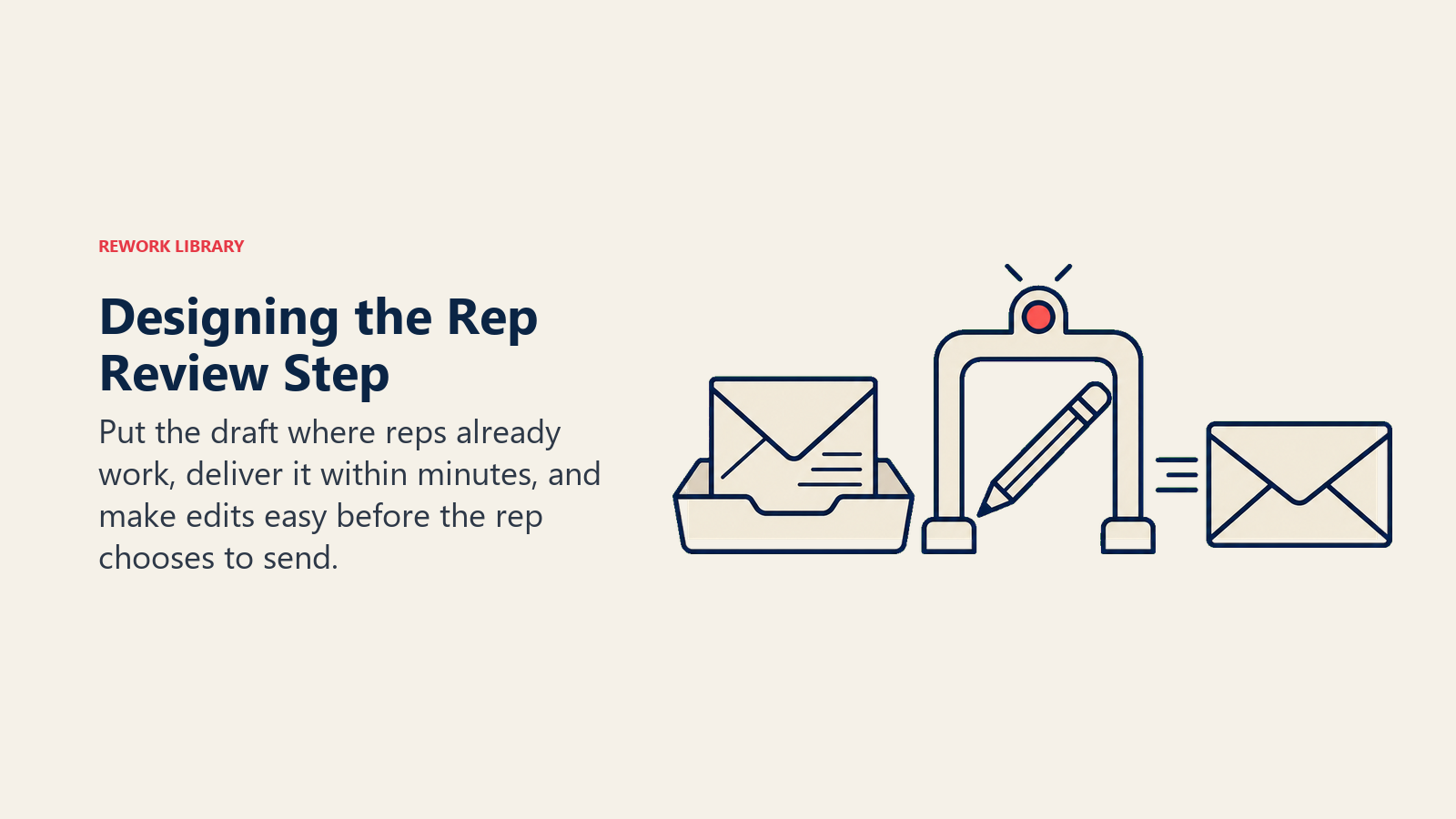
Der häufigste Implementierungsfehler: Den Entwurfs-Review reibungsintensiv zu gestalten. Ein Review-Schritt, der mehr als 5 Minuten dauert, wird übersprungen oder durchgepeitscht. Ein Review-Schritt, der das Navigieren zu einem neuen Tool erfordert, wird übersprungen. Ein Review-Schritt, bei dem der Entwurf 4 Stunden nach dem Anruf erscheint, wird übersprungen.
Designprinzipien für den Review-Schritt:
Nähe: Der Entwurf erscheint im primären Workflow des Reps. Wenn Reps in Salesforce arbeiten, erscheint der Entwurf dort. Wenn sie in Gmail arbeiten, erscheint er in Gmail. Jede zusätzliche Tool-Navigation reduziert die Abschlussrate um eine bedeutende Menge.
Unmittelbarkeit: Der Entwurf ist innerhalb von 5 Minuten nach Anrufende verfügbar. Reps sind in der ersten Stunde am stärksten mit dem Gesprächsinhalt engagiert. Je länger die Verzögerung, desto mehr fühlt sich der Entwurf vom Gespräch getrennt an.
Klare Bearbeitbarkeit: Der Rep sollte in der Lage sein, zu lesen, einen oder zwei Sätze zu bearbeiten und in unter 4 Minuten zu senden. Entwürfe, die wesentliches Umschreiben erfordern, haben entweder ein Qualitätsproblem oder ein Kontextproblem. Wenn Reps konsistent 15 Minuten mit der Bearbeitung verbringen, macht die KI ihren Job nicht.
Nicht verpflichtend: Reps, die das Gefühl haben, den KI-Entwurf verwenden zu müssen, verlieren Autonomie. Reps, die es als nützlichen Ausgangspunkt sehen, adoptieren es. Machen Sie es zur Standardoption, nicht zur einzigen Option.
Vom Anruf zum automatischen CRM-Update behandelt den vorgelagerten Schritt: Wie das Gesprächsprotokoll und die CRM-Notizen automatisch generiert werden, was die Eingabe für die Follow-up-Erstellung ermöglicht. Next Best Action für jeden offenen Deal zeigt, wie der Follow-up mit Deal-Fortschritts-Empfehlungen verbunden wird.
Den Workflow messen
Drei Kennzahlen sagen Ihnen, ob automatisch erstellte Follow-ups funktionieren:
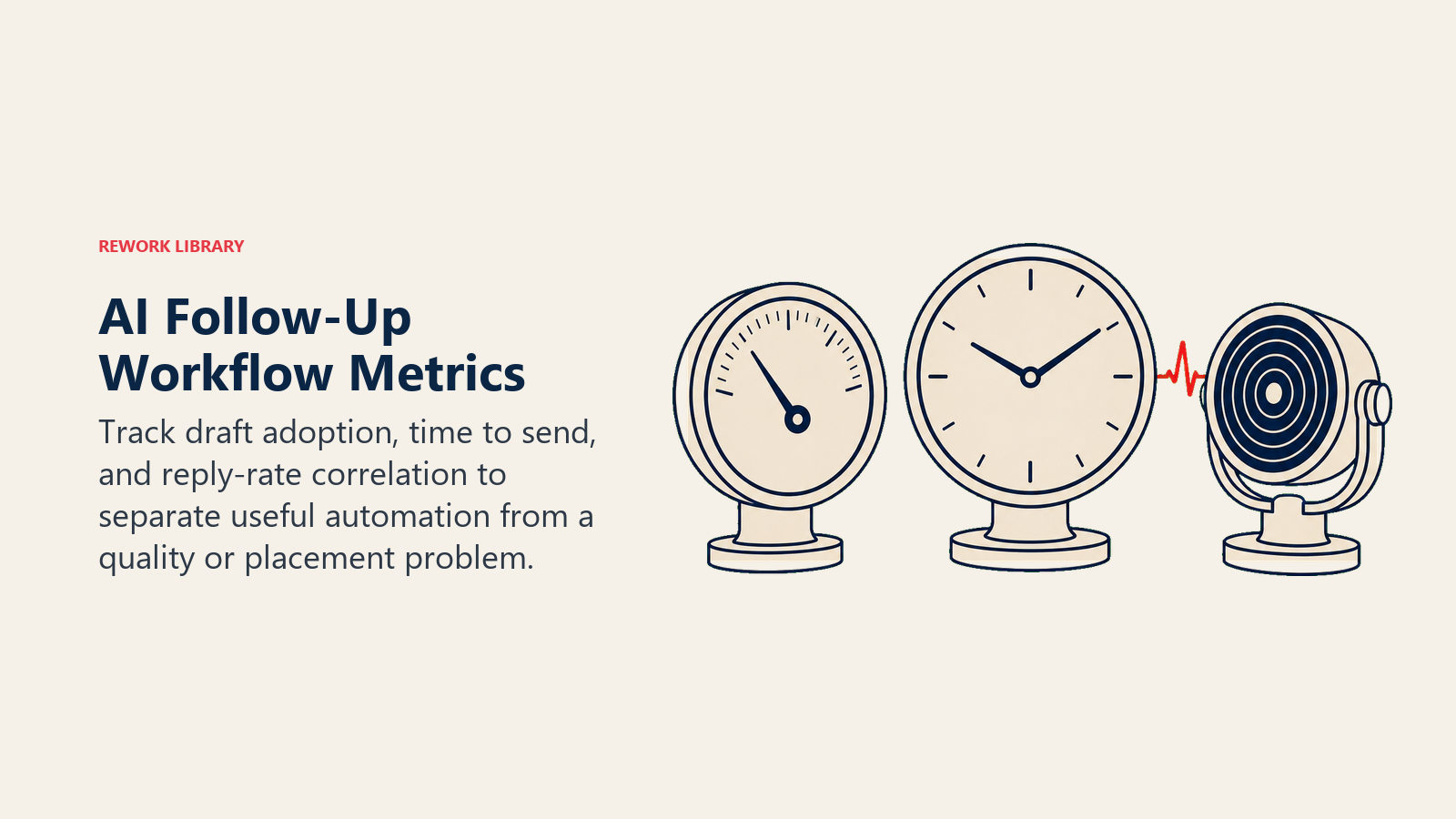
Draft-Adoptionsrate. Welcher Prozentsatz der Anrufe, bei denen ein Entwurf generiert wurde, führte dazu, dass der Rep eine erstellte E-Mail sendete (auch nach Bearbeitung)? Wenn die Adoption unter 50 % liegt, haben Sie ein Qualitätsproblem oder ein Platzierungsproblem. McKinseys Forschung zur B2B-Vertriebsperformance identifiziert promptes Follow-up und Multi-Stakeholder-Engagement als zwei der höchst-wirkungsvollen Verhaltensweisen, die Top-performende B2B-Vertriebsteams von Median-Performern unterscheiden.
Sendezeit. Durchschnittliche Zeit zwischen Anrufende und gesendeter Follow-up-E-Mail, vor und nach der KI-Entwurfs-Implementierung. Eine bedeutende Reduzierung dieser Kennzahl (idealerweise unter 2 Stunden) ist das primäre operative Ergebnis.
Antwortquoten-Korrelation. Haben Deals, bei denen Follow-ups innerhalb von 2 Stunden gesendet wurden, andere Konversionsraten als solche, die später gesendet wurden? Wenn ja, bestätigen Sie die Timing-Qualitäts-Verbindung und können den Fall für weitere Investitionen machen. Wenn nicht, ist das Follow-up-Timing nicht die einschränkende Variable, und etwas anderes im Workflow braucht Aufmerksamkeit.
Der Artikel zu KI-generiertem personalisiertem Outreach in großem Maßstab behandelt, wie dasselbe Workflow Copilot-Muster auf Outbound-Sequenzen angewendet wird. KI-generierte Quotes und Proposals behandelt die nächste Phase: wenn der Deal sich in Richtung Preisgestaltung bewegt und der Copilot bei der Angebotsgenerierung hilft.
Automatisch erstellte Follow-ups sind der schnellste Gewinn im Workflow Copilot-Muster. Geringes Governance-Risiko (der Rep prüft vor dem Senden), hohe Zeitersparnis (15 Minuten auf 3 Minuten) und ein messbares Ergebnis (Antwortquote, Sendezeit). Es ist auch ein risikoarmer Ort, um KI-unterstütztes Schreiben in ein Rep-Team einzuführen, das skeptisch ist. Fangen Sie hier an, bringen Sie die Adoption in Ordnung und erweitern Sie von dort. Aber der Failure-Modus, der selbst ein gut gestaltetes Follow-up-System zerstört, ist das Entfernen des Rep-Review-Schritts zu früh.
Rework-Analyse: In Rework-CRM-Deployments besteht die Standard-Follow-up-Entwurfs-Konfiguration (unter 250 Wörter, Action Items in einem separaten Durchgang extrahiert, Ton dem Anruf-Formalitätsgrad angepasst) den Senior-Rep Voice Test beim ersten Entwurf zu 70 % ohne Bearbeitung. Die 30 %, die Bearbeitung benötigen, dauern unter 3 Minuten. Das Nettoergebnis: Die durchschnittliche Zeit von Anrufende bis gesendeter Follow-up sinkt von 23 Minuten manuell auf 6 Minuten mit KI-Entwurf plus Review. Die 17-Minuten-Verbesserung potenziert sich über ein Team von 20 Reps, die täglich 4 Post-Call-Follow-ups durchführen, auf ungefähr 1.360 Stunden wiedergewonnener Rep-Zeit pro Monat.
| Follow-up-Ansatz | Sendezeit | Antwortquote | Entwurfsqualität |
|---|---|---|---|
| Manuell (Rep schreibt von Grund auf) | 15-20 Min. | Baseline | Variiert nach Rep-Erfahrung |
| Template-basiert | 3-5 Min. | -5 bis -10 % vs. manuell | Konsistent, aber generisch |
| KI-Entwurf, Rep-überprüft | 3-6 Min. | +10-20 % vs. Template | Nahezu manuelle Qualität |
| KI-Entwurf, ohne Rep-Review | Unter 1 Min. | Stark variierend | Halluzinationsrisiko |
Häufig gestellte Fragen
Wie viel schneller werden KI-erstellte Follow-up-E-Mails im Vergleich zu manuellen gesendet?
Manuelle Follow-up-E-Mails kosten die meisten Reps 15-20 Minuten pro Anruf. KI-Entwurf plus Rep-Review dauert 3-6 Minuten. Über ein Team von 20 Reps, die täglich 4 Post-Call-Follow-ups durchführen, beläuft sich die Zeitersparnis auf ungefähr 1.360 Stunden pro Monat für Vertriebsaktivitäten. Das wichtigere Ergebnis ist das Timing: KI-Entwürfe ermöglichen das Senden innerhalb von 2 Stunden nach einem Anruf, was höhere Antwortquoten erzeugt als E-Mails, die am nächsten Morgen gesendet werden, wenn das Gespräch nicht mehr frisch ist.
Was ist der Senior-Rep Voice Test für KI-generierte Follow-ups?
Der Senior-Rep Voice Test ist das Qualitätsgatter für KI-Follow-up-Entwürfe: Würde Ihr erfahrenster Rep, der diesen Entwurf liest, ohne zu wissen, dass er KI-generiert ist, erkennen, dass er speziell über diesen Anruf geschrieben wurde? Entwürfe, die bestehen, referenzieren zwei oder mehr spezifische Anrufthemen, enthalten klare Action Items mit benannten Verantwortlichen und entsprechen dem Formalitätsgrad der Beziehung. Entwürfe, die scheitern, sind entweder zu generisch (hätten vor dem Anruf geschrieben werden können) oder enthalten halluzinierte Fakten (referenzieren etwas, das der Käufer nie sagte). Scheiternde Entwürfe werden neu geschrieben, nicht überarbeitet, weil das Gerüst das Problem ist.
Was sind die häufigen Failure-Modi bei KI-generierten Follow-up-E-Mails?
Vier Failure-Modi treten konsistent auf: zu lang (KI-Standard ohne Wortzahlbegrenzung 400-500 Wörter, Behebung durch explizites 250-Wort-Limit), zu formell (Standard-LLM-Stimme passt nicht zu einer lockeren Rep-Käufer-Beziehung, Behebung durch Ton-Kalibrierung), fehlende Zusage (KI fasst Themen zusammen statt explizite Action Items zu extrahieren, Behebung durch separaten Zusagen-Extraktionsschritt) und halluzinierte Spezifika (KI fügt unbestätigte Fakten aus dem CRM-Kontext ein, Behebung durch Einschränkung auf ausschließlich aus dem Protokoll stammende Ausgaben).
Sollten Follow-up-E-Mails KI-generiert oder Template-basiert sein?
Templates eignen sich am besten für standardisierte Post-Demo-Follow-ups mit konsistenter Struktur, Content in regulierten Branchen und sehr hochvolumige Situationen, wo Konsistenz Personalisierung überwiegt. Generative Entwürfe eignen sich am besten für substanzielle Discovery-Anrufe mit variantenreichem Inhalt, komplexe Multi-Stakeholder-Deals und Situationen, bei denen Rep-Stimme und Rapport wichtig sind. Die meisten Teams landen auf einem Hybrid: Template-Struktur (Abschnitte, Überschriftstil) mit KI-generiertem Inhalt für jeden Abschnitt, der Formatkonsistenz mit anrufspezifischem Inhalt verbindet.
Wie handhabt man Multi-Stakeholder-Follow-ups mit KI?
KI kann Multi-Varianten-Follow-ups aus demselben Protokoll generieren: eine Version für den CFO mit Schwerpunkt auf ROI und Zeitplan, und eine Version für den VP IT mit Schwerpunkt auf Sicherheit und Integration. Der Rep prüft beide und sendet unabhängig. Diese Fähigkeit ist am wertvollsten für Enterprise-Deals mit 4+ Stakeholdern, bei denen jeder Kontakt materiell unterschiedliche Anliegen hat. Für die meisten Mid-Market-Deals ist ein einzelner Follow-up an den Hauptansprechpartner mit genug Details zum internen Teilen ausreichend und vermeidet den Aufwand der Verwaltung mehrerer paralleler Threads.
Welche Kennzahlen sollten verfolgt werden, um zu wissen, ob KI-Follow-up-Entwürfe funktionieren?
Verfolgen Sie drei Kennzahlen: Draft-Adoptionsrate (welcher Prozentsatz der generierten Entwürfe führte zu einer gesendeten E-Mail), Sendezeit (durchschnittliche Zeit von Anrufende bis gesendeter Follow-up, vor und nach der KI-Implementierung) und Antwortquoten-Korrelation (haben Deals mit innerhalb von 2 Stunden gesendeten Follow-ups höhere Konversionsraten). Wenn die Adoption unter 50 % liegt, haben Sie ein Qualitäts- oder Platzierungsproblem. Wenn die Sendezeit nicht signifikant sinkt, hat der Review-Schritt zu viel Reibung. Wenn sich die Antwortquote nicht verbessert, ist das Timing nicht die einschränkende Variable und etwas anderes im Workflow braucht Aufmerksamkeit.
Was als nächstes lesen
- Workflow Copilot: KI als gleichrangiger Assistent: das ACE-Muster hinter automatisch erstellten E-Mails und der gesamten kontinuierlichen Rep-Unterstützung
- Vom Anruf zum automatischen CRM-Update: der vorgelagerte Schritt, der das Protokoll für Follow-up-Entwürfe generiert
- Next Best Action für jeden offenen Deal: wie Follow-up-Empfehlungen mit Deal-Fortschritt verbunden werden
- KI-generierte Quotes und Proposals: der nächste Workflow Copilot-Schritt, wenn der Deal sich in Richtung Preisgestaltung bewegt

Co-Founder, Rework.com
On this page
- Was eine gute Follow-up-E-Mail enthalten sollte
- Wie KI den Follow-up generiert
- Guter Entwurf vs. schlechter Entwurf: ein direkter Vergleich
- Was Entwürfe fehlschlagen lässt und wie man es behebt
- Der Senior-Rep-Stimmen-Test
- Stimm- und Ton-Konsistenz
- Template vs. generativ: wann was verwenden
- Follow-ups mit mehreren Stakeholdern
- Den Rep-Review-Schritt gestalten
- Den Workflow messen
- Was als nächstes lesen