ClickUp vs Airtable: Which Fits the Work You Actually Have in 2026?
Turn this article into takeaways for your work.


Each assistant summarizes the article only for you and suggests best practices for your work.
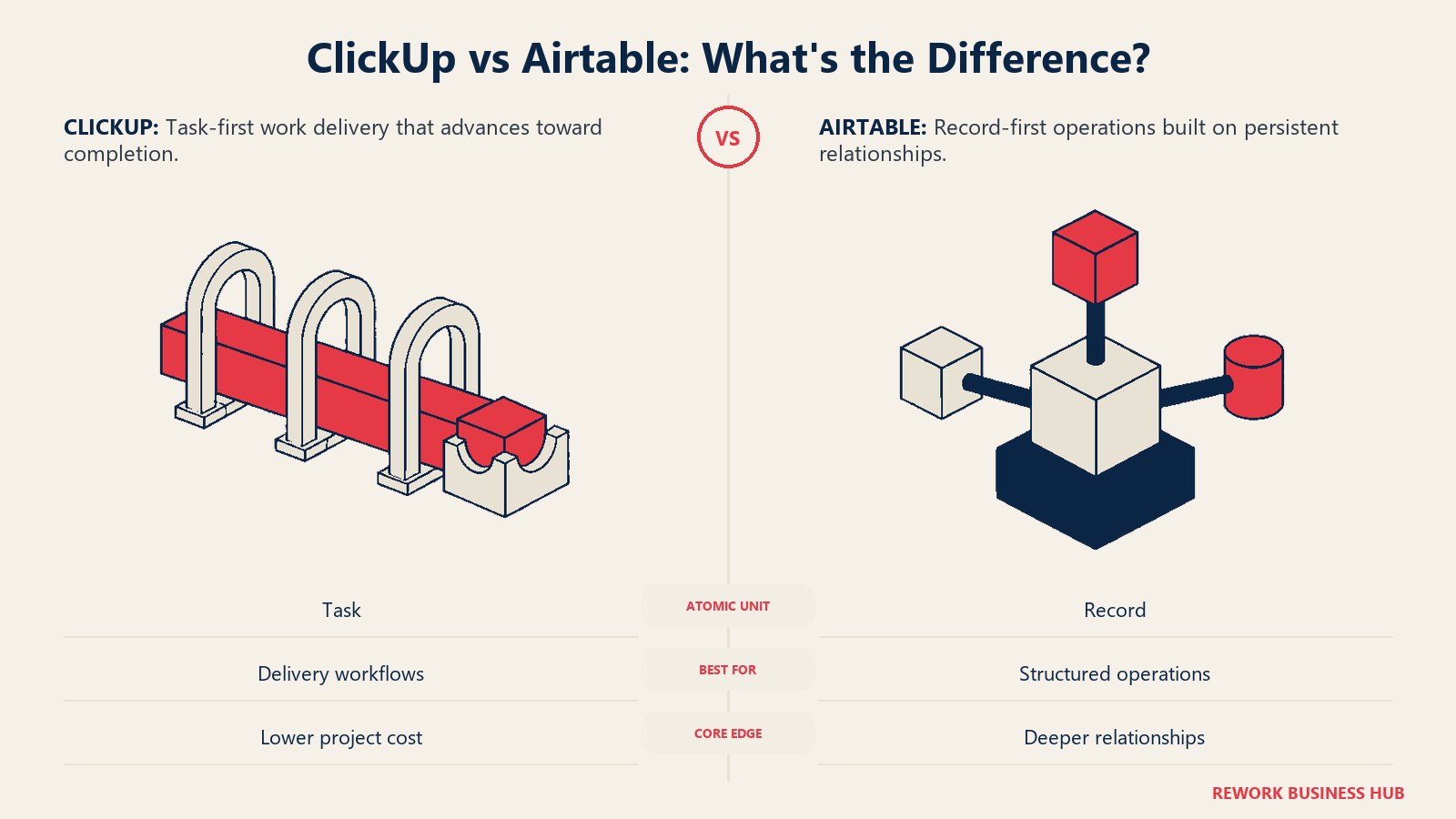
Search "ClickUp vs Airtable" and most of what comes back scores both tools on the same feature grid, as if the winner is whichever one checks more boxes. That's the wrong lens, and it's why teams keep picking one, living with it for a year, and then quietly re-litigating the choice. ClickUp and Airtable aren't two flavors of the same product. They start from a different answer to a question nobody asks out loud: what is the basic unit of work here?
ClickUp starts from the task. A project, a sprint, a client deliverable, a hiring requisition: eventually it all collapses into a task, something with a status, an assignee, and a due date, that moves through a workflow and gets marked done. Airtable starts from the record. A row of typed fields that other rows point at, that doesn't complete so much as sit there being accurate: a piece of inventory, a job applicant, a line in a content calendar. Airtable ships kanban boards, calendars, and timelines too, which is exactly why it gets mistaken for a project tool at a glance. It's a relational database wearing a project-tool costume. Take the costume off and underneath is still a row, not a task.
Here's the test that settles it before you sign anything. Pull up the thing you actually need to track and ask what happens to it once the work is finished. If the honest answer is "it gets marked complete and disappears into a done column," you have a task. If the honest answer is "nothing happens to it, it just keeps sitting there because six other records still point at it," you have a record. This article compares ClickUp and Airtable for the 20-to-500-person teams making that call: real pricing at 10, 25, and 100 seats, the ceilings that bite before the invoice does, and an honest case for each one winning.
TL;DR
| ClickUp | Airtable | |
|---|---|---|
| What it actually is | A task and project platform that added a database-style Table view | A relational database that added project-style views (kanban, calendar, timeline) |
| The atomic unit | A task: status, assignee, due date, moves through a workflow | A record: a row of typed fields other rows can point at |
| Cheapest paid tier | Unlimited, $7/user/month billed annually ($10 billed monthly) | Team, $20/seat/month billed annually ($24 billed monthly) |
| Free plan | Yes, capped at 60MB storage and 100 automation executions/month | Yes, capped at 1,000 records per base |
| Field / custom field types | 17 documented in ClickUp's API, plus a separate Relationship field | 28 field types, including independent Lookup, Rollup, and Count fields |
| Formula fields | Read only fields on the same task, confirmed open limitation | Can reference any field in the base, including Lookups and Rollups |
| Published capacity ceiling | Lists/Space, storage, and automations published; total task cap is not | Records per base, storage, automations, and API calls are all published |
| Guest access | Free seats included per plan, but overflow silently adds a paid seat | Read-only unbilled on paid plans; commenters billable on Team, free on Business |
| Best for | Teams whose work is tasks people complete | Teams whose work is structured records with relationships |
The Real Test: Is It a Task or a Record?
Most teams never ask the test in that plain a form, so they answer it by habit instead. Whichever tool the last hire happened to know becomes the system of record by accident, which is fine at five people and stops being fine somewhere around hire 30, when the tool that was "close enough" starts generating workarounds nobody remembers agreeing to.
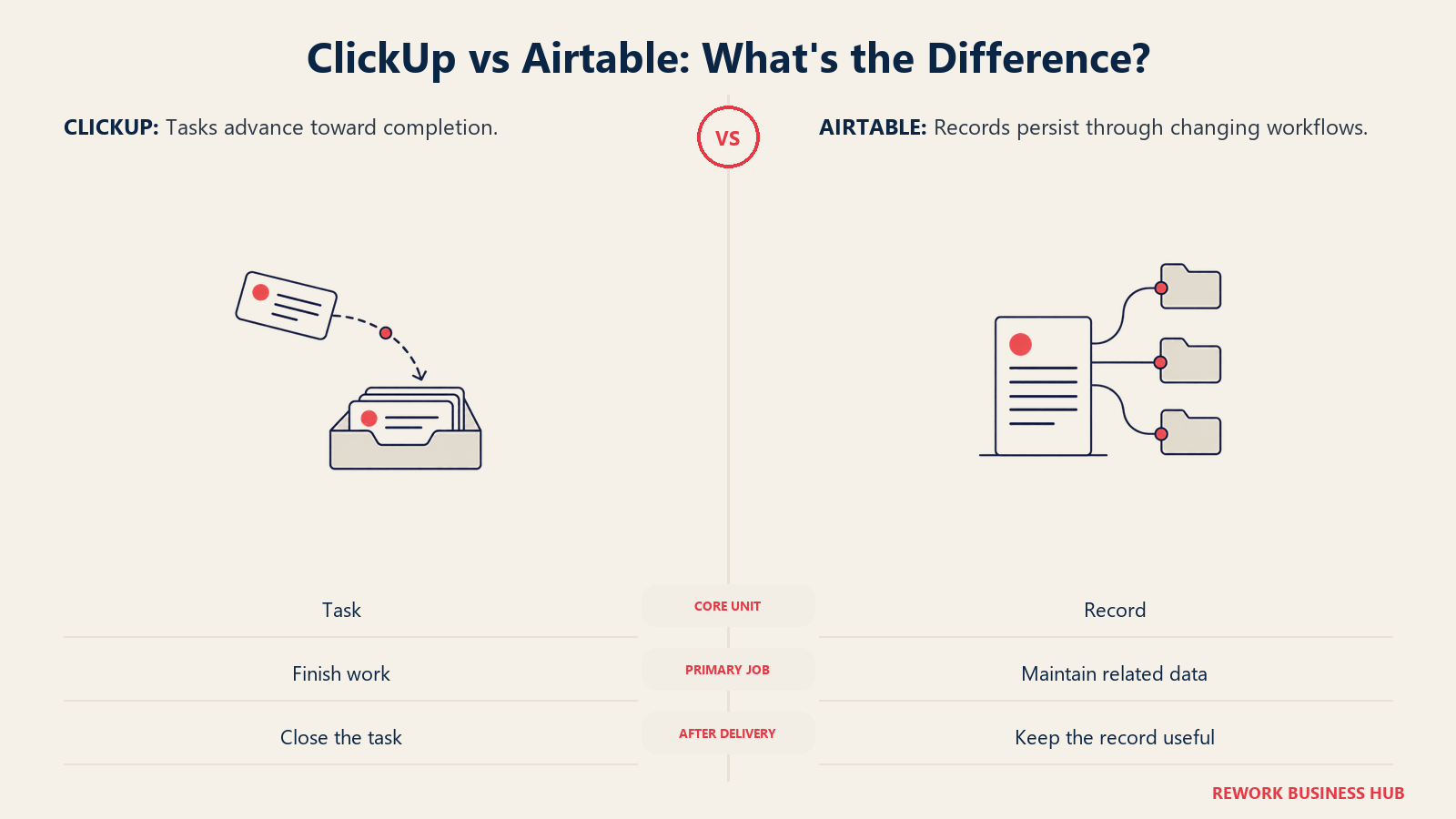
Run it against your own work. A content calendar is a set of records: each piece has a status, sure, but the point is the relationships, which writer, which campaign, which channel, and a rollup that sums pieces per campaign. That's Airtable's shape. A sprint board is a set of tasks: each story has a status too, but the point is that it moves left to right and lands in Done, and nobody needs to query "every story that touched campaign X" a year later. That's ClickUp's shape.
Applicant tracking, equipment inventory, and vendor contracts read like Airtable because the record outlives the process, a candidate rejected in March might get reconsidered in September, and it needs to still be there, correct, and searchable. Client onboarding and IT ticket queues read like ClickUp because the point is throughput: close it, start the next one. If your honest answer is "some of both," that's the majority case, and the FAQ below covers when running both is the right call instead of a failure to choose. And if your actual tension is documents versus database rather than tasks versus database, Notion vs Airtable is the more relevant version of this question. There's a third combination too: if the record turns out not to matter at all and the real tension is tasks versus documents, ClickUp vs Notion runs that comparison directly, ClickUp's task graph against Notion's page-first model.
What Each Tool Is Actually Built For
| ClickUp | Airtable | |
|---|---|---|
| Primary buyer | Ops manager, PM, or team lead consolidating tools | Ops manager, marketing ops lead, RevOps, program manager |
| Team size sweet spot | 5 to 300 | 5 to 150 |
| Core job | Run projects, sprints, and recurring work end to end | Hold structured operational data with real relationships |
| Buying trigger | Tasks scattered across email, chat, and spreadsheets | A spreadsheet broke, or two teams keep editing different copies |
| Typical failure mode | Treating ClickUp as a database and hitting the cross-task formula wall | Treating Airtable as a project tool and fighting the seat and record math |
Neither buyer is wrong; they showed up with a different problem. If the real question is ClickUp against the broader project management field rather than Airtable specifically, the best project management software roundup widens the field.
monday.com is a useful third data point on this same spectrum: process-first with board and column relationships bolted on after the fact, rather than Airtable's relational core or ClickUp's task hierarchy. ClickUp vs monday.com and Airtable vs monday.com each measure it against the two tools compared here.
Decision by Business Goal
| Business goal | Best fit |
|---|---|
| Get a team of doers to actually finish tasks on time, visibly | ClickUp |
| Build one source of truth for structured data with real relationships | Airtable |
| Run sprints, content production, or client delivery as a workflow | ClickUp |
| Track inventory, an applicant pipeline, or a content library as a dataset | Airtable |
| Consolidate docs, chat, whiteboards, and tasks into one subscription | ClickUp |
| Give non-editors a permissioned screen into the data, not the raw table | Airtable, via Interface Designer |
| Keep the total software bill down at 50 or more seats | ClickUp |
| Need every ceiling written down before you sign, not discovered later | Airtable |
Key Facts
- ClickUp's cheapest paid plan is $7 per user per month billed annually; Airtable's is $20 per seat per month, nearly three times the price. (ClickUp pricing, Airtable pricing)
- Airtable's documentation lists 28 field types, including three independent relational fields (Lookup, Rollup, Count); ClickUp's API documents 17 custom field types plus a separate Relationship feature for linking tasks. (Airtable field types, ClickUp custom fields)
- ClickUp's own feature request board confirms Formula fields cannot reference other tasks: "Formula Fields can only pull in variables from the task they're on," a request open with 90 votes as of August 2026. (ClickUp feedback board)
- Airtable caps records per base at 1,000 on Free, 50,000 on Team, and 125,000 on Business; ClickUp caps total tasks per workspace by plan but doesn't publish the exact figure on its pricing page. (Airtable plans overview, ClickUp pricing)
- Airtable meters automation runs at 100/month on Free, 25,000 on Team, and 100,000 on Business; ClickUp meters executions at 100/month on Free, 1,000 on Unlimited, and 5,000 on Business. (Airtable automations, ClickUp pricing)
Data Model: What a Field Can Actually Hold
Field types are the vocabulary your data gets to use, and you inherit that vocabulary for as long as you stay. ClickUp's API documents 17 custom field types: URL, Dropdown, Labels, Email, Phone, Date, Short Text, Text, Checkbox, Number, Currency, Tasks (linking without a full relationship), Users, Emoji rating, Automatic Progress, Manual Progress, and Location, per ClickUp's developer documentation. Its own marketing for Table view separately claims "15+" field types inside the view builder, close enough to describe the same set. What's missing next to Airtable: no independent Lookup, Count, or Rollup field, no Barcode, no Autonumber, no Button, and no Duration.
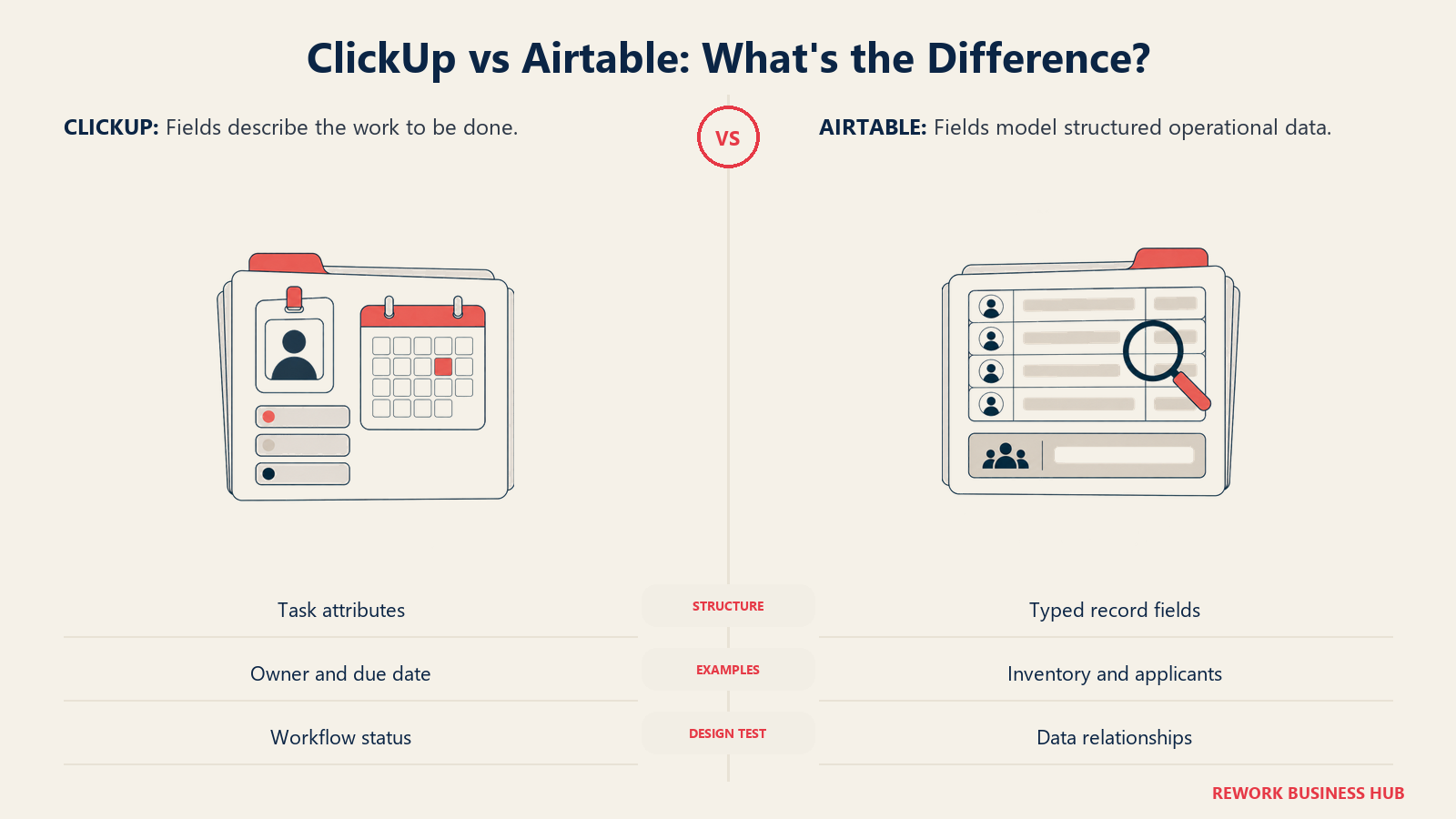
Airtable's list runs to 28: Attachment, Autonumber, Barcode, Button, Checkbox, Count, Created time, Created by, Currency, Date and time, Duration, Email, Formula, Last modified by, Last modified time, Linked record, Long text, Lookup, Multiple select, Number, Percent, Phone number, Rating, Rollup, Single line text, Single select, URL, and User, per Airtable's field type documentation. The count isn't really the story. The story is that Lookup, Rollup, and Count are three separate, independent fields, each of which can itself be referenced by a Formula or another Rollup, so a relationship chain can be modeled several hops deep.
| Data model capability | ClickUp | Airtable |
|---|---|---|
| Total documented field types | 17 API, 15+ in Table view marketing | 28 |
| Pull a value from a linked item | Rollup field, requires a Relationship first | Dedicated Lookup field |
| Count or aggregate linked items | Rollup field (sum, average, min, max, count) | Dedicated Count and Rollup fields |
| Currency, Percent, Duration as native types | Currency yes, Percent and Duration not listed | Native types for all three |
| Record body | Task description, comments, subtasks, attached Docs | Long text field, expanded record panel |
Relational Depth: Where ClickUp's Chain Breaks
Both tools can link two records together. That parity claim is where a lot of comparisons stop, and it's exactly where the real difference starts. ClickUp's Relationship field links tasks two ways, any task in the workspace, or tasks between two specific Lists, per ClickUp's Relationships documentation. Once linked, a Rollup field can sum, average, or count values from those tasks. The chain runs out fast, though: rollups auto-populate from subtasks to a parent for exactly two built-in fields, Time Estimate and Time Tracked. Every other custom field only rolls up if you've explicitly wired a Relationship first, and general subtask-to-parent rollups for arbitrary fields remain an open request on ClickUp's own feedback board.
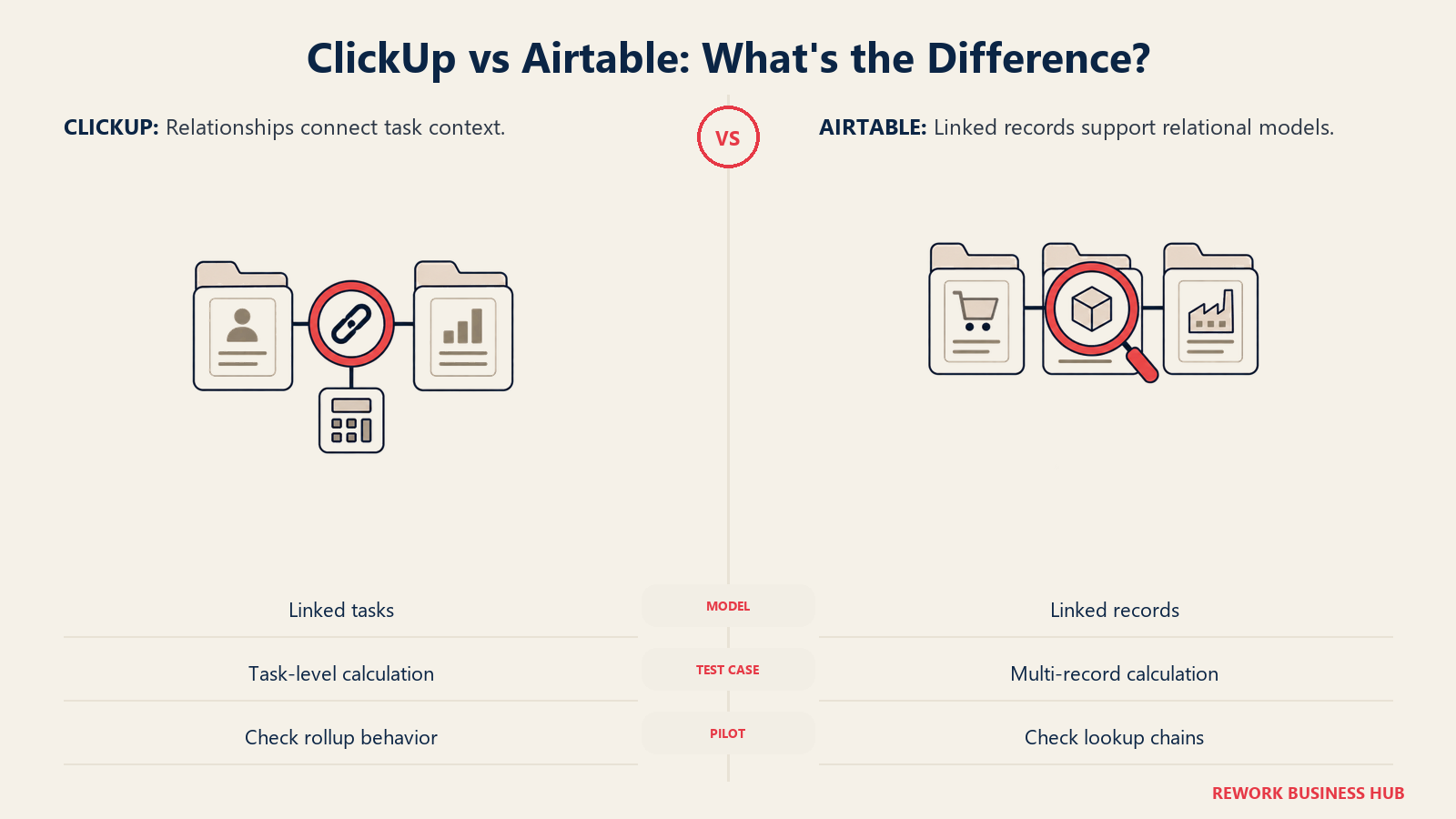
Formula fields compound the limit. They can reference other Formula, Number, Date, and Rollup fields, but only on the same task. ClickUp's feedback board confirms the wall directly, in a request with 90 votes as of August 2026: "Formula Fields can only pull in variables from the task they're on. It would be liberating if there was the ability to use Variables from other Tasks and Lists," per the original requester. Airtable splits the same job into three independent fields instead of one, so a chain, orders containing line items that reference products that reference suppliers, can compute a number two or three hops away without a workaround.
| Relational capability | ClickUp | Airtable |
|---|---|---|
| Aggregate linked values | Rollup field, via a Relationship only | Rollup, plus separate Lookup and Count fields |
| Auto-rollup from subtasks, no Relationship needed | Time Estimate and Time Tracked only | Not applicable; records don't nest this way |
| Formula references another record's field | Not supported, confirmed open feature request | Supported, formulas can reference Lookups and Rollups |
| Aggregate across two relationship hops | No supported path | Model it with intermediate Lookup/Rollup fields |
If your model is one hop deep, both tools handle it about as well. Two hops deep, or a formula that needs to reach into a related record's field, is where ClickUp turns into a number somebody updates by hand, quietly, until it's wrong.
Views and the App Layer
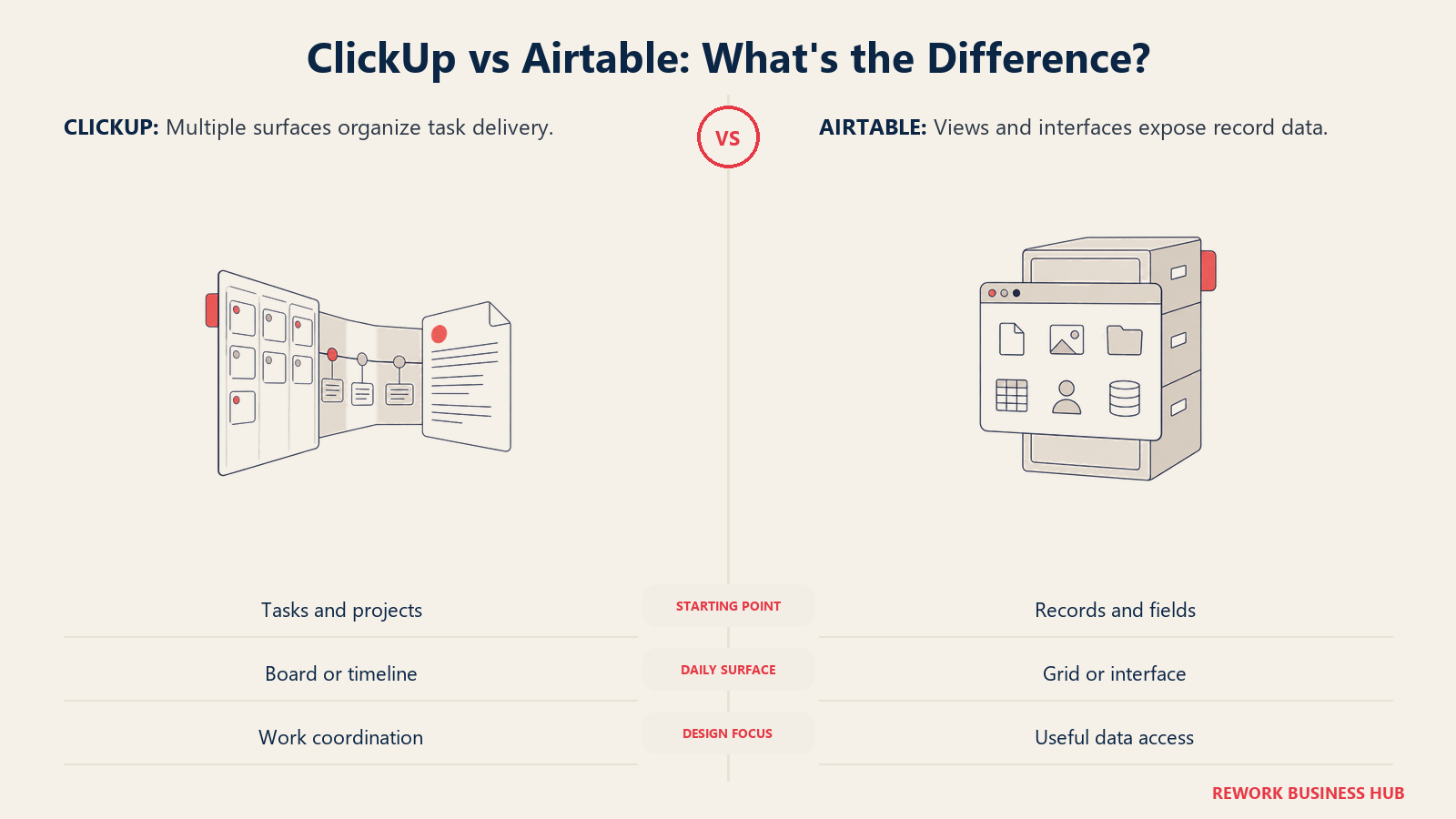
ClickUp ships 15 or more ways to look at a workspace: List, Board, Calendar, Gantt, Table, Timeline, Workload, Box, Activity, Mind Map, Map, Docs, Chat, Whiteboards, and Forms, per ClickUp's views page. Table view is marketed as building "lightning-fast spreadsheets and powerful visual databases," with relationship linking between tasks, a real database-flavored surface bolted onto a task platform. Airtable's list is shorter because it isn't also a docs tool and a chat app: grid, form, calendar, gallery, kanban, and, on Team and above, timeline and Gantt. What Airtable has that ClickUp doesn't is Interface Designer, a layer above the views that builds a purpose-shaped, permissioned screen for people who shouldn't touch the schema, available Team and above.
| View or surface | ClickUp | Airtable |
|---|---|---|
| Gantt and Timeline | Yes, all plans | Team and above |
| Workload, Mind Map, Whiteboard | Yes, native | Not available |
| Docs and team chat | Yes, native, same subscription | Not available |
| Permissioned app layer for non-editors | Not a distinct feature | Interface Designer, Team and above |
Limits and Ceilings: What Bites Before Seat Cost Does
This is the section worth reading twice, because the number that actually forces an upgrade is rarely the seat count. Airtable tells you the ceiling in writing on the pricing page: 1,000 records per base on Free, 50,000 on Team, 125,000 on Business. Hit it and new records stop saving; existing data isn't deleted, but the base locks for new rows. An import of two years of historical data can hit that wall while the team is still too small to be discussing more seats. Automation runs work the same way: one rule that fires on every update in a 40,000-row base can burn a monthly allowance in days, and the fix is a per-seat plan upgrade whether or not you need more seats.
ClickUp's ceilings are shaped differently. Lists per Space, Folders per Space, and storage are all published (Free: 40 Lists, 60MB storage; Unlimited: 200 Lists, unlimited storage; Business: 400 Lists; Enterprise: 1,000 Lists). What's not published anywhere on ClickUp's pricing page is a total task count. ClickUp does cap the number of tasks a workspace can hold, tied to plan, but unlike Airtable's record caps, the figure isn't listed next to the plan the way Lists and automation runs are. For task-shaped teams that ceiling rarely becomes visible. For a team trying to run Table view as an actual database of thousands of records, it's worth asking ClickUp support directly, since it won't show up on the page you're pricing from.
| Ceiling | ClickUp | Airtable |
|---|---|---|
| Records / tasks per workspace | Capped by plan, exact figure not published | 1,000 Free, 50,000 Team, 125,000 Business |
| Storage / attachments | 60MB Free, unlimited from Unlimited | 1GB / 20GB / 100GB per base |
| Automation runs / month | 100 / 1,000 / 5,000 / 250,000 | 100 / 25,000 / 100,000 / 500,000 |
| How you find out | Usually inside the product, mid-use | In advance, on the pricing page |
Automation
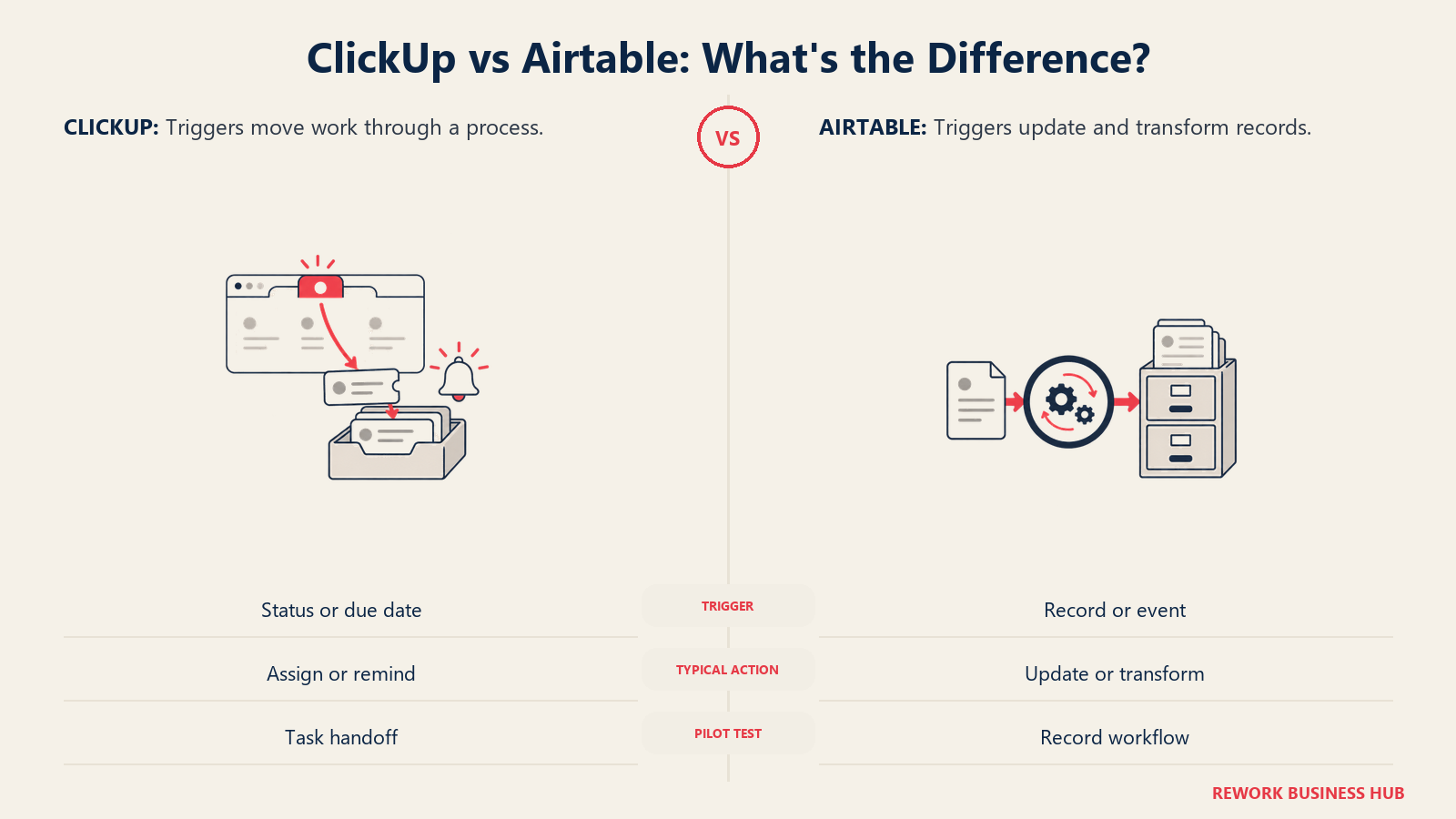
ClickUp Automations run on triggers like status change, due date, and assignee change, feeding actions like reassignment, comments, and integration pings. Active rule limits scale by plan (5 Free, 500 Unlimited, unlimited Business and Enterprise), but the real ceiling is the monthly execution count above. Airtable adds nine trigger types, including webhook received and button clicked, plus a "Run a script" action that executes JavaScript, unavailable on Free but live on every paid tier, closer to a small application backend than a simple rule.
| Automation capability | ClickUp | Airtable |
|---|---|---|
| Custom code / scripting action | Not a native automation action | Yes, "Run a script," not on Free |
| Webhook trigger | Yes | Yes, inbound and outbound |
| Where it's used most | Status changes, assignments, reminders | Data transformation, syncing, record workflows |
Guests, Permissions, and Who Gets Billed
ClickUp's guest policy sounds generous until the fine print. Free workspaces can add unlimited guests at no charge, but only with full access; there's no view-only tier on Free. Unlimited includes 5 free guest seats for the first paid member plus 2 more per additional member; Business includes 10 plus 5 more per member, per ClickUp's pricing page. The catch: once that allocation runs out and you invite another guest who needs real permissions, ClickUp adds a paid member seat automatically, per ClickUp's guest and role documentation. A contractor added mid-month past the free allocation can become a line item nobody approved.
Airtable prices non-editor access more predictably: read-only collaborators are never billed on paid plans. Commenters are billable on Team and unbilled on Business, so upgrading tiers can lower your total bill if enough of the audience only comments.
| Access type | ClickUp | Airtable |
|---|---|---|
| Read-only / view-only access | Free plan requires full access; paid plans include limited guest seats | Free on every paid plan, unlimited |
| Commenter access | Counts against the guest allocation | Billable on Team, free on Business |
| Past the allocation | A paid member seat is added automatically | Nothing changes, read-only stays free |
Team and Role Fit
| Team | ClickUp | Airtable |
|---|---|---|
| Project / Program Management | Native home turf: Gantt, dependencies, workload | Workable via a linked tasks table, not purpose-built |
| Operations | Recurring process tasks and approvals via automation | The underlying data: vendors, assets, contracts |
| Marketing | Campaign tasks and content production as a workflow | Campaign, asset, and budget data as a relational model |
| Executives / non-editors | Dashboards on Business tier | Interface Designer screens, permissioned |
Pricing at 10, 25, and 100 Seats
Both vendors publish pricing, which is more than can be said for a lot of this category. Here's what's actually on each page.
| Plan | Billed annually | Billed monthly | Notable |
|---|---|---|---|
| ClickUp Free Forever | $0 | $0 | 60MB storage, 5 Spaces, full-access-only guests |
| ClickUp Unlimited | $7/user/mo | $10/user/mo | Unlimited storage, 500 automation rules |
| ClickUp Business | $12/user/mo | $19/user/mo | Unlimited rules, Google SSO, unlimited dashboards |
| Airtable Free | $0 | $0 | 1,000 records/base, 1GB attachments |
| Airtable Team | $20/seat/mo | $24/seat/mo | 50,000 records/base, commenters billable |
| Airtable Business | $45/seat/mo | $54/seat/mo | 125,000 records/base, SAML SSO, commenters free |
Sources: ClickUp pricing and Airtable pricing.
| Seats | ClickUp Unlimited | ClickUp Business | Airtable Team | Airtable Business |
|---|---|---|---|---|
| 10 | $840 | $1,440 | $2,400 | $5,400 |
| 25 | $2,100 | $3,600 | $6,000 | $13,500 |
| 100 | $8,400 | $14,400 | $24,000 | $54,000 |
Every figure is the published annual per-seat rate times 12 months times seat count. At 100 seats, ClickUp Business runs $14,400 a year against Airtable Business at $54,000, a $39,600 gap. That gap is real but it's the wrong number to decide on alone: a team that picks ClickUp for the price and then tries to run a 60,000-row inventory through Table view will spend more time fighting the rollup and formula limits than the savings were worth. If AI matters to the decision, ClickUp's Brain add-on runs $9/user/month annually for the base tier or $28 for the "Everything" tier, on top of the platform seat; Airtable's Omni credits are bundled into the seat instead, per ClickUp's pricing page.
Implementation and Change Management
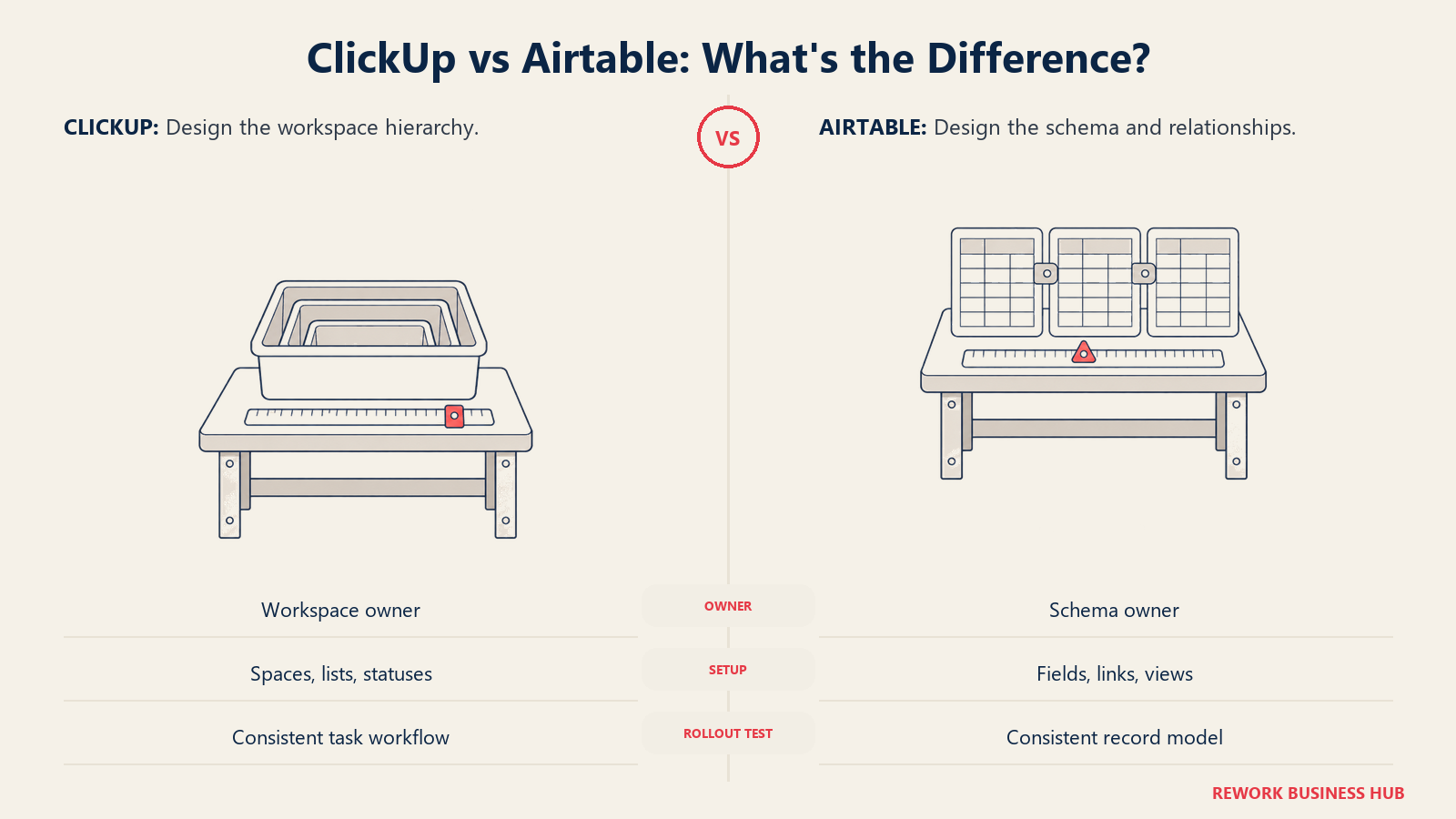
ClickUp's onboarding cost lives in its hierarchy: Workspace, Space, Folder, List, Task, Subtask, each with its own statuses and permissions. A 10-person team can be creating tasks the same afternoon; a 100-person rollout that skips designing that hierarchy first tends to end up with five status-naming conventions and a search function nobody trusts. Airtable's cost is narrower but deeper: someone has to own the schema, field types, linked-record structure, and view permissions, decisions made once and lived with, though daily use is close to zero-training for anyone who's used a spreadsheet. Moving a mature ClickUp workspace into Airtable means rebuilding a workflow as a data model; the reverse means flattening a data model into a workflow, and neither is a weekend project once real usage has accumulated.
Risk and Governance
| Governance factor | ClickUp | Airtable |
|---|---|---|
| SSO | Google SSO on Business; full custom SAML on Enterprise only | SAML SSO on Business and Enterprise Scale |
| Field or record-level visibility | Guest permission levels, not per-field | Hiding a field in a view is a display choice, not security |
| Billing governance risk | Guest-to-paid-seat auto-conversion can add unplanned seats | Automation overages force a tier upgrade, not a per-run charge |
| Ceiling visibility for planning | Most limits published except the total task cap | All numeric ceilings published on the pricing page |
Neither vendor states SOC 2, HIPAA, or FedRAMP claims specifically enough on its pricing page to repeat here; get compliance commitments in writing rather than assuming an Enterprise tier covers them.
When ClickUp Is the Right Call
- Your work is genuinely task-shaped: sprints, client delivery checklists, recurring processes that need a status and an owner, not a permanent record
- You want docs, chat, whiteboards, and tasks under one subscription instead of stitching four tools together
- Budget matters at scale; ClickUp's per-seat price runs roughly a third of Airtable's at every published tier
- Your team needs Gantt, workload, and dependency views without paying for a higher tier to unlock them
- You're consolidating a messier stack and want fewer logins, not more relational depth
When Airtable Is the Right Call
- Your records are the thing itself: inventory, applicants, vendors, or a content library other records depend on
- You need a value computed two relationship hops away; ClickUp's formula fields can't reach across tasks, confirmed by its own open feature request
- Non-editors need a purpose-built, permissioned screen; Interface Designer has no ClickUp equivalent
- You want every ceiling written down before you commit budget, not discovered mid-use
- Your reading audience outnumbers your editing audience; unbilled read-only access can make the real cost lower than the sticker price
Decision Framework
| If this is you | Pick |
|---|---|
| Your team finishes things and moves on; the record doesn't need to outlive the task | ClickUp |
| Other records need to point at this one, today and a year from now | Airtable |
| You need a number computed two relationship hops away | Airtable |
| You want docs, chat, and tasks in one subscription for under $10 a seat | ClickUp |
| Non-editors need a permissioned screen, not raw table access | Airtable |
| Budget is the deciding constraint at 50 or more seats | ClickUp |
| You're past Airtable's record ceiling but still need the relational model | See best Airtable alternatives |
| ClickUp's hierarchy got heavy and onboarding is dragging | See best ClickUp alternatives |
What to Do Next
- Run the test on your own work first. Pick the thing your team argues about most and ask what happens to it when it's "done." That answer decides more of this than any feature row.
- Price the tier you'll actually land on, not the entry tier. Most operational Airtable use lands on Business once automations and record counts grow; most ClickUp rollouts past 20 people land on Business for SSO and unlimited automation rules.
- Count your read-only audience before pricing seats. If a third of headcount only needs to view dashboards, Airtable's unbilled read-only seats change the math more than the tier choice does.
- Still choosing between structured-data tools? Airtable vs SmartSuite and the best no-code database software roundup cover the wider field. If the real gap is an app your non-editors log into, the best no-code app builders guide covers that adjacent category, and how to choose project management software or how to choose no-code database software is the place to start if you're earlier in the process.
Frequently Asked Questions about ClickUp vs Airtable
Is ClickUp or Airtable cheaper?
ClickUp, by a wide margin. Its cheapest paid plan is $7 per user per month billed annually against Airtable's $20 per seat, so a 25-person team pays $2,100 a year on ClickUp Unlimited versus $6,000 on Airtable Team. The gap holds at every tier: ClickUp Business runs $12 per user against Airtable Business at $45.
Can ClickUp replace Airtable as a database?
For simple, one-hop relationships, yes, ClickUp's Relationship and Rollup fields can link tasks and sum or count values across them. It can't match deeper modeling: Formula fields only read data from the same task, confirmed by ClickUp's own open feature request for cross-task formulas, and there's no independent Lookup or Count field the way Airtable has.
Can Airtable replace ClickUp as a project management tool?
For lightweight task tracking, yes. It has no native Gantt on Free or Team, no workload view, no docs or team chat, and no dependency-aware scheduling. Teams running real sprints or cross-team delivery typically find Airtable's project views too shallow past a certain size.
Does ClickUp have a record limit like Airtable's?
ClickUp caps the total tasks a workspace can hold, tied to plan, but unlike Airtable it doesn't publish the exact number on its pricing page. Airtable publishes hard caps: 1,000 records per base on Free, 50,000 on Team, and 125,000 on Business.
Which one is easier for a non-technical team to learn?
ClickUp for pure task tracking; Airtable for pure data entry. ClickUp's learning curve comes from its hierarchy and breadth of views, which needs deliberate setup. Airtable looks like a spreadsheet, so basic use is intuitive, but designing the relational structure behind it is a skill someone has to own.
Can I use ClickUp and Airtable together?
Yes, and plenty of ops teams do, running task execution through ClickUp while structured reference data lives in Airtable, connected by a sync or a shared ID field. Decide up front which one is the source of truth, since duplicating data in both is where this setup usually breaks down.
Related Resources:

Customer Success Operations Manager
On this page
- TL;DR
- The Real Test: Is It a Task or a Record?
- What Each Tool Is Actually Built For
- Decision by Business Goal
- Key Facts
- Data Model: What a Field Can Actually Hold
- Relational Depth: Where ClickUp's Chain Breaks
- Views and the App Layer
- Limits and Ceilings: What Bites Before Seat Cost Does
- Automation
- Guests, Permissions, and Who Gets Billed
- Team and Role Fit
- Pricing at 10, 25, and 100 Seats
- Implementation and Change Management
- Risk and Governance
- When ClickUp Is the Right Call
- When Airtable Is the Right Call
- Decision Framework
- What to Do Next