Best Product Management Software in 2026: 13 Tools for Roadmaps, Discovery and Feedback
Turn this article into takeaways for your work.


Each assistant summarizes the article only for you and suggests best practices for your work.
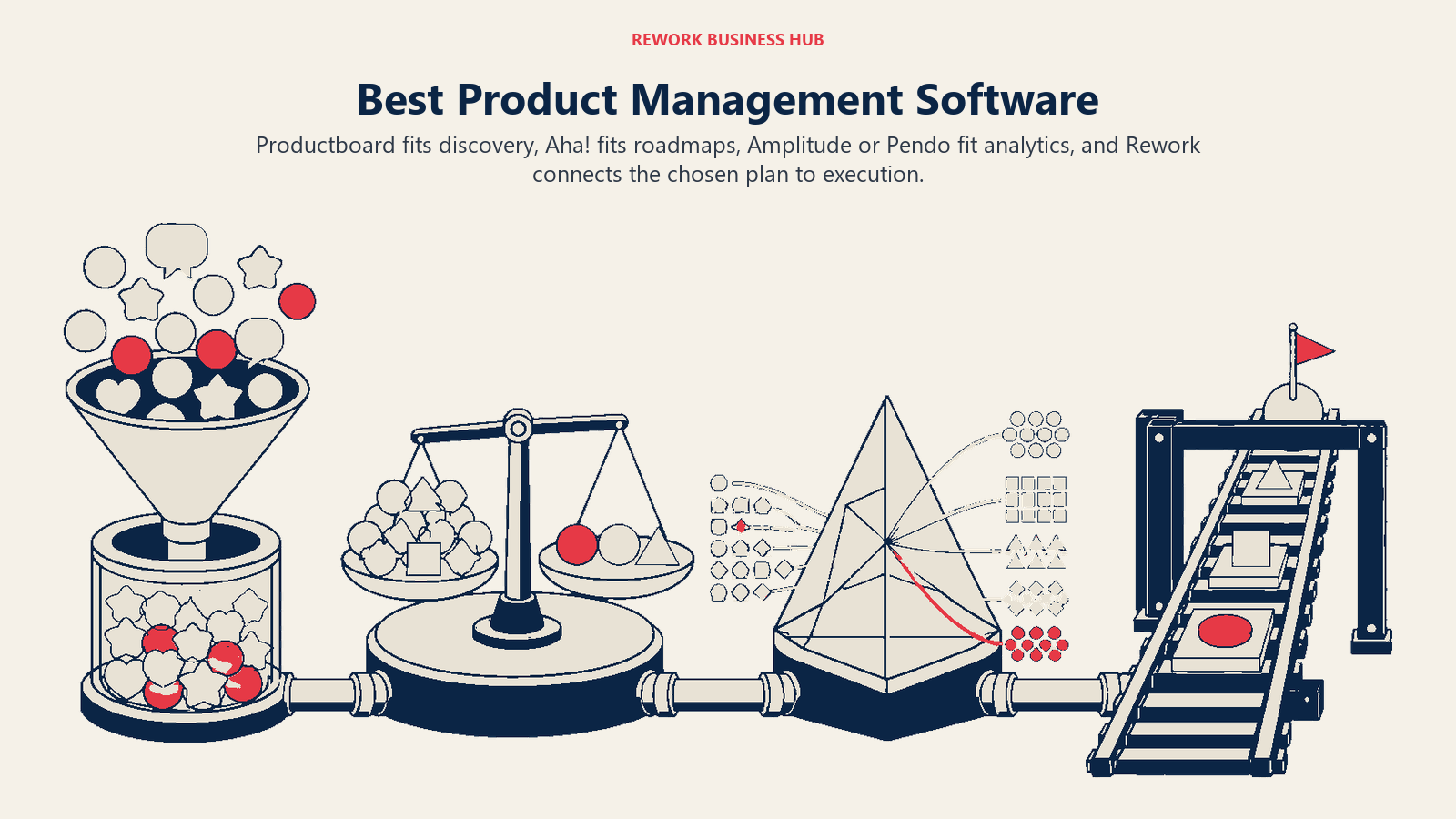
Most "product management software" searches assume there's one category to shop. There isn't. A tool that captures customer feedback and links it to a feature (Productboard, Canny) does a different job than a tool that turns a prioritized backlog into a stakeholder-ready roadmap (Aha!, airfocus, Roadmunk), which does a different job again from a tool that tells you whether the feature actually got used once it shipped (Amplitude, Pendo). Buyers who shop for "the best PM tool" end up comparing an analytics platform against a roadmapping tool and wondering why neither one feels complete.
This guide covers 13 tools across all three markets, plus the general work platforms product teams end up buying anyway once the roadmap has to connect to real cross-team execution.
Key Facts
- Only 6.4% of shipped features drive 80% of product clicks in the median product, and even best-in-class products only reach 15.6% feature adoption, roughly 2.5x the median (source: Pendo Product Benchmarks, aggregated across 6,800 Pendo customers).
- More than 60% of prioritization frameworks get overridden by leadership escalations, according to ProductPlan's 2026 State of Product Management report, a survey of roughly 250 product leaders (source: ProductPlan, The State of Product Management Report 2026).
- Among large enterprises, 29% of product leaders say their initiatives "rarely" or "never" meet expected timelines, per Productboard's fourth annual Product Excellence Report, run with Product Collective across 500 product managers and leaders (source: Productboard, 2024 Product Excellence Report).
- Fewer than half (47%) of product ops teams consider analytics reporting a core part of the role, and only 58% say they aggregate customer feedback at all, per the Product-Led Alliance's State of Product Ops research (source: Productboard, The State of Product Ops in 2025).
Product Management Software Is Actually Three Markets
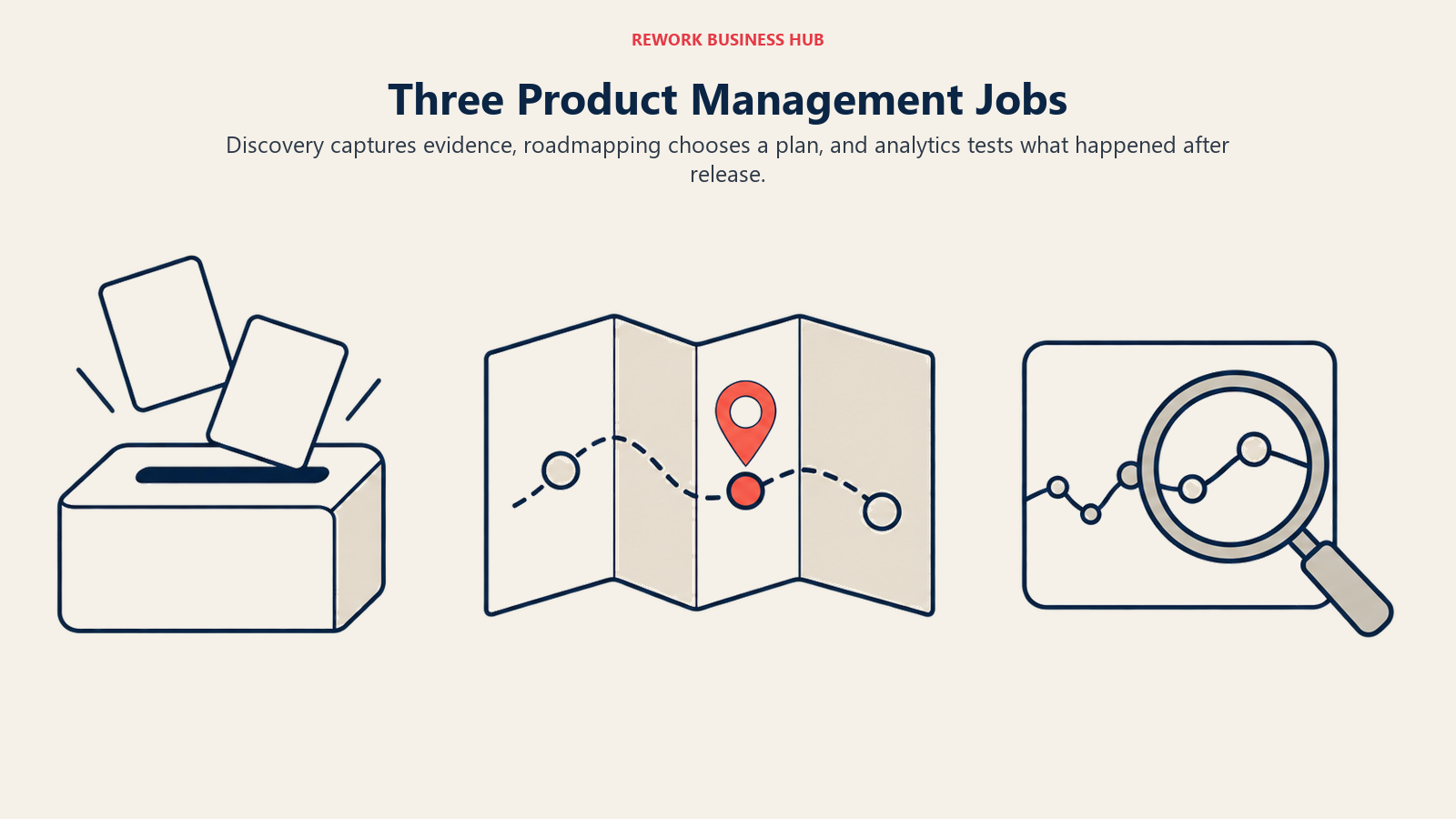
This is the part most buying guides skip. "Product management software" isn't a single tool category the way "CRM" or "help desk" is. It's three distinct jobs that happen to get shopped together because they all touch the product roadmap.
| Market | The core job | What "winning" looks like | Tools in this guide |
|---|---|---|---|
| Discovery and feedback intake | Turn scattered customer signal (support tickets, sales calls, in-app requests, review sites) into structured, linkable input | Every request is captured once, tagged, and traceable back to the feature it eventually shipped in | Productboard, Jira Product Discovery, Canny, Featurebase |
| Roadmapping and prioritization | Turn that structured input into a sequenced plan you can defend to leadership | A roadmap survives a leadership review without being rebuilt live in the meeting | Aha! Roadmaps, airfocus by Lucid, Strategic Roadmaps (Roadmunk), Craft.io, ProductPlan |
| Product analytics and in-app guidance | See what users actually do after a feature ships, then nudge them toward using it | You can answer "did this feature work" with usage data instead of opinion, and steer adoption in-product | Pendo, Amplitude |
| General work platform (adjacent) | Run roadmap-style planning next to the real cross-team execution: tasks, workflows, tickets | One login instead of three, traded against PM-specific depth | Linear, ClickUp |
A buyer comparing Aha! against Amplitude is comparing a roadmapping tool to an analytics tool. Neither one is wrong for the job; they're just not the same job. The practical takeaway: figure out which of the first three markets is actually your gap (most teams are short on one, not all three), shop that market specifically, and treat the general work platform as a separate decision about where planning should live day to day.
Quick Comparison Table
| Tool | Market | Best For | Starting Price | Key Strength | Key Limitation |
|---|---|---|---|---|---|
| Productboard | Discovery and feedback | Product-led teams running a feedback-to-roadmap loop | $19/maker/mo annual (Plus) | Insight-to-feature linking with a customer-facing portal | Contributors and viewers still need Atlassian-style seat coordination |
| Aha! Roadmaps | Roadmapping and prioritization | Teams that want the deepest all-in-one product suite | $59/user/mo annual (Premium) | Idea portals, WSJF scoring, release management, strategy models | Expensive; no Starter tier; steep ramp |
| Jira Product Discovery | Discovery and feedback | Atlassian shops wanting structured discovery cheaply | $10/creator/mo (Standard) | Native Jira integration; contributors are free | Thin as a standalone tool outside Atlassian |
| airfocus by Lucid | Roadmapping and prioritization | Strategy-first teams prioritizing by impact scoring | Quote-based (no published price) | Flexible scoring frameworks; OKR alignment | No free trial; no self-serve pricing since the Lucid acquisition |
| Canny | Discovery and feedback | A dedicated public feedback and voting board | $79/mo billed yearly (Pro) | Clean feedback portal; prices by tracked users, not seats | Free plan capped at 25 tracked users and 5 managers |
| Pendo | Analytics and in-app guidance | Analytics bundled with in-app guides and NPS | Free (500 MAU); paid tiers quote-based | Combines analytics, guides, and branded roadmaps in one product | No published paid price anywhere on the site |
| Amplitude | Analytics and in-app guidance | Pure product analytics at real event volume | Free (2M events/mo); Plus scales from $0 | Deep behavioral analytics now bundled with session replay and experimentation | Free tier caps at 2M events, down from older "10M events" reputation |
| Strategic Roadmaps (Roadmunk) | Roadmapping and prioritization | Simple, fast roadmap visualization | $19/editor/mo annual (Starter) | Quick setup; clean swimlane roadmap views | Now sold by Tempo, not an independent product |
| Craft.io | Roadmapping and prioritization | Mid-size teams wanting strategy-to-feature hierarchy | $19/editor/mo annual (Starter) | Connects vision, strategy, and features in one hierarchy | The strategy features it is bought for are paid add-ons |
| Featurebase | Discovery and feedback | Feedback boards with an AI resolution layer | $29/seat/mo billed yearly (Growth) | Fibi AI agent, API, and webhooks on the entry paid tier | AI resolutions are metered at $0.49 each on top of the seat price |
| ProductPlan | Roadmapping and prioritization | Stakeholder-facing visual roadmaps | Quote-based (no published price) | Viewers are always free; you only pay for roadmap builders | No self-serve pricing; a demo is required to see a number |
| Linear | General work platform | Engineering-adjacent teams wanting fast issue tracking plus roadmaps | $10/user/mo annual (Basic) | Fastest UI in the category; Cycles, Projects, and Roadmaps built in | Built around software teams, not cross-functional PM |
| ClickUp | General work platform | Teams wanting product tasks folded into a broader work tool | $7/user/mo annual (Unlimited) | Broadest feature set at the lowest entry price | No dedicated feedback intake or product analytics |
1. Productboard: The Feedback-to-Roadmap Standard
Productboard built its reputation on one workflow: pull customer feedback in from email, support tools, sales calls, and a public portal, link each piece to a feature, score by customer impact, then publish a roadmap that reflects what customers actually asked for. It's the tool most product-led teams picture when they think "product management software," and for good reason: the insight-to-feature linking is genuinely best-in-class.
The pricing model is seat-based on "makers," the PMs and product leaders actively building the roadmap. Contributors (engineering, design, stakeholders) and up to 25 viewers don't consume paid seats on the Plus tier and above. Plus starts at $19/maker/month billed annually ($25/maker/month billed monthly), with a two-maker minimum. Business runs $59/maker/month annually ($75/maker/month monthly) and requires a five-maker minimum. Enterprise is custom, with a five-maker minimum and unlimited viewers.
Where Productboard is weaker is everything outside discovery: it's not a general project tool, has no native product analytics, and the AI-assisted insight extraction that ships in 2026 still needs human review before it changes a roadmap. If your gap is specifically "we collect feedback but can't connect it to what we build," this is the strongest direct fit on the list. For a closer look at how it stacks up against the other roadmapping heavyweight, see our Productboard vs. Aha! comparison, or browse the full Productboard alternatives roundup if Productboard specifically is the incumbent you're replacing.
| Pros | Cons |
|---|---|
| Best-in-class insight-to-feature linking | Not a general project management tool |
| Maker-based pricing keeps contributors free | No native product analytics |
| Public customer feedback portal built in | AI-assisted triage still needs human review |
| Clean prioritization boards and roadmap views | Business tier requires a five-maker minimum |
Pricing: Free ($0, 1 maker, 25 contributors). Plus $19/maker/month annual, $25/maker/month monthly. Business $59/maker/month annual, $75/maker/month monthly (5-maker minimum). Enterprise custom (5-maker minimum). See productboard.com/pricing.
Best for: Product-led teams that need a structured, auditable path from raw customer feedback to a prioritized, shippable roadmap.
2. Aha! Roadmaps: The Deepest All-in-One Product Suite
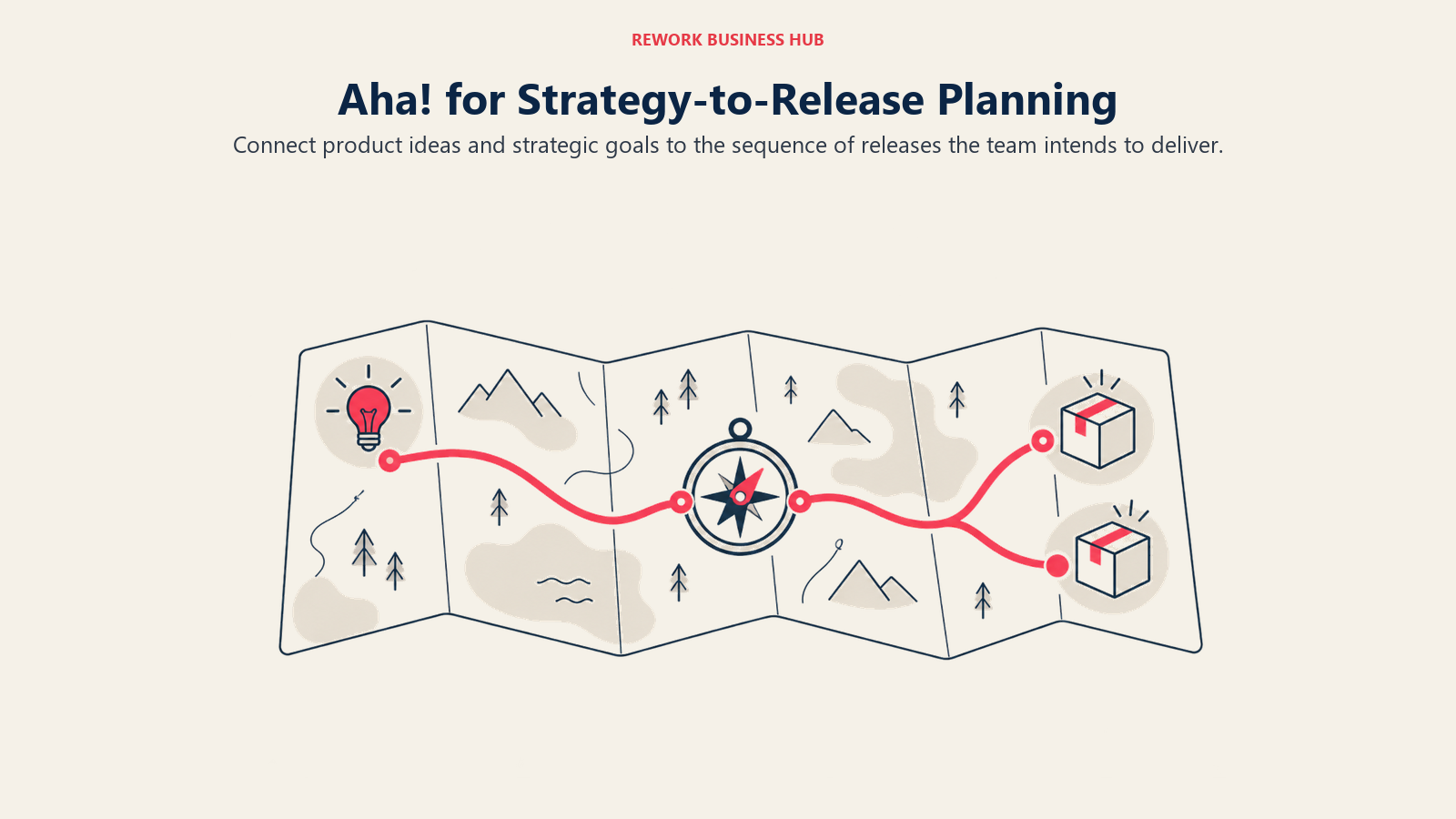
Aha! is the most feature-complete product platform on this list, full stop. Idea portals for capturing customer requests, WSJF (Weighted Shortest Job First) scoring for prioritization, strategy models that connect company vision down to individual features, native release management, and companion products for engineering (Aha! Develop) and whiteboarding all live under one account. No competitor here matches that breadth in a single suite.
That comprehensiveness comes at a real price. There's no Starter tier: Aha!'s own overview page states Roadmaps "starts at $59 per user per month," which is the annual Premium rate ($74/user/month billed monthly). Enterprise runs $99/user/month annual ($124 monthly), and Enterprise+ is $149/user/month, annual billing only, with unlimited free reviewers and viewers included from Enterprise up. A 30-day free trial is available on all tiers.
The onboarding curve is real too. Teams that fully adopt Aha!'s strategy-to-release model report it becomes the single source of truth for product decisions. Teams that just want a clean shareable roadmap often find the depth more than they need, and the per-user cost compounds fast once contributors beyond the core PM team need seats. See our full Aha! alternatives roundup if the depth-versus-cost tradeoff is what's pushing you to look elsewhere, or the direct Productboard vs. Aha! breakdown if it's specifically these two you're deciding between.
| Pros | Cons |
|---|---|
| Deepest feature set: idea portals, scoring, release management, strategy models | No Starter tier; entry price is $59/user/month annual |
| Aha! Develop extends into engineering workflows | Steep onboarding curve, especially for smaller teams |
| Strong strategy-to-feature traceability | Per-user cost compounds fast with contributor seats |
| 30-day free trial on every tier | Feels like overkill for teams that just need a roadmap view |
Pricing: Premium $59/user/month annual, $74/user/month monthly. Enterprise $99/user/month annual, $124/user/month monthly. Enterprise+ $149/user/month, annual billing only. See aha.io/roadmaps/pricing.
Best for: Product leaders who want a single suite covering ideas, strategy, roadmapping, and release management, and have the budget to match.
3. Jira Product Discovery: The Cheapest Structured Entry Point
Jira Product Discovery is Atlassian's answer to the discovery gap in classic Jira: a dedicated space for capturing ideas, scoring them against custom fields, and turning the winners into Jira issues that flow straight into delivery. For teams already running engineering on Jira, it closes the loop between "what we're considering" and "what's in the sprint" without leaving the ecosystem.
The pricing is the real story here. Only creators (the people actually building and scoring the discovery board) are billed; contributors need nothing more than a free Atlassian account. Free covers up to 3 creators with 2GB of storage and community support, Standard is $10 per creator per month for individual teams, Premium is $25 per creator per month for cross-team visibility and control, and Enterprise is custom for compliance and scale. That makes it the cheapest credible way into structured product discovery on this list, by a wide margin.
The tradeoff is that it's thin as a standalone tool. Outside the Atlassian ecosystem, Jira Product Discovery doesn't have Productboard's customer-facing portal depth or Aha!'s strategy layer. It's purpose-built for teams that already live in Jira and want discovery to plug directly into the issue tracker they use every day.
| Pros | Cons |
|---|---|
| Cheapest structured discovery tool on this list | Thin as a standalone tool outside Atlassian |
| Contributors are free; only creators are billed | Limited customer-facing portal compared to Productboard |
| Native flow from idea to Jira issue | Less mature prioritization scoring than dedicated tools |
| Free tier for teams up to 3 creators | Best suited to teams already committed to Jira |
Pricing: Free ($0, 3 creators, 2GB storage). Standard $10/creator/month. Premium $25/creator/month. Enterprise custom. See atlassian.com/software/jira/product-discovery/pricing.
Best for: Engineering-led product teams already on Jira who want discovery and prioritization to flow straight into delivery without adding a new ecosystem.
4. airfocus by Lucid: Strategy-First Prioritization, Now Quote-Only
airfocus built its name on flexible, configurable prioritization: custom scoring frameworks, OKR alignment, and a strategy-first approach to deciding what makes the roadmap. In April 2025, Lucid Software acquired airfocus, and the product now trades as "airfocus by Lucid." That acquisition changed more than the name.
The old self-serve tier ladder (Essential, Advanced, Pro) and its published per-editor prices are gone from the pricing page. As of August 2026, airfocus offers exactly two tiers, Professional and Enterprise, and both say "Request pricing." No per-editor dollar figure is published anywhere on the vendor site. Just as notably, airfocus does not offer a free trial at all; evaluation now happens through a demo. Third-party trackers report figures anywhere from roughly $15 to $99 per editor per month, but they disagree with each other significantly, so treat any specific number you see elsewhere as unverified.
If scoring-driven prioritization is specifically what you need, airfocus still does that job well, and Objectives & OKRs plus SAML SSO are available as add-ons on Professional. Just budget time for a sales conversation rather than expecting instant self-serve pricing. Our dedicated airfocus alternatives guide covers the self-serve options this acquisition pushes some buyers toward.
| Pros | Cons |
|---|---|
| Flexible, configurable scoring frameworks | No published pricing anywhere on the site |
| OKR alignment built into prioritization | No free trial since the Lucid acquisition |
| Backed by Lucid's broader visual collaboration suite | Old self-serve tiers and prices are gone |
| Objectives & OKRs and SSO available as add-ons | Slower evaluation path (demo required) |
Pricing: Professional and Enterprise, both quote-based. No published price, no free trial. See airfocus.com/pricing.
Best for: Strategy-first teams that prioritize by weighted scoring and are comfortable evaluating through a sales conversation instead of a self-serve signup.
5. Canny: A Dedicated Public Feedback Board
Canny does one job and does it cleanly: a public or private feedback board where users submit ideas, vote on what matters to them, and product teams use that vote data to inform what ships next. It's narrower in scope than Productboard, but for teams that just need the feedback layer without a full discovery platform wrapped around it, that narrowness is the appeal.
The pricing model is worth understanding before you compare it to seat-based tools: Canny charges by tracked users, meaning the end users whose feedback and votes you're capturing, not by internal team seats. The free plan is real and still exists in 2026, but it's capped at 25 tracked users and 5 managers, with unlimited contributors and boards. Pro runs $79/month billed yearly and covers 100+ tracked users with 10 managers. Business is custom, billed yearly, for 5,000+ tracked users. Monthly-billed Pro pricing isn't published; the vendor only quotes the yearly figure.
That tracked-user axis is the thing that surprises buyers coming from seat-based tools, and it's exactly why Canny scales cheaply for a small product team with a large user base giving feedback, and gets expensive fast for a consumer product with millions of users. Our full Canny alternatives roundup walks through the other feedback-board options if the tracked-user model doesn't fit your growth curve.
| Pros | Cons |
|---|---|
| Clean, purpose-built feedback and voting portal | Free plan capped at 25 tracked users, 5 managers |
| Prices by tracked users, not internal seats | Gets expensive fast for large consumer user bases |
| Unlimited contributors and boards on every tier | Monthly billing not published for Pro |
| Simple to set up and hand to a small team | Narrower feature set than a full discovery platform |
Pricing: Free ($0, 25 tracked users, 5 managers). Pro $79/month billed yearly (100+ tracked users, 10 managers). Business custom, billed yearly (5,000+ tracked users). See canny.io/pricing.
Best for: Small to mid-size product teams that want a dedicated, low-overhead public feedback board without a full discovery suite around it.
6. Pendo: Analytics, Guides, and Feedback in One Product
Pendo's pitch is consolidation within the analytics-and-guidance market specifically: product analytics, in-app guides, Pendo-branded roadmaps, and Pendo-branded NPS surveys all live in one platform, so a product team doesn't need a separate analytics tool and a separate onboarding-guide tool. That combination is Pendo's real differentiator against pure analytics platforms like Amplitude.
The free tier is genuinely useful and caps at 500 monthly active users (MAU), with unlimited web and mobile app keys, and it includes analytics, in-app guides, and the branded roadmap and NPS features. Above that, Pendo simply does not publish paid pricing. Base (analytics plus guides), Core (adds session replay, the most popular tier), and Ultimate (adds sentiment surveys, Orchestrate, Listen, and data sync) all require a sales conversation to get a number. Pendo also offers Novus, a newer AI monitoring product, free during its beta with no MAU limit.
The lack of published paid pricing is the single biggest friction point for buyers evaluating Pendo against Amplitude, which at least publishes free-tier and entry-tier logic. If in-app guidance and onboarding flows matter as much to you as raw analytics, Pendo's bundling is a real advantage. If you specifically need deep behavioral analytics at scale, compare it directly against Amplitude in our Pendo vs. Amplitude breakdown, or browse the wider Pendo alternatives guide for other in-app guidance options.
| Pros | Cons |
|---|---|
| Analytics, in-app guides, and NPS bundled together | No published paid pricing anywhere |
| Free tier is genuinely usable up to 500 MAU | Requires a sales call to learn any paid number |
| Novus AI monitoring free during beta | Session replay locked behind Core, not Base |
| Strong for onboarding and feature-adoption nudges | Roadmap and NPS features are Pendo-branded, not standalone |
Pricing: Free ($0, 500 MAU). Base, Core, and Ultimate: not published, quote-based. See pendo.io/pricing.
Best for: Product teams that want analytics, in-app guidance, and lightweight NPS in a single bundled product rather than stitching three tools together.
7. Amplitude: Pure Product Analytics at Real Volume
Amplitude is the analytics-first option on this list: deep behavioral analytics, cohort analysis, and funnel breakdowns built for teams that need to answer precise questions about what users do inside a product. By 2026, Amplitude bundles Session Replay, Experimentation, Guides and Surveys, Activation, and Amplitude AI into every plan, including Free, which is a meaningful shift from the analytics-only reputation the product carried a few years ago.
The free tier covers 2 million events per month, forever, with no card required. That's a figure worth double-checking against older articles: Amplitude used to be known for a "10 million events" or "50,000 MTU" free tier, and neither is accurate anymore. Amplitude has moved from MTU-based (monthly tracked users) pricing to event-based pricing across the board. Plus is listed as "starts at $0" and scales with usage up to 70 million events, adding custom events, formulas, 20 behavioral cohorts, alerts, heatmaps, and two-year data retention. Growth and Enterprise are both custom, event-based, with Growth adding advanced behavioral exploration and 20,000 monthly session replays, and Enterprise adding unlimited projects, data access controls, and 50,000 monthly session replays.
Where Amplitude differs from Pendo is focus: Amplitude leads with analytics depth and treats guidance as a bundled add-on, while Pendo leads with guidance and analytics as a bundled pair. If you're choosing between the two specifically, our Pendo vs. Amplitude comparison walks through the tradeoff in depth.
| Pros | Cons |
|---|---|
| Deep behavioral analytics: cohorts, funnels, retention | Free tier is 2M events/month, smaller than its old reputation |
| Session Replay, Experimentation, and AI now bundled into every plan | Growth and Enterprise pricing both require a sales conversation |
| Moved to event-based pricing, more predictable at scale | Overkill for teams that just want in-app guides |
| Strong for high-volume, high-precision product analytics | Not a feedback or roadmapping tool on its own |
Pricing: Free ($0, 2M events/month, no card required). Plus starts at $0, scales with usage up to 70M events. Growth and Enterprise: custom, event-based. See amplitude.com/pricing.
Best for: Product and data teams that need deep, high-volume behavioral analytics as the primary tool, not a secondary feature.
8. Strategic Roadmaps (Roadmunk): Fast, Clean Roadmap Visualization
Roadmunk built its name on being the fastest way to turn a spreadsheet of features into a clean, presentable swimlane roadmap. In 2026 it's sold by Tempo as "Strategic Roadmaps (Roadmunk)," and roadmunk.com now redirects to tempo.io; it's worth knowing this isn't an independent product anymore if you're evaluating the company behind it.
Pricing runs by editor, billed annually: Starter is $19/editor/month with 3 reviewers included, Business is $49/editor/month with 5 reviewers, Professional is $99/editor/month with 10 reviewers, and Enterprise is custom. Additional reviewers beyond the included count cost $5 per reviewer per month on any tier. A 14-day free trial is available across all paid plans.
Roadmunk's strength is exactly what its name implies: fast setup and clean, stakeholder-friendly roadmap views without the prioritization-scoring depth of Aha! or airfocus. If your gap is specifically "I need a roadmap that looks good in an exec review by Friday," this is a reasonable, quick-to-configure fit. If you need feedback capture or deep scoring frameworks layered in, look elsewhere on this list first.
| Pros | Cons |
|---|---|
| Fast setup; clean swimlane roadmap views | Limited prioritization and feedback features |
| Editor-based pricing with reviewers included per tier | Now a Tempo product, not independent |
| 14-day free trial on every paid tier | Additional reviewers cost extra per seat |
| Good for stakeholder-facing visual roadmaps | Thin compared to full discovery or strategy suites |
Pricing: Starter $19/editor/month annual. Business $49/editor/month annual. Professional $99/editor/month annual. Enterprise custom. Additional reviewers $5/reviewer/month. See tempo.io/pricing/roadmaps.
Best for: Teams that need a fast, clean, stakeholder-facing roadmap and don't need deep prioritization scoring or feedback aggregation built in.
9. Craft.io: Strategy-to-Feature Hierarchy
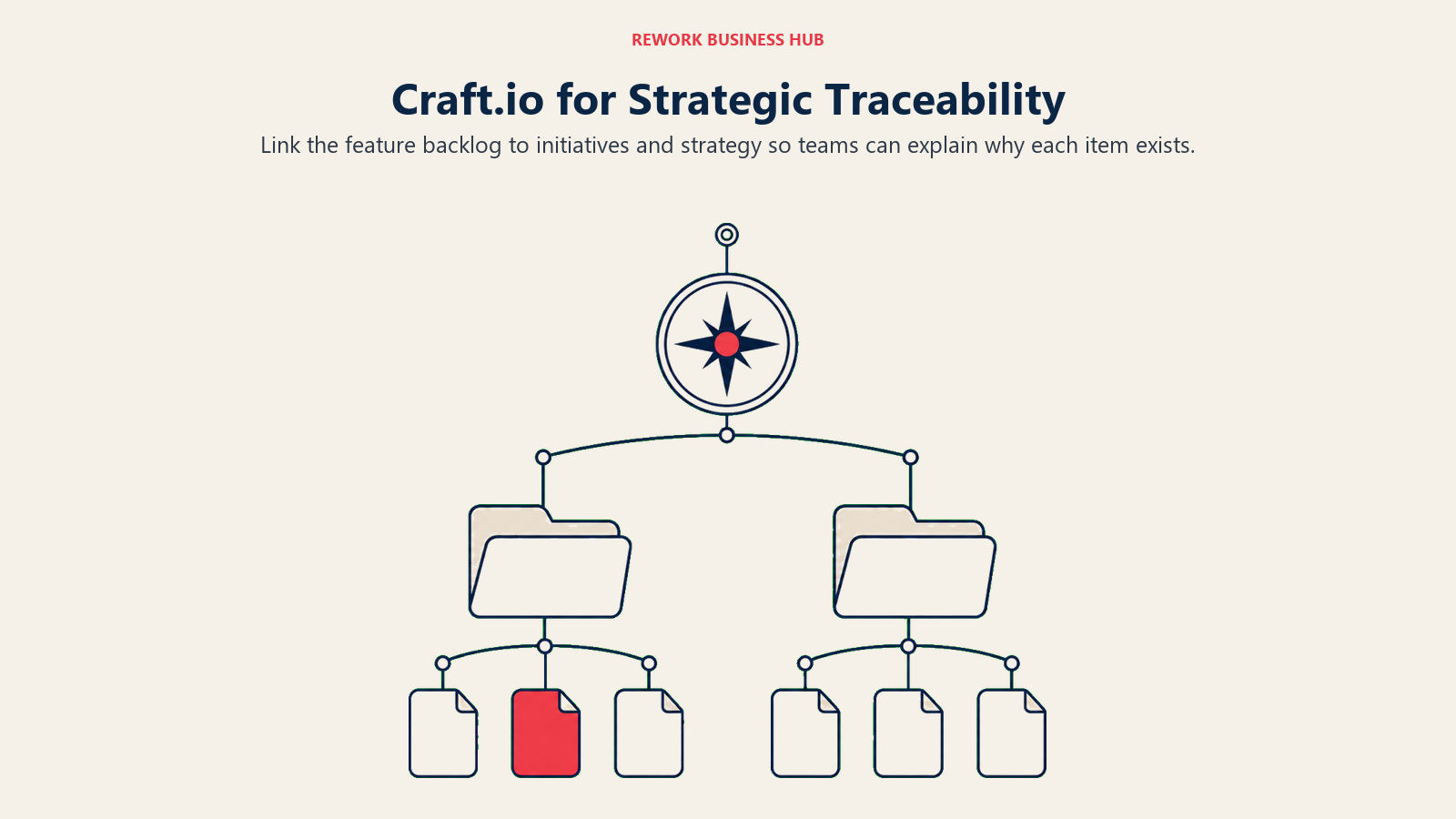
Craft.io positions itself around a structured hierarchy that connects company vision down through strategy, initiatives, and individual features, aiming to give mid-size product teams the strategic traceability that larger suites like Aha! offer, without quite the same price tag or complexity.
Craft.io's pricing page is readable again as of September 2026, so these figures are now vendor-confirmed rather than third-party reported: Starter is $19/editor/month billed annually ($24/editor/month billed monthly), and Pro is $79/editor/month annually ($99/editor/month monthly), adding unlimited workspaces and developer integrations, per craft.io/pricing. Enterprise is custom, billed annually, demo required. Contributors are unlimited and free on every tier, and there is a 14-day trial of Pro with no credit card. The part that changes the comparison: OKRs and Product Strategy, the Feedback portal, and Capacity planning are paid add-ons at $15/add-on/editor/month annually ($20 monthly), so a team that buys Craft.io for its strategy layer is really looking at $124/editor/month annually, not $79.
The hierarchy model is genuinely useful for mid-size teams that have outgrown a flat backlog but aren't ready for Aha!'s full complexity or cost. The tradeoff is a real learning curve getting the strategy layers set up correctly before the tool starts paying off.
| Pros | Cons |
|---|---|
| Connects vision, strategy, and features in one hierarchy | The strategy features it is bought for are paid add-ons |
| Base pricing sits below Aha!'s entry point | Steeper learning curve than flat backlog tools |
| Unlimited workspaces on the Pro tier, unlimited free Contributors | Smaller ecosystem and integration library than Aha! |
| 14-day trial available | Setup investment needed before the hierarchy pays off |
Pricing: Starter $19/editor/month annual, $24/editor/month monthly. Pro $79/editor/month annual, $99/editor/month monthly. Add-ons (OKRs and Product Strategy, Feedback portal, Capacity planning) $15/add-on/editor/month annual, $20 monthly. Enterprise custom, billed annually. See craft.io/pricing.
Best for: Mid-size product teams that want strategy-to-feature traceability without Aha!'s full price and complexity. If the add-on math is what puts you off, the Craft.io alternatives guide prices the same job across fifteen tools, and the ProdPad alternatives guide covers the other modular vendor in this category, which does not publish a figure at all.
10. Featurebase: Feedback Boards With an AI Resolution Layer
Featurebase is a newer entrant in the discovery-and-feedback market, built around the same public voting-board model as Canny but layering in an AI agent (Fibi) that can triage and respond to feedback automatically on paid tiers.
Pricing is billed yearly across the board: Free covers 1 seat with no AI features. Growth is $29/seat/month and adds the Fibi AI agent, API access, MCP support, and webhooks. Professional is $59/seat/month and includes 20 free "Lite" seats for teammates who only need light access. Enterprise is $99/seat/month with 50 free Lite seats and requires a demo. On top of any paid tier, AI resolutions are metered separately at $0.49 per resolution, which is worth budgeting for if you plan to lean on the AI agent heavily. Monthly-billed rates aren't published; Featurebase quotes yearly billing only.
The AI layer is the real differentiator versus Canny: Featurebase is betting that automating first-pass triage and response saves more time than a simpler, cheaper board. For teams evaluating that tradeoff, it's worth comparing directly against the Canny alternatives roundup.
| Pros | Cons |
|---|---|
| Fibi AI agent for feedback triage and response | AI resolutions metered separately at $0.49 each |
| API, MCP, and webhook support from the Growth tier up | Monthly billing rate not published |
| Free Lite seats included on Professional and Enterprise | Newer product with a smaller track record than Canny |
| Straightforward per-seat pricing | 1-seat free tier has no AI capability |
Pricing: Free ($0, 1 seat, no AI). Growth $29/seat/month billed yearly. Professional $59/seat/month billed yearly. Enterprise $99/seat/month billed yearly, demo required. AI resolutions $0.49 each, metered. See featurebase.app/pricing.
Best for: Feedback-board teams that want AI-assisted triage and response built into the workflow rather than a manual queue.
11. ProductPlan: Stakeholder-Facing Roadmaps, Demo Required
ProductPlan focuses on one thing: turning a product plan into a visual roadmap that's easy for stakeholders outside the product team to read and follow. As of 2026, ProductPlan sells a single "Product Intelligence Platform" plan rather than a tiered ladder, and it doesn't publish a dollar figure anywhere on its pricing page. A demo is required to see a number.
The one pricing detail ProductPlan does state clearly: viewers, meaning anyone you share a roadmap with, are always free and unlimited. You only pay for the people actively building and managing roadmaps. That's a meaningful cost lever for teams with a small core planning group and a large audience of stakeholders who just need to see the plan.
The opaque pricing is the main friction point against tools like Roadmunk or Craft.io that at least publish a starting figure. If a clean visual roadmap with free unlimited viewers is specifically what you need and you're comfortable booking a demo to get pricing, ProductPlan remains a reasonable, purpose-built option.
| Pros | Cons |
|---|---|
| Viewers are always free and unlimited | No published pricing anywhere; demo required |
| Clean, stakeholder-friendly visual roadmap views | Single plan structure offers less flexibility than tiered competitors |
| Purpose-built for roadmap communication, not a broad suite | No feedback or idea-management features built in |
| Pay only for active roadmap builders | Slower evaluation path than self-serve alternatives |
Pricing: Quote-based, single "Product Intelligence Platform" plan. No published price; demo required. Viewers always included free. See productplan.com/pricing.
Best for: Teams that need polished, stakeholder-facing roadmap visuals and don't mind booking a demo to get pricing.
12. Linear: Fast, Engineering-Adjacent Roadmaps
Linear started as an issue tracker built for speed: keyboard shortcuts for nearly everything, near-instant load times, and an opinionated UI with almost no configuration required. By 2026, it's expanded into broader product development management: Cycles (sprints), Projects (themes and milestones), Initiatives (strategic bets), and Roadmaps (a visual timeline of what's shipping when) now form a coherent, if engineering-centric, product operating system.
Free covers unlimited members, 2 teams, and 250 issues, with the agent platform and Linear Agent included. Basic is $10/user/month billed yearly (no separate monthly-billed rate is published on the pricing page) and adds 5 teams, unlimited issues, unlimited file uploads, and admin roles. Business is $16/user/month billed yearly and adds unlimited teams, private teams and guests, Triage Intelligence, Loops, Code Intelligence, Linear Insights, Linear Asks, and Zendesk/Intercom integrations. Enterprise is custom, annual billing only, and adds SAML/SCIM, invoice billing, and advanced admin controls.
What Linear hasn't become, and doesn't try to be, is a tool for marketing, sales, HR, or general operations. If your product and engineering teams already think in issues and cycles, Linear's roadmap layer is a genuinely fast, low-friction way to plan without leaving that world. It's not a fit if you need the roadmap visible to non-technical stakeholders across the company.
| Pros | Cons |
|---|---|
| Fastest, most keyboard-friendly UI in the category | Built around software teams, not cross-functional PM |
| Cycles, Projects, Initiatives, and Roadmaps in one coherent model | No dedicated feedback or analytics layer |
| Free tier covers unlimited members and 250 issues | Monthly-billed rate not published, only annual |
| Strong GitHub and GitLab integrations | Limited appeal outside engineering-adjacent teams |
Pricing: Free ($0, unlimited members, 2 teams, 250 issues). Basic $10/user/month billed yearly. Business $16/user/month billed yearly. Enterprise custom, annual only. See linear.app/pricing.
Best for: Software and product-engineering teams that want fast, structured planning without a general-purpose PM tool's overhead.
13. ClickUp: The Everything-App Entry Point
ClickUp's positioning is one app to replace them all, and for a team that wants product tasks, docs, and light roadmapping folded into a broader work platform rather than a dedicated product suite, it's the cheapest way in on this list. Custom views (list, board, Gantt, calendar, workload), goals, and AI-assisted writing all ship in the same product.
Free Forever includes 60MB of storage, unlimited tasks, collaborative docs, kanban boards, sprint management, and basic custom fields. Unlimited is $7/user/month billed annually ($10/user/month billed monthly) and adds unlimited spaces, folders, and forms, Gantt charts, goals and portfolio management, and native time tracking. Business, the most popular tier, is $12/user/month billed annually ($19/user/month billed monthly) and adds unlimited dashboards, timeline views, 5,000 monthly automations, and sprint points and reporting. Enterprise is custom. ClickUp's AI is priced separately from the core plans: Brain AI runs $9/user/month, and Everything AI runs $28/user/month, both with a 20% discount available on annual billing.
ClickUp has no dedicated feedback-intake layer and no product analytics; it's a general work platform that a product team can adapt to light roadmapping, not a purpose-built PM tool. That tradeoff is exactly the point for teams that want one tool the whole company uses rather than a product-specific stack. For a deeper look at where ClickUp fits against other general platforms, see the ClickUp alternatives roundup or the broader best project management software guide.
| Pros | Cons |
|---|---|
| Broadest general feature set at the lowest entry price | No dedicated feedback intake or product analytics |
| Custom views cover kanban, Gantt, calendar, and workload | AI features priced and sold separately from core plans |
| Generous free tier for small teams | Steep learning curve to configure well |
| One tool the whole company can use, not just product | Not purpose-built for product discovery or prioritization scoring |
Pricing: Free Forever ($0). Unlimited $7/user/month annual, $10/user/month monthly. Business $12/user/month annual, $19/user/month monthly. Enterprise custom. Brain AI add-on $9/user/month; Everything AI add-on $28/user/month. See clickup.com/pricing.
Best for: Teams that want product planning folded into a broad, low-cost work platform rather than buying a dedicated product suite.
How to Choose: Decision Framework
Use the three-market framework above first: identify which job you're actually short on, then pick from that market specifically rather than comparing tools across markets.
| If you need this... | Choose this tool | Why |
|---|---|---|
| The deepest all-in-one product suite: ideas, strategy, roadmaps, release management | Aha! Roadmaps | No competitor matches its breadth in a single account |
| Customer feedback captured and linked directly to features | Productboard | Best-in-class insight-to-feature workflow |
| Cheap, structured discovery for a team already on Jira | Jira Product Discovery | Native issue flow; contributors are free |
| Strategy-first prioritization with configurable scoring | airfocus by Lucid | Flexible frameworks, though now quote-only post-acquisition |
| A dedicated public feedback and voting board | Canny | Purpose-built, prices by tracked users not seats |
| Analytics, in-app guides, and NPS bundled in one product | Pendo | Consolidates three jobs a lean product team would otherwise stitch together |
| Deep behavioral analytics at high event volume | Amplitude | Purpose-built analytics depth; 2M free events/month |
| A fast, clean, stakeholder-facing visual roadmap | Strategic Roadmaps (Roadmunk) or ProductPlan | Quick setup and polished views over prioritization depth |
| One general work platform the whole company can use | Linear or ClickUp | Trades PM-specific depth for a single login across teams |
What to Do Next
Pick the one market from the framework above where you're actually behind, discovery and feedback, roadmapping and prioritization, or analytics and in-app guidance, and shortlist two tools from that market specifically. Run a two-week pilot with one real product area: capture actual feedback, prioritize one real backlog, or instrument one real feature. Don't evaluate a fourth market you don't have a gap in just because a vendor's homepage implies you need it too.
If your gap is that roadmap planning and cross-team execution live in two disconnected tools right now, look at the general work platforms on this list, Linear or ClickUp. Neither replaces a dedicated discovery or analytics tool, but keeping planning and delivery in one system closes the planning-to-execution gap that a lot of teams patch with manual syncing between a product suite and a project tool.

Customer Success Operations Manager
On this page
- Key Facts
- Product Management Software Is Actually Three Markets
- Quick Comparison Table
- 1. Productboard: The Feedback-to-Roadmap Standard
- 2. Aha! Roadmaps: The Deepest All-in-One Product Suite
- 3. Jira Product Discovery: The Cheapest Structured Entry Point
- 4. airfocus by Lucid: Strategy-First Prioritization, Now Quote-Only
- 5. Canny: A Dedicated Public Feedback Board
- 6. Pendo: Analytics, Guides, and Feedback in One Product
- 7. Amplitude: Pure Product Analytics at Real Volume
- 8. Strategic Roadmaps (Roadmunk): Fast, Clean Roadmap Visualization
- 9. Craft.io: Strategy-to-Feature Hierarchy
- 10. Featurebase: Feedback Boards With an AI Resolution Layer
- 11. ProductPlan: Stakeholder-Facing Roadmaps, Demo Required
- 12. Linear: Fast, Engineering-Adjacent Roadmaps
- 13. ClickUp: The Everything-App Entry Point
- How to Choose: Decision Framework
- What to Do Next