Best Pendo Alternatives in 2026: 12 Product Analytics and In-App Guidance Tools
Turn this article into takeaways for your work.


Each assistant summarizes the article only for you and suggests best practices for your work.
Pendo alternatives worth considering fall into four groups, depending on which piece of Pendo your team actually uses. Amplitude and PostHog cover teams that want the full analytics-plus-guidance bundle in one login. Userpilot, Appcues, and Chameleon cover in-app guidance specifically. WalkMe and Whatfix cover enterprise-wide digital adoption. LogRocket and FullStory cover session replay as its own job. We evaluated 12 tools on published pricing, free-tier limits, and how directly each one replaces a specific Pendo module, verifying every price against the vendor's own page in August 2026.
Here's the thing about Pendo that most comparison articles skip: it isn't one product, it's three sold as one. Analytics, in-app Guides, and lightweight feedback collection (Pendo-branded Roadmaps and NPS) all ship under a single subscription. Most teams that go shopping for a replacement aren't unhappy with any single piece. They're unhappy that they're paying for three products and actively using one. And Pendo doesn't make comparison easy either: its paid tiers (Base, Core, Ultimate) carry no published price at all, so you can't even see what you'd be leaving until you've already had the sales call. That's the gap this guide closes. Pick your alternative by the job you need replaced, not by hunting for a like-for-like Pendo clone. If you're still mapping the wider product management category rather than a single Pendo swap, our best product management software guide is the better starting point.
Key Facts
- The global product analytics market is projected to grow from $9.6 billion in 2021 to $25.3 billion by 2026, a 21.3% CAGR, per MarketsandMarkets.
- The digital adoption platform market is projected at $1.59 billion in 2026, growing to $4.37 billion by 2034 (13.50% CAGR), per Fortune Business Insights.
- The average company now manages 305 SaaS applications, with a median of 240, per Zylo's 2026 SaaS Management Index, which tracks more than 40 million licenses and $75 billion in SaaS spend.
- 80% of features in the average software product are rarely or never used, per Pendo's own Feature Adoption Report, which analyzed 615 SaaS products.
- A Forrester Total Economic Impact study commissioned by Pendo (April 2025) found a composite customer achieved 396% ROI and $3.0 million in net present value over three years, with payback in under six months, per Pendo's release of the study.
The Three Jobs Hiding Inside Pendo
Before you compare tools, figure out which job you're actually replacing. Most Pendo dissatisfaction traces back to paying for all three and needing only one.
| Pendo module | What it actually does | Built-for-just-this-job alternatives |
|---|---|---|
| Analytics | Usage tracking, funnels, retention, dashboards | Amplitude, Mixpanel, PostHog, Heap, Statsig |
| In-app Guides | Onboarding flows, tooltips, walkthroughs, in-app NPS | Userpilot, Appcues, Chameleon |
| Enterprise-scale guidance | Guides plus workflow automation across large, mixed application portfolios | WalkMe, Whatfix |
| Session Replay | Watching real user sessions to diagnose friction | LogRocket, FullStory (also bundled into Amplitude and PostHog) |
| Feedback and roadmap voting | Collecting and prioritizing feature requests | Not covered here. See our best Canny alternatives guide |
If your real complaint about Pendo is the Roadmaps module rather than analytics or guidance, that's a different job entirely. Our guides to the best Productboard alternatives and best Aha! alternatives cover dedicated roadmapping tools directly.
Quick Comparison Table
| Tool | Replaces | Best For | Starting Price | Key Strength | Key Limitation |
|---|---|---|---|---|---|
| Amplitude | Analytics + Guides + Replay | Teams that want Pendo's full bundle in one login | Free (2M events/mo); Plus from $0, usage-based | Bundles analytics, replay, experimentation, guides, and surveys into every plan | Usage-based cost gets harder to predict at scale |
| Userpilot | Guides + Analytics | Product-led teams that want guidance and analytics from one vendor | From $299/month (up to 2,000 MAU) | Direct combo of onboarding flows and product analytics | Jumps to $849/month past 2,000 MAU |
| Appcues | Guides | No-code onboarding without an analytics commitment | Not published (MAU and experience-count based) | Fast to launch flows without engineering help | No analytics depth; pricing is opaque |
| PostHog | Analytics + Replay + Flags + Surveys | Engineering-led teams that want one usage-based bill | No platform fee; 1M events + 5K replays free/mo | Feature flags, replay, surveys, and analytics in one open-source-rooted product | Costs scale unpredictably at very high volume |
| Mixpanel | Analytics | Teams that live in funnels, retention curves, and cohorts | Free (1M events/mo); Growth from $0, usage-based | Best-in-class event analysis and cohorting | No native in-app guidance or session replay |
| Heap (Contentsquare) | Analytics | Teams that want autocapture without a manual tagging plan | Free (10K sessions/mo) | Retroactive autocapture, no tagging plan needed before launch | Paid pricing requires a snippet install for an estimate |
| Statsig | Analytics + Experimentation | Teams that want feature flags and analytics with a real free tier | Free (2M events/mo, 50K replays/mo) | Generous free tier; flags and experiments included from day one | Newer brand; smaller ecosystem than Amplitude |
| Chameleon | Guides | Teams that want DIY in-app UI patterns with visible prices | $279/month (2,000 MTU) | Rare in this category: Chameleon actually publishes starting prices | Costs scale quickly per MTU band |
| WalkMe | Guides at enterprise scale | Large enterprises rolling out guidance to employees and customers | Not published, quote only | Deepest enterprise digital adoption feature set, employee and customer apps | No self-serve pricing or free trial; sales-led only |
| Whatfix | Guides at enterprise scale | WalkMe alternative with a lighter self-serve motion | Not published, quote only | Flat-fee-plus-license model gives more pricing flexibility | Still fully quote-based; no public numbers anywhere |
| LogRocket | Replay + qualitative analytics | Engineering teams debugging with session context | Calculator-based, from $176/month | AI session summaries and AI issue detection built in | No fixed tier price; cost tied to session volume |
| FullStory | Replay + UX intelligence | Teams that want the deepest free session-replay tier | Free (30,000 sessions/mo) | Largest free-tier session allowance in the category | Paid tiers are fully quote-based |
Team Size, Persona, and Stage Fit
| Tool | Ideal Team Size | Primary Persona | Company-Wide or Team-Only | Stage Fit |
|---|---|---|---|---|
| Amplitude | 10-1,000+ | Product and growth analysts | Team-only (product/growth), scales company-wide | Early stage through enterprise |
| Userpilot | 5-200 | PMs, product marketers, CS | Team-only (product) | Growth through mid-market |
| Appcues | 5-200 | PMs, growth, onboarding leads | Team-only (product) | Early stage through growth |
| PostHog | 2-500 | Engineers, PMs, growth | Company-wide, dev-friendly | Early stage through growth |
| Mixpanel | 5-500 | Product analysts, growth teams | Team-only (product/growth) | Growth through enterprise |
| Heap (Contentsquare) | 10-1,000+ | Product and UX analysts | Team-only (product/UX) | Growth through enterprise |
| Statsig | 2-500 | Engineers, PMs, data teams | Company-wide, dev-friendly | Early stage through growth |
| Chameleon | 5-200 | PMs, growth, onboarding leads | Team-only (product) | Early stage through growth |
| WalkMe | 100-10,000+ | IT, ops, enterprise change teams | Company-wide (enterprise) | Mid-market through enterprise |
| Whatfix | 100-10,000+ | IT, ops, enterprise change teams | Company-wide (enterprise) | Mid-market through enterprise |
| LogRocket | 5-500 | Engineers, support, product | Team-only (eng/product) | Early stage through mid-market |
| FullStory | 10-1,000+ | UX researchers, product, marketing | Team-only (product/UX), scales up | Growth through enterprise |
1. Amplitude: The Closest Like-for-Like Swap for Pendo's Full Bundle
Amplitude changed its packaging in 2026 in a way that matters directly for anyone comparing it to Pendo: every plan, including Free, now bundles Analytics, Session Replay, Experimentation, Guides, and Surveys together, plus Amplitude AI. That's the same three-in-one shape as Pendo, minus the customer-feedback portal. Amplitude also switched from monthly-tracked-users (MTU) pricing to event-based pricing, so the metric you're billed on has changed too.
Target audience: Product and growth teams that want analytics and lightweight in-app guidance from a single vendor, without Pendo's unpublished pricing.
Sizing fit: Works from early-stage startups (the free tier is genuinely usable) through enterprise, though Enterprise contracts are custom.
Stage fit: Early stage through enterprise.
Pros and cons:
| Pros | Cons |
|---|---|
| Free tier includes Session Replay, Guides, and Surveys, not just charts | Event-based pricing is a real mental shift if you're used to MTU billing |
| One vendor covers most of what Pendo covers, minus feedback | Growth and Enterprise pricing require a sales conversation |
| Amplitude AI included at every tier | Deep experimentation features have a learning curve |
| Strong cohort and retention analysis, the category's original strength | Session Replay is newer than dedicated tools like FullStory |
Pricing: Free: $0, 2 million events per month, forever, no card required. Plus: "starts at $0," scales with usage up to 70 million events. Growth and Enterprise: custom, event-based. Source: amplitude.com/pricing.
Best for: Teams that want the closest single-vendor match to what Pendo bundles today, and are comfortable with usage-based billing instead of a flat MAU cap. For a full head-to-head on pricing, bundling, and migration effort, see Pendo vs Amplitude.
2. Userpilot: In-App Guidance and Analytics Built for Product-Led Teams
Userpilot leads with in-app guidance (flows, tooltips, checklists) and pairs it with native product analytics, so you don't need a second tool to see whether the flow you just shipped actually worked. That combination is the single closest structural match to what most people actually use Pendo for day to day.
Target audience: Product-led SaaS teams running onboarding, feature adoption campaigns, and NPS surveys who want guidance and analytics tracked in the same place.
Sizing fit: Best for teams under roughly 2,000 to 5,000 MAU before the Growth-tier jump changes the economics.
Stage fit: Growth through mid-market.
Pros and cons:
| Pros | Cons |
|---|---|
| Guidance and analytics live in one product, not bolted together | Starter caps at 2,000 MAU; growth past that means a big price jump |
| No-code flow builder is approachable for non-engineers | Advanced segmentation needs the Growth tier |
| Native NPS and in-app surveys included | Session replay is not part of the core product |
| Strong onboarding-specific templates and benchmarks | Enterprise pricing is fully custom |
Pricing: Starter from $299/month (up to 2,000 MAU). Growth from $849/month (2,000 to 100,000 MAU). Enterprise custom (10,000 MAU baseline). Figures as published; Userpilot's page does not break out a separate annual rate. Source: userpilot.com/pricing.
Best for: Product teams that want onboarding flows and the analytics to measure them without stitching two vendors together.
3. Appcues: No-Code Onboarding Flows Without an Analytics Commitment
Appcues is a pure-play in-app guidance tool: flows, tooltips, checklists, and beacons, built for teams that want to ship onboarding experiences without engineering time. It doesn't try to be an analytics platform, which keeps the product focused but means you'll want a second tool if deep behavioral analysis matters to you.
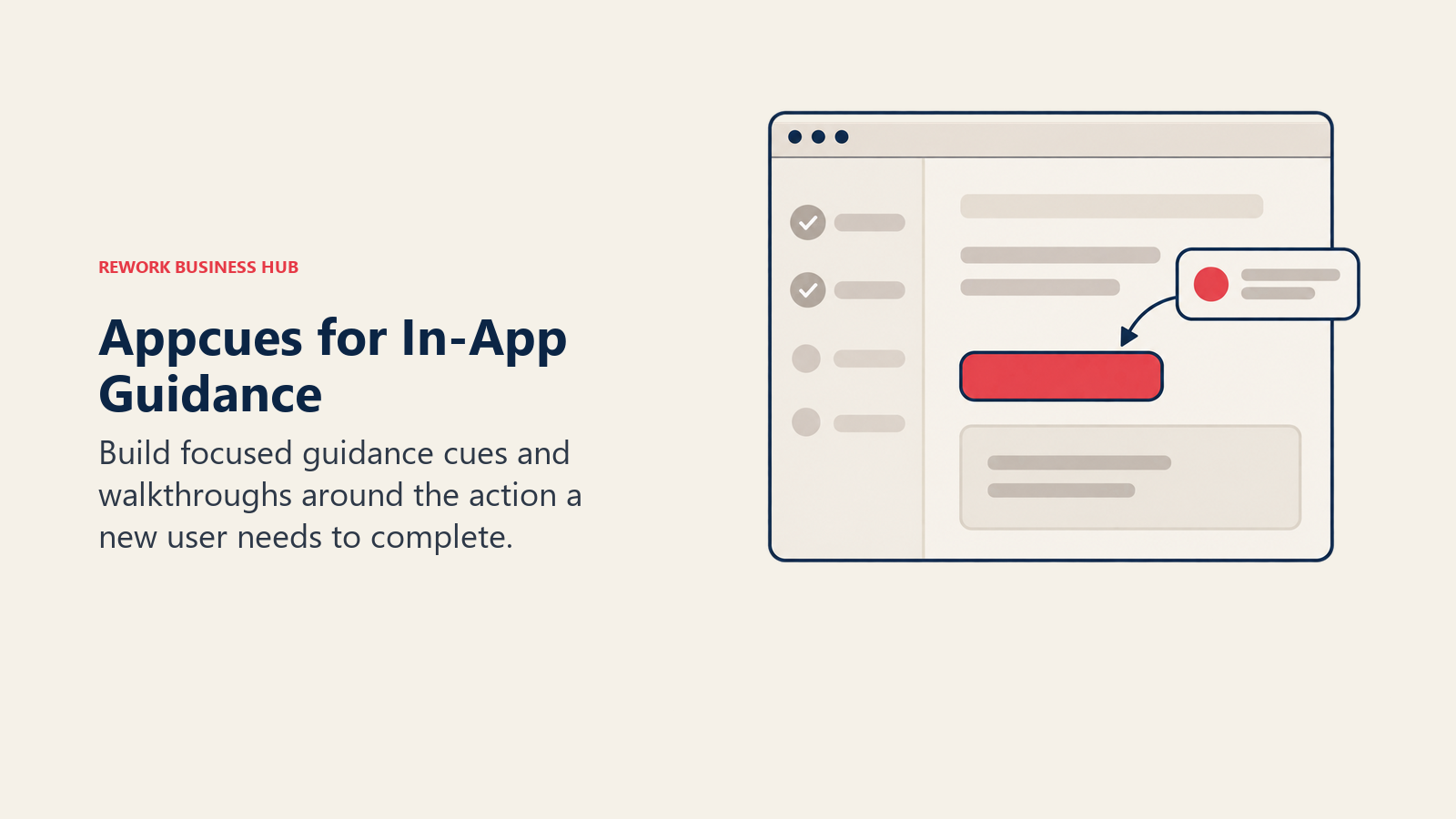
Target audience: PMs and growth teams that need to launch and iterate on onboarding experiences quickly, without waiting on engineering.
Sizing fit: Start tier fits smaller products (up to 3,000 MAU); Grow and Enterprise scale up from there.
Stage fit: Early stage through growth.
Pros and cons:
| Pros | Cons |
|---|---|
| No-code editor is genuinely fast to launch flows in | No published pricing anywhere, even for the entry tier |
| Reporting window scales with tier (12, 24, 36 months) | Analytics is secondary to guidance, not a real replacement for Amplitude or Mixpanel |
| Clean, focused product without feature bloat | Pricing driven by MAU, installs, and published experiences, which is hard to estimate upfront |
| Long track record in the onboarding-flow category | Enterprise-only for larger volume and experience counts |
Pricing: Start: up to 3,000 MAU, 10 published experiences, 12 months of reporting. Grow: from 3,000 MAU, 25 experiences, 24 months of reporting. Enterprise: custom volume, 100 experiences, 36 months of reporting. No dollar figures are published for any tier. Source: appcues.com/pricing.
Best for: Teams that want a dedicated, no-code onboarding tool and don't need it to double as their analytics platform.
4. PostHog: Analytics, Replay, Flags, and Surveys on One Usage-Based Bill
PostHog takes the opposite pricing approach from Pendo: no platform fee, no flat tier, just usage-based pricing across a genuinely broad toolkit that includes product analytics, session replay, feature flags, experimentation, and surveys. For engineering-led teams that want to self-serve without a sales call, it's one of the most transparent options on this list.
Target audience: Engineering-led product teams that want analytics, replay, and feature flags in one platform and are comfortable with metered billing.
Sizing fit: Scales from solo builders to teams of several hundred; very high-volume products need to budget carefully.
Stage fit: Early stage through growth.
Pros and cons:
| Pros | Cons |
|---|---|
| No platform fee; free allowance every single month | Costs can climb fast once you're well past the free allowance |
| Feature flags, replay, surveys, and analytics in one product | No flat "unlimited seats" plan; everything ties back to usage |
| Fully self-serve, transparent published rates | Enterprise governance features are less mature than Amplitude's |
| Popular with engineering teams for its developer-first design | Guidance/onboarding flows are thinner than Userpilot or Appcues |
Pricing: No platform fee. Free every month: first 1 million product-analytics events and first 5,000 session replays. After the free allowance: product analytics from $0.00005 per event, session replay from $0.0050 per recording ($0.0100 for mobile recordings), with rates tiering down at higher volume. Source: posthog.com/pricing.
Best for: Engineering-led teams that want analytics, replay, and feature flags on one predictable, self-serve, usage-based bill.
5. Mixpanel: Event Analytics for Teams That Live in Funnels and Cohorts
Mixpanel is a dedicated event-analytics platform: funnels, retention curves, and cohort analysis are its core strength, and it doesn't try to bundle in-app guidance or session replay the way Amplitude now does. If your Pendo complaint is specifically about analytics depth, Mixpanel is worth a direct look.
Target audience: Product and growth analysts who need precise funnel and retention analysis and don't need a guidance tool bundled in.
Sizing fit: Free tier works for early-stage teams; Growth and Enterprise scale to very high event volumes.
Stage fit: Growth through enterprise.
Pros and cons:
| Pros | Cons |
|---|---|
| Deep, fast funnel and retention analysis | No native in-app guidance or session replay |
| Free tier covers up to 1 million events/month | Growth tier pricing is usage-based and not a flat published number |
| First-year-free startup program for qualifying companies | Enterprise pricing requires a sales conversation |
| Clean, analyst-friendly interface | Not a full Pendo replacement on its own; pairs with a guidance tool |
Pricing: Free: $0, up to 1 million events per month. Growth: "starts at $0," usage-based, scales with events. Enterprise: custom, up to 1 trillion events per month. Source: mixpanel.com/pricing.
Best for: Teams that want best-in-class event analytics and are willing to pair it with a separate guidance tool from this list.
6. Heap (Contentsquare): Autocapture Analytics Now Backed by Contentsquare
Heap's defining feature is autocapture: it records every user interaction retroactively, so you don't have to define a tagging plan before you can ask a new question. Heap is now part of Contentsquare (alongside Hotjar), which changes the buying motion, expect Contentsquare's sales team and bundling options to come up in the conversation.
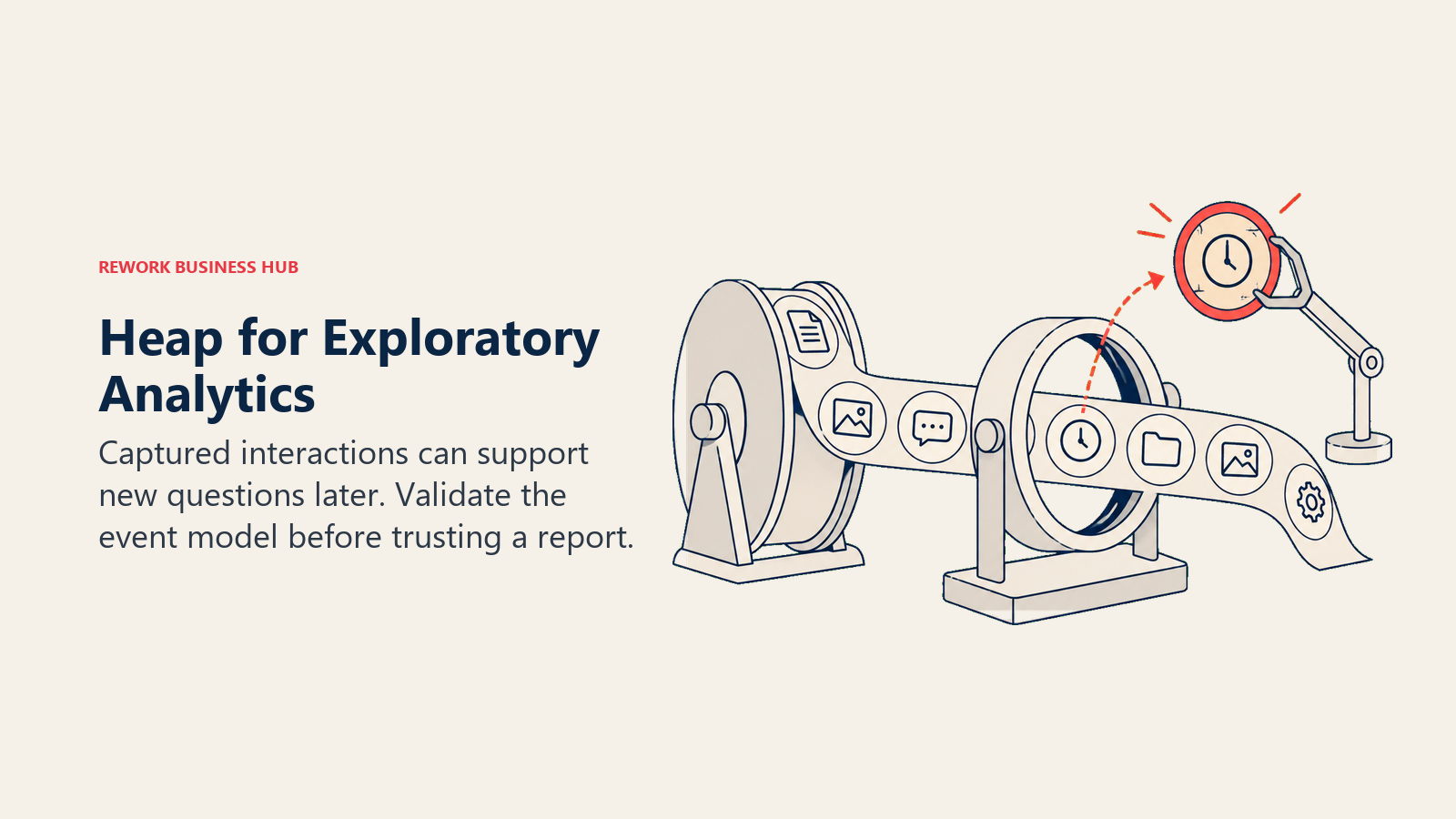
Target audience: Product and UX teams that want to ask new analytics questions without waiting on an engineer to add tracking events.
Sizing fit: Free tier fits small products; paid tiers need a snippet installed before you can get a real quote.
Stage fit: Growth through enterprise.
Pros and cons:
| Pros | Cons |
|---|---|
| Autocapture means no tagging plan required before launch | No paid price published anywhere on the page |
| Free tier includes real usage (10,000 sessions/month) | Growth tier requires installing the snippet just to get an estimate |
| Now backed by Contentsquare's broader UX-analytics suite | Pro and Premier are fully custom, "Custom Session Pricing" |
| Strong for retroactive, exploratory analysis | No native in-app guidance module |
Pricing: Tiers: Free, Growth, Pro, Premier. Free is capped at 10,000 monthly sessions. No paid price is published; Growth requires installing the snippet for an estimate, and Pro/Premier are "Custom Session Pricing." Source: heap.io/pricing.
Best for: Teams that want retroactive, no-tagging-plan analytics and don't mind a sales conversation for anything beyond the free tier.
7. Statsig: Analytics and Experimentation With a Genuinely Free Tier
Statsig pairs product analytics with feature flags and experimentation, and its free Developer tier is one of the most generous in this entire list: 2 million events per month, 50,000 session replays per month, and unlimited seats, with no credit card required. For engineering-heavy teams that want analytics plus experimentation instead of analytics plus guidance, it's a strong fit.
Target audience: Engineering and data teams that want feature flags, experimentation, and product analytics together, without per-seat pricing.
Sizing fit: Free tier is usable well past the prototype stage; Pro adds headroom at a flat monthly rate.
Stage fit: Early stage through growth.
Pros and cons:
| Pros | Cons |
|---|---|
| Free tier includes 50,000 session replays a month, not just charts | No in-app guidance or onboarding-flow builder |
| Unlimited seats even on the free tier | Smaller ecosystem and brand recognition than Amplitude or Mixpanel |
| Pro tier has a flat, published starting price | Enterprise pricing is fully custom, contract-based |
| Strong feature-flagging and experimentation depth | Less product-analytics maturity than dedicated tools like Mixpanel |
Pricing: Developer (free): $0, 2 million events/month, 50,000 session replays/month, unlimited seats, 1-year analytics retention. Pro: $150/month flat, 5 million events included, then $0.05 per additional 1,000 events, 100,000 session replays/month. Enterprise: custom, event- or experiment-based contracts. Source: statsig.com/pricing.
Best for: Engineering-led teams that want analytics and experimentation bundled, with a free tier that doesn't feel like a trial.
8. Chameleon: DIY In-App UI Patterns With Transparent, Published Pricing
Chameleon builds in-app experiences (tooltips, modals, banners, product tours) with a strong emphasis on design flexibility and, unusually for this category, actual published starting prices. Most of its enterprise-DAP competitors hide pricing entirely; Chameleon tells you the number before you talk to sales.
Target audience: PMs and growth teams that want fine-grained control over the look and placement of in-app UI, and want to know the price before booking a demo.
Sizing fit: Startup tier fits smaller products; Pro and Growth scale with monthly tracked users (MTU).
Stage fit: Early stage through growth.
Pros and cons:
| Pros | Cons |
|---|---|
| Publishes real starting prices, rare in this category | Costs scale quickly as MTU bands increase |
| Strong design control over in-app UI patterns | Growth tier requires annual billing to get the quoted rate |
| Copilot and governance features on higher tiers | No dedicated analytics depth; pairs best with a separate analytics tool |
| Multi-language localization on Growth and above | Enterprise tier is still fully custom |
Pricing: Startup: $279/month (2,000 MTU, 10 live experiences). Pro: from $750/month (5,000 MTU, up to 20 live experiences). Growth: from $1,250/month, billed annually (5,000 MTU, unlimited live experiences). Enterprise: custom. Source: chameleon.io/pricing.
Best for: Teams that want design-forward in-app guidance and value seeing a real price before they book a call.
9. WalkMe: Enterprise Digital Adoption for Employee and Customer Apps
WalkMe is the category's original enterprise digital adoption platform (DAP), covering both employee-facing software rollout and customer-facing product guidance. It's built for large organizations managing adoption across many applications at once, not for a single product team shipping onboarding flows.
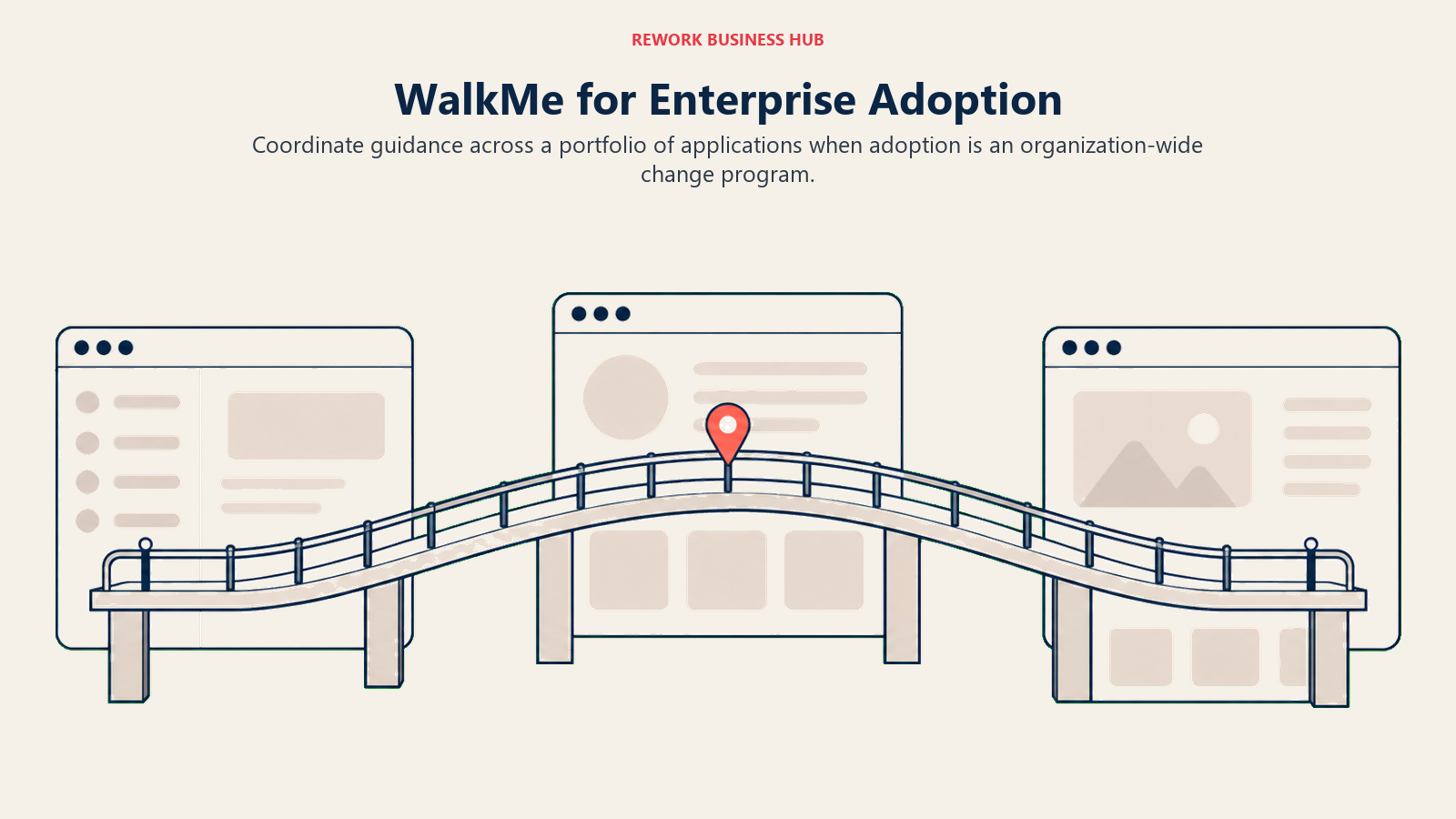
Target audience: IT, operations, and change-management teams driving software adoption across a large, mixed application portfolio.
Sizing fit: Built for enterprise; smaller teams will find it heavier than they need.
Stage fit: Mid-market through enterprise.
Pros and cons:
| Pros | Cons |
|---|---|
| Broadest enterprise DAP feature set: content authoring, analytics, AI assistance | No pricing published anywhere, not even a starting figure |
| Covers both employee and customer-facing applications | No free trial; demos and quotes only |
| Enterprise security, white-labeling, and localization included | Overkill for a single product team's guidance needs |
| Long track record with large, complex rollouts | Implementation typically requires a dedicated admin |
Pricing: Not published. Both WalkMe for Employees and WalkMe for Customers require a quote. No free trial is offered. Source: walkme.com/pricing.
Best for: Large enterprises that need adoption guidance across many internal and customer-facing applications, not just one product.
10. Whatfix: WalkMe's Biggest Rival in Enterprise Digital Adoption
Whatfix competes directly with WalkMe in enterprise digital adoption, with separate product lines for guidance (Standard, Premium, Enterprise) and product analytics, plus a training platform called Mirror. Whatfix describes its model as "flat fee plus user license fees," which theoretically gives more room to negotiate than a pure per-seat model, though nothing is published.
Target audience: IT and enterprise change-management teams evaluating WalkMe and Whatfix side by side for large-scale software rollouts.
Sizing fit: Built for enterprise and large mid-market; single-product teams are better served by Userpilot, Appcues, or Chameleon.
Stage fit: Mid-market through enterprise.
Pros and cons:
| Pros | Cons |
|---|---|
| Product analytics Standard tier is free with any DAP plan | No dollar figures published for any tier, including analytics |
| Flat-fee-plus-license model offers more negotiating room in theory | Pricing model is genuinely hard to estimate without a sales call |
| Separate mobile and desktop OS plans for broader coverage | Two separate pricing tracks (DAP and Analytics) add complexity |
| Free trial available, unlike WalkMe | Mirror training platform pricing is also unpublished |
Pricing: Not published for DAP Standard, Premium, or Enterprise, nor for Product Analytics Premium or Enterprise (Product Analytics Standard is included free with any DAP plan). Mirror pricing is also not published. Source: whatfix.com/pricing.
Best for: Enterprises comparing WalkMe alternatives that want a bundled analytics tier and a free-trial option before committing.
11. LogRocket: Session Replay and AI Issue Detection for Engineering-Led Teams
LogRocket pairs session replay with frontend performance monitoring, error tracking, and AI-generated session summaries, aimed squarely at engineering teams debugging real user issues rather than product teams building onboarding flows. It doesn't try to replace Pendo's Guides module at all.
Target audience: Engineering and support teams that need session context to debug bugs and friction points quickly.
Sizing fit: Scales with session volume rather than seats; the pricing calculator adjusts to your traffic.
Stage fit: Early stage through mid-market.
Pros and cons:
| Pros | Cons |
|---|---|
| AI session summaries and AI issue detection built in | No fixed Core/Pro/Enterprise dollar tiers, just a usage calculator |
| Combines replay, error tracking, and performance monitoring | Full-capture pricing runs well above the conditional-capture starting figure |
| 14-day free trial with full features, no card required | No in-app guidance or product analytics depth to speak of |
| Feedback-tool integrations (Zendesk, Intercom, G2) built in | Enterprise pricing is fully custom |
Pricing: LogRocket's own pricing page does not publish fixed tier prices. Its calculator shows "starting at $176/month" for a baseline volume with roughly 25% conditional-recording capture; selecting full recording of the same volume runs about $765/month on the same calculator. Enterprise is custom. A 14-day free trial with full features is available. Source: logrocket.com/pricing.
Best for: Engineering-led teams that want session replay tied directly to error tracking and AI-assisted debugging.
12. FullStory: Enterprise Session Replay With the Deepest Free Tier
FullStory is a dedicated session-replay and digital-experience-intelligence platform, and its free tier is the most generous one on this list for session replay specifically: 30,000 sessions a month with 12 months of retention. Paid tiers (Business, Advanced, Enterprise) require a sales conversation.
Target audience: UX researchers, product teams, and marketers who want to watch and analyze real user sessions at scale.
Sizing fit: Free tier supports up to 10 users; paid tiers scale to large enterprise volumes.
Stage fit: Growth through enterprise.
Pros and cons:
| Pros | Cons |
|---|---|
| Free tier covers 30,000 sessions/month with 12 months of retention | No paid pricing published for Business, Advanced, or Enterprise |
| StoryAI and Guides/Surveys available as add-ons | Add-on pricing adds another layer of quote-gathering |
| Strong mobile analytics add-on option | Not a product-analytics or in-app-guidance replacement on its own |
| No credit card required for the free tier | Multi-org management is an enterprise-only add-on |
Pricing: Free (FullStory Free): $0, 30,000 sessions/month, 12 months of data retention, up to 10 users, includes Session Replay, basic analytics, and debugging tools. Business, Advanced, and Enterprise plans require requesting pricing and a demo. Source: fullstory.com/pricing.
Best for: Teams that want to start with real, usable session-replay capacity for free before ever talking to sales.
How to Choose: Decision Framework
| If you need this... | Go with... |
|---|---|
| The closest single swap for Pendo's bundled Analytics + Guides + Replay | Amplitude |
| In-app guidance and analytics from one vendor, mid-market budget | Userpilot |
| No-code onboarding flows without committing to an analytics platform | Appcues |
| Analytics, replay, feature flags, and surveys under one usage-based bill | PostHog |
| Deep event analysis and cohorting, not guidance | Mixpanel |
| Autocapture analytics without a manual tagging plan | Heap (Contentsquare) |
| Feature flags and experimentation alongside analytics, on a real free tier | Statsig |
| DIY in-app UI patterns with prices you can see before a sales call | Chameleon |
| Enterprise-wide digital adoption across employee and customer apps | WalkMe or Whatfix |
| Session replay and AI-assisted issue detection for engineering | LogRocket |
| The deepest free session-replay allowance in the category | FullStory |
| Only the feedback and roadmap-voting half of Pendo, not analytics or guidance | See our Canny alternatives guide |
If you're still comparing full product-management suites rather than a single Pendo swap, our guide to the best project management software covers the broader category landscape. And if your team tends to track feature requests in a flexible spreadsheet or database rather than a dedicated feedback tool, see best no-code database software for options built around that workflow.
Frequently Asked Questions about Pendo Alternatives
What's the biggest difference between Pendo and the tools on this list?
Pendo bundles product analytics, in-app guidance, and lightweight feedback collection into one subscription with no published paid price. Most alternatives on this list specialize in one job (analytics, guidance, or session replay) rather than all three, which usually means clearer pricing and a better fit if you only need one piece.
Does Pendo have a free plan?
Yes. Pendo's free tier is capped at 500 monthly active users (MAU), with unlimited web and mobile app keys. It includes Analytics, in-app Guides, Pendo-branded Roadmaps, and Pendo-branded NPS.
How much does Pendo cost for paid plans?
Pendo does not publish a price for any paid tier. Base (Analytics plus Guides), Core (adds Session Replay, Pendo's most popular tier), and Ultimate (adds sentiment surveys, Orchestrate, Listen, and Data Sync) all require a sales conversation to get a quote.
Which Pendo alternative has the most generous free tier?
It depends on what you're measuring. For analytics, Amplitude's free tier (2 million events/month, with Session Replay, Guides, and Surveys included) and Statsig's free tier (2 million events plus 50,000 session replays/month) are both strong. For session replay specifically, FullStory's free tier (30,000 sessions/month) is the deepest in this list.
What is Pendo Novus?
Novus is a new AI monitoring product Pendo added to its lineup, offered free in beta with no MAU limit. It sits alongside, not instead of, the core Analytics, Guides, and Base/Core/Ultimate tiers.
Should I buy one bundled tool or separate best-of-breed tools for analytics, guidance, and replay?
If your team is small and wants one login, a bundled option like Amplitude (analytics plus guidance plus replay) or Userpilot (guidance plus analytics) usually wins on simplicity. If you have distinct engineering, product, and support teams that each want the best tool for their specific job, buying separately (for example, Mixpanel for analytics, Appcues for guidance, and LogRocket for replay) often costs less in total and each tool goes deeper on its specialty.
What to Do Next
Start by naming the actual job you're unhappy with in Pendo: is it analytics depth, in-app guidance flexibility, session replay coverage, or the fact that you're paying for all three and using one? That answer alone eliminates most of the tools on this list.
Once you know the job, run a two-week trial with your top two picks against real product data, not a demo environment. Check whether the free tier (Amplitude, Mixpanel, PostHog, Heap, Statsig, and FullStory all have real usable ones) covers your actual volume before you assume you need a paid plan at all.
Camellia writes about product and project tooling for B2B teams. Last updated August 2026.

Customer Success Operations Manager
On this page
- Key Facts
- The Three Jobs Hiding Inside Pendo
- Quick Comparison Table
- Team Size, Persona, and Stage Fit
- 1. Amplitude: The Closest Like-for-Like Swap for Pendo's Full Bundle
- 2. Userpilot: In-App Guidance and Analytics Built for Product-Led Teams
- 3. Appcues: No-Code Onboarding Flows Without an Analytics Commitment
- 4. PostHog: Analytics, Replay, Flags, and Surveys on One Usage-Based Bill
- 5. Mixpanel: Event Analytics for Teams That Live in Funnels and Cohorts
- 6. Heap (Contentsquare): Autocapture Analytics Now Backed by Contentsquare
- 7. Statsig: Analytics and Experimentation With a Genuinely Free Tier
- 8. Chameleon: DIY In-App UI Patterns With Transparent, Published Pricing
- 9. WalkMe: Enterprise Digital Adoption for Employee and Customer Apps
- 10. Whatfix: WalkMe's Biggest Rival in Enterprise Digital Adoption
- 11. LogRocket: Session Replay and AI Issue Detection for Engineering-Led Teams
- 12. FullStory: Enterprise Session Replay With the Deepest Free Tier
- How to Choose: Decision Framework
- What to Do Next