Bahasa Indonesia
Alternatif Coda Terbaik di 2026: 10 Platform Docs-as-Apps untuk Tim Operasional
Turn this article into takeaways for your work.


Each assistant summarizes the article only for you and suggests best practices for your work.
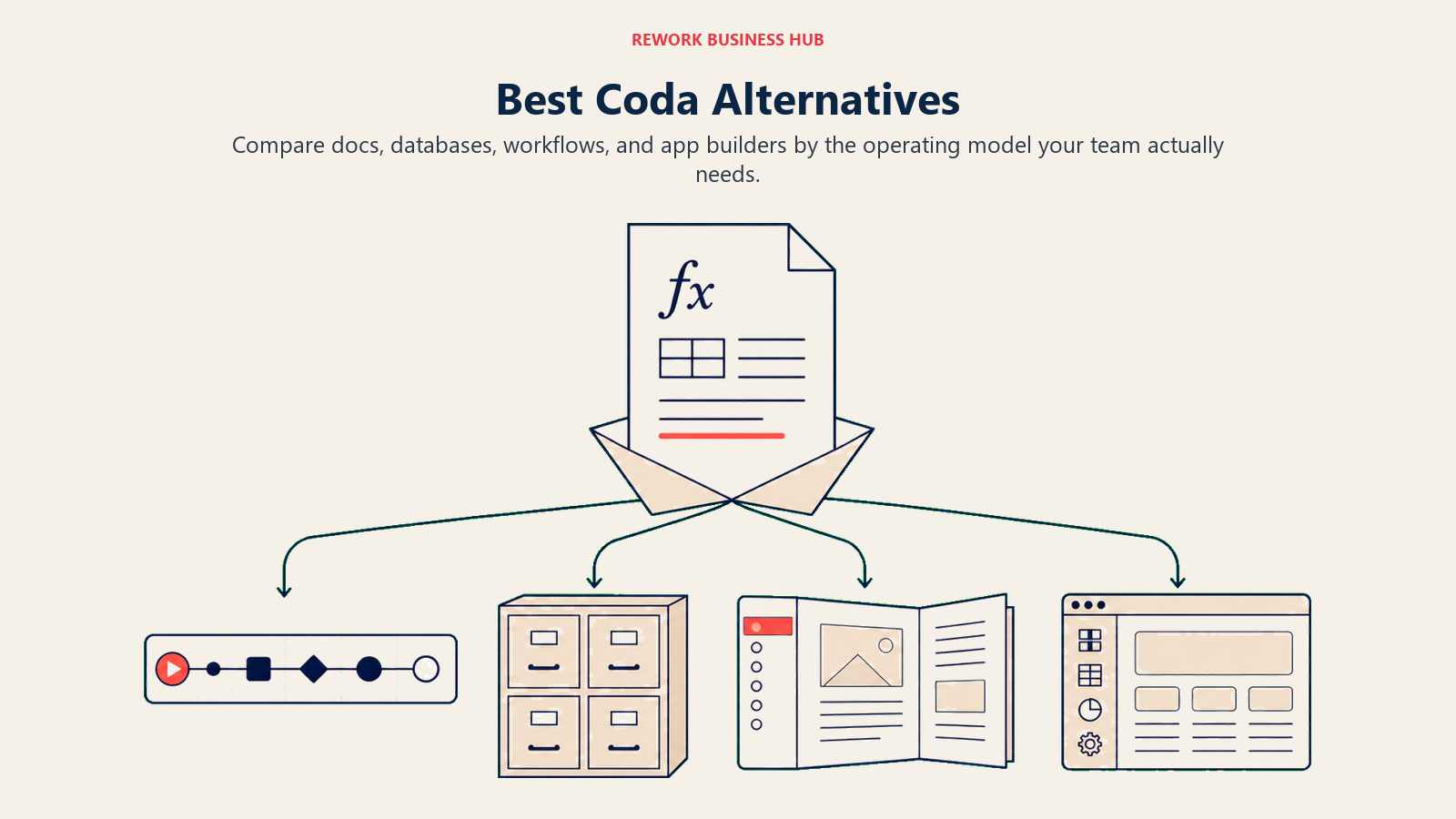
Alternatif Coda terbaik di 2026 adalah Notion, Airtable, Rework, ClickUp, dan Monday.com, tergantung pada apa yang membuat Anda meninggalkan Coda. Notion unggul dalam ekosistem dan dokumen yang fleksibel, Airtable dalam data relasional, ClickUp dan Monday dalam eksekusi proyek, dan Rework ketika Anda membutuhkan workflow ops yang nyata beserta CRM bawaan, bukan halaman berbasis formula. Pilihan yang tepat adalah yang menyelesaikan alasan spesifik Anda meninggalkan Coda.
Coda membuat taruhan yang benar-benar menarik: bagaimana jika sebuah dokumen bisa mengerjakan tugas sebuah aplikasi? Tabel, tombol, otomasi, dan logika formula semuanya berada dalam satu halaman. Untuk tim yang tepat, visi tersebut sangat bertenaga. Anda bisa membangun pelacak klien, alur onboarding, atau proses persetujuan anggaran tanpa berpindah tools.
Namun sebagian besar tim menghadapi hambatan nyata setelah masa bulan madu berakhir. Sintaks formula menghukum pengguna non-teknis dan menghentikan adopsi di luar inti yang melek teknologi. Ekosistemnya lebih kecil dari Notion atau Airtable, yang berarti lebih sedikit integrasi dan komunitas yang lebih tipis. Performa menurun dengan dokumen besar yang sarat formula. Dan fitur enterprise seperti izin terperinci, log audit, dan SSO masih tertinggal dibanding platform matang lainnya.
Artikel ini mencakup 10 pengganti yang paling relevan untuk pemimpin operasional, RevOps lead, dan direktur yang membutuhkan tools yang menangani workflow nyata, bukan hanya dokumen yang cerdas. Untuk tim yang juga menggunakan Coda bersama tools whiteboarding, lihat alternatif Miro terbaik. Banyak tim ops menggunakan keduanya untuk perencanaan dan dokumentasi. Jika tumpukan ops Anda mencakup penandatanganan dokumen, alternatif DocuSign terbaik membahas bagaimana tools persetujuan berbasis workflow dibandingkan dengan platform e-signature tradisional.
Tabel Perbandingan Singkat
| Tools | Paling Cocok Untuk | Harga Awal | Keunggulan Utama | Keterbatasan Utama |
|---|---|---|---|---|
| Notion | Dokumen + database fleksibel | Gratis; $10/pengguna/bulan | Ekosistem terbesar, struktur fleksibel | Otomasi lemah; tidak ada mesin workflow |
| Airtable | Database relasional + otomasi | Gratis; $20/pengguna/bulan | Model data relasional sejati, API yang kuat | Bukan tools dokumen; membutuhkan keahlian konfigurasi |
| Rework | Tim ops berukuran menengah yang membutuhkan CRM + workflow | Mulai $99/bln ditagih tahunan, 5 seat (rework.com/pricing) | Workflow ops lintas tim khusus + CRM bawaan | Bukan tools docs/canvas; tidak ada halaman berbasis formula |
| ClickUp | All-in-one: tugas + dokumen + otomasi | Gratis; $7/pengguna/bulan | Set fitur mendalam, fleksibilitas luas | Kurva pembelajaran curam; antarmuka bisa membingungkan |
| Monday.com | Pelacakan proyek visual + otomasi | $9/pengguna/bulan | UI yang bersih, otomasi solid, board visual | Makin mahal; otomasi terbatas di tier lebih rendah |
| Quip (Salesforce) | Dokumen + tabel yang terhubung dengan Salesforce | Termasuk dalam Salesforce | Integrasi Salesforce native untuk dokumen sales | Hanya bernilai dalam ekosistem Salesforce |
| AppSheet (Google) | Membangun aplikasi no-code dari spreadsheet | Gratis; $5/pengguna/bulan | Aplikasi no-code sejati tanpa coding; sinkronisasi Google Workspace | Bukan tools dokumen; UX lebih curam dari Coda |
| Retool | Membangun tools internal dengan sumber data nyata | Gratis; $10/pengguna/bulan | Terhubung ke database atau API apa pun; tenaga serius | Memerlukan keterlibatan developer; bukan tools untuk pengguna bisnis |
| Glide | Aplikasi no-code sederhana dari Google Sheets | Gratis (1 proyek); Solo $25/bulan; Team $125/bulan | Pembuatan aplikasi cepat dari spreadsheet; mengutamakan mobile | Kompleksitas relasional terbatas; tenaga formula lebih kecil |
| Softr | Portal no-code dari Airtable atau Google Sheets | Gratis; $19/bulan ditagih tahunan | Portal klien, direktori anggota, build cepat | Kedalaman logika terbatas vs Coda atau AppSheet |
Matriks Kesesuaian Tahap
| Tools | Startup (1-15) | Pertumbuhan (15-100) | Pasar Menengah (100-500) | Enterprise (500+) |
|---|---|---|---|---|
| Notion | Kesesuaian kuat | Kesesuaian baik | Mungkin dengan tata kelola | Membutuhkan struktur signifikan |
| Airtable | Kesesuaian baik | Kesesuaian kuat | Kesesuaian baik | Mungkin dengan dukungan IT |
| Rework | Kesesuaian terbatas | Kesesuaian kuat | Kesesuaian terbaik | Cocok dengan kustomisasi |
| ClickUp | Kesesuaian kuat | Kesesuaian kuat | Kesesuaian baik | Mungkin |
| Monday.com | Kesesuaian baik | Kesesuaian kuat | Kesesuaian baik | Memiliki tier Enterprise |
| Quip | Tidak ideal | Bergantung Salesforce | Bergantung Salesforce | Cocok untuk org Salesforce |
| AppSheet | Kesesuaian baik | Kesesuaian kuat | Kesesuaian baik | Kuat dengan Google Workspace |
| Retool | Membutuhkan dev | Baik dengan tim dev | Kuat dengan tim eng | Kuat |
| Glide | Kesesuaian kuat | Kesesuaian baik | Terbatas | Tidak dirancang untuk enterprise |
| Softr | Kesesuaian kuat | Kesesuaian baik | Terbatas | Tidak dirancang untuk enterprise |
Tabel Ukuran dan Persona
| Tools | Ukuran Tim Ideal | Pembeli Utama | Peran Pembeli |
|---|---|---|---|
| Notion | 1-200 | Tim pengetahuan apa pun | Founder, Team Lead, Chief of Staff |
| Airtable | 5-300 | Tim ops dan marketing berbasis data | Head of Ops, Marketing Ops, Program Manager |
| Rework | 20-500 | Tim ops, RevOps, Sales+Ops gabungan | COO, Head of Ops, RevOps Lead |
| ClickUp | 1-500 | Organisasi multi-tim dengan anggaran terbatas | COO, PM, Team Lead |
| Monday.com | 5-500 | Tim berbasis proyek dan visual | Head of PMO, Director of Operations |
| Quip | 50+ (org Salesforce) | Tim sales yang menggunakan Salesforce | VP Sales, Salesforce Admin |
| AppSheet | 5-200 | Tim ops atau IT dengan data Sheets/Excel | IT Manager, Ops Director, Data Analyst |
| Retool | 5-500 (dengan tim dev) | Tim ops yang berdekatan dengan engineering | Engineering Manager, Head of Internal Tools |
| Glide | 1-100 | Tim ops kecil yang menginginkan aplikasi mobile | Ops Manager, Founder, Field Team Lead |
| Softr | 1-100 | Tim yang membangun portal klien atau anggota | Founder, Agency Owner, Product Manager |
1. Notion: Dokumen Fleksibel + Ekosistem Terbesar
Notion adalah tools pertama yang dipertimbangkan sebagian besar tim ketika meninggalkan Coda. Keduanya menempati ruang "dokumen + database," tetapi Notion memiliki ekosistem yang jauh lebih besar: lebih banyak template, komunitas pengguna yang jauh lebih besar, integrasi pihak ketiga yang lebih baik, dan pengakuan nama yang lebih luas yang membantu perekrutan dan adopsi. Jika Anda mengevaluasi Notion sebagai platform jangka panjang, panduan alternatif Notion terbaik memberikan konteks yang berguna tentang di mana Notion sendiri pada akhirnya mencapai batasnya.
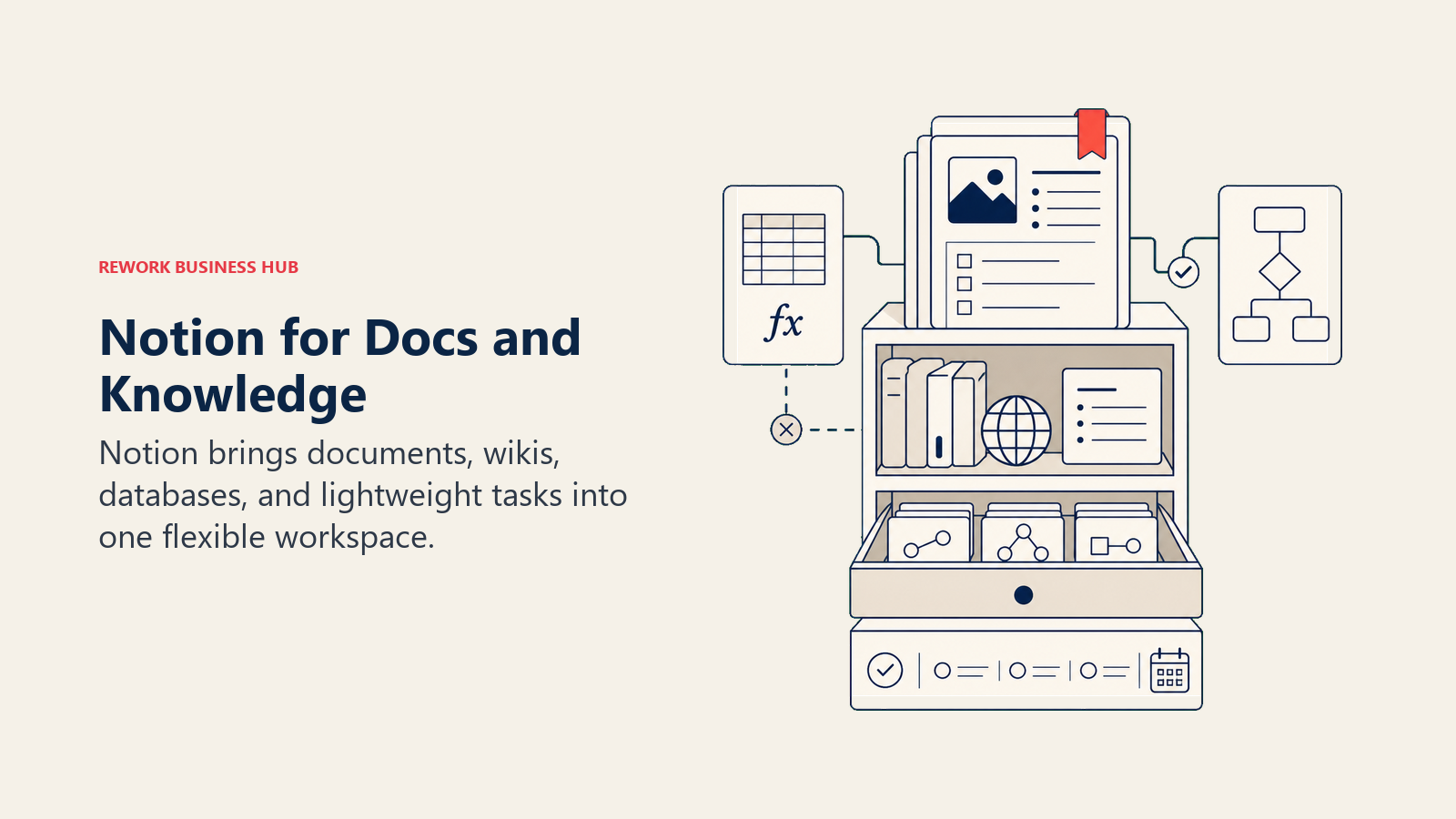
Filosofi produk Notion adalah kanvas: beri tim permukaan yang fleksibel dan biarkan mereka menstrukturnya sesuai keinginan. Database, tampilan tertaut, blok tersinkronisasi, dan lapisan otomasi yang terus berkembang menjadikannya pesaing Coda yang lebih ketat dari dua tahun lalu.
Di mana ia masih tertinggal dibanding Coda: otomasi Notion lebih lemah, dan Anda tidak dapat menyematkan logika tombol bertenaga formula seperti yang diaktifkan Coda. Untuk tim yang menggunakan Coda khusus untuk Packs-nya (integrasi aplikasi yang memungkinkan dokumen memicu tindakan nyata), Notion membutuhkan solusi alternatif.
| Yang Anda dapatkan | Yang tidak Anda dapatkan |
|---|---|
| Perpustakaan template terbesar dalam kategori ini | Kedalaman otomasi bertenaga formula |
| Halaman fleksibel, database, dan wiki bertingkat | Mesin workflow dengan routing kondisional |
| Tools penulisan dan konten AI bawaan | Lapisan CRM atau manajemen lead |
| 100+ integrasi native | Logika tombol yang memicu tindakan eksternal secara native |
| Komunitas yang kuat dan tooling pihak ketiga | Izin enterprise terperinci di tier lebih rendah |
Harga: Gratis (personal), $10/pengguna/bulan (Plus), $15/pengguna/bulan (Business), $25/pengguna/bulan (Enterprise). Penagihan tahunan.
Paling cocok untuk: Tim yang meninggalkan Coda untuk ekosistem yang lebih besar atau pengalaman dokumen + database yang lebih sederhana. Tim berbasis pengetahuan, organisasi produk dan marketing, startup yang membangun wiki internal.
Kesesuaian ukuran: Terbaik untuk 1-200 orang. Membutuhkan tata kelola yang disengaja pada 50+ untuk menghindari penyebaran struktural.
2. Airtable: Database Relasional + Otomasi
Jika yang benar-benar dihargai tim Anda di Coda adalah model data tabular yang terstruktur, Airtable adalah jawaban yang lebih bertenaga. Ini adalah database relasional dengan UI yang ramah, dan menangani record tertaut, rollup, lookup, dan hubungan data multi-tabel dengan cara yang tidak bisa ditandingi pendekatan tabel-dokumen Coda.
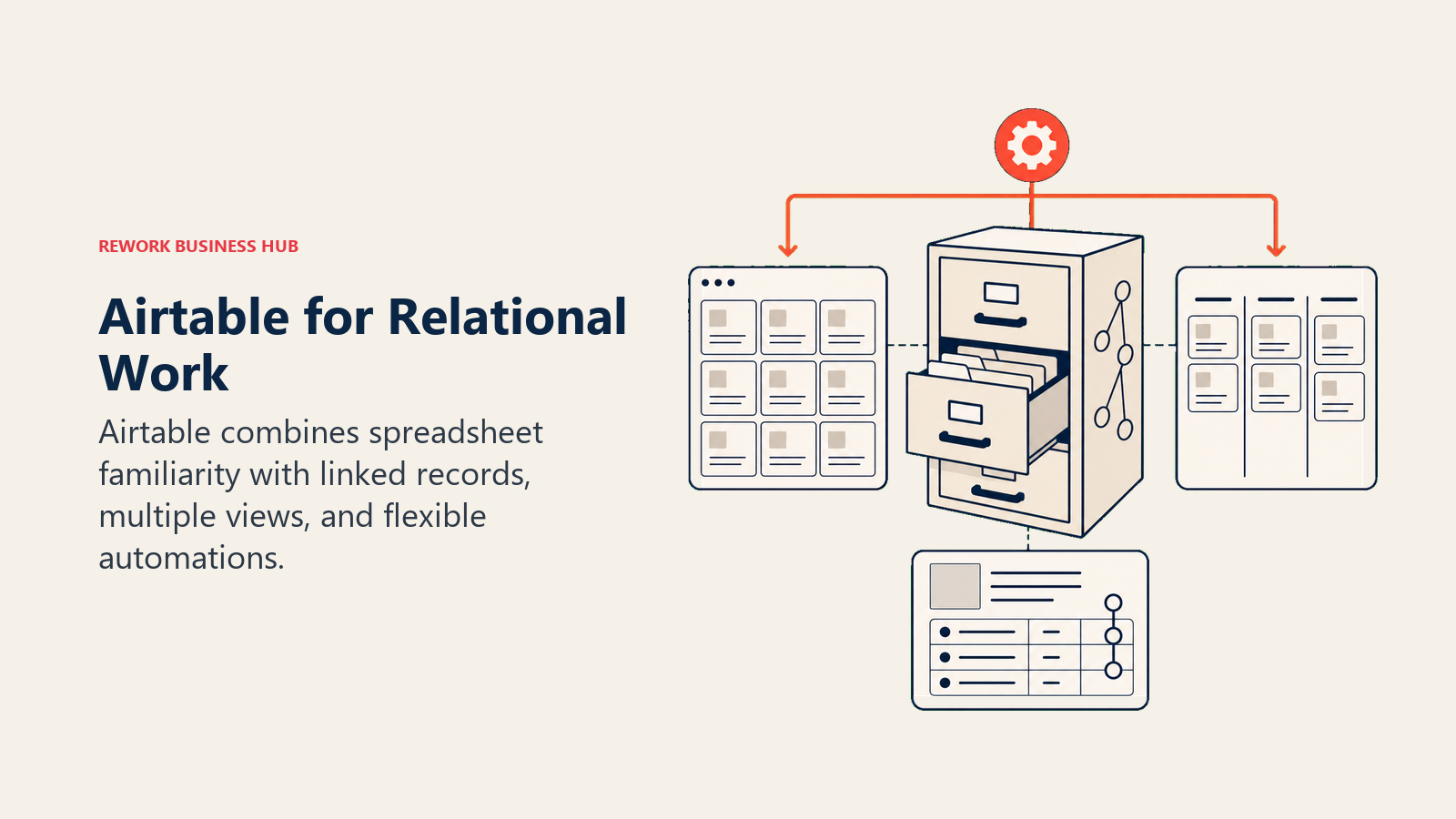
Lapisan otomasi Airtable telah berkembang secara signifikan. Anda dapat membangun workflow multi-langkah yang dipicu oleh perubahan record, pengiriman formulir, atau kejadian terjadwal, tanpa menulis kode. Interface Designer memungkinkan Anda membangun tampilan yang disederhanakan yang dapat digunakan anggota tim lapangan atau pemangku kepentingan eksternal tanpa melihat struktur database yang mendasarinya.
Kontras yang jujur dengan Coda: Airtable bukan tools dokumen sama sekali. Anda tidak akan menulis catatan rapat atau SOP di Airtable. Ini adalah platform yang mengutamakan data, dan unggul dalam hal tersebut. Tetapi jika Anda mencari pengalaman mirip dokumen dengan logika yang disematkan, Airtable memecahkan masalah yang berbeda.
| Yang Anda dapatkan | Yang tidak Anda dapatkan |
|---|---|
| Database relasional sejati dengan record tertaut | Lapisan dokumen atau wiki |
| API yang kuat dan 50+ integrasi native | Kedalaman otomasi workflow tanpa tier lebih tinggi Airtable |
| Interface Designer untuk tampilan pengguna akhir yang disederhanakan | CRM dengan routing lead native |
| Berbagai opsi tampilan: grid, galeri, kanban, Gantt, kalender | Kompleksitas formula yang setara dengan rangkaian penuh Coda |
| Pembangun otomasi solid dengan workflow multi-langkah | Tombol formula bergaya Coda yang memicu tindakan aplikasi |
Harga: Gratis (terbatas), $20/pengguna/bulan (Team), $45/pengguna/bulan (Business). Penagihan tahunan.
Paling cocok untuk: Tim ops, marketing, dan produk yang membutuhkan lapisan data terstruktur. Kalender konten, database proyek, setup CRM-lite, manajemen aset, katalog produk.
Kesesuaian ukuran: Berfungsi baik dari 5 hingga 300 orang. Fitur enterprise tersedia untuk organisasi yang lebih besar.
3. Rework: Workflow Ops Lintas Tim + CRM dalam Satu Produk
Proposisi Coda adalah membuat dokumen lebih cerdas. Proposisi Rework berbeda: membuat operasi Anda berjalan, bukan hanya mendeskripsikan bagaimana seharusnya berjalan. Jika alasan Anda meninggalkan Coda adalah karena Anda membutuhkan otomasi workflow nyata, routing lead, dan CRM yang tidak memerlukan tiga minggu konfigurasi formula, Rework menangani masalah-masalah tersebut secara langsung. Ia berada di peringkat ketiga karena kebanyakan tim Coda masih menginginkan dokumen dan tabel, yang digantikan Notion dan Airtable dengan lebih mirip.
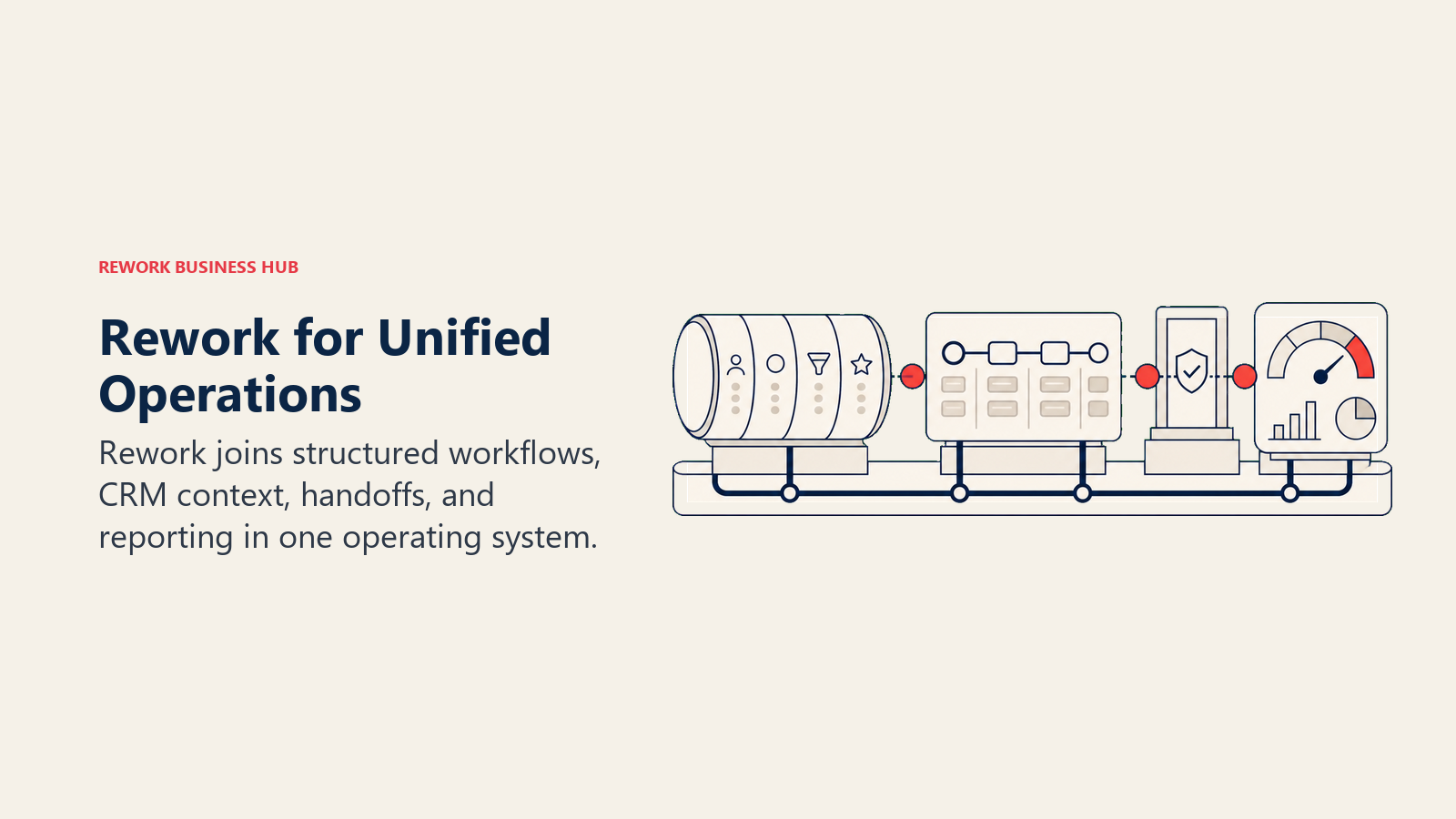
Rework dibangun untuk tim berukuran menengah di mana Sales, Marketing, dan Ops berbagi proses. Intake lead, distribusi round-robin, pelacakan SLA, rantai persetujuan, onboarding klien: semua ini tersedia sebagai workflow yang telah dikonfigurasi, bukan kanvas kosong. Chat inbox (WhatsApp, Messenger, Instagram DM, TikTok, Telegram, LINE, Zalo, live chat; email berjalan di aplikasi Mail terpisah) mencakup komunikasi multi-channel yang tidak ditangani Coda.
Keterbatasan yang jujur: Rework bukan tools docs-as-apps. Proyek memang menyimpan dokumen (folder dan halaman), tetapi tidak ada halaman atau tombol berbasis formula. Jika tim Anda membangun halaman internal yang sarat logika di Coda dan ingin memigrasikan halaman-halaman tersebut secara persis, Rework bukan penggantinya. Ini adalah pilihan yang tepat ketika Anda siap untuk beralih dari "dokumen yang cerdas" ke "operasi yang terstruktur."
| Yang Anda dapatkan | Yang tidak Anda dapatkan |
|---|---|
| CRM + manajemen lead yang terintegrasi sebagai produk inti | Halaman bertenaga formula atau logika doc-as-app |
| Workflow ops lintas tim dengan penegakan dan routing | Workspace kanvas kosong yang fleksibel |
| Chat inbox di seluruh aplikasi perpesanan utama dan live chat | Marketplace template pihak ketiga yang besar |
| Pengambilan lead, skoring, distribusi, dan pelacakan pipeline | Otomasi marketing mendalam (setara Marketo) |
| Template proses untuk onboarding, persetujuan, dan sales ops | Izin tingkat blok yang terperinci |
Harga: Process Engine mulai $99/bulan ditagih tahunan ($1,188/tahun) atau $120 ditagih bulanan, termasuk 5 seat kerja; seat tambahan datang dalam blok 5 seat ($13/bulan per blok, ditagih tahunan). CRM-nya adalah Sales Engine, mulai $69/bulan ditagih tahunan; penangkapan lead, routing, dan chat inbox ada di Marketing Engine ($99/bulan ditagih tahunan), dan Revenue Engine ($159/bulan ditagih tahunan) menggabungkan CRM, inbox, dan penangkapan lead. Free trial 14 hari, tidak ada paket gratis. (rework.com/pricing)
Paling cocok untuk: Tim berukuran menengah (20-500 orang) di B2B SaaS, jasa profesional, atau e-commerce di mana Sales dan Ops membutuhkan workflow bersama yang ditegakkan. COO, RevOps lead, dan Head of Sales.
Kurang ideal untuk: Tim yang terutama membangun tools internal yang sarat logika atau basis pengetahuan yang mengutamakan dokumen.
4. ClickUp: Aplikasi Serba Bisa dengan Dokumen dan Otomasi
ClickUp paling mendekati ambisi Coda dalam melakukan banyak hal dalam satu produk. Mencakup tugas, dokumen, goals, whiteboard, pelacakan waktu, formulir, otomasi, dan fungsionalitas CRM dasar. Untuk tim yang meninggalkan Coda karena tools terasa terlalu terspesialisasi, ClickUp sering menjadi langkah konsolidasi. Lihat alternatif ClickUp terbaik jika Anda ingin menguji batas ClickUp sebelum berkomitmen padanya.
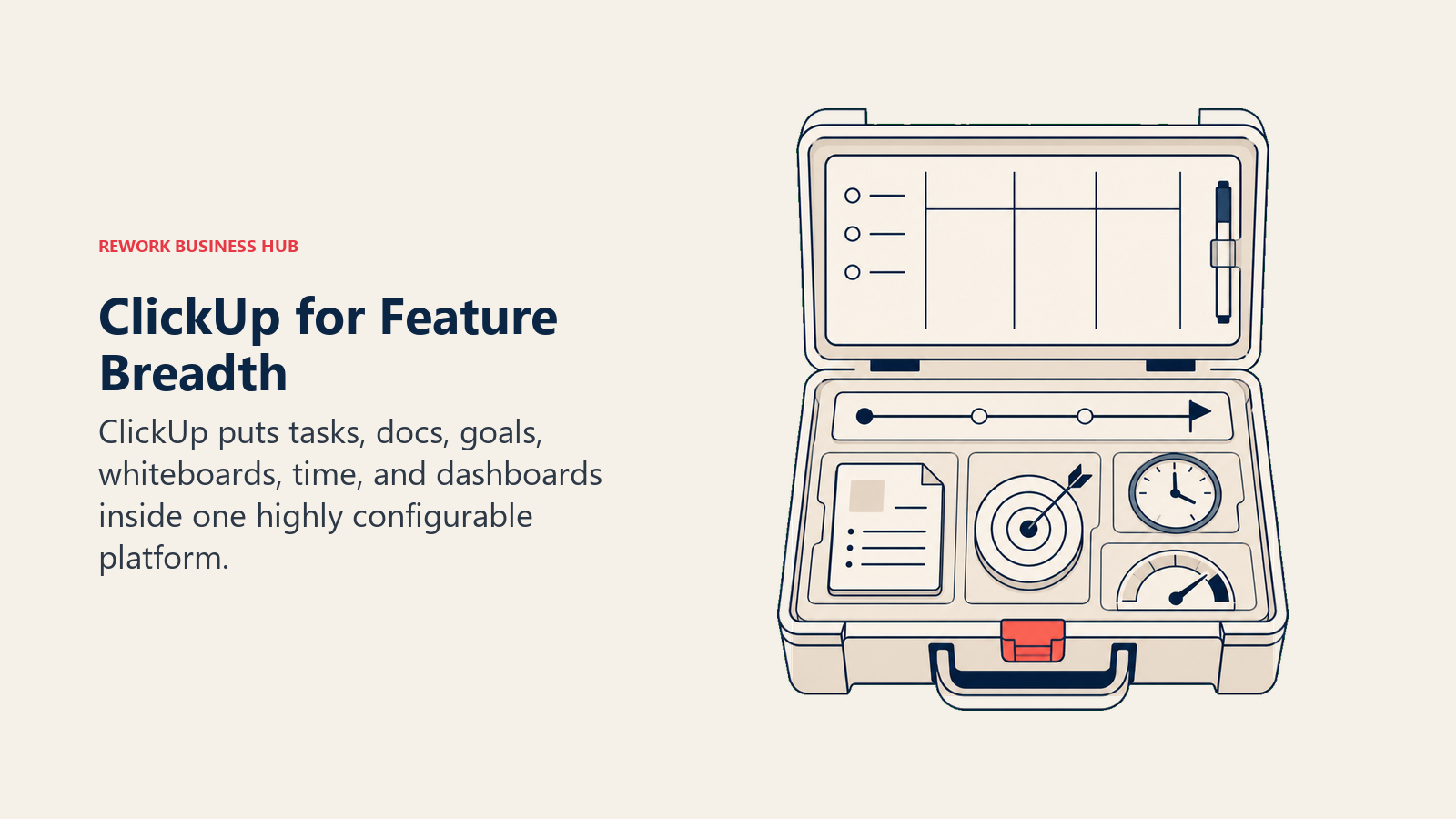
Di mana ClickUp benar-benar mengalahkan Coda: lapisan manajemen proyek dan tugas jauh lebih kuat. Tenggat waktu nyata, perencanaan sprint, tugas berulang, dan tampilan tingkat portofolio semuanya native. Jika workspace Coda Anda sebagian besar adalah pelacakan proyek dengan beberapa logika dokumen di atasnya, ClickUp adalah migrasi yang alami.
Trade-off yang jujur: ClickUp adalah produk yang besar dan kompleks. Pengguna baru menghadapi kurva pembelajaran yang nyata, dan tim tanpa champion internal yang mengonfigurasi workspace sering kali kurang memanfaatkannya. Kemampuan dokumen dan formula juga tidak setara dengan kedalaman Coda untuk kasus penggunaan yang sarat logika.
| Yang Anda dapatkan | Yang tidak Anda dapatkan |
|---|---|
| Dokumen + tugas + goals + pelacakan waktu dalam satu produk | Logika formula tingkat Coda di dalam dokumen |
| 15+ tampilan tugas termasuk Gantt, timeline, dan workload | Onboarding sederhana tanpa admin khusus |
| Tingkatan gratis yang kuat untuk individu dan tim kecil | CRM native dengan manajemen siklus hidup lead |
| 1.000+ integrasi | Template workflow ops yang siap pakai |
| Tools AI untuk penulisan, ringkasan, dan pembuatan tugas | Model formula-tombol-otomasi yang menjadi ciri khas Coda |
Harga: Gratis (batas yang murah hati), $7/pengguna/bulan (Unlimited), $12/pengguna/bulan (Business). Penagihan tahunan.
Paling cocok untuk: Tim yang menginginkan ambisi luas Coda tetapi membutuhkan manajemen proyek sebagai kasus penggunaan utama. Startup dan UKM yang memperhatikan anggaran. Tim dengan power user internal yang bersedia mengonfigurasi platform.
Kesesuaian ukuran: Berfungsi di semua ukuran, dari 1 hingga 500+ orang, meskipun manajemen kompleksitas menjadi penting di skala besar.
5. Monday.com: Board Visual + Otomasi Terstruktur
Monday.com bersaing dengan Coda di lapisan operasional, bukan lapisan dokumen. Ini adalah platform manajemen kerja visual dengan board yang dapat dikustomisasi, otomasi yang kuat, dan UI yang bersih yang dapat dipelajari sebagian besar pengguna non-teknis tanpa pelatihan formal. Jika Anda ingin perbandingan langsung dengan platform ops yang dibangun khusus, ringkasan Rework vs Monday memberikan konteks yang berguna.
Yang Monday lakukan lebih baik dari Coda: ia menegakkan struktur secara desain. Bidang status, tenggat waktu, dan penugasan pemilik terlihat dan konsisten. Anda tidak dapat membiarkan pekerjaan dalam blok teks yang ambigu. Pembangun otomasi mendukung logika kondisional, resep multi-langkah, dan integrasi dengan Salesforce, HubSpot, Slack, dan lainnya.
Di mana ia kurang: otomasi Monday menjadi mahal dengan cepat. Paket Basic ($9/pengguna/bulan) tidak menyertakan otomasi sama sekali. Standard ($12/pengguna/bulan) membatasi otomasi hingga 250 tindakan per bulan. Otomasi workflow yang bermakna memerlukan minimum tier Pro ($19/pengguna/bulan). Dan ini bukan tools docs-as-apps dalam artian apa pun, jadi jika tim Anda membangun halaman yang sarat logika di Coda, Monday tidak akan mereplikasinya.
| Yang Anda dapatkan | Yang tidak Anda dapatkan |
|---|---|
| 27+ jenis kolom dan struktur board yang fleksibel | Halaman dokumen bertenaga formula |
| UI yang halus dengan onboarding cepat untuk pengguna baru | Kedalaman otomasi tanpa tier Pro |
| 250+ integrasi termasuk platform CRM utama | CRM dengan distribusi lead native |
| WorkForms untuk permintaan intake | Template workflow ops lintas tim |
| Monday CRM sebagai produk add-on | Basis pengetahuan atau wiki |
Harga: $9/pengguna/bulan (Basic), $12/pengguna/bulan (Standard), $19/pengguna/bulan (Pro). Enterprise atas permintaan. Penagihan tahunan.
Paling cocok untuk: Tim yang meninggalkan Coda untuk manajemen proyek visual yang lebih baik dan kolaborasi terstruktur. Tim marketing, kreatif, dan operasional yang membutuhkan pelacakan berbasis board.
Kesesuaian ukuran: Kesesuaian kuat dari 5 hingga 500 orang. Tier enterprise tersedia.
6. Quip (Salesforce): Dokumen Sales di Dalam Ekosistem Salesforce
Quip adalah produk Salesforce yang menyematkan dokumen dan spreadsheet kolaboratif langsung ke dalam record Salesforce. Rencana akun, mutual close plan, catatan peluang: semua ini berada berdampingan dengan data CRM yang mereka deskripsikan, dan kolaborasi real-time terjadi di dalam Salesforce daripada di tools terpisah.
Untuk pengguna Coda di dalam organisasi sales yang sangat bergantung pada Salesforce, Quip memecahkan masalah nyata: dokumen dan record CRM selalu tersinkronisasi karena mereka adalah objek yang sama. Tidak ada copy-paste data antar tools. Tidak ada masalah "versi rencana akun mana yang terkini?"
Keterbatasan yang jujur: Quip hampir tidak memiliki nilai di luar ekosistem Salesforce. Ini bukan platform dokumen serbaguna. Jika tim Anda tidak berkomitmen penuh pada Salesforce, ini bukan tools yang tepat. Dan visi produk yang lebih luas belum berkembang banyak di luar kasus penggunaan sales.
| Yang Anda dapatkan | Yang tidak Anda dapatkan |
|---|---|
| Dokumen yang tersematkan langsung di record Salesforce | Kegunaan di luar ekosistem Salesforce |
| Pengeditan kolaboratif real-time pada rencana akun dan dokumen deal | Logika formula atau kedalaman otomasi |
| Spreadsheet yang terhubung ke data Salesforce langsung | Marketplace integrasi yang luas |
| Obrolan tim dan notifikasi di dalam Salesforce | Lapisan basis pengetahuan atau wiki |
| Tidak diperlukan login tambahan untuk pengguna Salesforce | Desain UI modern atau iterasi produk yang cepat |
Harga: Termasuk dalam paket Salesforce. Harga mandiri tersedia tetapi jarang digunakan secara independen.
Paling cocok untuk: Tim sales di perusahaan 50+ orang yang sudah menggunakan Salesforce dan menginginkan dokumen kolaboratif yang tersematkan dalam record CRM mereka. VP Sales, Account Executive, pemimpin Sales Enablement.
Kesesuaian ukuran: Relevan untuk organisasi Salesforce di pasar menengah dan enterprise. Tidak dirancang untuk startup atau tim non-Salesforce.
7. AppSheet (Google): Membangun Aplikasi No-Code dari Data Anda
AppSheet adalah platform aplikasi no-code Google, dan merupakan pesaing langsung terdekat dengan filosofi "dokumen yang berfungsi seperti aplikasi" Coda, kecuali ia melewati lapisan dokumen sepenuhnya. Anda membangun aplikasi fungsional dari Google Sheets, Excel, atau sumber data lain, dengan formulir, workflow, dan tampilan berbasis peran yang dapat digunakan non-developer di mobile atau desktop.
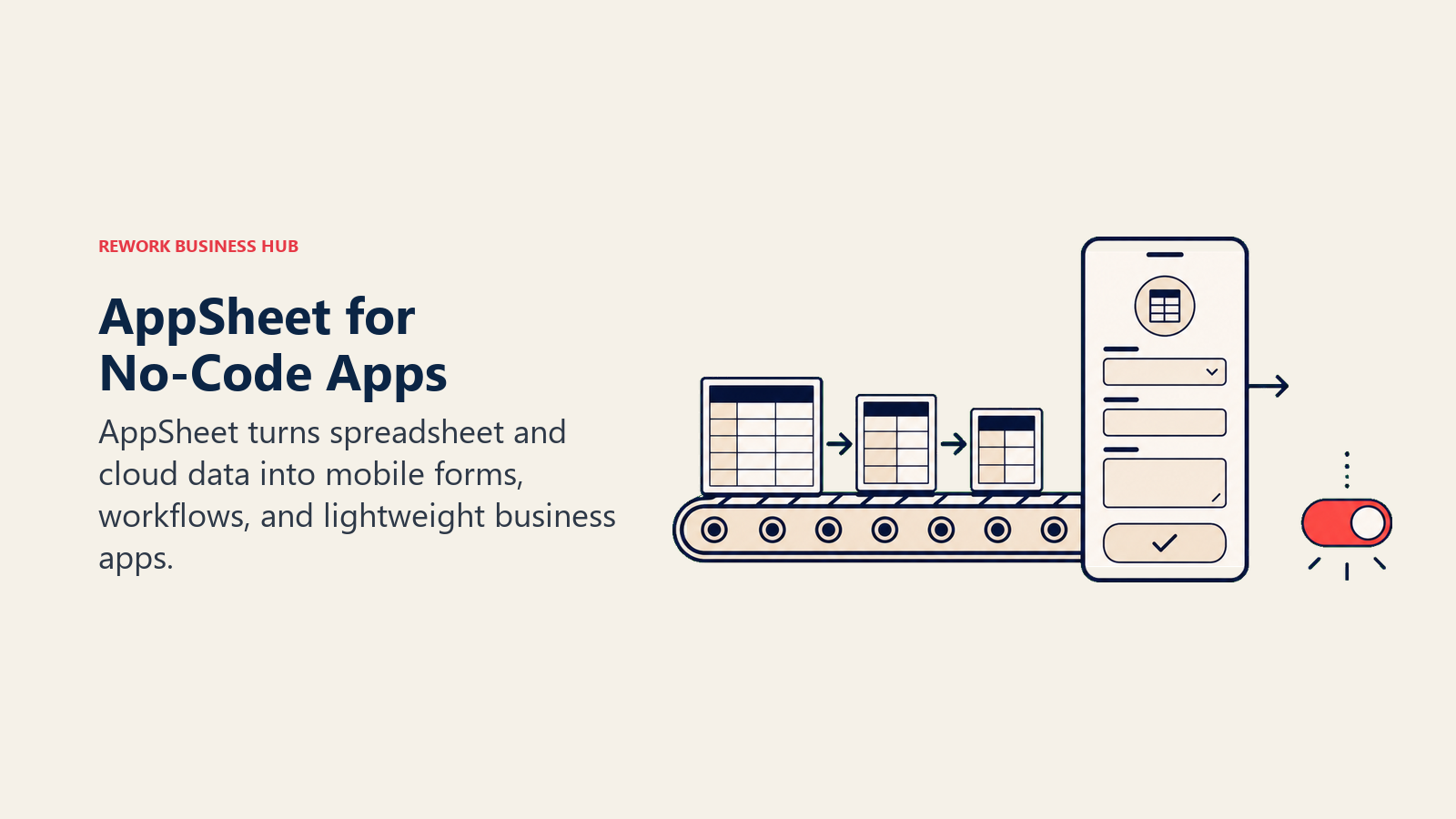
Untuk tim yang menggunakan Coda untuk membangun tools internal yang ringan (pelacak inspeksi lapangan, alur persetujuan, manajer inventaris), AppSheet memberikan pengalaman aplikasi native dari data yang sama tanpa pembungkus dokumen.
Keterbatasan yang jujur: AppSheet memiliki kurva pembelajaran yang lebih curam untuk pengguna non-teknis, dan paling bernilai ketika Anda memulai dari model data Google Sheets.
| Yang Anda dapatkan | Yang tidak Anda dapatkan |
|---|---|
| Aplikasi no-code sejati dengan UX yang mengutamakan mobile | Pengalaman penulisan dokumen |
| Mode offline untuk tim lapangan | Jalur onboarding sederhana untuk pengguna non-teknis |
| Integrasi Google Workspace yang mendalam | Komunitas template siap pakai yang besar |
| Otomasi workflow: persetujuan, notifikasi, logika kondisional | Pengalaman formula-sebagai-dokumen bergaya Coda |
| Tata kelola enterprise melalui admin Google Workspace | Nilai platform independen di luar ekosistem Google |
Harga: Gratis (terbatas, dengan Google Workspace), $5/pengguna/bulan (Starter), $10/pengguna/bulan (Core). Harga enterprise tersedia.
Paling cocok untuk: Tim ops dengan data Google Sheets yang sudah ada dan menginginkan pengalaman aplikasi native untuk pekerja lapangan, workflow persetujuan, atau manajemen inventaris. IT Manager dan Ops Director di perusahaan 5-200 orang.
Kesesuaian ukuran: Terbaik untuk 5-200 orang. Skalanya baik di lingkungan enterprise Google Workspace.
8. Retool: Pembangun Tools Internal untuk Tim Berdekatan dengan Engineering
Retool diperuntukkan bagi tim yang ingin membangun tools internal yang serius di atas sumber data nyata: database SQL, REST API, Firebase, Stripe, Salesforce, dan puluhan lainnya. Ini adalah lingkungan pengembangan drag-and-drop yang memungkinkan engineer atau operator teknis membangun dashboard admin dan workflow operasional lebih cepat dari menulis kode kustom.
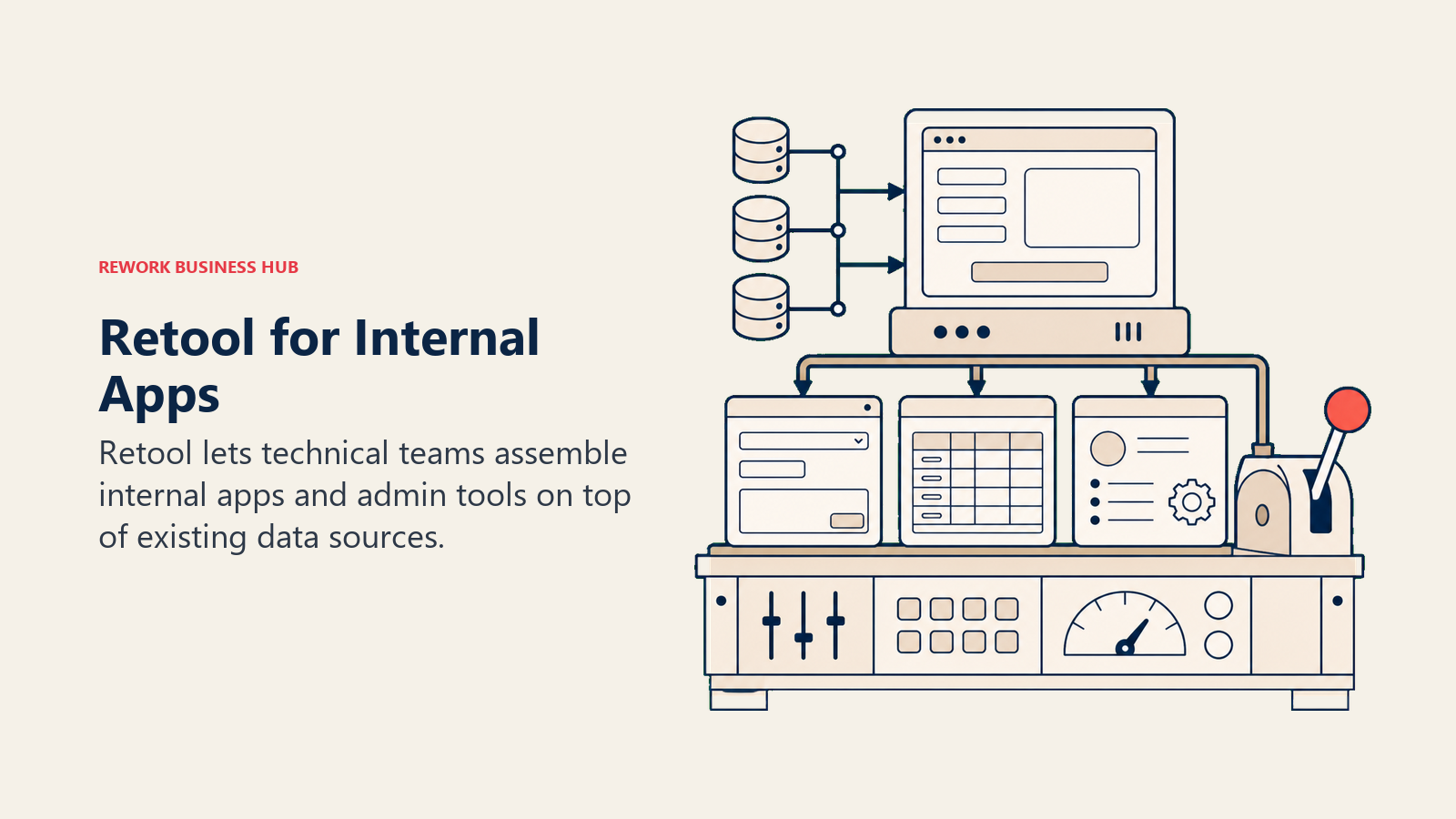
Filosofi produknya adalah kebalikan dari Coda. Coda dimulai dari dokumen dan menambahkan logika. Retool dimulai dari database dan menambahkan UI. Jika tim Anda terus-menerus mencapai batas yang bisa dilakukan formula dan Pack di Coda, Retool menghilangkan batas-batas tersebut.
Keterbatasan yang jujur: Retool memerlukan keterlibatan developer. Jika tim ops Anda tidak memiliki dukungan engineering, tools ini akan terasa sangat kompleks.
| Yang Anda dapatkan | Yang tidak Anda dapatkan |
|---|---|
| Terhubung ke database, API, atau layanan apa pun | UI builder yang ramah pengguna bisnis |
| Membangun dashboard admin nyata dan tools ops internal | Lapisan dokumen atau wiki |
| Komponen drag-and-drop: tabel, formulir, grafik, tombol | Output yang berguna tanpa keterlibatan developer |
| Kontrol akses terperinci dan log audit | Pengalaman formula-dalam-dokumen |
| SSO, version control, dan lingkungan staging | Tools workflow CRM atau sales |
Harga: Gratis (5 pengguna), $10/pengguna/bulan (Team), $50/pengguna/bulan (Business). Enterprise atas permintaan.
Paling cocok untuk: Tim engineering dan tim ops teknis yang membangun tools internal di atas database produksi. Head of Internal Tools, Engineering Manager di perusahaan 10-500 orang dengan sumber daya dev yang berdedikasi.
Kesesuaian ukuran: Berfungsi di ukuran apa pun dengan tim dev. Tidak disarankan untuk organisasi tanpa dukungan engineering.
9. Glide: Aplikasi No-Code Sederhana dari Google Sheets
Glide berada di antara model doc-as-app Coda dan pembangun no-code AppSheet. Ini menargetkan kasus penggunaan tertentu: mengambil data yang sudah ada di Google Sheets dan mengubahnya menjadi aplikasi yang bersih dan ramah mobile tanpa coding apa pun. Pembangunnya visual dan cepat, dan sebagian besar tim dapat meluncurkan aplikasi yang berfungsi dalam sehari.
Untuk tim operasional kecil yang membangun workflow Coda yang ringan (direktori klien, jadwal tim, permintaan persetujuan), Glide dapat memberikan pengalaman pengguna yang lebih bersih dengan keahlian formula yang lebih sedikit. Aplikasinya tampak dan terasa seperti produk nyata, bukan pembungkus spreadsheet.
Trade-off yang jujur: kedalaman relasional dan logika formula Glide terbatas dibandingkan Coda. Workflow multi-tabel yang kompleks, otomasi kondisional, dan transformasi data lanjutan cepat menemui hambatan. Ini adalah tools yang bagus untuk kasus penggunaan sederhana yang terdefinisi dengan baik dan menjengkelkan untuk apa pun di luar itu.
| Yang Anda dapatkan | Yang tidak Anda dapatkan |
|---|---|
| UI aplikasi yang indah dan mengutamakan mobile dari data Google Sheets | Logika data relasional yang kompleks |
| Waktu pembangunan yang cepat untuk aplikasi sederhana | Kedalaman formula setara Coda |
| Integrasi data no-code dengan Sheets, Airtable, SQL | Lapisan dokumen atau wiki |
| Izin berbasis peran dan autentikasi pengguna | Otomasi workflow lanjutan |
| Berbagi dan penerbitan yang bersih untuk pengguna eksternal | Ekosistem integrasi yang mendalam |
Harga: Glide kini dijual sebagai GlideOS. Paket Free mencakup 1 proyek dengan kredit terbatas, Solo seharga $25 per bulan dengan 5 proyek, dan Team seharga $125 per bulan mulai dari 5 anggota dengan 50 kredit per anggota. Enterprise berdasarkan penawaran dan tarif tahunan tidak dipublikasikan, menurut halaman harga Glide.
Paling cocok untuk: Tim ops kecil (di bawah 100 orang) yang menginginkan aplikasi mobile yang bersih dari data spreadsheet yang sudah ada. Manajer tim lapangan, founder, dan pemilik agensi yang membangun tools untuk klien.
Kesesuaian ukuran: Terbaik untuk 1-100 orang. Terbatas untuk operasi pasar menengah yang kompleks.
10. Softr: Portal No-Code dari Airtable atau Google Sheets
Softr adalah pembangun portal no-code. Anda menghubungkannya ke database Airtable atau Google Sheet, dan ia memungkinkan Anda membangun portal klien, direktori anggota, intranet karyawan, atau dashboard publik tanpa kode. Filosofi produknya berfokus pada kasus penggunaan eksternal: memberikan klien, mitra, atau anggota komunitas tampilan data yang terstruktur tanpa mengekspos spreadsheet yang mendasarinya.
Untuk pengguna Coda yang membangun halaman untuk klien atau portal eksternal di dalam workspace mereka, Softr memberikan output yang lebih bersih dan lebih profesional secara desain. Templatenya halus, autentikasi pengguna sudah bawaan, dan portal yang dihasilkan benar-benar terlihat seperti sebuah produk.
Keterbatasan yang jujur: Softr tidak menggantikan kasus penggunaan tim internal Coda. Ia tidak memiliki logika formula, manajemen tugas, atau pengeditan dokumen. Ini adalah lapisan presentasi dan akses di atas data yang Anda kelola di tempat lain.
| Yang Anda dapatkan | Yang tidak Anda dapatkan |
|---|---|
| Portal klien dan direktori anggota dari Airtable atau Sheets | Workspace tim internal atau dokumen |
| Autentikasi pengguna bawaan dan akses berbasis peran | Logika formula atau otomasi workflow |
| Template yang halus untuk direktori, portal, dan dashboard | Gabungan data multi-sumber yang kompleks |
| Setup no-code dengan timeline peluncuran yang cepat | Database mandiri atau CRM |
| URL eksternal yang dapat dipublikasikan dengan dukungan domain kustom | Manajemen tugas atau proyek |
Harga: Gratis (2 pengguna), $49/bulan (Starter), $99/bulan (Professional). Penagihan tahunan.
Paling cocok untuk: Founder, pemilik agensi, dan product manager yang membangun portal klien, direktori mitra, atau tools publik dari data Airtable atau Sheets yang sudah ada. Tim 1-100 orang.
Kesesuaian ukuran: Terbaik untuk perusahaan kecil dan tahap pertumbuhan dengan kebutuhan portal eksternal. Tidak dirancang untuk ops internal pasar menengah.
Harga Sekilas
| Tools | Tingkatan Gratis | Berbayar Awal | Tier Menengah | Catatan |
|---|---|---|---|---|
| Notion | Ya (personal) | $10/pengguna/bulan | $15/pengguna/bulan | Penagihan tahunan |
| Airtable | Ya (terbatas) | $20/pengguna/bulan | $45/pengguna/bulan | Penagihan tahunan |
| Rework | Tidak | Mulai $99/bln ditagih tahunan (5 seat) | rework.com/pricing | Penagihan tahunan atau bulanan |
| ClickUp | Ya (murah hati) | $7/pengguna/bulan | $12/pengguna/bulan | Penagihan tahunan |
| Monday.com | Tidak | $9/pengguna/bulan | $19/pengguna/bulan | Penagihan tahunan |
| Quip | Tidak | Paket Salesforce | Paket Salesforce | Hanya harga paket |
| AppSheet | Ya (dengan Workspace) | $5/pengguna/bulan | $10/pengguna/bulan | Penagihan tahunan |
| Retool | Ya (5 pengguna) | $10/pengguna/bulan | $50/pengguna/bulan | Penagihan tahunan |
| Glide | Ya (1 proyek) | $25/bulan (Solo) | $125/bulan (Team) | Per proyek dan anggota, bukan per pengguna |
| Softr | Ya (3 builder, 5 pengguna aplikasi) | $19/bulan | $99/bulan | Per workspace, bukan per pengguna |
Cara Memilih: Kerangka Keputusan
| Jika tim Anda membutuhkan... | Pilih ini |
|---|---|
| Ekosistem yang lebih besar dan dokumen + database yang fleksibel | Notion |
| Manajemen data relasional dan struktur multi-tabel | Airtable |
| Workflow ops + CRM yang menegakkan proses tanpa formula | Rework |
| Aplikasi serba bisa dengan tugas, dokumen, dan otomasi | ClickUp |
| Pelacakan proyek visual dengan board terstruktur dan otomasi | Monday.com |
| Dokumen dan tabel yang tersematkan dalam record Salesforce | Quip |
| Aplikasi no-code dari Google Sheets dengan UX mobile-first | AppSheet |
| Tools internal yang dibangun di atas database dan API nyata oleh tim dev | Retool |
| Aplikasi mobile sederhana dari data spreadsheet, cepat dibangun | Glide |
| Portal klien eksternal dari data Airtable atau Sheets | Softr |
Mengapa Tim Meninggalkan Coda
Setiap pain point ini berkaitan dengan kategori tools pengganti yang berbeda. Tabel di bawah ini memasangkan pemicunya dengan pengganti yang paling sesuai beserta perkiraan kasar upaya migrasi yang dibutuhkan, sehingga Anda bisa memperkirakan skala perpindahan sebelum memulai trial.
| Alasan meninggalkan Coda | Pengganti yang paling sesuai | Upaya migrasi |
|---|---|---|
| Kurva pembelajaran formula menghambat adopsi | Notion atau Monday.com | Rendah: membangun ulang halaman sebagai dokumen atau board sederhana |
| Membutuhkan otomasi workflow nyata dan CRM | Rework | Sedang: mengimpor satu proses aktif, mengonfigurasi routing |
| Sudah melampaui tabel dokumen, butuh data relasional | Airtable | Sedang: memodelkan tabel, membuat ulang record yang tertaut |
| Ingin satu aplikasi untuk tugas, dokumen, dan target | ClickUp | Sedang hingga tinggi: mengonfigurasi tampilan, melatih satu champion |
| Membangun tools internal di atas database nyata | Retool | Tinggi: membutuhkan keterlibatan developer |
| Menerbitkan portal klien atau member | Softr atau Glide | Rendah: menghubungkan data Airtable atau Sheets yang sudah ada |
Selanjutnya di bawah ini, pain point yang sama dibahas lebih rinci.
Kurva pembelajaran formula lebih curam dari yang diperkirakan. Bahasa formula Coda lebih bertenaga dari sebagian besar tools dokumen, dan kekuatan itu memiliki harganya. Pengguna baru sering membangun formula yang rusak, dan anggota tim non-teknis menghindari tools tersebut sepenuhnya. Jika adopsi adalah masalah utama, tools yang lebih sederhana seperti Notion atau Monday menghilangkan hambatan tersebut.
Ekosistem kecil dibanding pesaing. Galeri template Notion dan komunitas tooling pihak ketiga jauh lebih besar dari Coda. Jika tim Anda ingin belajar dari orang lain yang memecahkan masalah yang sama, Notion atau ClickUp menawarkan lebih banyak sumber daya.
Dokumen besar menjadi lambat. Performa Coda menurun dengan halaman yang besar dan sarat formula. Tim yang membangun "sistem operasi" ambisius di Coda sering mencapai batas ini sekitar 50-100 tabel dan formula yang terhubung. Model relasional Airtable menangani data dalam skala besar dengan lebih andal.
Fitur enterprise masih berkembang. SSO, log audit, izin lanjutan, dan sertifikasi kepatuhan sedang berkembang tetapi masih tertinggal dari Notion, Asana, dan platform workflow khusus. Jika organisasi Anda memiliki persyaratan IT atau keamanan, kesenjangan ini penting.
Di luar gelembung yang melek teknologi, adopsi terhenti. Proposisi Coda beresonansi dengan founder teknis dan pemimpin ops yang suka membangun. Ini lebih sulit dijual kepada sales rep, tim lapangan, atau pengguna keuangan yang menginginkan tools yang langsung berfungsi. Monday, ClickUp, dan Rework semuanya memiliki hambatan yang lebih rendah untuk pengguna non-teknis.
Apa yang Harus Dilakukan Selanjutnya
Jalankan uji coba dua minggu dengan dua pilihan teratas Anda. Evaluasi harus melibatkan anggota tim yang benar-benar akan menggunakan tools setiap hari, bukan hanya orang yang mengevaluasinya. Untuk tools workflow seperti Rework dan Monday, impor satu proses yang sedang berjalan. Untuk tools database seperti Airtable, migrasikan satu set data nyata. Untuk pembangun aplikasi seperti AppSheet atau Glide, bangun ulang satu workflow Coda dari awal.
Alternatif Coda yang tepat bukanlah yang paling cocok dengan daftar fitur Coda. Ini adalah yang memecahkan masalah spesifik yang membuat Anda mulai mencari sejak awal. Jika tim Anda juga mengumpulkan data melalui formulir sebagai bagian dari workflow ops, alternatif Typeform terbaik mencakup tools yang menghubungkan pengiriman formulir langsung ke CRM dan database tanpa middleware.
Jika workflow ops dan proses tim adalah masalah intinya, Decision Logs dan Team Operating Agreement layak dibaca bersama evaluasi tools Anda. Mendapatkan kejelasan proses sebelum memilih software sering kali mengungkap apakah masalahnya ada pada tools atau cara tim menggunakannya. Dan jika penyebaran software adalah pendorong utamanya, biaya sesungguhnya dari penyebaran software memberi Anda kerangka untuk mengukur apa yang sebenarnya dihasilkan fragmentasi di berbagai tools.
Referensi eksternal: Harga Coda | Harga Notion | Harga Airtable | G2: Alternatif Coda terbaik | Gartner: platform pengembangan no-code
Pertanyaan yang Sering Diajukan
Apa alternatif Coda terbaik di 2026? Tidak ada satu pilihan terbaik. Notion adalah pilihan paling umum untuk ekosistem yang lebih besar dan docs plus database yang fleksibel, Airtable untuk data relasional, ClickUp dan Monday.com untuk eksekusi proyek, dan Rework saat Anda membutuhkan workflow ops yang tegas dan CRM bawaan alih-alih halaman formula. Mulailah dari alasan Anda meninggalkan Coda.
Apakah ada alternatif Coda yang gratis? Ya. Notion, ClickUp, Airtable, AppSheet, Retool, Glide, dan Softr semuanya menawarkan tier gratis. ClickUp dan Notion memiliki paket gratis paling murah hati untuk tim kecil. Rework dan Monday.com tidak menawarkan tier gratis. Rework mulai dari $99/bulan ditagih tahunan dengan 5 seat termasuk, dan menawarkan free trial 14 hari.
Apa alternatif terdekat dengan model docs-as-apps milik Coda? AppSheet (Google) adalah yang paling dekat secara konsep karena mengubah data Anda menjadi aplikasi fungsional, meski menghilangkan lapisan dokumen. Bagi tim yang menghargai nuansa doc-plus-database Coda, Notion adalah pengalaman yang paling mendekati, sementara Airtable adalah pilihan yang lebih kuat jika data terstruktur adalah hal yang paling penting.
Mengapa tim beralih dari Coda? Alasan paling umum adalah kurva belajar formula yang curam sehingga menghambat adopsi, ekosistem yang lebih kecil dibanding Notion atau Airtable, perlambatan performa pada dokumen dengan formula berat, dan fitur enterprise seperti SSO dan audit log yang masih terus dimatangkan. Setiap alasan mengarah ke kategori pengganti yang berbeda.
Bisakah saya beralih dari Coda ke tools dengan CRM bawaan? Ya. Rework adalah pilihan dalam daftar ini yang menghadirkan CRM dan lead management sebagai produk inti bersama workflow lintas tim, sehingga Anda mengganti dokumen yang cerdik dengan operasi yang terstruktur. Rencanakan migrasi skala menengah: impor satu proses yang sedang berjalan terlebih dahulu daripada membuat ulang setiap halaman Coda.

Customer Success Operations Manager
On this page
- Tabel Perbandingan Singkat
- Matriks Kesesuaian Tahap
- Tabel Ukuran dan Persona
- 1. Notion: Dokumen Fleksibel + Ekosistem Terbesar
- 2. Airtable: Database Relasional + Otomasi
- 3. Rework: Workflow Ops Lintas Tim + CRM dalam Satu Produk
- 4. ClickUp: Aplikasi Serba Bisa dengan Dokumen dan Otomasi
- 5. Monday.com: Board Visual + Otomasi Terstruktur
- 6. Quip (Salesforce): Dokumen Sales di Dalam Ekosistem Salesforce
- 7. AppSheet (Google): Membangun Aplikasi No-Code dari Data Anda
- 8. Retool: Pembangun Tools Internal untuk Tim Berdekatan dengan Engineering
- 9. Glide: Aplikasi No-Code Sederhana dari Google Sheets
- 10. Softr: Portal No-Code dari Airtable atau Google Sheets
- Harga Sekilas
- Cara Memilih: Kerangka Keputusan
- Mengapa Tim Meninggalkan Coda
- Apa yang Harus Dilakukan Selanjutnya
- Pertanyaan yang Sering Diajukan