Best Moodle Alternatives in 2026: 12 Platforms Worth the Switch
Turn this article into takeaways for your work.


Each assistant summarizes the article only for you and suggests best practices for your work.
TalentLMS, iSpring Learn, and Docebo lead this list of Moodle alternatives, built for L&D teams who want less server maintenance than self-hosted Moodle demands or a clearer bill than MoodleCloud's user caps allow. Most buyers researching Moodle alternatives are leaving one of three different products, and most comparison articles collapse all three into a single word: free. This one does not.
We evaluated each platform on published pricing, plugin and customization limits, and how well the interface handles corporate compliance and onboarding training rather than academic coursework. Start with our LMS software roundup if you haven't narrowed the category yet.
Key Facts
- Doubling the share of employees who feel they have real opportunities to learn and grow at work could lift organizational profit by 18% and productivity by 14%, according to Gallup's analysis of the barriers blocking employee development (Gallup, 2026).
- US organizations spent $846 per employee on direct learning in 2025, a $408 drop from 2024, per ATD's 2026 State of the Industry benchmarking report (ATD, 2026).
- Total US training expenditures rose 4.9% to $102.8 billion in 2025, with spending on outside training products and services up 29% as more companies bought software instead of building programs in-house (Training Magazine, 2025 Training Industry Report).
- 88% of organizations say they're concerned about employee retention, and providing learning opportunities is their top-ranked retention strategy, according to LinkedIn's 2025 Workplace Learning Report (LinkedIn Learning, 2025).
- Roughly 59 of every 100 workers will need reskilling or upskilling by 2030, and employers expect 11 of those are unlikely to receive it, according to the World Economic Forum's Future of Jobs Report 2025 (WEF, 2025).
The Three Moodles, and What Each One Actually Costs
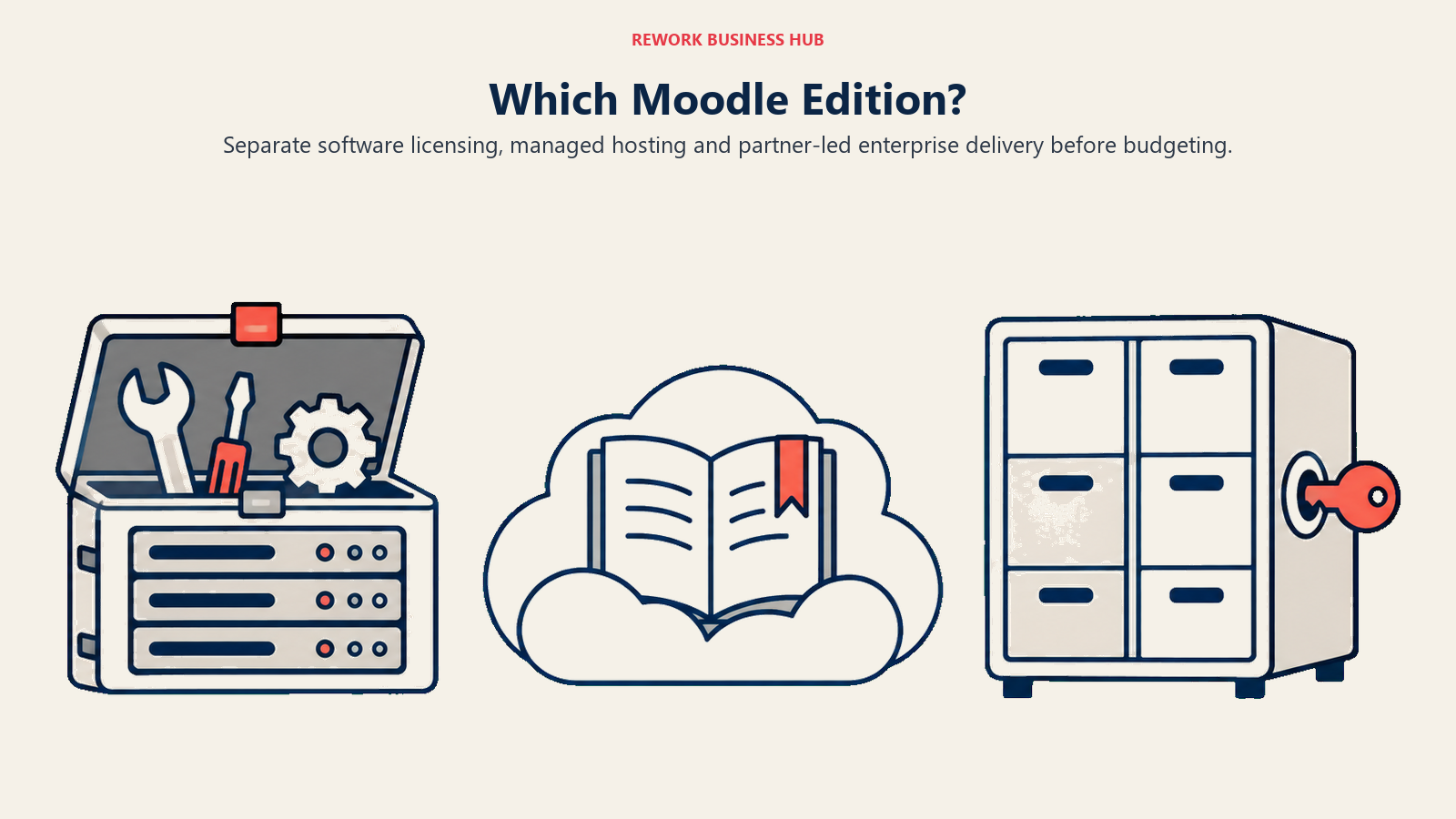
Every "is Moodle free" question has three different correct answers, because Moodle is not one product sold one way. Confuse them and you'll budget for the wrong one, or sign a MoodleCloud contract expecting plugin flexibility only self-hosted Moodle actually has.
| Edition | Who it's for | What it actually costs | The hard limit |
|---|---|---|---|
| Moodle LMS (self-hosted) | Teams with the engineering capacity to run their own server and stay current on PHP-era LMS admin | Free and open source under the GPL. You pay for hosting, upgrades, plugin maintenance, and an admin who knows Moodle's back end | No vendor support bundled in; the real cost lives in an admin's salary and time, not a license fee |
| MoodleCloud | Small to mid-size teams that want Moodle's core hosted for them, fast | Annual, paid upfront: Starter (50 users) $170, Mini (100 users) $280, Small (200 users) $510, Medium (500 users) $1,220, Standard (750 users) $2,150. A 28-day free trial exists; there is no permanent free tier anymore | Hard cap at 750 users, and no MoodleCloud tier allows custom plugins, the exact feature that draws many buyers to Moodle in the first place |
| Moodle Workplace | Corporations that want Moodle's engine plus corporate features: org charts, compliance reporting, multi-tenancy | Sold only through Certified Moodle Partners, sales-led, no self-serve checkout | No published list price at all; pricing comes from a Certified Moodle Partner quote |
Source: moodlecloud.com, moodle.com.
Why Teams Leave Moodle
None of these are dealbreakers alone. Together, they're why a team that chose Moodle for its price tag ends up shopping again two or three years later. Our continuous learning library covers the culture side if the software swap is only half the problem.
| Reason people leave | The honest counterpoint |
|---|---|
| Self-hosted total cost of ownership | The software really is free. The bill hides in server hosting, security patching, and the salary of whoever keeps the instance current, costs a subscription elsewhere bundles into one invoice instead of three separate ones |
| Admin skill dependency | Running Moodle well is a specific, somewhat old-school skill: PHP-era LMS administration, not general IT support. Lose that one person and plugin upgrades or theme changes can stall for months |
| MoodleCloud's 750-user cap and no-custom-plugin rule | MoodleCloud was never built to out-scale enterprise LMS platforms. It's built to make Moodle's core setup fast, and it does that well inside the cap; the ceiling only bites once you outgrow it |
| An interface built for academic terms, not corporate compliance | That's Moodle's origin and where it's genuinely strong: structured courses with clear start and end dates. Corporate buyers usually need dashboards Moodle wasn't designed to show, like completion by department, audit-ready trails, and manager-level visibility |
Quick Comparison Table
| Tool | Best For | Starting Price | Key Strength | Key Limitation |
|---|---|---|---|---|
| TalentLMS | Lean L&D teams that want self-serve setup | Free up to 5 users; Core $119/mo for up to 40 users, monthly | Live with a first course in hours | User bands step up in fixed blocks, not smooth per-seat pricing |
| iSpring Learn | Teams already authoring in PowerPoint | $6.91/user/mo at 100 users, annual ($8,286/year) | Native PowerPoint-to-SCORM authoring | Pay-per-active-user pricing rewards low logins |
| 360Learning | Peer-created, collaborative upskilling | $8/user/mo, up to 100 users, monthly | Built-in course co-authoring by subject matter experts | Team plan hard-caps at 100 users |
| Docebo | Enterprise programs at 250+ learners | Custom, usage-based on active users | AI-assisted content and skills intelligence via 365Talents | No published price at any tier |
| Absorb LMS | Mid-market to enterprise wanting an AI admin layer | Custom, quote by learner-count band | Absorb Aura AI agents handle admin busywork | No prices or tier names published anywhere |
| LearnUpon | One platform for employees, customers and partners | From 100 users, custom quote | Multi-audience portals from a single instance | No published price, 100-plus user minimum |
| Litmos | Enterprise compliance training | Quote only (Foundation, Platinum, Platinum AI) | Large off-the-shelf compliance content library | Zero pricing transparency at any tier |
| Tovuti | Interactive training plus a community layer | $7,500/year for the first 100 learners, annual only | Courses, live classroom and community in one price | Per-extra-learner rate isn't published |
| Coassemble | Lightweight interactive course building | Free sandbox; Build from $250/mo or $2,500/year | Fast visual builder, unlimited creators on every tier | Priced on an interactive-recipient allowance that takes planning to size |
| LearnWorlds | Selling courses as a product | $29/mo monthly or $24/mo annually, plus $5 per enrollment | Strong course-commerce and engagement tooling | Per-enrollment fee stacks on top of the subscription |
| Thinkific | Solo creators and small training businesses | $54/mo monthly or $40/mo annually | Clean, no-code course builder | No free plan (30-day trial only), plus a 2.9% transaction fee |
| Open edX | Large-scale programs wanting zero license fees | Free software (AGPLv3/Apache 2.0); managed hosting is quote-only | No licensing cost at any learner count | Self-hosting needs real engineering capacity; managed hosting has no published price either |
1. TalentLMS - Fast Setup for Lean L&D Teams
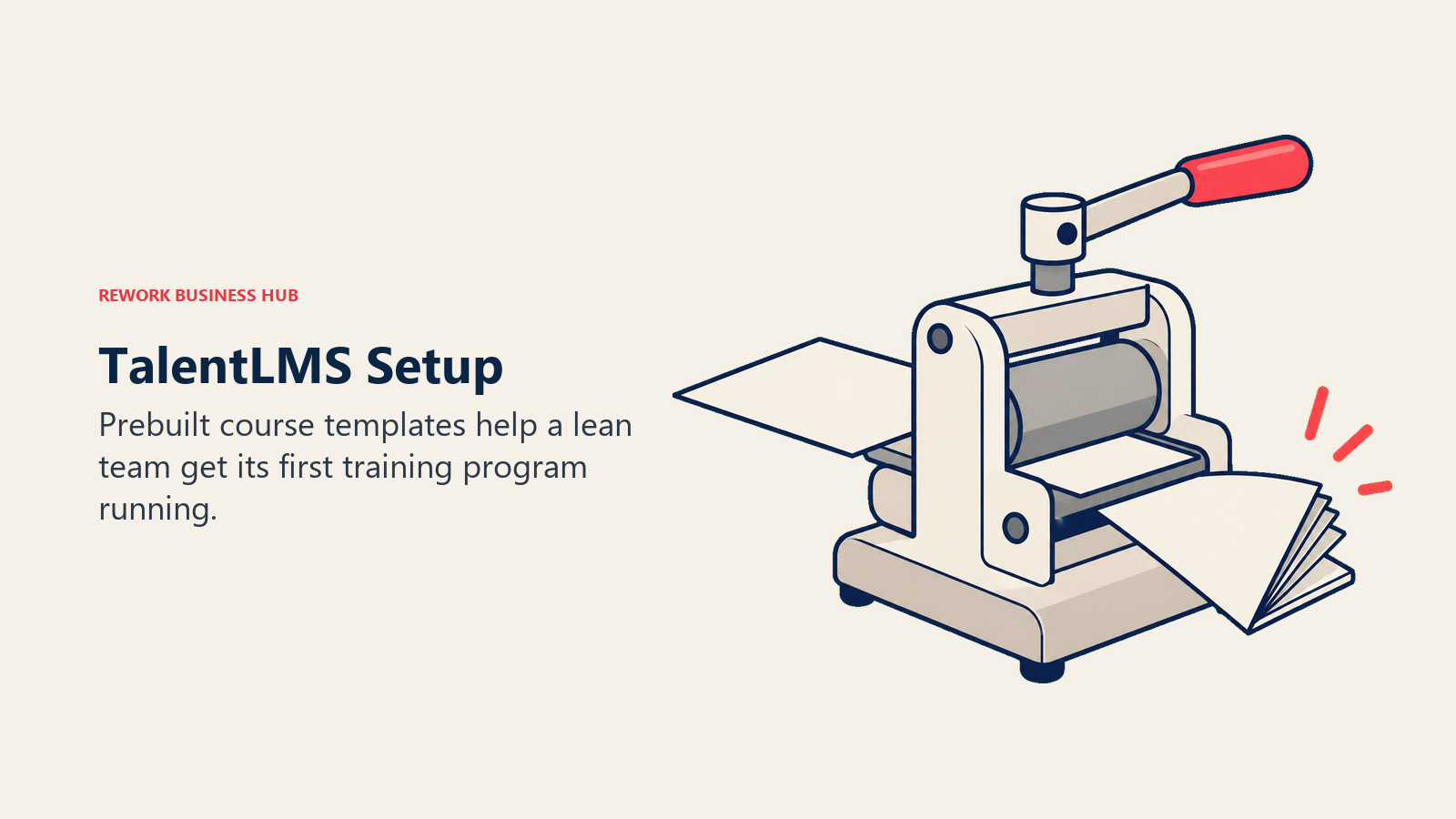
TalentLMS's whole pitch is that setting up an LMS shouldn't take a procurement cycle. The product leans on prebuilt course templates, drag-and-drop course building, and gamification like badges, points, and leaderboards to get a first course live the same day you sign up, a sharp contrast to a Moodle instance that needs a server and a plugin decision before anyone sees a course.
The free plan is still real: up to 5 users and 10 courses, no credit card required. Paid tiers step up in user bands rather than a flat per-seat rate. Core runs $119/month for up to 40 users, Grow is $229/month for up to 70 users, and Pro is $449/month for up to 100 users, then $6 for each additional user up to 500. Annual billing takes 20% off any tier. Enterprise is custom, starting at 1,000 users, with a Flexible option from 500. All figures USD.
Target audience. HR generalists and lean L&D teams standing up their first formal LMS, not dedicated instructional-design departments.
Sizing fit. Comfortable from 10 to 200 employees; Pro scales cleanly to 500 seats before Enterprise becomes the better deal.
Stage fit. Best for a company's first real LMS purchase, replacing spreadsheets, a shared drive of PDFs, or a self-hosted Moodle instance nobody wants to keep patching.
| Pros | Cons |
|---|---|
| Live with a first course in hours, not weeks | User bands step up in fixed blocks, not smooth per-seat pricing |
| Free plan still genuinely free, no time limit | Gamification features can feel gimmicky for compliance-heavy training |
| 20% discount for annual billing on every tier | Enterprise pricing requires 1,000 users just to get a quote |
Best for: teams that want a working LMS today, not a project plan for one. If TalentLMS itself is already on your shortlist to replace, see our TalentLMS alternatives guide.
2. iSpring Learn - Built Around PowerPoint-Native Course Authoring
iSpring built its reputation as an authoring tool before it built an LMS, and iSpring Learn still shows that lineage. The product converts PowerPoint decks, quizzes, and screen recordings into SCORM-compliant courses natively, so a training team sitting on a library of PPT-based onboarding decks can digitize it without re-authoring from scratch, something Moodle's authoring tools don't handle nearly as smoothly.
Pricing runs on active users rather than seats: you pay for whoever actually logs in that month, not your total headcount. The Business plan, billed annually, works out to $6.91 per active user per month at 100 users ($8,286/year), dropping to $4.46 at 300 users ($16,050/year) and $3.97 at 500 users ($23,790/year). Enterprise is custom above that, USD throughout.
Target audience. L&D teams that already build training content in PowerPoint and want an LMS that meets their existing workflow instead of forcing a new one.
Sizing fit. Strongest from roughly 50 to 500 users given the tiered active-user pricing; the per-user rate improves meaningfully as you scale.
Stage fit. Good for companies mid-way through digitizing legacy training material, less useful if you're authoring courses from scratch in a browser-based builder.
| Pros | Cons |
|---|---|
| Native PowerPoint-to-SCORM conversion, no re-authoring | Pay-per-active-user pricing punishes months with high engagement |
| Per-user rate drops meaningfully at higher volume | Enterprise tier requires a custom quote once you outgrow 500 users |
| Quizzes and screen recordings convert alongside slides | Less collaborative course-building than peer-authoring platforms |
Best for: teams sitting on a library of PowerPoint training content who want it live as SCORM courses without a rebuild.
3. 360Learning - Peer-Created Courses Instead of Top-Down Training
360Learning's bet is that the person who knows a process best should be the one teaching it, not L&D translating a subject matter expert's knowledge into a course months later. The platform is built around collaborative course creation: subject matter experts co-author lessons, peers comment on and improve content, and courses get better through use instead of a single annual review cycle.
Pricing is unusually transparent here: the Team plan is $8 per user per month, billed monthly, for up to 100 users, with no annual commitment and no minimum volume. That's a real month-to-month option, rare in this category. Business and Enterprise are custom, generally annual, priced on a mix of registered and active users past 100 seats.
Target audience. Fast-growing companies that want training built by the people doing the work, not a centralized instructional-design function.
Sizing fit. Team plan fits 10 to 100 users cleanly; Business and Enterprise pick up from there but move to custom, annual pricing.
Stage fit. Best for scaleups actively building a learning culture, not organizations that need a locked-down, top-down compliance program.
| Pros | Cons |
|---|---|
| Month-to-month billing with no minimum, unusual in this category | Team plan hard-caps at 100 users |
| Peer-authoring model turns subject matter experts into course creators fast | Less suited to strict, top-down compliance training |
| Transparent per-seat price up to the cap | Business and Enterprise pricing reverts to a custom quote |
Best for: scaleups that want employees creating and improving courses collaboratively, not just consuming them. Already shortlisting it directly? See our 360Learning alternatives guide.
4. Docebo - Enterprise Scale With an AI Layer Underneath
Docebo has spent the last year turning itself from an LMS into what it calls an AI Workforce Readiness Platform. Its January 2026 acquisition of French skills-intelligence vendor 365Talents (roughly $54.6 million in cash plus up to $5.1 million in earn-outs) added a skills-mapping layer on top of Docebo's existing Learning, Enterprise Knowledge, and AgentHub products, and 365Talents still ships as its own branded line rather than being folded away.
None of that comes with a published number. Docebo's three tiers, Elevate, Enterprise, and 365Talents, are all custom pricing, billed on active users (MAU, YAU, or RAU depending on the contract). The company states Docebo suits organizations "training at least 250+ learners," which tells you the sales-led motion starts well above SMB scale. If skills data needs to feed review cycles too, our performance management software roundup covers that adjacent category.
Target audience. Large enterprises and organizations running external training programs (customer or partner education) at meaningful scale.
Sizing fit. 250-plus learners by Docebo's own guidance; smaller teams will find the sales process disproportionate to their needs.
Stage fit. Best for mature organizations with a dedicated L&D or customer-education function and budget authority for an annual contract.
| Pros | Cons |
|---|---|
| AI-assisted content creation and skills intelligence via 365Talents | No published pricing at any tier |
| Built for external (customer or partner) training as well as internal | Sales-led process, not self-serve, from day one |
| Usage-based billing scales with actual engagement | Vendor's own guidance puts the practical floor at 250+ learners |
Best for: enterprises running large-scale internal and external training who want AI-assisted content and skills data in one platform. If it's already on your shortlist, our Docebo alternatives guide covers the rest of that field.
5. Absorb LMS - An Established Platform Now Selling AI Admin Agents
Absorb LMS has been in this category long enough to have gone through a rebrand scare and come out with its name intact. The company is still Absorb LMS, made by Absorb Software Inc, not "Absorb AI," despite absorblms.com/pricing now forwarding to absorbai.com/get-pricing. Its new AI line is called Absorb Aura, a team of learning and admin agents that handle scheduling, content tagging, and administrative busywork.
Pricing is entirely gated behind a quote form. There are no tier names and no published dollar figures, only a form asking how many learners you have, in bands from 1-50 up through 25,000-plus. That breadth signals a platform built for both small teams and large enterprises, but you'll need a sales call to find out which band applies to your budget.
Target audience. Mid-market to enterprise L&D teams that want an established, AI-augmented platform and are comfortable with a sales-led buying process.
Sizing fit. The learner bands run from 1-50 up to 25,000-plus, but the product and its go-to-market motion are built for the middle and upper end of that range.
Stage fit. Best for established organizations replacing an aging LMS, not first-time buyers who want a self-serve trial.
| Pros | Cons |
|---|---|
| Absorb Aura AI agents reduce day-to-day admin work | No prices or tier names published anywhere |
| Broad learner-band coverage from small teams to enterprise | Sales-led quote process for every size of company |
| Established platform with a long enterprise track record | No self-serve trial to test before a sales call |
Best for: teams that want an AI-assisted, established LMS and are fine getting there through a sales conversation rather than a signup form. Already comparing it directly? Our Absorb LMS alternatives guide covers that field.
6. LearnUpon - One Platform for Employees, Customers and Partners
LearnUpon's argument is consolidation: most companies run separate training programs, and often separate tools, for employees, customers, and partners. LearnUpon sells one platform with distinct portals for each audience, so a customer-education program and an internal onboarding program can share the same LMS instance without customers seeing internal content, or vice versa.
Pricing is not published, but LearnUpon does publish minimum user counts by product line: LearnUpon for Employees "from 100 users," Customer Education "from 300 users," Associations "from 150 users." Every dollar figure requires a quote.
Target audience. Organizations training more than one audience type, employees plus customers, or employees plus channel partners, who want one system instead of three logins.
Sizing fit. The published minimums put the realistic floor at 100 to 300 users depending on which product line you need.
Stage fit. Best once a company has both an internal training need and an external one (customer or partner education) and wants to stop paying for two platforms.
| Pros | Cons |
|---|---|
| Separate branded portals for employees, customers and partners | No published pricing at any tier |
| Published user minimums at least bound the conversation | 100 to 300-user minimums rule out small teams |
| Single platform replaces two or three separate tools | Full evaluation still requires a sales call |
Best for: companies running employee, customer, and partner training simultaneously who want to consolidate onto one platform.
7. Litmos - Compliance Training With an Off-the-Shelf Content Library
Litmos leans on breadth of content rather than breadth of features. The platform ships with a large off-the-shelf compliance and skills course library, which matters most to buyers whose real problem isn't building courses, it's proving to an auditor that mandatory training happened, on schedule, with a record. Our guide to building certification programs covers the process side of that same problem.
All three tiers, Foundation, Platinum, and Platinum AI, are listed simply as "Contact for Pricing," with no user minimums published. That makes Litmos one of the least transparent options here on pricing, even against the other quote-only vendors, most of which at least publish a band or a floor.
Target audience. Enterprises in regulated industries where compliance training completion has to be auditable, not just assigned.
Sizing fit. Built for enterprise scale; the lack of any published entry point or user minimum suggests it isn't optimized for small buyers.
Stage fit. Best for organizations with an existing compliance function that needs a system of record, not a company building its first training program.
| Pros | Cons |
|---|---|
| Large off-the-shelf compliance and skills content library | Zero published pricing, not even a user minimum |
| Built for auditable completion tracking | Heaviest sales-led process of any vendor in this list |
| Platinum AI tier signals continued investment in the product | Nothing to test without a sales conversation first |
Best for: regulated enterprises that need auditable compliance training and are willing to trade pricing transparency for content depth.
8. Tovuti - Interactive, Gamified Training Bundled With Community Tools
Tovuti's pitch is one price that includes everything: course authoring, a virtual classroom, gamification, and a built-in community and social feed, rather than an LMS core with a la carte add-ons. For a training team that wants live cohort sessions and asynchronous courses in the same product, that bundling removes a lot of integration work.
Pricing is unusual here: one all-inclusive plan at $7,500 per year for the first 100 learners, billed annually only, no monthly option. Tovuti doesn't publish what each learner beyond that first 100 costs, so budgeting for growth needs a sales conversation.
Target audience. Mid-market organizations that want live virtual classroom sessions, async courses, and a community layer under one flat annual fee.
Sizing fit. Priced around the first 100 learners; comfortable for 50 to 200-person programs, less clear in cost beyond that without a quote.
Stage fit. Best for teams that value one flat bill over granular per-seat control, and that actually use the community and live-session features rather than paying for them unused.
| Pros | Cons |
|---|---|
| One flat annual price covers courses, live classroom, and community | Per-extra-learner rate beyond the first 100 isn't published |
| Gamification and social feed built in, not bolted on | Annual-only billing, no monthly option |
| No feature is gated behind a separate add-on fee | Flat pricing model makes it harder to forecast cost at scale |
Best for: mid-size teams that want live and async training with community features under one predictable annual invoice.
9. Coassemble - Lightweight Interactive Courses Without Heavy Admin
Coassemble is built for speed of course creation over administrative depth. The visual, drag-and-drop builder is aimed at teams that need to turn a process document into an interactive course in an afternoon, not instructional designers building a semester-length curriculum. That's a natural fit alongside our guide to product knowledge onboarding for teams publishing new material constantly.
Pricing runs on an interactive-recipient (IR) allowance per year rather than a flat per-seat rate: Build starts at $250/month or $2,500/year, Scale from $500/month or $5,000/year, and Partner from $2,000/month or $20,000/year. Unlimited course creators are included on every tier, unusual in this category, most competitors charge per author as well as per learner. A free sandbox exists but carries validation-level limits, so it's a way to test the builder rather than a real free tier.
Target audience. Small training or onboarding teams that need interactive courses built fast, without a dedicated instructional-design headcount.
Sizing fit. 10 to 50 employees on Build, 50 to 200 on Scale; Partner is aimed at agencies or consultancies building courses for multiple clients.
Stage fit. Best for onboarding-heavy teams, early or growth stage, that publish new courses frequently and need the builder to stay out of their way.
| Pros | Cons |
|---|---|
| Unlimited course creators on every paid tier | Priced by an interactive-recipient allowance that takes planning to size correctly |
| Fast, visual course builder for non-designers | Free sandbox has validation-level limits, not a real free tier |
| Clear published pricing on all three tiers | Less depth for formal compliance or certification tracking |
Best for: lean teams that need interactive onboarding or process courses built quickly, with as many authors as they need.
10. LearnWorlds - Built to Sell Courses, Not Just Host Them
LearnWorlds is built for organizations that sell training as a product, not just deliver it internally. The platform's interactive video, course-completion certificates, and built-in sales pages are aimed at training companies and consultancies monetizing courses to an external audience, a different job than Moodle was ever built for.
Pricing is published and tiered: Starter runs $29/month monthly or $24/month annually, plus a $5 fee per enrollment. Pro Trainer is $99/month or $79/month annually with no enrollment fee. Learning Center is $299/month or $249/month annually. Corporate is custom. Do the math on Starter's per-enrollment fee before committing; at real course volume, it can outpace the subscription itself.
Target audience. Training companies, coaches, and consultancies selling courses externally rather than running purely internal L&D.
Sizing fit. Works from solo operators up through small training businesses; Corporate exists for larger, custom needs.
Stage fit. Best for organizations at the stage where course content is a revenue line, not just an internal cost center.
| Pros | Cons |
|---|---|
| Built-in sales pages and course-commerce tooling | Starter tier's $5 per-enrollment fee adds up fast at volume |
| Interactive video and completion certificates included | Less oriented toward internal compliance tracking |
| Pro Trainer and above drop the enrollment fee entirely | Corporate tier pricing is unpublished |
Best for: teams that need to sell courses externally, not just deliver them to employees.
11. Thinkific - A Course-Commerce Platform, Not a Corporate LMS
Thinkific belongs on this list with a caveat most roundups skip: it's a course-commerce platform built for creators and coaches, not a corporate LMS, and treating it as a cheap internal-training option will surprise you on the invoice. There is no free plan. Every tier runs on a 30-day trial only, and a 2.9% plus 30 cents Thinkific Payments charge applies across all three plans, Basic, Start and Grow, on top of the subscription price. That rate is card processing rather than a platform cut, but routing payments through your own Stripe account instead adds a gateway fee of 5% on Basic, 2% on Start and 1% on Grow.
Published pricing: Basic is $54/month monthly or $40/month annually. Start is $109/month or $82/month annually. Grow is $219/month or $164/month annually. All three include up to 10,000 current students and the 2.9% transaction fee. Plus is custom. A branded mobile app is a $199/month add-on.
Target audience. Solo creators, coaches, and small training businesses selling courses, not HR or L&D teams running mandatory internal training.
Sizing fit. 1 to 10 people running the business, though the 10,000-student cap scales well beyond that.
Stage fit. Best for organizations whose training is a product with a price tag attached, not an internal compliance or onboarding requirement.
| Pros | Cons |
|---|---|
| Clean, no-code course builder and sales page tooling | No free plan, only a 30-day trial |
| Published, predictable subscription pricing | Keeping your own Stripe account adds 5% on Basic, 2% on Start, 1% on Grow |
| High student cap (10,000) included on every plan | Not built for internal compliance or completion tracking |
Best for: creators and small training businesses selling courses externally, not companies running internal corporate training.
12. Open edX - Moodle's Open-Source Sibling, at University Scale
Open edX is Moodle's closest philosophical relative on this list: free, open source, and stewarded by a nonprofit rather than a company chasing a valuation. Axim Collaborative, founded by Harvard and MIT, stewards the platform today, which reports powering more than 70,000 courses for over 140 million learners across higher education, government, NGOs, and corporate workforce development.
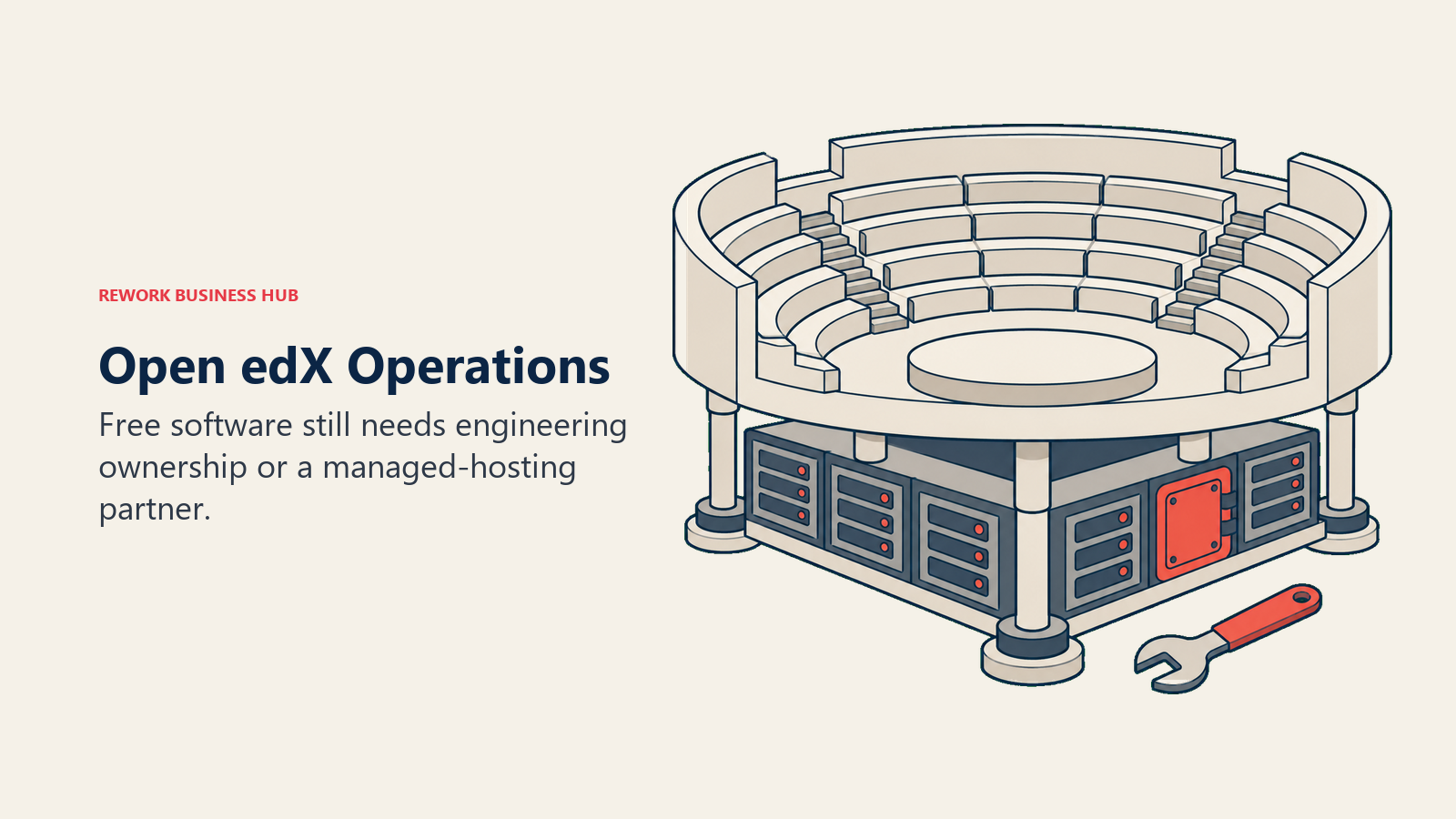
Like Moodle, "Open edX is free" needs the same qualifier. The core platform genuinely carries no license fees, released mainly under the GNU Affero General Public License v3 (AGPLv3), with some developer-facing libraries under Apache 2.0. But openedx.org does not sell hosting itself. You either self-host, which demands real engineering capacity, or contract a managed-hosting partner such as Edly, OpenCraft, or eduNEXT, all of which quote pricing individually with no standard rate card. So Open edX gives you the same honest three-way split as Moodle: free software, a real admin burden if you self-host, and an unpriced managed-hosting market if you don't.
Target audience. Universities, large enterprises, and NGOs running large-scale course delivery who want zero license fees and are willing to either self-host or budget for a managed provider.
Sizing fit. Realistically strongest at 200-plus learners, where the platform's scale, built originally to run MOOCs for millions, starts paying for the engineering investment.
Stage fit. Best for organizations mature enough to either run real infrastructure or negotiate a managed-hosting contract, not a first LMS purchase for a small team.
| Pros | Cons |
|---|---|
| Genuinely free, open-source software with no license fees at any scale | No official hosting from the project itself, only third parties |
| Built and proven for very large learner populations | Managed hosting is quote-only, with no standard rate card |
| Stewarded by a nonprofit (Axim Collaborative), not a single vendor | Self-hosting demands real DevOps capacity most SMBs don't have |
Best for: large organizations that want Moodle's zero-license-fee model but on a platform built for millions of learners.
How to Choose: Decision Framework
One honest fork before the table. If the real problem is that training lives disconnected from your HR system entirely, that's a broader question than an LMS swap, worth starting from our HR software roundup or the how to choose HR software guide.
| If you need... | Choose |
|---|---|
| To stay on open source but fix what's actually broken | Self-hosted Moodle LMS with a real admin plan, or Open edX if you're open to switching engines entirely |
| Fast setup with minimal admin overhead | TalentLMS |
| To digitize an existing library of PowerPoint content | iSpring Learn |
| Peer-created, collaborative course content | 360Learning |
| Enterprise scale with AI-assisted content and skills data | Docebo |
| One platform for employees, customers, and partners | LearnUpon |
| Auditable compliance training with a ready-made content library | Litmos |
| To sell courses externally as a product | LearnWorlds, or Thinkific for a solo creator |
Frequently Asked Questions about Moodle Alternatives
Is Moodle really free?
Only self-hosted Moodle LMS is free; it's genuinely open source under the GPL, though you still pay for hosting, upgrades, and an admin who knows the platform. MoodleCloud has no permanent free tier anymore, only a 28-day trial, starting at $170/year for 50 users and capping at 750 users with no custom plugins on any tier. Moodle Workplace is sold only through Certified Moodle Partners with no published price. Always ask which Moodle a quote or an article is actually talking about.
How do I migrate course content out of Moodle?
Most Moodle courses export as SCORM or IMS Common Cartridge packages, which several alternatives here, including TalentLMS, iSpring Learn, and LearnUpon, can import directly. Export a full Moodle course backup (.mbz file) too, since it preserves quiz banks, grades, and forum data that a SCORM export drops. Budget time for reformatting quizzes and H5P activities, which rarely convert cleanly between platforms.
What is the cheapest real alternative to Moodle?
TalentLMS's free plan (up to 5 users, 10 courses) and Coassemble's free sandbox are the only genuinely free entry points here, though both are capped tightly enough that most teams outgrow them fast. For a real paid deployment, 360Learning's Team plan at $8 per user per month with no annual commitment is the lowest published rate, though that plan caps at 100 users.
Which alternatives publish pricing without a sales call?
TalentLMS, iSpring Learn, 360Learning, Tovuti, Coassemble, LearnWorlds, and Thinkific all publish real numbers you can budget against. Docebo, Absorb LMS, LearnUpon, and Litmos are quote-only at every tier. MoodleCloud publishes numbers; Moodle Workplace does not.
Is Open edX a realistic Moodle alternative for a mid-size company?
It fits large learner populations, universities, big enterprises, NGOs, better than a 200-person company buying its first corporate LMS. Open edX is free and open source like self-hosted Moodle, but its managed-hosting market (Edly, OpenCraft, eduNEXT) is quote-only, and self-hosting demands real DevOps capacity. Most mid-size buyers will find TalentLMS or iSpring Learn faster to stand up.
Does switching away from Moodle mean losing plugin customizations?
If you're on MoodleCloud, you likely never had custom plugins, since no tier allows them. If you're on self-hosted Moodle with real custom plugins, expect to lose that functionality on any of the 12 alternatives above; none run Moodle's plugin ecosystem. Document what each plugin does before you migrate, so you can check whether the new platform's native features already cover it.
What to Do Next
Pick your two closest matches from the decision framework and price them at your actual headcount, not the vendor's example numbers. That single step usually eliminates half a shortlist, since band pricing (TalentLMS, iSpring Learn) and flat annual packages (Tovuti, Coassemble) move the ranking hard depending on exactly where your user count falls. Then run a 30-day pilot with one department: migrate one real course end to end using an actual SCORM export from your current Moodle instance, and watch whether your admin's workload actually drops before you commit to a full migration.
Camellia writes about L&D and training technology for B2B teams.

Principal Product Marketing Strategist
On this page
- Key Facts
- The Three Moodles, and What Each One Actually Costs
- Why Teams Leave Moodle
- Quick Comparison Table
- 1. TalentLMS - Fast Setup for Lean L&D Teams
- 2. iSpring Learn - Built Around PowerPoint-Native Course Authoring
- 3. 360Learning - Peer-Created Courses Instead of Top-Down Training
- 4. Docebo - Enterprise Scale With an AI Layer Underneath
- 5. Absorb LMS - An Established Platform Now Selling AI Admin Agents
- 6. LearnUpon - One Platform for Employees, Customers and Partners
- 7. Litmos - Compliance Training With an Off-the-Shelf Content Library
- 8. Tovuti - Interactive, Gamified Training Bundled With Community Tools
- 9. Coassemble - Lightweight Interactive Courses Without Heavy Admin
- 10. LearnWorlds - Built to Sell Courses, Not Just Host Them
- 11. Thinkific - A Course-Commerce Platform, Not a Corporate LMS
- 12. Open edX - Moodle's Open-Source Sibling, at University Scale
- How to Choose: Decision Framework
- What to Do Next