Best 360Learning Alternatives in 2026: 12 LMS Platforms Compared
Turn this article into takeaways for your work.


Each assistant summarizes the article only for you and suggests best practices for your work.
TalentLMS, Docebo, and Absorb LMS are where most teams land when 360Learning's collaborative-authoring model doesn't match how their organization builds training. This guide covers 12 corporate LMS platforms for L&D and HR teams weighing a switch, evaluated on authoring approach, real ICP fit at your headcount, and total cost, not just the headline number. Start with the best LMS software roundup if you haven't narrowed the category yet.
Give 360Learning its due before you read further. Its core idea, that the people who actually do the work should write the training instead of a central L&D team, is a genuinely different bet in a category full of look-alike authoring tools. It works well when a company already has subject-matter experts willing to build a course, and its peer-review and co-authoring workflow makes that collaboration less painful than doing it in a shared doc. The catch is built into the same idea: if nobody outside L&D will actually author content, the model doesn't pay for itself. The other recurring surprise is pricing. The widely quoted $8 per user per month is the Team plan only, capped at 100 users, billed monthly with no annual commitment and no minimum volume. Cross 100 users and everything becomes a custom quote, exactly where the budget conversation gets uncomfortable.
Key Facts
- US organizations spent an average of $846 per employee on direct learning in 2025, down $408 from 2024's $1,254, while formal learning hours used per employee rose to 16.7 hours, up from 13.7 the year before (ATD, 2026 State of the Industry Report).
- US corporate training expenditure rose 4.9% to $102.8 billion in 2025, up from $98 billion in 2024, among organizations with 100 or more employees (Training magazine, 2025 Training Industry Report).
- Organizations with a high-development culture report 11% greater profitability and are twice as likely to retain employees compared with those that don't invest strategically in development (Gallup).
- 59% of the global workforce will need reskilling or upskilling by 2030, and 85% of employers say they plan to prioritize workforce upskilling over that period (World Economic Forum, Future of Jobs Report 2025).
- 88% of organizations say they're concerned about employee retention, and providing learning opportunities is the single most-cited retention strategy among them (LinkedIn, 2025 Workplace Learning Report).
Why Teams Look Past 360Learning
None of these are flaws exactly. They're trade-offs baked into a genuinely different product philosophy, and the honest version of each one is worth reading before you shop.
| Real reason | The honest counterpoint |
|---|---|
| The collaborative-authoring model needs willing internal experts | If engineers, salespeople, or ops leads already write internal docs, the model pays off fast. If L&D is the only group that will ever touch a course, you're paying for a workflow you won't use. |
| The published Team plan caps out at 100 users | Under 100 people, that's not a real limit; $8/user/month billed monthly with no annual commitment is genuinely flexible. It becomes a limit the moment you cross 100, since there's no published band above it. |
| Everything past 100 users is a custom quote | Custom pricing above a size threshold isn't unusual here. The problem is buyers who priced 360Learning at $8/user and then hit a materially different number, because that quote runs on a mix of registered and active users, not a flat per-seat rate. |
| Peer review and co-authoring add process overhead | The review layer keeps crowd-authored content from becoming inconsistent. It also means a course takes more calendar time to publish than one person exporting a slide deck. |
Quick Comparison Table
| Tool | Best For | Starting Price | Key Strength | Key Limitation |
|---|---|---|---|---|
| TalentLMS | Fast setup on a tight budget | Free up to 5 users; Core $119/mo (1-40 users) | Published pricing at every tier | Per-user overage past 100 users on Pro |
| Docebo | AI-driven learning tied to skills intelligence | Custom, usage-based on active users | AI Workforce Readiness platform (365Talents) | No published pricing at any tier |
| Absorb LMS | Polished enterprise learner experience | Custom, quoted via a learner-count form | Absorb Aura AI agents, strong UI | No pricing, quote required to estimate |
| iSpring Learn | Teams already using iSpring Suite | $6.91/user/mo at 100 active users, annual | Pay-per-active-user, idle seats free | Rate climbs fast below 100 active users |
| LearnUpon | Employees, partners, and customers in one hub | Custom, from 100 users | Purpose-built multi-audience portals | No pricing, minimum user counts only |
| Litmos | Compliance training at global scale | Custom, Contact for Pricing | Deep compliance library, localization | Zero published pricing, all three tiers |
| Continu | A content-first hub over rigid courses | Custom, tiered by monthly active users | Reuses existing content, not just courses | No pricing, MAU bands only |
| Sana Learn | AI-native, adaptive learning at scale | Custom, 300-user minimum | AI adapts content per learner | No list price, 300-user minimum |
| Cornerstone OnDemand | Enterprise talent suites, one platform | Custom, personalized estimate | Learning bundled via Cornerstone Galaxy | No plan names or prices published |
| Tovuti | One flat annual price, full feature set | $7,500/year for the first 100 learners | No feature gating between tiers | Per-extra-learner rate isn't published |
| Coassemble | Fast, visual course building for lean teams | $250/mo (Build) or $2,500/year | Unlimited creators on every tier | Priced on annual IR allowance |
| Seismic Learning | Training tied to sales enablement | Custom, quote only | Sits inside the sales content reps use | No pricing anywhere, enterprise quote only |
1. TalentLMS - The Budget-Friendly Standard Everyone Compares Against
TalentLMS built its reputation on being the LMS you can set up before lunch. Template-driven course creation, built-in gamification, and a simple admin panel make it the tool most SMBs land on when they need training live this quarter, not after a quarter of implementation calls. Where 360Learning bets on internal experts collaborating over time, TalentLMS bets on an admin or two building courses fast and iterating from usage data, which suits a leaner L&D function.
ICP. Small and mid-market companies without a dedicated L&D team.
Sizing fit. Strong from 1 to 200 employees; the Pro tier's per-user overage keeps it usable up to 500, and Enterprise exists beyond that.
Stage fit. Ideal for a first formal onboarding or compliance program, or replacing an ad hoc mix of PDFs and spreadsheets.
| Pros | Cons |
|---|---|
| Every tier's price is published, including the free plan | Pro tier's per-user fee past 100 users adds up at scale |
| Fast to launch with minimal admin training | Course authoring is templated, not collaborative like 360Learning |
| Annual billing cuts 20% off every paid tier | Enterprise pricing is custom and starts at 1,000 users |
Pricing: Free forever for up to 5 users and 10 courses. Core $119/mo (base band 1-40 users). Grow $229/mo (base band 1-70 users). Pro $449/mo (base band 1-100 users, then $6 per additional user, scaling to 500). Annual billing takes 20% off any paid tier. Enterprise is custom, starting at 1,000 users, with a Flexible option starting at 500.
Best for: Teams that want a working LMS live this week and a price they can see before they talk to sales. See the full TalentLMS alternatives guide if TalentLMS itself is the one you're replacing.
2. Docebo - AI-Powered Learning for Enterprises Going Beyond Training
Docebo stopped positioning itself as just an LMS a while ago, and its 2026 pricing page reflects that shift. Alongside the Elevate and Enterprise learning tiers sits a third line for 365Talents, the French skills-intelligence vendor Docebo acquired for roughly $54.6 million in cash plus up to $5.1 million in earn-outs. The combined pitch is an "AI Workforce Readiness Platform" spanning Learning, Skills Intelligence, Enterprise Knowledge, and an agent layer called AgentHub, kept as a distinct 365Talents brand rather than folded in silently.
That breadth is the draw for a buyer replacing 360Learning at real scale: instead of a collaborative-authoring LMS, you get skills data feeding recommendations. It's also why Docebo's page states the platform suits organizations "training at least 250+ learners."
ICP. Mid-market to enterprise L&D teams that want skills data driving recommendations, not just a course catalog.
Sizing fit. 250+ learners by Docebo's own guidance; smaller teams pay for capability they won't use.
Stage fit. Best for organizations with an existing skills or competency framework, or building one.
| Pros | Cons |
|---|---|
| Skills Intelligence (365Talents) ties learning to actual skill gaps | No published pricing at any tier, all three lines are custom |
| Usage-based on active users (MAU, YAU, or RAU), not flat seats | Usage-based pricing makes budgeting harder without a quote |
| AgentHub adds AI agents across the learning workflow | Heavier implementation than a pure-play course tool |
Pricing: Custom across Elevate, Enterprise, and 365Talents, usage-based on active users (monthly, yearly, or registered active users). No dollar figures published.
Best for: Enterprises consolidating learning and skills intelligence into one AI-driven platform, especially past 250 learners. The Docebo alternatives guide covers the rest of that field if Docebo is what you're shortlisting against.
3. Absorb LMS - Enterprise Polish With a Learner-First Interface
Absorb LMS is still branded Absorb LMS, sold by Absorb Software Inc., even though its pricing page now lives at absorbai.com (absorblms.com/pricing redirects there). Worth clearing up: the company hasn't renamed itself Absorb AI. Its new AI line is Absorb Aura, a team of learning and admin agents that sit inside the existing product, not a rebrand.
The pitch against 360Learning is almost the opposite bet: instead of experts co-authoring courses, Absorb focuses on a polished, consumer-grade learner experience and lets admins build a more traditional catalog. It shows in the interface, which reads as more finished than most enterprise competitors.
ICP. Mid-market and enterprise L&D teams that prioritize learner experience over collaborative authoring.
Sizing fit. Absorb's pricing form spans bands from 1-50 learners through 25,000-plus, so it scales, but the quote process makes it a slower first look.
Stage fit. Best once a company has an established L&D function that can specify requirements clearly.
| Pros | Cons |
|---|---|
| Learner interface is genuinely easy to navigate | No prices or tier names published anywhere |
| Absorb Aura adds AI agents for admins and learners | Every quote requires a form submission before you see a number |
| Scales cleanly from small teams to 25,000+ learners | Slower first evaluation than vendors with published pricing |
Pricing: Not published. The pricing page is a form asking for learner count, in bands from 1-50 up to 25,000+. Absorb Aura pricing is not separately disclosed.
Best for: Organizations that want the learner experience to feel modern and are comfortable working through a quote process to get there. If Absorb is the incumbent you're shopping away from, see the Absorb LMS alternatives guide.
4. iSpring Learn - Fast Setup for Teams Already Using iSpring Suite
iSpring built its name on PowerPoint-based course authoring (iSpring Suite) before iSpring Learn became the LMS half of the business. For a team that already owns iSpring's authoring tools, or one that wants an admin to build polished courses solo rather than coordinate a crowd of internal experts, it's a straightforward, less collaborative alternative to 360Learning's model.
The pricing structure is the detail worth understanding before you budget. The Business plan bills annually and charges per active user, meaning a seat only counts if someone logs in that month. That's genuinely useful for organizations with seasonal or infrequent learners, but the per-user rate drops sharply as volume climbs, so small deployments pay a real premium relative to larger ones.
ICP. Mid-market companies that want a straightforward course catalog and pay only for the users who actually log in.
Sizing fit. Workable from roughly 100 users up; the per-user economics improve meaningfully by 300 to 500 active users.
Stage fit. Good fit for an established company standardizing training rather than one still defining its program.
| Pros | Cons |
|---|---|
| Pay-per-active-user model means idle seats cost nothing | Per-user rate is steep at lower user counts |
| Tight integration with iSpring Suite's authoring tools | No peer-review or co-authoring workflow like 360Learning's |
| Published, transparent pricing bands | Enterprise tier is custom with no published ceiling |
Pricing: Business plan, billed annually, pay-per-active-user: 100 users at $6.91/user/month ($8,286/year), 300 users at $4.46/user/month ($16,050/year), 500 users at $3.97/user/month ($23,790/year). Enterprise is custom.
Best for: Teams already invested in iSpring's authoring tools who want a lean LMS that only bills for active learners.
5. LearnUpon - Multi-Audience Training for Employees, Partners and Customers
LearnUpon's differentiator is that it treats employee, partner, and customer training as related but distinct problems, each with its own portal, branding, and reporting rather than one catalog stretched across audiences. If your actual need is "we train our own people and our resellers and our customers, and we're doing it in three disconnected tools," that's the specific gap LearnUpon fills that a single-audience LMS like most on this list doesn't.
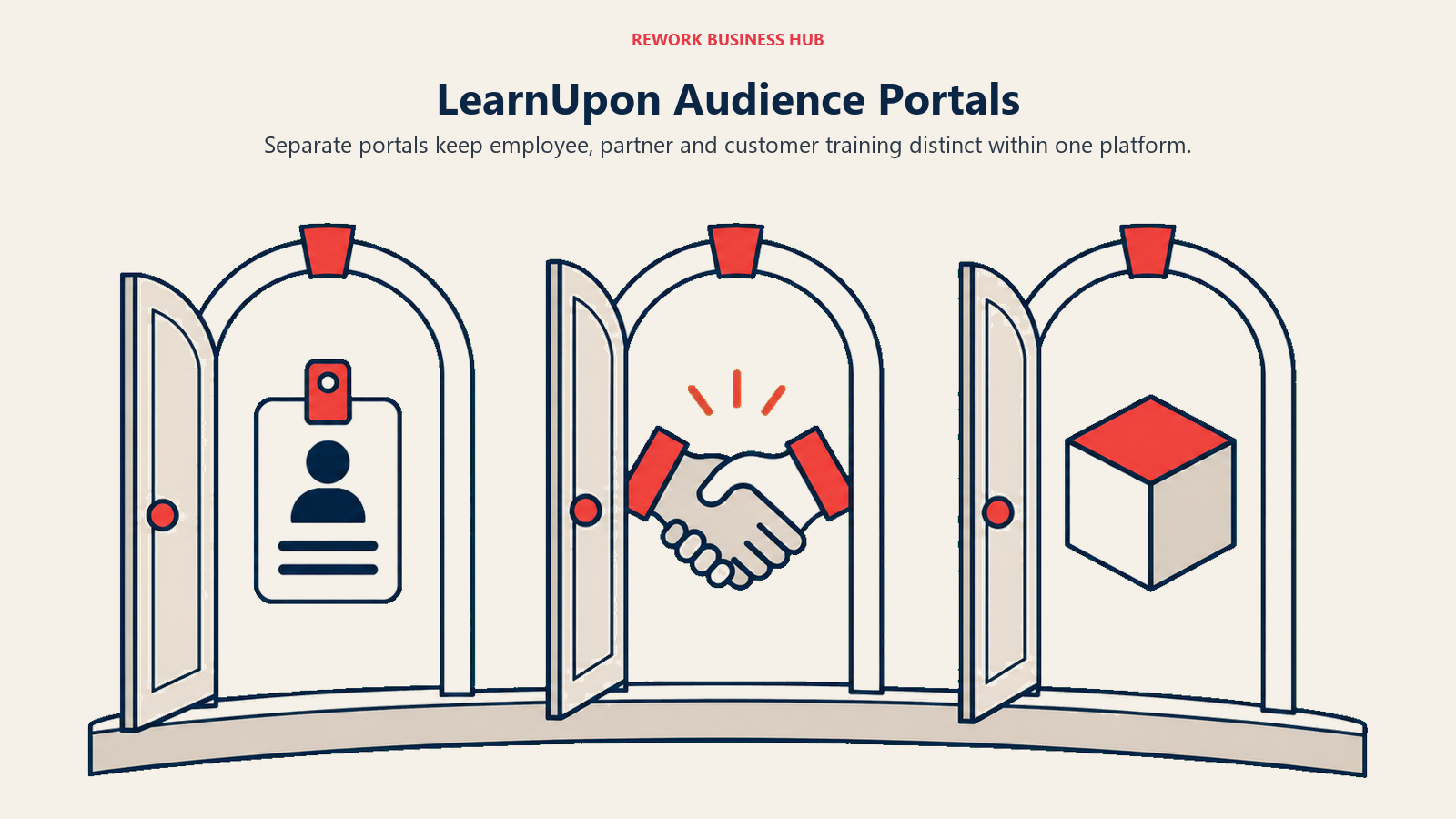
Pricing is where LearnUpon asks for patience. Nothing is published beyond minimum user counts per product line: LearnUpon for Employees starts from 100 users, Customer Education from 300 users, and Associations from 150 users. Those minimums tell you the ICP more than any marketing page does, this is not built for a 20-person team.
ICP. Organizations training multiple distinct audiences (employees plus partners or customers) who want one platform instead of three.
Sizing fit. Effectively starts at 100 to 300 users depending on product line; not built for very small teams.
Stage fit. Best for companies past internal-only training that now need partner or customer education too.
| Pros | Cons |
|---|---|
| Purpose-built portals for employee, partner, and customer audiences | No published pricing at any tier |
| Clear product-line separation instead of one stretched catalog | Minimum user counts rule out smaller teams |
| Strong fit for channel and customer education programs | Less collaborative authoring than 360Learning's peer-review model |
Pricing: Not published. Minimum user counts only: LearnUpon for Employees from 100 users, Customer Education from 300 users, Associations from 150 users.
Best for: Organizations running employee training alongside partner or customer education who want one vendor instead of three.
6. Litmos - Compliance-Heavy Training at Global Scale
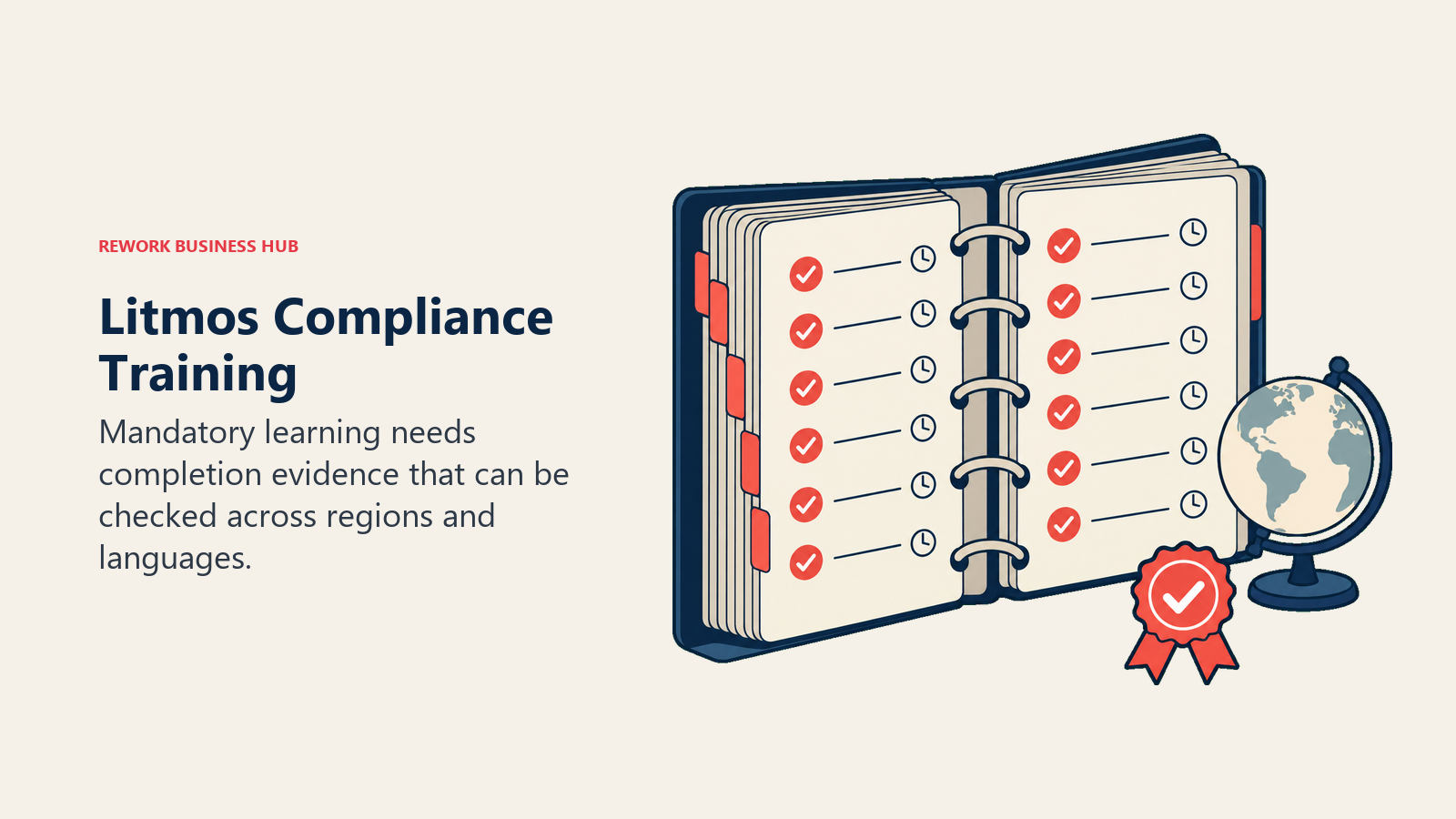
Litmos has built its identity around mandatory training done at global scale: safety, compliance, and regulatory courses delivered across dozens of languages to workforces spread across regions. It's a fundamentally different job than 360Learning's collaborative model, where the risk isn't unmotivated authors but unmet regulatory deadlines and unproven completion records if an audit ever asks for one.
Litmos now sells three tiers, Foundation, Platinum, and Platinum AI, the newest addition bringing generative AI course creation and assessment into the mix. All three are shown on the pricing page as "Contact for Pricing," with no user minimums published either, which makes it hard to even rule Litmos out on price before a call.
ICP. Enterprises in regulated industries (manufacturing, healthcare, financial services, logistics) needing auditable global compliance training.
Sizing fit. Built for large, multi-region workforces; smaller single-region companies usually find better economics elsewhere.
Stage fit. Best for organizations with an active compliance or regulatory mandate, not early-stage teams building a first training program.
| Pros | Cons |
|---|---|
| Deep compliance content library and multi-language delivery | No published pricing across any of the three tiers |
| Platinum AI adds generative course creation and assessment | No user minimums published, so sizing fit is unclear pre-call |
| Proven at large, multi-region enterprise scale | Heavier and more compliance-oriented than a general-purpose LMS needs to be |
Pricing: Not published. Foundation, Platinum, and Platinum AI are all listed as "Contact for Pricing."
Best for: Regulated enterprises that need defensible, auditable compliance training delivered across languages and regions.
7. Continu - A Modern Learning Hub Built Around Content, Not Just Courses
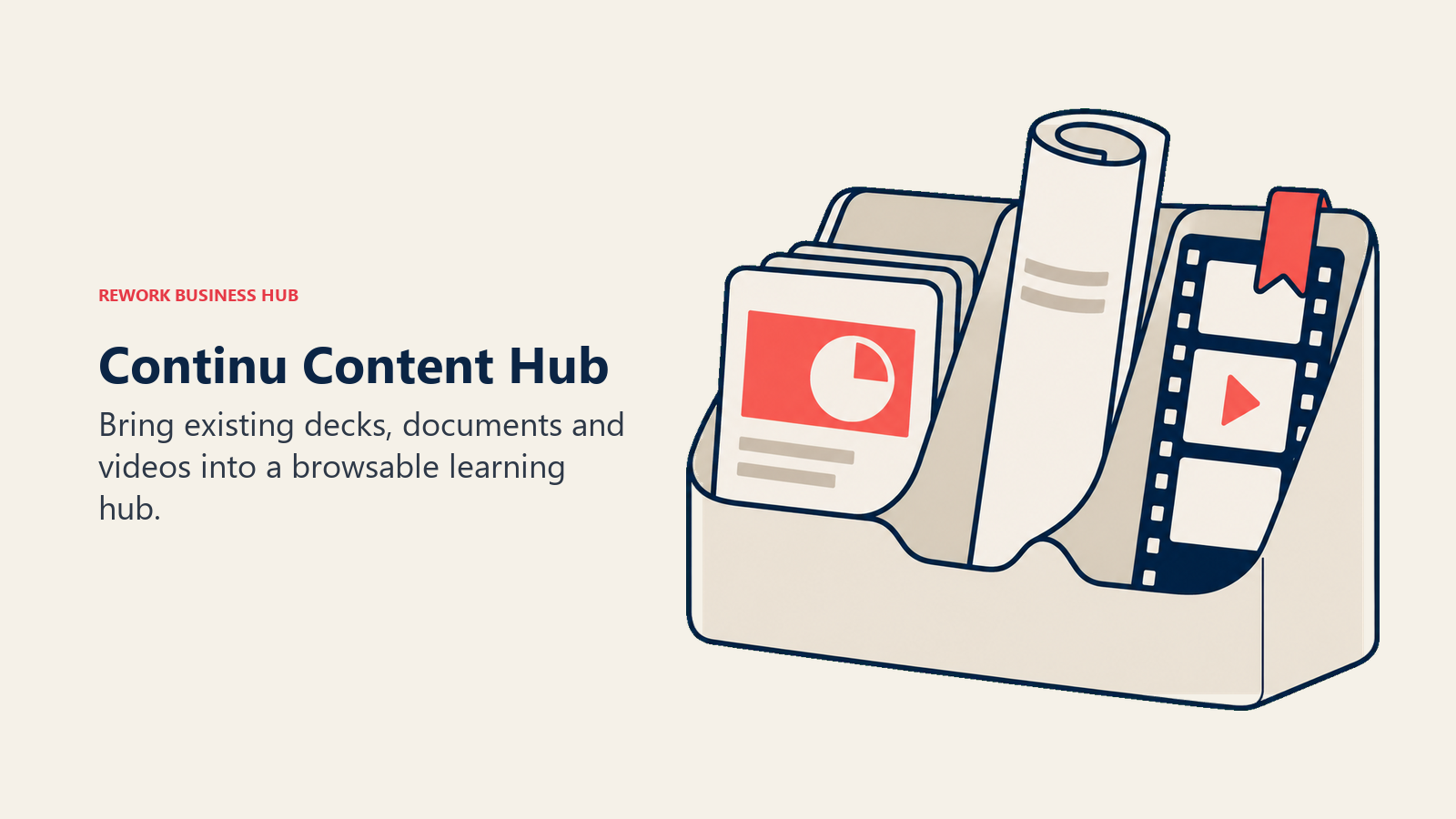
Continu's pitch is that most companies' training content already exists, scattered across decks, docs, videos, and Slack threads, and the job of an LMS should be pulling it into one browsable hub rather than forcing everything through a rigid course-builder. That's a different philosophy from 360Learning's structured, peer-reviewed course model, and it appeals to teams whose real problem is content sprawl rather than a shortage of willing authors.
Pricing runs on three tiers set by monthly active users rather than total seats: Growth (under 1,000 MAU), Professional (1,000 to 5,000 MAU), and Enterprise (5,000-plus MAU). None of the three publish a dollar figure, so the MAU bands are the only sizing signal available before you talk to sales.
ICP. Mid-market companies with content sprawl across tools who want a searchable hub more than a rigid course-authoring workflow.
Sizing fit. Tiered for organizations under 1,000 MAU up through 5,000-plus; the bands imply a mid-market to enterprise focus.
Stage fit. Best for companies that already have a lot of training material and need it organized, not ones starting from zero.
| Pros | Cons |
|---|---|
| Modern hub UX built for reusing existing content | No published pricing at any of the three tiers |
| MAU-based tiers reward low active usage | Less structured course-authoring than 360Learning or TalentLMS |
| Good fit for distributed, content-heavy organizations | Sizing before a sales call relies on MAU bands alone |
Pricing: Not published. Three tiers by monthly active users: Growth (under 1,000 MAU), Professional (1,000-5,000 MAU), Enterprise (5,000+ MAU).
Best for: Teams whose real problem is disorganized existing content rather than a lack of course-building tools.
8. Sana Learn - AI-Native Learning That Adapts to the Learner
Sana Labs built Sana Learn as an AI-native platform from the start rather than bolting AI features onto an older course engine, and it shows in how the product behaves: content and learning paths adapt to what an individual learner already knows and where they're struggling, instead of pushing the same fixed course to everyone. Where 360Learning leans on human peer review to keep content relevant, Sana leans on the model doing more of that adaptation automatically.
The pricing page reflects an enterprise-leaning product: per-user monthly pricing that "varies by volume," a 300-user minimum, and indicative numbers only after you enter your location and user count. There's no list price to quote, and the volume requirement rules out small teams outright.
ICP. Mid-market to enterprise L&D teams that want AI-driven personalization without building it themselves.
Sizing fit. 300 users minimum by Sana's own pricing page; not available to smaller teams at all.
Stage fit. Best for organizations with enough scale and content volume that personalization actually changes outcomes.
| Pros | Cons |
|---|---|
| AI adapts content and pacing per learner automatically | 300-user minimum excludes small and mid-size teams |
| Built AI-native rather than retrofitted onto legacy architecture | No list price, indicative pricing only after entering details |
| Strong fit for large, content-rich learning programs | Newer platform with a shorter enterprise track record than incumbents |
Pricing: Not published. Per-user monthly pricing that varies by volume, minimum 300 users, indicative pricing only after entering location and user count.
Best for: Larger organizations that want AI personalizing the learning path itself, not just recommending which course to take next.
9. Cornerstone OnDemand - The Enterprise Talent Suite With Learning Built In
Cornerstone OnDemand is worth understanding as a platform rather than a single product now. Over the past several years Cornerstone has folded Saba, EdCast, SumTotal, SkyHive, and TaleSpin into one suite it calls Cornerstone Galaxy, with EdCast's technology now sold as "Cornerstone Learning Experience." If you're evaluating Saba Cloud or SumTotal as a standalone purchase, you're actually looking at a legacy product line that now routes into Galaxy, so it's worth confirming what you'd be buying before a demo.
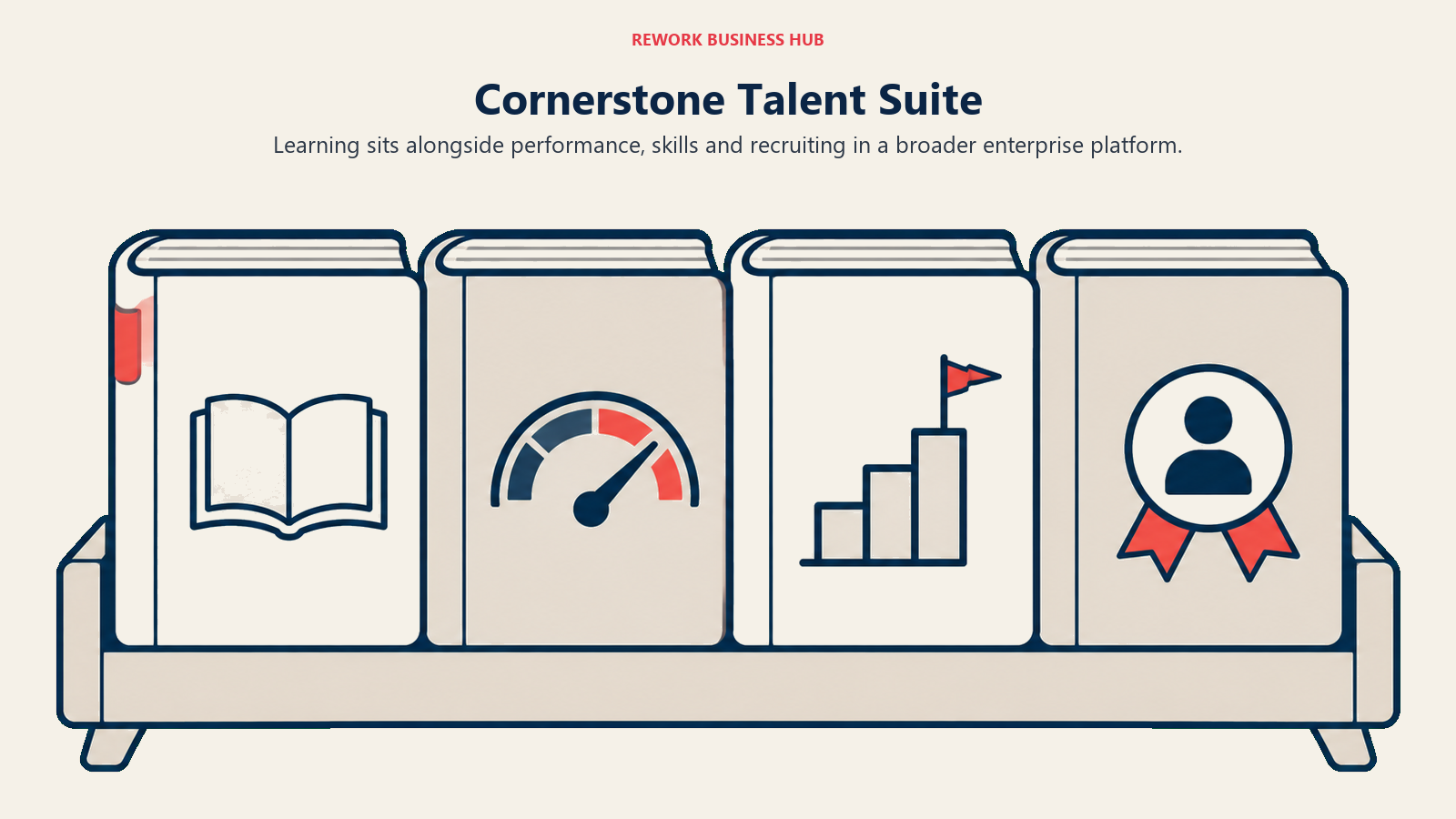
That consolidation is the whole pitch for a large buyer: learning sits next to performance, skills, and recruiting in one system rather than integrated across separate vendors. It's also why there's no self-serve price anywhere. Cornerstone's own pricing page states plainly that cost depends on your organization's needs and size, and directs you to a demo for an estimate.
ICP. Large enterprises consolidating learning with performance, skills, and recruiting into one suite.
Sizing fit. Built for large organizations, typically 1,000-plus employees; the suite's breadth is wasted at smaller scale.
Stage fit. Best for enterprises running multiple disconnected talent systems and looking to consolidate.
| Pros | Cons |
|---|---|
| Learning bundled with Performance, Skills, and Recruiting via Galaxy | No plan names or prices published anywhere |
| Absorbed legacy tools (Saba, SumTotal, EdCast) into one roadmap | Legacy-product buyers may not realize they're buying into Galaxy |
| Deep enterprise governance and reporting | Heaviest implementation lift on this list |
Pricing: Not published. Cornerstone's page states cost depends on organization size and needs, with a demo required for an estimate.
Best for: Enterprises consolidating several legacy talent systems into a single suite with learning as one module among several.
10. Tovuti - One Flat Price for a Full-Featured LMS
Tovuti's pitch is unusual for this category: one all-inclusive plan instead of a tiered ladder that gates features behind higher-priced tiers. Every customer gets the same feature set, including course authoring, virtual classrooms, gamification, and e-commerce for selling courses, priced by the number of learners rather than by which capabilities you've unlocked.
The published number is $7,500 per year for the first 100 learners, billed annually. What Tovuti doesn't publish is the per-extra-learner rate above that first 100, so anyone growing past that threshold needs a real quote to know where the number lands. It's a straightforward starting point without a fully predictable growth curve.
ICP. Mid-market organizations that want every LMS feature available from day one without tier-gating.
Sizing fit. Clean at exactly 100 learners or under; the math above that requires a direct quote.
Stage fit. Good for a company that knows it wants the full feature set now rather than growing into it.
| Pros | Cons |
|---|---|
| No feature gating, every plan gets the same capabilities | Per-extra-learner pricing above 100 isn't published |
| Simple, published starting price for the first tier | Annual-only billing, no monthly option |
| E-commerce and virtual classroom included by default | Less collaborative course-authoring than 360Learning's peer-review model |
Pricing: One all-inclusive plan at $7,500 per year for the first 100 learners, billed annually. Per-extra-learner rate above 100 is not published.
Best for: Teams that want the full LMS feature set unlocked from the first invoice, without upgrading tiers to unlock capability later.
11. Coassemble - Fast, Visual Course Building for Lean Teams
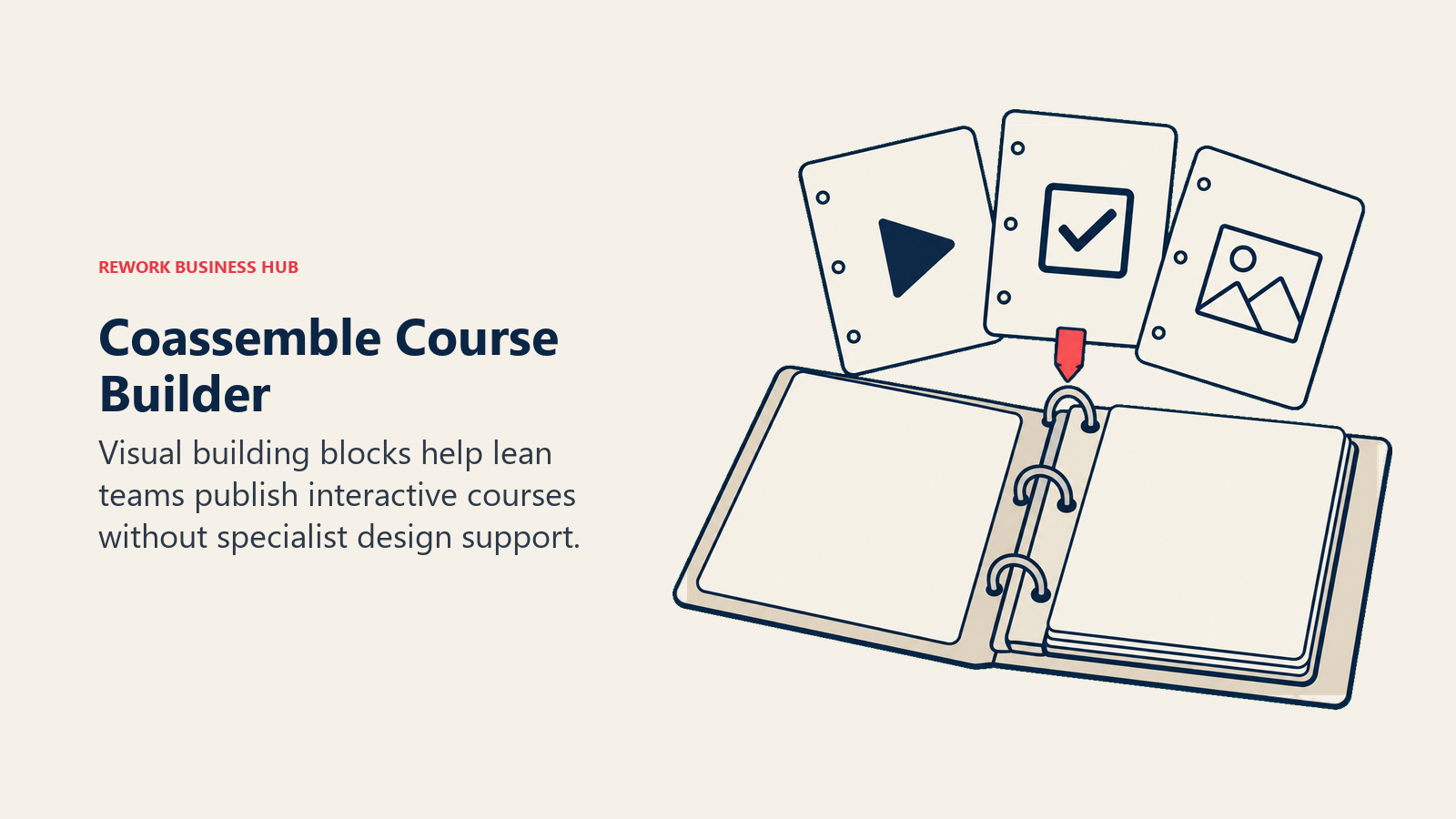
Coassemble's course editor is built to feel like a design tool rather than an LMS admin panel: drag-and-drop blocks, interactive templates, and a fast path from blank page to published course. For a small team without a dedicated instructional designer, that visual-first approach lowers the bar to actually publishing something, exactly the gap that kills collaborative-authoring rollouts before they start.
Pricing runs on interactive-recipient (IR) allowance per year rather than named seats, and every tier includes unlimited course creators, so you're not paying more to let more people author content. Build starts at $250/mo or $2,500/year, Scale from $500/mo or $5,000/year, and Partner from $2,000/mo or $20,000/year. There's also a free sandbox with validation-level limits for testing the editor before committing.
ICP. Small to mid-size teams without a dedicated instructional design function that need to publish courses fast.
Sizing fit. Strong for lean teams; IR-based pricing tracks actual learner interactions rather than headcount alone.
Stage fit. Good for a company building its first real course library, not one with a complex authoring workflow already.
| Pros | Cons |
|---|---|
| Unlimited course creators on every paid tier | Priced on interactive-recipient allowance, which takes planning to estimate |
| Fast, visual course editor with a low learning curve | Less depth on compliance and enterprise reporting than larger platforms |
| Free sandbox to test before buying | Partner tier pricing jumps sharply from Scale |
Pricing: Build $250/mo or $2,500/year. Scale from $500/mo or $5,000/year. Partner from $2,000/mo or $20,000/year. Priced on annual interactive-recipient (IR) allowance, unlimited course creators on every tier. Free sandbox available.
Best for: Lean teams that want to start publishing visually engaging courses quickly without hiring an instructional designer first.
12. Seismic Learning - Bite-Sized Training Tied to Sales Enablement
Seismic Learning is the product formerly known as Lessonly, acquired by Seismic in 2021 and folded into its sales-enablement platform. That heritage is the whole reason to consider it: instead of a general-purpose LMS sitting apart from where reps actually work, training lives next to the content, coaching, and buyer-engagement tools reps already use inside Seismic. For a revenue org specifically, that proximity matters more than a broader course catalog would.
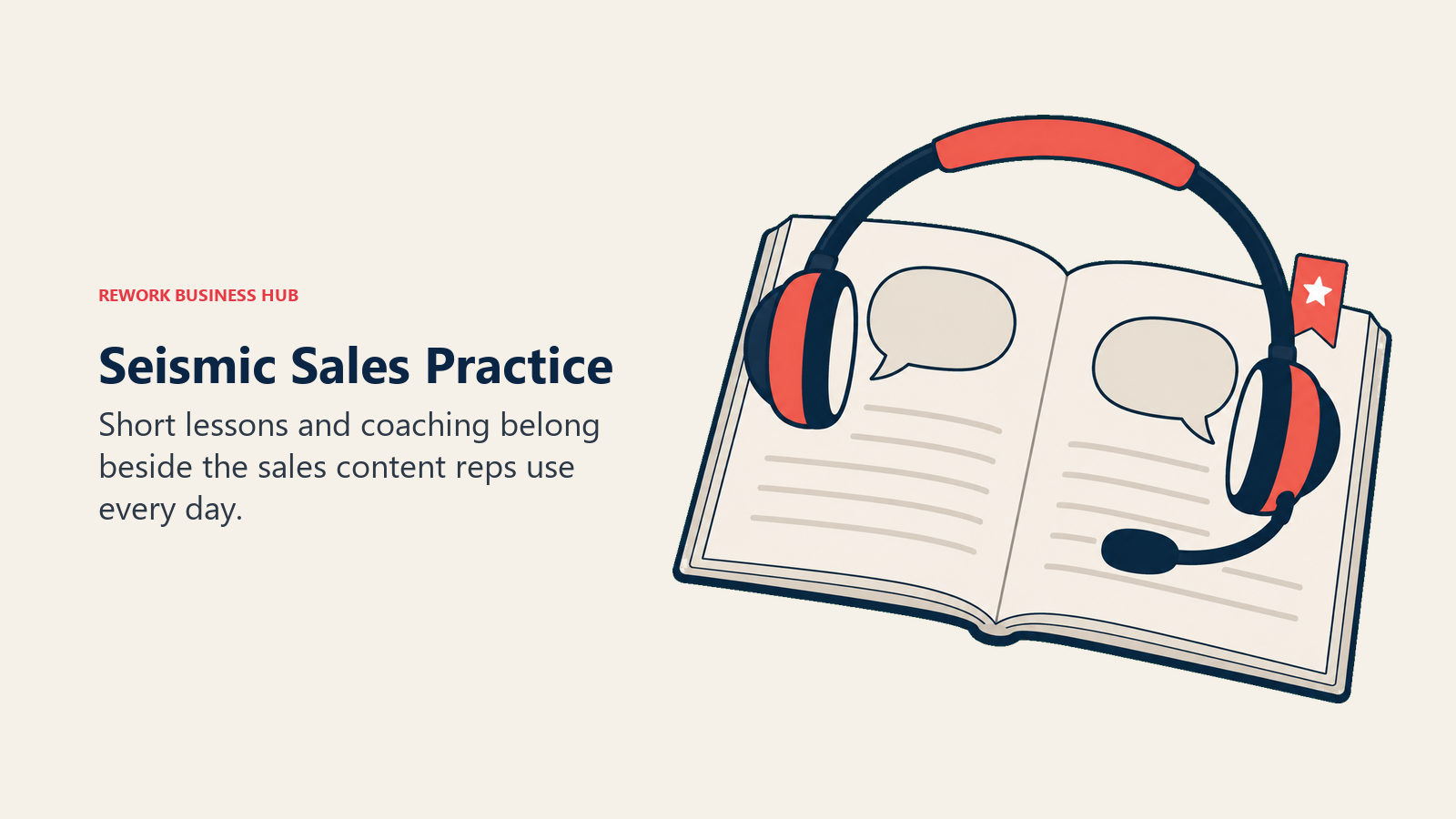
It's a narrower fit than everything else on this list by design. Seismic Learning isn't trying to be a company-wide LMS for finance, engineering, and support; it's built for sales and customer-facing teams, with short, practice-focused lessons rather than long-form courses. Pricing is not published anywhere; it's sold as an enterprise quote, typically bundled into a broader Seismic deal.
ICP. Revenue organizations that want onboarding and skill practice built directly into their sales-enablement stack.
Sizing fit. Enterprise-oriented; typically sold alongside Seismic's broader platform rather than as a standalone small-team purchase.
Stage fit. Best for companies that already use or are evaluating Seismic for sales content and coaching.
| Pros | Cons |
|---|---|
| Training sits inside the same platform reps already use daily | No published pricing anywhere, enterprise quote only |
| Short, practice-focused lessons suited to sales skill-building | Narrow fit outside sales and customer-facing teams |
| Backed by Seismic's broader enablement and coaching data | Typically requires a wider Seismic commitment to access |
Pricing: Not published. Enterprise quote only.
Best for: Sales and customer-facing teams that want training built into the same platform as their content and coaching tools, not a separate company-wide LMS.
How to Choose: Decision Framework
One honest fork before the table. If your real objection to 360Learning is a commercial license at all, and you have engineering resources to self-host, the Moodle alternatives guide covers open-source options this list doesn't.
| If you need... | Choose |
|---|---|
| Fast setup on a tight, published budget | TalentLMS |
| AI-driven learning tied to a skills-intelligence layer | Docebo |
| The most polished learner-facing interface | Absorb LMS |
| To pay only for users who actually log in | iSpring Learn |
| One platform for employees, partners, and customers | LearnUpon |
| Global, auditable compliance training | Litmos |
| Learning folded into a broader enterprise talent suite | Cornerstone OnDemand |
| Training built into your sales-enablement stack | Seismic Learning |
What to Do Next
Before you shortlist anything, answer one question honestly: will people outside L&D actually author courses if you ask them to? Survey five likely candidates, engineers, salespeople, ops leads, and ask if they'd realistically build and maintain a course. If most say yes, 360Learning's model is probably still worth keeping. If most say no, start instead with TalentLMS or Absorb LMS, price each at your actual headcount rather than the vendor's example headcount, and run a real pilot with one team's onboarding content before committing budget to a full migration.

Principal Product Marketing Strategist
On this page
- Key Facts
- Why Teams Look Past 360Learning
- Quick Comparison Table
- 1. TalentLMS - The Budget-Friendly Standard Everyone Compares Against
- 2. Docebo - AI-Powered Learning for Enterprises Going Beyond Training
- 3. Absorb LMS - Enterprise Polish With a Learner-First Interface
- 4. iSpring Learn - Fast Setup for Teams Already Using iSpring Suite
- 5. LearnUpon - Multi-Audience Training for Employees, Partners and Customers
- 6. Litmos - Compliance-Heavy Training at Global Scale
- 7. Continu - A Modern Learning Hub Built Around Content, Not Just Courses
- 8. Sana Learn - AI-Native Learning That Adapts to the Learner
- 9. Cornerstone OnDemand - The Enterprise Talent Suite With Learning Built In
- 10. Tovuti - One Flat Price for a Full-Featured LMS
- 11. Coassemble - Fast, Visual Course Building for Lean Teams
- 12. Seismic Learning - Bite-Sized Training Tied to Sales Enablement
- How to Choose: Decision Framework
- What to Do Next