Best Absorb LMS Alternatives in 2026: 13 Platforms for L&D Teams
Turn this article into takeaways for your work.


Each assistant summarizes the article only for you and suggests best practices for your work.
Docebo, LearnUpon, and TalentLMS are the three Absorb LMS alternatives most L&D teams end up shortlisting, each solving a different piece of what sends buyers away from Absorb in the first place. Give Absorb its due before you leave it: it has a genuinely strong admin experience, deep enterprise reporting, and a new AI agent line called Absorb Aura built into the platform. What it does not have is a price. Its pricing page is a form, not a rate card: pick a learner-count band from 1-50 up to 25,000+ and wait for a sales call.
That's the real reason most people search for an Absorb LMS alternative. It's rarely that the product is bad. More often, a buyer wants a number to budget against before booking a demo, or runs a team small enough that Absorb's enterprise shape is overkill, or needs a specialist tool (a customer academy, a course-authoring platform, collaborative peer learning) instead of a broad corporate LMS. This guide covers 13 alternatives for L&D leaders, HR directors, and training managers evaluating platforms in 2026. Every price below is the vendor's own published figure; where a vendor publishes nothing, that's stated plainly instead of guessed at. Start with the LMS software roundup if you haven't narrowed the category yet, or read on if Absorb specifically is the incumbent you're evaluating against.
Key Facts
- US training expenditures reached $102.8 billion in 2025, up 4.9% from the prior year (Training Magazine, 2025 Training Industry Report).
- Average direct learning expenditure was $846 per employee in 2025 (ATD's 2026 State of the Industry report, via TrainingCost.com's benchmark analysis).
- Employees used an average of 16.7 formal learning hours in 2025, up from 13.7 hours in 2024, a 22% jump and the first year-over-year increase in five years (ATD's 2026 State of the Industry report, via TrainingCost.com).
- Providing learning opportunities is survey respondents' number one retention strategy, and 88% of organizations say they are concerned about employee retention (LinkedIn Workplace Learning Report).
- 59% of the global workforce is projected to need reskilling or upskilling by 2030 (World Economic Forum, Future of Jobs Report 2025).
Why Teams Look Past Absorb LMS
| Why buyers shop for alternatives | What Absorb's own page actually shows | The honest counterpoint |
|---|---|---|
| No published pricing at any tier | The pricing page is a learner-count form (bands from 1-50 up to 25,000+), not a rate card | A tailored quote can beat a generic per-seat rate once you're negotiating at real volume |
| Built for a mid-size-to-enterprise shape | Absorb's admin depth and enterprise reporting are built around organizations with real learner volume | That same depth is exactly why large L&D teams choose it over lighter tools |
| Gaps for specialist use cases | Absorb is a broad corporate LMS, not a dedicated customer-academy, authoring, or collaborative-learning tool | Buyers who need one of those three narrower jobs usually get more from a specialist than a generalist |
Which of These Actually Publish a Price
Four of the 13 alternatives below publish a rate you can check without a sales call. The rest, like Absorb itself, route you to a quote, though several at least publish a minimum learner count so you know the floor before you call.
| Vendor | Publishes a price? | Vendor-published minimum or anchor |
|---|---|---|
| TalentLMS | Yes, self-serve | Free plan up to 5 users; paid tiers start at $119/month |
| 360Learning | Yes, self-serve | Team plan $8/user/month, capped at 100 users |
| iSpring Learn | Yes, self-serve (pay-per-active-user) | Business plan from $6.91/user/month at 100 users, billed annually |
| Tovuti LMS | Yes, self-serve | $7,500/year for the first 100 learners |
| Docebo | No, quote-only | Page guidance: "Training at least 250+ learners" |
| LearnUpon | No, quote-only | "From 100 Users" (Employees plan) |
| Litmos | No, quote-only | No minimum published |
| Cornerstone OnDemand | No, quote-only | No minimum published |
| D2L Brightspace | No, quote-only | No minimum published |
| Continu | No, quote-only | Tiers set by monthly active user bands, no minimum published |
| Sana Learn | No, quote-only | 300-user minimum stated |
| Skilljar | No, quote-only | No minimum published; only add-on prices are public (from $10k) |
| Moodle Workplace | No, quote-only, sold through partners | No minimum or list price published |
Quick Comparison Table
| Tool | Best For | Starting Price | Key Strength | Key Limitation |
|---|---|---|---|---|
| Docebo | Skills-intelligence-driven enterprise learning | Quote only (guidance: 250+ learners) | AI Workforce Readiness Platform, now including 365Talents | No self-serve price at any tier |
| LearnUpon | Multi-audience training from one account | Quote only, from 100 users | Separate portals for employees, partners, and customers | No published price, 100-user floor |
| Litmos | Fast deployment with a large ready-made content library | Quote only | Built-in course library plus a Platinum AI tier | Zero pricing transparency, no minimums published |
| 360Learning | Collaborative, peer-authored courses | $8/user/month, Team plan, up to 100 users, billed monthly | Subject matter experts build and co-author content | Team plan caps at 100 users |
| TalentLMS | Self-serve LMS for small and growing teams | Free (5 users) or $119/month, Core, annual saves 20% | Transparent published tiers, genuinely free entry plan | Per-user overage on the Pro tier at higher counts |
| Cornerstone OnDemand | Enterprise talent suite bundled with learning | Quote only, no tiers named | Cornerstone Galaxy consolidates five acquired platforms | Most opaque pricing process in this list |
| D2L Brightspace | Course design and assessment depth at enterprise scale | Quote only, no minimum published | Authoring, assessments, and learning-design services | No published price; AI and authoring are add-ons |
| iSpring Learn | Budget-conscious teams that want authoring bundled in | $6.91/active user/month at 100 users, annual | Authoring tools bundled, published per-user rate | "Active user" billing can undercount real seat needs |
| Continu | Clean, modern admin UI without enterprise bloat | Quote only, tiers set by monthly active users | Modern admin experience, strong partner-training features | No published price at any tier |
| Sana Learn | AI-native learning for larger organizations | Quote only, 300-user minimum | Deep AI content generation and personalization | 300-user floor locks out smaller teams |
| Tovuti LMS | One flat, all-inclusive annual plan | $7,500/year for the first 100 learners, annual only | Single plan, no tier ladder to compare | Per-learner rate above 100 not published |
| Skilljar | Customer and partner academies, not internal L&D | Quote only, add-ons from $10k | Purpose-built for external academy programs | Wrong tool for internal employee training |
| Moodle Workplace | Open-source Moodle core with enterprise workflow | No list price, sold through Certified Moodle Partners | Full customization on an open-source foundation | No self-serve tier, cost depends on your chosen partner |
1. Docebo - The Skills-Intelligence Enterprise Pick
Docebo is where a lot of Absorb evaluations land when the real driver is scale rather than price. It matches Absorb on enterprise reporting and admin depth, and has spent 2026 pushing into what it calls an AI Workforce Readiness Platform: Learning, Skills Intelligence, Enterprise Knowledge, and AgentHub, built partly from its January 2026 acquisition of the French vendor 365Talents. That acquisition stays a distinct product line next to Docebo's own Elevate and Enterprise tiers, not a rebrand.
Pricing is quote-only across all three lines, priced on active users. The pricing page states plainly that Docebo suits companies "Training at least 250+ learners," which is the honest read on fit: this is not a small-team platform.
Target audience. L&D teams at organizations with 250 or more learners that want skills intelligence layered on top of a full-featured LMS.
Sizing fit. 200 to 5,000+. Under 250 learners you're paying for scale you don't need yet.
Stage fit. Best for established mid-market to enterprise L&D functions, not a first LMS purchase.
| Pros | Cons |
|---|---|
| Skills Intelligence and AgentHub extend well beyond a standard LMS | Quote-only pricing, no self-serve number to plan against |
| Enterprise reporting and admin depth comparable to Absorb | Usage-based active-user pricing makes forecasting harder |
| 365Talents adds skills-mapping most competitors here lack | Built for 250+ learners, overkill below that |
Pricing: Elevate, Enterprise, and 365Talents (Skills Intelligence), all custom pricing based on active users. No published figures.
Best for: L&D teams that want Absorb's enterprise depth plus a skills-intelligence layer, and that clear the 250-learner guidance comfortably. If Docebo itself is on your shortlist, the Docebo alternatives guide covers the rest of that field, and Absorb LMS vs Docebo puts the two side by side.
2. LearnUpon - One Account, Separate Portals by Audience
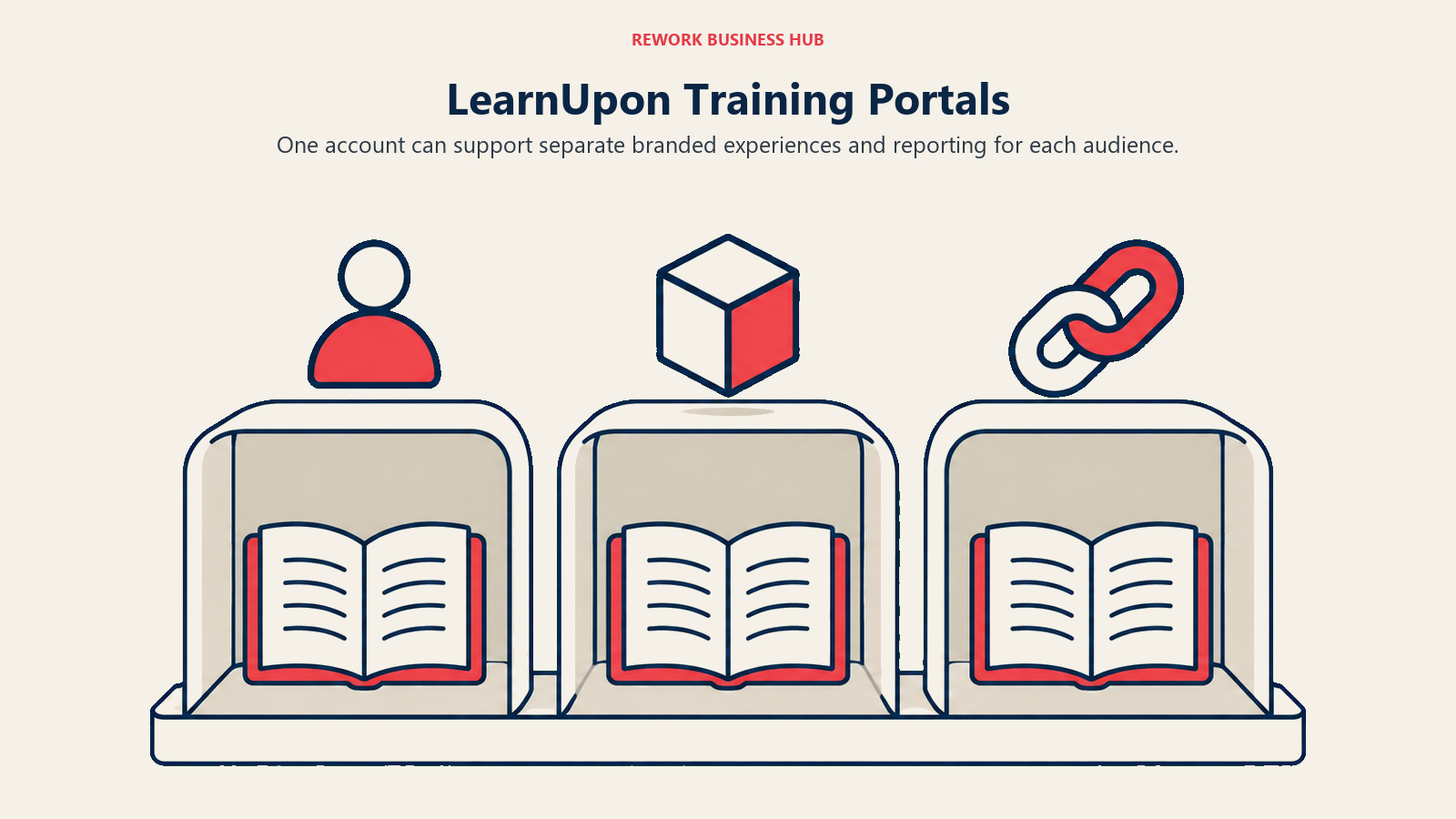
LearnUpon's pitch is architectural. Instead of one LMS instance for everyone, it runs separate portals for employees, partners, and customers from a single account, each with its own branding and reporting. If Absorb handles multiple audiences through permissions, LearnUpon builds that separation into the product itself.
Pricing is quote-only, but LearnUpon at least publishes floors: "From 100 Users" for the Employees plan, "From 300 Users" for Customer Education, and "From 150 Users" for Associations. That gives you a starting point for a budget conversation that Absorb's form doesn't.
Target audience. Mid-market companies of 100 to 2,000 people running training for more than one external audience alongside employees.
Sizing fit. 100 to 2,000+. Below 100 users you're under LearnUpon's stated floor for the employee product.
Stage fit. Good once you have distinct employee, partner, or customer training programs to keep separate.
| Pros | Cons |
|---|---|
| True multi-portal setup for different audiences | No published price at any tier |
| Vendor-stated user minimums give a real starting point | 100 to 300-user floors depending on the product |
| Strong reporting parity with Absorb for admin-heavy teams | Still a sales-led purchase, same friction as Absorb |
Pricing: Quote only. LearnUpon for Employees "From 100 Users," Customer Education "From 300 Users," Associations "From 150 Users."
Best for: Teams training employees, partners, and customers separately who want one vendor relationship instead of three. Pair it with a documented certification tracking program if compliance training is part of the mix.
3. Litmos - Fast Deployment With a Built-In Content Library
Litmos leans on speed and a ready-made course library rather than deep configuration. Its Foundation, Platinum, and now Platinum AI tiers all ship with a substantial catalog of off-the-shelf compliance and skills content, which shortens the gap between signing and having something live.
The tradeoff is that Litmos publishes nothing. All three tiers show "Contact for Pricing" with no user minimums or per-seat figures. Of every vendor here, Litmos gives you the least to work with before a sales call.
Target audience. Companies that want a fast-launch LMS with built-in content rather than a blank canvas to build on.
Sizing fit. 50 to 2,000. Works at most sizes since pricing scales through negotiation rather than published tiers.
Stage fit. Good for teams under time pressure to launch training quickly, less good for teams that need a firm number before they can get budget approved.
| Pros | Cons |
|---|---|
| Large built-in content library speeds up launch | Completely opaque pricing, no minimums published anywhere |
| Platinum AI tier adds AI-assisted authoring and support | No way to estimate cost before a sales conversation |
| Enterprise integration depth built up across three owners | Harder to compare against self-serve competitors on this list |
Pricing: Foundation, Platinum, and Platinum AI, all shown as "Contact for Pricing." No user minimums published.
Best for: Teams that want a stocked course library on day one and are comfortable negotiating price rather than reading it off a page.
4. 360Learning - Collaborative Courses Instead of Top-Down Content
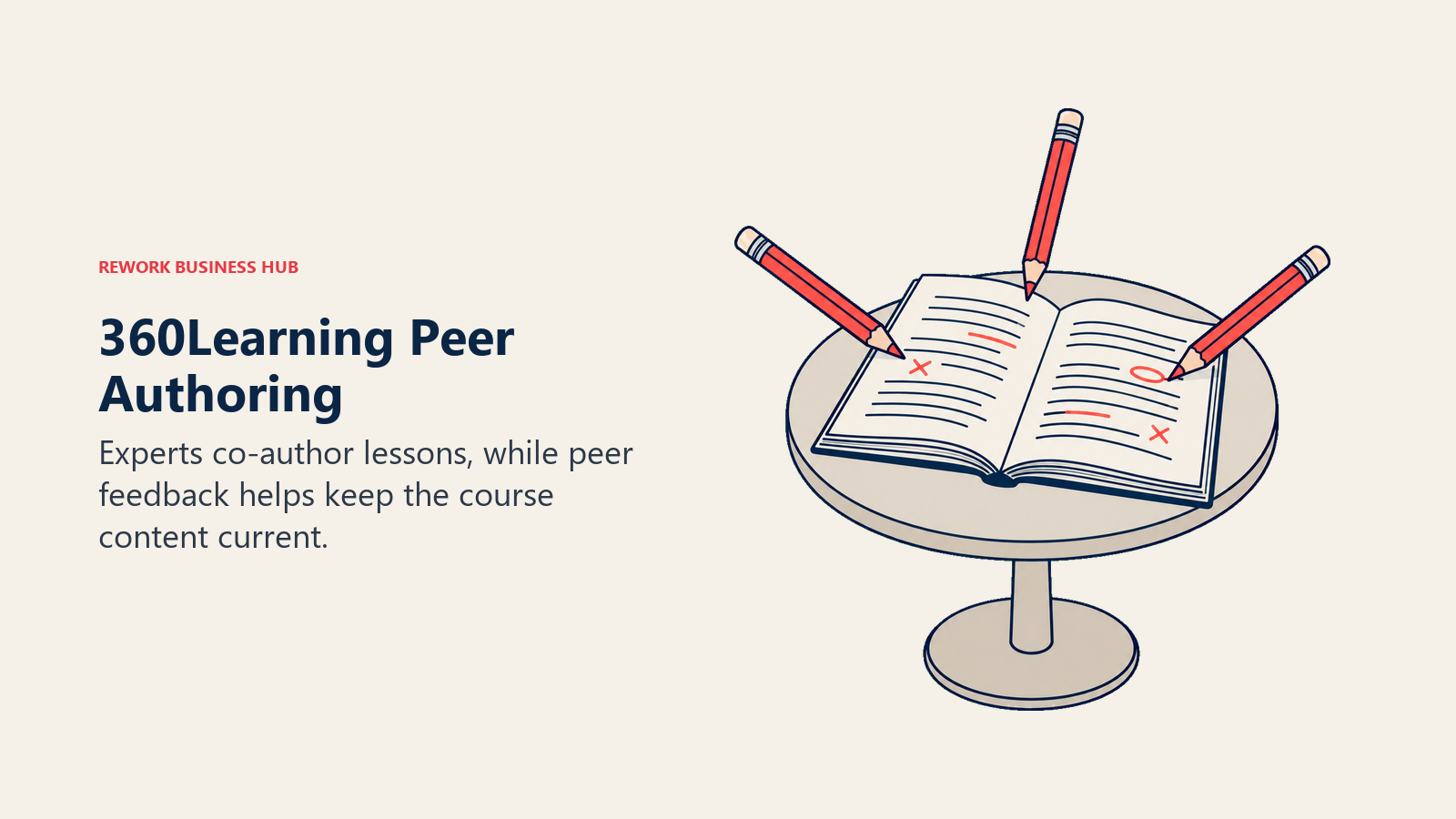
360Learning's bet is that the people closest to the work should build the training, not a central L&D team working from a template. Subject matter experts co-author courses, peers give feedback inside the platform, and completion data feeds back into what gets built next. It's a genuinely different working model from Absorb's more traditional course-and-catalog structure.
It's also the most transparent price on this list at the entry level: the Team plan is $8 per user per month, billed monthly, with no annual commitment and no minimum volume, capped at 100 users. Business and Enterprise step up to custom, annual pricing based on a mix of registered and monthly active users once you outgrow that cap.
Target audience. Growing teams of 10 to 100 that want training built collaboratively rather than assigned from a library.
Sizing fit. 10 to 100 on Team. Above that, you move into custom Business or Enterprise pricing.
Stage fit. Strong for companies scaling fast enough that documentation and onboarding content go stale before a central team can rewrite it.
| Pros | Cons |
|---|---|
| Published, no-commitment monthly pricing at entry level | Team plan hard-caps at 100 users |
| Collaborative authoring keeps content current | Business and Enterprise revert to quote-only |
| No minimum volume required to start | Less built-in reporting depth than Absorb at enterprise scale |
Pricing: Team $8/user/month, up to 100 users, billed monthly, no annual commitment, no minimum volume. Business and Enterprise are custom, generally annual.
Best for: Teams under 100 users that want employees building and reviewing each other's training content. If 360Learning itself is what you're replacing, see the 360Learning alternatives guide.
5. TalentLMS - The Clearest Self-Serve Price on This List
TalentLMS solves the exact problem that sends people away from Absorb: you can see a real number without talking to anyone. There's a free forever plan for up to 5 users and 10 courses, then three published paid tiers, Core at $119/month, Grow at $229/month, and Pro at $449/month, each with a base user band and per-additional-user pricing on top. Annual billing takes 20% off. Enterprise is custom, and the page states it "Starts at 1000 users," though a Flexible enterprise option starts lower, at 500 users.
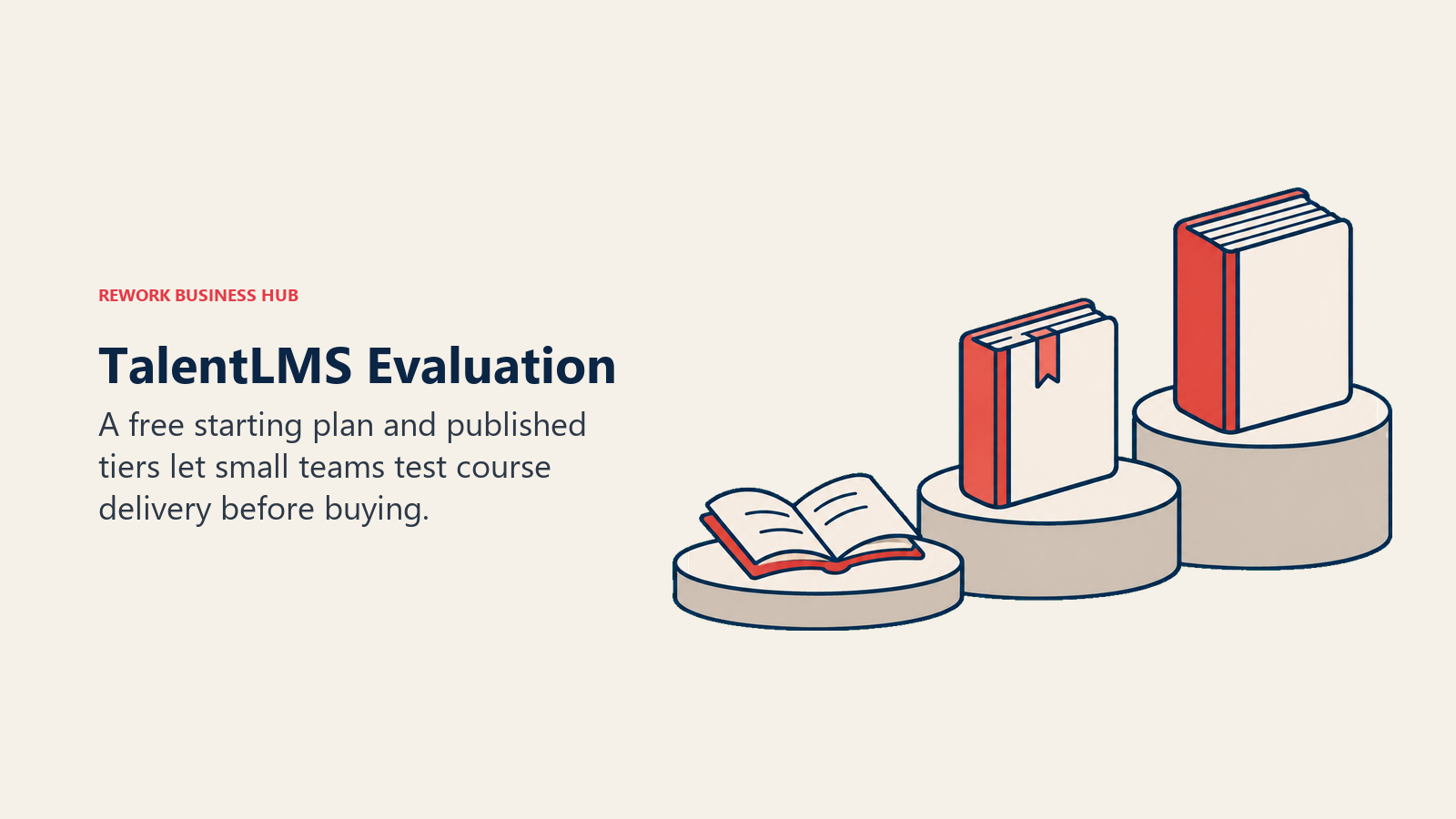
That transparency is the whole pitch: you can build a rough budget in minutes on TalentLMS's own page, unlike Absorb, Docebo, or Litmos.
Target audience. Small and mid-sized teams, from startups to companies a few hundred employees deep, that want to self-serve a decision.
Sizing fit. 1 to 500 comfortably on published tiers. Above 500 to 1,000 you're negotiating Enterprise.
Stage fit. Ideal for a first LMS purchase where nobody wants to sit through a demo just to learn the price.
| Pros | Cons |
|---|---|
| Every tier's price and user band is published | Per-additional-user costs on Pro can add up past the base band |
| Genuinely free plan for very small teams | Enterprise reverts to quote-only above 500 to 1,000 users |
| 20% discount for annual billing, clearly stated | Fewer skills-intelligence or AI-authoring features than Docebo or Sana |
Pricing: Free up to 5 users/10 courses. Core $119/month (base band 1-40 users). Grow $229/month (base band 1-70 users). Pro $449/month (base band 1-100 users, then $6 per additional user, scaling to 500). Enterprise custom, starts at 1,000 users (Flexible option from 500). Annual billing saves 20%.
Best for: Buyers who want a firm number today. If TalentLMS is already your incumbent and you're shopping past it, the TalentLMS alternatives guide covers that comparison.
6. Cornerstone OnDemand - The Broadest Enterprise Talent Suite
Cornerstone OnDemand is the option for buyers who want learning folded into a much larger talent management platform. Through a string of acquisitions, Saba, EdCast (now Cornerstone Learning Experience), SumTotal, SkyHive, and TaleSpin have all been consolidated into a single platform called Cornerstone Galaxy. Researching Saba Cloud or SumTotal as a standalone purchase now means researching an upgrade path into Galaxy, not an independent product.
Pricing is the most opaque on this list. There are no plan names and no published figures; the pricing page states only that "Each organization will have a different cost depending on needs and size."
Target audience. Large enterprises that want learning, skills, and talent management under one platform rather than stitched together.
Sizing fit. 500 to 10,000+. This is not a tool sized for mid-market teams.
Stage fit. Best for mature HR organizations consolidating multiple legacy talent systems into one.
| Pros | Cons |
|---|---|
| Consolidates five formerly separate platforms into Galaxy | Zero published pricing, not even a per-tier structure |
| Deep talent management beyond just learning | Heaviest implementation and admin overhead in this list |
| Enterprise-grade compliance and reporting | Overbuilt and overpriced for anything under a few hundred employees |
Pricing: Quote only. No tier names or figures published; cost depends on organization size and needs.
Best for: Enterprises consolidating legacy learning and talent platforms into a single vendor relationship, not teams that want a straightforward LMS.
7. D2L Brightspace - Course-Design Depth at Enterprise Scale, Still Quote-Only
D2L Brightspace is a peer to Absorb rather than a lighter or cheaper option. D2L for Business runs the same Brightspace platform for onboarding, upskilling and certification, product enablement, and compliance. The difference is emphasis: Brightspace grew up in universities, so course design and assessment are its strongest ground, backed by built-in authoring and D2L learning designers who can build content for you. Payment-gateway support also lets training organizations sell courses to outside learners.
For a buyer leaving Absorb over pricing, D2L doesn't fix that. It publishes no price and no learner minimum, so budgeting starts with a sales call, as it does with Absorb. D2L says most organizations go live in 4 to 8 weeks with guided implementation that includes data migration, which matters if you're moving an existing Absorb catalog. Its Lumi AI tools and Creator+ authoring are listed as optional add-ons.
Target audience. Enterprise L&D teams happy with a full corporate LMS who want stronger course design or vendor help building content.
Sizing fit. Mid-market to enterprise. No minimum is published, but there's no self-serve or entry tier either.
Stage fit. Best for a like-for-like enterprise migration off Absorb, not for downsizing to a lighter tool.
| Pros | Cons |
|---|---|
| Course design, assessments, and certifications are its strongest ground | No published price, so it doesn't solve Absorb's budgeting problem |
| D2L learning designers and guided migration support | Lumi AI and Creator+ authoring are optional add-ons |
| Payment gateways for selling training to external learners | Corporate is one of five markets D2L serves, alongside higher ed and K-12 |
Pricing: No published pricing and no published learner minimum. Custom quote based on organization size and requirements.
Best for: Teams replacing Absorb with another full enterprise LMS who care most about course design, assessment, and hands-on vendor services, not teams leaving to find a published price.
8. iSpring Learn - Authoring Bundled, Pricing Published
iSpring pairs its LMS with iSpring Suite, its authoring toolkit, so course creation and delivery live under one subscription instead of two. That bundling is the practical reason people switch: instead of pairing Absorb with a separate PowerPoint-based authoring tool, you get both in one contract.
Pricing is published and genuinely useful for budgeting. The Business plan bills annually per active user (someone who logs in at least once that month): $6.91 per user per month at 100 users ($8,286 a year), dropping to $4.46 at 300 users ($16,050 a year), and $3.97 at 500 users ($23,790 a year). Enterprise is custom above that.
Target audience. Budget-conscious L&D teams that want authoring and delivery in one tool with a price they can model before signing.
Sizing fit. 100 to 500 on published Business pricing. Above that, Enterprise is a quote.
Stage fit. Good for teams building a course library from scratch who don't want a second authoring subscription.
| Pros | Cons |
|---|---|
| Published, per-active-user pricing at three volume points | "Active user" billing means a quiet month can still be a full charge if anyone logs in |
| Authoring suite bundled in, not a separate purchase | Lighter skills-intelligence and AI layer than Docebo or Sana |
| Rate drops meaningfully as user count grows | Enterprise tier above 500 users is quote-only |
Pricing: Business plan, billed annually, pay-per-active-user: 100 users $6.91/user/month ($8,286/year), 300 users $4.46/user/month ($16,050/year), 500 users $3.97/user/month ($23,790/year). Enterprise custom.
Best for: Teams that want authoring and LMS delivery bundled, with a real number to plan against instead of a guess.
9. Continu - A Modern Admin Experience Without the Enterprise Weight
Continu's argument is mostly about feel. Where Absorb, Cornerstone, and Docebo carry years of enterprise feature accretion, Continu ships a cleaner, more modern admin interface for teams that find bigger platforms clunky to run day to day. It also leans into partner and channel training, not just internal learning.
Pricing runs on three tiers set by monthly active users: Growth under 1,000 MAU, Professional from 1,000 to 5,000 MAU, and Enterprise above 5,000 MAU. None of the three publishes a price.
Target audience. Mid-market L&D and partner-enablement teams that want a modern interface and are comfortable negotiating price.
Sizing fit. Roughly 200 to 5,000+ based on the MAU tier bands, though exact fit depends on the quote.
Stage fit. Good for teams replacing an aging, hard-to-administer LMS rather than buying a first one.
| Pros | Cons |
|---|---|
| Cleaner, more modern admin UI than most enterprise LMS options | No published price at any of the three tiers |
| Strong partner and channel training feature set | Tier structure by MAU band still requires a sales conversation to price |
| Tier bands at least signal where you'll land before the call | Smaller community and content marketplace than Moodle or Docebo |
Pricing: Growth (under 1,000 MAU), Professional (1,000-5,000 MAU), Enterprise (5,000+ MAU). No prices published for any tier.
Best for: Teams that want a modern-feeling admin experience and don't mind a quote-only process to get there.
10. Sana Learn - AI-Native Learning at Volume
Sana Labs built Sana Learn around AI from the start rather than bolting it onto an existing product, with heavy investment in AI-assisted content generation, personalization, and search. It positions itself as a platform that can replace several point tools at once, not just a course catalog with a chatbot attached.
That ambition comes with a floor. Pricing is per-user, per-month, and "varies by volume," with indicative numbers only available after entering your location and user count, plus a stated minimum of 300 users. There's no list price, and smaller teams don't clear the minimum.
Target audience. Larger organizations, 300 users and up, that want AI-generated and AI-personalized learning content at the center of the platform, not an add-on.
Sizing fit. 300+. Below that you're under the vendor's own stated minimum.
Stage fit. Best for organizations with an established content library ready to be layered with AI personalization, not a first LMS purchase.
| Pros | Cons |
|---|---|
| AI content generation and personalization built into the core product | 300-user minimum rules out smaller teams entirely |
| Positioned to consolidate several point tools into one platform | No list price published at any point |
| Indicative pricing at least available before a full sales cycle | Newer entrant with a shorter enterprise track record than Docebo or Cornerstone |
Pricing: Per-user monthly pricing that varies by volume, minimum 300 users, indicative pricing only after entering location and user count. No list price.
Best for: Larger L&D teams ready to bet on AI-generated content and personalization as the core of their learning platform.
11. Tovuti LMS - One Flat Plan Instead of a Tier Ladder
Tovuti's pricing model is unusual enough to be worth calling out on its own: instead of Starter, Pro, and Enterprise tiers, there's one all-inclusive plan. It covers the first 100 learners for $7,500 a year, billed annually only, with webinars, gamification, e-commerce, and course authoring included rather than sold as add-ons.
The honest gap is what happens past 100 learners. Tovuti doesn't publish a per-extra-learner rate, so outgrowing the first band puts you back in a conversation, just a shorter one since you already know your starting price.
Target audience. Mid-size organizations that want one predictable annual number and a broad feature set without an add-on menu.
Sizing fit. Best fit right around 100 learners, where the flat plan is most efficient. Growth past that needs a custom quote.
Stage fit. Good for organizations that want to avoid tier-shopping altogether and are comfortable committing annually.
| Pros | Cons |
|---|---|
| One flat, all-inclusive price, no tier comparison needed | Per-learner rate above 100 not published |
| Webinars, gamification, and e-commerce included, not add-ons | Annual-only billing, no monthly option |
| Predictable number to budget against from day one | Least published pricing granularity of the four self-serve options here |
Pricing: $7,500/year for the first 100 learners, one all-inclusive plan, billed annually. Per-extra-learner rate not published.
Best for: Organizations around 100 learners that want a single predictable number instead of a tier ladder to climb.
12. Skilljar - Built for Customer Academies, Not Internal Training
Skilljar, sold as "Skilljar by Gainsight," solves a genuinely different problem than the rest of this list. It's purpose-built for customer and partner education, the kind of academy that trains people outside your company to use your product, not internal onboarding or compliance training. If your search is actually about launching a customer academy, this is a closer fit than any general-purpose corporate LMS.
Pricing runs across Essentials, Professional, and Enterprise tiers, all quote-only, calculated as an annual subscription plus an active-user fee. The only public numbers are add-ons: Content Syndication at $10k, a Data Connector from $25k, and Language Packs from $10k for five languages, which say little about the base subscription.
Target audience. Product, customer success, or marketing teams launching a certification or academy program for external users.
Sizing fit. Scales with external learner volume rather than internal employee count, so headcount bands don't map cleanly here.
Stage fit. Best once a product is mature enough to justify a dedicated external training program.
| Pros | Cons |
|---|---|
| Purpose-built for external customer and partner academies | Wrong tool if your actual need is internal employee L&D |
| Gainsight backing brings customer-success integration depth | Quote-only, and even the published add-ons run five figures |
| Strong certification and completion tracking for external learners | No visibility into base subscription cost at all |
Pricing: Essentials, Professional, and Enterprise, all quote-only. Price equals an annual subscription plus an active-user fee. Published add-ons: Content Syndication $10k, Data Connector from $25k, Language Packs from $10k for 5 languages.
Best for: Teams building a customer or partner academy, not teams replacing an internal corporate LMS like Absorb.
13. Moodle Workplace - Open-Source Core, Enterprise Layer, Partner-Sold
Moodle Workplace is the enterprise edition built on top of open-source Moodle LMS, adding organizational hierarchies, compliance tracking, reporting, and multi-tenancy the free core doesn't include. The confusion worth clearing up: Moodle LMS itself is genuinely free and open source if you self-host it, but Moodle Workplace is not, and isn't sold directly by Moodle at all. It's sold exclusively through Certified Moodle Partners, sales-led, with no self-serve tiers and no list price published anywhere.
That partner-only model is both the appeal and the catch. You get an implementation partner who configures and often hosts the platform, but your total cost depends entirely on which partner you choose, making Moodle Workplace hard to compare directly against anything else here.
Target audience. Organizations that want the flexibility of Moodle's open-source ecosystem with enterprise structure, and are willing to work through an implementation partner.
Sizing fit. Works from small to very large deployments; cost and complexity scale with your chosen partner rather than a fixed band.
Stage fit. Good for organizations with the internal capacity (or partner budget) to manage a more hands-on implementation than a SaaS-only competitor.
| Pros | Cons |
|---|---|
| Built on Moodle's open-source core, with a huge plugin ecosystem | No self-serve tier and no published list price |
| Enterprise features (hierarchies, compliance, multi-tenancy) on top of a familiar base | Total cost depends entirely on your chosen partner, hard to compare |
| Full customization possible in a way SaaS competitors don't allow | Requires a partner relationship to buy or implement at all |
Pricing: Sold only through Certified Moodle Partners, sales-led, no self-serve tiers, no list price. Any annual figure you find elsewhere is a third-party estimate, not a Moodle-published number.
Best for: Organizations comfortable working with an implementation partner in exchange for open-source flexibility and full customization. If open-source Moodle itself is what you're comparing against, see the Moodle alternatives guide.
How to Choose: Decision Framework
| If you need... | Choose |
|---|---|
| A vendor-published price you can check right now | TalentLMS |
| The lowest per-seat rate at real scale (300 to 500 users) | iSpring Learn |
| Collaborative, peer-built courses instead of top-down content | 360Learning |
| One flat annual number instead of a tier ladder | Tovuti LMS |
| Skills intelligence layered on top of a full LMS | Docebo |
| Separate portals for employees, partners, and customers | LearnUpon |
| A customer or partner academy, not internal training | Skilljar |
| Full control over an open-source core, run through a partner | Moodle Workplace |
Before you lock in a shortlist, sanity-check it against your broader HR stack. Our guide to choosing HR software covers the same budgeting and stakeholder questions, and if performance reviews or engagement tooling are part of the same buying cycle, the performance management software roundup covers that adjacent category.
Frequently Asked Questions about Absorb LMS Alternatives
How much does Absorb LMS cost?
Absorb LMS publishes no pricing and no tier names. Its pricing page is a form that asks how many learners you have, in bands from 1-50 up to 25,000+, then routes you to a sales conversation. There is no self-serve checkout and no published starting price at any point.
Has Absorb LMS been renamed Absorb AI?
No. The company is still Absorb Software Inc. selling a product called Absorb LMS. Its pricing URL now redirects from absorblms.com/pricing to absorbai.com/get-pricing, and it has launched a new AI agent line called Absorb Aura, but the core product and company name have not changed.
Which Absorb LMS alternatives publish a real self-serve price?
Four vendors publish rates without a sales call: TalentLMS (free up to 5 users, paid tiers from $119/month), 360Learning ($8/user/month on Team, capped at 100 users), iSpring Learn (from $6.91/active user/month at 100 users, annual), and Tovuti LMS ($7,500/year for the first 100 learners). Everyone else here, including Docebo, LearnUpon, Litmos, Cornerstone, Continu, Sana Learn, Skilljar, and Moodle Workplace, is quote-only.
What is the cheapest Absorb LMS alternative?
On published numbers, iSpring Learn is the least expensive at scale, working out to roughly $3.97 per user per month at 500 users when billed annually. For very small teams, TalentLMS's free plan (5 users, 10 courses) or its $119/month Core tier is the cheaper way to start.
Did Docebo just become a skills-intelligence company?
Not exactly. Docebo acquired the French skills-intelligence vendor 365Talents in January 2026 and kept the 365Talents brand as a distinct product line alongside its existing Elevate and Enterprise LMS tiers. It's still primarily an LMS with skills intelligence layered on, not a company rebrand.
Is Moodle Workplace free, like the open-source Moodle LMS?
No. Moodle Workplace is the paid, enterprise edition of Moodle, sold only through Certified Moodle Partners on a sales-led basis, with no self-serve tiers and no published list price. Free, self-hosted Moodle LMS core still exists separately for teams willing to run their own servers.
Which alternative fits a small team under 50 people?
TalentLMS is the most straightforward fit under 50 employees, with a genuine free plan and published paid tiers built for that size. 360Learning's Team plan also works well under 100 users. Most other vendors on this list are priced around learner counts well above that.
What to Do Next
Pick your two strongest candidates from the decision framework, plug your actual learner count into each vendor's pricing page or quote form, and get real numbers back before comparing anything else. A platform's fit at 80 learners and its fit at 800 are different conversations, and the four self-serve options here (TalentLMS, 360Learning, iSpring Learn, Tovuti) will show you that difference in minutes instead of a sales cycle.

Principal Product Marketing Strategist
On this page
- Key Facts
- Why Teams Look Past Absorb LMS
- Which of These Actually Publish a Price
- Quick Comparison Table
- 1. Docebo - The Skills-Intelligence Enterprise Pick
- 2. LearnUpon - One Account, Separate Portals by Audience
- 3. Litmos - Fast Deployment With a Built-In Content Library
- 4. 360Learning - Collaborative Courses Instead of Top-Down Content
- 5. TalentLMS - The Clearest Self-Serve Price on This List
- 6. Cornerstone OnDemand - The Broadest Enterprise Talent Suite
- 7. D2L Brightspace - Course-Design Depth at Enterprise Scale, Still Quote-Only
- 8. iSpring Learn - Authoring Bundled, Pricing Published
- 9. Continu - A Modern Admin Experience Without the Enterprise Weight
- 10. Sana Learn - AI-Native Learning at Volume
- 11. Tovuti LMS - One Flat Plan Instead of a Tier Ladder
- 12. Skilljar - Built for Customer Academies, Not Internal Training
- 13. Moodle Workplace - Open-Source Core, Enterprise Layer, Partner-Sold
- How to Choose: Decision Framework
- What to Do Next