Jobber vs Housecall Pro vs Workiz: Which Field Service Software Fits Your Crew in 2026?
Turn this article into takeaways for your work.


Each assistant summarizes the article only for you and suggests best practices for your work.
If you run an HVAC, plumbing, electrical, garage door, or locksmith business with 3 to 30 people, these three names have almost certainly come up in the same search. They chase overlapping customers, and reps from all three will tell you their tool is the obvious choice. It usually isn't, because the real differences are narrower than any single vendor's pitch admits.
Here's the honest shape of it. Jobber is the polished all-rounder: the cleanest client-facing experience and the strongest brand recognition in residential trades. Housecall Pro leans hardest into the consumer side, booking, marketing, and financing built to make a homeowner feel like they're dealing with a modern retail brand. Workiz is built around the phone, with call tracking and attribution baked into its identity in a way the other two don't attempt natively. None of the three is wrong for a growing crew; this article shows where each one gates the features you'll actually need, at your real headcount, using pricing pulled directly from each vendor's site this week, not a third-party estimate.
TL;DR
| Jobber | Housecall Pro | Workiz | |
|---|---|---|---|
| Built for | Quote-heavy trades that want a polished client portal | Consumer-facing residential brands leaning on marketing and financing | Call-driven trades where phone volume drives revenue |
| Pricing model | Published, billed by team-size band (1, 2-5, 6-10, 11-15 people); custom past 15 | Published flat tiers, 1, 5, or 8 users included, plus per-seat overage | Not published. Every tier is a sales quote as of August 2026 |
| Entry price (published) | $29/month billed annually, 1 user | $59/month billed annually, 1 user | None published |
| Job costing included at | Grow tier and up | Basic tier (all plans) | Unclear, not published |
| Native phone / call tracking | No (AI Receptionist add-on, $29/month) | No (CSR AI add-on, unpriced) | Yes, but as a separate paid add-on suite (Genius Phone) |
| Reputation | 4.6/5 across 500+ G2 reviews | 4.7/5 across 2,700+ Capterra reviews | 4.5/5 across 224 G2 reviews |
| Best for | Teams that want routing plus a self-serve client portal | Teams that want booking, reviews, and financing bundled by default | Teams whose growth depends on inbound call volume |
What Each Tool Is Actually Built For
Jobber's pitch has stayed consistent for years: get a service business off paper tickets and group chats fast, with a schedule, a quote, and an invoice a customer can approve without a phone call. Its four tiers (Core, Connect, Grow, Plus) step up in team-size bands rather than a flat per-seat model, so what you pay depends on how many people you tell it you're buying for, not just which feature tier you pick.
Housecall Pro optimizes for the homeowner-facing moment: online booking that syncs with Google, review requests and campaigns bundled into paid tiers rather than sold as an upsell, and consumer financing built into checkout. It wants a homeowner's first interaction with your business to feel like booking a table on an app, not calling an answering service.
Workiz was founded by locksmiths, and it shows. Every inbound call, text, or email can tie back to a job record and a customer address, and its AI layer (branded Genius) answers calls, routes leads, and reports which channel produced a booked job. That's a real advantage for garage door, locksmith, and appliance repair shops living on inbound call volume, and a smaller one for a quote-heavy remodeling crew that rarely takes a cold call.
| Jobber | Housecall Pro | Workiz | |
|---|---|---|---|
| Sweet-spot crew size | 1 to 15 techs on published pricing, larger by custom quote | 1 to 8 techs on published tiers, scales further with per-seat add-ons | Unclear without a sales call at any size |
| Team maturity | Owner-operator through a small dispatch and admin team | Owner-operator through a small dispatch and admin team | Owner-operator through a small dispatch and admin team |
| Primary use case | Quote-to-invoice workflow with a self-serve client portal | Consumer booking, reviews, and financing as core product | Call intake, attribution, and AI-assisted answering |
| Trades most represented | HVAC, plumbing, electrical, landscaping, cleaning, general contracting | HVAC, plumbing, electrical, garage door, cleaning, lawn care | Locksmith, garage door, appliance repair, HVAC |
Nobody here is chasing an identical customer. The overlap zone, a 3 to 15 person crew choosing between a polished portal, a marketing-forward brand, or a phone-first dispatch tool, is where most real decisions in this article get made.
Key Facts
- The US field service management software market is valued at $3.1 billion in 2026, growing at a 7.7% CAGR since 2021, according to IBISWorld.
- Mobile field workers estimate that 18% of their working hours, more than 7 hours in a standard week, go to admin instead of billable field work, according to Salesforce.
- Jobber has surpassed 100,000 customers and more than 400,000 service professionals use the platform, per Jobber's May 2026 milestone announcement.
- Housecall Pro reports more than 45,000 businesses and 200,000-plus professionals on its own about page, a figure its current pricing page independently repeats.
- Teams that modernize their field service software report roughly 40% lower admin time and 10 to 20% lower operating costs, per IFS.
Decision by Business Goal
| Goal | Best fit | Why |
|---|---|---|
| Cut office admin time on quote-to-invoice work | Jobber | Client Hub self-serve portal cuts "checking on my appointment" calls, praised consistently in reviews |
| Turn homeowner trust into repeat, referred bookings | Housecall Pro | Reviews, campaigns, and financing are standard on paid tiers, not a paid add-on |
| Know which marketing channel is producing booked jobs | Workiz | Native call attribution ties an inbound number to a job and a source, if you buy the Genius Phone add-on |
| Keep pricing predictable as you scale past 15 people | Housecall Pro | The only one of the three still publishing per-seat rates well past a small crew |
| Get live in days with no sales call | Jobber or Housecall Pro | Both are self-serve signup; Workiz requires a quote before you see a number |
| Reduce missed calls without hiring a receptionist | Workiz or Housecall Pro | Genius Answering and CSR AI both target this, priced and scoped differently |
Team and Role Fit: What the Office Admin's Day Looks Like
The person running the board day to day, often the owner, sometimes a single office admin, experiences these tools very differently, even though all three cover the same loop: book it, dispatch it, invoice it, get paid.
On Jobber, the morning starts in the Client Hub queue: overnight quote approvals and payments to confirm, then the drag-and-drop calendar for anything unassigned. Automated reminders (Connect and up) mean fewer "what time is my appointment" calls. The admin's biggest lever is the visual quote, adding line-item upsells before a job is booked, which Grow is built to support.
On Housecall Pro, the morning leans marketing: which online bookings came in overnight from the Google Local Services integration, whether review requests went out after yesterday's jobs, and the CSR AI inbox if that add-on is active. Flat-rate pricing (Essentials and up) means a new hire prices a job the way a veteran would, so the admin isn't double-checking every quote.
On Workiz, the day is phone-centric by design, assuming Genius Phone is active: missed calls, voicemail transcriptions, and call-to-job conversions get checked first, since a missed call is a missed job in a call-driven trade. Genius Scheduling (Pro and up) helps slot jobs by tech location and skill, which matters more here given Workiz's higher volume of same-day, inbound-driven bookings.
| Role | Jobber | Housecall Pro | Workiz |
|---|---|---|---|
| Owner-operator (solo) | Core plan, self-serve setup | Basic plan, self-serve setup | No published solo tier; still a sales quote |
| Office admin / dispatcher | Client Hub queue, drag-and-drop board | Booking inbox, review and campaign tracking | Call log, missed-call recovery, job assignment |
| Field technician | Consistently well-reviewed mobile app | Clean mobile app, iOS rated higher than Android in third-party reviews | Mobile app tied to call and job history |
| Owner reviewing the week | Job costing and profitability on Grow and up | Job costing included from Basic | Custom reports gated to Pro and Ultimate |
Scheduling Changes on a Busy Morning
This is what actually tests dispatch software, not the demo. A tech calls in sick at 7am, a customer wants their 9am pushed to the afternoon, and an emergency no-heat call needs to jump the queue. Here's how each platform handles it.
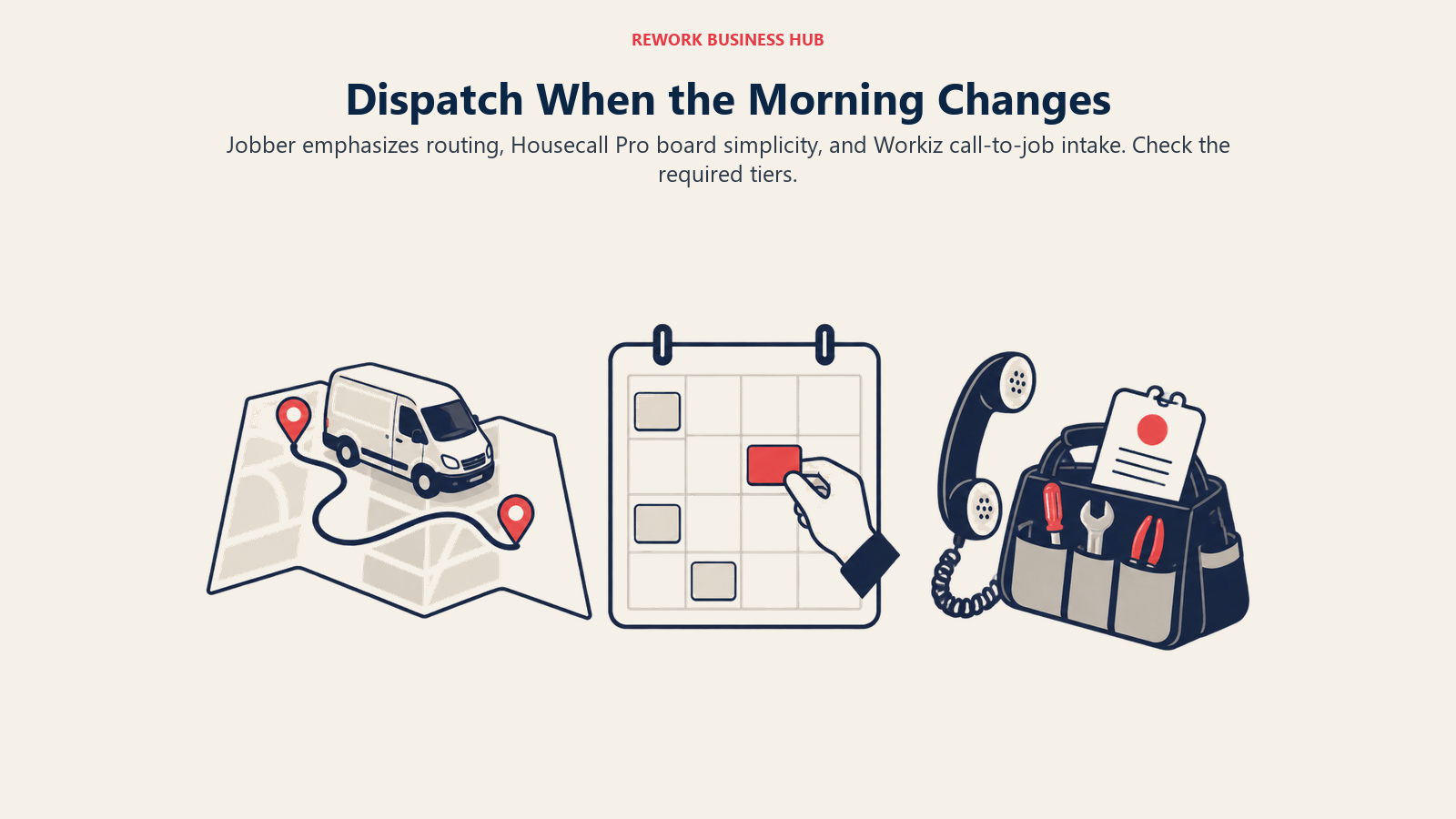
Jobber's board is built around one dispatcher (often the owner) reassigning jobs by drag-and-drop, with route optimization (added 2025) suggesting the most efficient order and assigning new jobs to the closest available tech. For a 3 to 10 truck crew, this is fast: reviewers consistently cite it as one of Jobber's strongest features, and GPS-based assignment (via FleetSharp) means the system, not the dispatcher's memory, decides who's closest to the emergency.
Housecall Pro's board covers the same basics, drag-and-drop reassignment and a calendar any office manager can run without training, with route optimization and real-time traffic layered in on MAX. It's simpler and, per reviewer feedback, easier for a non-technical admin to pick up cold, though the optimization layer is newer and shows up less often as a reviewer highlight than Jobber's.
Workiz's board ties directly into the call log: an inbound emergency call converts straight into a scheduled job without leaving the call screen, and Genius Scheduling (Pro and Ultimate) helps match the job to the right tech by skill and proximity. For a business where the busy morning is as much about the ringing phone as the truck schedule, that's a meaningfully different workflow than Jobber or Housecall Pro offers natively.
| Capability | Jobber | Housecall Pro | Workiz |
|---|---|---|---|
| Drag-and-drop reassignment | Yes, all tiers | Yes, all tiers | Yes, all tiers |
| Automatic route optimization | Yes, all paid tiers (added 2025) | Essentials adds routes; MAX adds real-time traffic optimization | Not detailed on the public site; gated behind Genius Phone/Scheduling |
| GPS-based nearest-tech assignment | Yes, via FleetSharp | Employee GPS on Essentials and MAX | Not published |
| Call-to-job conversion in one screen | No | No | Yes, core to the product |
| Best fit for the busy-morning problem | Truck-routing efficiency | Simplicity for a non-technical admin | Phone-driven emergency intake |
Pricing at 3, 10, and 25 Technicians
Pricing accuracy is where most comparisons in this category go wrong, because vendors change plans faster than review sites update. Every figure below comes directly from each vendor's own pricing page, checked this week.
Jobber: published, but only up to 15 people
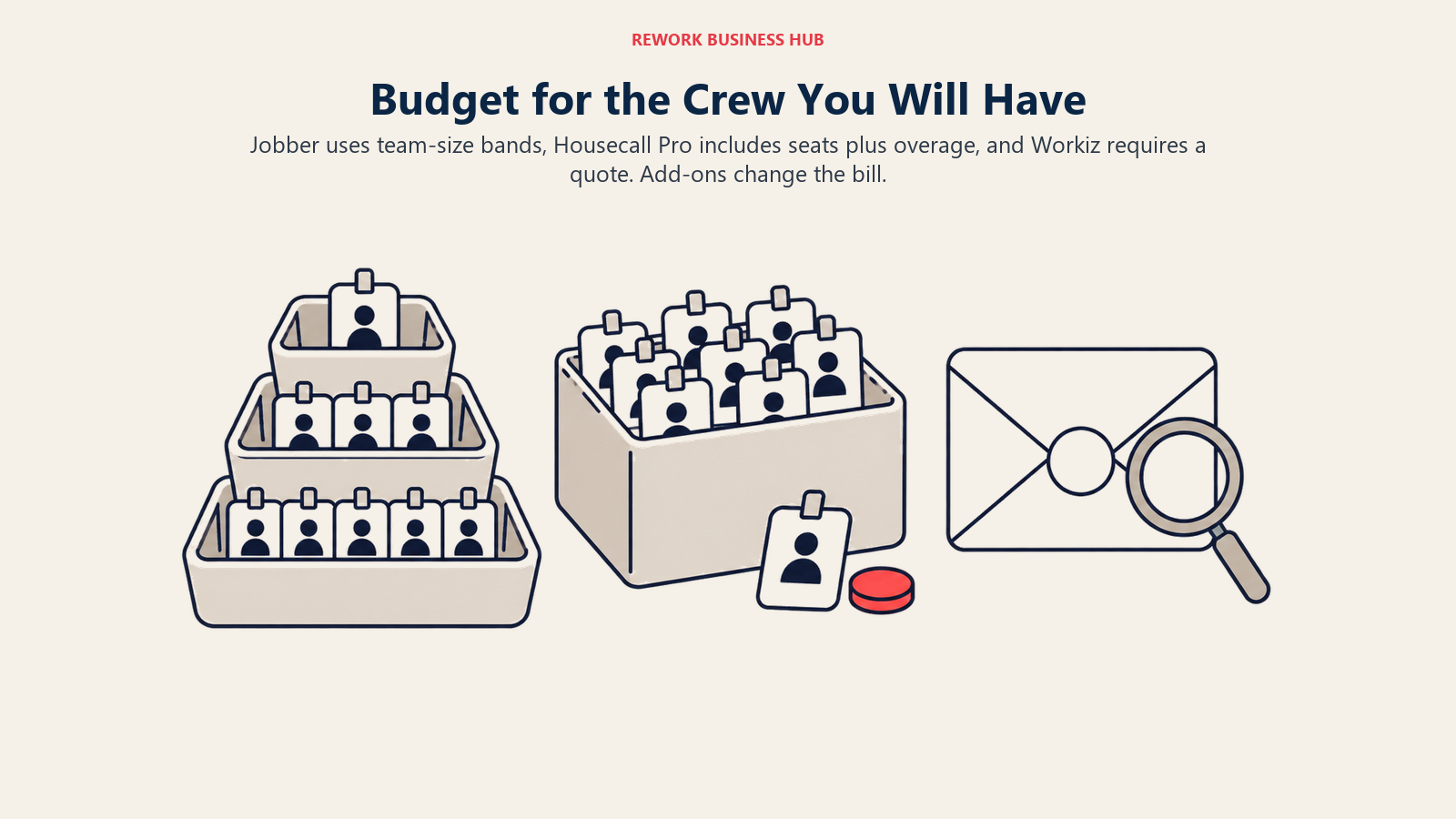
Jobber prices by a team-size selector rather than a flat per-seat add-on: pick your team size, and the plan card shows what's included for that band. Jobber is also running a limited-time promotion (up to 40% off, ends August 31, 2026) that discounts the first 12 months below its standard rate; the figures below are the standard ongoing annual rate you'll pay after that, since that's the durable number for comparison.
| Team size band | Connect | Grow | Plus |
|---|---|---|---|
| 2 to 5 people | $149/month | $229/month | $399/month |
| 6 to 10 people | $229/month | $299/month | $449/month |
| 11 to 15 people | $299/month | $399/month | $529/month |
| 16 or more | Contact Sales, no published rate | Contact Sales | Contact Sales |
Source: Jobber's official pricing page. Core (1 user only) runs $29/month standard annual, $49/month billed monthly. Month-to-month billing is available at roughly 40 to 70 percent higher than the annual rate shown above, depending on plan. Job costing and profitability tracking require Grow or Plus; Connect does not include it.
Housecall Pro: published at every published tier, with real per-seat overage
| Plan | Monthly (billed annually) | Users included | Additional user cost | Job costing included |
|---|---|---|---|---|
| Basic | $59/month | 1 | Not offered on this tier | Yes |
| Essentials | $149/month | 5 | $100/month each | Yes |
| MAX | $299/month | 8 | $75/month each | Yes |
Source: Housecall Pro's official pricing page. Month-to-month rates run $79, $189, and $329 respectively. Route optimization with real-time traffic, open API access, and dedicated onboarding are MAX-only; Essentials adds basic route grouping, flat-rate pricing, and employee GPS.
Workiz: no published number at any size
Worth stating plainly: as of August 2026, Workiz's pricing page lists three tiers, Standard, Pro, and Ultimate, and every one sits behind a "Request pricing" button. There is no dollar figure anywhere on the page, at any team size, including the entry tier, a change from Workiz's own pricing history under its previous tier names.
Third-party trackers disagree with each other on what a quote lands at. The most recent estimate we found (July 2026, after the tier rename) reports Standard around $200 to $230 a month for up to 5 users and Pro around $270, with extra users around $40 a month on annual billing, according to ServiceAgent's Workiz pricing analysis. Treat that as a rough starting point for a sales conversation, not a number you can rely on the way you can the other two vendors' published rates. Workiz's Genius Phone, Answering, and Marketing add-ons, the tools most responsible for its call-tracking reputation, are priced separately and aren't included in any of these estimates.
What that means for your actual bill
| Crew size | Jobber (best-fit tier) | Housecall Pro (best-fit tier) | Workiz |
|---|---|---|---|
| 3 technicians | Connect, no job costing, $149/month, $1,788/year | Essentials, job costing included, $149/month, $1,788/year | Not published, reported starting around $200 to $230/month |
| 10 technicians | Grow, job costing included, $299/month, $3,588/year | MAX + 2 extra users, $449/month, $5,388/year | Not published, no reliable reported figure at this size |
| 25 technicians | Contact Sales, not published | MAX + 17 extra users, $1,574/month, $18,888/year | Contact Sales, not published |
At 3 technicians, Jobber and Housecall Pro land on the exact same annual number, a useful sanity check on how closely matched they are at entry scale. At 10, Jobber runs about $1,800 a year cheaper because its per-seat step is baked into a flat band price rather than Housecall Pro's $75-per-head overage past MAX's 8 included seats. Past 15 people, Jobber's transparency pitch runs out and becomes a sales conversation like Workiz already is at every size. Housecall Pro is the only one still handing you a real number at 25 technicians, even as the per-seat math gets steep.
The Communication Layer: Phone, Call Tracking, and AI Answering
All three now sell an AI call-answering add-on, but they arrived at it from different starting points. Workiz built its identity on the phone call: Genius Phone (sold separately) ties every inbound call, text, and email to a job record and address automatically, with call insights and ad tracking attributing bookings back to a channel. Genius Answering extends that to AI call and message handling in English, Spanish, and French, with live transfer to a human when needed.
Jobber has no native phone system. Its answer is AI Receptionist, a $29/month add-on that answers calls and texts and books jobs into the calendar, a lighter-weight fix for a business that occasionally misses a call rather than one that lives or dies by call volume.
Housecall Pro's CSR AI add-on covers similar ground, answering calls and chats around the clock, though its price isn't published and requires checking with sales. Housecall Pro also natively integrates with Google Local Services Ads and "Reserve with Google," so a homeowner who finds you on Google books straight into the job inbox, no phone call needed, a different answer to the same missed-call problem.
| Capability | Jobber | Housecall Pro | Workiz |
|---|---|---|---|
| Native VoIP / integrated phone system | No | No | Yes, via Genius Phone (sold separately) |
| AI call/message answering | AI Receptionist, $29/month add-on | CSR AI, add-on, price not published | Genius Answering, add-on, price not published |
| Call-to-job attribution | Not a core feature | Not a core feature | Core differentiator, part of Genius Phone |
| Google Local Services / Reserve with Google | Included, no extra fee | Included, no extra fee | Not a stated feature |
| Two-way SMS | Grow tier and up | Standard on paid tiers | Included as part of the base workflow |
If phone volume genuinely drives your bookings, locksmith, garage door, appliance repair, HVAC emergency calls, Workiz is purpose-built for that in a way bolting an add-on onto the other two doesn't fully replicate. If missed calls are a minor leak, the lighter add-ons are probably enough.
Client Experience, Marketing, and Payments
Jobber's Client Hub is a genuinely strong self-serve portal where customers view job history, approve quotes, and pay invoices without calling the office, but reviews, referrals, and campaigns live behind a separate Marketing Suite add-on, now $99/month.
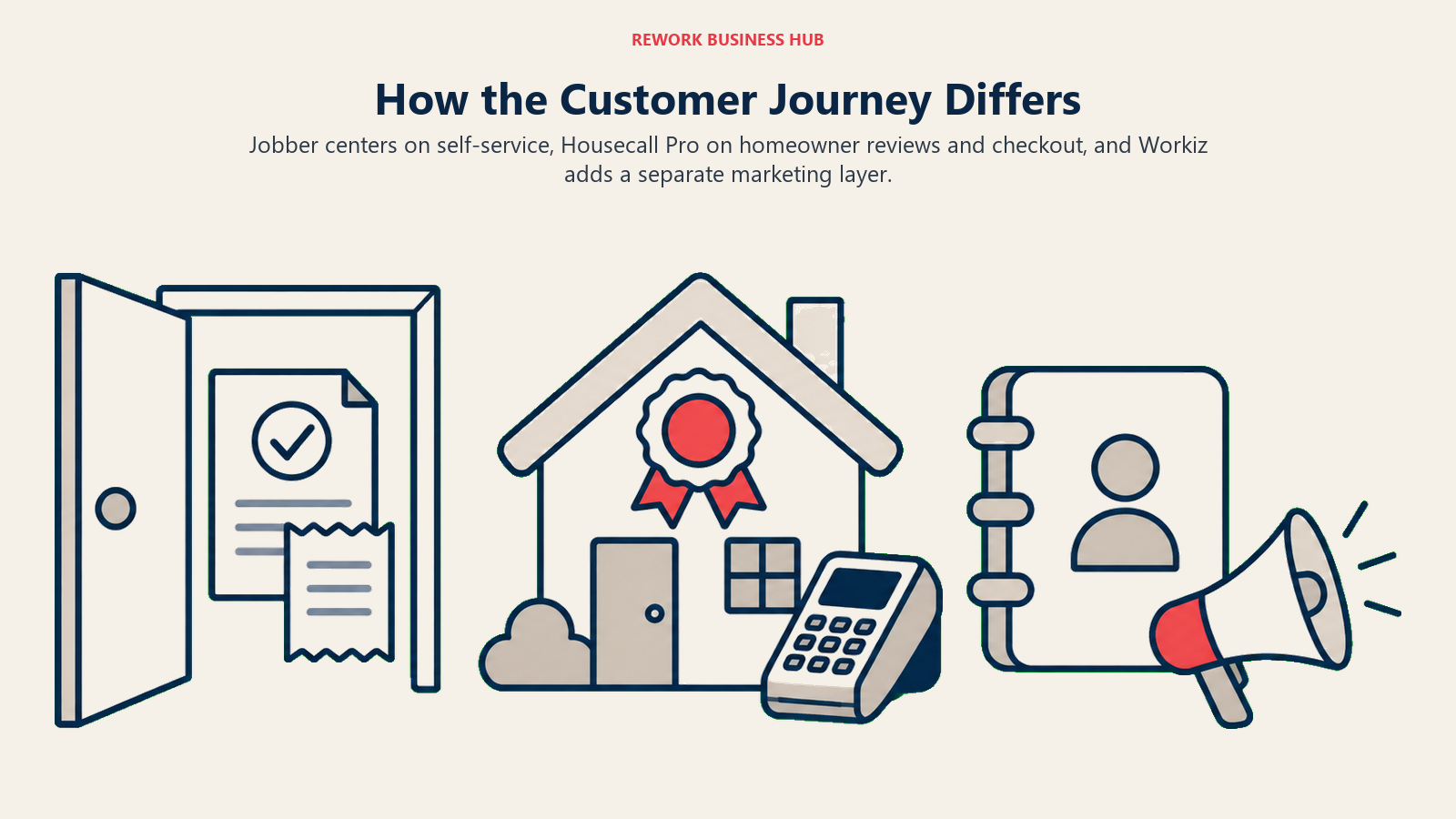
Housecall Pro takes the opposite approach: review management and job costing ship in Basic itself, and Essentials and MAX layer in flat-rate pricing, checklist automation, and checkout financing without an extra marketing SKU. If growth depends on Google reviews and word-of-mouth, that default-on positioning is the clearer fit.
Workiz treats marketing as its own paid layer too: Genius Marketing (sold separately) covers blast and automated campaigns, an AI writer and designer, and a reputation manager, run off the same live data as the call and job records.
| Capability | Jobber | Housecall Pro | Workiz |
|---|---|---|---|
| Client self-serve portal | Client Hub, strong, all tiers | Online booking and customer app | Client account management |
| Review requests | Marketing Suite add-on, $99/month | Included from Basic | Genius Marketing add-on |
| Consumer financing | Jobber Capital (business financing for the owner) | Built-in consumer financing at checkout | Workiz Pay, consumer financing listed as a feature |
| Card processing (advertised low end) | 2.9% + 30 cents | As low as 2.59% | Not published |
| Sales proposals with visuals | Grow tier and up | Sales Proposal Tool, included on MAX ($40/month value) | Ultimate tier |
Implementation and Change Management
None of these three needs the multi-week onboarding a platform like ServiceTitan does, but setup isn't identical across them.
| Jobber | Housecall Pro | Workiz | |
|---|---|---|---|
| Time to go live | Days, self-serve | Days, self-serve | Depends on the sales and quoting process before you even see a plan |
| Free trial | 14 days, full access to Grow features, no credit card | 14 days, full access to MAX features, no credit card | Not clearly published; no visible free tier |
| Data migration support | Self-serve, Plus tier adds a dedicated onboarding specialist | Self-serve, MAX tier adds a dedicated onboarding specialist | Requires a sales conversation to scope |
| QuickBooks sync | Connect tier and up | Essentials tier and up | Included per the base feature list |
| Training load for a new tech | Consistently praised as easy to learn | Clean, though Android app trails iOS in third-party reviews | Call-centric workflow, more to learn if phone features are active |
Risk and Governance
The biggest governance risk here isn't data security, all three are established SaaS vendors, it's pricing opacity and contract structure catching a growing business off guard.

| Risk | Jobber | Housecall Pro | Workiz |
|---|---|---|---|
| Pricing transparency past small-crew size | Breaks down past 15 people (Contact Sales) | Published and computable through at least 25+ people | Not published at any size as of August 2026 |
| Contract commitment | No lock-in required; annual billing is prepaid, not a term contract | No lock-in required | Reported to require annual contracts on at least some tiers, per third-party sources |
| Add-on cost creep | Marketing Suite, AI Receptionist, and Pipeline are all separate line items | CSR AI, Voice, Campaigns, and Websites are all separate line items | Genius Phone, Answering, and Marketing are all separate line items, and are central to the product's core pitch |
| Vendor lock-in / data portability | Standard export tools; no unusual lock-in reported | Standard export tools; no unusual lock-in reported | Not independently verifiable without a sales conversation |
The honest takeaway: budget for the add-on layer on all three, not just the base sticker price, and get Workiz's number in writing before assuming it competes on price.
When Jobber Is the Right Call
- You want the strongest self-serve client portal in the category and don't mind paying separately for marketing tools
- Your crew is 2 to 15 people and you want a published rate you can budget against without a sales call
- Upselling at the quote stage (visual quotes, line-item add-ons) is a real part of how you close bigger jobs
When Housecall Pro Is the Right Call
- You want reviews, job costing, and financing included by default instead of purchased as add-ons
- You're staying under 8 technicians for now but want a platform that keeps publishing real numbers if you grow well past that
- Your growth depends on Google-driven bookings and homeowner trust more than inbound phone volume
When Workiz Is the Right Call
- Inbound calls are your primary sales channel, locksmith, garage door, appliance repair, HVAC emergency work, and attribution back to the call matters
- You're comfortable getting a sales quote before you see a number, in exchange for a genuinely different communication-first workflow
- You're prepared to budget for the Genius Phone, Answering, or Marketing add-ons on top of whatever the base quote comes back at
Decision Framework
| If you are... | Pick |
|---|---|
| A 2 to 15 person crew that wants a published price and the strongest client portal | Jobber |
| A crew of any size that wants reviews, job costing, and financing bundled by default | Housecall Pro |
| Growing past 15 people and want a vendor that still hands you a real number | Housecall Pro |
| Living on inbound call volume where attribution and AI answering are the actual job to be done | Workiz |
| Not sure any of these fit and want the full category laid out by crew size and trade | See the full field service software roundup |
| Already comparing just two of these three | See Jobber vs Housecall Pro for the closer head-to-head |
What to Do Next
- Count your technicians, and be honest about calls taken versus jobs quoted in person. That ratio points harder at Workiz versus Jobber or Housecall Pro than any feature list will.
- Get a real Workiz quote before comparing it on price. The Jobber and Housecall Pro numbers above are real; treat any other Workiz figure as a starting point for that conversation, not a fact.
- Price out the add-on layer, not just the base tier. Marketing Suite, AI Receptionist, CSR AI, and Genius Phone all sit outside the sticker price.
- Deciding between just two of these? Read the direct Jobber vs Housecall Pro comparison for a deeper look at that trade-off.
- Outgrowing all three? ServiceTitan vs Jobber and ServiceTitan vs Housecall Pro cover the step up past 20 technicians. Our Jobber, Housecall Pro, and Workiz alternatives guides cover a wider shortlist if none of these three fits, and how to choose scheduling software is a good gut check if you're unsure the category itself is right.
Frequently Asked Questions about Jobber vs Housecall Pro vs Workiz
Which is cheapest, Jobber, Housecall Pro, or Workiz?
At 3 technicians, Jobber and Housecall Pro cost exactly the same, $1,788 a year. At 10, Jobber runs roughly $1,800 a year cheaper because its pricing bands include more seats per step. Workiz doesn't publish pricing at any size, so it can't be compared without a sales quote.
Which of the three has the best call tracking and phone system?
Workiz, by a clear margin. Its Genius Phone add-on natively ties every inbound call to a job record and attributes bookings back to the channel that generated them. Jobber and Housecall Pro both offer AI call-answering add-ons, but neither has Workiz's native call-to-job attribution built into the core product.
Can I get a straight price quote from Workiz without talking to sales?
No. As of August 2026, all three Workiz tiers, Standard, Pro, and Ultimate, sit behind a "Request pricing" button with no published dollar figures anywhere on the site, a change from how Workiz priced its plans previously.
Which tool is best for a crew that expects to grow past 20 technicians?
Housecall Pro is the only one still publishing a computable rate at that size, even as the per-seat overage above its 8 included MAX seats adds up. Jobber's published pricing stops at 15 people and becomes a custom quote beyond that; Workiz is quote-only at every size.
Does Jobber, Housecall Pro, or Workiz include job costing on their cheapest plan?
Housecall Pro includes job costing starting on its entry-level Basic plan. Jobber gates job costing to Grow and above; Connect and Core don't include it. Workiz doesn't publish which tier includes what.
Do any of these three handle anything outside field service, like CRM, HR, or payroll?
Housecall Pro sells a separate Payroll add-on, and all three offer some client or customer record management as part of the core product. None is a general CRM or HR system; they're purpose-built field service dispatch platforms, so treat payroll or broader CRM needs as a separate evaluation.
Related Resources:
- Best Field Service Management Software in 2026
- Jobber vs Housecall Pro
- ServiceTitan vs Jobber
- ServiceTitan vs Housecall Pro
- Best Jobber Alternatives in 2026
- Best Housecall Pro Alternatives in 2026
- Best Workiz Alternatives in 2026
- How to Choose Scheduling Software
- SaaS Vendor Evaluation Scorecard
- The True Cost of Software Sprawl
- First Service Install Scheduling
- Sale-to-Service Start Handoff

Business Consultant
On this page
- TL;DR
- What Each Tool Is Actually Built For
- Key Facts
- Decision by Business Goal
- Team and Role Fit: What the Office Admin's Day Looks Like
- Scheduling Changes on a Busy Morning
- Pricing at 3, 10, and 25 Technicians
- Jobber: published, but only up to 15 people
- Housecall Pro: published at every published tier, with real per-seat overage
- Workiz: no published number at any size
- What that means for your actual bill
- The Communication Layer: Phone, Call Tracking, and AI Answering
- Client Experience, Marketing, and Payments
- Implementation and Change Management
- Risk and Governance
- When Jobber Is the Right Call
- When Housecall Pro Is the Right Call
- When Workiz Is the Right Call
- Decision Framework
- What to Do Next