Eventbrite vs Ticket Tailor: Marketplace Reach or Flat-Fee Ownership in 2026?
Turn this article into takeaways for your work.


Each assistant summarizes the article only for you and suggests best practices for your work.
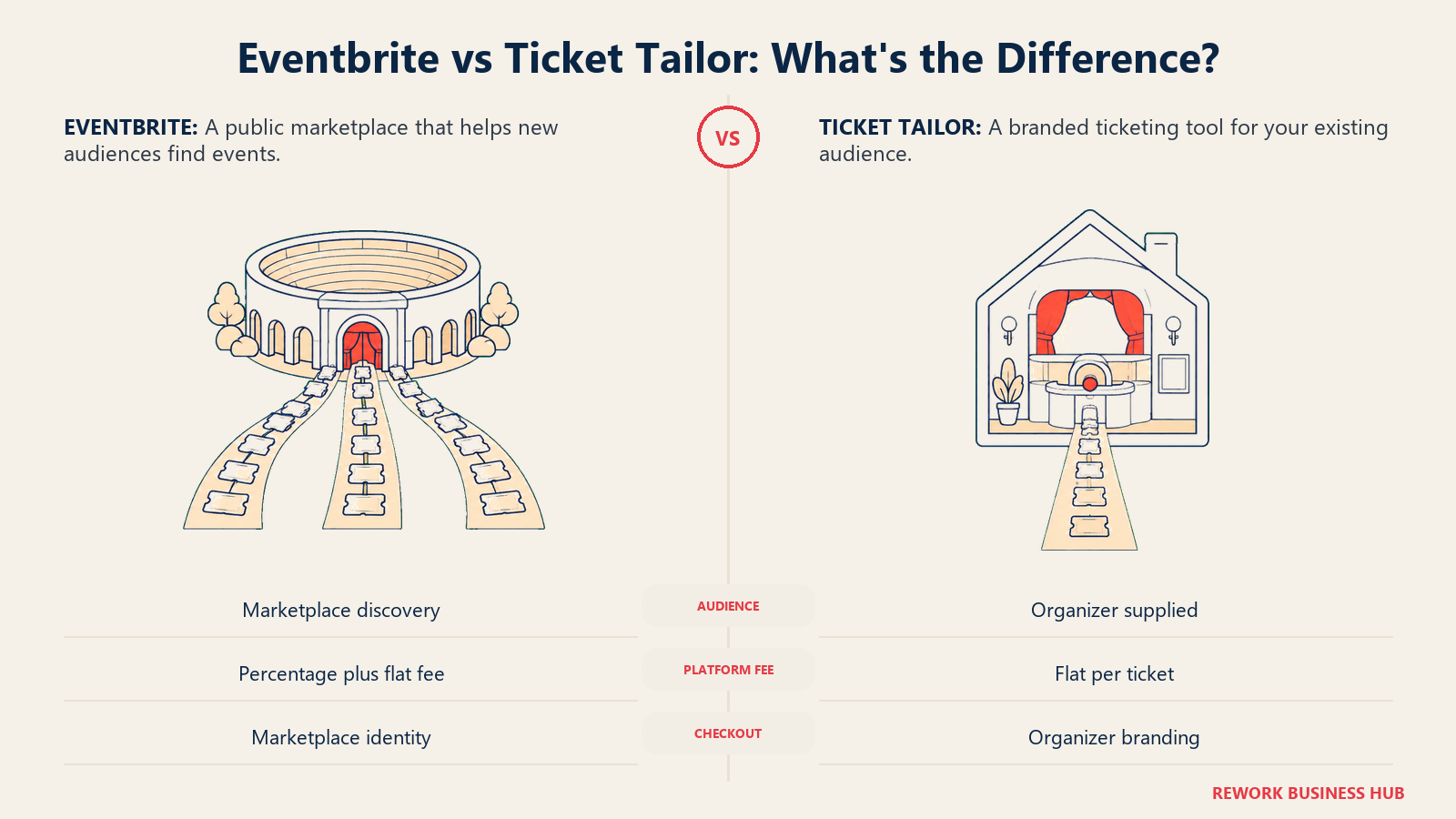
Type "Eventbrite alternative" into a search bar and Ticket Tailor shows up fast, and for good reason. These two platforms sell tickets to almost the same range of events, from a $10 community meetup to a $150 conference pass, but they are built on opposite bets about what an organizer is actually paying for. Eventbrite is a public ticketing marketplace: part of what you hand over in fees buys access to people who were never on your list, because Eventbrite's own search, recommendations, and app surface your event to its marketplace audience. Ticket Tailor is a white-label ticketing tool: you own the branding, the checkout, and the attendee data, and you pay a flat, predictable fee per ticket with no percentage cut and no contract.
That's the decision this article is built around. If you're running a public, paid event trying to reach strangers who've never heard of you, Eventbrite's discovery audience is a real, quantifiable asset. If you're running a private, corporate, or community event where every attendee already comes from your own list, that same discovery audience is close to worthless, and you're paying a percentage fee for reach you'll never use. For the wider field beyond these two, start with our best event management software guide for 2026; if fees and forced branding are the whole reason you're reading this, our best Eventbrite alternatives roundup covers more ground than just Ticket Tailor.
TL;DR
| Eventbrite | Ticket Tailor | |
|---|---|---|
| Started as | A consumer event marketplace with built-in discovery | A white-label ticketing tool built around flat fees and owned branding |
| Organizing principle | Sell tickets and put your event in front of people already browsing the marketplace | Sell tickets on your own brand, at a fixed cost per ticket, with no platform cut |
| Commercial model | Percentage plus flat fee per paid ticket, no subscription | Flat fee per ticket (pay as you go or prepaid credits), no contract, no subscription |
| Free events | No fees, published at no cost | No fees for up to 5,000 free tickets per year |
| Paid ticket fee | 3.7% + $1.79 per ticket, plus 2.9% payment processing per order | 60p per ticket pay as you go (+VAT), or from 22p per ticket on prepaid credits (+VAT) |
| Currency | Priced in USD and other local currencies depending on region | Priced natively in GBP, with a currency selector; no clean USD figure published |
| Checkout branding | Eventbrite branding shown by default on the hosted event page | Fully brandable, white-label checkout organizers describe as feeling like their own |
| Discovery audience | Yes, marketplace search, recommendations, and the Eventbrite app | None, it's a private, unlisted ticketing tool |
| Typical buyer | A promoter or community organizer selling to strangers | An organizer who already has an audience and wants cost control and ownership |
Key Facts
- Eventbrite hosted 4.7 million events across nearly 180 countries and distributed 270 million tickets for $3.28 billion in gross ticket sales in full year 2024, according to Eventbrite's own Q4 2024 earnings release filed with the SEC.
- Eventbrite's paid ticketing fee is 3.7% + $1.79 per ticket plus 2.9% payment processing per order; free events publish at no cost, according to Eventbrite's own pricing page.
- Ticket Tailor charges a flat 60p per ticket (+VAT) pay as you go, or from 22p per ticket (+VAT) on prepaid credits, with no contracts or subscription, according to Ticket Tailor's own pricing page.
- Ticket Tailor holds a 4.9 out of 5 rating from 596 reviews on Capterra.
- The global event management software market is valued at $18.6 billion in 2026 and is projected to reach $36.8 billion by 2031, a 14.6% compound annual growth rate, according to MarketsandMarkets, via PR Newswire.
Who Each Platform Is Really For
Eventbrite's natural buyer is selling to people who don't already know them: a promoter running a paid public concert, a food festival, a community class series, or a one-off pop-up that needs to reach an audience beyond its own mailing list. The value they're paying for isn't just the checkout flow, it's the marketplace attached to it, the search results, category browsing, and recommendation engine that can put an unfamiliar event in front of a buyer who was never going to find it any other way.
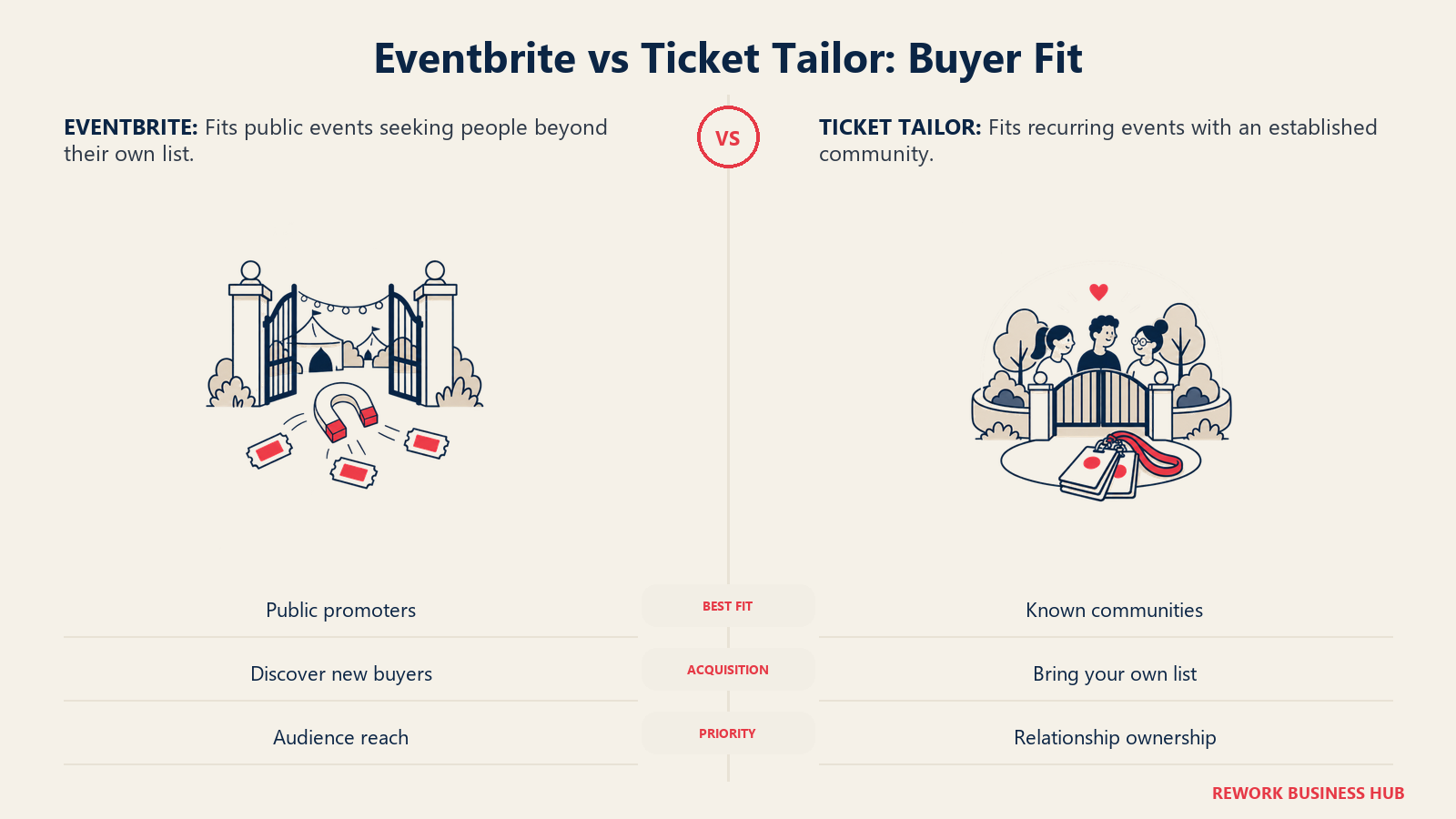
Ticket Tailor's natural buyer already has the audience. A membership organization renewing passes, a theater with a season subscriber base, a corporate team running an internal conference, a school running a fundraiser, or a niche community running a recurring meetup all know exactly who's going to buy a ticket before they publish the event. What they want is a checkout that looks like their own site, attendee data that stays theirs, and a cost that doesn't grow every time a ticket price goes up.
| Eventbrite | Ticket Tailor | |
|---|---|---|
| Primary reason to choose it | You need reach beyond your own list | You already have an audience and want to own the relationship |
| The question they're hired to answer | "How do we get strangers to discover and buy tickets to this?" | "How do we sell tickets to our own people without giving up branding, data, or margin?" |
| Company profile | Promoters, festivals, community organizers, first-time event hosts | Membership orgs, theaters, schools, churches, associations, corporate event teams |
| Event types | Public paid events, one-off pop-ups, festivals, classes | Recurring events, season passes, private and corporate events, community fundraisers |
| Where it disappoints | Organizers who resent paying a percentage fee for reach they don't need | Organizers who genuinely need to be discovered by strangers browsing for something to do |
Fees and the Real Cost at Different Ticket Prices
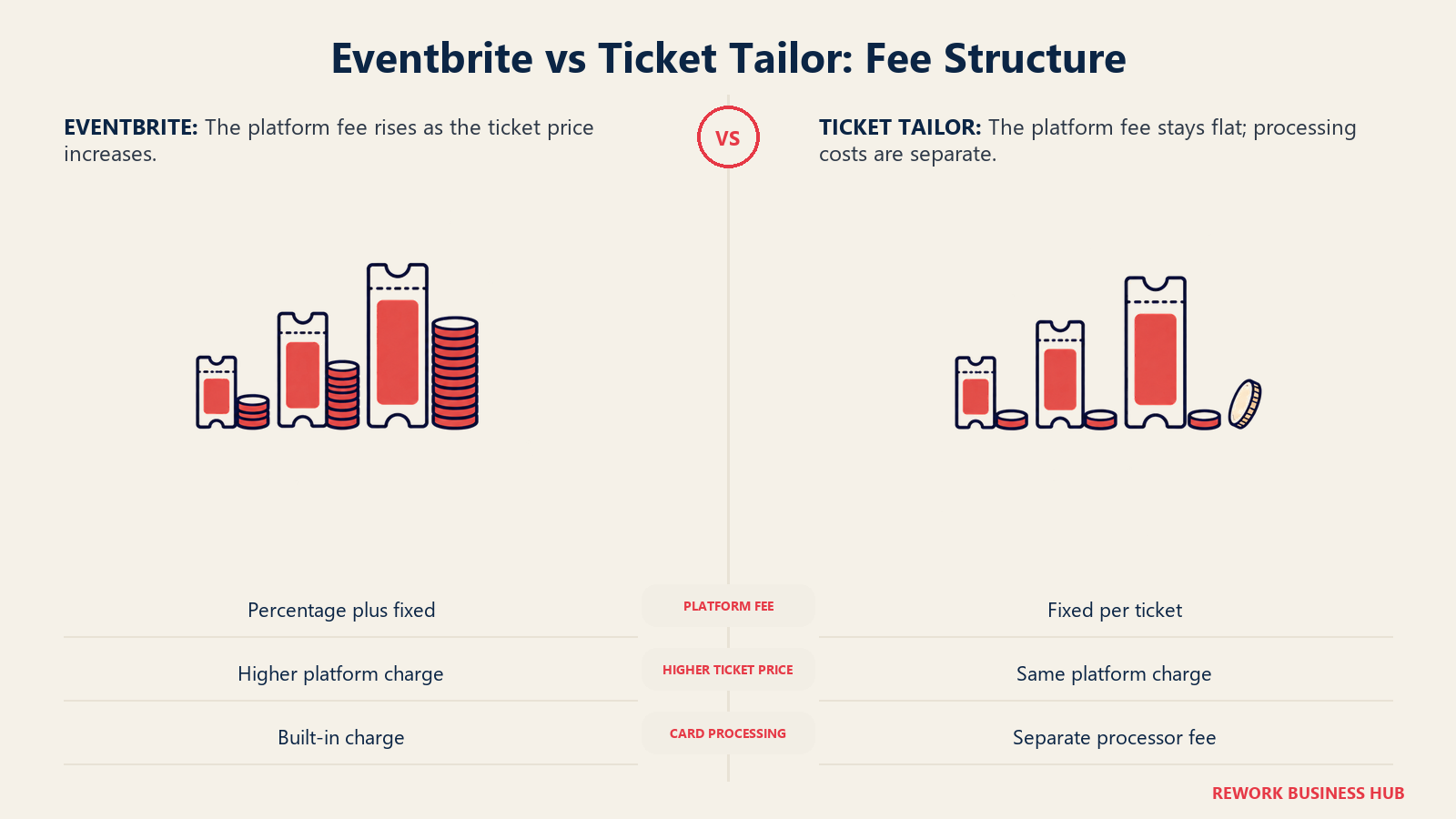
This is the section that actually decides most shortlists, and it's worth working through the mechanics rather than just the headline numbers, because the two platforms don't just charge different amounts, they charge on structurally different models. Eventbrite's fee has two percentage components (3.7% ticketing plus 2.9% processing) stacked on a flat $1.79, so the dollar cost keeps climbing every time the ticket price goes up. Ticket Tailor's fee, on the pay-as-you-go plan, has no percentage component at all: it's a flat 60p per ticket no matter what the ticket costs, with card processing billed separately by Stripe, PayPal, or Square.
Here's what Eventbrite's fee looks like across a realistic ticket price range, assuming one ticket per order (Eventbrite's processing fee is charged per order, not per ticket, so a multi-ticket order changes this math):
| Ticket price (USD) | Eventbrite fee | Fee as % of ticket price |
|---|---|---|
| $10 | $2.45 | 24.5% |
| $20 | $3.11 | 15.6% |
| $50 | $5.09 | 10.2% |
| $150 | $11.69 | 7.8% |
| $300 | $21.59 | 7.2% |
Now Ticket Tailor's fee across the same price range, in the currency it actually publishes, GBP, on both the pay-as-you-go rate and the cheapest published prepaid-credit rate:
| Ticket price (GBP) | Pay as you go (60p/ticket) | Fee as % of price | Prepaid credits (from 22p/ticket) | Fee as % of price |
|---|---|---|---|---|
| £10 | £0.60 | 6.0% | £0.22 | 2.2% |
| £20 | £0.60 | 3.0% | £0.22 | 1.1% |
| £50 | £0.60 | 1.2% | £0.22 | 0.44% |
| £150 | £0.60 | 0.4% | £0.22 | 0.15% |
| £300 | £0.60 | 0.2% | £0.22 | 0.07% |
Both figures exclude VAT, which Ticket Tailor adds on top of the fee itself, and both are the platform's own numbers in its own currency. I'm deliberately not converting one into the other: Ticket Tailor prices natively in GBP with a currency selector on its site, but it doesn't publish a clean USD per-ticket figure, and grossing up a stated discount into an implied dollar number isn't the same thing as a number the vendor actually printed.
What the two tables show, read side by side, is the shape of the crossover rather than a single flip point. Eventbrite's fee is a percentage plus a flat amount, so it never stops growing in absolute terms as the ticket price rises, a $300 ticket costs the organizer more than seven times what a $20 ticket does. Ticket Tailor's platform fee is capped at a flat amount per ticket that never moves regardless of price, so the more expensive the ticket, the smaller a slice that flat fee takes. At a cheap $10 to £10 ticket, the gap between the two models is already wide, roughly a quarter of the ticket price on Eventbrite against low single digits on Ticket Tailor. At a $300 to £300 ticket, the gap turns into a canyon: Eventbrite's cut is still climbing, while Ticket Tailor's is a rounding error. The higher the ticket price, the more a flat-fee model wins on pure structure.
Ticket Tailor's own platform fee never touches your payment, since it connects to your existing Stripe, PayPal, or Square account rather than processing cards itself, so card processing is a separate line item billed at the processor's own published rate. Here are Ticket Tailor's own published examples of what Stripe charges by region:
| Region | Stripe processing rate (as published by Ticket Tailor) |
|---|---|
| United States | 2.9% + $0.30 per transaction |
| United Kingdom | 1.5% + £0.20 per transaction |
| Eurozone | 1.5% + EUR 0.25 per transaction |
| Canada | 2.9% + C$0.30 per transaction |
| Australia | 1.75% + A$0.30 per transaction |
For a UK-based organizer, that means the full, real, GBP-only cost of a Ticket Tailor ticket is the platform fee plus Stripe UK processing, not the platform fee alone:
| Ticket price (GBP) | Platform fee (PAYG) | Stripe UK processing | All-in cost | All-in as % of price |
|---|---|---|---|---|
| £20 | £0.60 | £0.50 (1.5% + £0.20) | £1.10 | 5.5% |
| £50 | £0.60 | £0.95 (1.5% + £0.20) | £1.55 | 3.1% |
| £150 | £0.60 | £2.45 (1.5% + £0.20) | £3.05 | 2.0% |
| £300 | £0.60 | £4.70 (1.5% + £0.20) | £5.30 | 1.8% |
For a US-based organizer running Ticket Tailor with a US Stripe account, the platform fee itself still shows in whatever currency the account is configured in on Ticket Tailor's site, since no clean USD platform-fee figure is published; the one dollar figure that is safe to quote is Stripe's own published US rate of 2.9% + $0.30 per transaction, which is Stripe's rate, not Ticket Tailor's. Registered charities, B Corps, PTAs, not-for-profits, and very low-priced tickets qualify for a 50% discount on Ticket Tailor's own fees, which changes this math meaningfully for nonprofit organizers.
Payouts and Cash Flow
The two platforms handle your money on fundamentally different timelines, and it matters most to an organizer who's already spent on a venue deposit, catering, or printing before a single ticket sells. Eventbrite holds ticket revenue itself and releases it on a payout schedule: by default, funds are sent 3 days after your event ends, then take another 3 to 5 business days to land in a US bank account (5 to 7 for other countries), according to Eventbrite's own Help Center. Organizers with an established track record can set up a custom payout schedule for weekly or biweekly payouts while an event is still upcoming, and some US organizers qualify for Instant Payouts, landing in a bank account within about 30 minutes.
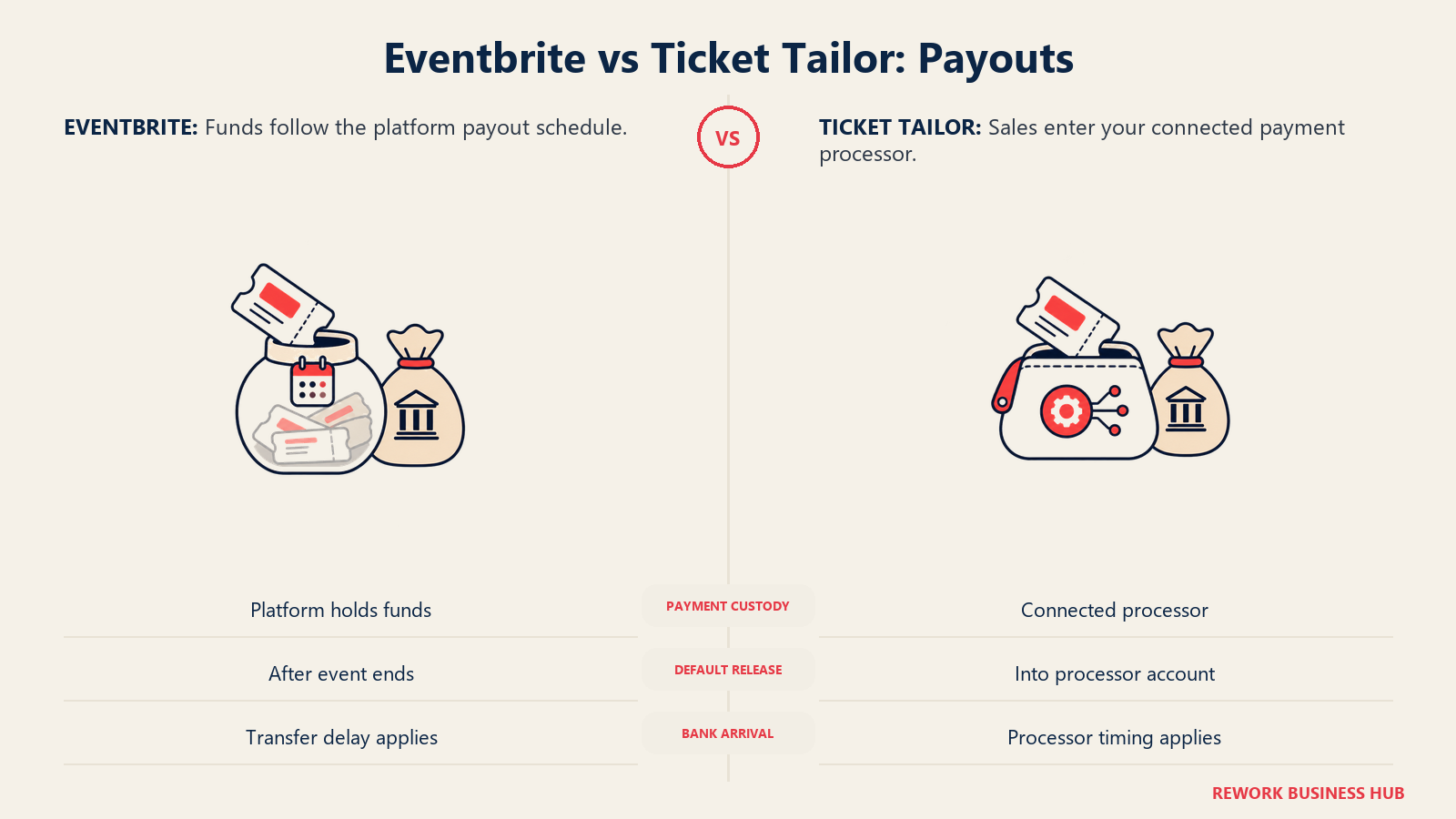
Ticket Tailor never holds your money at all, because it doesn't process payments itself. Every sale routes directly through the organizer's own connected Stripe, PayPal, or Square account, so revenue appears in that account close to immediately, and the only remaining delay is however long your own payment processor normally takes to move funds into your bank, typically about a week.
| Payout factor | Eventbrite | Ticket Tailor |
|---|---|---|
| Who holds the money before payout | Eventbrite | Nobody; funds go to your own Stripe, PayPal, or Square account |
| Default timing | 3 days after event ends, then 3 to 5 (US) or 5 to 7 (international) business days to your bank | Close to immediate into your connected processor account, then your processor's own bank transfer time, typically about a week |
| Faster options | Custom payout schedule (weekly/biweekly, established organizers) or Instant Payouts (some US organizers, about 30 minutes) | Not applicable; funds are already in your own account by design |
| Funding a venue deposit before the event | Harder by default; funds are usually locked until after the event unless you qualify for a custom schedule | Easier; revenue is available as it's earned, since it never sits with Ticket Tailor |
| Risk if the platform has an issue | Your funds sit inside Eventbrite's payout system until released | Your funds are already inside your own payment processor account |
Discovery and Audience Reach
This is Eventbrite's real product, and it's worth taking seriously rather than dismissing as marketing. In full year 2024, Eventbrite distributed 270 million tickets across 4.7 million events, which means its marketplace, search results, category pages, and app recommendations carry meaningful organic browsing traffic that an unlisted, private checkout tool simply cannot replicate. For a public concert, a food festival, or a first-time community event with no existing mailing list, that browsing traffic is a real acquisition channel, not just a checkout page.
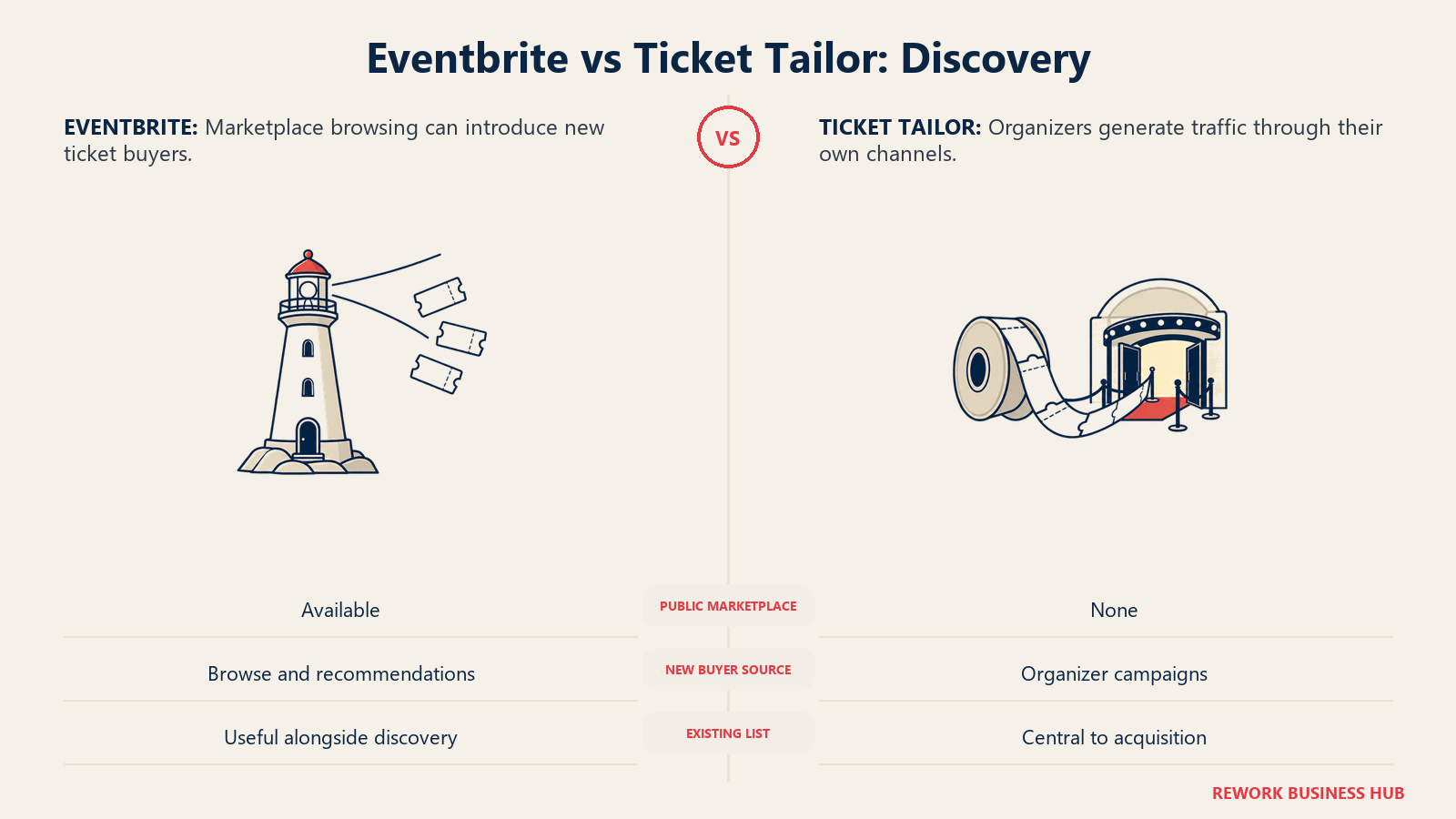
Ticket Tailor offers none of this, by design. There's no public marketplace to browse, no category search, no algorithmic recommendation surfacing your event to a stranger. Every ticket sold through Ticket Tailor comes from traffic the organizer generates themselves, email, social, paid ads, word of mouth, or a link on their own website. That's not a bug in Ticket Tailor's model, it's the tradeoff for owning the checkout, the brand, and the data outright.
| Discovery factor | Eventbrite | Ticket Tailor |
|---|---|---|
| Public marketplace / browse and search | Yes, a core part of the product | No, not offered |
| Algorithmic recommendations to new buyers | Yes, part of the marketplace experience | Not applicable |
| Mobile app with event discovery | Yes, the Eventbrite consumer app | Not applicable |
| Paid Eventbrite Ads to boost visibility within the marketplace | Yes, a named organizer feature | Not applicable |
| Traffic source for tickets sold | Mix of organizer-driven and marketplace-driven | 100% organizer-driven (email, social, ads, your own site) |
| Value to an event with zero existing audience | High | Low; you supply all the traffic yourself |
| Value to an event selling only to your own list | Low, you're paying a fee for reach you won't use | High; no reason to pay for discovery you don't need |
Branding and the Checkout Experience
Eventbrite's default hosted event page lives on eventbrite.com and carries Eventbrite's own branding and navigation alongside your event content. Eventbrite does offer an embeddable checkout widget that can sit on your own website with some color, font, and background customization, so a visitor can buy without leaving your domain, but the underlying flow and the standalone event listing still carry Eventbrite's identity.
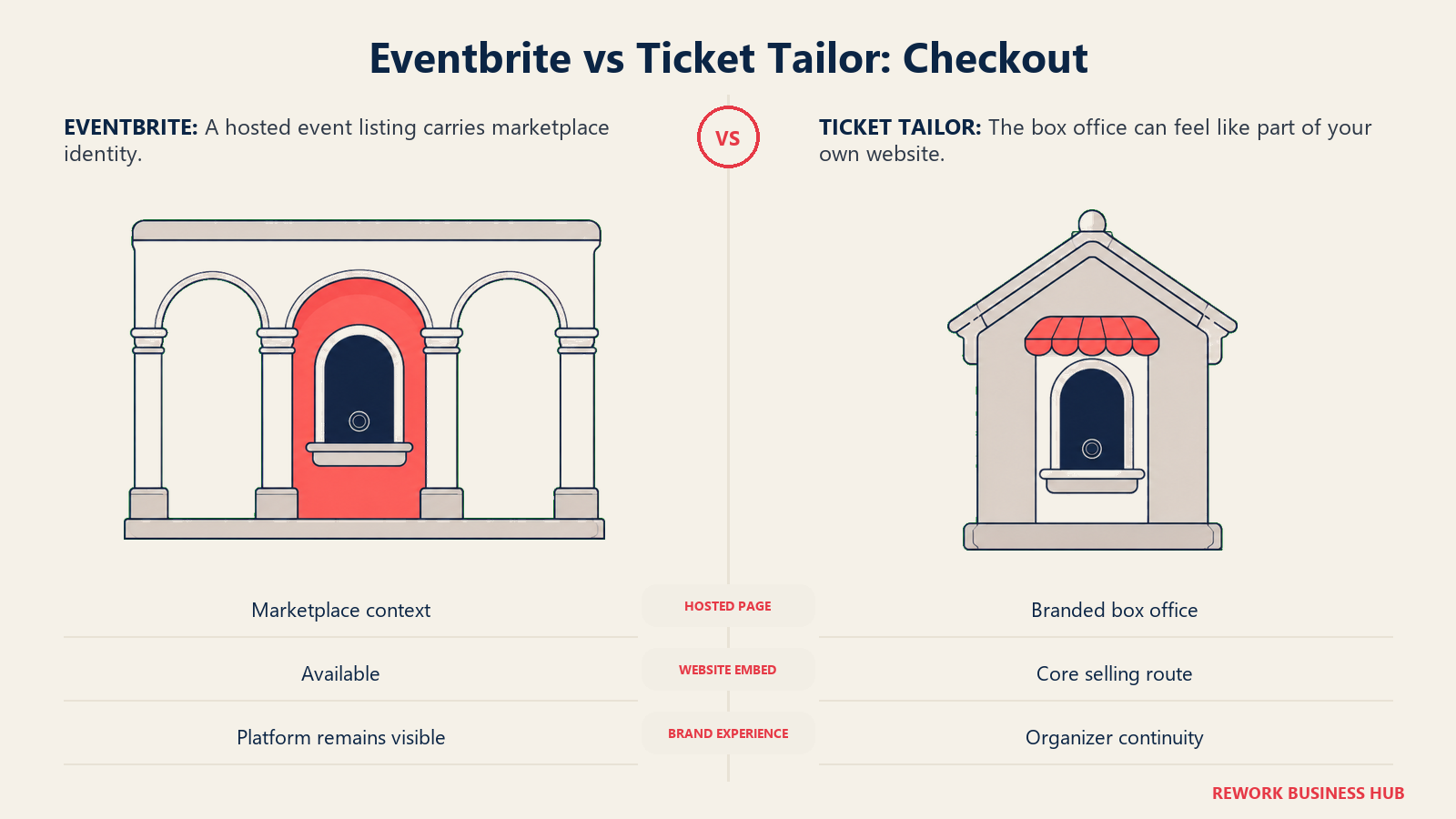
Ticket Tailor's whole product is built the other way around: the hosted checkout, which the company calls a box office, is designed to be fully brandable and to run on your own domain or embedded directly into a WordPress, Squarespace, or Wix site, so buyers experience it as part of your organization rather than a third-party ticketing service.
| Branding factor | Eventbrite | Ticket Tailor |
|---|---|---|
| Default hosted event page | On eventbrite.com, carries Eventbrite branding | Fully organizer-branded box office |
| Embeddable checkout on your own site | Yes, with basic color/font/background customization | Yes, designed as the primary way to sell, not an add-on |
| Custom domain support | Not a standard feature of the hosted listing | Supported as part of the branded box office experience |
| Attendee's sense of who they're buying from | Eventbrite, with your event as the content | You, the organizer, end to end |
| Best fit | Organizers who want marketplace visibility more than a matched brand experience | Organizers who want the checkout to feel like part of their own site |
Data Ownership and Attendee Lists
Ticket Tailor's positioning here is explicit and central to its pitch: it describes itself as the data processor and the organizer as the data controller, meaning attendee information belongs to the organizer, not to Ticket Tailor, and the company states plainly that it does not treat ticket buyers as its own marketing audience. That distinction matters for an organizer who wants to own their attendee list for future renewals, season passes, or membership drives without a third-party platform sitting between them and their own customer.
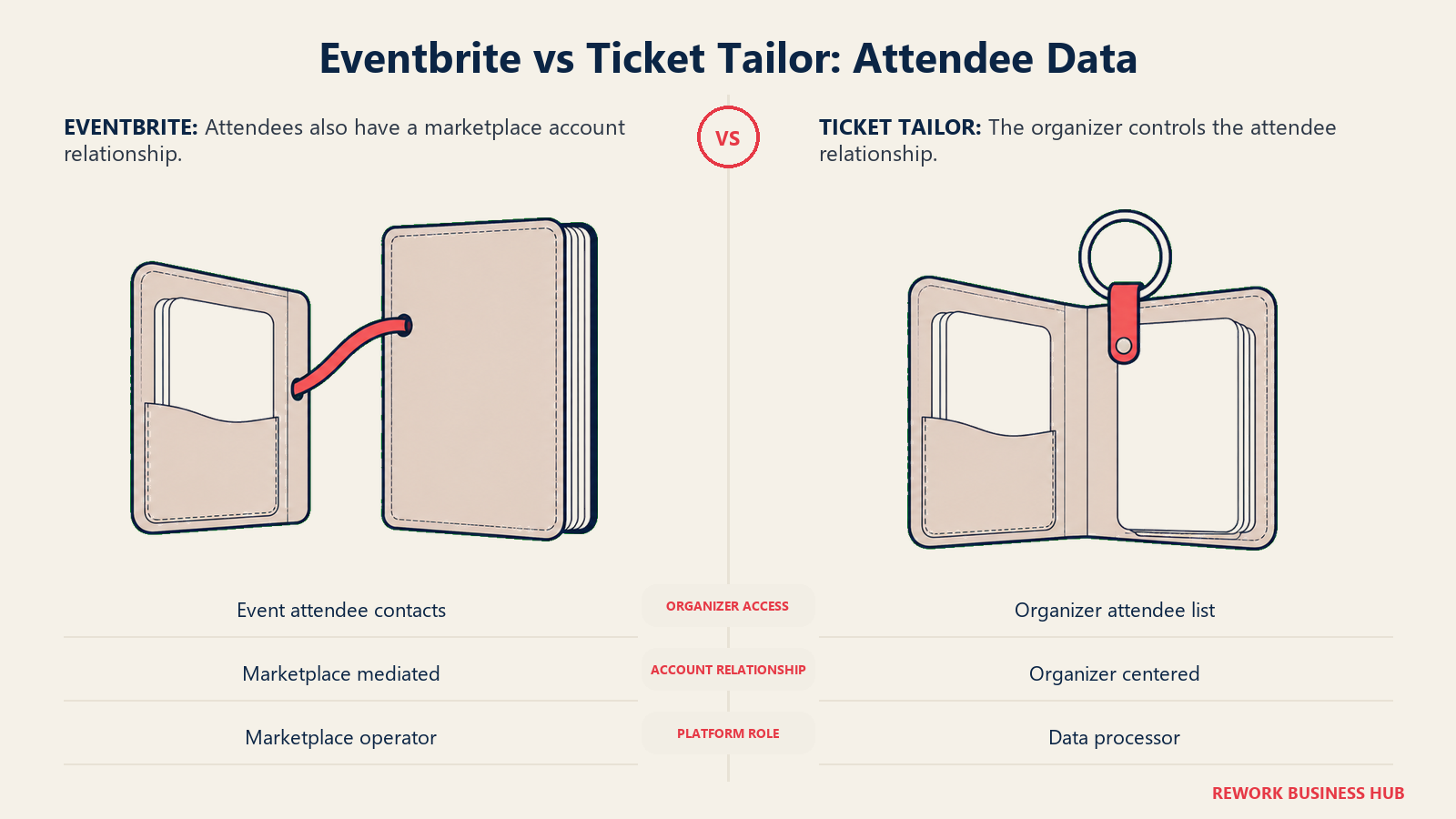
Eventbrite operates as a marketplace, which means the transaction, and to some extent the ongoing relationship with the buyer, runs through Eventbrite's own account system. Organizers get attendee contact details tied to their event, but the buyer's primary account relationship is with Eventbrite, the platform they browsed and logged into, not with the organizer's own brand.
| Data and audience factor | Eventbrite | Ticket Tailor |
|---|---|---|
| Who the buyer's account relationship sits with | Eventbrite, the marketplace | The organizer, via the organizer's own branded checkout |
| Organizer access to attendee contact data | Yes, tied to the event | Yes, and positioned as fully organizer-owned |
| Platform's stated relationship to attendee data | Marketplace operator | Data processor acting on the organizer's behalf |
| Risk of attendee being marketed to by the platform itself | Possible, since attendees are also marketplace users | Minimal by design; Ticket Tailor states it does not treat buyers as its own audience |
| Best fit for building a long-term owned list | Weaker; the marketplace mediates the relationship | Stronger; the point of the product is that you keep the list |
Event Pages and Embedding
Both platforms let you build a dedicated page for your event, but they're built for different destinations. Eventbrite's page is meant to live inside its marketplace, discoverable by other Eventbrite users, and the embed option is a secondary path onto your own site. Ticket Tailor's box office is built to be the primary destination, either standalone on its own link or embedded directly into WordPress, Squarespace, or Wix without a developer.
| Event page and embedding factor | Eventbrite | Ticket Tailor |
|---|---|---|
| Standalone hosted event page | Yes, discoverable inside the Eventbrite marketplace | Yes, a fully branded standalone box office |
| Embeddable widget for your own website | Yes, ticket widget with basic customization | Yes, built for WordPress, Squarespace, and Wix specifically |
| Buy button vs. full inline checkout options | Both available on the widget | Both available on the embed |
| Page indexed for marketplace search | Yes, by default | No, it's not part of a public marketplace |
| Best fit | Teams who want the page to also work as a discovery listing | Teams who want the page to feel like part of their own site only |
Ticket Types and Seating
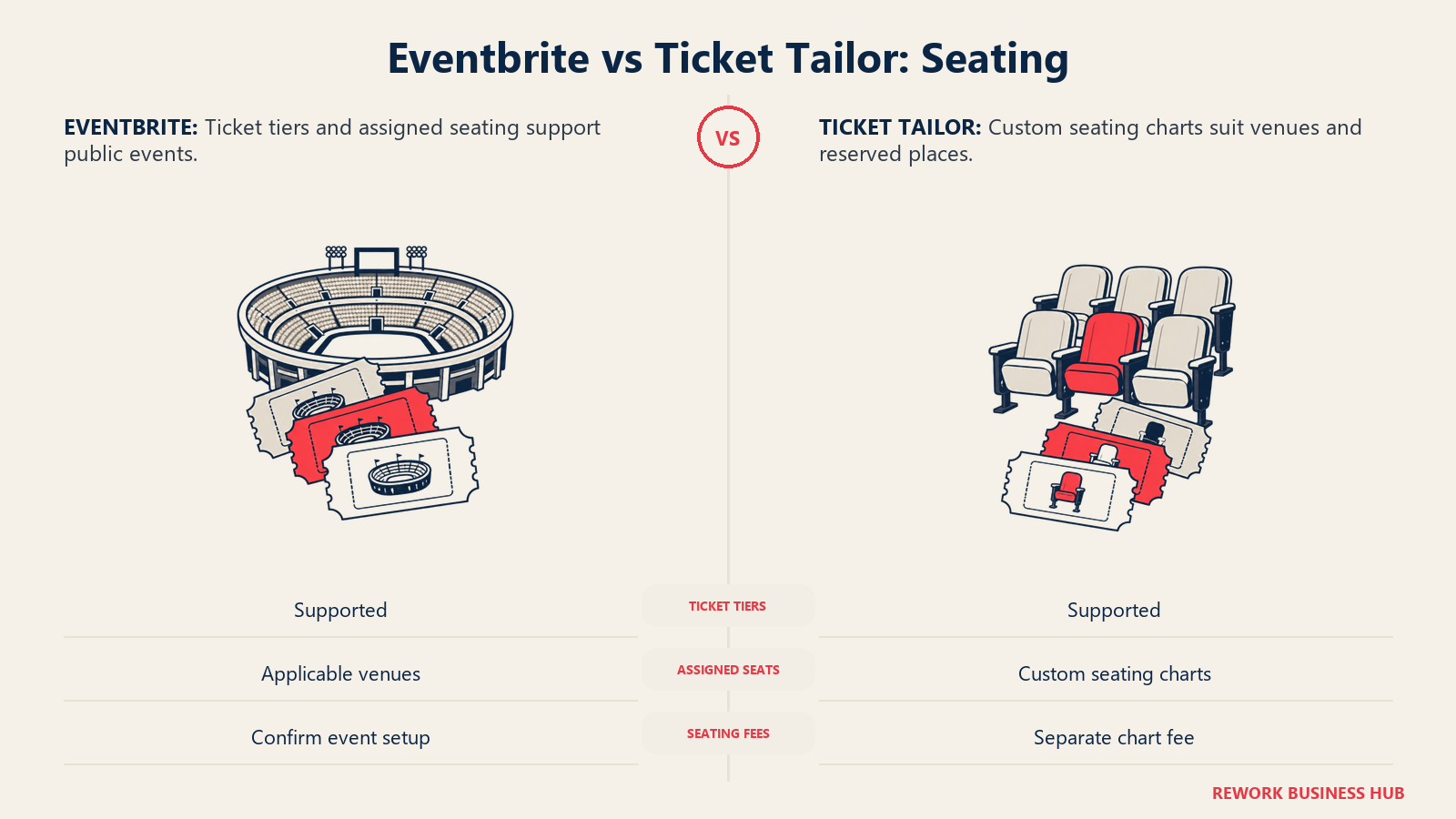
Both platforms support the basics, multiple ticket types, group or bundle tickets, and add-on products, but Ticket Tailor puts particular weight on reserved seating: it supports building custom seating charts for anything from a small dinner to a full venue, a feature the pricing page notes carries its own fee even on free events. Eventbrite supports assigned seating for applicable venues as well, though its core strength remains general-admission and tiered ticketing for higher-volume public events.
| Ticket type and seating factor | Eventbrite | Ticket Tailor |
|---|---|---|
| Multiple ticket types and tiers | Yes | Yes, unlimited ticket types with grouping |
| Group or bundle tickets (multiple admissions, one purchase) | Supported | Yes, named "ticket bundles" |
| Add-on products and merchandise upsells | Supported | Yes, including memberships and season passes |
| Reserved seating charts | Supported for applicable venues | A named, purpose-built feature for venues of any size |
| Fee on seating-chart use, even for free events | Not broken out separately | Yes, explicitly carries its own fee even on free tickets |
Check-in and Onsite
Both platforms ship a free mobile check-in app rather than gating scanning behind a paid tier. Eventbrite's Organizer app scans QR codes on digital or printed tickets, looks attendees up by name if they've forgotten a ticket, and can sell tickets and take payment at the door with tap-to-pay. Ticket Tailor's check-in app scans ticket QR codes on iOS or Android, supports external scanners, and keeps working even if the venue loses internet signal.
| Check-in and onsite factor | Eventbrite | Ticket Tailor |
|---|---|---|
| Free mobile check-in app | Yes, the Organizer app | Yes, a dedicated free check-in app |
| Works offline | Not a stated core feature | Yes, explicitly works without internet signal |
| Sell tickets and take payment at the door | Yes, with tap-to-pay | Not the app's primary described function |
| Real-time sync across multiple devices/staff | Yes | Supported via the app's check-in sync |
| External hardware scanner support | Not a named feature | Yes, explicitly supported |
Integrations and Marketing
Eventbrite's integration surface leans toward its own marketplace advertising product, Eventbrite Ads, plus the standard email and CRM connections most organizers expect. Ticket Tailor's integration list leans toward the tools a self-driven marketer already uses to generate their own traffic, since it has no built-in discovery to fall back on: Zapier, Mailchimp, HubSpot, Constant Contact, ActiveCampaign, Google Analytics 4, and Meta and TikTok pixels for ad tracking.
| Integration and marketing factor | Eventbrite | Ticket Tailor |
|---|---|---|
| Built-in marketplace advertising | Yes, Eventbrite Ads | Not applicable, no marketplace to advertise within |
| Email marketing integrations | Supported | Mailchimp, HubSpot, Constant Contact, ActiveCampaign |
| Zapier / broad automation | Supported | Yes, connects to 1,000+ apps via Zapier |
| Ad tracking pixels (Meta, TikTok, Google) | Supported | Yes, named as a specific feature (GA4, Meta Pixel, TikTok Pixel) |
| Payment processor connections | Built-in Eventbrite Payment Processing | Stripe, PayPal, Square, Klarna |
If the email or ad-tracking side of that stack is the real gap rather than the ticketing tool itself, our best email marketing software guide and best Mailchimp alternatives roundup cover that layer directly.
Refunds and Support
Refund policy on both platforms is largely organizer-set, but Ticket Tailor names a specific "Refund Protection" option and bulk cancel-and-refund tooling, while Eventbrite leaves refund handling to the organizer's chosen policy applied through its standard order-management tools. Support quality is where Ticket Tailor's review base stands out: a 4.9 out of 5 rating across 596 Capterra reviews, with buyers specifically calling out ease of use and customer service.
| Refunds and support factor | Eventbrite | Ticket Tailor |
|---|---|---|
| Organizer-set refund policy | Yes | Yes |
| Named refund protection option | Not a distinct named product | Yes, described as a dedicated feature |
| Bulk refund/cancellation tooling | Available through order management | Yes, named bulk cancel-and-refund capability |
| Capterra rating | 4.6 out of 5 across 5,812 reviews, per the best Eventbrite alternatives guide's sourcing | 4.9 out of 5 across 596 reviews |
| Most repeated complaint theme | Ticket fees, per Capterra review patterns | Not a widely repeated complaint in the same review base |
A third option worth naming: if the real gap isn't ticketing depth but the fact that neither platform talks to your CRM once the event ends, Rework's Event module runs enterprise event management, registration, event websites, agenda and session planning, attendee records, approvals, and resource booking, inside the same platform as Sales Ops (CRM and pipeline), Lead management, Work Ops, and the People app. The pitch is consolidation, not competing on ticketing features: an event-sourced lead lands on the same contact timeline as the CRM record instead of a CSV round trip. It is not a public ticketing marketplace, it ships no consumer discovery audience, and it is not a virtual or hybrid event platform, the Live module is not live yet. The fit is roughly 10 to 200 people, and the shape of the fit is corporate and B2B events, not public paid-ticket events. Rework does not publish a price for the Event module; it's quoted per organization. See rework.com/pricing for the published Sales Ops, Lead Ops, and Work Ops lines, or ask for an Event quote directly.
When Eventbrite Is the Right Call
- You're selling to strangers, not your own list. A public concert, festival, or first-time community event with no existing mailing list gets real value from marketplace browsing traffic that no flat-fee tool can replicate.
- You want the option to pass fees to the buyer without setting anything up yourself. Eventbrite's fee structure and pass-through toggle are built in and familiar to buyers who already expect a service fee on a ticketing site.
- Discoverability matters more than checkout branding. If getting found by people who weren't looking for you specifically is the goal, being inside a marketplace with 270 million tickets a year of browsing traffic is worth the percentage cut.
- You're running a single, one-off event and don't need a long-term owned attendee relationship. The marketplace model works fine when there's no season pass or renewal cycle to protect.
If Eventbrite's fees or forced branding are the actual complaint rather than a lack of reach, the best Eventbrite alternatives roundup covers a wider field than just Ticket Tailor, including options with fee-free annual plans and enterprise event management depth.
When Ticket Tailor Is the Right Call
- You already have the audience. A membership organization, theater subscriber base, school, church, or corporate team that knows who's buying before the event goes live gets nothing from marketplace discovery and everything from a lower flat fee.
- You want the checkout to look and feel like your own site, not a third-party marketplace. The white-label box office, plus embedding on WordPress, Squarespace, or Wix, keeps the brand experience consistent end to end.
- Cash flow before the event matters. Because Ticket Tailor never holds your money, revenue is available in your own Stripe, PayPal, or Square account close to immediately, useful for funding a venue deposit or catering payment before doors open.
- You want to own the attendee list for renewals, season passes, or repeat fundraising. Ticket Tailor's data-controller positioning is built specifically for organizers who plan to sell to the same people again.
- High-priced tickets make a flat fee obviously cheaper. At $150 and up, Eventbrite's percentage-based fee keeps climbing while Ticket Tailor's flat per-ticket fee never moves.
Decision Framework
Choose between marketplace discovery and an organizer-owned checkout based on where your ticket buyers come from.
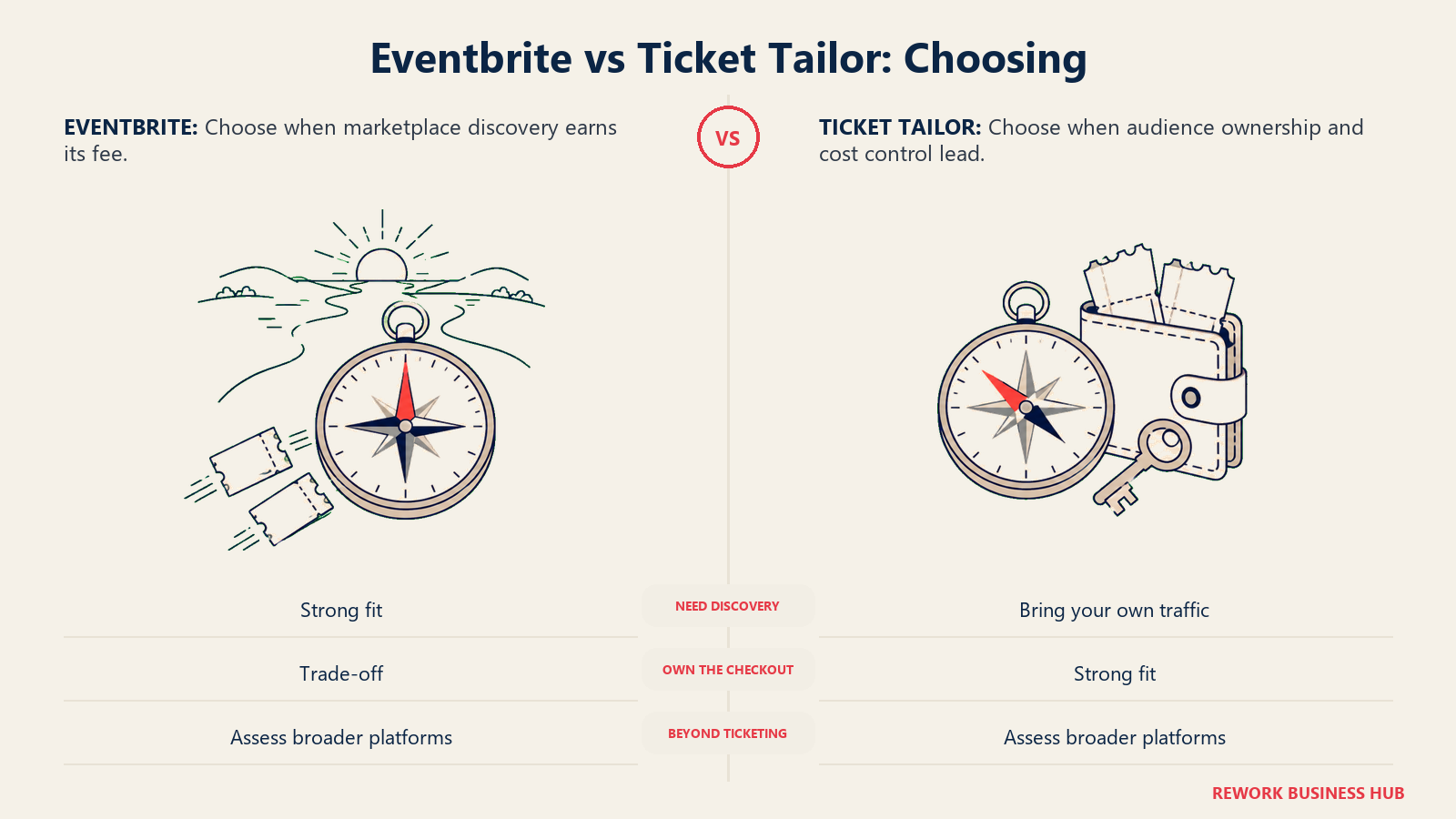
| If this is true for you | Pick |
|---|---|
| You're selling to strangers with no existing list | Eventbrite |
| You already have an audience and want to own the checkout | Ticket Tailor |
| Ticket prices run high ($150+) and fees should stay flat | Ticket Tailor |
| Marketplace discovery is worth more to you than branding | Eventbrite |
| You need cash available before the event, not after | Ticket Tailor |
| You want a fully white-label checkout on your own domain | Ticket Tailor |
| You're running a single public paid event with no repeat cycle | Eventbrite |
| Reserved seating charts are a core requirement | Ticket Tailor |
| You've outgrown ticketing and need agendas, sponsors, and badges | Neither; see the best Cvent alternatives or best Swoogo alternatives guides |
| Comparing the whole category, not just these two | See the 2026 event management software guide |
What to Do Next
- Name your actual traffic source before comparing fees. If most of your tickets already come from your own email list or social following, Ticket Tailor's flat fee almost always wins on math. If a meaningful share needs to come from people who've never heard of you, factor Eventbrite's marketplace reach in as a real cost offset, not just a fee.
- Run your last three events through both fee tables above. Use your real ticket prices and volumes against the Eventbrite USD table and the Ticket Tailor GBP table (or your own local currency on Ticket Tailor's site) rather than trusting either headline rate.
- Check your cash-flow timeline against Eventbrite's payout schedule. If you're funding a deposit before the event, confirm whether you qualify for a custom payout schedule or Instant Payouts, or whether Ticket Tailor's immediate-to-your-own-processor model solves the problem outright.
- If you've outgrown ticketing itself, say so honestly. Needing agendas, sponsor management, badge printing, or approval workflows is a different problem than needing cheaper tickets; our stova-vs-accelevents-vs-eventzilla and eventmobi-vs-whova-vs-cvent comparisons cover that next tier.
- Check the adjacent stack too. If lead capture from event registrants matters as much as the ticketing tool, our best CRM software guide for 2026 and best form builder software guide cover the systems most event stacks end up needing next.
Frequently Asked Questions about Eventbrite vs Ticket Tailor
Is Eventbrite or Ticket Tailor cheaper?
It depends on the ticket price and where your traffic comes from. On a $150 ticket, Eventbrite's fee runs $11.69 (3.7% + $1.79 + 2.9% processing), while Ticket Tailor's flat per-ticket fee stays at 60p pay as you go, or as low as 22p on prepaid credits, plus separate card processing. The gap widens as ticket price rises, since Eventbrite's fee is percentage-based and keeps growing while Ticket Tailor's platform fee is flat and never moves. Ticket Tailor is nearly always cheaper on pure fee math; Eventbrite's fee buys marketplace discovery that Ticket Tailor doesn't offer at all.
Does Ticket Tailor charge in US dollars?
No. Ticket Tailor prices natively in GBP, with a currency selector on its site, but it doesn't publish a clean USD per-ticket figure. A US organizer would see the platform fee in whatever currency their account is configured for, and would separately pay Stripe's published US processing rate of 2.9% + $0.30 per transaction, which is Stripe's rate, not Ticket Tailor's.
Why is Eventbrite more expensive than Ticket Tailor?
Because the two charge on different models. Eventbrite's fee includes two percentage components (3.7% ticketing plus 2.9% processing) on top of a flat $1.79, so cost climbs with ticket price. Ticket Tailor's own fee has no percentage component at all on the pay-as-you-go plan, just a flat 60p per ticket, with card processing billed separately by your own payment processor. Part of what Eventbrite's extra cost buys is its marketplace audience, not just the checkout.
Does Ticket Tailor have any discovery audience like Eventbrite's marketplace?
No. Ticket Tailor has no public event marketplace, no browse or search, and no algorithmic recommendations. Every ticket sold through it comes from traffic the organizer generates themselves. Eventbrite distributed 270 million tickets across 4.7 million events in 2024, and that browsing traffic is the product Eventbrite is actually selling alongside the checkout.
How fast do organizers get paid on each platform?
Eventbrite sends payouts by default 3 days after an event ends, then funds take another 3 to 5 business days to reach a US bank account (5 to 7 for other countries), though established organizers can set up faster custom schedules. Ticket Tailor never holds funds at all: money goes directly into the organizer's own connected Stripe, PayPal, or Square account close to immediately, with only that processor's own transfer time, typically about a week, standing between a sale and cash in the bank.
Who owns the attendee data on Ticket Tailor versus Eventbrite?
Ticket Tailor describes itself as the data processor and the organizer as the data controller, positioning attendee lists as the organizer's property and stating it doesn't treat buyers as its own marketing audience. Eventbrite operates as a marketplace, so the buyer's primary account relationship sits with Eventbrite as the platform they browsed and logged into, alongside the attendee data the organizer receives for their own event.
Can I pass ticket fees to the buyer on either platform?
Yes, on both. Eventbrite passes its fee to the buyer by default, with the option for the organizer to absorb it instead. Ticket Tailor lets organizers either absorb the flat per-ticket fee or pass it through as a booking fee, and organizers keep the full ticket face value either way when fees are passed through.
Related Resources:

Principal Product Marketing Strategist
On this page
- TL;DR
- Key Facts
- Who Each Platform Is Really For
- Fees and the Real Cost at Different Ticket Prices
- Payouts and Cash Flow
- Discovery and Audience Reach
- Branding and the Checkout Experience
- Data Ownership and Attendee Lists
- Event Pages and Embedding
- Ticket Types and Seating
- Check-in and Onsite
- Integrations and Marketing
- Refunds and Support
- When Eventbrite Is the Right Call
- When Ticket Tailor Is the Right Call
- Decision Framework
- What to Do Next