Best GitLab Alternatives in 2026: 11 DevOps and Source Control Platforms for Engineering Teams

Turn this article into takeaways for your work.


Each assistant summarizes the article only for you and suggests best practices for your work.
GitLab did something genuinely ambitious: it bundled Git hosting, CI/CD pipelines, container registry, security scanning, issue tracking, and release management into a single application. For teams that want one vendor and one login, that pitch is compelling. If your engineering org runs everything through GitLab and the price works, there's no urgent reason to switch.
But a real set of pressures has built up. GitLab Premium runs $29/user/month on SaaS (or $19 self-managed); Ultimate jumps to $99/user/month, and once you price out the security scanning and compliance features you actually need, that number is hard to avoid. Self-managed deployments carry a real maintenance burden: PostgreSQL, Redis, object storage, runner fleets, and upgrade cycles that can break things. The UI carries years of feature additions that make simple tasks harder to find. And teams that only need Git hosting with basic CI end up paying for an entire DevSecOps suite they'll never use. Platform engineers, engineering leads, and CTOs evaluating their toolchain in 2026 have more credible options than they did three years ago.
This guide covers 11 alternatives across two distinct categories: full DevOps platforms (GitHub, Bitbucket, Azure DevOps, Harness) and source control-focused tools where you handle CI/CD separately (Gitea, Forgejo, Codeberg, SourceHut). CircleCI, Jenkins, and AWS CodeCatalyst round out the CI/CD-heavy side. Knowing which category a tool falls into saves you from comparing apples to forklifts. For engineering teams also evaluating project tracking tools, the best Jira alternatives and best Linear alternatives guides are natural companions to this review.
Quick Comparison Table
| Tool | Best For | Starting Price | Key Strength | Key Limitation |
|---|---|---|---|---|
| GitHub | Most teams replacing GitLab | Free; Enterprise $21/user/mo | Ecosystem depth, Actions CI/CD | Security scanning costs extra |
| Bitbucket | Atlassian-stack teams | Free (up to 5 users); Standard $3/user/mo | Jira/Confluence integration | Weaker CI vs GitHub Actions |
| Azure DevOps | Microsoft-stack enterprises | Free (5 users); Basic $6/user/mo | Deep Azure integration, boards+repos | Complex UI, not cloud-agnostic |
| Gitea | Self-hosted, lightweight | Free (self-host) | Ultra-low resource footprint | No hosted SaaS tier |
| Forgejo | Community-governed self-host | Free (self-host) | Nonprofit governance, federation roadmap | No hosted SaaS tier |
| Codeberg | Open source projects, EU hosting | Free | Donation-funded, no tracking | Limited for private/commercial repos |
| Harness | Enterprise CI/CD platform | Free tier; Enterprise $100+/dev/mo | Module-based DevOps control | Expensive at scale |
| CircleCI | CI/CD-first teams | Free (30K credits/mo); Performance $15/mo | Speed, parallelism, orb ecosystem | Repo hosting not included |
| SourceHut | Minimalist developers | $5/mo (hosted) | Email-based workflow, minimal surface | Steep learning curve |
| Jenkins | Existing Jenkins shops | Free (open source) | Maximum flexibility, plugin depth | Heavy ops overhead |
| AWS CodeCatalyst | AWS-native teams (legacy migration) | Closed to new users (Nov 2025) | Was: tight AWS service integration | Shut to new customers |
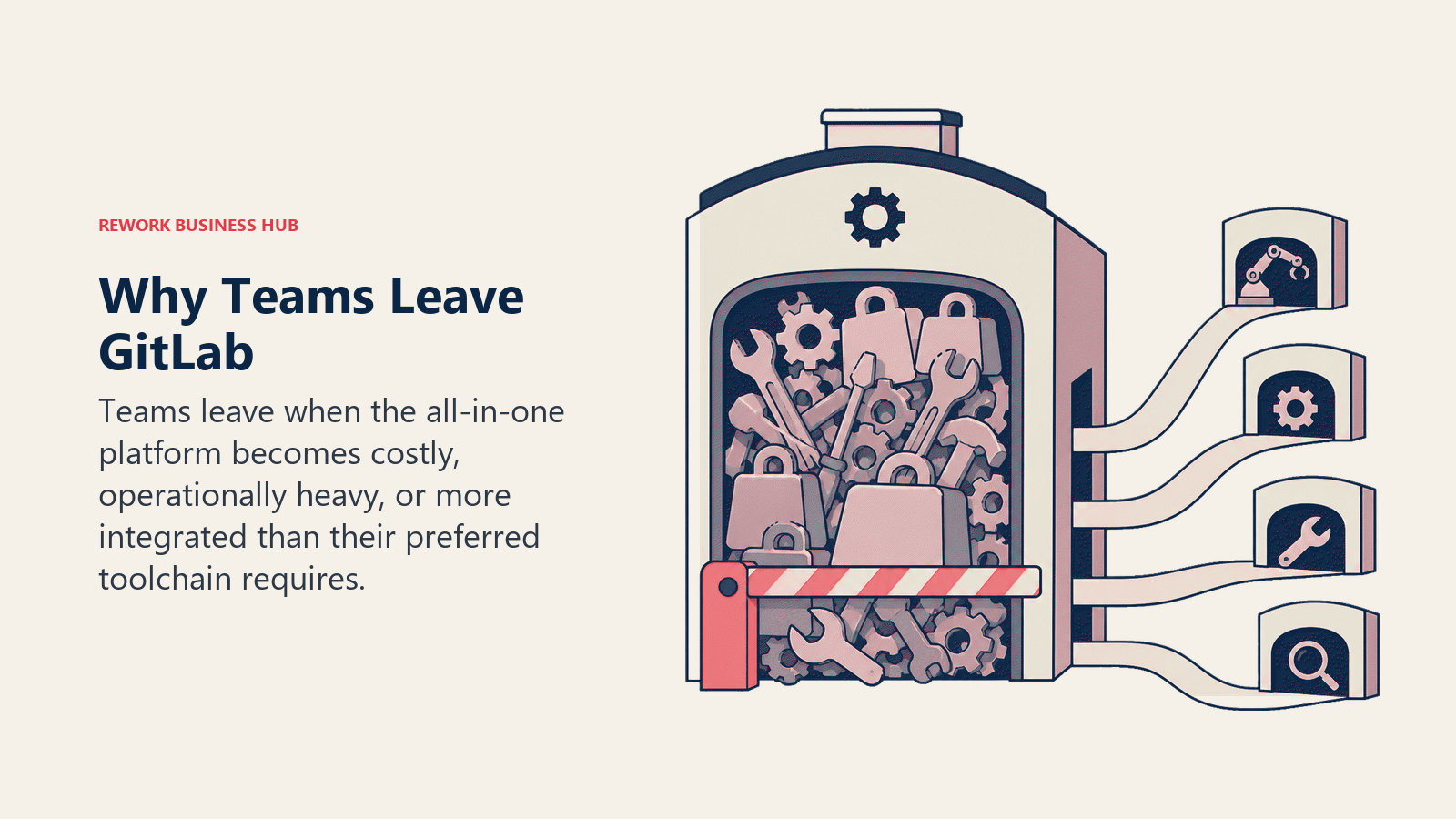
Why Teams Actually Leave GitLab
Before comparing tools, it's useful to name the real reasons, not the vague "evaluating options" kind.
| Pain Point | Who Feels It Most | Severity |
|---|---|---|
| Premium/Ultimate per-seat cost ($29-$99/user/mo) | Teams scaling from 20 to 100+ engineers | High |
| Self-managed maintenance burden (Postgres, Redis, upgrades) | Platform/infra teams without dedicated SREs | High |
| UI complexity and feature sprawl | Developers who just want to push code and see CI | Medium |
| Performance degradation on large repos or monorepos | Large engineering orgs | Medium |
| Paying for security scanning features only some teams use | Teams not on Ultimate | Medium |
| Vendor lock-in concern as pricing escalates | CTOs doing multi-year procurement reviews | Medium |
If none of those apply, stay on GitLab. If one or two resonate, the tools below are worth a proper evaluation.
1. GitHub: The Default Replacement
GitHub is the obvious first stop for any team leaving GitLab, and often the right one. It has the largest developer ecosystem on the planet, GitHub Actions is a mature CI/CD system, Copilot is built in at the enterprise tier, and the gap between GitHub and GitLab on security features has narrowed significantly. Enterprise at $21/user/month is meaningfully cheaper than GitLab Premium at $29, though Advanced Security (code scanning, secret detection, dependency review) is a $49/user/month add-on, which can push total cost close to GitLab once you stack it.
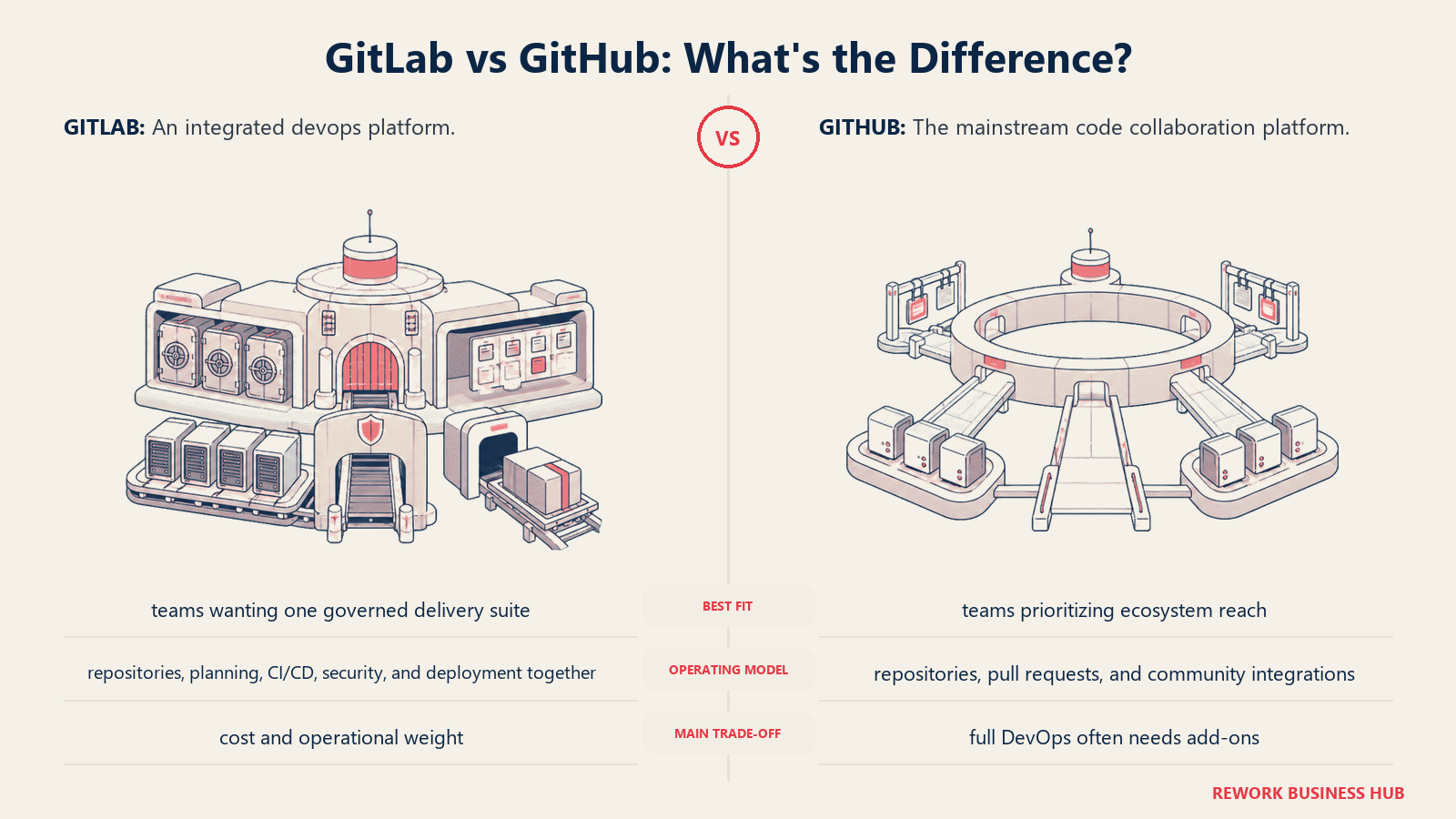
Methodology: GitHub's philosophy is ecosystem-first. The platform wins by being where developers already are, where open source projects live, and where third-party tools integrate first. It's less "single application for DevOps" and more "best-in-class repository layer with strong CI and a growing security surface."
Target audience: Virtually any engineering team. The ICP is broad by design, but GitHub Enterprise Cloud is particularly strong for teams with 20-500 engineers who want GitHub Actions for CI, need SAML SSO and audit logging, and are comfortable paying add-on pricing for advanced security.
| Pros | Cons |
|---|---|
| Largest developer ecosystem and community | Advanced Security is a significant add-on cost |
| GitHub Actions: mature, well-documented CI/CD | No single-application DevSecOps story out of the box |
| Copilot integration at enterprise tier | Some enterprise features (SAML, audit log) require Enterprise plan |
| Strong marketplace of third-party integrations | GitHub-hosted runners can be expensive at volume |
Sizing fit:
| Team Size | Fit |
|---|---|
| Solo / indie | Excellent: generous free tier |
| Small (2-10) | Excellent |
| Mid (10-50) | Strong: Team plan at $4/user/mo covers most needs |
| Enterprise (50+) | Strong: Enterprise at $21/user/mo with SSO, audit, policies |
Stage fit: Every stage. GitHub scales from solo open-source projects to Fortune 500 enterprises. The pricing inflection point is when you need Advanced Security at scale.
Team vs company-wide: Engineering-primary, but GitHub Projects can pull in PMs and product leads for lightweight project tracking.
Pricing: Free (public repos, limited private). Team: $4/user/month. Enterprise: $21/user/month. Advanced Security add-on: $49/user/month. See github.com/pricing.
Best for: Most teams replacing GitLab who want a battle-tested, ecosystem-rich platform at a lower base price.
2. Bitbucket: For Teams Already on Atlassian
Bitbucket's core strength isn't its CI/CD or its feature set. It's that it sits natively inside the Atlassian ecosystem alongside Jira and Confluence. If your engineering team runs on Jira for issue tracking and Confluence for docs, Bitbucket is the path of least resistance for code hosting. Pull requests link to Jira tickets automatically. Commits close issues. Branch strategies map to Jira workflows.
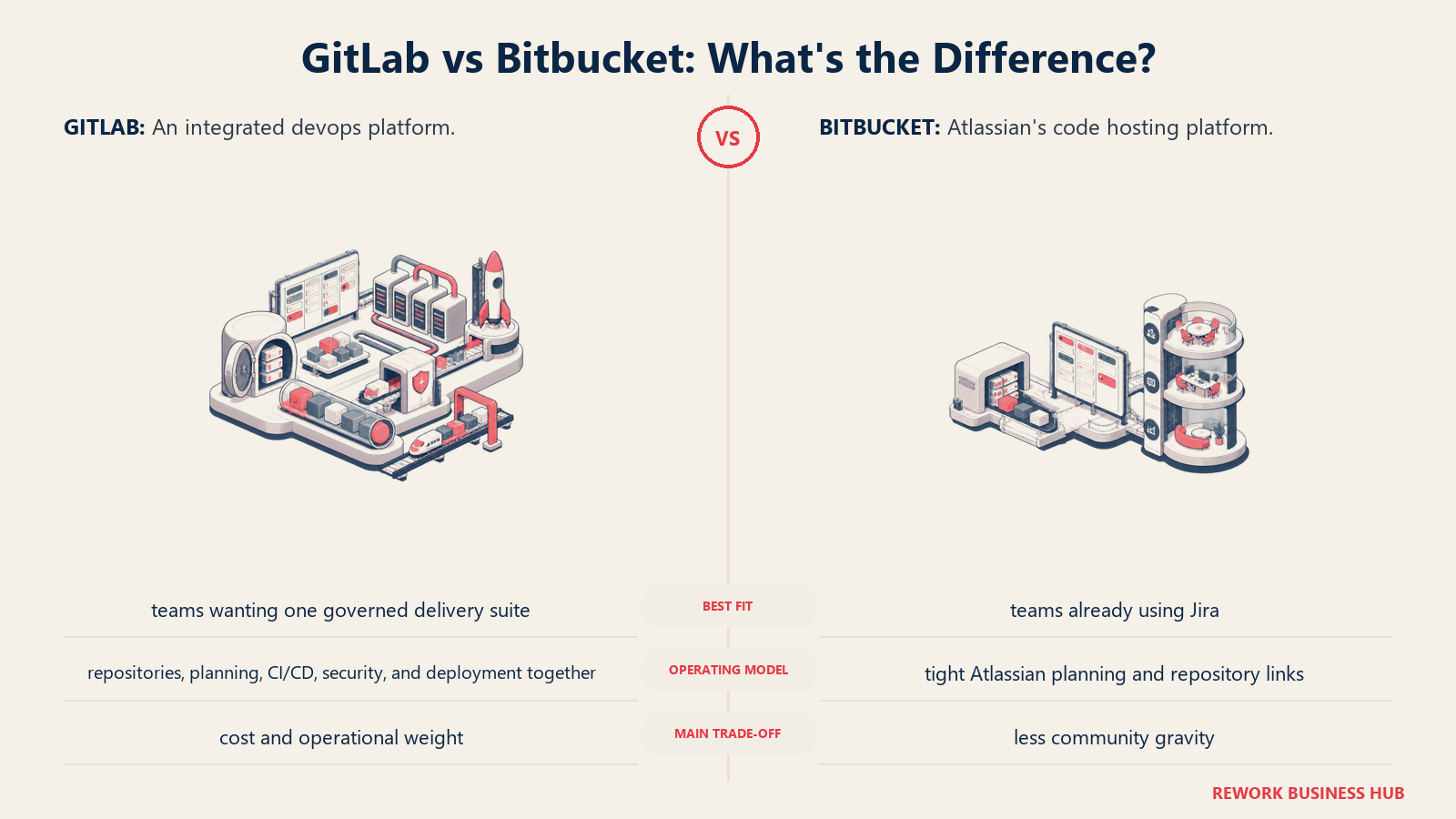
Methodology: Bitbucket treats Git hosting as one component in the Atlassian platform rather than a standalone product. The bet is that tight integration across repos, issues, docs, and project boards is worth more than leading on any individual feature.
Target audience: Engineering teams at companies already paying for Jira Software and Confluence. The ICP is a dev team of 10-50 engineers at a company where Atlassian is the standard, and a platform switch to GitHub would require re-evaluating the entire project management stack.
| Pros | Cons |
|---|---|
| Native Jira and Confluence integration | Bitbucket Pipelines CI/CD is solid but not as mature as GitHub Actions |
| Very affordable for small teams (free up to 5 users) | SSO requires separate Atlassian Guard subscription ($4-$8/user/mo) |
| Branch permissions and merge checks on Premium | Weaker open source community presence |
| Code Search works well at scale | Support can be slow without higher-tier plan |
Sizing fit:
| Team Size | Fit |
|---|---|
| Solo / indie | Good: free up to 5 users |
| Small (2-10) | Excellent: free tier covers most small teams |
| Mid (10-50) | Strong if on Atlassian stack |
| Enterprise (50+) | Good: Premium plan, but SSO add-on adds cost |
Stage fit: Growth to enterprise, specifically for Atlassian-standardized companies. If your org runs Jira, Bitbucket is a natural fit. If you don't use Jira, GitHub or Azure DevOps will serve you better.
Team vs company-wide: Engineering. PMs touch it through Jira integration but rarely use Bitbucket directly.
Pricing: Free (up to 5 users, unlimited repos). Standard: $3/user/month. Premium: $5/user/month. Atlassian Guard SSO: $4.20-$8.18/user/month extra. See atlassian.com/software/bitbucket/pricing.
Best for: Engineering teams running Jira and Confluence who want native cross-tool integration without a platform migration.
3. Azure DevOps: For Microsoft-First Organizations
Azure DevOps is the platform that Microsoft-stack organizations typically standardize on. It bundles Azure Repos (Git hosting), Azure Pipelines (CI/CD), Azure Boards (issue tracking), Azure Artifacts (package registry), and Azure Test Plans into a single service. The breadth is close to GitLab's, but the integration surface tilts sharply toward Azure cloud infrastructure, Active Directory, and Visual Studio.
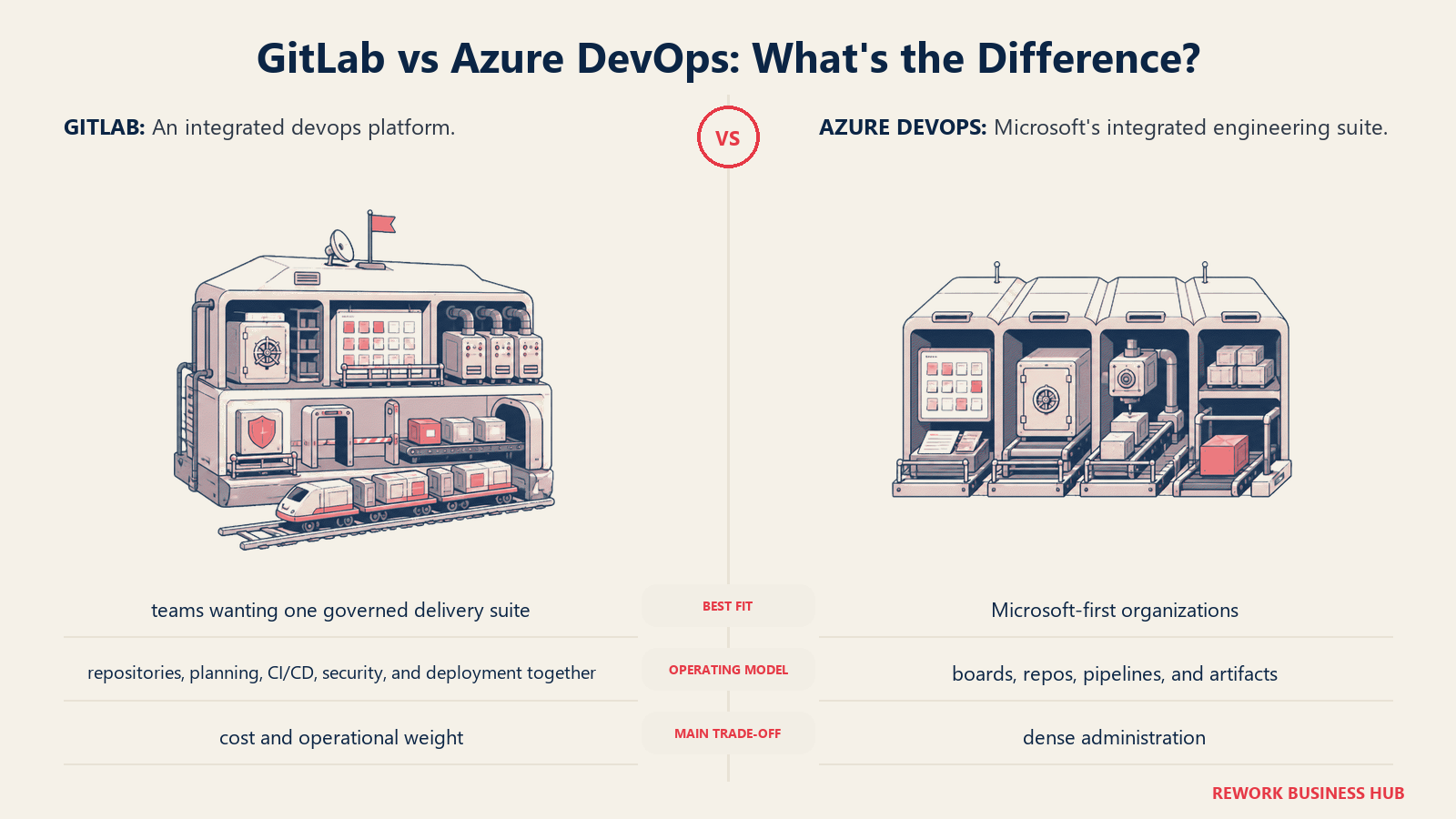
Methodology: Azure DevOps assumes you're building on Azure. The pipelines connect directly to Azure App Service, AKS, and Azure Container Registry. Identity runs through Entra ID (formerly Azure AD). For Microsoft shops, this integration is a genuine productivity multiplier. For teams on AWS or GCP, it's friction.
Target audience: Engineering orgs at enterprises standardized on Microsoft: Windows workloads, .NET stacks, Azure deployments, or organizations with existing Microsoft EA agreements that include Azure DevOps access. The ICP is an enterprise CTO or director of engineering in a company where Microsoft is the preferred vendor.
| Pros | Cons |
|---|---|
| Native Azure cloud integration across all services | Complex UI, especially Azure Boards vs Jira |
| Visual Studio subscribers get Azure DevOps free | Not cloud-agnostic: best value only on Azure |
| Free unlimited private repos for first 5 users | Pipelines YAML syntax is verbose and harder to learn |
| Unlimited free stakeholder access (no-cost) | Slower feature cadence vs GitHub |
Sizing fit:
| Team Size | Fit |
|---|---|
| Solo / indie | Good: free up to 5 active users |
| Small (2-10) | Good for Azure/Microsoft shops |
| Mid (10-50) | Strong for Microsoft-standardized teams |
| Enterprise (50+) | Strong: EA pricing, Active Directory integration |
Stage fit: Mid-market to enterprise. Startup teams not already on Azure rarely choose it as their starting point.
Team vs company-wide: Engineering plus some PM involvement via Azure Boards. Finance can access cost views through Azure Cost Management.
Pricing: Free (5 users, 1 parallel pipeline job). Basic: $6/user/month. Basic + Test Plans: $52/user/month. Extra parallel jobs: $40/month each. See azure.microsoft.com/products/devops.
Best for: Engineering teams inside Microsoft-standardized enterprises deploying on Azure, with existing Active Directory and Visual Studio investments.
4. Gitea: Lightweight Self-Hosted Git
Gitea is what you reach for when you want GitLab-style hosted Git (issues, pull requests, wikis, basic CI via Gitea Actions) but can't justify the operational weight of a full GitLab instance. A Gitea server runs comfortably on a $5/month VPS with 1 GB RAM. A GitLab instance typically needs 4 GB RAM minimum before it's usable. That difference matters enormously for small teams, homelabs, and companies running air-gapped or on-premise environments with modest hardware.
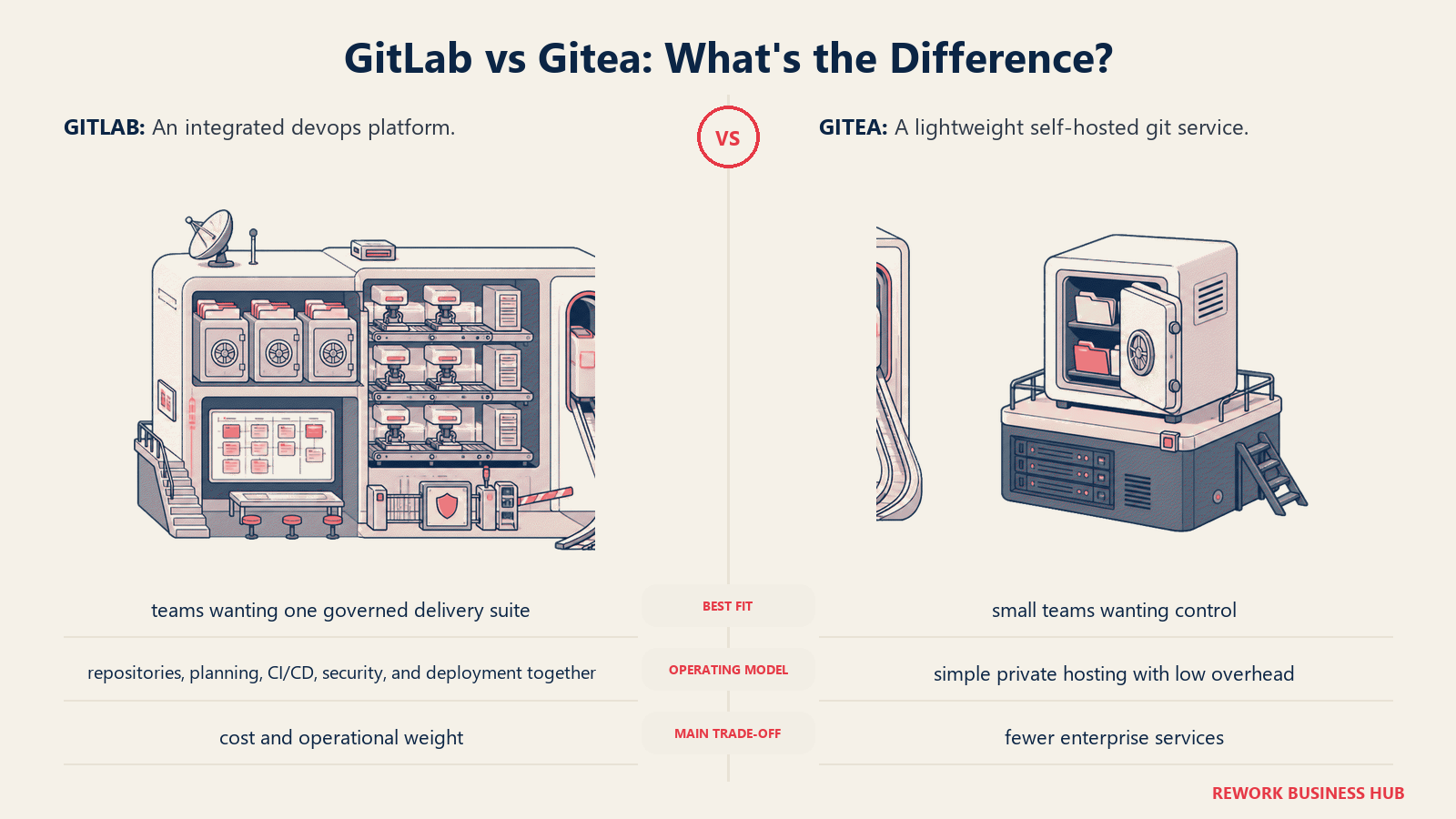
Methodology: Gitea prioritizes simplicity and resource efficiency. The philosophy is: provide the essential Git forge primitives (repo hosting, code review, issues, light CI) without the operational complexity of a full-stack DevOps platform. For heavy CI/CD, you're expected to pair it with an external runner like Woodpecker CI or act.
Target audience: Small engineering teams (2-15 engineers) that need self-hosted Git for compliance or security reasons, homelabbers, developers at companies with constrained cloud budgets, and teams in regulated industries that need air-gapped code hosting.
| Pros | Cons |
|---|---|
| Extremely low resource footprint (runs on 1 GB RAM) | No hosted SaaS tier: you manage your own server |
| GitHub-compatible webhook interface, easy migrations | Gitea Actions CI is newer and less mature than GitLab CI |
| Large and active open source community | SAML/enterprise SSO requires Gitea Enterprise (paid) |
| Wide plugin/integration ecosystem via webhooks | No built-in security scanning |
Sizing fit:
| Team Size | Fit |
|---|---|
| Solo / indie | Excellent: trivial to self-host |
| Small (2-10) | Excellent |
| Mid (10-50) | Good: may need external CI tooling |
| Enterprise (50+) | Moderate: ops overhead grows; consider GitLab CE instead |
Stage fit: Any stage for teams committed to self-hosting. The ceiling is operational capacity: once you're managing 50+ engineers, the maintenance overhead of a self-managed forge adds up.
Team vs company-wide: Engineering only. No PM-friendly boards at the level of Jira or Azure Boards.
Pricing: Free and open source (MIT license). Self-host on your own infrastructure. Gitea Enterprise (with SAML, audit features): contact gitea.com for pricing.
Best for: Small to mid-size teams that need self-hosted Git with low operational overhead, especially for air-gapped or compliance-driven environments.
5. Forgejo: Community-Governed Gitea Fork
Forgejo forked from Gitea in late 2022 when a group of contributors grew concerned about the direction of Gitea Ltd's commercial governance. Forgejo is now maintained by Codeberg e.V., a German nonprofit. The codebase is nearly identical to Gitea at the feature level, but the governance is fundamentally different: no corporate owner, copyleft GPL license, and an active federation (ActivityPub) roadmap that Gitea doesn't prioritize.
Methodology: Forgejo's philosophy is that code forge infrastructure should be community commons, not corporate property. It's the choice for teams who want the Gitea feature set but want their tooling governed by the same values as Linux or Debian: a nonprofit, contributor-governed project with no venture capital exit trajectory.
Target audience: Open source projects, EU organizations with data sovereignty concerns, privacy-first teams, and developers who care about the governance model of their infrastructure tooling. Forgejo is also what Codeberg runs under the hood.
| Pros | Cons |
|---|---|
| Nonprofit governance: no corporate acquisition risk | Same ops overhead as Gitea (you self-host) |
| GPL license: more copyleft protection than Gitea's MIT | Federation features are still in progress |
| Active development with security improvements over Gitea | Smaller commercial support ecosystem |
| Drop-in migration from Gitea (same database schema) | No enterprise-support tier like Gitea Enterprise |
Sizing fit:
| Team Size | Fit |
|---|---|
| Solo / indie | Excellent |
| Small (2-10) | Excellent |
| Mid (10-50) | Good |
| Enterprise (50+) | Limited: no enterprise support tier |
Stage fit: Same operational profile as Gitea. Best for teams that would choose Gitea but prioritize community governance over commercial support options.
Team vs company-wide: Engineering only.
Pricing: Free and open source (GPL). Self-host on your own infrastructure. No paid tiers. See forgejo.org.
Best for: Teams who want the Gitea feature set with community-first, nonprofit governance and EU data residency via Codeberg.
6. Codeberg: Hosted Forgejo for Open Source
Codeberg is the hosted service run by Codeberg e.V., the same nonprofit that governs Forgejo. It's essentially: if you want Forgejo's feature set but don't want to run your own server, Codeberg is the hosted option. It's donation-funded, runs in Germany, and has no tracking, no ads, and no corporate owner. Several notable open source projects have migrated here, including the Zig programming language.
Methodology: Codeberg treats Git hosting as public infrastructure for the open source community. The revenue model is donations and memberships, not per-seat SaaS fees. That makes it unsuitable for private commercial teams at scale, but an ideal home for open source projects that care about values alignment.
Target audience: Open source project maintainers, developers who want European-hosted code storage without a corporate platform, and teams with strong privacy or GDPR concerns.
| Pros | Cons |
|---|---|
| Free, no seat limits for public repos | Private repos require donation/membership contribution |
| EU-hosted (Germany): GDPR-native | Not designed for large private commercial codebases |
| No tracking, no ads, no data monetization | Codeberg CI is Woodpecker-based: less polished than GitHub Actions |
| Nonprofit, community-funded | Limited uptime SLAs compared to commercial platforms |
Sizing fit:
| Team Size | Fit |
|---|---|
| Solo / indie | Excellent for open source work |
| Small (2-10) | Good for open source teams |
| Mid (10-50) | Limited for private commercial work |
| Enterprise (50+) | Not recommended for commercial use |
Stage fit: Pre-revenue open source projects, hobby projects, and community-driven software. For commercial work, you'll want one of the other options.
Team vs company-wide: Engineering only, for open source contexts.
Pricing: Free for public repos. Private repos supported via donation/membership. No per-seat pricing.
Best for: Open source projects and developers who want European-hosted, nonprofit-governed code hosting with no corporate owner.
7. Harness: Enterprise CI/CD Platform
Harness is a purpose-built enterprise CI/CD and DevOps platform. It doesn't try to replace GitLab wholesale: you'd typically pair Harness with GitHub or Bitbucket for repo hosting. Where it competes is on the delivery and operations side: pipeline orchestration, deployment automation, GitOps, feature flags, cloud cost management, and security testing, all as discrete modules you can adopt incrementally.
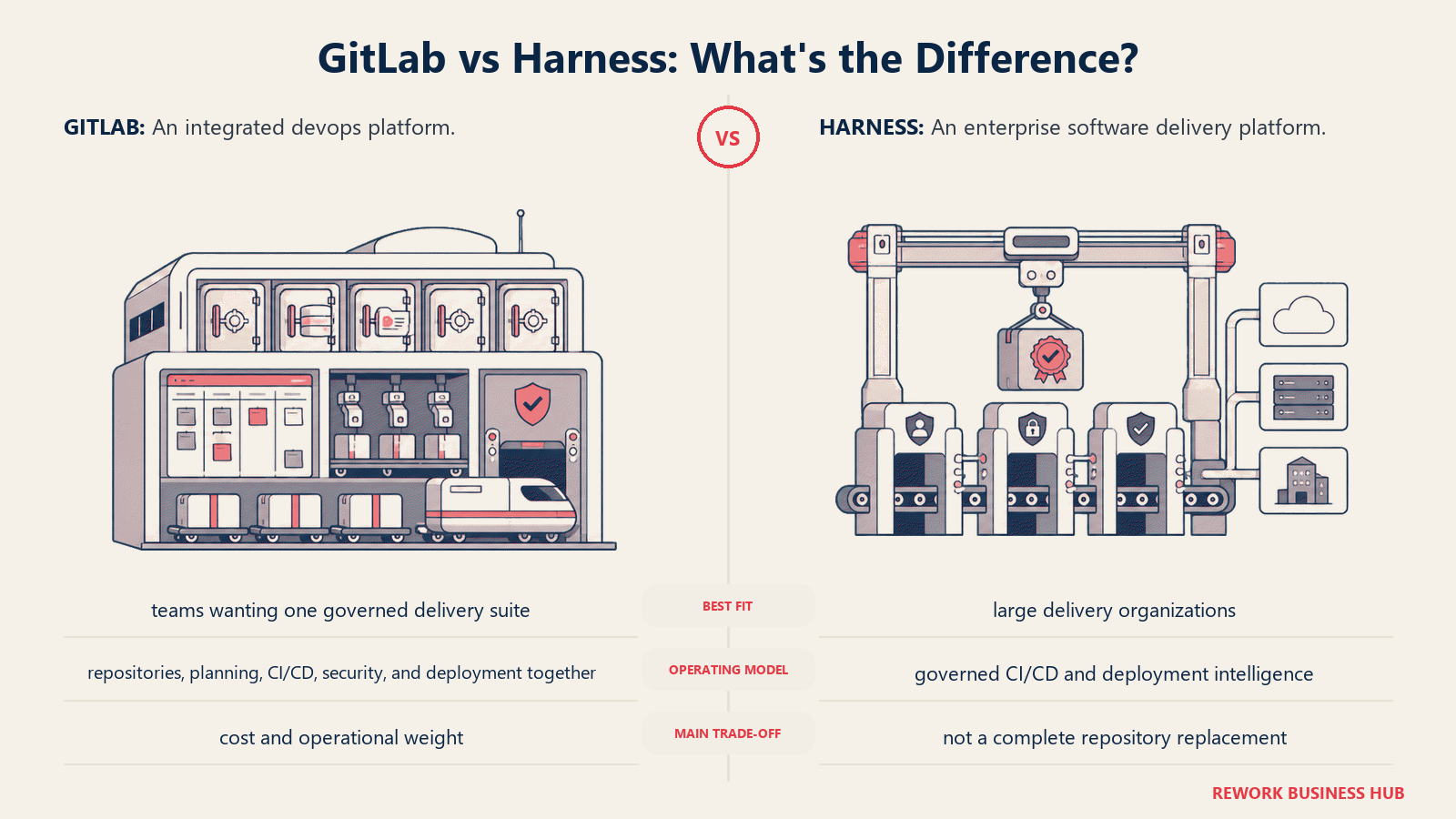
Methodology: Harness's philosophy is module-based enterprise DevOps. Instead of one giant platform with everything bundled, you buy the modules you need: CI, CD, Feature Flags, Cloud Cost Management, Security Testing Orchestration. Pricing is per developer, which makes it easy to model but expensive at scale.
Target audience: Engineering orgs at mid-market and enterprise companies where DevOps complexity has outgrown GitLab CI or GitHub Actions. The ICP is a Director of Engineering or VP of Platform Engineering at a 50-500 developer company running multi-cloud deployments with multiple release environments.
| Pros | Cons |
|---|---|
| Module-based: buy only what you need | Enterprise CD starts at $100+/developer/month |
| Purpose-built deployment governance and rollback | A 20-dev team can hit $4,000+/month easily |
| Strong GitOps and progressive delivery features | Requires repo hosting elsewhere (not a GitLab full replacement) |
| AI-assisted pipeline troubleshooting | Complex onboarding for teams new to enterprise CI/CD concepts |
Sizing fit:
| Team Size | Fit |
|---|---|
| Solo / indie | Too expensive and complex |
| Small (2-10) | Not the right fit |
| Mid (10-50) | Good for DevOps-mature teams with budget |
| Enterprise (50+) | Strong: where it's designed to operate |
Stage fit: Mid-market and enterprise. Not a startup tool. The entry point makes sense once you have dedicated platform engineering resources.
Team vs company-wide: Platform engineering and senior DevOps. Not a developer-facing day-to-day tool.
Pricing: Free tier (limited). Essentials plan bundles CI, CD, Code Repo, STO, and IaCM for growing teams. Enterprise CD: $100+/developer/month. Full module stacking can exceed $4,000/month for a 20-dev team. See harness.io/pricing.
Best for: Enterprise engineering orgs that need purpose-built deployment automation, governance, and multi-cloud CD orchestration. Pair it with GitHub or Bitbucket for repo hosting.
8. CircleCI: CI/CD Without the Repo Layer
CircleCI is a cloud-native CI/CD platform, not a Git forge. You connect it to GitHub, Bitbucket, or GitLab for repo hosting, and CircleCI handles the build, test, and deploy pipeline. Its strengths are speed (fast queue times, parallelism), the orb ecosystem (reusable pipeline components), and its credit-based pricing model that makes cost predictable for variable build volumes.
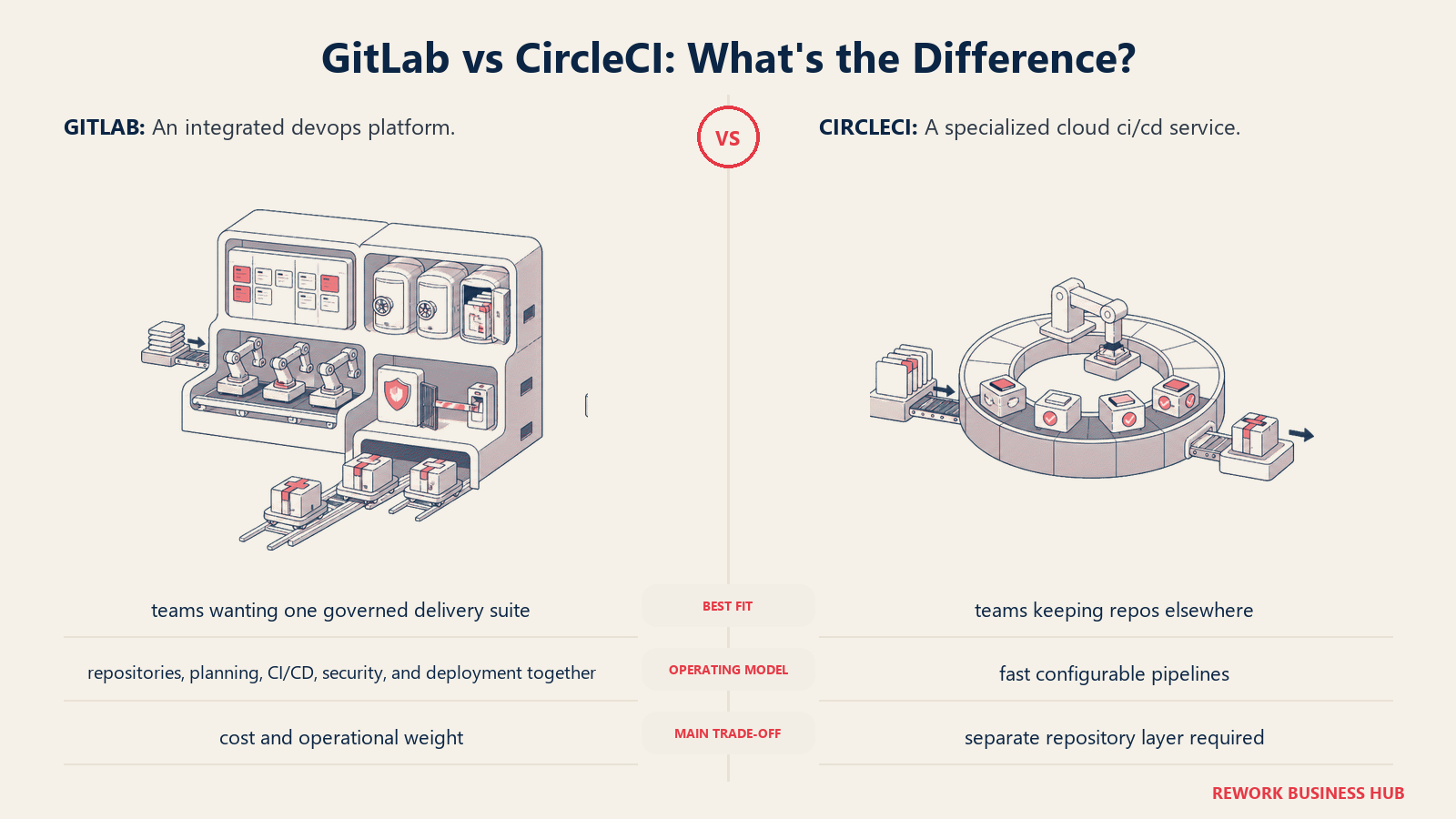
Methodology: CircleCI treats CI/CD as a first-class product, not a feature bundled into repo hosting. The bet is that a purpose-built CI/CD tool will outperform the CI runners built into GitLab or GitHub for teams that run heavy pipeline workloads. That bet holds for teams with complex multi-stage builds, matrix tests, or high-concurrency pipelines.
Target audience: Engineering teams at growth-stage and mid-market companies that have standardized on GitHub or Bitbucket for repo hosting but want faster, more configurable CI/CD than GitHub Actions or Bitbucket Pipelines provides. The ICP is a senior engineer or build engineer who manages complex CI pipeline performance.
| Pros | Cons |
|---|---|
| Fast build queues and strong parallelism | Repo hosting is not included: need GitHub/Bitbucket separately |
| Orb ecosystem: reusable, sharable pipeline configs | Credit model can be confusing to budget at first |
| Good observability into pipeline performance | Scale plan pricing ($2,000+/mo) is steep |
| Docker Layer Caching speeds up container-heavy builds | Fewer out-of-the-box security scanning features |
Sizing fit:
| Team Size | Fit |
|---|---|
| Solo / indie | Good: free tier is generous (30K credits/month) |
| Small (2-10) | Strong: Performance plan at $15/month works well |
| Mid (10-50) | Strong |
| Enterprise (50+) | Good: Scale plan with custom pricing |
Stage fit: Good from early-stage through enterprise for teams with non-trivial CI needs. The Performance plan entry point is low enough for startups.
Team vs company-wide: Engineering, specifically the team responsible for build and deploy pipelines.
Pricing: Free (30,000 credits/month, 5 active users). Performance: starts at $15/month (25,000 credits). Scale: custom, starting around $2,000/month. Additional credits: $15 per 25,000 credits. See circleci.com/pricing.
Best for: Teams that want best-in-class CI/CD speed and want to pair it with GitHub or Bitbucket rather than absorbing the repo-plus-CI bundle from a single platform.
9. SourceHut: For the Minimalist Engineer
SourceHut (sr.ht) is a radically minimal Git forge built around email-based workflows. Pull requests are patches submitted by email. CI runs on builds.sr.ht. There's no JavaScript-heavy UI, no social feed, no PR review threads. The entire interface is text-first. If you're the kind of engineer who thinks Git was designed correctly and most Git forges add noise, SourceHut will feel like going home.
Methodology: SourceHut's philosophy is that software forges should respect Unix conventions: email, plain text, composable tools. The system integrates naturally with git send-email workflows used by Linux kernel and mutt maintainers. It's 100% open source and can be self-hosted.
Target audience: Individual developers, small open source projects, and developers who want to move away from large commercial platforms on principle. Not a fit for teams that need a shared UI-driven code review workflow, onboarding for non-developers, or CI/CD at scale.
| Pros | Cons |
|---|---|
| Minimal, fast interface (zero JavaScript for most pages) | Email-based patch workflow has a steep onboarding curve |
| 100% open source, self-hostable | No easy migration path from GitHub/GitLab for teams |
| Strong privacy stance, no tracking | No real-time collaboration features |
| Affordable hosted option | Small community relative to GitHub or Codeberg |
Sizing fit:
| Team Size | Fit |
|---|---|
| Solo / indie | Strong for Unix-philosophy developers |
| Small (2-10) | Limited: most team members won't adapt to email patches |
| Mid (10-50) | Not recommended |
| Enterprise (50+) | Not applicable |
Stage fit: Solo projects and small open source communities. Not a commercial engineering tool.
Team vs company-wide: Solo or highly technical small teams only.
Pricing: Hosted at $5/$10/$15 per month (pay what you can, same features at all tiers). Existing subscribers grandfathered at previous rates. See sourcehut.org/pricing.
Best for: Individual developers or small open source maintainers who prefer email-based workflows and want a minimal, privacy-respecting hosted forge.
10. Jenkins: The Veteran CI/CD Engine
Jenkins is the original open source CI/CD server, and it's still widely deployed. Its strength is flexibility: the plugin ecosystem has 1,800+ plugins covering almost every build tool, test framework, deployment target, and notification channel imaginable. Its weakness is that flexibility is not free. Running Jenkins at scale means managing masters, agents, plugin updates, and security patches. The operational overhead is real.
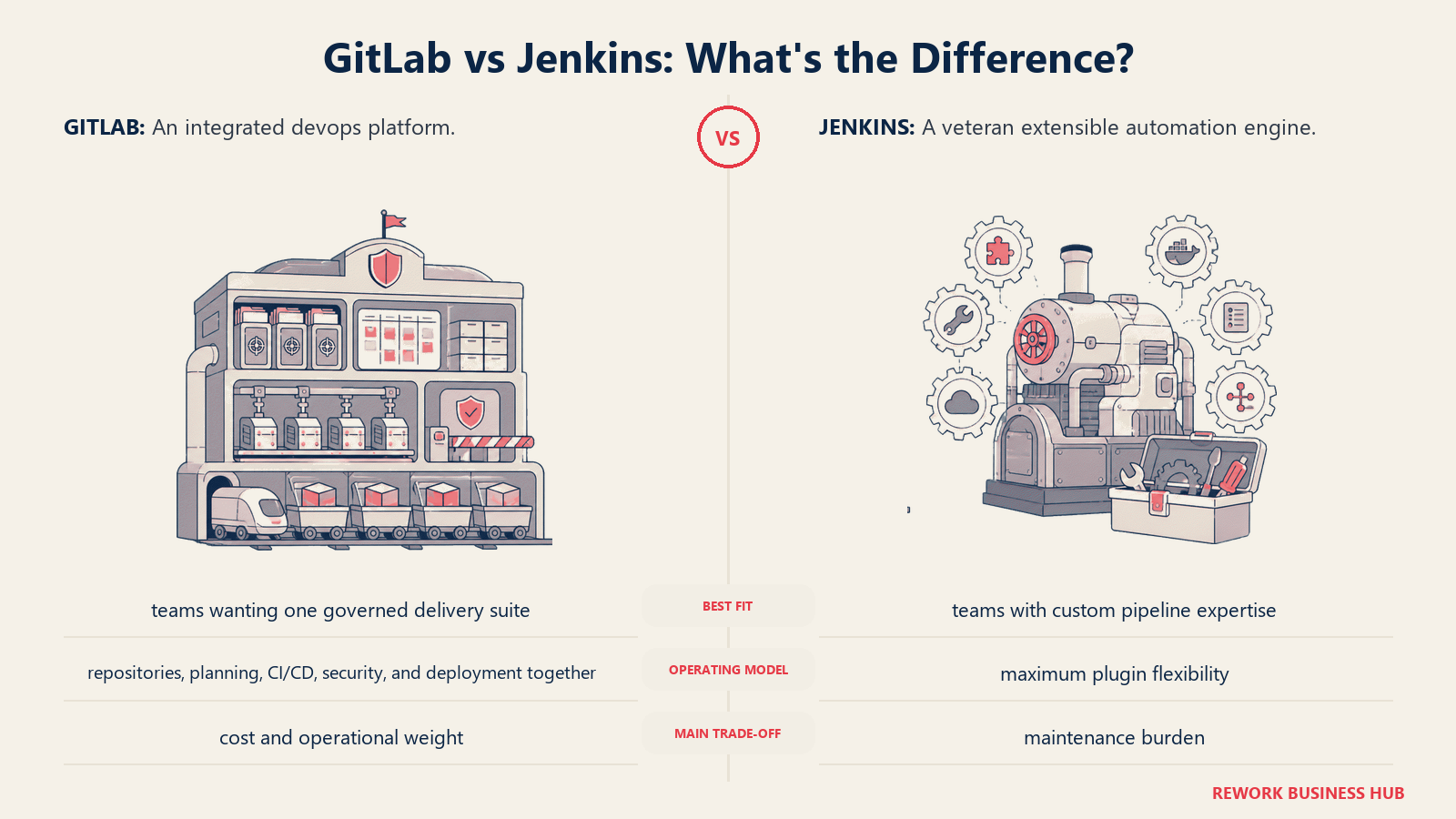
Methodology: Jenkins is infrastructure you own and operate, not a SaaS product. It runs on your servers, integrates with whatever SCM and artifact repository you use, and can be wired to do almost anything in a build pipeline. For teams with specific compliance requirements (must run on-prem), unusual toolchains, or deep existing Jenkins investment, it remains a solid choice.
Target audience: Organizations with existing Jenkins infrastructure, regulated industries that require on-premises CI, large enterprises with platform engineering teams capable of managing the operational overhead, and companies with highly custom build requirements that SaaS CI/CD tools can't cover.
| Pros | Cons |
|---|---|
| Maximum flexibility: 1,800+ plugins | High operational overhead (upgrades, plugin conflicts, security patches) |
| On-premises: no vendor dependency | UI is dated; pipeline DSL (Groovy) has a learning curve |
| CloudBees CI provides enterprise support layer | Not a hosted SaaS option without self-management |
| No seat pricing: just your infrastructure cost | Scaling Jenkins masters is non-trivial |
Sizing fit:
| Team Size | Fit |
|---|---|
| Solo / indie | Overkill: use CircleCI or GitHub Actions |
| Small (2-10) | Too much overhead for the value |
| Mid (10-50) | Good if already invested in Jenkins |
| Enterprise (50+) | Strong: especially regulated industries |
Stage fit: Established enterprises with dedicated platform teams. Not the right starting point for new infrastructure.
Team vs company-wide: Platform engineering. Developers interact with it but don't own it.
Pricing: Jenkins itself is free and open source. CloudBees CI (enterprise support and governance layer): contact cloudbees.com for pricing. Infrastructure costs are your own.
Best for: Enterprises with existing Jenkins investment, on-prem CI requirements, or compliance mandates that prevent SaaS CI/CD.
11. AWS CodeCatalyst: Closed to New Customers
AWS CodeCatalyst was Amazon's answer to the unified DevOps platform: Git repos, CI/CD pipelines, issue tracking, and dev environments in one service, tightly integrated with AWS. It's worth mentioning here because many teams evaluating alternatives will encounter it in searches or vendor comparisons. But as of November 7, 2025, CodeCatalyst is closed to new customers. AWS has redirected teams to its component services: CodeBuild, CodePipeline, CodeDeploy, and CodeArtifact, or to partner integrations like GitLab with Amazon Q.
For teams currently on CodeCatalyst: Existing accounts continue to function, but migration planning is advisable. AWS's own recommendation is to move to GitHub (via AWS CodeStar integration) or GitLab for unified DevOps, with CodeBuild/CodePipeline for CI/CD. See aws.amazon.com/codecatalyst.
What to use instead: GitHub Actions + AWS CodeBuild for most AWS-native teams. GitLab for teams wanting a single-application DevOps platform with AWS deployment targets.
Stage Fit Matrix
| Tool | Startup (0-10) | Growth (10-50) | Mid-Market (50-200) | Enterprise (200+) |
|---|---|---|---|---|
| GitHub | Excellent | Excellent | Strong | Strong |
| Bitbucket | Good (Atlassian) | Strong (Atlassian) | Strong (Atlassian) | Good |
| Azure DevOps | Limited | Good (MS stack) | Strong (MS stack) | Strong (MS stack) |
| Gitea | Excellent | Good | Moderate | Limited |
| Forgejo | Excellent | Good | Moderate | Limited |
| Codeberg | Good (OSS) | Limited (commercial) | Not recommended | Not recommended |
| Harness | Not recommended | Limited | Good | Strong |
| CircleCI | Good | Strong | Strong | Good |
| SourceHut | Good (solo) | Very limited | Not recommended | Not applicable |
| Jenkins | Not recommended | Limited | Good | Strong |
| AWS CodeCatalyst | Closed | Closed | Closed | Closed |
Sizing and Persona Table
| Tool | Team Size Sweet Spot | Primary Buyer | Secondary Buyer |
|---|---|---|---|
| GitHub | Any | Engineering Lead / CTO | VP Engineering |
| Bitbucket | 5-100 on Atlassian | Director of Engineering | IT Procurement |
| Azure DevOps | 20-500 on Azure | CTO / Director of Engineering | IT Director |
| Gitea | 1-30 self-hosted | Platform Engineer | Ops Lead |
| Forgejo | 1-30 self-hosted | Platform Engineer | Open Source Lead |
| Codeberg | 1-20 open source | OSS Maintainer | Individual Contributor |
| Harness | 50-500+ | VP Platform Engineering | Director of DevOps |
| CircleCI | 2-200 CI-focused | Senior Engineer / Build Lead | Director of Engineering |
| SourceHut | 1-5 technical | Individual Developer | Solo Maintainer |
| Jenkins | 50-500+ | Platform Engineering Manager | CTO |
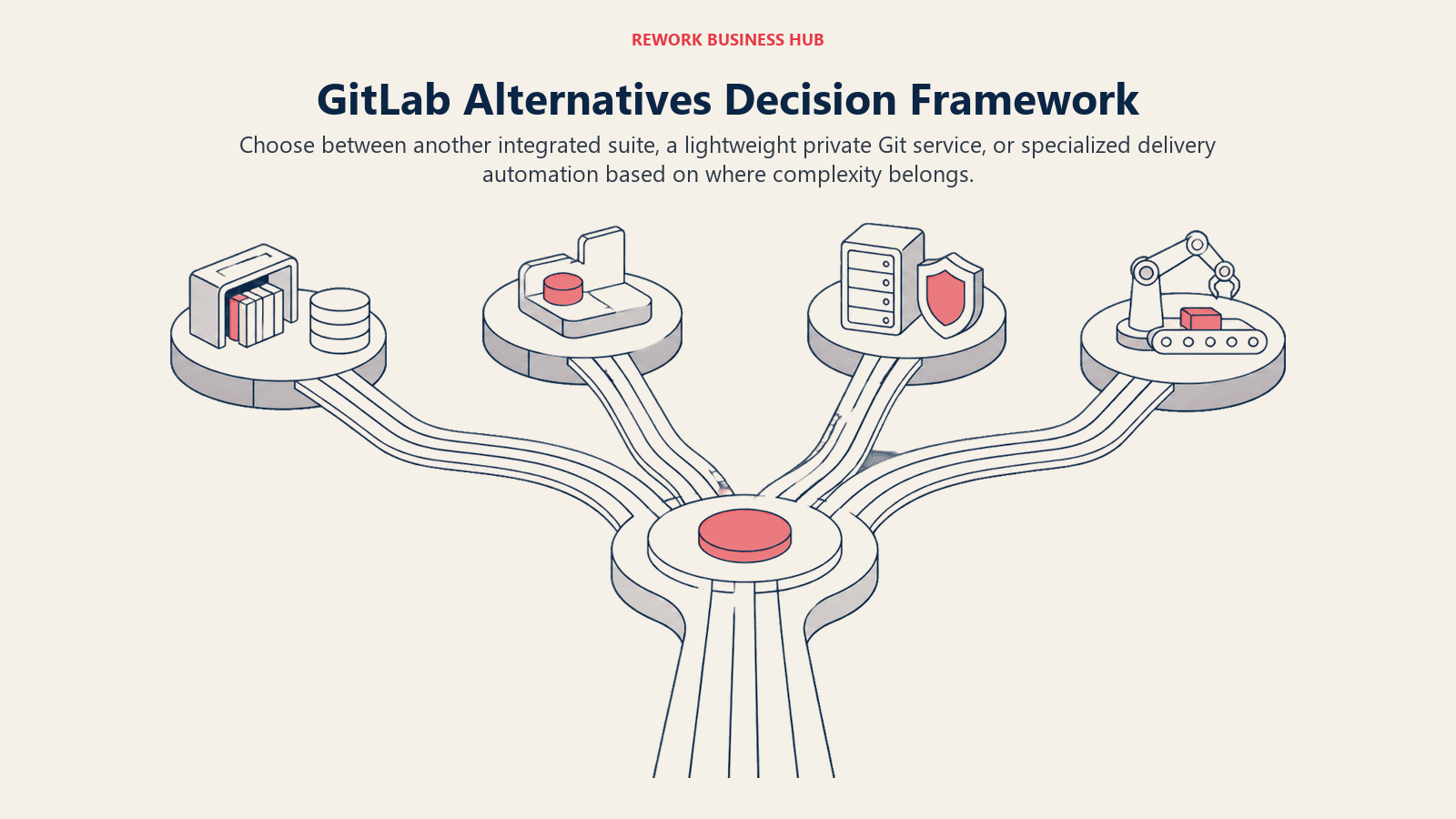
How to Choose: Decision Framework
| If you need... | Choose |
|---|---|
| Full GitLab replacement with lower per-seat cost | GitHub Enterprise |
| Repo hosting inside Jira/Confluence ecosystem | Bitbucket |
| All-in-one DevOps on Azure/Microsoft stack | Azure DevOps |
| Self-hosted Git with minimal hardware requirements | Gitea or Forgejo |
| Hosted Git for open source, EU-governed, no corporate owner | Codeberg |
| Enterprise CI/CD with modular governance and deployment control | Harness |
| Fast, cloud-native CI/CD paired with GitHub or Bitbucket | CircleCI |
| Minimal, email-first forge for Unix-philosophy developers | SourceHut |
| On-prem CI with maximum plugin flexibility | Jenkins |
| Migration path off AWS CodeCatalyst | GitHub Actions + CodeBuild |
| Reduce GitLab cost while keeping CI/CD in one tool | GitHub (closest feature parity at lower price) |
What GitLab Still Does Best
In the interest of honest comparison: GitLab remains the strongest single-application DevSecOps platform for teams that genuinely use its full breadth.
| GitLab Strength | Who It Matters For |
|---|---|
| All-in-one DevSecOps: repos, CI, registry, scanning, compliance | Orgs that want one vendor and one audit trail |
| Self-managed with full data control | Regulated industries (finance, defense, healthcare) |
| Built-in container and package registry | Teams that want artifact management without a separate tool |
| Security scanning in the pipeline (SAST, DAST, dependency) | Ultimate-tier teams with compliance mandates |
| Strong GitOps with GitLab Agent for Kubernetes | Platform teams deploying to Kubernetes |
| Active development and large contributor community | Teams that want a vendor actively investing in the platform |
If you're at an enterprise where security scanning, compliance dashboards, and a single-vendor support contract matter more than per-seat cost, GitLab Ultimate may still be the right call even at $99/user/month.
What to Do Next
Pick your top two alternatives based on the decision framework, then run a two-week parallel pilot. Don't evaluate on demos. Take one real project (a feature branch, a CI pipeline migration, or a new repo) and run it through your candidate tool. The friction you feel on day five is more reliable than any feature checklist.
For most teams leaving GitLab for cost reasons, GitHub is the fastest migration with the lowest risk. Your existing CI YAML will need adapting (GitLab CI syntax differs from GitHub Actions), but the ecosystem, documentation, and third-party integration story are the strongest in the market.
If self-hosted control is the actual driver, Gitea or Forgejo on a small VPS costs less per month than a GitLab instance costs in RAM alone. Pair either with an external CI runner (Woodpecker CI, CircleCI, or self-hosted GitHub Actions runner) and you have a complete forge without the $29/seat overhead.
For teams also evaluating what to do with project tracking once they leave GitLab Issues, the best Jira alternatives and best Linear alternatives guides cover the issue tracker side of that decision. And if your team is also reassessing AI coding tooling as part of the same infrastructure review, the best GitHub Copilot alternatives guide covers that layer of the stack.
For engineering teams assessing the broader project and work management tooling that often sits alongside a DevOps platform, the best ClickUp alternatives and best Asana alternatives guides are relevant if you're also re-evaluating how engineering work gets tracked outside the repo.
Camellia writes about engineering and DevOps tooling for B2B teams. Last updated June 2026.

Principal Product Marketing Strategist
On this page
- Quick Comparison Table
- Why Teams Actually Leave GitLab
- 1. GitHub: The Default Replacement
- 2. Bitbucket: For Teams Already on Atlassian
- 3. Azure DevOps: For Microsoft-First Organizations
- 4. Gitea: Lightweight Self-Hosted Git
- 5. Forgejo: Community-Governed Gitea Fork
- 6. Codeberg: Hosted Forgejo for Open Source
- 7. Harness: Enterprise CI/CD Platform
- 8. CircleCI: CI/CD Without the Repo Layer
- 9. SourceHut: For the Minimalist Engineer
- 10. Jenkins: The Veteran CI/CD Engine
- 11. AWS CodeCatalyst: Closed to New Customers
- Stage Fit Matrix
- Sizing and Persona Table
- How to Choose: Decision Framework
- What GitLab Still Does Best
- What to Do Next