SuiteDash vs Moxo: Which Client Portal Fits Your Firm Better in 2026?
Turn this article into takeaways for your work.


Each assistant summarizes the article only for you and suggests best practices for your work.
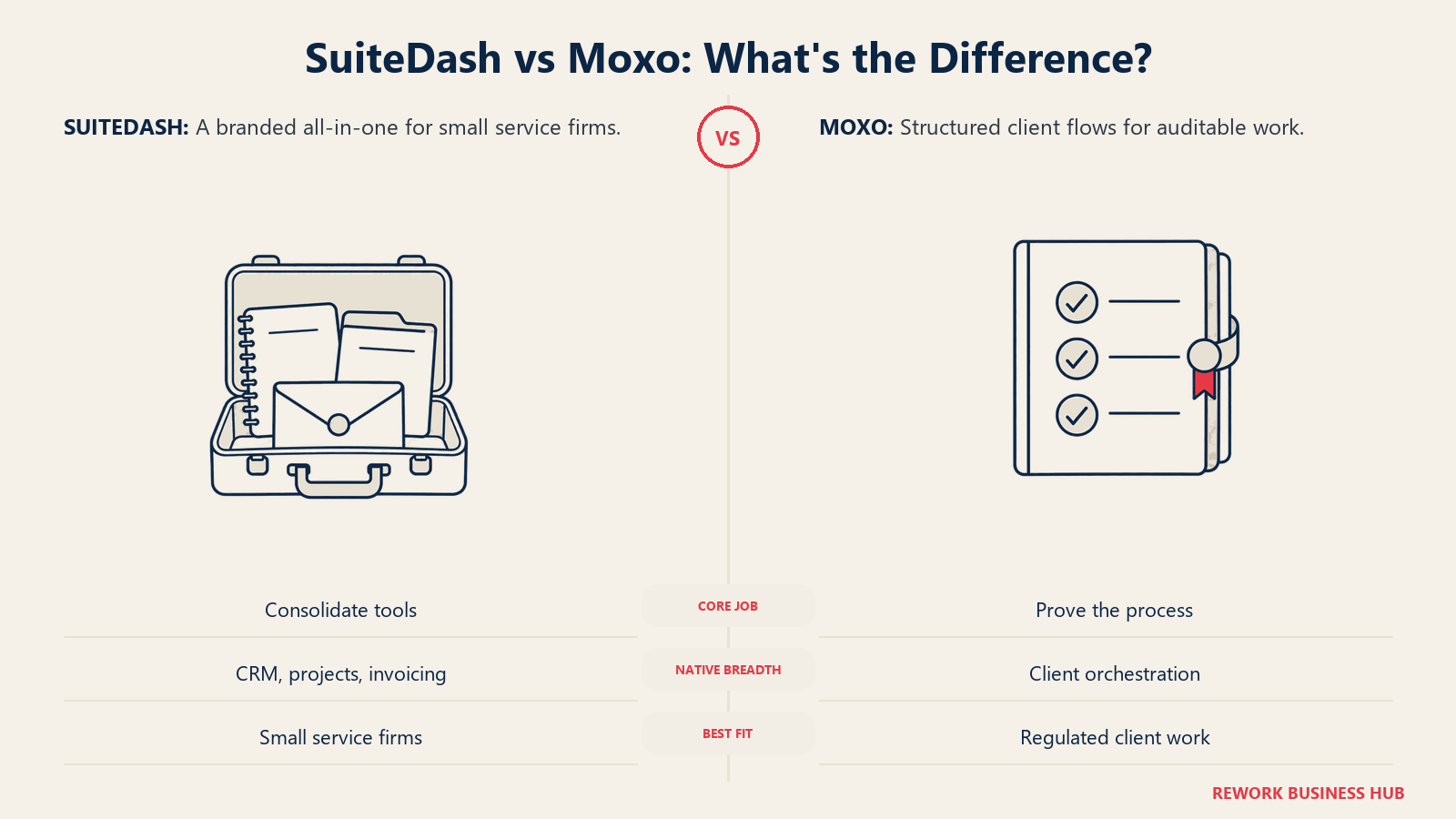
If you're an agency owner, an accounting or legal firm partner, or an ops lead at a consultancy trying to decide where your clients will log in, SuiteDash and Moxo will both show up on your shortlist, and that's a little misleading. They get grouped together because they both put a client-facing login screen in front of files, forms, and messages, but they were built to solve two different problems for two different buyers, and the price gap between them tells you that before a single feature does.
SuiteDash is a flat-rate, deeply white-label all-in-one built for small service firms: CRM, client portal, projects, invoicing, file exchange, and an LMS in one account, with unlimited staff and unlimited CRM contacts starting at $19 a month. Moxo is a client-interaction platform built for regulated and enterprise client work: structured, auditable "flows" that orchestrate onboarding, KYC, document collection, and approvals across your team and the client's, priced flat per account with unlimited seats starting at $500 a month. The entry prices sit roughly 26 times apart, and that gap isn't a discount on the same thing, it's two different buyers being asked two different questions. This article walks through both honestly, so you can tell which buyer you actually are before you sign anything.
TL;DR
| SuiteDash | Moxo | |
|---|---|---|
| ICP | Small service firms: agencies, coaches, bookkeepers, freelance consultancies | Regulated and enterprise client work: financial services, professional services, healthcare, B2B onboarding teams |
| Company size | 1 to roughly 30 people | 20 to enterprise, especially teams with a compliance or audit function |
| Core strength | Breadth in one account: CRM, portal, projects, invoicing, file exchange, LMS | Structured, auditable client "flows" for onboarding, KYC, document collection, and approvals |
| Pricing model | Flat per account, unlimited staff and CRM contacts on every tier | Flat per account, unlimited seats, metered by flows and AI credits per year |
| Entry price | $19/month ($180/year) | $500/month ($5,000/year) |
| White-label | Yes, on every tier: custom domain, branded mobile app, "Extreme White Labeling" | Custom domain and branded portal pages appear starting on the Scale tier, not the entry Team tier |
| Compliance posture | HIPAA BAA and GDPR DPA available; no published SOC 2 | SOC 2 Type II and SOC 3 certified; audit log across 65+ action types |
| Best for | A small firm that wants one account instead of five subscriptions | A firm whose client process must be provably auditable, step by step |
Key Facts
- The client portal software market was valued at $1.7 billion in 2023 and is projected to reach $3.5 billion by 2032, a CAGR of more than 8 percent, according to Global Market Insights.
- 70 percent of financial institutions worldwide lost clients in the past year due to slow onboarding, the highest rate recorded to date in a survey of 600 senior decision-makers at banks, asset managers, and fund administrators, according to Fenergo's 2025 research.
- The average time for clients to submit requested documents back to their accounting or bookkeeping firm is 5 days, according to Financial Cents' 2025 State of Accounting Workflow and Automation Report, which surveyed more than 800 firm owners.
- 45 percent of onboarding teams still grapple with siloed tools and information during client onboarding, according to Rocketlane's 2025 State of Customer Onboarding report, based on responses from over 950 onboarding and implementation professionals.
Who Each Tool Is Built For
SuiteDash's natural buyer is running a small service business out of a patchwork of tools: a CRM here, an invoicing app there, a separate e-signature subscription, a file-sharing link nobody trusts, and a client portal bolted on top. The pain is subscription sprawl and client confusion about where to log in, and the fix is one account that does all of it under the firm's own brand.
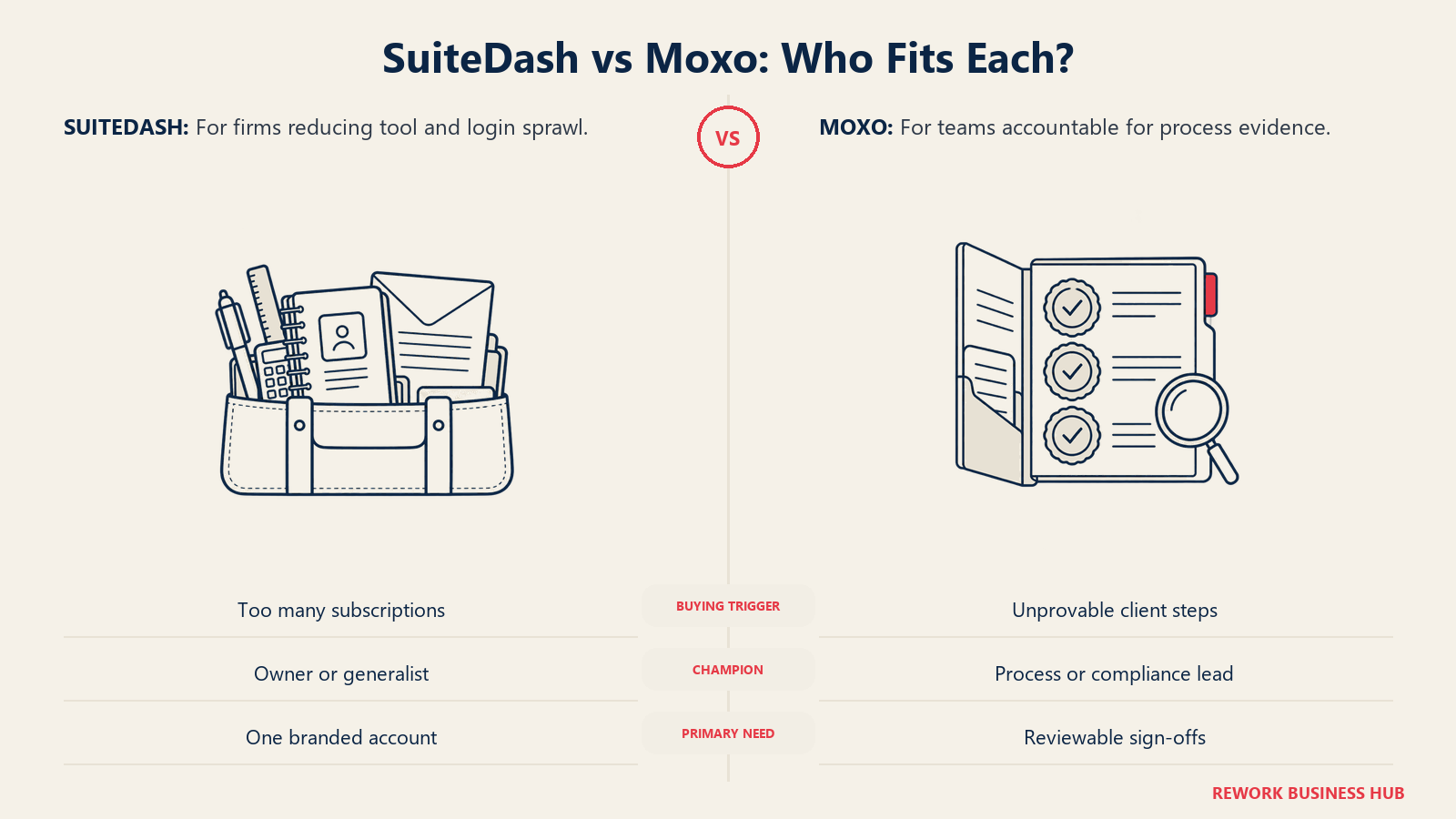
Moxo's natural buyer already has a process that must hold up to an audit: a bank onboarding a business account, a wealth manager collecting KYC documents, a professional services firm running a structured intake that a regulator or a client's own compliance team might later review. The pain isn't too many subscriptions, it's that the current process (usually email plus spreadsheets plus a shared drive) can't prove who approved what, when, and with what information attached.
| SuiteDash | Moxo | |
|---|---|---|
| Natural buying trigger | Too many disconnected tools and monthly bills for a small team to justify | A client process needs a provable audit trail, not just a way to move files |
| Team maturity assumed | Wants speed and simplicity over configuration depth | Willing to design a structured flow once and reuse it across every client |
| Primary champion | Solo owner, office manager, or a firm's one ops-minded partner | Compliance officer, onboarding lead, or a COO who owns client process risk |
| Where it shows up most | Marketing agencies, coaches, consultants, freelance bookkeepers | Financial services, professional services, healthcare, regulated B2B onboarding |
| Company size sweet spot | 1 to roughly 30 people | 20 people to enterprise, scaling with flow volume more than headcount |
Team fit
| Team | SuiteDash | Moxo |
|---|---|---|
| Owner/founder | Runs the whole client relationship from one dashboard | Sets the compliance bar the flows must meet |
| Sales/CRM | Native pipeline, deals, and contact management included | Not a CRM; connects to one via Scale-tier integrations |
| Client-facing ops | Manages projects, invoices, and files in the same account | Builds and monitors flows: onboarding, document collection, approvals |
| Compliance/legal | Relies on SuiteDash's HIPAA BAA and GDPR DPA as-is | Owns the audit log, SOC 2 posture, and flow-level sign-off records |
| IT/admin | Minimal, mostly branding and domain setup | Configures SSO, roles, and (on Scale and up) the agentic workforce settings |
Neither team-fit picture is wrong. SuiteDash assumes one generalist wearing several hats. Moxo assumes a named owner for the process itself, someone whose job is making sure the flow can't quietly skip a step.
The Client Portal Itself
This is the part your client actually sees, and the two platforms diverge sharply on when branding shows up in the price.
SuiteDash brands the entire client experience as your own product on every plan, not just the top one. The vendor's own product page describes "the client-facing side of SuiteDash" as presentable "entirely as your own product," with a custom domain and automatic SSL provisioning plus a branded mobile experience delivered as a progressive web app, per SuiteDash's features page. "Extreme White Labeling" and a "Custom Branded Mobile App" both appear on the entry-level Start plan, and clients get unlimited portals regardless of tier, per SuiteDash's pricing page.
Moxo treats the portal itself as a tiered feature. The Team plan (the $500/month entry tier) ships a functional client-facing workspace with structured flows, but "Enhanced portals with custom domain" only appear starting on the Scale tier, per Moxo's pricing page. If a custom-branded, custom-domain client portal is the point, the entry tier alone won't get you there.
| SuiteDash | Moxo | |
|---|---|---|
| Custom domain | Included on every tier, automatic SSL | Not on Team; appears on Scale and above |
| Branded mobile experience | Included on every tier, progressive web app | Not specified as a Team-tier feature |
| White-label depth | "Extreme White Labeling" across the account, every tier | Portal branding tied to the Scale-and-up tier |
| Number of client portals | Unlimited on every tier | Not metered by portal count; metered by flows and AI credits instead |
| What the client actually does | Logs in to one branded hub for files, invoices, messages, courses | Completes a guided flow: uploads documents, e-signs, responds to requests, tracks status |
The practical read: if branding on day one at the lowest price matters, SuiteDash wins outright. If the portal's job is to guide a client through a multi-step process rather than serve as a general-purpose hub, Moxo's structured flow is the better shape, but you're paying Scale-tier money to get it fully branded.
Workflow, Onboarding and Approvals
This is Moxo's reason for existing, and it deserves real depth rather than a one-line comparison.
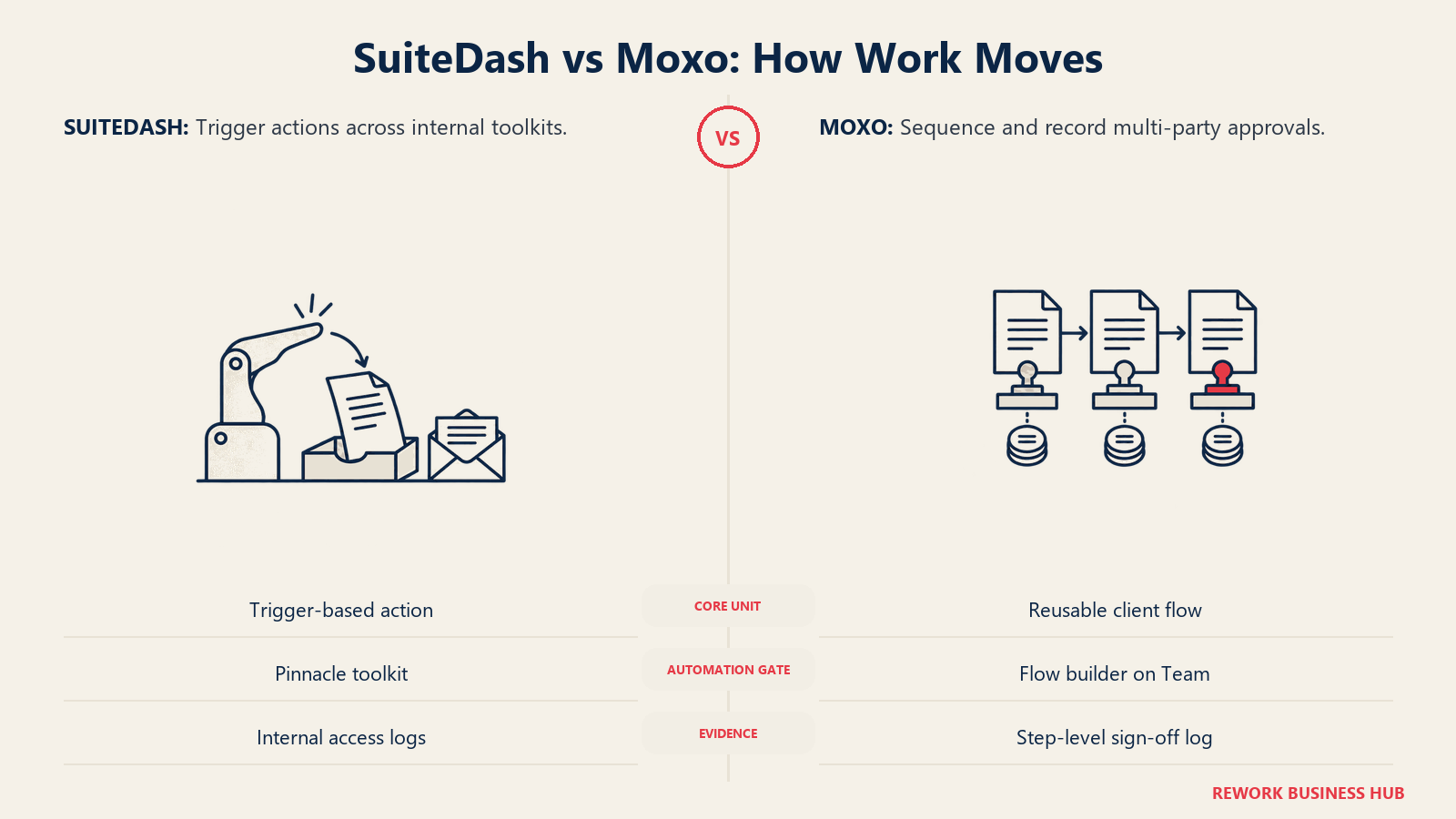
Moxo's core unit is the "flow": a structured, repeatable sequence that orchestrates onboarding, KYC, document collection, or approvals across your internal team and the client on the other side of the portal. On the entry Team tier, you get a flow builder plus an AI Copilot and standard human actions (approvals, forms, e-signatures, payments), per Moxo's pricing page. Move up to Scale and the flow logic gets genuinely more sophisticated: subflows, business rules, branching, loops, triggers, and scheduled flows, plus an "agentic workforce" of four agent types (Automation, Review, Prepare, Advise) that can take on parts of the process. Every action inside a flow lands in what Moxo calls "a compliance-grade audit log across 65+ action types" that "records who signed off, whether agent or human, when, and with what information," per Moxo's own KYC verification page. That's the audit trail a compliance officer actually needs: not just "a file was uploaded" but who approved it, at what point in the sequence, and whether a human or an AI agent made the call.
SuiteDash's approach to workflow lives inside its Automation Toolkit, which is a Pinnacle-tier feature, not something on Start or Thrive, per SuiteDash's pricing page. It fires from triggers across the platform's other toolkits, so a project completion or an invoice payment can kick off a follow-up action. That's genuinely useful for a small firm's day-to-day operations, but it isn't the same category as Moxo's flows: SuiteDash automates tasks inside a single account, while Moxo orchestrates a multi-party process with role-based sign-off and a purpose-built audit trail designed for a regulator or an internal audit team to review later.
| SuiteDash | Moxo | |
|---|---|---|
| Core unit | Automation Toolkit: trigger-based rules across toolkits | Flow: a structured, multi-step, multi-party process |
| Included at entry tier | No; Automation Toolkit is Pinnacle-only | Yes; flow builder, AI Copilot, and standard human actions ship on Team |
| Advanced logic | Not a named feature | Subflows, business rules, branching, loops, triggers, scheduled flows (Scale and up) |
| AI-assisted steps | Not a named workflow feature | AI Copilot on Team; agentic workforce (4 agent types) on Scale and up |
| Audit trail depth | Detailed internal access logs (help-team and data access) | Compliance-grade audit log across 65+ action types, who/when/human-or-agent |
| Who it's built to satisfy | The firm itself, running its own operations | A compliance officer, auditor, or regulator reviewing the process after the fact |
If your client process is a checklist you personally remember to follow, SuiteDash's automation is enough. If your client process needs to survive someone else, an auditor, a regulator, a new compliance hire, asking "prove that happened," Moxo's flow model is doing a fundamentally different job. Both treat e-signature as one step inside a bigger process rather than the whole product; if e-signature depth or contract lifecycle tracking is your actual bottleneck, our best e-signature software and best contract management software roundups, plus best DocuSign alternatives, go deeper on that specific category.
Breadth: CRM, Projects, Invoicing and Files
This is SuiteDash's reason for existing, mirroring how the previous section belonged to Moxo.
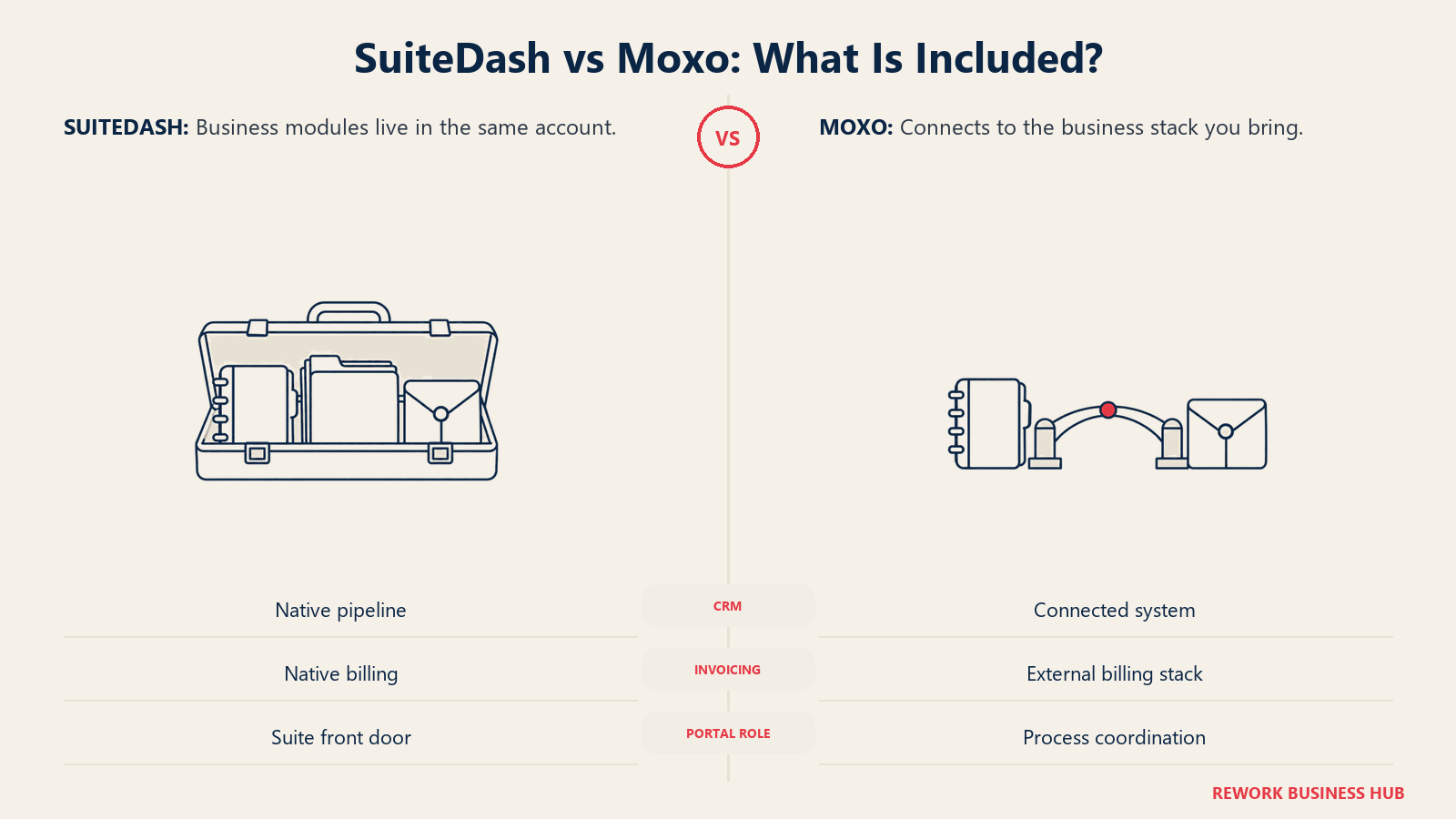
SuiteDash bundles a genuine CRM, project management, invoicing, file exchange, proposals and contracts with e-signing, and a full LMS into one account. New contacts created in the CRM become "immediately available to Invoicing, Estimates, Proposals, Appointment Scheduling, Drip Sequences, the LMS, and every other toolkit," per SuiteDash's features page, so a client's information doesn't need re-entering across five different apps. Invoicing includes subscriptions and recurring payments alongside one-off billing. File Exchange centralizes document handling between the firm and the client inside the same portal used for everything else. None of these are the deepest tool in their individual category, a dedicated CRM or a dedicated invoicing platform will out-feature SuiteDash's version, but the pitch isn't depth, it's not needing five subscriptions and five logins to run a small service business.
Moxo is not a CRM, a project management tool, or an invoicing platform, and doesn't claim to be. Its Scale tier adds "Native CRM" and integration options including webhooks, REST APIs, and MCP connectivity, per Moxo's pricing page, which reads as connecting to existing systems rather than replacing them. If your firm already runs a real CRM and a real invoicing system, that's not a gap. If you were hoping a client portal would also become your CRM, Moxo won't do that; it expects those systems to already exist and wants to plug into them.
| Module | SuiteDash | Moxo |
|---|---|---|
| CRM | Native deals and sales pipeline, included on every tier | Not included; "Native CRM" integration option appears on Scale |
| Project management | Task and project tracking, automations tied to completions | Not a named feature; flows can include project-adjacent steps |
| Invoicing and billing | Invoicing, estimates, subscriptions, recurring payments | Not included; payments happen as a step type inside a flow |
| File exchange | Centralized File Exchange inside the same portal | Document upload/collection happens inside a flow, not a general file hub |
| Proposals, contracts, e-signature | Proposals, Estimates, Contracts, Documents & eSigning, all CRM-linked | E-signature is a standard human-action step type inside a flow |
| LMS | Native LMS, Pinnacle tier only | Not offered |
| Integrations | Not the platform's positioning | Webhooks, REST APIs, native CRM connector, MCP (Scale and up) |
The honest framing: SuiteDash is a suite that happens to include a portal. Moxo is a portal-and-workflow engine that expects you to bring the rest of your stack. Neither is the deepest tool in any one of these categories on its own: if your firm's real bottleneck is dedicated document management rather than a client-facing portal, our DocuWare vs M-Files comparison and best document management software roundup cover that adjacent category, and best Egnyte alternatives if Egnyte specifically is on your list. If you need a standalone CRM or project management tool with more depth than either platform offers, see our best CRM software and best PM software roundups instead.
Security and Compliance
Only what each vendor states on its own security or compliance pages is included here. Where a page didn't mention something, it's marked "not published" rather than assumed absent or present.
SuiteDash states it offers a Business Associate Agreement "that meets industry standards and requirements as well as the HIPAA Security Rule," is "an Active Participant in the Data Privacy Framework Program," and provides a standard GDPR Data Processing Addendum, per SuiteDash's security overview and GDPR commitment page. Data is encrypted in transit and at rest with AES-256, 2FA is available as an account-level option, and SuiteDash logs internal help-team access to customer accounts. SOC 2 and SSO are not mentioned on SuiteDash's own security page.
Moxo states it is "SOC 2 Type II and SOC 3 certified" with continuous compliance verified through "regular third-party audits," and that it has "implemented tools and controls to enable compliance with GDPR," per Moxo's security page. Data is encrypted in transit and at rest, access controls are role-based, and the compliance-grade audit log covers 65+ action types. SAML SSO is confirmed as a feature, but only starting on the Scale tier, per Moxo's pricing page; HIPAA and MFA/2FA are not mentioned on Moxo's own security page.
| SuiteDash | Moxo | |
|---|---|---|
| SOC 2 | Not published | Type II and SOC 3, per vendor's security page |
| HIPAA | Business Associate Agreement available | Not published on Moxo's security page |
| GDPR | Data Processing Addendum available; Data Privacy Framework participant | Tools and controls stated to enable GDPR compliance |
| SSO | Not published | SAML SSO, Scale tier and above only |
| 2FA / MFA | Available account-wide | Not published |
| Audit log | Internal access logs (help-team, data access) | Compliance-grade log across 65+ action types (who, when, human or agent) |
| Data residency | Not customer-selectable; AWS global data centers | Not published |
| Encryption | AES-256, in transit and at rest | Stated in transit and at rest; algorithm not published |
The pattern matters more than any single row: SuiteDash's compliance claims target the general-purpose small-firm buyer (HIPAA BAA, GDPR DPA, straightforward 2FA), while Moxo's target the buyer whose whole reason for existing is proving a process happened correctly (SOC 2 Type II, a granular audit log, role-based sign-off). Neither published SSO and a full audit story on the same tier as their cheapest plan, so if either matters to you, confirm the tier before you buy, not after.
Pricing Compared
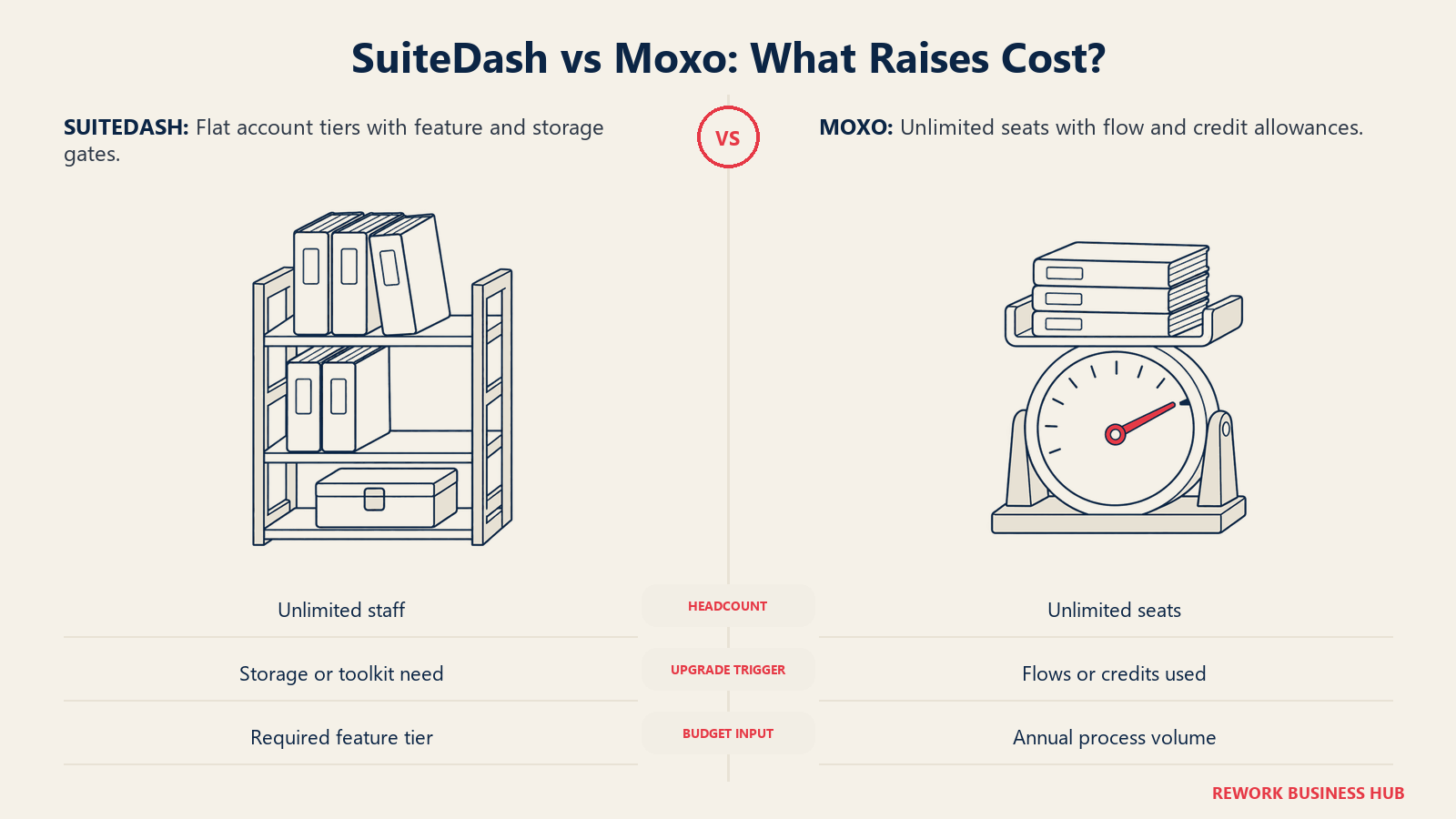
Both vendors price flat per account rather than per user, which changes how you should think about the math. Neither platform charges more because your firm has 30 employees instead of 5. What changes their price is which tier you need, and for Moxo specifically, how much volume you push through it.
SuiteDash, per its pricing page:
| Tier | Monthly | Annual (lump sum) | Storage | Notable gate |
|---|---|---|---|---|
| Start | $19/month | $180/year | 100 GB | No Automation Toolkit, no LMS |
| Thrive | $49/month | $480/year | 500 GB | No Automation Toolkit, no LMS |
| Pinnacle | $99/month | $960/year | 2 TB | Full Automation Toolkit and LMS included |
Unlimited staff and unlimited CRM contacts apply to all three tiers, and white-labeling is included at every tier too, so the decision between them is really a decision about storage and whether you need automation or the LMS, not about headcount or branding.
Moxo, per its pricing page:
| Tier | Monthly | Annual | Seats | Included volume |
|---|---|---|---|---|
| Team | $500/month | $5,000/year | Unlimited | 250 flows/year, 25,000 AI credits/year |
| Scale | Custom quote | Custom quote | Unlimited | 1,000 flows/year, 100,000 AI credits/year |
| Enterprise | Custom quote | Custom quote | Unlimited | Not specified |
Moxo's seats are unlimited at every tier, so a 5-person team and a 30-person team pay the identical $500/month if both stay inside the Team tier's flow and AI-credit allowance. What forces an upgrade isn't more staff, it's more onboarding volume: run more than roughly 20 to 21 flows a month (250 a year) and you're into Scale-quote territory regardless of how many people are on your payroll.
Three-year total cost of ownership
A small firm (5 people): low document and onboarding volume is the realistic case here.
| SuiteDash (Thrive, annual) | Moxo (Team, annual) | |
|---|---|---|
| Year 1 | $480 | $5,000 |
| 3-year total | $1,440 | $15,000 |
| What you're paying for | CRM, portal, projects, invoicing, files, white-label branding | Structured flows, audit log, SOC 2 posture, unlimited seats |
At this size, SuiteDash's 3-year cost is roughly a tenth of Moxo's, and for a 5-person shop without a compliance mandate, that gap is very hard for Moxo to justify on price alone.
A mid-size firm (30 people): headcount doesn't move either vendor's price, but the type of firm that reaches 30 people while still needing a client portal usually needs more storage (SuiteDash) or handles enough onboarding volume to outgrow the Team tier's 250 flows a year (Moxo).
| SuiteDash (Pinnacle, annual) | Moxo (Team if volume stays under cap, annual) | Moxo (Scale, if volume exceeds cap) | |
|---|---|---|---|
| Year 1 | $960 | $5,000 | Quote-only |
| 3-year total | $2,880 | $15,000 | Quote-only, not estimated |
| Trigger to upgrade | Needing 2 TB storage, Automation Toolkit, or the LMS | None, if flow volume stays under 250/year | Exceeding 250 flows/year or 25,000 AI credits/year |
Don't let anyone, including this article, hand you an estimated Scale or Enterprise number. Moxo doesn't publish one, and a 30-person regulated-onboarding team is a realistic candidate to need it. Get a quote against your actual annual flow count before you compare totals.
The pattern that matters more than any single number: SuiteDash's cost scales with the feature tier you pick once, and stays flat after that regardless of growth. Moxo's cost scales with how much onboarding and approval volume you actually run through it, which means the number you're quoted today may not be the number you pay next year if your client volume grows.
Implementation and Time to Value
SuiteDash is built for self-serve setup. A 14-day free trial with no card required, per SuiteDash's pricing page, lets a firm connect its own domain, brand the portal, and start inviting clients without a sales call. The tradeoff is real: you're configuring a CRM, invoicing, file exchange, and a portal yourself, and the learning curve is the cost of getting breadth in one account instead of five specialized tools each with their own onboarding.
Moxo expects more structure up front because the product's value is a flow designed correctly, not just switched on. Building an onboarding or KYC flow means mapping the actual steps, assigning roles, and setting the preconditions the audit log will later verify, work that's closer to a light implementation project than a self-serve signup. Team-tier support is "in-app," while Scale adds a dedicated customer success manager and Enterprise adds a forward-deployed engineer, per Moxo's pricing page, which tells you plainly that hands-on help scales with the tier you're paying for.
| SuiteDash | Moxo | |
|---|---|---|
| Free trial | 14 days, no card required | Not listed on the pricing page |
| Setup model | Self-serve: connect domain, brand portal, invite clients | Design the flow first: steps, roles, preconditions, then launch |
| Support at entry tier | Standard support, self-serve documentation | In-app support only (Team) |
| Support at higher tiers | Not tiered differently | Customer success manager (Scale), forward-deployed engineer (Enterprise) |
| Time to first value | Fast; a branded portal can go live the same day | Slower; a well-designed flow takes real mapping before go-live |
| Ongoing admin burden | Low; mostly branding and content upkeep | Moderate to high; flow logic needs a named owner as it evolves |
Neither timeline is wrong for its buyer. A small firm wants a portal live before lunch. A firm building a compliance-grade onboarding flow should want the extra week of design, because that's the week where someone actually checks whether the flow does what the audit log needs it to prove.
When SuiteDash Is the Right Call
- You're running a small agency, coaching practice, or bookkeeping firm and currently pay for a CRM, an invoicing tool, a file-sharing link, and a separate client portal, and you'd rather consolidate into one branded account.
- White-label branding at the lowest possible price matters, and you want a custom domain and a branded mobile experience on day one, not gated behind an upper tier.
- Your client process is genuinely simple: send files, get paid, run projects, occasionally get a document signed. You don't need a provable, step-by-step audit trail behind every interaction.
- You want to try before you commit. A 14-day, no-card trial fits a firm that wants to test the portal with a real client before deciding.
When Moxo Is the Right Call
- Your client process is regulated or audit-sensitive, KYC, onboarding a business account, document collection for a licensed profession, and you need to prove who approved what and when, not just that it eventually got done.
- You've already lost a client or failed an internal review because your current process (usually email plus spreadsheets) couldn't produce a clean record of what happened during onboarding.
- You already run a CRM, invoicing, and project tools, and you specifically need a structured, auditable client-facing process layered on top, not another suite trying to replace what you have.
- Your onboarding volume is high enough, or your compliance requirements strict enough, that $500 a month for SOC 2 Type II certification and a 65-plus-action-type audit log is genuinely cheaper than the cost of a failed audit or a lost regulated client.
What If Neither Fits
SuiteDash and Moxo sit at opposite ends of a wide category, and your firm might genuinely fit somewhere in the middle: more structure than a flat-rate all-in-one, but nowhere near Moxo's compliance-grade price point.
| If you need... | Consider |
|---|---|
| A middle-ground portal with tiered plans and a per-user entry option for a small team | Clinked, entry plan priced per user with flat member-allowance tiers above it |
| A client portal purpose-built for accounting and tax firms, with unlimited eSignatures and ID verification | SmartVault, per-user pricing with plan minimums |
| Unlimited external client users included on every tier, licensing only your employees | Progress ShareFile, per-user pricing starting around $16.50/user/month billed annually |
| To compare the full category before narrowing down | See our full client portal software roundup |
If you're leaning toward one of these two but want to see who else competes directly with each, Best SuiteDash Alternatives and Best Moxo Alternatives go deeper on each vendor's closest substitutes.
Decision Framework
| If you are... | Pick |
|---|---|
| A small firm juggling five subscriptions and wanting one branded account for CRM, portal, projects, invoicing, and files | SuiteDash |
| Running a client process that must survive an audit, KYC review, or regulatory check | Moxo |
| Priced out at $500/month before you've seen a single feature, and your process genuinely isn't regulated | SuiteDash |
| Losing clients or failing internal reviews because your onboarding process can't prove what happened, when | Moxo |
| Looking for white-label branding at the lowest possible price, on the entry tier | SuiteDash |
| Already running a CRM and invoicing tool and only need a structured, auditable client-facing layer on top | Moxo |
The verdict: if the pain is subscription sprawl and you want one branded account to run a small service business, SuiteDash's breadth and flat $19-a-month entry price make it the more direct fix. If the pain is that your client process can't prove it happened correctly, an auditor's question you can't answer cleanly, Moxo's structured flows and compliance-grade audit log solve a problem SuiteDash was never built to solve. These are genuinely different first problems, not two price points on the same tool.
What to Do Next
Name your actual trigger before you name a vendor: if the problem is "we pay for too many tools and clients don't know where to log in," start a 14-day SuiteDash trial with your own domain and a real client's data (not demo content) before you buy. If the problem is "we can't prove our onboarding process happened correctly," map your actual onboarding steps on paper first, then bring that map to a Moxo Team-tier sales conversation and ask them to build the flow against it, not a generic demo. Either way, get the vendor to quote against your real document/onboarding volume, not a seat count, since neither platform charges by headcount.

Principal Product Marketing Strategist
On this page
- TL;DR
- Key Facts
- Who Each Tool Is Built For
- Team fit
- The Client Portal Itself
- Workflow, Onboarding and Approvals
- Breadth: CRM, Projects, Invoicing and Files
- Security and Compliance
- Pricing Compared
- Three-year total cost of ownership
- Implementation and Time to Value
- When SuiteDash Is the Right Call
- When Moxo Is the Right Call
- What If Neither Fits
- Decision Framework
- What to Do Next