Best Live Chat Software in 2026: 14 Tools Compared for Sales and Support Teams
Turn this article into takeaways for your work.


Each assistant summarizes the article only for you and suggests best practices for your work.
The best live chat software in 2026 depends on what the chat widget is actually for. If it's pure support deflection at scale, Intercom or Zendesk carry the deepest AI. If it's a Shopify storefront, Gorgias wins on order-aware macros. If it's a small team on a tight budget, tawk.to and Crisp cover the basics for free or close to it. And if you want chat conversations to land in the same record as your pipeline and lead routing instead of a separate widget with tags bolted on, that's where Rework fits, not because it's the deepest pure-play chat tool on this list, but because it treats chat as one channel inside a CRM rather than a standalone product.
Most live chat buying decisions go wrong the same way CRM decisions do: teams shop by feature list instead of by job. A support team drowning in tickets needs AI deflection and SLA tooling. A sales team using chat to book meetings needs routing and CRM sync. An e-commerce brand needs order context inside the conversation. This guide ranks 14 platforms by fit, with real 2026 pricing (not the marketing homepage number) so you know what you're actually signing up for before the demo call.
Key Facts: Live Chat Effectiveness
- Website visitors who use live chat are 2.8x more likely to convert than visitors who don't, according to Forrester Research.
- The global average first response time in live chat is 35 seconds, based on billions of chats analyzed in LiveChat's Customer Service Report.
- Customers wait an average of 4 minutes 18 seconds in queue before reaching an agent, and 27.4% abandon the chat before anyone responds, per the same LiveChat Customer Service Report.
- 88% of customers now expect faster response times than they did a year ago, according to the Zendesk CX Trends 2026 report.
Quick Comparison Table
| Tool | Best For | Starting Price | Key Strength | Key Limitation |
|---|---|---|---|---|
| Intercom | Product-led SaaS with high support volume | $29/seat/mo annual (Essential) | Fin AI resolves complex queries using real product data | Fin AI billed at $0.99/resolution; Advanced and Expert jump to $85 and $132/seat |
| Rework | Mid-size teams wanting chat unified with CRM + lead ops | From $159/mo billed yearly (Revenue Engine, 5 + 5 seats) | Chat lands in the same record as pipeline and lead routing | Not a pure-play chat widget; smaller live-chat feature depth than specialists |
| Drift | Legacy B2B ABM chat, being wound down | $2,500-$3,500/mo (custom quote) | Intent-based routing, ABM meeting booking | Salesloft announced Drift's sunset in March 2026; 1mind is the named successor |
| Tidio | Small e-commerce storefronts | Free; Starter $29/mo | Fast setup, Lyro AI chatbot | Lyro AI capped at 50 total conversations on Free/Starter; real AI volume needs $749/mo Plus |
| LiveChat | Dedicated support teams wanting a proven baseline | $19/agent/mo annual (Starter) | 200+ integrations, mature reporting | No native CRM; the AI chatbot is a separate ChatBot.com subscription |
| Crisp | Startups wanting flat per-workspace pricing | Free (2 seats); Mini $45/mo | Flat workspace pricing instead of per-seat billing | AI capped at 50 uses/month on Essentials; unlimited AI needs the $295/mo Plus plan |
| Freshchat | Teams already in the Freshworks stack | Free (10 agents); Growth $19/agent/mo | Freddy AI, native Freshdesk and Freshsales sync | Best value is locked to the Freshworks ecosystem |
| Olark | Small teams wanting simple, accessible chat | $29/agent/mo (Standard) | ADA-accessible UI, dead-simple install | Nearly every real feature (AI, visitor insights, cobrowsing) is a separate PowerUp at $29-$99/mo each |
| tawk.to | Budget-first teams needing free chat | Free (unlimited agents) | Genuinely free core product, no seat caps | Branding removal and AI Assist both cost extra; no native CRM |
| HelpCrunch | SMBs wanting chat, email, and a knowledge base bundled | $15/user/mo (Basic) | Omnichannel inbox at a low per-seat price | AI capped at 50 conversations/month until the $620/mo Unlimited plan |
| Gorgias | Shopify and e-commerce brands | $50/mo (300 tickets) | Order-aware macros, revenue-from-support attribution | Priced per ticket, not seats; costs scale with every marketing campaign |
| Respond.io | WhatsApp and Messenger-heavy sales and support teams | $79/mo (Starter, 5 users) | Unifies WhatsApp Business API, Messenger, IG DM, Telegram, Viber | Pricing scales on Monthly Active Contacts, which is hard to forecast |
| Zendesk | Enterprise support with complex ticketing needs | $55/agent/mo annual (Suite Team) | Deepest ticketing, SLA, and reporting engine on this list | Suite Professional runs $115/agent/mo; Copilot AI adds $50/agent/mo on top |
| HubSpot Live Chat | Teams already running HubSpot CRM | Free (2 users) | Chat ties straight into the existing HubSpot contact record | AI-driven chat (Breeze) is locked to Service Hub Professional and above |
How to Choose Live Chat Software in 2026
Before comparing feature lists, answer three questions. They eliminate most of the field in five minutes.
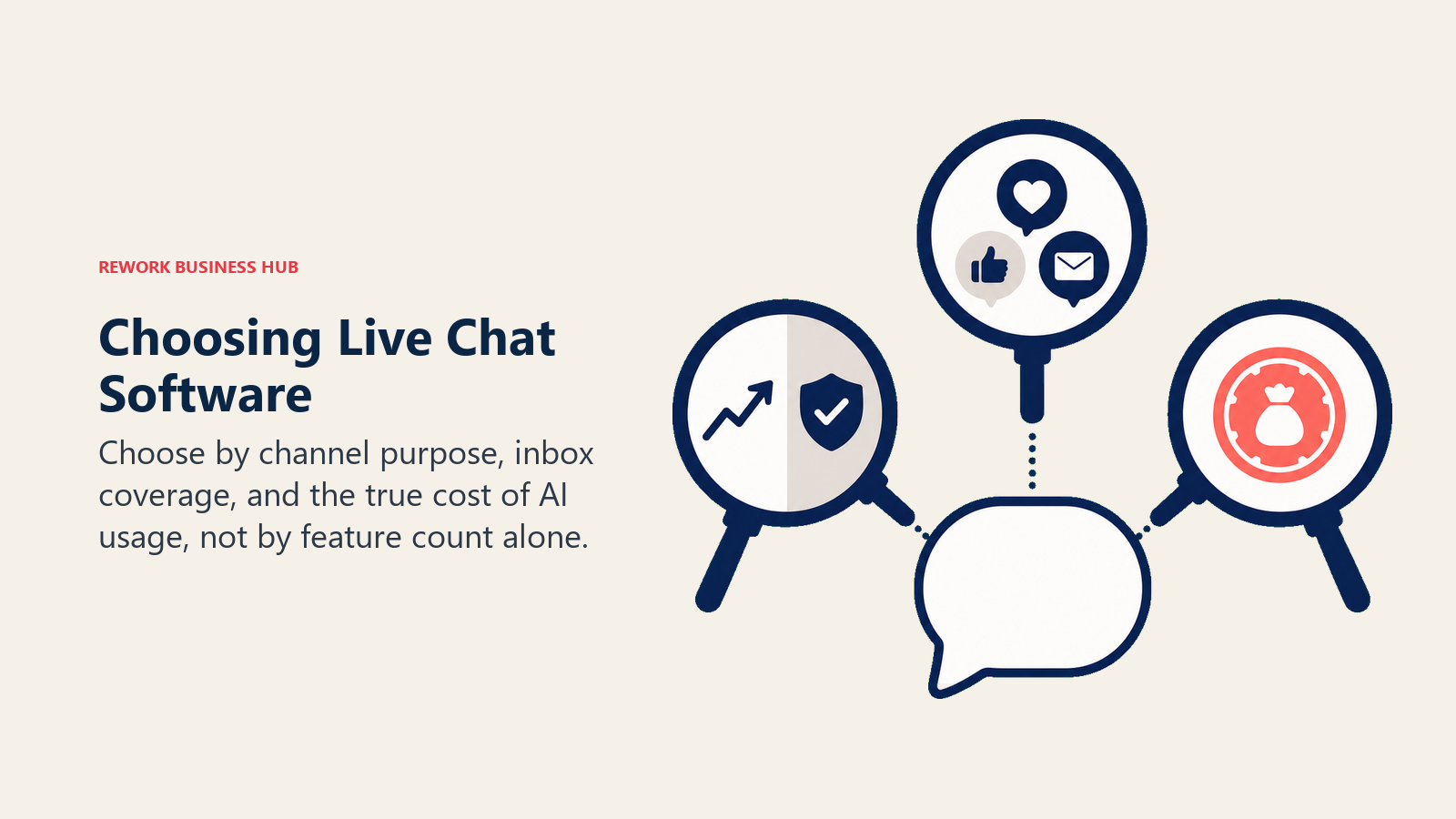
- Is chat primarily a sales channel or a support channel? Sales-led chat (qualifying visitors, booking meetings, routing to reps) needs CRM sync and lead routing. Support-led chat (resolving tickets, deflecting volume) needs AI deflection and SLA tooling. A few tools do both reasonably well; most are built for one and bolt on the other. The stakes are real: buyers who chat before purchasing spend 60% more, per a Bold360 benchmark study cited by Forrester, so getting the sales-versus-support call right shows up directly in revenue.
- How many channels beyond your website need to be in the same inbox? If your customers live on WhatsApp, Instagram DM, or Messenger as much as web chat, a single-channel widget forces you to run parallel tools. Respond.io and Rework are built multi-channel from the ground up; most of this list starts with the website widget and adds channels later, if at all. That gap matters more every year: 74% of consumers now expect customer service to be available 24/7, according to the Zendesk CX Trends 2026 report, and a single-channel widget with business-hours coverage falls short of that bar fast.
- What's your actual AI budget, not the number on the pricing page? Nearly every vendor now advertises "AI included," but the fine print matters. Tidio's Lyro caps at 50 conversations total before you're paying $749/mo. HelpCrunch caps AI at 50 conversations a month until the $620/mo tier. Intercom's Fin bills $0.99 per resolution on top of seat cost. Budget for the AI add-on, not just the base seat price, or your first invoice will be a surprise.
Framework: By Primary Use Case
| Use Case | What Matters Most | Best Fits |
|---|---|---|
| Support ticket deflection at scale | Deep AI resolution, SLA management | Zendesk, Intercom, Freshchat |
| Sales qualification + meeting booking | CRM sync, lead routing, pipeline visibility | Rework, Intercom, (legacy) Drift |
| Multi-channel messaging (WhatsApp, IG, Messenger) | Unified inbox across social + chat | Rework, Respond.io |
| E-commerce order support | Order lookups, returns, revenue attribution | Gorgias, Tidio |
| Budget-first small team | Free tier, low seat cost | tawk.to, Crisp, HubSpot Live Chat |
| Already inside a bigger suite | Native integration with existing tools | Freshchat (Freshworks), HubSpot (HubSpot CRM) |
| Simple, accessible chat with no frills | Fast install, no add-on stacking | Olark, LiveChat |
Framework: By Team Size
| Team Size | What You Need | Best Fits |
|---|---|---|
| 1-5 people | Free or near-free, fast setup | tawk.to, Crisp, HubSpot Live Chat, Tidio |
| 6-20 people | Structured routing, some AI | LiveChat, Olark, Freshchat, Gorgias |
| 20-100 people | Chat tied to CRM or ticketing depth | Rework, Intercom, Freshchat |
| 100-500 people | Unified data across sales, support, and CS | Rework, Intercom, Zendesk |
| 500+ people | SLA governance, deep customization | Zendesk, Intercom Expert |
Stage Fit Matrix
| Tool | Early-Stage Startup | Growth SMB | Mid-Market | Enterprise |
|---|---|---|---|---|
| Intercom | Limited (cost) | Yes | Yes | Yes |
| Rework | No (5-seat minimum) | Yes | Yes (sweet spot) | Possible |
| Drift | No (sunset in progress) | No | No | Legacy accounts only |
| Tidio | Yes | Yes | Limited | No |
| LiveChat | Yes | Yes | Yes | Yes |
| Crisp | Yes | Yes | Limited | No |
| Freshchat | Yes | Yes | Yes | Yes |
| Olark | Yes | Yes | Limited | No |
| tawk.to | Yes | Yes | Limited | No |
| HelpCrunch | Yes | Yes | Limited | No |
| Gorgias | No (e-commerce only) | Yes (Shopify) | Yes (Shopify) | Limited |
| Respond.io | Yes | Yes | Yes | Possible |
| Zendesk | No (overkill) | Limited | Yes | Yes |
| HubSpot Live Chat | Yes (free tier) | Yes | Yes | Limited |
Sizing and Persona Table
| Tool | Ideal Team Size | Primary Buyer Persona |
|---|---|---|
| Intercom | 20-1,000 employees | Head of Customer Success, VP Support, Product Ops |
| Rework | 20-500 employees | COO, Head of Support, VP Sales, RevOps |
| Drift | 200+ (legacy accounts) | VP Sales, Demand Gen (new buyers should look elsewhere) |
| Tidio | 1-50 employees | E-commerce founder, Shopify store owner |
| LiveChat | 5-200 employees | Support Manager, Ops Lead |
| Crisp | 1-50 employees | Startup founder, small support team lead |
| Freshchat | 10-500 employees | Support Director already on Freshworks |
| Olark | 1-50 employees | Small business owner, Support Manager |
| tawk.to | 1-30 employees | Solo founder, budget-constrained team |
| HelpCrunch | 5-100 employees | SMB Support Lead, CX Manager |
| Gorgias | 1-200 employees | E-commerce Manager, Head of Support (Shopify) |
| Respond.io | 5-200 employees | Sales Manager, WhatsApp-first support team |
| Zendesk | 50-2,000+ employees | VP Support, IT Director, Enterprise CX leader |
| HubSpot Live Chat | 1-500 employees | Marketing/Sales lead already on HubSpot CRM |
1. Intercom: Deepest AI Support at a Price
Intercom's philosophy is that support should feel like a product experience, not a ticket queue. Fin AI, its resolution engine, reads product context to answer complex queries, not just FAQ matches. It's the most capable AI on this list for genuinely hard support questions.
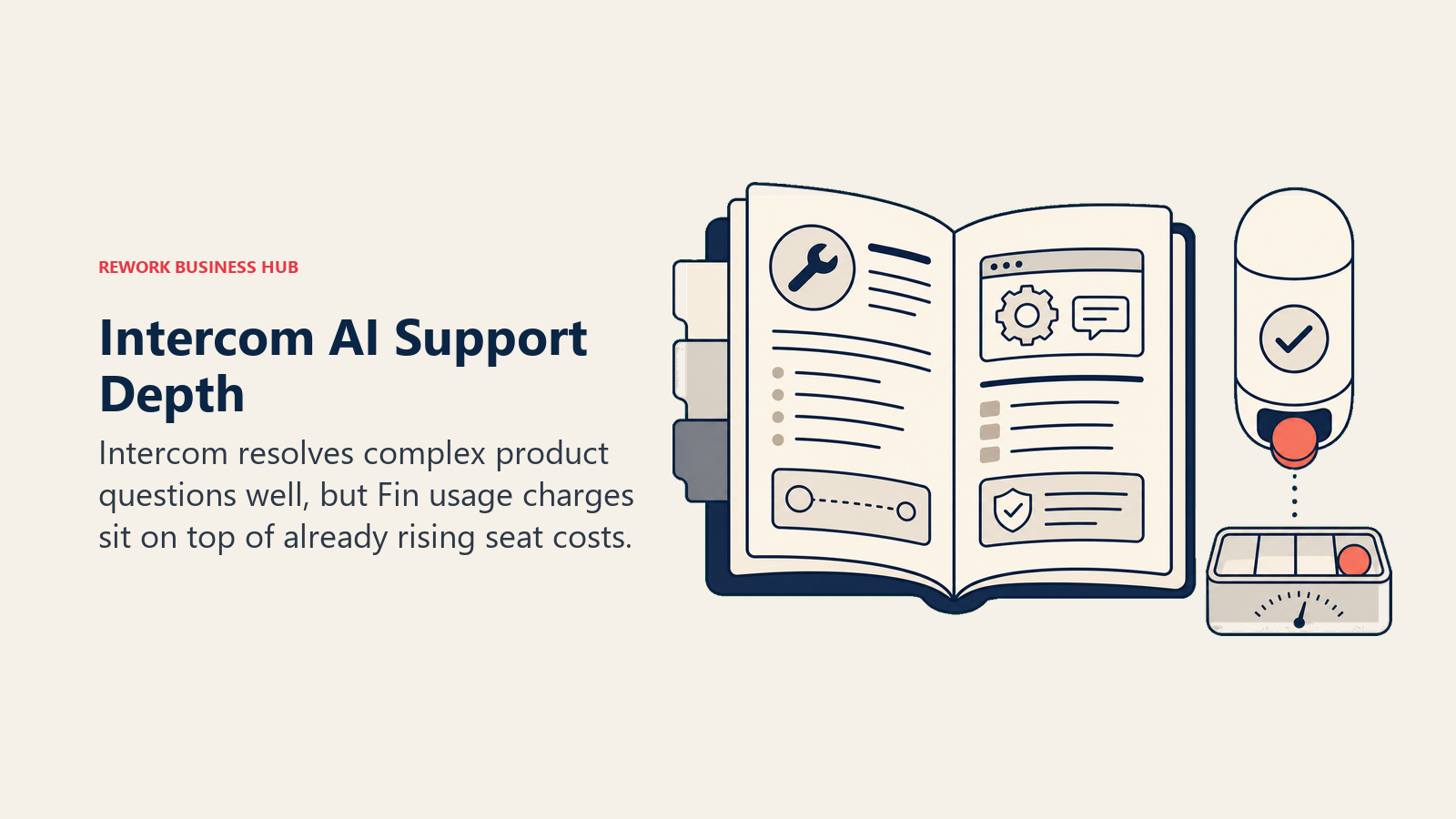
The catch is the pricing structure. Essential runs $29/seat/month annually and gets you the shared inbox and basic automation, but Fin AI resolutions bill separately at $0.99 each on top of seats. Advanced ($85/seat/month) and Expert ($132/seat/month) add routing rules, SLA management, and CSAT, and the jump between tiers is steep. For a full breakdown of what else covers similar ground, see our best Intercom alternatives guide.
| What you get | What you don't |
|---|---|
| Fin AI resolves complex, product-aware queries | Fin AI bills $0.99 per resolution on top of seat cost |
| Deep product tours and in-app messaging | Advanced/Expert tiers jump to $85-$132/seat fast |
| Mature automation and routing rules | Pricing structure is genuinely hard to forecast |
| Large integration ecosystem | Overkill for teams that just need a simple widget |
Pricing: Essential $29/seat/mo, Advanced $85/seat/mo, Expert $132/seat/mo (annual billing); Fin AI resolutions billed separately at $0.99 each.
Best for: Product-led SaaS companies with high support volume and the budget to pay for AI depth.
2. Rework: Chat Unified With CRM and Lead Ops
Rework's live chat isn't sold as a standalone widget. It's one channel inside a broader multi-channel inbox that also carries WhatsApp, Messenger, Instagram DM, TikTok, Telegram, LINE, and Zalo, all landing in the same contact timeline as the CRM record and lead pipeline. That's a different bet than most of this list makes: instead of building the deepest possible chat widget and bolting on integrations, Rework starts from the assumption that a chat conversation and a sales deal are the same data, not two systems stitched together.
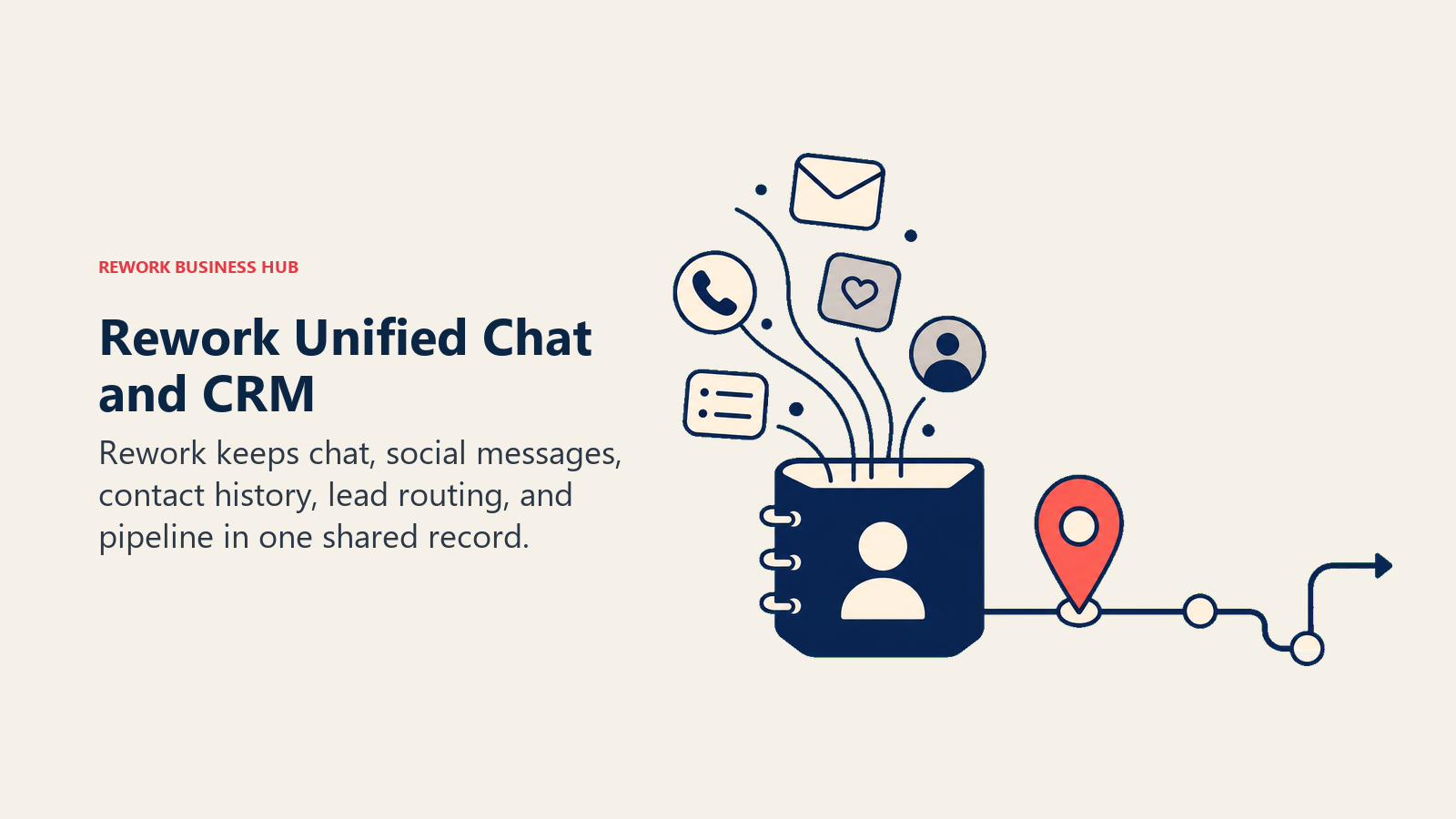
For teams that are honest with themselves, this isn't the pick if the job is purely "resolve support tickets as fast and cheaply as possible" at high volume. Zendesk and Intercom have deeper AI deflection and SLA tooling built specifically for that. But for teams where chat conversations regularly turn into leads, deals, or account context that sales and support both need to see, routing chat through a separate point tool creates the exact handoff gap Rework is built to close.
| What you get | What you don't |
|---|---|
| Chat, WhatsApp, Messenger, IG DM, Telegram, and Zalo in one contact timeline | AI agents still in beta; not the deepest live chat AI on this list |
| Lead routing and scoring built on the same data as the conversation | No email, SMS or voice in the inbox; no ticketing depth for large support orgs |
| Cross-team visibility between sales and support on one record | 5-seat minimum, not built for solo operators |
| Mid-size pricing without a "contact sales" wall | Smaller chat-specific integration ecosystem than Intercom or LiveChat |
Pricing: Revenue Engine (CRM, omnichannel inbox and lead capture) is $159/month billed yearly ($1,908/year) or $190 month to month, with 5 marketing and 5 sales seats included. Extra seats come in blocks of 5 ($21/month per block on yearly billing). 14-day free trial. See rework.com/pricing.
Best for: 20-500 person teams where chat conversations regularly need to become pipeline, not just resolved tickets, especially in B2B SaaS, real estate, education, and e-commerce.
3. Drift: Legacy ABM Chat, Being Wound Down
Drift built the conversational marketing category: qualify website visitors with bots, book sales meetings without forms, route warm leads straight to reps. For B2B companies with strong inbound traffic and dedicated SDR teams, that playbook worked well for years.
It's worth saying plainly: Drift is not a safe new purchase in 2026. Since the Salesloft acquisition, pricing sits in the $2,500-$3,500/month range with no public pricing page, and in March 2026 Salesloft announced Drift's gradual sunset, naming 1mind as its designated AI successor. If you're currently on Drift, plan a migration. If you're shopping fresh, this list has better options. See our best Drift alternatives guide for where Drift customers are actually moving.
| What you get | What you don't |
|---|---|
| Intent-based routing and ABM meeting booking (while it lasts) | Officially in sunset as of March 2026 |
| Historically strong Salesforce-native integration | No public pricing; custom quote only |
| Account-level targeting for enterprise pipeline | Not a safe long-term platform bet for new buyers |
Pricing: $2,500-$3,500/month (Premium tier), custom quote required, no public pricing page.
Best for: Nobody starting fresh. Existing customers should be actively evaluating a replacement.
4. Tidio: Fast AI Chat for Small E-Commerce
Tidio's bet is speed: a small store or solo founder can have Lyro AI answering product questions within an afternoon, no developer required. For lean e-commerce teams, that setup speed is the whole value proposition.
The wall shows up fast. Lyro AI is capped at 50 total conversations (not per month, total) on the Free and Starter plans. Growth runs $59/month but still requires a separate Lyro add-on. To get meaningful AI volume without nickel-and-diming, you're looking at the $749/month Plus plan, a steep jump with nothing in between. Our best Tidio alternatives guide covers what fills that gap.
| What you get | What you don't |
|---|---|
| Fast setup, no developer needed | Lyro AI caps at 50 total conversations on entry tiers |
| Strong Shopify and e-commerce integrations | 12x price jump from Growth ($59) to Plus ($749) |
| Clean, simple interface | Thin for B2B or complex multi-team sales flows |
Pricing: Free; Starter $29/mo; Growth $59/mo; Plus from $749/mo.
Best for: Small e-commerce storefronts and solo founders wanting AI chat running same-day.
5. LiveChat: The Proven, No-Frills Baseline
LiveChat has been around since 2002, and it's built its reputation on being reliable rather than flashy. The chat experience itself is polished, the reporting is genuinely deep for a chat-first tool, and the 200+ integration library covers most of what a support team needs to connect it to existing workflows.
What it doesn't do is give you a CRM or an AI chatbot natively. ChatBot.com, its AI product, is a separate subscription with its own pricing. If you want a tool that folds CRM and chatbot into one bill, look elsewhere on this list; if you want a chat layer you plug into tools you already run, LiveChat does that reliably. See our best LiveChat alternatives guide for the fuller comparison.
| What you get | What you don't |
|---|---|
| Mature, reliable chat experience since 2002 | No native CRM |
| 200+ integrations | AI chatbot (ChatBot.com) is a separate paid product |
| Strong reporting for a chat-first tool | Per-agent pricing climbs at scale ($19-$59+/agent/mo) |
Pricing: Starter $19/agent/mo, Team ~$41/agent/mo, Business ~$59/agent/mo (all annual); Enterprise custom.
Best for: Support teams wanting a proven chat layer without native CRM ambitions.
6. Crisp: Flat Workspace Pricing, Not Per-Seat
Crisp's pitch is refreshingly simple: pay per workspace, not per agent. That flat-rate model makes Crisp genuinely predictable for startups that expect to add support staff without their software bill growing in lockstep.
The tradeoff shows up in the AI ceiling. Essentials ($95/month) caps AI usage at 50 uses a month; unlimited AI requires the $295/month Plus plan. For teams that are AI-light and headcount-heavy, the workspace model wins. For teams leaning hard on AI early, it can flip the other way. Our best Crisp alternatives guide covers both directions.
| What you get | What you don't |
|---|---|
| Flat per-workspace pricing, not per-seat | AI capped at 50 uses/month until the $295/mo Plus plan |
| Free tier with 2 seats included | Fewer enterprise controls than Intercom or Zendesk |
| Clean UX, fast onboarding | CRM layer is lightweight |
Pricing: Free (2 seats); Mini $45/mo (4 seats); Essentials $95/mo (10 seats); Plus $295/mo (20+ seats); extra agents $10/mo each.
Best for: Startups that want predictable, headcount-agnostic pricing.
7. Freshchat: Best Value Inside the Freshworks Stack
Freshchat's value proposition only really makes sense in context: if you're already running Freshdesk for tickets or Freshsales as your CRM, the messaging layer slots in cleanly and Freddy AI reads from data you already have. The Growth plan at $19/agent/month is genuinely fair pricing inside that ecosystem.
Outside Freshworks, the calculation changes. You're paying for integration depth you're not using, and AI features on lower tiers are capped and gated behind the $49/agent/month Pro plan. See best Freshchat alternatives if you're evaluating from outside the Freshworks world.
| What you get | What you don't |
|---|---|
| Free tier for up to 10 agents | Best value locked to teams already in Freshworks |
| Freddy AI tied to existing support/sales data | AI features and automation gated behind Pro ($49/agent/mo) |
| Native Freshdesk and Freshsales sync | Seat-based pricing climbs on support-heavy teams |
Pricing: Free (10 agents); Growth $19/agent/mo; Pro $49/agent/mo; Enterprise $79/agent/mo (annual).
Best for: Teams already running Freshdesk or Freshsales.
8. Olark: Simple, Accessible, and Add-On Heavy
Olark has been live since 2009, and it's one of the most genuinely accessible chat widgets on the market, built with ADA compliance in mind from the start. Installation is dead simple, and for a small team that just needs a chat box on the website, it works exactly as advertised.
The catch is that almost everything beyond basic chat is a separately billed PowerUp: visitor cobrowsing ($99/month), non-branded chatbox ($59/month), visitor insights ($59-99/month). What looks like a $29/agent/month tool can quietly become $150+/month once you add the features most teams actually want. Our best Olark alternatives guide breaks down the real all-in cost.
| What you get | What you don't |
|---|---|
| ADA-accessible interface | Nearly every real feature is a separate PowerUp ($29-99/mo each) |
| Dead-simple install | No native AI chatbot in the base plan |
| Reliable uptime, straightforward reporting | Dated UI compared to newer entrants |
Pricing: Standard $29/agent/mo (month-to-month), $23/agent/mo annual; PowerUps $29-99/mo each; Pro from ~$100/agent/mo.
Best for: Small teams wanting simple, accessible chat and willing to pay per feature.
9. tawk.to: Genuinely Free, With Real Limits
tawk.to's whole pitch is that it's actually free: unlimited agents, unlimited properties, no credit card, no seat cap. For a solo founder or a tiny site that just needs a chat box in the corner, nothing on this list beats that math.
The limits are real but narrow: removing tawk.to branding costs roughly $19-39/month per property, and AI Assist (24/7 automated chat, agent suggestions) starts at $29/month for 1,000 messages, scaling to $399/month at higher volume. There's no native CRM. For budget-first teams that don't need either of those, tawk.to genuinely delivers. See best tawk.to alternatives for what to consider once you outgrow it.
| What you get | What you don't |
|---|---|
| Truly free core product, unlimited agents | Branding removal and AI Assist both cost extra |
| No seat caps or conversation limits | No native CRM or pipeline view |
| Straightforward, no-nonsense setup | Support and polish trail paid competitors |
Pricing: Free (core product, unlimited agents); Remove Branding from ~$19/mo; AI Assist from $29/mo.
Best for: Solo operators and budget-constrained small teams.
10. HelpCrunch: Chat, Email, and Knowledge Base Bundled
HelpCrunch's bet is that small teams shouldn't need three separate subscriptions for chat, email marketing, and a knowledge base. At $15/user/month for the Basic plan, it bundles a shared inbox, chat widget, and knowledge base with an AI editor into one clean, affordable package.
The AI ceiling arrives quickly: the Pro plan caps AI-driven conversations at 50/month, and getting past that requires the $620/month flat-rate Unlimited plan, still capped at 100 AI chats before add-on billing kicks in. For teams that are light on AI and heavy on channel bundling, HelpCrunch is a strong value play. See best HelpCrunch alternatives for teams that need more AI headroom.
| What you get | What you don't |
|---|---|
| Chat, email, and knowledge base bundled at low per-seat cost | AI capped at 50 conversations/month on Pro |
| Clean, easy-to-configure interface | Unlimited plan jumps to $620/mo flat |
| Omnichannel inbox (Telegram, Facebook, Instagram, Viber) | Narrower integration ecosystem than Intercom or Zendesk |
Pricing: Basic $15/user/mo; Pro $25/user/mo; Unlimited $620/mo flat (billed monthly; annual saves ~20%).
Best for: SMBs wanting chat, email, and a knowledge base in one affordable bundle.
11. Gorgias: Built for Shopify, Priced by Ticket
Gorgias is the default first helpdesk for D2C e-commerce brands, and it earned that spot: deep Shopify and BigCommerce integrations, order-aware macros, and revenue-from-support attribution that shows exactly how much support conversations turn into sales.
The pricing model is the thing to understand before you commit. Gorgias charges per ticket, starting at $50/month for 300 tickets on Basic and scaling to $900/month for 5,000 tickets on Advanced, with $0.40 overage per extra ticket. For fast-growing brands, that bill compounds with every marketing campaign, not with headcount. See best Gorgias alternatives if ticket-based pricing doesn't fit your growth curve.
| What you get | What you don't |
|---|---|
| Deep Shopify and BigCommerce integration | Priced per ticket, not seats; scales with marketing spend |
| Order-aware macros, revenue attribution | Built for e-commerce only, not B2B or SaaS |
| Unlimited agents on ticket-based plans | No native SLA management |
Pricing: Basic $50/mo (300 tickets); Advanced $900/mo (5,000 tickets); $0.40/ticket overage.
Best for: Shopify and e-commerce brands with order-heavy support volume.
12. Respond.io: Multi-Channel Messaging for WhatsApp-First Teams
Respond.io's differentiator is channel breadth: WhatsApp Business API, Messenger, Instagram DM, Telegram, and Viber all land in one inbox alongside a workflow automation builder. For teams whose customers live on messaging apps rather than a website widget, that's a real advantage most chat-first tools don't offer.
The pricing model takes getting used to: plans start around $79/month (Starter, 5 users) and scale on Monthly Active Contacts, not just seats, which makes forecasting harder as conversation volume grows. The CRM layer underneath the messaging is also shallow relative to what you're paying. See best Respond.io alternatives for tools with simpler pricing.
| What you get | What you don't |
|---|---|
| WhatsApp Business API, Messenger, IG DM, Telegram, Viber in one inbox | Pricing scales on Monthly Active Contacts, hard to forecast |
| Workflow automation builder | CRM depth is shallow given the price |
| Strong fit for messaging-app-first markets | Steep learning curve for a messaging tool |
Pricing: Starter from $79/mo (5 users); Growth $159/mo; Advanced $279/mo; Enterprise custom (billed monthly; annual saves 20%).
Best for: Teams whose customers primarily communicate via WhatsApp, Messenger, or Telegram.
13. Zendesk: Enterprise Ticketing and SLA Depth
Zendesk's chat and messaging module sits inside its broader support suite, and that suite is built for organizations that need real SLA management, deep routing logic, and reporting that satisfies a VP of Support at a 2,000-person company. Nothing on this list matches Zendesk's ticketing depth.
That depth costs real money. Suite Team starts at $55/agent/month annually, Suite Growth runs $89, and Suite Professional (where most of the serious automation lives) hits $115/agent/month, with Copilot AI adding another $50/agent/month on top. A 20-person team on Suite Professional plus Copilot is looking at well over $30,000/year before implementation. See best Zendesk alternatives for teams that don't need that much depth.
| What you get | What you don't |
|---|---|
| Deepest ticketing, SLA, and reporting engine here | Suite Professional runs $115/agent/mo; Copilot adds $50/agent/mo |
| Mature omnichannel routing | Heavy to configure for small teams |
| Enterprise-grade governance and permissions | Overkill if you only need a website chat widget |
Pricing: Suite Team $55/agent/mo, Suite Growth $89/agent/mo, Suite Professional $115/agent/mo (annual); Enterprise + Copilot custom quote.
Best for: Enterprise and mid-market support organizations with complex ticketing and SLA requirements.
14. HubSpot Live Chat: Free and CRM-Native, If You're Already There
HubSpot's live chat sits on top of the free CRM, and for teams already running HubSpot, that's the whole appeal: conversations, contacts, and deals share one database without connecting a separate chat tool. The free tier (2 users) includes the widget, a shared inbox, and rule-based chatflows, no credit card required.
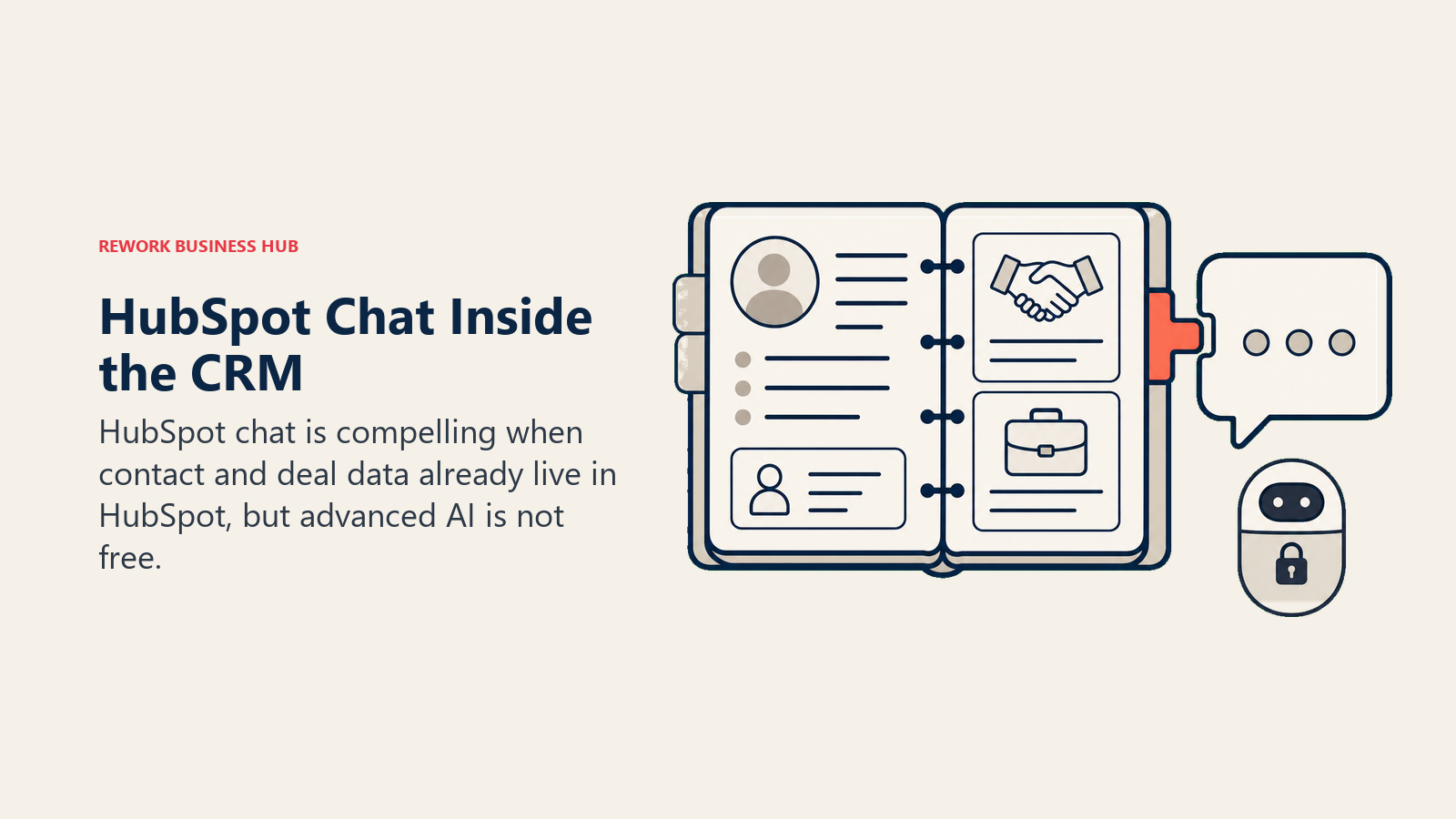
The AI ceiling is where it stops being free. Anything AI-driven, HubSpot's Breeze Customer Agent, is locked behind Service Hub Professional and above, which is a meaningfully bigger commitment than "free chat." For teams not already on HubSpot CRM, adopting it just for chat rarely makes sense.
| What you get | What you don't |
|---|---|
| Free tier, no credit card, ties into existing HubSpot data | AI-driven chat (Breeze) requires Service Hub Professional+ |
| Rule-based chatflows included on free/starter | Basic chat alone without CRM context if you're new to HubSpot |
| No extra tool needed if you already run HubSpot CRM | Not worth adopting for chat alone |
Pricing: Free (2 users, live chat + rule-based chatflows); AI features require Service Hub Professional and above (contact HubSpot for current Hub pricing).
Best for: Teams already running HubSpot CRM who want chat without adding another vendor.
Live Chat Buying Mistakes to Avoid
Even dedicated chat tools don't automatically solve response speed. SuperOffice's original study of 1,000 companies found that 21% of live chat requests go unanswered entirely, with an average wait of 2 minutes 40 seconds for the ones that do get a reply. Speed doesn't guarantee satisfaction either: global CSAT across rated live chat conversations averages just 64.2%, per LiveChat's Customer Service Report, meaning more than a third of rated chats still leave the customer unhappy. The mistakes below are why.
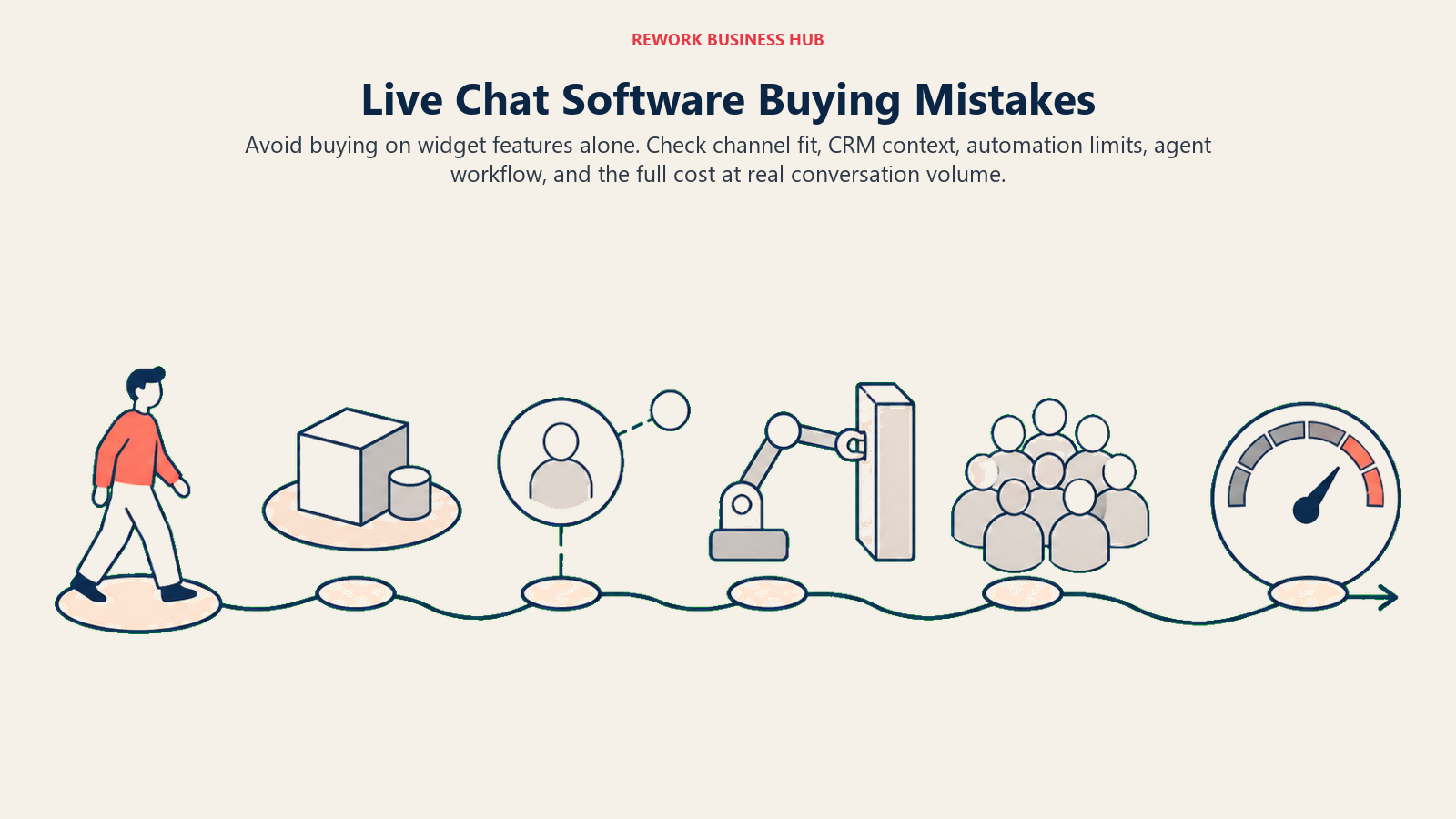
| Mistake | What It Looks Like | What to Do Instead |
|---|---|---|
| Comparing the base seat price only | Picking the cheapest per-agent number, then getting surprised by AI add-on billing | Price out AI usage at your real conversation volume before comparing |
| Buying a chat-only tool when the job is sales | Choosing a support-first tool, then bolting on CRM sync with Zapier | Identify whether chat's primary job is sales or support before shortlisting |
| Ignoring per-ticket or per-contact pricing models | Assuming Gorgias or Respond.io price like per-seat tools | Model your growth curve, not just current headcount, against usage-based pricing |
| Betting on a platform mid-sunset | Renewing Drift without checking its post-Salesloft roadmap | Check vendor roadmap and ownership changes before a multi-year commitment |
| Splitting chat and CRM across tools | Running LiveChat plus a separate CRM plus a Zapier bridge | Prioritize platforms where the conversation and the customer record live in one place |
| Underestimating PowerUp/add-on stacking | Budgeting $29/agent/month, paying $150+/month once real features are added | Read the full pricing page, not just the homepage number, before budgeting |
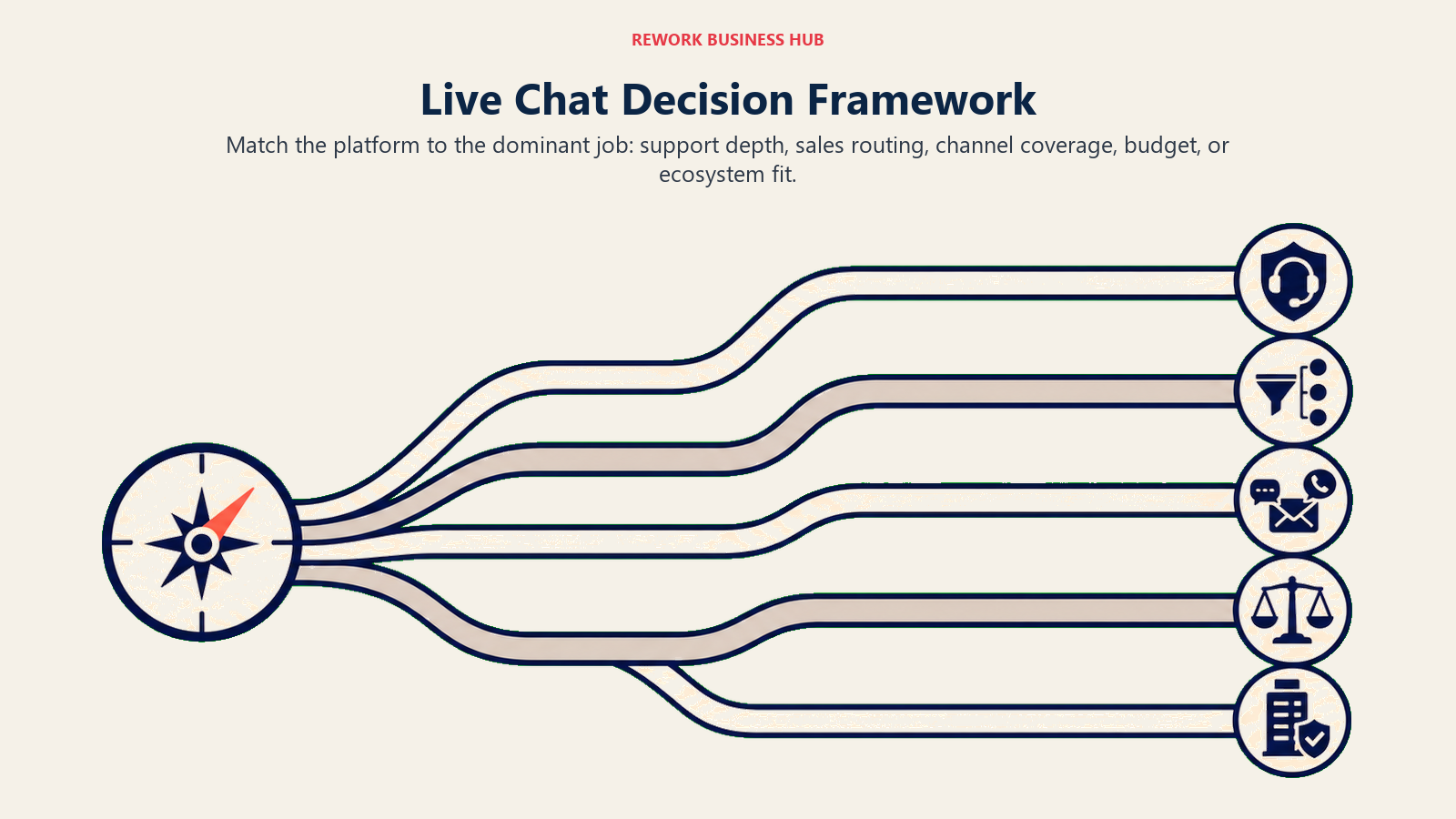
Decision Framework
| If you need... | Pick... | Why |
|---|---|---|
| The deepest AI for complex support queries | Intercom | Fin AI reads product context; best resolution quality on this list |
| Chat unified with CRM and lead routing, not a standalone widget | Rework | Conversations land in the same record as pipeline; no stitching required |
| A proven, no-frills chat layer with strong integrations | LiveChat | 200+ integrations, mature reporting, since 2002 |
| Fast AI chat for a small e-commerce store | Tidio | Same-day setup; Lyro AI handles common product questions |
| Flat, predictable pricing that doesn't scale with headcount | Crisp | Per-workspace pricing instead of per-seat |
| Deep Freshworks ecosystem integration | Freshchat | Freddy AI reads existing Freshdesk/Freshsales data |
| Simple, accessible chat with no AI ambitions | Olark | ADA-accessible, dead-simple install |
| Completely free chat with no seat caps | tawk.to | Genuinely free core product, unlimited agents |
| Chat, email, and knowledge base bundled affordably | HelpCrunch | Omnichannel inbox at $15/user/month |
| Shopify or e-commerce order-aware support | Gorgias | Order-aware macros, revenue attribution, deep Shopify integration |
| WhatsApp, Messenger, or Telegram-first customer base | Respond.io | Unifies messaging-app channels in one inbox |
| Enterprise-grade ticketing, SLA, and reporting | Zendesk | Deepest ticketing engine on this list |
| Free chat inside a CRM you already run | HubSpot Live Chat | No extra vendor if you're already on HubSpot CRM |
Frequently Asked Questions about Live Chat Software
What is the best live chat software in 2026?
There's no single best live chat tool for everyone. Intercom leads on AI depth for support, Zendesk wins enterprise ticketing, Gorgias owns Shopify support, tawk.to and Crisp cover free and budget tiers, and Rework fits teams that want chat unified with CRM and lead routing rather than a standalone widget.
What is the best free live chat software?
tawk.to is the most genuinely free option, with unlimited agents and no seat caps. Crisp and HubSpot Live Chat also offer usable free tiers (2 seats each), though both gate AI features and advanced automation behind paid plans.
How much does live chat software cost in 2026?
Entry pricing ranges from free (tawk.to, Crisp, HubSpot) to $15-29 per seat per month for most SMB tools (HelpCrunch, LiveChat, Olark, Intercom Essential). Enterprise platforms like Zendesk Suite Professional run $115/agent/month, and AI add-ons (Fin, Copilot, Lyro) typically cost extra on top of the base seat price.
Which live chat tool has the best AI?
Intercom's Fin AI has the deepest resolution quality for complex, product-aware queries, but it bills $0.99 per resolution on top of seat cost. For AI on a budget, weigh the conversation caps carefully: Tidio, Crisp, and HelpCrunch all gate meaningful AI volume behind a jump to a much higher tier.
Is Drift still worth buying in 2026?
No. Salesloft announced Drift's gradual sunset in March 2026 and named 1mind as its designated AI successor. Existing Drift customers should be actively evaluating a replacement rather than renewing.
What's the best live chat software for Shopify or e-commerce?
Gorgias is purpose-built for Shopify and BigCommerce, with order-aware macros and revenue-from-support attribution. Tidio is a lighter, cheaper option for smaller storefronts that don't need Gorgias's ticket-based pricing depth.
Should live chat be part of my CRM or a separate tool?
It depends on what chat is for. If conversations regularly turn into sales pipeline or need shared visibility across sales and support, a CRM-linked option like Rework or HubSpot Live Chat avoids the handoff gap of a separate tool. If chat is purely support deflection, a dedicated tool like Zendesk or Intercom will out-feature any CRM's native chat.
What's the best live chat software for a small team on a budget?
tawk.to for zero budget, Crisp for a flat predictable price as you add agents, and Olark if you want simple, accessible chat and don't mind paying for PowerUps individually as you need them.
What to Do Next
Narrow your list to two tools before scheduling a demo. Use the framework tables above to eliminate options that don't match your primary use case (sales versus support), your channel mix, and your real AI budget, not the number on the homepage. Then run a two-week pilot with real conversations and real agents. The tool your team actually uses is the one that wins, not the one with the longest feature list.
If you're running a 20-500 person team where chat conversations regularly need to become pipeline, not just resolved tickets, and you want the conversation and the customer record living in one place instead of stitched together with Zapier, put Rework on that two-tool shortlist. If chat is mainly support deflection, Intercom is the stronger starting point.

Senior Implementation Consultant
On this page
- Quick Comparison Table
- How to Choose Live Chat Software in 2026
- Framework: By Primary Use Case
- Framework: By Team Size
- Stage Fit Matrix
- Sizing and Persona Table
- 1. Intercom: Deepest AI Support at a Price
- 2. Rework: Chat Unified With CRM and Lead Ops
- 3. Drift: Legacy ABM Chat, Being Wound Down
- 4. Tidio: Fast AI Chat for Small E-Commerce
- 5. LiveChat: The Proven, No-Frills Baseline
- 6. Crisp: Flat Workspace Pricing, Not Per-Seat
- 7. Freshchat: Best Value Inside the Freshworks Stack
- 8. Olark: Simple, Accessible, and Add-On Heavy
- 9. tawk.to: Genuinely Free, With Real Limits
- 10. HelpCrunch: Chat, Email, and Knowledge Base Bundled
- 11. Gorgias: Built for Shopify, Priced by Ticket
- 12. Respond.io: Multi-Channel Messaging for WhatsApp-First Teams
- 13. Zendesk: Enterprise Ticketing and SLA Depth
- 14. HubSpot Live Chat: Free and CRM-Native, If You're Already There
- Live Chat Buying Mistakes to Avoid
- Decision Framework
- What to Do Next