Best ThoughtSpot Alternatives in 2026: 14 Analytics Tools for Every Budget and Data Stack
Turn this article into takeaways for your work.


Each assistant summarizes the article only for you and suggests best practices for your work.
If your team already lives in Microsoft 365, Power BI is the pragmatic default; if the real job is embedding branded analytics inside your own product, Sisense fits it better than any internal reporting tool ever will; and if you want business users clicking through relationships instead of typing a question, Qlik Cloud Analytics is the closest thing to ThoughtSpot's self-service ambition built on a completely different engine. Those three sit at the top of the field below because they answer the three most common reasons a ThoughtSpot shortlist gets reopened.
ThoughtSpot itself is one of the more transparent vendors in this whole category. Gartner named it a Leader in the 2026 Magic Quadrant for Analytics and Business Intelligence Platforms, the only independent, non-hyperscaler-owned vendor to land in that quadrant, and it repriced its entry tier this year to a straight per-user rate instead of the flat bundle older comparisons still cite. So the reason teams shop for alternatives usually isn't opacity. It's a specific fit question: does your organization actually want a search-first interface, or would business users rather click through an associative model, sit in a spreadsheet on the warehouse, or just open a dashboard someone else already built.
Key Facts
- Gartner named ThoughtSpot a Leader in the 2026 Magic Quadrant for Analytics and Business Intelligence Platforms, the only independent (non-hyperscaler-owned) vendor in the Leaders quadrant, citing Spotter's conversational analytics, external semantic layer connectivity, and agent workflow orchestration, per ThoughtSpot's July 2026 announcement.
- ThoughtSpot replaced its old flat "$95 a month for 20 users" Essentials bundle with straight per-user pricing at $25 a user a month billed annually in 2026, per ThoughtSpot's own pricing page. Any figure you remember for this vendor from more than a year ago is very likely wrong.
- Generative AI is now used in at least one business function at 70% of organizations, per Stanford's 2026 AI Index. A search-first BI tool like ThoughtSpot is a direct bet on that shift continuing inside analytics specifically.
- Nearly two-thirds of BI and analytics teams say AI has either accelerated or refocused their planning, and 50% now rate their own AI maturity as advanced or intermediate, according to Dresner Advisory's 17th Edition Business Intelligence Market Study, published in 2026.
- Gartner named Qlik a Leader in the same 2026 Magic Quadrant for the sixteenth consecutive year, per Qlik's own press release. Category leadership at a very different pricing model is a real part of the pull away from a search-first tool.
Quick Comparison Table
| Tool | Best For | Starting Price | Key Strength | Key Limitation |
|---|---|---|---|---|
| Microsoft Power BI | Teams already living in Microsoft 365 | Free (personal); Pro $14.00/user/mo billed annually | Deepest Excel, Teams and Fabric integration of any tool here | Real governed sharing at scale needs Fabric capacity, priced separately |
| Tableau | Teams that want the deepest visual analytics craft | Creator $75, Explorer $42, Viewer $15/user/mo, billed annually (Standard edition) | Best-in-class visual exploration and a huge community of built techniques | Creator seats get expensive fast across a large analyst team |
| Looker (Google Cloud) | Teams standardizing a single governed semantic layer (LookML) | No published price; quote-only, annual commitment | One modeling layer serves dashboards, embedding and AI agents alike | No self-serve entry point; every deployment starts with a sales call |
| Qlik Cloud Analytics | Teams that want associative, not query-based, exploration | Starter $300/mo (10 users, 10GB), billed annually | Associative engine surfaces relationships a search box would still need typed out | Capacity based; growth means buying more GB, not more seats |
| Sisense | Product teams embedding analytics into their own app | No published price (Self-Serve trial or Enterprise) | Built from the ground up for white-label, embedded BI | Zero pricing signal anywhere on the public site |
| Domo | Teams that want ETL, warehouse and BI under one login | No published price; free seats, consumption credits instead | One platform instead of four separate tools | Consumption credits are genuinely harder to forecast than a per-user rate |
| Metabase | Small teams that want a real free, self-hosted option | Free (self-hosted, unlimited users); Cloud Starter $100/mo, or $90/mo billed annually | Genuinely free open-source edition, not a crippled trial | The free tier is self-hosted only; Cloud starts paid from day one |
| Zoho Analytics | SMBs wanting an always-free plan plus room to grow | Always-free (2 users, 10,000 rows); paid from $25/mo | Real free tier plus a full paid ladder inside one product | Row and user caps climb fast once you're past the free plan |
| Amazon QuickSight | Teams already deep in the AWS data stack | Author $24, Reader $3/user/mo, plus a $250/mo account fee once Pro features are on | Pay-per-session Reader pricing fits huge, occasional-viewer audiences | A flat per-account infrastructure fee applies before you've added a single Pro user |
| Sigma Computing | Teams that want a literal spreadsheet interface on the warehouse | No published price (trial and demo only) | Writes back to the warehouse; no separate BI extract to maintain | No pricing signal published at all |
| Hex | Data science teams that want notebooks and dashboards on one workflow | Community free; Professional $36/editor/month | Notebooks and Hex Apps share one dataset and one workflow | Editor-based pricing climbs fast as the analyst team grows |
| Preset (Apache Superset) | Teams wanting open-source SQL-native BI without self-hosting it | Free forever, up to 5 users; Professional $20/user/month billed annually | Built on Apache Superset, so nothing is ever vendor-locked | Governance and enterprise features are thinner than a full platform |
| Lightdash | dbt-native teams that want metrics defined in code, not a UI | Free (self-hosted); Cloud Pro $3,000/month (unlimited users) | Metrics live in your dbt project under version control, not in the tool | Cloud Pro is one big step up from free, with nothing in between |
| Databox | Teams that want one KPI view pulled from many marketing/sales tools | Free (1 user, 3 sources); Pro $159/mo billed annually (unlimited users) | Free tier is real, and Pro unlocks unlimited users at a flat price | Data source counts stay capped even on paid tiers |
What Each Tool Actually Meters On
ThoughtSpot's own pricing is clean: every user costs the same flat rate, whether they build a Spotter query or just open a shared answer. That's not true of the field around it. Here's what happens to each pricing shape when a team's usage doubles.
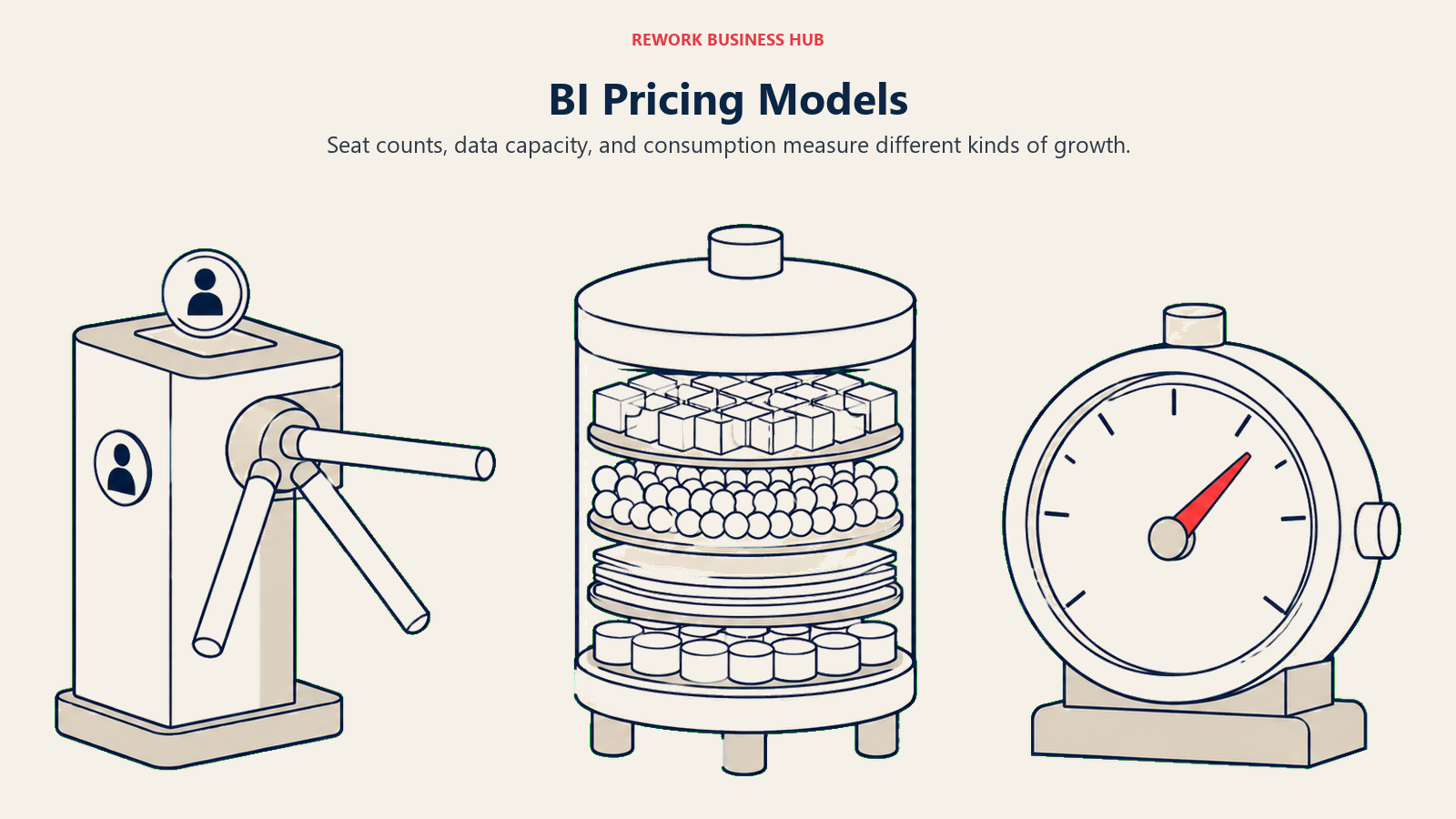
| Model | How it's billed | Examples in this guide | What happens when usage doubles |
|---|---|---|---|
| Per seat | Price scales with named or active users | Power BI, ThoughtSpot itself, Zoho Analytics, QuickSight Author/Reader, Hex (per editor), Preset Professional | Cost is predictable and linear; doubling headcount roughly doubles the bill, easy to forecast, hard to shrink |
| Capacity based | Price scales with a fixed resource band (data volume), extra users often free | Qlik Cloud Analytics | Cost jumps in steps when you cross a GB threshold, not gradually, so a mid-year data surge means an unplanned tier upgrade |
| Consumption or credit based | Price scales with metered usage (storage, workflow runs, ML inference) drawn from a pre-purchased pool | Domo | Usage can double without headcount changing at all, and a true-up at renewal can arrive as a surprise |
| Flat platform fee | One price for the platform regardless of seats, gated by a different limit (dashboards, data sources) | Lightdash Cloud Pro (unlimited users), Databox Pro (unlimited users, capped sources) | Cost stays flat as more people view dashboards; the real growth constraint is the unrelated cap, not headcount |
| No published price | Every deal is quote-only from the first dollar | Looker (core), Sisense, Sigma Computing | You cannot model what doubling costs until you're already in a sales conversation |
Why Teams Leave ThoughtSpot
Check viewer costs, query allowances, and data ceilings before choosing a replacement.
| Reason | What it looks like in practice | Who feels it most |
|---|---|---|
| No cheaper viewer role | Every additional user bills at the same flat per-user rate, whether they build a query or only read an answer someone else built | Teams with a large, mostly read-only audience |
| Spotter isn't included on Essentials | The $25 headline price gets dashboards, not natural-language search; Spotter agents ship from Pro at $50 a user | Teams that priced the entry tier without checking where the AI feature actually lives |
| Spotter's query allowance is capped | Pro includes 25 Spotter queries a month per user; heavier analytical use needs Enterprise | Power users who'd rather ask ten questions a day than build one dashboard |
| Row ceilings force an upgrade conversation | Essentials tops out at 25 million rows, Pro at 250 million, before Enterprise becomes custom-quoted | Teams whose data volume is growing faster than their headcount |
| No self-hosted or open-source option | Every tier is ThoughtSpot-hosted; there's no path to running it yourself the way Metabase or Superset allow | Engineering-heavy teams that would rather trade license cost for ops time |
| BI and search only, not a full data platform | ETL and the warehouse are still someone else's job | Teams that want one vendor for the whole stack, the way Domo pitches it |
| AI answers still need a governed model underneath | Search doesn't remove the modeling work, it just moves where it happens | Teams that expected natural language to skip data governance entirely |
The Eight Paths Out of a ThoughtSpot Evaluation
Nobody shopping ThoughtSpot alternatives is starting from zero. You already decided that self-service, AI-assisted analytics matters, or you wouldn't have looked at ThoughtSpot in the first place. What the evaluation usually resolves is one of eight different questions.
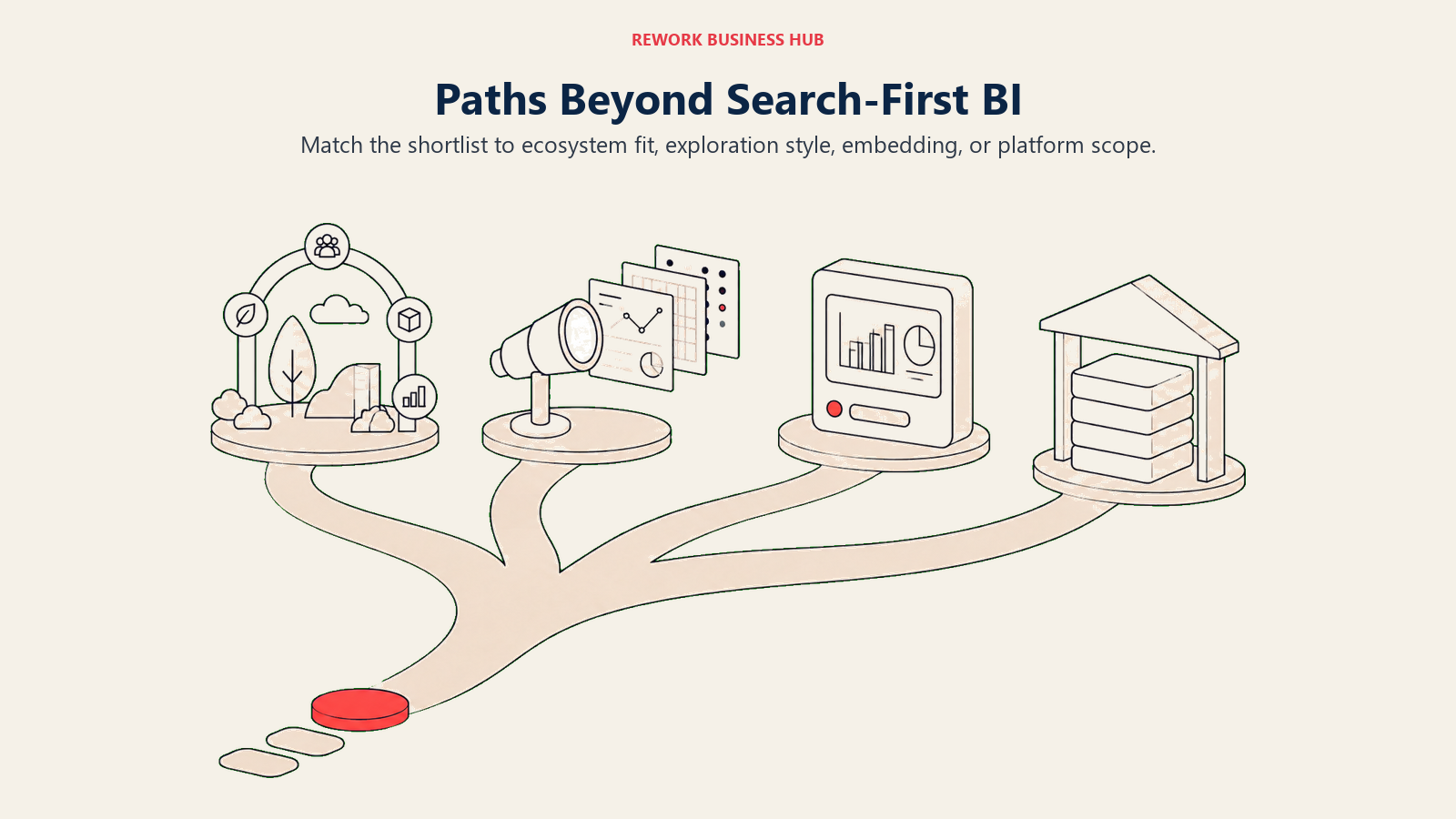
| Path | What you've decided | Tools covered here |
|---|---|---|
| Fit an existing cloud ecosystem instead of a standalone search tool | Microsoft, Google or Salesforce already owns your data stack | Microsoft Power BI, Tableau, Looker |
| Trade search for associative or warehouse-native exploration | Business users would rather click through relationships or work in a spreadsheet than type a question | Qlik Cloud Analytics, Sigma Computing |
| Keep the "ask a question" idea, but embed it inside your own product | The buyer is a product or engineering team, not internal ops | Sisense |
| Go all-in-one instead of BI-and-search-only | You want ETL, a governed warehouse, BI and apps under one login | Domo |
| Merge data science notebooks with BI instead of keeping them apart | Your analysts already live in notebooks | Hex |
| Cut license cost with open source or self-hosting | Engineering capacity exists, budget for a hosted platform doesn't | Metabase, Preset (Apache Superset), Lightdash |
| Go lighter: dashboards and KPI reporting only | The real job is a KPI board, not a governed semantic layer | Zoho Analytics, Databox |
| Stay AWS-native | Your data already lives in AWS, and QuickSight is the path of least resistance | Amazon QuickSight |
Read the section below that matches your answer, or read straight through if you're still deciding. For the direct three-way comparison against the two closest peers making a similar governed self-service bet, see Qlik Cloud Analytics vs ThoughtSpot vs Sisense, and for the full 15-tool category view, start with Best Business Intelligence Tools 2026.
1. Microsoft Power BI: The Default When AI Search Isn't the Point
Power BI is the most widely deployed BI tool in the world for a structural reason: it's an Excel-adjacent product, not a separate destination, and Gartner named Microsoft a Leader in the 2026 Magic Quadrant for Analytics and Business Intelligence Platforms for the nineteenth consecutive year. Where ThoughtSpot bets that a business user should type a question, Power BI bets that the question gets asked inside a tool people already have open all day, with Copilot layered on top rather than search built as the whole interface.
| Pros | Cons |
|---|---|
| Deepest Microsoft 365, Teams and Excel integration of any tool in this guide | No dedicated conversational-search layer as central as Spotter; Copilot is additive, not the whole product |
| DAX and the semantic model layer are genuinely powerful once learned | Sharing at real scale needs Fabric capacity, a separate purchase decision |
| Gartner Leader for 19 consecutive years signals long-term platform stability | The learning curve for DAX is real, unlike ThoughtSpot's plain-language interface |
Pricing. Free for personal use (can't share). Pro is $14.00 per user per month, paid yearly. Premium Per User is $24.00 per user per month, paid yearly. Fabric capacity, needed for large-scale governed sharing, is priced separately by capacity unit and region.
Best for: Teams already standardized on Microsoft 365 who want BI as an extension of tools people already use, not a separate destination to learn. If Power BI itself becomes the incumbent you're shortlisting away from, the Best Power BI Alternatives guide covers that reverse direction, and the Power BI vs Tableau comparison works through that specific choice directly.
2. Tableau: Visual Craft Over Conversational Search
Tableau, now part of Salesforce, remains the tool most analysts point to when visual exploration and design quality matter more than anything else. Where ThoughtSpot optimizes for a business user who types a question and gets a chart back, Tableau optimizes for the analyst who builds something genuinely insightful by hand, then shares it.
| Pros | Cons |
|---|---|
| Best-in-class visual exploration, still the reference point competitors get measured against | No search-first interface; someone still has to build the view before anyone can explore it |
| Massive community of shared techniques, dashboards and training content | Enterprise-edition pricing is inconsistently published across Tableau's own pages, so budget from Standard edition figures only |
| Tableau Pulse adds AI-driven metric monitoring on top of traditional dashboards | Creator seats, the tier most analysts need, get expensive across a large team |
Pricing. Tableau Cloud, Standard edition, billed annually: Creator $75, Explorer $42, Viewer $15 per user per month. Enterprise edition costs more (Creator $115), but published figures for Explorer and Viewer at that tier are inconsistent across Tableau's own site, so quote Standard edition only until you have a direct quote.
Best for: Analyst-heavy teams where visual quality and exploratory depth matter more than a natural-language front end. The Best Tableau Alternatives guide covers who else competes here if Tableau becomes the incumbent instead.
3. Looker (Google Cloud): One Governed Semantic Layer, Quote Only
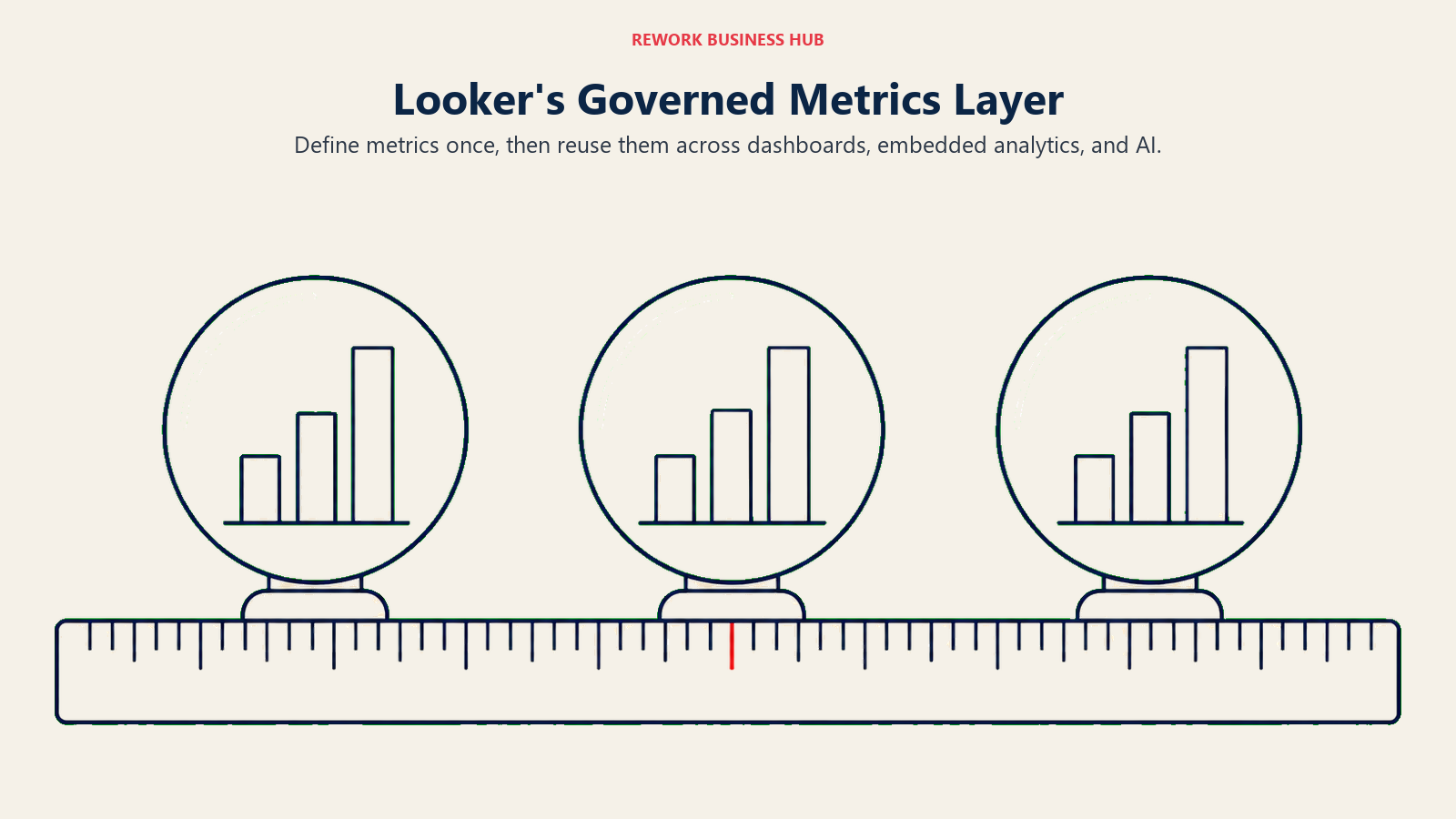
Looker, the Google Cloud core product, is a different thing from the free Looker Studio, and mixing the two up is the single most common pricing mistake in this category. Where ThoughtSpot's Models sit under a search interface, LookML defines metrics once and reuses them across dashboards, embedding, and increasingly AI agents, a governance-first answer to the same "ask a question" goal.
| Pros | Cons |
|---|---|
| LookML gives one semantic layer that feeds dashboards, embedding and AI agents alike | No self-serve entry point; every deployment starts with a sales conversation |
| Gartner Leader for the third consecutive year, deep Google Cloud data-stack ties | Nothing here approaches ThoughtSpot's plain-language search as the primary interface |
| Conversational Analytics token overage pricing is at least published transparently | Annual commitment (1, 2 or 3 year terms) is the only contract shape offered |
Pricing. No published price for Looker core; Standard, Enterprise and Embed editions are all quote-only, with 1, 2 or 3 year annual commitments. Each platform includes 10 Standard users and 2 Developer users. Conversational Analytics data-token overages are published: $3.00 per 1M input tokens, $20.00 per 1M output tokens, effective October 1, 2026. Looker Studio itself is free; Looker Studio Pro is a paid per-user, per-project license at $9 per user per project per month.
Best for: Teams standardizing one governed metrics layer across BI, embedding and AI agents inside a Google Cloud data stack. The Best Looker Alternatives guide covers the reverse direction if Looker becomes the incumbent you're evaluating away from.
4. Qlik Cloud Analytics: Associative Exploration Instead of a Question Box
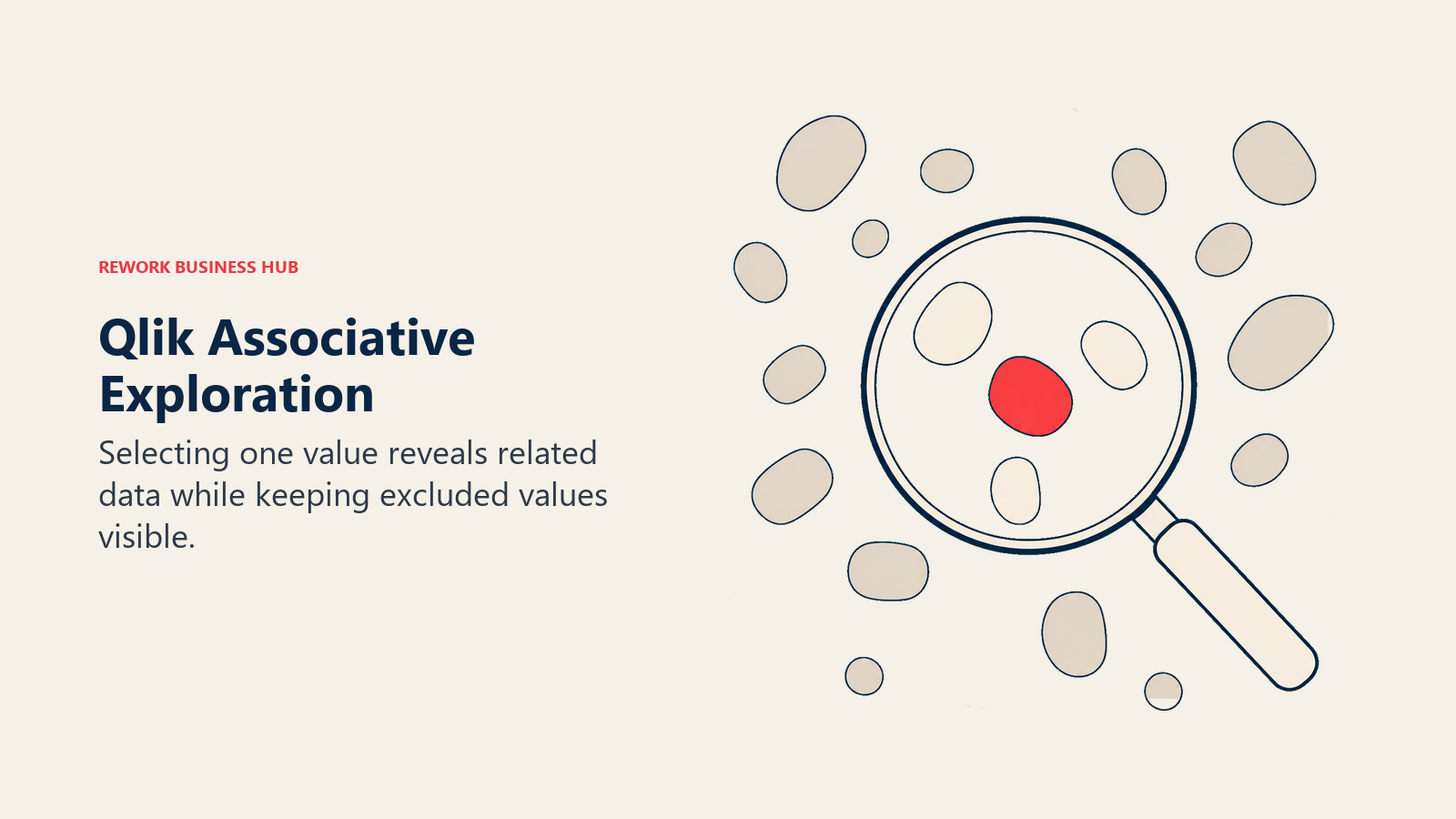
Qlik's associative engine answers the same underlying problem ThoughtSpot's search bar does, letting someone find an insight without a pre-built dashboard, through a completely different mechanic. Instead of typing a question, users click a value and watch the whole dataset color itself by relationship: selected values turn green, related values stay white, and everything excluded turns gray but stays visible. Gartner named Qlik a Leader in the 2026 Magic Quadrant for the sixteenth consecutive year.
| Pros | Cons |
|---|---|
| Associative engine surfaces relationships that neither a filtered dashboard nor a single typed question would show at once | No natural-language search as central to the product as Spotter is to ThoughtSpot |
| Extra users are free once you're on Standard tier or above, unlike ThoughtSpot's flat per-user rate at every tier | Capacity model means growth means buying more GB, a step-function cost, not a gradual one |
| Gartner Leader for 16 consecutive years, deep enterprise track record | Migrating an associative data model is a genuinely different skill from either SQL-based BI or ThoughtSpot's Models |
Pricing. Starter $300 a month (10 users, 10GB), Standard $825 a month (25GB, extra users free), Premium $2,750 a month (50GB), Enterprise quoted with a 250GB minimum. All billed annually.
Best for: Teams that want to explore data associatively rather than through a typed question, and who can budget in GB rather than seats. If you're evaluating away from Qlik itself, Best Qlik Sense Alternatives covers that exit in the other direction, and Qlik Cloud Analytics vs ThoughtSpot vs Sisense puts these two head to head directly.
5. Sisense: Search Embedded Inside Your Own Product
Sisense's whole design center is different from ThoughtSpot's: instead of a company-wide internal tool where employees ask questions, it's built to be embedded inside someone else's product, white-labeled so end customers never know a third-party BI engine is running underneath. Its own Self-Serve tier ships built-in AI for natural-language queries, so the search idea survives, just aimed at a different buyer.
| Pros | Cons |
|---|---|
| Purpose-built for white-label, embedded analytics inside another product | No pricing signal published anywhere, unlike ThoughtSpot's fully published self-serve tiers |
| Compose SDK gives engineering teams real control over the embedded experience | Two named plans only (Self-Serve trial, Enterprise), nothing in between |
| Self-Serve tier includes built-in AI for natural-language queries out of the box | Less suited to a purely internal, company-wide reporting use case than ThoughtSpot |
Pricing. No published figures. Two plans named on the pricing page: Self-Serve (free trial) and Enterprise (contact sales).
Best for: Product and engineering teams building analytics into a customer-facing SaaS product, not evaluating a company's internal reporting stack. Sisense Alternatives splits that embedded-first field from the internal-BI one if Sisense is the incumbent instead.
6. Domo: All-in-One Platform, Consumption Priced
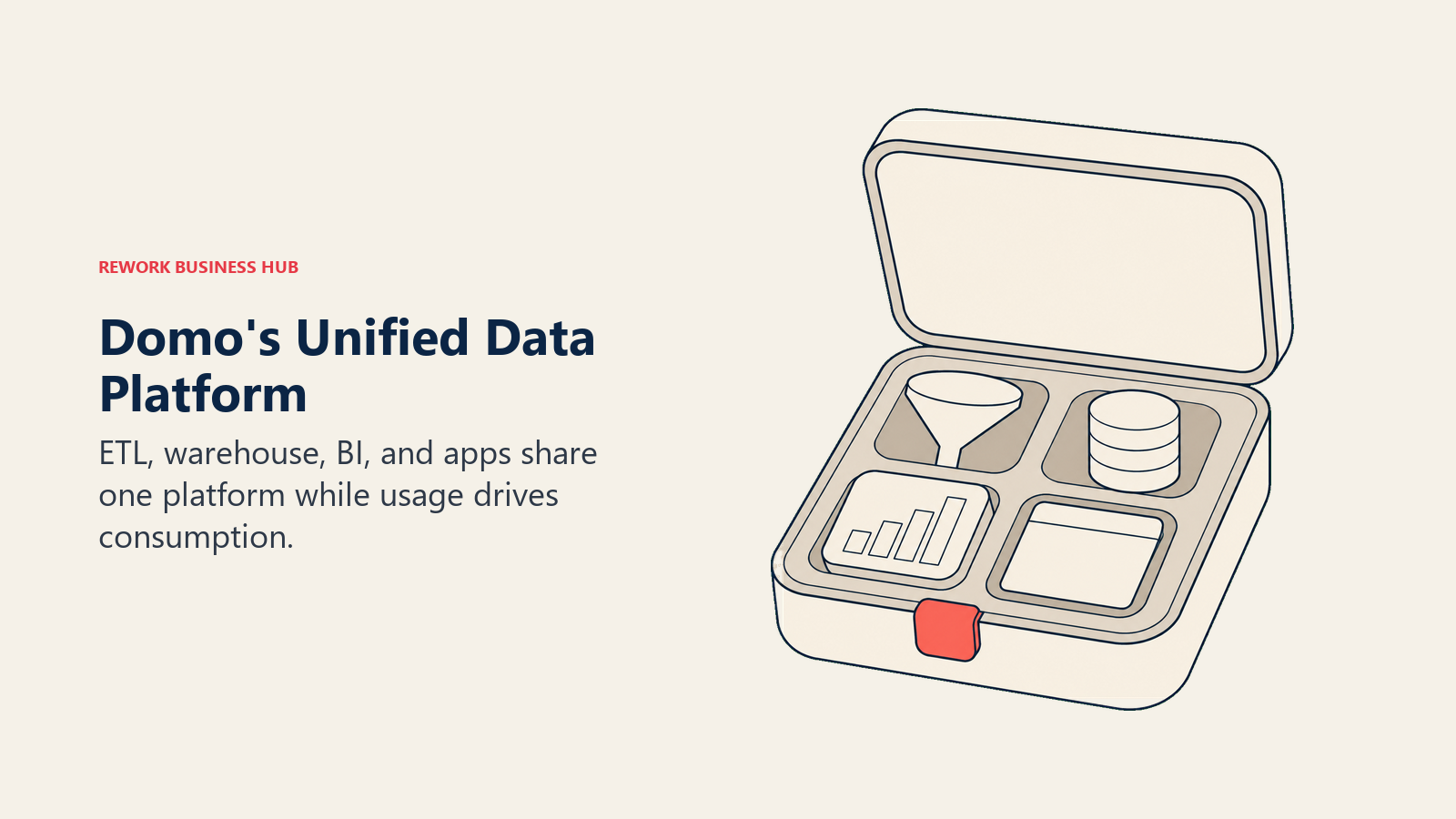
Domo answers a bigger question than ThoughtSpot does: instead of a search-first layer on top of a warehouse you already built, it's ETL, a governed cloud warehouse, BI, and low-code apps under one login. Seats are free; the actual product is a pool of consumption credits spent on storage, table updates, workflow runs and ML inference, committed annually or over a multi-year term, a genuinely different cost model from ThoughtSpot's flat per-user rate.
| Pros | Cons |
|---|---|
| One platform instead of four separate tools for ETL, warehouse, BI and apps | No published pricing page at all, unlike ThoughtSpot's fully transparent self-serve tiers |
| Beast Mode calculated fields cover a lot of ad hoc analysis without leaving the platform | Consumption credits are harder to forecast than a flat per-user rate; usage can spike with no headcount change |
| Free seats mean a large read-only audience doesn't inflate the bill by headcount | Annual or multi-year commitment locks in a credit volume before you have real usage data to model from |
Pricing. No published pricing page. Domo does not charge per user; the real cost is a consumption-credit pool billed annually or over a multi-year term. Third-party deal data from Vendr puts the median annual contract around $50,000, ranging from roughly $10,920 to $175,245 (reported), which is deal data, not a vendor-published rate. For the full picture on that pricing model, see Best Domo Alternatives.
Best for: Teams that want ETL, warehouse, BI and apps under one login and are willing to trade a published rate card for a bundled platform.
7. Metabase: The Genuinely Free Self-Hosted Option
Metabase draws a hard line ThoughtSpot doesn't offer at all: a free tier that's the self-hosted, open-source edition, unlimited users, no seat cost, while Metabase Cloud starts on a paid plan from day one. There's no natural-language search anywhere close to Spotter's depth, but there's also no per-user bill if your team can run it.
| Pros | Cons |
|---|---|
| Self-hosted open source is genuinely free with unlimited users, not a crippled trial | No conversational search layer; questions are point-and-click or written SQL, not typed plain language |
| Cloud Starter and Pro tiers are named with clear per-user overage pricing | The free tier requires you to host and maintain it yourself |
| Simple enough that non-technical users can self-serve basic questions quickly | Enterprise features (SSO, advanced permissions) start around $20,000 a year |
Pricing. Open Source, self-hosted: free, unlimited users. Cloud Starter: $90 a month billed annually ($1,080/year), 5 users included, plus $6 per extra user per month. Cloud Pro: $517.50 a month billed annually ($6,210/year), 10 users included, plus $12 per extra user per month. Enterprise: custom, from roughly $20,000 a year.
Best for: Engineering-capable teams that want a real, free, unlimited-user BI tool and don't need a search-first interface badly enough to pay for one. Best Metabase Alternatives covers the reverse direction if Metabase is the tool you're outgrowing.
8. Zoho Analytics: An Always-Free Plan With Room to Grow
Zoho Analytics is the one tool in this guide with a genuine always-free plan, not just a time-limited trial: 2 users and 10,000 rows, free indefinitely, inside the broader Zoho suite. Its built-in AI assistant, Zia, handles natural-language querying too, a lighter-weight answer to the same question Spotter answers at a much higher price point.
| Pros | Cons |
|---|---|
| Real always-free plan (2 users, 10,000 rows), not a time-boxed trial | Zia's natural-language querying is far shallower than Spotter's governed, agentic search |
| 20% discount on annual billing across every paid tier | Free-tier row and user limits are tight for anything beyond a pilot |
| Deep native ties to the rest of the Zoho suite | Less analytical depth than ThoughtSpot, Tableau or Qlik for complex modeling |
Pricing. Always-free plan: 2 users, 10,000 rows. Paid cloud plans start at $25 a month (2 users, 500,000 rows) and run to $495 a month (50 users, 50 million rows), with a 20% discount for annual billing. Extra users run $8 a month each billed monthly, or $6.40 billed annually.
Best for: SMBs already in the Zoho ecosystem, or any small team that wants to start on a genuinely free plan and grow into a paid tier only once the need is proven. Best Zoho Analytics Alternatives covers the reverse direction.
9. Amazon QuickSight: Built for AWS-Native Teams
QuickSight's pricing model looks unusual next to ThoughtSpot's flat per-user rate because it splits the audience into two roles: Authors who build, and Readers who only view, priced differently and even billable by session in one option, a structural answer to the same "why does a viewer cost the same as a builder" complaint ThoughtSpot draws.
| Pros | Cons |
|---|---|
| Pay-per-session Reader pricing fits large, occasional-viewer audiences well, unlike ThoughtSpot's flat per-user rate | No natural-language interface as central to the product as Spotter is to ThoughtSpot |
| Deepest native integration with Redshift, S3 and the rest of AWS | The $250/month account fee applies before you've added a single Pro user |
| Reader capacity pricing (500 sessions for $250/month) scales predictably | SPICE storage is billed separately at $0.38 per GB per month |
Pricing. Author $24, Author Pro $40, Reader $3, Reader Pro $20 per user per month. Reader capacity option: 500 sessions for $250 a month, $0.50 per extra session. SPICE storage: $0.38 per GB per month. A $250-a-month per-account infrastructure fee applies once Pro users or Q&A (QuickSight's natural-language feature) are enabled.
Best for: Teams already standardized on AWS who want BI pricing that scales with actual usage patterns (heavy authors vs. occasional viewers) rather than one flat per-seat rate.
10. Sigma Computing: The Warehouse as the Interface
Sigma makes a different bet from ThoughtSpot's search box: instead of typing a question, business users work directly in a spreadsheet-style interface that queries the warehouse (Snowflake, BigQuery, Databricks) live, and can write results back into it too, something ThoughtSpot's read-focused search doesn't attempt.
| Pros | Cons |
|---|---|
| No separate BI extract; queries run live against your existing warehouse | No pricing signal published at all, free trial and demo only, unlike ThoughtSpot's published tiers |
| Spreadsheet-style interface lowers the learning curve for Excel-native analysts | No natural-language search layer; the interface is spreadsheet formulas, not typed questions |
| Write-back capability lets business users adjust models without leaving the tool | Requires an existing modern warehouse investment to get the full benefit |
Pricing. No published price. Free trial and a demo request are the only options on the pricing page as of September 2026.
Best for: Teams that already centralized data in a modern cloud warehouse and want business users working directly on top of it in a familiar spreadsheet grid rather than typing questions into a search bar.
11. Hex: Notebooks and Dashboards on One Workflow
Hex closes a gap neither ThoughtSpot nor a traditional dashboard tool addresses: the moment a data scientist's exploratory notebook needs to become a production dashboard a non-technical stakeholder can trust. Notebooks and interactive dashboards, called Hex Apps, share the same underlying data and workflow, an answer aimed at technical teams rather than the plain-language business users ThoughtSpot targets.
| Pros | Cons |
|---|---|
| Notebooks and dashboards share one workflow and one dataset, no separate rebuild step | Not built for a business user who wants to type a question the way Spotter is |
| Strongest option here for a hybrid data-science-and-BI team | Editor-based pricing climbs fast as the analyst team grows |
| Community free tier is real, not a crippled trial | A company that only needs standard dashboards is paying for capability it won't use |
Pricing. Community: free. Professional: $36 per editor per month. Team: $75 per editor per month. Enterprise: custom-quoted. Pricing is per editor rather than per viewer, so the people building notebooks and apps drive the bill, not the broader audience consuming the finished dashboards.
Best for: Data science teams that want notebooks and dashboards to live on the same workflow, not a business audience that wants to ask questions in plain language.
12. Preset (Apache Superset): Open Source, Managed for You
Preset is the managed, hosted version of Apache Superset, the open-source SQL-native BI project. Where ThoughtSpot's whole value proposition rests on not needing SQL, Preset assumes your team is comfortable with it and instead optimizes for zero vendor lock-in and a low-cost entry point.
| Pros | Cons |
|---|---|
| Built on Apache Superset, so nothing here is ever proprietary or locked in | No natural-language search anywhere in the product, the opposite bet from ThoughtSpot |
| Starter tier is free forever up to 5 users, a genuine no-cost entry point | Self-hosting Superset directly requires real engineering capacity to maintain |
| Professional tier removes the user cap at a modest per-user rate | Governance and enterprise features are thinner than a full platform like ThoughtSpot or Domo |
Pricing. Preset Starter: free forever, up to 5 users. Preset Professional: $20 per user per month billed annually, $25 billed monthly, unlimited users. Enterprise: custom. Apache Superset itself remains free to self-host.
Best for: Engineering-oriented teams that want SQL-native, open-source BI without running the infrastructure themselves or paying for a natural-language layer they won't use.
13. Lightdash: Your dbt Project as the Semantic Layer
Lightdash answers a governance question ThoughtSpot answers with Models and Worksheets, but built entirely around dbt instead of a proprietary layer. Metrics are declared in your dbt YAML, version controlled and code reviewed like any other change, then surfaced for self-service exploration, no typed-question interface required.
| Pros | Cons |
|---|---|
| Metrics live in your dbt project under version control, not in a proprietary tool | No natural-language search interface at all; exploration is still click-and-filter |
| Genuinely free, self-hosted open-source edition with unlimited users | Cloud Pro is one big step up from free, with nothing between $0 and $3,000 a month |
| dbt-native governance means "active customer" has one reviewed definition, not forty | Only worth it if your team already runs dbt; otherwise it's the wrong tool entirely |
Pricing. Open Source: free, self-hosted, unlimited users. Cloud Pro: $3,000 a month, unlimited users, no per-seat charge. Enterprise: custom. Lightdash's own positioning line is blunt about the model it's attacking: "Stop paying per seat to look at your own data."
Best for: dbt-native analytics engineering teams that want metrics defined once, in code, rather than either a proprietary Models layer or a search box sitting on top of an ungoverned warehouse.
14. Databox: One KPI View From Many Marketing and Sales Tools
Databox's job is narrower than ThoughtSpot's by design: pull metrics from dozens of marketing, sales and finance tools into one KPI dashboard, rather than serving as a governed, search-first analytics platform for a whole company's data estate.
| Pros | Cons |
|---|---|
| Free tier is real and usable, not a crippled trial | No natural-language search layer; dashboards are pre-built, not typed on demand |
| Pro tier unlocks unlimited users at one flat monthly price | Not a governed analytics platform; there's no semantic layer or agent workflow underneath it |
| 20% discount for annual billing across every paid tier | Data source counts stay capped even on paid tiers |
Pricing. Free: $0 (1 user, 3 data sources). Analyst: $64/month billed annually (1 user, 5 sources). Pro: $159/month billed annually (unlimited users, 3 sources, $5.60/month per extra source). Growth: $399/month billed annually. Custom: quoted.
Best for: Marketing and sales teams that want a single always-on KPI view pulled from many point tools, not a governed, search-first platform to build and maintain.
Stage Fit Matrix
| Tool | Startup 0-50 | Growth 50-250 | Mid-Market 250-1,000 | Enterprise 1,000+ |
|---|---|---|---|---|
| Microsoft Power BI | Strong | Strong | Strong | Strong |
| Tableau | Moderate | Strong | Strong | Strong |
| Looker (Google Cloud) | Weak | Weak | Moderate | Strong |
| Qlik Cloud Analytics | Weak | Moderate | Strong | Strong |
| Sisense | Weak | Moderate | Strong | Strong |
| Domo | Weak | Moderate | Strong | Strong |
| Metabase | Strong | Strong | Moderate | Weak |
| Zoho Analytics | Strong | Strong | Moderate | Weak |
| Amazon QuickSight | Moderate | Strong | Strong | Strong |
| Sigma Computing | Weak | Moderate | Strong | Moderate |
| Hex | Weak | Moderate | Strong | Moderate |
| Preset (Apache Superset) | Moderate | Strong | Moderate | Weak |
| Lightdash | Weak | Moderate | Strong | Moderate |
| Databox | Strong | Strong | Weak | Weak |
Sizing and Persona Table
| Tool | Headcount sweet spot | Primary buyer | Secondary buyer |
|---|---|---|---|
| Microsoft Power BI | 20 to 20,000+ | Director of BI / IT | Finance / Operations lead |
| Tableau | 100 to 10,000+ | Director of Analytics | VP of Data |
| Looker (Google Cloud) | 200 to 20,000+ | CIO / VP of Data | VP of Engineering |
| Qlik Cloud Analytics | 200 to 10,000+ | VP of Data / Director of BI | Enterprise Architect |
| Sisense | 50 to 5,000 (product-embedded) | VP of Product / Engineering | Director of Data |
| Domo | 50 to 5,000+ | CIO / VP of Data | Finance / Operations lead |
| Metabase | 5 to 500 | Data Analyst / Engineering lead | Founder / Ops lead |
| Zoho Analytics | 2 to 200 | Ops Manager / Founder | Finance lead |
| Amazon QuickSight | 20 to 10,000+ | Cloud / Platform Engineering lead | Director of BI |
| Sigma Computing | 50 to 2,000 | Director of Analytics / Data Platform lead | CFO |
| Hex | 10 to 1,000 | Data Scientist / Analytics Engineer | Head of Data |
| Preset (Apache Superset) | 10 to 1,000 | Data Engineer / Platform lead | Director of Analytics |
| Lightdash | 20 to 1,000 | Analytics Engineer | Head of Data |
| Databox | 5 to 250 | Marketing Manager | Sales Director |
Migration Considerations
Moving off ThoughtSpot is rarely a pure dashboard-rebuild project, because the parts of the product that made it worth buying don't export cleanly to a different kind of tool.
Models and Worksheets. ThoughtSpot's semantic layer exports as TML, a genuine advantage over a fully proprietary format, and it already connects to the dbt Semantic Layer through an integration. If you're moving to a dbt-native tool like Lightdash, that portability shortens the rebuild considerably. Moving to Qlik's associative model or Sisense's ElastiCube, on the other hand, means rebuilding the modeling layer from scratch, since neither reads TML.
Spotter usage patterns. Whatever replaces ThoughtSpot needs an honest answer for the people who stopped building dashboards entirely and just typed questions. If the destination tool has no natural-language layer at all, budget real change-management time, not just a license swap, for that group specifically.
Embedded deployments. If you built anything on ThoughtSpot's embedded tier, that's a genuine replatforming project, not a data migration, and Sisense's Compose SDK is the more direct like-for-like landing spot for a white-label, multi-tenant use case.
Row and data-volume assumptions. Essentials and Pro both cap rows per tier; whatever you migrate to should be sized against your actual current data volume, not the volume you had when you first bought ThoughtSpot. For general guidance on what makes a rebuilt dashboard actually usable, the Dashboard Design Drives Decisions guide is worth reading before, not after, the rebuild.
User retraining and a parallel-run period. Whichever tool you land on, run both systems in parallel through at least one full reporting cycle before fully cutting over, and budget retraining time as seriously as the license cost, especially for the group of users whose entire workflow was typing a question and reading the answer.
How to Choose: Decision Framework
The shortlist gets easier when you choose the operating job first and the vendor second.
| If you need... | Choose |
|---|---|
| Deep Microsoft 365, Excel and Teams integration | Microsoft Power BI |
| The most polished visual analytics craft for a dedicated analyst team | Tableau |
| One governed semantic layer feeding dashboards, embedding and AI agents | Looker (Google Cloud) |
| Associative exploration that surfaces relationships a typed question would miss | Qlik Cloud Analytics |
| To embed white-label, natural-language analytics inside your own product | Sisense |
| ETL, warehouse, BI and apps under one login instead of a search layer alone | Domo |
| A genuinely free, self-hosted, unlimited-user option | Metabase |
| An always-free plan with room to grow inside one product | Zoho Analytics |
| Pricing that scales with AWS-native usage patterns, not flat seats | Amazon QuickSight |
| BI that queries your warehouse directly with no separate extract | Sigma Computing |
| Notebooks and dashboards sharing one workflow for a technical team | Hex |
| Open-source SQL-native BI without running the infrastructure yourself | Preset (Apache Superset) |
| Metrics defined in code inside an existing dbt project | Lightdash |
| One KPI view pulled from many marketing and sales tools | Databox |
Frequently Asked Questions about ThoughtSpot Alternatives
How much does ThoughtSpot actually cost?
Essentials starts at $25 per user per month billed annually, for 5 to 50 users and up to 25 million rows. Pro starts at $50 per user per month billed annually, for up to 1,000 users and 250 million rows, and includes Spotter AI agents. Enterprise is custom-quoted with unlimited users, data and Spotter queries. Embedded deployments get a free one-year Developer tier for up to 10 users, with Enterprise embedded quoted separately.
Does the $25 Essentials tier include Spotter, ThoughtSpot's natural-language search feature?
No. Essentials covers dashboards and search over a smaller row ceiling, but Spotter AI agents, the conversational layer most buyers actually want ThoughtSpot for, ship starting on Pro at $50 a user a month, with a 25-query-per-user monthly allowance included.
Which ThoughtSpot alternative has the most transparent pricing?
Microsoft Power BI, Zoho Analytics, Amazon QuickSight, Metabase, Hex, Preset and Databox all publish clear per-tier dollar figures with no sales call required to see them. Looker, Sisense and Sigma Computing publish nothing at all, the same opacity ThoughtSpot itself moved away from in 2026.
Is there a genuinely free ThoughtSpot alternative?
Yes, several, but the free tier means different things across them. Metabase's free tier is the self-hosted open-source edition, unlimited users. Zoho Analytics and Databox both have real always-free plans with usage caps. Preset's Starter tier is free forever up to 5 users. Lightdash's Open Source edition is also free and self-hosted, unlimited users.
Should I stay with search-first, AI-driven analytics or move to a different interface entirely?
Stay search-first if the actual adoption problem was that business users wouldn't open a BI tool and build a chart; Sisense keeps that idea for embedded use cases, and Power BI's Copilot layers a lighter version of it onto a tool people already use. Move away from search entirely if your team would rather click through relationships (Qlik) or work in a spreadsheet on the warehouse (Sigma), since both solve the same "skip the dashboard-request queue" problem through a different mechanic.
What happens once we outgrow Pro's Spotter query allowance?
You move to Enterprise, which is custom-quoted and includes unlimited Spotter queries along with the full agent suite and enterprise governance. There's no published rate for that step up, so get a number in writing before you assume the jump from $50 a user is small.
Is ThoughtSpot Embedded priced differently from ThoughtSpot Analytics?
Yes, they're separate product lines with separate pricing. Analytics runs Essentials, Pro and Enterprise as described above. Embedded runs a Developer tier that's free for the first year (10 users, 25 million rows), then an Enterprise embedded tier that's custom-quoted with unlimited users, unlimited data and multi-tenant support.
What's the cheapest way to move off ThoughtSpot without losing natural-language search entirely?
Zoho Analytics' Zia assistant is the closest thing to a budget natural-language layer in this guide, though it's meaningfully shallower than Spotter's governed, agentic search. If natural-language depth matters more than price, Sisense's Self-Serve tier ships built-in AI for natural-language queries, though its pricing isn't published either.
What to Do Next
Pick your path before you book a single demo. If ecosystem fit is the real driver, shortlist Power BI, Tableau or Looker against whichever cloud you already run, and price a proof of concept against your own tenant, not a demo dataset. If the actual complaint is that ThoughtSpot's flat per-user rate punishes a large, mostly read-only audience, get real numbers from Amazon QuickSight's Reader pricing and Qlik's free-extra-users-above-Starter model before assuming a per-seat tool is always cheaper. If engineering capacity is available and license cost matters more than a managed platform, pilot Metabase, Preset or Lightdash directly. And if the real job was always narrower than a governed search platform, a KPI dashboard, not a company-wide semantic layer, look at Databox or Zoho Analytics before signing anything bigger. Whichever path you take, get three numbers in writing before you commit: the actual per-user or per-unit cost at your real headcount (not the list price), what a heavy Spotter-equivalent user costs once they exceed any query allowance, and the year-two renewal number, since a quote-only or consumption model can look reasonable in year one and very different at true-up.
Camellia covers analytics, business intelligence and data tooling for B2B teams.

Principal Product Marketing Strategist
On this page
- Key Facts
- Quick Comparison Table
- What Each Tool Actually Meters On
- Why Teams Leave ThoughtSpot
- The Eight Paths Out of a ThoughtSpot Evaluation
- 1. Microsoft Power BI: The Default When AI Search Isn't the Point
- 2. Tableau: Visual Craft Over Conversational Search
- 3. Looker (Google Cloud): One Governed Semantic Layer, Quote Only
- 4. Qlik Cloud Analytics: Associative Exploration Instead of a Question Box
- 5. Sisense: Search Embedded Inside Your Own Product
- 6. Domo: All-in-One Platform, Consumption Priced
- 7. Metabase: The Genuinely Free Self-Hosted Option
- 8. Zoho Analytics: An Always-Free Plan With Room to Grow
- 9. Amazon QuickSight: Built for AWS-Native Teams
- 10. Sigma Computing: The Warehouse as the Interface
- 11. Hex: Notebooks and Dashboards on One Workflow
- 12. Preset (Apache Superset): Open Source, Managed for You
- 13. Lightdash: Your dbt Project as the Semantic Layer
- 14. Databox: One KPI View From Many Marketing and Sales Tools
- Stage Fit Matrix
- Sizing and Persona Table
- Migration Considerations
- How to Choose: Decision Framework
- What to Do Next