Best Metabase Alternatives in 2026: 14 Tools for Teams Outgrowing Ad Hoc Questions
Turn this article into takeaways for your work.


Each assistant summarizes the article only for you and suggests best practices for your work.
If you want to keep the open-source economics and stop running the servers, start with Preset, Apache Superset and Lightdash. If the ceiling you hit is modeling and governed metric definitions, look at Lightdash, Holistics, Sigma Computing and Looker Studio's paid siblings. If the real problem is that a business-critical tool now needs enterprise support, SSO and a vendor to call, Microsoft Power BI, Tableau, ThoughtSpot and Amazon QuickSight are where teams usually land.
Here's the honest framing, because Metabase deserves it. It's genuinely excellent at the thing it set out to do: let a non-technical person ask a question of a production database and get an answer in thirty seconds, with a free self-hosted edition that has no user cap and isn't a crippled trial. Almost nothing else in this category can say that. What people outgrow is narrower than "Metabase is bad." They outgrow the modeling layer, because there's no LookML-class semantic layer to define a metric once and enforce it everywhere. They outgrow ad hoc questions, because 400 saved questions with four versions of "active customer" is a governance problem, not a charting problem. And a lot of teams outgrow self-hosting itself, the day the analytics box becomes something the CFO checks on Monday morning. For the full category view, start with the Best Business Intelligence Tools 2026 roundup.
Key Facts
- Nearly half of all respondents spend 50% or more of their time on maintenance and bug fixes rather than feature development, and 60% of large enterprises report the same imbalance, per the 2026 State of Open Source Report from OpenLogic by Perforce. That maintenance tax is the hidden line item under any self-hosted BI deployment.
- Nearly two-thirds of BI and analytics teams say AI has either accelerated or refocused their plans, and 50% now rate their own AI maturity as advanced or intermediate, according to Dresner Advisory's 17th Edition Business Intelligence Market Study, published in 2026.
- Just over half of organizations plan to increase BI investment in 2026 above last year's levels, 41% are holding budgets steady, and only 7% are pulling back, from the same Dresner Advisory 17th Edition study.
- 47% of senior executives made a material business decision on inaccurate, incomplete or outdated financial data in the past year, and 61% second-guess their data at least monthly, per a Harris Poll survey of 352 senior executives commissioned by OneStream in March 2026. Vendor-commissioned research, but the sample and method are published, and the trust gap is what a governed metric layer exists to close.
- Gartner published its 2026 Magic Quadrant for Analytics and Business Intelligence Platforms on June 29, 2026, naming Microsoft a Leader for the nineteenth consecutive year (Microsoft's recap of the report) and Qlik a Leader for the sixteenth (Qlik's announcement).
Quick Comparison Table
| Tool | Best For | Starting Price | Key Strength | Key Limitation |
|---|---|---|---|---|
| Preset (managed Apache Superset) | Keeping open-source BI without running the servers | Starter free forever up to 5 users; Professional $20/user/mo billed annually | Superset's engine, managed, with no proprietary lock-in | Governance is thinner than a full enterprise platform |
| Apache Superset | Engineering teams happy to run their own BI stack | Free, open source, self-hosted | Zero licence cost at any user count, huge chart library | You own upgrades, scaling, security and on-call |
| Lightdash | dbt-native teams that want metrics defined in code | Free self-hosted; Cloud Pro $3,000/mo, unlimited users | Metrics live in your dbt project, not in the BI tool | Cloud Pro is one big step up from free, with nothing between |
| Looker Studio | Free dashboards on Google-shaped data | Free; Looker Studio Pro $9 per user per project per month | Free, hosted, and no infrastructure to maintain | Weak governance, and Pro is licensed per project |
| Microsoft Power BI | Teams already standardized on Microsoft 365 | Free (personal); Pro $14.00/user/mo paid yearly | Semantic model plus Excel, Teams and Fabric in one stack | Governed sharing at scale needs Fabric capacity, priced separately |
| Sigma Computing | Warehouse-native analysis in a spreadsheet interface | No published price (free trial and demo only) | Spreadsheet UI directly on the warehouse, with write-back | No pricing signal published anywhere |
| Holistics | An as-code governed semantic layer with self-service on top | Entry $960/mo, or $800/mo billed annually (first 10 users) | AML modeling layer gives the LookML-class layer Metabase lacks | Entry price is steep for a small team leaving a free tool |
| Grafana | Live operational and infrastructure dashboards | Free tier; Pro from $19/mo platform fee plus usage | Best-in-class real-time operational monitoring | Not built for governed business reporting |
| Hex | Analyst notebooks that ship as polished data apps | Community free; Professional $36/editor/mo | SQL, Python and AI in one collaborative document | Editor pricing adds up, and it is not a dashboard fleet tool |
| Zoho Analytics | SMBs that want a real always-free plan inside a suite | Always free (2 users, 10,000 rows); paid from $25/month | Genuine free tier plus a full paid ladder | Row caps force an upgrade before seat counts do |
| Tableau | Analyst teams that treat visualization as a craft | Creator $75, Explorer $42, Viewer $15/user/mo billed annually (Standard edition) | Deepest visual exploration in the category | Creator seats get expensive fast across a large team |
| ThoughtSpot | Natural-language search over governed data | Essentials from $25/user/mo billed annually | Search and Spotter agents grounded in a governed layer | A full rollout needs the pricier Pro tier |
| Amazon QuickSight | AWS-native teams with many occasional viewers | Author $24, Reader $3 per user/mo | Reader pricing fits huge, infrequent viewer audiences | A $250/mo account fee applies once Pro features are on |
| Databox | One KPI view pulled from many SaaS tools | Free (1 user, 3 sources); Pro $159/mo billed annually | Flat price with unlimited users on Pro | Not a BI platform, and source counts stay capped |
What "Metabase Is Free" Actually Means
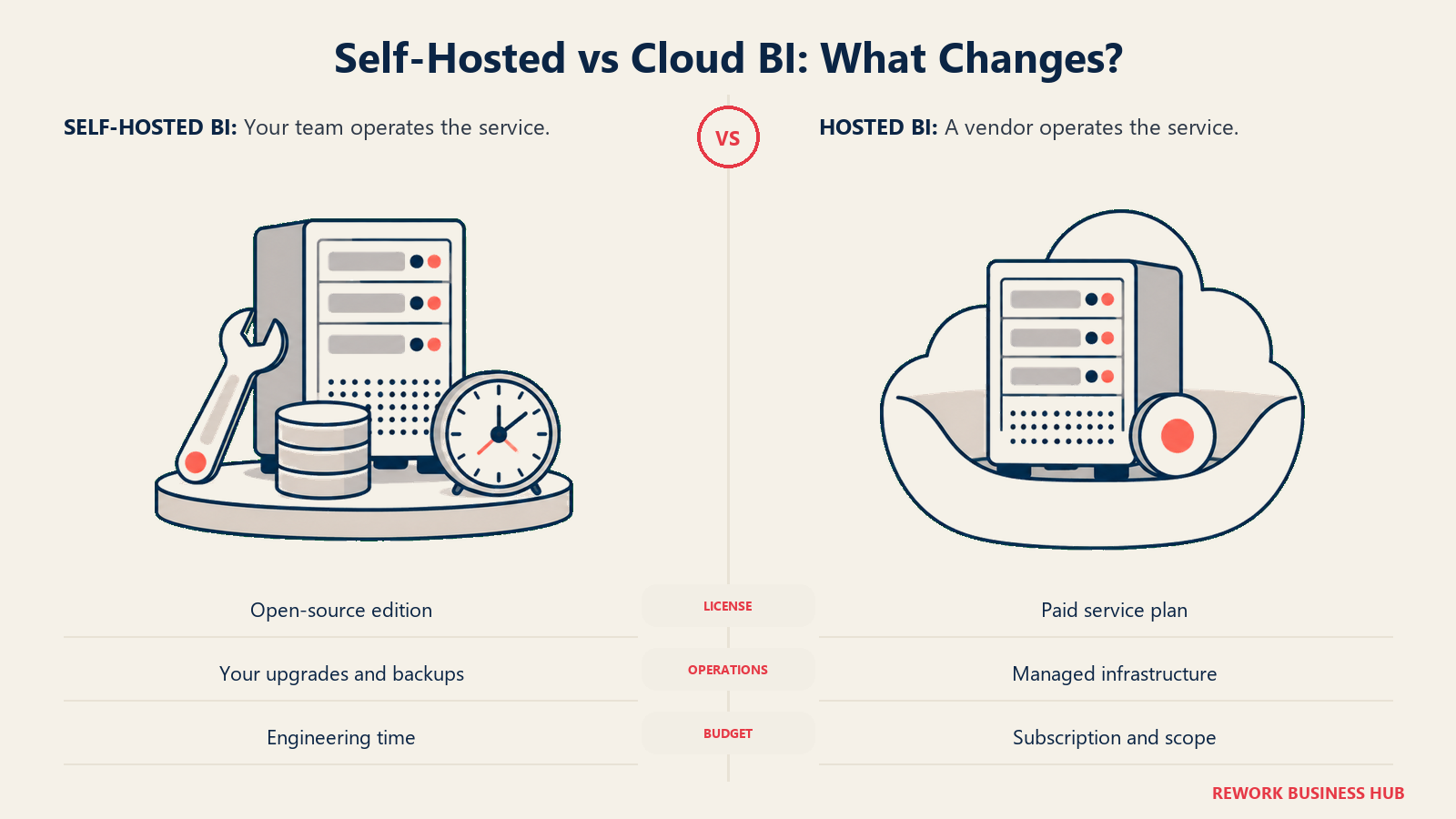
The single most common budgeting mistake in this category is treating Metabase's free edition and Metabase Cloud as the same product with a toggle between them. They aren't. The free edition is the self-hosted open-source one: unlimited users, no seat cap, no trial clock. Metabase Cloud is a normal paid SaaS product that costs money from day one.
| Edition | What it costs | Users included | What you give up or gain |
|---|---|---|---|
| Open Source (self-hosted) | Free, unlimited users, no cap | Unlimited | You run it: upgrades, backups, scaling, TLS, on-call. No SSO, no row or column permissions, no support SLA |
| Metabase Cloud Starter | $100 per month, or $90 per month billed annually ($1,080 per year), for the first 5 users; $6 per extra user per month, or $65 per user per year | 5 | Hosting handled, 3-day email and Slack support. Still no row-level permissions or SSO |
| Metabase Cloud Pro | $575 per month, or $517.50 per month billed annually ($6,210 per year), for the first 10 users; $12 per extra user per month, or $130 per user per year | 10 | Row and column level permissions, SSO, caching controls, usage analytics, multi-tenant embedding, white-label |
| Metabase Enterprise | Custom, starting at $20,000 per year | Custom | Dedicated success engineer, air-gap deployment option, 1-day support SLA |
Two details worth burning into your budget model. Yearly billing saves 10%, and Metabase prints both the monthly and the yearly figure on its own page, so quote the tier and the billing basis together rather than dividing one by the other. And embedded viewers count as users, so a plan to embed dashboards for a few hundred customers collides with the seat count on Pro. That collision is the most common reason an embedding project turns into an alternatives search.
Why Teams Leave Metabase
| Reason | What it looks like in practice | Who feels it most |
|---|---|---|
| No semantic modeling layer | Models and metrics get re-derived per question, so "revenue" means four different things in four saved questions | Analytics leads trying to make one number authoritative |
| Governance thins out at scale | 400 saved questions, no clear owner, no certified metric set, no lineage back to the model | Heads of data at 50 to 250 people, where sprawl outruns headcount |
| Self-hosting stops being free | Upgrades, JVM tuning, Postgres app-database backups, TLS renewals and on-call, on a tool the CFO now depends on | The one engineer who quietly became the Metabase admin |
| The Cloud jump is a real step | Moving off self-hosted for hosting alone starts at $100 a month, and the governance features you actually wanted sit on Pro at $575 a month | Small teams that assumed hosted would be a modest add |
| Embedding runs into seat counting | Embed viewers count as users, so customer-facing dashboards get expensive quickly | Product teams shipping analytics inside their own app |
| Visual and analytical depth | Simple chart library by design, so complex visual analysis or statistical work moves to another tool anyway | Analyst-heavy teams doing exploratory work |
The Five Paths Out of a Metabase Evaluation
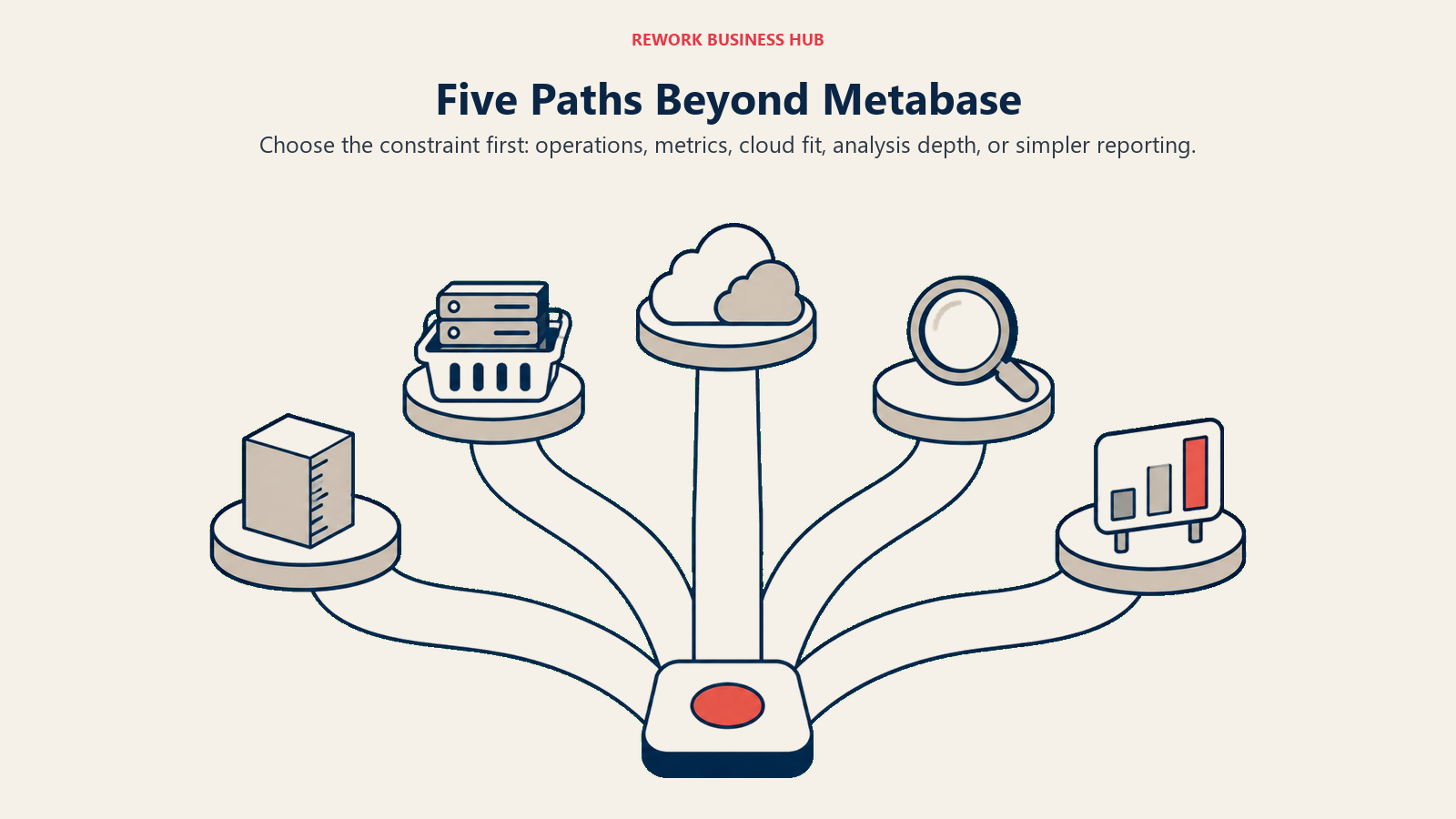
Nobody shopping for Metabase alternatives is starting cold. You already believe self-service access to data matters, or you would never have deployed Metabase. What the evaluation actually settles is which of these five questions is yours.
| Path | What you've decided | Tools covered here |
|---|---|---|
| Keep open source, drop the ops burden | The economics were right, running the infrastructure was not | Preset, Apache Superset, Lightdash |
| Get a real semantic layer | Metrics need one governed definition, enforced everywhere | Lightdash, Holistics, Sigma Computing |
| Default to the cloud stack you already pay for | Microsoft, Google or AWS already owns your data, so BI should live there | Microsoft Power BI, Looker Studio, Amazon QuickSight |
| Buy analytical and visual depth | The ceiling is analysis quality, not access | Tableau, ThoughtSpot, Hex |
| Go lighter or go cheaper | The real job is a KPI view or an SMB-priced tool, not a data platform | Databox, Zoho Analytics, Grafana |
Read the section that matches your answer, or read straight through if you're still deciding.
1. Preset (managed Apache Superset): Open Source, Someone Else's Servers
Preset is the managed, hosted version of Apache Superset, run by the company founded by Superset's original creator. For a team leaving self-hosted Metabase specifically because of the ops burden, this is the shortest possible move: you keep open-source economics and an engine you can walk away with, and you stop being the person who gets paged when the analytics box runs out of heap.
Methodology and fit. Superset is SQL-native and chart-rich, with a far larger visualization library than Metabase and a semantic layer that lives in datasets and metrics rather than in each saved question. Preset adds workspace management, single sign-on, alerting and the operational plumbing on top. If your Metabase deployment was mostly analysts writing SQL anyway, the transition feels familiar rather than disruptive.
| Pros | Cons |
|---|---|
| Starter tier is free forever up to 5 users, a genuine no-cost entry point | Governance and enterprise features are thinner than a full commercial platform |
| Built on Apache Superset, so nothing is proprietary and nothing locks you in | The chart-building experience is less friendly to non-technical users than Metabase's question builder |
| Professional removes the user cap at a modest per-user rate | Embedded dashboards are a separate add-on, not part of the base plan |
Pricing. Starter is $0 forever, up to 5 users. Professional is $20 per user per month billed annually, or $25 per user per month billed monthly, with unlimited users. Enterprise is custom. Embedded dashboards are an add-on: Embedded Dashboard Viewer Licences start at $500 a month for 50 licences.
Best for: Teams that liked everything about self-hosted Metabase except hosting it, and want to stay in the open-source world rather than sign up for a proprietary platform.
2. Apache Superset: The Open-Source Upgrade Path That Stays Free
If the reason you're leaving Metabase is analytical depth rather than infrastructure, and you already run Metabase yourself, plain Apache Superset is worth a serious look before anything with a price tag. It's the direct open-source peer: free, self-hosted, no user cap, and considerably deeper on charting and dataset modeling.
Methodology and fit. Superset assumes a SQL-fluent audience. Analysts write queries, save them as datasets, define metrics on those datasets, and build charts from there. That intermediate dataset layer is exactly the piece Metabase lacks, and it's usually enough structure for a team of 5 to 30 analysts, even though it is not a full LookML-class semantic layer. The trade is real, though: you're taking on a heavier deployment than Metabase, with Celery workers, a metadata database, caching and an async query layer to keep running.
| Pros | Cons |
|---|---|
| Free at any user count, with a much larger visualization library than Metabase | Meaningfully heavier to operate than Metabase, so the ops burden goes up, not down |
| Datasets and metrics give reusable structure Metabase's saved questions don't | Non-technical self-service is weaker; this is a tool for people who write SQL |
| Backed by a large open-source community and a commercial sponsor in Preset | No vendor support unless you buy it from Preset or a third party |
Pricing. Free and open source, self-hosted. There is no vendor price, and the real cost is the engineering time quantified in the 2026 State of Open Source Report.
Best for: SQL-fluent data teams that want more analytical range than Metabase offers, have the engineering capacity to run it, and would rather spend that capacity than a budget line.
3. Lightdash: Your dbt Project Becomes the Semantic Layer
Lightdash is the most direct answer to the single biggest thing Metabase does not have: a governed metric layer. Its bet is that you already define models and metrics in dbt, so the BI tool should read those definitions rather than invent a second, competing set inside itself.
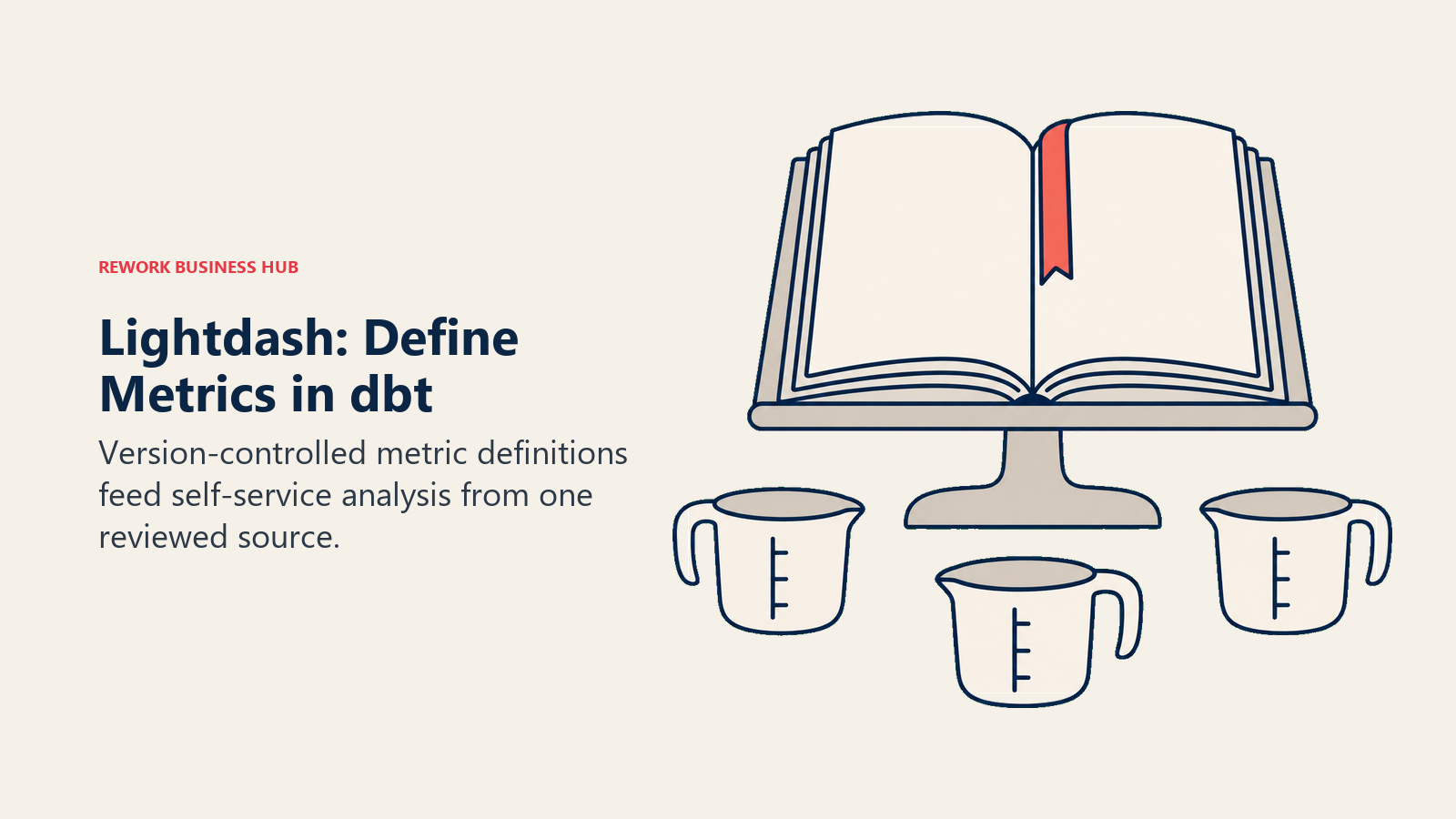
Methodology and fit. Metrics and dimensions are declared in your dbt YAML, version controlled, code reviewed and deployed like any other change. Lightdash surfaces them for self-service exploration. That means the definition of "active customer" lives in one reviewed file instead of in 40 saved questions, which is precisely the failure mode a big Metabase instance drifts into. If your team already runs dbt, this is close to a drop-in upgrade. If you don't run dbt, Lightdash is the wrong tool, and Holistics or Sigma is a better fit. The modeling discipline itself is worth reading up on separately in the SQL and data modeling guide, because the tool only enforces the structure you actually define.
| Pros | Cons |
|---|---|
| Metrics live in dbt, version controlled and reviewed, not scattered across saved questions | Requires dbt; without it, most of the value disappears |
| Open-source edition is free, self-hosted and unlimited users, matching Metabase's economics | The gap between free self-hosted and $3,000 a month Cloud Pro is a cliff, with nothing in between |
| Cloud Pro has no per-seat charge at all, so viewer count never changes the bill | Younger and smaller ecosystem than Power BI, Tableau or Looker |
Pricing. Open Source is free, self-hosted, unlimited users. Cloud Pro is $3,000 a month with unlimited users and no per-seat charge. Enterprise is custom. Lightdash's own positioning line on that page is blunt about the model it's attacking: "Stop paying per seat to look at your own data."
Best for: dbt-native teams whose Metabase problem is metric drift, and who would rather govern definitions in code than in a BI tool's admin panel.
4. Looker Studio: Free, Hosted, and Genuinely Limited
Looker Studio is the obvious free-to-free move from self-hosted Metabase, and it removes the ops burden completely because Google runs it. It's also the option most likely to disappoint a team that was using Metabase seriously, so it belongs on the list with both halves of that stated clearly.
Methodology and fit. Looker Studio connects to Google Analytics, Sheets, BigQuery and a long list of partner connectors, then builds report-style dashboards. For marketing reporting and lightweight KPI views on Google-shaped data, it's fast and costs nothing. What it doesn't have is a governed modeling layer, real version control, or the query performance profile of a warehouse-native tool at scale. Worth keeping straight: Looker Studio is a different product from Looker, the Google Cloud core platform built around LookML, which is quote-only and enterprise-priced. Mixing the two up is the most common pricing error in this category, and the Best Looker Alternatives guide covers the core product's competitive set. If you're weighing the free option against Microsoft's, the Power BI vs Looker Studio comparison works through that head to head.
| Pros | Cons |
|---|---|
| Free, hosted, and requires no infrastructure work at all | Governance is thin: no semantic layer, no certified metrics, limited access control |
| Excellent connector coverage for Google Analytics, Sheets and BigQuery | Performance degrades on large or complex data compared with warehouse-native tools |
| Easy for non-technical marketers to build and share reports | Looker Studio Pro is licensed per user per Google Cloud project, which scales badly for agencies |
Pricing. Looker Studio itself is free. Google lists Looker Studio Pro on its own product page as a "Project subscription" at $9 per user per project per month. The per-project basis is the real story rather than the dollar figure: every Pro subscription is tied to one and only one Google Cloud project, so an agency running 20 client projects is buying 20 subscriptions, not one.
Best for: Small teams and marketing functions whose Metabase usage was mostly simple dashboards on Google data, and who value zero cost and zero maintenance over governance.
5. Microsoft Power BI: The Semantic Model Metabase Never Had
Power BI is where a large share of maturing Metabase deployments end up, for a structural reason rather than a marketing one: it has a real semantic model, and most companies are already paying Microsoft. Gartner named Microsoft a Leader in the 2026 Magic Quadrant for Analytics and Business Intelligence Platforms for the nineteenth consecutive year.
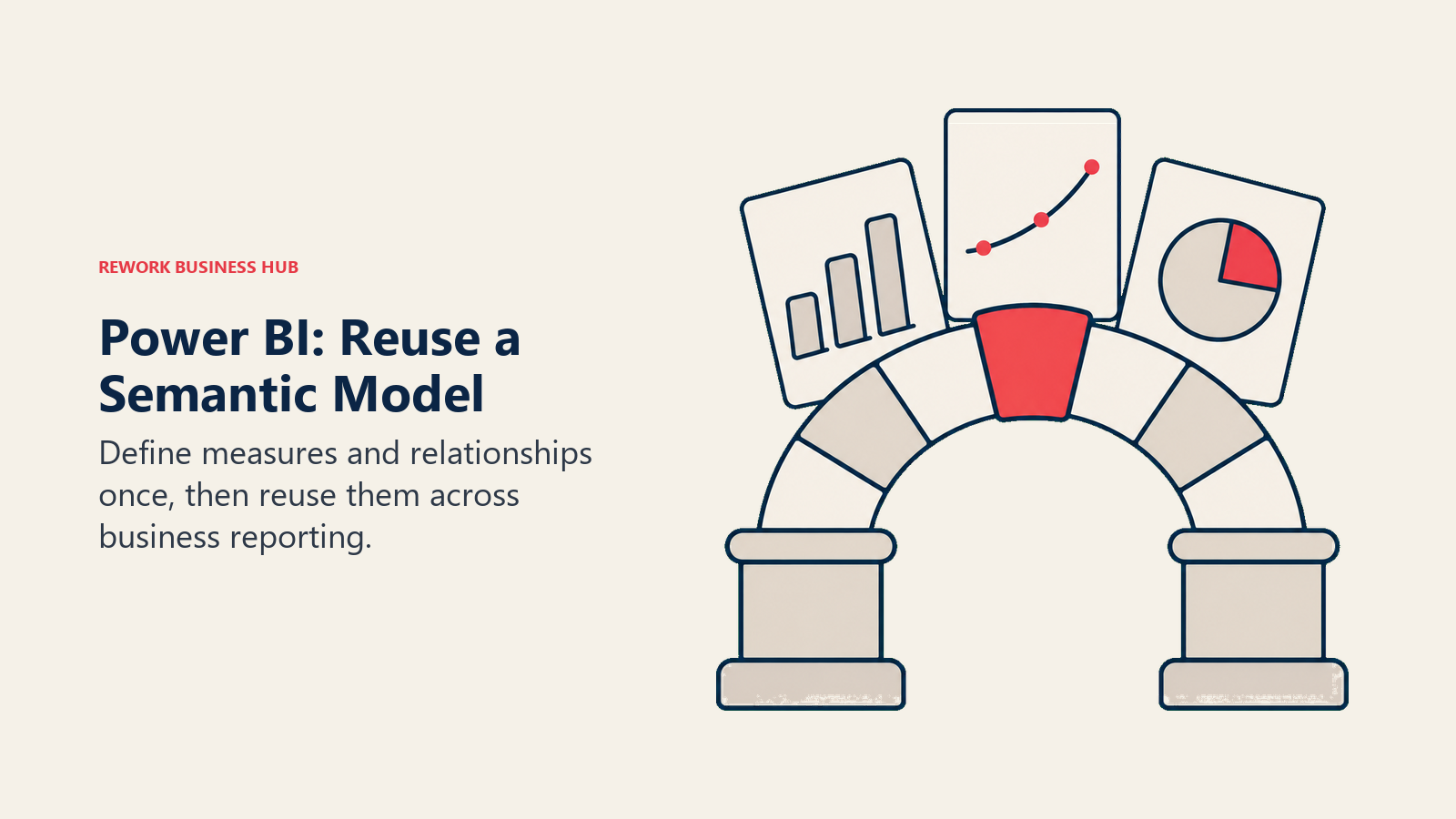
Methodology and fit. Power BI's semantic model, built with DAX measures and relationships, gives you the "define it once, use it everywhere" property Metabase lacks. Distribution runs through Teams and Excel, which is where business users already live. The trade is a genuine learning curve. DAX is a real language with real gotchas, and moving from Metabase's point-and-click question builder to a modeled dataset is a change in working style, not just tooling. One pricing note: Pro moved to $14.00 per user per month paid yearly, up from $10, so budgets built on the old number are stale.
| Pros | Cons |
|---|---|
| A true semantic model with reusable measures, the core thing Metabase is missing | DAX has a steep learning curve compared with Metabase's question builder |
| Deepest Excel, Teams and Microsoft 365 integration of any tool here | Governed sharing at real scale needs Fabric capacity, a separate purchase |
| Gartner Leader for 19 consecutive years, so platform longevity is not a question | Per-seat pricing is a change in kind for a team used to unlimited free users |
Pricing. Free for personal use with no sharing. Pro is $14.00 per user per month, paid yearly. Premium Per User is $24.00 per user per month, paid yearly. Power BI Embedded and Fabric capacity are priced separately and vary by capacity unit and region, so those start with a sales conversation. If Power BI later becomes the incumbent you want out of, the Best Power BI Alternatives guide covers the reverse direction, and the Power BI vs Tableau comparison works through the classic head to head.
Best for: Teams already standardized on Microsoft 365 that need governed, modeled metrics and can absorb per-seat pricing after a free unlimited-user tool.
6. Sigma Computing: The Warehouse With a Spreadsheet On Top
Sigma makes a different architectural bet than Metabase: rather than querying a production database with a saved question, it runs a live spreadsheet-style interface directly against a cloud warehouse (Snowflake, BigQuery, Databricks) and can write results back into it.
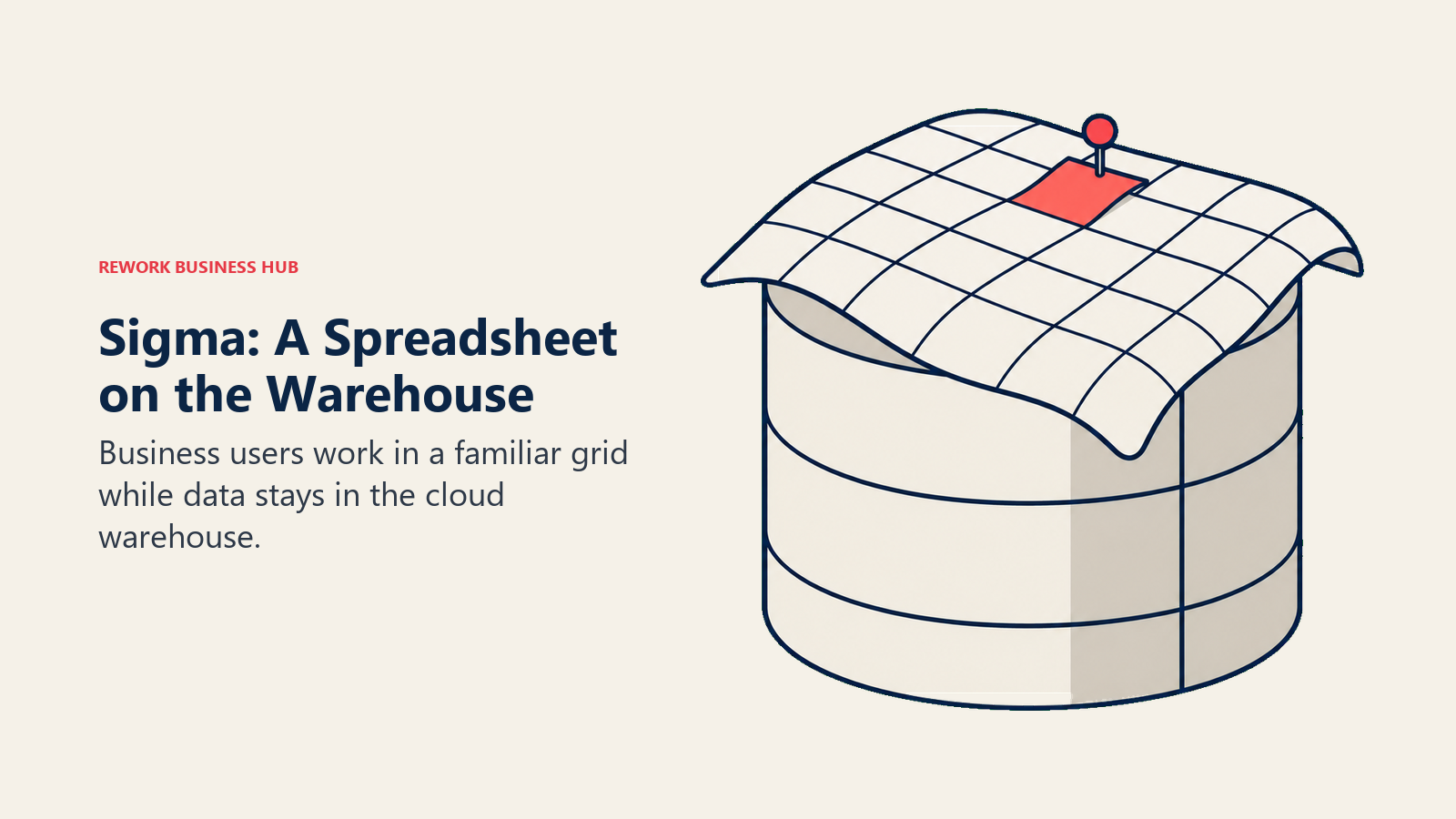
Methodology and fit. For a team that already moved data into a warehouse, Sigma removes the "second copy of the truth" problem entirely. There's no extract to keep in sync, and finance and ops people can work in a grid that behaves like the spreadsheet they already trust, with warehouse-scale row counts underneath. That's a much better answer for a finance team than a chart builder is. The catch is that Sigma assumes a modern cloud warehouse is already in place, which is often exactly the piece a Metabase-on-Postgres shop hasn't built yet.
| Pros | Cons |
|---|---|
| Live queries against your warehouse, so there's no BI extract to maintain | No published price at all, so budgeting starts with a sales call |
| Spreadsheet interface converts Excel-native analysts far faster than a chart builder | Requires an existing cloud warehouse investment to be worth it |
| Write-back lets business users adjust inputs and scenarios without leaving the tool | Shorter governance track record than Tableau, Qlik or Looker |
Pricing. No published price. Sigma's pricing page offers a free trial and a demo request only, with no tier names or figures listed as of August 2026.
Best for: Warehouse-native teams, especially finance and RevOps, whose Metabase ceiling is spreadsheet-shaped analysis rather than dashboards.
7. Holistics: The As-Code Semantic Layer, Without Requiring dbt
Holistics targets the same gap Lightdash does, a governed semantic layer, but it doesn't require you to be a dbt shop first. Models, relationships and metrics are defined in AML, its own as-code modeling language, then exposed for drag-and-drop self-service on top.
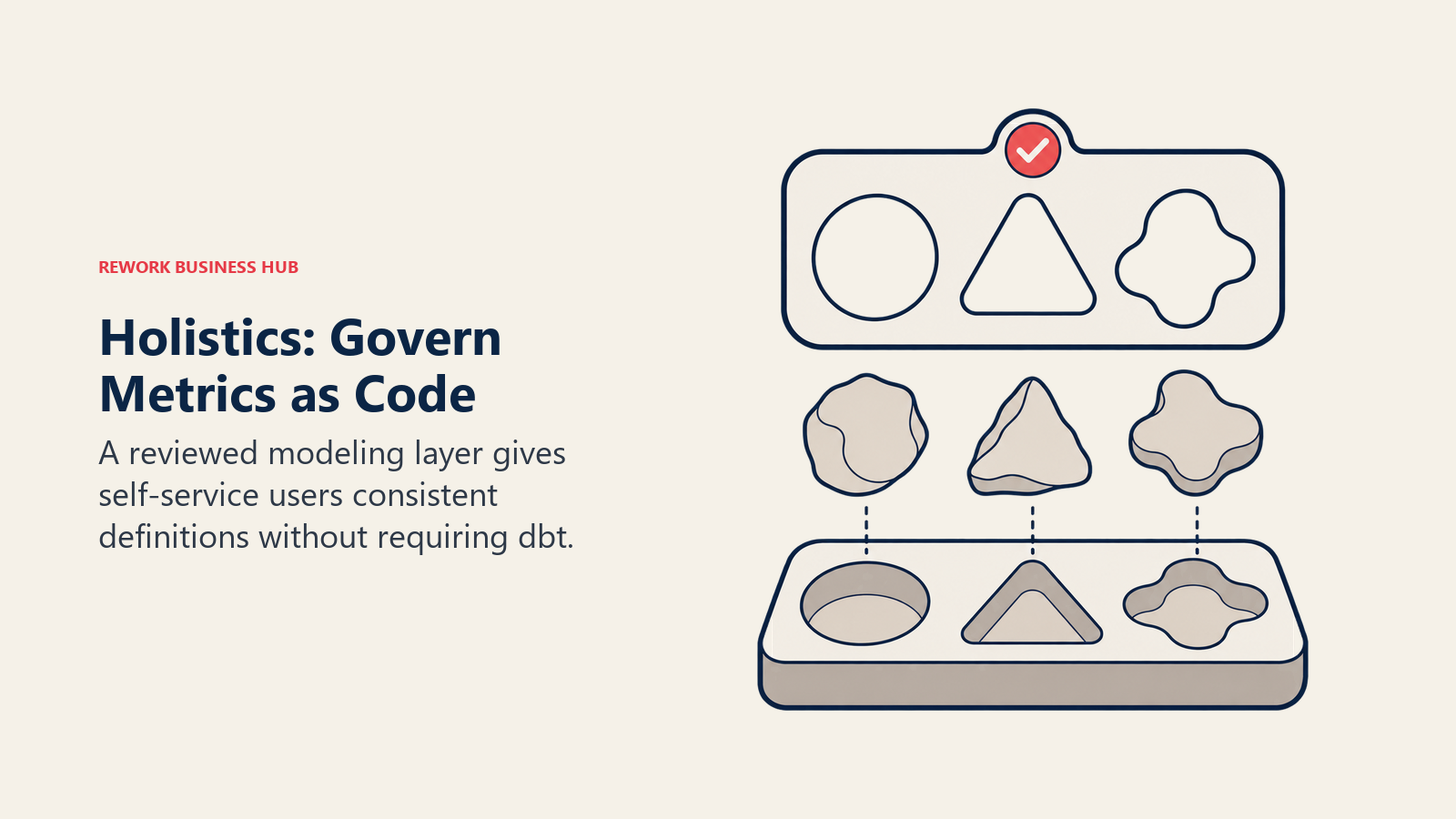
Methodology and fit. The pitch to a Metabase leaver is specific: keep letting business users answer their own questions, but make every one of those answers run through a reviewed model instead of ad hoc SQL. Definitions are version controlled, the self-service layer sits on top of them, and the two can't drift apart. That's the LookML-class property Metabase never had, at a fraction of a Looker deployment's effort. The honest problem is the entry price. Coming from a free tool, $960 a month is a jump that needs a real governance mandate behind it, not just a preference.
| Pros | Cons |
|---|---|
| As-code modeling gives one governed definition per metric, enforced in self-service | Entry pricing is high for a team arriving from a free, unlimited-user tool |
| No dbt prerequisite, unlike Lightdash | Smaller community and ecosystem than the major platforms |
| Clear, published pricing with both monthly and annual figures, unusual in this category | The first 10 users are included, so a very small team overpays per head |
Pricing. Entry is $960 a month, or $800 a month billed annually, with the first 10 users included. Standard is $1,200 a month, or $1,000 a month billed annually, also with 10 users. The Security Compliance Suite is $2,400 a month, or $2,000 a month billed annually. Extra users are $15 a month, or $12.50 billed annually ($18 and $15 respectively on the Security Compliance Suite). Enterprise is a custom plan.
Best for: Analytics leads who need governed metric definitions across a growing team, don't run dbt, and have a budget mandate to fix metric drift properly.
8. Grafana: The Operational Half Metabase Was Never Built For
Grafana belongs on this list for an honest reason rather than a competitive one. Plenty of teams run Metabase for business questions and quietly need something else for live system metrics, and Grafana is the tool that job actually belongs to.
Methodology and fit. Grafana is built for high-frequency time-series data: latency, error rates, throughput, queue depth, IoT telemetry, anything you watch update in near real time. It's fed by Prometheus, Loki, InfluxDB and dozens of other sources, and its alerting is genuinely operational rather than a scheduled email. What it isn't is a governed business reporting tool. Ask it to produce a board-ready revenue summary and you'll fight it the whole way. Engineering-led teams frequently end up running Grafana alongside a business BI tool rather than instead of one.
| Pros | Cons |
|---|---|
| Best-in-class for real-time operational, infrastructure and IoT dashboards | Not designed for governed business reporting, finance packs or executive summaries |
| Free tier is real: open-source self-hosted plus a free Grafana Cloud plan | Usage-based Cloud pricing (active users, series, log volume) can drift upward unpredictably |
| Enormous plugin ecosystem and deep alerting capability | Business users outside engineering rarely adopt it as a primary reporting tool |
Pricing. Grafana Cloud Free is free forever with 14-day retention. Pro starts at a $19 a month platform fee plus usage, and Grafana visualization on Pro is $8.00 per active user per month. Enterprise starts from a $25,000 a year commitment. Grafana OSS remains free to self-host.
Best for: Engineering-led teams that need live operational visibility alongside, not instead of, whatever replaces Metabase for business reporting.
9. Hex: Notebooks for Analysts, Apps for Everyone Else
Hex answers a different Metabase complaint: not "our metrics drift" but "our analysts have outgrown a question builder." It's a collaborative notebook where SQL, Python and AI-assisted work live in one document, and the finished notebook publishes as an interactive app a stakeholder can actually use.
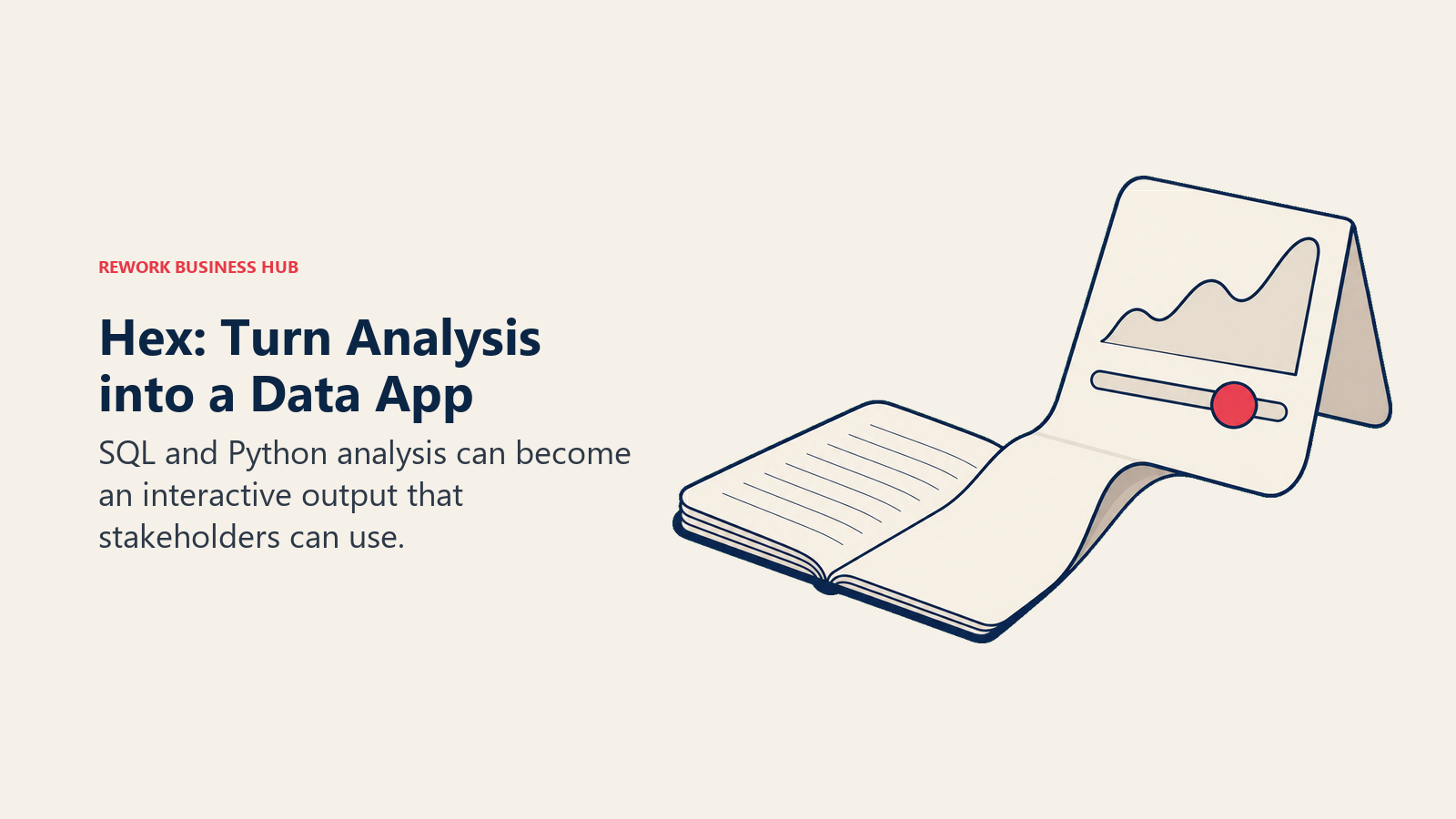
Methodology and fit. Where Metabase stops at a chart, Hex keeps going into statistical work, forecasting, cohort analysis and anything else that needs Python. The published-app layer is what makes it more than a notebook: a stakeholder gets parameters and a clean interface rather than a wall of code cells. It's a poor fit as a company-wide dashboard fleet, so most teams that adopt Hex keep a cheaper viewer-facing tool underneath it.
| Pros | Cons |
|---|---|
| SQL, Python and AI in one collaborative document, far past Metabase's ceiling | Editor-based pricing gets expensive if you try to make it the company's BI tool |
| Published apps give non-technical stakeholders a real interface, not raw notebooks | Not a governed semantic layer; modeling still lives upstream |
| Community tier is free and genuinely usable for individual work | Version history and compute limits on lower tiers constrain heavier teams |
Pricing. Community is free. Professional is $36 per Editor per month. Team is $75 per Editor per month with a 14-day free trial and no card required. Enterprise is custom, adding audit logs, OIDC SSO, embedded analytics and a single-tenant option.
Best for: Analyst-heavy teams whose Metabase ceiling is analytical depth, and who need Python alongside SQL without giving up shareable output.
10. Zoho Analytics: The SMB Ladder With a Real Free Plan
Zoho Analytics is the closest thing on this list to Metabase's free promise in hosted form: a genuinely always-free plan, no trial clock, inside a business suite most SMBs already touch somewhere.
Methodology and fit. For a small team that ran Metabase because it was free and self-service, Zoho Analytics keeps both properties without the server. It connects to the rest of the Zoho suite (CRM, Books, People) natively, plus files, databases and cloud apps, and it includes AI-assisted question answering. Allocation caps rather than features are the constraint, so plan for the rung above the one you think you need. Analytical depth is well below Tableau or ThoughtSpot, which is a fair trade at this price point. For the full competitive picture around it, see the Best Zoho Analytics Alternatives guide.
| Pros | Cons |
|---|---|
| Genuine always-free plan: 2 users, 10,000 rows, 5 workspaces, unlimited reports and dashboards | Row and user caps climb quickly once past the free plan |
| Yearly billing saves 20% across paid tiers | Plan pricing is hard to pin down from the public page, so verify before you budget |
| Native ties to the wider Zoho suite make it a natural add-on for existing customers | Less analytical and modeling depth than Tableau, Qlik or ThoughtSpot |
Pricing. Zoho publishes an always-free plan (2 users, 10,000 rows, 5 workspaces) and paid cloud plans from $25 per month for 2 users and 500,000 rows up to $495 per month for 50 users and 50 million rows, with 20% off for yearly billing. Extra users are $8 per user per month, or $6.40 billed annually, and viewer licences are $4 per viewer per month with a 25-viewer minimum. The four paid tiers step up by allocation: 2 users and 0.5 million rows, then 5 and 1 million, then 15 and 5 million, then 50 and 50 million. Local taxes are charged on top.
Best for: Small teams and SMBs that want to keep a real free tier and a cheap upgrade path, without running any infrastructure.
11. Tableau: When the Ceiling Is Visual Analysis, Not Governance
Tableau, now part of Salesforce, is where teams go when the honest complaint about Metabase is "our charts are too simple." Its visual grammar is still the reference point every other tool in this category gets measured against.
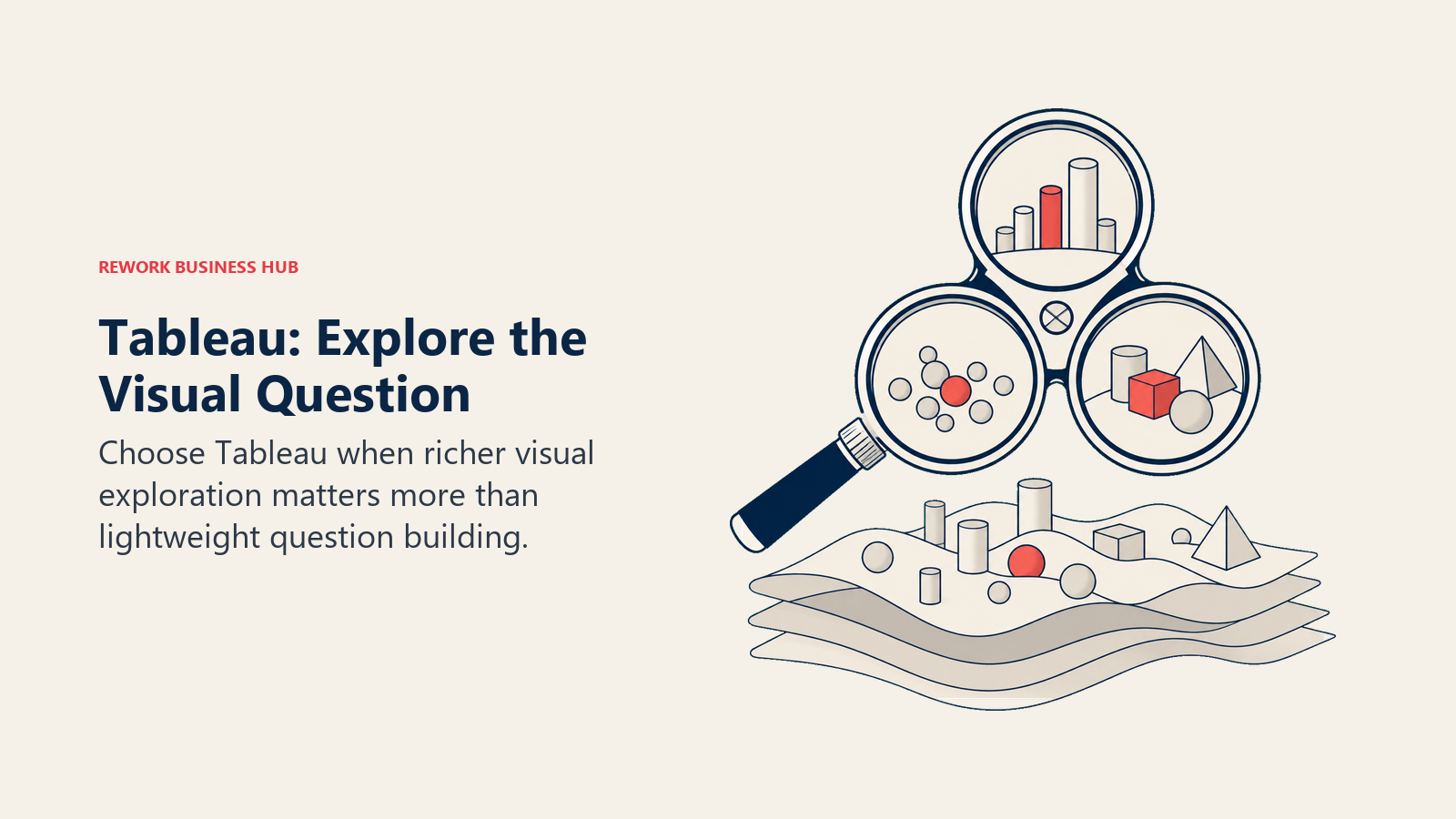
Methodology and fit. Tableau optimizes for the individual analyst building something genuinely insightful: layered calculations, level-of-detail expressions, dense multi-view dashboards and a very large community library of proven techniques. Tableau Pulse adds AI-driven metric monitoring on top. The cost model is the shock coming from a free tool, because the Creator seat, which is the one analysts actually need, is the expensive one. Note that every Tableau product requires an annual contract, so there is no month-to-month escape hatch while you evaluate.
| Pros | Cons |
|---|---|
| Deepest visual exploration in the category, still the benchmark competitors chase | Creator seats add up fast across a team used to unlimited free Metabase logins |
| Huge community library of techniques, training and reusable dashboard patterns | Annual contract required on every product, with no monthly option |
| Tableau Pulse layers AI metric monitoring over traditional dashboards | Modeling and governance are weaker than Looker or Holistics as a semantic layer |
Pricing. Tableau's pricing page now leads with editions: Tableau Standard from $15 USD per user per month billed annually, and Tableau Enterprise from $35 USD per user per month billed annually, with Tableau Cloud+ and the Tableau+ bundle quoted by sales. Within the Standard edition, the role rates are Creator $75, Explorer $42 and Viewer $15 per user per month, billed annually. Name the role in any budget you build from these figures, because the range between them is where most estimates go wrong. If Tableau later becomes the incumbent you're shopping away from, the Best Tableau Alternatives guide covers that direction.
Best for: Analyst-heavy teams where visual and exploratory depth is the binding constraint, and where a per-role budget can be defended.
12. ThoughtSpot: Ask in English, Against a Governed Model
ThoughtSpot takes the thing Metabase users love, typing a question and getting an answer, and rebuilds it on top of a governed semantic layer so the answers stay consistent. Gartner named ThoughtSpot a Leader in the 2026 Magic Quadrant for Analytics and BI Platforms.
Methodology and fit. Search is the primary interface rather than a bolt-on, and Spotter, ThoughtSpot's conversational agent, drills and follows up in natural language. Because it resolves questions against approved models and metrics, two people asking the same thing get the same number, which is the exact failure a sprawling Metabase instance produces. It is a heavier platform than Metabase in every sense, so it fits a company committing to search-first analytics rather than a team looking for a lighter tool. If you're weighing it against the other enterprise-scale options, the Qlik Cloud Analytics vs ThoughtSpot vs Sisense comparison works through that three-way choice.
| Pros | Cons |
|---|---|
| Natural-language search is the core product, grounded in governed models | Row limits (25M on Essentials) constrain large datasets at the entry tier |
| Spotter agents make follow-up questions conversational rather than a new query | A real company-wide rollout needs the pricier Pro tier |
| Embedded Developer tier is free for the first year (10 users, 25M rows) | Enterprise pricing is custom, with no published ceiling |
Pricing. Essentials starts at $25 per user per month billed annually, covering 5 to 50 users and up to 25 million rows. Pro starts at $50 per user per month billed annually, covering up to 1,000 users and 250 million rows, and includes Spotter AI agents at 25 queries per user per month. Enterprise is custom and unlimited. The Embedded Developer tier is free for one year with 10 users and 25 million rows.
Best for: Companies that want natural-language questioning as the default interface for everyone, backed by a governed model instead of a chatbot guessing at raw tables.
13. Amazon QuickSight: The AWS-Native Landing Spot
If your Metabase instance is already running on EC2 and querying Redshift, QuickSight is the path of least resistance, and its pricing model fits a specific shape of audience unusually well.
Methodology and fit. QuickSight splits users into Authors, who build, and Readers, who only view, and prices them very differently. For a company where 15 people build dashboards and 400 people occasionally look at one, that split costs far less than a flat per-seat platform. SPICE, its in-memory engine, plus native ties to Redshift, S3, Athena and the rest of AWS, make it operationally simple for teams already in that ecosystem. Be careful with one line item that catches people out: a flat $250 a month account fee applies once Pro features are turned on, before you've added a single user at that level.
| Pros | Cons |
|---|---|
| Reader pricing at $3 per user per month fits large, occasional-viewer audiences | The $250 a month account fee lands before any Pro user is added |
| Deepest native integration with Redshift, S3, Athena and the AWS data stack | Authoring experience is less polished than Tableau, Power BI or Metabase itself |
| No infrastructure to run, unlike self-hosted Metabase on your own EC2 instances | Modeling depth is limited; there's no LookML-class semantic layer here either |
Pricing. Author is $24 and Reader is $3 per user per month, plus a $250 a month account fee once Pro features are enabled.
Best for: AWS-native teams with a small authoring group and a large, infrequent viewer audience, who want to stop maintaining a BI server inside their own VPC.
14. Databox: When the Real Job Was a KPI Board
Databox is the honest option for a specific and common case: your Metabase instance was really just a KPI wall that a few people check, and the data lives in SaaS tools rather than a warehouse.
Methodology and fit. Databox pulls metrics from marketing, sales, finance and support tools into one always-on scoreboard, with goals, alerts and TV-mode dashboards. It's not a BI platform and doesn't pretend to be: there's no SQL layer worth the name, no modeling, no ad hoc exploration. What it does have is a flat price with unlimited users on Pro, which suits a company that wants everyone looking at the same numbers without counting logins. If your team is doing real analysis in Metabase today, this is a downgrade. If your team is really doing reporting, it's a simplification.
| Pros | Cons |
|---|---|
| Free tier is real (1 user, 3 sources), and Pro unlocks unlimited users at a flat price | Data source counts stay capped even on paid tiers |
| Connects to dozens of SaaS tools without a warehouse or any modeling work | No meaningful SQL, modeling or ad hoc exploration layer |
| Goals, alerts and TV dashboards suit always-on team scoreboards | Outgrowing a KPI board means replacing Databox entirely, not upgrading it |
Pricing. Free covers 1 user and 3 data sources. Pro is $159 a month billed annually with unlimited users.
Best for: Teams whose Metabase deployment was functionally a KPI dashboard fed by SaaS tools, who'd rather buy that outcome than build it.
Pricing Models: Free, Per Seat, Flat Platform and Usage
Leaving Metabase almost always means leaving "free and unlimited" behind, and the four replacement shapes behave very differently as a team grows. This is the table to build your three-year estimate from, not the sticker price.
| Model | How it's billed | Examples in this guide | What happens when your team doubles |
|---|---|---|---|
| Free and self-hosted | No licence cost; you pay in engineering time | Metabase Open Source, Apache Superset, Lightdash Open Source, Grafana OSS | Licence stays at zero, but ops load, on-call and upgrade risk all rise with importance, not headcount |
| Per seat | Price scales with named or active users | Power BI, Tableau, ThoughtSpot, Hex, QuickSight, Metabase Cloud, Preset Professional | Predictable and linear: double the people, roughly double the bill. Easy to forecast, painful after a free tool |
| Flat platform fee | One price regardless of seats, gated by another limit | Lightdash Cloud Pro, Databox Pro, Holistics (first 10 users included) | Cost stays flat as viewers grow; the constraint moves to whatever the plan actually caps |
| Usage or capacity based | Price scales with metered consumption or a resource band | Grafana Cloud Pro (active users, series, log volume), Fabric capacity for Power BI at scale | Hardest to forecast, since usage can climb without headcount changing at all. This is the same cost-predictability risk covered in the Best Domo Alternatives guide |
The number that decides most of these evaluations isn't the monthly fee. It's the fully loaded cost of the free option: engineer hours on upgrades and incidents, plus the cost of a wrong number reaching a board deck.
Stage Fit Matrix
| Tool | Startup 0-50 | Growth 50-250 | Mid-Market 250-1,000 | Enterprise 1,000+ |
|---|---|---|---|---|
| Preset (managed Apache Superset) | Strong | Strong | Moderate | Weak |
| Apache Superset | Moderate | Strong | Moderate | Moderate |
| Lightdash | Moderate | Strong | Strong | Moderate |
| Looker Studio | Strong | Moderate | Weak | Weak |
| Microsoft Power BI | Strong | Strong | Strong | Strong |
| Sigma Computing | Weak | Moderate | Strong | Strong |
| Holistics | Weak | Strong | Strong | Moderate |
| Grafana | Strong | Strong | Strong | Strong |
| Hex | Moderate | Strong | Strong | Moderate |
| Zoho Analytics | Strong | Moderate | Weak | Weak |
| Tableau | Weak | Moderate | Strong | Strong |
| ThoughtSpot | Weak | Moderate | Strong | Strong |
| Amazon QuickSight | Moderate | Strong | Strong | Strong |
| Databox | Strong | Moderate | Weak | Weak |
Sizing and Persona Table
| Tool | Headcount sweet spot | Primary buyer | Secondary buyer |
|---|---|---|---|
| Preset (managed Apache Superset) | 10 to 500 | Data Engineer / Analytics lead | Head of Data |
| Apache Superset | 10 to 1,000 | Data Platform Engineer | Director of Analytics |
| Lightdash | 20 to 1,000 | Analytics Engineer | Head of Data |
| Looker Studio | 2 to 100 | Marketing Manager | Founder / Ops lead |
| Microsoft Power BI | 20 to 20,000+ | Director of BI / IT | Finance or Operations lead |
| Sigma Computing | 50 to 2,000 | Director of Analytics | CFO / RevOps lead |
| Holistics | 30 to 800 | Head of Data | Analytics Engineer |
| Grafana | 10 to 5,000+ | DevOps / SRE lead | VP of Engineering |
| Hex | 10 to 1,000 | Analytics Lead / Data Scientist | Head of Data |
| Zoho Analytics | 2 to 200 | Ops Manager / Founder | Finance lead |
| Tableau | 100 to 10,000+ | Director of Analytics | VP of Data |
| ThoughtSpot | 100 to 10,000+ | VP of Data and Analytics | CIO |
| Amazon QuickSight | 20 to 10,000+ | Cloud / Platform Engineering lead | Director of BI |
| Databox | 5 to 250 | Marketing Manager | Sales Director |
Migration Considerations
A Metabase migration is usually easier than a platform migration and harder than people expect, because the work isn't in the dashboards. It's in the logic that was never written down anywhere else.
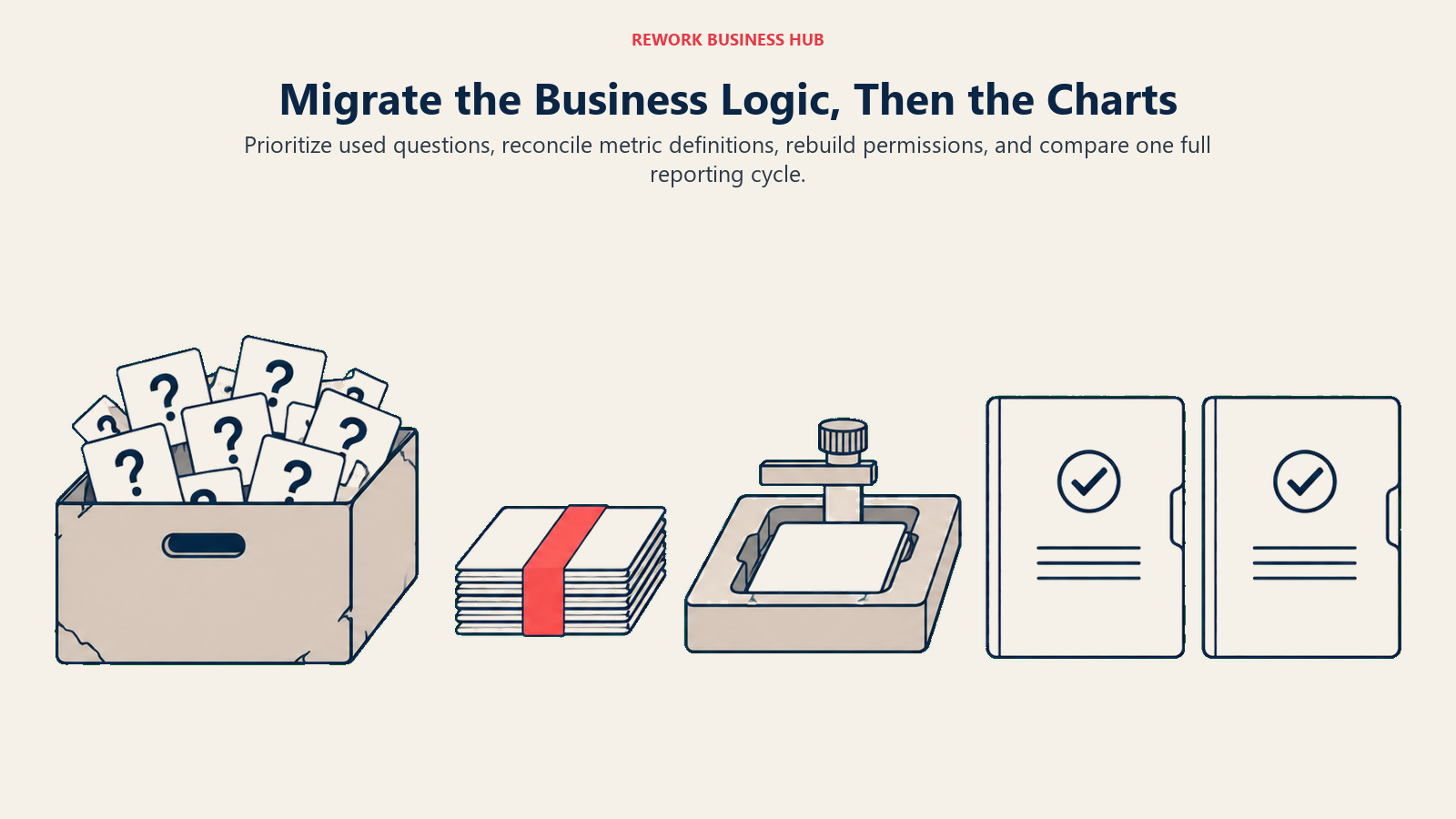
Saved questions are undocumented business logic. A mature Metabase instance holds hundreds of saved questions, each with SQL or filters encoding a definition somebody agreed to once. Export the list, sort by view count, and you'll usually find that 20 to 40 questions carry nearly all the actual usage. Rebuild those properly in the new tool and archive the rest rather than porting the long tail.
This is your one chance to define metrics once. If you're moving to Lightdash, Holistics, Power BI or Looker specifically for the modeling layer, the migration is the moment to reconcile the four competing versions of "active customer" into one reviewed definition. Do that before rebuilding dashboards, not after, or you'll rebuild the drift along with the charts. The dashboard design guide is worth reading before the rebuild rather than after it.
Check what the database was doing for you. Metabase often queries a production replica directly, while warehouse-native tools (Sigma, Lightdash, Holistics) assume a warehouse exists. If yours doesn't, that's a separate project with its own timeline, and it belongs in the estimate rather than as a surprise in week three.
Permissions rarely map cleanly. Metabase's group and collection permissions don't translate one to one into row-level security in Power BI or a governed model in Holistics. Re-derive access rules from the policy you want now, not the one that accumulated over three years of one-off requests.
Embedded dashboards are a replatforming project. Moving a customer-facing embed is engineering work rather than a data migration, and the seat-counting problem that likely triggered the search reappears in a different shape. Price the embedding tier specifically, not the internal one.
Run both in parallel for one full cycle. Keep Metabase live through at least one month-end close. It costs nothing extra on the open-source edition, and it's the cheapest insurance against a rebuilt number being quietly wrong.
How to Choose: Decision Framework
Pick the job first, then the vendor. Most shortlists get easier the moment you name which of these sentences is actually yours.
| If you need... | Choose |
|---|---|
| Open-source economics without running the infrastructure | Preset (managed Apache Superset) |
| More analytical range than Metabase, still free, still self-hosted | Apache Superset |
| Metrics defined in your dbt project and enforced everywhere | Lightdash |
| A governed as-code semantic layer without adopting dbt | Holistics |
| Free, hosted dashboards on Google-shaped data | Looker Studio |
| A real semantic model inside the Microsoft stack you already pay for | Microsoft Power BI |
| A spreadsheet interface directly on your cloud warehouse, with write-back | Sigma Computing |
| Natural-language search that returns consistent, governed answers | ThoughtSpot |
| The deepest visual exploration for a dedicated analyst team | Tableau |
| Python and SQL together, published as apps stakeholders can use | Hex |
| A small authoring team plus hundreds of occasional viewers, on AWS | Amazon QuickSight |
| Live operational and infrastructure monitoring | Grafana |
| An always-free plan and a cheap upgrade path for an SMB | Zoho Analytics |
| A simple KPI scoreboard pulled from SaaS tools | Databox |
Frequently Asked Questions about Metabase Alternatives
Is Metabase actually free, or is that a limited trial?
It's genuinely free, but only in one specific form. The free edition is the self-hosted open-source version, with unlimited users and no seat cap. Metabase Cloud is a separate paid product that costs money from day one: Starter is $100 per month, or $90 per month billed annually ($1,080 per year), covering the first 5 users, then $6 per extra user per month.
How much does Metabase Cloud cost?
Metabase publishes both billing bases on its pricing page. Starter is $100 per month, or $90 per month billed annually ($1,080 per year), for the first 5 users, with extra users at $6 per user per month or $65 per user per year. Pro is $575 per month, or $517.50 per month billed annually ($6,210 per year), for the first 10 users, with extra users at $12 per user per month or $130 per user per year. Enterprise is custom, starting at $20,000 per year. Yearly billing saves 10%.
Why do teams outgrow Metabase?
Four reasons come up repeatedly. There's no LookML-class semantic layer, so metric definitions drift across saved questions. Governance thins out once you pass a few hundred questions with no clear owner. The chart library is deliberately simple, which caps deep visual or statistical analysis. And self-hosting stops feeling free once analytics becomes business-critical and someone is on call for it.
What is the closest alternative to Metabase for a small team?
Preset's Starter tier, free forever up to 5 users, is the closest hosted match to Metabase's free promise, and it runs on Apache Superset so nothing is locked in. Zoho Analytics' always-free plan (2 users, 10,000 rows, 5 workspaces) is the closest option inside a broader business suite. If you're happy to keep self-hosting, Apache Superset directly is free at any user count.
Which Metabase alternative gives me a real semantic layer?
Lightdash if you already run dbt, since metrics live in your dbt project under version control. Holistics if you don't, since it defines models and metrics in its own as-code language. Microsoft Power BI if you're on Microsoft already, since DAX measures on a semantic model give the same define-once property. Sigma is the option if the shape of the problem is spreadsheet analysis on a warehouse rather than a modeling layer.
Does embedding Metabase get expensive?
It can, and this catches teams out. Embedded viewers count as users under Metabase's pricing, and the features you need for multi-tenant embedding and white-labelling sit on the Pro plan at $575 per month for 10 users. If customer-facing embedding is the plan, price that tier specifically rather than budgeting from the Starter figure.
Is self-hosting Metabase really cheaper than paying for a hosted tool?
Only if your engineering time is genuinely free, which it isn't. The 2026 State of Open Source Report found nearly half of respondents spending 50% or more of their time on maintenance and bug fixes rather than new work, and 60% of large enterprises reporting the same imbalance. Put an hourly rate against your last two quarters of upgrades, incidents and access requests before concluding that the free edition wins on cost.
Can I keep the open-source model and still stop running servers?
Yes, that's exactly what Preset and Lightdash Cloud exist for. Preset is managed Apache Superset, free up to 5 users and $20 per user per month billed annually on Professional. Lightdash Cloud Pro is $3,000 per month with unlimited users and no per-seat charge. Both leave you with an open-source engine you can migrate back to self-hosting if the relationship ends.
Which alternatives publish real pricing, and which require a sales call?
Power BI, Tableau, ThoughtSpot, QuickSight, Preset, Lightdash, Holistics, Hex, Grafana and Databox all publish figures you can budget against. Sigma Computing publishes nothing at all. Google prints the Looker Studio Pro rate on its own product page, $9 per user per project per month, but it is billed per Google Cloud project rather than per organisation. Zoho Analytics publishes its range on its help centre, from $25 a month at the entry tier to $495 a month at the top, though its marketing pricing page renders the figures client-side and is worth cross-checking.
What to Do Next
Before you book a demo, spend an hour on your own instance. Export the list of saved questions, sort by views, and count how many are genuinely load bearing. That number decides which path you're on. Under about 30, and the real job is a KPI board or a cheaper hosted tool, so look at Databox, Zoho Analytics or Looker Studio and stop there. Several hundred with duplicated definitions, and the job is a semantic layer, so pilot Lightdash if you run dbt and Holistics if you don't. Add up your last two quarters of Metabase maintenance hours at a real hourly rate, and if that number embarrasses you, Preset is the shortest move that keeps the open-source engine.
Then get three figures in writing from whichever two vendors make your shortlist: the total cost at your actual user count including viewers, what changes when that count doubles, and the year-two renewal number. Run a two-week pilot rebuilding your ten most-viewed Metabase questions in both, and keep Metabase running in parallel through one full month-end close before you shut anything down. If what you're really chasing is user behavior inside your product rather than business reporting, that's a different category entirely, and the guide to choosing product analytics software covers it properly.
Camellia covers analytics, business intelligence and data tooling for B2B teams.

Principal Product Marketing Strategist
On this page
- Key Facts
- Quick Comparison Table
- What "Metabase Is Free" Actually Means
- Why Teams Leave Metabase
- The Five Paths Out of a Metabase Evaluation
- 1. Preset (managed Apache Superset): Open Source, Someone Else's Servers
- 2. Apache Superset: The Open-Source Upgrade Path That Stays Free
- 3. Lightdash: Your dbt Project Becomes the Semantic Layer
- 4. Looker Studio: Free, Hosted, and Genuinely Limited
- 5. Microsoft Power BI: The Semantic Model Metabase Never Had
- 6. Sigma Computing: The Warehouse With a Spreadsheet On Top
- 7. Holistics: The As-Code Semantic Layer, Without Requiring dbt
- 8. Grafana: The Operational Half Metabase Was Never Built For
- 9. Hex: Notebooks for Analysts, Apps for Everyone Else
- 10. Zoho Analytics: The SMB Ladder With a Real Free Plan
- 11. Tableau: When the Ceiling Is Visual Analysis, Not Governance
- 12. ThoughtSpot: Ask in English, Against a Governed Model
- 13. Amazon QuickSight: The AWS-Native Landing Spot
- 14. Databox: When the Real Job Was a KPI Board
- Pricing Models: Free, Per Seat, Flat Platform and Usage
- Stage Fit Matrix
- Sizing and Persona Table
- Migration Considerations
- How to Choose: Decision Framework
- What to Do Next