Granola vs Read AI vs Avoma: AI Meeting Notetakers Compared (2026)
Turn this article into takeaways for your work.


Each assistant summarizes the article only for you and suggests best practices for your work.
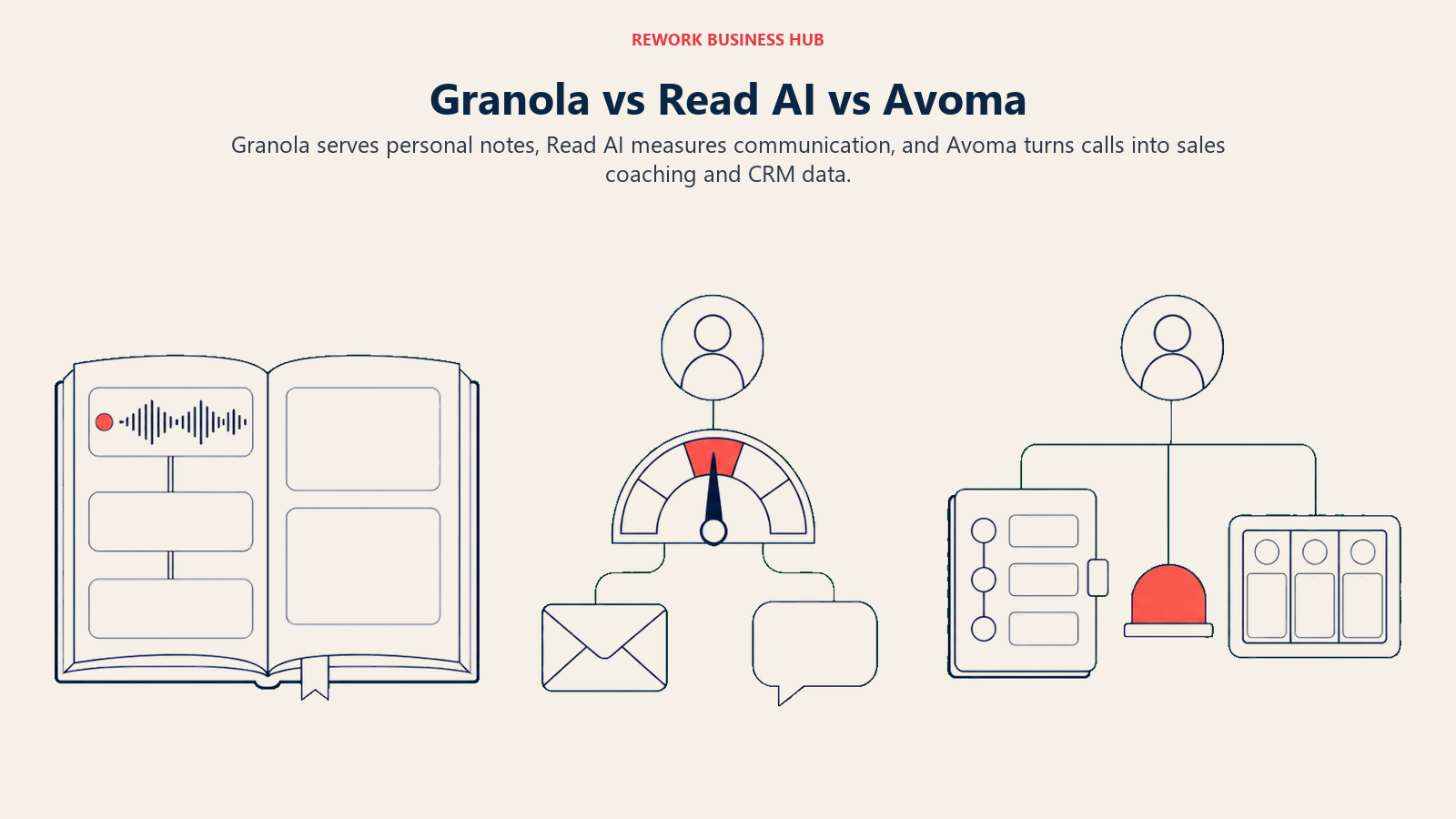
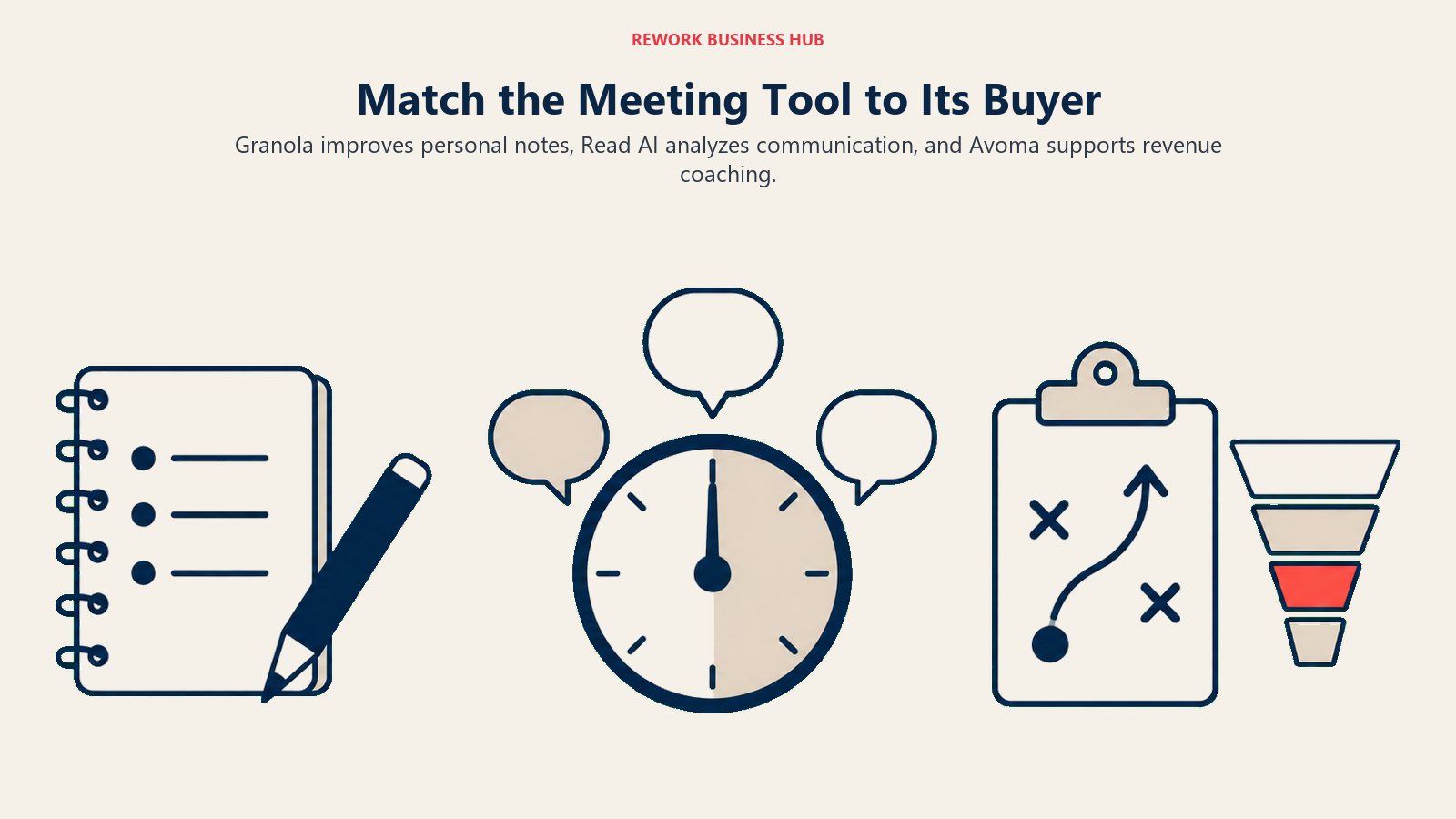
Every roundup lumps Granola, Read AI, and Avoma into the same "AI meeting assistant" category as if they compete for the same purchase order. They don't. Granola is built for the person who already takes notes and just wants better ones, with nothing joining the call to announce that fact. Read AI is built for the manager who wants to know how a meeting actually went, not just what was said, and it follows that question into email and chat too. Avoma is built for the revenue leader who wants call data updating the CRM and coaching the rep at the same time, priced and structured like the sales tool it is.
That's three different buyers solving three different problems, and picking on price or a star rating instead of which buyer you actually are is how teams end up paying for coaching scorecards nobody opens, or a bot-free workflow that never gets the CRM sync a sales floor needed. Here's the breakdown by what you're trying to accomplish, including the two questions buyers get wrong most: whether a visible bot joins the call, and where the recording actually lives once it ends.
TL;DR
| Dimension | Granola | Read AI | Avoma |
|---|---|---|---|
| Core identity | Personal notetaker that enhances what you already type | Meeting-intelligence layer scoring engagement and sentiment | Conversation and revenue intelligence platform for sales teams |
| Does a bot join the call | No, ever | Yes, "Read AI Notetaker" | Yes, "Avoma Notetaker," with audio and chat announcement |
| Primary buyer | Founders, consultants, individual operators | Managers wanting visibility across many meetings | CROs, VP Sales, RevOps leaders |
| Reach beyond meetings | None, meetings only | Yes, email and Slack/Teams sentiment | Meetings plus CRM and forecast data |
| CRM depth | HubSpot, Affinity at Business tier | Salesforce, HubSpot, Notion at Pro | Salesforce/HubSpot two-way sync (add-on) |
| Free plan | Yes, unlimited notes, 30-day access window | Yes, 5 meeting transcripts/month | No, 14-day trial of Organization only |
| Starting paid price | $14/user/month (Business) | $15/user/month annual (Pro) | $19/recorder-seat/month annual (Startup) |
| Where cost can surprise you | Enterprise ($35/mo) needed for SSO | Every seat full price, no free-viewer tier | Add-ons push real cost to $77-82/seat/month |
What Each Tool Is Actually Built For
Granola: the notetaker for people who already take notes
Granola starts from an observation most meeting tools skip: people already take notes, they're just bad at it, since typing and listening at once is hard. Granola upgrades that habit instead of replacing it. You type rough bullets while you talk, and Granola uses its own transcript to expand them afterward, in something close to your own voice rather than a generic AI summary. Nothing joins the meeting to do this. Granola captures your computer's microphone and system audio directly, which is why it works on any video platform and, through its mobile app, on meetings that never touch a screen: hallway chats, client visits, coffee catchups.
That architecture makes Granola a personal tool first, adopted bottom-up rather than rolled out through a RevOps mandate. For consultants, recruiters, and founders running most of their own calls, that's the pitch: a better version of what they were already doing. Our best AI tools for consultants guide covers this reader profile, and Granola vs Otter.ai goes deeper on the bot-free-versus-archive tradeoff.
Read AI: the meeting-intelligence layer that doesn't stop at meetings
Read AI starts from a different question: not "what was said," but "how did this go, and for whom." Its AI Notetaker joins the call, transcribes it, and adds a coaching score for talk-time balance and participation, so a manager sees whether one person dominated the call or quieter attendees got a word in, a pattern worth watching given that meeting-heavy team cultures see measurably higher attrition. The scope keeps going past the meeting, into email and Slack/Teams chat sentiment, making Read AI less a notetaker with extra features and more a communication-pattern tool that happens to start with meetings.
That breadth makes it a manager's tool rather than an individual's. A single rep doesn't need sentiment scoring across their own inbox; a sales manager or RevOps lead reading communication health across a whole team does. The catch: licensing is per-seat and per-recorder, so visibility across 30 people's meetings means licensing all 30, not just the manager reviewing.
Avoma: built and priced like a sales tool
Avoma is the most conversation-intelligence-shaped of the three, and it shows in the product's structure, not just what it does. The base plans (Startup, Organization, Enterprise) cover recording, transcription, and notes, but that's the entry point, not the pitch. The real product sits in two paid add-ons: Conversation Intelligence, adding AI coaching and customizable scorecards, and Revenue Intelligence, adding deal-risk alerts, forecasting, and two-way CRM sync. Only people who actually record calls need a paid seat; viewers and collaborators are free, a detail that matters once not everyone on the team takes calls.
That structure means Avoma competes less with Granola and Read AI on "which notetaker is better" and more with dedicated conversation-intelligence platforms on "which coaching platform is affordable." A revenue team wanting scorecards and forecast data from every call should read Avoma's sticker price as a starting number, not the real one. Our best AI tools for sales guide covers where a tool like Avoma sits in a broader stack, and our Best Avoma Alternatives guide covers what to weigh if the add-on math stops working.
| Capability | Granola | Read AI | Avoma |
|---|---|---|---|
| Real-time transcription | Yes | Yes | Yes |
| AI-enhanced personal notes | Yes, core feature | No, fixed summary format | No, fixed summary format |
| Cross-meeting AI search/chat | Yes, unlimited on Business+ | Limited to per-meeting reports | Yes, "Ask Avoma" |
| Sentiment/engagement scoring | No | Yes, core feature | Limited, add-on only |
| Email and chat sentiment | No | Yes | No |
| Coaching scorecards | No | Basic (talk-time, participation) | Yes, add-on |
| Deal-risk and forecasting | No | No | Yes, add-on |
| Native CRM write-back | HubSpot, Affinity (Business) | Salesforce, HubSpot (Pro) | Salesforce, HubSpot (add-on) |
| In-person / no-platform capture | Yes, core marketed use case | No | No |
The Bot Question: Does Anyone Actually Join Your Call
Every buyer conversation about these three tools lands on this question eventually, and it's worth being precise instead of reducing it to a slogan, because the answer changes the consent conversation you need to have before you record anyone.
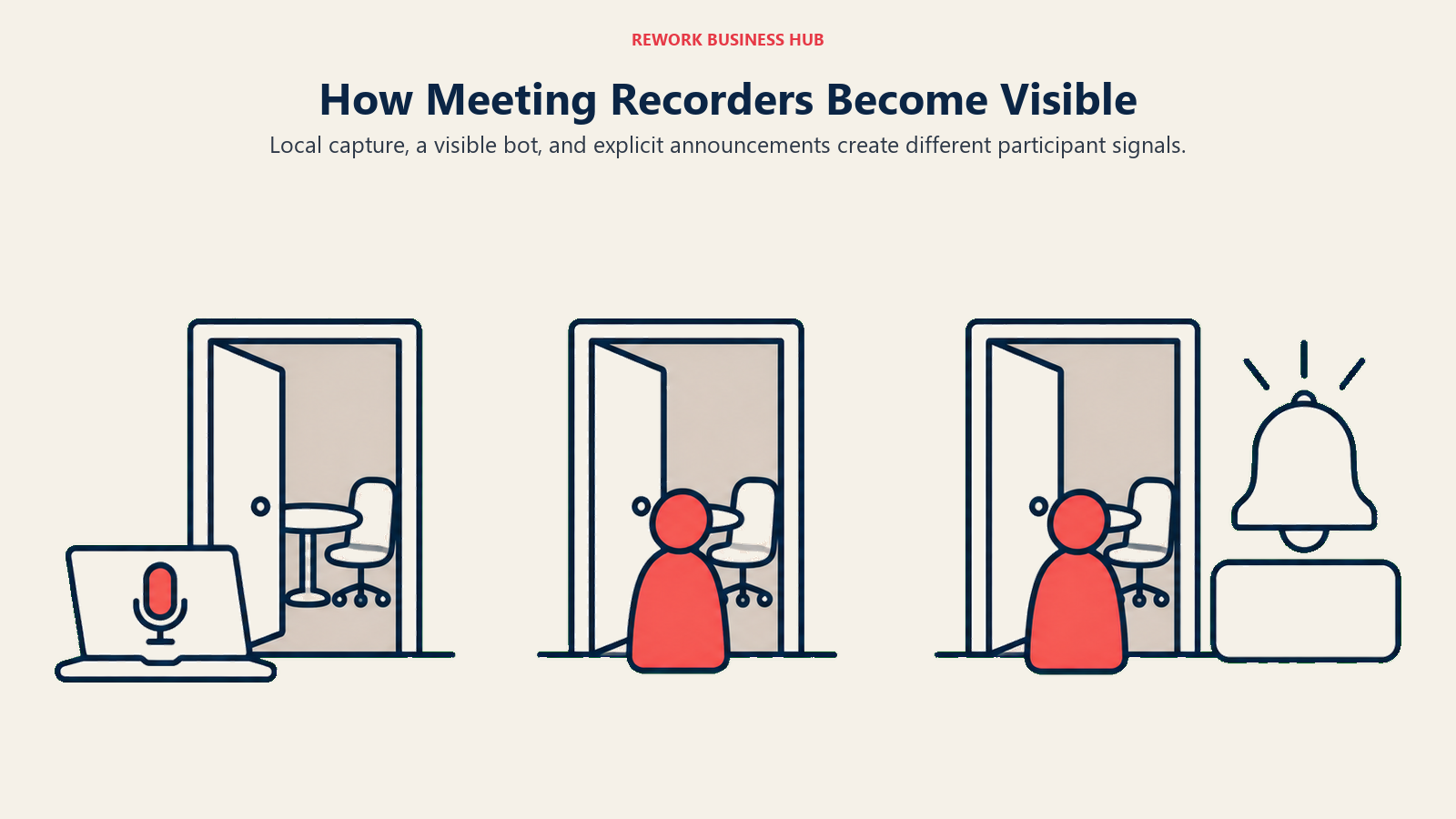
Granola never joins a call as a participant. It captures audio locally through your computer's microphone and system audio. Nothing appears in the participant list, nothing announces itself, and nobody on the call, including you if you forget it's running, gets a cue that a transcript is being generated. That's a real advantage for external calls where a bot avatar changes the tone of the conversation, and it's also why the entire disclosure burden sits with whoever's running it.
Read AI joins as a named bot, "Read AI Notetaker," visible in the participant list like any other attendee, a real disclosure signal assuming someone actually checks who's in the call.
Avoma goes further. Its bot, "Avoma Notetaker," joins visibly, plays an automated voice announcement that the meeting is being recorded (useful on Google Meet and Teams, which lack Zoom's native red-icon cue), and posts a written notice in the meeting chat. Admins can also configure consent enforcement across four levels, from simply notifying participants up to requiring active permission before recording starts, the most conservative default of the three.
| Tool | Bot visible in participant list | Audio announcement | Chat notice | Consent controls |
|---|---|---|---|---|
| Granola | No, never joins | No | No | None, entirely manual |
| Read AI | Yes, "Read AI Notetaker" | Not by default | Not by default | Basic, per-account settings |
| Avoma | Yes, "Avoma Notetaker" | Yes, automatic | Yes, automatic | Four levels: Disabled, Notified, Acknowledgment, Permission required |
Where Your Recordings and Transcripts Actually Live
The second question buyers get wrong isn't whether a bot joins, it's what happens to the recording after everyone hangs up, and none of these three make that as easy to find as their pricing pages.
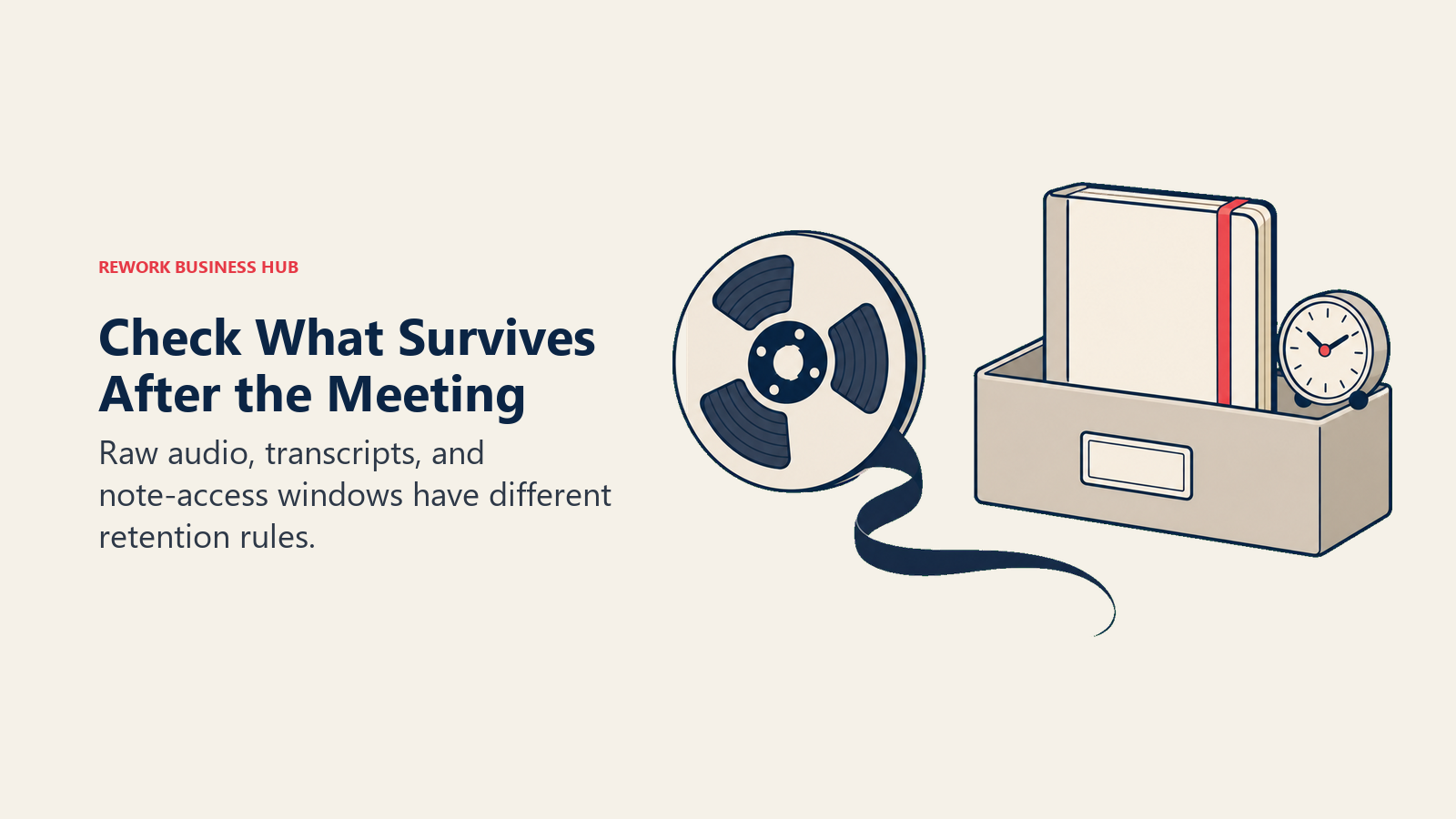
Granola's architecture is the most specific: on desktop, it transcribes audio in real time and then deletes the raw recording, so no audio file persists once the transcript exists. On iPhone, audio is cached temporarily and deleted once transcription finishes. Model training on your content is opt-out, off by default for Enterprise. The free tier's 30-day window is about note access, not deletion: older notes are stored, not wiped, and reappear on upgrade.
Read AI's privacy page confirms post-call deletion controls exist, audio, video, data, report, and account, and content training is opt-out by default. What it doesn't publish is a default retention window, so get that number from Read AI directly before recording anything sensitive.
Avoma's documentation focuses on access control rather than a retention window: who can view a recording is configurable per meeting, and the four-level consent framework above supports GDPR and regional rules. Like Read AI, it doesn't publish a default retention period either, noting plainly that "organizations remain responsible for determining the legal obligations that apply to their use case," which is honest, and exactly the point of the next section.
| Tool | Raw audio after the call | Retention window published | Model training default | Deletion controls |
|---|---|---|---|---|
| Granola | Deleted after real-time transcription (desktop); cached then deleted (iPhone) | No hard cap on paid tiers; free tier's 30 days is an access window, not deletion | Opt-out; off by default for Enterprise | Org-wide auto-deletion at Enterprise |
| Read AI | Stored until deleted | Not published, confirm directly | Opt-out by default | Post-call deletion of audio, video, data, report, account |
| Avoma | Stored per access-control config | Not published, confirm directly | Not stated | Per-meeting access control; four-level consent enforcement |
Recording Consent Law: What You Actually Need to Check
None of the three vendors above will tell you whether recording a specific call is legal, and that's not a gap in their documentation, it's because the answer depends on where the people on the call are sitting, not which notetaker you bought.
In the United States, the federal default and most states require only one party's consent, meaning you can legally record a call if you yourself consent, even if nobody else knows. A smaller group of states require all-party consent instead, making it a crime to record a private conversation without everyone's knowledge. According to the Reporters Committee for Freedom of the Press's Reporter's Recording Guide, the core all-party-consent list includes California, Delaware, Florida, Illinois, Maryland, Massachusetts, Montana, New Hampshire, Pennsylvania, and Washington, with Michigan applying a version to third-party recorders. Connecticut, Nevada, and Oregon show up on some published lists and not others, because those statutes carry narrower conditions or unsettled case law, an inconsistency that's itself a warning against treating any single article, including this one, as a final legal answer. The safe practice regardless of state, and the one every vendor above quietly agrees on, is the same: say out loud, at the start of the call, that it's being recorded.
The EU adds a different layer on top: data protection. Under GDPR, recording a meeting with an EU data subject counts as processing personal data, requiring a lawful basis and transparent notice regardless of which basis you pick. Consent is one valid basis, but it must be freely given, specific, and easy to withdraw, which is exactly why it's weak for an internal meeting between a manager and a report: the power imbalance makes "freely given" hard to argue. Legitimate interest is often more defensible for routine internal meetings, but it doesn't remove the transparency requirement. On top of GDPR, member states layer their own national consent law: Germany is the cleanest example, where Section 201 of the criminal code makes recording someone's non-public words without consent a criminal offense, punishable by a fine or up to three years in prison.
None of that is a reason to avoid these tools. It's a reason to treat "which notetaker has the best consent defaults" as a real buying criterion, not a footnote, and to get an answer from your own counsel on the states and countries your calls actually touch.
Decision by Business Goal
| Business Goal | Best Fit | Runner-Up | Why |
|---|---|---|---|
| Get better personal notes without adding a visible tool to the call | Granola | Read AI (bot-free mode) | Granola's whole design is built around this; Read AI can approximate it, but it isn't the default workflow |
| See which meetings and reps are actually landing, not just what was said | Read AI | Avoma (inside Conversation Intelligence) | Read AI's participation and sentiment scoring is the core product, not an add-on |
| Get call data and coaching into the CRM without a rep logging anything | Avoma | Read AI (basic sync at Pro) | Avoma's Revenue Intelligence add-on is purpose-built for two-way CRM and forecast sync |
| Roll out to external-facing teams with the least awkwardness | Granola | - | No visible bot means no participant-facing question to field mid-call |
| Understand communication health beyond meetings, email and chat included | Read AI | - | The only one of the three that scores sentiment outside the meeting itself |
| Scale from a 20-person team to 200 without re-platforming | Avoma (revenue org) or Read AI (cross-functional) | Granola | Depends whether growth is revenue-shaped or cross-functional; Granola stays useful but outgrows on coaching and CRM depth |
Team and Role Fit
| Role | Recommended Tool | Primary Use Case |
|---|---|---|
| CEO / Founder | Granola | Personal notes across investor calls, board prep, 1:1s |
| COO / Head of Ops | Read AI | Cross-team meeting health and participation patterns |
| CRO / VP Sales | Avoma | Deal coaching, forecasting, pipeline risk from call data |
| Sales Manager | Avoma | Call scorecards, objection tracking, rep coaching |
| Head of Customer Success | Read AI | Sentiment and engagement trends across renewal and QBR calls |
| Consultants / Recruiters / HR | Granola | Personal notes for external, one-off calls where a bot feels invasive |
| IT / Security | Avoma (Enterprise) or Read AI (Enterprise+) | HIPAA, SSO, and admin-configurable consent controls |
Pricing at Real Team Sizes: 1, 10, and 50 Seats
List prices tell only part of the story here. Avoma's Organization plan runs $24/recorder-seat/month billed annually, down from a $29 list price, while Granola bills one flat monthly rate and Read AI takes 25% off for annual billing.
| Plan | Free tier | Entry paid (monthly) | Entry paid (annual) | Mid tier | Top published tier |
|---|---|---|---|---|---|
| Granola | Basic, $0, unlimited notes, 30-day rolling access | Business, $14/user/mo (no annual discount) | Business, $14/user/mo (same) | Not applicable | Enterprise, $35/user/mo |
| Read AI | Free, $0, 5 meetings/mo | Pro, $19.75/user/mo | Pro, $15/user/mo (25% off) | Enterprise, $29.75 monthly, $22.50 annual | Enterprise+, $39.75 monthly, $29.75 annual (5+ licenses) |
| Avoma | None, 14-day trial of Organization | Startup, $29/seat/mo | Startup, $19/seat/mo (up to 25 seats) | Organization, $39 monthly, $24 annual (up to 100 seats) | Enterprise, $39/seat/mo, annual only (10-seat minimum) |
At real headcounts, using each vendor's base notetaking plan with no coaching add-ons:
| Team size | Granola | Read AI | Avoma |
|---|---|---|---|
| 1 user (monthly / annual total) | $0 (Basic) or $14/mo, $168/yr (Business) | $0 (Free) or $15/mo annual, $180/yr (Pro) | No free plan; $19/mo annual, $228/yr (Startup, 1 seat) |
| 10 seats (monthly / annual total) | $140/mo, $1,680/yr (Business) | $150/mo, $1,800/yr (Pro, annual billing) | $190/mo, $2,280/yr (Startup, notes only) |
| 50 seats (monthly / annual total) | $700/mo, $8,400/yr (Business) | $750/mo, $9,000/yr (Pro, annual billing) | $1,200/mo, $14,400/yr (Organization, required past 25 seats) |
That base-plan table understates Avoma's real cost for the buyer it's built for. A revenue team wanting the coaching and forecasting Avoma actually markets needs the add-on stack, not just the base plan:
| Avoma configuration | Per seat/month (annual) | 10 seats/year | 50 seats/year |
|---|---|---|---|
| Base plan only (notes, recording, scheduling) | $19 (Startup) to $24 (Organization) | $2,280 | $14,400 |
| + Conversation Intelligence (coaching, scorecards) | +$29/seat | +$3,480 | +$17,400 |
| + Revenue Intelligence (forecasting, deal-risk, CRM sync) | +$29/seat | +$3,480 | +$17,400 |
| Full coaching stack, sticker price | $77/seat (Startup tier) to $82/seat (Organization tier) | $9,240 | $49,200 |
Avoma's add-ons follow the base plan's billing cycle, and monthly billing raises each one to $35/seat. Any multi-add-on terms come from a sales call, so budget from the sticker total above.
One licensing detail changes this math for Read AI specifically: its seats are per-person, not per-recorder. Avoma only charges for people who actually record and transcribe calls, viewers and collaborators are free. Read AI doesn't offer that distinction, every person whose meetings you want captured needs a full-price seat. A 50-person sales floor where a VP wants Read AI's engagement scoring across the whole team means 50 paid seats, not the manager's seat plus 49 free viewers the way Avoma would structure it.
Implementation and Change Management
| Factor | Granola | Read AI | Avoma |
|---|---|---|---|
| Time to first productive use | Under 15 minutes | Under 30 minutes, connect calendar | Under 30 minutes for notes; 1-3 days for CRM mapping |
| Learning curve | Very low, mirrors an existing habit | Low, no user action needed | Low for notes, moderate for coaching workflows |
| Who needs training | Nobody, really | Managers reviewing scores | RevOps for CRM; sales managers for scorecards |
| Internal champion needed | No | Helpful, for interpreting scores | Yes, to configure coaching properly |
| Integration effort | Minutes, Business-tier HubSpot/Affinity | Minutes, Pro-tier Salesforce/HubSpot | 1-3 days for two-way CRM sync |
| Governance setup time | Minutes at Enterprise | Not published, confirm directly | Minutes to configure consent levels |
Risk and Governance
| Risk Dimension | Granola | Read AI | Avoma |
|---|---|---|---|
| SOC 2 | Type 2 certified | Not confirmed, verify directly | Not confirmed, verify directly |
| GDPR | Compliant, DPA on request | Referenced; confirm DPA terms directly | Four-level consent framework supports GDPR |
| HIPAA | Not published | Enterprise+ only (5+ licenses) | Enterprise only |
| SSO / SAML | Enterprise only | Enterprise+ only (SAML/SCIM) | Enterprise only (SAML/OIDC) |
| Vendor lock-in risk | Low, exports freely, no CRM dependency | Moderate, a scoring habit hard to replicate elsewhere | Moderate to high once CRM/forecasting depends on it |
| Consent architecture | Weakest participant signal; strongest deletion control | Moderate, visible but silent | Strongest, visible, audible, and logged |
When Each Is the Right Call
When Granola is the right call
- You already take some notes in meetings and want them cleaned up and expanded, not replaced by a summary that reads like nobody was in the room.
- A real share of your calendar is external-facing, client site visits, candidate interviews, board calls, where a visible bot changes the tone of the conversation.
- You want to own the disclosure decision yourself rather than rely on a bot's name in a participant list to do it for you.
- $14/user/month covers your real usage and you don't need CRM depth beyond HubSpot or Affinity.
When Read AI is the right call
- You manage people, not just projects, and you want to know how a meeting actually landed, not just what got said in it.
- Communication health matters beyond the meeting itself, and email or Slack/Teams sentiment is part of what you're trying to measure.
- You're prepared to license every person whose meetings you want visibility into, not just the people doing the recording.
- You need HIPAA compliance and are ready to commit to Enterprise+, with its five-license minimum, to get it.
When Avoma is the right call
- Your team already runs a defined sales process and wants call content mapped to it, scorecards, objection tracking, deal-risk signals, not a bare transcript.
- CRM data quality is a real operational problem, reps aren't logging calls, and you want that fixed at the source.
- You can budget for the add-on stack from the start rather than discovering it mid-negotiation; the base plan alone undersells what the product is built to do.
- Only a subset of your team needs a paid seat, since viewers and collaborators are free, which changes the real math for a large, mixed team.
Decision Framework
| Pick this | If this describes your situation |
|---|---|
| Granola | You already take rough notes and want them enhanced, not replaced, on calls where a bot feels wrong |
| Read AI | You're a manager who needs to see how meetings actually went, including communication patterns beyond the call itself |
| Avoma | Your team runs a sales methodology and wants coaching, forecasting, and CRM data mapped to it |
| Avoma | CRM data quality is the operational problem you're trying to fix, and you can budget for the add-ons |
| Start with a pilot, then decide | Your team has genuinely split needs; give Granola to founders, Read AI to managers, Avoma to the sales floor for two weeks and let usage decide |
Frequently Asked Questions about Granola vs Read AI vs Avoma
What's the main difference between Granola, Read AI, and Avoma?
They serve three different buyers. Granola enhances the notes you already take and never puts a bot on the call. Read AI scores engagement and sentiment across meetings, email, and chat for managers wanting visibility across many meetings. Avoma is built and priced like a sales tool, adding CRM sync, deal coaching, and forecasting on top of meeting notes.
Does a bot join the call with any of these tools?
Granola never joins as a participant, it captures your device's audio locally. Read AI and Avoma both join visibly as named bots ("Read AI Notetaker" and "Avoma Notetaker"). Avoma goes further, adding an automatic voice announcement and chat notice on top of the visible participant entry.
Is any of these three free?
Granola and Read AI both have standing free tiers. Granola's Basic plan allows unlimited notes with access limited to a rolling 30-day window; Read AI's free plan caps at 5 meeting transcripts a month. Avoma has no free tier, only a 14-day trial of its Organization plan.
Which one is legal to use in a two-party consent state?
All three can be used legally if every participant actually consents, the tool itself doesn't determine legality, your disclosure practice does. Announce that a call is being recorded at the start regardless of tool or state, and confirm the specific states and countries your calls touch with your own counsel, since published state lists disagree on several edge cases.
Which tool is cheapest for a small team?
At 10 seats billed annually, Granola's Business plan runs about $1,680 a year, Read AI's Pro plan runs about $1,800, and Avoma's Startup plan runs about $2,280 for notes alone. Avoma's real cost rises sharply once you add its coaching and forecasting add-ons, to roughly $77 to $82 a seat a month.
Do Granola, Read AI, or Avoma train AI models on my meeting data?
Granola and Read AI both offer opt-out training policies (off by default for Granola's Enterprise workspaces, opt-out by default across Read AI's plans). Avoma's public pages don't state a default training policy, so confirm that directly with their team.
What to Do Next
Match the tool to the buyer before you match it to a budget line. If you're evaluating this for yourself or a handful of people who already take their own notes, start with Granola's free tier, it costs nothing to find out whether the enhanced-notes workflow sticks. If you're a manager trying to understand whether meetings are actually working, Read AI's free tier gets you five meetings a month to test the participation scoring before committing to a seat. And if the real job is CRM data quality and rep coaching, skip Avoma's base plan entirely in your budgeting and price the Conversation Intelligence and Revenue Intelligence add-ons from day one, since that's the product you're actually buying.
Before you turn any of these three loose on an external call, run a meeting audit first. A chunk of the "we need better meeting notes" problem is usually a "we have too many meetings" problem, and no notetaker fixes that. Then settle your disclosure practice, announce the recording out loud regardless of which tool's bot, or lack of one, is running, and confirm your specific states and countries with counsel if your calls cross state or national lines regularly.
If none of these three quite fit, the field is bigger than this comparison. Our Best AI Meeting Assistants and Notetakers roundup covers 14 tools including CRM-first options like Fireflies and Otter, and Otter vs Fireflies vs Fathom covers that side of the category if a searchable archive matters more than coaching or bot-free capture. For revenue teams that outgrow Avoma's add-on stack entirely, Gong vs Chorus vs Fathom covers the heavier, enterprise-grade tier above it.

Senior Customer Retention Strategist
On this page
- TL;DR
- What Each Tool Is Actually Built For
- Granola: the notetaker for people who already take notes
- Read AI: the meeting-intelligence layer that doesn't stop at meetings
- Avoma: built and priced like a sales tool
- The Bot Question: Does Anyone Actually Join Your Call
- Where Your Recordings and Transcripts Actually Live
- Recording Consent Law: What You Actually Need to Check
- Decision by Business Goal
- Team and Role Fit
- Pricing at Real Team Sizes: 1, 10, and 50 Seats
- Implementation and Change Management
- Risk and Governance
- When Each Is the Right Call
- When Granola is the right call
- When Read AI is the right call
- When Avoma is the right call
- Decision Framework
- What to Do Next