Best AI Tools for Instructional Design in 2026
Turn this article into takeaways for your work.


Each assistant summarizes the article only for you and suggests best practices for your work.
Instructional design is a different job from training delivery, and most "best AI training tools" lists blur the two together. This guide is about the craft: turning a subject-matter expert's knowledge into a structured course, storyboarding how a learner moves through it, writing the assessment that proves they learned it, and packaging the finished module as SCORM or xAPI so an LMS can track it. It covers 13 tools instructional designers and learning experience designers actually use in 2026, from full authoring suites to AI course generators, quiz builders, and the avatar video tools that turn a script into a finished lesson without a camera crew.
Above the SMB tier, most vendors in this category quote custom deals instead of publishing a rate card. If your gap is on the other side of the fence, running the course company-wide, coaching reps with AI roleplay, or turning finished content into video at scale, our best AI tools for corporate training guide covers that delivery layer, and the two pair together rather than compete. This guide is scoped to corporate and workplace L&D specifically; if you're designing for a classroom rather than a workforce, our best AI tools for teachers and best AI tools for educators guides cover that side of instructional design instead. And if continuous learning is a competency you're building into performance expectations, not just a software purchase, our continuous learning guide covers what that looks like on a team.
Key Facts
- 87% of L&D teams already use AI somewhere in their learning programs, per Synthesia's AI in Learning & Development Report 2026.
- 84% of L&D teams name faster production as AI's single biggest benefit so far, per the same Synthesia 2026 report.
- 83% of instructional designers report using ChatGPT in their professional practice, per McNeill et al.'s 2025 survey of 144 instructional designers, published in Education Sciences.
- 67% of instructional designers surveyed reported moderate-to-significant time savings from generative AI, freeing up time for more strategic design work rather than replacing their role, per the same McNeill et al. study.
- 72% of L&D teams expect AI to deliver more personalized learning experiences within the next two years, per Synthesia's 2026 report.
What Changed in 2026
- AI course generation moved from novelty to a real first draft. Tools like Coursebox AI now turn a PDF, slide deck, or set of notes into a structured outline with lessons, quizzes, and flashcards in minutes. Instructional designers increasingly treat that output as a first draft to restructure and fact-check, not a finished course, but it changes where the hours go.
- Avatar video quality closed the gap with filmed video for most compliance and product training. Synthesia, Colossyan, and Elai.io all shipped meaningfully better lip-sync and gesture models in the past year, which is why avatar-led modules stopped being a novelty add-on and became a default option for content that needs frequent refreshes or multilingual versions.
- Barriers shifted from "can AI do this" to governance. Security concerns (58%) and accuracy concerns (52%) are now the top-cited reasons L&D teams hold back on wider AI adoption in course production, per Synthesia's 2026 report, not a lack of capable tools.
The Instructional Design Toolkit Map
Five different jobs sit under "instructional design," and most teams only need real AI depth in one or two of them at a time.
| Job | What AI Actually Handles | Tools in This Guide |
|---|---|---|
| Full-featured course authoring and SCORM/xAPI packaging | Slide-based or freeform course building, branching scenarios, quiz engines, LMS-ready export | Articulate 360, Adobe Captivate, iSpring Suite, dominKnow | ONE |
| AI-generated course drafts and rapid/micro-authoring | Turning source documents or prompts into a structured outline, lessons, and quizzes fast | Coursebox AI, 7taps, Genially, Heyzine |
| AI avatar and animated video for eLearning modules | Turning a script into presenter-led or animated video without filming | Synthesia, Elai.io, Colossyan, Vyond |
| Screen recording, narration, and video editing | Cleaning up screen-capture demos and voiceover for software training | Descript |
Quick Comparison Table
| Tool | Best For | Starting Price | Key Strength | Key Limitation |
|---|---|---|---|---|
| Articulate 360 | Full-featured, industry-standard course authoring | $1,449/user/year (AI Personal), annual only | Storyline 360 + Rise 360 in one subscription, huge template ecosystem | No monthly plan; steep for occasional authors |
| Adobe Captivate | Simulations, VR, and software-practice scenarios | $33.99/month (Individual) | Deep software-simulation and branching-scenario tools | Steeper learning curve than slide-based tools |
| iSpring Suite | PowerPoint-native authors who want fast conversion | $720/year (Cloud AI, per author) | Familiar PowerPoint ribbon interface, built-in quiz maker | Less flexible for freeform, non-slide layouts |
| dominKnow | ONE | Enterprise teams publishing to many devices at once | Not published; commonly quoted $1,000-$2,000/author/year | Single-source responsive output plus a shared content library | Pricing opacity; heavier setup than a standalone tool |
| Coursebox AI | Turning documents into a full course draft fast | Free (3 mini courses); Creator $30/month | Document-to-course, quiz, and flashcard generation in one pass | AI credits get consumed quickly on longer courses |
| 7taps | Mobile-first microlearning delivered where people already are | Free; Standard $99/month/editor | Publishes straight into Slack, Teams, and WhatsApp | Not built for long-form or compliance-heavy courses |
| Genially | Interactive, gamified content and visual storyboards | Free; paid plans from roughly $7.49/user/month | Strong interactive templates without coding | Not an LMS-ready authoring tool on its own |
| Heyzine | Turning a PDF handout into an interactive digital flipbook | Free (watermarked); Standard $4/month | Fast, cheap way to publish reference material and job aids | Not a course-authoring or quiz tool |
| Synthesia | Presenter-led AI avatar video for training content | Free (10 min/month); Starter $29/month | Fast, multilingual talking-head video without filming | Per-editor-seat pricing; SCORM export locked to Enterprise |
| Elai.io | Budget-friendly AI avatar video | $23/month (Basic, 15 min) | Lower cost per minute than Synthesia at entry tier | Smaller avatar library; fewer enterprise controls |
| Colossyan | AI avatar video with lower-cost team plans | Free; Starter $19/month (annual) | Strong price-to-avatar-quality ratio at mid tiers | Advanced NEO2 model minutes stay capped even on paid plans |
| Vyond | Animated (non-avatar) explainer video for courses | $58/month (Starter, annual) | Character animation style suits abstract or conceptual topics | Credit-metered AI features add cost unpredictability |
| Descript | Cleaning up screen-recorded software demos and narration | Free (~60 min/month); Hobbyist $16/month | Edit video by editing a text transcript, plus voice cloning | Not a course structure or quiz tool; a video editor |
Which Instructional Design Tools Have a Free Plan
| Tool | Free Tier | What It Actually Lets You Test |
|---|---|---|
| Coursebox AI | 3 mini courses, watermarked | Full document-to-course AI generation flow |
| 7taps | Free plan available | Building and previewing a microlearning card set |
| Genially | 2 GB storage, free templates | Interactive design tools, gamification basics |
| Heyzine | 5 flipbooks, watermarked | Converting a PDF into an interactive flipbook |
| Synthesia | 10 minutes/month, watermarked | Avatar video quality and voice options |
| Colossyan | Free plan, roughly $27/month of credit value | Avatar library and video generation flow |
| Descript | ~60 media minutes/month | Transcript-based editing and basic AI tools |
| Articulate 360, Adobe Captivate, iSpring, dominKnow, Elai.io, Vyond | Trial only, no permanent free tier | Full feature set for a limited trial window |
Stage 1: Full-Featured Course Authoring and SCORM/xAPI Packaging
This is the backbone of most instructional design work: building a structured, LMS-ready course with branching, interactions, and assessments, then packaging it as SCORM or xAPI so a learning platform can track completion and scores.

Articulate 360: The Industry-Standard Authoring Suite
Articulate 360 bundles Storyline 360 (freeform, slide-based authoring with deep interaction and branching control) and Rise 360 (fast, responsive block-based course building) into one subscription, alongside an AI Assistant that helps draft outlines, quiz questions, and text. For instructional designers who need both precise, custom-built scenarios and quick responsive courses in the same toolkit, that combination is why Articulate remains the default recommendation in most ID job postings.
The tradeoff is cost and rigidity: Articulate only sells annual seats, there's no month-to-month option, and the AI Teams tier adds real money for collaboration features that some smaller shops don't need.
| Pros | Cons |
|---|---|
| Storyline 360 + Rise 360 + AI Assistant in one subscription | Annual billing only; no monthly plan |
| Massive third-party template, character, and asset marketplace | AI Teams tier ($1,749/user/year) needed for real collaboration features |
| Deep branching scenario and interaction control in Storyline | Steeper learning curve than block-based tools for new authors |
| Rise 360 available standalone for teams that only need responsive courses | Volume discounts require 50+ seats or direct sales negotiation |
Pricing: AI Personal $1,449/user/year, AI Teams $1,749/user/year, both billed annually only. Rise 360 alone is available standalone from roughly $499/user/year for small teams.
Best for: Instructional designers who need both freeform, branching scenario design and fast responsive course building in one industry-standard toolkit.
Adobe Captivate: Simulations and Branching Scenarios
Captivate's edge is depth in software simulations and VR-based scenarios: it can record an actual software workflow and turn it into an interactive practice simulation, and it supports 360-degree VR training environments that most competitors don't touch. For instructional designers building compliance or systems training where learners need to practice a real workflow, not just watch a demo, that simulation depth is the draw.
The interface asks more of new authors than a slide-based tool, and Adobe's subscription-only model (perpetual licenses ended in 2022) means ongoing cost even for occasional use.
| Pros | Cons |
|---|---|
| Software simulation recording and VR scenario support | Steeper learning curve than Storyline or iSpring |
| Responsive, device-aware output out of the box | Subscription only; no perpetual license option anymore |
| Strong for compliance and systems-training practice scenarios | Enterprise pricing requires VIP or ETLA negotiation |
| Built-in accessibility and translation memory tools | Smaller asset marketplace than Articulate's ecosystem |
Pricing: Individual plan $33.99/month; Enterprise and Teams pricing through Adobe's Value Incentive Plan or a three-year Enterprise Term License Agreement, custom-quoted.
Best for: Teams building software simulations, VR scenarios, or compliance training where learners need to practice a real workflow.
iSpring Suite: Fast Authoring for PowerPoint-Native Teams
iSpring's whole premise is meeting instructional designers where they already work: it's a PowerPoint add-in, so anyone comfortable building a deck can start producing SCORM-ready courses immediately, with a built-in quiz maker (QuizMaker) that supports 14+ question types. For subject-matter experts and smaller L&D teams who don't want a steep new-tool learning curve, that familiarity is the entire value proposition.
The tradeoff is flexibility: because it's built on PowerPoint's slide model, freeform, non-linear layouts are harder to pull off than in Storyline or Captivate.
| Pros | Cons |
|---|---|
| Native PowerPoint interface; minimal learning curve | Slide-based structure limits freeform, non-linear design |
| Built-in QuizMaker with 14+ question types | Less powerful branching logic than Storyline or Captivate |
| AI Suite tier adds text-to-speech and AI-assisted drafting | Content library and templates are smaller than Articulate's |
| Lowest entry price among full authoring suites | Real-time collaboration is more limited than newer cloud tools |
Pricing: iSpring Cloud AI $720/year, iSpring Suite $970/year, iSpring Suite AI $1,290/year, all per author, billed annually with volume discounts at 3+ seats.
Best for: PowerPoint-native instructional designers and SMEs who want fast, familiar course authoring without a steep learning curve. If your actual need is building the underlying slide deck itself rather than converting it into a tracked course, our best AI tools for PowerPoint presentations guide covers that narrower job.
dominKnow | ONE: Single-Source Publishing at Enterprise Scale
dominKnow's differentiator is single-source, multi-channel publishing: build a course once and publish it as a responsive eLearning module, a print job aid, and a mobile microlearning piece from the same source content, backed by a shared content library for reuse across a whole ID team. For enterprise teams maintaining large course libraries where content needs to be repurposed constantly, that reuse model saves real rebuild time.
Pricing is genuinely opaque, with third-party quotes ranging widely depending on tier and seat count, and the platform carries more setup overhead than a standalone authoring tool.
| Pros | Cons |
|---|---|
| True single-source publishing across formats and devices | Pricing not published; quotes vary widely |
| Shared content library for team-wide reuse | Heavier setup and onboarding than standalone tools |
| Strong for large, actively maintained course libraries | Smaller community and template ecosystem than Articulate |
| Built for multi-author, collaborative ID teams | Overkill for solo instructional designers or small shops |
Pricing: Not published; per-author annual quotes are commonly cited between roughly $1,000 and $2,000/year depending on tier, with Business PLUS and Enterprise tiers custom-quoted.
Best for: Enterprise ID teams maintaining large, frequently repurposed course libraries across multiple delivery formats.
Stage 2: AI Course Generation and Rapid/Micro-Authoring
This stage is where 2026's biggest shift actually happened: AI that turns a source document straight into a structured course draft, and lightweight tools built for speed over polish.
Coursebox AI: Document-to-Course Generation
Coursebox's pitch is speed from a standing start: feed it a PDF, slide deck, or set of notes and it drafts a full outline with lessons, quizzes, flashcards, and diagrams, which an instructional designer then edits through a chat-based interface rather than rebuilding from scratch. For teams facing a backlog of source material that needs to become training fast, that document-to-course pass is a genuine head start, not a finished product.
AI credits are the real cost lever here: longer or more media-heavy courses burn through credits quickly, and the jump from Creator to Pro tier is steep once a team needs full white-labeling.
| Pros | Cons |
|---|---|
| Turns PDFs, decks, and notes into a course draft in minutes | AI credits consume fast on longer, media-heavy courses |
| Built-in quiz, flashcard, and diagram generation | Pro tier jumps to $300/month for full branding control |
| No per-learner fees on any tier | AI-drafted structure still needs an ID's editorial pass |
| Free tier lets you test the full generation flow | Business tier ($700/month) needed for 10 admin seats |
Pricing: Free (3 mini courses, watermarked); Creator $30/month (unlimited courses); Creator Add-on $70/month (10x AI credits); Pro $150 first month then $300/month; Business $700/month (10 admin licenses); Enterprise custom.
Best for: Teams with a backlog of source documents that need to become structured courses fast, with an ID editing the AI's first draft rather than starting from zero.
7taps: Microlearning Built for Where People Already Are
7taps skips the LMS tab entirely: it builds short, card-based microlearning content and publishes it straight into Slack, Microsoft Teams, and WhatsApp, so learners engage with it inside tools they already open every day. For instructional designers whose real problem is completion rates on a separate LMS nobody logs into, that distribution model solves a different problem than authoring depth.
It's genuinely not built for long-form or compliance-heavy courses; the format is bite-sized by design, which is a feature for some content and a hard limit for other content.
| Pros | Cons |
|---|---|
| Publishes directly into Slack, Teams, and WhatsApp | Not suited to long-form or compliance-heavy courses |
| Fast to build; minimal design skill required | Standard plan is per-editor, not per-org |
| Free plan available to test the format | Less assessment depth than a full authoring suite |
| Strong fit for reinforcement and just-in-time content | Reporting is lighter than a dedicated LMS |
Pricing: Free plan available; Standard $99/month per editor; Enterprise custom.
Best for: Instructional designers building short reinforcement or just-in-time content that needs to land inside Slack, Teams, or WhatsApp, not a separate LMS.
Genially: Interactive Design and Visual Storyboarding
Genially's strength is making interactive, gamified content without touching code: clickable infographics, interactive video, escape-room-style scenarios, and branching visual narratives that turn a flat slide into something a learner actually clicks through. For instructional designers storyboarding a scenario or building a standalone interactive asset that doesn't need full SCORM packaging, Genially's template library moves faster than building the same interaction in Storyline.
It isn't a course-authoring or LMS-packaging tool on its own; most teams use it alongside, not instead of, a tool like Articulate or iSpring for anything that needs tracked completion.
| Pros | Cons |
|---|---|
| Strong interactive and gamified content templates | Not a full course-authoring or LMS-packaging tool |
| No-code interaction building; fast for storyboarding | SCORM export is a paid-tier feature, not universal |
| Genuinely useful free tier for testing the format | Enterprise pricing not published |
| Popular for both corporate and education-sector ID work | Quiz and assessment depth is lighter than dedicated tools |
Pricing: Free (2 GB storage); paid individual and team plans reported from roughly $7.49-$25/user/month depending on tier (Genius, Pro, Master); Author around $50/user/month; Enterprise custom.
Best for: Storyboarding interactive scenarios and building standalone gamified content that doesn't require SCORM packaging. For visual storyboards that stay closer to a traditional slide format, our best AI tools for slide decks guide covers that adjacent use case.
Heyzine: Fast Digital Job Aids and Reference Handouts
Heyzine solves a narrow but common ID problem: turning a static PDF (a job aid, a quick-reference guide, a policy handout) into an interactive, page-flipping digital publication in minutes, with analytics on which pages people actually read. It's not a course tool, but it's a cheap, fast way to publish the reference material that sits alongside a course.
| Pros | Cons |
|---|---|
| Converts a PDF into an interactive flipbook in minutes | Not a course-authoring, quiz, or SCORM tool |
| Reader analytics show which pages get engagement | Free tier carries a visible watermark |
| Very low cost even at the top paid tier | Narrow use case; a supplement to authoring tools, not a replacement |
| Custom domain and lead-capture forms at higher tiers | Limited interactivity compared to Genially or Rise |
Pricing: Free (5 flipbooks, watermarked); Standard $4/month ($49/year); Professional $14/month ($99/year); Premium $29/month ($203/year).
Best for: Publishing quick-reference job aids and handouts as interactive digital documents alongside a full course.
Stage 3: AI Avatar and Animated Video for eLearning Modules
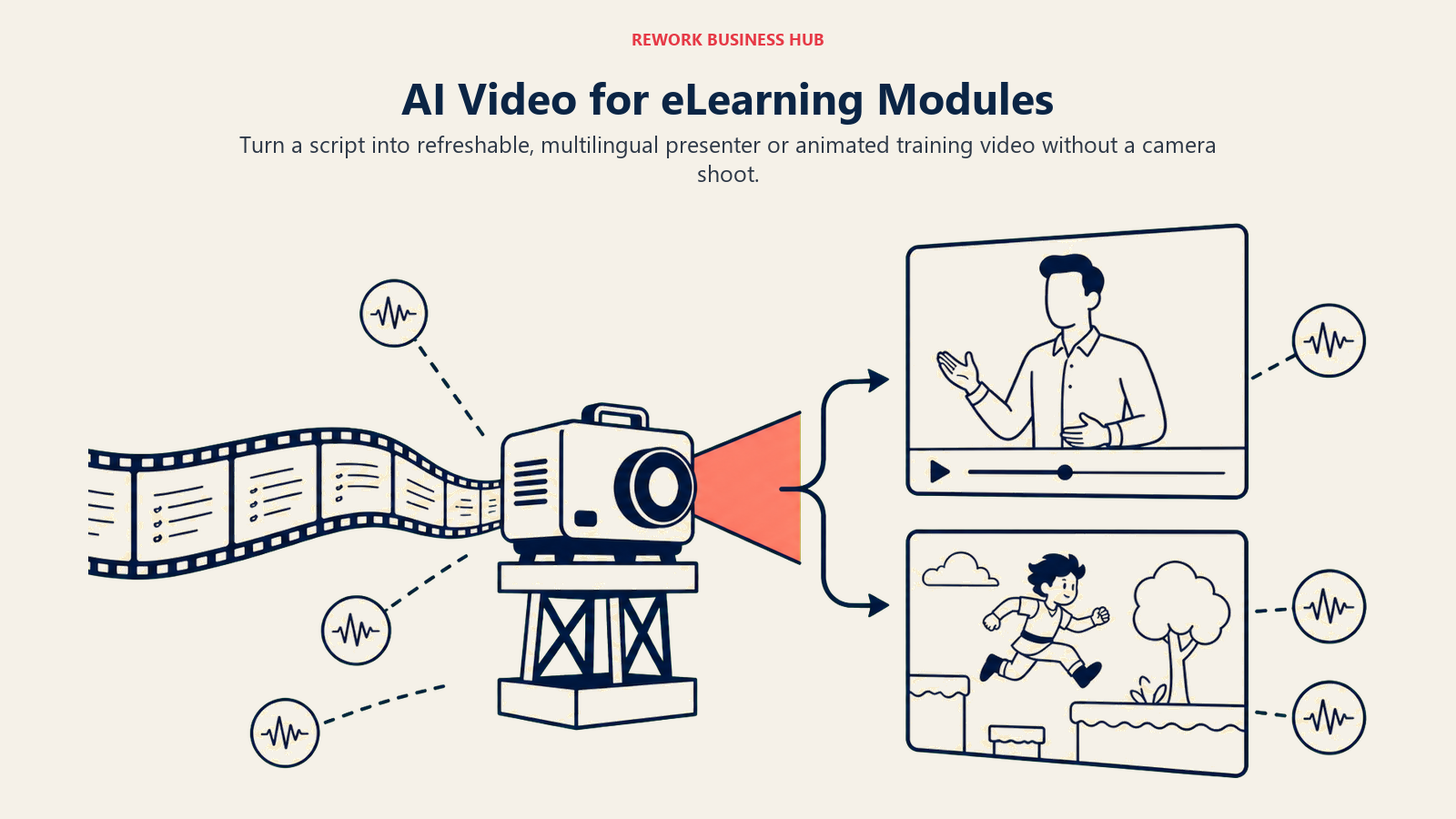
Once a course is scripted, video production used to mean a camera, a presenter's calendar, and re-shoots every time content changed. AI avatar and animation tools collapse that into a script and a render queue, which is why they moved from novelty to default option for content that needs frequent refreshes or many languages. For a deeper comparison across creator and marketing use cases beyond training specifically, see our best AI video generators guide.
Synthesia: The Category Leader for Presenter-Led Training Video
Synthesia's value is speed and polish: turn a script into a professional, multilingual video with an AI avatar, no camera, studio, or presenter needed, with 125-240+ avatars depending on tier and support for dozens of languages. For instructional designers who need the same compliance or product training refreshed and localized repeatedly, that turnaround (hours instead of weeks) is hard to match.
The pricing model catches teams off guard: it's per editor seat rather than a shared minute pool, so a small team each producing video needs multiple subscriptions, and SCORM export is locked to the custom Enterprise tier.
| Pros | Cons |
|---|---|
| Fast, multilingual AI avatar video without filming | Per-editor-seat pricing; no shared team minute pool below Enterprise |
| 125-240+ avatars depending on tier | SCORM export and SSO locked to the Enterprise tier |
| Free tier and low-cost Starter plan for testing | Overage minutes billed separately ($2-5/minute) |
| Fast refresh cycles for content that changes often | Not a course-structuring or quiz tool by itself |
Pricing: Free (10 min/month, watermarked); Starter $29/month ($18/month annual); Creator $89/month ($64/month annual); Enterprise custom with SCORM export.
Best for: Instructional designers producing presenter-led training video that needs frequent refreshes or multiple language versions.
Elai.io: The Budget AI Avatar Option
Elai's draw is straightforward cost: a minute-based pricing model that undercuts Synthesia at the entry tier, an 80+ avatar library, voice cloning on the Advanced plan, and narration support in 75+ languages. For smaller ID teams or solo instructional designers who need avatar video but can't justify Synthesia's per-seat cost, Elai is the practical entry point.
The tradeoff is depth: fewer enterprise controls, a smaller avatar library than the category leader, and less brand recognition if procurement wants a name they've already vetted.
| Pros | Cons |
|---|---|
| Lower cost per minute than Synthesia at entry tier | Smaller avatar library (80+) than Synthesia |
| Voice cloning available on the Advanced plan | Fewer enterprise controls and integrations |
| Narration support across 75+ languages | No permanent free plan, trial only |
| Simple, predictable minute-based pricing | Additional minutes cost roughly $2 each beyond plan allowance |
Pricing: Basic $23/month (15 min); Advanced $60/month (50 min, voice cloning); Enterprise from roughly $125/month (API access, custom avatars).
Best for: Budget-conscious ID teams or solo instructional designers who need avatar video without Synthesia's per-seat pricing.
Colossyan: Strong Price-to-Quality Ratio at Mid Tiers
Colossyan's positioning sits between Elai's budget tier and Synthesia's polish: a 300+ avatar library, a free plan generous enough to genuinely evaluate the format, and mid-tier plans that undercut Synthesia's Creator plan on price while offering comparable avatar quality on its standard NEO model. For teams that want more than budget-tier output without paying enterprise prices, that middle position is the appeal.
The catch is Colossyan's newest, most realistic model (NEO2): even the Business plan caps NEO2 generation at just 10 minutes a month, so higher-fidelity output stays effectively rationed regardless of what you pay.
| Pros | Cons |
|---|---|
| Large avatar library (300+) even on lower tiers | Advanced NEO2 model capped at 10 min/month, even on Business |
| Genuinely usable free plan for evaluation | Unlimited NEO1 on Business plan is the older, lower-fidelity model |
| Competitive pricing versus Synthesia at mid tiers | Enterprise tier needed for SCORM, SSO, and data residency |
| 14-day free trial with 5 minutes of generation | Per-seat structure similar to other avatar tools |
Pricing: Free plan available; Starter $19/month annual ($27/month monthly, 15 min); Professional $59/month annual (30 min NEO, 10 min NEO2); Business $70/month annual ($88/month monthly, unlimited NEO1, 10 min NEO2); Enterprise custom.
Best for: ID teams wanting a large avatar library and mid-tier pricing without jumping straight to Synthesia's Creator or Enterprise plans.
Vyond: Animated Video for Conceptual and Abstract Topics
Vyond takes a different visual approach entirely: character-based animation rather than photorealistic avatars, which suits abstract concepts, internal processes, or topics where a literal talking head feels like the wrong tone. Its AI tools (text-to-video from a script or URL, 650+ text-to-speech voices) sit alongside traditional drag-and-drop animation scene-building, so it works both as a fast AI-assisted tool and a fuller animation studio when a scene needs custom work.
The credit-metered AI features add a layer of cost unpredictability that flat-rate competitors don't have, and per-seat pricing climbs quickly above the entry Starter plan.
| Pros | Cons |
|---|---|
| Animated style suits abstract or conceptual training topics | AI features are credit-metered, adding cost unpredictability |
| 650+ text-to-speech voices and screen/webcam recording | Per-seat pricing roughly doubles from Starter to Professional |
| Works as both fast AI tool and full animation studio | No permanent free plan, trial only |
| Text-to-video from a script, doc, or URL | Steeper learning curve than a pure avatar-video tool |
Pricing: Starter roughly $58/month annual ($699/year, 10,000 credits/month); Professional roughly $100/month annual ($1,199/year); Enterprise roughly $137/month ($1,649/year); Agency roughly $167/month ($1,999/year).
Best for: Instructional designers whose content is more conceptual than procedural, where animated characters communicate better than a realistic avatar.
Stage 4: Screen Recording, Narration, and Video Editing
Not every training video is a scripted, avatar-led module. A lot of instructional design work is capturing how software actually works and cleaning that recording up into something learners can follow.
Descript: Edit Video by Editing a Transcript
Descript's core idea is unusual and genuinely useful for ID work: it transcribes a screen recording or narration track automatically, and editing the text transcript edits the video and audio to match, including cutting filler words and dead air without touching a traditional timeline. Voice cloning ("Overdub") lets an instructional designer re-record a narration line without re-recording the whole take, which matters constantly when a single sentence in a software demo needs a fix.
It's a video and audio editor, not a course-authoring or quiz tool, so it sits alongside an authoring suite rather than replacing one, and the September 2025 shift from transcription hours to metered "media minutes" made costs somewhat less predictable to forecast in advance.
| Pros | Cons |
|---|---|
| Edit video/audio by editing the transcript, not a timeline | Not a course-structuring, quiz, or SCORM tool |
| Voice cloning for quick narration fixes without a re-record | Media-minutes and AI-credit system makes cost harder to predict |
| Genuinely useful free tier (~60 min/month) | Business tier needed for real team-scale usage (30 hrs/user/month) |
| Fast for cleaning up screen-capture software demos | Enterprise pricing custom for SSO and security review needs |
Pricing: Free (~60 media min/month); Hobbyist $16/month annual ($24/month monthly); Creator $24/month annual ($35/month monthly); Business $50/month annual ($65/month monthly); Enterprise custom.
Best for: Instructional designers cleaning up screen-recorded software demos and narration tracks without a traditional video timeline.
For teams whose actual bottleneck is turning a raw recording into a clean transcript rather than a full edit, our best AI transcription tools guide covers dedicated options that go deeper on that specific job.
How to Choose: Decision Framework
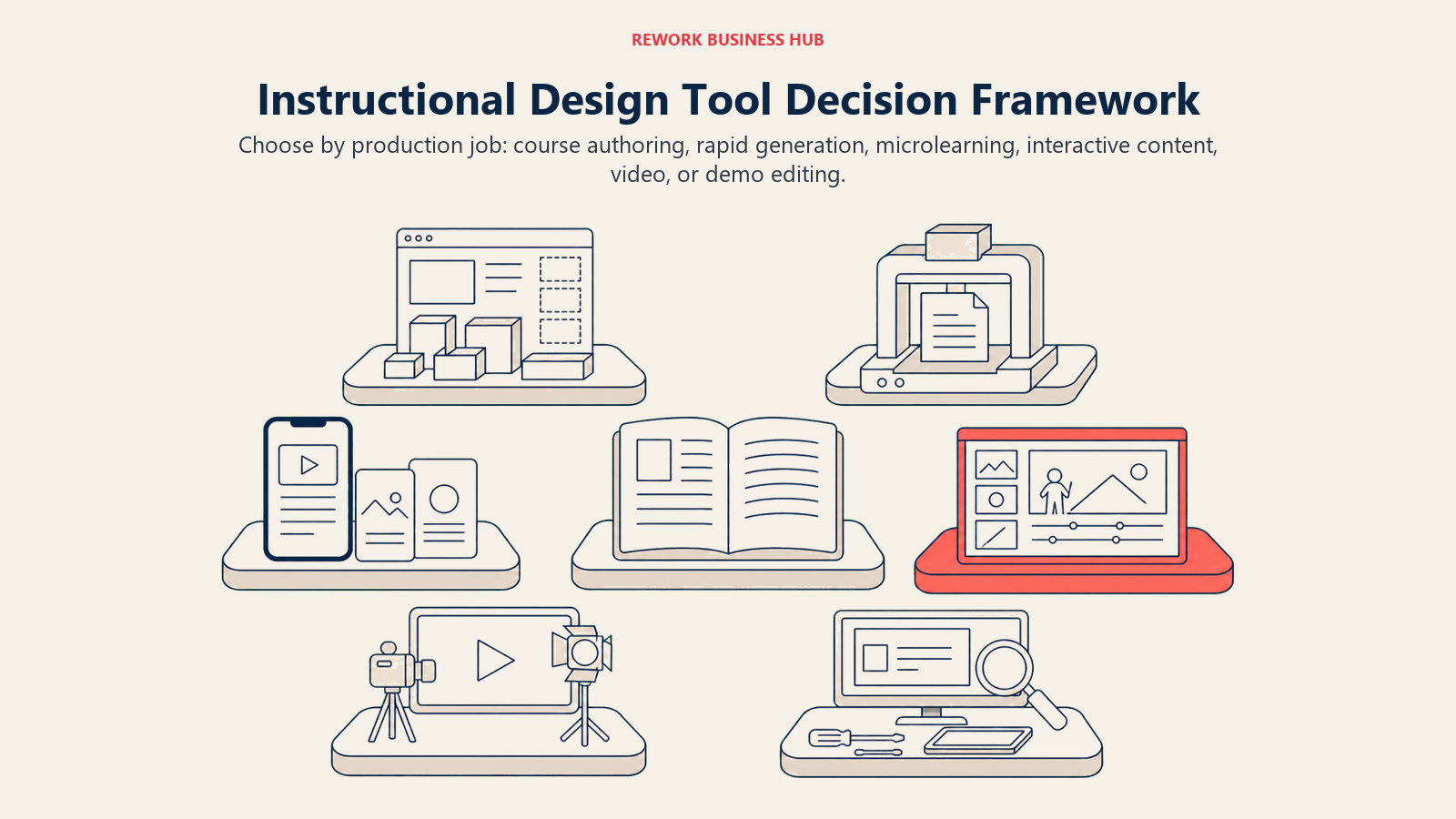
Instructional design spans several production jobs, so the right shortlist starts with the part of the workflow that consumes the most time.
| If you need... | Pick... | Why |
|---|---|---|
| The industry-standard toolkit for freeform and responsive course authoring | Articulate 360 | Storyline + Rise + AI Assistant in one subscription, biggest template ecosystem |
| Software simulations, VR scenarios, or compliance practice environments | Adobe Captivate | Deepest simulation and branching-scenario tooling in the category |
| Fast authoring for a team that already lives in PowerPoint | iSpring Suite | Native PowerPoint interface, lowest entry price for a full suite |
| Single-source publishing across many formats for a large course library | dominKnow | ONE | Build once, publish to eLearning, print, and mobile from one source |
| To turn a backlog of documents into first-draft courses fast | Coursebox AI | Document-to-course, quiz, and flashcard generation in one pass |
| Microlearning that lands inside Slack, Teams, or WhatsApp | 7taps | Publishes directly where employees already spend their day |
| Interactive storyboards or gamified content without code | Genially | Strongest interactive and gamification template library |
| A cheap way to publish reference handouts and job aids | Heyzine | Converts a PDF into an interactive flipbook in minutes |
| Polished, multilingual, presenter-led training video | Synthesia | Category-leading avatar quality and language coverage |
| Avatar video on a tight budget | Elai.io | Lowest cost per minute at the entry tier |
| A large avatar library without enterprise pricing | Colossyan | Strong price-to-quality ratio at Starter and Professional tiers |
| Animated (non-avatar) video for conceptual or abstract topics | Vyond | Character animation suits topics a talking head doesn't fit |
| To clean up screen-recorded software demos fast | Descript | Transcript-based editing plus voice cloning for narration fixes |
What to Do Next
Pick the stage that's actually eating your time right now, not the tool with the flashiest AI demo. If you're rebuilding the same PowerPoint-to-SCORM workflow every project, trial Articulate 360 or iSpring Suite against your next real course and compare build time honestly. If you're sitting on a backlog of source documents nobody has turned into training yet, Coursebox AI's free tier is the fastest way to see whether AI-drafted courses save you real editing time or just move the work around. And if the real bottleneck is producing video, not designing the course, Synthesia, Elai.io, or Colossyan's free tiers let you test avatar quality against your own script before committing to an annual seat. Whatever you pick, treat the AI's output as a first draft your instructional judgment still has to finish.

Principal Product Marketing Strategist
On this page
- Key Facts
- What Changed in 2026
- The Instructional Design Toolkit Map
- Quick Comparison Table
- Which Instructional Design Tools Have a Free Plan
- Stage 1: Full-Featured Course Authoring and SCORM/xAPI Packaging
- Articulate 360: The Industry-Standard Authoring Suite
- Adobe Captivate: Simulations and Branching Scenarios
- iSpring Suite: Fast Authoring for PowerPoint-Native Teams
- dominKnow | ONE: Single-Source Publishing at Enterprise Scale
- Stage 2: AI Course Generation and Rapid/Micro-Authoring
- Coursebox AI: Document-to-Course Generation
- 7taps: Microlearning Built for Where People Already Are
- Genially: Interactive Design and Visual Storyboarding
- Heyzine: Fast Digital Job Aids and Reference Handouts
- Stage 3: AI Avatar and Animated Video for eLearning Modules
- Synthesia: The Category Leader for Presenter-Led Training Video
- Elai.io: The Budget AI Avatar Option
- Colossyan: Strong Price-to-Quality Ratio at Mid Tiers
- Vyond: Animated Video for Conceptual and Abstract Topics
- Stage 4: Screen Recording, Narration, and Video Editing
- Descript: Edit Video by Editing a Transcript
- How to Choose: Decision Framework
- What to Do Next