Best AI Tools for Game Development in 2026
Turn this article into takeaways for your work.


Each assistant summarizes the article only for you and suggests best practices for your work.
The best AI tool for game development depends entirely on which part of the pipeline is the bottleneck. Meshy AI and Kaedim lead 3D asset generation from text or reference images, Inworld AI and Charisma.ai handle NPC dialogue and interactive narrative, ElevenLabs covers voice acting and sound, Promethean AI assists level and environment building, and GitHub Copilot remains the default for engine scripting and gameplay code. This guide ranks 14 tools by the job you're hiring them for, not by a single "best overall" score, because a texture generator and an autonomous coding agent solve completely different problems.
This is a companion piece to our broader roundups: if you need deep coverage of general-purpose coding assistants, see Best AI Coding Tools in 2026; for general image generation beyond game assets, see Best AI Image Generators in 2026; and for the full landscape of AI categories, start at Best AI Tools in 2026. Every tool below was evaluated on output quality, commercial licensing clarity, and pricing transparency.
Updated July 2026: What Changed
- Unity Muse is gone, replaced by Unity AI. Unity quietly retired Muse as a standalone $30/month product during its 2024 restructuring. Unity AI launched in open beta on May 4, 2026, runs on third-party frontier models like Gemini instead of Unity's own models, works with full project context inside the editor, and is bundled into Unity subscription tiers rather than sold separately.
- Valve rewrote Steam's AI disclosure rules on January 17, 2026. The new framework narrows disclosure to content players actually consume: pre-generated AI assets shipped in the game (textures, voice lines, character art) still need a label, but AI-assisted development tools like Copilot, concept-art ideation, and Substance 3D with Firefly are exempt unless their output ships in the final build. Live-generated content, like NPCs writing dialogue in real time, faces stricter guardrail and reporting requirements.
- GitHub Copilot moved to usage-based billing on June 1, 2026. Premium Request Units were replaced by GitHub AI Credits, billed per token. Inline completions stay free on paid plans; chat, agent mode, and code review draw from the credit pool.
- Meshy closed the Pro-to-Studio self-upgrade path on June 16, 2026. Studio now requires a minimum of two seats and a separate signup, a sign that several 3D-generation vendors are pushing higher-volume users toward team pricing.
Key Facts
- 90% of game developers are already integrating AI into their workflows and 97% believe generative AI is reshaping the industry, per a Google Cloud/Harris Poll survey of 615 developers across five countries.
- Only 36% of game industry professionals personally use generative AI tools day to day, well below the 58% adoption rate at publishing, support, and marketing firms, per the GDC 2026 State of the Game Industry survey of over 2,300 professionals.
- Playtesting and balancing (47%), localization and translation (45%), and code generation and scripting support (44%) are the three most common AI use cases among developers who use it, per the same GDC 2026 survey.
- Sentiment has turned sharply negative: 52% of game industry professionals now believe generative AI is having a negative impact on the industry, up from 30% in 2025 and 18% the year before, with visual/technical artists (64%) and programmers (59%) the most skeptical, per GDC's 2026 report.
- The generative AI in gaming market is projected to grow from $1.79 billion in 2025 to $2.21 billion in 2026, a 23.1% jump, and reach $5.09 billion by 2030, according to The Business Research Company's 2026 market report.
- 89% of developers say they're seeing player expectations shift toward AI-shaped experiences, with 34% specifically citing demand for smarter, more adaptive NPCs, per the Google Cloud/Harris Poll survey.
Quick Comparison Table
| Tool | Best For | Category | Starting Price | Free Tier? |
|---|---|---|---|---|
| Unity AI | Unity-native AI across the whole editor | Engine-integrated suite | Bundled with Unity Personal (free) or Pro ($210/mo/seat) | Yes (Personal) |
| GitHub Copilot | Gameplay and engine scripting | Code assist | $10/mo (Pro) | Yes (limited) |
| Meshy AI | Text/image-to-3D model generation | 3D asset generation | $20/mo (Pro) | Yes (100 credits) |
| Kaedim | Converting 2D concept art to production 3D | 3D asset generation | $29/mo (Starter) | No (paid demo access) |
| Luma AI (Genie) | Fast 3D asset drafts + cinematic video | 3D + video generation | $30/mo (Plus) | Yes (watermarked) |
| Scenario | Style-consistent 2D art trained on your IP | 2D art / texture generation | Roughly $15-200/mo by tier | Yes |
| Layer AI | Studio-scale asset pipelines, usage-based | Art production platform | $10/mo (300 Creative Units) | Yes |
| Leonardo AI | Concept art, textures, marketing key art | 2D art generation | $12/mo (Apprentice) | Yes (150 daily credits) |
| Inworld AI | NPC dialogue, voice, and behavior agents | Narrative / NPC AI | Consumption-based, pay-per-use | Yes (free tier) |
| Charisma.ai | Branching interactive narrative and dialogue trees | Narrative / dialogue | $5 per 50,000 credits (~200 min) | Yes (free stories) |
| ElevenLabs | Voice acting, dialogue, and sound assets | Voice / audio | $5/mo (Starter, commercial rights) | Yes (no commercial rights) |
| Promethean AI | AI-assisted level and environment design | Level design | $19.99/mo (Indie, annual) | Yes |
| Ludo.ai | Game concepting and market validation | Ideation / market research | $20/mo (Indie) | Yes (30 credits) |
| Rosebud AI | No-code, AI-native browser game builder | Full game builder | $10/mo (paid tier) | Yes (20 prompts/week) |
Category Breakdown and Studio Fit
| Category | Tools | Best Studio Size |
|---|---|---|
| Engine-integrated AI suites | Unity AI | Any team already on Unity |
| Code assist and scripting | GitHub Copilot | Solo devs through large studios |
| 3D asset generation | Meshy AI, Kaedim, Luma AI (Genie) | Indie teams to mid-size studios needing fast asset volume |
| 2D art and texture generation | Scenario, Leonardo AI, Layer AI | Small teams without a full art department, or studios scaling art production |
| NPC dialogue and narrative AI | Inworld AI, Charisma.ai | Studios building dynamic, branching, or emergent narrative |
| Voice and audio | ElevenLabs | Any team that needs dialogue or SFX without a full VO budget |
| Level and environment design | Promethean AI | Small to mid studios without a dedicated environment art team |
| Ideation and market validation | Ludo.ai | Founders and producers scoping a new title before greenlight |
| No-code full game builder | Rosebud AI | Solo creators and hobbyists prototyping browser games |
1. Unity AI: The Engine-Native Default
Unity AI is the successor to Unity Muse, rebuilt from the ground up and folded directly into the Unity Editor rather than sold as a separate subscription. It launched in open beta on May 4, 2026, and works across the whole project, not a single panel, calling on third-party frontier models (Gemini among them) with full context of your scenes, scripts, and assets.
Best for: any team already building in Unity that wants AI assistance without leaving the editor or managing a separate vendor relationship.
Not ideal for: Unreal, Godot, or custom-engine teams; this is a Unity-only advantage.
| What you get | What you don't |
|---|---|
| Full-project context inside the editor you already use | Locked to the Unity ecosystem |
| No separate subscription; bundled into existing tiers | Pro tier pricing rose 5% in January 2026 |
| Backed by frontier third-party models, not a smaller proprietary model | Still in open beta as of mid-2026, feature set is evolving |
Pricing: Free with Unity Personal (for individuals and studios under $200K annual revenue); included in Unity Pro at $210/mo or $2,310/yr per seat; Unity Enterprise custom, typically $4,000-5,000+/seat/yr.
2. GitHub Copilot: The Default for Gameplay and Engine Code
Copilot isn't game-specific, but it's the AI coding tool most game programmers already have open, because it lives inside Visual Studio, VS Code, JetBrains Rider, and every other major IDE studios use for C#, C++, and engine scripting. For a deeper breakdown of Copilot against Cursor, Windsurf, and Claude Code, see our full AI coding tools roundup.
Best for: engine and gameplay programmers who want AI assistance without switching editors.
Not ideal for: teams wanting the deepest multi-file agentic reasoning; Cursor and Claude Code lead there.
| What you get | What you don't |
|---|---|
| Works inside Visual Studio, Rider, VS Code, and more | Usage-based AI Credits since June 2026 complicate cost forecasting |
| Deep GitHub PR and code review integration | Not purpose-built for gameplay or shader code specifically |
| Strong enterprise governance for larger studios | Free tier is limited for daily agentic use |
Pricing: Free tier available; Pro $10/mo; Pro+ $39/mo; Business $19/user/mo; Enterprise $39/user/mo.
3. Meshy AI: Text and Image-to-3D at Volume
Meshy turns a text prompt or a 2D reference image into a textured, game-ready 3D model in minutes, and it's become a default first stop for indie teams that need to fill out an asset library fast. Private asset ownership on paid plans and API access make it usable inside an existing production pipeline, not just for one-off exploration.
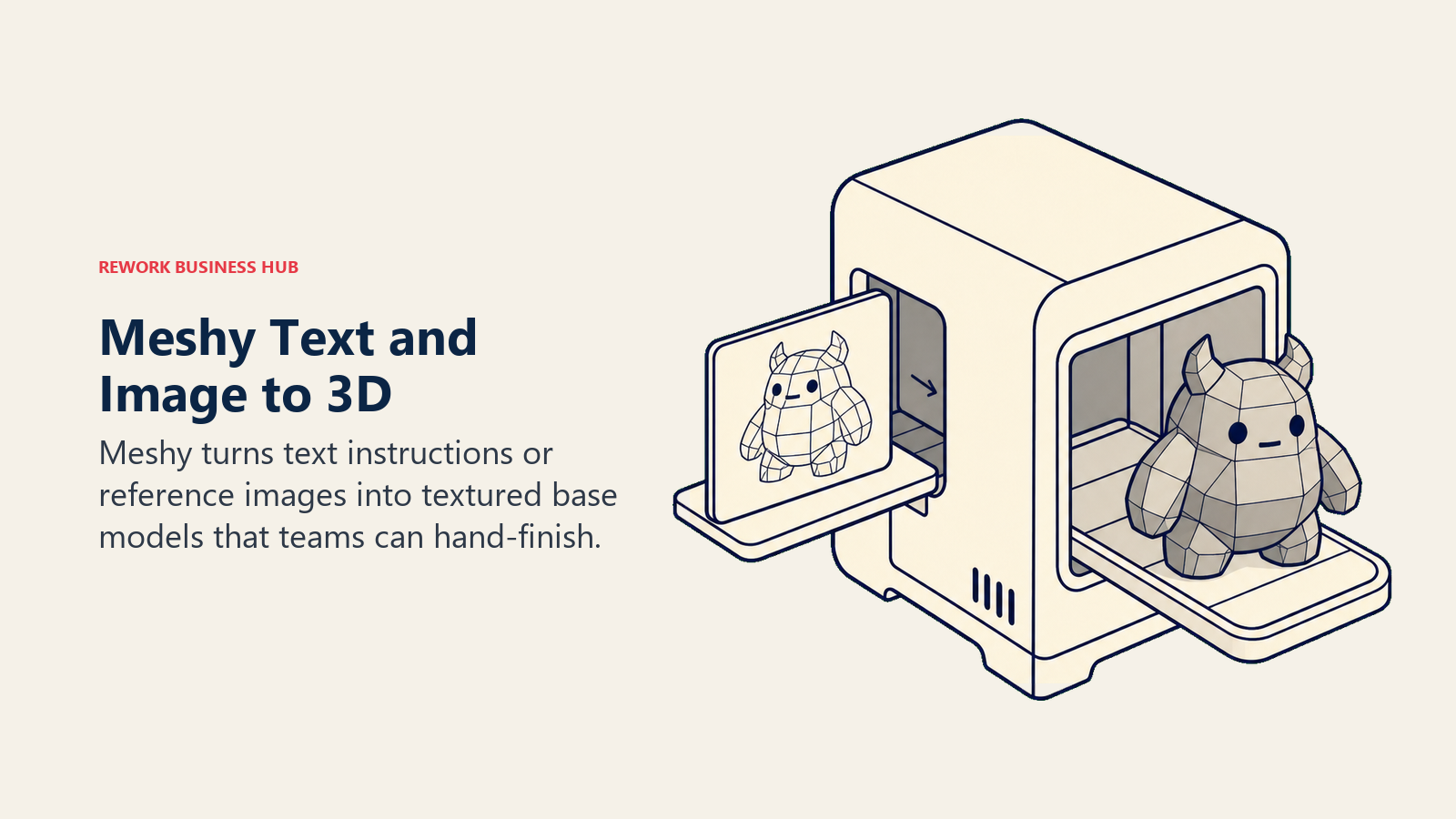
Best for: teams that need a high volume of base 3D models fast and are willing to hand-finish topology afterward.
Not ideal for: hero assets that need production-ready topology out of the box; expect a cleanup pass in your DCC tool of choice.
| What you get | What you don't |
|---|---|
| Text-to-3D and image-to-3D in one tool | Topology often needs manual retopo for hero assets |
| Private asset ownership and API access on paid tiers | Studio plan requires a minimum of two seats since June 2026 |
| 60% faster generation and 10 concurrent tasks on Pro | Free tier capped at 100 credits/month |
Pricing: Free (100 credits/mo); Pro $20/mo (1,000 credits); Studio $60/mo (2-seat minimum); Enterprise custom.
4. Kaedim: 2D Concept Art to Production-Ready 3D
Kaedim specializes in converting existing 2D concept art or photo references into clean 3D models, positioning itself closer to a production service than a pure generation toy. Studios use it to compress the concept-to-3D pipeline when they already have strong 2D art direction and just need the modeling step accelerated.
Best for: studios with an established 2D art pipeline that want to cut 3D modeling time without outsourcing.
Not ideal for: teams generating from scratch with no reference art; Meshy or Luma fit that workflow better.
| What you get | What you don't |
|---|---|
| Converts existing concept art into production 3D | No free self-serve tier, paid demo access only |
| Reported up to 90% reduction in 3D asset cost | Credit-based pricing scales fast at volume |
| Enterprise tier scales to 1,000+ models/month | Best suited to studios with 2D art already in hand |
Pricing: Starter $29/mo (50 credits); Pro $99/mo (200 credits); Enterprise custom, up to roughly $7,700/mo for 1,000 models.
5. Luma AI (Genie): Fast 3D Drafts and Cinematic Video
Luma bundles Genie, its 3D asset generator, into every paid tier alongside Dream Machine for video, which makes it a useful two-in-one for teams that need both quick 3D drafts and cinematic trailer or cutscene footage from the same vendor. For dedicated cinematic and trailer generation coverage, see our AI video generators roundup.
Best for: small teams that want 3D drafting and marketing video generation from one subscription instead of two.
Not ideal for: studios that need Genie as a standalone product; it isn't sold separately from the broader Luma platform.
| What you get | What you don't |
|---|---|
| 3D generation and video generation in one subscription | Genie-specific pricing isn't published separately |
| Every paid tier includes the full toolset | Usage model shifted to "Luma Agents" capacity in 2026, less predictable than a flat clip count |
| Up to 20% off with annual billing | Entry tier ($30/mo) is pricier than single-purpose 3D tools |
Pricing: Free tier with daily caps and watermark; Plus $30/mo; Pro $90/mo; Ultra $300/mo.
6. Scenario: Style-Consistent Art Trained on Your IP
Scenario's core pitch is training custom models on a studio's existing art so every generated asset matches an established visual style instead of drifting toward generic "AI look." That consistency matters more for a shipping game than raw output quality, since a mismatched texture set breaks immersion fast.
Best for: studios with an established visual style that need to scale asset production without diluting it.
Not ideal for: teams without existing reference art to train a custom model on; the value comes from style-matching, not blank-slate generation.
| What you get | What you don't |
|---|---|
| Custom models trained on your own art style | Requires existing reference art to get full value |
| Production-ready exports to common game formats | Published pricing varies by source, roughly $15-200/mo |
| Supports image, video, 3D, and audio generation | Free tier is limited for production use |
Pricing: Free tier available; paid plans reported from roughly $15/mo to $200+/mo depending on studio tier. Verify the current tier on Scenario's pricing page before committing.
7. Layer AI: Usage-Based Art Production at Studio Scale
Layer skips seat-based pricing entirely and charges by Creative Units consumed, with unlimited team members included at every tier. That model fits game studios well, since art teams tend to have more collaborators (leads, reviewers, producers) than active generators at any given moment.
Best for: mid-size to large studios that want unlimited seats and pay strictly for what gets generated.
Not ideal for: solo developers or very small teams; the usage-based model is built for studio-scale consumption.
| What you get | What you don't |
|---|---|
| No seat fees, unlimited team members | Costs scale with usage, harder to predict at high volume |
| Built specifically for game studio production and live-ops content | Entry tier (300 CUs) is thin for anything beyond light experimentation |
| Flexible tier adjustment monthly | Newer, smaller company (raised $6.5M) than incumbents like Adobe |
Pricing: Starts at $10/mo for 300 Creative Units, scaling roughly $60 per additional 1,000 CUs.
8. Leonardo AI: Concept Art and Marketing Key Art
Leonardo (owned by Canva) remains one of the best general-purpose image generators for concept art, environment paintings, and marketing key art, with a generous free tier for early exploration before committing to a paid plan. It's not game-specific, but its Alchemy and PhotoReal features are strong enough that many studios use it alongside a dedicated 3D tool.
Best for: concept art, environment mood boards, and marketing key art rather than in-game production assets.
Not ideal for: teams that need game-ready 3D output; Leonardo generates 2D images, not models.
| What you get | What you don't |
|---|---|
| 150 free daily credits, generous for exploration | 2D output only, no native 3D generation |
| Alchemy and PhotoReal features for high-quality concept art | Not purpose-built for game asset pipelines specifically |
| Token rollover on paid plans | Popular Artisan tier ($24/mo) still has credit ceilings for heavy studios |
Pricing: Free (150 daily credits); Apprentice $12/mo (8,500 credits); Artisan $24/mo (25,000 credits); Maestro $48/mo (60,000 credits).
9. Inworld AI: NPC Dialogue, Voice, and Behavior Agents
Inworld builds the AI layer behind NPCs that hold real conversations, react to player context, and carry consistent personalities across a session, rather than looping a fixed dialogue tree. It moved to fully transparent, consumption-based pricing in 2026: you pay for the LLM tokens and TTS characters you actually use, with no markup over direct provider rates. For a wider look at autonomous AI agent platforms beyond gaming, see our AI agents roundup.
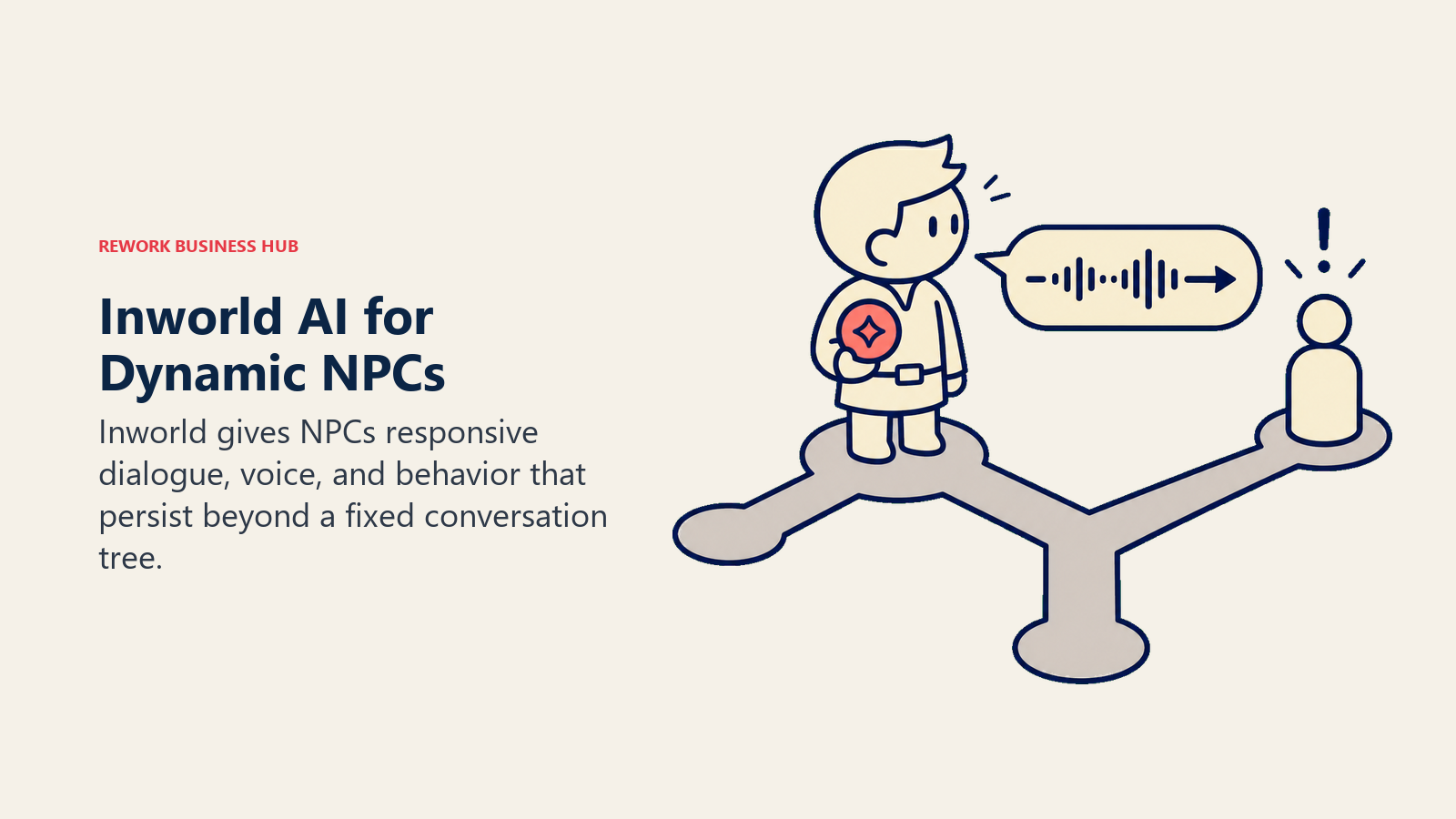
Best for: studios building dynamic, reactive NPCs where a static dialogue tree would break immersion.
Not ideal for: teams wanting a flat monthly bill; consumption-based pricing means costs scale directly with player engagement.
| What you get | What you don't |
|---|---|
| Free Agent Runtime, pay only for model/TTS consumption | No flat subscription cap, usage scales with player volume |
| Access to multiple LLM and TTS providers at direct rates | Requires engineering integration work, not a drop-in plugin |
| Subscription tiers discount consumption up to 53% at scale | Live NPC dialogue may trigger Steam's stricter live-generated content disclosure rules |
Pricing: Consumption-based; TTS-1.5 Mini $5/million characters, TTS-1.5 Max $10/million characters; LLM access from $0.01 to $150 per million tokens depending on model; subscription tiers (Creator, Builder, Developer, Growth) discount those rates further.
10. Charisma.ai: Branching Interactive Narrative
Charisma.ai focuses on structured, branching conversational narrative rather than fully improvised dialogue, giving writers more authorial control over where a scene can go while still letting players phrase responses naturally. That trade-off makes it a fit for story-driven games where narrative consistency matters more than fully emergent conversation.
Best for: narrative-heavy games that want writer-controlled branching dialogue with natural player input.
Not ideal for: fully emergent, unscripted NPC behavior; Inworld leans further in that direction.
| What you get | What you don't |
|---|---|
| Free tier for creating and publishing stories | Pay-as-you-go credits can add up for long, dialogue-heavy games |
| Writer-controlled branching structure, not fully improvised | Smaller ecosystem and community than Inworld |
| Enterprise plan for larger narrative-driven titles | Requires more upfront authoring than freeform LLM prompting |
Pricing: Pro pay-as-you-go at $5 per 50,000 credits (roughly 200 minutes of experience); Enterprise custom.
11. ElevenLabs: Voice Acting, Dialogue, and Sound
ElevenLabs is the most widely adopted AI voice platform for game dialogue, narration, and sound design, offering voice cloning, multilingual output, and a credit system that scales from a solo prototype to a full localized release. For coverage of AI voice tools outside gaming, see our AI voice generators roundup.
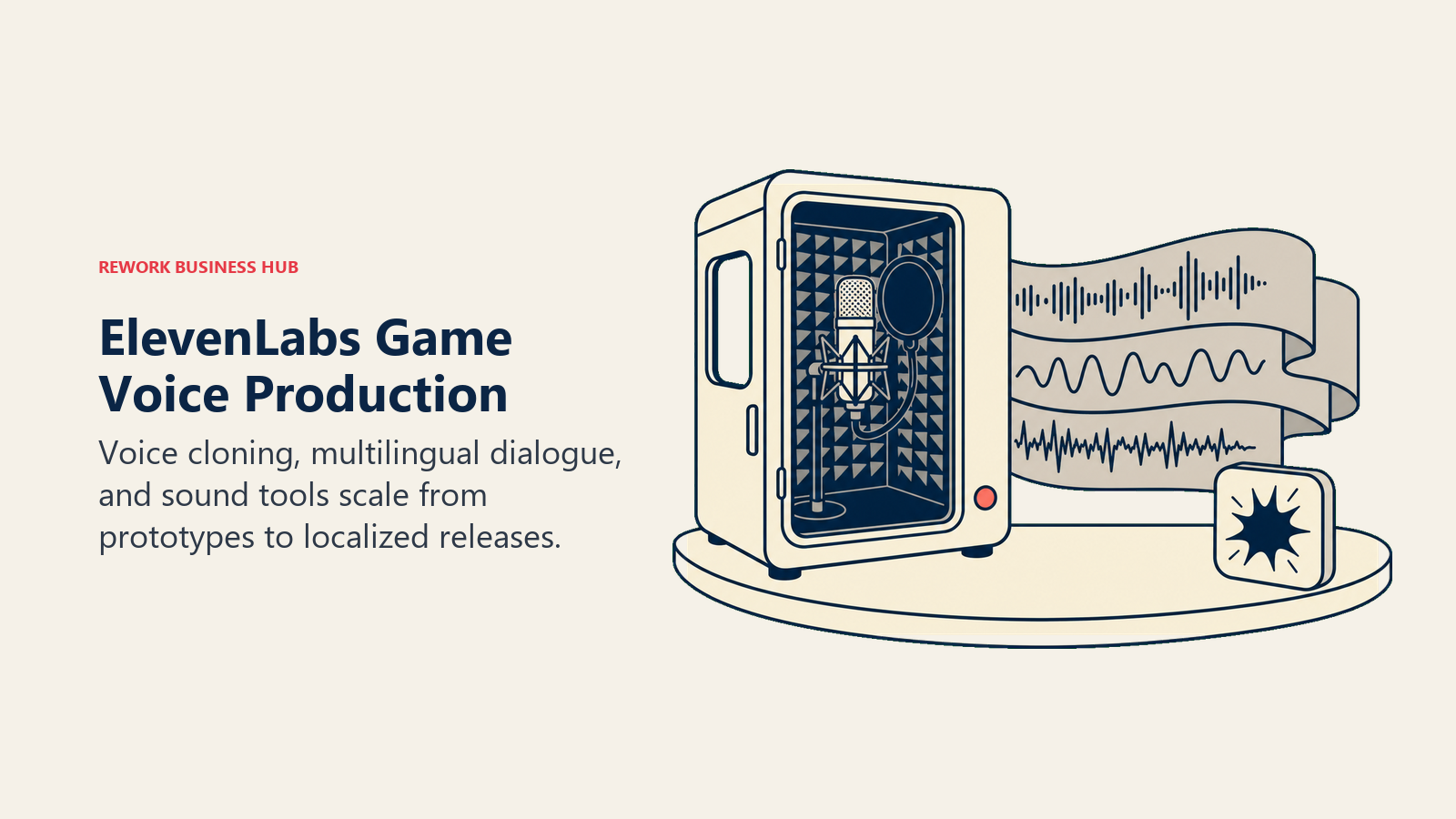
Best for: teams that need dialogue, narration, or SFX without booking a full voice cast for every language.
Not ideal for: teams needing commercial rights on a zero-budget test; the free tier explicitly excludes commercial use.
| What you get | What you don't |
|---|---|
| Voice cloning and multilingual dialogue generation | Free plan has no commercial usage rights |
| Credit rollover up to two months on paid plans | Professional Voice Cloning requires Creator tier ($22/mo) or above |
| Scales from solo indie to 10-seat studio plans | Shipped AI voice lines require Steam pre-generated content disclosure |
Pricing: Free ($0, no commercial rights); Starter $5/mo (commercial rights unlocked); Creator $22/mo; Pro $99/mo; Scale $299/mo (3 seats); Business $990/mo (10 seats).
12. Promethean AI: AI-Assisted Level and Environment Design
Promethean AI acts as a collaborative assistant inside environment-building workflows, suggesting asset placement, managing an AI-organized asset library, and offering feedback on scene composition rather than generating a finished level unattended. It's most useful for small teams without a dedicated environment art department.
Best for: small to mid studios that need to dress and populate environments faster without a full environment art team.
Not ideal for: teams wanting fully automated, hands-off level generation; this is an assistant, not an autopilot.
| What you get | What you don't |
|---|---|
| AI asset management plus placement suggestions | Free tier is asset-management only, limited AI features |
| Scripting API and AI Feedback agent on Professional | Professional tier jumps to $59.99-89.99/mo |
| Shared palettes for team-wide art direction consistency | Best suited to teams already using a compatible engine pipeline |
Pricing: Free (asset management); Indie $19.99/mo (annual) or $29.99/mo (monthly); Professional $59.99/mo (annual) or $89.99/mo (monthly); Enterprise custom.
13. Ludo.ai: Game Concepting and Market Validation
Ludo.ai sits earlier in the pipeline than the rest of this list: its Game Ideator generates fresh concept directions from keywords or reference titles, and its Market Score rates a concept across chart dominance, trend alignment, and creative edge before a studio commits budget to it. That makes it a producer and founder tool as much as a creative one.
Best for: founders and producers validating a concept's market fit before greenlighting production.
Not ideal for: teams past the concept stage looking for production asset generation; Ludo is front-of-pipeline, not asset-generation.
| What you get | What you don't |
|---|---|
| Market Score analyzes concepts across four dimensions | Not an asset generation tool, complements rather than replaces one |
| Unlimited ideation and concept generation on Pro | Studio tier ($350/mo) is a jump from Pro ($50/mo) |
| API and MCP access for pipeline integration | Free tier limited to 30 credits |
Pricing: Free (30 credits); Indie $20/mo; Pro $50/mo (1,000 credits); Studio $350/mo (10 seats); Enterprise custom.
14. Rosebud AI: No-Code, AI-Native Game Builder
Rosebud AI lets solo creators and hobbyists build and publish playable browser games entirely through prompts, without touching a traditional engine. It's the most accessible entry point on this list for someone with a game idea and no programming background, with the tradeoff that games run in-browser only.
Best for: solo creators and hobbyists prototyping or shipping lightweight browser games without writing code.
Not ideal for: studios needing a Steam or console build; there's no desktop export or downloadable project file at any tier.
| What you get | What you don't |
|---|---|
| Build and publish playable games via prompts, no code | Browser-only, no Steam export or desktop build |
| Free tier includes 20 prompts/week | Commercial usage rights require 10x Dev or Pro plans |
| Fast prototyping loop for testing mechanics | Not suited to complex, large-scale production titles |
Pricing: Free (20 prompts/week); paid plans from $10/mo, credit-based.
IP, Copyright, and Platform Disclosure: What to Know Before Shipping
AI-generated game assets carry two separate legal questions studios routinely conflate: whether you own the output, and whether you have to tell your platform and players you used AI to make it.

Ownership and copyright. The U.S. Copyright Office's January 2025 Part 2 report on AI and copyrightability set the operative standard still governing 2026 releases: a human author must contribute sufficient expressive elements for a work to be copyrightable, and prompting alone, however detailed, doesn't meet that bar. In practice, that means a game's overall narrative, level design logic, and the creative arrangement of assets can be protected, but a single AI-generated texture, character model, or audio track generated from a prompt with no further human modification may not be independently copyrightable on its own. Studios that meaningfully edit, composite, or build on top of AI output strengthen their claim; studios that ship raw AI output unmodified carry more legal uncertainty.
Platform disclosure. Valve rewrote Steam's AI disclosure framework on January 17, 2026, splitting it into two tiers. Pre-generated AI content that ships with the game (AI textures, character art, voice lines, lore text baked into the build) needs a disclosure label. Live-generated content, where AI produces new material during play (an NPC improvising dialogue, a quest system generating variations on the fly), faces stricter requirements, including safety guardrails and a player reporting system, because its output can't be reviewed in advance. Development-only tools like Copilot, concept-art ideation that never ships, and AI-assisted DCC plugins are exempt as long as their output doesn't appear in the final build.
What this means for tool choice. If you're using Meshy, Kaedim, Leonardo, or Scenario to generate assets you'll hand-modify before shipping, disclosure and copyright risk are manageable. If you're deploying Inworld or Charisma for live, unscripted NPC dialogue, budget engineering time for content guardrails, not just the API bill, since that's where both platforms and regulators are focusing scrutiny in 2026.
How to Choose: Decision Framework
| If you need... | Pick... | Why |
|---|---|---|
| To stay inside your existing Unity project | Unity AI | Full editor context, bundled into your existing subscription |
| AI help writing gameplay or engine code | GitHub Copilot | Works across every IDE your programmers already use |
| A high volume of base 3D models fast | Meshy AI | Text and image-to-3D, private ownership on paid tiers |
| To convert existing 2D concept art into production 3D | Kaedim | Built specifically for that concept-to-model handoff |
| 3D drafts and cinematic marketing video from one vendor | Luma AI (Genie) | Genie and Dream Machine bundled into every paid tier |
| Art that matches your studio's established visual style | Scenario | Custom models trained on your own reference art |
| Studio-scale art production without per-seat costs | Layer AI | Usage-based Creative Units, unlimited team members |
| Concept art and marketing key art on a budget | Leonardo AI | Generous free tier, strong Alchemy/PhotoReal output |
| NPCs that hold real, reactive conversations | Inworld AI | Consumption-based access to top LLM and TTS providers |
| Writer-controlled branching dialogue | Charisma.ai | Structured narrative with natural player input |
| Voice acting and dialogue without a full VO cast | ElevenLabs | Voice cloning plus multilingual generation at scale |
| Faster environment dressing without a full art team | Promethean AI | AI-assisted asset placement and scene feedback |
| To validate a concept before greenlighting production | Ludo.ai | Market Score rates concepts before budget is committed |
| To build a playable game with zero code | Rosebud AI | Prompt-based, no-code browser game creation |
Frequently Asked Questions about AI Tools for Game Development
What's the best AI tool for generating 3D game assets in 2026?
Meshy AI and Kaedim lead this category. Meshy is faster for generating a high volume of base models from text or image prompts, while Kaedim specializes in converting existing 2D concept art into production-ready 3D. Most studios plan for a manual retopology pass afterward rather than expecting ship-ready output straight from either tool.
Can I legally sell a game built with AI-generated assets?
Generally yes, but ownership depends on how much human creative work went into the final asset. The U.S. Copyright Office's January 2025 guidance holds that prompting alone doesn't create a copyrightable work; meaningfully editing, arranging, or building on AI output strengthens your ownership claim. Consult a lawyer for anything commercially significant.
Do I need to disclose AI-generated content on Steam?
It depends on the type. Under Valve's January 2026 rules, pre-generated AI content that ships in your build (textures, voice lines, character art) needs a disclosure label. Live-generated content, like NPCs writing dialogue in real time, faces stricter guardrail and reporting requirements. Development tools like Copilot are exempt as long as their output isn't shipped directly.
What's the best AI tool for NPC dialogue and voice?
Inworld AI leads for reactive, improvised NPC conversations with consumption-based pricing across multiple LLM and TTS providers. Charisma.ai is the better fit if you want writer-controlled branching dialogue instead of fully emergent conversation. Pair either with ElevenLabs for the actual voice performance.
Is Unity Muse still available in 2026?
No. Unity retired Muse and replaced it with Unity AI, which launched in open beta on May 4, 2026. Unity AI is built into the editor with full project context and bundled into Unity Personal and Pro subscriptions rather than sold as a separate add-on.
What's the cheapest way to start experimenting with AI game asset generation?
Stack free tiers before paying for anything. Meshy (100 credits/mo), Leonardo AI (150 daily credits), Luma AI's watermarked free tier, and Rosebud AI (20 prompts/week) all offer enough headroom to validate a workflow before committing to a paid plan.
Can AI tools replace a game studio's art team?
Not for a shipping title, based on current adoption data. 90% of developers report using AI in some part of their workflow, but only 36% use generative AI tools personally day to day, and the tools here are consistently positioned as accelerators for placeholder art, iteration speed, and asset volume, not as a replacement for art direction and final polish.
How much does GitHub Copilot cost for a small game studio's dev team?
Individual devs pay $10/mo for Pro or $39/mo for Pro+ if they need more AI Credits. For a studio managing licenses centrally, Copilot Business runs $19/user/month and Copilot Enterprise runs $39/user/month, both on flat seat pricing rather than the usage-based credits individual plans moved to in June 2026.
What AI tool should a solo developer use to build a full game without coding experience?
Rosebud AI is built specifically for that use case: prompt-based, no-code game creation with a free tier of 20 prompts a week. The tradeoff is that games run in-browser only, with no Steam or desktop export at any pricing tier, so it fits prototyping and lightweight titles better than a commercial console release.
What to Do Next
Pick the one bottleneck actually slowing your current build, whether that's asset volume, NPC dialogue, or level dressing, and run a two-week pilot with your top choice from that category before subscribing to anything else. Stacking five new AI subscriptions at once makes it impossible to tell which one actually moved your production timeline.

Principal Product Marketing Strategist
On this page
- Updated July 2026: What Changed
- Key Facts
- Quick Comparison Table
- Category Breakdown and Studio Fit
- 1. Unity AI: The Engine-Native Default
- 2. GitHub Copilot: The Default for Gameplay and Engine Code
- 3. Meshy AI: Text and Image-to-3D at Volume
- 4. Kaedim: 2D Concept Art to Production-Ready 3D
- 5. Luma AI (Genie): Fast 3D Drafts and Cinematic Video
- 6. Scenario: Style-Consistent Art Trained on Your IP
- 7. Layer AI: Usage-Based Art Production at Studio Scale
- 8. Leonardo AI: Concept Art and Marketing Key Art
- 9. Inworld AI: NPC Dialogue, Voice, and Behavior Agents
- 10. Charisma.ai: Branching Interactive Narrative
- 11. ElevenLabs: Voice Acting, Dialogue, and Sound
- 12. Promethean AI: AI-Assisted Level and Environment Design
- 13. Ludo.ai: Game Concepting and Market Validation
- 14. Rosebud AI: No-Code, AI-Native Game Builder
- IP, Copyright, and Platform Disclosure: What to Know Before Shipping
- How to Choose: Decision Framework
- What to Do Next