Best AI Search Engines in 2026: 13 Tools Ranked by Use Case
Turn this article into takeaways for your work.


Each assistant summarizes the article only for you and suggests best practices for your work.
The best AI search engine in 2026 depends entirely on what you're trying to replace. Perplexity still leads on cited, source-backed answers across the open web. ChatGPT Search wins if your team already lives inside ChatGPT for everything else. Google AI Mode is the path of least resistance since it's baked into the search bar you already use, and a wave of privacy-first alternatives (Brave Search with Leo, DuckDuckGo's Duck.ai, Kagi) now give buyers a real choice about whether their queries get logged at all. This guide ranks 13 real AI search tools by use case.
"AI search engine" covers more ground than it did two years ago. Some of these are standalone products built from scratch around AI answers (Perplexity, Andi, Genspark). Others are AI layers bolted onto an existing index (Google AI Mode, Microsoft Copilot, Brave Leo). One isn't a consumer search engine at all, it's an API that powers search inside other people's AI agents (Exa). Knowing which category you're actually shopping in will save you from comparing tools that were never built to compete with each other.
See the "What Changed in 2026" section below for what's shifted since last year.
Key Facts
- 49% of US adults now use AI chatbots, up from 33% in 2024, and 24% use one daily, per Pew Research Center's "Americans and AI 2026" report.
- 60% of US adults say they've read an AI-generated summary in search results, according to the same Pew Research Center survey.
- Google's AI Mode passed 1 billion monthly active users roughly a year after launch, CEO Sundar Pichai announced at Google I/O 2026.
- Google still holds close to 90% of global search engine market share as of mid-2026, according to StatCounter Global Stats, even with a full field of standalone AI search competitors.
- ChatGPT's share of worldwide generative-AI website traffic fell from roughly 76.5% to 53.9% between late 2024 and 2026 as Gemini and Claude gained ground, per Similarweb's 2026 Gen AI traffic data.
Quick Comparison Table
| Tool | Best For | Starting Price | Key Strength | Key Limitation |
|---|---|---|---|---|
| Perplexity | Fast, cited answers across the open web | Free; Pro $20/mo | Best source citations of any AI search tool | Free tier caps how many Pro-model searches you get |
| ChatGPT Search | Teams that already live in ChatGPT | Free; Plus $20/mo | Built into the world's most-used AI assistant | Search results lean on Bing's index, not an independent one |
| Google AI Mode / AI Overviews | Zero-switching-cost AI search | Free; AI Pro $19.99/mo | Deepest web index on the planet, 1B+ AI Mode users | Ads are now appearing inside AI Mode results |
| Microsoft Copilot (Bing) | Microsoft 365 shops | Free; bundled from $9.99/mo | Tied directly into Word, Excel, and Outlook | Standalone Copilot Pro was retired in 2025 |
| Grok | Real-time X and breaking-news queries | Free; SuperGrok $30/mo | Only AI search with live access to the X firehose | Free tier capped at roughly 10 prompts every 2 hours |
| You.com | Comparing multiple models on one query | Free; API from $5/1k calls | Lets you pick and switch the underlying model per search | Consumer pricing no longer has a public page |
| Brave Search + Leo | Privacy-first search on an independent index | Free; Leo Premium $14.99/mo | Only major AI search engine not built on Google or Bing's index | Free Leo tier is limited to open-source models |
| DuckDuckGo AI (Duck.ai) | Zero-tracking AI chat and search | Free; Plus $9.99/mo | No query logging, by design | Free tier limited to smaller open-weight models |
| Kagi | Ad-free, subscription-only search | $5/mo (300 searches) | No ads and no data-selling business model | No real free tier beyond a 100-search trial |
| Genspark | Turning a search into a finished deliverable | Free; Plus $24.99/mo | Builds full "Sparkpages," not just an answer box | Credit system can burn fast on heavier tasks |
| Andi | Completely free AI search, no catch | Free forever | PCMag's Best Free AI Search Engine, three years running | No paid power-user tier yet |
| Komo AI | Multi-corpus research (academic, news, social) | Free; paid from $8/mo | Purpose-built research personas and source corpora | Small user base, around 110K monthly searches |
| Exa | Powering search inside AI agents | Free (1K requests/mo); $7/1k after | Purpose-built neural index for AI-native retrieval | Not a consumer-facing search engine at all |
How AI Search Engines Actually Source Their Answers
Not every "AI search engine" is running its own index. Some crawl the web themselves; most lease someone else's index and put an AI layer on top. That distinction matters if you care about result independence, and it explains why two tools can give you very different answers to the same query.
| Tool | Underlying Search Index | AI Model(s) Behind It | Ad-Supported? |
|---|---|---|---|
| Perplexity | Own crawler plus partner indexes | Auto-routes across GPT, Claude, Gemini, Grok, or its own Sonar models | No |
| ChatGPT Search | Bing index (via partnership) plus OpenAI's own crawler | GPT-5.6 / GPT-5.5 | No |
| Google AI Mode / AI Overviews | Google's own index | Gemini 3.5 Flash / Gemini 3.1 Pro | Yes, ads now appear in some AI Mode results |
| Microsoft Copilot (Bing) | Bing's own index | GPT-5 family plus Microsoft's own models | Yes, standard Bing ads |
| Grok | Real-time X firehose plus web search | Grok 4.5 | No |
| You.com | Own index blended with search partners | Multi-model, user-selectable | No |
| Brave Search + Leo | Brave's independent index (not Google or Bing) | Llama, Claude Haiku/Sonnet, DeepSeek on Premium | No |
| DuckDuckGo AI (Duck.ai) | Bing plus DuckDuckGo's own crawler | GPT-4o mini free; GPT-5, Claude Sonnet, Llama Maverick on Plus | No |
| Kagi | Blended index (Google, Bing, Brave, Kagi's own), no ad ranking | 30+ selectable LLMs via Kagi Assistant | No, subscription-only |
| Genspark | Multi-source agentic web search | Multi-model orchestration | No |
| Andi | Own semantic engine plus web index | Proprietary plus partner models | No |
| Komo AI | Aggregated web, news, academic, and social corpora | Multiple selectable models | No |
| Exa | Neural embeddings index built for AI agents, not casual browsing | Not applicable, it's a retrieval API | No, usage-based |
1. Perplexity: Best for Fast, Cited Answers
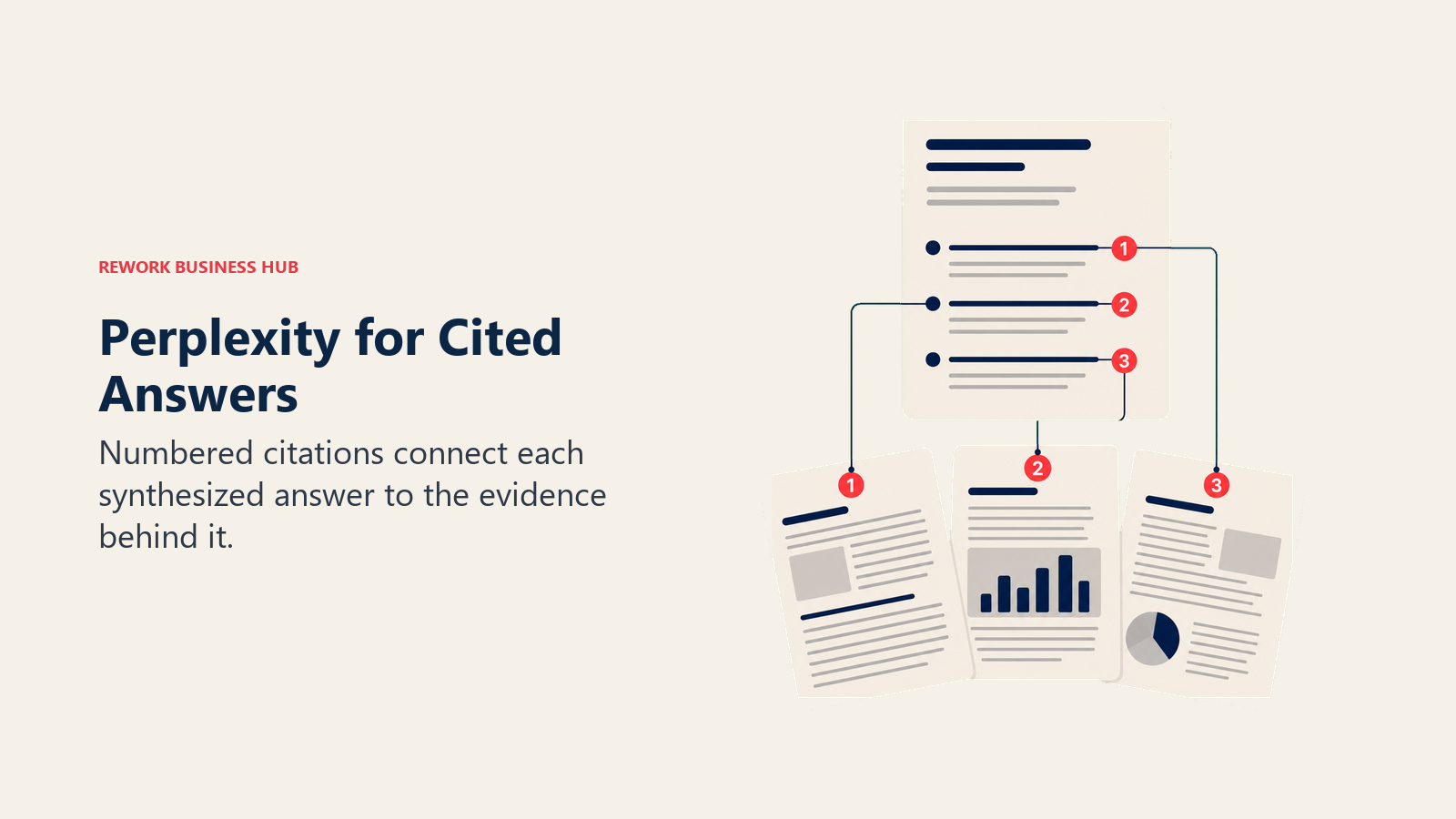
Perplexity built its entire product around one idea: every AI answer should show its work. Every response comes with numbered citations linking straight to the source, which is why it's become the default "ask it a real question" tool for analysts, researchers, and anyone who got burned by an uncited chatbot hallucination once. It draws roughly 170 million monthly visitors worldwide, per traffic estimates compiled by Demandsage.
Pro users can switch between GPT, Claude, Gemini, Grok, or Perplexity's own Sonar models mid-conversation, which makes it genuinely useful for comparing how different models handle the same research question. If you're weighing Perplexity specifically against the two biggest alternatives, see our Perplexity vs ChatGPT Search vs Gemini breakdown.
| What you get | What you don't |
|---|---|
| Citations on every answer, linked to source | Free tier limits how many Pro-model searches you get per day |
| Model switching (GPT, Claude, Gemini, Grok, Sonar) | Max tier is priced for power users, not casual browsing |
| Strong research and comparison workflows | Less useful for quick, single-fact lookups than Google |
Pricing: Free; Pro $20/mo or $200/yr; Max $200/mo or $2,000/yr; Enterprise Pro $40/seat/mo
Best for: Analysts, researchers, and knowledge workers who need a defensible, cited answer rather than a quick guess.
2. ChatGPT Search: Best for Teams Already Living in ChatGPT
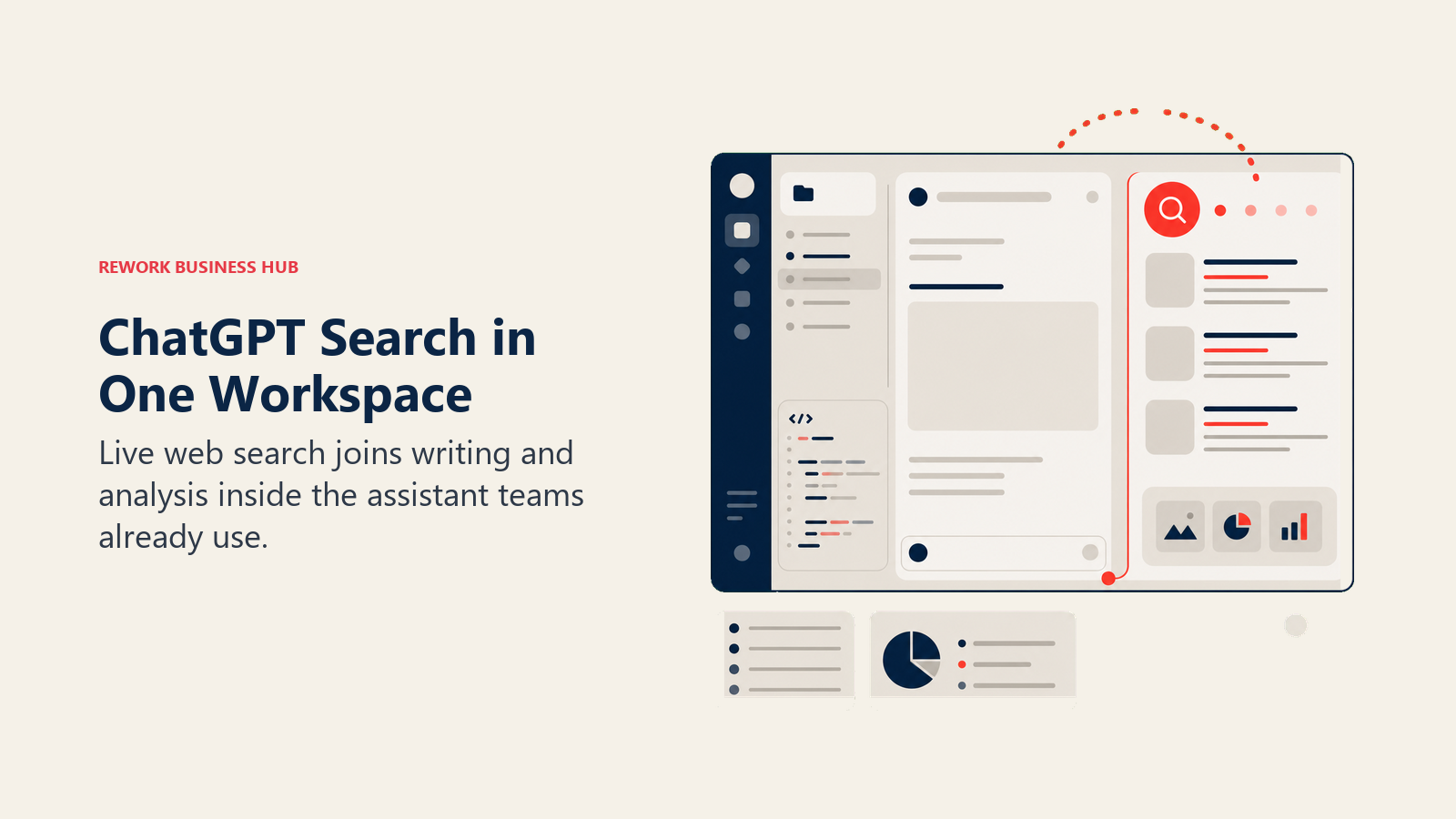
Search stopped being a separate ChatGPT feature and became a default behavior. OpenAI made it available on every tier, including the free plan, so the model now decides on its own when a question needs a live web lookup versus its training data. For teams that already use ChatGPT for writing, coding, and everyday questions, this means one less tool to open. If you're evaluating ChatGPT as a chatbot more broadly, not just its search behavior, our best AI chatbots roundup covers the wider field.
The tradeoff is that ChatGPT Search's results lean on a Bing index partnership rather than an OpenAI-built index, so its raw retrieval quality tracks Bing's, not something independently built from the ground up the way Perplexity's or Brave's is.
| What you get | What you don't |
|---|---|
| Search built into the assistant your team already uses daily | Retrieval quality is tied to Bing's underlying index |
| Available free, on every tier, no separate signup | Citations are less prominent than Perplexity's |
| GPT-5.6 flagship model on Plus and above | Plus jumped to include agentic features some teams don't need yet |
Pricing: Free; Plus $20/mo; Pro $200/mo; Business and Enterprise custom
Best for: Teams and individuals who already use ChatGPT as their default assistant and want search folded into that same habit.
3. Google AI Mode / AI Overviews: Best for Zero Switching Cost
Google didn't ask anyone to change their behavior. AI Overviews and the newer AI Mode sit directly inside the search bar people already type into, which is the single biggest reason Google still commands close to 90% of global search share despite a crowded field of standalone AI search challengers, per StatCounter. AI Mode alone crossed 1 billion monthly active users about a year after launch, and the average AI Mode query now runs roughly three times longer than a classic Google search, according to Google's own I/O 2026 announcement.
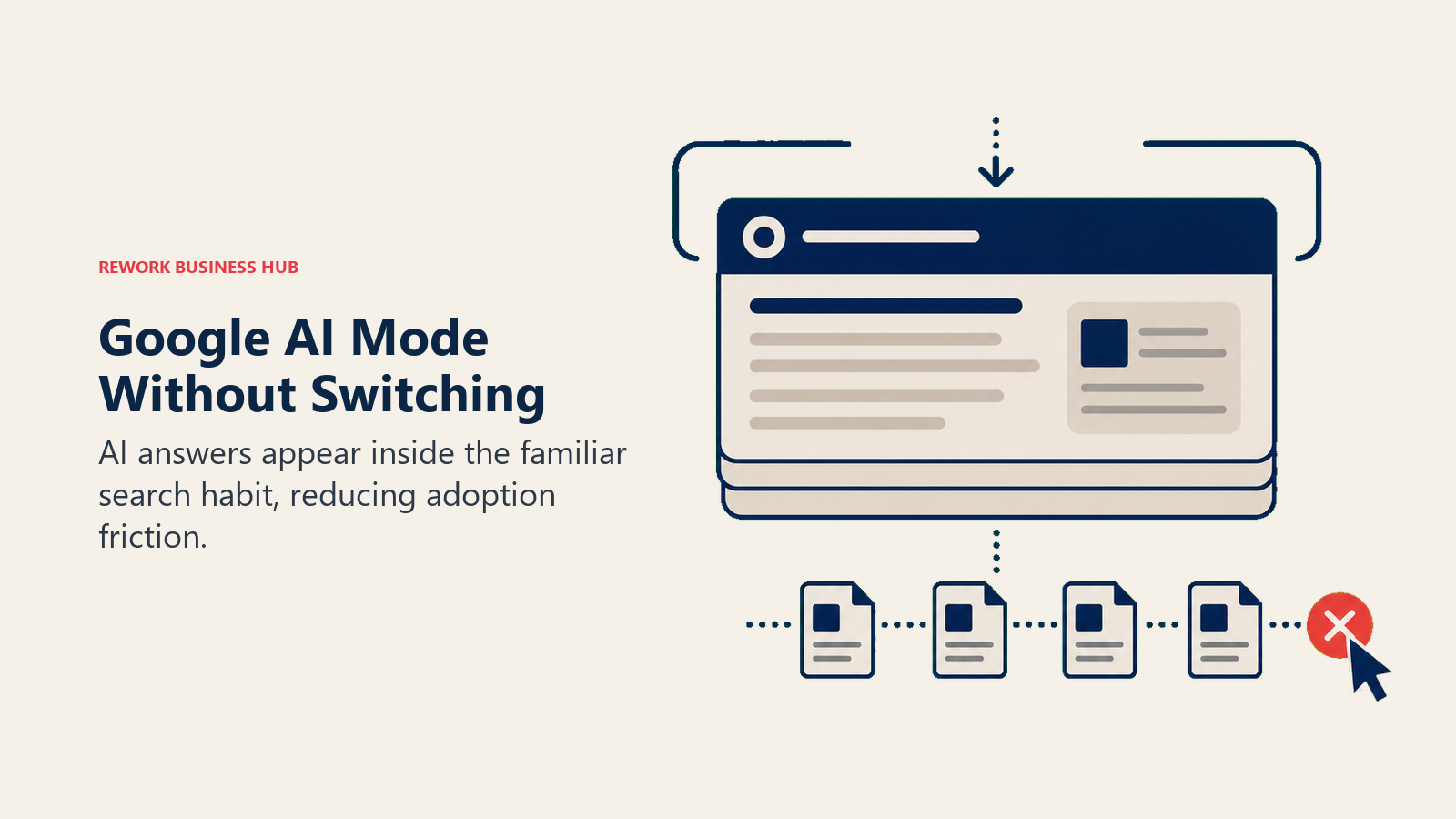
That scale comes with a real cost to the open web. When AI Overviews appear on a search, roughly 83% of those queries end without a click, and that zero-click rate climbs to about 93% specifically inside AI Mode, per Search Engine Land's 2026 zero-click study. If you publish content and want to know whether your brand actually shows up inside these AI answers, that's a different problem than ranking in blue links, and our AI visibility tools guide covers the tools built specifically to track it. For a head-to-head on the underlying model, see Claude vs ChatGPT vs Gemini.
| What you get | What you don't |
|---|---|
| No new habit to build, it's already where you search | Ads have started appearing inside AI Mode results |
| The deepest web index of any tool on this list | Very high zero-click rate hurts the sites AI Overviews cite |
| Free tier includes Gemini 3.5 Flash and daily Gemini 3.1 Pro access | Premium tiers (AI Pro, AI Ultra) overlap confusingly with Gemini's own app pricing |
Pricing: Free; Google AI Plus $7.99/mo; AI Pro $19.99/mo; AI Ultra $99.99 to $199.99/mo
Best for: Anyone who wants AI-augmented search without changing their default search engine or browser habits.
4. Microsoft Copilot (Bing): Best for Microsoft 365 Shops
Copilot's advantage isn't search quality on its own, it's that the same AI layer follows you from a Bing search into Word, Excel, Outlook, and Teams without re-authenticating or copy-pasting context between tools. For organizations standardized on Microsoft 365, that continuity is worth more than a marginally better index.
Microsoft simplified its consumer lineup in 2025, retiring the standalone $20/month Copilot Pro plan (existing subscribers keep access until August 1, 2026) and folding those features into Microsoft 365 Premium instead. Business pricing runs through a promotional rate into September 2026 before reverting to standard enterprise pricing.
| What you get | What you don't |
|---|---|
| Same AI layer across Bing search, Office apps, and Teams | Standalone Copilot Pro is being phased out |
| Business tier ties directly into your company's Microsoft 365 data | Business pricing jumps once the 2026 promo period ends |
| Free tier includes basic Bing chat and image generation | Free tier has daily turn limits |
Best for: Companies already running Microsoft 365 that want search, chat, and Office AI under one login.
5. Grok: Best for Real-Time, X-Driven Queries
Grok's one genuine differentiator is live access to the X (formerly Twitter) firehose, which means it can surface what people are saying about a breaking story or ticker symbol in the last few minutes in a way no other tool on this list can match. That makes it a specific-use tool: strong for real-time sentiment and current events, less compelling for general research where Perplexity's citations or Google's index depth win out.
xAI added a $10/month SuperGrok Lite tier in March 2026 for users who want Grok Imagine without paying the full $30 SuperGrok price, and X Premium+ at $40/month bundles Grok access with X platform perks.
| What you get | What you don't |
|---|---|
| Live access to real-time X conversation and breaking news | Free tier caps out at roughly 10 prompts every 2 hours |
| Grok 4.5 on SuperGrok, with Heavy mode for max rate limits | Not built for deep, citation-heavy research the way Perplexity is |
| Multiple entry points: standalone, SuperGrok, or bundled in X Premium+ | Pricing tiers overlap in confusing ways across three separate products |
Pricing: Free; SuperGrok Lite $10/mo; SuperGrok $30/mo ($300/yr); SuperGrok Heavy $300/mo; X Premium+ $40/mo
Best for: Traders, journalists, and social listening teams who need real-time signal from X, not just the open web.
6. You.com: Best for Comparing Models on One Query
You.com's pitch is flexibility: instead of locking you into one model, it lets you pick which AI (or run several side by side) answers a given search. That's genuinely useful for teams that don't trust any single model's output blindly and want a second opinion without opening three separate apps.
The company has quietly moved away from public consumer pricing, pushing new signups through an in-app upgrade flow instead, while doubling down on usage-based API pricing for developers building search into their own products.
| What you get | What you don't |
|---|---|
| Pick or compare multiple AI models on the same query | No public consumer pricing page anymore |
| Free tier includes unlimited use of its baseline Smart Agent | Team plan was discontinued in favor of a pricier $200/mo Max tier |
| Competitive, usage-based API pricing for developers | Less brand recognition than Perplexity or ChatGPT Search |
Best for: Teams and developers who want to compare model outputs rather than commit to one AI's answer by default.
7. Brave Search + Leo: Best for an Independent Index
Brave Search is the only tool on this list built on a genuinely independent index, not a Google or Bing license. For anyone who cares about result diversity or wants to reduce reliance on the two dominant index providers, that alone is worth a look. Leo, Brave's built-in AI assistant, layers a chat interface on top for free using open-source models like Llama and Qwen.
Leo Premium unlocks Claude Haiku, Claude Sonnet, and DeepSeek V3.1 for $14.99/month, meaningfully cheaper than ChatGPT Plus or Claude Pro at $20 each.
| What you get | What you don't |
|---|---|
| Independent search index, not licensed from Google or Bing | Free Leo tier is limited to open-source models only |
| Leo Premium bundles Claude and DeepSeek access at a lower price than either directly | Smaller result set for long-tail or niche queries than Google |
| No account required for basic free use | Search API pricing is separate and aimed at developers |
Pricing: Free; Leo Premium $14.99/mo or $149.99/yr
Best for: Privacy-conscious users and anyone who wants search results that don't originate from Google or Bing's index.
8. DuckDuckGo AI (Duck.ai): Best for Zero Tracking
DuckDuckGo's entire brand is "we don't log your searches," and Duck.ai extends that promise to AI chat. The free tier already includes real models (Claude 3.5 Haiku, Llama 4 Scout, Mistral Small, GPT-4o mini) with no account and no query logging, which is a meaningfully stronger free tier than most competitors offer.
Rather than launch a separate AI product line, DuckDuckGo folded newer, more capable models into its existing $9.99/month Plus subscription (which also includes a VPN and identity protection tools), then added a $19.99/month Pro tier with Claude Opus access and higher usage limits.
| What you get | What you don't |
|---|---|
| No query logging or tracking, by design | Free tier models are smaller and less capable than GPT-5 or Claude Opus |
| Real, named models available for free, no account needed | Paid tiers bundle in VPN and identity tools you may not need |
| Plus and Pro tiers unlock GPT-5, Claude Sonnet 4, and Claude Opus | Not built for deep research workflows the way Perplexity is |
Pricing: Free; Plus $9.99/mo or $99.99/yr; Pro $19.99/mo or $199.99/yr
Best for: Anyone whose primary requirement is that their searches and chats are never logged or sold.
9. Kagi: Best for Ad-Free, Subscription-Only Search
Kagi's business model is the pitch: you pay for search directly, so there's no ad auction shaping what you see and no incentive to sell your query history. That single design choice changes the result quality noticeably for anyone who's gotten used to sponsored links and SEO-optimized content crowding out genuinely useful results.
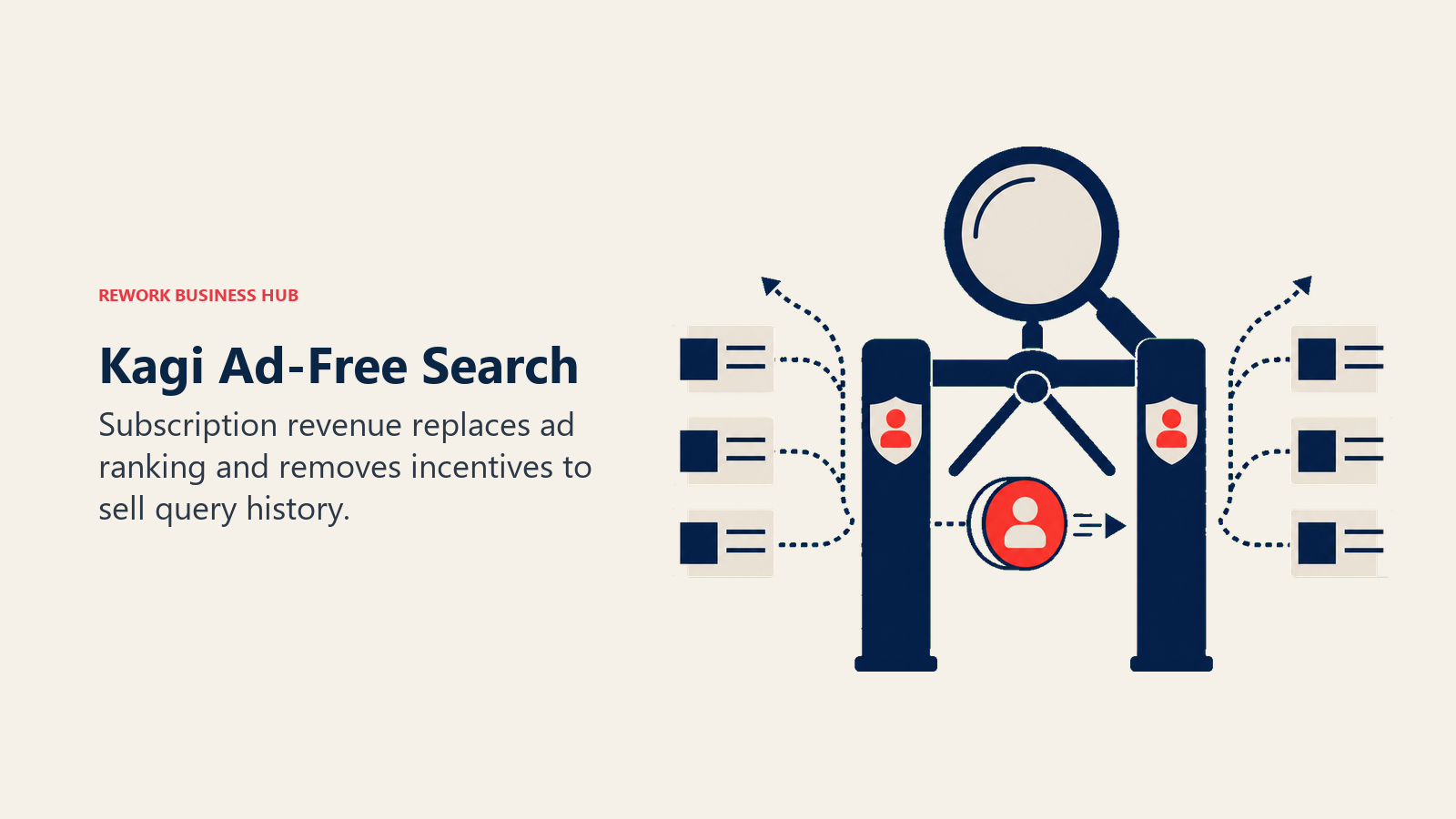
Kagi Assistant, its AI layer, gives Professional subscribers access to standard models and Ultimate subscribers access to premium models plus a dedicated Research mode for longer, multi-step queries.
| What you get | What you don't |
|---|---|
| Zero ads, zero data-selling business model | No meaningful free tier beyond a 100-search trial |
| Blended index (Google, Bing, Brave, plus Kagi's own) with no ad ranking | Costs more than most competitors' entry tiers |
| Kagi Assistant bundles 30+ LLMs into one subscription | Family plan pricing scales per additional member |
Pricing: Starter $5/mo (300 searches); Professional $10/mo (unlimited); Family $14/mo; Ultimate $25/mo
Best for: Power searchers who are willing to pay directly for search in exchange for zero ads and zero tracking.
10. Genspark: Best for Turning Search Into a Finished Deliverable
Genspark treats a search query as the start of a workflow, not the end of one. Instead of returning an answer box, it builds what it calls a "Sparkpage," a structured, shareable output that can include slides, sheets, or a written brief assembled from multiple sources. For people who search specifically to produce something (a competitive brief, a trip itinerary, a research summary), that's a genuinely different workflow than any tool above it on this list.
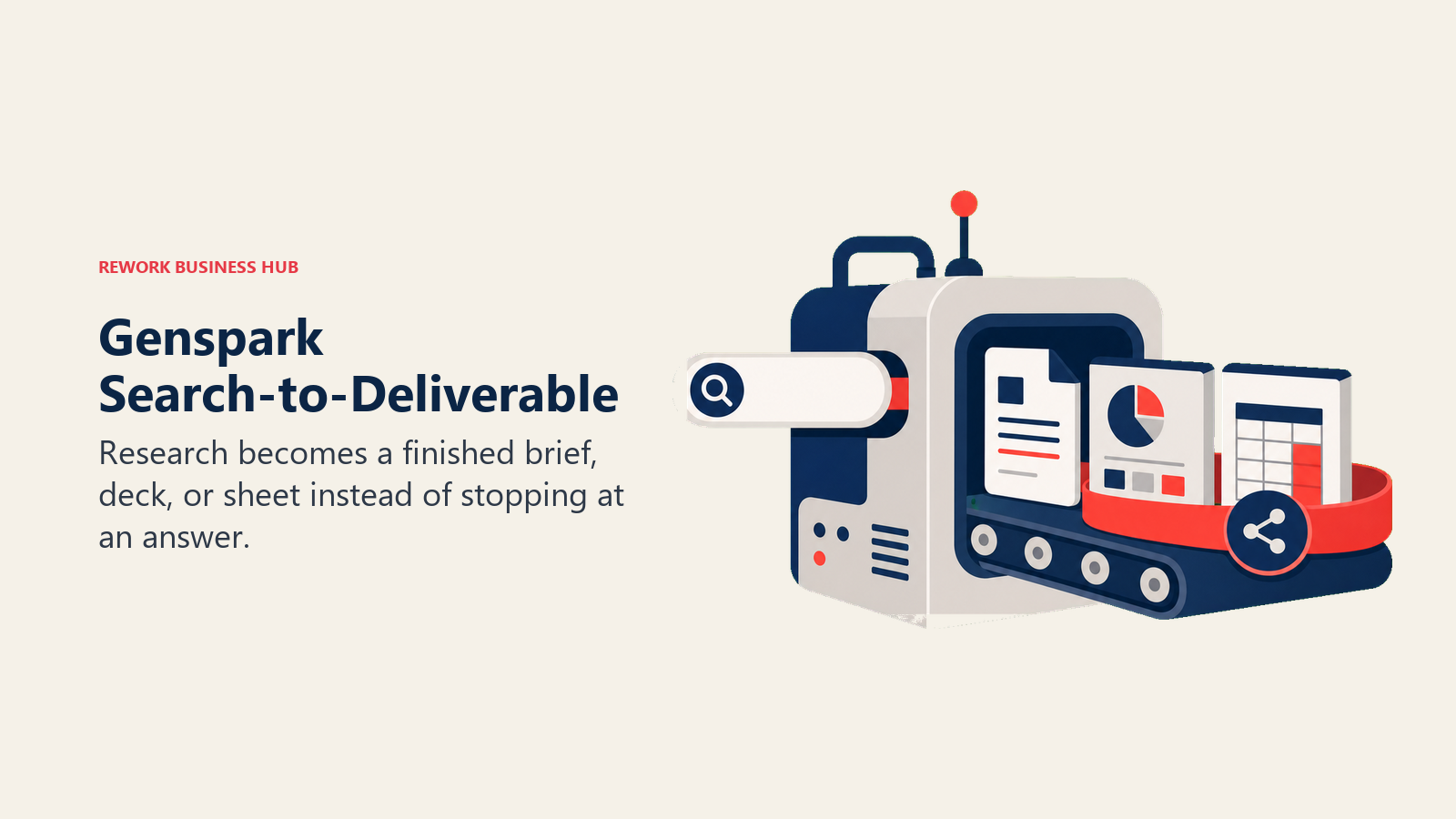
The tradeoff is a credit-based pricing model where heavier tasks (video generation, AI phone calls, long agent runs) burn through your monthly allotment fast, so the effective cost per task can be harder to predict than a flat per-seat price.
| What you get | What you don't |
|---|---|
| Builds finished deliverables, not just answers | Credit system makes real cost harder to predict than flat pricing |
| Unlimited AI chat and image generation don't consume credits (through year-end 2026) | Steep jump from Plus ($24.99/mo) to Pro ($249.99/mo) |
| Strong fit for research-to-output workflows | Newer product with less of a track record than Perplexity or Google |
Best for: People who search in order to produce a finished document, deck, or brief, not just an answer.
11. Andi: Best for Completely Free AI Search
Andi has stayed genuinely free with no ads and no paywalled tier, which is increasingly rare in this category. PCMag named it Best Free AI Search Engine for the third year running in March 2026, and it's built its own semantic search engine rather than fully outsourcing retrieval to Google or Bing.
The tradeoff shows up in scale and momentum. Andi's traffic has softened as competition intensified, and the company has talked about a paid "Andi Plus" tier for over a year without shipping pricing or a release date, which makes it hard to plan around as anything other than a free option.
| What you get | What you don't |
|---|---|
| Genuinely free, unlimited searches, no account required | No published roadmap or pricing for the promised paid tier |
| Own semantic search engine, not a full Google or Bing wrapper | Smaller team and slower feature cadence than well-funded competitors |
| Ad-free, conversational interface | Traffic has declined as newer entrants (Genspark, Grok) pull attention |
Pricing: Free forever; no paid tier currently shipping (Andi Plus announced but not yet priced)
Best for: Individuals who want a genuinely free AI search engine and don't need enterprise features or guaranteed uptime SLAs.
12. Komo AI: Best for Multi-Corpus Research
Komo's differentiator is letting you choose which body of content your search draws from, academic papers, news, social conversation, blogs, or video, rather than treating the entire web as one undifferentiated index. Combined with customizable research "Personas" (Equity Researcher, Copywriter, Explainer), it's built for people doing repeatable, specialized research rather than one-off lookups. If your research workflow leans academic, our best AI tools for academic research roundup covers more specialized options alongside it.
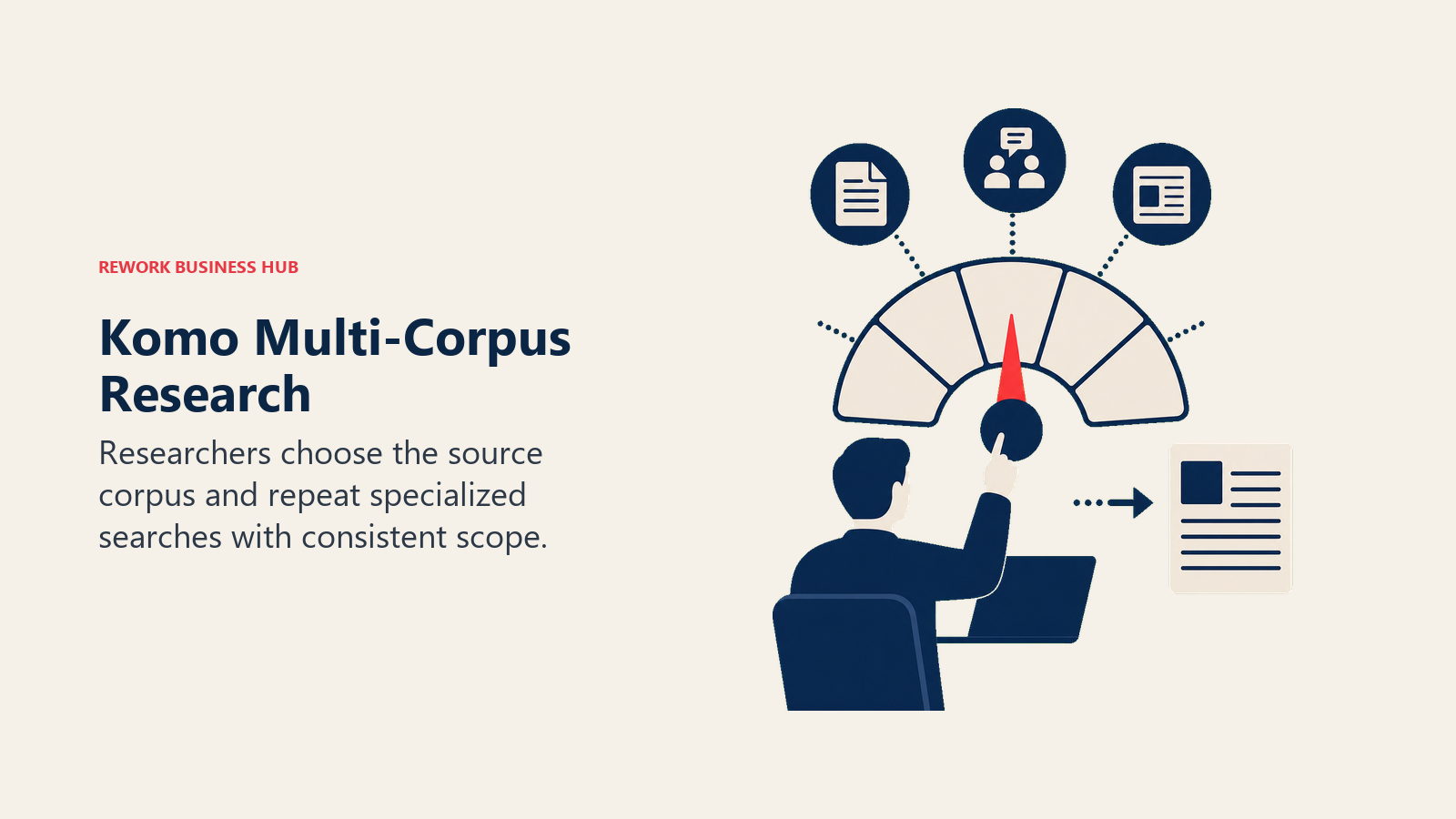
Komo's biggest limitation is simply scale: around 110,000 monthly searches puts it well behind every other tool on this list, which means less community feedback shaping the product and a smaller team iterating on it.
| What you get | What you don't |
|---|---|
| Choose your source corpus (academic, news, social, blog, video) | Small user base relative to every other tool on this list |
| Custom research Personas for repeatable workflows | Less brand recognition and third-party review coverage |
| Free plan with no signup required | Paid tier details are thinner than competitors' public pricing pages |
Pricing: Free; paid plans from $8/mo for higher query limits and additional models
Best for: Researchers and analysts who want to scope a search to a specific type of source rather than the open web.
13. Exa: Best for Powering AI Agents' Search
Exa isn't a search engine you open in a browser tab, it's an API that other products (including AI coding assistants and autonomous agents) call when they need to search the web programmatically. If you're building an AI agent and need it to retrieve current information rather than rely on stale training data, Exa's neural embeddings index is purpose-built for that job in a way consumer search engines aren't. Teams building agentic workflows alongside their coding tools may also want to check our best AI coding tools guide and the Cursor vs Copilot vs Windsurf comparison.
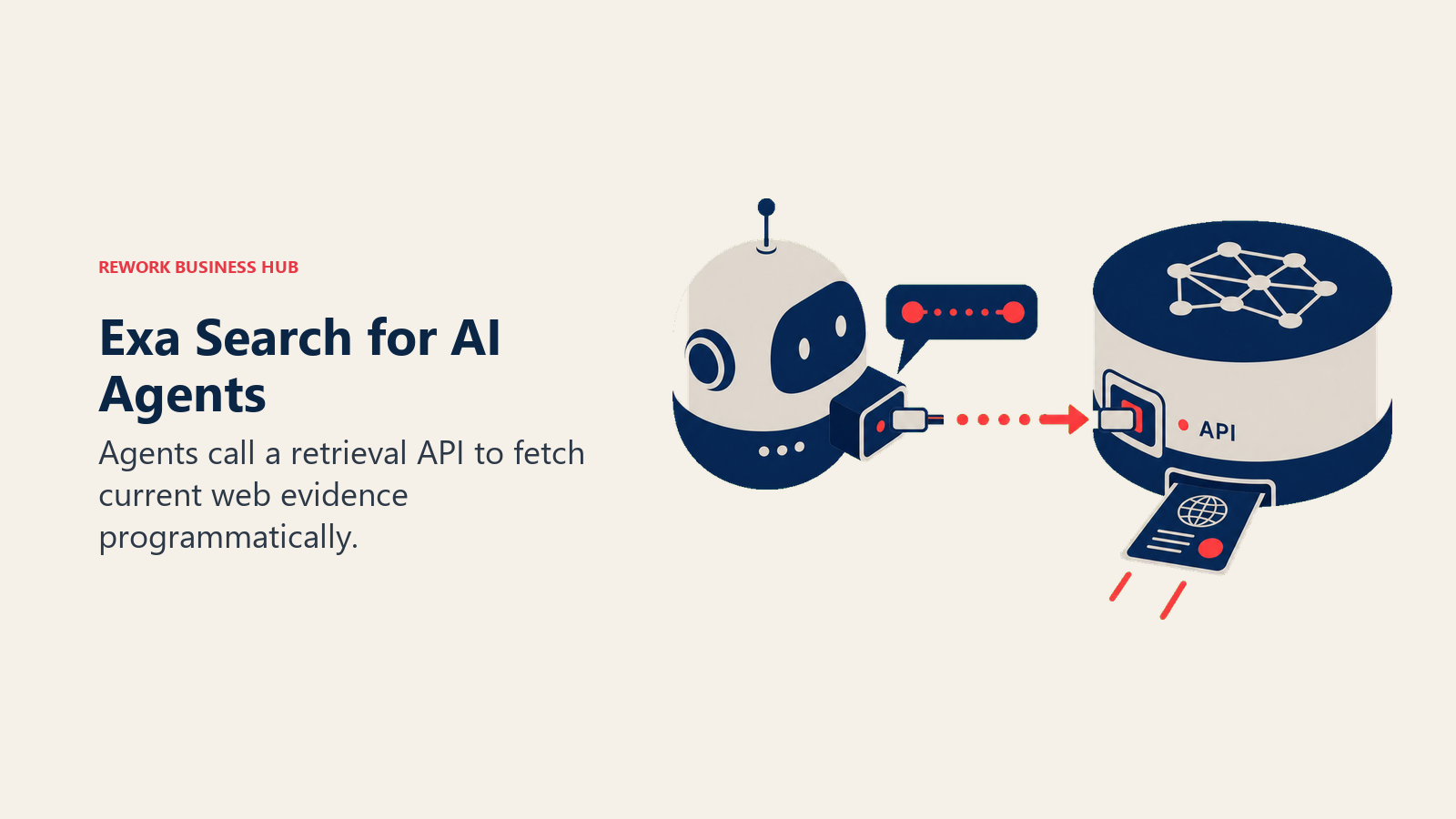
Pricing is entirely usage-based, billed per 1,000 requests with no seats and no monthly minimum beyond the free tier, which makes cost genuinely unpredictable until you know your agent's query volume.
| What you get | What you don't |
|---|---|
| Purpose-built retrieval index for AI agents, not casual browsing | Not usable as a consumer search engine at all |
| Transparent, granular usage-based pricing per endpoint | Cost scales directly with query volume, no flat rate |
| Free tier includes 1,000 search requests per month | Requires engineering resources to integrate, unlike any tool above it |
Best for: Developers and teams building AI agents that need programmatic, real-time web search, not a search box for humans.
What Changed in 2026
- Google AI Mode crossed 1 billion monthly users and started showing ads inside some AI Mode results for the first time.
- Phind, once a leading developer-focused AI search tool, shut down in January 2026, roughly a month after raising $10 million, as general-purpose models like GPT-5 and Claude increasingly handled coding search directly.
- Microsoft retired standalone Copilot Pro, folding its features into Microsoft 365 Premium; existing Pro subscribers keep access until August 1, 2026.
- Google reorganized its consumer AI pricing at I/O 2026, dropping AI Ultra's entry price from $249.99 to $99.99 per month.
- Gemini and Claude both gained significant ground in AI-search traffic share, with ChatGPT's share of worldwide generative-AI web traffic falling from roughly 76.5% to 53.9% even as its absolute user base kept growing.
- DuckDuckGo folded premium models into its existing Plus subscription rather than launching a standalone AI product, keeping the pricing story simpler than most competitors.
How to Choose: Decision Framework
Use this framework to match the search tool to the evidence, workflow, privacy, or integration requirement that matters most.
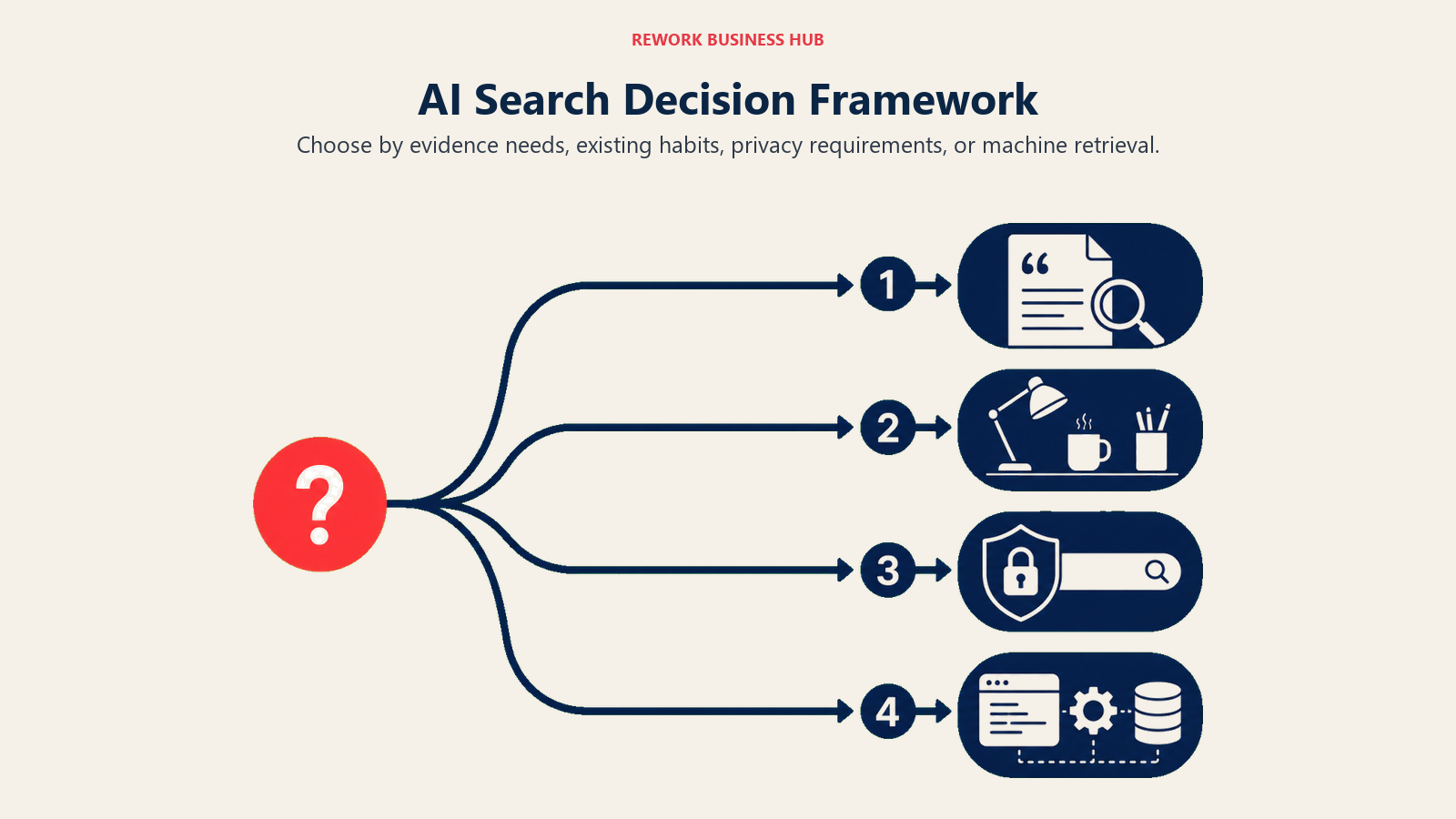 | If you need... | Pick... | Why |
|---|---|---|
| The most trustworthy, source-cited answers for research | Perplexity | Every answer links to its sources; model-switching across GPT, Claude, and Gemini |
| Search folded into a tool your team already uses daily | ChatGPT Search | Free on every tier, zero new habit required |
| AI answers with no new tool to adopt at all | Google AI Mode / AI Overviews | Already inside the search bar everyone uses; deepest index available |
| Search tied directly into Word, Excel, and Outlook | Microsoft Copilot (Bing) | Same AI layer follows you across Microsoft 365 |
| Real-time signal from breaking news or X conversation | Grok | Only tool with live access to the X firehose |
| An independent index not licensed from Google or Bing | Brave Search + Leo | Genuinely separate index; Leo Premium undercuts ChatGPT Plus on price |
| Zero query logging as a hard requirement | DuckDuckGo AI (Duck.ai) | No tracking, real named models even on the free tier |
| An ad-free search engine you pay for directly | Kagi | Subscription-only model with no ad ranking or data sale |
| A finished document or deck, not just an answer | Genspark | Builds structured "Sparkpages" from multi-source research |
| A completely free AI search engine, no catch | Andi | Free forever, ad-free, PCMag's top free pick three years running |
| Multi-corpus research (academic, news, social) | Komo AI | Choose your source corpus and use built-in research Personas |
| Search inside an AI agent you're building | Exa | Purpose-built retrieval API, not a consumer search box |
| If you need... | Pick... | Why |
|---|---|---|
| The most trustworthy, source-cited answers for research | Perplexity | Every answer links to its sources; model-switching across GPT, Claude, and Gemini |
| Search folded into a tool your team already uses daily | ChatGPT Search | Free on every tier, zero new habit required |
| AI answers with no new tool to adopt at all | Google AI Mode / AI Overviews | Already inside the search bar everyone uses; deepest index available |
| Search tied directly into Word, Excel, and Outlook | Microsoft Copilot (Bing) | Same AI layer follows you across Microsoft 365 |
| Real-time signal from breaking news or X conversation | Grok | Only tool with live access to the X firehose |
| An independent index not licensed from Google or Bing | Brave Search + Leo | Genuinely separate index; Leo Premium undercuts ChatGPT Plus on price |
| Zero query logging as a hard requirement | DuckDuckGo AI (Duck.ai) | No tracking, real named models even on the free tier |
| An ad-free search engine you pay for directly | Kagi | Subscription-only model with no ad ranking or data sale |
| A finished document or deck, not just an answer | Genspark | Builds structured "Sparkpages" from multi-source research |
| A completely free AI search engine, no catch | Andi | Free forever, ad-free, PCMag's top free pick three years running |
| Multi-corpus research (academic, news, social) | Komo AI | Choose your source corpus and use built-in research Personas |
| Search inside an AI agent you're building | Exa | Purpose-built retrieval API, not a consumer search box |
Frequently Asked Questions about AI Search Engines
What is the best AI search engine in 2026?
There's no single best AI search engine for everyone. Perplexity leads on cited, source-backed answers, ChatGPT Search wins if your team already uses ChatGPT daily, and Google AI Mode wins on convenience since it's already inside the search bar you use, with over 1 billion monthly active users as of mid-2026.
Is ChatGPT Search better than Google?
They serve different needs. ChatGPT Search is stronger for conversational, multi-step questions where you want the assistant to reason across your prior chat context. Google's AI Mode and AI Overviews still draw on the largest index on the web and reach far more total searches, holding close to 90% global search market share even in 2026.
What is the difference between an AI search engine and a regular search engine?
A regular search engine returns a ranked list of links you click through. An AI search engine reads across multiple sources and returns a synthesized answer directly, often with citations. That convenience comes with a tradeoff: AI Overviews now produce zero-click outcomes on roughly 83% of the searches where they appear, meaning the source sites often get no traffic at all.
Which AI search engine is the most private?
DuckDuckGo's Duck.ai and Brave Search with Leo are built specifically around not logging queries. Kagi is subscription-only with no ad-based business model, which removes the incentive to sell search data in the first place. Perplexity, ChatGPT Search, and Google all retain and use query data to varying degrees depending on your account and subscription tier.
Are AI search engines free to use?
Most offer a genuinely usable free tier. Andi is free with no paid tier at all currently. Perplexity, ChatGPT Search, Google AI Mode, Grok, Brave Leo, DuckDuckGo AI, and Komo all offer free access with daily limits or older models, then charge $10 to $30 per month for higher limits and flagship models.
What is Perplexity used for?
Perplexity is used primarily for research questions that need a defensible, sourced answer: competitive research, fact-checking, academic literature review, and comparing claims across multiple sources. Its citation-first design and ability to switch between GPT, Claude, Gemini, and its own Sonar models make it the default pick for people who got burned by an uncited AI answer before.
What is Google AI Mode and how is it different from AI Overviews?
AI Overviews is the AI-generated summary box that appears above traditional search results for many queries. AI Mode is a separate, more conversational search experience where the entire results page becomes an AI-driven, multi-turn conversation rather than a list of links. AI Mode queries run about three times longer on average than a classic Google search, according to Google's own 2026 data.
Can AI search engines replace Google entirely?
Not for most people yet. Google still holds close to 90% of global search market share even with the rise of Perplexity, ChatGPT Search, and other standalone AI search tools. What's actually happening is convergence: Google absorbed AI answers directly into its own product through AI Mode and AI Overviews rather than losing share to outside competitors the way a 2024 Gartner prediction of a 25% search-volume drop suggested might happen.
Which AI search engine is best for developers building AI agents?
Exa is purpose-built for this use case. It's a retrieval API, not a browser-based search engine, with a neural embeddings index designed specifically for AI agents that need to pull current web information programmatically, priced per 1,000 requests rather than per seat.
What to Do Next
Pick the one or two tools from this list that match how you actually search today, not the one with the most features. If you're doing research that needs a defensible source trail, start a free Perplexity account and run your next three real work questions through it before you touch a paid tier. If privacy is the deciding factor, Brave Search with Leo or DuckDuckGo's Duck.ai cost nothing to try and require no account to start. And if you're building AI-powered products rather than just using them, Exa's free tier is enough to prototype an agent's search behavior before you commit to a usage-based bill.

Principal Product Marketing Strategist
On this page
- Key Facts
- Quick Comparison Table
- How AI Search Engines Actually Source Their Answers
- 1. Perplexity: Best for Fast, Cited Answers
- 2. ChatGPT Search: Best for Teams Already Living in ChatGPT
- 3. Google AI Mode / AI Overviews: Best for Zero Switching Cost
- 4. Microsoft Copilot (Bing): Best for Microsoft 365 Shops
- 5. Grok: Best for Real-Time, X-Driven Queries
- 6. You.com: Best for Comparing Models on One Query
- 7. Brave Search + Leo: Best for an Independent Index
- 8. DuckDuckGo AI (Duck.ai): Best for Zero Tracking
- 9. Kagi: Best for Ad-Free, Subscription-Only Search
- 10. Genspark: Best for Turning Search Into a Finished Deliverable
- 11. Andi: Best for Completely Free AI Search
- 12. Komo AI: Best for Multi-Corpus Research
- 13. Exa: Best for Powering AI Agents' Search
- What Changed in 2026
- How to Choose: Decision Framework
- What to Do Next