Best AI Mockup Generators in 2026: 11 Tools for Product, Packaging and Apparel
Turn this article into takeaways for your work.


Each assistant summarizes the article only for you and suggests best practices for your work.
An AI mockup generator places your real artwork, logo or product photo onto a realistic object or scene, a t-shirt, a bottle, a phone screen, a shop shelf, without a photoshoot. The best tool depends on one question: do you need your exact design shown faithfully on a standard product, or do you want an AI to invent a new scene around it? Placeit, Mediamodifier, Dynamic Mockups and Printful do the first. Photoroom and Pebblely do a hybrid. Adobe Firefly, ChatGPT and Midjourney do the second.
This guide is written for ecommerce brands, print-on-demand sellers and the agencies that make mockups for clients. It covers 11 tools, each with its current pricing, its commercial-use terms and a real limitation. If you want a general-purpose picture maker rather than a mockup tool, start with the best AI image generators or the best AI tools for photo generation. We keep those out of this page except where they genuinely double as mockup tools.
What Counts as a Mockup Generator (and What Doesn't)
A mockup generator takes your asset and renders it onto a product or surface. The product, lighting and perspective come from a template or from a model, and your artwork is the part that must not change. A general image generator is the reverse: it invents everything from a text prompt, including whatever is printed on the product.
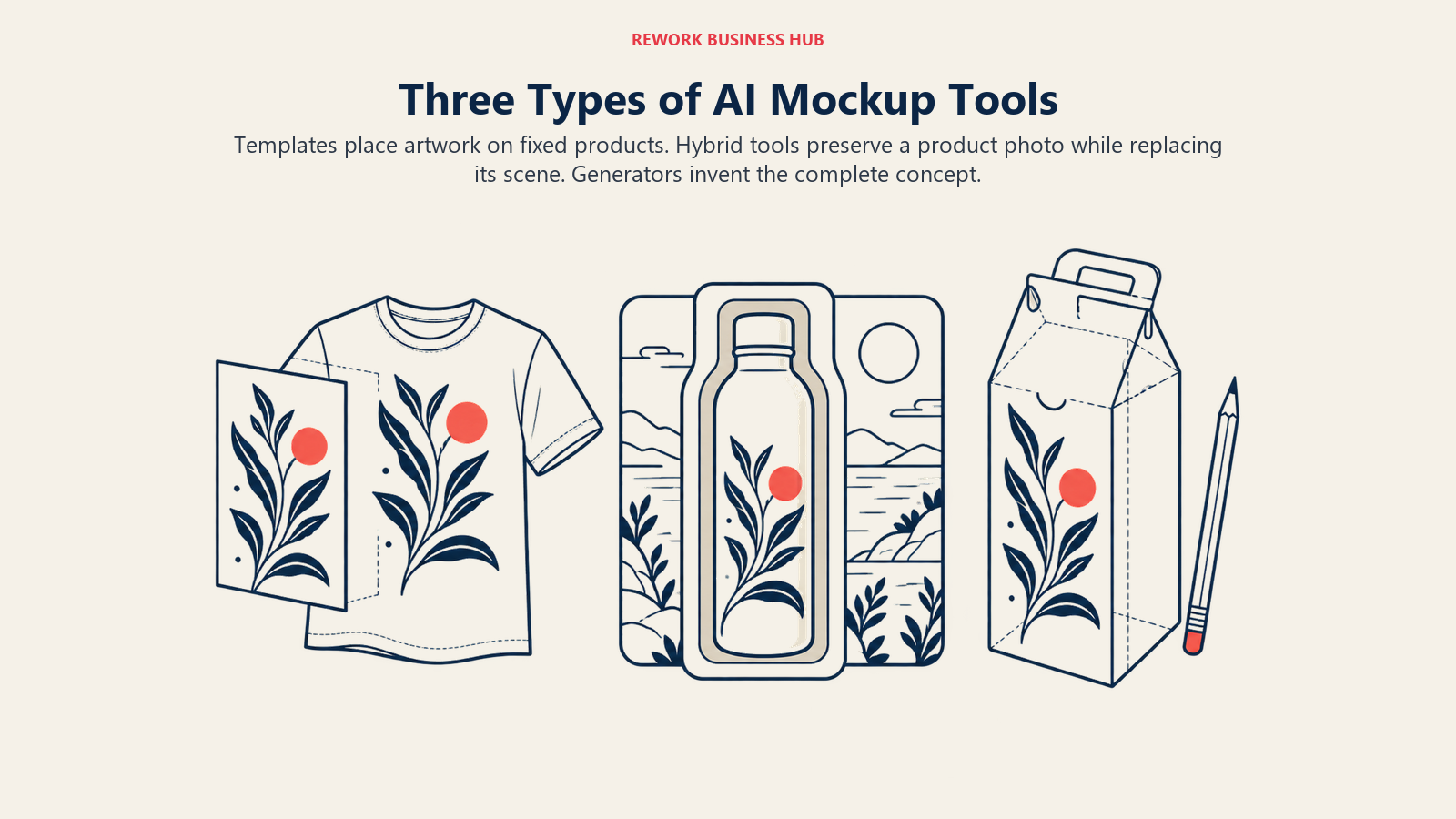
That difference is the whole buying decision. When an AI redraws your logo, a "mockup" becomes an illustration of a product that doesn't exist. Customers, brand managers and marketplace reviewers notice.
| Template mockup tools | Hybrid product-scene tools | Generative image tools | |
|---|---|---|---|
| How it works | Your artwork is composited onto a fixed photo or 3D template | Your real product photo is kept; AI generates the background and light | A model renders the whole image from a prompt or reference |
| Logo and label fidelity | Exact | Exact on the product, risky at edges | Often altered |
| Scene variety | Limited to the library | Large | Unlimited |
| Best use | Listings, print-on-demand, client approval | Ads, lifestyle shots, marketplace images | Concept art, pitch decks, early packaging ideas |
| Examples here | Placeit, Mediamodifier, Dynamic Mockups, Mockey, Canva, Printful | Photoroom, Pebblely | Firefly, ChatGPT, Midjourney |
Key Facts
- 25% of ecommerce sites provide product images that are insufficient for shoppers' needs, and low-resolution or poorly zoomable images were a cause of product abandonment in testing, per Baymard Institute.
- The U.S. Copyright Office concluded in January 2025 that, given current technology, prompts alone do not provide sufficient human control to make a user the author of an AI output, per its Copyrightability report.
- Human-authored elements that are perceptible in an AI output, plus creative selection, arrangement or modification, remain protectable, per the same Copyright Office report.
- Printful states that all mockups for its products are free to use on websites, social media, ads and email campaigns, per its mockup generator page.
Quick Comparison Table
| Tool | Lane | Best For | Starting Price | Key Limitation |
|---|---|---|---|---|
| Placeit | Template | Apparel and merch listings fast | $14.95/mo ($89.69/yr) | Templates look familiar |
| Mediamodifier | Template | Agencies needing unlimited downloads | $19/mo ($190/yr) | Smaller library than Placeit |
| Dynamic Mockups | Template + API | Catalogs, bulk and automation | $15/mo billed annually | Credit rules differ across the page |
| Mockey | Template + AI | Cheap, high-volume PNG mockups | $5.70/mo billed yearly | Monthly pricing not shown |
| Canva (Smartmockups) | Template | Teams already designing in Canva | Pro $144/yr | Smartmockups is now inside Canva |
| Printful | Template | Print-on-demand sellers | Free with an account | Printful catalog only |
| Photoroom | Hybrid | Product photos in new scenes | $12.99/mo ($7.50/mo billed yearly) | No free plan listed |
| Pebblely | Hybrid | Fast AI backgrounds for product shots | $9/mo (30 images) | Image counts run out fast |
| Adobe Firefly | Generative | Commercially safe concept scenes | $9.99/mo (2,000 credits) | Partner models are not all safe |
| ChatGPT image | Generative | Quick concept mockups in conversation | Go $8/mo | Text and logos can drift |
| Midjourney | Generative | High-end packaging and pitch visuals | $10/mo ($96/yr) | No exact artwork placement |
1. Placeit: The Fastest Route From Logo to Merch Mockup
Placeit, owned by Envato, is a browser-based library of mockup templates for apparel, mugs, phone cases, packaging and device screens. You upload a design, pick a scene and download, with no layers or masking.
Best for: small brands and print-on-demand sellers that need a believable t-shirt or hoodie on a model in a few minutes. It is the default pick when speed matters more than originality.
Limitation: Placeit templates are used by a lot of sellers, so the models and scenes can feel generic next to a custom shoot. The plan also carries a one-month minimum if any template has been downloaded.
| What you get | What you don't |
|---|---|
| A large library of ready scenes with real models | Distinctive, ownable imagery |
| Commercial license on downloads | Month-to-month flexibility once you've downloaded |
| No design software required | Fine control over lighting and angle |
Pricing: Unlimited plan, $14.95 per month billed monthly or $89.69 per year billed annually. Placeit states that a commercial license is included in all of your downloads. Source: placeit.net/pricing.
2. Mediamodifier: Unlimited Downloads for Client Work
Mediamodifier pairs a large template library with a browser editor and, on the Team tier, a Mockup API. Both paid plans advertise unlimited downloads, mockups and storage.
Best for: freelancers and small agencies that produce many mockups a month and want a flat price. Its commercial licence is described as covering client work, ads and marketing.
Limitation: the library is smaller than Placeit's apparel catalog, and the licence summary on the pricing page is brief, so agencies handling big brand work should read the full terms before reselling output.
| What you get | What you don't |
|---|---|
| Unlimited downloads on paid plans | A free subscription tier (free tools exist) |
| Commercial licence covering client work | Detailed licence language on the pricing page |
| Mockup API on Team | API access on the cheaper plan |
Pricing: Professional, $19 per month billed monthly or $190 per year billed annually. Team, $45 per month billed monthly or $450 per year billed annually, with up to 5 members and the Mockup API; extra members are $9 per month. Source: mediamodifier.com/pricing.
3. Dynamic Mockups: Automation and Catalog-Scale Rendering
Dynamic Mockups is built for bulk work. You build templates, render thousands of variations and connect through an API, which suits stores with large catalogs. Newer AI features include MockAnything for AI-generated images and MotionMockups for short video.
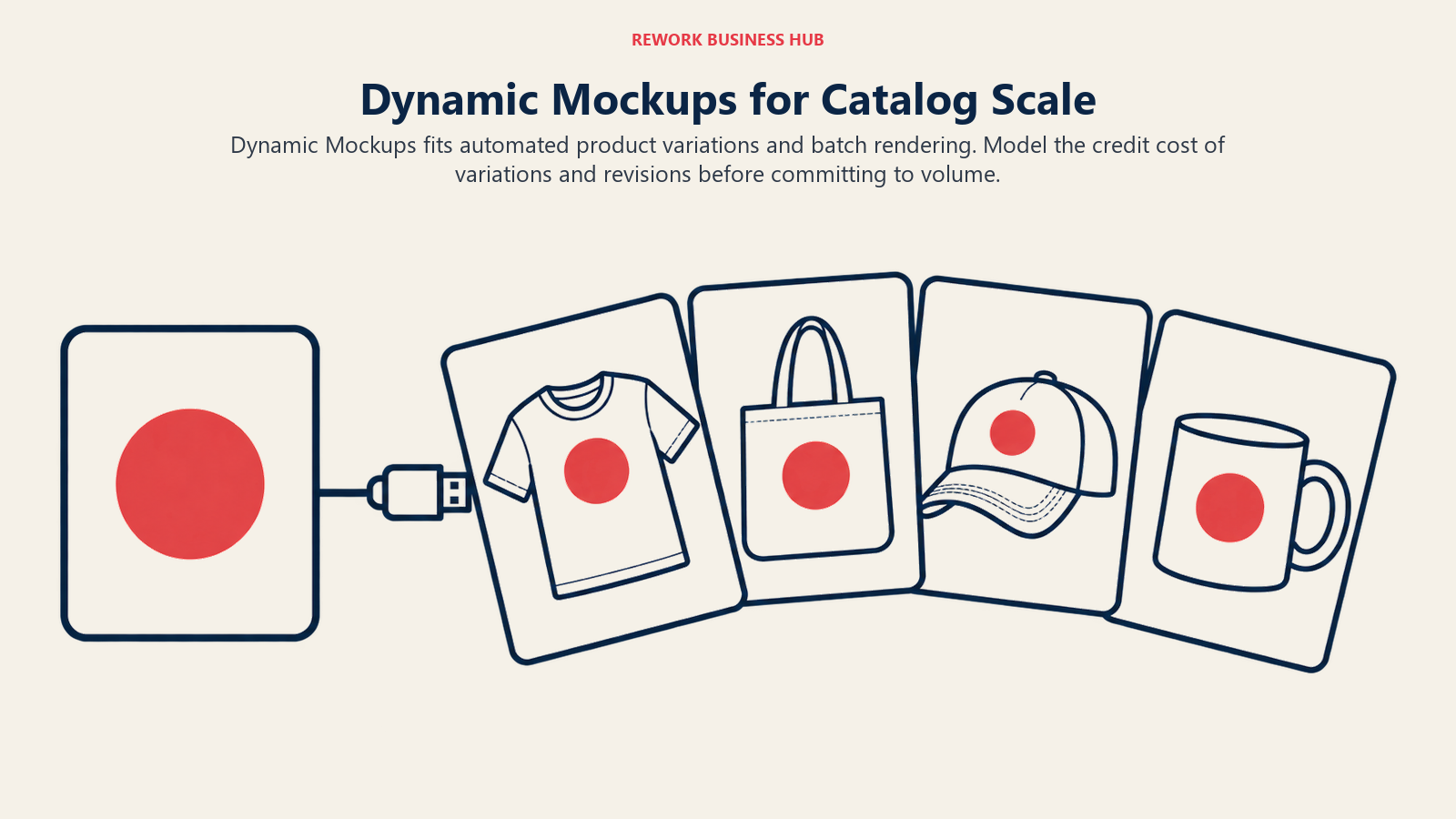
Best for: ecommerce operators and print-on-demand platforms that need the same design rendered across dozens of products and colorways, automatically.
Limitation: the pricing page is credit-heavy. Single exports are described as both unlimited and one credit each in different places, so model your volume before you commit. Pro credits expire at the end of the billing cycle.
| What you get | What you don't |
|---|---|
| API renders and batch export of variations | Predictable costs if you batch heavily |
| AI image and video mockup options | Clear commercial wording on the pricing page |
| A free web app with watermark-free exports | Watermark-free API renders on Free |
Pricing: Free includes a one-time 50-credit starter balance. Pro is $15 per month billed annually, with 3,600 credits per year; larger tiers carry 12,000, 30,000 and 60,000 credits per year. Top-ups are $0.051 per credit. Enterprise is custom. Source: dynamicmockups.com/pricing.
4. Mockey: Cheap Volume With Some AI Credits
Mockey is a mockup library with a free tier of 1,000+ mockups in JPG, and paid plans that unlock PNG, PSD and bulk downloads plus AI credits for generated scenes and video.
Best for: solo sellers and students on a budget who still want unlimited paid downloads.
Limitation: the free tier is JPG only with no bulk downloads, and the page does not clearly say whether free output may be used commercially. Treat free mockups as personal use until you read the terms.
| What you get | What you don't |
|---|---|
| Lowest price in this guide | A clear monthly price on the page |
| Unlimited downloads on paid plans | AI credits on Free |
| One-time Forever plan | Obvious commercial rights on Free |
Pricing: Starter, $5.70 per month billed yearly (600 AI credits). Creator, $12.40 per month billed yearly (1,800 credits). Forever, $199 one-time (1,000 credits). Free is $0. Paid plans list commercial use. Source: mockey.ai/pricing.
5. Canva: Mockups Inside the Design Tool You Already Use
Smartmockups, once a separate product, now redirects to Canva's mockups page. In practice that means mockups are one more thing you do inside a Canva design, next to social posts, decks and print layouts.
Best for: marketing teams that already live in Canva and want a mockup without opening a second tool. If you're weighing the platform itself, our Canva alternatives guide covers the field.
Limitation: you get Canva's template looks, not a dedicated mockup engine, and bulk or API rendering isn't the point here.
| What you get | What you don't |
|---|---|
| Mockups next to your brand kit and layouts | A dedicated mockup API |
| A free tier with limited AI uses | Unlimited AI on Free |
| Per-person paid plans | Per-seat savings for large teams |
Pricing: Free is $0 with up to 20 AI uses. Pro is US$144 per year billed annually for one person. Business is US$250 per year billed annually per person. Enterprise is custom. Commercial terms for mockups are not stated on the pricing page. Source: canva.com/pricing.
6. Printful: Free Mockups If You Sell Print-on-Demand
Printful's mockup generator is free for its own catalog: apparel, bags, phone cases, mugs, pillows, wall art and more. You create a product template in the dashboard, then download unlimited high-resolution mockups.
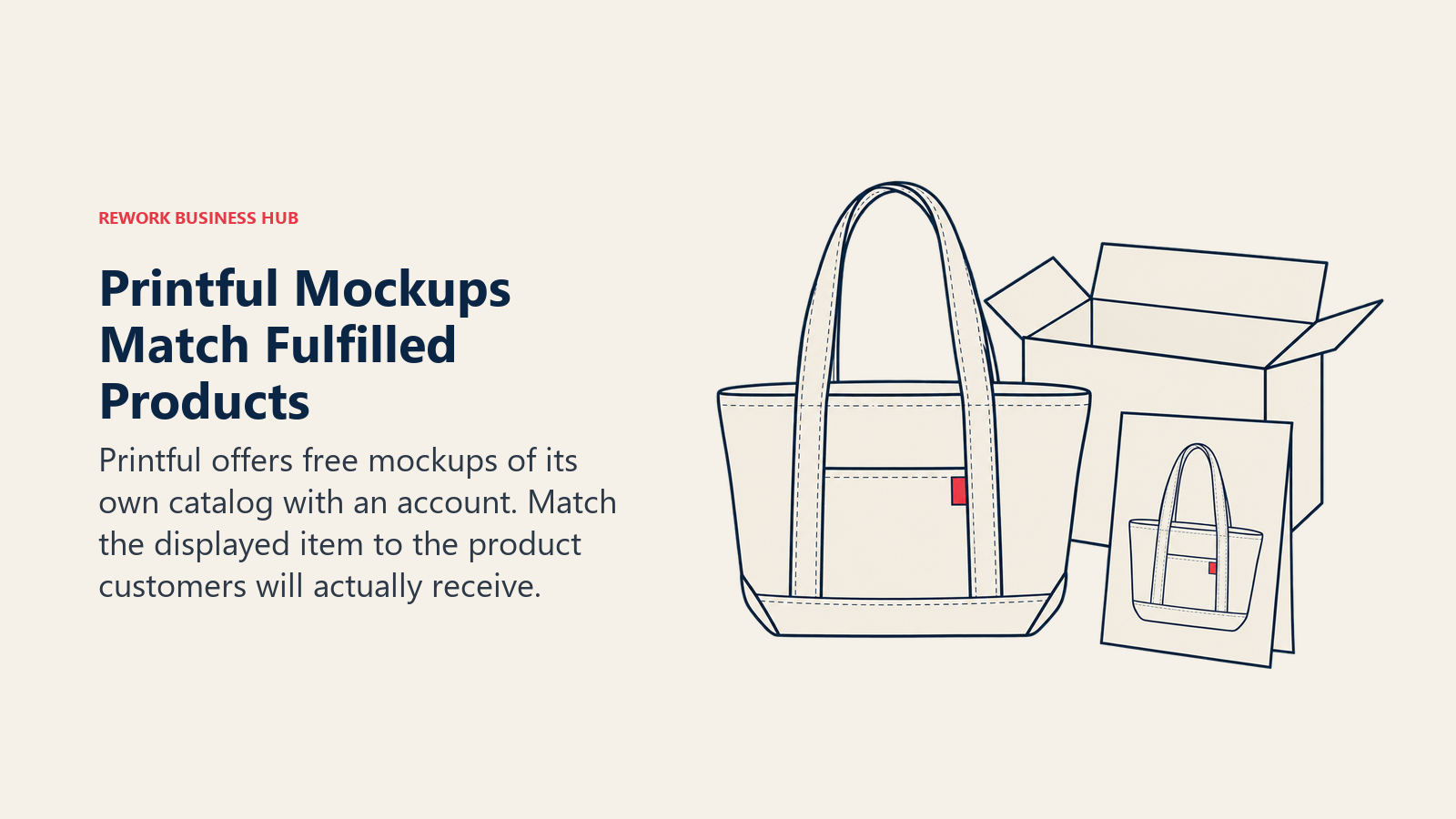
Best for: anyone fulfilling through Printful. Mockups match the product you will actually ship, which cuts "it looked different" complaints.
Limitation: you can only mock up what Printful sells, and the page does not describe any AI features. Merchants also get a 15% discount on Placeit, a separate service.
| What you get | What you don't |
|---|---|
| Free, unlimited high-res downloads | Products outside Printful's catalog |
| Mockups for the exact fulfilled item | AI-generated scenes |
| Use on your site, ads and social | A usable tool without a Printful account |
Pricing: free with a Printful account. Printful states mockups can be used across your website, social media, apps, ads and email, on any ecommerce platform. Source: printful.com/mockup-generator.
7. Photoroom: Real Product, New Scene
Photoroom starts from your actual product photo, removes the background and generates studio, lifestyle or seasonal scenes around it. Pro, Max and Ultra plans bundle AI backgrounds, product-and-listing tools and, on higher tiers, video.
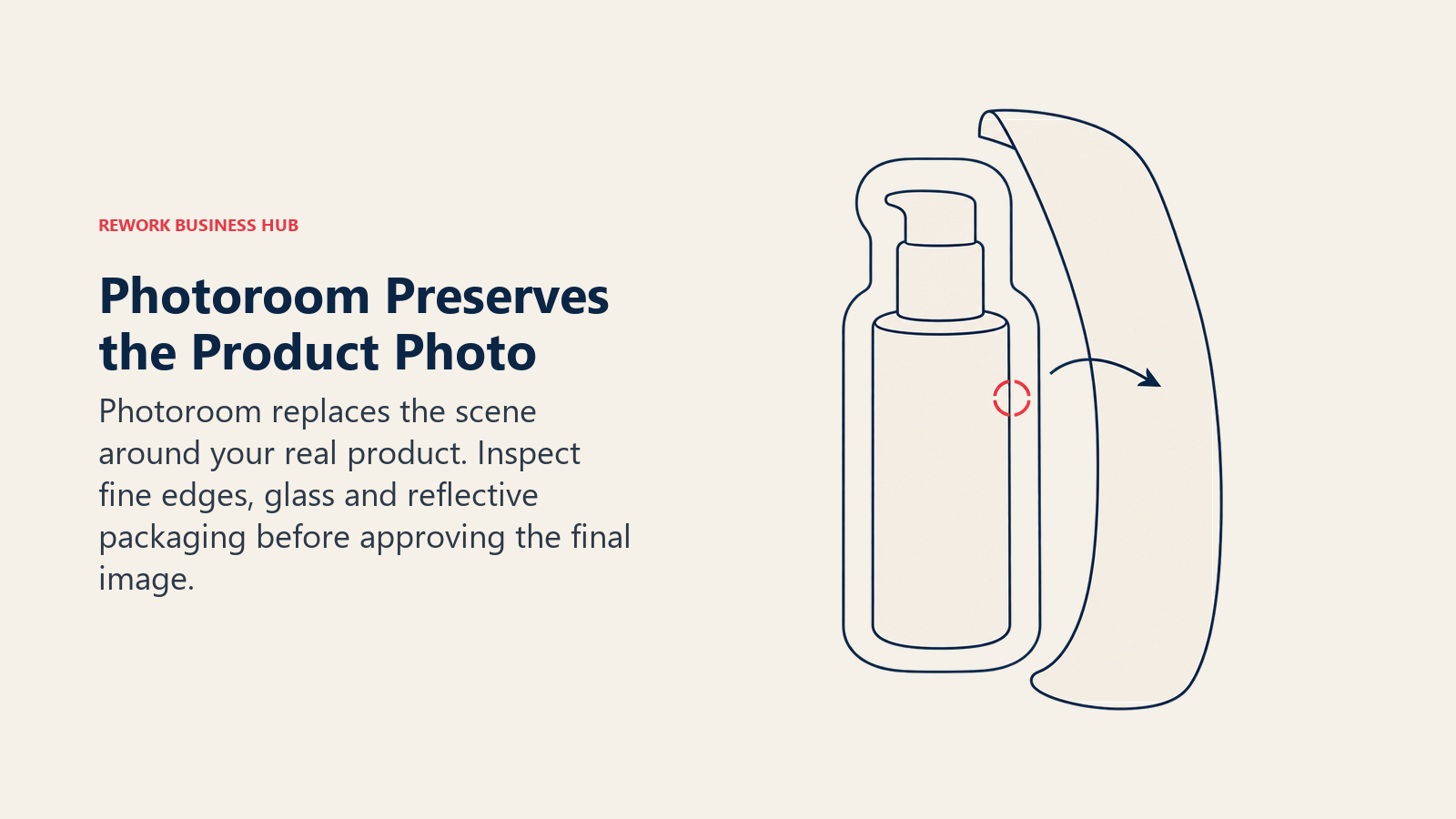
Best for: ecommerce teams that photograph their own products and want marketplace-ready scenes. Because the product pixels are yours, labels and logos stay intact in a way a fully generated image can't promise.
Limitation: the pricing page shows no free plan, only a free trial on Pro and Max. Fine edges, glass and reflective packaging can still look cut out, so check hairline edges at full size.
| What you get | What you don't |
|---|---|
| Your real product kept as the subject | Brand-new product designs |
| Batch tools sized for listings | A free plan on the pricing page |
| Export and credit quotas per month | Stated commercial terms on the pricing page |
Pricing: Pro, $12.99 per month billed monthly or $7.50 per month billed yearly. Max, $34.99 monthly or $20.99 per month billed yearly. Ultra, $99 monthly or $82.50 per month billed yearly. Pro includes 8,000 AI credits and 1,000 exports a month on yearly billing. Source: photoroom.com/pricing.
8. Pebblely: Product-Shot Backgrounds in Seconds
Pebblely turns a plain product photo into themed shots with 40+ background themes and custom prompts. It is narrower than Photoroom: backgrounds and bulk generation, not editing.
Best for: small sellers who want a handful of lifestyle images per SKU for ads and listings.
Limitation: plans are image-count based (30, 200 or 500 per month), which makes testing many variants expensive, and the page doesn't state commercial terms.
| What you get | What you don't |
|---|---|
| 40+ themes plus custom prompts | A published free tier or commercial terms on the page |
| Bulk generate on Basic and Pro | Bulk generate on Lite |
| Cancel in the app | Annual prices listed on the page |
Pricing: Lite, $9 per month (30 images). Basic, $19 per month (200 images). Pro, $39 per month (500 images). All monthly rates; the page says yearly plans give 2+ months free without listing annual prices. Source: pebblely.com/pricing.
9. Adobe Firefly: Commercially Safe Scenes and Backgrounds
Firefly is Adobe's generative suite. For mockups its useful parts are Generate New Background, Generative Fill and Expand, and Firefly Boards, where teams can visualize mood boards, brand identities and mock-ups, then send them to Photoshop or Express. Custom Models, in public beta, train on your own images to keep a look consistent.
Best for: brands that need legally cautious concept visuals. Adobe says Firefly models are trained on licensed Adobe Stock and public-domain content and are commercially safe.
Limitation: that guarantee covers Adobe's own models. Partner models (Google, OpenAI, FLUX) are not described as commercially safe, so use the "Commercially safe" filter in the model picker. IP indemnification goes to eligible enterprise customers only.
| What you get | What you don't |
|---|---|
| Commercially safe Adobe models | Safety on every partner model |
| Photoshop and Express handoff | Exact artwork placement like a template |
| Content Credentials on outputs | IP indemnity on individual plans |
Pricing: US individual plans, monthly: Standard $9.99 (2,000 credits), Pro $19.99 (4,000), Pro Plus $49.99 (10,000), Premium $199.99 (50,000). Credits reset monthly. Source: adobe.com/products/firefly/plans. For other options near this one, see the best Adobe Firefly alternatives.
10. ChatGPT Image Generation: Conversational Concept Mockups
ChatGPT lets you describe a bottle, tote bag or storefront in plain language and iterate in the same chat. It is the quickest way to get a packaging idea in front of a stakeholder.
Best for: early-stage concepts and internal alignment, where speed matters and nobody expects print-ready accuracy.
Limitation: text and logos on the product can drift across revisions, and the pricing page doesn't state output rights, so read OpenAI's terms before using images commercially. Don't send AI-redrawn artwork to a printer.
| What you get | What you don't |
|---|---|
| Iteration by conversation | Pixel-exact logos |
| Image generation on every tier | Unlimited image creation below Pro |
| One subscription for text and images | Output-rights wording on the pricing page |
Pricing: monthly plans only on the page: Free (limited image creation), Go $8, Plus $20, and Pro from $100 per month for unlimited and faster image creation. Source: chatgpt.com/pricing.
11. Midjourney: Premium Packaging and Pitch Visuals
Midjourney produces the most stylized scenes of the group: moody packaging, editorial product shots, concept lines. It has no artwork-placement tool, so you use it to imagine, not to proof.
Best for: agencies pitching a packaging direction before any real design exists.
Limitation: there is no free plan, and a company with more than $1M a year in gross revenue must buy Pro or Mega. Generated labels will rarely match your real typography.
| What you get | What you don't |
|---|---|
| The strongest art direction in the guide | Your real logo placed exactly |
| Private (stealth) mode on Pro and Mega | A free plan |
| General Commercial Terms on all plans | Relaxed licensing for larger companies on lower tiers |
Pricing: Basic $10 monthly or $96 billed annually. Standard $30 monthly or $288 annually. Pro $60 monthly or $576 annually. Mega $120 monthly or $1,152 annually. Extra GPU time is $4 per hour. Source: Midjourney plan comparison.
What Mockups Cost at Real Volume
Headline prices hide the way each tool meters work, and the ranking flips once you plug in a real month. Take a small apparel brand that needs 200 finished images a month. Pebblely's Basic plan includes exactly 200 images at $19 a month, so one extra round of revisions pushes you into the $39 Pro plan. Placeit and Mediamodifier charge a flat rate for downloads, so the same 200 images cost the same as 20. Dynamic Mockups is the opposite: batch exports cost a credit per variation, and its Pro plan includes 3,600 credits per year, which works out to an average of 300 a month before top-ups at $0.051 a credit.
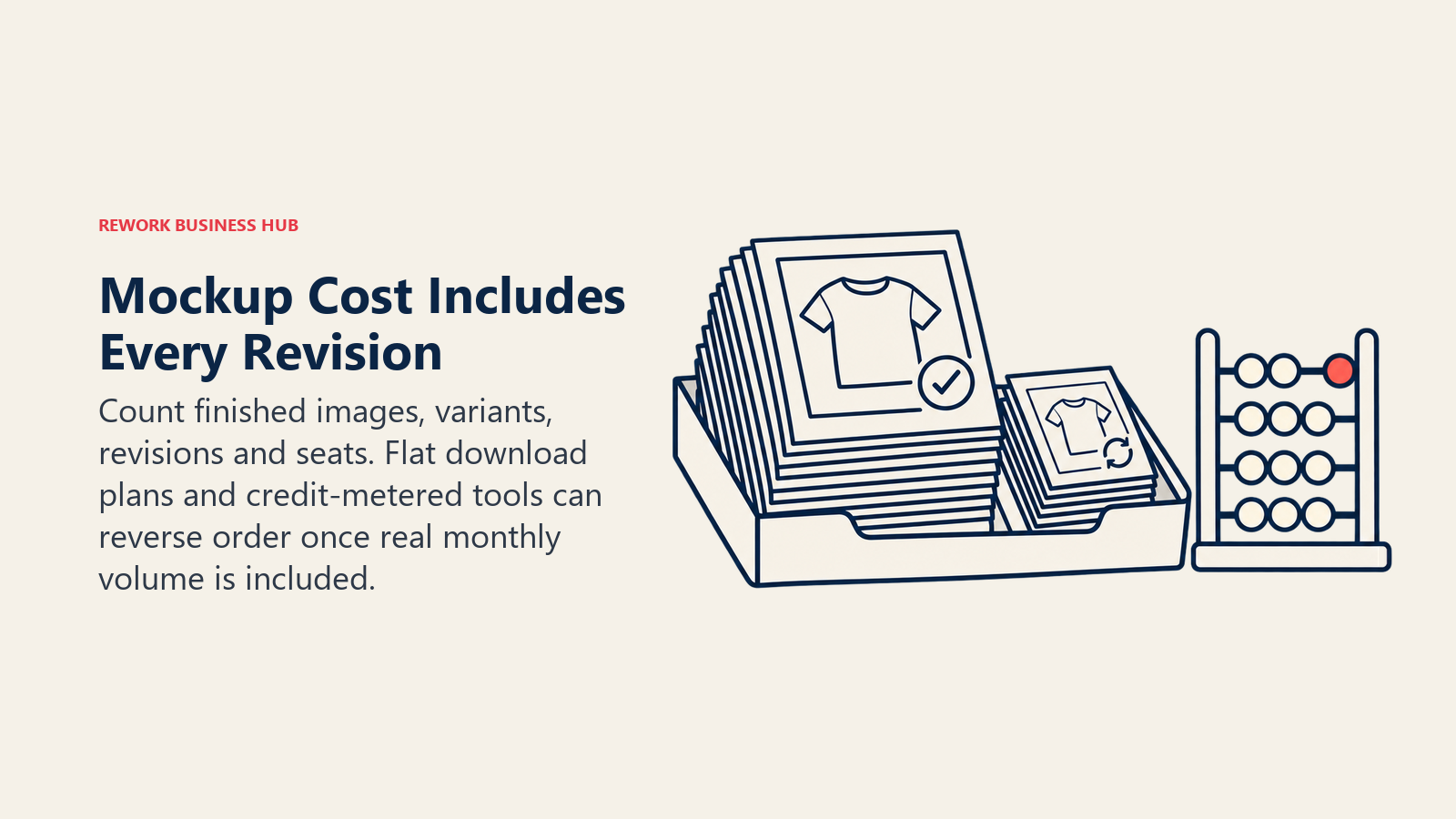
Now take an agency producing 40 different mockups for each of five clients. Flat-rate tools win on cost, but the Mediamodifier Professional plan is one person's licence, and the Team plan at $45 a month with five members is the realistic starting point. Canva's per-person plans behave the same way, so a five-person design team on Business is five seats, not one. Seat math is the quiet cost in this category.
The takeaway is simple. Count the images you actually ship, including revisions, and divide by what each plan includes. If your volume is spiky, prefer flat-rate or one-time options like Placeit, Mediamodifier or Mockey's Forever plan. If it's steady and automated, credits and an API start to make sense.
How the Workflow Usually Goes Wrong
Most mockup problems are process problems, not tool problems. Teams skip the step where somebody compares the render to the source file, and the error reaches a customer. Three failure patterns show up again and again.
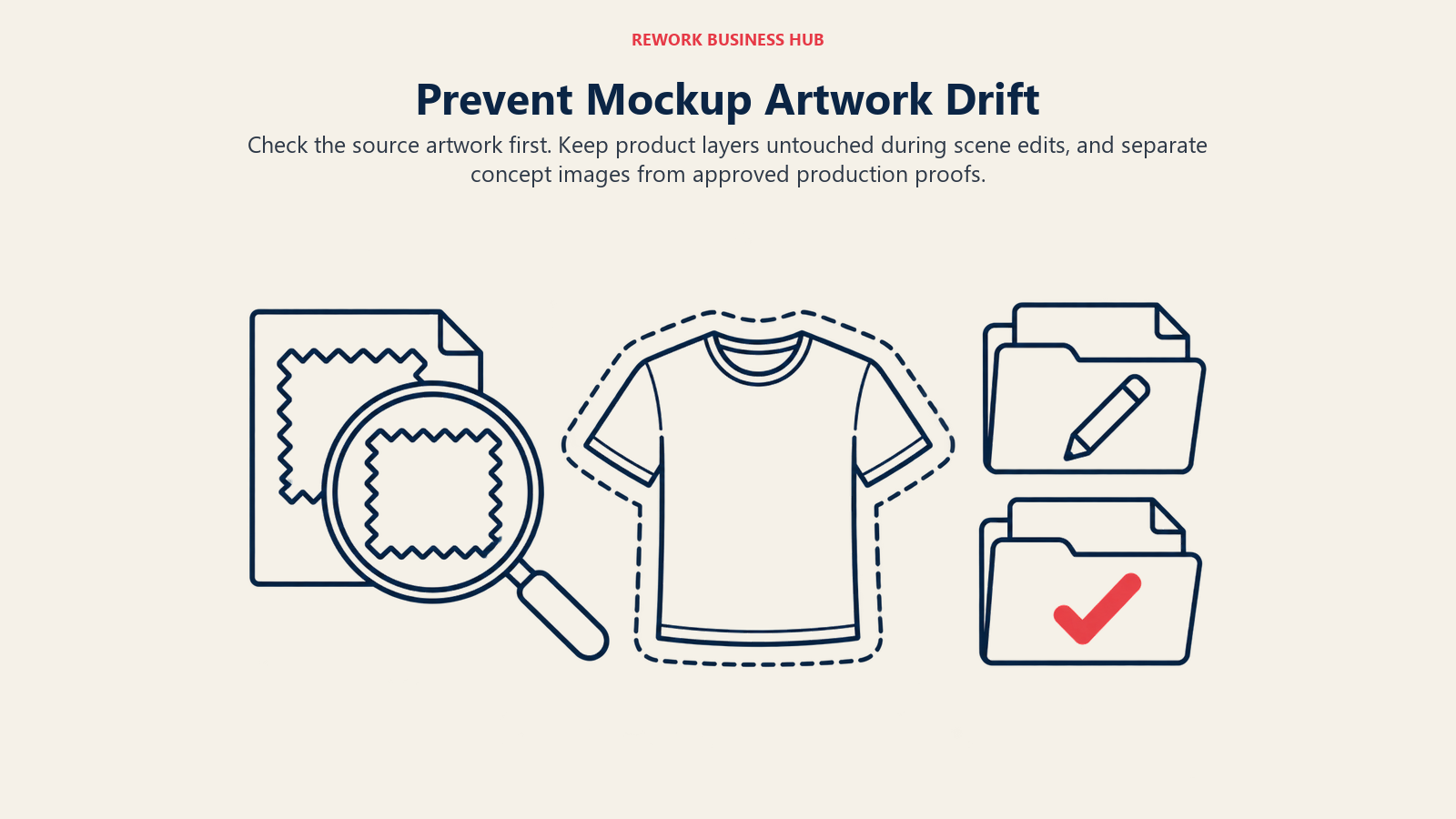
The first is the wrong-source file. A designer exports a logo with a transparent background and the wrong color profile, the mockup tool composites it onto a dark fabric, and the brand's navy turns into near-black. Template tools render exactly what you give them, which is a feature until the file is wrong. Check the artwork before you blame the template.
The second is the creeping redraw. Someone starts in a template tool, then runs the finished image through a generative tool to "improve the lighting". The model regenerates the whole picture, and the small type on the label changes. If you need a better scene, change the scene and keep the product layer untouched, which is exactly the job hybrid tools like Photoroom and Pebblely are built around.
The third is the unlabelled concept. A packaging idea made in Midjourney or ChatGPT gets forwarded to a retailer or a manufacturer as if it were a proof. Mark concept images as concepts, and keep a separate approved-proof folder with only template or photographed renders.
What Changed in 2026
Three shifts matter if you last looked at this category a year ago. First, Smartmockups no longer stands alone: its address now forwards to Canva's mockups page, so any older roundup that lists it as an independent product is out of date. Second, credits have become the default unit. Dynamic Mockups, Mockey, Photoroom, Adobe Firefly and Canva's AI features all meter AI work in credits or capped uses, while the older template libraries still sell unlimited downloads. Third, the line between a mockup tool and an image generator is blurring. Template tools now bolt on AI scene generation and video, and generators add editing and background tools, so the label on the box tells you less than it used to. Judge a tool by what it does to your artwork, not by what it calls itself.
How We Judged These Tools
Each tool was weighed on five questions an operator would ask. Does it keep the real artwork or product unchanged? What does a realistic month cost, counting revisions and seats? What does the vendor say about commercial use? How fast can a non-designer get a usable image? And what breaks first, whether that is volume, quality or licensing? Tools that failed the first question are placed in the concept lane on purpose, however good the pictures look.
Picking Between Template and Generative
If a person outside your team will treat the image as a promise, such as a shopper, a printer or a retailer, choose template or hybrid. If the image only exists to help your own team decide, generative is fine and often better, because the point is range and speed. Many teams get this backwards: they spend an afternoon polishing a generated bottle for a pitch, then use a basic template for the product page. Reverse that and both jobs get easier.
A Sensible Stack for Most Teams
You rarely need only one tool. A lean setup for an ecommerce brand looks like this: a template tool for the standard catalog (Placeit, Mediamodifier or Printful if you use it for fulfilment), a hybrid tool for lifestyle and ad images (Photoroom or Pebblely), and one generative tool for early concepts (Firefly if licensing caution matters most, ChatGPT if speed does). That stack covers the three jobs, exact listings, believable scenes and fast ideas, without paying for three tools that do the same thing.
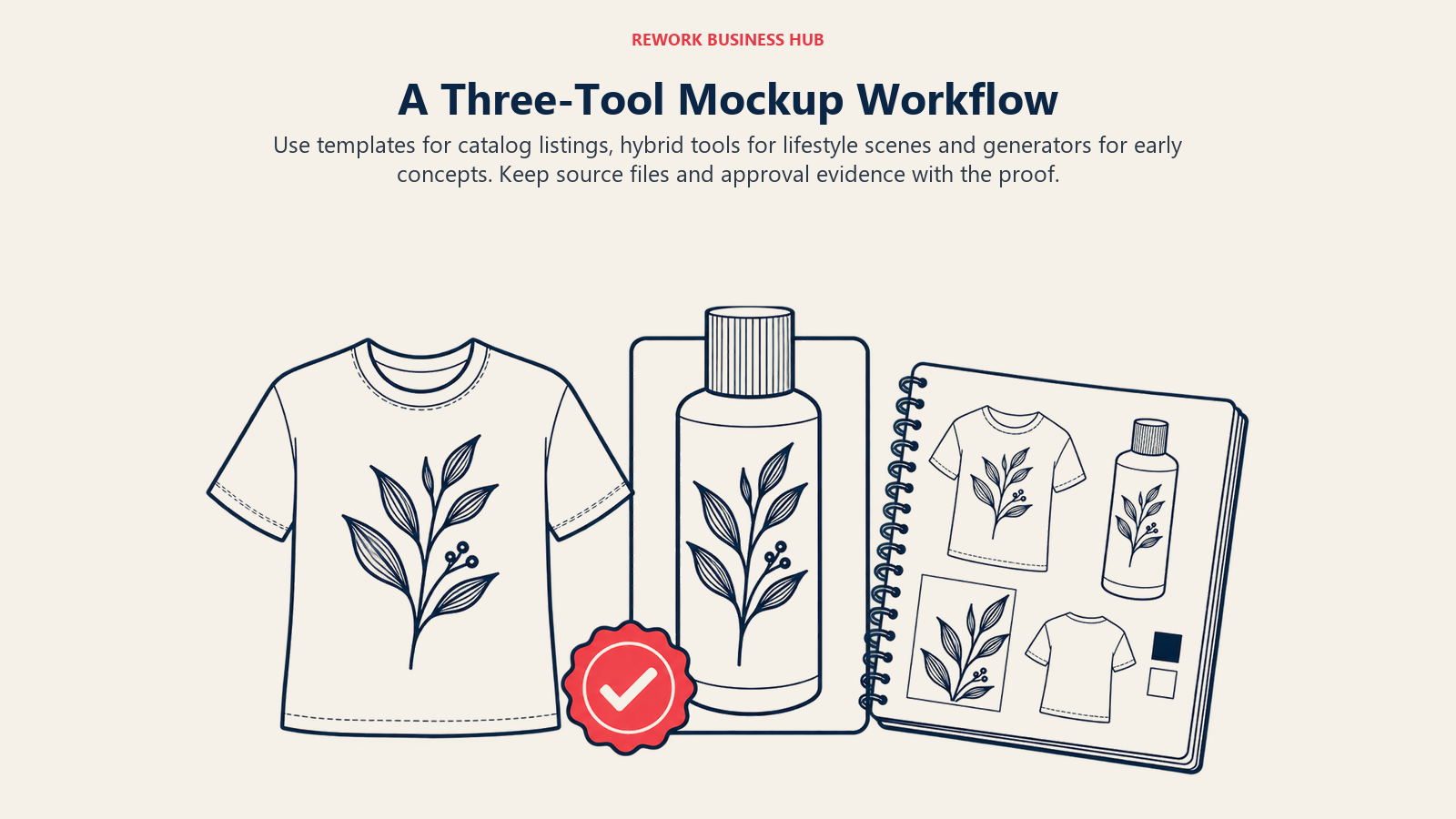
Agencies add one more layer: approval. The mockup the client signs off on should be the mockup that goes to print. Build that into your process by saving the source file, the template name and the tool plan used next to each approved image, so a dispute months later can be settled quickly. If your agency also builds ad variations from these assets, the best AI tools for marketing agencies covers the surrounding stack.
Commercial Use and Licensing, Side by Side
This is where mockup projects quietly go wrong. A free mockup on a client's packaging, or a generated scene on a product page, is a legal choice, not just a design one.
| Tool | What the vendor states |
|---|---|
| Placeit | Commercial license included in all downloads |
| Mediamodifier | Professional plan includes a commercial licence for client work, ads and marketing |
| Dynamic Mockups | Confirm in the vendor's terms |
| Mockey | Commercial use listed on paid plans; unclear on Free |
| Canva | Confirm in the vendor's terms |
| Printful | Free to use across your site, social, ads and email |
| Photoroom | Confirm in the vendor's terms |
| Pebblely | Confirm in the vendor's terms |
| Adobe Firefly | Adobe's own models are commercially safe; partner models need a case-by-case check |
| ChatGPT | Confirm in OpenAI's terms |
| Midjourney | General Commercial Terms on all plans; more than $1M revenue requires Pro or Mega |
Two cautions apply regardless of vendor. First, a license to use a mockup does not give you ownership of the underlying photo or 3D model. Second, copyright for generated scenes is thin: the Copyright Office says prompts alone are not enough to make a user the author, though your own artwork, if it is perceptible in the output, stays yours. Put differently, your logo is protected, the invented bottle around it may not be.
The Fidelity Problem: When AI Changes Your Product
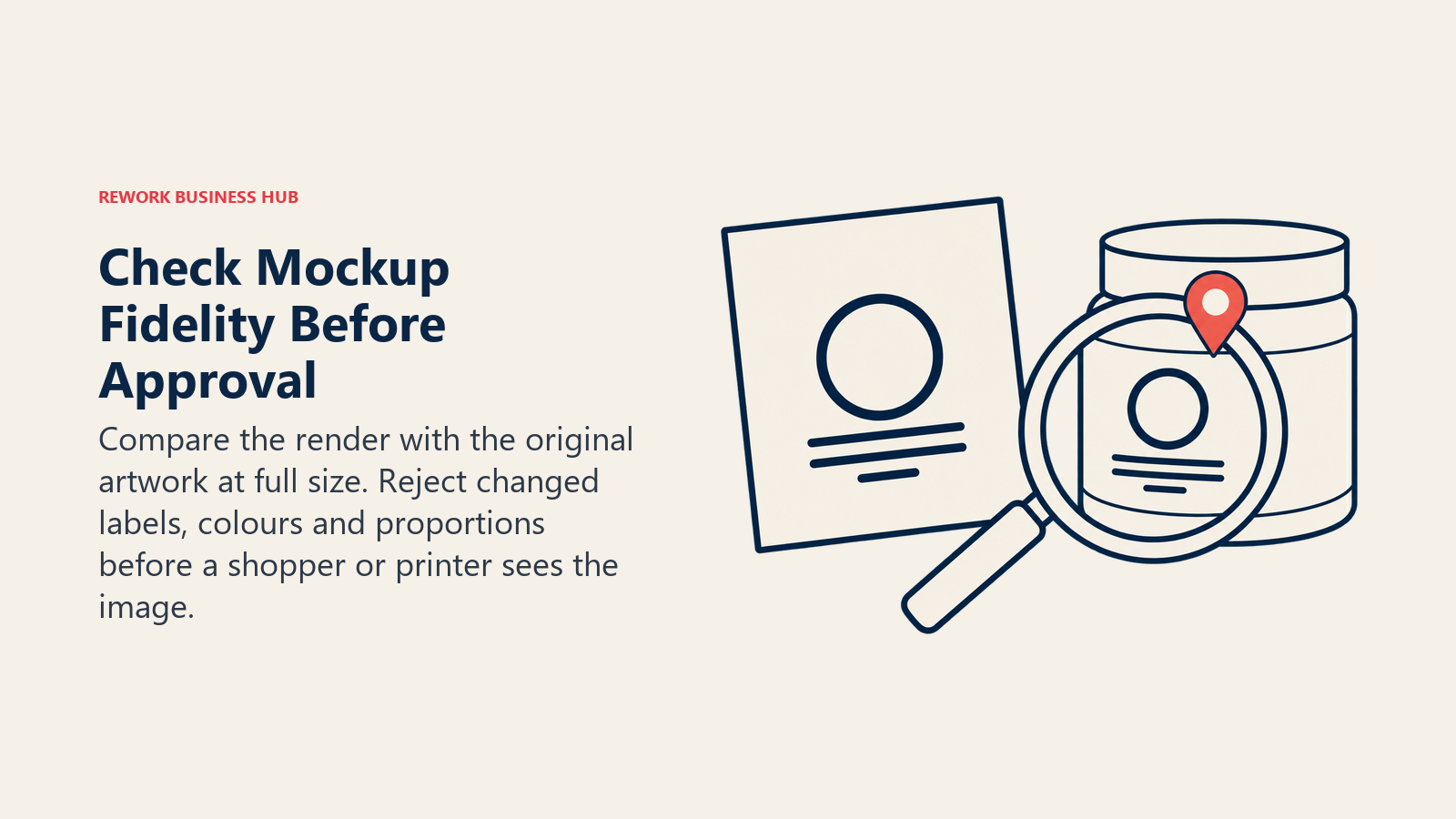
The biggest practical risk with generative tools is not the license, it is accuracy. A model that "understands" a product image can still rewrite the text, smooth a trademark, shift a Pantone, or change the number of stitches on a seam.
| Risk | Template tools | Hybrid tools | Generative tools |
|---|---|---|---|
| Logo or label rewritten | None | Rare, at edges | Common |
| Color shift | Low | Low to medium | High |
| Wrong proportions | None | Low | Medium |
| Safe for print-ready proofs | Yes | With a check | No |
A workable rule: use template or hybrid tools for anything a customer, printer or marketplace will see as a promise, and keep generative tools for concepts that never leave the building. Always compare the final render to the original file at 100% zoom before approval. If your team cares about shopper trust, the stakes are measurable: per Baymard, weak product images are a documented cause of abandonment.
Using Mockups for Print-on-Demand and Ecommerce
Print-on-demand sellers have a special problem: the mockup is the product until the order ships. That makes accuracy and speed both critical.
| Situation | Recommended approach |
|---|---|
| Fulfilling through Printful | Printful's free mockups, matched to the shipped item |
| Selling merch across many suppliers | Placeit or Mediamodifier for consistent looks |
| 500+ SKUs and colorways | Dynamic Mockups through the API |
| Lifestyle ads from existing product photos | Photoroom or Pebblely |
| Early packaging concepts for approval | Firefly, ChatGPT or Midjourney |
For wider ecommerce workflows, see the best AI tools for ecommerce stores and the best AI tools for dropshipping. Teams that turn mockups into paid creative should also read the best AI ad creative tools.
Pricing at a Glance
| Tool | Entry price | Billing | Unit |
|---|---|---|---|
| Placeit | $14.95 / $89.69 | Monthly / annual | Flat |
| Mediamodifier | $19 / $190 | Monthly / annual | Per person (Team adds seats) |
| Dynamic Mockups | $15 per month | Annual | Credits per year |
| Mockey | $5.70 per month | Yearly | AI credits |
| Canva Pro | $144 per year | Annual | Per person |
| Printful | $0 | Account required | Flat |
| Photoroom Pro | $12.99 / $7.50 per month | Monthly / yearly | Credits and exports |
| Pebblely Lite | $9 per month | Monthly | Images per month |
| Firefly Standard | $9.99 per month | Monthly | Credits |
| ChatGPT Go | $8 per month | Monthly | Usage limits |
| Midjourney Basic | $10 / $96 | Monthly / annual | GPU time |
How to Choose: Decision Framework
| If you need... | Pick |
|---|---|
| A believable t-shirt on a model today | Placeit |
| Flat-rate mockups for client work | Mediamodifier |
| Thousands of renders via API | Dynamic Mockups |
| The cheapest paid library | Mockey |
| Mockups inside your design workflow | Canva |
| Free mockups of print-on-demand items | Printful |
| Your product photo in a new scene | Photoroom |
| Quick themed backgrounds, low volume | Pebblely |
| Concept art with commercial safeguards | Adobe Firefly |
| A fast idea in a chat | ChatGPT |
| A premium look for a pitch | Midjourney |
If the work is logo-first rather than product-first, see the best AI logo generators. If the job is turning data into visuals, the best AI infographic tools is the better fit.
What to Do Next
Take one real product and one real logo, and render the same job in two tools: one template tool and one hybrid or generative tool. Open both at 100% zoom next to your source file. Whichever one changes your logo, label or color is your answer on fidelity, and the invoice then tells you the rest.
Principal Product Marketing Strategist
On this page
- What Counts as a Mockup Generator (and What Doesn't)
- Key Facts
- Quick Comparison Table
- 1. Placeit: The Fastest Route From Logo to Merch Mockup
- 2. Mediamodifier: Unlimited Downloads for Client Work
- 3. Dynamic Mockups: Automation and Catalog-Scale Rendering
- 4. Mockey: Cheap Volume With Some AI Credits
- 5. Canva: Mockups Inside the Design Tool You Already Use
- 6. Printful: Free Mockups If You Sell Print-on-Demand
- 7. Photoroom: Real Product, New Scene
- 8. Pebblely: Product-Shot Backgrounds in Seconds
- 9. Adobe Firefly: Commercially Safe Scenes and Backgrounds
- 10. ChatGPT Image Generation: Conversational Concept Mockups
- 11. Midjourney: Premium Packaging and Pitch Visuals
- What Mockups Cost at Real Volume
- How the Workflow Usually Goes Wrong
- What Changed in 2026
- How We Judged These Tools
- Picking Between Template and Generative
- A Sensible Stack for Most Teams
- Commercial Use and Licensing, Side by Side
- The Fidelity Problem: When AI Changes Your Product
- Using Mockups for Print-on-Demand and Ecommerce
- Pricing at a Glance
- How to Choose: Decision Framework
- What to Do Next