OpenClaw vs Hermes Agent: Which Open-Source Personal AI Agent Should You Run in 2026?
Turn this article into takeaways for your work.


Each assistant summarizes the article only for you and suggests best practices for your work.
If you're weighing OpenClaw against Hermes Agent, you've already made the big decision. You want an agent you can run yourself, that talks to you in the chat apps you already use, and that doesn't charge a subscription for the privilege. Both projects give you that. Both are MIT licensed, both keep state on hardware you control, and both bring your own model.
So the choice isn't "open source or not." It's smaller and more practical: who stewards the project, how many channels you need, what happens when the agent tries something risky, how skills get made and shared, and how much of the operating burden lands on you. Those differences are real, and they're easy to miss if you only skim the landing pages.
This guide is for a technical founder, an engineering lead or an IT owner who is about to give an always-on agent access to email, files and a shell. It compares the two on what they publish about themselves, and it won't pretend either is a finished consumer product. For the wider field of always-on assistants, see best personal AI agents in 2026. For the framework-level view, see best open-source AI agent frameworks in 2026.
TL;DR
| OpenClaw | Hermes Agent | |
|---|---|---|
| What it is | Open-source assistant that runs on your machine and works through chat apps | Open-source self-improving agent that keeps memory and writes its own skills |
| License | MIT | MIT |
| Steward | OpenClaw Foundation, an independent US non-profit | Nous Research, Inc. |
| Channels | 29 listed on its site | 20+ from one gateway, per its docs |
| Install | Shell installer, npm, pnpm, Docker, desktop apps | Shell installer, PowerShell, desktop app, optional Nous Portal |
| Execution isolation | Sandboxing, read-only mode, per-agent access profiles | Six built-in terminal backends, container backends treated as the boundary |
| Risky-command handling | Tool policy plus an audit command | Approval modes with a hardline blocklist |
| Paid option | None; no enterprise edition | Optional Nous Portal, from $0 to $200 a month |
| Best for | People who want the widest channel coverage and a foundation-led project | People who want built-in approvals and a learning loop |
Key Facts
- OpenClaw's site says it's stewarded by the OpenClaw Foundation, an independent US 501(c)(3) non-profit, that it's MIT licensed, and that "there is no enterprise edition and no paid version."
- The Hermes Agent site describes the project as MIT licensed and free and open source, built by Nous Research, with Nous Portal as an optional paid layer.
- The OpenClaw GitHub repository lists about 393.7k stars; the Hermes Agent GitHub repository lists about 259.8k. Stars measure attention, not quality or security.
- Hermes' security guide says that if no allowlists are configured, all gateway users are denied.
- OpenClaw's security guide says it assumes one trusted boundary per gateway and is not a hostile multi-tenant boundary.
- Hermes documents a built-in importer:
hermes import-agent openclawmoves memory, skills, model settings and messaging allowlists across.
What Each Project Is Built For
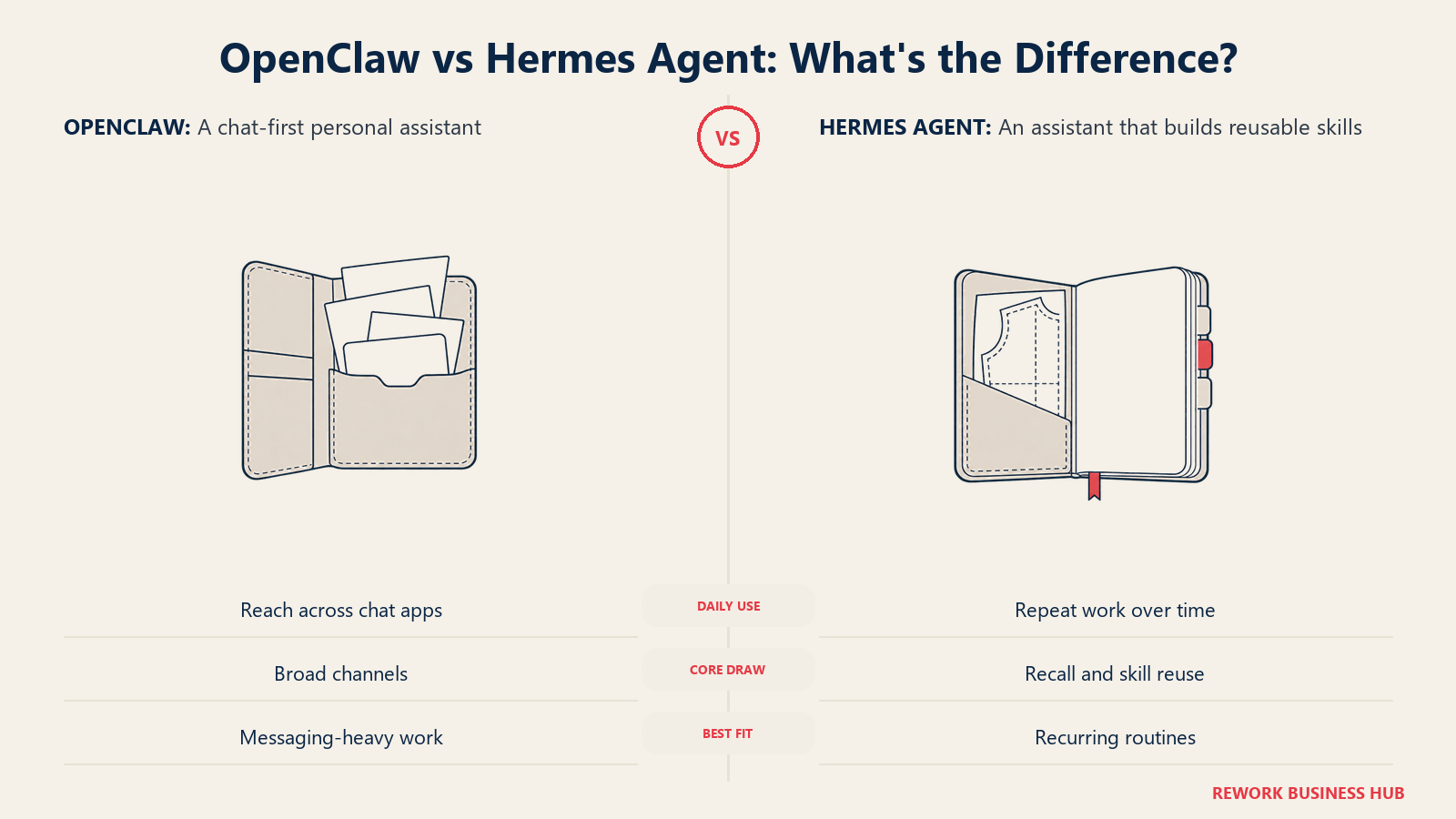
OpenClaw describes itself with the line "The AI that really does things," and its examples are ordinary ones: organizing email, managing a calendar, checking in for flights. The pitch is breadth. It lists 29 channels, including WhatsApp, Telegram, Discord, Slack, Signal and iMessage, and it works in both direct messages and group chats. It also lists integrations with the browser, Gmail, GitHub, Obsidian, Spotify and Philips Hue, which tells you who's using it: people who want one agent poking at a lot of small things.
Hermes Agent's tagline is "The Agent That Grows With You." The emphasis is on what the agent accumulates: persistent memory, skills it generates from experience, scheduled jobs, and isolated subagents for parallel work. Its docs list 60-plus built-in tools, MCP support, real-time voice in the CLI, Telegram and Discord, and a Bot Mode where specialist bots work together in group chats.
| OpenClaw | Hermes Agent | |
|---|---|---|
| Core pitch | An assistant that acts across many chat apps and local tools | An agent that learns from use and runs unattended |
| Natural user | Someone who wants one personal agent across many channels | Someone who wants scheduled, repeatable work and a stricter approval model |
| Memory pitch | Remembers preferences, projects and people across conversations | Agent-curated memory, cross-session recall and user modeling |
| Extensibility pitch | Community skills and plugins via ClawHub, or custom ones | Skills created from experience, shared through a Skills Hub |
| Mobile story | Native iOS and Android apps and device nodes | Android via Termux on aarch64, plus the messaging apps |
If you're still deciding whether a personal agent is the right shape at all, best autonomous AI agents in 2026 covers agents built to run a defined job rather than to assist one person.
Ownership, Governance and License
Both projects are MIT licensed, and both say so on their own pages. Where they differ is who sits behind them.
OpenClaw is stewarded by the OpenClaw Foundation, which its site describes as an independent US 501(c)(3) non-profit that employs the core team and signs every release. The site names donors including the University of Michigan, OpenAI, Amazon and Red Hat. It names the creator as Peter Steinberger, who it says works at OpenAI, and it states plainly that OpenClaw is not an OpenAI product. If you care about vendor neutrality, that's the page to read twice: a foundation structure is a real governance choice, and so is a list of corporate donors.
Hermes Agent is made by Nous Research, Inc., a company, and the site carries its copyright. That's a simpler line of accountability. It also means the project's direction sits with one organization, which has its own commercial offering in Nous Portal. The agent stays free, and you're not required to use the portal. The Hermes docs list Nous Portal, OpenRouter, OpenAI or any custom endpoint as model options.
| OpenClaw | Hermes Agent | |
|---|---|---|
| License | MIT | MIT |
| Steward | OpenClaw Foundation (US non-profit) | Nous Research, Inc. |
| Paid edition | None; "no enterprise edition and no paid version" | Agent is free; Nous Portal is optional |
| Release signing | Foundation signs every release, per its site | Not stated on its site |
| Corporate relationships on the page | Named donors, creator employed at OpenAI | Commercial portal from the same maker |
| Telemetry | A daily version check by default, which can be turned off | Not stated on its site |
A license is a snapshot. The MIT text in each repository is the thing to check before you build a business process on either one, and it's worth re-reading before an upgrade.
Channels and Where You Talk to It
Both agents live in messaging apps, and that's the main reason people choose them over a browser chat window.
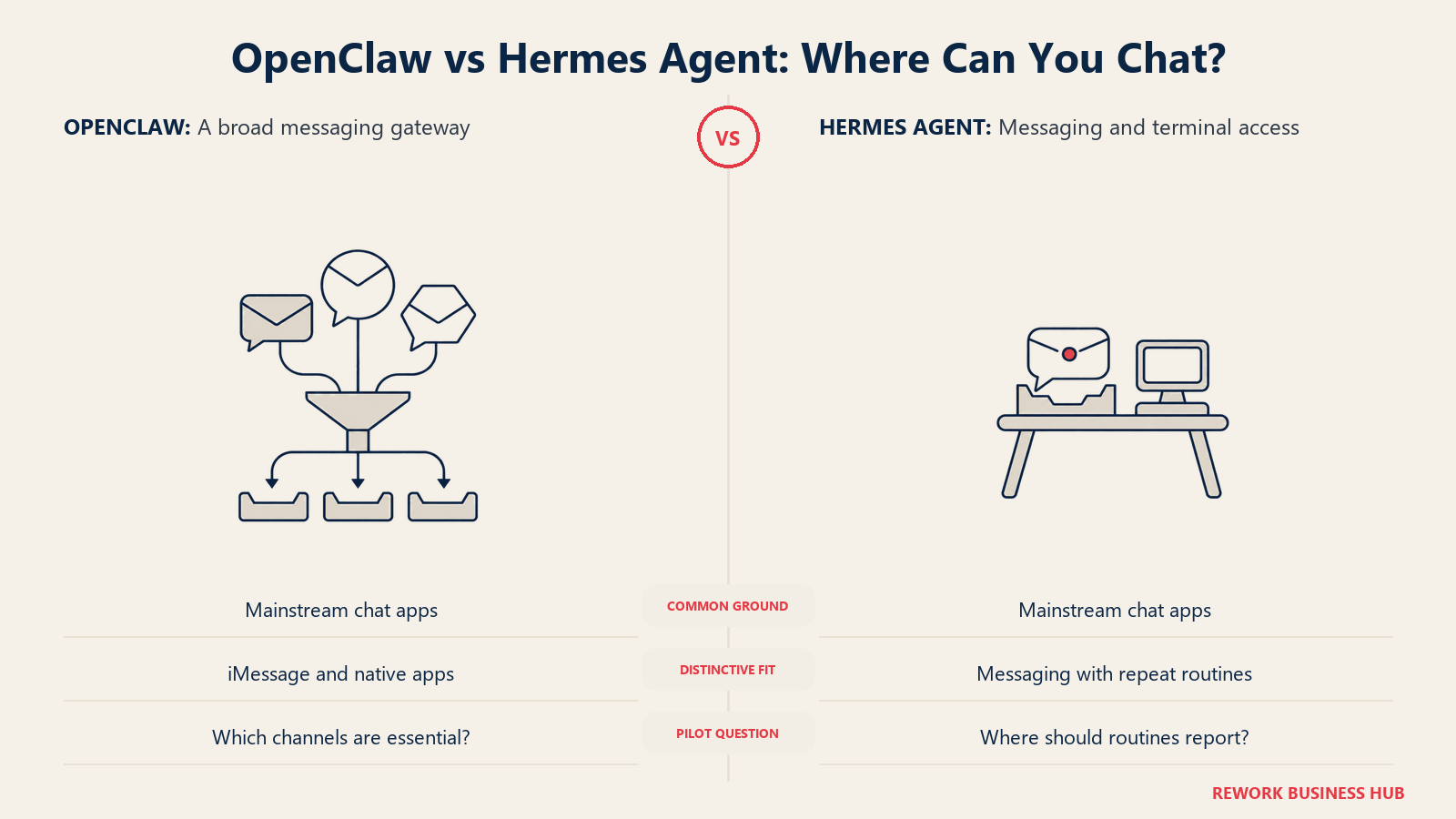
OpenClaw's README names Discord, iMessage, Slack, Teams, Telegram and WhatsApp and says there are "20+ more." Google Chat and Signal are also listed. Its site counts 29 channels in total. Hermes' docs say "20+ platforms from one gateway," naming Telegram, Discord, Slack, WhatsApp, Signal, Matrix, Email, SMS, Microsoft Teams and Google Chat, with the list open-ended.
| Channel | OpenClaw | Hermes Agent |
|---|---|---|
| Listed | Listed (re-pair with hermes whatsapp after migration) |
|
| Telegram | Listed | Listed |
| Discord | Listed | Listed |
| Slack | Listed | Listed |
| Signal | Listed | Listed |
| iMessage | Listed | Not listed in its docs |
| Microsoft Teams | Listed in the README | Listed |
| Google Chat | Listed | Listed |
| Matrix | Not listed in the README excerpt | Listed |
| Email and SMS | Gmail integration listed | Email and SMS listed |
| Command line | Yes, via openclaw |
Yes, via hermes |
The takeaway: for most people the channel lists overlap enough that this won't decide it. iMessage is the visible difference. If your team lives in iMessage, OpenClaw lists it and the Hermes docs page doesn't. Check each project's channel pages for the exact capabilities (media, reactions, group behavior), because a channel appearing on a list doesn't tell you how good the integration is.
Install, Platforms and Requirements
Both give you a one-line installer, and both go beyond the terminal.
OpenClaw's README gives a shell installer for macOS, Linux and WSL2, a PowerShell installer for Windows, an npm route, and a source build with pnpm. Its install docs add desktop apps (a Windows Hub installer and a macOS menu bar app), Docker, Podman, Nix, Ansible and Bun. The npm route needs a recent Node release, and the docs strongly recommend specific patched Node versions for security. Hermes Agent's README gives a shell installer for Linux, macOS and WSL2 and a native PowerShell installer for Windows with no WSL required. It also lists Android through Termux on aarch64. The installer provisions Python, Node.js, ripgrep and FFmpeg for you. You then need a model provider before it does anything useful: Nous Portal, OpenRouter, OpenAI or a custom endpoint.
| OpenClaw | Hermes Agent | |
|---|---|---|
| macOS | Installer, desktop app, npm | Installer, desktop app |
| Windows | PowerShell installer, desktop Hub app, WSL2 | Native PowerShell, desktop app |
| Linux | Installer, AppImage or .deb, npm | Installer on any distro |
| Android | Native app and device node | Termux on aarch64 |
| Containers | Docker and Podman | Docker backend |
| Runtime you manage | Node.js | Python and Node, installer-provisioned |
| First command after install | openclaw onboard --install-daemon |
hermes |
Hosting and Running Cost
Neither project sells you a hosted agent in the usual sense, so the cost is what it takes to run one, plus the model.
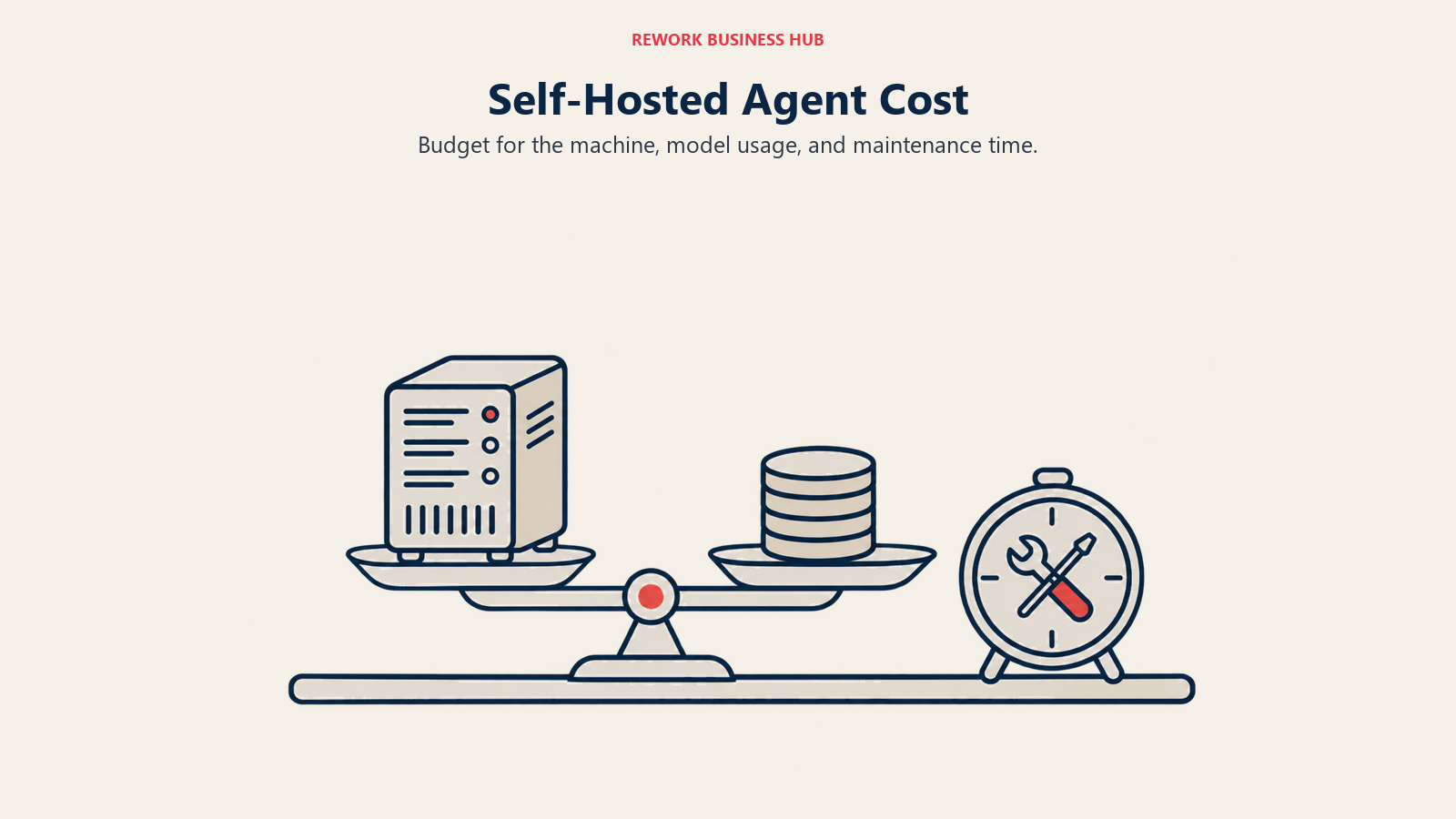
OpenClaw says there's "no subscription, no hosted tier, no token." Its docs describe deploying on a cloud server or VPS and list DigitalOcean, Hetzner, Fly.io, GCP, Azure and Raspberry Pi on the Linux server page, plus options such as Render, Kubernetes and a macOS VM. For always-on use it sets up a LaunchAgent on macOS, a systemd user service on Linux and a Scheduled Task on Windows.
Hermes is free too, with model providers and optional hosted services priced separately. The optional Nous Portal gives you hosted models and tools on a monthly credit plan.
| Cost line | OpenClaw | Hermes Agent |
|---|---|---|
| Software | $0 | $0 |
| Hosting | Your machine, or a VPS you pay for | Your machine, a VPS, or optionally Nous Portal |
| Model usage | Billed by whichever provider you connect | Billed by your provider, or drawn from Portal credits |
| Optional plan | None | Free ($0), Plus ($20), Super ($100), Ultra ($200) per month |
| Enterprise edition | None exists | Not advertised for the agent |
The Nous Portal tiers, from the Hermes site, come with monthly credits of $22, $110 and $220 on the paid tiers (a 10% bonus on the plan price), and the free tier is limited to free models. The paid tiers include 200-plus models and hosted tool usage. That's a convenience layer, not a requirement.
Here's the cost warning that applies to both: an always-on agent that reads your messages and runs scheduled tasks makes model calls all day. Token spend, not the software license, is where the bill grows. Before you commit, run it for a week on a metered provider key and look at the daily number. Our best free AI agents in 2026 roundup covers what "free" does and doesn't include across the category.
Memory and Skills
This is where Hermes makes its loudest claim, and where OpenClaw is closer than it looks.
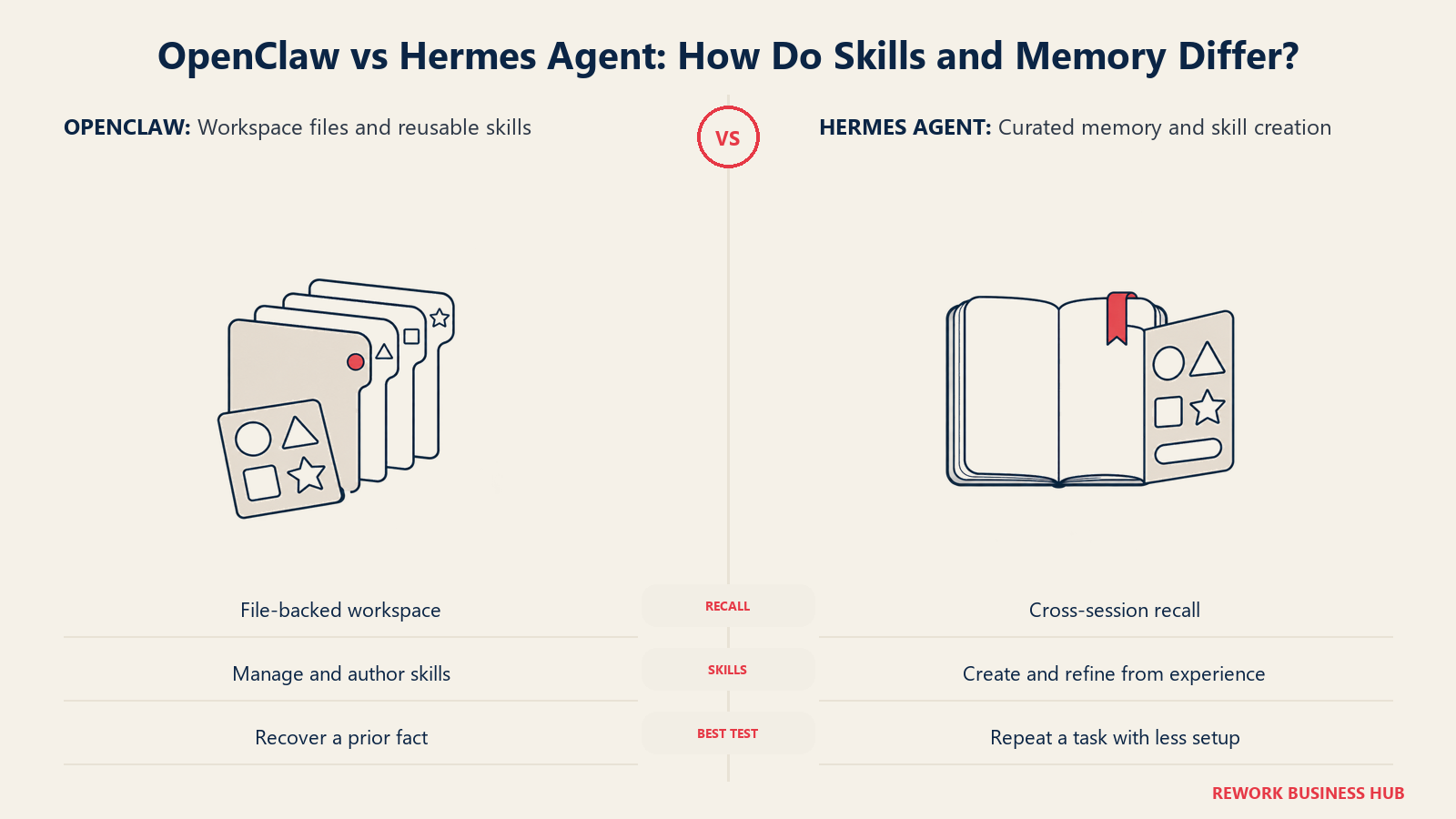
Hermes describes persistent memory built on agent-curated notes, full-text cross-session recall and user modeling. Its skills are created by the agent from experience and improved in use, and they're compatible with the open agentskills.io format, with sharing through a Skills Hub. The site also says the agent never forgets how it solved a problem, which is a marketing line you should test rather than trust.
OpenClaw's site says persistent memory keeps preferences, projects and people across conversations, with state stored on your machine. Skills teach the agent repeatable procedures that it loads on demand, and the site says OpenClaw can even write its own. Skills and plugins are distributed through ClawHub.
| OpenClaw | Hermes Agent | |
|---|---|---|
| Persistent memory | Yes | Yes |
| Where state lives | Your machine | Your machine or backend; stopping a local agent doesn't delete it |
| Skills created by the agent | Yes, per its site | Yes, central to the pitch |
| Skill standard | Skills and plugins via ClawHub | agentskills.io compatible, Skills Hub |
| Subagents | Delegation guardrail in tool policy | Isolated subagents with their own conversations and terminals |
| Scheduling | Cron jobs, hooks and webhooks | Built-in cron, natural-language scheduling, delivery to any platform |
| MCP | Not covered on its docs home page | Connect to any MCP server |
The marketplace question matters more than the memory question. A skill is executable. Security researchers reported 341 malicious skills among the 2,857 they audited on ClawHub in early 2026, mostly aimed at stealing credentials and crypto assets. OpenClaw's site now says Tencent AIG joined ClawScan to review skills and plugins uploaded to ClawHub, which is a step toward screening. Whichever agent you pick, treat third-party skills like third-party code: read before you install, and prefer skills you or your team wrote.
Security Model: Where They Actually Differ
Both documents are unusually candid, and the candor is useful. Neither project claims you can safely point an agent at hostile input without effort.
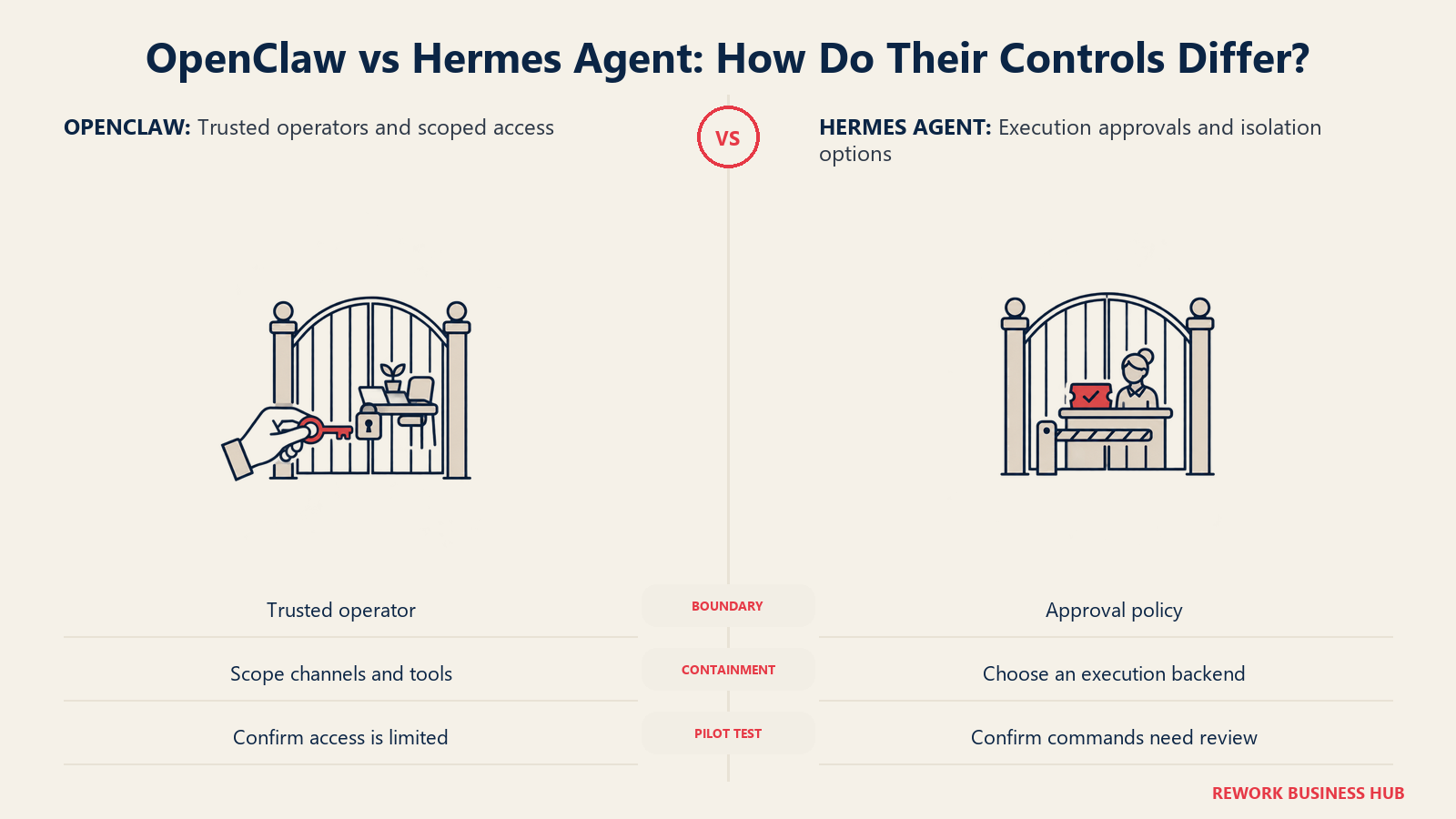
OpenClaw's guidance centers on a trust boundary: one operator, or a team that trusts each other. On a regular host install the gateway binds to loopback, most chat channels answer unknown direct-message senders with a pairing code instead of processing the message, and group access is allowlisted behind a mention gate. Container images default to an exposed bind, so you need authentication there. Agents with message-tool access can send across conversations by default. Sandbox options range from read-only to full access with no sandbox, and an openclaw security audit command checks your deployment for drift, with auto-fix support for some findings.
Hermes organizes its model around command approval. The default approval mode, called smart, has an auxiliary model rate each dangerous command: low risk is approved once, dangerous is denied, and uncertain goes to you. In manual mode, every dangerous command needs your approval. An unanswered prompt times out after 300 seconds and is denied. A hardline blocklist, covering things like recursive root deletion and fork bombs, stays active even in YOLO mode. Headless contexts such as cron default to deny.
| OpenClaw | Hermes Agent | |
|---|---|---|
| Stated trust model | One trusted boundary per gateway | Containment comes from OS permissions or an isolated backend |
| Unknown message senders | Pairing code by default; allowlist, open and disabled modes also exist | Denied unless allowlisted or paired; no allowlists means all denied |
| Dangerous commands | Tool policy, sandbox profiles and an audit | Approval modes, hardline blocklist, user deny rules |
| Unattended jobs | Governed by tool policy | Default to deny for cron and headless runs |
| Self-check tooling | openclaw security audit and openclaw policy |
hermes approvals suggest proposes allowlist entries, never applies them |
| Protected paths | Per-agent access profiles | Writes to SSH keys, AWS and kube configs and secret stores blocked |
| Stated limit | Not a hostile multi-tenant boundary | Deny rules don't sandbox a compromised agent |
Hermes' Docker backend drops all Linux capabilities except a short list, sets no-new-privileges, and caps processes, temp space and resources. In the docker, Modal, Daytona and Vercel Sandbox backends the container is the boundary, so command checks are skipped. The local and SSH backends keep the checks. That's a meaningful design choice: if you run Hermes locally, approvals protect you from mistakes, but they aren't a wall.
Prompt injection is the threat both guides take seriously, and it's the first-listed risk in the OWASP Top 10 for LLM Applications 2025. An agent that reads your inbox is reading text written by strangers. For the full threat model, see AI agent security and AI agent guardrails, and for tooling beyond the agent itself, best AI agent security tools in 2026.
Team Use and Shared Access
Both are really personal or small-trusted-group tools, but people do try to share them.
OpenClaw's multi-user mode adds DM session isolation on top of two-layer allowlisting, yet the guide still says that for mutually adversarial users you should split gateways, credentials and ideally OS users or hosts. Hermes' gateway checks authorization in a fixed order, from per-platform allow-all through the DM pairing list to default deny. Its pairing codes are 8 characters with a one-hour life, limited to one request per user per ten minutes, with a lockout after five failed approvals. Hermes also offers Bot Mode, where a team of specialist bots work together in group chats.
| Question | OpenClaw | Hermes Agent |
|---|---|---|
| Can a small trusted team share one gateway? | Yes, by design | Yes, via allowlists and pairing |
| Can strangers safely share it? | No; split gateways and credentials | No; use isolated backends and allowlists |
| Who gets access by default | Unknown DMs get a pairing code | Nobody until configured |
| Per-agent restrictions | Per-agent access profiles | Choice of terminal backend per deployment |
If you're deploying for a company rather than for yourself, neither is a managed enterprise product. You'd own patching, access reviews, logging and incident response. Best open-source AI agent frameworks in 2026 is a better starting point if you're building an agent system for customers or colleagues instead of running a personal assistant.
Moving From One to the Other
Switching cost is low in one direction. Hermes ships an importer: the current command is hermes import-agent openclaw, and the older hermes claw migrate still works once the agent-importers plugin is installed, per the Hermes migration guide. It offers a preview mode, a pre-migration backup of your Hermes directory, and a conflict policy for skills that defaults to skip.
| Item | Moves across? |
|---|---|
| Persona and instructions (SOUL.md) | Yes |
| Memory files, merged and deduplicated | Yes |
| Skills | Yes, into an openclaw-imports folder |
| Model, providers and agent behavior settings | Yes |
| API keys | Only when you opt in with the migrate-secrets option |
| MCP servers | Yes |
| Messaging tokens and allowlists | Yes for Telegram, Discord, Slack, Signal, Matrix and others |
| WhatsApp credentials | No; you re-pair with QR |
| Cron jobs, plugins, hooks and multi-agent config | No; archived for manual review |
The guide says no preset imports secrets by default. Run the preview first, import without secrets, test your channels, then move credentials. The reverse direction isn't documented on either site, so moving from Hermes to OpenClaw means rebuilding by hand.
When OpenClaw Is the Right Call
- You need the widest channel coverage, and iMessage is on the list.
- You value a foundation-governed project with signed releases over a single company's roadmap.
- You want native mobile apps and device nodes (camera, screen, voice) paired to your gateway.
- You like the idea of a plugin marketplace, and you're willing to vet what you install.
- You want a security audit command that tells you when your configuration has drifted.
- You'd rather have a project with no paid edition at all, so there's no upsell path.
When Hermes Agent Is the Right Call
- You want command approvals built in, with a hardline blocklist that stays on even in YOLO mode.
- Your use case is scheduled, unattended work such as reports, backups and briefings, with delivery to a chat app.
- You want container or remote backends (Docker, Modal, Daytona, Vercel Sandbox, SSH) as a first-class option.
- You want subagents and MCP connections out of the box, and an agentskills.io-compatible skills format.
- You may want the optional hosted route through Nous Portal later, without changing agents.
- You're migrating from OpenClaw and want to keep your memory, skills and allowlists.
When Neither Is the Right Call
If you can't spend a few hours reading security docs, a managed assistant is a better fit, and our best personal AI agents in 2026 compares the managed options. If what you really want is an agent that drives a web browser, see best AI browser agents in 2026. If your work is software engineering, best AI coding agents in 2026 is the relevant shortlist.
Decision Framework
| If you are... | Pick |
|---|---|
| Needing iMessage or the broadest channel list | OpenClaw |
| Wanting a foundation-governed project with no paid edition | OpenClaw |
| Wanting native mobile apps and device nodes | OpenClaw |
| Wanting approval prompts and a hardline blocklist by default | Hermes Agent |
| Running scheduled, unattended jobs delivered to chat | Hermes Agent |
| Preferring container or remote execution backends | Hermes Agent |
| Wanting an optional hosted path with monthly credits | Hermes Agent |
| Already on OpenClaw and wanting a documented exit | Hermes Agent |
| Unsure and wanting the wider field | See best personal AI agents in 2026 |
What to Do Next
- Decide the blast radius first. List the accounts, files and commands the agent may touch, and start with fewer than you want.
- Install both on a spare machine or container. Each takes one command, and a week of side-by-side use tells you more than any comparison.
- Set the allowlist before connecting a single account. On either agent, decide who can message it before you give it credentials.
- Use a metered model key and watch the daily spend. Then decide whether a subscription provider or Nous Portal credits are cheaper for your use.
- Write your own first skills. Skip third-party skills until you've read what they run.
- Back up the agent's state before upgrades or machine moves, and re-read the license text on each major release.
Related Resources:
Co-Founder, Rework.com
On this page
- TL;DR
- Key Facts
- What Each Project Is Built For
- Ownership, Governance and License
- Channels and Where You Talk to It
- Install, Platforms and Requirements
- Hosting and Running Cost
- Memory and Skills
- Security Model: Where They Actually Differ
- Team Use and Shared Access
- Moving From One to the Other
- When OpenClaw Is the Right Call
- When Hermes Agent Is the Right Call
- When Neither Is the Right Call
- Decision Framework
- What to Do Next