Tagging de Iniciativas de AI: Uma Taxonomia Prática para Operadores
Turn this article into takeaways for your work.


Each assistant summarizes the article only for you and suggests best practices for your work.
A maioria das organizações não escolhe seu portfólio de AI. Ele se acumula.
Vendas faz o piloto de uma ferramenta de outreach. O suporte compra um chatbot. O financeiro começa a usar um classificador de despesas. O marketing adiciona uma assinatura de geração de conteúdo. Cada decisão fez sentido isoladamente. Mas seis meses depois, ninguém tem uma visão clara do que a empresa realmente possui, o que se sobrepõe, o que não é medido e o que está rodando silenciosamente sem uma barreira de revisão.
Quando a liderança pede "a estratégia de AI," a resposta honesta costuma ser uma lista de nomes de fornecedores ordenada por departamento. Isso não é estratégia. É um rastro de compras. E não sobrevive a uma conversa de conselho nem a uma pergunta séria de governança.
O problema de fundo não é que as equipes estejam comprando ferramentas de AI. É que não existe um vocabulário compartilhado para descrever o que cada ferramenta faz em termos comparáveis. Sem esse vocabulário, você não consegue detectar duplicatas, identificar lacunas, auditar riscos nem reportar progresso. Não dá para gerenciar o que você não consegue descrever.
Uma taxonomia de tagging resolve isso. Ela dá a cada iniciativa um conjunto comum de campos: quais capabilities usa, quais dados consome, qual padrão segue, onde o humano entra no loop. Faça o exercício uma vez, e um portfólio que parecia ruído se torna legível. E portfólios legíveis podem ser gerenciados.
Por que o acompanhamento falha sem uma taxonomia
O instinto natural é catalogar iniciativas de AI pelo nome do fornecedor ("temos Gong, Intercom e aquela coisa de despesas") ou pela equipe ("vendas tem duas ferramentas, suporte tem uma"). Isso funciona com três iniciativas. Quebra com oito.
Sem uma taxonomia compartilhada, você acaba com:
- Duas equipes rodando ferramentas de Generate quase idênticas porque ninguém as comparou
- Um Workflow de Execute sem revisão humana que alguém assumiu ter uma
- Zero capability de Predict apesar de pagar R$ 200K anuais por "análise movida por AI"
- Cinco iniciativas em vendas, nenhuma em Customer Success, e ninguém percebeu o desequilíbrio
O tagging torna seu portfólio legível. Portfólios legíveis são gerenciados. Portfólios não gerenciados derivam, se duplicam e decaem.
Os 7 campos de tagging
O ACE Framework oferece o vocabulário. Esses sete campos transformam esse vocabulário em um catálogo prático.
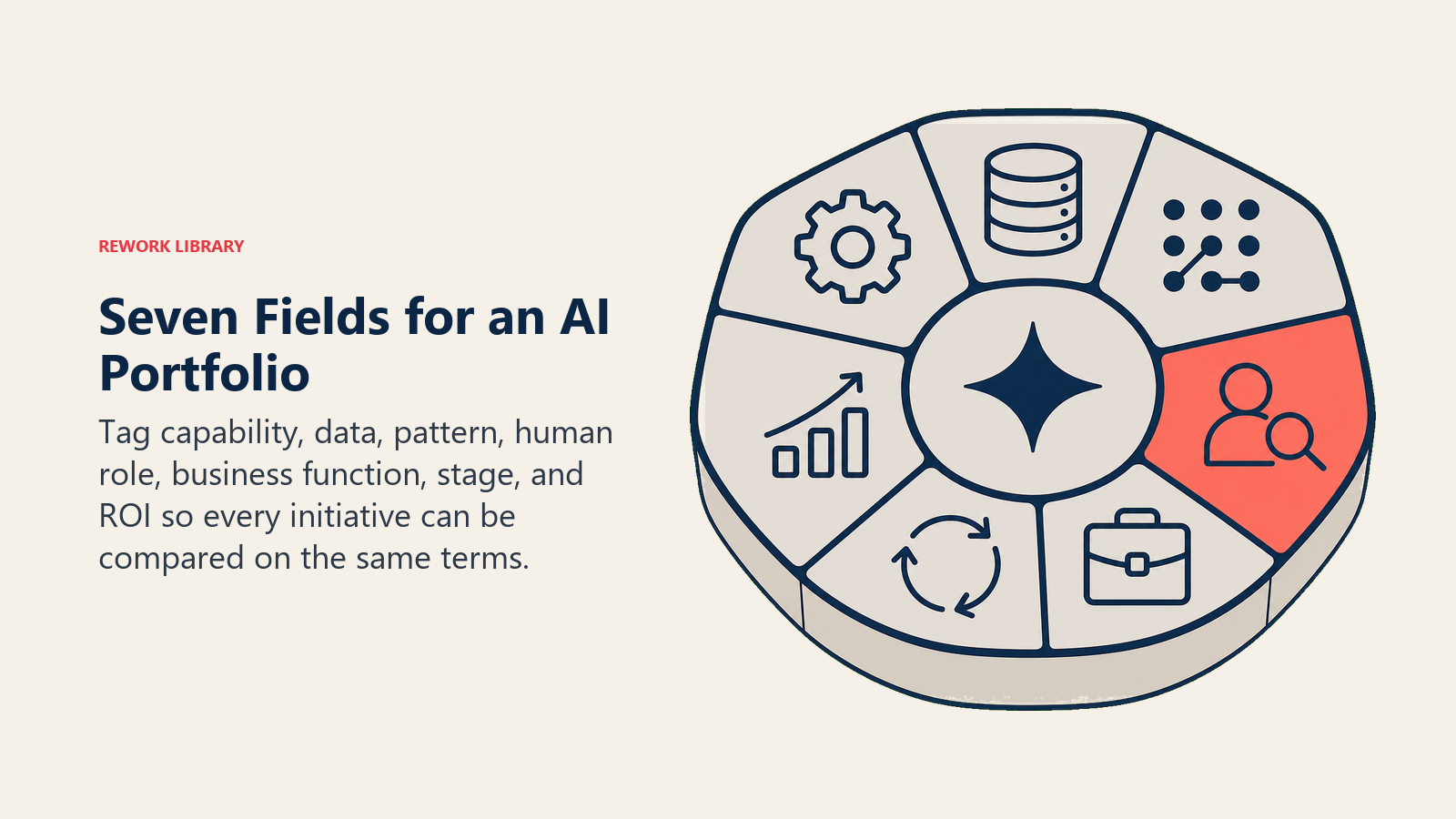
1. Capabilities ACE usadas. Quais das cinco capabilities principais essa iniciativa usa? Ingest recebe dados brutos. Analyze classifica e extrai significado. Predict pontua e prevê. Generate redige texto, imagens ou código. Execute envia, confirma, atualiza ou encaminha. Uma ferramenta de outreach de AI é Ingest + Analyze + Generate. Um sistema de detecção de fraudes é Ingest + Analyze + Predict + Execute. Saber quais capabilities estão ativas diz qual categoria de governança uma iniciativa precisa.
2. Tipos de dados consumidos. Que tipo de dados essa iniciativa processa? Texto / Estruturado / Imagem / Áudio / Vídeo / Código / Séries temporais. A maioria das iniciativas roda em um ou dois tipos. O campo revela se sua prontidão de dados está realmente em vigor.
3. Padrão dominante. Esta é a ponte para o Nível 2 do ACE Framework. Cerca de dez padrões cobrem 90% dos casos de uso de AI para negócios:
- RAG Assistant (Ingest + Analyze + Generate): Q&A de base de conhecimento interna
- Scoring + Routing (Ingest + Analyze + Predict + Execute): triagem de leads, priorização de tickets
- Vision Extract (Ingest + Analyze + Execute): OCR para banco de dados de notas fiscais, contratos
- Meeting Intelligence (Ingest + Analyze + Generate + Execute): resumos de ligações gravados de volta no CRM
- Anomaly Agent (Ingest + Analyze + Predict + Execute): detecção de fraudes, alertas de gastos
4. Papel do humano no loop. Onde um humano fica no Workflow? Portão de revisão (aprova antes da ação), Monitoramento (vê o output mas não aprova cada instância), ou Ausente (AI age sem nenhum ponto de verificação). A maioria das organizações descobre durante o tagging que tem mais loops "ausentes" do que pensava. Esse é o insight que aciona uma conversa de governança.
5. Função de negócio. Vendas / Suporte / Marketing / Financeiro / RH / Operações / TI / Produto / Jurídico. Este campo revela lacunas de cobertura rapidamente. Se sete das suas dez iniciativas estão em Vendas e nenhuma está em Customer Success, isso deve ser uma escolha deliberada, não um acidente.
6. Estágio. Ideia / Piloto / Rollout / Escalado / Descontinuado. A visibilidade do estágio previne a falha de portfólio mais comum: iniciativas presas em "piloto" por 18 meses sem ninguém responsável pela decisão de escalar ou encerrar.
7. Status de ROI. Não medido / Medido positivo / Medido negativo. A maioria das organizações descobre que a maioria das suas iniciativas de AI não é medida. Isso não é uma falha. É informação. E você não consegue gerenciar o que não consegue ver.
O template de tagging
Aqui está um formato prático que você pode adicionar a uma planilha ou banco de dados no Notion.
initiative: "Auto-rascunho de outreach de vendas"
ace_capabilities: [ingest, analyze, generate]
data_types: [text, structured]
pattern: ad-hoc
human_in_loop: review-gate
function: sales
stage: pilot
roi_status: measured-positive
owner: "Sarah Chen, Sales Ops"
notes: "Representantes aprovam cada e-mail antes de enviar. ~40 min economizados por representante por semana."
Execute isso para cada iniciativa. Mesmo as que você tem dúvidas. Informação parcial ainda é mais útil do que nenhuma.
Por que isso funciona
Comparabilidade. Uma vez que cada iniciativa usa o mesmo vocabulário, você consegue ordenar, filtrar e agrupá-las. "Mostre-me tudo que usa Execute sem revisão humana" é uma pergunta que você consegue responder em 30 segundos. Sem tags, é uma conversa de 45 minutos.
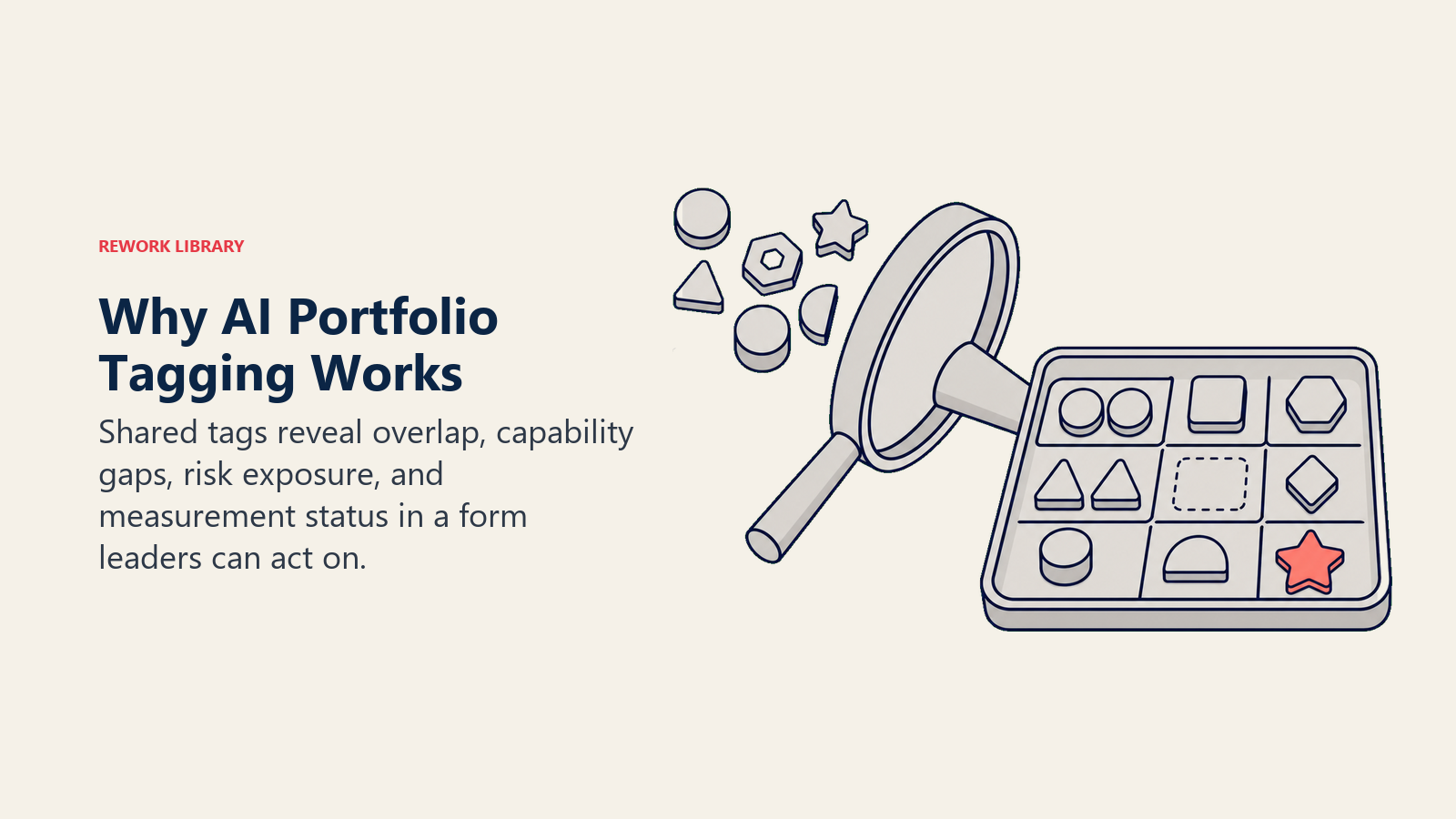
Detecção de sobreposição. Duas equipes rodando iniciativas de Generate + Texto frequentemente estão fazendo a mesma coisa com fornecedores diferentes. A visualização de tags torna isso visível. Se você vai consolidar é uma decisão de negócio. Mas você deve tomá-la deliberadamente.
Identificação de lacunas. Zero ferramentas de Execute significa que todos os seus ganhos com AI vêm de rascunhos e resumos. Alguém ainda faz cada ação consequente manualmente. Isso pode se adequar à sua tolerância a riscos. Mas vale saber.
Relatórios executivos. "Nosso portfólio de AI: 6 ferramentas de Generate, 2 de Predict, 1 de Execute com portão de revisão, 3 não medidas" é uma atualização de conselho em uma frase que significa algo. Compare isso a listar nomes de fornecedores.
Tagging na prática: uma auditoria de 10 iniciativas
Aqui está como uma auditoria de portfólio real se parece. Este é um composto de padrões que vemos regularmente, não os dados de uma única empresa.
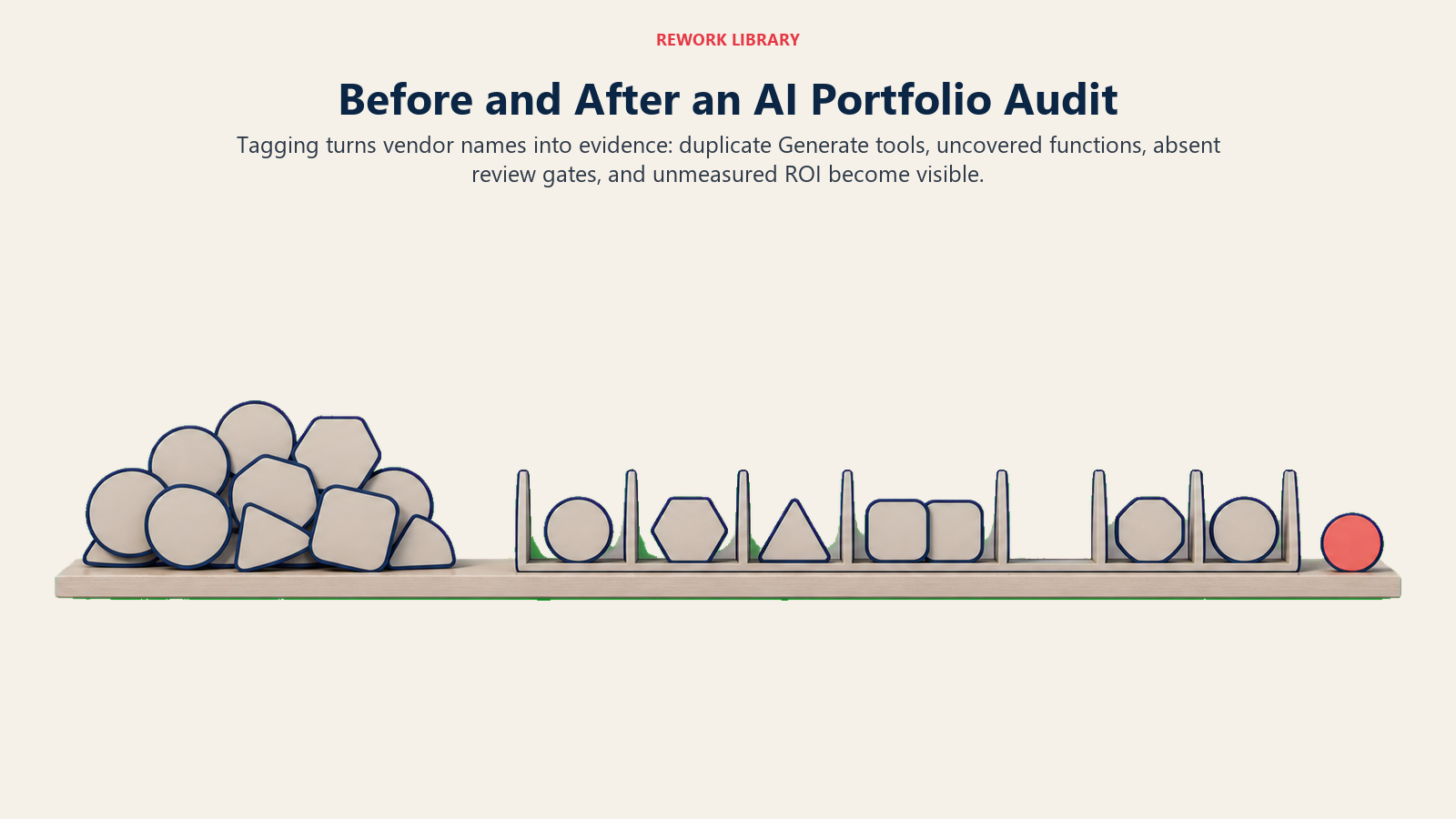
O portfólio antes do tagging:
| # | Iniciativa | Função | O que achamos que faz |
|---|---|---|---|
| 1 | Gong | Vendas | Grava ligações |
| 2 | Intercom Fin | Suporte | Responde tickets |
| 3 | ChatGPT (licença de equipe) | Marketing | Rascunhos de conteúdo |
| 4 | Jasper | Marketing | Conteúdo de blog |
| 5 | HubSpot AI | Vendas | Lead scoring |
| 6 | Ramp AI | Financeiro | Categorização de despesas |
| 7 | Otter.ai | Operações | Notas de reunião |
| 8 | DocuSign Lumi | Jurídico | Revisão de contratos |
| 9 | "O bot de notas fiscais" | Financeiro | Não está claro |
| 10 | Notion AI | Produto | Assistência de escrita |
Após o tagging:
| # | Capabilities ACE | Padrão | Humano no loop | ROI |
|---|---|---|---|---|
| 1 Gong | Ingest, Analyze, Generate, Execute | Meeting Intelligence | Monitoramento | Medido positivo |
| 2 Intercom Fin | Ingest, Analyze, Generate | RAG Assistant | Portão de revisão | Não medido |
| 3 ChatGPT | Analyze, Generate | Ad hoc | Ausente | Não medido |
| 4 Jasper | Analyze, Generate | Ad hoc | Ausente | Não medido |
| 5 HubSpot AI | Ingest, Analyze, Predict | Scoring + Routing | Monitoramento | Não medido |
| 6 Ramp AI | Ingest, Analyze, Execute | Vision Extract | Portão de revisão | Medido positivo |
| 7 Otter.ai | Ingest, Analyze, Generate | Meeting Intelligence | Monitoramento | Não medido |
| 8 DocuSign Lumi | Ingest, Analyze, Generate | RAG Assistant | Portão de revisão | Não medido |
| 9 Bot de notas fiscais | Ingest, Analyze, Execute | Vision Extract | Ausente | Não medido |
| 10 Notion AI | Generate | Ad hoc | Ausente | Não medido |
O que a auditoria revelou:
Sete das dez iniciativas usam Generate. A empresa está fortemente investida em sumarização e redação de conteúdo, e quase nada mais. Ninguém tomou essa decisão conscientemente.
As iniciativas 3 e 4 (ChatGPT + Jasper) são ambas Analyze + Generate para conteúdo de marketing. Dois fornecedores, mesmo padrão. Uma conversa de consolidação é justificada.
A iniciativa 9, o "bot de notas fiscais," é um Workflow de Execute sem humano no loop. Ninguém sinalizou isso porque o nome parecia inofensivo. O exercício de tagging o trouxe à superfície.
Zero iniciativas atendem Customer Success. Oito de dez não são medidas. As duas que são medidas, Gong e Ramp AI, ambas tinham responsáveis em operações que definiram baselines antes do lançamento. Não é coincidência.
A descoberta surpreendente: esta empresa achava que tinha um portfólio de AI diversificado. Tinha um portfólio de ferramentas de escrita com alguns complementos de analytics.
Como executar o exercício de tagging
Você não precisa de um consultor. Precisa de 30 minutos com as pessoas certas na sala: seu líder de operações, quem gerencia o stack tecnológico e um representante de cada função principal com uma iniciativa de AI ativa.
Abra uma planilha compartilhada. Trabalhe cada iniciativa juntos, ao vivo. Não envie assincronamente e colete respostas. A conversa que acontece durante o tagging é onde está o valor. Discordâncias sobre como classificar algo são os momentos mais úteis. Se duas pessoas não conseguem concordar se algo está em "Piloto" ou "Rollout," é sinal de que a iniciativa não tem responsabilidade clara. Anote isso. Essa ambiguidade é informação.
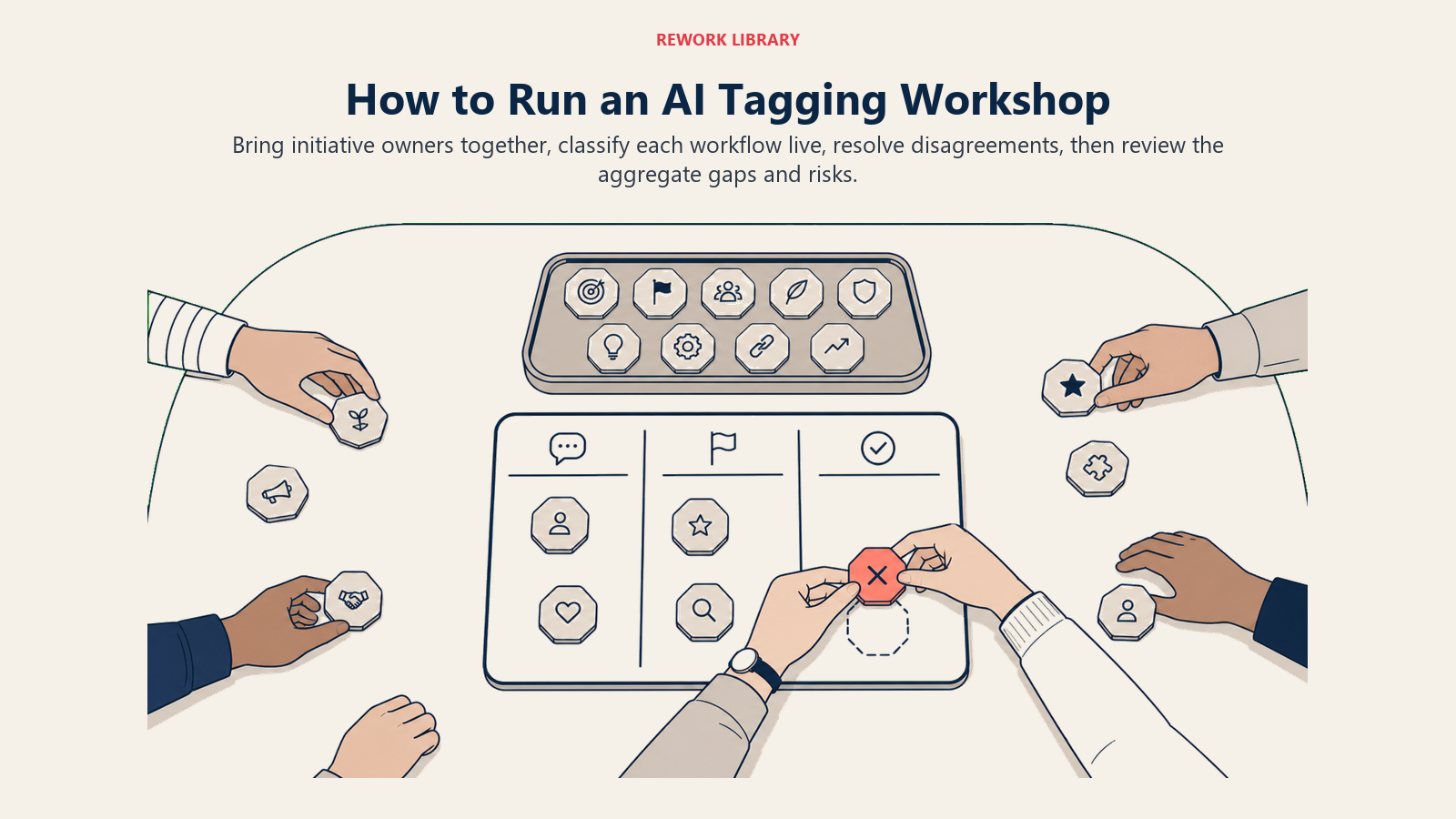
Trinta minutos cobrem 8-12 iniciativas se alguém está facilitando. As primeiras levam mais tempo enquanto a equipe aprende o vocabulário. Fica mais rápido.
Após o exercício, gere a visão agregada. Quantas iniciativas por capability? Por função? O que não está medido? Procure as surpresas. Esses são os itens de pauta para sua próxima conversa de estratégia de AI.
Cadência trimestral e quando parar
Faça o tagging uma vez. Depois re-faça trimestralmente. Um piloto vira um rollout. Um rollout é descontinuado quando uma ferramenta melhor chega. Estágio e status de ROI ficam desatualizados rapidamente. Um re-tagging trimestral leva 15 minutos se a sessão original foi completa. Você está apenas atualizando os deltas: novas iniciativas, mudanças de estágio, ROI recém-medido.
Mas o tagging tem overhead. Se você tem uma ou duas ferramentas de AI, pule isso. Você precisa de uma conversa de tomada de decisão, não de uma taxonomia. E se o tagging está se tornando burocrático (campos adicionados por completude, não por insight), pare. Reduza para os campos que sua equipe realmente usa. Uma planilha de quatro campos revisada trimestralmente supera um banco de dados de doze campos que ninguém abre.
O sinal certo de que o tagging está funcionando: as pessoas usam o vocabulário em outras conversas. Quando seu Diretor Financeiro diz "esse é um Workflow de Execute, precisamos de um portão de revisão," a taxonomia se tornou parte de como a equipe pensa. Esse é o objetivo.
O benefício meta: tagging como educação
Executar o exercício de tagging faz mais do que produzir uma planilha. Ensina sua liderança a pensar sobre AI em termos estruturados.
Equipes que fazem o tagging das suas iniciativas de forma consistente constroem literacia de AI mais rápido do que equipes que não fazem. Quando você classificou dez iniciativas usando o vocabulário ACE, seu Diretor de Operações entende a fronteira entre Generate e Execute melhor do que a maioria das pessoas que leu cinco livros sobre AI. Seu líder financeiro entende por que o bot de notas fiscais precisava de um portão de revisão. Seu Diretor de Vendas entende por que a ferramenta de lead scoring não está entregando resultados porque dados limpos nunca fizeram parte da implantação.
Você obtém uma visão de portfólio. Você também obtém uma equipe que faz perguntas melhores aos fornecedores, identifica sobreposições mais cedo e governa Workflows de AI com mais precisão. Essa é a afirmação restrita do tagging. É uma afirmação real.
O que vem a seguir: Padrões de Nível 2
Esta coleção introduziu o ACE Framework e sua fundação. O tagging é a ponte para sair dela.
Uma vez que sua equipe consegue fazer o tagging de iniciativas usando o vocabulário ACE, o próximo passo natural é entender os padrões que essas iniciativas seguem. O ACE Framework os organiza no Nível 2: dez combinações recorrentes de capabilities que aparecem em setores e funções. Se você encontrou Meeting Intelligence ou Scoring + Routing na sua auditoria de portfólio, a próxima coleção vai parecer um nome formal para algo com que você já vem convivendo.
Leitura relacionada nesta coleção:
- Lendo um caso de uso de AI: aplicando ACE a pitches de fornecedores e propostas internas
- A Fronteira entre Generate e Execute: a questão de governança que seu exercício de tagging vai trazer à superfície
- Os 7 tipos de dados que impulsionam a AI nos negócios: o que alimenta suas iniciativas
- Por que a maioria dos frameworks de AI falha: contexto honesto para entender por que este foi construído de forma diferente
O tagging é a passagem de "estamos experimentando alguma AI" para "temos um portfólio de AI." Essa não é uma mudança pequena. Um portfólio pode ser gerenciado, medido e melhorado. Uma coleção de experimentos apenas se acumula.
Comece neste trimestre. O exercício leva 30 minutos. A clareza dura.

Principal Solution Architect
On this page
- Por que o acompanhamento falha sem uma taxonomia
- Os 7 campos de tagging
- O template de tagging
- Por que isso funciona
- Tagging na prática: uma auditoria de 10 iniciativas
- Como executar o exercício de tagging
- Cadência trimestral e quando parar
- O benefício meta: tagging como educação
- O que vem a seguir: Padrões de Nível 2