Sua IA Não É Burra, Seus Dados São: Um Guia de Campo para Operadores
Turn this article into takeaways for your work.


Each assistant summarizes the article only for you and suggests best practices for your work.
Quando a IA dá uma resposta errada, a culpa recai sobre o modelo. Quase sempre, o modelo não é o problema.
O padrão é consistente: uma equipe implanta um assistente de IA, algo dá errado (respostas contraditórias para a mesma pergunta, fabricações cheias de confiança, lead scores que não condizem com a realidade) e o instinto é ligar para o fornecedor ou trocar de ferramenta. Mas, depois de 45 minutos com um atendente, a resposta costuma ser alguma versão de: "Tecnicamente, o modelo está fazendo exatamente o que deveria fazer." E essa é a parte frustrante, porque é verdade.
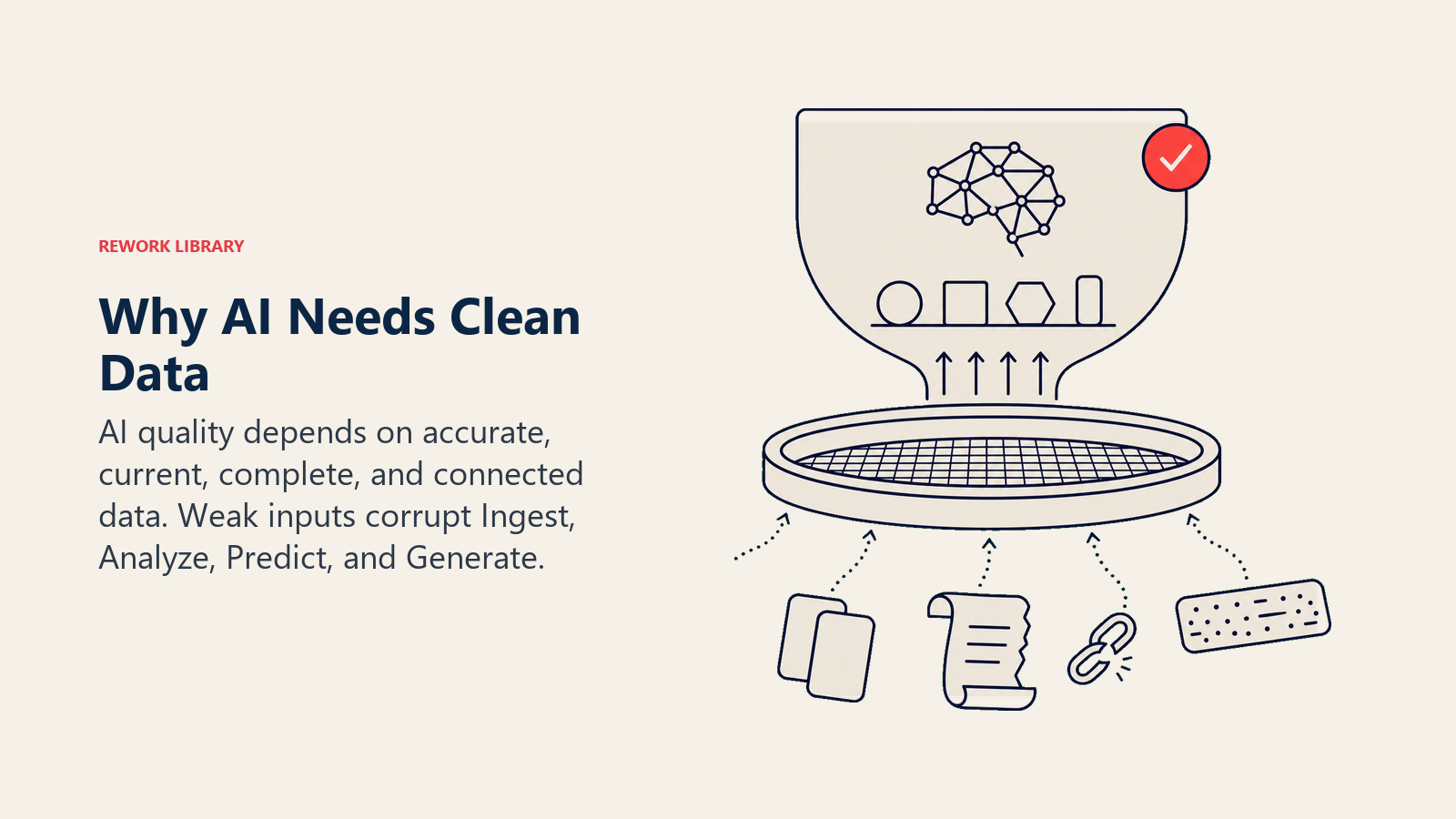
O ACE Framework trata os dados como a camada de Fundação por uma razão. Antes que Ingest, Analyze ou Generate consigam funcionar, a IA precisa de dados que sejam precisos, atuais, completos e inequívocos. Quando qualquer uma dessas condições falha, as capacidades acima dela produzem resultados ruins, não importa quão bom seja o modelo subjacente. Pense em pedir a um novo funcionário que responda a perguntas de clientes usando uma pasta de documentos de política desatualizados e contraditórios. O funcionário não é burro. A informação que recebeu estava errada.
Este artigo é um guia de campo para operadores que já viram a IA produzir resultados confiantemente errados, desajeitadamente genéricos ou levemente constrangedores e se perguntaram o que deu errado. A resposta curta: quase nunca é o modelo. São os dados. Veja como identificar e o que fazer a respeito.
Por que operadores culpam o modelo (e por que geralmente estão errados)
Quando a IA dá uma resposta ruim, o modelo é a coisa que você consegue ver. É o produto pelo qual pagou. É o suspeito óbvio. Mas o diagnóstico quase sempre está errado.
Os seis padrões abaixo são as formas mais comuns como falhas de dados aparecem como "falhas de IA". Para cada um, há um sintoma que você observaria, a causa real por baixo e a solução. A solução quase nunca é "troque de modelo."
Sintoma 1: "A IA dá respostas genéricas e fora do assunto"
O que você vê: Você faz uma pergunta específica ao seu assistente de IA sobre seu produto, processo ou política. A resposta parece algo que você encontraria em uma página de ajuda genérica. Não reflete a configuração real da sua empresa.
Causa real: A base de conhecimento da qual a IA extrai é escassa demais ou está desatualizada. Uma equipe de suporte de uma empresa SaaS encontrou isso depois de implantar o Intercom Fin como respondente de primeira linha. Clientes perguntando sobre um nível de preço que havia sido atualizado seis meses antes continuavam recebendo a resposta antiga, aquela documentada na exportação do SharePoint que tinha sido usada para alimentar o contexto da IA. O modelo não estava errado; o documento estava.
A solução: Audite o índice, não o modelo. Descubra quais documentos estão no pool de recuperação da IA. Verifique quando foram atualizados pela última vez. Procure lacunas entre o que clientes ou funcionários realmente perguntam e o que está documentado. Esse é um problema de arquitetura da informação, não um problema de modelo.
Sintoma 2: "A IA inventa fatos que não são verdadeiros"
O que você vê: A IA produz respostas plausíveis que acabam sendo fabricadas. Citações falsas. Políticas inventadas. Números sem fonte.
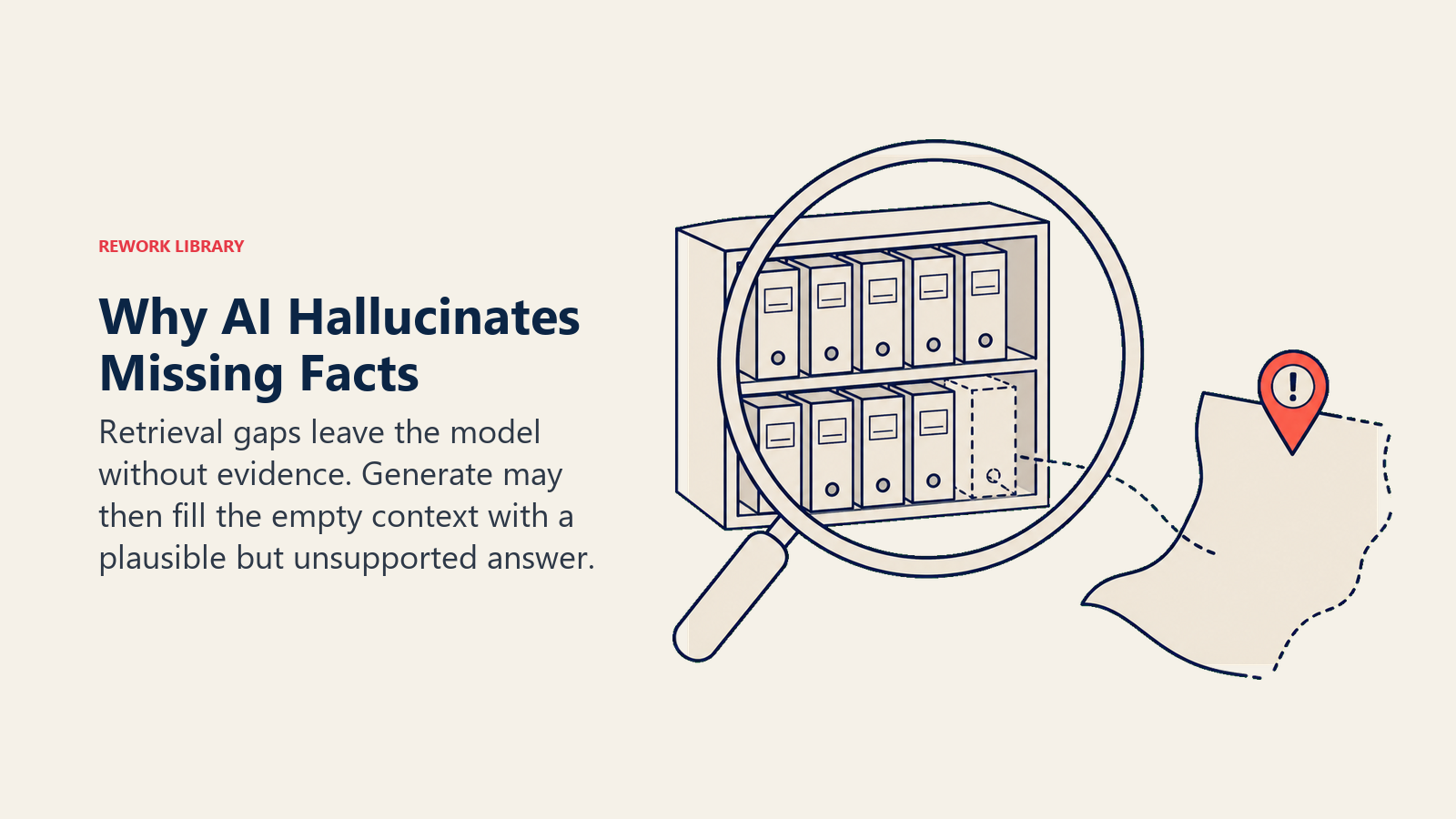
Causa real: O modelo está preenchendo lacunas. Quando a etapa de recuperação da IA não retorna um documento relevante, a maioria dos modelos de linguagem ainda produz uma resposta coerente. Eles foram projetados para ser úteis. O problema é que "útil" e "preciso" não são a mesma coisa quando o contexto está vazio.
Uma equipe jurídica de uma firma de serviços de médio porte usou uma ferramenta de revisão de documentos com IA para encontrar precedentes relevantes para uma disputa contratual. A ferramenta citou um caso que os advogados não conseguiram localizar em lugar nenhum. A recuperação havia falhado em trazer o precedente real, então o modelo extrapolou para algo plausível. O sócio que revisou o resultado percebeu. Mas imagine se não tivesse.
A solução: Faça primeiro o trabalho de prontidão de dados, começando pela camada de recuperação. O componente de recuperação em um sistema RAG (Retrieval-Augmented Generation) é onde isso quebra. Chunking ruim, indexação fraca e busca semântica deficiente causam falhas de recuperação. O modelo gera ficção quando a recuperação não retorna nada útil. Corrija a camada de recuperação. O modelo está bem.
Sintoma 3: "O lead scoring é inútil, é pior do que o instinto"
O que você vê: Sua equipe implanta um modelo de lead scoring preditivo no Salesforce ou HubSpot. Após um trimestre de uso, os representantes dizem que as pontuações não correspondem à realidade. Pontuações altas não fecham. Pontuações baixas às vezes fecham.
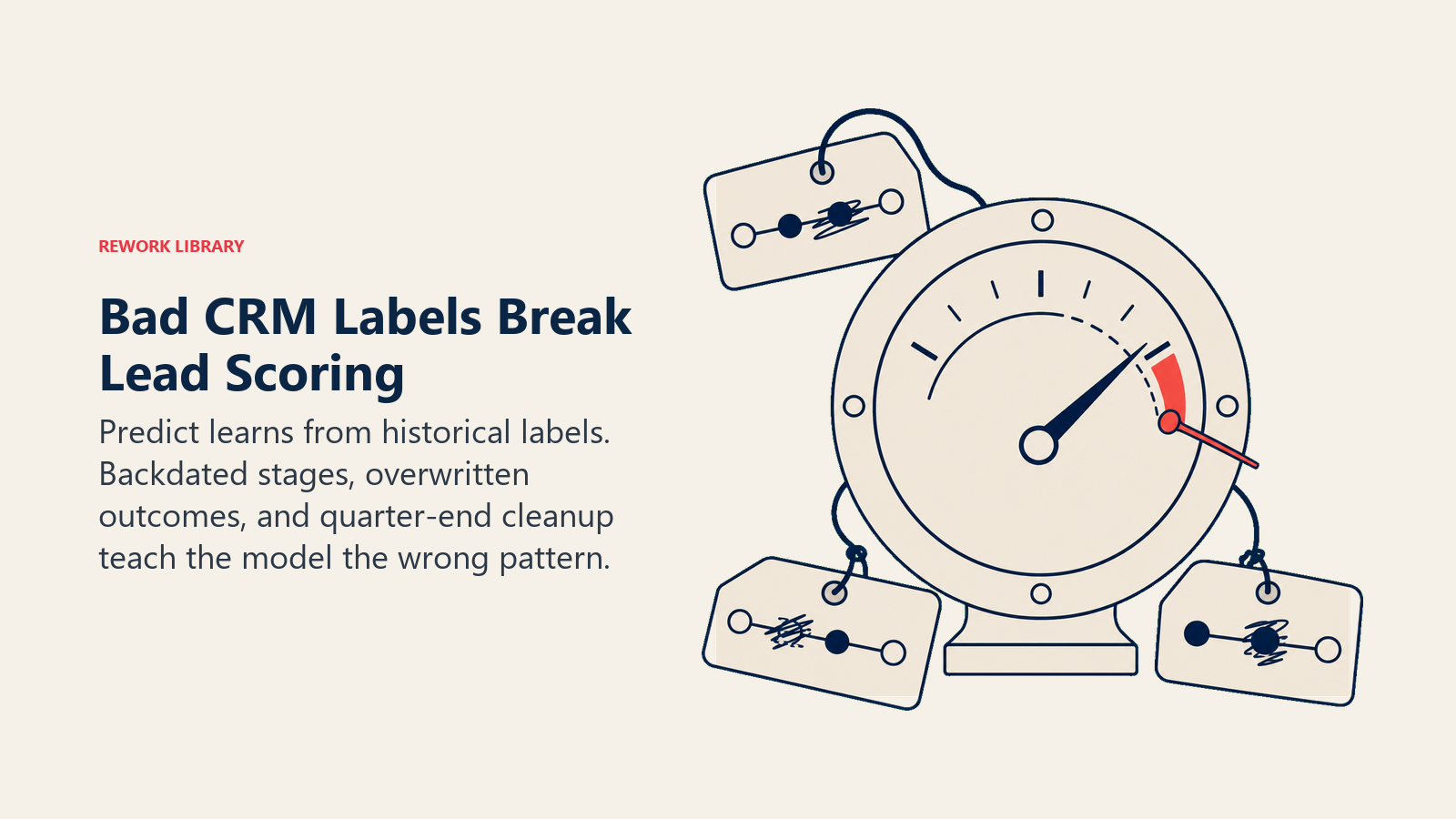
Causa real: Os rótulos de treinamento têm ruído. Em dados de vendas, "fechado-ganho" é muitas vezes o campo mais sujo do CRM. Negócios são backdatados. Transições de estágio são sobrescritas manualmente. A inserção de dados acontece semanas depois do fato. Um líder de operações em uma empresa B2B de médio porte descobriu que os timestamps de estágio de oportunidade estavam sendo editados retroativamente por representantes limpando seus pipelines antes do fim do trimestre. O modelo treinado com esses rótulos aprendeu padrões que não refletiam o comportamento real do comprador. Aprendeu os padrões de inserção de dados de representantes exaustos sob pressão de cota.
A solução: Limpe os dados de rótulo. Especificamente, audite os campos que seu modelo usa como verdade fundamental. Para lead scoring, isso geralmente significa "fechado-ganho", "fechado-perdido" e datas de transição de estágio. Execute uma consulta: quantos registros foram editados pela última vez nas 48 horas antes do fim do trimestre? Com que frequência um negócio retrocede em estágio? Essas anomalias são ruído nos seus rótulos. Limpe-as primeiro. Depois retreine.
Sintoma 4: "A IA escreve textos que não têm nada a ver com a nossa marca"
O que você vê: Sua equipe de marketing usa uma ferramenta de escrita com IA (Jasper, Writer ou similar) para rascunhar campanhas. O resultado é gramaticalmente correto, mas tonalmente errado. Soa corporativo. Não soa como sua marca.
Causa real: O modelo não conhece sua voz porque ninguém disse a ele. Ele tem como padrão a média de tudo com que foi treinado, que é muito conteúdo B2B genérico. Se você não inseriu no sistema seu guia de estilo, seu documento de voz da marca, seus melhores textos de e-mail e o vocabulário específico da sua marca, o modelo não tem base para corresponder ao seu tom.
A solução: Monte um corpus de estilo, não um prompt mais difícil. "Escreva isso na voz da nossa marca" não é um guia de estilo. Você precisa de exemplos reais: três a cinco dos seus melhores e-mails de alto desempenho, um parágrafo descrevendo o tom em linguagem direta (informal, direto, wit ocasional, sem jargão) e uma lista de palavras ou frases banidas no seu marketing. Insira esses como contexto no sistema. Você verá a diferença no próximo rascunho. Esse é um problema de capacidade Generate, não de seleção de modelo.
Sintoma 5: "O assistente de IA dá duas respostas diferentes para a mesma pergunta"
O que você vê: Dois funcionários fazem ao seu assistente de IA interno a mesma pergunta de política, formulada de forma ligeiramente diferente, e recebem respostas contraditórias. A IA não está mentindo; está triangulando entre documentos conflitantes.
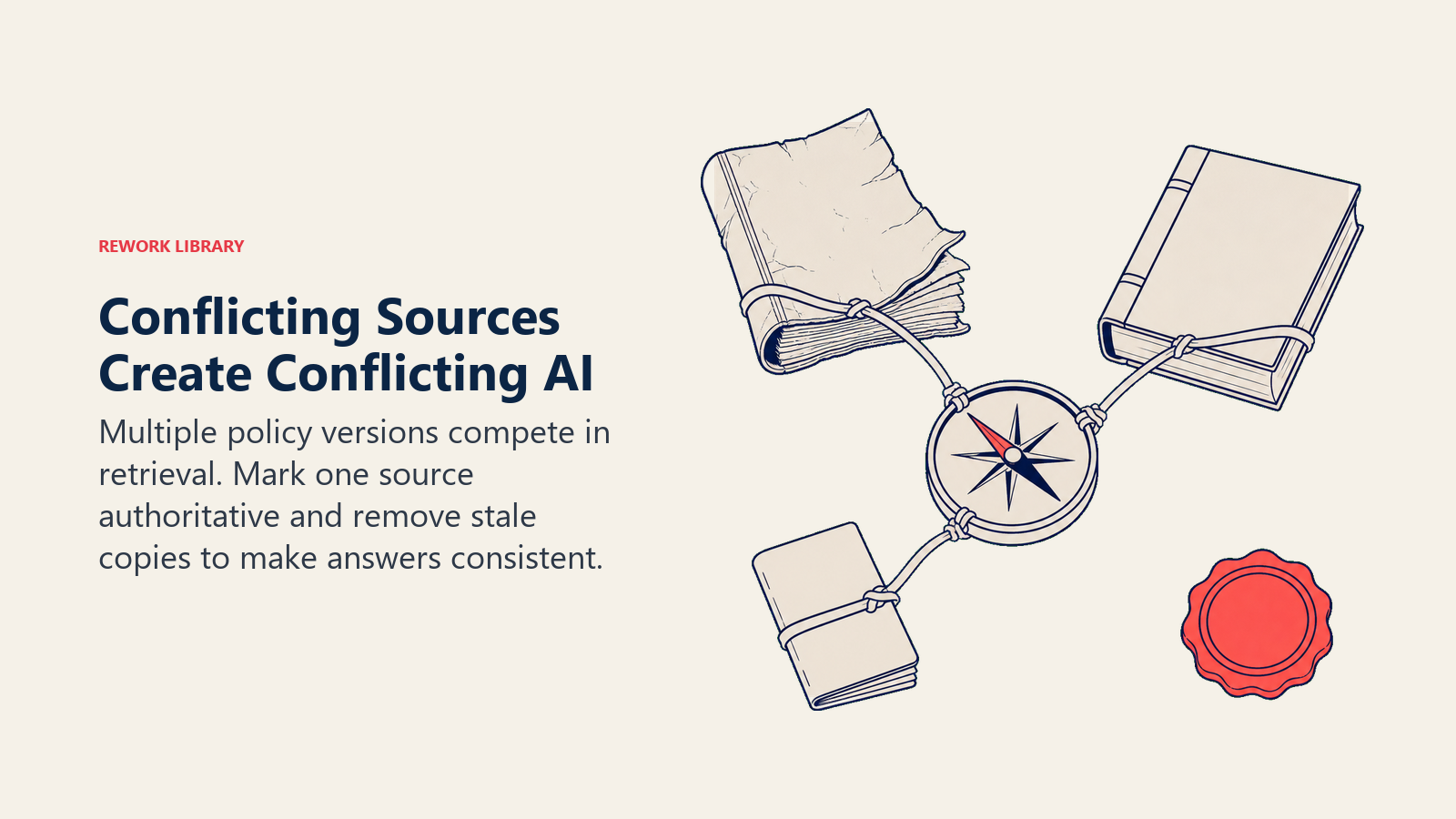
Causa real: Múltiplas versões da mesma política existem no índice, e nenhuma está marcada como autoritativa. Um padrão comum: um documento de política original de alguns anos atrás, uma versão atualizada que alguém salvou em uma pasta diferente e um FAQ departamental com um erro de digitação. Os três acabam no pool de recuperação da IA. O modelo faz uma média entre eles com base em qual corresponde semanticamente à formulação da pergunta.
A solução: Crie uma única fonte de verdade e depois a aplique. Archive ou remova documentos desatualizados do pool de recuperação. Marque explicitamente a versão autoritativa. Algumas ferramentas de RH (Guru, Notion AI, Confluence AI) permitem definir níveis de confiança de documentos ou fixar fontes específicas. Use esse recurso. O modelo não está confuso; sua base de conhecimento está.
Sintoma 6: "A IA trata cada cliente como um estranho"
O que você vê: Seu suporte ao cliente assistido por IA parece impessoal. Clientes recorrentes recebem perguntas que já responderam. Contas de longo prazo recebem respostas genéricas de nível de onboarding. Representantes usando respostas redigidas por IA parecem desconectados do relacionamento com o cliente.
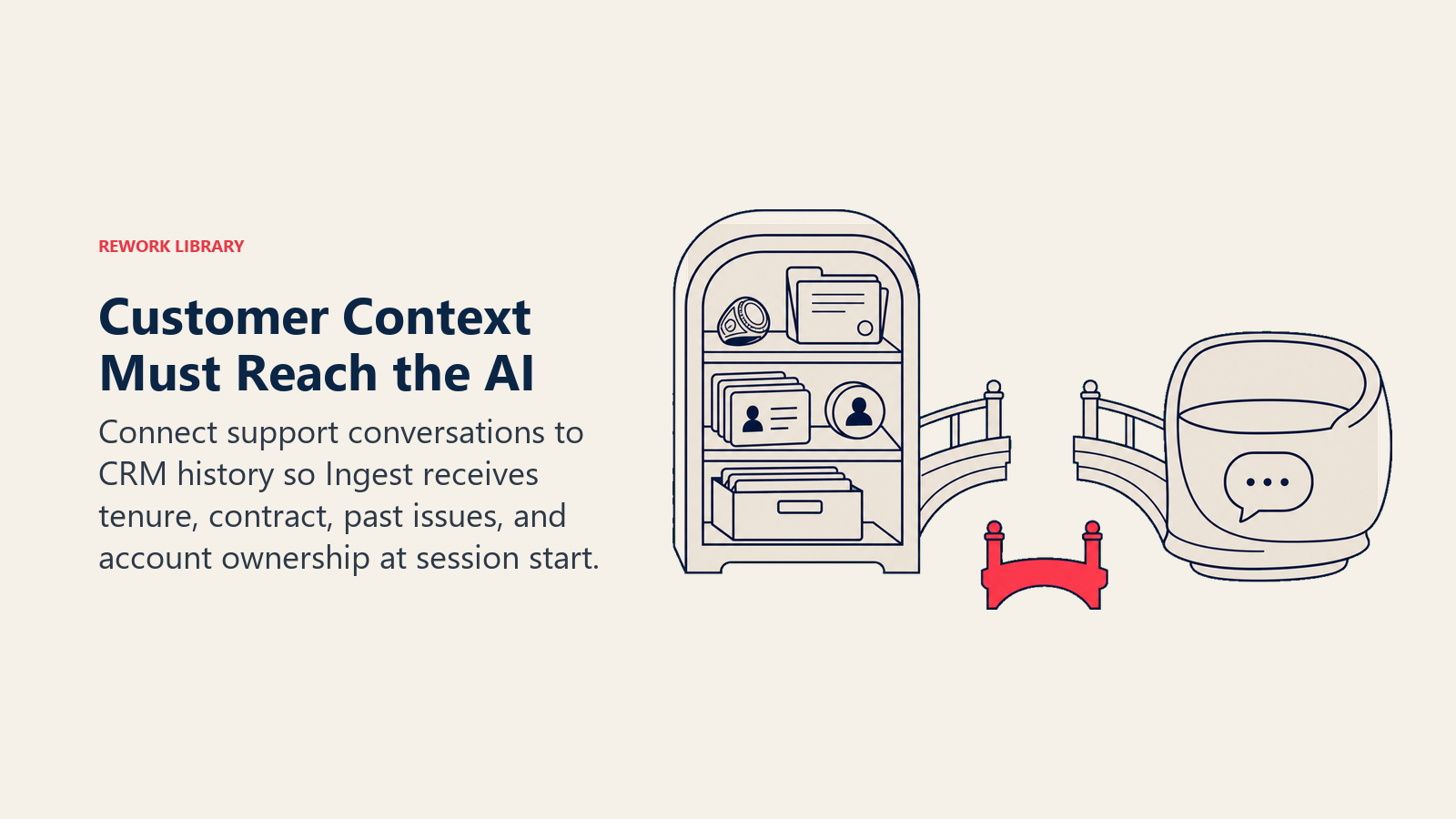
Causa real: O histórico da conta não está sendo passado para o contexto da IA. O modelo só sabe o que você fornece no momento da conversa. Se sua ferramenta de suporte não está juntando os dados do ticket com o registro da conta no CRM (valor do contrato, tempo de relacionamento, problemas anteriores, representante designado), a IA responde a um evento isolado sem memória do relacionamento.
Um responsável de customer success de uma empresa SaaS descreveu assistir seu chat de suporte assistido por IA cumprimentar um cliente enterprise de três anos explicando como configurar a conta. O modelo estava respondendo à pergunta como escrita, sem contexto de que essa pessoa era cliente desde 2022 e tinha um CSM dedicado. A integração entre a plataforma de suporte e o CRM nunca havia sido configurada.
A solução: Esse é um problema de integração. Especificamente, é uma lacuna de capacidade Ingest: a IA não está ingerindo os dados de relacionamento com o cliente de que precisa. Peça à sua equipe para auditar qual contexto é passado para a IA no início da conversa. Tipicamente, isso significa configurar sua ferramenta de suporte (Zendesk, Intercom, Help Scout) para injetar dados da conta do seu CRM no início de cada sessão. A IA só consegue trabalhar com o que recebe.
Como diagnosticar "IA ruim" como um engenheiro de sistemas
Antes de ligar para o fornecedor, faça este diagnóstico de quatro etapas em qualquer problema de resultado de IA.
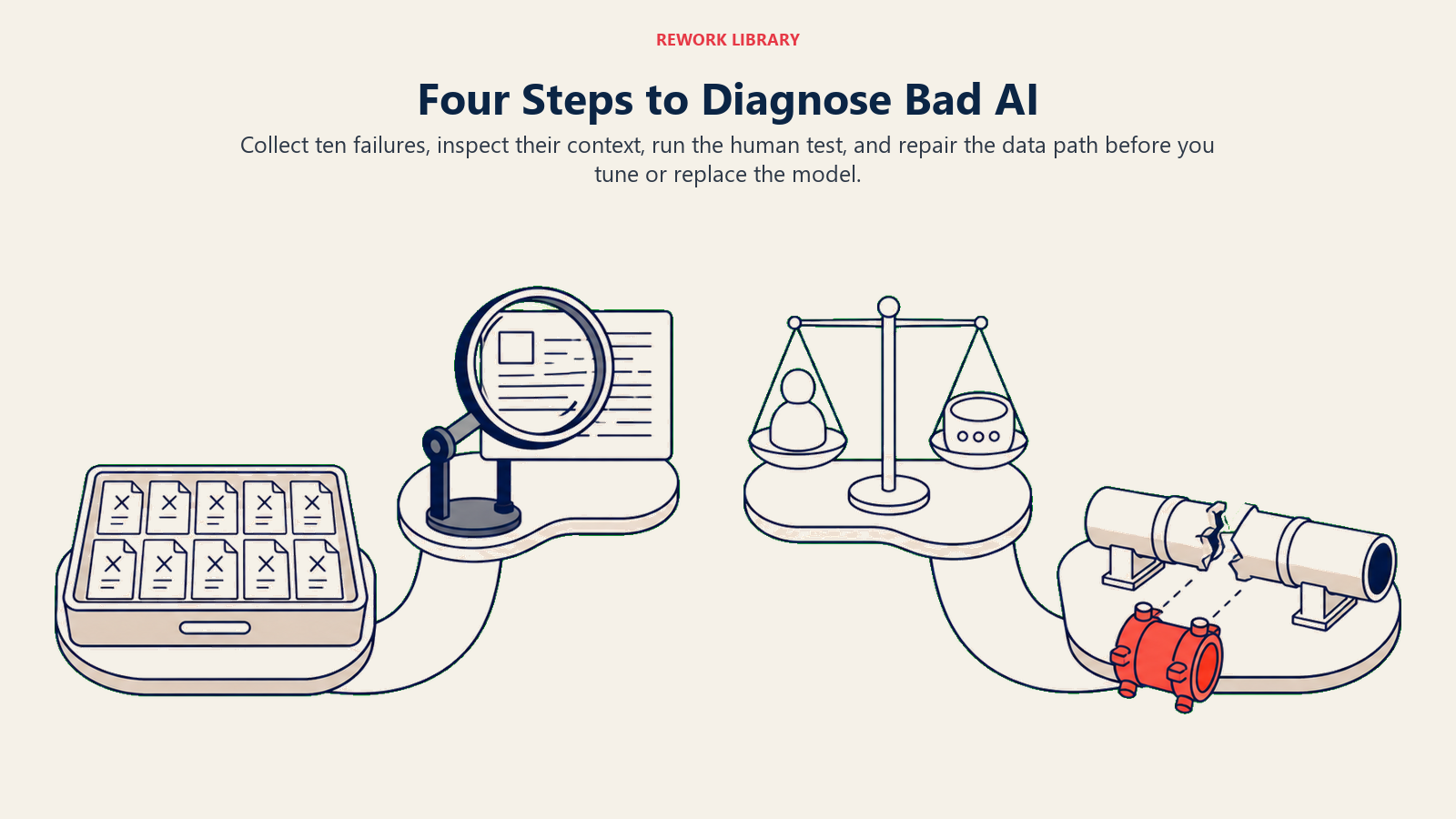
Etapa 1: Colete 10 exemplos do resultado ruim. Não trabalhe com um único incidente; você precisa de um padrão.
Etapa 2: Para cada exemplo, pergunte: "A IA tinha contexto correto, atual e relevante suficiente para responder bem a isso?" Veja quais documentos foram recuperados, quais dados foram passados e o que a base de conhecimento realmente contém.
Etapa 3: Aplique o teste humano. Se você desse a um funcionário novo e competente exatamente o mesmo contexto que a IA teve, ele também erraria? Se sim, é um problema de dados. Se o humano obviamente acertaria, talvez você tenha um problema de modelo.
Etapa 4: Corrija o caminho dos dados antes de ajustar o modelo. Atualize a base de conhecimento. Limpe os rótulos. Melhore a recuperação. Configure a integração. Depois teste novamente.
Essa sequência funciona porque sistemas de IA, especialmente os construídos sobre as capacidades Analyze e Generate, são fundamentalmente dependentes de contexto. Eles processam o que recebem. Se você corrigir o que recebem, a qualidade do resultado melhora sem tocar no modelo.
Quando é realmente culpa do modelo
Este artigo é honesto, então aqui vai: às vezes o modelo é o problema.
Se sua IA falha consistentemente em tarefas de raciocínio simples que não têm nada a ver com contexto (matemática básica, negação lógica, instruções de múltiplas etapas com insumos claros), esse é um problema de capacidade do modelo.
Se sua IA não consegue lidar com jargão específico de domínio, siglas ou terminologia de nicho que aparece constantemente na sua indústria, você pode precisar de fine-tuning ou de uma variante de modelo específico de domínio.
Se sua IA é lenta demais, cara demais por consulta ou produz resultados corretos mas excessivamente verbosos para o seu caso de uso, esse é um problema de seleção de modelo. Diferentes tiers de modelo (GPT-4o vs. GPT-4o mini, Claude Sonnet vs. Claude Haiku) têm trade-offs significativamente diferentes de preço, velocidade e qualidade.
E se você corrigiu seus dados, melhorou a recuperação, limpou seus rótulos e o problema persiste, então sim, tente um modelo diferente.
Mas essa sequência importa. A maioria das equipes pula a auditoria de dados e vai direto para a experimentação de modelos. Elas passam semanas fazendo testes A/B de prompts contra diferentes LLMs enquanto sua base de conhecimento ainda tem três versões contraditórias do mesmo documento de política. A etapa de dados é chata. Também é quase sempre o gargalo.
Antes de trocar de fornecedor, audite seus dados
A IA nos negócios opera sobre sete tipos de dados: texto, estruturado, imagem, áudio, vídeo, código e séries temporais. Cada um desses tipos pode introduzir problemas de qualidade de maneiras diferentes. Documentos de texto desatualizados. Rótulos estruturados com ruído. Transcrições de áudio com erros de atribuição de falante. Cada tipo de dados tem seus próprios modos de falha.
O que eles têm em comum é isto: a IA não consegue inventar bons dados. Ela só consegue trabalhar com o que tem. Dê a ela informações precisas, atuais, completas e inequívocas, e ela vai performar no nível do modelo. Dê a ela lixo, e ela vai produzir lixo com confiança.
Um problema de respostas contraditórias como o do Sintoma 5 costuma ser uma correção de duas horas: arquive os documentos de política antigos, marque a versão atual como autoritativa e corrija o erro de digitação no FAQ. A resposta do bot se torna consistente e correta. Mesmo modelo. Mesmo fornecedor. Dados diferentes.
Antes de escrever o e-mail para o fornecedor de IA pedindo para trocar de modelo, gaste 30 minutos na pergunta que os atendentes de suporte sempre fazem: o que exatamente está no contexto com que a IA está trabalhando? A resposta costuma ser reveladora.
Este artigo faz parte da série de Fundação do ACE Framework. Leituras relacionadas: Prontidão de Dados para IA cobre como avaliar se seus dados estão prontos para IA antes de implantar. Os 7 tipos de dados mapeia o panorama completo de dados de negócios e onde cada tipo falha. O que é a Capacidade Analyze explica como a IA dá sentido a dados, e onde esse processo quebra.

Principal Solution Architect
On this page
- Por que operadores culpam o modelo (e por que geralmente estão errados)
- Sintoma 1: "A IA dá respostas genéricas e fora do assunto"
- Sintoma 2: "A IA inventa fatos que não são verdadeiros"
- Sintoma 3: "O lead scoring é inútil, é pior do que o instinto"
- Sintoma 4: "A IA escreve textos que não têm nada a ver com a nossa marca"
- Sintoma 5: "O assistente de IA dá duas respostas diferentes para a mesma pergunta"
- Sintoma 6: "A IA trata cada cliente como um estranho"
- Como diagnosticar "IA ruim" como um engenheiro de sistemas
- Quando é realmente culpa do modelo
- Antes de trocar de fornecedor, audite seus dados