Lead Routing Rules: How to Get the Right Lead to the Right Rep at the Right Time
Turn this article into takeaways for your work.


Each assistant summarizes the article only for you and suggests best practices for your work.
Here's a failure mode most revenue teams don't see until they measure it: a lead qualifies at 10:47am, gets stuck in a manual assignment queue, and reaches a rep at 2:15pm. The rep calls the next morning. The prospect already booked a demo with a competitor.
The lead quality wasn't the problem. The routing was.
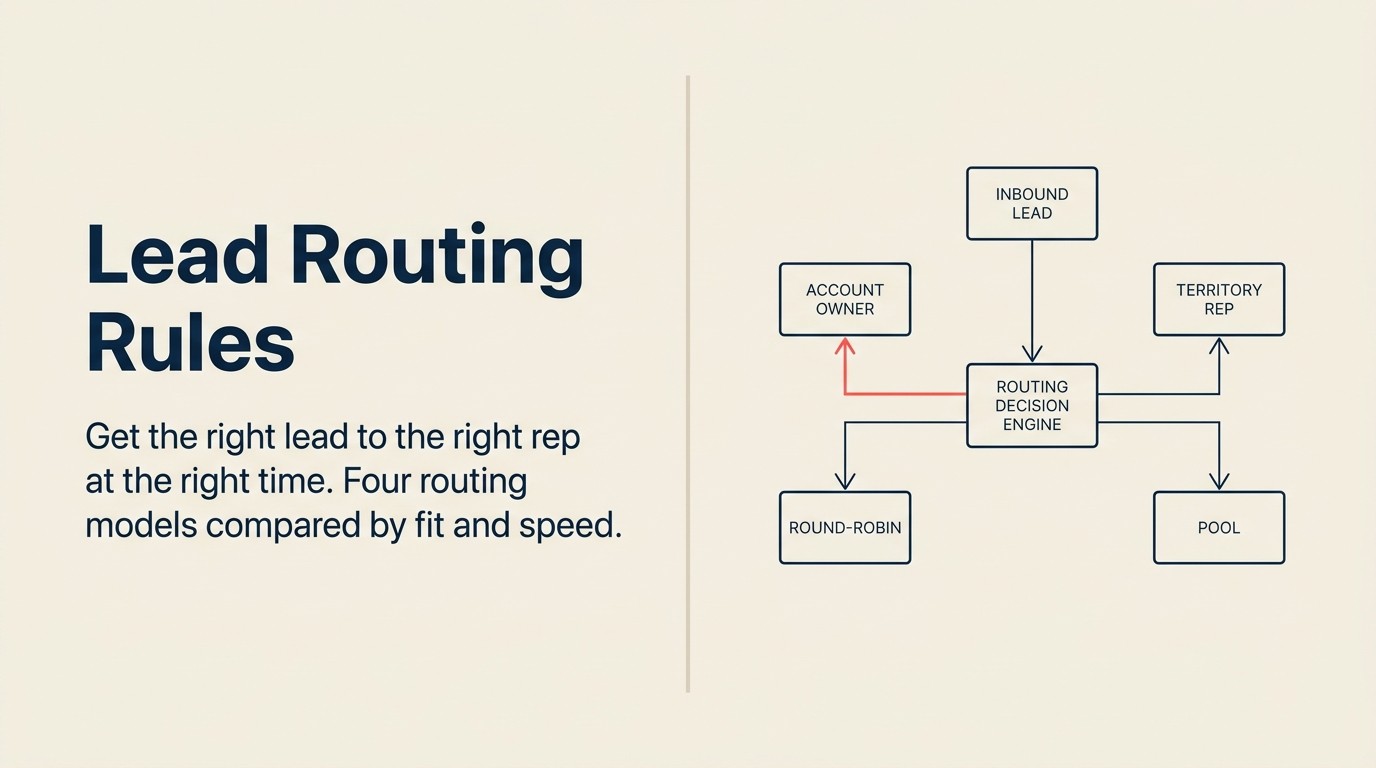
Routing is where good leads go to die. The gap between "qualified" and "contacted" is usually a system design problem, not a headcount problem. You don't need more reps. You need rules that get the right MQL to the right rep in under five minutes, automatically, without a human touching a keyboard.
This article covers how to design those rules: the four routing models, the variables that determine fit, overflow and fallback logic, and the CRM configuration checklist to make it operational.
Key Facts: Lead Response Time and Routing Impact
- Responding to a lead within 5 minutes makes you 21x more likely to qualify it than waiting 30 minutes, per a joint MIT and InsideSales.com study across 15,000+ leads.
- The probability of contacting a lead drops by over 10x in the first hour after submission, according to HBR analysis of 2,241 US firms.
- 78% of buyers purchase from the first company to respond, regardless of price differences (Vendasta research).
What Routing Actually Decides
Most teams think of routing as just "which rep gets this lead." But routing decisions have three layers, and all three affect revenue outcomes.
Assignment: which rep receives this lead. This is the obvious one. But the right assignment depends on more than availability; it depends on fit between the rep's experience, territory, and current capacity and the lead's profile.
Priority: when should the rep work it. Routing rules can attach a priority tier to a lead at assignment time. A tier-1 lead (demo request from a 200-person company in your sweet spot) should surface at the top of a rep's queue immediately. A tier-3 lead (whitepaper download from a small company, cold email domain) can go into the background queue. Without priority, reps default to recency (last assigned, first worked), which is random from a revenue standpoint.
Context: what does the rep know before touching it. The routing event is the right moment to attach behavioral context to the lead record: pages visited, content downloaded, score breakdown, any CRM match to an existing account. If the rep has to research the lead before calling, response time expands. Context ships with the assignment.
All three matter. A fast assignment with no context produces a cold, generic outreach. A perfectly contextualized assignment that arrives two hours late is already losing the race.
The Four Routing Models: The 4-Model Routing Matrix
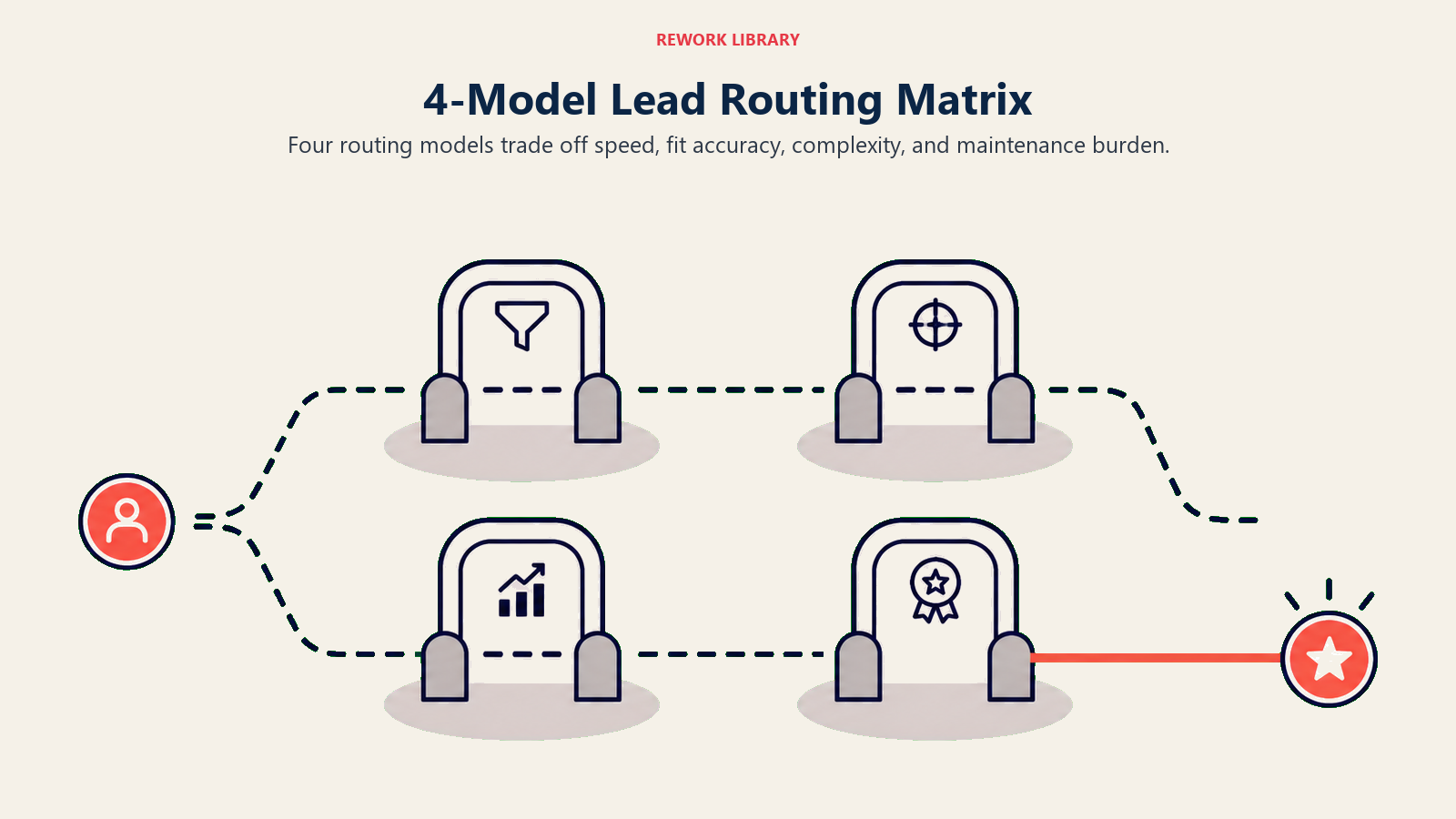
The 4-Model Routing Matrix maps four assignment approaches (round-robin, territory-based, account-based, and score-based priority queue) across three dimensions: setup complexity, fit accuracy, and maintenance burden. Most mature revenue teams run a hybrid: account-based as the highest-priority override, territory or round-robin as the default for net-new leads, and score-based prioritization as a queue sorting layer on top. The matrix below summarizes when each model earns its place.
Round-Robin
How it works: Leads distribute sequentially across available reps. Rep 1 gets lead 1, Rep 2 gets lead 2, Rep 3 gets lead 3, back to Rep 1. The round-robin assignment model is the simplest implementation of this approach.
Best for: Early-stage teams with homogeneous lead sources and similar rep skill levels. Also works for pools of highly similar leads (e.g., all inbound demo requests from the same product line) where fit differentiation doesn't matter much.
Limitations: Round-robin is fair but blind. It doesn't account for rep experience, current capacity, industry specialization, or lead quality. A new SDR gets the same enterprise lead as your most experienced AE.
When to upgrade: When your lead mix becomes heterogeneous (different company sizes, different verticals, different products), round-robin starts producing mismatches at scale.
Territory-Based Routing
How it works: Geographic or vertical segmentation determines assignment. West Coast leads go to the West Coast rep. Healthcare leads go to the healthcare specialist. Named accounts go to dedicated AEs. See territory-based routing mechanics for a deeper breakdown of how to define and maintain territories.
Best for: Teams with genuine geographic differences in their market (regulatory environments, time zones, in-person visit patterns) or with distinct vertical expertise that meaningfully changes the sales conversation.
Limitations: Territory rules add maintenance overhead. When a rep leaves, their territory needs coverage rules. When you add a new rep, territories need to be redrawn. When a lead doesn't clearly fit a territory (remote workers, companies with multi-region offices), you get routing conflicts.
When it works best: When your sales conversation meaningfully changes by geography or vertical. A healthcare compliance software rep who knows HIPAA policy differences by state is genuinely more valuable to that lead than a generalist.
Account-Based Routing
How it works: Leads route to the rep who owns the account or named segment, regardless of territory or queue position. If Acme Corp is already a customer or an active opportunity, any new Acme lead goes to the owning rep. The full mechanics of this approach are covered in account-based routing rules.
Best for: Teams running ABM programs, or any team with a meaningful existing customer base where expansion and multi-threading matter. Protects relationship continuity and prevents internal conflicts.
Limitations: Requires clean CRM data: account ownership fields, domain matching, company deduplication. If your CRM account records are inconsistent or stale, account-based routing produces misroutes.
When to add it: Layer account-based routing on top of your territory or round-robin model as soon as you have a meaningful number of existing customer accounts that generate inbound activity. It's not a replacement for other models. It's a priority override.
Score-Based Priority Queue
How it works: Leads enter a shared queue sorted by score. Top-scored leads go to top-performing reps first. Lower-scored leads go to newer or less specialized reps.
Best for: Teams with a calibrated lead scoring model and a clear performance tier among reps. The highest-value leads get your best closers.
Limitations: Requires a calibrated scoring model. If your scores are noisy, this just distributes noise faster. Also requires honest performance ranking among reps, which is a management conversation not everyone wants to have.
Best ROI: When your scoring model genuinely differentiates high-intent from low-intent leads, this model produces the highest lead-to-close conversion because it matches quality signals with closer capability.
Routing Model Comparison
| Model | Setup Complexity | Fit Accuracy | Maintenance | Best Fit |
|---|---|---|---|---|
| Round-robin | Low | Low | Low | Early-stage, homogeneous leads |
| Territory-based | Medium | Medium | Medium | Geo/vertical differentiated markets |
| Account-based | Medium-High | High (for existing accounts) | Medium | ABM, expansion motion |
| Score-based queue | High | High (when model is calibrated) | High | Mature pipeline with scoring model |
Most SMB and mid-market teams end up with a hybrid: account-based as the highest-priority override, territory or round-robin as the default for net-new leads, and score-based prioritization as a queue sorting layer on top. Your lead assignment SLA should document which model applies to which tier.
Routing Variables to Define
Before you configure a single automation, document the variables your routing logic will use. Undocumented variables lead to routing rules that work for the current team but break with the first hire. Lead routing automation tools can enforce these rules without manual oversight once the variables are defined.
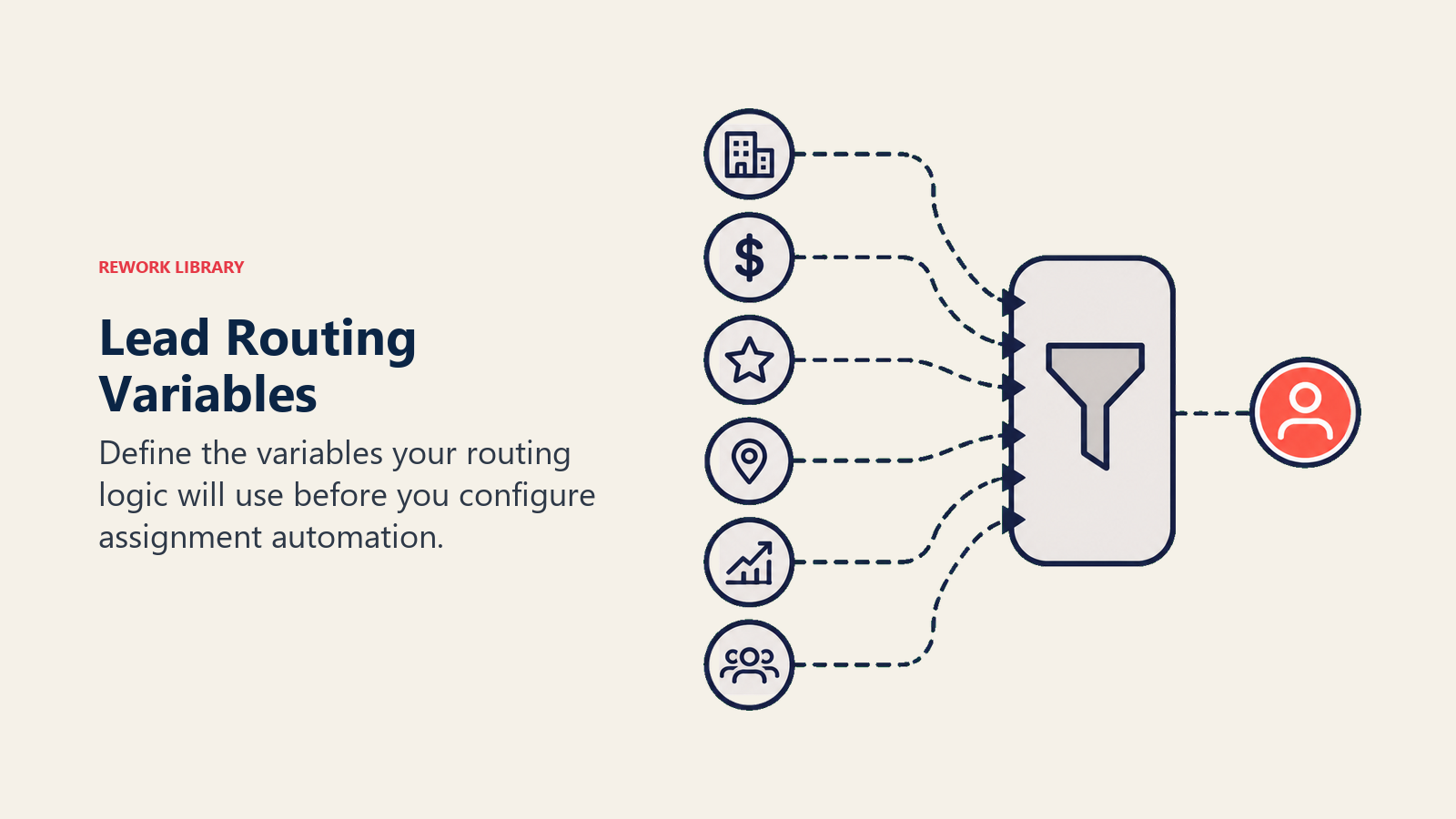
Geography and territory. State, region, country, or time zone. Define how multi-office companies are handled (primary location? billing address? first-contact location?).
Company size. SMB, mid-market, enterprise: however your ICP tiers segment. Define the employee or revenue thresholds that trigger each tier, and decide which data source you trust (the form field, enrichment data, or CRM account record).
Industry vertical. Define your verticals and map them to specific reps or rep pools. Decide what happens for industries that don't fit a named vertical (route to general pool? trigger an enrichment lookup first?).
Product line or use case. If you sell multiple products, form-fill context or behavioral signals may indicate which product the lead is evaluating. Route accordingly if your reps specialize.
Language or region. If you have multilingual prospects, route to reps who speak the prospect's language before applying geographic rules.
Named accounts vs. unassigned. Named accounts go to designated reps. All other companies fall through to standard routing logic.
Document each variable with its data source (form field, enrichment tool, CRM field), its mapping to routing outcomes, and what happens when the data is missing or ambiguous. Missing data should trigger a fallback, not a routing error.
Overflow and Fallback Rules
Every routing system needs answers to three operational questions: What happens when the assigned rep is out of office? What happens when a rep is over capacity? What happens when the routing logic produces no match?
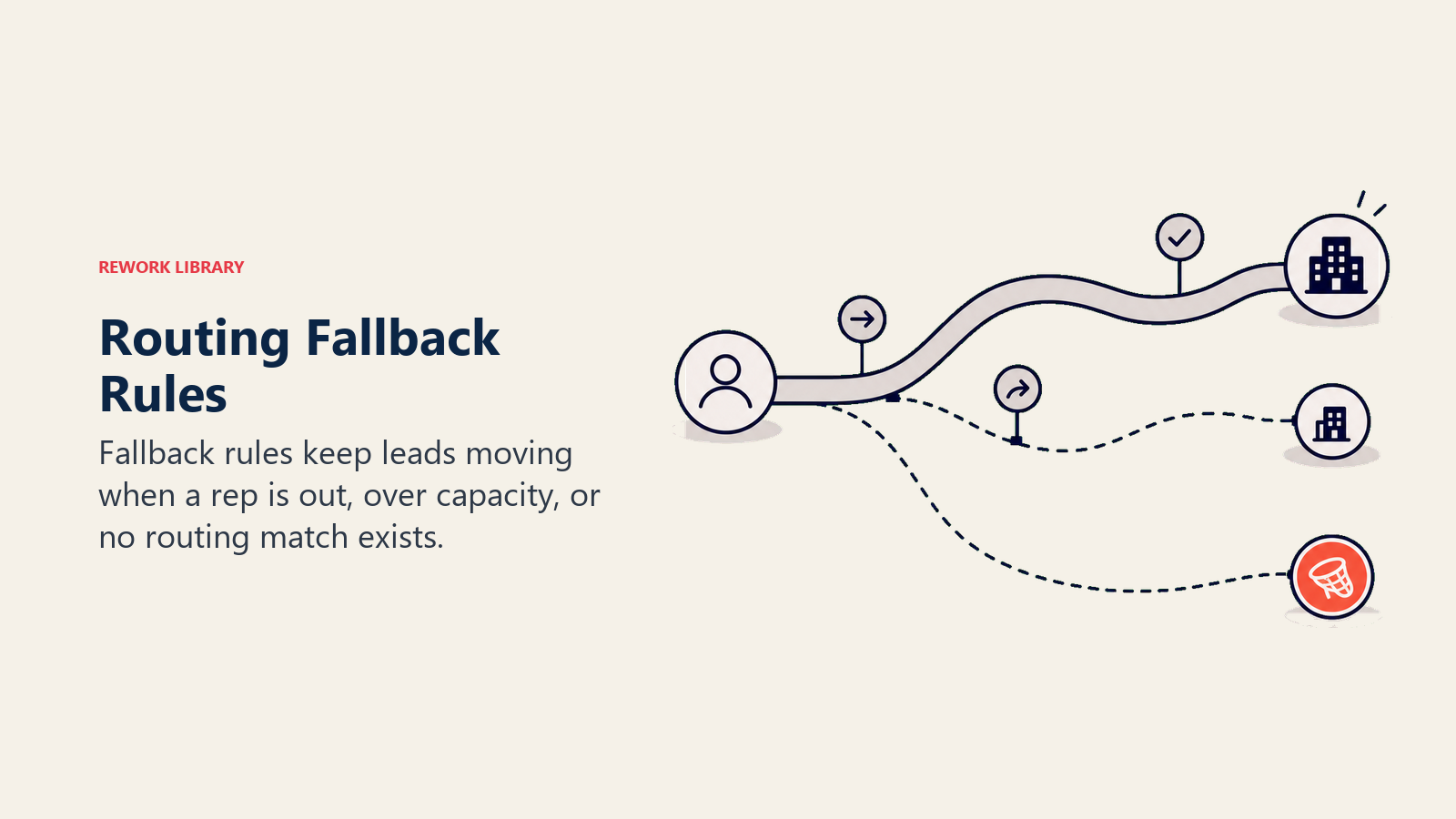
OOO handling. Set a primary backup rep per rep in your CRM or routing tool. When rep A is marked OOO, leads route to backup rep B automatically. Don't route to the manager. They won't work the lead, and it adds a redistribution step that slows response time.
Capacity overflow. Define a maximum open lead count per rep. When a rep exceeds their threshold, new leads route to the next available rep in the territory or pool rather than stacking. Without a cap, your highest-volume day buries your best reps and burns their goodwill.
No-match fallback. When routing logic doesn't produce a match (because the company isn't in any territory, the industry doesn't match a vertical, or the enrichment lookup failed), leads should go to a designated "unrouted" pool that a rev ops or lead ops person reviews daily. Not a black hole. A pool with an owner.
Time-decay escalation. Define what happens to unworked leads. If a tier-1 lead hasn't been accepted or contacted within 15 minutes, send an alert. Within 30 minutes, escalate to the manager. This isn't punitive. It's a coverage guarantee for your highest-value inbound.
"Only 27% of leads are ever contacted by a sales rep in most B2B organizations, a gap that automated routing with fallback rules and time-decay escalation is specifically designed to close." (InsideSales.com)
Rework Analysis: The most consistent routing failure pattern isn't picking the wrong model. It's building a model that requires manual intervention at scale. Teams that start with round-robin and add account-based overrides as their CRM matures see the best long-term adoption because each model layer is testable and improvable independently. Score-based routing added before the scoring model is calibrated produces faster misroutes, not better ones. The sequencing matters: define ICP first, encode it in territory rules second, layer score-based prioritization third when you have 90+ days of conversion data by score band.
Speed and Routing Are Linked
This is the tension most routing designs ignore: complex routing logic that takes 10 minutes to resolve defeats the 5-minute response SLA. McKinsey's research on B2B sales identifies speed of response as one of the "digital sales hat trick" fundamentals, alongside transparency and expertise, that separates high-performing revenue teams.
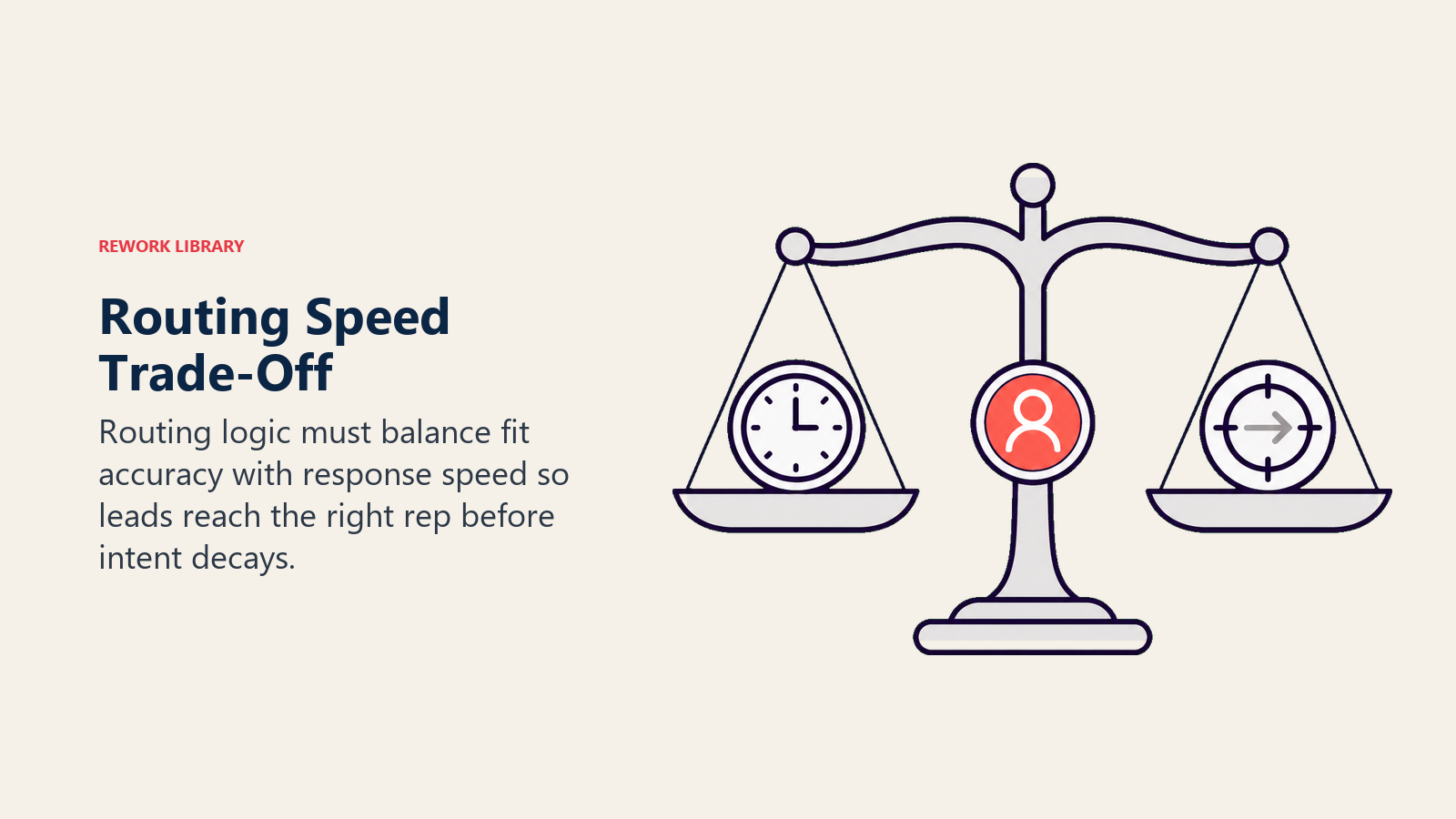
If your routing involves a manual review step, a human assignment decision, or a system lag between lead capture and CRM creation, you're already behind. By the time the lead reaches the rep, the response window has closed.
The five-minute response SLA assumes automated routing. If routing isn't automated, your SLA is aspirational at best.
The practical implication: keep your routing logic executable without human intervention. Every rule in the logic tree should be answerable from data that's available at capture time or within seconds via enrichment. If a routing decision requires a human to look up information, it will never happen in five minutes.
CRM Configuration Checklist
| Item | Owner | Notes |
|---|---|---|
| Territory mapping table (rep to region/vertical) | RevOps | Reviewed quarterly or when team changes |
| Account ownership field (account record) | Sales leadership | Drives account-based routing |
| Lead routing automation (assignment rules or routing app) | Marketing Ops / RevOps | e.g., LeanData, Salesforce Flow, HubSpot routing |
| Backup rep designation per rep | RevOps | Required for OOO fallback |
| OOO flag field and sync (calendar integration) | RevOps | Must auto-update; manual flags decay |
| Max open lead capacity field per rep | RevOps | Updated as team and product change |
| Priority tier field on lead record | Marketing Ops | Set at lead creation based on score/source |
| Unrouted lead pool owner | RevOps | A named person, not a queue |
| Time-decay escalation alert | RevOps | Alert at 15 min, escalate at 30 min for tier-1 |
| Routing audit log | RevOps | Allows tracing of misroutes for QA |
When to Review and Update Routing Rules
Routing rules are not set-and-forget. Four triggers should prompt a review:
Team changes. Any time a rep is added, removed, or changes territory, routing rules need an update the same day. Stale routing to a departed rep creates a black hole.
New market segments. When you add a new ICP tier, geography, or product line, the existing routing logic doesn't know the segment exists. New segments need routing rules from day one.
Low acceptance rates from specific sources. If leads from a specific campaign or channel are consistently rejected, the routing may be the wrong fit (wrong rep getting the lead) rather than the lead quality being wrong. Pull the routing data before assuming quality. This is also a signal to review your lead rejection and recycling process.
SLA miss pattern. If response time for a specific territory or tier is consistently above target, the routing volume may be overwhelming that rep pool. Redistribute before the backlog compounds.
Routing as an Alignment Signal
Here's the thing most teams miss: when marketing and sales disagree about routing, they're almost always disagreeing about ICP. The purchase funnel model makes clear that every stage, including routing, needs to narrow by fit, not just by volume.
If marketing routes enterprise leads to a mid-market rep and sales complains about the fit, that's an ICP definition conflict in disguise. The routing rules just made the conflict visible.
Use routing disagreements as input to the shared ICP framework conversation. Every misroute is evidence about where the two teams' mental models of the ideal buyer diverge. That evidence is worth more than any abstract alignment meeting.
Good routing rules are a byproduct of good ICP alignment. Build alignment first, then encode it in routing logic. In that order.
Common Routing Mistakes
Routing by rep preference, not ICP fit. Some reps request specific lead sources or company sizes. Unless rep preference correlates with conversion performance, use data, not lobbying, to set routing rules.
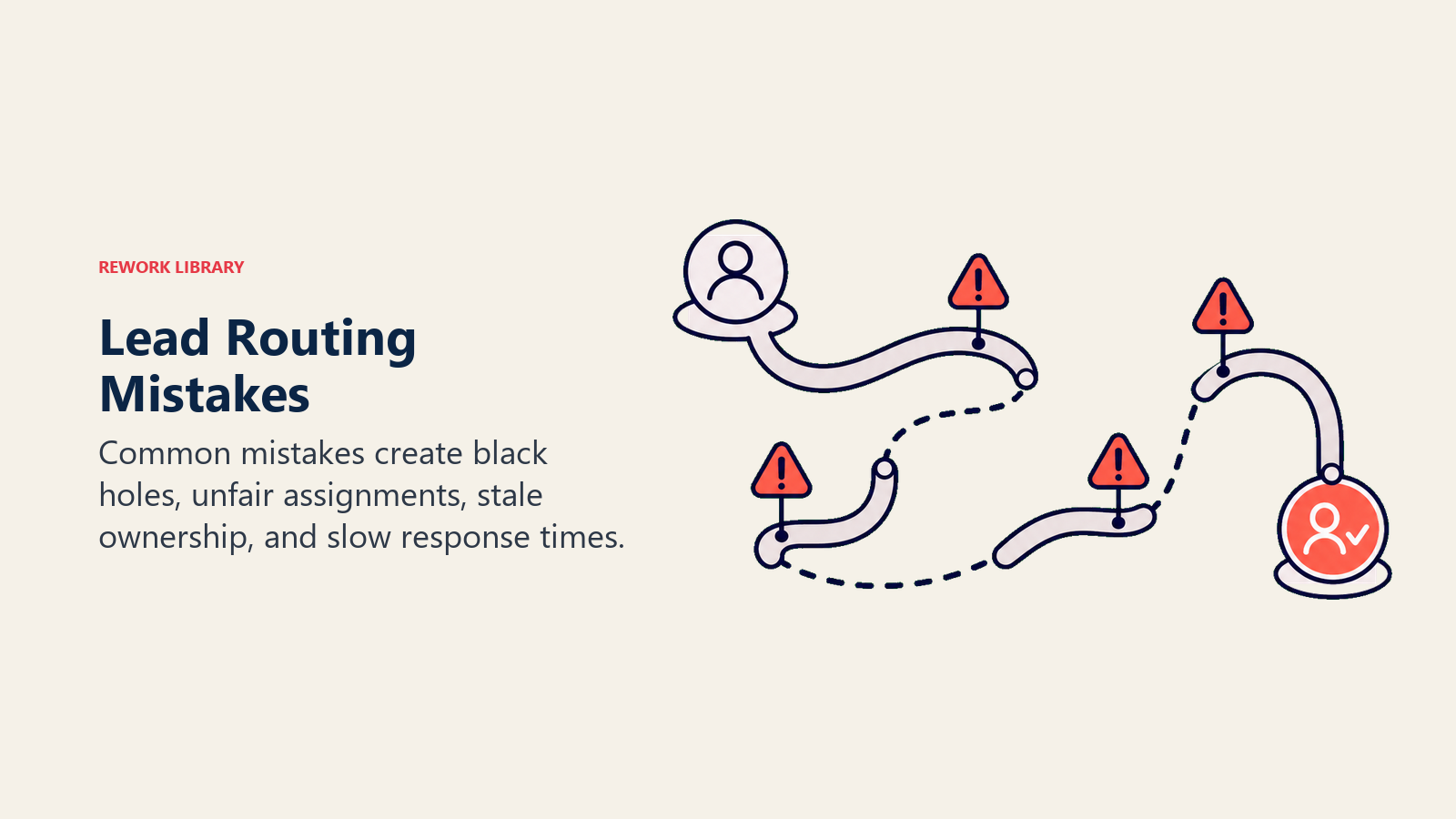
No fallback rules. Every routing tree has edge cases. If you don't define the fallback, leads fall into a void. Someone has to own the no-match queue.
Routing to the wrong seniority level. Enterprise leads need enterprise closers. Routing a 500-person company lead to a new SDR because they're next in round-robin wastes the lead and frustrates the rep.
Ignoring time zones. A 4pm Pacific lead routed to an East Coast rep at 7pm Eastern won't get a same-day response. Time zone awareness in your routing logic is basic, but most teams don't configure it.
Building routing rules that require manual updates. If your routing depends on a spreadsheet that someone updates weekly, it's already out of date. Routing rules should source from CRM fields that update automatically.
Learn More

Principal Solution Architect
On this page
- What Routing Actually Decides
- The Four Routing Models: The 4-Model Routing Matrix
- Round-Robin
- Territory-Based Routing
- Account-Based Routing
- Score-Based Priority Queue
- Routing Model Comparison
- Routing Variables to Define
- Overflow and Fallback Rules
- Speed and Routing Are Linked
- CRM Configuration Checklist
- When to Review and Update Routing Rules
- Routing as an Alignment Signal
- Common Routing Mistakes
- Learn More