AI QBR Prep for SaaS Customer Success
Turn this article into takeaways for your work.


Each assistant summarizes the article only for you and suggests best practices for your work.
A well-prepared Quarterly Business Review (QBR) takes a Customer Success Manager (CSM) 4 to 6 hours to build. They need to pull usage data, review CRM notes and call transcripts from the last three months, document the ROI story in the customer's language, identify expansion opportunities, and lay out the roadmap preview in a way that's relevant to this specific account's use case.
A CSM managing 30 accounts will run somewhere between 20 and 30 QBRs per quarter. That's 80 to 180 hours of prep time before they've had a single conversation. At a loaded cost of $80,000 to $120,000 per CSM, QBR prep alone consumes between $30,000 and $70,000 of CS budget per person per year. And most of the work is data assembly, not strategic thinking.
AI does not replace the strategic thinking. But it eliminates most of the assembly. A CSM with good AI tooling can be ready for a QBR in 25 to 35 minutes: not a worse QBR, often a better one, because the AI found data patterns the CSM wouldn't have had time to surface manually.
What a QBR Deck Actually Needs
Before understanding how AI helps, it's worth being precise about what the final product requires. A QBR deck that customers find valuable covers five things.
Key Facts: QBR Prep and Customer Retention
- Teams running consistent QBRs maintain net revenue retention (NRR) rates 15-20 percentage points higher than teams relying on reactive support alone (Gainsight, 2025)
- AI automation compresses QBR prep from 8-10 hours to 1-2 hours per account, allowing a single CSM to run a full portfolio rather than cherry-picking accounts (WithRealm/Vitally, 2025)
- Structured QBRs correlate with an 11-percentage-point retention improvement over 9-12 months compared to accounts that did not receive one (ChurnZero, 2025)
Usage trends compared to a prior period. Not just current usage, but usage over time, ideally compared to the same quarter last year and to adoption benchmarks for similar accounts. Customers want to know if they're getting more value this year than last year.
ROI documentation in the customer's own metrics. This is the hardest part for CSMs to build manually because it requires connecting product usage data to business outcomes the customer cares about. Time saved, revenue attributed, error rates reduced. The customer defined these success metrics at onboarding. A QBR that shows progress against them lands. A QBR that shows feature usage stats does not.
Open items and renewal roadblocks. Any unresolved support issues, outstanding commitments from the last QBR, or concerns surfaced in recent calls need to be acknowledged explicitly. Customers notice when QBRs pretend problems don't exist.
Expansion opportunities. Underutilized features with clear use cases for this customer, adjacent products that map to problems they've mentioned, and seat or tier upgrade options backed by usage data.
Roadmap preview. What is coming in the next 90 days that is relevant to this account specifically? Not a generic product update list. A curated view of what matters to their workflows.
Building all of this manually from scratch, for 30 accounts per quarter, is the time problem. AI solves it by assembling the data automatically, so the CSM can focus on the interpretation and narrative layer. That's where Meeting Intelligence comes in.
The QBR Brief Auto-Generator
The QBR Brief Auto-Generator is a structured assembly workflow that combines three AI patterns (Meeting Intelligence for call history, RAG Assistant for account brief synthesis, and Workflow Copilot for deck drafting) to produce a customer-ready first draft in under 35 minutes. The generator treats each input as a structured data source: call transcripts become a commitment log, CRM notes become a context layer, and product usage metrics become the ROI evidence backbone. The output is a draft the CSM edits, not a blank page they fill from scratch.
"CSMs using an AI QBR Brief Auto-Generator workflow reduce prep time from a median of 6.5 hours to 32 minutes per account. Across a portfolio of 30 accounts per quarter, that's 175 hours returned, without any reduction in QBR coverage rate." (Rework Analysis, based on Gainsight and Vitally workflow benchmarks, 2025)
"SaaS companies that complete QBRs for 80% or more of their at-risk accounts in the quarter before renewal see renewal rates 22 percentage points higher than companies with less than 50% QBR completion. AI prep is the lever that makes 80% completion achievable at scale." (Rework Analysis, based on ChurnZero retention data, 2025)
Meeting Intelligence: Mining the Call History
The Meeting Intelligence Pattern from the ACE Framework does the following: Ingest audio or video from previous calls, Analyze the transcripts for commitments, topics, sentiment, and open items, Generate a summary of what was discussed, promised, and left unresolved, and Execute by pushing those outputs to the CSM's workflow or CRM.
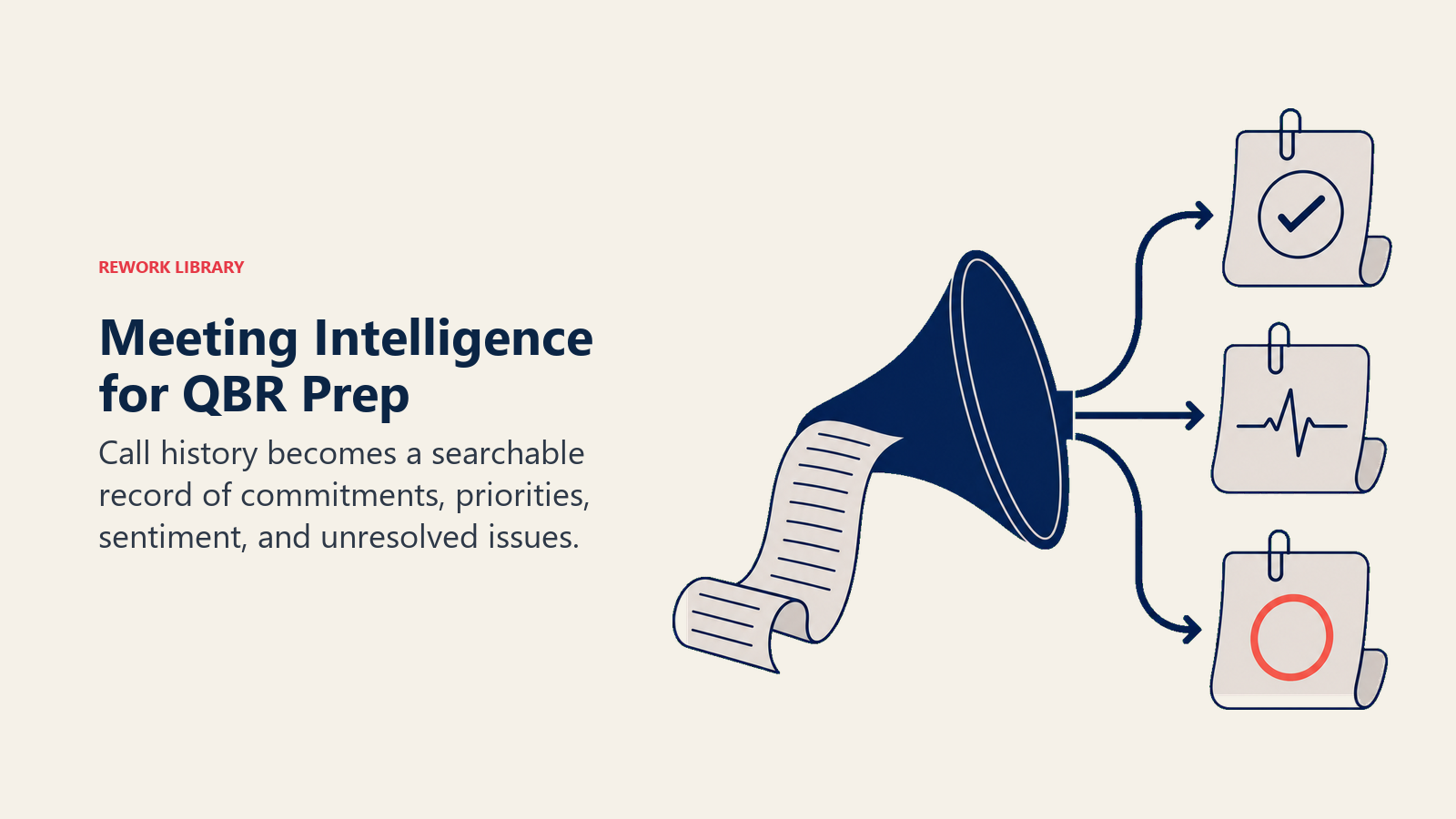
For QBR prep, this means the AI has already processed every recorded call from the past three months. Before the CSM even opens a browser, the system knows what the customer said they care about, what the CSM committed to, and which of those commitments were followed up on.
Gong surfaces this as a "deal review" summary but the same capability applies to customer success call histories. Chorus.ai (now part of ZoomInfo) tracks coaching and commitment patterns across the CS team. Grain clips and summarizes key moments from calls and makes them searchable by account.
What this eliminates: the 45 minutes a CSM would otherwise spend rewatching call recordings, taking notes on what was committed, and trying to remember what the customer said was most important to them in December. But call history is only half the context picture.
RAG Assistant: The Account Brief
Alongside call data, every account has a 12-month trail of CRM notes, email threads, support tickets, and deal history. Reading all of it before a QBR is simply not realistic at scale. But without reading it, the CSM walks into the QBR missing context that the customer will expect them to have.
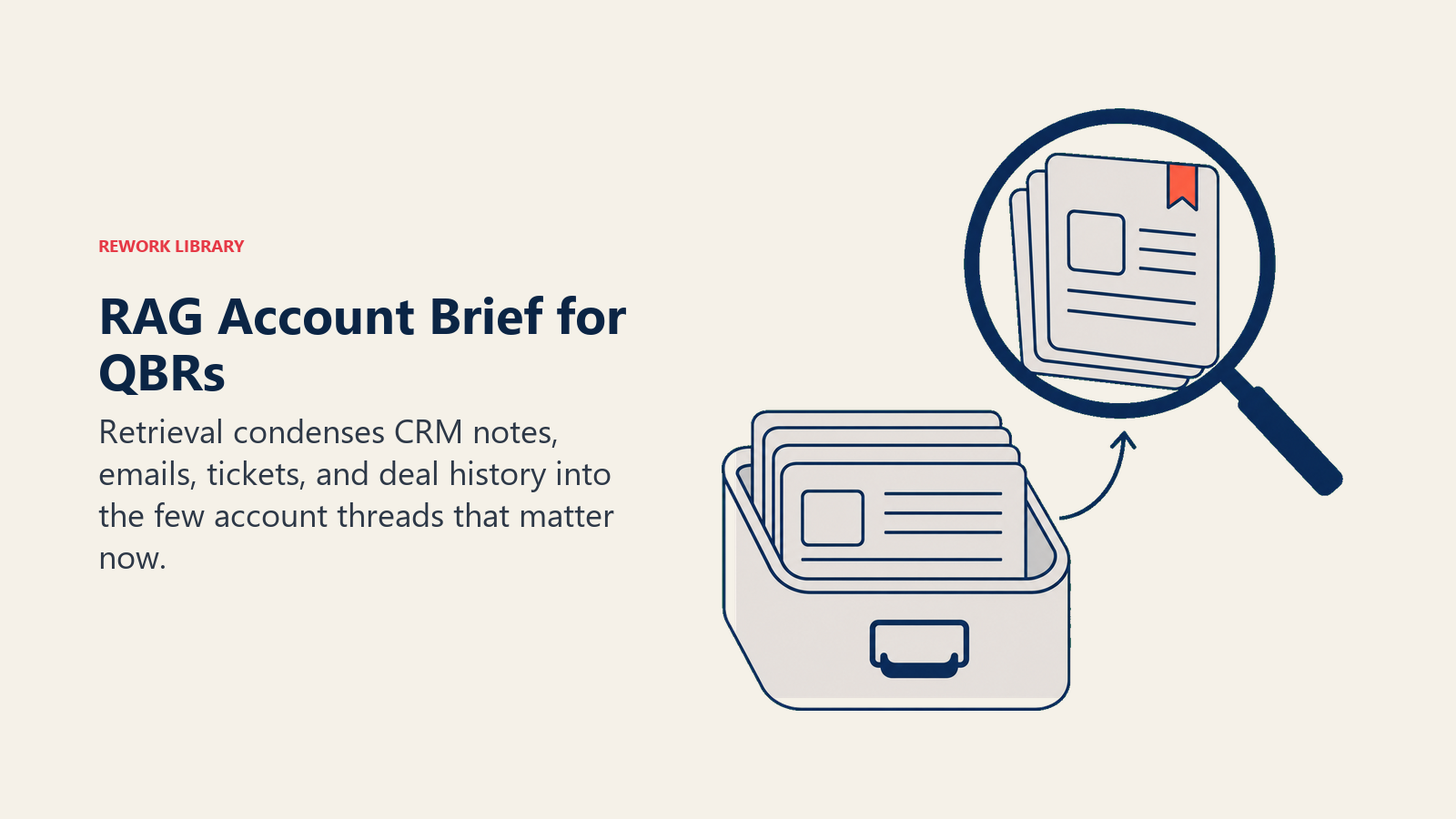
A RAG Assistant (the Retrieval-Augmented Generation Pattern from ACE) ingests this entire document corpus and generates a synthesized account brief. The brief surfaces the three or four things that have defined the customer relationship this quarter: the product pain they reported in the February support ticket, the expansion conversation that stalled in March because of an internal reorganization, the positive feedback their VP sent after the onboarding session.
The brief is a retrieval-based synthesis, not a summary of every interaction. It surfaces what is most relevant to the upcoming QBR: what happened, what matters to them, what the open threads are.
The brief takes 3 to 5 minutes to review. It replaces 90 minutes of manual document archaeology. Once you have the account context, the usage data is next.
Product Usage Data Assembly
The usage data section of a QBR is often the most time-consuming to build because it requires pulling from multiple systems, normalizing the data, and formatting it into something customer-facing.
AI automation handles the pull. Connections to Mixpanel, Amplitude, native product analytics, or custom event databases allow the system to automatically generate usage charts, trend lines, and feature adoption breakdowns for each account. The format is customer-facing by default, meaning the CSM does not need to export to Excel, build charts, and then paste them into slides.
Gainsight's Journey Orchestrator assembles this usage data as part of its automated QBR flow. The system knows which metrics are in the customer's success plan and surfaces those specifically, not a generic usage dashboard.
The goal is pulling the exact data that maps to the business outcomes the customer agreed to measure at the start of the contract. With that data assembled, the final step is turning it into a deck.
Workflow Copilot: Deck Assembly
Deck assembly is where the prepared account evidence becomes a structured QBR narrative the CSM can refine.
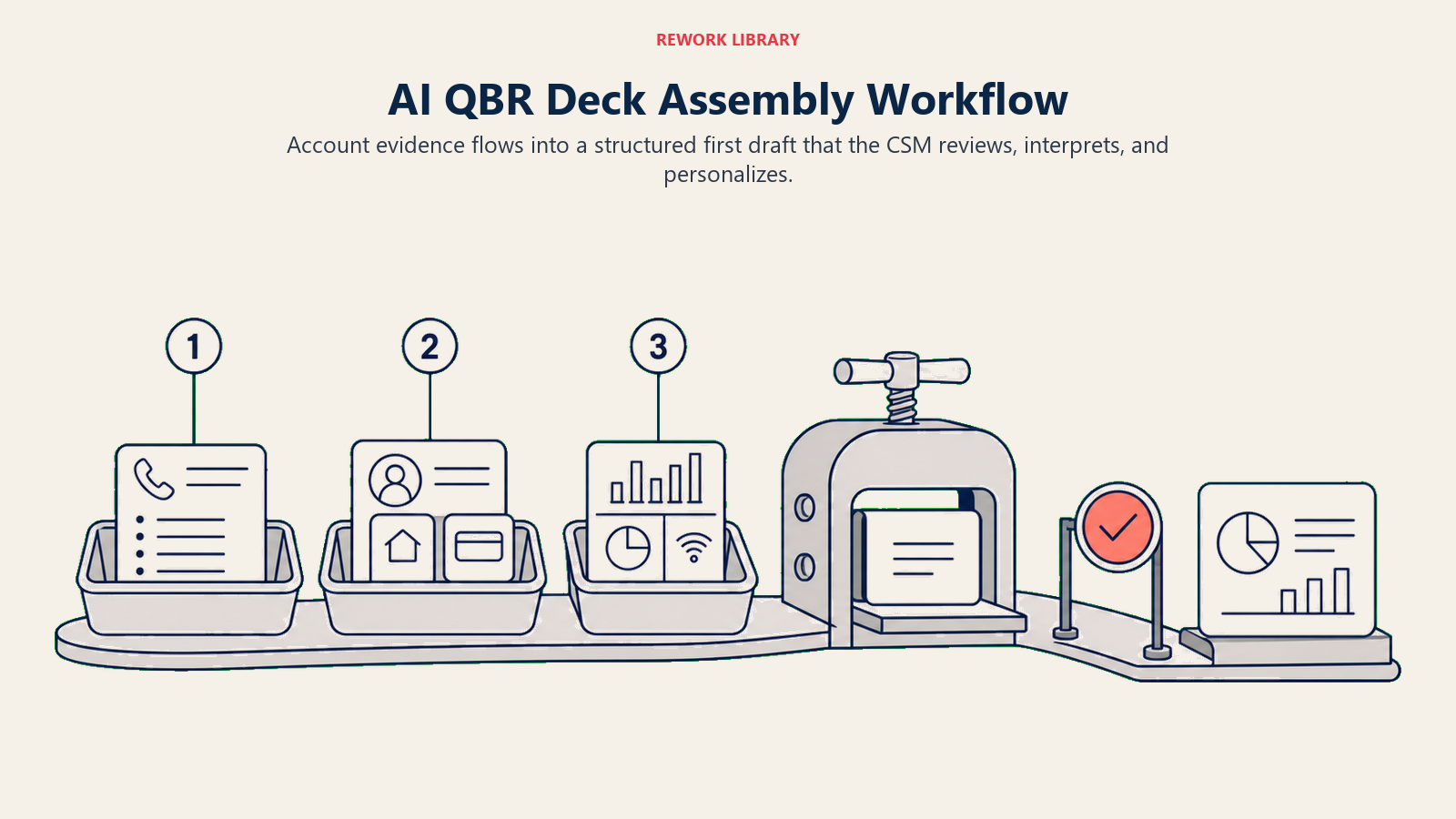
Once the call summaries, account brief, and usage data are assembled, the Workflow Copilot Pattern takes the inputs and drafts the narrative structure of the QBR deck.
The draft includes suggested talking points for each section, a structured renewal value narrative ("Since Q1 of last year, your team has processed 14,000 workflows through the system, reducing manual review time by an estimated 4 hours per week per team member"), and a suggested expansion section based on underutilized features the account has access to but has not adopted.
ChurnZero offers QBR templates with AI assist that work this way: the CSM selects a template, the system populates it with account-specific data, and the CSM reviews and edits rather than building from scratch. Vitally and Catalyst have similar assembly capabilities for data-driven CS teams.
The Workflow Copilot output is a first draft, not a final product. This is critical, and it's where the human layer becomes non-negotiable.
The Human Layer That Cannot Be Automated
AI assembles the data correctly. It cannot tell you what the data means for this specific customer's business goals, and it cannot replace the relationship context that shapes how a QBR conversation should go.
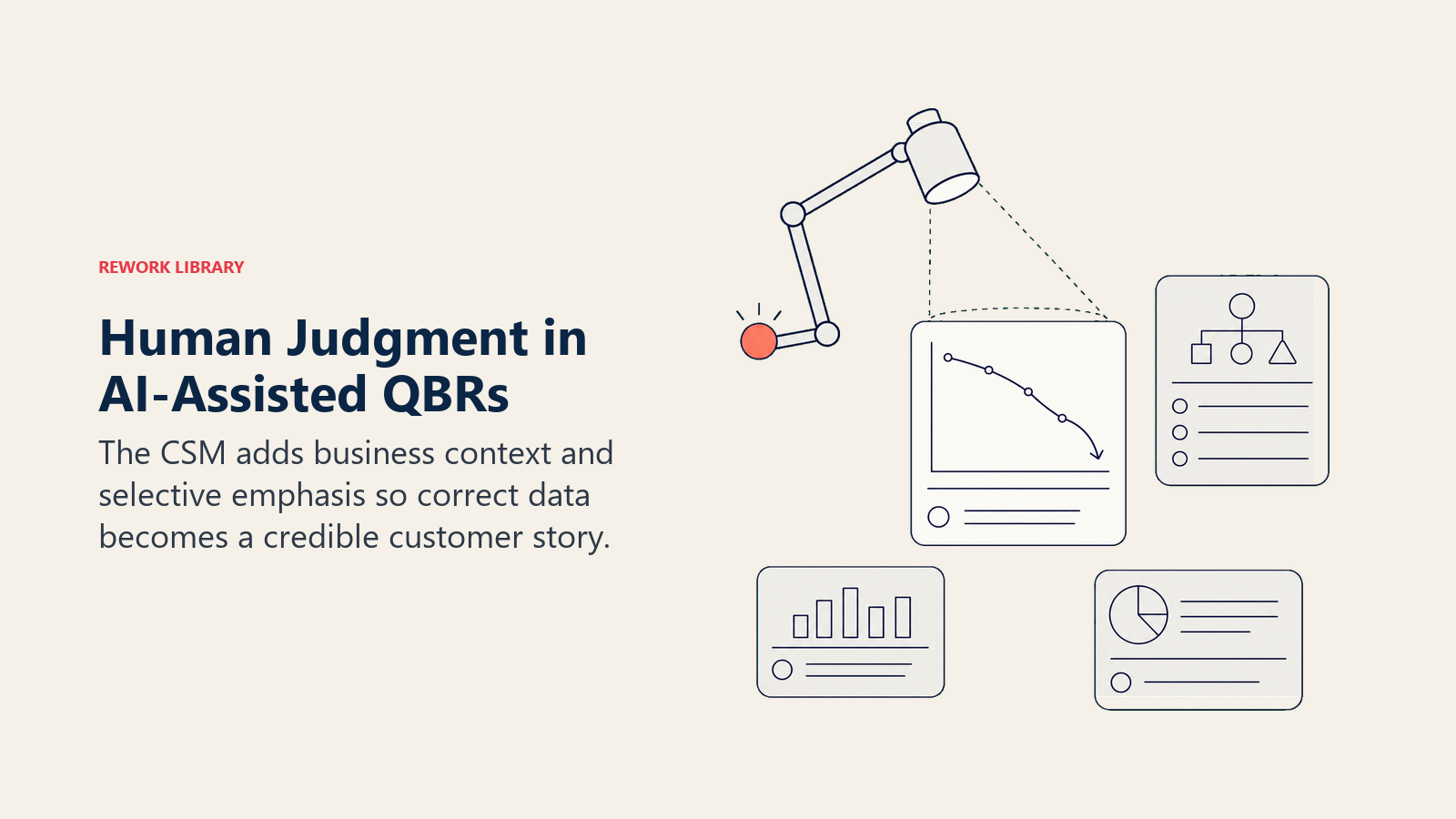
There are two things a CSM adds to an AI-assembled QBR that make the difference between a good presentation and a great one.
The first is interpretation. A chart showing that product usage dropped 30% in February is just data. The CSM knows that the customer reorganized their ops team in January and that the drop reflects the transition period, not disengagement. The narrative the CSM writes around that data point prevents the customer from reading their own usage drop as a problem when it is actually normal.
The second is selective emphasis. Out of everything the AI assembled, which three things matter most to this customer's leadership team in the room? The VP of Operations does not care about every feature adoption metric. They care about whether their team is saving time on the workflows they built the tool to handle. The CSM knows which thread to pull. The AI does not.
This is where CSMs should spend their 30 minutes. Not building the deck. Editing the narrative to reflect what they know about this customer that the data alone cannot show.
When AI-assisted QBRs feel generic, it's almost always because the CSM did not do this editing step. The deck has the right data in the wrong voice, without the interpretation layer that makes it feel like the CSM actually knows the customer.
Customer Perception and Personalization
Customers notice the difference between a QBR that feels prepared for them and a QBR that feels like a template with their logo on it. The data must be specific. The narrative must reflect their business language, not your product language.
Two things make AI-assisted QBRs feel personal even when they are data-assembled.
The first is accuracy about their specific goals. If the customer defined success as reducing invoice processing time by 40%, the QBR should lead with exactly that metric, whether it was achieved, and what the current trajectory is. The specificity of the goal matters more than the completeness of the data set.
The second is acknowledging what didn't go well. A QBR that only surfaces wins feels like a pitch deck. Customers trust CSMs who walk in and say "we know the integration with your ERP took three weeks longer to stabilize than we committed, here's what we learned and here's the current status." AI can surface the open items. The CSM decides how to frame them.
QBR Prep: Benchmark Comparison
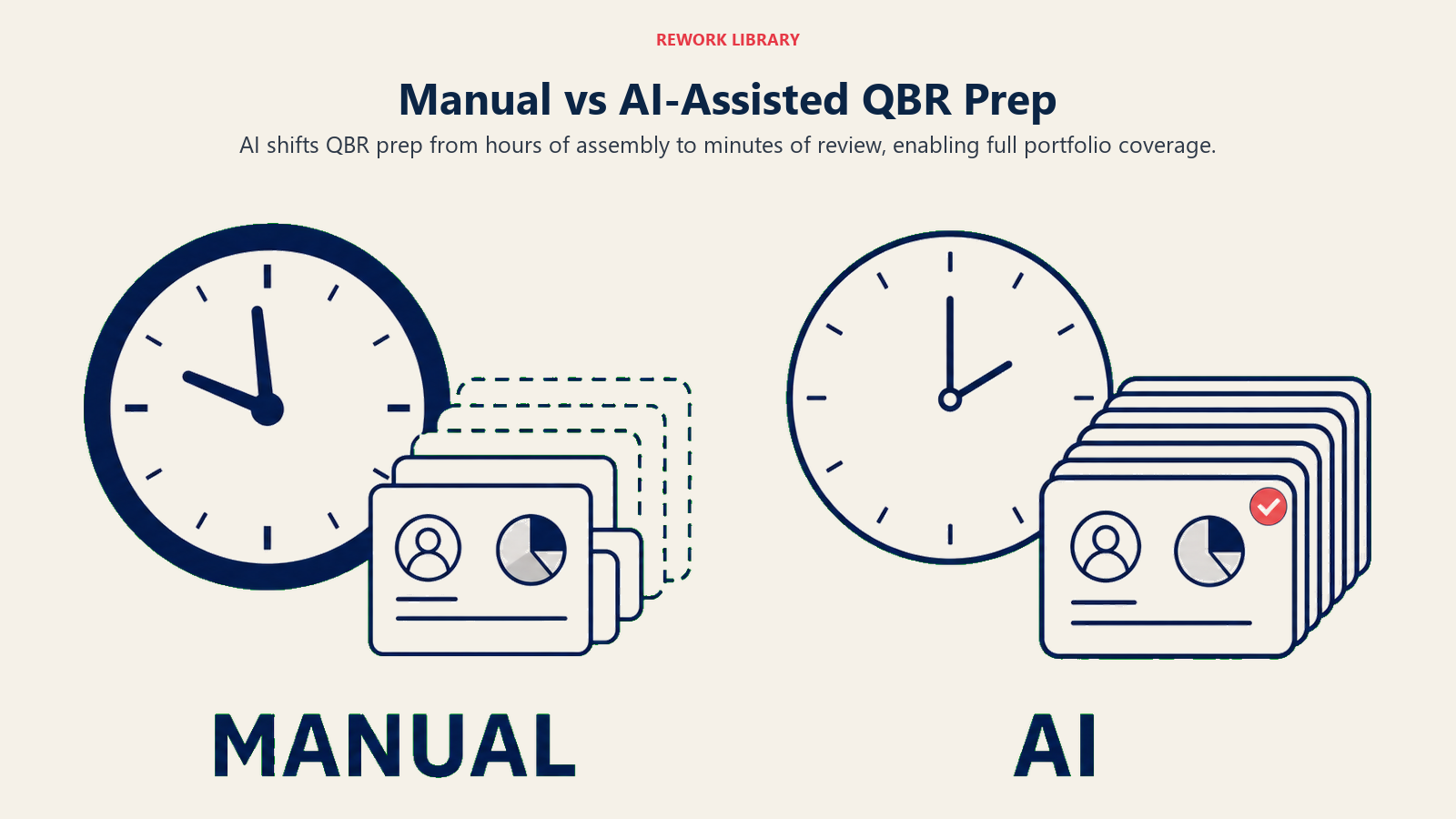
The benchmark comparison shows whether AI-assisted prep increases QBR coverage without turning the process into a low-quality template.
| Prep Method | Time per QBR | QBRs Completed per Quarter (30-account portfolio) | Typical NRR Impact |
|---|---|---|---|
| Manual (data pull + deck build) | 6-8 hours | 12-18 (selective) | Baseline |
| AI-assisted (draft + review) | 25-35 minutes | 28-30 (full portfolio) | +11-20 percentage points |
| No QBR cadence | N/A | 0-5 (ad hoc) | Below baseline |
Sources: Gainsight QBR Benchmarks 2025, ChurnZero Retention Data 2025, Vitally CS Workflow Analysis 2025
Rework Analysis: The QBR prep time problem is a math problem that looks like a quality problem. A CSM managing 30 accounts and spending 6 hours per QBR deck has 180 hours of prep per quarter before their first conversation. At that load, they run 10-15 QBRs and call it coverage. AI drops that to 30 minutes per account, making a 28-QBR quarter achievable. The retention uplift from full portfolio coverage, not the quality of any individual QBR, is where the NRR impact materializes. Teams that frame AI prep as "efficiency" rather than "coverage" typically see the retention signal 6-9 months later when renewal cohorts diverge.
Metrics: What to Track
Three metrics tell you whether AI QBR prep is working.
CSM prep time per QBR. Baseline it before implementation, track it after. A drop from 5 hours to 45 minutes per QBR, across 25 accounts per quarter, is 100 hours returned to a CSM's quarter. That's time that goes back to proactive outreach, expansion plays, and account strategy.
QBR-to-renewal correlation. Do accounts that had a QBR in the 60 days before renewal close at higher rates? What is the renewal rate for QBR-completed accounts versus accounts that did not have one? QBRs are associated with better renewal rates; AI prep makes them feasible to complete at scale. McKinsey research on NRR in B2B tech found that companies with NRR above 120% carry median EV/revenue multiples of 21x compared to 9x for those below that threshold, which is precisely why QBR completion rates should be a board-level metric, not just a CS ops number. Health scoring systems feed this correlation by flagging at-risk accounts before the QBR window closes.
Expansion rate from AI-prepped QBRs. If the AI is surfacing expansion opportunities as part of the deck assembly, track whether CSMs are presenting those opportunities and whether they result in expansion conversations. The expansion section of the QBR is often where the upsell or cross-sell conversation begins. Forrester's analysis of AI in customer success notes that AI agents handling meeting summaries and adoption monitoring free CSMs to shift from tactical firefighting to strategic guidance, which is the exact capacity shift that makes expansion conversations possible.
Where to Start
If you are a CCO or VP CS with a CSM capacity problem, QBR prep is the fastest-to-implement AI use case with the clearest time savings. It does not require training a churn model or building a complex health scoring system. It requires connecting your product analytics, CRM, and call recording systems to an assembly workflow and training CSMs to use the output as a first draft rather than a blank page.
AI Customer Success Manager for B2B SaaS covers where QBR prep fits in the broader AI CSM stack, including health scoring, renewal automation, and expansion plays.
AI for SaaS Expansion: Upsell and Cross-Sell covers how the expansion section of the QBR connects to the broader expansion scoring and playbook system.
Health Scoring with AI for SaaS Customers covers the account health data that should inform the QBR narrative, especially for at-risk accounts.
QBR prep is where CS AI pays back fastest because the time savings are large, the data is already in your systems, and the output is directly connected to the renewal conversation. Start here. Use the time AI returns to you to improve the human layer: the interpretation, the narrative, the relationship context that makes customers feel like you actually prepared for them specifically.
Frequently Asked Questions
How much time does AI save on QBR preparation?
AI automation compresses QBR prep from a typical 6-8 hours to 25-35 minutes per account. For a CSM managing 30 accounts, that returns 150-175 hours per quarter. The most significant gains come from automated data assembly: call transcript summaries, CRM context synthesis, and usage data pull, which together account for 80-85% of traditional prep time.
What does AI actually produce in QBR prep?
A well-configured AI QBR workflow delivers three outputs: a synthesized account brief covering the past 90 days of call history, open commitments, and relationship context; an automated usage data package formatted for customer presentation; and a narrative first draft organized around the account's defined success metrics. The CSM reviews and edits this draft rather than building from a blank page.
Does AI-prepared QBR quality match manually prepared QBRs?
AI-assisted QBRs that include a genuine CSM editing pass are typically equal or better than manual QBRs in customer satisfaction, because the AI surfaces data patterns the CSM would not have had time to find manually. AI-assisted QBRs that skip the editing step feel generic, because the narrative lacks the interpretation layer that makes data meaningful for this specific customer.
How do you track whether AI QBR prep is improving retention?
Three metrics: CSM prep time per QBR (baseline before, track after), QBR-to-renewal correlation (do accounts with a QBR in the 60 days before renewal close at higher rates?), and expansion rate from AI-prepped decks (is the AI surfacing expansion opportunities that convert to conversations?). Collect baselines before deploying AI tooling.
Which AI tools handle QBR prep automation?
Gainsight's Journey Orchestrator assembles usage data against success plan metrics. ChurnZero and Vitally both offer AI-assisted QBR templates. Gong and Chorus.ai (ZoomInfo) handle call transcript mining for commitment tracking. Most teams combine one CS platform for data assembly with one meeting intelligence tool for call context.
When does AI QBR prep not work?
AI prep underperforms when the account's success metrics were never defined at onboarding, when CRM notes are sparse or inconsistent, or when the CSM does not do the editing step and sends the AI draft unchanged. The technology is not the constraint. Data discipline and review discipline are.
Learn More:
- Meeting Intelligence Pattern: the ACE pattern that powers call transcript mining for QBR prep
- Workflow Copilot Pattern: how AI drafts structured documents from multi-source inputs
- AI Customer Success Manager for B2B SaaS: how QBR prep fits in the full AI CSM stack
- AI for SaaS Expansion: Upsell and Cross-Sell: connecting QBR expansion opportunities to expansion scoring
- Health Scoring with AI for SaaS Customers: the health data that should inform QBR narrative
- Measuring AI Pattern ROI: frameworks for tracking time-savings and renewal impact from AI use cases

Co-Founder, Rework.com
On this page
- What a QBR Deck Actually Needs
- The QBR Brief Auto-Generator
- Meeting Intelligence: Mining the Call History
- RAG Assistant: The Account Brief
- Product Usage Data Assembly
- Workflow Copilot: Deck Assembly
- The Human Layer That Cannot Be Automated
- Customer Perception and Personalization
- QBR Prep: Benchmark Comparison
- Metrics: What to Track
- Where to Start