AI Features as Product: Where to Add Them
Turn this article into takeaways for your work.


Each assistant summarizes the article only for you and suggests best practices for your work.
In 2024, SaaS added AI features everywhere.
New buttons appeared on dashboards. "Summarize" options showed up on pages people rarely visited. Chatbots were dropped into corners of products where no one expected conversation. Roadmaps were reordered. Positioning decks were rewritten. The AI arms race was on.
A year later, most of those features have near-zero adoption.
The engineering cost was real. The positioning cost was real. The customer expectation was raised, and then quietly dashed. And product teams are now asking a question they probably should have asked first: where in the product does AI actually earn its keep?
This article is a decision framework for that question. Not a checklist of AI features to ship. A way to identify the right insertion points, rule out the wrong ones, and build AI capabilities that users actually come back for.
Three types of AI insertion points
The first product decision is whether AI accelerates an existing workflow, extends what users can do, or replaces a manual task entirely.
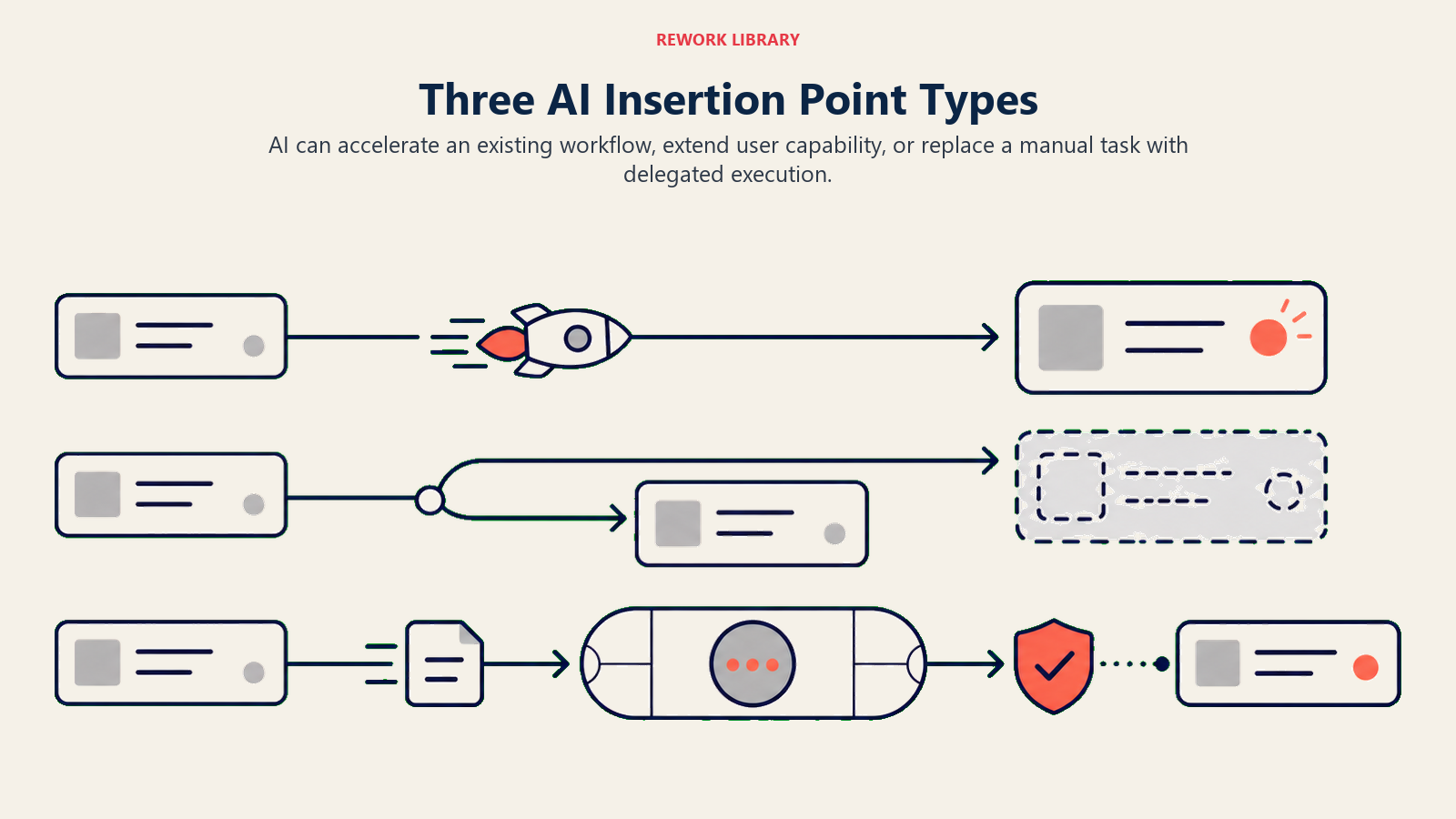
Before asking where to add AI, it helps to be clear on what kind of AI you're adding. There are three distinct types, and they have completely different adoption dynamics.
Workflow acceleration means AI helps users do their existing job faster. The user is still doing the same thing they were doing before. AI reduces the friction, the time, or the cognitive load. GitHub Copilot is the canonical example. Software engineers write code. Copilot helps them write it faster by completing lines, generating functions, and suggesting tests. The workflow is unchanged. The job is unchanged. The AI is just faster assistance. This is the Workflow Copilot Pattern in action.
Workflow extension means AI adds capabilities the user didn't have before. They weren't able to do this task without AI. It's not faster; it's new. Stripe Sigma's natural language query feature is a good example. Many Stripe users can't write SQL. Sigma lets them ask data questions in plain English and get answers. They couldn't do this before. The AI extended their capability set.
Workflow replacement means AI does the task for the user. This is the most ambitious and the hardest to get right. The user's job changes. AI isn't assisting them, it's executing on their behalf. The risks are highest here (because the AI can do things wrong at scale), but so is the value when it works.
Key Facts: AI Feature Adoption in SaaS Products
- At least 50% of generative AI projects are abandoned after proof of concept due to poor data quality, unclear business value, or inadequate product insertion points (Gartner, 2025)
- Fewer than 5% of enterprise applications have embedded task-specific AI agents today; by end of 2026 that number is projected to reach 40% (Deloitte/IDC, 2026)
- For every $1 spent on model development, $3 is needed in change management to make adoption stick, indicating insertion point and habit formation as the dominant cost driver, not technical build (McKinsey, 2025)
The 4-Placement Model
The 4-Placement Model maps every in-product AI feature to one of four positions based on its relationship to the user's primary workflow. Augment places AI alongside the existing workflow: the user can consult it but is not prompted to. Tab places AI in a dedicated section or panel: users navigate to it intentionally. Inline embeds AI directly in the action surface where the work happens: suggestions appear as the user works. As-Product makes AI the primary interface: the user's primary interaction is with the AI, not a traditional UI. The model determines onboarding strategy, adoption metric, and success threshold for each AI feature type. Inline and As-Product positions generate the fastest habit formation. Augment and Tab positions generate episodic use at best.
Most discussion about AI features conflates these three types, which leads to product bets with the wrong assumptions attached. Workflow acceleration features need to be extremely low-friction to generate habit. Workflow extension features need user education before they drive adoption. Workflow replacement features require trust-building before users will delegate.
Knowing which type you're building changes everything: the onboarding design, the pricing signal, the success metrics, and the timeline for adoption.
Where AI earns its keep: the selection framework
Across the three insertion-point types, the AI features with the strongest retention share three characteristics. You can use these as a scoring filter for your own product roadmap.
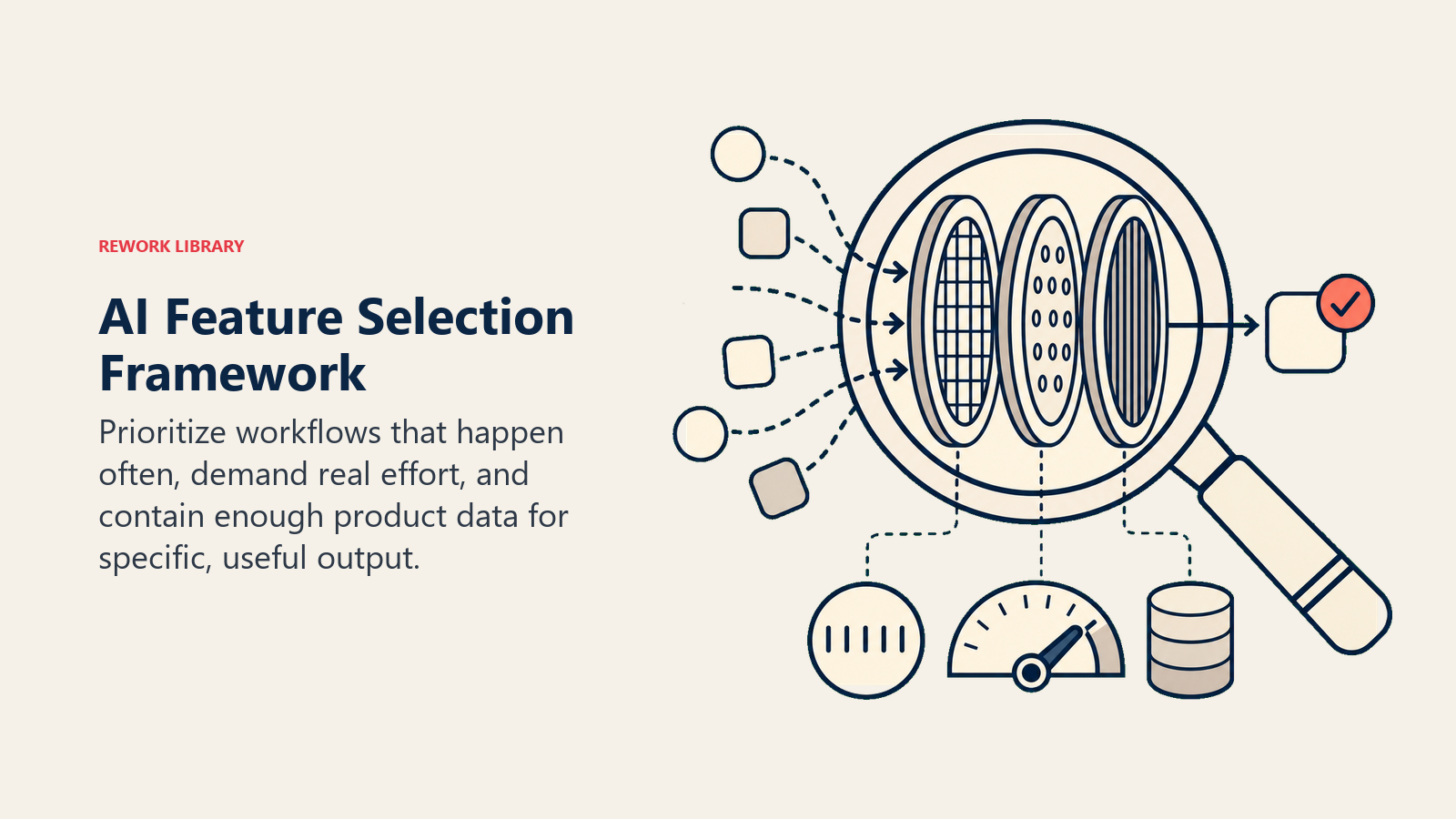
High-frequency workflows are better AI targets than low-frequency ones.
A workflow a user does daily is a much better AI candidate than one they do monthly. The reason is habit formation. An AI feature in a daily workflow gets used enough that users develop intuition about it, trust it, and build it into their flow. An AI feature in a monthly workflow gets rediscovered each time, feels unfamiliar, and gets abandoned in favor of "the old way" just to get it done.
GitHub Copilot appears inline as you type code. Code editing is something developers do all day, every day. Every keystroke is an opportunity to use the AI or skip it. The habit forms fast because the surface is always there.
Compare that to an "AI-generate quarterly report" feature. Even if it works perfectly, users encounter it four times per year. They forget it exists between uses. They don't trust it enough to rely on it when the quarterly deadline matters. Adoption never compounds.
High-effort workflows deliver more AI value than low-effort ones.
AI's value proposition is strongest when the manual alternative is painful. If a task takes 30 seconds manually, saving 20 of those seconds with AI isn't very compelling. If a task takes four hours, an AI that cuts it to 45 minutes is a genuine lever.
Notion AI landed in document editing. Writing a first draft of a document is genuinely hard and time-consuming. Having AI generate a draft you edit, rather than write from a blank page, is a meaningful time savings. Users feel it.
The "AI summary" feature on a rarely-visited settings page doesn't pass this test. The user doesn't need to summarize a settings page. There's nothing to summarize. The AI isn't solving a painful problem.
Data-rich contexts produce more useful AI than data-sparse ones.
AI features work best when they have context to work with. The more structured, recent, and relevant the data surrounding the insertion point, the more useful the AI output.
Linear's AI issue creation works because when a user is creating an issue, Linear already has access to the project context, the codebase, past issues, sprint history, and team preferences. The AI can generate a well-structured issue with relevant labels and assignees because it has signal to reason over.
A chatbot dropped into a product with no existing data about the user, no context about their workflow, and no access to their account state is working with nothing. It can only give generic responses. Generic responses are worse than a well-organized help center.
Score your AI roadmap candidates against these three filters. The features that rank high on all three are worth building first. The ones that rank low on all three are where AI features go to die. AI Copilots Embedded in SaaS UI shows what these insertion points look like in practice across real product surfaces.
Examples that work
GitHub Copilot scores three-for-three. Coding is high-frequency (daily), high-effort (writing code is cognitively demanding), and data-rich (the codebase is right there). Copilot generates completions and suggestions in the exact context where the user is working. Adoption compounds because every coding session is practice.
Notion AI in the document editor passes the same test. Writing is daily, writing from scratch is hard, and Notion knows the document you're in, the workspace you belong to, and the related pages you've created. The insertion point is the blank page, which is genuinely painful.
Linear's AI issue creation works because software teams create issues constantly. It's a high-frequency, moderate-effort task that benefits from structure. Linear's AI pre-fills fields intelligently because it knows the project context.
Figma AI's design suggestions works for teams that use Figma as their primary design environment. Designing is daily work, high-effort, and Figma already contains your brand system, component library, and design history. The AI has the context to make relevant suggestions.
Stripe Sigma's natural language queries work because data questions are high-effort for non-technical users. The value isn't speed; it's access. Users couldn't query their own transaction data before. Now they can. That's workflow extension that genuinely expands capability.
Examples that don't work
AI "summarize" buttons on rarely-visited admin pages. Nobody is visiting your billing settings page looking for a conversation partner. The insertion point has no user pain attached to it.
AI-generated reports that nobody reads. If a report was already being ignored before AI, having AI draft it doesn't make it more valuable. The problem is the report, not the writing time.
Chatbots in product corners. Dropping a chat interface into a product area where users expect to click, not converse, creates friction instead of removing it. Users find it surprising in the wrong way.
Weekly or monthly AI features marketed as productivity tools. "AI that generates your monthly invoice summary" is a real thing teams have shipped. Users think it's nice in the demo. They don't think about it for another 29 days.
The pattern in the failures is the same: they don't start with user pain. They start with "where can we add AI" and end with features that have no habit-forming surface and no meaningful problem to solve.
"The AI features with the strongest retention share three characteristics: they appear in high-frequency workflows (daily, not weekly), they reduce effort on tasks users find genuinely hard (not cosmetic convenience), and they have access to structured, recent data about the user's context. Score roadmap candidates against these three filters before committing engineering time." (Rework Analysis, 2025)
"Features that require users to navigate to a separate section, or that only appear in settings menus, are invisible to most users. Feature discovery failure is not a marketing problem. It is a product design problem. The AI feature must surface in context, at the moment it is relevant, without requiring the user to go looking for it." (Rework Analysis, 2025)
AI Feature Insertion Point Scorecard
The scorecard filters AI feature ideas through frequency, data availability, trust, and whether the feature changes activation or expansion.
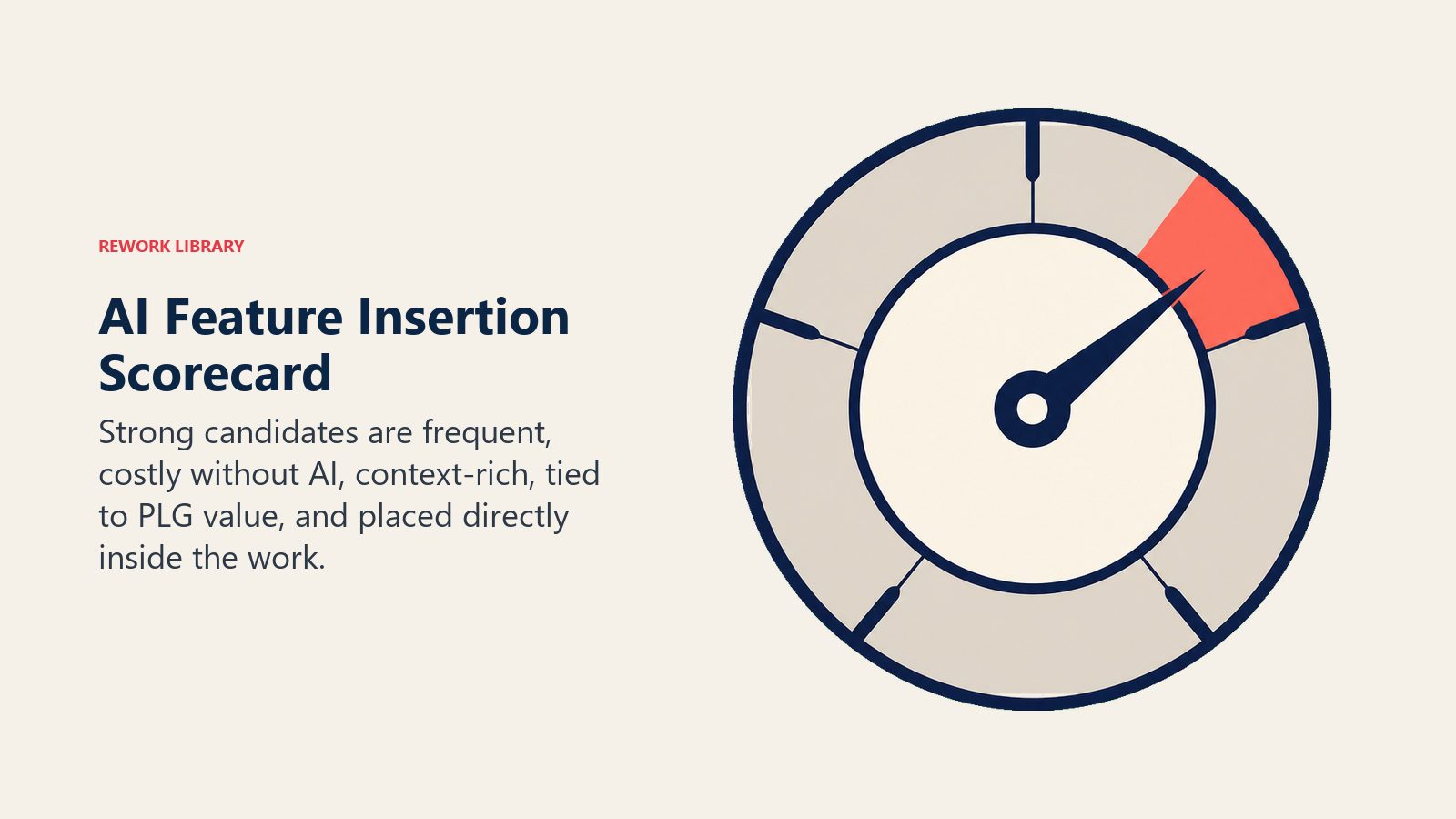
| Filter | Strong Candidate | Weak Candidate |
|---|---|---|
| Workflow frequency | Daily or multiple times daily | Weekly or monthly |
| Manual effort without AI | 30+ minutes of work | Under 5 minutes of work |
| Available data context | Rich: CRM, project history, product events | Sparse: only static user profile |
| PLG impact | Accelerates activation or drives expansion | Neither; useful to 4% of power users |
| Placement type | Inline or As-Product | Augment (standalone panel) or Tab |
Sources: McKinsey State of AI 2025, Gartner GenAI Project Failure Analysis 2025
Rework Analysis: The "AI summarize" button on a rarely-visited settings page and the inline GitHub Copilot suggestion both use the same underlying LLM technology. The difference in adoption is entirely placement and frequency. AI features that require a context switch never build the habit loop. Features that appear inline in the daily workflow become invisible in the best sense: users stop noticing the AI and start expecting the workflow to feel this fast. That's the adoption signal that predicts retention impact.
The PLG test
In PLG products, an AI feature has to move activation, usage depth, or expansion potential to deserve product surface area.
In a product-led growth (PLG) model, features have a job to do. They either help users reach value faster (activation), or they unlock a new use case that justifies expanding their seat count or tier (expansion). If a feature does neither, it's noise.
Apply this test to every AI feature candidate.
An AI onboarding assistant that detects a new user's job title and auto-configures their workspace improves activation. Users reach their first "aha moment" faster, which directly drives the conversion from free to paid. That passes the PLG test. AI Onboarding Flows in SaaS Products covers exactly how to build that onboarding personalization layer.
An AI feature that lets users query their historical data across multiple team workspaces drives expansion. Individual users who discover they can do this will start talking to their manager about upgrading. That passes too.
An AI feature that auto-tags records in a setting only power users access, roughly four percent of your user base, doesn't. It might be genuinely useful for those four percent, but it doesn't move activation or expansion at the product level. It's a configuration, not a growth lever.
PLG companies that are adding AI features strategically ask "which step in our funnel does this accelerate?" before they ask "is this technically feasible?" The two questions together give you a roadmap that actually ships things customers use.
Shipping AI to customers vs. using AI internally
There's a distinction product teams sometimes miss when they're under pressure to show "AI progress."
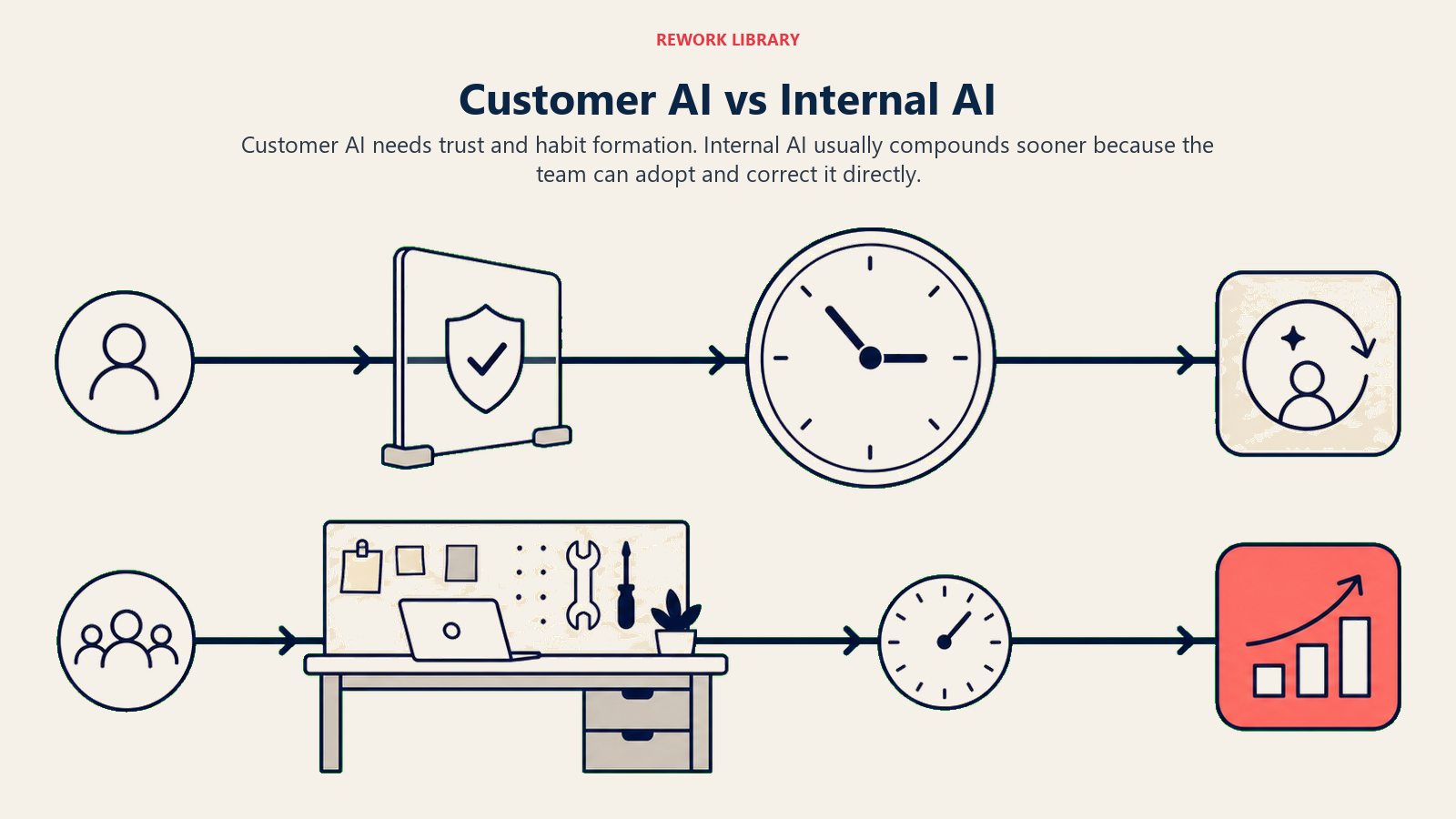
Customer-facing AI features require trust from users before they drive retention. They need onboarding, transparent communication about what the AI does, mechanisms for users to correct wrong outputs, and time to form habits. That's a six-to-twelve month investment to realize meaningful adoption numbers.
Internal AI operations, using AI in your sales, support, CS, and marketing workflows, compounds faster. Your team is motivated to make it work. There's no user trust-building required. And internal efficiency creates economic headroom that lets you invest more in the product.
For many SaaS companies, especially those below $10M annual recurring revenue (ARR), the highest-ROI AI investment in 2026 is internal operations, not product features. That's not a reason to abandon the product AI roadmap. It's a reason to be honest about the timeline and invest in both tracks deliberately. McKinsey's State of AI research found that 46% of companies are now capturing financial impact from AI at scale, up from 33% the prior year, but organizations report that for every $1 spent on model development, $3 is needed in change management to make adoption stick.
The arms-race trap
Competitors ship AI features. Your customers notice. Your team sees the press coverage. The pressure is real.
But shipping AI features to match a competitor's announcement is one of the fastest ways to ship features nobody uses. The competitor's AI feature might have near-zero adoption too. Their product blog said "we shipped AI." It didn't say "users love it and it's driving retention."
The teams that win the AI arms race in the medium term aren't the ones who shipped first. They're the ones who shipped at the right insertion points, the high-frequency, high-effort, data-rich spots where AI becomes a habit, not a footnote in the changelog. The AI arms race in SaaS: speed to ship examines why shipping velocity without insertion-point discipline creates adoption debt.
The signal to watch in your own user data is session frequency and feature stickiness for new AI features in the first 90 days. If AI feature adoption isn't compounding (more sessions over time, not flat), the insertion point was probably wrong.
Validation before you build
The research question that finds good AI insertion points isn't "Would you use an AI feature?" It's "What do you do manually today that takes more than 30 minutes and that you have to do more than once a week?"
Job-to-be-done interviews with that question surface the exact workflows where users feel the most friction. Those are your AI candidates.
The follow-up is: "What information do you already have available when you do that task?" Because AI needs context to be useful. If the answer to the first question is a data-rich workflow, you're looking at a strong AI candidate. If the workflow requires a lot of external context the product doesn't have, the AI will struggle.
Prototype the interaction before you build. Mock it in Figma. Run through it with five users. Watch whether they find it obvious to use or whether they hesitate. The hesitation is the data.
What to build first
AI features drive retention when they're built where the user's work is hardest, most frequent, and most data-rich. That's not a product-category observation. It's a filter you can apply to your specific product and your specific users.
The strongest AI product strategies in SaaS don't start with "what AI features should we build." They start with the user workflow map, identify the spots where friction is highest and frequency is highest, and then ask "what's the smallest AI intervention that would meaningfully reduce this friction." McKinsey's analysis of AI-enabled software product development points to embedding AI directly into the core work cycle, not bolting it on as an optional add-on, as the model that drives actual product differentiation.
That's the insertion point.
Frequently Asked Questions
What is the most common reason AI features in SaaS products have low adoption?
Wrong insertion point. Most low-adoption AI features appear in low-frequency workflows (weekly or monthly) or require a context switch to access. AI suggestions in daily, inline contexts build habits. AI tools in separate panels or sections get rediscovered occasionally and abandoned. At least 50% of generative AI projects are abandoned after proof of concept, and insertion point mismatch is the most commonly cited product reason (Gartner, 2025).
What are the three filters for identifying good AI insertion points?
High workflow frequency (daily, not weekly), high manual effort (the task takes 30 or more minutes to do without AI), and data-rich context (the product has structured, recent, relevant data to ground the AI's suggestions). Features that score high on all three become habits. Features that score low on all three are where AI features go to die.
What is the 4-Placement Model for AI features?
A framework that maps every in-product AI feature to one of four positions. Augment: AI is available but not prompted. Tab: AI is in a dedicated section the user navigates to. Inline: AI appears in the primary work surface without the user asking. As-Product: AI is the primary interface. Inline and As-Product generate the fastest habit formation and highest retention impact. Augment and Tab generate episodic use.
How does AI feature placement affect PLG metrics?
In a product-led growth model, features must either accelerate activation or unlock expansion. AI features at the wrong insertion point affect neither. An AI onboarding assistant that reduces time-to-first-value milestone accelerates activation. An AI feature that unlocks data queries across team workspaces drives expansion. An AI feature that auto-tags records in a power-user-only setting affects neither.
Is it better to ship customer-facing AI features or internal AI operations first?
For most SaaS companies below $10M ARR, internal AI operations (sales, support, CS, marketing) compound faster. Your team is motivated to make it work, there is no user trust-building required, and internal efficiency creates economic headroom for product investment. Customer-facing AI features require 6-12 months to realize meaningful adoption from user trust-building and habit formation. Invest in both tracks, but be honest about the timeline difference.
What research question finds the best AI insertion points?
The job-to-be-done question: "What do you do manually today that takes more than 30 minutes and you have to do more than once a week?" Follow-up: "What information do you already have available when you do that task?" The first question surfaces high-effort, high-frequency workflows. The second question surfaces whether the data context is rich enough for AI to generate useful suggestions.
Learn More:
- Workflow Copilot Pattern: the ACE pattern that powers AI workflow acceleration
- Personalization Engine Pattern: the pattern behind AI that adapts to individual users over time
- AI Onboarding Flows in SaaS Products: building AI-powered onboarding for better activation
- AI Copilots Embedded in SaaS Product UI: what good AI insertion points look like in product UI
- The AI Pricing Model Question for SaaS: how AI insertion points influence pricing strategy
- Telemetry Loops for In-Product AI: measuring whether AI features are actually being used

Co-Founder, Rework.com
On this page
- Three types of AI insertion points
- The 4-Placement Model
- Where AI earns its keep: the selection framework
- Examples that work
- Examples that don't work
- AI Feature Insertion Point Scorecard
- The PLG test
- Shipping AI to customers vs. using AI internally
- The arms-race trap
- Validation before you build
- What to build first