
Turn this article into takeaways for your work.


Each assistant summarizes the article only for you and suggests best practices for your work.
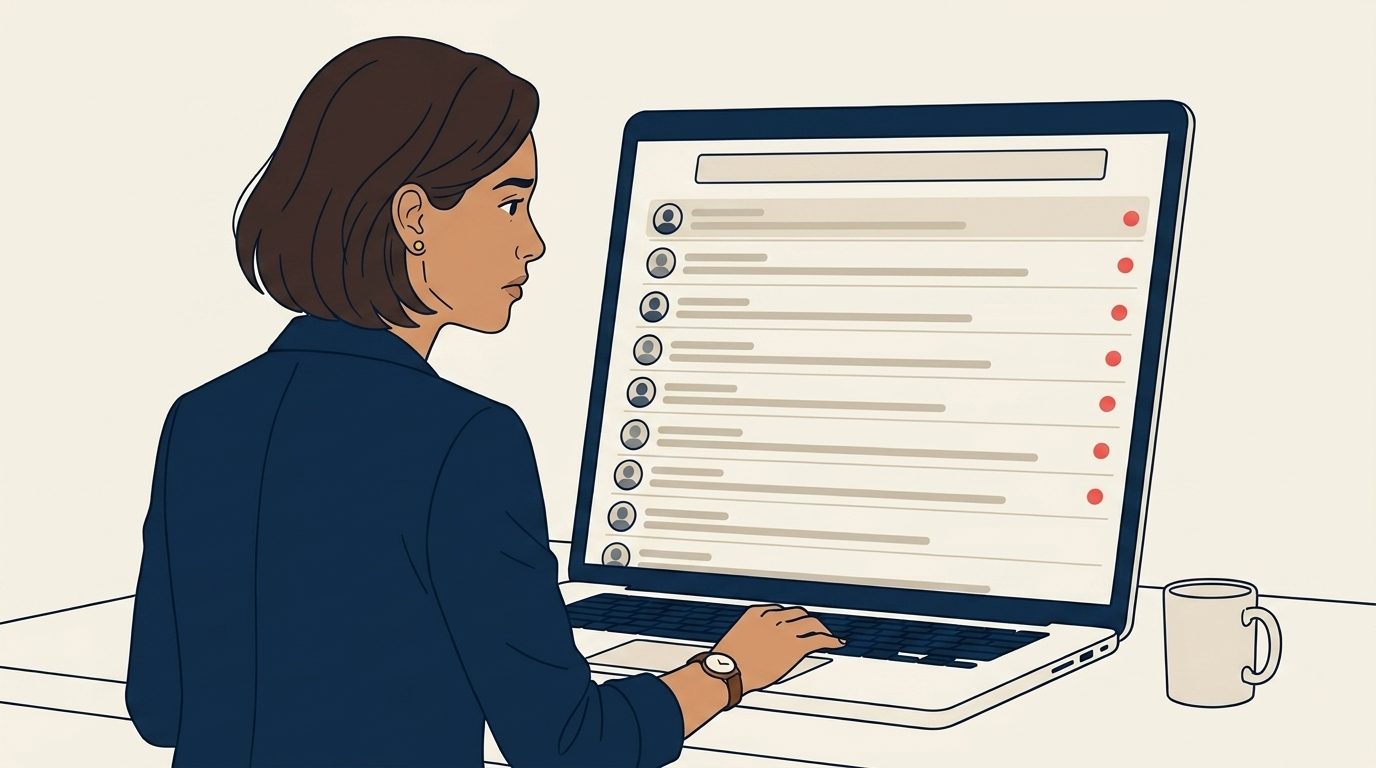
Cuando Maya tenía cinco agentes, los DM de Instagram dejaron de ser un canal confiable. Dos agentes respondieron al mismo prospecto con minutos de diferencia. Un lead cambió a una cuenta de DM personal y la cuenta de la agencia no tenía registro de la conversación. Ahí fue cuando supo que el stack que la había llevado a cinco agentes no la llevaría a diez.
Por Qué los DM de Instagram Fallan con Cinco Agentes
El sistema de DM de Instagram fue diseñado para individuos, no para equipos. Con un solo agente, los vacíos son soluciones improvisadas que se manejan a punta de pura comunicación. Con cinco, se convierten en fallas reales: dos respuestas al mismo lead, un chat que desaparece cuando un agente cambia a su cuenta personal, tiempos de respuesta que oscilan entre 10 minutos el lunes y 20 horas el domingo. Nada de esto se resuelve trabajando más duro. Se resuelve añadiendo canales diseñados para equipos y enrutando todo a través de un solo sistema.
Canal Uno: Perfil de Negocio de Google
La agencia de Maya tenía un Perfil de Negocio de Google que había olvidado. Cuando lo abrió por primera vez en 18 meses, la función de "mensajería" estaba desactivada. La activó, fijó un objetivo de respuesta de 24 horas, subió veinte fotos reales y, en dos semanas, ya recibía tres consultas locales calificadas por semana. Estos prospectos ya estaban en modo de compra, lo que los hacía más receptivos que cualquier soñador de Instagram.

Canal Dos: Un Formulario Web de Verdad
Su antiguo formulario del sitio web capturaba nombre, correo electrónico y un mensaje de texto libre. Era casi inútil. Cada envío requería cuatro intercambios de mensajes para obtener lo básico. Maya lo rediseñó alrededor de siete campos que daban a sus agentes suficiente contexto para responder con inteligencia desde el primer mensaje: nombre, correo electrónico, WhatsApp, tipo de viaje, fechas aproximadas, número de viajeros, rango de presupuesto y un breve "cuéntame sobre tu viaje soñado". Siete campos parece mucho, pero menos envíos que llegan precalificados superan a más envíos que desperdician el tiempo del agente.

Canal Tres: WhatsApp Business API
Con cinco agentes, la app gratuita de WhatsApp Business dejó de funcionar. Varios agentes no podían compartir un solo número, los chats vivían en teléfonos individuales y, cuando alguien se iba, sus chats se iban con él. La API de pago ($50-200/mes para una agencia pequeña) enrutaba cada conversación de WhatsApp de la agencia a través de una bandeja compartida que el CRM podía leer y escribir. Maya estaba generando más de 30 reservas al mes originadas en WhatsApp, así que la API se pagó sola en el primer mes.

Canal Cuatro: Mantener Instagram, Pero Enrutarlo
Instagram se quedó en el stack porque seguía generando descubrimiento. Lo que cambió fue que cada DM de Instagram se enrutaba al CRM como un contacto nuevo, etiquetado "Instagram", vinculado al registro de la conversación. La regla de reclamar antes de responder resolvió el problema de las respuestas duplicadas. Cuando llegaba un DM, un agente tenía que reclamarlo con un clic antes de poder responder. Si no lo reclamabas, no respondías. En 30 días, la disciplina se volvió algo natural.

Para Qué Sirve Cada Canal
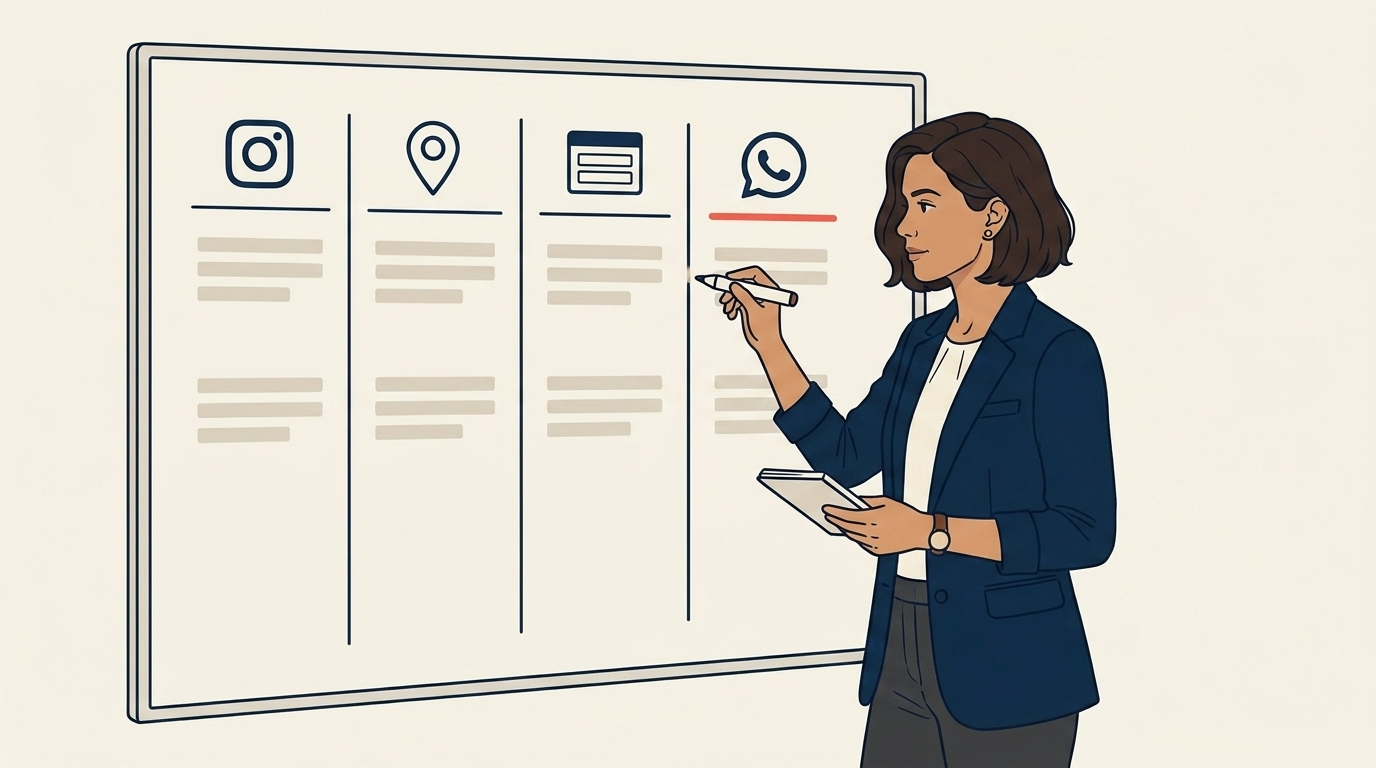
Con los cuatro canales fluyendo hacia el CRM, Maya finalmente pudo ver qué hacía realmente cada canal. Instagram traía soñadores que navegaban durante semanas antes de escribir, con una conversión de alrededor del 5-8%. El Perfil de Negocio de Google traía buscadores locales en modo de compra, cerca del 20%. El formulario web traía leads calificados con contexto de viaje, en los altos veintes. WhatsApp tenía la conversión más alta porque la mayoría de esos prospectos ya eran referidos o consultas recurrentes. Cada canal tenía su propio SLA porque cada uno tenía su propia urgencia.
Cómo Fijar SLA que No Agoten a los Agentes
Su primer borrador fue agresivo: un SLA de 15 minutos en todos los canales. Su agente senior le dijo con honestidad que el equipo podría cumplirlo durante una semana, y luego todos empezarían a hacer trampa. Maya lo revisó a ventanas específicas por canal. 30 minutos para WhatsApp, una hora para el formulario web, dos horas para Google e Instagram entre semana. Publicó los SLA en el dashboard del CRM y los revisaba semanalmente. A los agentes que incumplían el patrón se les orientaba, no se les sancionaba, y los fallos casi siempre eran por carga de trabajo, no por falta de esfuerzo.

Cuándo Migrar
El disparador de Maya no fue ni los ingresos ni el número de agentes. Fue una oportunidad perdida. Un retiro corporativo de $60K llegó en un fin de semana, nadie lo vio durante 30 horas, el prospecto reservó en otro lugar. El lunes siguiente bloqueó dos semanas en su calendario. La semana uno fue mensajería del Perfil de Google, el formulario web y la capacitación del CRM. La semana dos fue el enrutamiento de Instagram y la API de WhatsApp Business. Una vez en marcha, la agencia pudo dar soporte a 8-10 agentes sin que el sistema de captación de leads fuera el cuello de botella. El siguiente cuello de botella fue la distribución de leads.

Para Seguir Leyendo
- El stack de captación de leads del agente solitario. De dónde parte este playbook.
- Cómo dividir leads de forma justa entre 3-5 agentes. El siguiente desafío natural una vez que los canales están en orden.
- Gestión de consultas de viaje. Un análisis más profundo sobre el triaje y el enrutamiento a escala.
- Puntuación de leads para chats. Cómo priorizar cuando el volumen supera la capacidad.

Growth Partner
On this page
- Por Qué los DM de Instagram Fallan con Cinco Agentes
- Canal Uno: Perfil de Negocio de Google
- Canal Dos: Un Formulario Web de Verdad
- Canal Tres: WhatsApp Business API
- Canal Cuatro: Mantener Instagram, Pero Enrutarlo
- Para Qué Sirve Cada Canal
- Cómo Fijar SLA que No Agoten a los Agentes
- Cuándo Migrar
- Para Seguir Leyendo