Async Communication Best Practices: How High-Performing Teams Work Without Constant Meetings
Turn this article into takeaways for your work.


Each assistant summarizes the article only for you and suggests best practices for your work.
Most professionals spend 40-60% of their workday in meetings or responding to messages. When you account for context-switching costs, the actual productive work that gets done in a standard eight-hour day is often four hours or less.
Async communication is the answer. But not the "async" that's just a Slack channel renamed "general" or email threads that somehow spawn three follow-up calls. Real async communication is a set of deliberate practices that let people do focused work, respond on their own schedule, and eliminate the coordination overhead that makes knowledge work so exhausting.
This isn't about eliminating real-time communication entirely. Some conversations need synchronous exchange. But most don't. And the teams that figure out which is which, and build real practices around async, get their best work done in less total time.
Why Async Communication Fails (And What That Tells You)
Teams that try async and conclude "it doesn't work for us" usually hit one of a few specific failure modes. Understanding them is the fastest path to getting async right.
No norms around response time. If no one knows how quickly they're supposed to respond to a message, everyone assumes urgency and monitors inboxes constantly. The anxiety of not knowing whether you've missed something important defeats the whole purpose. Without explicit response time norms, async just means "slower Slack with more guilt."
Messages that require real-time back-and-forth. Async works when messages are self-contained: the reader can understand the context, act on it, and respond without needing three follow-up clarifications. But most workplace communication isn't written that way. It's written as if it's the start of a conversation, not a standalone communication. This forces synchronous exchange to make up the gap.
No shared documentation. Async communication produces decisions and information that need to be findable later. Without a documentation culture, decisions made in Slack threads or email chains disappear. People either re-litigate settled questions constantly (because no one can find where the decision was documented) or keep having recurring meetings to recap context that should have been written down.
Everything is the same priority. When all channels carry the same weight (any message in Slack might be urgent, might be informational, might be a question that needs a response in five minutes or five days), people can't allocate attention intelligently. They read everything as potentially urgent, which means reading everything immediately, which means never doing focused work.
Leadership doesn't model async behavior. If leadership sends messages at 11pm, calls meetings for things that could have been emails, and expects immediate responses, no team norm will override that signal. Async culture is set from the top. Leadership behavior is the primary input into how teams actually communicate.
The Five Core Practices
These practices, applied consistently, turn async communication from an experiment into a system.
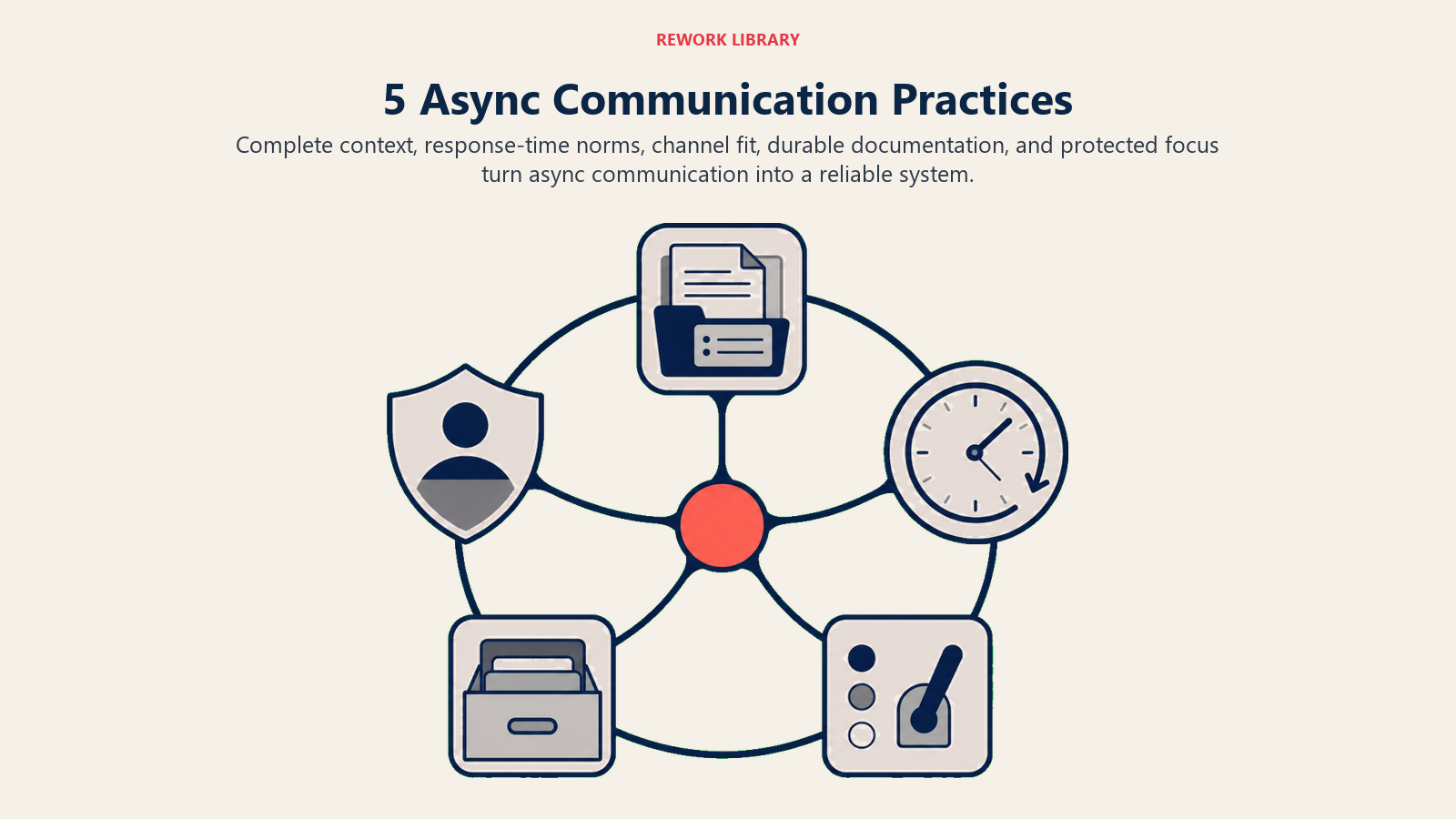
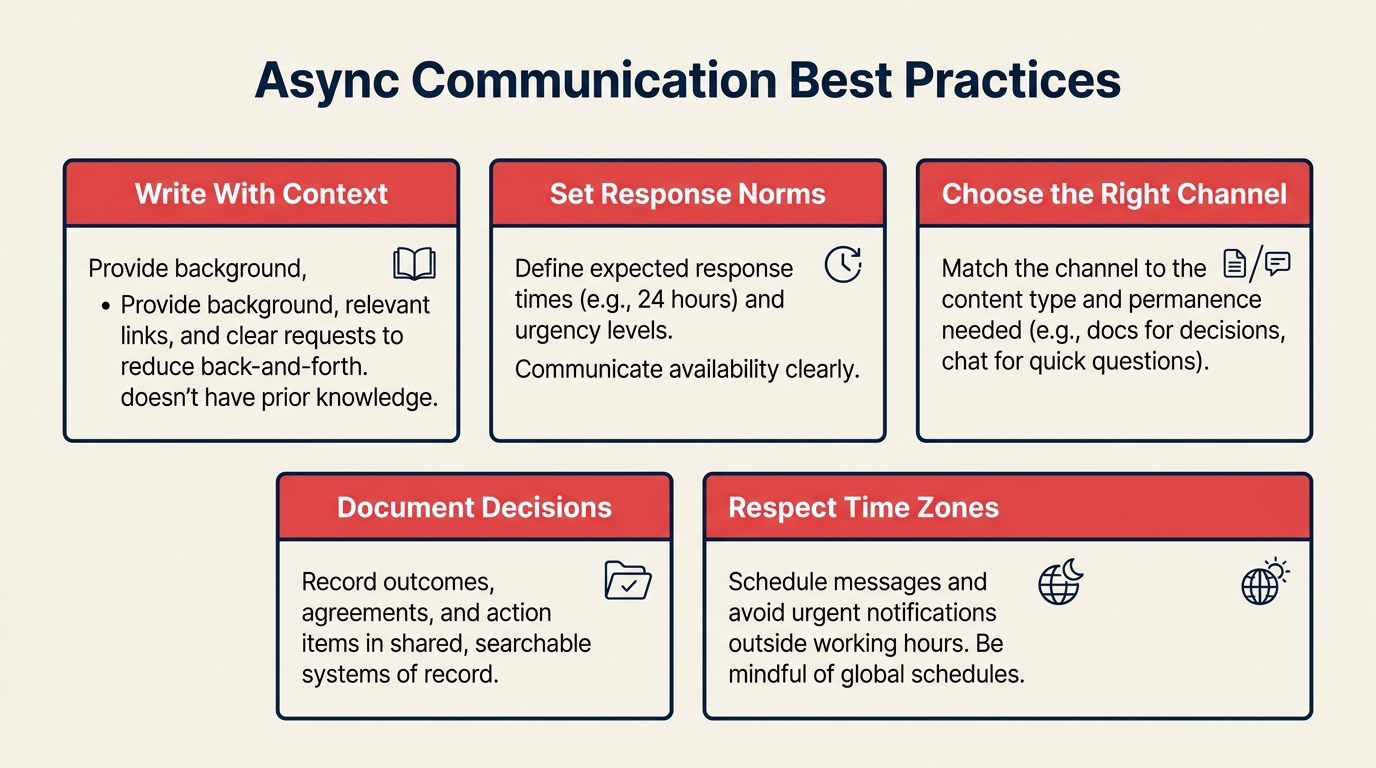
1. Write With Enough Context to Stand Alone
The most important async skill is writing messages that don't require follow-up to act on. This is harder than it sounds, because people naturally write from their own context without realizing how much context the reader lacks.
Before sending any message, ask: if I handed this to someone who hadn't been in any of my conversations for the past week, could they understand what I'm asking and respond appropriately?
For a decision request, include: the background (one or two sentences on why this is being decided now), the options being considered, your recommendation if you have one, what you need from the reader (a decision, feedback, an action), and the deadline or time horizon.
For a status update, include: what's been done, what's in progress, what's blocked and what would unblock it, and what needs attention.
For a question, include: the context for why you're asking, what you've already tried or considered, and how urgent the answer is.
This takes more time to write than "quick question on the project?" But it saves far more time on the receiving end and eliminates the ping-pong cycle that converts async into slow sync.
2. Set Explicit Response Time Norms
Response time expectations need to be explicit, written down, and shared with everyone who communicates with your team. Implicit norms produce anxiety. Explicit norms produce freedom.
A simple, practical framework:
- Urgent (production down, critical customer issue): Response within 1 hour. Use phone or direct call for these, not message channels.
- Same-day: Response within the sender's same business day. Use for time-sensitive but not urgent requests.
- Next business day: The default for most communication. Use for anything that doesn't need to move today.
- End of week: For anything that contributes to weekly planning but isn't blocking anyone's current work.
Two rules make this work. First, distinguish between when you need to read a message and when you need to respond. Many messages need to be acknowledged quickly but don't need a full response for hours. A quick "got it, will come back to this by tomorrow" buys the sender certainty without requiring the full response immediately.
Second, if you need something urgently, say so explicitly: "Need your input by 3pm today because we're presenting to the client at 4." Urgency that isn't stated isn't real urgency.
3. Match Channel to Message Type
Different communication channels are suited for different kinds of messages. Mixing them up creates noise and buried information.
A practical channel map for most teams:
- Real-time chat (Slack, Teams): Quick coordination, informal questions, time-sensitive status updates. Not for decisions, approvals, or anything that needs to be findable in three months.
- Email: Formal requests requiring documented response, external stakeholder communication, anything that needs a clear record.
- Project management tools: Task assignments, project status, action items, anything tied to specific work output.
- Documentation (Notion, Confluence, wiki): Decisions, processes, context, anything that needs to persist and be found later.
- Video (async video tools like Loom): Walkthroughs, demos, feedback on work-in-progress. Much faster to record than write when context is complex and visual.
The problem isn't usually using the wrong tool. It's using Slack for everything, turning it into a firehose that contains both "lunch order" and "critical architectural decision" with no way to tell which is which.
4. Document Decisions Where People Can Find Them
The half-life of information shared in a chat message is about 24 hours before it's scrolled out of practical reach. Information shared in a meeting without notes is gone within a week. Documentation isn't bureaucracy. It's memory.
Every meaningful decision should be documented with: what was decided, why, who made it, what alternatives were considered, and any conditions that would cause the decision to be revisited. This doesn't need to be long. Three sentences often suffice.
Every recurring question is documentation debt. When you answer the same question for the third time, that's a signal to document the answer so that question answers itself next time. Over time, a good documentation culture reduces the volume of async communication because people can find answers without asking.
The critical discipline is deciding where documentation lives before you need it. A documentation system people can't navigate is worse than no system, because it creates the illusion of organizational memory without the substance. Keep it simple, keep it consistent, and make sure your team actually knows where to find things.
5. Protect Focus Time Explicitly
Async communication is only valuable if it creates space for focused work. If every channel still generates notifications that interrupt work every few minutes, async has reduced meeting overhead but hasn't created the deep focus time that produces high-quality output.
This requires explicit norms around notification management, not suggestions:
Notification off periods are the default, not the exception. Focused work requires 90-120 minutes of uninterrupted time for most knowledge work. Batch checking messages twice in the morning and once in the afternoon is more productive than the constant monitoring that "always on" notification settings produce.
Status signals need to mean something. "Do Not Disturb" must actually mean do not disturb, for everything except the explicitly urgent category in your response time norms. If people routinely bypass DND for non-urgent messages, the signal becomes meaningless and attention management breaks down.
Meeting-free blocks should be calendar commitments, not suggestions. If focus time is always available to be claimed by a meeting invite, it will be. Block focus time as recurring calendar events that require your active acceptance to override. Disciplined execution requires protecting the time that matters most.
Async in Practice: Common Scenarios
Cross-timezone collaboration. Teams working across multiple time zones and remote work setups live or die by async communication quality. The temptation is to schedule "overlap hours" for real-time collaboration, but overlap hours are often the least productive time in each participant's day. Better to build an async-first workflow where the end of each person's day passes clear context forward to the start of the next person's day. One brief daily written update from each team member, capturing what was done, what's in progress, and what needs input, eliminates most overlap-hour meetings.
Complex feedback cycles. Design reviews, document reviews, and code reviews are natural candidates for async communication, but they often collapse into synchronous meetings because the feedback is too complex to write clearly. The discipline is to write structured feedback: specific comments tied to specific elements, with the nature of feedback flagged (blocker, suggestion, question, FYI). Tools that allow inline commenting on documents or videos make this dramatically easier.
Escalations. Escalations often feel urgent when they're not. Before escalating to a real-time channel, ask: what's the latest this decision can wait? If the answer is tomorrow, keep it async. Only use the urgent channel when the actual deadline is real. Overuse of urgent escalations trains people to treat all escalations as noise.
Onboarding. New hires learning how to work in an async environment is an under-rated challenge. The first weeks of onboarding involve high-frequency questions and context requests that naturally pull toward synchronous communication. Building an async-friendly onboarding system (comprehensive documentation, FAQ resources, scheduled async Q&A windows rather than constant availability) accelerates onboarding without creating dependency on senior team members being perpetually available.
Measuring Whether Async Is Working
Good async practices produce measurable improvements. Track these:
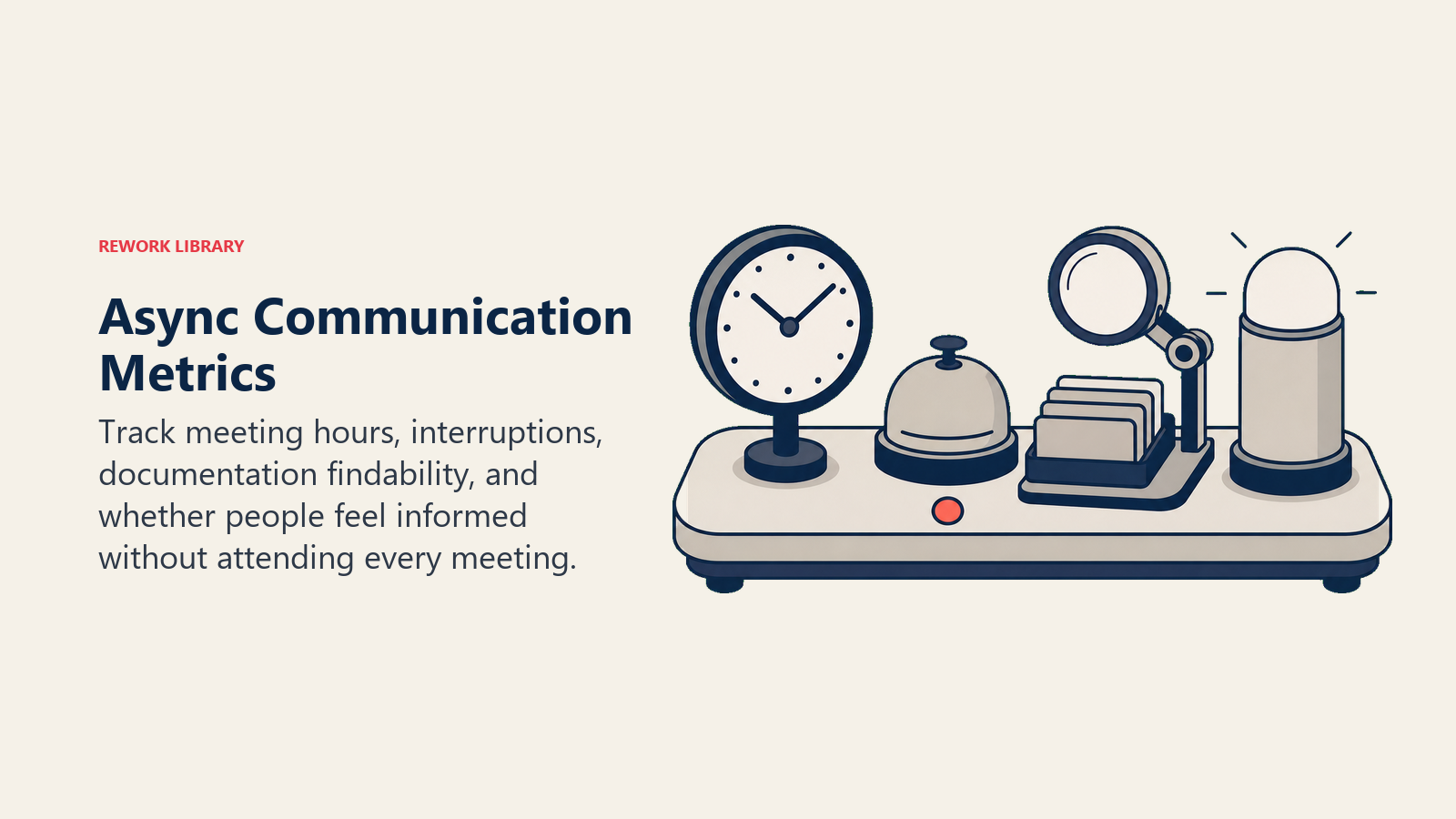
- Meeting volume: Total hours in scheduled meetings per team member per week. Healthy async teams typically run 8-12 hours of meetings per week for most roles; more than 20 hours indicates insufficient async infrastructure.
- Context-switching rate: How often are people pulled from focused work by notifications, drop-ins, or urgent messages? This is harder to measure precisely but can be estimated through periodic time-use surveys.
- Documentation findability: Can team members find a specific piece of information (a decision made three months ago, the rationale for a process choice) in under 3 minutes? If not, documentation structure needs work.
- Perceived communication quality: Do team members feel well-informed without needing to attend every meeting? Regular pulse surveys with a single question ("I feel well-informed about decisions that affect my work") track this effectively.
Frequently Asked Questions about Async Communication Best Practices
Will async communication make us feel disconnected as a team?
It can, if async replaces all synchronous interaction. But the fix isn't fewer async and more meetings. It's using sync time for genuinely connection-building activities (team retrospectives, informal social time, creative collaboration) rather than status updates and information transfers that async handles better. Many teams find that reducing sync overhead actually improves connection because the sync time that remains is more purposeful.
How do we handle people who won't follow async norms?
Almost always a leadership issue. If the team lead or manager sends urgent messages at 10pm and expects immediate replies, no team norm survives that behavior. Start with leadership alignment on what the norms are and what modeling them looks like. For individual holdouts, have a direct conversation about the cost their behavior imposes on the team.
What tools do we need to start?
None, beyond what you're probably already using. Async communication improvement is 90% practice and norms, 10% tools. Start by documenting your response time norms and sharing them with your team. That single change has more impact than any tool switch.
Does async work for creative or collaborative work?
It depends on the phase. Discovery and initial ideation often benefit from real-time collaboration. Refinement, critique, and decision-making often work better async, when participants have time to reflect rather than react. Design reviews done async with structured feedback often produce better outcomes than live critique sessions where junior team members hold back in front of senior stakeholders.

Principal Product Marketing Strategist
On this page
- Why Async Communication Fails (And What That Tells You)
- The Five Core Practices
- 1. Write With Enough Context to Stand Alone
- 2. Set Explicit Response Time Norms
- 3. Match Channel to Message Type
- 4. Document Decisions Where People Can Find Them
- 5. Protect Focus Time Explicitly
- Async in Practice: Common Scenarios
- Measuring Whether Async Is Working