Remote Work Productivity: How to Do Your Best Work Outside the Office
Turn this article into takeaways for your work.


Each assistant summarizes the article only for you and suggests best practices for your work.
The first time most people work from home full-time, they're surprised by how hard it is. Not because of distractions (though those are real). Not because of the lack of social interaction (though that matters too). But because remote work requires explicit structures that the office provided implicitly.
In an office, the environment creates structure for you. The commute signals the transition between home and work. Colleagues create social accountability for showing up and staying on task. Meeting rooms make appointments visible and concrete. Even the physical separation of home and office enforces a psychological boundary between work mode and rest mode.
Remote work strips all of that away. And most of the advice you'll find replaces it with productivity hacks and morning routine tips that address symptoms without addressing the underlying structure problem.
This guide addresses the structure problem directly.
The Four Foundations of Remote Productivity
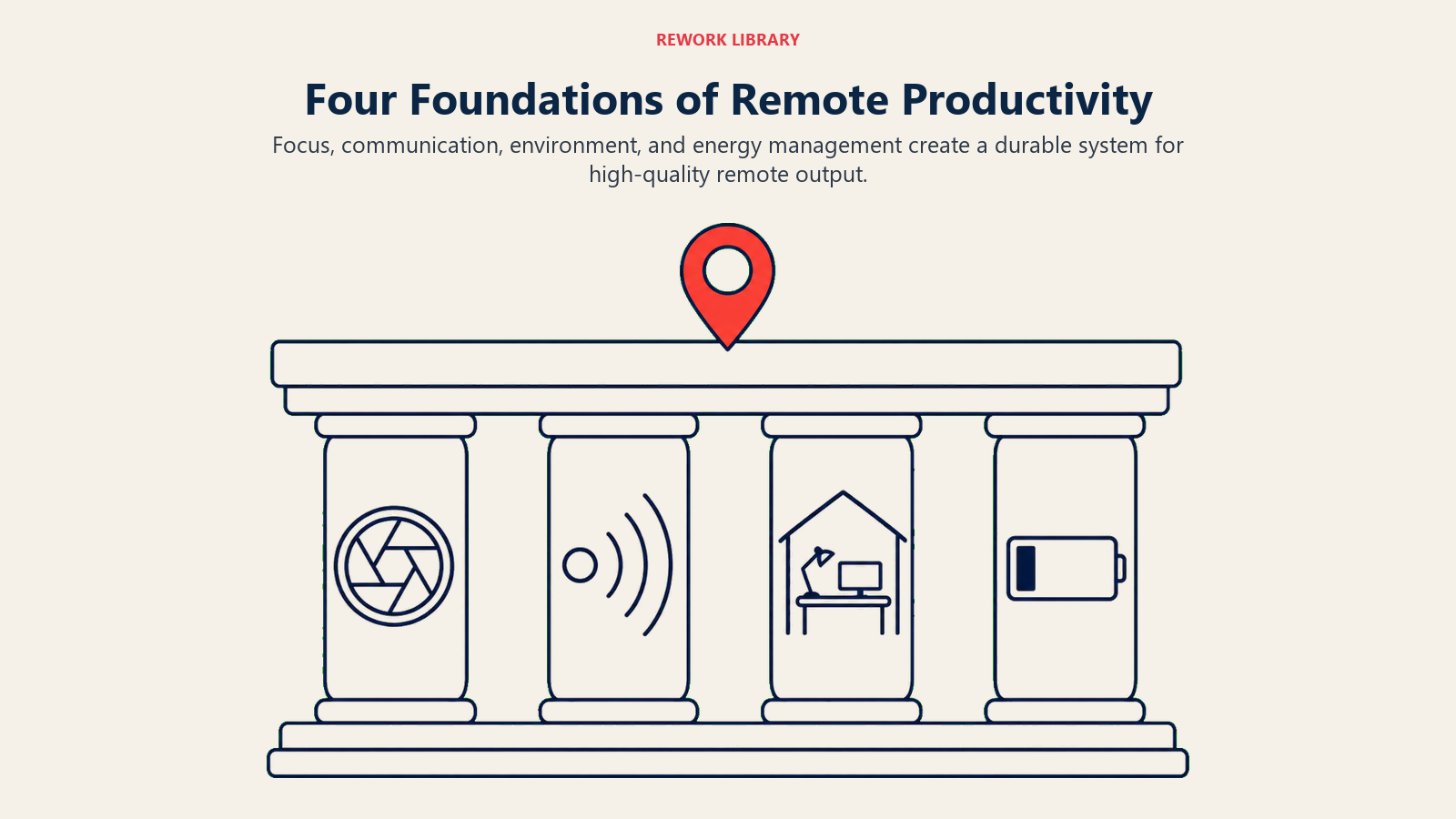
High remote productivity rests on four pillars. All four need to work. A strong setup is worthless if you can't communicate well with your team. Great communication habits don't help if your physical environment destroys your focus.
1. Physical Environment
Your workspace shapes your cognitive state more than most people realize. This doesn't mean you need a dedicated home office with a standing desk and three monitors. But it does mean that your workspace needs to support the kind of work you're doing.
Separate work from living wherever possible. A dedicated workspace, even a corner with a desk that's only used for work, helps the brain shift into work mode. When work happens in the same chair where you watch TV, your brain doesn't fully make the transition. Physical separation signals psychological separation.
Optimize for your primary work type. If most of your work involves deep focus (writing, analysis, code), optimize for silence, good lighting, and an ergonomic setup that lets you sit for extended periods without physical discomfort. If much of your work involves video calls, optimize for camera angle, background, and microphone quality. These are the technical inputs to your professional presentation.
Light matters more than most people acknowledge. Natural light from the side (not behind your monitor, not directly in front) improves both mood and alertness. Working in a dim room with blue-light screen exposure at night disrupts sleep and impairs next-day performance. This is one of those areas where the improvement is cheap relative to the impact.
Treat your workspace as a reflection of what you're trying to accomplish. A cluttered, improvised setup sends a low-commitment signal to your brain before you've typed a word. The effort of maintaining a clean, organized workspace pays for itself in the focus it supports.
2. Temporal Structure
Time in a remote environment doesn't structure itself. You have to design it. This is both the greatest freedom and the biggest challenge of remote work.
Design your day around energy, not hours. Most people have a primary energy peak (usually 2-4 hours in the morning for most, but late morning or early afternoon for night owls) when their cognitive performance is at its best. Schedule your most cognitively demanding work in that window, consistently. Use lower-energy periods for administrative tasks, easy email, and routine work.
Use time blocking rather than task lists. A task list tells you what to do. A time block tells you when to do it. Time blocking creates the structure that prevents the typical remote-work drift, where the day fills with reactive tasks and the important work keeps getting pushed. Block 90-120 minutes for focused work before the first meeting of the day. Put the block on your calendar as an actual event that others can see.
Build explicit transitions into your day. The missing commute isn't just a lost travel burden. It was a transition ritual that prepared your mind for work in the morning and decompressed it in the evening. Create substitute transitions: a short walk before starting work, a specific startup ritual (coffee made, one priority written down, calendar checked), and a shutdown ritual at the end of the day (task list reviewed, tomorrow's priority set, laptop closed). These rituals matter more than they seem to.
Set working hours and honor them. The great irony of remote work is that many people work more hours remotely than they did in the office, but accomplish less because the hours are fragmented and lower quality. Define your working hours. Don't work outside them as a matter of habit. Protect evenings and weekends as recovery time. Recovery isn't optional; it's the source of the energy that makes working hours productive.
3. Communication Rhythms
Remote work succeeds or fails based on how well teams communicate without the passive information transfer that happens naturally in shared offices. You don't overhear what your colleague just figured out. You don't see on someone's face that the project is in trouble. You can't read the room.
Replacing that passive information transfer requires active, deliberate communication design.
Daily written updates are the foundation of remote team communication. A brief daily written update (3-5 sentences: what you did yesterday, what you're doing today, any blockers) costs five minutes to write and creates enormous team visibility. It replaces the informal catch-ups that happen organically in offices and prevents the "where is this project?" anxiety that plagues remote teams.
Distinguish between communication that needs synchronous response and communication that doesn't. Most communication doesn't need a real-time reply. Async communication best practices cover this in detail, but the essential discipline is: batch your message checking, respond thoughtfully rather than reactively, and reserve real-time channels for genuinely urgent coordination. The average knowledge worker checks messages 77 times per day in reactive mode. Batching that to four deliberate checks roughly triples focused work time.
Video calls are tiring in a way that in-person meetings are not. Zoom fatigue is real and has a physiological basis: maintaining eye contact with multiple faces on a grid, the absence of natural movement cues, and the slight processing lag all require extra cognitive effort. Keep video calls shorter than in-person meetings would be. Default to audio-only when visual content isn't required. Turn off self-view on long calls. Build in five-minute buffers between calls.
Overcommunicate context. Remote colleagues lack the ambient context that co-located colleagues absorb naturally. When you're starting a new piece of work, send a brief note explaining what you're doing and why. When a plan changes, explain the change and the reasoning. When you're going to be unavailable, say so with enough notice. This isn't over-sharing. It's the communication that replaces the passive context transfer of shared office space.
4. Accountability Architecture
Accountability is hardest in remote work because the natural social accountability of physical co-presence doesn't exist. No one can see whether you're working. The manager can't walk past your desk. This is a feature, not a bug, but it does require replacing physical visibility with output visibility.
Measure outputs, not inputs. The right question about remote work performance is "what did you deliver?" not "how long were you online?" Output visibility requires clear, measurable goals. Weekly goals that are specific and verifiable (a report delivered, a call completed, a decision made) let both the remote worker and their manager assess performance without monitoring time.
Use public commitment strategically. Writing down your priority for the day and sharing it with a colleague or in a team channel creates accountability through social commitment. You're more likely to work on the priority you said you'd work on than the priority you thought about privately. This works even if no one else is tracking your follow-through.
Weekly reviews and resets. The transition from one remote work week to the next happens invisibly. Creating an explicit end-of-week review and beginning-of-week planning ritual (see set tiered goals and metrics) prevents the drift that makes remote work feel like groundhog day. Ten minutes reviewing what you accomplished, what you learned, and what you're carrying into next week prevents the loss of direction that undermines remote work over time.
Name your biggest daily priority. Most productivity frameworks emphasize productivity systems over the fundamental discipline of knowing what matters most today. Before you open your laptop, write one sentence: "The most important thing I will accomplish today is ___." One thing, not five. This forces prioritization and creates a clear accountability standard for the day.
The Remote Work Energy Management Problem
Remote work creates an energy management challenge that office work largely handles by default. In an office, social interaction provides natural energy input. Physical movement between meetings, conversations, and a visible end-of-day marker all regulate energy.
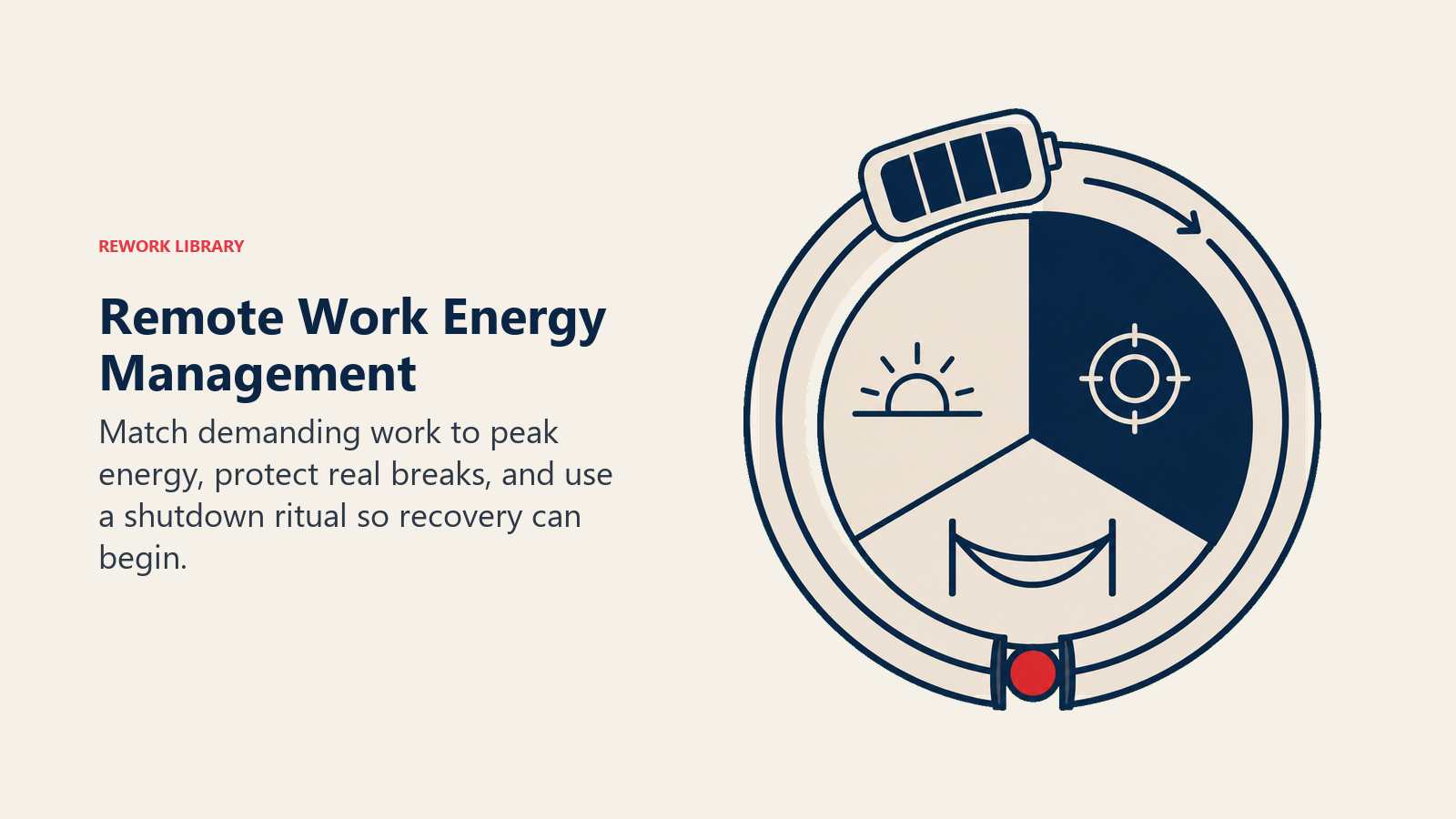
Remote work, done badly, creates low-grade continuous output without these energy inputs, until performance degrades.
Build in social contact intentionally. For extroverts especially, remote work can be genuinely draining in ways that affect performance. Scheduled social contact with colleagues (a ten-minute non-work call with a teammate, virtual coffee, team lunch on video) isn't a soft perk. It's maintenance. Introverts may need less, but everyone needs some.
Physical movement breaks improve cognitive performance. The research is clear: 10-20 minutes of physical movement improves focus, creativity, and decision quality for the following 1-2 hours. A walk at midday isn't a productivity sacrifice. It's a cognitive investment. Remote workers who build movement into their day consistently outperform those who sit for nine hours.
The end-of-day ritual is the most underrated remote productivity practice. Work that bleeds into evening creates a cognitive state where you're neither working nor resting. The brain stays in a low-level alert mode that impairs recovery. A deliberate end-of-day ritual that signals the day is over (a short shutdown checklist, closing applications, a brief walk) is the single most effective practice for improving the quality of rest and, by extension, next-day performance.
When Remote Work Doesn't Work (And What to Do)
Some failure modes are common enough to address directly.
Chronic overwork. If you're regularly working 10+ hour days remotely, the problem is usually boundary failure (work is always accessible so it's never really off) or goal ambiguity (unclear what "done" means, so you keep working). Fix the boundary with a hard shutdown time and a device policy. Fix the ambiguity with clearer daily and weekly goals.
Isolation-driven disengagement. Remote work can erode the sense of connection to team and organizational purpose that motivates performance. If remote work feels like working alone rather than working with a team that happens to be remote, the fix is relational investment: more intentional one-to-ones with colleagues, participation in team channels that aren't purely transactional, visible celebration of team progress.
The async miscommunication spiral. When a message is misread, a tone is misjudged, or context is missing, the natural fix in person is to walk over and clarify. Remote, the default is another message, which can compound the misread. The rule: anything that has generated more than two rounds of clarifying messages should be resolved with a five-minute call.
Productive-feeling but low-output days. Remote work is susceptible to what might be called productive-feeling busyness: responding to messages, attending meetings, handling small requests, feeling busy all day but accomplishing little of consequence. The measurement is the priority list. If your one most important task for the day didn't get done, the day was less productive than it felt, regardless of how many smaller things were checked off.
Frequently Asked Questions about Remote Work Productivity
Is remote work actually more productive than in-office work?
It depends on the person, the role, and the remote work quality. Research on remote work productivity is mixed because it averages over huge variation in how remote work is actually practiced. People with high remote work structure and skills are significantly more productive than they were in the office. People with low structure often perform worse. The practices in this guide are the difference between the two groups.
How do I manage remote work with kids at home?
Split schedules and clear expectations on both sides. Work hours need to be protected time even if they're non-standard. Kids old enough to understand need to know when you're working and when you're available. For younger children, dedicated care during working hours is the only reliable solution. Trying to integrate childcare and deep-focus work simultaneously is a recipe for performing neither well.
How do managers maintain visibility into remote team performance without micromanaging?
Shift from time-based visibility to output-based visibility. Weekly written status updates from each team member, clear weekly goals that can be assessed objectively, and regular one-to-one conversations focused on progress and blockers give managers the information they need without surveillance. Micromanagement signals low trust. Clear output expectations signal performance standards. Both tell your team what you actually value.
Does fully remote work long-term create career risk?
Potentially, if proximity bias is strong in your organization. The mitigation is visibility through output: consistently delivering excellent work, communicating about what you're doing and why it matters, and investing in relationships with key stakeholders. People who produce excellent visible results while remote rarely suffer the career costs that research attributes to low-visibility remote work.
