Wappalyzer vs BuiltWith (2026): Metered Credits vs Flat Plans, Accuracy, History and Compliance
Turn this article into takeaways for your work.


Each assistant summarizes the article only for you and suggests best practices for your work.
Two kinds of people search for "wappalyzer vs builtwith", and they rarely want the same thing. One is a developer, agency owner or marketer who opens a competitor's site and asks, "What is this built on?" The other is a sales or RevOps lead who asks, "Give me every company running Shopify, plus someone to email." Both tools answer both questions. But they price the second question very differently, they keep very different amounts of history, and they handle contact data under different terms.
So this comparison is split by reader. If you only look up one site at a time, you'll likely pay nothing and the choice is about convenience and depth. If you build lists, the choice is about a metered credit model against a flat monthly fee, and about what you're allowed to do with the contacts that come attached. Every price below is the vendor's own figure with its billing term attached. Where a vendor prints only monthly prices, we say so rather than guessing at an annual number.
This page is the head-to-head. For wider roundups, see the best Wappalyzer alternatives, the best BuiltWith alternatives, and the best website technology checkers for free lookups.
Key Facts
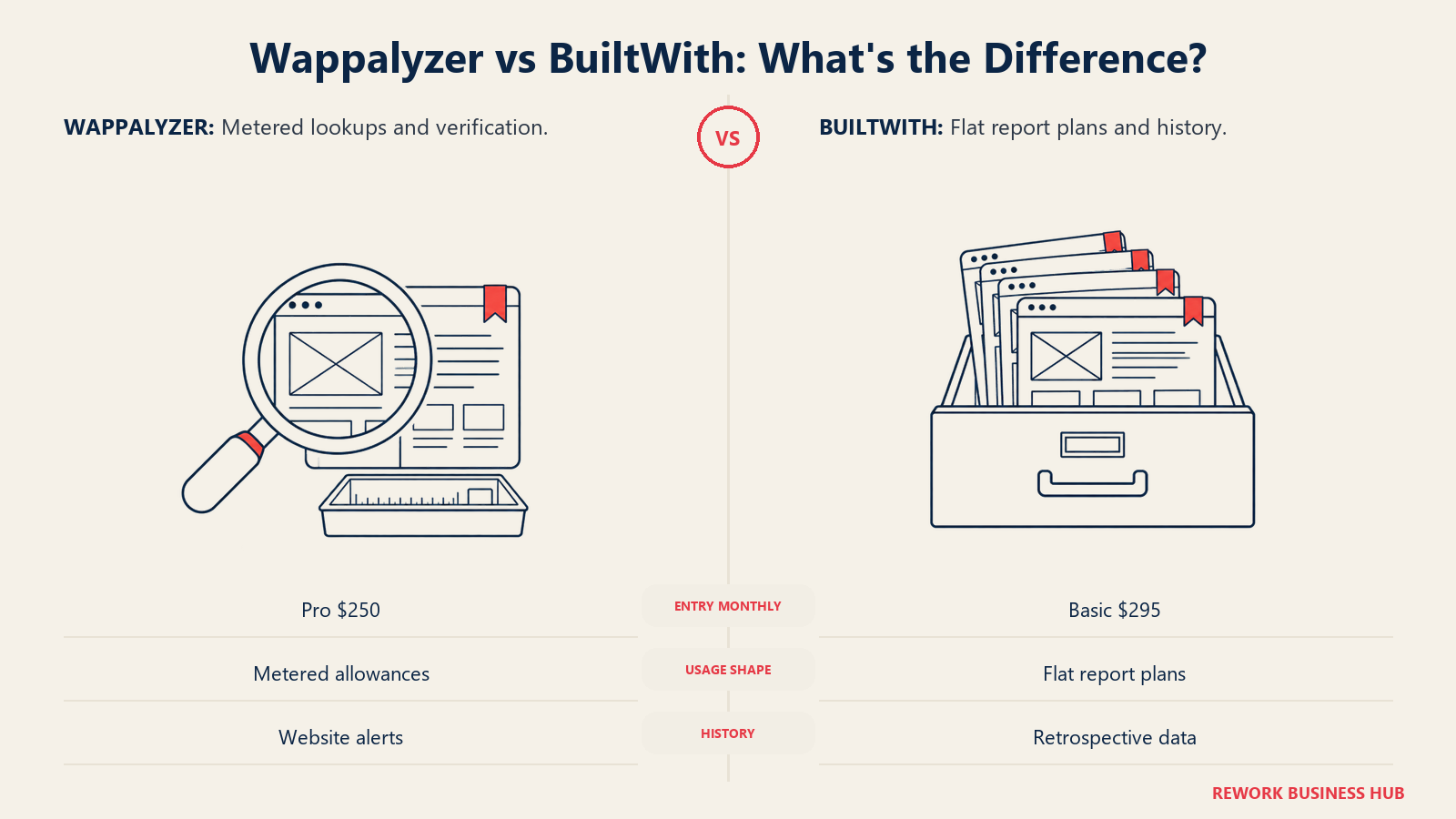
- Pricing shape: Wappalyzer sells metered plans, shown monthly: Pro $250, Business $450 and Enterprise from $850 a month, per its pricing page. BuiltWith sells flat plans: Basic $295, Pro $495 and Team $995 a month, per its plans page.
- Annual billing: Wappalyzer says annual billing saves 17% but prints no annual prices. BuiltWith's yearly figures are $2,950, $4,950 and $9,950 for Basic, Pro and Team.
- Free side: Wappalyzer's free account gives 50 technology lookups and 50 email verifications a month. BuiltWith says individual site lookups are free.
- Coverage claim: BuiltWith states 491.9 million domains and over 127,000 technologies. Wappalyzer says only "thousands of web technologies across millions of websites" and publishes no count.
- History: BuiltWith says its web data history goes back 41 years and its technology trends cover 18+ years. Wappalyzer names no history feature beyond website alerts.
- Refresh: Wappalyzer aims to re-verify each site's technologies at least once a month and refreshes company details quarterly. BuiltWith's data is described as updated weekly.
- Metering trap: Wappalyzer's included API credits expire after 60 days. BuiltWith's plans do not meter lookups.
- Compliance trap: Neither tool settles your lawful basis for emailing or calling a person. A French regulator fined a contact-data vendor 240,000 euros in 2024 for transparency and legal-basis failures.
TL;DR
| Factor | Wappalyzer | BuiltWith |
|---|---|---|
| Best for | Developers (free extension), small teams that want metered lists | Marketers tracking change over time, list builders who want a flat fee |
| Pricing unit | Plan with metered lookups, verifications and API credits | Flat monthly or yearly plan |
| Entry paid price | Pro $250 a month, billed monthly | Basic $295 a month, billed monthly |
| Annual price | Not printed (says "save 17%") | Basic $2,950, Pro $4,950, Team $9,950 a year |
| Free tier | Free account: 50 lookups and 50 verifications a month, 5 website alerts | Free individual site lookups |
| Browser extension | Chrome, Firefox, Edge, Safari | Chrome, Firefox, Edge |
| Stated coverage | "Thousands" of technologies, "millions" of sites | 491.9 million domains, over 127,000 technologies |
| History | Website alerts for changes | 41 years of web data, 18+ years of trends |
| Contact data | Emails and phones from public pages, "as-is" | Names, roles and business context from public pages |
| Watch out for | Credits expire after 60 days; Pro has only 2 list targets | Basic has only 2 technologies and 2 keywords |
Who Each Tool Is Built For
Wappalyzer started life as a browser extension and still leads with it. The company was founded in 2008, per its about page, and the extension is the front door: install it, visit a site, see the stack. The paid side grew from there into technology lookups, lead lists, email verification and CRM enrichment. That makes it a natural fit for a developer who wants a click-and-see answer and might one day pull a list.
BuiltWith started from the other end. Its plans page says it indexes the internet "in the same way that Google does," and it positions the product around reports, trends and exports. Its extension exists, and individual lookups are free, but the weight of the product is on the paid reports: pick a technology, get every domain running it, then watch adoption change over time.
| Dimension | Wappalyzer | BuiltWith |
|---|---|---|
| Typical buyer | Developer, agency, SDR at a small team | Marketer, analyst, RevOps, agency selling to a tech niche |
| Where it starts | Free extension and a free account | Free individual lookups |
| Where it ends | Enterprise from $850 a month, 25+ users | Team at $995 a month, unlimited Pro logins |
| Heaviest use | Lists by technology with contacts and email verification | Reports by technology or keyword, trends, history, APIs |
| Budget style | Variable: tied to lookups and credits | Step function: flat per plan |
| Seats | 1 on Pro, 5 on Business, 25+ on Enterprise | 1 system login on Basic and Pro, unlimited Pro logins on Team |
A simple test: if you can describe your job as "answer a question about one site," start with the free tiers of both and stop there. If you describe it as "build a list, refresh it, and show the trend to a boss," read on, because that's where they diverge.
Which Reader Each Tool Suits
Technographics pages serve two audiences, and the table below says plainly which tool fits which task.
| Reader | Job to be done | Better fit | Why |
|---|---|---|---|
| Developer or freelancer | See what a client or competitor site runs | Wappalyzer extension or BuiltWith free lookups | Both free; Wappalyzer's extension also runs in Safari |
| Agency owner | Audit prospects' sites at moderate volume | Wappalyzer free account, then Pro | Metered and cheaper to enter at $250 a month |
| Marketer or analyst | See when a competitor changed platforms | BuiltWith | Stated 18+ years of trend history and a change API |
| SDR at a small team | Pull a short list of companies by installed tech with contacts | Wappalyzer Pro | Lists with emails and phones, plus verification, at the lower entry price |
| RevOps or sales ops lead | Repeatable lists across many technologies | BuiltWith Pro or Wappalyzer Business | BuiltWith has unlimited technologies; Wappalyzer Business has unlimited targets |
| Enterprise data team | Bulk feeds and datasets | BuiltWith | Datasets back to 2000 and Snowflake, Databricks, Redshift and BigQuery options |
| Security or compliance reviewer | Check hosting and third-party scripts on a vendor | Either free tier | Neither is a security scanner; use a dedicated tool for risk |
How Each Tool Detects Technologies
Technology detection is pattern matching on what a website gives away. The method matters because it decides what each tool can see and where it goes wrong.
The best public description of the general method comes from W3Techs, a third party. W3Techs says it searches for specific patterns in web pages using regular expressions and DOM traversal, drawing on several thousand indicators that include HTML elements, meta tags, JavaScript, CSS, URL structure, HTTP headers, DNS records and Whois data. Both Wappalyzer and BuiltWith work on the same family of signals.
What each vendor says about itself is thinner.
| Question | Wappalyzer | BuiltWith |
|---|---|---|
| Stated method | Turns "public web signals" into technographic data; fingerprint detail is not published on its about page | Tracks "signals" each site gives off; indexes the internet like a search engine |
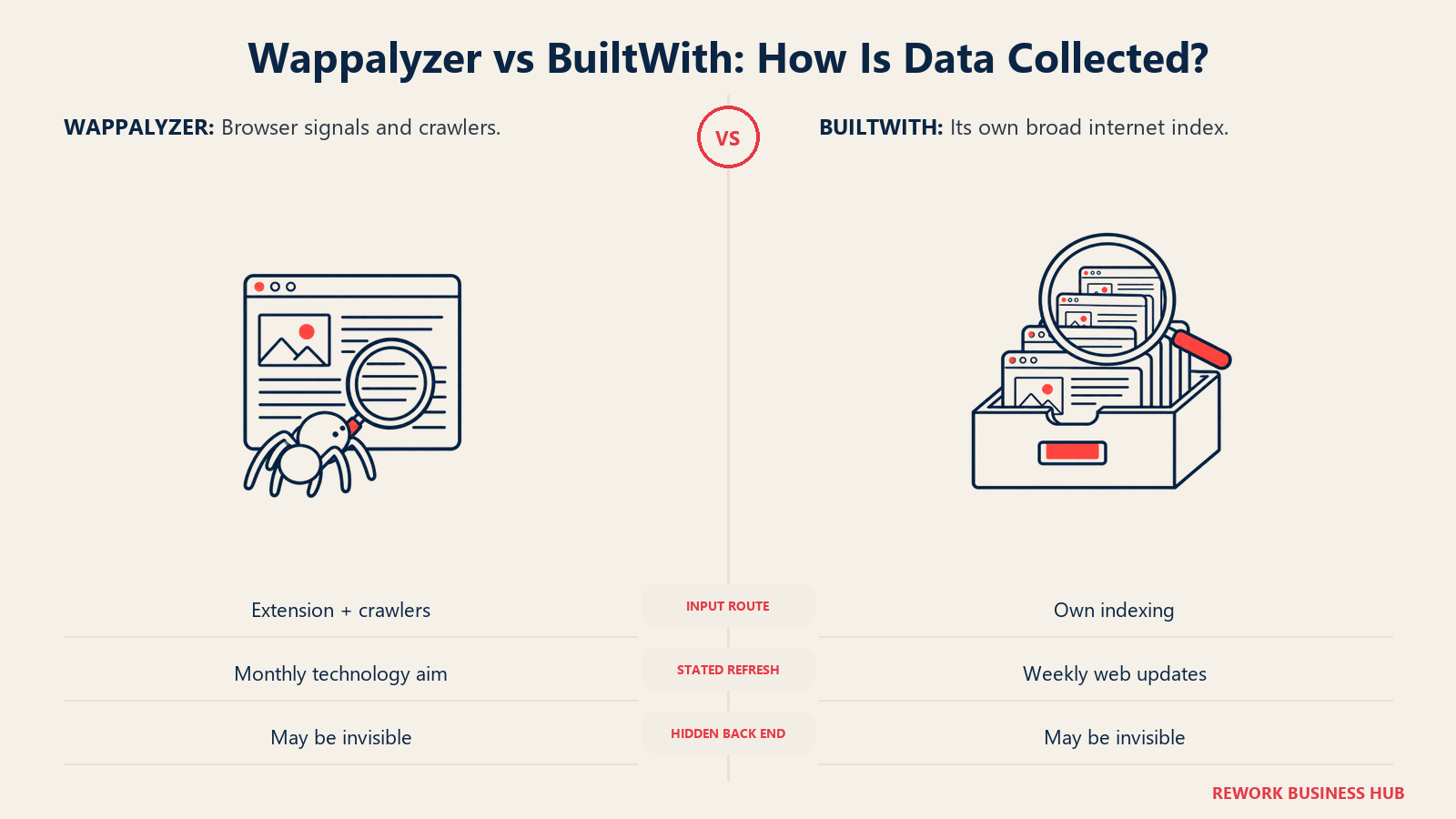
| Where the data comes from | Browser extension data (it says over 2.5M users) and in-house crawlers, per its lists FAQ | Its own indexing; says it does not get data from third parties |
| Coverage target | Not stated | Says it tries to index 100% of the internet by registered domain |
| Refresh cadence | Aims to re-verify each site's technologies at least monthly; company details quarterly | Web data described as updated weekly on its plans page |
| Browser-side detection | Extension analyzes the page locally in your browser | Extension shows a technology profile for the site you view |
| Confidence signal | Not published | The Domain API returns confidence scores, per its API page |
The practical difference is where the data comes from. Wappalyzer blends crawler data with data its own extension users send back when sharing is on. Its privacy policy says the extension analyzes sites locally and, if sharing is enabled, sends hostnames, detected technologies and related metadata, not full page content or full URLs. That gives Wappalyzer a view of sites real people visit, including ones a crawler may not reach. BuiltWith relies on its own index, which is built to cover every registered domain.
Neither approach is magic. W3Techs states that no survey of this type can be 100% accurate because sites can hide most of their technologies. Server-side tools such as a back-end framework behind a CDN are hard for any outside observer to see, and tags loaded through a tag manager can appear or vanish depending on consent settings.
Accuracy, False Positives and How to Verify
Neither vendor publishes an accuracy percentage for technology detection. Wappalyzer says its technology data is "validated across multiple sources and kept to a high standard", and BuiltWith publishes counts rather than precision. Treat both as claims you can test.
Here is what tends to go wrong with any technology detector, and what to do about it.
| Failure mode | What it looks like | How to check |
|---|---|---|
| False positive from a leftover tag | A site once ran a tool, removed it, and a script reference remains | Open DevTools, search the page source for the tool's script domain, and confirm it loads |
| False negative behind a tag manager | A tool loads only after consent or a rule fires | Visit with consent accepted and check the network tab |
| Back-end tools | A CRM or CMS behind a CDN is invisible | Accept that no outside tool sees it; look for indirect clues such as form endpoints |
| Stale record | The tool shows a platform the company left months ago | Compare the vendor's last-updated date with a live check |
| Subdomain or microsite mix-up | The marketing site runs one stack, the app another | Test the exact hostname you plan to sell to |
| Sampling gap | A smaller site is missing entirely | Test a handful of known domains before buying |
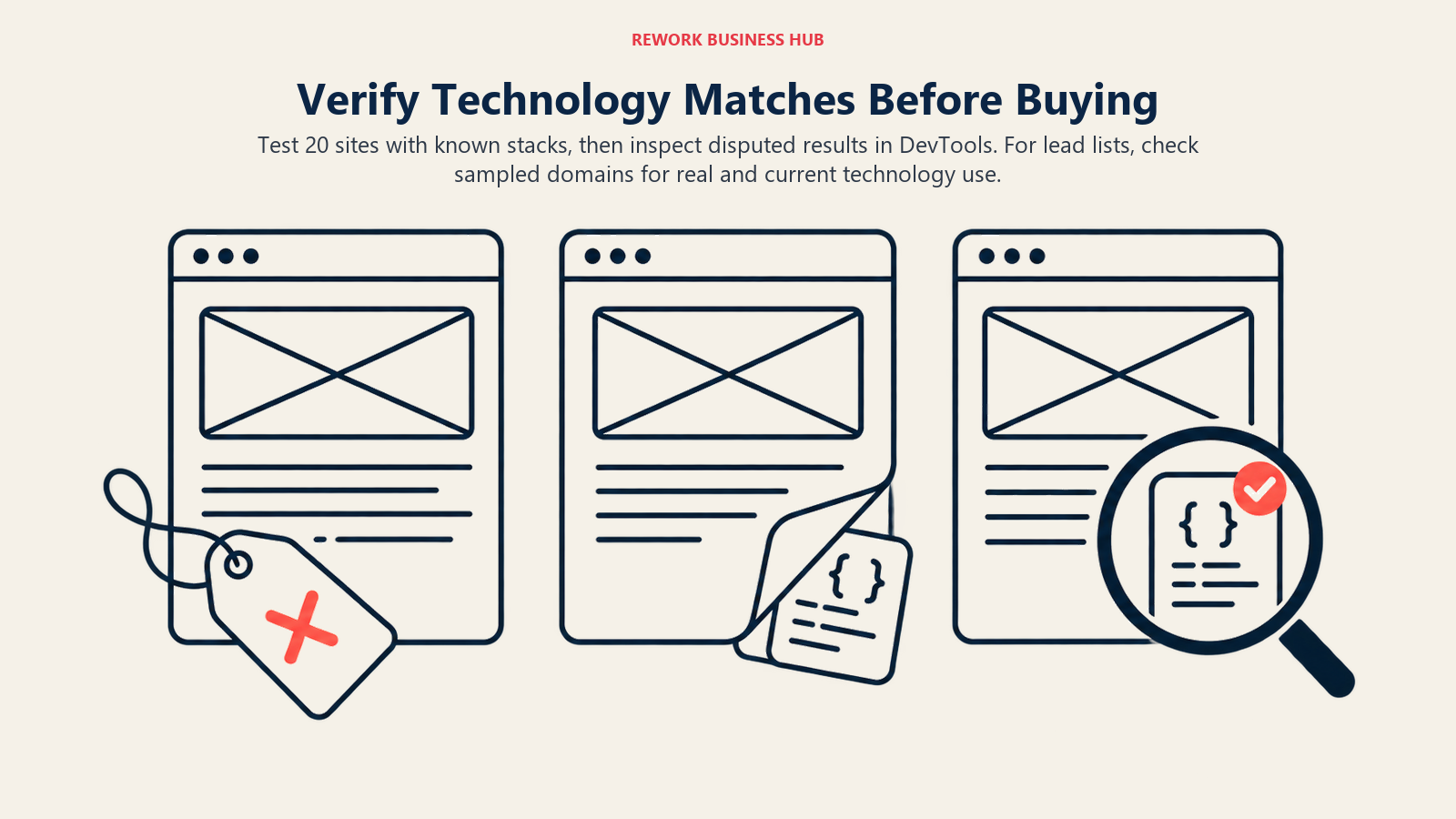
Run this as a five-minute exercise before you pay. Pick 20 sites whose stack you know for certain (your own, your customers', and a few competitors). Run all 20 through the Wappalyzer extension and BuiltWith's free lookup. Count how many each gets right, how many it misses, and how many it invents. That sample will tell you more than either vendor's coverage claim.
For list-building, the cost of a wrong match is a wasted email, not a failed page load. Apply the same test to a list: take 50 domains from a purchased export and confirm the technology is really present before you send anything. And remember the vendors differ on refresh. Wappalyzer says it aims for a monthly re-check of each site, so a record can be up to a month old. BuiltWith describes weekly updates for its web data. Neither promise guarantees the record is current on the day you use it.
History Depth: Who Shows You What Changed
History is where the two tools differ most. If your question is "what did this company run last year, and when did they switch," only one of them states a long history.
| History feature | Wappalyzer | BuiltWith |
|---|---|---|
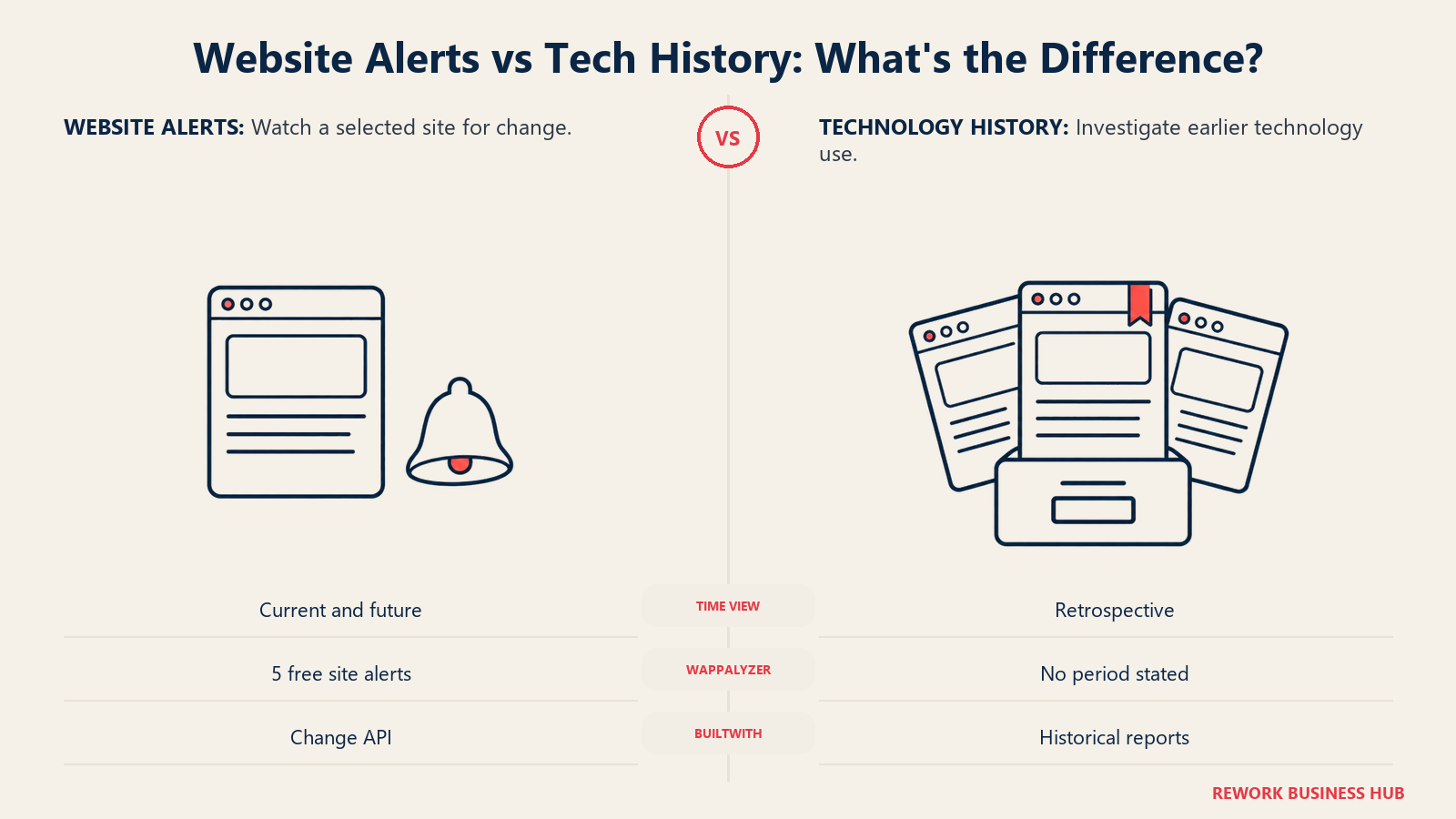
| Stated depth | No history period published | Web data history goes back 41 years; technology trends 18+ years |
| Change tracking | Website alerts (5 on the free account) | Change API for technology additions and removals, per its API page |
| Per-business history | Not described | "Advanced Lookup" shows historical technology use for an entire business |
| Trend data | Not described | Trends site and a free Trends API |
| Bulk historical data | Not described | Datasets covering historical technology usage from 2000 onward |
| Best use | Seeing the current stack and alerts when it changes | Researching adoption over time, spotting churn and recent migrations |
If you sell to companies that just switched platforms (for example, a new e-commerce engine or a new payments provider), BuiltWith's history and change feed are built for exactly that. Wappalyzer's alerts are enough to know when a handful of watched sites change, but it doesn't present the same depth of retrospective data.
Both vendors' history claims are their own. BuiltWith's "41 years" refers to its web data history, and the trend history it quotes is shorter at 18+ years, so be precise when you read a number off a sales page. If history is the reason you're buying, ask for a sample report on three companies you know and check each past stack against what you remember.
Pricing: Metered Plans vs Flat Plans
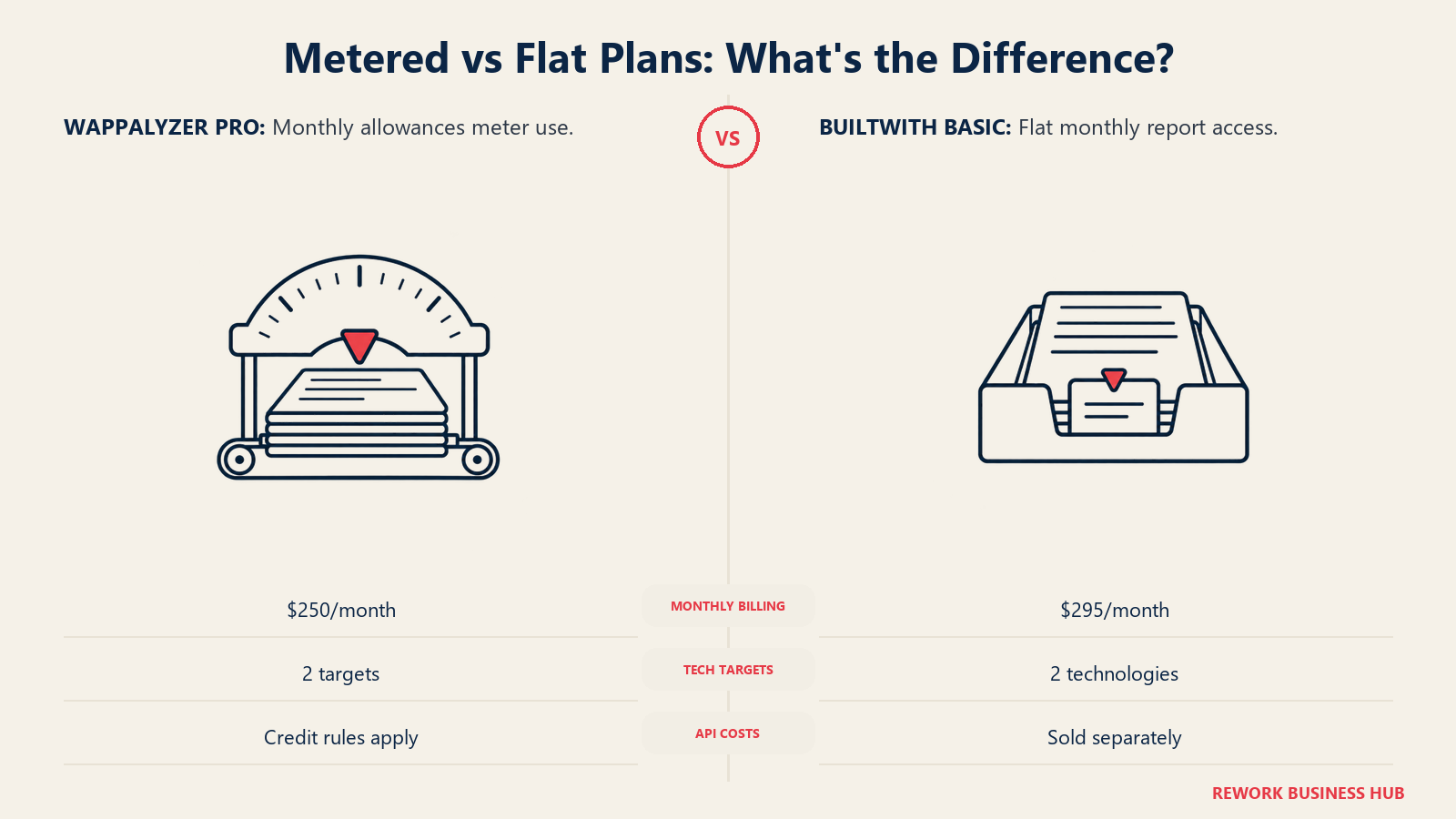
The core money question is simple to state. Wappalyzer charges for what you use, up to a plan limit. BuiltWith charges for access, regardless of how many lookups you run. Which is cheaper depends on how much you pull.
Wappalyzer, as printed on its pricing page
Wappalyzer's pricing page shows prices per month. A toggle offers "Annually (save 17%)" but prints no annual price, so ask the vendor for the figure before you budget.
| Plan | Monthly price | Users | Lead list technology targets | Technology lookups | Email verifications | API credits |
|---|---|---|---|---|---|---|
| Free account | $0 | Not stated | Free sample lead lists | 50 a month | 50 a month | Not stated |
| Pro | $250 a month | 1 | 2 | 5,000 | 5,000 | Confirm with the vendor |
| Business | $450 a month | 5 | Unlimited | 20,000 | 20,000 | 20,000 |
| Enterprise | From $850 a month | 25+ | Unlimited | 200,000+ | 200,000+ | 200,000+ |
Plan-included credits expire after 60 days. Credits bought as a bundle expire after 365 days. Plans can be paused for up to three months without billing, and cancelling leaves the plan active until the end of the billing period. The Pro column is the one to read closely: it has the fewest list targets, so a team that wants to pull lists for more than two technologies at a time moves up to Business.
BuiltWith, as printed on its plans page
BuiltWith's plans page shows a monthly price and a yearly price. Minimum term is one month on monthly plans and one year on yearly plans.
| Plan | Monthly price | Yearly price | Technologies | Keywords | Retail reports | Logins |
|---|---|---|---|---|---|---|
| Free | $0 | $0 | Individual site lookups | n/a | n/a | n/a |
| Basic | $295 a month | $2,950 a year | 2 | 2 | 2 | 1 system login |
| Pro | $495 a month | $4,950 a year | Unlimited | Unlimited | Unlimited | 1 system login |
| Team | $995 a month | $9,950 a year | Unlimited | Unlimited | Unlimited | Unlimited Pro logins |
All three paid plans include CRM integration, and reports export to Excel and CSV. Downgrading to Free freezes your reports until you upgrade again. APIs are sold separately: the API page lists many endpoints and several ways to pay, including an API key, prepaid credits and pay-per-lookup, but prints no prices, so get a quote for any API use.
Side by side over a year
The table below only uses figures the vendors print. Where a vendor prints no annual price, the monthly price times twelve is shown and labelled as such.
| Plan level | Wappalyzer, 12 months billed monthly | BuiltWith, 12 months billed monthly | BuiltWith, billed yearly |
|---|---|---|---|
| Entry paid | Pro $250 x 12 = $3,000 | Basic $295 x 12 = $3,540 | Basic $2,950 |
| Mid | Business $450 x 12 = $5,400 | Pro $495 x 12 = $5,940 | Pro $4,950 |
| Top self-serve | Enterprise from $850 x 12 = $10,200 | Team $995 x 12 = $11,940 | Team $9,950 |
Yearly billing on BuiltWith is cheaper than twelve months of monthly billing at every level: $590 less on Basic, $990 less on Pro and $1,990 less on Team. Wappalyzer says annual billing saves 17%, but because it prints no annual price we don't restate it as a dollar figure. Ask for a written annual quote.
Two things follow. On sticker price, Wappalyzer's entry is lower than BuiltWith's, and its mid plan is $45 a month cheaper than BuiltWith Pro. And the shapes aren't the same: Wappalyzer Business gives five users and a fixed number of lookups; BuiltWith Pro gives unlimited technologies, keywords and reports but only one system login. A team of five that all need to pull reports will pay for Team on BuiltWith, not Pro.
Credit Models: What Actually Gets Metered
Both products have a meter, but they put it in different places.
| Meter | Wappalyzer | BuiltWith |
|---|---|---|
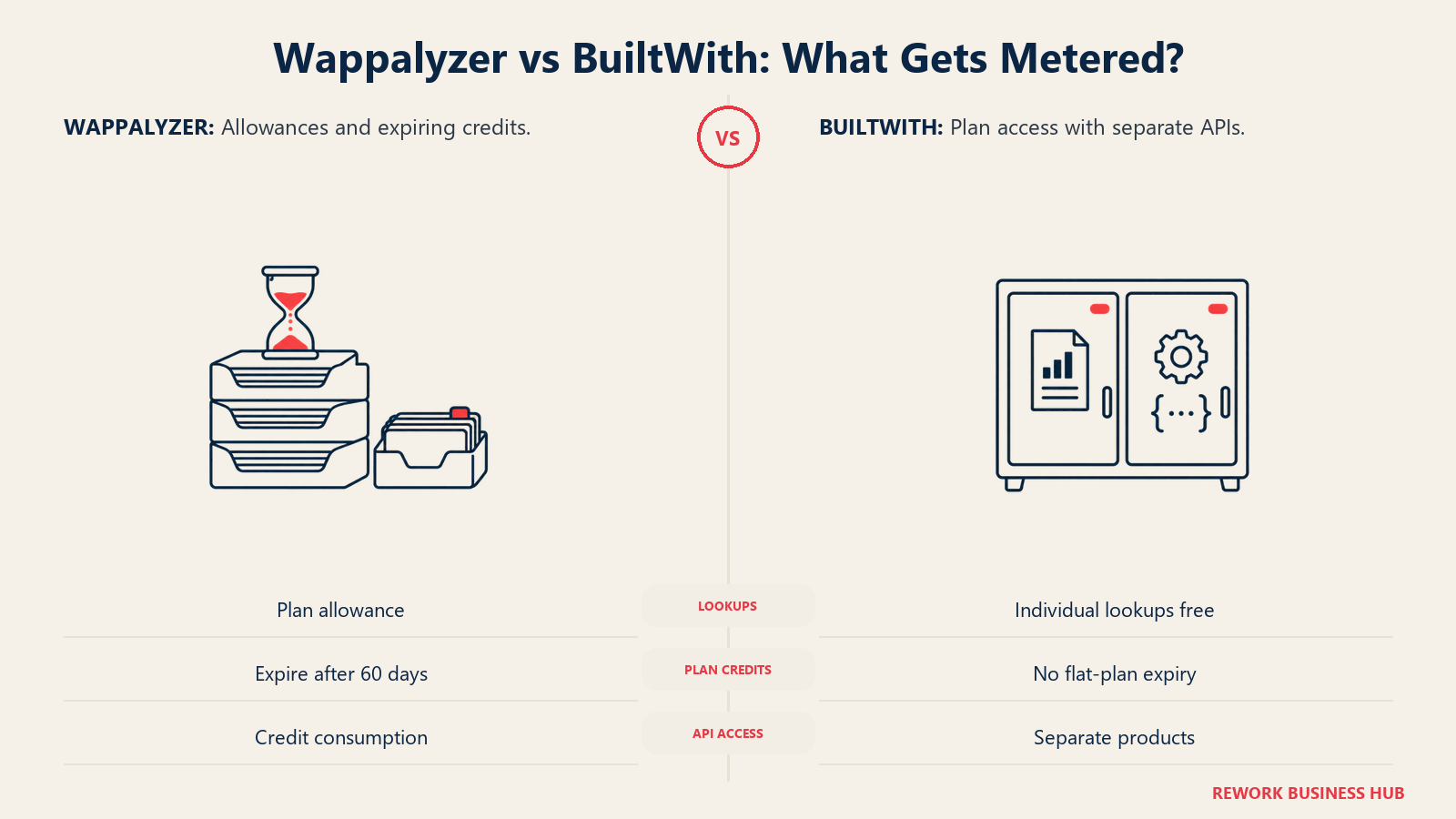
| Lookups | Metered per plan (5,000 on Pro, 20,000 on Business) | Individual lookups free; paid plans are not described as lookup-limited |
| Email verification | Metered per plan | Not a core feature on the plans page |
| Lead list targets | 2 on Pro, unlimited on Business and Enterprise | Technologies capped at 2 on Basic, unlimited on Pro and Team |
| API | Credits; calls consume credits and 403 is returned when you run out | Separate API products; pricing not printed on the API page |
| Expiry | Plan credits expire after 60 days; bundle credits after 365 days | Not applicable to flat plans |
| Seats | 1, 5, 25+ by plan | 1 login on Basic and Pro, unlimited Pro logins on Team |
Wappalyzer's API documentation says API calls "consume credits" across lookups, lead lists and verification, and that responses include headers showing credits spent and remaining. A call that runs out of credits returns a 403. That's good for budgeting but means an automated job can stall mid-run if you under-buy. BuiltWith's Relationships API, by contrast, uses one API credit per page of up to 500 match records, per its API page.
When does metering win? If you pull a few hundred records a month, Wappalyzer's lower entry price and free tier are hard to beat. When does flat win? If you pull thousands of records and want to run reports for many technologies, BuiltWith Pro's unlimited technologies and keywords mean the thousandth report costs the same as the first. The break-even depends on your own volume and on whether you need Wappalyzer's email verification, which has no BuiltWith equivalent on the plan table.
A warning about both. A cheap list is not a cheap outcome. If a purchased list is stale or the technology is a false match, the real cost is the sender reputation you spend emailing it.
Contact Data: What Each Tool Gives You
Both vendors can attach people to a technology list, which is why compliance matters here. They do it differently.
| Contact feature | Wappalyzer | BuiltWith |
|---|---|---|
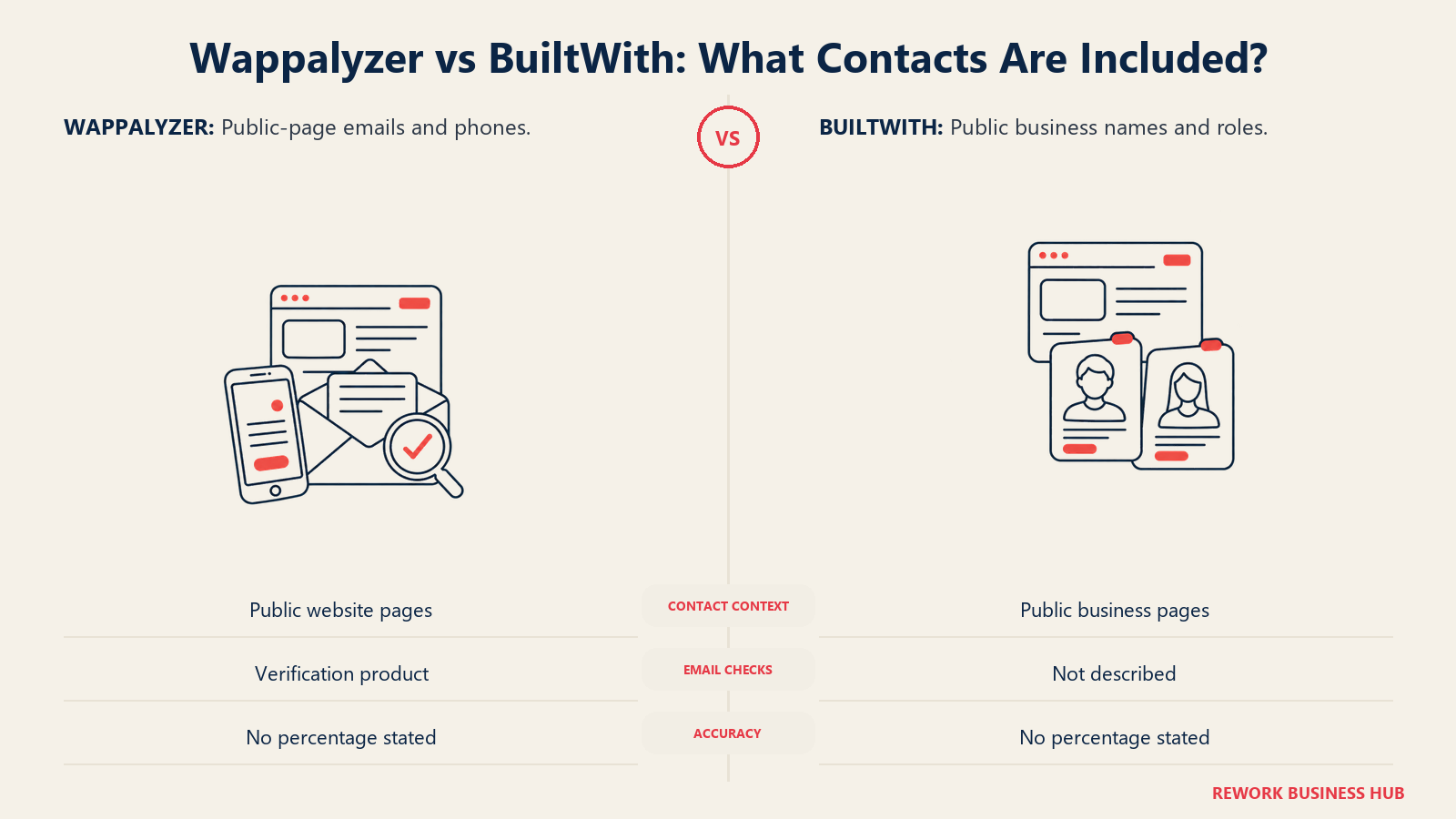
| What it offers | Lead lists with email address, phone number, people names, titles and LinkedIn fields, per its homepage | Exportable lists of contact names, emails and titles for people publicly listed with businesses |
| Stated source | Emails and phone numbers taken from public website pages, provided "as-is" | Public business pages; its Public Data Policy says personal details are generally limited to names, roles or titles and business contact context |
| Verification | Email verification sold as a product to reduce bounces | Not described on the plans page |
| Accuracy figure | None published for contact data | None published |
| Resale | Prohibited by terms of use | Exports allowed within stated GDPR restrictions |
| Refund path | Says it will resolve or refund a list that falls short | Not described |
Notice what's missing from both: an accuracy percentage for contacts. Wappalyzer says contact details come "as-is," so the risk of using them sits with you. BuiltWith's policy describes names and roles from public pages and says the contact fields collected aren't specified, so ask which fields a given export includes before you buy.
If you need verified, sourced direct dials and emails as your main product, neither tool is built for that. Technographics vendors add contacts as a convenience. Dedicated contact vendors, compared in the best B2B data providers and best data enrichment tools pages, lead with it.
Compliance: GDPR, PDPA and CCPA
Buying a list of people means inheriting some of the exposure of contacting them. A vendor's badge or policy page doesn't discharge your own duties.

| Area | What it asks of you | Wappalyzer's position | BuiltWith's position |
|---|---|---|---|
| GDPR (EU, UK) | A lawful basis to process, and notice to people whose data you did not collect from them | Its privacy policy does not state a GDPR legal basis for lead-list contacts; confirm with the vendor | Privacy policy names itself controller for data collected directly and lists contract, legitimate interests, consent and legal obligation as bases |
| Removal requests | Honor access, deletion and objection | Users can request access, correction or deletion by contact page, email or post | Public-data subjects can request access, correction, suppression or removal via its removal page or support email |
| CCPA (California) | Rights to know, delete and opt out | Privacy page does not mention CCPA | States California residents can request disclosure and deletion |
| PDPA (Singapore, Malaysia) | Consent and purpose rules, with business contact information treated separately | Not addressed | Not addressed |
| Do-not-call | Screen phone numbers before dialing | Phones come "as-is" from public pages | No phone field specified |
A few points are worth spelling out.
GDPR notice. If you collect personal data from a source other than the individual, Article 14 requires you to tell them who you are, why you're processing, the legal basis and where you got the data, at the latest within one month, or at your first contact with them if that comes sooner. There's an exemption where giving notice is impossible or would take disproportionate effort, but you shouldn't build a campaign on it. A list from either tool is a source other than the individual.
What regulators have done. In December 2024 the French regulator fined contact-data vendor Kaspr 240,000 euros, citing a missing legal basis, retention failures, a lack of transparency and a failure to respect the right of access. Kaspr isn't either tool in this comparison. But it's the clearest recent example of how scraped professional data can fail a regulator's test, and it applies to the vendor you buy from and the data you use.
Singapore and Malaysia. Singapore's PDPC states in its key concepts guidelines that the Data Protection Provisions do not apply to business contact information, which it defines as name, position, business phone, business address and business email, not provided solely for personal purposes. That helps for a work email taken from a company page. It doesn't cover a personal mobile number, and the guidance points to separate Do Not Call provisions for phone marketing. Malaysia's PDPA has its own rules, so get local advice before you run a Malaysian campaign.
California. The California Attorney General's CCPA page says the exemption for personal information reflecting business-to-business transactions expired on December 31, 2022. So treat work contacts of California residents as covered by the same rights as anyone else's, unless counsel tells you otherwise.
The extension itself. For Wappalyzer, the extension's data sharing is a separate question from lead lists. The privacy policy says sharing is optional and can be switched off in settings, and that shared data may be used for its commercial products. If your company policy restricts which browsing signals leave the building, switch it off for everyone and use the paid lookups instead.
In practice: write down the lawful basis for each campaign, send your Article 14 notice at first contact, screen every phone number before it enters a dialer, honor opt-outs the same day, and keep the vendor's sourcing statement on file. Neither tool does any of that for you.
Free Tiers and Extensions Compared
For many readers this is the whole decision, so here is the free side in one place.
| Free feature | Wappalyzer | BuiltWith |
|---|---|---|
| Extension browsers | Chrome, Firefox, Edge, Safari, per its apps page | Chrome, Firefox, Edge, per its toolbar page |
| Free lookups | 50 technology lookups a month on the free account | Individual site lookups free |
| Free verification | 50 email verifications a month | Not listed |
| Free alerts | 5 website alerts | Not listed |
| Free lists | Sample lead lists | Free API for last-updated dates and group counts |
| Sign-up needed | Account for the free quota | Not for a single lookup |
| Good enough for | Quick stack checks, small audits | Quick stack checks, one-off competitor research |
The plain recommendation for a developer: install both extensions, use whichever you prefer, and don't pay. For an agency doing 20 to 50 audits a month, the Wappalyzer free account covers 50 lookups and removes any reason to buy before you need lists.
Implementation and Time to Value
Both tools are self-serve and a user can start in an afternoon.
Wappalyzer: Install the extension, create the free account, and pull a sample lead list on one technology. If the sample is useful, buy Pro, then use the credit counter in the API headers or dashboard to watch burn rate. Expect an afternoon for setup and a week to learn how fast lookups and verifications are used. Credits issued by the plan expire after 60 days, so don't buy a large plan to bank volume.
BuiltWith: Run a free lookup on 20 domains to judge fit, then start on Basic if your list target is one or two technologies. Use the first week to pull the exports, test CRM integration and decide whether you need unlimited technologies. A one-month minimum on monthly billing means you can test for a month before committing to a year. Yearly billing is a one-year minimum, so test monthly first.
| Task | Wappalyzer | BuiltWith |
|---|---|---|
| First useful result | Minutes (extension) | Minutes (free lookup) |
| First paid list | Same day on Pro | Same day on Basic |
| CRM sync | CRM enrichment listed as a feature | CRM integration on every paid plan |
| Team rollout | Business gives 5 users | Team gives unlimited Pro logins |
| Exit cost | Cancel any time, plan stays active to period end | Monthly: one month minimum; yearly: one year minimum |
| Main risk | Running out of credits mid-job | Paying $295 a month for work the free tier does |
Whichever you pick, appoint one person to check usage and exports weekly for the first month. The cost of ignoring the meter shows up at renewal, not at signup.
When Wappalyzer Is the Right Call
- You mostly look up single sites. The extension runs in four browsers, and the free account adds 50 lookups and 50 verifications a month.
- You want the lowest paid entry point. Pro at $250 a month, billed monthly, is $45 below BuiltWith Basic at $295.
- You need email verification in the same tool. Wappalyzer sells verification as a product next to its lead lists.
- Your list needs are small. Two technology targets and 5,000 lookups cover a lot of ground for one SDR.
- You want a team of five on one plan. Business at $450 a month includes five users and unlimited targets.
When BuiltWith Is the Right Call
- You care about history and change. Its stated 41 years of web data and 18+ years of trends are the deepest published in this pairing.
- You want to pay once and run unlimited reports. Pro at $495 a month or $4,950 a year has unlimited technologies, keywords and reports.
- You need an API or bulk dataset. Its API page lists domain, lists, change, relationships and live-feed APIs, plus datasets for major data warehouses.
- You prefer a yearly price you can budget. Yearly figures are printed: $2,950, $4,950 and $9,950.
- You want broad coverage claims you can quote. It publishes domain and technology counts; Wappalyzer does not.
Decision Framework
| If this describes you | Pick | Why |
|---|---|---|
| Developer checking one site now and then | Either free extension | Both free; install both and compare |
| Agency running up to 50 audits a month | Wappalyzer free account | 50 lookups a month at no cost |
| SDR pulling a short list on one or two technologies | Wappalyzer Pro | $250 a month, billed monthly, with 2 list targets and verification |
| Marketer tracking when competitors change platforms | BuiltWith | 18+ years of trends and a change API |
| Team of five that all pull lists | Wappalyzer Business | $450 a month for 5 users and unlimited targets |
| Analyst running reports across many technologies | BuiltWith Pro | Unlimited technologies, keywords and reports |
| Enterprise data team wanting feeds | BuiltWith datasets and APIs | Historical datasets and warehouse delivery options |
| EU or APAC outreach on contacts from the list | Run a vendor review for either | Neither badge or policy replaces your own lawful-basis record |
If neither fits, widen the field. The best technographic data providers page covers enterprise-grade options, the best sales intelligence tools page covers contact-led platforms, best ZoomInfo alternatives covers the large-database route, and the guide to choosing sales intelligence software walks through the buying process. Teams enriching accounts inside a CRM may also want the best Clearbit alternatives.
What to Do Next
Run a two-week test with your own list. Take 20 sites whose stack you know and run them through both free tools. Then take one technology you actually sell against, pull a sample list from each vendor, and check 50 domains by hand in DevTools. Record how many matches were real, how many contacts came attached, and how many of those you could lawfully email or call. Divide the monthly price by the real, contactable matches, not the matches the tool reported. If the result is close, choose by billing shape: metered if you pull a few hundred records a month, flat if you pull thousands or want history. Then move to yearly billing only where the vendor prints a yearly price you can hold them to.

Principal CRM Strategist
On this page
- Key Facts
- TL;DR
- Who Each Tool Is Built For
- Which Reader Each Tool Suits
- How Each Tool Detects Technologies
- Accuracy, False Positives and How to Verify
- History Depth: Who Shows You What Changed
- Pricing: Metered Plans vs Flat Plans
- Wappalyzer, as printed on its pricing page
- BuiltWith, as printed on its plans page
- Side by side over a year
- Credit Models: What Actually Gets Metered
- Contact Data: What Each Tool Gives You
- Compliance: GDPR, PDPA and CCPA
- Free Tiers and Extensions Compared
- Implementation and Time to Value
- When Wappalyzer Is the Right Call
- When BuiltWith Is the Right Call
- Decision Framework
- What to Do Next