Best Microsoft Project Alternatives in 2026: 11 Tools for Modern Project and Operations Teams
Turn this article into takeaways for your work.


Each assistant summarizes the article only for you and suggests best practices for your work.
Microsoft Project is genuinely impressive at what it was designed to do. Critical path analysis, resource leveling across hundreds of tasks, Gantt charts that can model a construction project or a multi-year enterprise program, and dependency chains sophisticated enough to satisfy a PMO director: it does all of that well. If you're running capital projects, infrastructure builds, or portfolio-level scheduling with 200-line WBS structures, that depth is hard to replicate.
But the reality for most teams in 2026 is that Microsoft Project doesn't fit. At $10 to $55 per user per month (Plan 1 through Plan 5), the cost adds up fast for any team larger than a handful of people. The desktop/cloud split (Project Online ends September 30, 2026, migrating to Microsoft Planner, which is a task tool, not a scheduler) has created real confusion about where the product is heading. And the core UX hasn't caught up to how modern cross-functional teams work: collaboration is document-centric rather than real-time, the learning curve requires weeks of training, and the tool assumes a single project manager owns the schedule rather than a team co-managing work. If you're a marketing ops team, a SaaS company running product sprints, or a mid-size operations team that needs visibility across departments, Microsoft Project is likely overkill in the wrong direction.
Quick Comparison Table
| Tool | Best For | Starting Price | Key Strength | Key Limitation |
|---|---|---|---|---|
| Rework | Cross-team ops + CRM for mid-size teams | $999/year (Work Ops Starter, up to 10 users) | Unified ops workflows + built-in CRM and lead management | Not for heavy PPM/critical-path scheduling or solo users |
| Smartsheet | Spreadsheet-native teams needing Gantt | $9/user/mo (Pro) | Familiar grid + strong Gantt and resource views | Business plan jumps to $32/user/mo for full feature set |
| Wrike | Enterprise PM with creative proofing | $10/user/mo (Team) | Gantt + resource management + enterprise security | Complex setup; Pinnacle/Apex tiers are expensive |
| monday.com | Visual work management and dashboards | $9/seat/mo (Basic) | Flexible Work OS, strong dashboards | Config overhead; Pro plan at $19/seat to unlock key features |
| ClickUp | Everything-app for power users | Free; $7/user/mo (Unlimited) | Deepest feature set; Gantt, resource, docs, goals | Feature overload; needs a dedicated admin to maintain |
| TeamGantt | Teams that want Gantt without MS Project complexity | $24.95/user/mo (Standard) | Clean purpose-built Gantt, easy to learn | More expensive per user; not a full ops platform |
| GanttPRO | Budget-friendly Gantt scheduling | $7.99/user/mo (Team) | Dedicated Gantt tool at a low price point | Narrower feature set beyond Gantt basics |
| Zoho Projects | Zoho ecosystem users, budget-conscious teams | $4/user/mo (Premium) | Cheapest full-featured PM with Gantt and Blueprint | Best value inside Zoho suite; standalone feels limited |
| Jira | Engineering and product teams | Free; $7.91/user/mo (Standard) | Scrum/Kanban depth, GitHub/GitLab integration | Narrow fit for non-technical workflows |
| Asana | Structured cross-functional project management | $10.99/user/mo (Starter) | Clean task management, solid integrations | 250 automation runs/mo cap; no native docs layer |
| Microsoft Planner | Microsoft 365 teams on a budget | $10/user/mo (Plan 1) | Native M365 integration; familiar for Office users | Far less powerful than Project; not a real Gantt tool |
1. Rework: Cross-Team Ops and CRM for Mid-Size Teams
Microsoft Project manages schedules. Rework manages operations. That's not a semantic distinction: where Project gives you a Gantt chart and a resource pool, Rework ships pre-built workflow templates for the cross-functional realities that mid-size teams actually run day to day: sales handoffs, client onboarding, procurement approvals, lead distribution, recurring ops cycles, and multi-channel communication routing.
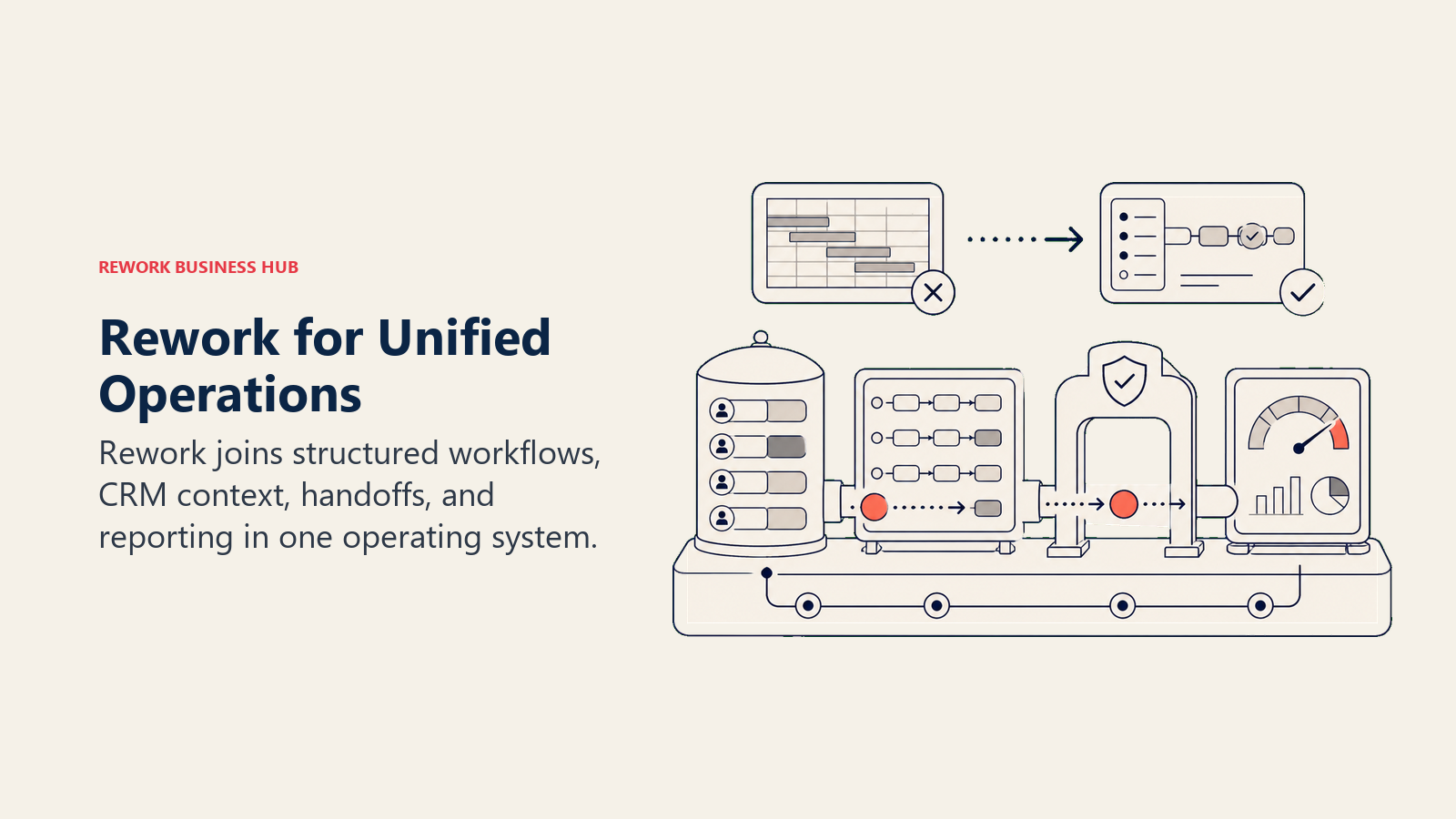
The other structural difference is CRM. If your team is managing leads, deals, or client relationships alongside internal projects and workflows, Rework handles both in one product. You don't bolt a CRM onto a PM tool. That matters for ops teams, RevOps, and companies where sales and operations overlap constantly. The multi-channel inbox (WhatsApp, Messenger, email, SMS) is a capability you won't find in any scheduling tool in this list.
Rework fits teams of 20 to 500 that have outgrown spreadsheets but don't need Salesforce-level governance. It's the honest choice when you realize you were using Microsoft Project mostly to track deliverables and deadlines, not to level resources across 400 tasks.
| What you get | What you don't |
|---|---|
| Pre-built ops workflow templates | Critical-path scheduling or construction-grade resource leveling |
| Full CRM + lead management in one product | Depth for pure engineering issue tracking |
| Unified multi-channel inbox (WhatsApp, Messenger, email, SMS) | Free tier for micro teams or solo users |
| Cross-team ops with approval chains and SLA rules | A blank canvas for custom Gantt builds |
| Mid-size pricing without Enterprise-tier gates | Portfolio-level program management for 50+ concurrent projects |
Pricing: Work Ops Starter at $999/year for up to 10 users. Work Ops Standard at $1,999/year with 20 users included, plus $6/user/month for each additional user. See rework.com/pricing for current details.
Best for: Mid-size ops, RevOps, and sales + ops + CS teams running shared workflows who need CRM and work management in one place.
Not ideal for: PMOs running capital projects with detailed resource leveling, construction or infrastructure teams, or solo users (minimum is the 10-user Starter package).
2. Smartsheet: Gantt for Teams That Think in Spreadsheets
Smartsheet sits at the intersection of Excel and a real project management platform. If your team currently tracks projects in spreadsheets and finds Microsoft Project's learning curve punishing, Smartsheet is the most natural upgrade path. The grid interface feels like a spreadsheet, but the underlying engine gives you Gantt views, dependencies, resource management, and cross-sheet reporting that no spreadsheet can match.
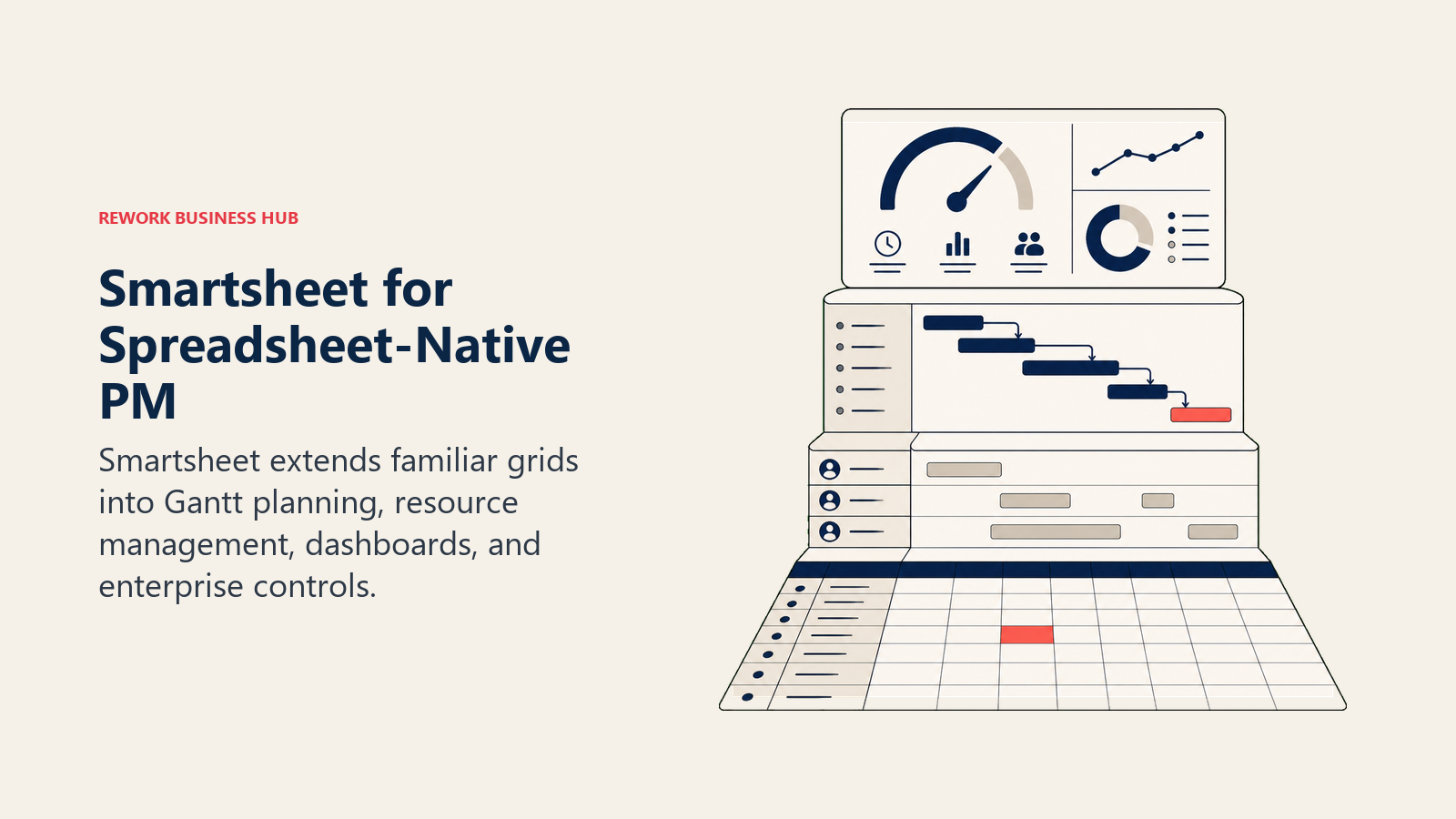
Methodology: Smartsheet's philosophy is that grid-based data entry is how operations people actually think, and the tool shouldn't force them to abandon that mental model. Build your project as rows and columns, then flip to Gantt view. It's a bridge for teams migrating from Excel-driven project management without jumping to a radically different paradigm.
Target audience: Operations teams, PMO administrators, and project managers at mid-size to enterprise companies with a spreadsheet-native culture. Government and regulated-industry customers also land here because of Smartsheet's compliance certifications.
Stage fit: Growth to enterprise. Startups rarely need Smartsheet's structure; it rewards teams with complex, multi-project portfolios that need rollup dashboards across many sheets.
Team vs company-wide: Can be company-wide, but shines most for project-centric departments (PMO, operations, IT). Marketing teams will likely prefer something more visual.
| Pros | Cons |
|---|---|
| Familiar spreadsheet-native grid interface | Business plan jumps to $32/user/mo for full feature set |
| Strong Gantt charts with auto-dependency linking | Not built for agile or kanban-first workflows |
| Rollup dashboards across multiple sheets | CRM or customer-facing ops require integrations |
| Government FedRAMP and HIPAA compliance | Per-user pricing adds up for large teams |
Sizing fit:
| Team Size | Fit |
|---|---|
| Solo/small (1-10) | Limited, Pro plan works for basics |
| Growth (10-50) | Strong for spreadsheet-native teams |
| Mid-market (50-200) | Strong, especially with Business plan |
| Enterprise (200+) | Solid with Enterprise pricing negotiations |
Pricing: $9/user/month (Pro, annual); $32/user/month (Business, annual). smartsheet.com/pricing
Best for: Teams with a spreadsheet-native culture that need real Gantt and reporting depth without retraining everyone from scratch.
If Smartsheet made your shortlist, the best Smartsheet alternatives guide covers what teams consider when they outgrow it.
3. Wrike: Enterprise PM with Proofing and Compliance
Wrike is the most direct enterprise competitor to Microsoft Project for teams that need structured project management with governance, resource management, and cross-functional visibility. Its 2026 plan restructure (Team at $10, Business at $25, Pinnacle and Apex on custom pricing) positions it squarely against Project Plan 3 and Plan 5.
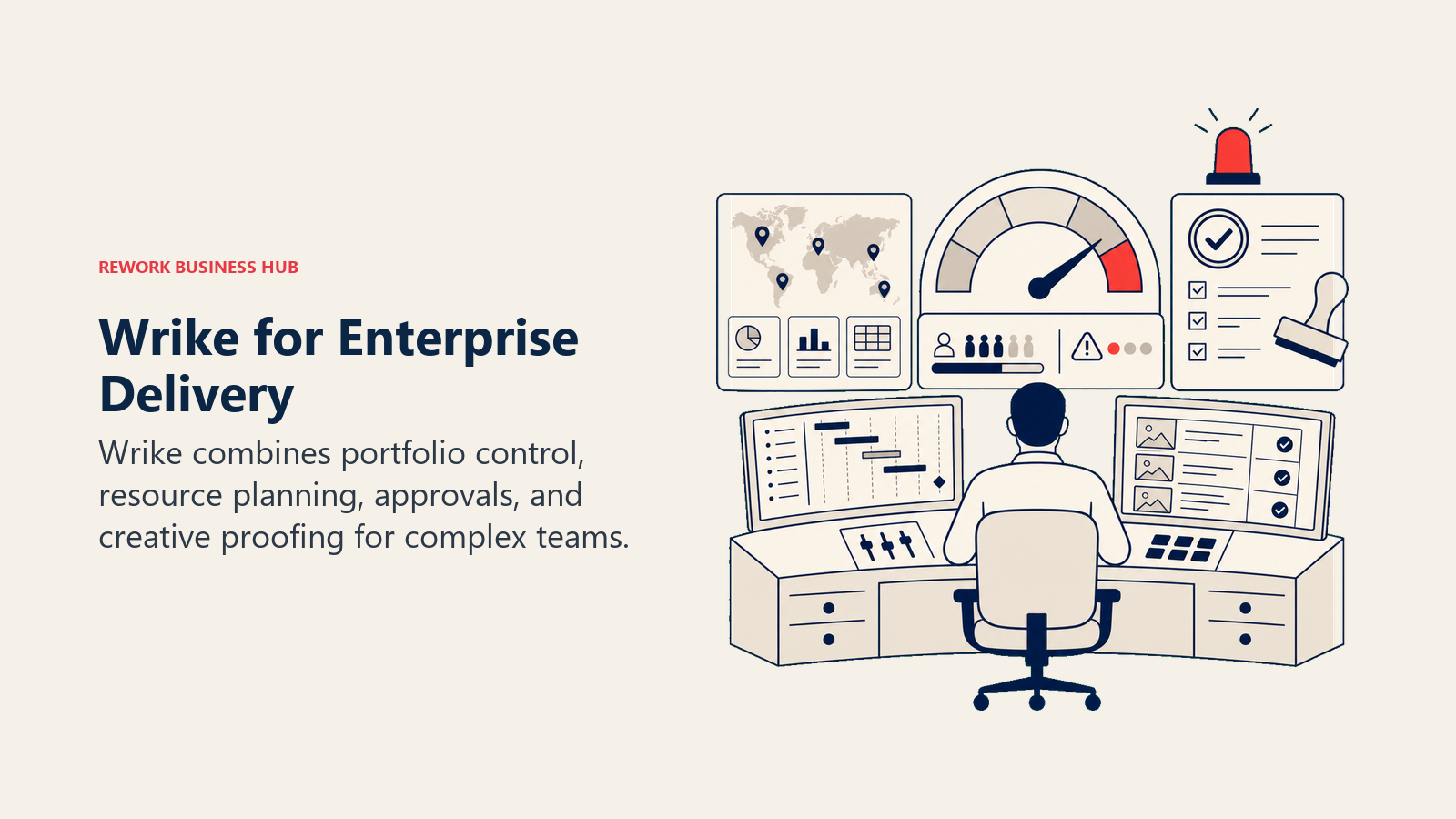
Methodology: Wrike treats project management as an enterprise system, not a task board. It has Gantt charts, resource load views, custom request forms, approval workflows, and proofing tools built into the core product. The philosophy is that creative, marketing, and operations teams need structured PM just as much as engineering does, and the tool should serve both without switching apps.
Target audience: Marketing operations teams, creative agencies, enterprise PMOs, and IT project managers at companies with 50 to 5,000 employees. The proofing and review cycle features make it particularly strong for teams shipping creative deliverables.
Stage fit: Growth and enterprise. The setup complexity and per-seat cost make it a poor fit for early-stage teams.
Team vs company-wide: Can be company-wide, but the deepest value is in departments running structured, multi-stage workflows (marketing ops, IT, PMO).
| Pros | Cons |
|---|---|
| Gantt charts and resource management built in | Team plan misses proofing; Business plan at $25/user is steep |
| Strong creative proofing and approval workflows | Complex setup; expect a 2-4 week configuration runway |
| Enterprise security: SSO, SCIM, HIPAA, FedRAMP | Pinnacle and Apex tiers are opaque on pricing |
| 400+ integrations including Salesforce, SAP | Can feel heavyweight for simple workflow tracking |
Sizing fit:
| Team Size | Fit |
|---|---|
| Solo/small (1-10) | Too complex and expensive |
| Growth (10-50) | Moderate if ops-heavy |
| Mid-market (50-200) | Strong |
| Enterprise (200+) | Strong, especially with compliance needs |
Pricing: $10/user/month (Team); $25/user/month (Business); Pinnacle and Apex on request. wrike.com/price
Best for: Enterprise marketing ops, creative teams, and PMOs that need Gantt scheduling plus structured creative review in one platform.
The best Wrike alternatives guide covers what teams evaluate when Wrike's price or complexity doesn't fit.
4. monday.com: Visual Work OS with Strong Dashboards
monday.com competes with Microsoft Project on the dashboard and visibility layer, not on Gantt depth. Its "Work OS" framing lets teams configure a PM tool, a CRM, a marketing calendar, and an HR tracker in one account. The visual boards and dashboard widgets are genuinely strong for cross-team reporting.
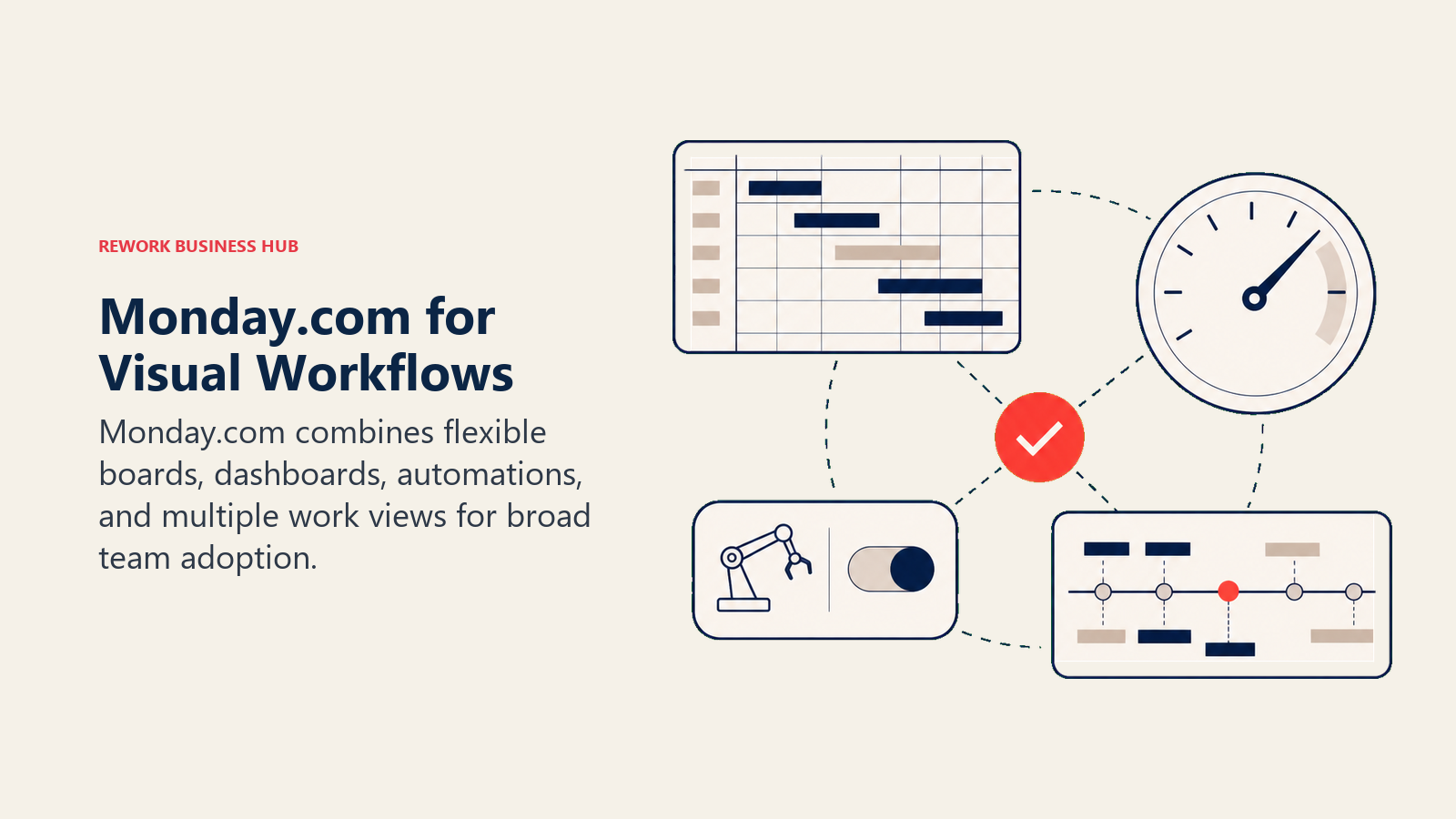
Methodology: monday.com's bet is that work management should be visual, flexible, and configurable without developer help. Build the board structure that matches your workflow, not the one the tool imposes. The flexibility is real, but it requires configuration investment before the tool earns its keep.
Target audience: Operations managers, marketing teams, and project managers at mid-size companies who want visual project tracking and dashboard depth. Common in SaaS companies where multiple departments share one tool.
Stage fit: Growth to enterprise. The Basic plan is functional for small teams; most serious use cases land on Pro at $19/seat, which is where automation, time tracking, and cross-board reporting unlock.
Team vs company-wide: Company-wide potential. The Work OS framing explicitly supports multi-department use.
| Pros | Cons |
|---|---|
| Highly visual boards, timeline, and Gantt views | Real Gantt with dependencies requires Pro plan |
| Strong dashboard and reporting layer | Configuration overhead before you're productive |
| Work OS flexibility across all departments | 3-seat minimum even for small teams |
| 200+ integrations | Pro plan at $19/seat adds up fast at 50+ seats |
Sizing fit:
| Team Size | Fit |
|---|---|
| Solo/small (1-10) | Moderate, 3-seat minimum adds cost |
| Growth (10-50) | Strong with Standard or Pro plan |
| Mid-market (50-200) | Strong with Pro plan |
| Enterprise (200+) | Enterprise plan with dedicated CSM |
Pricing: $9/seat/month (Basic); $12/seat/month (Standard); $19/seat/month (Pro). monday.com/pricing
Best for: Teams that want flexible visual work management with solid reporting and don't mind spending time on initial configuration.
The best monday.com alternatives guide covers the space if you want to see what else competes here.
5. ClickUp: The Everything-App for Power Users
ClickUp is the widest-net option in this list. Tasks, docs, goals, Gantt charts, whiteboards, time tracking, a CRM module, sprints, resource views, AI writing, and more: the feature breadth is genuinely unmatched. And at $7/user/month on the Unlimited plan, it's among the most affordable tools here.
Methodology: ClickUp's philosophy is that every team uses a different combination of tools and views, and the PM platform should accommodate all of them without forcing a migration to a separate product. The trade-off is complexity: you get everything, but configuring everything takes real work.
Target audience: Operations teams and PMOs that have a dedicated admin or ops lead willing to build and maintain the setup. Teams that thrive on ClickUp treat it as an investment, not a plug-in. Companies with diverse departments (eng, sales, marketing, HR) that want one tool across all of them.
Stage fit: Any stage with the right admin commitment. Startups sometimes adopt ClickUp early and scale into it; mid-market teams often land here after outgrowing simpler tools.
Team vs company-wide: Company-wide when well-configured. Most teams that succeed with ClickUp use it across multiple departments.
| Pros | Cons |
|---|---|
| Deepest feature set in the PM market | Feature overload without a dedicated admin |
| Gantt, resource, sprint, and workload views native | Historically inconsistent reliability |
| Free tier with real functionality | ClickUp Brain AI add-on costs $9/user/mo extra |
| CRM module and docs layer included | Notification volume can be overwhelming by default |
Sizing fit:
| Team Size | Fit |
|---|---|
| Solo/small (1-10) | Good if you want depth; free plan works |
| Growth (10-50) | Strong with an admin maintaining the structure |
| Mid-market (50-200) | Strong if config investment is made |
| Enterprise (200+) | Viable with enterprise plan |
Pricing: Free; $7/user/month (Unlimited); $12/user/month (Business). clickup.com/pricing
Best for: Power users who want maximum configurability, are willing to invest in setup, and want Gantt and work management in one place without Microsoft's licensing complexity.
For teams that have already evaluated ClickUp, the best ClickUp alternatives guide covers what comes after.
6. TeamGantt: Gantt Scheduling Without the Microsoft Learning Curve
TeamGantt is the most focused Gantt tool in this list. It doesn't try to be a company-wide work OS. It does Gantt charts, task dependencies, resource management, and project scheduling well, with an interface that project managers can learn in hours rather than weeks. That's the exact gap Microsoft Project leaves for teams that need Gantt depth but don't need enterprise PPM complexity.
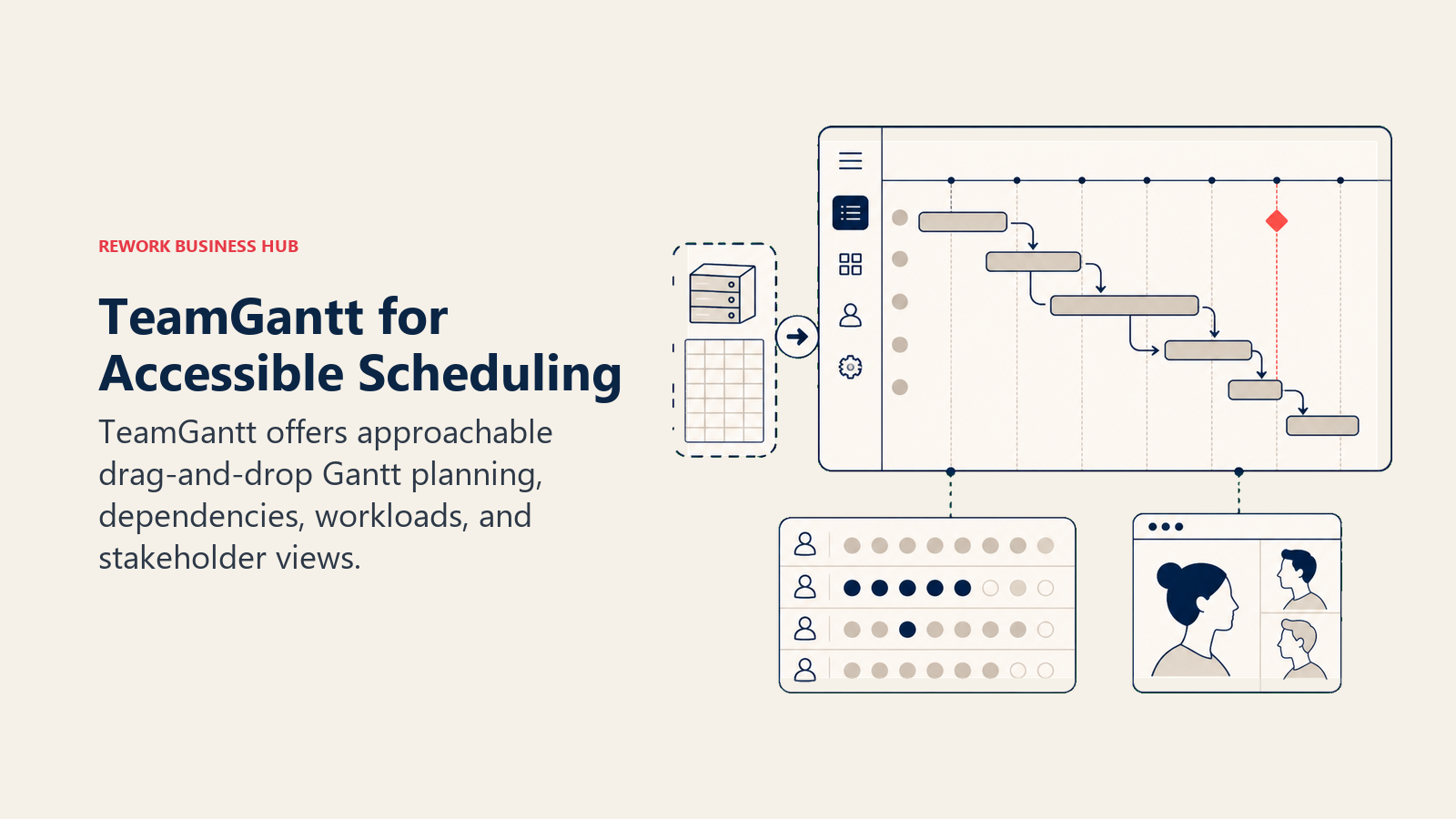
Methodology: TeamGantt's philosophy is that Gantt scheduling should be accessible to the whole team, not just the project manager who owns the .mpp file. The tool is built for collaboration: team members can log updates, flag blockers, and track their own tasks without needing to understand the full project schedule.
Target audience: Project managers, operations teams, and agency PMs at small to mid-size companies who run structured, deadline-driven projects and want the scheduling discipline of Gantt without Microsoft's overhead. Common in construction adjacents, agencies, and professional services.
Stage fit: Growth to mid-market. The per-user cost ($24.95/user on Standard) is higher than most alternatives here, so it's best suited for teams that genuinely need Gantt-first scheduling rather than general task management.
Team vs company-wide: Primarily a project team tool. Not built for company-wide ops or CRM workflows.
| Pros | Cons |
|---|---|
| Clean, intuitive Gantt interface with minimal setup | $24.95/user/mo is higher than most alternatives |
| Auto-reschedule when dates shift | Not a full ops or company-wide platform |
| Resource management and workload views | Limited outside of project scheduling context |
| Baseline comparison and project health tracking | Automation depth is limited |
Sizing fit:
| Team Size | Fit |
|---|---|
| Solo/small (1-10) | Good; free plan exists for basics |
| Growth (10-50) | Strong for project-centric teams |
| Mid-market (50-200) | Moderate; cost becomes noticeable |
| Enterprise (200+) | Not positioned for enterprise PPM |
Pricing: Free (limited); $24.95/user/month (Standard); $29.95/user/month (Advanced). teamgantt.com/pricing
Best for: Project managers who want collaborative Gantt scheduling that the whole team can use without training, without paying for Microsoft Project.
7. GanttPRO: Budget-Friendly Gantt for Growing Teams
GanttPRO is a dedicated Gantt chart tool that undercuts most alternatives on price. At $7.99/user/month (Team plan, annual), it's among the cheapest ways to get real Gantt scheduling, task dependencies, resource management, and baseline tracking for a growing team.
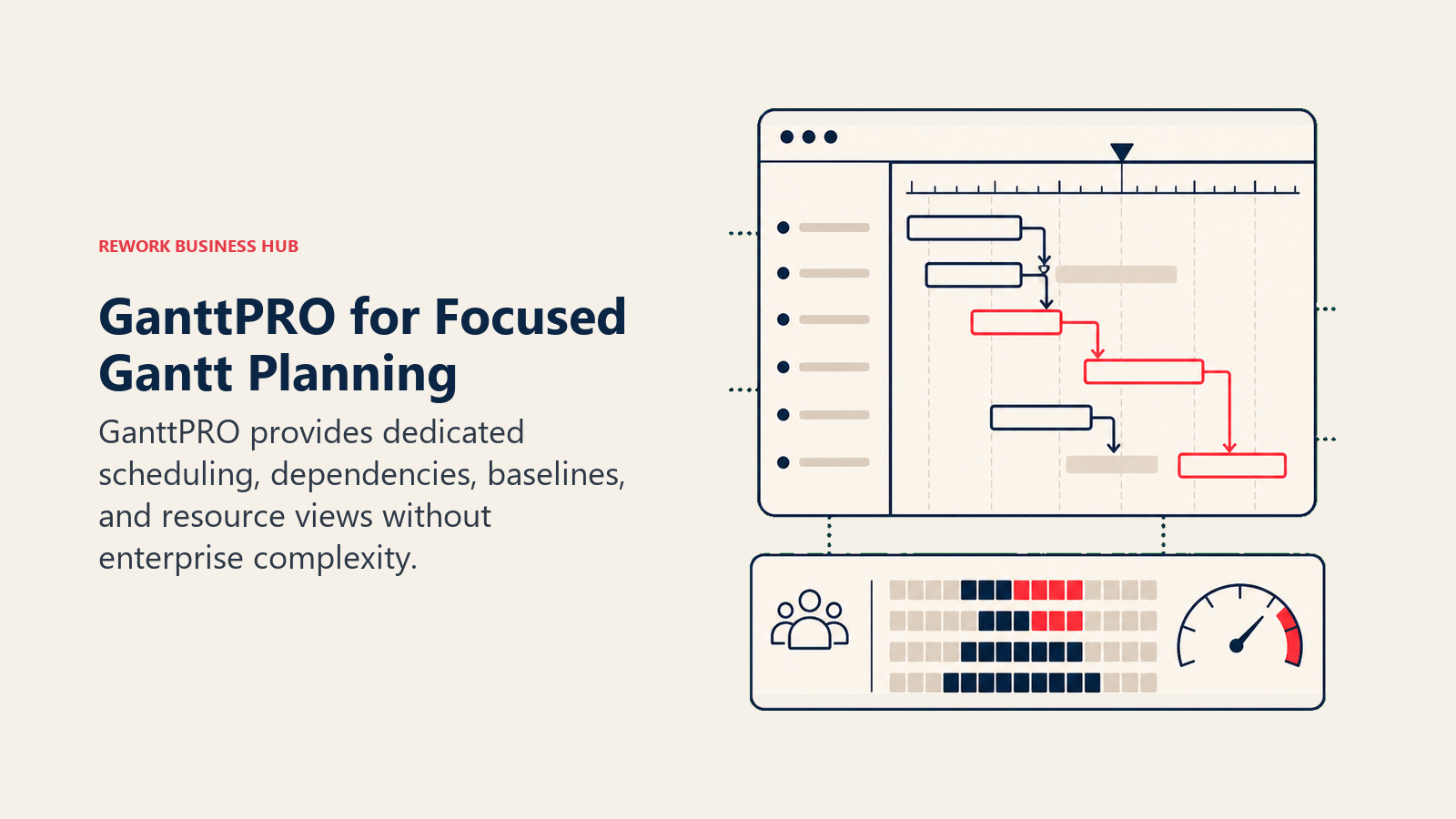
Methodology: GanttPRO's bet is that many teams need Gantt depth at a price point that doesn't require enterprise buy-in. The product is tightly scoped: it does project scheduling, dependency management, resource workload, and time tracking well, and it doesn't try to be a company-wide platform.
Target audience: SMB project managers, startup ops teams, and growing agencies that need Gantt scheduling without Microsoft Project's cost or complexity. Also used by individual project managers working on discrete projects.
Stage fit: Startup to growth stage. The pricing and feature set make it a natural first "real" Gantt tool for teams that have been running projects in spreadsheets.
Team vs company-wide: Project team tool. Not built for company-wide workflows, CRM, or multi-department ops.
| Pros | Cons |
|---|---|
| Lowest-cost real Gantt tool in this list | Narrower feature set beyond scheduling |
| Task dependencies, baselines, and resource views | Limited integrations vs larger platforms |
| Auto-scheduling and critical path analysis | Not suited for agile or kanban-primary teams |
| 14-day free trial, clean onboarding | Less established ecosystem than Smartsheet or Wrike |
Sizing fit:
| Team Size | Fit |
|---|---|
| Solo/small (1-10) | Excellent, especially for the price |
| Growth (10-50) | Strong for project-centric use |
| Mid-market (50-200) | Moderate; may hit feature ceiling |
| Enterprise (200+) | Not positioned for enterprise PPM |
Pricing: $7.99/user/month (Team, annual); $10/user/month (Advanced); $17/user/month (Business). ganttpro.com/pricing
Best for: Budget-conscious teams or individual project managers who need real Gantt scheduling and auto-scheduling without paying for more than they use.
8. Zoho Projects: Full-Featured PM at the Lowest Price Point
Zoho Projects is the most affordable fully-featured project management tool in this list. At $4/user/month on the Premium plan, it includes Gantt charts, task dependencies, Blueprint workflow automation, time tracking, resource utilization, and project budgeting. If you're already inside the Zoho ecosystem (CRM, Desk, Analytics), it becomes even more compelling because the integrations are native and don't require Zapier.
Methodology: Zoho's philosophy across its product line is that enterprise-grade software shouldn't require enterprise pricing. Zoho Projects reflects that: it competes feature-for-feature with tools that cost 3-4x more per user, banking on Zoho ecosystem stickiness and price sensitivity in emerging markets and SMBs.
Target audience: SMB project teams, startups, and operations teams at companies already using Zoho CRM or Zoho One. Also common in markets where USD-denominated SaaS pricing is a real constraint.
Stage fit: Startup to mid-market. Enterprise teams with complex PPM needs will hit the ceiling; for everyone else, the price-to-feature ratio is genuinely strong.
Team vs company-wide: Works as a standalone PM tool or as part of a Zoho One deployment covering sales, support, and operations.
| Pros | Cons |
|---|---|
| $4/user/mo with real Gantt and automation | Best value when combined with Zoho suite |
| Blueprint workflow automation native | Standalone feels limited vs dedicated PM tools |
| Gantt, resource utilization, and budgeting included | UI is less polished than Asana or monday.com |
| Native Zoho CRM, Desk, and Analytics integration | Support quality varies by region |
Sizing fit:
| Team Size | Fit |
|---|---|
| Solo/small (1-10) | Excellent value |
| Growth (10-50) | Strong, especially in Zoho ecosystem |
| Mid-market (50-200) | Good; Enterprise plan handles more complexity |
| Enterprise (200+) | Moderate; may need Zoho One for full stack |
Pricing: Free (3 projects, 5 users); $4/user/month (Premium); $9/user/month (Enterprise). zoho.com/projects/pricing-comparison.html
Best for: Budget-conscious teams, Zoho ecosystem users, and companies in markets where affordable per-user pricing matters.
9. Jira: For Product and Engineering Teams Leaving MS Project
Jira is purpose-built for software development teams: scrum sprints, kanban boards, epic and story hierarchies, GitHub and GitLab integration, and release tracking. If your Microsoft Project frustration comes from tracking engineering work alongside feature backlogs and bug queues, Jira solves that better than anything else in this list.
Methodology: Atlassian's philosophy is that software development has its own operational model (agile, sprint-based, issue-centric) and the tools should be designed for that model rather than adapted from general PM. Jira is opinionated about how software gets built and tracked.
Target audience: Engineering and product teams at any company size. Not a fit for marketing, HR, finance, or operations teams who don't work in software sprints. If you need those teams in the same tool, you'll need a second product alongside Jira.
Stage fit: Any stage for engineering teams. Jira scales well from startup (free plan up to 10 users) to enterprise (tier-based pricing with volume discounts).
Team vs company-wide: Engineering and product team tool. Cross-functional use requires Atlassian's Confluence + Jira Service Management stack, which is a different buying decision.
| Pros | Cons |
|---|---|
| Best-in-class scrum and sprint management | Steep learning curve for non-technical users |
| Native GitHub, GitLab, and Bitbucket integration | Not built for marketing, ops, or HR workflows |
| Free plan for up to 10 users | Marketplace add-ons add real cost |
| Tier-based pricing drops with team growth | Gantt views require add-ons (e.g., BigPicture) |
Sizing fit:
| Team Size | Fit |
|---|---|
| Solo/small (1-10) | Excellent; free plan covers most needs |
| Growth (10-50) | Strong for eng/product |
| Mid-market (50-200) | Strong with Standard or Premium |
| Enterprise (200+) | Strong, especially with Atlassian stack |
Pricing: Free (up to 10 users); $7.91/user/month (Standard); $14.54/user/month (Premium). atlassian.com/software/jira/pricing
Best for: Engineering and product teams tracking sprints, features, and bugs. Not a Microsoft Project replacement for non-technical workflows.
The best Jira alternatives guide covers what engineering teams evaluate when Jira itself isn't the right fit.
10. Asana: Structured Task Management Across Departments
Asana is the most polished cross-functional task management tool in this list. If Microsoft Project feels like a sledgehammer for what's actually a structured project tracking problem, Asana is a natural landing spot: timeline views, task dependencies, workload management, and solid integrations, with a UX that non-PM people can actually use without training.
Methodology: Asana's philosophy is that everyone in the organization, not just project managers, should be able to see and own their work. The tool is designed to be approachable across departments while still offering real PM depth for structured workflows.
Target audience: Project managers, marketing teams, ops teams, and cross-functional departments at companies of 20 to 500. Common for product launches, marketing campaigns, and recurring ops processes.
Stage fit: Growth to mid-market. Startups sometimes adopt Asana early; enterprise teams often hit the 250 automation-run cap on Business and need to upgrade.
Team vs company-wide: Company-wide. The ICP is an organization that wants one tool across all departments for task tracking, project management, and workflows.
| Pros | Cons |
|---|---|
| Polished UX that non-PMs can use without training | 250 automation runs/month on Business plan |
| Timeline and Gantt views with dependencies | No native docs or wiki layer |
| Strong integrations (Slack, Salesforce, Adobe) | Per-seat pricing gets expensive at 50+ users |
| Workload and capacity management on paid plans | Limited for agile sprint management |
Sizing fit:
| Team Size | Fit |
|---|---|
| Solo/small (1-10) | Good; free plan is limited |
| Growth (10-50) | Strong with Starter or Advanced plan |
| Mid-market (50-200) | Good; watch automation limits |
| Enterprise (200+) | Enterprise plan available |
Pricing: $10.99/user/month (Starter); $24.99/user/month (Advanced). asana.com/pricing
Best for: Cross-functional teams that need structured project tracking across departments without the Microsoft Project complexity or licensing overhead.
The best Asana alternatives guide covers the full comparison if Asana is a finalist.
11. Microsoft Planner: For Teams Staying in the Microsoft 365 Ecosystem
Microsoft Planner is the lightweight task management layer that Microsoft is positioning as the successor to Microsoft Project Online (which ends September 30, 2026). Plan 1 ($10/user/month) gives you task boards and basic Gantt views inside the M365 environment. Plans 3 and 5 (where Project functionality lives) keep the deeper scheduling capabilities at higher price points.
Methodology: Microsoft Planner is built on the premise that teams already inside M365 want task management that works natively with Teams, SharePoint, and Outlook rather than a standalone SaaS tool. The integration depth is real; the scheduling depth is not.
Target audience: Teams firmly committed to the Microsoft 365 ecosystem who need basic task coordination and are comfortable with Microsoft's product direction. Not for teams that need real Gantt scheduling, resource management, or modern collaboration.
Stage fit: Any size for basic task management. For anything more complex, you'll quickly find yourself looking at the Plan 3 or Plan 5 options and wondering why you didn't just compare the alternatives.
Team vs company-wide: Company-wide for basic task management. Cross-team project management requires Plan 3 or 5.
| Pros | Cons |
|---|---|
| Native M365 integration (Teams, SharePoint, Outlook) | Not a real replacement for MS Project scheduling depth |
| Familiar interface for Office users | Project Online sunset creates transition uncertainty |
| Plan 1 at $10/user is the lowest Microsoft entry point | Limited resource management on base plans |
| No learning curve if already on M365 | No value outside the Microsoft ecosystem |
Sizing fit:
| Team Size | Fit |
|---|---|
| Solo/small (1-10) | Decent for basic task tracking in M365 |
| Growth (10-50) | Moderate; likely to hit limits fast |
| Mid-market (50-200) | Plan 3 or 5 needed for real project management |
| Enterprise (200+) | Enterprise licensing available |
Pricing: $10/user/month (Plan 1); $30/user/month (Plan 3); $55/user/month (Plan 5). microsoft.com/en-us/microsoft-365/project/compare-microsoft-project-management-software
Best for: Teams deeply embedded in Microsoft 365 who need basic task management without switching ecosystems, and who accept the tradeoff on scheduling depth.
Stage Fit Matrix
| Tool | Startup (1-10) | Growth (10-50) | Mid-Market (50-200) | Enterprise (200+) |
|---|---|---|---|---|
| Rework | Limited | Strong | Strong | Good |
| Smartsheet | Limited | Strong | Strong | Strong |
| Wrike | Not ideal | Moderate | Strong | Strong |
| monday.com | Moderate | Strong | Strong | Good |
| ClickUp | Good | Strong | Strong | Viable |
| TeamGantt | Good | Strong | Moderate | Not ideal |
| GanttPRO | Excellent | Strong | Moderate | Not ideal |
| Zoho Projects | Excellent | Strong | Good | Moderate |
| Jira | Excellent (eng) | Strong (eng) | Strong (eng) | Strong (eng) |
| Asana | Good | Strong | Good | Moderate |
| Microsoft Planner | Limited | Moderate | Moderate (Plan 3+) | Good (Plan 5) |
Sizing and Persona Table
| Tool | Team Size Sweet Spot | Primary Buyer | Secondary Buyer |
|---|---|---|---|
| Rework | 20-500 | COO / Head of Ops | RevOps Manager |
| Smartsheet | 10-500 | PMO Lead | Operations Director |
| Wrike | 50-5,000 | Marketing Ops Manager | IT Project Manager |
| monday.com | 10-500 | Operations Manager | Department Head |
| ClickUp | 5-500 | Ops Lead / Admin | COO |
| TeamGantt | 5-100 | Project Manager | Agency PM |
| GanttPRO | 1-100 | Project Manager | Startup Founder |
| Zoho Projects | 5-200 | SMB Owner / Ops Lead | Zoho Admin |
| Jira | 5-500 (eng) | Engineering Manager | VP Engineering |
| Asana | 20-500 | Operations Manager | Project Manager |
| Microsoft Planner | 10-1,000 | IT Admin | M365 Power User |
How to Choose: Decision Framework
| If you need this... | Choose |
|---|---|
| Cross-team ops + CRM in one platform (no scheduling depth needed) | Rework |
| Spreadsheet-native Gantt with rollup dashboards | Smartsheet |
| Enterprise PM with creative proofing and compliance | Wrike |
| Visual work management with strong dashboards | monday.com |
| Maximum configurability across all workflows | ClickUp |
| Gantt-first scheduling without Microsoft complexity | TeamGantt |
| Budget-friendly Gantt for small project teams | GanttPRO |
| Lowest per-user cost for full-featured PM | Zoho Projects |
| Engineering sprint and issue tracking | Jira |
| Polished cross-functional project tracking | Asana |
| Stay in Microsoft 365 ecosystem, basic task management | Microsoft Planner |
| True enterprise PPM with critical-path and resource leveling | Microsoft Project Plan 5 (if budget allows) |
What to Do Next
Pick your top two from the framework above and run a two-week parallel pilot with one real project in each tool, not a test project. The friction you encounter on day five tells you more than any feature checklist.
If your core complaint about Microsoft Project is cost and complexity (not lack of scheduling power), Smartsheet and TeamGantt both preserve Gantt discipline without the learning curve or licensing maze. If the real issue is that your team has outgrown scheduling and needs a full ops platform connecting project work to sales, customer management, and cross-team workflows, start with Rework.
For teams evaluating broader work management options at the same time, the best Asana alternatives, best monday.com alternatives, and best ClickUp alternatives guides each cover overlapping territory from a different starting point. And for a broader view of the category, best PM software 2026 compares the leading platforms across all buyer types.
External references: Microsoft Project pricing | Smartsheet pricing | Wrike pricing | monday.com pricing | ClickUp pricing | Zoho Projects pricing
Camellia writes about project management and operations tooling for B2B teams. Last updated June 2026.

Principal Product Marketing Strategist
On this page
- Quick Comparison Table
- 1. Rework: Cross-Team Ops and CRM for Mid-Size Teams
- 2. Smartsheet: Gantt for Teams That Think in Spreadsheets
- 3. Wrike: Enterprise PM with Proofing and Compliance
- 4. monday.com: Visual Work OS with Strong Dashboards
- 5. ClickUp: The Everything-App for Power Users
- 6. TeamGantt: Gantt Scheduling Without the Microsoft Learning Curve
- 7. GanttPRO: Budget-Friendly Gantt for Growing Teams
- 8. Zoho Projects: Full-Featured PM at the Lowest Price Point
- 9. Jira: For Product and Engineering Teams Leaving MS Project
- 10. Asana: Structured Task Management Across Departments
- 11. Microsoft Planner: For Teams Staying in the Microsoft 365 Ecosystem
- Stage Fit Matrix
- Sizing and Persona Table
- How to Choose: Decision Framework
- What to Do Next