Asana vs Wrike vs Smartsheet: Which One Fits How Your Team Actually Works in 2026?
Turn this article into takeaways for your work.


Each assistant summarizes the article only for you and suggests best practices for your work.
Search "Asana vs Wrike vs Smartsheet" and you'll find a dozen pages scoring all three on the same twenty rows: Gantt charts, mobile app, integrations, AI. Most rows tie, or come close enough that the checklist tells you nothing useful. That's not because the products are interchangeable. It's because a feature grid can't see the one variable that actually decides this comparison: who runs project management at your company today, and how far that practice has already matured.
All three call themselves project management software, and technically they're right. But they're built for three different people doing three different jobs. Asana is built for a marketing lead, product manager, or ops coordinator who's never run formal project management and never plans to, someone who needs a team to see the same task list without anyone becoming a certified PM first. Wrike is built for the professional project manager or agency producer who already knows what a request intake form and a proofing round are for, and just needs software that keeps up with that vocabulary. Smartsheet is built for someone who already thinks in rows and columns, usually inside a PMO or a finance-adjacent ops function, and wants that spreadsheet instinct wired into real automation and executive rollups. This article is for operators, not architects: COOs, Heads of Ops, PMO leads, and team leads at companies roughly 20 to 500 people deciding which of these three their team should actually run work through. If you want the wider field before narrowing to these three names, the best project management software roundup checks 15 tools' pricing the same month as this article.
TL;DR
| Asana | Wrike | Smartsheet | |
|---|---|---|---|
| Built for | Cross-functional teams who aren't professional PMs | Professional PMs and agencies running client or stakeholder work | Spreadsheet-native PMOs and ops teams |
| The unit of structure | A task inside a project, seen as list, board, timeline, or calendar | A folder/project holding tasks, requests, and proofed assets | A sheet: rows, columns, and formulas, with Gantt and card views layered on |
| Free plan | Personal, capped at 2 users | Free, unlimited users, no Gantt or dashboards | No perpetual free plan, trial only |
| Cheapest usable paid tier | Starter, $10.99/seat/month billed annually | Team, $10/seat/month billed annually, capped at 15 users | Pro, $9/seat/month billed annually, capped at 10 members |
| Where the real depth sits | Advanced tier ($24.99/seat): Goals, Portfolios, time tracking, approvals | Business tier ($25/seat): time tracking, proofing, request forms | Business tier ($19/seat): unlimited automation, deeper reporting; Resource Management is still a paid add-on |
| Best for | Getting a whole non-technical team using one tool without training | Client-facing teams running formal intake-to-approval workflows | A PMO replacing Excel without changing how the team thinks |
The Real Axis: Practice Maturity, Not Feature Count
Here's a fast way to settle this before reading another table. Picture the exact moment someone at your company needs to run a new piece of work through software this quarter. What actually happens in the first ten minutes?
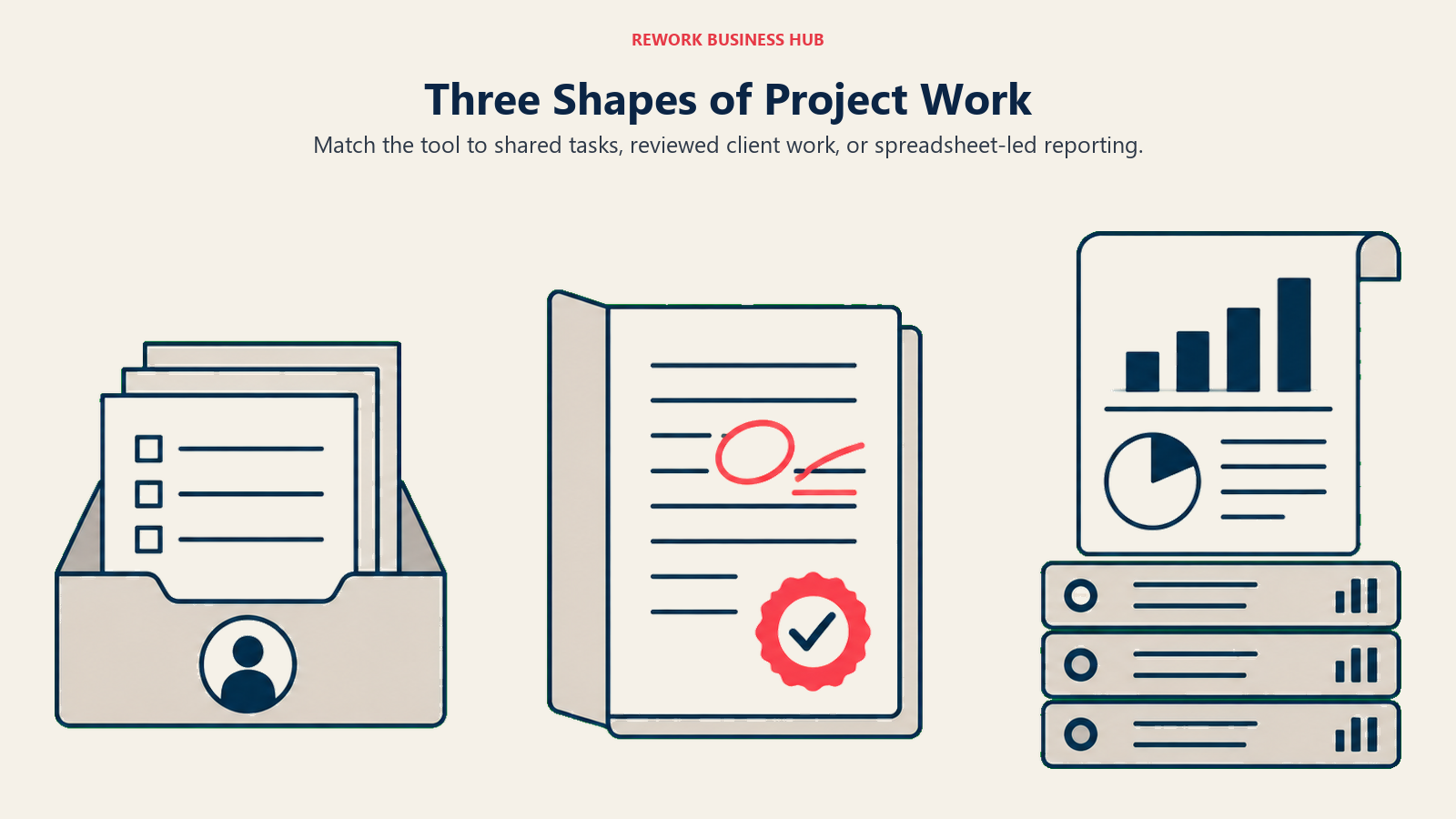
If the honest answer is "someone opens a board, drags in the tasks, and the team just starts working," you're describing an Asana-shaped organization. Nobody needs to know what a RACI chart is before they can use the tool correctly. Its job is to make the obvious thing (who owns what, and when it's due) visible without asking anyone to learn a discipline first.
If the honest answer is "the account lead scopes the engagement, routes an intake form to the right team, and tracks billable hours against a budget before a deliverable gets proofed and approved," you're describing a Wrike-shaped organization: an agency, a marketing ops team serving other departments as internal clients, or any team where someone external to the work is waiting on a reviewed asset. Wrike builds that request-to-approval chain as the main product, not an afterthought.
If the honest answer is "someone builds a sheet, adds a few cross-sheet formulas, and the PMO rolls three of those sheets into a portfolio report for a VP," you're describing a Smartsheet-shaped organization. The team already thinks natively in grids. What they need isn't a new mental model, it's the grid they already trust wired into real automation, dependency tracking, and rollup reporting.
None of these three shapes is more sophisticated than the others. They're just different shapes of work. A 40-person marketing agency running Wrike-style intake-to-proof chains and a 40-person SaaS company running Asana-style task boards are both perfectly mature for what they actually do. The mismatch happens when a team adopts the tool built for a different shape: an agency trying to force client proofing through Asana's comment threads, or a fast-moving product team drowning in Smartsheet's grid when what they needed was a board somebody could read in five seconds.
Who Each Tool Is Actually Built For
Asana spends its design budget on legibility for people who didn't sign up to manage projects. List, board, timeline, and calendar views all point at the same underlying task, so a marketing coordinator, a sales ops lead, and a product manager can each work in the view that makes sense to them without anyone translating between tools. Goals and Portfolios, both gated to the Advanced tier, let an executive roll individual tasks up to company objectives without asking a PMO to build that view from scratch. The tradeoff shows up in the direction professional PMs actually need depth: Asana's workload view only sees inside a single portfolio's projects until you're on Enterprise, and even on Advanced, "time tracking" means logging hours against a task, not the billing-and-budget machinery an agency runs its business on.
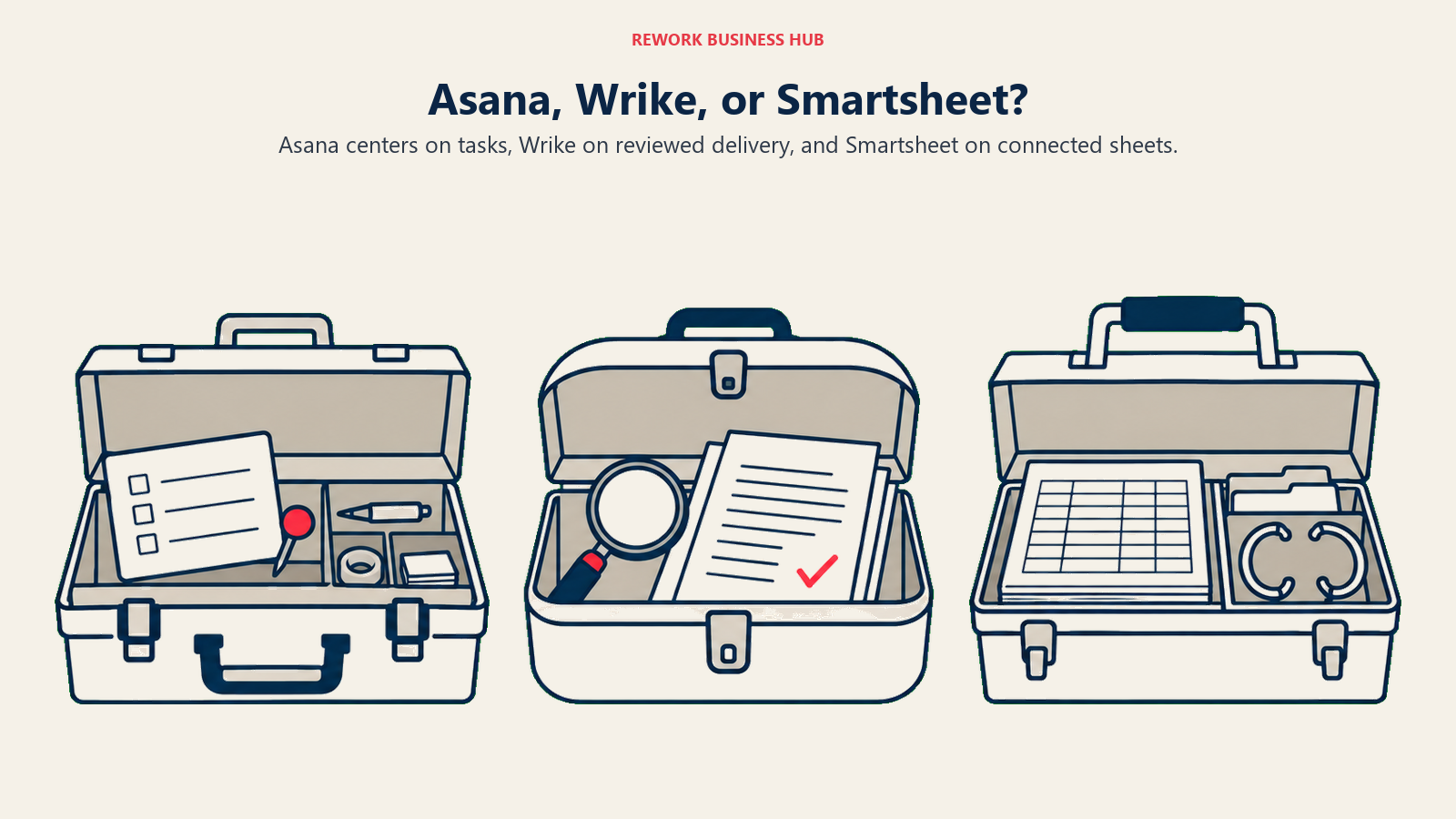
Wrike spends its design budget on the request-to-delivery chain: intake forms that capture the right information up front, task and project approvals, and native file proofing with markup tools for creative review. That machinery used to be available lower in Wrike's stack; as of its current pricing structure, all of it (dynamic request forms, task/project approvals, file proofing, and time tracking) requires the Business tier at $25 a seat, per Wrike's plan comparison table. The cheaper Team tier gets you a Gantt chart and custom fields, but not the workflow machinery that's actually Wrike's reason for existing. Read that as a warning label: budgeting for "Wrike" without budgeting for Business tier is budgeting for a different, much thinner product.
Smartsheet spends its design budget on the grid itself: cross-sheet formulas, automated update requests, and dashboards that roll several sheets into one executive view. For a PMO or finance-adjacent ops team that already trusts Excel-style thinking, that's a genuinely lower-friction migration than adopting a board-and-card mental model from zero. The catch is that Smartsheet's own Resource Management module, the capability that makes it a real alternative to Wrike for capacity planning, is sold as a paid add-on on top of Business, not bundled into the per-seat price, and Control Center (the portfolio-automation layer PMOs actually want) requires Enterprise or Advanced Work Management, both quote-only.
| Asana | Wrike | Smartsheet | |
|---|---|---|---|
| Team size sweet spot | 10-300 | 20-1,000+ (Team tier hard-caps at 15 users) | 20-5,000+ |
| Primary buyer | PMO Director, Marketing Ops Lead, Team Lead | VP Marketing, Agency Ops Director, PMO Manager | PMO Director, Finance Ops, Program Manager |
| Who actually builds the workflow | Any team member, no admin required | A dedicated Wrike admin, usually a working PM | Whoever owns the sheet, often one power user |
| Typical buying trigger | Work is scattered across spreadsheets, email, and Slack threads | Client or stakeholder approvals are stuck in email | Excel models are breaking under multiple owners |
Key Facts
- Asana holds a 4.5 out of 5 rating across 13,651 reviews on Capterra; Wrike holds 4.4 out of 5 across 3,038 reviews on Capterra; Smartsheet holds 4.5 out of 5 across 3,539 reviews on Capterra.
- Asana's free Personal plan caps out at 2 users, according to Asana's own pricing page, tight enough that most teams evaluating Asana are really pricing Starter or Advanced from day one.
- Wrike restructured into five tiers (Free, Team, Business, Pinnacle, Apex), with pricing that its own page states is "valid only for new purchases occurring on or after January 21, 2026," according to Wrike's pricing page.
- Time tracking, native file proofing and approval, and dynamic request intake forms all require Wrike's Business tier or higher; none of them ship on the $10/seat Team plan, confirmed against Wrike's comparison table.
- Smartsheet states "85%+ of Fortune 500 companies trust Smartsheet" on its own homepage, a vendor claim rather than an independently audited figure, according to smartsheet.com.
- Wrike states more than 20,000 organizations worldwide use the platform, including Siemens, Walmart, and NVIDIA, according to Wrike's company page, also a vendor claim rather than an audited figure.
Decision by Business Goal
| Business goal | Best fit | Why |
|---|---|---|
| Get a whole cross-functional team, not just PMs, actually using the tool daily | Asana | Task, board, and timeline views built for generalists; no admin needed to start a project |
| Run client or stakeholder work through a formal request-to-approval chain | Wrike | Dynamic request forms, task/project approvals, and native proofing, not bolted-on workarounds |
| Roll individual tasks up into company-level Goals an executive actually checks | Asana | Portfolios and Goals connect tasks to objectives natively on the Advanced tier |
| Replace an Excel-based tracker a PMO already trusts, without retraining the team's mental model | Smartsheet | Grid-first structure maps directly onto how the team already thinks |
| Track billable hours and creative review rounds against a client budget | Wrike | Time tracking, proofing, and budgeting (Pinnacle) built for agency and services delivery |
| Give an executive one portfolio-level rollup across dozens of concurrent trackers | Smartsheet | Cross-sheet formulas and portfolio reporting are Smartsheet's core differentiator |
| Keep automation genuinely unlimited on the cheapest paid seat | Asana | Starter includes unlimited automations; Wrike and Smartsheet meter or gate automation depth by tier |
Team and Role Fit
| Team | Asana | Wrike | Smartsheet |
|---|---|---|---|
| Marketing | Campaign task tracking, content calendars | Campaign management plus creative proofing and intake from other teams | Budget and campaign reporting rollups |
| Product and engineering-adjacent work | Roadmap-lite via Timeline; not a Jira replacement | Rarely the primary tool here | Rarely the primary tool here |
| Agency and client services | Workable, but lacks native billing or proofing | Purpose-built: proofing, approvals, time tracking, budgets | Workable for internal reporting, weak on client-facing review |
| PMO and program management | Portfolios (Advanced) cover this reasonably well | Strong: capacity planning at Pinnacle, cross-project dashboards from Business | Strongest: cross-sheet rollups, Control Center at Enterprise |
| Finance-adjacent operations | Light | Budgeting exists only at the quote-only Pinnacle tier | Native strength; grid model matches the tools finance already uses |
| Generalist cross-functional teams (HR, ops, sales) | Strongest fit: lowest training load | Overkill unless client-facing work is involved | Steep learning curve for non-spreadsheet users |
None of these buyers is wrong. A production manager who needs the same six stages applied to every order, an agency account lead who needs a client's logo approved through three review rounds, and a PMO analyst who needs Tuesday's numbers rolled into Friday's portfolio deck are all solving different problems that happen to show up under the same "project management software" search term.
Where the Real Capability Sits: Time Tracking, Proofing, and Resource Management
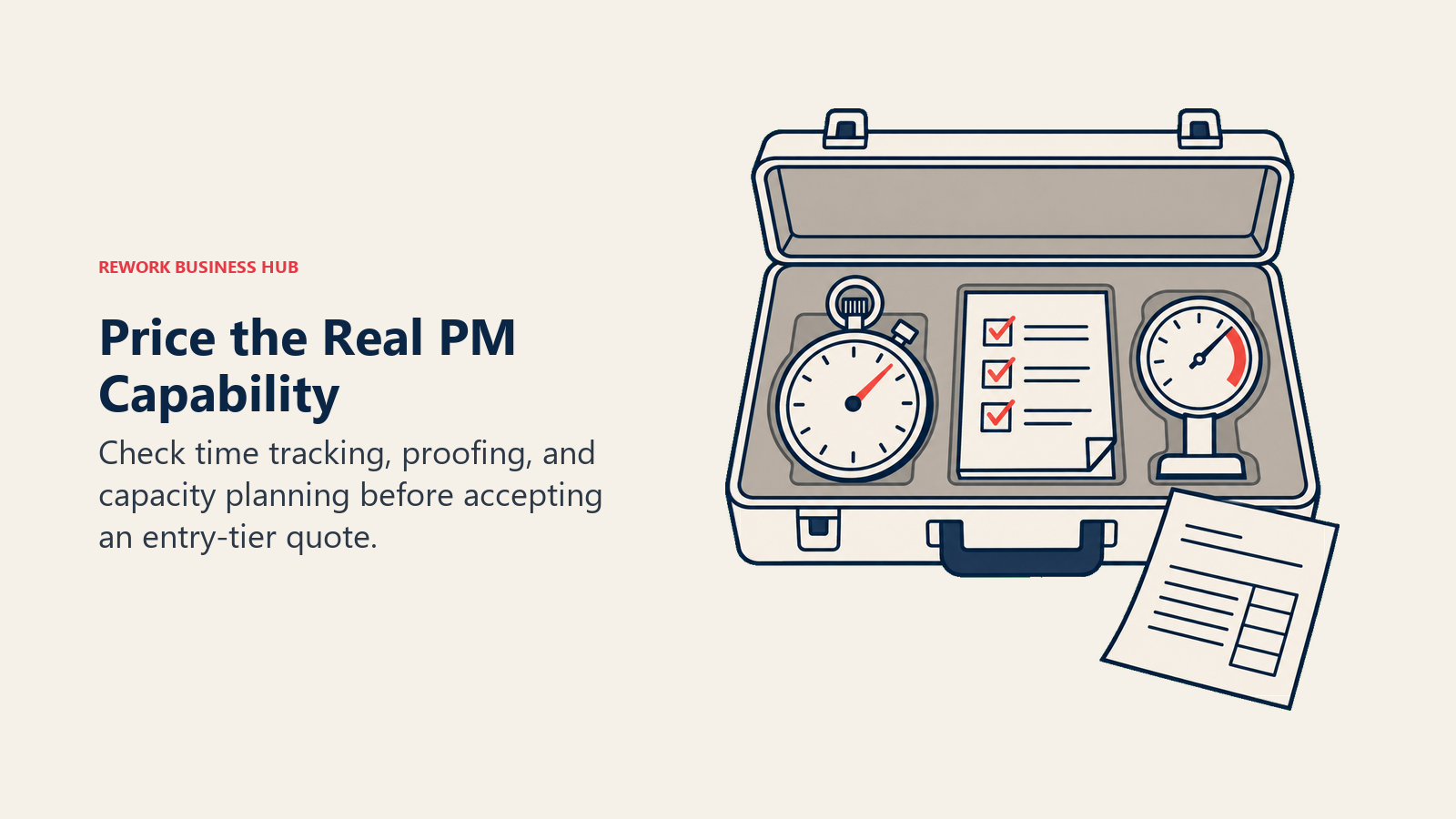
This is the table that actually explains why quotes diverge so sharply from the sticker price. Every one of these three tools looks similar on its cheapest paid tier and pulls apart hard once you need the capability that's supposedly the point of buying it.
| Capability | Asana | Wrike | Smartsheet |
|---|---|---|---|
| Gantt or timeline view | Starter, $10.99/seat | Team, $10/seat | Pro, $9/seat |
| Automation | Unlimited from Starter | Included from Team; depth expands on Business | 250 runs/month on Pro; unlimited on Business |
| Custom fields | Starter | Team | Pro |
| Goals tied to company objectives | Advanced ($24.99/seat) only | Not a native concept | Not a native concept |
| Portfolio rollups across projects | Advanced (project-level); Enterprise (universal, quote-only) | Cross-project dashboards from Business; capacity planning at Pinnacle (quote-only) | Native strength from Business; Control Center at Enterprise (quote-only) |
| Time tracking | Advanced | Business, $25/seat | Not a core native feature |
| Creative proofing and markup | Approvals only, at Advanced; no asset markup | Native file proofing and approval from Business | Approval workflows via automation, not creative markup |
| Request or intake forms | Included from Starter | Dynamic request forms from Business only | Available broadly, including on Pro |
| Resource management or workload view | Portfolio-level on Advanced; universal on Enterprise (quote-only) | Workload charts on Business; advanced capacity planning at Pinnacle (quote-only) | Paid add-on regardless of tier (quote-only) |
| SSO / SAML | Enterprise (quote-only) | Pinnacle (quote-only) | Enterprise or Advanced Work Management (quote-only) |
The pattern across all three: real resource or capacity planning, at the depth a PMO actually needs, sits behind a "contact sales" tier in every single one of these products. None of them publish what that costs. Budget for a sales conversation, not a list price, the moment resource management stops being a nice-to-have.
Pricing: What Each Vendor Actually Publishes
| Plan | Asana | Wrike | Smartsheet |
|---|---|---|---|
| Free | Personal, up to 2 users | Free, unlimited users, no Gantt or dashboards | No perpetual free plan; trial only |
| Entry paid tier | Starter, $10.99/seat/month annual ($13.49 monthly) | Team, $10/seat/month annual, 2 to 15 users only | Pro, $9/seat/month annual ($12 monthly), 1 to 10 members only |
| Main/mid tier | Advanced, $24.99/seat/month annual ($30.49 monthly) | Business, $25/seat/month annual, 5 to 200 users | Business, $19/seat/month annual ($24 monthly), 3+ members, no stated cap |
| Higher published tier | None | Pinnacle, contact sales | None |
| Custom/Enterprise | Enterprise, contact sales | Apex, contact sales | Enterprise and Advanced Work Management, both contact sales |
Sources: Asana's pricing page, Wrike's pricing page, and Smartsheet's pricing page. Wrike's own page states its current rates apply only to purchases made on or after January 21, 2026, a genuine increase from the roughly $9.80/$24.80 figures that circulated earlier in the year; price at $10/$25 for any quote you're evaluating now.
Annual Cost at 10, 25, and 100 Seats
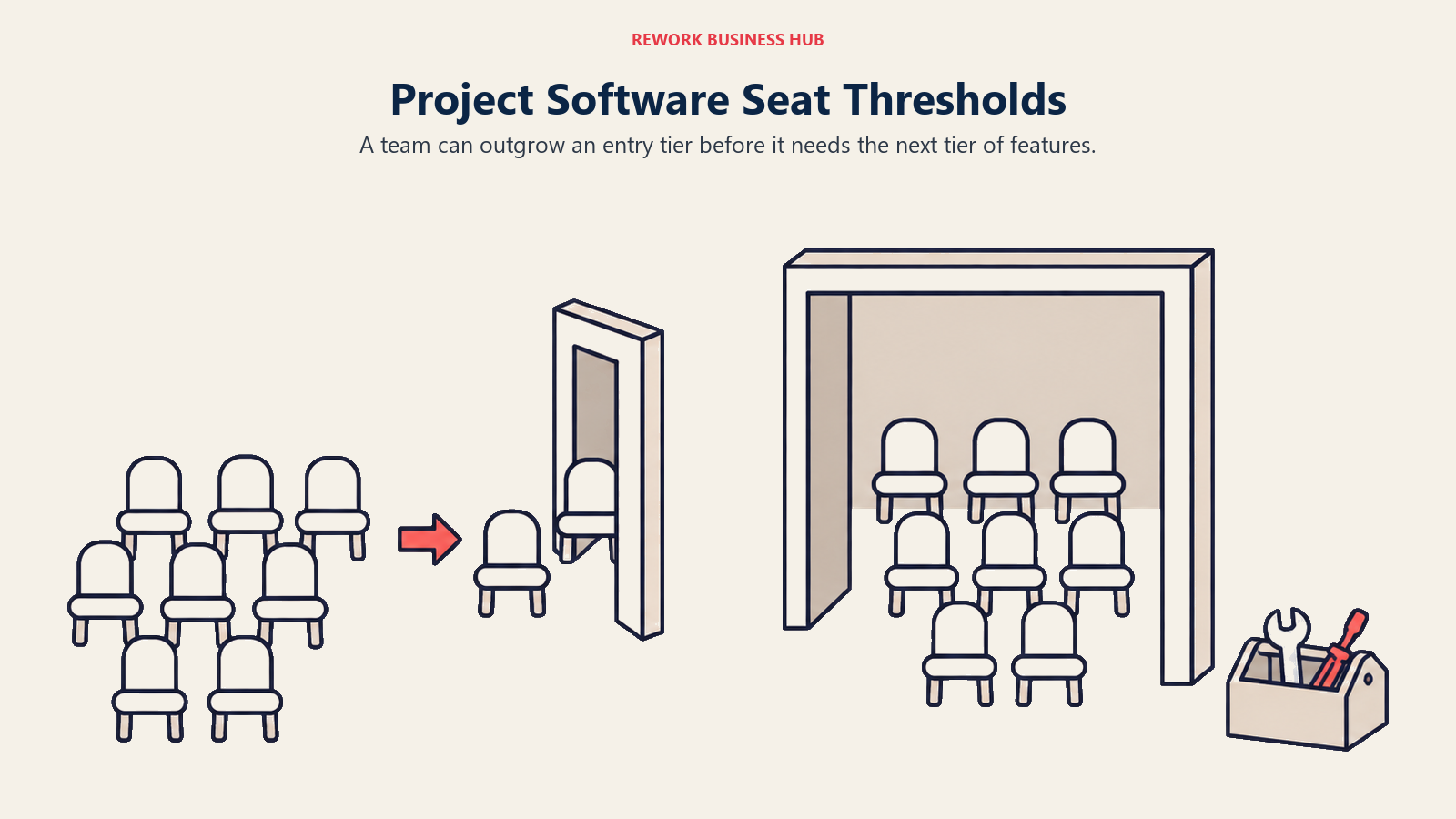
Two of these three tools quietly force an upgrade the moment your team crosses a seat threshold, regardless of whether you need the extra depth. That's the real story real team sizes tell that a headline rate doesn't.
| Seats | Asana Starter | Asana Advanced | Wrike Team | Wrike Business | Smartsheet Pro | Smartsheet Business |
|---|---|---|---|---|---|---|
| 10 | $1,319 | $2,999 | $1,200 | $3,000 | $1,080 (at the seat cap) | $2,280 |
| 25 | $3,297 | $7,497 | Not purchasable, 15-user cap | $7,500 | Not purchasable, 10-user cap | $5,700 |
| 100 | $13,188 | $29,988 | Not purchasable, 15-user cap | $30,000 | Not purchasable, 10-user cap | $22,800 |
At 25 and 100 seats, Wrike's Team plan and Smartsheet's Pro plan simply aren't for sale. You're on Business whether the extra capability is on your requirements list or not. That reshapes the comparison: the tools that actually deliver on their differentiators, Wrike Business and Asana Advanced, land within $12 of each other at 100 seats ($29,988 versus $30,000) despite being built for different jobs. Smartsheet Business comes in roughly 24% cheaper at the same seat count ($22,800), the closest thing to a genuine price "flip" this comparison produces once you price at the tier teams actually end up needing rather than the tier on the homepage.
Implementation and Change Management
| Factor | Asana | Wrike | Smartsheet |
|---|---|---|---|
| Time to first productive use | Same day; templates cover most starting points | Days to two weeks; request forms and approval chains need real configuration | Days; faster if the team already builds in Excel |
| Who needs real training | Everyone, lightly | Whoever owns intake and approvals needs deliberate onboarding | Whoever owns the sheet architecture |
| Ongoing admin overhead | Low | Moderate; someone has to maintain forms, blueprints, and approval chains | Moderate to high at scale; Control Center needs a dedicated admin |
| Migration risk from spreadsheets | Low; task-and-board model is intuitive for new users | Moderate; a different mental model than a spreadsheet | Lowest; the grid model already matches Excel |
| Internal champion needed | Helpful but not required | Yes, someone has to own the workflow design | Yes, someone has to own the sheet and formula logic |
Risk and Governance
| Risk dimension | Asana | Wrike | Smartsheet |
|---|---|---|---|
| Company ownership | Independent, publicly traded (NYSE: ASAN) | Owned by Symphony Technology Group, a private equity firm, since July 2023 | Taken private by Blackstone and Vista Equity Partners in a deal that closed January 2025; no longer listed on NYSE |
| SSO / SAML | Enterprise only | Pinnacle only | Enterprise or Advanced Work Management only |
| Audit logs | Enterprise | Pinnacle and above | Enterprise |
| Data residency options | Enterprise | Enterprise-equivalent tiers | Enterprise |
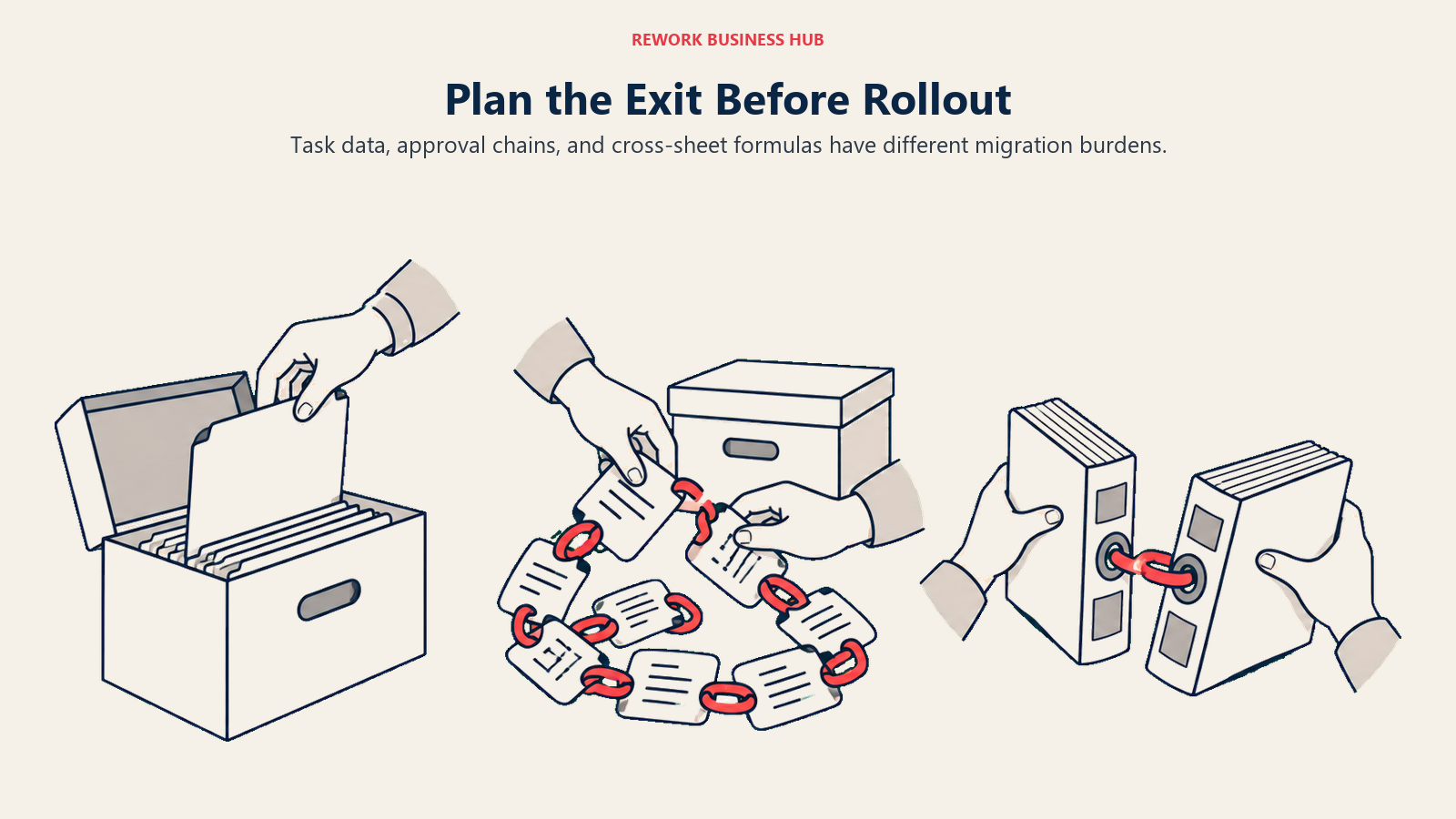
| Vendor lock-in shape | Low; task data exports cleanly | Moderate; approval chains and blueprints are Wrike-specific to rebuild | Moderate; formula logic and cross-sheet references take real time to migrate off |
Private equity ownership isn't automatically a red flag, but it changes the conversation with your board or legal team differently than a publicly traded vendor does: pricing and roadmap priorities can shift after a resale, and there's less public financial disclosure to evaluate the vendor's stability against. If governance sign-off requires SOC 2, SSO, and audit logs as a baseline, confirm current certification status directly with sales before you sign, since all three gate that bundle to a tier that isn't the one in the comparison table above.
When Asana Is the Right Call
- Your work is mostly cross-functional tasks with owners and due dates, not client-facing requests or spreadsheet-native reporting
- You want a whole non-technical team productive on day one, without appointing anyone as the tool's administrator
- Connecting individual tasks to company-level Goals is something an executive will actually look at, not a report nobody opens
- Unlimited automation on the cheapest paid seat matters more than the deepest possible resource management
- You're not running formal client billing, creative proofing, or PMO-grade portfolio governance through this tool
When Wrike Is the Right Call
- Client or stakeholder work moves through a real intake-to-approval chain, and email or Slack threads keep losing track of who approved what
- Creative assets need a native markup-and-approval trail, not a task comment thread standing in for one
- Time tracked against a project needs to tie back to a budget, a retainer, or a bill, not just a personal productivity log
- You have (or are willing to hire) a dedicated Wrike admin to own request forms, blueprints, and approval workflows
- You're budgeting for the $25/seat Business tier from the start, not the $10/seat Team plan, since that's where Wrike's actual differentiators live
When Smartsheet Is the Right Call
- Your team already builds and trusts complex logic in Excel, and you want that instinct to survive the migration, not get replaced by a board-and-card model nobody asked for
- A PMO needs to roll several project sheets into one executive-ready portfolio view without exporting to a separate BI tool
- Approval workflows and update requests matter more than creative proofing or client-facing collaboration
- You're prepared to treat Resource Management as a separate line-item purchase, not an included Business-tier feature
- Enterprise governance (Control Center, WorkApps, granular permissions) is worth a custom quote conversation for your organization's size
Decision Framework
| If this is you | Pick |
|---|---|
| You need the whole company using one tool without a training program | Asana |
| Client or stakeholder approvals are the actual bottleneck, not task tracking itself | Wrike |
| Your team already thinks in spreadsheets and a PMO needs portfolio rollups | Smartsheet |
| You want Goals and Portfolios tied to company objectives an executive checks | Asana |
| Creative proofing with markup tools is a daily requirement, not occasional | Wrike |
| Resource management only needs to exist as a line item you can quote later, not day one | Any of the three, priced at Business/Advanced rather than the entry tier |
| You're under 15 people and want to stay on an entry tier without an early forced upgrade | Asana Starter has no seat cap; Wrike Team and Smartsheet Pro both do |
| You're comparing a different pair from this same shortlist first | See monday.com vs Notion for how those two split on a similar axis |
What to Do Next
- Name your team's actual shape before you demo anything. Generalist task tracking, client-facing approval chains, or spreadsheet-native PMO reporting: pick the sentence that's honestly true today, not the one you're hoping becomes true in a year.
- Price the tier you'll actually use, not the entry tier. If time tracking, proofing, or resource management is on your requirements list, you're pricing Asana Advanced, Wrike Business, or Smartsheet Business (plus a Resource Management add-on quote), not the cheapest number on the pricing page.
- Check your real seat count against each tool's caps. Wrike Team stops at 15 users and Smartsheet Pro stops at 10; if you're above either number, that tier isn't actually for sale to you.
- Run a two-week pilot with your worst current workflow, not a demo project. Put the messiest real intake, approval, or reporting process your team runs into the tool and see whether it survives contact with actual use.
- If you're not sold on any of these three, the best Asana alternatives, best Wrike alternatives, and best Smartsheet alternatives guides each cover where teams land after outgrowing or rejecting that specific tool.
None of these three touch a separate, common complaint: project work that's disconnected from the sales pipeline or client record actually driving it. If that's the real gap, that's a different category of tool entirely. See how Rework compares to Asana, Wrike, and Smartsheet if that's closer to your actual problem.
Frequently Asked Questions about Asana vs Wrike vs Smartsheet
Is Asana, Wrike, or Smartsheet the cheapest?
On entry tiers, Smartsheet Pro is cheapest at $9 per seat per month, but it caps out at 10 members. Asana Starter ($10.99/seat) has no seat cap at all, which makes it the cheapest option that actually scales past a small team. Wrike's entry tier, Team at $10/seat, caps at 15 users and lacks the time tracking and proofing that are Wrike's main selling points, so most real Wrike budgets should plan for Business at $25/seat instead.
Which of the three is best for a marketing or creative agency?
Wrike, once you're on its Business tier. Native file proofing with markup tools, task and project approvals, and time tracking tied to client budgets are all built for exactly that workflow. Asana and Smartsheet can both track agency work, but neither has a native creative review-and-approval trail as strong as Wrike's.
Can Asana replace Smartsheet for a PMO running portfolio reporting?
Partially. Asana's Portfolios (Advanced tier) roll projects up reasonably well, but Smartsheet's cross-sheet formulas and Control Center automation go deeper for a PMO managing dozens of concurrent trackers with rollup reporting to executives. Teams that are already spreadsheet-native tend to find Smartsheet's model faster to adopt for that specific job.
Do any of these three include a genuinely usable free plan?
Not really, for a real team. Asana's free Personal plan caps at 2 users. Wrike's free plan is unlimited on seats but excludes Gantt charts and dashboards, the features that make it a project management tool rather than a task list. Smartsheet has no perpetual free plan at all, only a trial.
Does resource management cost extra on all three?
Effectively, yes, once you need it at real depth. Asana gates portfolio-level workload views to Advanced and universal capacity planning to Enterprise. Wrike gates basic workload charts to Business and advanced capacity planning to the quote-only Pinnacle tier. Smartsheet sells Resource Management as a separate paid add-on regardless of which base tier you're on. Budget a sales conversation, not a list price, the moment this becomes a requirement.
Which tool is easiest for a non-technical, cross-functional team to adopt without training?
Asana. Its list, board, timeline, and calendar views all point at the same task data, so people can work in whichever view makes sense to them without learning Wrike's request-and-approval vocabulary or Smartsheet's formula logic first.
Related Resources:
- Best Project Management Software in 2026
- Best Asana Alternatives
- Best Wrike Alternatives
- Best Smartsheet Alternatives
- monday.com vs Notion
- How to Choose Project Management Software
- The Project Management Office (PMO)
- Resource Allocation
- The True Cost of Software Sprawl
- Rework vs Asana
- Rework vs Wrike
- Rework vs Smartsheet

Customer Success Operations Manager
On this page
- TL;DR
- The Real Axis: Practice Maturity, Not Feature Count
- Who Each Tool Is Actually Built For
- Key Facts
- Decision by Business Goal
- Team and Role Fit
- Where the Real Capability Sits: Time Tracking, Proofing, and Resource Management
- Pricing: What Each Vendor Actually Publishes
- Annual Cost at 10, 25, and 100 Seats
- Implementation and Change Management
- Risk and Governance
- When Asana Is the Right Call
- When Wrike Is the Right Call
- When Smartsheet Is the Right Call
- Decision Framework
- What to Do Next