Proposify vs GetAccept vs Zoho Sign in 2026: Is Your Document a Sales Asset or Just Paperwork?
Turn this article into takeaways for your work.


Each assistant summarizes the article only for you and suggests best practices for your work.
You're comparing three tools that all end in a signature, and that's about where the similarity stops. Proposify is proposal software: design-controlled templates, a content library, approval gates, and analytics on which page a prospect actually read before they signed. GetAccept is a digital sales room: the proposal is one piece of a shared space with your buyer that also holds video, chat, and a mutual action plan, built for deals where more than one person on the other side has to say yes. Zoho Sign doesn't do proposals or sales rooms. It signs documents, cheaply and reliably, and that's the entire pitch.
So before you build a feature checklist, answer a narrower question first. Is the document a sales asset that needs to look right and hold a prospect's attention, or is it paperwork that just needs a legally binding signature? And if it's a sales asset, is one person reading it, or is it going in front of a buying committee that needs to talk to each other before anyone signs? That answer eliminates two of these three tools before you've compared a single price.
TL;DR
| Proposify | GetAccept | Zoho Sign | |
|---|---|---|---|
| Core identity | Proposal design and document automation software | AI-native digital sales room with proposal, video, chat, and signing | Dedicated e-signature software, no proposal layer |
| The document is | A sales asset one person reads and approves | A sales asset a buying committee discusses together | Paperwork that needs a binding signature, nothing more |
| Entry price | Basic: $19/user/month annual ($29 monthly), 10 sends/month | eSign: $25/user/month, capped at 5 users on the account | Free: $0, 1 user, 5 envelopes/month |
| Realistic team tier | Team: $41/user/month annual, 30 sends/month | Professional: $49/user/month annual, 5-user minimum | Professional: $16/user/month annual, unlimited envelopes |
| Strongest differentiator | Content library, approval workflows, and page-by-page read analytics | Deal rooms with video, live chat, and mutual action plans | Lowest cost per seat, plus a published tier with qualified signatures |
| Weakest spot | Workflow automation locked to Team tier and up; send caps don't say whether they're per seat or per account | A hard gap between eSign's 5-user cap and Professional's 5-user minimum, a tax on a 3 or 4-person team | No proposal, content library, or engagement features |
| Best for | Sales teams whose proposal has to look professional and track engagement before the signature matters | Teams selling to a buying committee that needs a shared space to review, discuss, and align before signing | Any team that just needs documents signed, especially one already inside Zoho CRM or Zoho Workplace |
Key Facts
- Gartner projected in 2022 that 30% of B2B sales cycles would be managed through digital sales rooms by 2026, per Flowla's 2026 State of Digital Sales Rooms research.
- The global digital sales room market is valued at $3.2 billion in 2025, projected to reach $9.8 billion by 2034, a 16.8% compound annual growth rate. (MarketIntelo)
- A typical B2B purchase now involves a buying team of about 10 people, and that group size has stayed consistently large for years, per 6sense's 2025 research. (Corporate Visions)
- The Uniform Electronic Transactions Act (UETA) has been adopted by 49 US states plus DC, Puerto Rico, and the Virgin Islands; New York uses a comparable Electronic Signatures and Records Act. (Formstack)
- A Qualified Electronic Signature under the EU's eIDAS Regulation (910/2014) carries the same legal effect as a handwritten signature, recognized without additional proof in every EU member state. (DocuSign's eIDAS regulatory primer)
- The federal ESIGN Act took effect June 30, 2000, giving electronic signatures the same legal standing as handwritten ones for interstate and foreign commerce, provided the signer affirmatively consented to sign electronically. (National Credit Union Administration)
What Each Tool Is Actually Built For
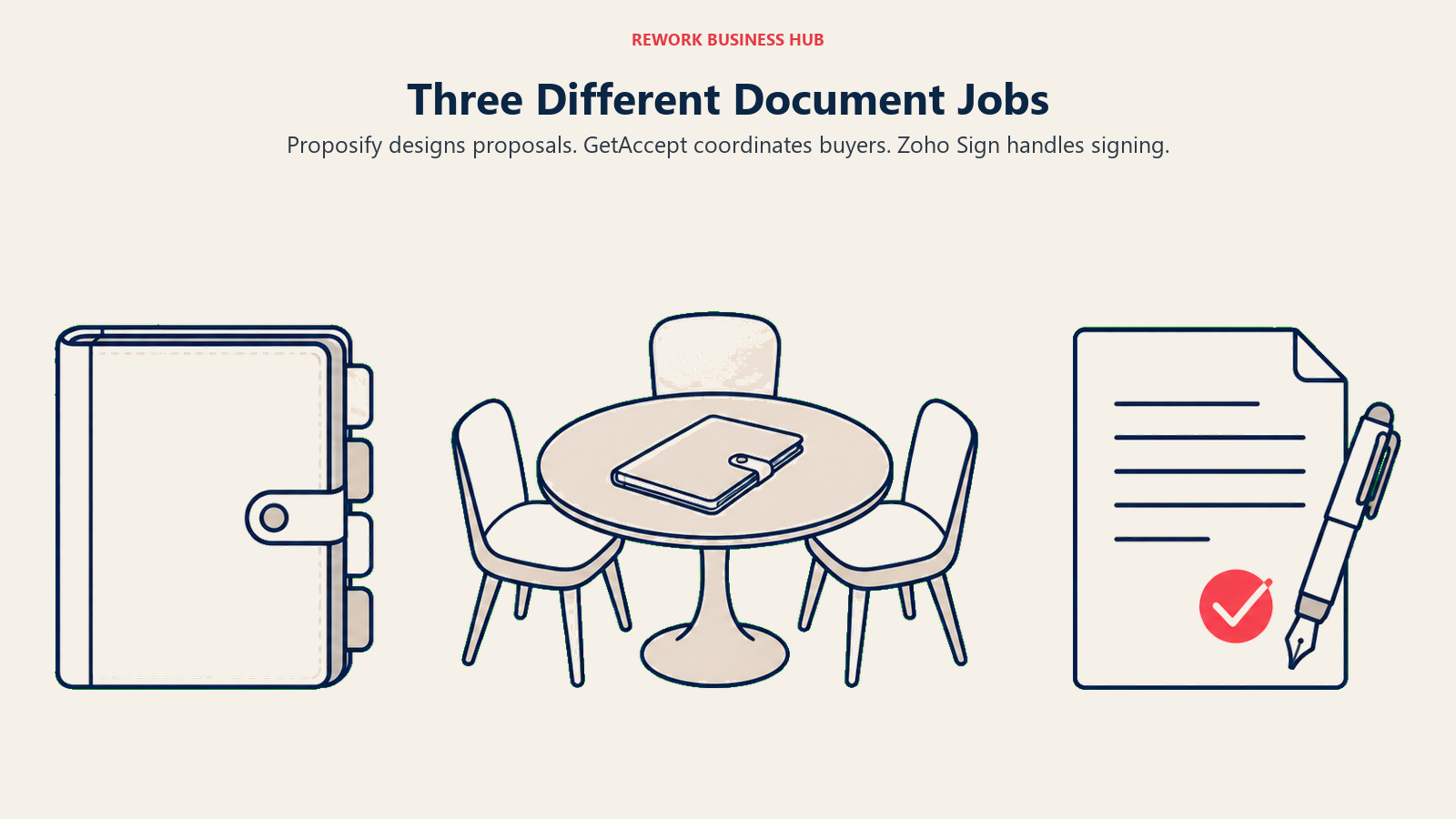
Proposify designs proposals. GetAccept coordinates buyers. Zoho Sign handles signing.
Proposify: The Proposal Is the Product
Proposify's whole design starts from the assumption that the document is doing sales work, not just carrying a signature line. A rep builds from a locked-down template so the brand and pricing structure stay consistent across every deal, pulls approved case studies and pricing blocks from a shared content library instead of writing from scratch, and sends the proposal knowing Proposify will track exactly which sections the prospect opened and how long they spent on each one. That data, who read the pricing page twice, who never opened the proposal at all, is the product's real value, not the signature that eventually lands at the bottom.
The buyer here is a VP of Sales or a sales ops lead who wants every rep's proposal to look the same. It's a natural step up from PandaDoc, which covers similar ground with a bigger CRM footprint; Proposify leans harder into design control and proposal-specific analytics.
GetAccept: The Proposal Is One Room in a Shared Space
GetAccept starts from a different assumption: a real B2B deal isn't a single document sent to a single reader, it's a negotiation happening across several people on the buyer's side who may never all be on a call with you at once. Its digital sales room puts the proposal, a recorded video walkthrough, a live chat thread, and a mutual action plan (a shared, editable timeline of who does what before close) in one URL that every stakeholder can return to. When a champion needs to loop in their CFO, they don't forward a PDF. They share the room.
That matters because the buying committee behind a deal has grown, not shrunk. A typical B2B purchase now involves a buying group of around 10 people, and GetAccept's engagement tracking shows a rep which of those 10 people actually opened the room, a meaningfully different signal than a single-reader analytics view. For more on who's actually sitting in that room, the new B2B buying committee breaks down the roles you're likely negotiating around without knowing it.
Zoho Sign: No Proposal Layer, Just a Signature
Zoho Sign doesn't compete on either of the above. There's no content library, no proposal template, no buyer engagement tracking. What it does is route a document to a signer, capture a legally valid signature, and store the executed copy, at a price that undercuts both other tools on this page at every tier. That's a deliberate, narrow scope, not a missing feature.
Zoho Sign's real advantage only shows up once a team already runs Zoho CRM, Zoho Workplace, or the broader Zoho One suite: a signature request can trigger from a CRM deal record, and the signed document syncs back with no Zapier chain in between. Outside that ecosystem, it's a competent, inexpensive signing tool with no particular reason to pick it over a dozen similar options, covered in the best e-signature software roundup.
| Proposify | GetAccept | Zoho Sign | |
|---|---|---|---|
| Proposal creation and content library | Yes, core feature | Yes, inside the deal room | No |
| Video embedded in the document | No | Yes, native | No |
| Live chat with the buyer | No | Yes, native | No |
| Mutual action plan / close timeline | No | Yes, Professional and up | No |
| Page-by-page read analytics | Yes | Yes, room-level, across stakeholders | No |
| Native e-signature | Yes, every paid tier | Yes, every tier | Yes, every tier including Free |
| Built primarily for | One reader evaluating a polished document | A buying committee reviewing together | Whoever just needs a signature |
Decision by Business Goal
| Your situation | Best fit |
|---|---|
| The proposal needs to look like a professional, on-brand document, and you want data on whether the prospect read it | Proposify |
| More than one person on the buyer's side has to weigh in, and you want a shared space instead of an email thread | GetAccept |
| You need an NDA, vendor agreement, or offer letter signed today, no proposal step involved | Zoho Sign |
| You're already running Zoho CRM or Zoho One and don't want a new vendor relationship for signing | Zoho Sign |
| Reps sell to a single decision-maker most of the time and design consistency matters more than committee tracking | Proposify |
| Deal cycles stall because a champion can't easily loop in the rest of their buying committee | GetAccept |
| Budget per seat matters more than any proposal or engagement feature | Zoho Sign |
The Legal Ground: What Actually Makes a Signature Binding
This is the part that makes most buyers hesitate, and it's worth covering plainly rather than waving at "legally binding" the way most vendor pricing pages do. Three separate legal frameworks decide whether a signature holds up, and which one applies depends on where your signer is, not which tool you pick.
In the United States, two laws work together. The federal ESIGN Act (2000) gives electronic signatures the same legal standing as handwritten ones for interstate and foreign commerce, as long as the signer affirmatively consented to sign electronically. Alongside it, the state-level Uniform Electronic Transactions Act (UETA) sets four requirements: intent to sign, consent to do business electronically, a record associating the signature with the document, and the ability for all parties to retain their own copy. UETA has been adopted by 49 states plus DC and US territories; New York uses a comparable law instead. Neither statute requires a specific technology or vendor: a basic click-to-sign process with a solid audit trail satisfies both for most ordinary business documents. UETA does carve out wills, testamentary trusts, and records tied to birth, marriage, or divorce, so a workflow tool isn't the right instrument for those.
In the EU, the eIDAS Regulation (910/2014) sets up three tiers instead of one bar to clear. A Simple Electronic Signature (SES) is any electronic mark tied to a signer's intent, covering most standard click-to-sign workflows, including the base tier on all three tools here. An Advanced Electronic Signature (AES) must be uniquely linked to the signer, created under their sole control, with any later change detectable. A Qualified Electronic Signature (QES) is the highest tier: it meets every AES requirement and is backed by a certificate from a Trust Service Provider on the EU's official trusted list. Only QES carries automatic legal equivalence to a handwritten signature with mutual recognition across every member state; SES and AES are valid but face a higher evidentiary bar if challenged.
Here's where the three tools land. Zoho Sign is the only one with QES on a published, self-serve plan, on Enterprise at $22/user/month annual, alongside blockchain timestamping and 21 CFR Part 11 and EU GMP Annex 11 compliance. GetAccept doesn't bundle QES into any tier; it's a metered add-on on Professional and Enterprise, billed per signature, using 30-plus national eID and bank ID methods (BankID, MitID, SPID, Smart-ID, Freja eID, and others) through a certificate authority on the eIDAS trusted list, a genuine strength across multiple EU countries. Proposify doesn't publish QES support at all; its signatures operate at the SES or AES level, backed by SOC 2 Type 2 certification, stated UETA, ESIGN, and eIDAS compliance, and an audit trail logging signer IP, signature, and timestamp. That covers most standard sales proposals and vendor agreements, and isn't the right tool if a document legally requires a qualified signature.
| Proposify | GetAccept | Zoho Sign | |
|---|---|---|---|
| Base signature tier | Simple / Advanced Electronic Signature | Simple / Advanced Electronic Signature | Simple (Standard/Professional); Qualified on Enterprise |
| Qualified Electronic Signature (QES) | Not offered | Paid add-on, Professional and Enterprise, priced per signature | Included on Enterprise ($22/user/month annual) |
| Identity verification methods | Email-based signer verification, audit trail | 30+ national eID and bank ID methods (BankID, MitID, SPID, others) via GlobalSign, on the eIDAS trusted list | Recipient authentication, SMS delivery, witness and delegate signing (Standard and up) |
| Audit trail detail | Signer IP address, signature, date and time | Full document and engagement history plus signature event log | Full audit trail on every tier, including Free |
| Compliance certifications stated | SOC 2 Type 2; states UETA, ESIGN, eIDAS compliance; GDPR since 2018 | SOC 2, GDPR, eIDAS compliant baseline | 21 CFR Part 11 and EU GMP Annex 11 on Enterprise |
None of this replaces legal advice specific to your documents. If your business regularly signs anything touching EU regulated consent requirements, government procurement, healthcare, or financial services, or you're unsure whether a counterparty needs a qualified rather than a simple signature, get that answer from your own counsel first. For general-purpose sales agreements, NDAs, and vendor contracts in the US or standard commercial deals in the EU, all three tools clear the legal bar; the real decision is everything else on this page.
Team and Role Fit
| Proposify | GetAccept | Zoho Sign | |
|---|---|---|---|
| Natural champion | VP of Sales, Sales Ops lead | Account Executive, Sales Manager, RevOps | Zoho admin, Ops manager, SMB owner |
| Who uses it daily | Sales reps building and sending proposals | Sales reps and the buying committee they're selling to | Anyone who needs a document signed, any department |
| CRM integrations | Salesforce, HubSpot, and others, Team tier and up | Salesforce, HubSpot, Pipedrive | Native to Zoho CRM and Zoho One; limited elsewhere |
| Best fit, single-threaded deal (one main buyer) | Strong fit | Overkill, deal room features go unused | Fine if signing is the only step needed |
| Best fit, multi-stakeholder committee deal | Weak, no shared space to align | Strong fit, purpose-built for this | Not applicable, no proposal layer |
| Best fit, HR, legal, or internal-only signing | Not built for this | Not built for this | Strong fit, a large share of actual usage |
Pricing at 3, 10, and 25 Users
This is where the three tools separate the most, and where a couple of vendor-side ambiguities are worth flagging plainly.
What's Published Today
| Plan | Proposify | GetAccept | Zoho Sign |
|---|---|---|---|
| Free / lowest entry | Not applicable | Not applicable | Free: $0, 1 user, 5 envelopes/month |
| Entry paid tier | Basic: $19/user/month annual ($29 monthly), 10 sends/month, $0.50 overage, 1 collaborator seat | eSign: $25/user/month, capped at 5 users total, unlimited e-signatures, no deal rooms | Standard: $10/user/month annual, 25 envelopes/user/month |
| Realistic team tier | Team: $41/user/month annual ($49 quarterly), 30 sends/month, $0.30 overage, 3 collaborator seats | Professional: $49/user/month annual, minimum 5 users, unlimited deal rooms and mutual action plans | Professional: $16/user/month annual, unlimited envelopes |
| Top self-serve tier | Business: quote-based, starting at $3,900/year, 75 sends/month, $0.75 overage, SSO and API | Enterprise: custom, adds CPQ, SSO, full API access | Enterprise: $22/user/month annual, unlimited envelopes, QES, bulk send, 21 CFR Part 11 |
| Enterprise | Custom | Custom | Custom, volume discounts |
Sources: Proposify's own pricing page, GetAccept's own pricing page, Zoho Sign's own pricing page.
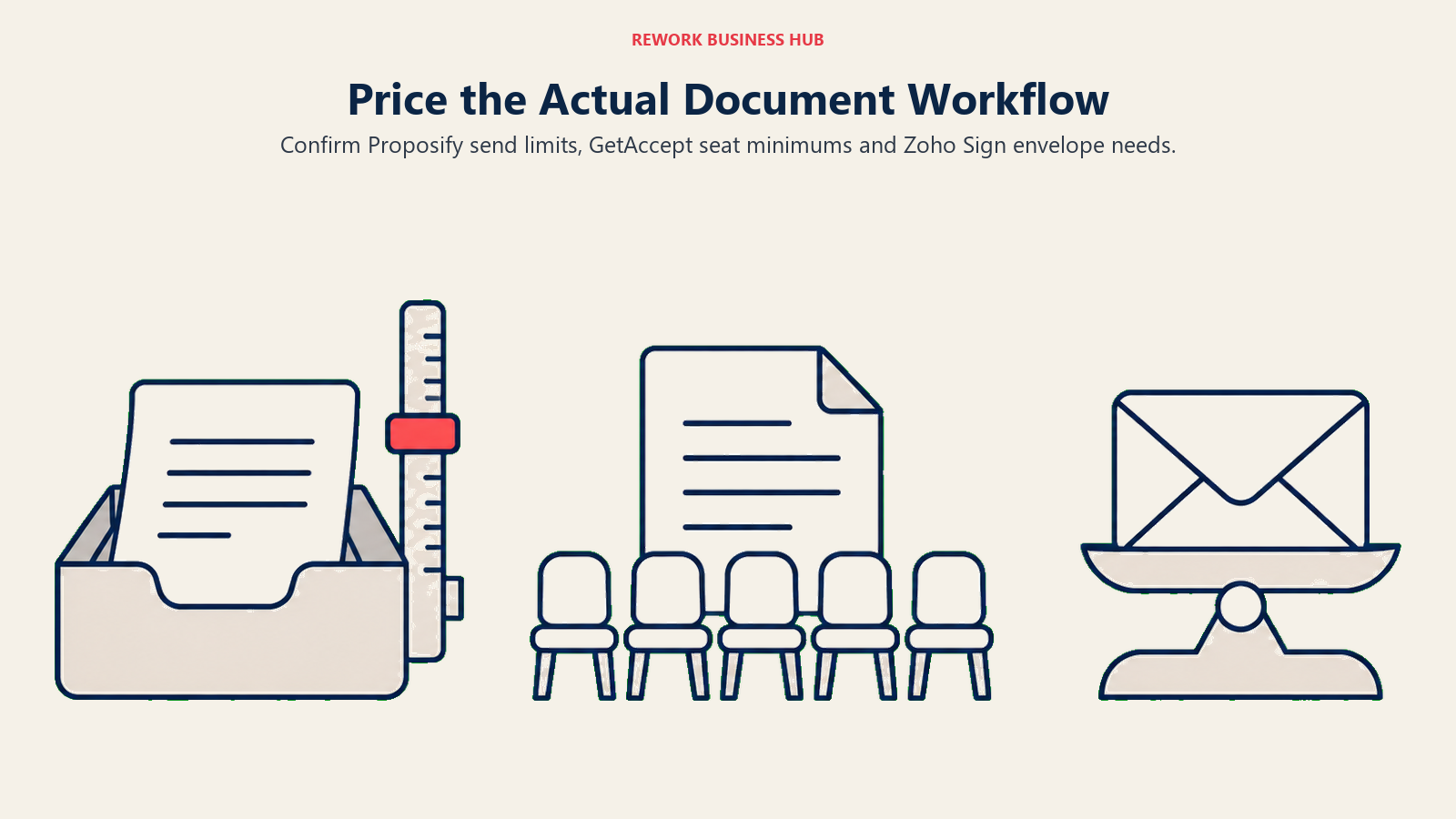
Two things worth flagging before you do the math below. First, Proposify's pricing page states that "some plans limit how many documents you can send each month" but doesn't clarify whether that 10, 30, or 75-send cap applies per seat or is shared across the whole account; confirm that directly with a rep before budgeting, since the answer changes the real cost at 10 or 25 seats. Second, GetAccept has a genuine gap between its two self-serve tiers: eSign caps out at 5 users on the account, and Professional requires a minimum of 5 users to buy in at all. A team of 3 or 4 people that wants deal rooms and mutual action plans has to pay for 5 Professional seats regardless of actual headcount.
Cost at 3, 10, and 25 Seats
| Seats | Proposify (Team, annual) | GetAccept | Zoho Sign (Professional, annual) |
|---|---|---|---|
| 3 | $1,476/year (30 sends/month, scope unclear) | $900/year on eSign, no deal rooms; $2,940/year if you need Professional's 5-seat minimum | $576/year, unlimited envelopes |
| 10 | $4,920/year (30 sends/month, likely tight) | $5,880/year on Professional | $1,920/year, unlimited envelopes |
| 25 | $12,300/year at list price (send cap likely forces a Business quote) | $14,700/year on Professional | $4,800/year, unlimited envelopes |
The pattern holds at every seat count: Zoho Sign is dramatically cheaper because it isn't selling a proposal or sales-room product. Proposify's send caps turn into a real constraint well before 25 seats, since 30 shared sends a month doesn't stretch across a team that size, at which point Business's undisclosed per-seat rate becomes the number that actually matters, not Team's list price. GetAccept's cost curve is straightforward once you clear the 5-seat floor, but that floor is worth building into a 3-person team's budget conversation before assuming eSign's cheaper number is the one you'll end up paying.
If your CRM decision is still open too, the best CRM software roundup for 2026 is worth reading before you lock in a proposal or signing tool around integrations you haven't finalized yet.
Implementation and Change Management
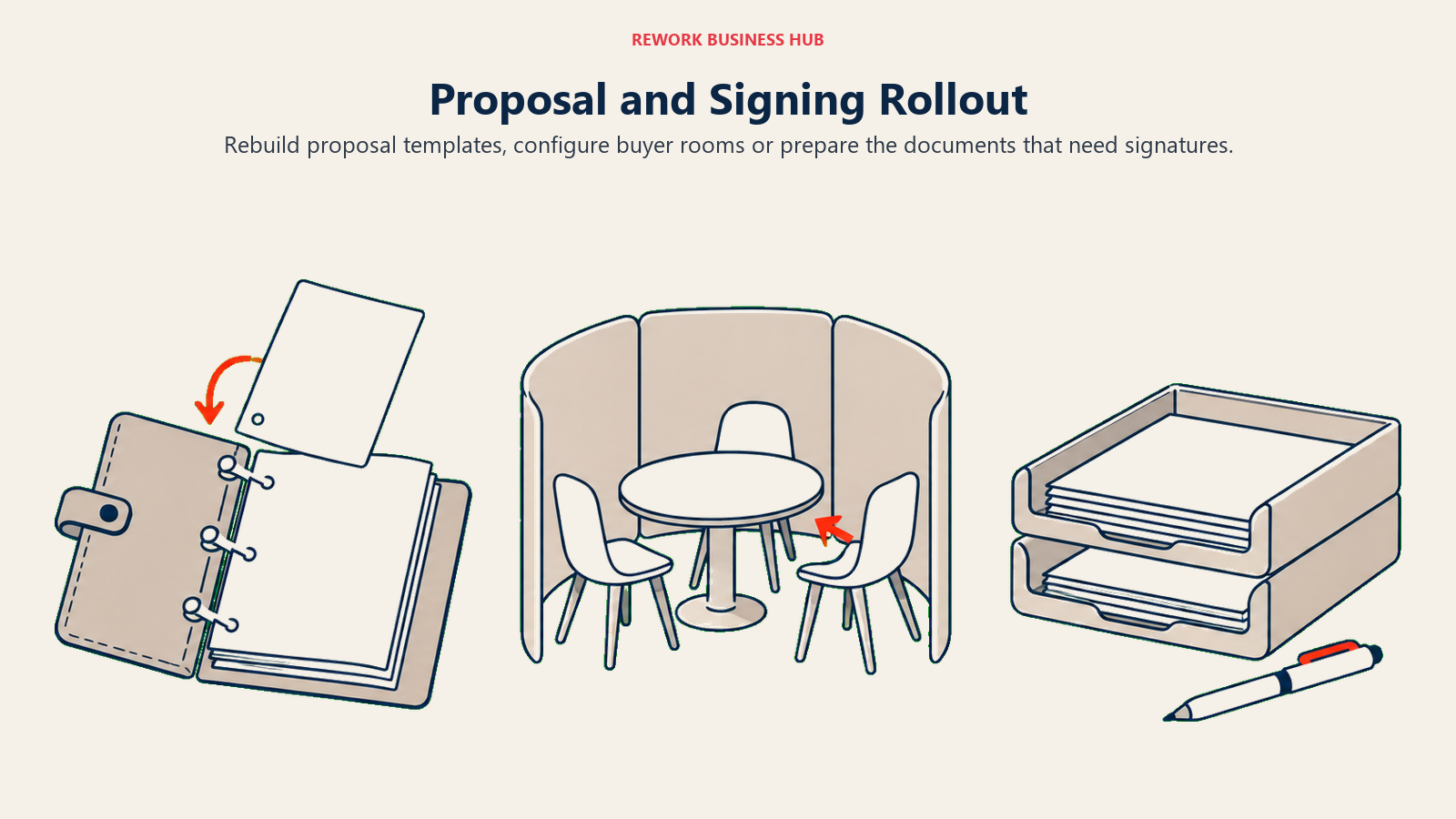
Rebuild proposal templates, configure buyer rooms or prepare the documents that need signatures.
| Proposify | GetAccept | Zoho Sign | |
|---|---|---|---|
| Time to first sent document | Same day, using a starter template | A few days, to set up a deal room and video intro | Minutes, upload and send |
| Who typically owns rollout | Sales ops or a sales manager | Sales ops or an AE team lead | Zoho admin or ops manager |
| Training load | Moderate, reps learn the content library and approval flow | Moderate to high, reps learn deal room setup, video, and mutual action plans | Low, signing is close to self-explanatory |
| Migration from another tool | Moderate, rebuilding templates and content blocks | Moderate, rebuilding deal room templates and CRM triggers | Low, no content library to rebuild |
| CRM and workflow setup | Business tier and up for full automation | Native on Professional and up; premium integrations are an add-on | Immediate on Zoho CRM, otherwise limited |
Risk and Governance
Proposify templates and GetAccept room history need migration planning; signed PDFs are simpler to carry out.
| Proposify | GetAccept | Zoho Sign | |
|---|---|---|---|
| Security certification | SOC 2 Type 2 | SOC 2 | Compliance depth concentrated in Enterprise (21 CFR Part 11, EU GMP Annex 11) |
| Data privacy | GDPR compliant since 2018 | GDPR compliant | Standard Zoho privacy terms |
| Admin console and roles | Custom roles, Business tier and up | Teams for grouping users, Professional and up; multi-department entities at Enterprise | Scales with tier; bulk and API controls at Enterprise |
| SSO | Business and Enterprise | Enterprise only | Not specified below Enterprise |
| API access | Business and Enterprise | Enterprise (read/write) | Enterprise and the dedicated API/envelope plan |
| Vendor lock-in risk | Templates and content library are Proposify-specific | Deal room and mutual action plan history are GetAccept-specific | Signed documents export as standard PDFs, easiest to walk away from |
When Proposify Is the Right Call
- The proposal is a brand-representing document, not a fill-in-the-blank template, and design consistency across reps matters
- You want hard data on whether a prospect opened the pricing section, not just whether they signed
- Your deals are mostly single-threaded: one main buyer reads and decides, without a large committee to coordinate
- You want CRM integration and approval workflows once you're on the Team tier
- If Proposify's send caps or CRM depth turn out to be the limiting factor, best PandaDoc alternatives covers close cousins in the same category
When GetAccept Is the Right Call
- Your deals involve a real buying committee, not just a single signer, and a shared, revisitable space beats an email thread with five people cc'd
- Video and live chat inside the document are a genuine part of how your reps sell
- You're selling to European counterparties who each expect to sign with their own national eID or bank ID, where GetAccept's 30-plus supported methods are a real advantage
- You can clear the 5-seat minimum on Professional, or eSign's lighter feature set is genuinely enough for now
- If the deal-room concept is right but the price or seat floor isn't, the broader field is covered in best e-signature software in 2026
When Zoho Sign Is the Right Call
- Your document is paperwork, not a sales asset: an NDA, a vendor agreement, an offer letter, something that needs a valid signature and nothing else
- You're already running Zoho CRM, Zoho Workplace, or Zoho One, and adding a separate signing vendor would be a step backward
- Cost per seat matters more than any proposal, video, or engagement feature, at every team size in this comparison
- A specific document legally requires a Qualified Electronic Signature, and Zoho Sign is the only one of these three with QES on a published, self-serve plan
- If Zoho Sign's lack of a proposal layer is the actual gap, best DocuSign alternatives and DocuSign vs Adobe Acrobat Sign cover dedicated e-signature tools built for higher volume
If the Real Problem Is Contract Negotiation, Not Any of This
Worth naming plainly: none of these three tools handle clause-level redlining on a negotiated contract. Proposify and GetAccept both assume the document is built natively in their own editor, not a marked-up Word file, and Zoho Sign doesn't touch negotiation at all. If your bottleneck is legal review and multi-round redlining rather than proposal design, buyer engagement, or signing, that's a different category, covered in PandaDoc vs DocuSign CLM vs LinkSquares and the best contract management software roundup.
Decision Framework
| If you are... | Pick |
|---|---|
| Sending a polished proposal to one decision-maker and want read analytics on it | Proposify |
| Selling to a buying committee that needs a shared room to review and discuss together | GetAccept |
| Getting an NDA, vendor agreement, or offer letter signed with no proposal involved | Zoho Sign |
| Already running Zoho CRM or Zoho One and want signing native to that stack | Zoho Sign |
| Selling to European counterparties who expect to sign with their own national eID | GetAccept |
| A specific document legally requires a Qualified Electronic Signature on a self-serve plan | Zoho Sign |
| Choosing purely on lowest cost per seat at any team size | Zoho Sign |
| Actually negotiating clause-level terms, not just sending or signing a finished document | See "If the Real Problem Is Contract Negotiation" above |
What to Do Next
- Name the document first, not the tool. A sales asset that needs to look right and hold attention, or paperwork that just needs a valid signature? That answer removes two of these three options immediately.
- If it's a sales asset, count the real stakeholders on the other side. One buyer points toward Proposify. A committee that needs to discuss internally before signing points toward GetAccept.
- Run your team's actual seat count against the caps in this article before trusting a headline price. GetAccept's 5-seat floor and Proposify's ambiguous send limits are where budgets go sideways; confirm both directly with a sales rep in writing.
- If a real compliance question sits behind a specific document, EU qualified signatures, regulated industries, government counterparties, get that answer from your own counsel before picking a tool based on this comparison.
- If your signed documents live disconnected from the CRM deal that produced them, Rework's Contract and Work Ops modules keep an agreement on the same record as the deal and route it through an approval chain before it goes out for signature, worth a look if that disconnect is your real problem. See rework.com/pricing.

Principal Product Marketing Strategist
On this page
- TL;DR
- Key Facts
- What Each Tool Is Actually Built For
- Proposify: The Proposal Is the Product
- GetAccept: The Proposal Is One Room in a Shared Space
- Zoho Sign: No Proposal Layer, Just a Signature
- Decision by Business Goal
- The Legal Ground: What Actually Makes a Signature Binding
- Team and Role Fit
- Pricing at 3, 10, and 25 Users
- What's Published Today
- Cost at 3, 10, and 25 Seats
- Implementation and Change Management
- Risk and Governance
- When Proposify Is the Right Call
- When GetAccept Is the Right Call
- When Zoho Sign Is the Right Call
- If the Real Problem Is Contract Negotiation, Not Any of This
- Decision Framework
- What to Do Next