Best Amplitude Alternatives in 2026: 10 Product Analytics Platforms for Growth Teams
Turn this article into takeaways for your work.


Each assistant summarizes the article only for you and suggests best practices for your work.
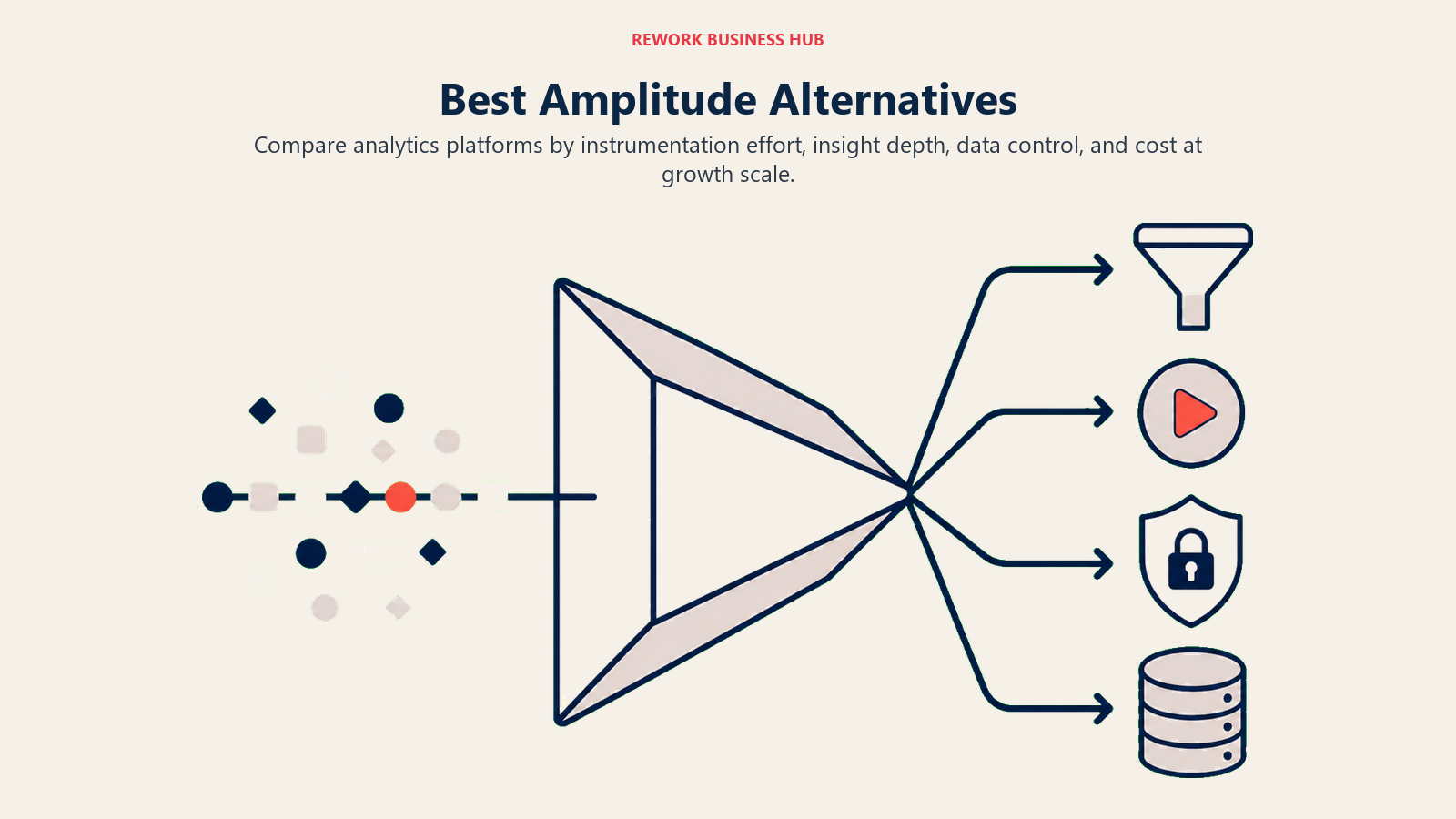
The best Amplitude alternatives in 2026 are Mixpanel for affordable funnel and retention analytics, PostHog for an open-source full analytics stack, Heap for zero-instrumentation auto-capture, June.so for B2B company-level analytics, and GA4 for free basic tracking. Most teams leave Amplitude over event-based pricing and complexity, so the right pick depends on your stage and budget.
Amplitude is a serious product analytics platform. It gives you behavioral cohorts, funnel analysis, retention charts, and a data warehouse, all in one place. If you're a product team at a Series B+ company, it does a lot.
But here's the problem: most teams aren't there yet. They're paying $60,000+ per year for a platform they use at 20% capacity. Or they're a five-person startup that got talked into enterprise pricing on the promise of "growing into it." And even for teams that do use it heavily, the event-based pricing model punishes growth: the more you instrument, the more you pay. That's exactly backwards from what a growth team needs.
This guide is for product managers, growth engineers, and analytics leads who are either evaluating Amplitude for the first time or looking for something that fits better. You'll find ten alternatives with honest assessments of who each one is actually for.
Amplitude and Mixpanel are frequently evaluated together. If you're doing that comparison, the best Mixpanel alternatives guide covers several overlapping tools (PostHog, Heap, June.so) from Mixpanel's angle, which helps clarify where the two platforms differ and where their alternatives converge.
Quick Comparison Table
| Tool | Best For | Starting Price | Key Strength | Key Limitation |
|---|---|---|---|---|
| Mixpanel | Growth-stage SaaS teams | Free (20M events/mo) | Deep funnel + cohort analysis | Can get expensive at scale |
| PostHog | Dev-led teams, open-source fans | Free (self-host), $0 cloud up to 1M events | Full stack: analytics + session replay + feature flags | UI less polished than commercial tools |
| Heap | Teams that want auto-capture | Free (5K sessions/mo), paid from ~$3,600/yr | Retroactive analysis, zero instrumentation | Data model complexity at scale |
| Google Analytics 4 | Content sites, early-stage apps | Free (forever) | Free, native Google integration, familiar | Not built for product analytics; no SQL, no cohorts |
| Pendo | Product-led growth, in-app guidance | Custom (est. $12K+/yr) | In-app guides + analytics in one platform | Expensive; overkill for early teams |
| FullStory | UX research, session replay primary | Custom pricing | Best-in-class session replay + DX data | Not a funnel/retention analytics tool |
| Plausible | Simple web analytics, privacy-first | From $9/mo | GDPR-friendly, dead simple, fast | No behavioral analytics or cohorts |
| June.so | B2B SaaS, company-level analytics | Free (up to 1K companies), paid from $149/mo | Company + user analytics built for B2B | Limited depth compared to Amplitude |
| Kissmetrics | E-commerce, revenue analytics | From $299/mo | Person-level tracking, revenue attribution | Dated UI; less community/integrations |
| Matomo | Self-hosted, data ownership | Free (self-host) / from $19/mo cloud | Full data ownership, GDPR-native | Requires DevOps to maintain self-hosted |
Why Teams Leave Amplitude
Before diving into alternatives, it's worth naming exactly why Amplitude doesn't work for certain teams. These aren't generic complaints. They're structural issues with the product.
Reason 1: Event-Based Pricing Gets Expensive Fast
Amplitude charges per event. When you're early-stage tracking a few hundred thousand events per month, it seems manageable. But instrument your app properly (page views, clicks, form interactions, API calls) and you hit a million events per week easily. At that point, you're looking at $25K–$60K+ per year on analytics alone. For a 15-person startup, that's a meaningful chunk of your software budget.
Reason 2: Steep Learning Curve
Amplitude has concepts (charts, notebooks, cohorts, experiments) that take weeks to learn. New hires spend their first two weeks just learning the platform. Product teams at early-stage companies don't have the bandwidth for that. They need answers fast, not a training program.
Reason 3: Implementation is Heavy
You need to instrument every event you want to track. Miss an event during setup? You can't go back in time: that data is gone. Teams frequently discover a month in that they forgot to track a critical user action. Amplitude requires you to know what questions you'll want to ask before you start collecting data.
Reason 4: Overkill for Early-Stage Teams
Amplitude is built for teams running A/B experiments, building ML-powered recommendations, and operating data warehouses. A startup with 2,000 users doesn't need that. It needs to know why users are dropping off the onboarding flow. There are tools that answer that question in five minutes, not five hours.
Reason 5: Data Warehouse Required for Advanced Use
To use Amplitude's most powerful features, you need a data warehouse (Snowflake, BigQuery, Redshift). That's another $1,000–$5,000/month in infrastructure. For companies without a data engineer, this is a wall.
Stage Fit Matrix
| Tool | Early-Stage (1–10 people) | Growth (11–50) | Mid-Market (51–200) | Enterprise (200+) |
|---|---|---|---|---|
| Mixpanel | Good | Excellent | Good | Possible |
| PostHog | Excellent | Excellent | Good | Possible |
| Heap | Poor | Good | Excellent | Good |
| Google Analytics 4 | Good | Possible | Poor | Poor |
| Pendo | Poor | Good | Excellent | Excellent |
| FullStory | Poor | Good | Excellent | Excellent |
| Plausible | Excellent | Good | Poor | Poor |
| June.so | Excellent | Excellent | Good | Poor |
| Kissmetrics | Poor | Good | Good | Poor |
| Matomo | Good | Good | Good | Possible |
Sizing and Persona Table
| Tool | Team Size Sweet Spot | Who Buys It | Industry Fit |
|---|---|---|---|
| Mixpanel | 10–100 | Head of Product, Growth Lead | SaaS, mobile apps, marketplaces |
| PostHog | 1–200 (self-host), any (cloud) | CTO, Engineering Lead, Product | Dev-led SaaS, open-source projects |
| Heap | 50–500 | VP Product, Data Analyst | Enterprise SaaS, fintech, e-commerce |
| Google Analytics 4 | 1–50 | Marketing, Founder | Content, e-commerce, early apps |
| Pendo | 50–500 | VP Product, Customer Success | B2B SaaS, product-led growth |
| FullStory | 50–1000 | UX Research, Product, Engineering | E-commerce, SaaS, consumer apps |
| Plausible | 1–20 | Founder, Marketing | Indie products, content sites, agencies |
| June.so | 1–50 | Product, Founder | B2B SaaS, vertical SaaS |
| Kissmetrics | 10–100 | Marketing, E-commerce Owner | E-commerce, subscription products |
| Matomo | Any | IT Admin, Privacy-focused team | EU companies, regulated industries |
1. Mixpanel: Deep funnel analytics for growth-stage SaaS
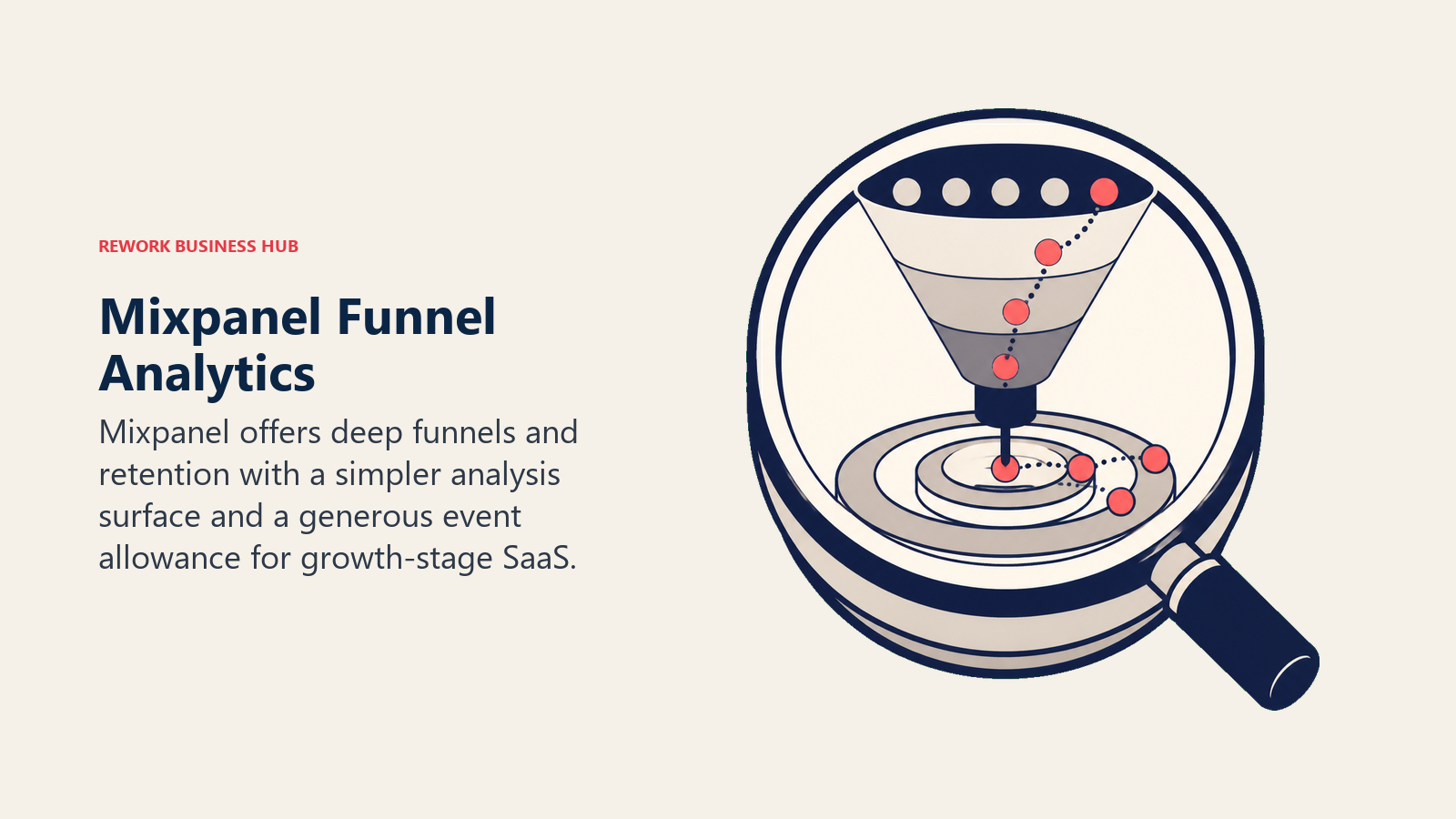
Mixpanel is the most direct Amplitude competitor. It does funnel analysis, retention curves, user cohorts, and event-based tracking at a similar depth. The philosophical difference is subtle but meaningful: Mixpanel leans toward simplicity in the UI while Amplitude leans toward breadth of features.
Mixpanel's pricing model changed significantly in 2023. It now offers a free tier with 20 million events per month, which covers most startups and even some growth-stage companies. Paid plans start at $28/month for small teams and scale from there. It's substantially cheaper than Amplitude at most tiers.
For product teams, Mixpanel's funnel builder is fast to set up and its Flow analysis (user path visualization) is genuinely useful for finding drop-off points. Cohort analysis is powerful: you can build a cohort of users who completed a specific action in week one and compare their retention to users who didn't.
But it's a team-level tool, not a company-wide one. Mixpanel is for product and growth, not finance, support, or engineering. If you want a single analytics layer across all departments, you'll need to pair it with other tools.
| Pros | Cons |
|---|---|
| Generous free tier (20M events/mo) | Can still get expensive at high event volumes |
| Fast, intuitive UI compared to Amplitude | No built-in session replay |
| Strong mobile SDK support | Pricing can be unpredictable for fast-growth teams |
| Good Slack + CRM integrations | Less ML/experimentation tooling than Amplitude |
Pricing: Free up to 20M events/month. Growth plan starts at $28/month. Enterprise custom pricing. See Mixpanel pricing for current rates.
Best for: Growth-stage SaaS teams (10–100 people) who need funnel + retention analytics without Amplitude's complexity or cost.
2. PostHog: Open-source product analytics with a full feature stack
PostHog's philosophy is different from every other tool on this list: it wants to replace your entire analytics stack with one open-source platform. That means product analytics, session replay, feature flags, A/B testing, surveys, and a data warehouse, all in one place.
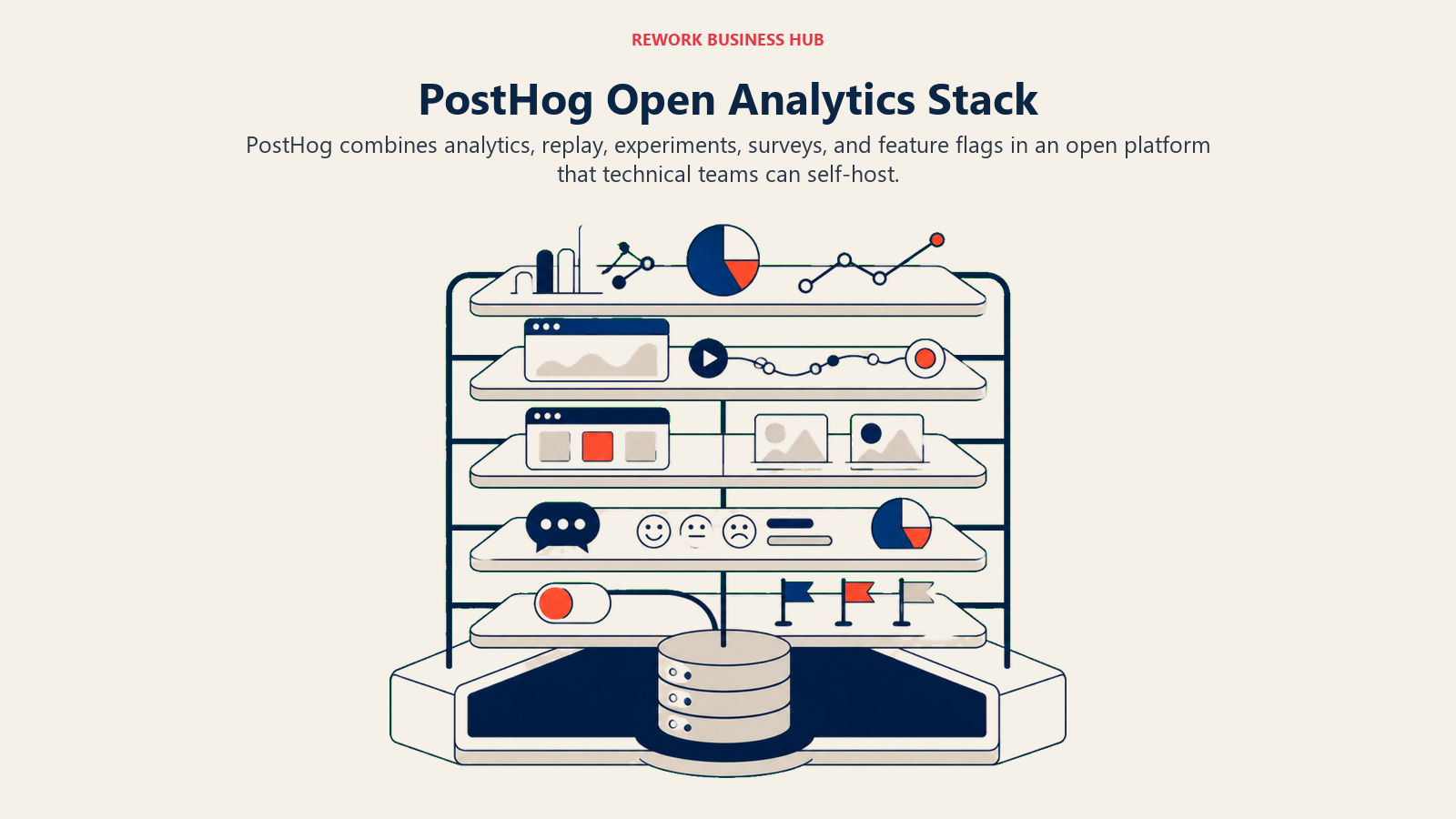
For engineering-led teams, this is a strong fit. You can self-host PostHog on your own infrastructure (free, forever), which means your data never leaves your environment. For companies with data residency requirements, SOC 2 auditors, or GDPR obligations, that's a real differentiator.
The cloud version is free up to 1 million events per month. Beyond that, it's usage-based pricing that's competitive with Mixpanel. And the open-source nature means you can inspect the codebase, contribute fixes, and never worry about a vendor locking you out of your own data.
PostHog is strongest for product teams that work closely with engineering. If your PM can write SQL and your engineering team already has opinions about infrastructure, PostHog fits naturally. If your analytics team is non-technical and wants a polished UI experience above all else, PostHog's interface (while functional) can feel rougher than Mixpanel or Amplitude.
The best Segment alternatives guide is worth reading alongside this one if you're building a CDP layer to feed PostHog or similar tools.
| Pros | Cons |
|---|---|
| Full analytics stack: analytics + session replay + flags + A/B | Self-hosted version requires DevOps maintenance |
| Open-source, full data ownership | UI less polished than commercial alternatives |
| Generous free cloud tier (1M events/mo) | Steep learning curve for non-technical users |
| Feature flags + experiments built in | Some features feel less mature than single-purpose tools |
Pricing: Free (self-host, unlimited). Cloud: free up to 1M events/mo, then usage-based (starts ~$0.00045/event). See PostHog pricing for current details.
Best for: Dev-led teams and early-stage startups that want a full product analytics stack without paying multiple vendors.
3. Heap: Retroactive analytics with zero instrumentation
Heap's core idea is radical: track everything automatically, then define your events after the fact. Install one snippet of JavaScript and Heap captures every click, form submission, page view, and user interaction, without you writing a single tracking call.
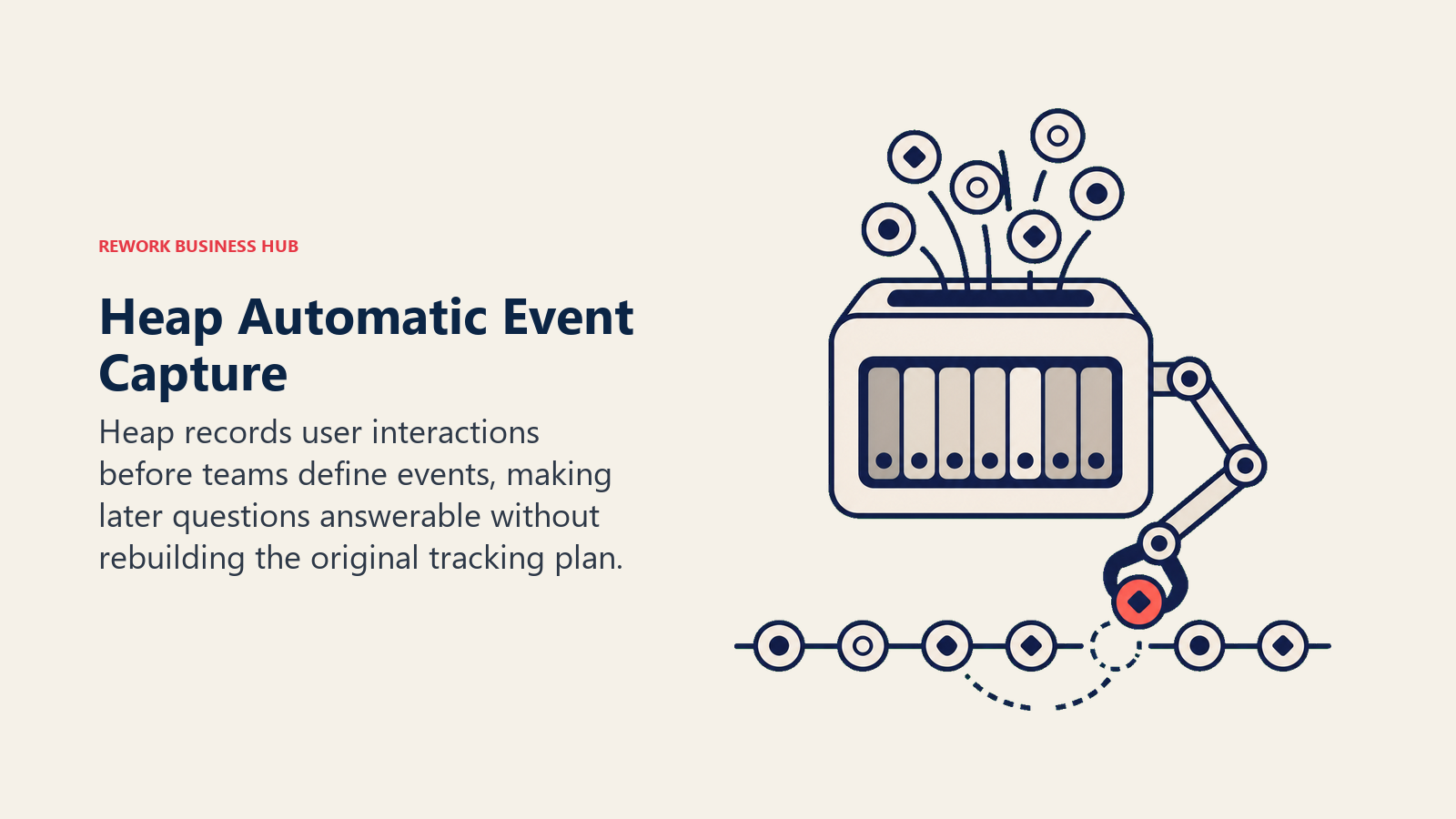
This solves Amplitude's biggest implementation problem. You no longer have to know in advance what you'll want to analyze. Two months from now, when your CEO asks "how many users clicked the 'upgrade' button in the onboarding flow before churning?", you have that data, even if you never explicitly tracked that button.
The retroactive analysis capability is genuinely unique. You can create "virtual events" (groupings of captured interactions) and then run historical analysis on them as if you'd always been tracking them. For product teams that missed critical instrumentation early on, this is a lifesaver.
The tradeoff is data volume and complexity. Auto-capture means you're capturing a lot of noise. Heap's data model can get complex at scale, and large enterprise customers sometimes report performance issues. Heap is best suited for mid-market companies (50–500 people) with a dedicated data analyst or product ops function.
| Pros | Cons |
|---|---|
| Zero-instrumentation setup, auto-capture everything | Data complexity increases significantly at scale |
| Retroactive analysis on any user interaction | Performance concerns at very high event volumes |
| Strong session replay integration (via Clarity or built-in) | Pricing is not transparent; requires sales call |
| Good enterprise-grade access controls | Free tier is very limited (5K sessions/mo) |
Pricing: Free (5K sessions/month). Paid plans from approximately $3,600/year (Growth). Enterprise custom. Check Heap's site for current options.
Best for: Mid-market product teams (50–500 people) that want retroactive analytics and can't afford to miss instrumentation.
4. Google Analytics 4: Free analytics for early-stage apps and content sites
GA4 is not a product analytics tool. That's the honest framing. It doesn't do funnel analysis the way Amplitude does. It doesn't do retention cohorts. You can't write SQL against your event data without exporting to BigQuery first.
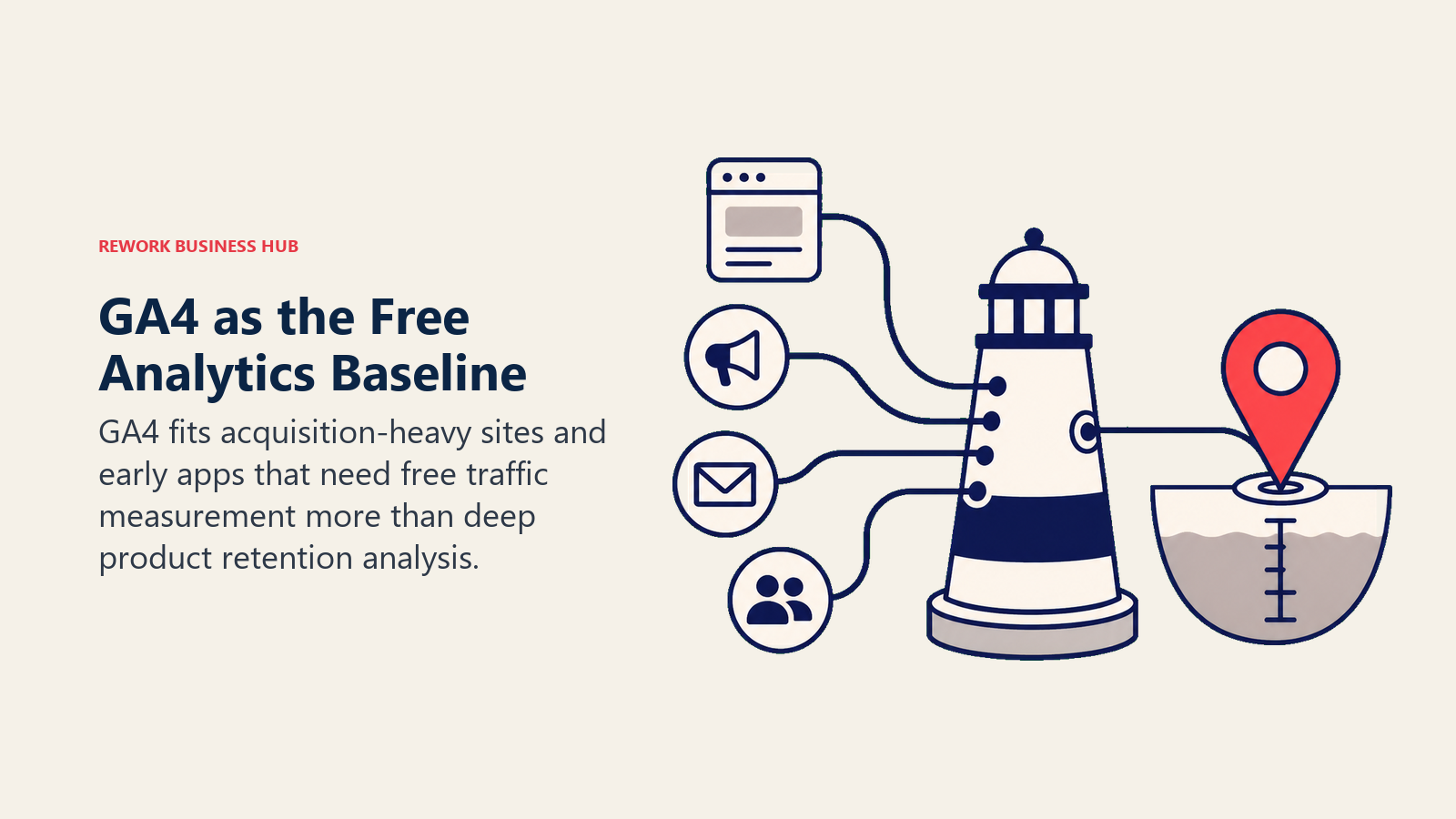
But it's free. And it's already integrated with Google Ads, Search Console, and the rest of the Google ecosystem. For a founder with a consumer app, a content-heavy site, or a product that lives largely in the browser, GA4 covers the basics without any cost.
GA4's event-based model is more flexible than Universal Analytics was, but the interface is genuinely confusing. Google has made numerous UI changes since the forced migration from UA in 2023, and most users find the report builder non-intuitive. Exploration reports are more powerful but have a steep learning curve for non-analysts.
If you're comparing GA4 to Amplitude, you're really asking whether you need purpose-built product analytics or just basic traffic and conversion data. For content-driven products, SaaS with a large marketing funnel, or early-stage apps without the budget for paid tools, GA4 gets you 60% of the way there at zero cost.
Teams looking at the broader question of software spend alongside analytics decisions will find the true cost of software sprawl insight useful, especially when trying to justify adding or replacing an analytics tool.
| Pros | Cons |
|---|---|
| Free, forever | Not built for product analytics (no cohorts, no SQL) |
| Deep Google Ads integration | Confusing, frequently-changing UI |
| BigQuery export available (free up to limits) | Data sampling in reports at high traffic |
| Widely supported, large community | GDPR compliance requires configuration work |
Pricing: Free. BigQuery export free up to 1M events/day.
Best for: Early-stage apps, content sites, and teams already in the Google ecosystem that need basic analytics without cost.
5. Pendo: In-app guides and analytics for product-led growth teams
Pendo combines product analytics with in-app guidance (tooltips, walkthroughs, NPS surveys, feature announcements) in a single platform. That's a meaningfully different value proposition from Amplitude: instead of just telling you where users drop off, Pendo lets you intervene directly inside the product.
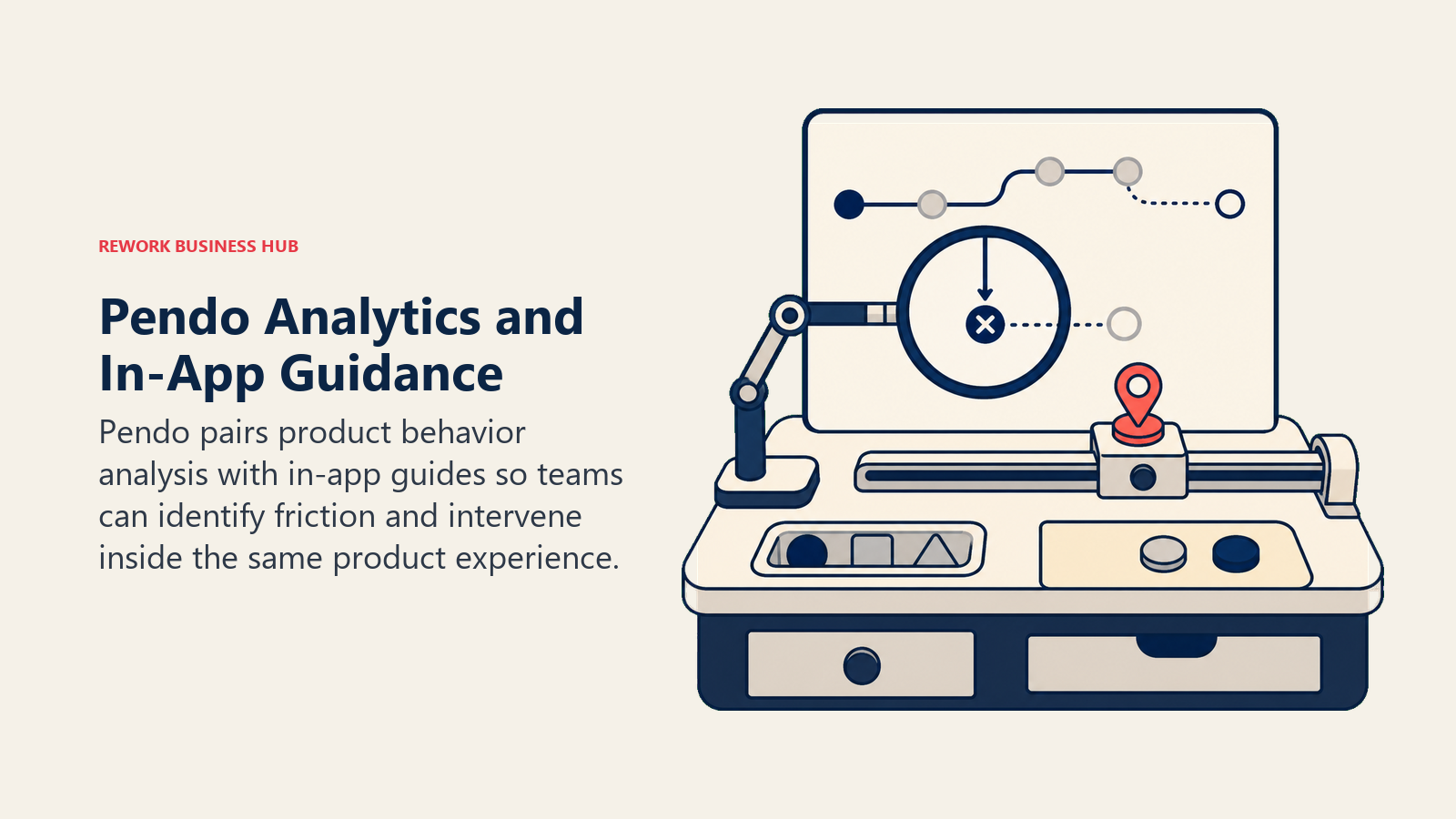
For B2B SaaS teams running product-led growth motions, this is a strong combination. You see that 40% of users never activate Feature X, and you can immediately build an in-app walkthrough targeting those users without leaving Pendo. Customer success teams use Pendo to identify at-risk accounts before they churn. Product teams use it to measure feature adoption by cohort.
Pendo's analytics aren't as deep as Amplitude's on raw funnel analysis, but they're more than sufficient for most B2B product teams. Where Pendo wins is the closed loop: analytics + action in one place.
The pricing is a significant barrier. Pendo doesn't publish pricing, but industry estimates put the entry-level paid tier at $12,000–$24,000 per year. It's enterprise software sold enterprise-style. Early-stage companies should look elsewhere.
| Pros | Cons |
|---|---|
| In-app guides + analytics in one platform | Very expensive; estimated $12K+ to start |
| Strong NPS and user feedback tooling | Requires sales process; no self-serve onboarding |
| Good CSM/account management workflows | Analytics less deep than Amplitude on pure analysis |
| Roadmapping and feature prioritization features | Overkill for teams under 50 people |
Pricing: Custom (estimated $12,000–$60,000+/year based on MAUs). Contact Pendo sales for a quote.
Best for: Mid-market to enterprise B2B SaaS teams (50–500 people) running product-led growth with in-app engagement as a priority.
6. FullStory: Session replay and digital experience analytics
FullStory isn't really a product analytics platform in the Amplitude sense. It's a digital experience platform focused on session replay, rage clicks, user frustration signals, and journey analysis. It captures every interaction users have with your product and lets you watch back sessions.
What makes FullStory interesting is its "DX Data" layer, which automatically indexes all user interactions as queryable data. You can ask "show me all sessions where a user encountered an error on the checkout page and then churned within 24 hours" and FullStory will surface those sessions for review.
For UX researchers, product designers, and engineers debugging production issues, FullStory is exceptional. It's much better than Amplitude for understanding the qualitative texture of user behavior: what are they confused about, where are they getting frustrated?
But if you want retention curves, funnel conversion rates, cohort analysis, or experiment measurement, FullStory isn't the right tool. Use it alongside a funnel analytics tool, not instead of one. This is an "add to your stack" product, not a "replace Amplitude" product.
| Pros | Cons |
|---|---|
| Best-in-class session replay quality | Not a funnel/retention analytics tool |
| Automatic interaction indexing (no custom events) | Custom pricing; not transparent |
| Strong frustration signal detection | Significant privacy configuration required |
| Integrates well with Amplitude, Mixpanel, etc. | Can be expensive for high-traffic products |
Pricing: Custom (estimated $37,000+/year for mid-market; smaller tiers available). Contact FullStory for current rates.
Best for: Product, UX, and engineering teams at mid-market to enterprise companies that need session-level qualitative data to complement funnel analytics.
7. Plausible: Privacy-first, dead-simple web analytics
Plausible is not a product analytics tool. But it earns a spot on this list because a surprising number of teams use Amplitude when Plausible would do 80% of the job at 2% of the cost.
Plausible is a lightweight Google Analytics alternative, not an Amplitude alternative in the traditional sense. It gives you page views, unique visitors, traffic sources, top pages, and basic goal conversions. That's it. There are no funnels, no cohorts, no user-level tracking. It deliberately avoids cookie-based tracking, making it GDPR-compliant out of the box without a consent banner.
If your primary analytics needs are "how many people are coming to our site, from where, and are they converting?", Plausible answers that in under five minutes at $9/month.
For content teams, marketing sites, and early-stage apps that have been overengineered into Amplitude when they just need traffic data, Plausible is the right-sizing move. Teams thinking about async-first operations (where fast, clean data dashboards matter) will also find the insights in async-first vs remote-first useful context.
| Pros | Cons |
|---|---|
| GDPR-native; no cookies, no consent banner needed | No user-level tracking or behavioral analytics |
| Extremely simple; zero learning curve | No funnels, cohorts, or retention analysis |
| Fast and lightweight (< 1KB script) | Not suitable for product analytics use cases |
| Transparent pricing; open-source available | Limited event customization |
Pricing: From $9/month (up to 10K monthly pageviews). Scales with traffic. See Plausible pricing for current tiers.
Best for: Founders, indie makers, and content/marketing teams that need simple web analytics without GDPR headaches.
8. June.so: Company-level analytics built for B2B SaaS
June.so takes a fundamentally different approach to product analytics: it treats companies as first-class objects, not individual users. In most analytics tools, you're tracking user-level events and then trying to roll them up to the account level as an afterthought. June builds from the company up.
For B2B SaaS products where the unit of measure is an account (not an individual), this is the right mental model. You want to know that Acme Corp's power users are logging in daily but their admin hasn't set up a key workflow. June makes that visible in a way that Amplitude requires significant configuration to achieve.
June integrates natively with Segment and uses standard analytics events, so the instrumentation lift is minimal if you're already on Segment. It also has pre-built "milestone" tracking (activation, adoption, habit, expansion) that maps to the standard SaaS growth model.
It's not deep enough for complex funnel analysis or large-scale experimentation. But for a B2B SaaS team of 5–50 people that needs a clear picture of account health and feature adoption by company, June is more purpose-fit than Amplitude.
| Pros | Cons |
|---|---|
| Company-level analytics built in, not bolted on | Limited depth on funnel/retention analysis |
| Fast setup with Segment integration | Small ecosystem; fewer integrations than Mixpanel |
| Pre-built SaaS metrics (activation, adoption, habit) | Less powerful for high-scale data volumes |
| Affordable pricing for early teams | Not well-suited for B2C or consumer products |
Pricing: Free up to 1,000 companies. Growth plan from $149/month. Business from $499/month. See June.so pricing for current plans.
Best for: Early to growth-stage B2B SaaS teams (1–50 people) that need account-level analytics without enterprise pricing.
9. Kissmetrics: Person-level tracking and revenue attribution for subscription products
Kissmetrics was one of the original person-level analytics tools, predating Amplitude's rise. It's built around the idea that every action ties back to a named person, which makes it uniquely useful for tracking revenue attribution. When a customer upgrades, churns, or downgrades, Kissmetrics knows exactly which acquisition channel, which campaign, and which feature usage patterns preceded that action.
For subscription e-commerce and SaaS businesses where marketing attribution is a primary concern, Kissmetrics has capabilities that Amplitude doesn't prioritize. Its revenue reports (LTV by cohort, MRR movement, churn attribution) are built in, not configured.
The honest caveat: Kissmetrics hasn't kept pace with the modern analytics ecosystem. The UI feels dated compared to Mixpanel or PostHog. It has fewer integrations, a smaller community, and less momentum in terms of new feature development. It's a solid tool for the specific use case of subscription revenue analytics, but not a modern general-purpose product analytics platform.
| Pros | Cons |
|---|---|
| Strong revenue attribution and LTV reporting | Dated UI compared to modern competitors |
| Person-level tracking across sessions | Smaller integration ecosystem |
| Good for subscription + e-commerce analytics | Less community and third-party resources |
| A/B testing capabilities built in | Less innovation velocity than PostHog or Mixpanel |
Pricing: From $299/month (small plan). Medium from $499/month. Enterprise custom. See Kissmetrics pricing for current tiers.
Best for: Subscription SaaS and e-commerce teams (10–100 people) that prioritize revenue attribution and LTV analysis over raw funnel analytics.
10. Matomo: Self-hosted analytics with full data ownership
Matomo (formerly Piwik) is the leading open-source web and product analytics platform. Its core differentiator is data ownership: install it on your own server and your analytics data never touches a third-party cloud. For companies operating under GDPR, HIPAA, or other data residency requirements, this matters.
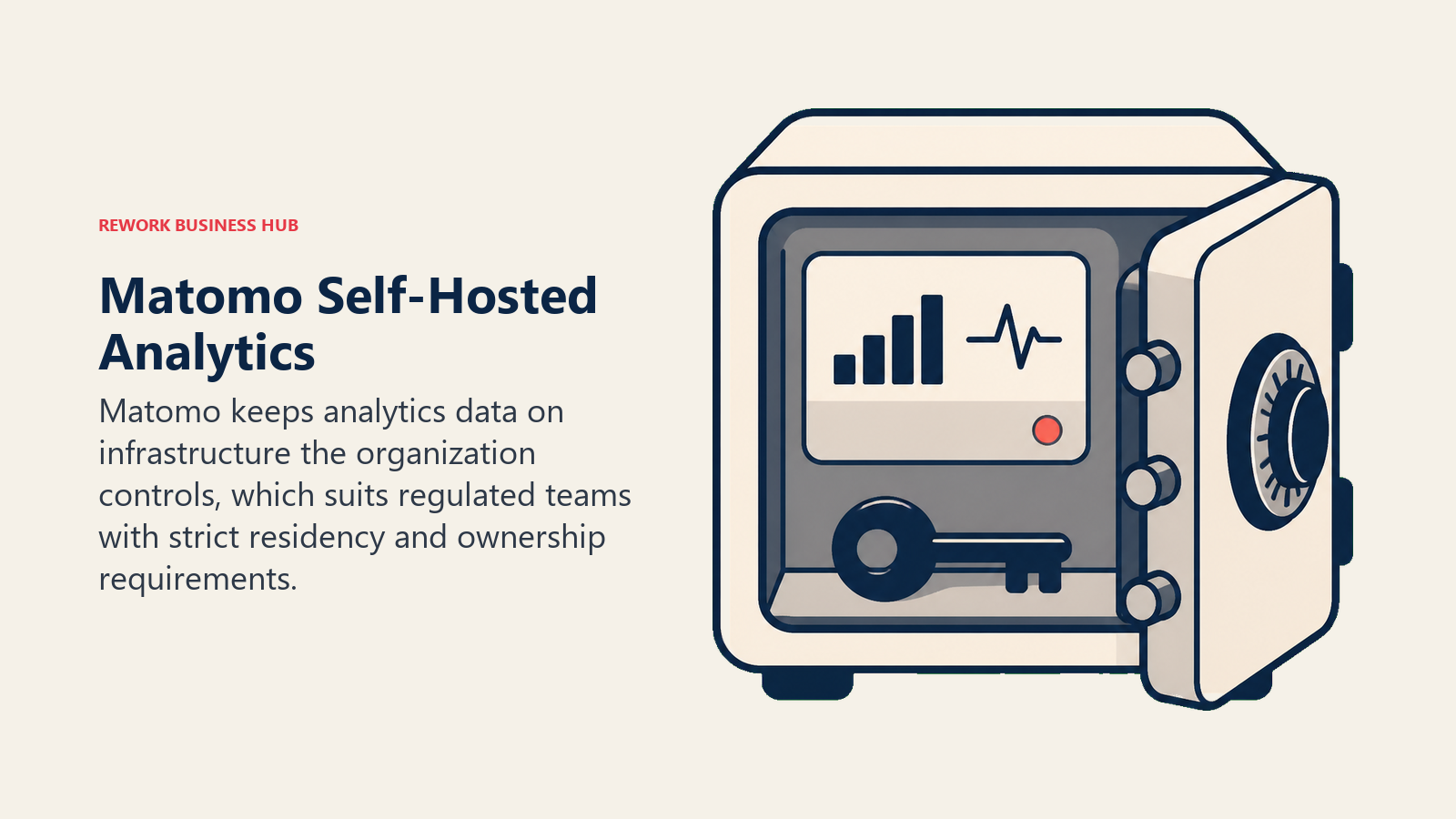
Matomo's feature set covers web analytics, goal funnels, heatmaps (paid add-on), session recordings (paid add-on), A/B testing, and e-commerce tracking. It's not as deep as Amplitude on behavioral analytics, but it's far more capable than Plausible and covers the needs of most content and transactional websites.
The self-hosted version is free but requires a server, maintenance, and basic DevOps competency. The cloud version starts at $19/month and handles the infrastructure for you. For EU-based companies or regulated industries, Matomo is the most pragmatic choice.
| Pros | Cons |
|---|---|
| Full data ownership; GDPR-native | Requires DevOps for self-hosted version |
| Free self-hosted option | Less polished UI than commercial alternatives |
| Wide feature set for web + product analytics | Some advanced features (heatmaps, session replay) are paid add-ons |
| Large open-source community | Not purpose-built for product analytics depth |
Pricing: Free (self-hosted). Cloud from $19/month (up to 50K hits/month). Enterprise custom. See Matomo pricing for current plans.
Best for: EU companies, regulated industries, and privacy-conscious teams of any size that need data residency and GDPR compliance without configuration overhead.
How to Choose: Decision Framework
| If you need... | Pick this |
|---|---|
| Deep funnel + retention analytics at affordable pricing | Mixpanel |
| Full analytics stack (analytics + replay + flags) in one open-source platform | PostHog |
| Retroactive analysis without upfront instrumentation | Heap |
| Free basic analytics and Google ecosystem integration | Google Analytics 4 |
| In-app guides + analytics closed loop for B2B SaaS | Pendo |
| Session-level qualitative data to understand user frustration | FullStory |
| Privacy-first web analytics, no GDPR consent overhead | Plausible |
| Company-level analytics for B2B SaaS accounts | June.so |
| Revenue attribution and LTV tracking for subscriptions | Kissmetrics |
| Data sovereignty, self-hosted, or GDPR-regulated environment | Matomo |
Pricing at Scale
| Tool | Free Tier | ~$500/mo Tier Covers | Enterprise Estimate |
|---|---|---|---|
| Amplitude | No (trial only) | ~10M events/mo | $60,000–$150,000+/yr |
| Mixpanel | 20M events/mo | ~100M events/mo | Custom |
| PostHog | 1M events/mo (cloud) | ~50M events/mo | Custom |
| Heap | 5K sessions/mo | Mid-market tier | $25,000+/yr |
| GA4 | Free (unlimited) | Free | Free (with BigQuery costs) |
| Pendo | No | Not available | $12,000+/yr |
| FullStory | No | Not available | $37,000+/yr |
| Plausible | No | ~3M pageviews/mo | Custom |
| June.so | 1K companies | ~5K companies | Custom |
| Kissmetrics | No | ~$499/mo plan | Custom |
| Matomo | Free (self-host) | Cloud ~$100K hits/mo | Custom |
Feature Depth Comparison
| Capability | Amplitude | Mixpanel | PostHog | Heap | Pendo |
|---|---|---|---|---|---|
| Event-based funnel analysis | Excellent | Excellent | Good | Good | Good |
| Retention curves | Excellent | Excellent | Good | Good | Good |
| Session replay | Via Amplitude Session Replay | No (native) | Yes | Via integration | No |
| Feature flags | Via experiment add-on | No | Yes | No | Yes |
| In-app messaging | No | No | No | No | Yes |
| SQL access | Via data warehouse | No (native) | Yes (PostHog SQL) | Via integration | No |
| A/B testing | Yes (Amplitude Experiment) | No | Yes | No | No |
| Open-source | No | No | Yes | No | No |
What to Do Next
Run a two-week pilot with your top two picks. Most tools on this list have free tiers or trials. The test that matters isn't "which looks best in a demo." It's "which one your team actually opens every morning."
If you're leaving Amplitude, start with Mixpanel or PostHog. Both have migration guides, both have strong free tiers, and both answer the core product analytics questions you're already asking. If you're a B2B SaaS team under 50 people, try June.so before defaulting to Mixpanel. The company-level view will save you significant configuration time.
And if you're thinking about how analytics data connects to revenue decisions, the guide on measuring AI ROI covers how growth teams are using data (including product analytics signals) to justify and track tech investments.
The tool you'll use is better than the tool you won't.
Migration Effort by Destination Tool
Switching analytics tools isn't free. The lift depends on how your events are instrumented today and whether the new tool can reuse that layer.
| Moving to | Migration Effort | Why |
|---|---|---|
| Mixpanel | Low | Similar event model, import + SDK swap |
| PostHog | Medium | Re-instrument or pipe via reverse ETL |
| Heap | Low | Auto-capture, minimal upfront tracking |
| June.so | Low | Reuses Segment events if already wired |
| GA4 | Medium | Different model, no cohort parity |
Frequently Asked Questions
What is the best Amplitude alternative? For most growth-stage SaaS teams it's Mixpanel, which delivers comparable funnel and retention analysis at a lower price. Dev-led teams often prefer PostHog because it bundles analytics, session replay, and feature flags in one open-source platform.
Is there a free alternative to Amplitude? Yes. PostHog (1M events per month on cloud, unlimited self-hosted), Mixpanel (20M events per month), and GA4 (free) all have meaningful free tiers, unlike Amplitude, which only offers a trial.
Why do teams leave Amplitude? The most common reasons are event-based pricing that scales sharply with growth, a steep learning curve, heavy upfront instrumentation, and being overkill for early-stage teams that just need to find drop-off points.
Which Amplitude alternative is best for B2B SaaS? June.so, because it treats companies as first-class objects and ships pre-built SaaS milestones (activation, adoption, habit, expansion) instead of requiring you to configure account-level rollups.
Related: For B2B SaaS teams using customer data to improve their sales forecasting alongside product analytics, the guide on forecasting discipline for CROs covers how to connect product usage signals to revenue metrics, a workflow that sits right at the boundary of product analytics and RevOps.

Principal Product Marketing Strategist
On this page
- Quick Comparison Table
- Why Teams Leave Amplitude
- Reason 1: Event-Based Pricing Gets Expensive Fast
- Reason 2: Steep Learning Curve
- Reason 3: Implementation is Heavy
- Reason 4: Overkill for Early-Stage Teams
- Reason 5: Data Warehouse Required for Advanced Use
- Stage Fit Matrix
- Sizing and Persona Table
- 1. Mixpanel: Deep funnel analytics for growth-stage SaaS
- 2. PostHog: Open-source product analytics with a full feature stack
- 3. Heap: Retroactive analytics with zero instrumentation
- 4. Google Analytics 4: Free analytics for early-stage apps and content sites
- 5. Pendo: In-app guides and analytics for product-led growth teams
- 6. FullStory: Session replay and digital experience analytics
- 7. Plausible: Privacy-first, dead-simple web analytics
- 8. June.so: Company-level analytics built for B2B SaaS
- 9. Kissmetrics: Person-level tracking and revenue attribution for subscription products
- 10. Matomo: Self-hosted analytics with full data ownership
- How to Choose: Decision Framework
- Pricing at Scale
- Feature Depth Comparison
- What to Do Next
- Migration Effort by Destination Tool
- Frequently Asked Questions