Best Constant Contact Alternatives in 2026: 9 Email Marketing Tools for Small and Mid-Size Teams
Turn this article into takeaways for your work.


Each assistant summarizes the article only for you and suggests best practices for your work.
Constant Contact has been around since 1995. That longevity is both its calling card and its problem. For many small businesses, it was the first email tool they ever used, and it still works well enough for basic newsletter sends. But "well enough" doesn't cut it when your competitors are running multi-step automation, behavioral segmentation, and unified CRM workflows, all at a lower monthly price.
The most common reasons teams start looking for alternatives: the interface feels dated compared to tools built in the last five years, automation workflows are shallow (triggered sequences, yes; complex branching logic, not really), pricing increases faster than the feature set grows, and segmentation stays basic unless you upgrade to expensive tiers. And if you want your email tool to connect to your sales pipeline or customer data, Constant Contact's an email tool, full stop. Constant Contact's pricing is contact-based, which also means the bill can grow faster than expected.
If you're a founder, marketing director, or operations lead who needs more than that, this guide is for you. Teams evaluating email marketing replacements often look at CRM-native options at the same time. The best Keap alternatives guide covers the overlap between email automation and CRM for small and growing businesses, and the best Mailchimp alternatives article covers similar ground from a volume-pricing angle.
Quick Comparison Table
| Tool | Best For | Starting Price | Key Strength | Key Limitation |
|---|---|---|---|---|
| Mailchimp | Teams that want email + basic CRM | Free / $13/mo | Brand recognition, large ecosystem | Gets expensive fast; recent UX regressions |
| Brevo | High-volume senders on a budget | Free / $9/mo | Sends priced by volume not contacts | Feature depth varies by tier |
| ActiveCampaign | Automation-first marketing teams | $15/mo | Deepest automation in the mid-market | Steep learning curve |
| MailerLite | Solo creators and lean teams | Free (250 subscribers) / $12/mo | Clean UI, great value at low list sizes | Limited CRM features |
| ConvertKit (Kit) | Creators and solopreneurs | Free / $9/mo | Creator monetization tools | Weak for product/service businesses |
| GetResponse | All-in-one marketing platform | $15/mo | Webinar + email + landing pages combined | Cluttered interface |
| AWeber | Established small businesses | Free / $12.50/mo | Long track record, deliverability | Dated UI, weak automation |
| Campaign Monitor | Agencies and design-focused teams | $11/mo | Beautiful templates, agency tools | Expensive for list growth |
| Moosend | Budget-conscious growth teams | $7/mo | Affordable automation at small scale | Less mature integrations |
Stage Fit Matrix
| Tool | Startup (1-10) | Growth (10-50) | Mid-Market (50-200) | Enterprise (200+) |
|---|---|---|---|---|
| Mailchimp | Good | Good | Weak | No |
| Brevo | Good | Good | Good | Limited |
| ActiveCampaign | Weak | Good | Best fit | Limited |
| MailerLite | Best fit | Good | Weak | No |
| ConvertKit (Kit) | Best fit | Good | Weak | No |
| GetResponse | Good | Good | Good | Limited |
| AWeber | Good | Good | Weak | No |
| Campaign Monitor | Good | Good | Good | Limited |
| Moosend | Best fit | Good | Weak | No |
Sizing and Persona Table
| Tool | Team Size Sweet Spot | Primary Buyer | Use Case Fit |
|---|---|---|---|
| Mailchimp | 1-100 employees | Marketing manager, founder | Newsletter + basic drip campaigns |
| Brevo | 5-500 employees | Marketing manager, growth lead | High-volume transactional + marketing email |
| ActiveCampaign | 20-300 employees | Marketing ops, RevOps | Complex automation + CRM light |
| MailerLite | 1-30 employees | Solo creator, small team | Newsletters, landing pages |
| ConvertKit (Kit) | 1-20 employees | Creator, coach, writer | Audience monetization |
| GetResponse | 5-100 employees | Marketing manager | Email + webinars + landing pages |
| AWeber | 1-50 employees | Small business owner | Traditional email marketing |
| Campaign Monitor | 5-200 employees | Agency, design team | Client campaigns, polished newsletters |
| Moosend | 1-50 employees | Budget-focused marketer | Automation on a tight budget |
1. Mailchimp: The Default, For Better or Worse
Mailchimp is the brand everyone knows. It was the first major email tool to offer a free tier, and it spent years as the de facto choice for small businesses moving off spreadsheets. The platform has since expanded into a "marketing platform" with CRM features, landing pages, and basic automation, but the expansion has created some tension between what it used to be (simple, focused) and what it's trying to become (everything to everyone).
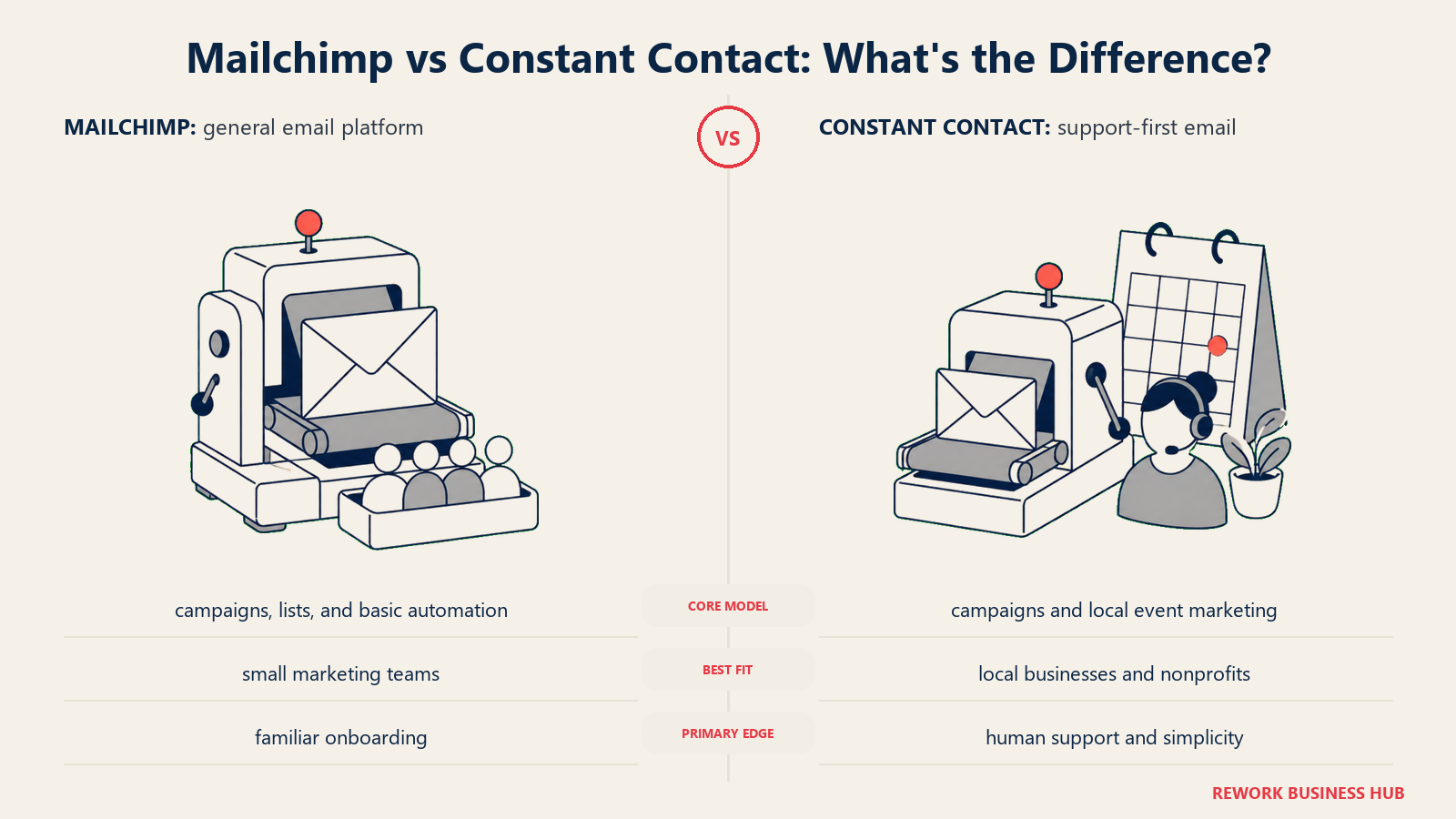
The free plan is genuinely useful for lists under 500 contacts. Beyond that, the pricing steps up sharply, and many features that feel like they should be standard (send time optimization, advanced segmentation) sit behind higher tiers. Teams that grow quickly often find themselves paying $100-200/mo for features available elsewhere at half the price.
Mailchimp's template library is one of the largest in the industry. Integrations with Shopify, WooCommerce, and most major platforms are solid. For a small retail or ecommerce business that wants reliable sends and a recognizable tool their freelancers already know, Mailchimp is defensible. For any team that wants deep automation or real CRM integration, it shows its limits fast.
| What you get | What you don't |
|---|---|
| Huge integration ecosystem | Competitive pricing at growth stage |
| Large template library | Deep automation logic |
| Strong deliverability reputation | Unified CRM without add-ons |
| Free tier for small lists | Consistent UX (regressions in recent updates) |
| Ecommerce-native features | Transparent pricing as you scale |
Pricing: Free up to 500 contacts; $13/mo (Essentials), $20/mo (Standard), $350/mo (Premium).
Best for: Small ecommerce and retail teams that want a known brand with strong platform integrations. Not ideal for: Teams that need complex automation or a CRM alongside email.
2. Brevo: Volume-First Email at a Fraction of the Cost
Brevo (formerly Sendinblue) flipped the email pricing model. Instead of charging by number of contacts, it charges by number of emails sent per month. For businesses with large lists that don't email frequently, that's a significant cost advantage over Constant Contact and Mailchimp, which both charge by list size. Brevo's pricing shows the send-volume tiers; run your own numbers before committing. And if Brevo itself has gaps, the best Brevo alternatives covers what's beyond it.
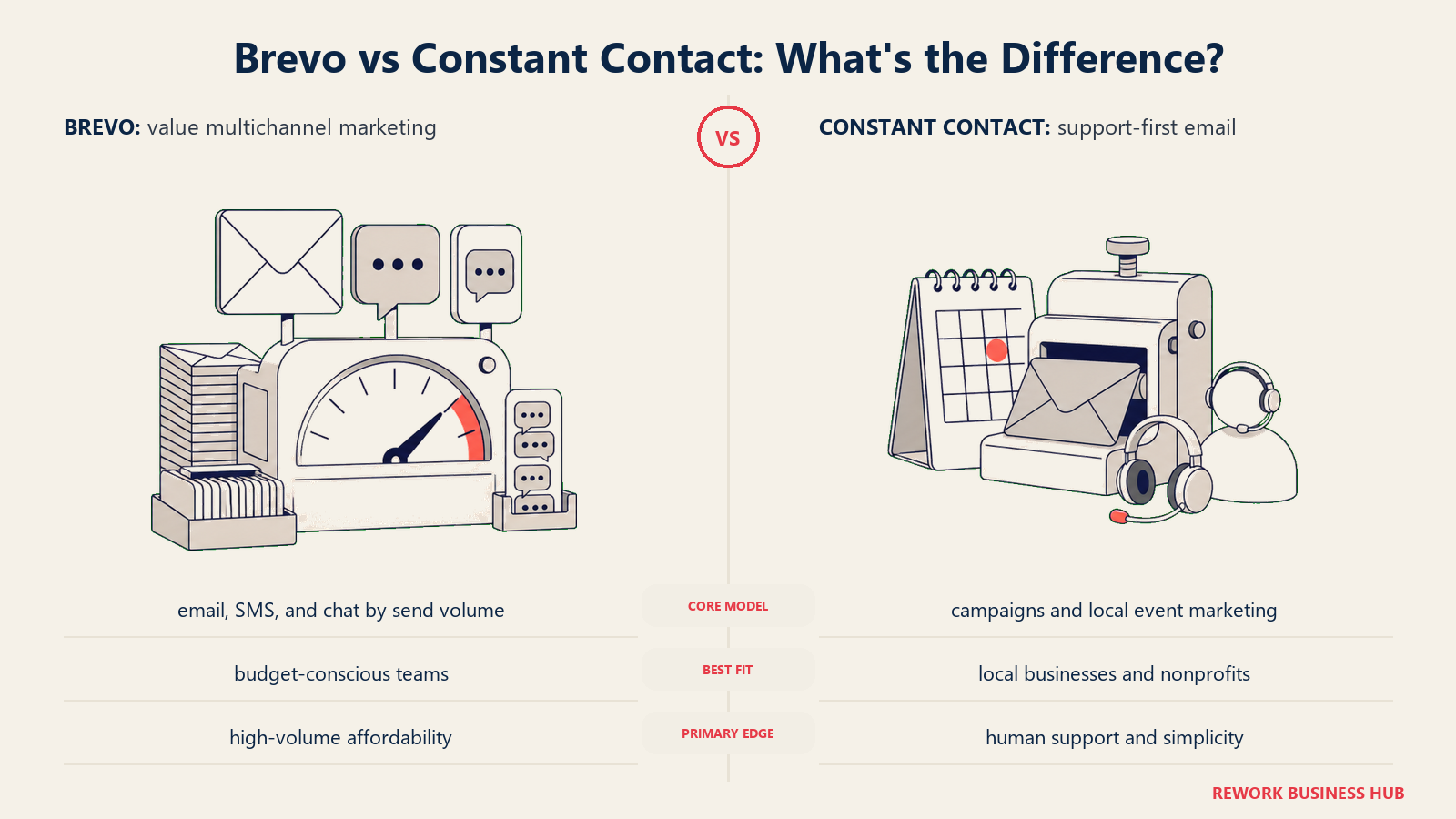
The platform covers email, SMS, WhatsApp campaigns, transactional email (API), and basic marketing automation. There's a lightweight CRM built in, though it's not deep enough to replace a dedicated tool. Brevo works well for teams that have large contact databases and need to send targeted segments without paying per-contact fees that balloon their bill.
Automation is solid for the price. You can build multi-step workflows based on email engagement, web behavior (with tracking script), and contact attributes. It's not as sophisticated as ActiveCampaign, but it handles the 80% use case: welcome sequences, re-engagement campaigns, post-purchase flows.
Deliverability is strong. Brevo runs its own sending infrastructure and has built a solid reputation over the past decade. For transactional email (receipts, confirmations, notifications), it's one of the best value options in the market.
| What you get | What you don't |
|---|---|
| Contact-count-independent pricing | Deep CRM integration |
| Transactional + marketing email in one | Advanced segmentation at low tiers |
| SMS and WhatsApp channels | Large template library |
| Solid deliverability | Heavy brand presence (can feel generic) |
| EU data residency option | Complex automation visual builder |
Pricing: Free (300 emails/day); $9/mo (Starter), $18/mo (Business), custom (Enterprise).
Best for: Teams with large lists that send infrequently, or those needing transactional + marketing email in one tool. Not ideal for: Teams that need CRM-depth or sophisticated lead scoring.
3. ActiveCampaign: Automation First, Everything Else Second
ActiveCampaign is the automation-native choice in the mid-market. Its visual automation builder is the most powerful of any tool in this comparison, with conditional branching, wait conditions, split testing within workflows, CRM deal stage triggers, and predictive sending. If Constant Contact's automation feels like a bicycle, ActiveCampaign is a motorcycle. The best ActiveCampaign alternatives guide is worth reading alongside this one; it shows where even ActiveCampaign has its own ceiling.
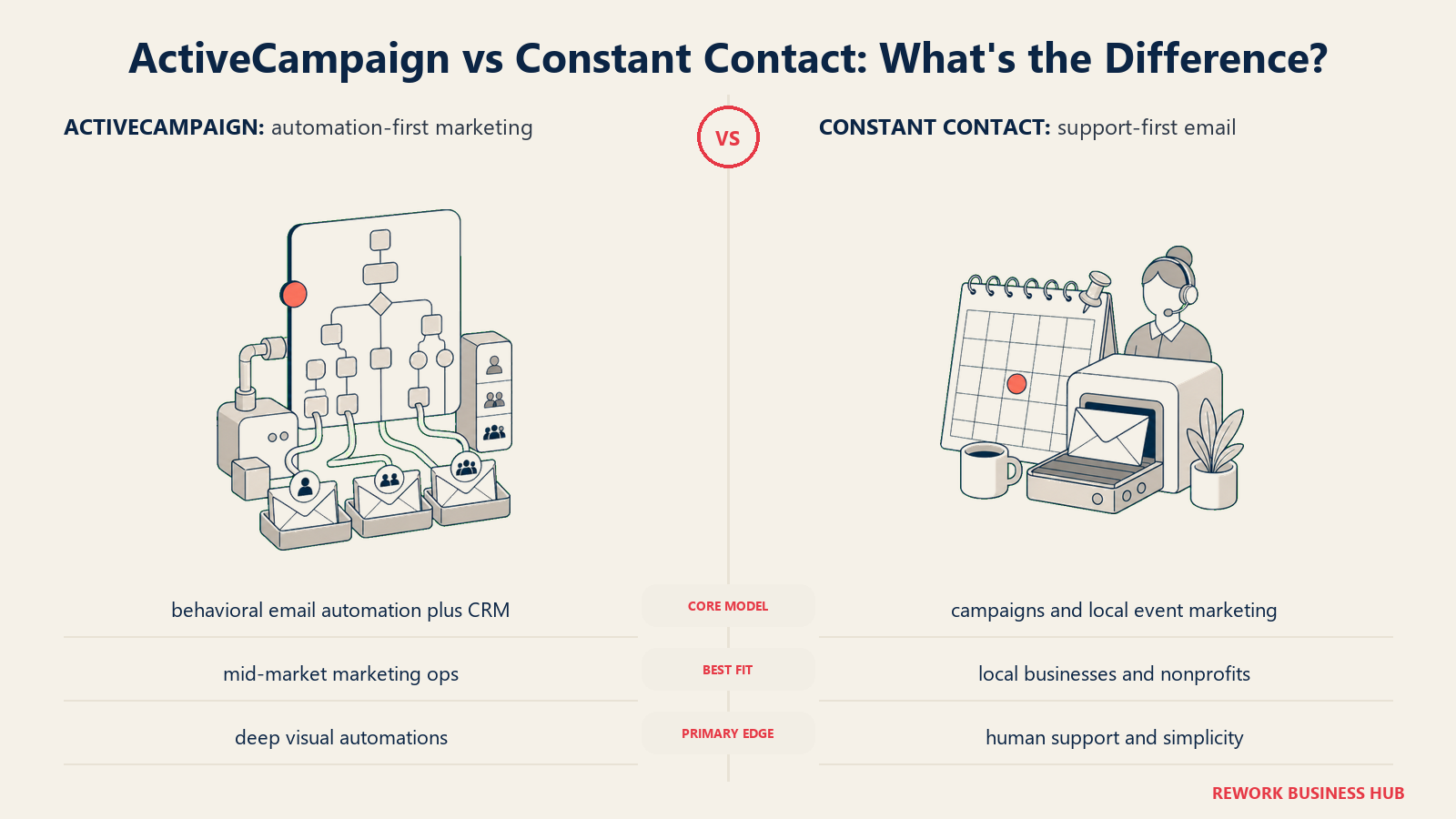
The platform is built around the idea that customer behavior should drive every marketing action. When a contact visits a pricing page, clicks a specific email link, or spends a certain dollar amount, ActiveCampaign can route them into a different sequence, notify a sales rep, or update their CRM score in real time. For marketing ops and RevOps teams, this behavioral logic is the reason they choose it over everything else.
The tradeoff is complexity. ActiveCampaign rewards teams willing to invest time in setup. Its interface isn't confusing, but it has more options than most small teams will ever use, and that breadth can feel overwhelming to anyone who just wants to send a weekly newsletter. The included CRM is decent for light sales pipeline management but doesn't compete with Salesforce or HubSpot at the enterprise tier.
| What you get | What you don't |
|---|---|
| Most powerful automation in this class | Simple onboarding for new users |
| Behavioral triggering and lead scoring | Affordable price at mid-size |
| CRM with deals and pipelines | Email-only workflows (everything is automation) |
| Predictive sending and content | Beautiful out-of-the-box templates |
| Salesforce, Shopify, and 900+ integrations | Fast support at lower tiers |
Pricing: $15/mo (Starter, 1,000 contacts); $49/mo (Plus); $79/mo (Professional).
Best for: Marketing ops and RevOps teams at growth-stage companies (20-300 employees) that need sophisticated automation logic. Not ideal for: Teams that want simplicity or have no one to manage the automation build-out.
4. MailerLite: Clean, Affordable, and Good Enough for Most Small Teams
MailerLite's product philosophy is restraint. It covers the core features (drag-and-drop email builder, automation sequences, landing pages, signup forms, and basic analytics) without adding complexity for its own sake. The interface is among the cleanest in the category. Teams that find Mailchimp's UI cluttered tend to like MailerLite immediately.
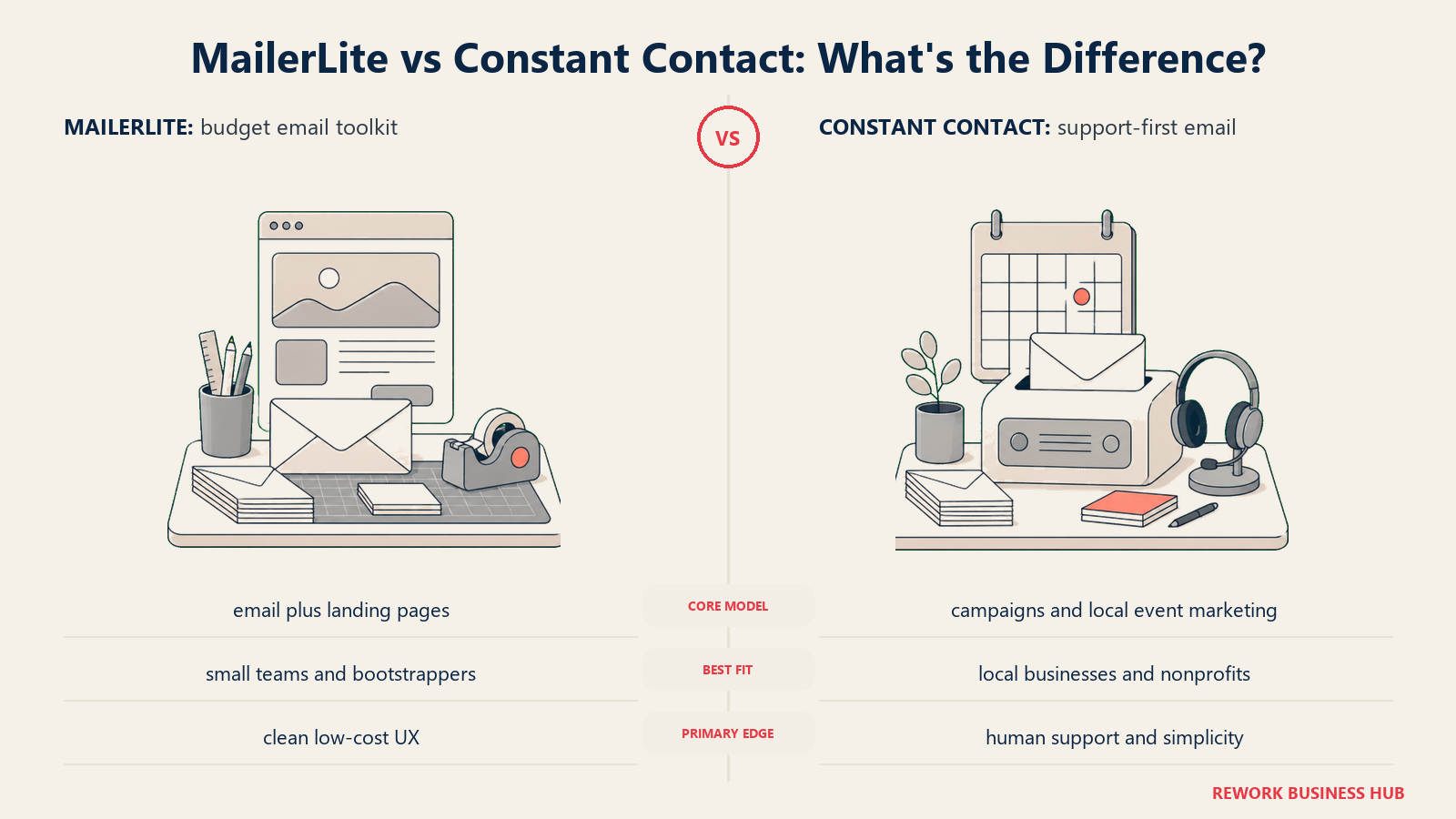
The free plan covers up to 250 subscribers and 2,500 emails/month. Paid plans start at $12/mo, which still makes it one of the more affordable full-featured options available. For a solo marketer, a small nonprofit, or a lean startup that needs professional-looking email without a learning curve, MailerLite is hard to beat.
Where it falls short is depth. Automation is available but not sophisticated. Segmentation works on basic attributes and behavior. There's no meaningful CRM. If your contact list grows past a few thousand and you start needing behavioral routing, lead scoring, or cross-channel workflows, you'll outgrow MailerLite before long.
| What you get | What you don't |
|---|---|
| Very clean, easy-to-use interface | CRM or sales pipeline features |
| Free plan covers 250 contacts | Complex multi-branch automation |
| Affordable paid tiers | Deep behavioral segmentation |
| Landing pages and signup forms included | Large template library |
| Solid deliverability | Phone support at lower tiers |
Pricing: Free (250 contacts, 2,500 sends); $12/mo (Comfort, 500 contacts); $25/mo (Power, 500 contacts, unlimited sends). See mailerlite.com/pricing.
Best for: Lean teams and solo operators who want a clean, affordable tool for newsletters and simple drip sequences. Not ideal for: Teams needing CRM integration or advanced automation logic.
5. ConvertKit (Kit): Built for Creators, Not Companies
ConvertKit rebranded to Kit in 2024, but the product vision hasn't changed: it's the email platform for people who build audiences for a living. Writers, podcasters, coaches, course creators, and newsletter operators are the core users. The platform's "subscriber first" model treats every contact as a fan, not a lead, which makes sense for the creator economy and slightly odd framing for a B2B services business.
Kit's strongest features are audience monetization: paid newsletter subscriptions, tip jars, product sales, and paid recommendations between creators. For a content creator building a business on an email list, these native monetization tools remove the need for Gumroad, Memberful, or other add-ons.
For traditional small businesses (a restaurant, an agency, a SaaS startup), Kit's philosophy creates friction. The CRM is minimal, the automation is good but creator-centric, and the interface is optimized for managing subscribers rather than prospects or customers.
| What you get | What you don't |
|---|---|
| Native paid newsletter subscriptions | CRM for sales pipelines |
| Creator-to-creator recommendations | Deep behavioral segmentation |
| Clean subscriber management | Templates designed for business email |
| Good deliverability for personal brands | Integrations with sales tools |
| Free plan up to 10,000 subscribers | Broad industry fit beyond creators |
Pricing: Free (up to 10,000 subscribers, limited features); $9/mo (Creator); $25/mo (Creator Pro).
Best for: Newsletters, coaches, course creators, and content-led businesses monetizing an audience directly. Not ideal for: B2B teams, product companies, or anyone running a sales pipeline alongside marketing.
6. GetResponse: The All-in-One Marketing Platform That Tries Everything
GetResponse positions itself as a full marketing platform: email, automation, landing pages, webinars, SMS, paid ads integration, and a website builder. It's the toolbox approach: one subscription that covers most of the marketing stack a small business needs.
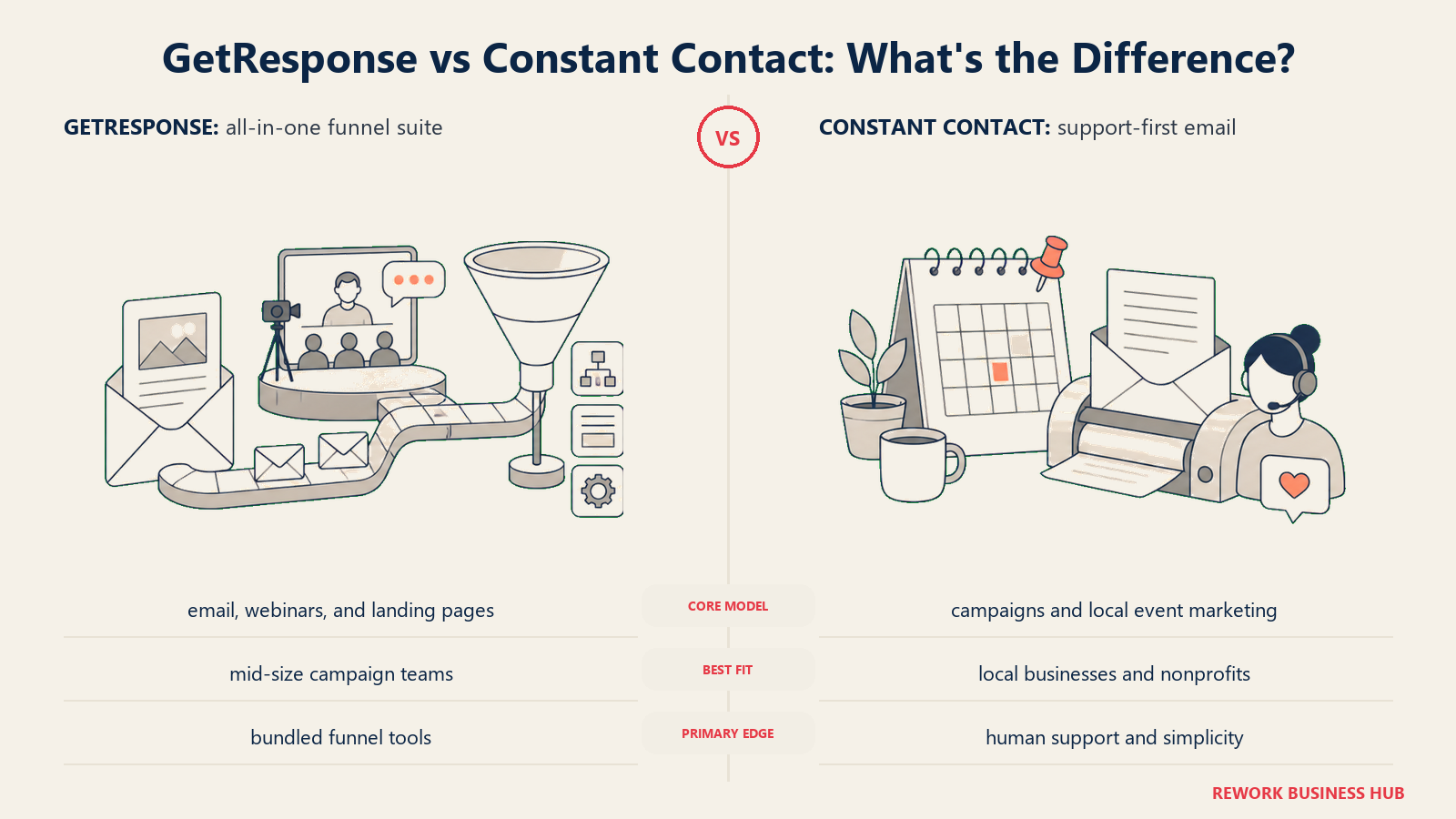
The webinar feature is genuinely differentiated. If your business runs live demos, training webinars, or online events as part of your marketing, GetResponse bundles this natively at a price point where competitors charge extra or don't offer it at all. That alone makes it worth evaluating for businesses that rely on live content for lead generation.
The automation is solid, with a visual workflow builder that covers the standard use cases. Segmentation is more flexible than Constant Contact but doesn't reach ActiveCampaign's depth. The interface has improved in recent years but still feels like a platform trying to do too much, which can make navigation a chore when you only need to find the email builder.
| What you get | What you don't |
|---|---|
| Webinars included natively | Clean, focused interface |
| Landing pages + website builder | CRM depth |
| Email + SMS + automation in one tool | Enterprise-grade security features |
| Solid deliverability | Best-in-class automation (vs ActiveCampaign) |
| Affordable all-in-one pricing | Tight Salesforce/HubSpot integration |
Pricing: Free (500 contacts); $15/mo (Email Marketing); $49/mo (Marketing Automation); $99/mo (Ecommerce Marketing).
Best for: Small businesses that run webinars or live events as a core marketing channel and want one tool to cover email + webinars + landing pages. Not ideal for: Teams that want best-in-class at any one thing; GetResponse is breadth over depth.
7. AWeber: The Veteran That Still Works for Traditional Small Businesses
AWeber has been in the email marketing space almost as long as Constant Contact. Its reputation is built on deliverability and reliability, two things that matter enormously to small businesses whose entire marketing strategy lives inside their email list.
The platform feels traditional because it is. The template builder is functional, not beautiful. Automation is available through "Campaigns" but lacks the conditional branching of modern tools. Integrations are broad but not deep. For a small retailer, a local service business, or a nonprofit that sends a weekly email to a few thousand contacts and doesn't need automation complexity, AWeber works without drama.
Where AWeber earns points is support. Live phone, chat, and email support are available on paid plans, which matters to small business owners who don't have a technical team. The free plan is usable (500 contacts, 3,000 sends/month) and the paid plans are reasonably priced.
| What you get | What you don't |
|---|---|
| Strong deliverability track record | Modern interface |
| Live phone support on paid plans | Advanced automation |
| Free plan for small lists | Deep behavioral segmentation |
| Broad template library | Native CRM features |
| Reliable send infrastructure | Competitive pricing at mid-size |
Pricing: Free (500 contacts, 3,000 emails/month); $12.50/mo (Lite); $20/mo (Plus); $40/mo (Unlimited).
Best for: Traditional small businesses that value reliability, support access, and don't need modern automation. Not ideal for: Teams looking for growth-stage automation or a modern product experience.
8. Campaign Monitor: Design-First Email for Agencies and Visual Brands
Campaign Monitor built its reputation on two things: beautiful email templates and a clean, agency-friendly interface. The template library is one of the best-looking in the category, and the drag-and-drop builder gives non-designers the ability to create polished campaigns without knowing CSS.
The platform has a strong agency model: an agency account can manage multiple client accounts under one login, with white-label options and client billing controls. That makes Campaign Monitor a natural choice for marketing agencies or in-house teams that manage email for multiple brands or product lines.
Automation and segmentation are solid but not exceptional. Journey Designer (its automation builder) covers multi-step sequences with conditional splits. Segmentation uses contact attributes and email behavior data. Pricing is competitive at small list sizes but gets expensive as lists grow, especially compared to volume-based tools like Brevo.
| What you get | What you don't |
|---|---|
| Best template design quality in this list | Affordable pricing at large list sizes |
| Agency multi-client management | CRM integration depth |
| Clean, polished editor | Advanced behavioral automation |
| Good deliverability | Native SMS or multi-channel |
| Reliable segmentation tools | Volume discounts |
Pricing: $11/mo (Basic, 500 contacts); $19/mo (Unlimited); custom (Premier).
Best for: Agencies managing client email campaigns and design-focused brands that want polished output without custom coding. Not ideal for: High-growth teams that will scale their list quickly or need CRM-level automation.
9. Moosend: Affordable Automation for Budget-Conscious Teams
Moosend targets the budget-conscious end of the market with a clear value proposition: automation features that usually cost $50-100/mo elsewhere, available at $7/mo. The automation builder is more capable than its price suggests, covering conditional splits, wait steps, lead scoring, and website tracking triggers.
The platform is newer than most on this list (founded 2011, but gained traction post-2018), which means integrations are less mature and the ecosystem is smaller. But for a lean marketing team that wants to run automated welcome sequences, cart abandonment flows, or re-engagement campaigns without paying mid-market prices, Moosend is a legitimate option.
Template quality is decent. Deliverability is solid. The interface is clean. Where it shows limits is at the edges: enterprise security features, advanced CRM integration, and the kind of behavioral complexity that ActiveCampaign handles naturally are not Moosend's territory.
| What you get | What you don't |
|---|---|
| Affordable automation (from $7/mo) | Mature integration ecosystem |
| Website tracking and behavioral triggers | Enterprise-grade features |
| Clean modern interface | Large template library |
| Lead scoring included | Phone or priority support at low tiers |
| Good deliverability | Long vendor track record |
Pricing: $7/mo (Moosend Pro, up to 500 contacts); scales by contact count; custom for Enterprise.
Best for: Budget-focused small teams that want automation capabilities without paying mid-market prices. Not ideal for: Teams that need deep integrations or enterprise security and compliance features.
Feature Comparison: Automation Depth
| Tool | Basic Drip | Conditional Branching | Behavioral Triggers | Lead Scoring | CRM-Triggered |
|---|---|---|---|---|---|
| Mailchimp | Yes | Limited | Yes | Limited | No |
| Brevo | Yes | Yes | Yes | No | No |
| ActiveCampaign | Yes | Yes (best-in-class) | Yes | Yes | Yes |
| MailerLite | Yes | Limited | Yes | No | No |
| ConvertKit (Kit) | Yes | Yes | Yes | No | No |
| GetResponse | Yes | Yes | Yes | Yes | No |
| AWeber | Yes | Limited | No | No | No |
| Campaign Monitor | Yes | Yes | Yes | No | No |
| Moosend | Yes | Yes | Yes | Yes | No |
Feature Comparison: Channel Coverage
| Tool | SMS | Multi-inbox | Landing Pages | Webinars | Transactional Email | |
|---|---|---|---|---|---|---|
| Mailchimp | Yes | No | No | Yes | No | Yes |
| Brevo | Yes | Yes | No | Yes | No | Yes |
| ActiveCampaign | Yes | Yes | No | Yes | No | Yes |
| MailerLite | Yes | No | No | Yes | No | No |
| ConvertKit (Kit) | Yes | No | No | Yes | No | No |
| GetResponse | Yes | Yes | No | Yes | Yes | Yes |
| AWeber | Yes | No | No | Yes | No | No |
| Campaign Monitor | Yes | No | No | No | No | No |
| Moosend | Yes | No | No | Yes | No | No |
Pricing Comparison at 2,500 Contacts
| Tool | Monthly Cost (2,500 contacts) | Annual Discount Available | Free Plan |
|---|---|---|---|
| Mailchimp | $35/mo (Standard) | Yes | Yes (500 contacts) |
| Brevo | $18/mo (Business, volume-based) | Yes | Yes (300/day) |
| ActiveCampaign | $49/mo (Plus) | Yes | No (14-day trial) |
| MailerLite | $33/mo (Comfort) | Yes | Yes (250 contacts) |
| ConvertKit (Kit) | $25/mo (Creator) | Yes | Yes (10,000, limited) |
| GetResponse | $25/mo (Email Marketing) | Yes | Yes (500 contacts) |
| AWeber | $20/mo (Plus) | Yes | Yes (500 contacts) |
| Campaign Monitor | $29/mo (Unlimited) | Yes | No (free trial) |
| Moosend | $16/mo (Pro) | Yes | No (30-day trial) |
How to Choose: Decision Framework
| If you need... | Pick this |
|---|---|
| The most powerful automation in mid-market | ActiveCampaign |
| High-volume sending without per-contact pricing | Brevo |
| Beautiful templates managed by an agency | Campaign Monitor |
| Native webinar + email together | GetResponse |
| Creator monetization (paid newsletters, tips) | ConvertKit (Kit) |
| Maximum simplicity on a small list | MailerLite |
| Automation features at the lowest possible price | Moosend |
| A familiar brand your freelancers already know | Mailchimp |
| Phone support and a proven track record | AWeber |
Switching From Constant Contact: What to Know
Before you move, a few practical notes. Contact export from Constant Contact is straightforward: CSV download includes tags and list membership. Most tools on this list have import tools that map columns automatically.
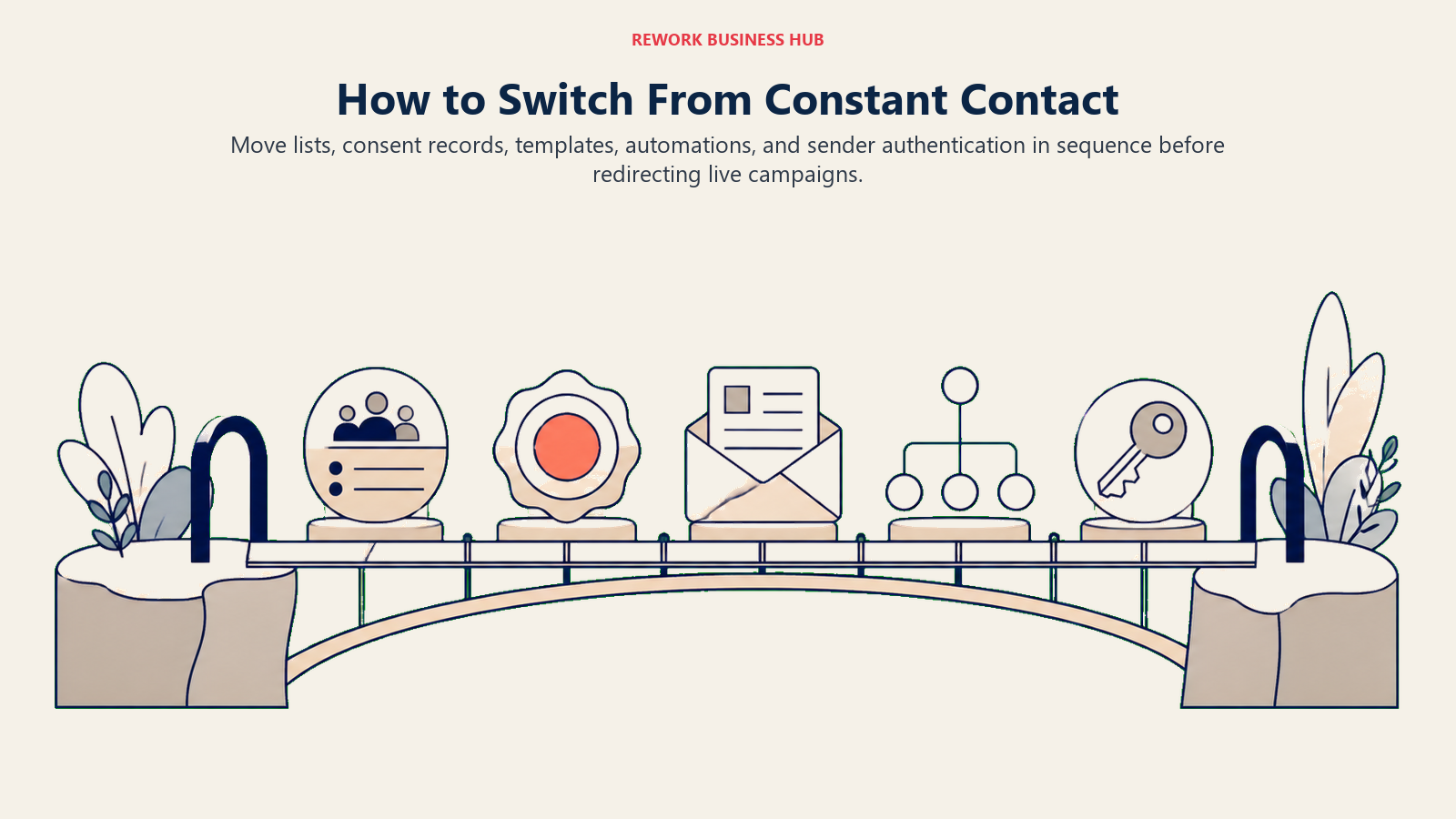
Your email history and engagement data (open rates, click history per contact) generally don't transfer. You'll start fresh on engagement tracking in your new platform. That means your first 2-3 sends will have no historical engagement data to compare against.
Domain authentication (SPF, DKIM, DMARC) carries over because it's set at your DNS level, not inside Constant Contact. But double-check your authentication settings after switching to make sure your new platform's sending domain is correctly configured. Deliverability problems after a switch are almost always authentication issues, not platform problems.
Give yourself a two-week overlap period where both tools are active. Send one campaign from your new platform before fully canceling Constant Contact so you can compare deliverability before committing.
What to Do Next
Don't evaluate nine tools at once. Based on your situation:
- If your frustration is price, run Brevo or MailerLite against your current Constant Contact bill. Both have free tiers generous enough to test with a real campaign.
- If your frustration is automation complexity or the lack of CRM integration, ActiveCampaign is the standard to compare against, since it pairs its automation builder with a CRM that has deals and pipelines. They offer a 14-day trial with full feature access. Set up one automation that fires from a CRM event and test whether it solves the actual problem.
Pick two tools, run them in parallel for two weeks with real sends to a segment of your list, and measure deliverability, open rates, and the time it takes your team to build and send a campaign. That head-to-head test will tell you more than any comparison table.
For teams ready to build a proper lead capture and nurture system once the email tool is sorted, the guide on form-to-CRM automation covers how to connect email triggers to CRM events without manual intervention.
If you're also considering Klaviyo for e-commerce sends or need to run Meta lead ads into your new email tool, Meta Lead Ads to CRM explains how that pipeline actually works. And for teams doing a broader marketing stack review alongside the email tool switch, best GoHighLevel alternatives covers all-in-one platform options worth knowing about.
According to HubSpot's State of Marketing report, 77% of marketers saw email engagement increase in 2023-2024, but only among teams that had moved beyond basic broadcast sends to behavioral automation. That's the gap most Constant Contact users are trying to close.

On this page
- Quick Comparison Table
- Stage Fit Matrix
- Sizing and Persona Table
- 1. Mailchimp: The Default, For Better or Worse
- 2. Brevo: Volume-First Email at a Fraction of the Cost
- 3. ActiveCampaign: Automation First, Everything Else Second
- 4. MailerLite: Clean, Affordable, and Good Enough for Most Small Teams
- 5. ConvertKit (Kit): Built for Creators, Not Companies
- 6. GetResponse: The All-in-One Marketing Platform That Tries Everything
- 7. AWeber: The Veteran That Still Works for Traditional Small Businesses
- 8. Campaign Monitor: Design-First Email for Agencies and Visual Brands
- 9. Moosend: Affordable Automation for Budget-Conscious Teams
- Feature Comparison: Automation Depth
- Feature Comparison: Channel Coverage
- Pricing Comparison at 2,500 Contacts
- How to Choose: Decision Framework
- Switching From Constant Contact: What to Know
- What to Do Next