Best Framer Alternatives in 2026: 11 Website Builders for Marketing and Design Teams

Turn this article into takeaways for your work.


Each assistant summarizes the article only for you and suggests best practices for your work.
Framer earned its reputation honestly. It collapsed the design-to-publish loop for marketing sites in a way no tool had before: you design on a canvas, and the output is a live, production-ready website with real animations, responsive layouts, and a CMS. For a solo founder or a small marketing team that needs a beautiful site fast, Framer still delivers that better than almost anything else.
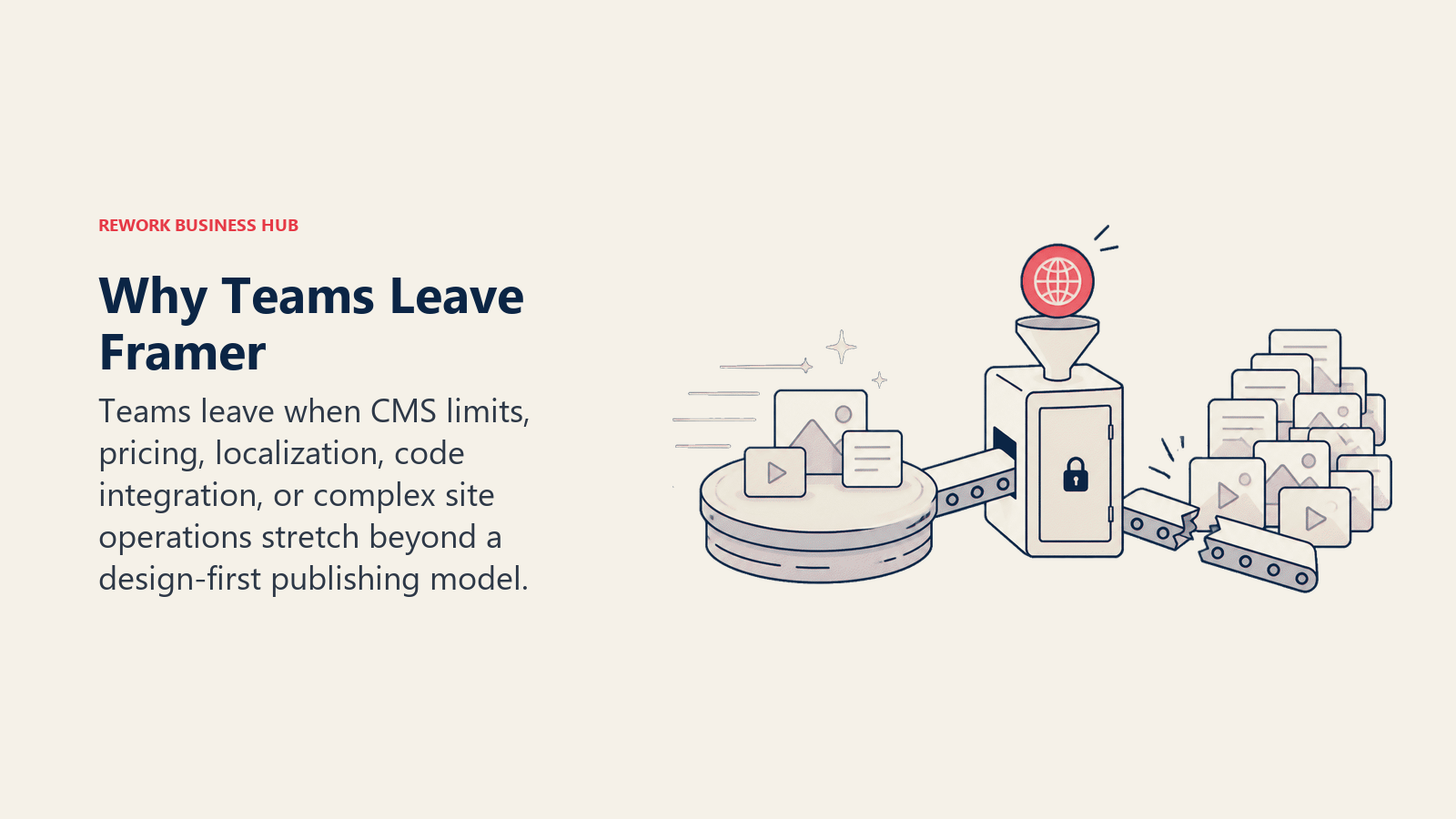
But specific friction points push teams to look elsewhere. The CMS tops out at 2,500 items on the Pro plan and 10 collections, which sounds like enough until you're running a content-led growth operation with dozens of templates, blog categories, and localized pages. Hosting costs scale with bandwidth and visitors at the Scale tier ($100/month), which catches teams off-guard as traffic grows. The canvas-first workflow that designers love is the same thing that makes Framer opaque for marketers, content editors, and growth managers who aren't comfortable in a design tool. And Framer doesn't have the plugin depth, e-commerce capabilities, or raw SEO configurability that WordPress or Webflow bring at scale. If any of those gaps sound familiar, this is the guide for you. It's aimed at marketers, founders, design engineers, and agency teams who've outgrown Framer or are evaluating it seriously alongside other builders.
For teams also reconsidering their broader design stack at the same time, the best Figma alternatives covers UI design tools that pair with whichever website builder you land on. If you're specifically evaluating Webflow and want to see its full alternative landscape, the best Webflow alternatives goes deeper on that side of the market.
Quick Comparison Table
| Tool | Best For | Starting Price | Key Strength | Key Limitation |
|---|---|---|---|---|
| Webflow | Content-heavy marketing sites, B2B | $14/mo (Basic) | CMS depth, SEO control, ecosystem | Two-bill pricing (workspace + site) |
| Wix Studio | Agencies, client sites, multi-tenant | $19/mo (Basic) | All-in-one, easy handoff to clients | Less design precision than Framer |
| Figma Sites | Teams already in Figma | Included in Figma Pro ($16/mo/seat) | Zero design-to-web handoff | CMS in early beta, limited features |
| Squarespace | SMBs, creatives, simple brand sites | $16/mo (Basic) | Polished templates, e-commerce built in | Limited layout flexibility |
| WordPress + Elementor | SEO-led sites, full content control | ~$59/yr (Elementor) + hosting | Infinite extensibility, plugin ecosystem | Self-managed hosting, update overhead |
| Plasmic | React/Next.js teams, design-to-code | Free; $20/user/mo (Pro) | Code-level integration with React stack | Requires developer setup |
| Builder.io | Enterprise visual editing, headless CMS | $19/mo (Starter) | Design + existing codebase integration | Steeper learning curve |
| Dorik | Budget-conscious teams, agencies | Free; $39/mo (Pro) | Generous free tier, white-label option | Smaller ecosystem |
| Carrd | One-page sites, link-in-bio, portfolios | $9/yr (Pro Lite) | Extremely fast, absurdly affordable | Single-page only, no CMS |
| Readymag | Digital publications, editorial design | $14/mo (Personal) | Typographic control, editorial fidelity | Not for CMS-heavy sites |
| Softr | Client portals, internal tools on Airtable | Free; $49/mo (Basic) | Airtable/Sheets integration, auth built in | Not a traditional website builder |
Why Teams Actually Leave Framer
| Pain Point | Who Feels It Most | Severity |
|---|---|---|
| CMS limit: 2,500 items, 10 collections on Pro | Content-led marketing teams | High |
| Scale plan ($100/mo) jumps sharply from Pro ($30/mo) | Growing SMBs crossing traffic thresholds | High |
| Canvas-first UX unfamiliar to non-designers | Marketing managers, content editors | Medium |
| Editor seat add-ons ($40/seat/mo on Pro) | Small teams where multiple people edit | Medium |
| No native e-commerce | DTC brands, mixed content + shop sites | High |
| SEO config less granular than Webflow or WordPress | SEO-led growth teams | Medium |
| Plugin ecosystem thin vs WordPress | Teams needing forms, analytics, CRM connectors | Medium |
If none of those apply to your situation, Framer is a legitimate long-term choice. If two or three do, keep reading.
1. Webflow: The Professional's CMS Website Builder
Webflow is the most direct competitor to Framer for design-led marketing sites. Where Framer optimizes for speed and design expressiveness, Webflow optimizes for CMS depth, SEO control, and the kind of scalable content architecture that B2B marketing teams need when they're publishing dozens of blog posts, case studies, landing pages, and resource templates.
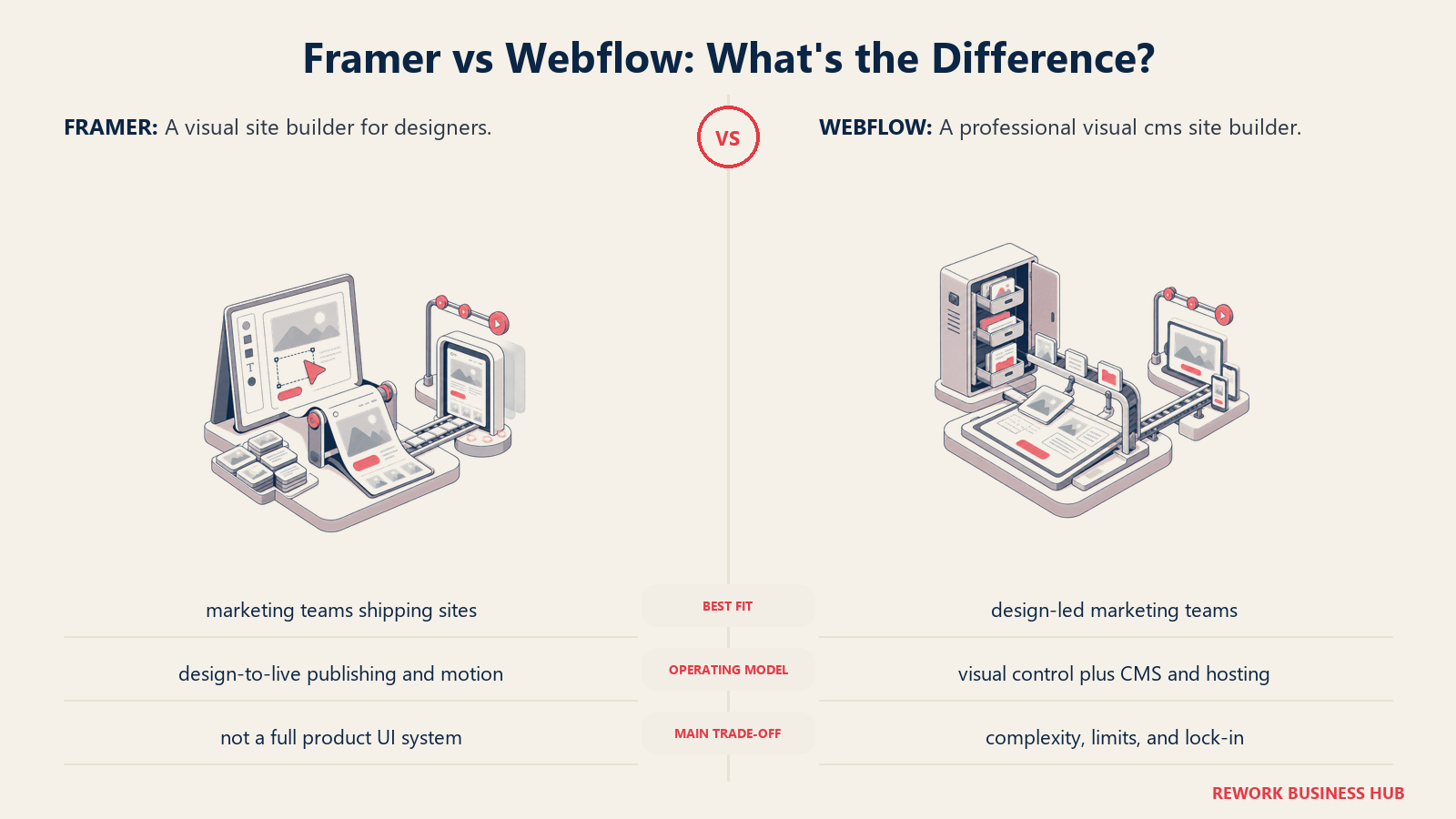
Methodology: Webflow treats the web as a medium that should be fully controllable without code. The visual editor maps directly to HTML, CSS, and JavaScript, which means what you build in Webflow is what the browser renders. Designers who understand the box model feel at home immediately. The CMS uses a relational structure that lets you cross-reference content types, making it far more powerful than Framer's flat collections.
Target audience: B2B marketing teams, growth engineers, agencies, and founders who want more CMS and SEO control than Framer allows. The ICP is a Head of Marketing or a senior marketing engineer running a content-led SEO program on a professionally designed site.
| Pros | Cons |
|---|---|
| CMS depth: relational collections, unlimited items on higher plans | Two separate bills: workspace plan (who builds) + site plan (hosting) |
| SEO control: custom meta, OG tags, canonical URLs, 301s | Steeper learning curve than Framer for designers new to CSS box model |
| Large ecosystem: 200+ third-party integrations | No native animations as fluid as Framer |
| Staging environments on higher plans | Site plan needed on top of workspace |
Sizing fit:
| Team Size | Fit |
|---|---|
| Solo designer/founder | Good, but pricing adds up with two-plan model |
| Small team (2-10) | Strong: CMS and collaboration work well |
| Mid-size (10-50) | Excellent: scales cleanly with content volume |
| Enterprise (50+) | Strong: enterprise plan, SSO, advanced permissions |
Stage fit: Best for growth-stage and mid-market B2B companies running content marketing at scale. Less ideal for early-stage teams that just need a clean landing page fast.
Team vs company-wide: Marketing and design team tool. Developers appreciate the clean code output. Less useful for non-technical content editors who need a Word-like experience.
Pricing: Basic site plan at $14/month (billed annually). CMS plan at $23/month. Business at $39/month. Workspace plans start separately at $19/month for teams. Full details at webflow.com/pricing.
Best for: B2B marketing teams running content-led SEO who need more CMS depth and SEO control than Framer provides.
2. Wix Studio: The Agency-Grade All-in-One
Wix Studio is the professional-tier version of Wix, aimed squarely at agencies, freelancers, and designers who build client websites. The original Wix was a consumer product. Wix Studio rebuilt the editor with a grid-based responsive layout system, developer tools, and a workspace structure that lets agencies manage dozens of client sites from a single dashboard.
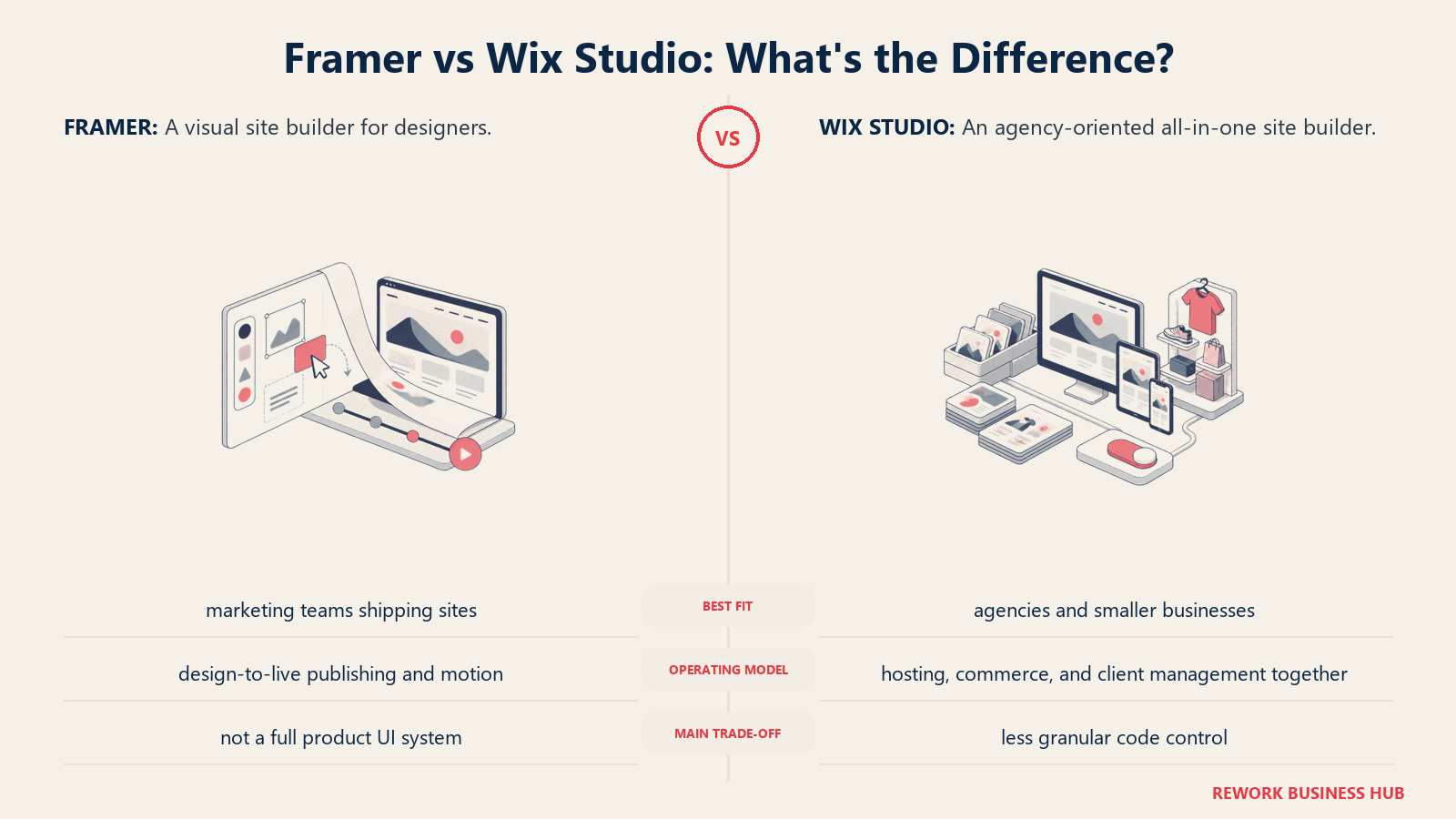
Methodology: Wix Studio's bet is that professional web builders shouldn't have to choose between a powerful CMS and a tool they can hand off to a client. The platform provides design control (responsive grid, CSS variables, custom animations) alongside a CMS and e-commerce suite that clients can manage themselves without breaking the design.
Target audience: Freelance web designers, digital agencies, and small studios building client sites. Also mid-size businesses with in-house marketing teams who need an all-in-one: website, blog, booking, e-commerce, and email in one platform.
| Pros | Cons |
|---|---|
| Full agency workspace: manage client sites centrally | Less design precision than Framer for highly custom layouts |
| CMS + e-commerce + booking built in | Can feel heavyweight for simple marketing-only sites |
| Good client handoff: branded dashboards | SEO configuration less surgical than Webflow |
| AI design tools for fast layout iteration | Editor can slow on feature-heavy sites |
Sizing fit:
| Team Size | Fit |
|---|---|
| Solo freelancer | Excellent: workspace model designed for this |
| Small agency (2-10) | Strong: multi-site management is the core use case |
| Mid-size team (10-50) | Good for internal marketing; better for agency workflows |
| Enterprise (50+) | Moderate: Wix Enterprise exists but not the primary fit |
Stage fit: Best for agencies at any stage and for SMBs that want a managed, all-in-one platform rather than assembling a stack. Less suited for heavily custom design work or code-integrated sites.
Team vs company-wide: Marketing, design, and agency ops. Non-technical clients can edit content without training.
Pricing: Studio plans start at $19/month (Basic), $27/month (Standard), $34/month (Plus), and $159/month (Elite), all billed annually. See wix.com/studio/plans.
Best for: Agencies managing client site portfolios and SMBs that want website, CMS, e-commerce, and email in one product.
3. Figma Sites: The Zero-Handoff Publisher for Figma Teams
Figma Sites launched in late 2025 and takes a direct swing at Framer's core proposition: design in Figma, publish from Figma, no tool switch required. If your team already lives in Figma and the friction of exporting to a different builder feels unnecessary, Figma Sites removes that step entirely.
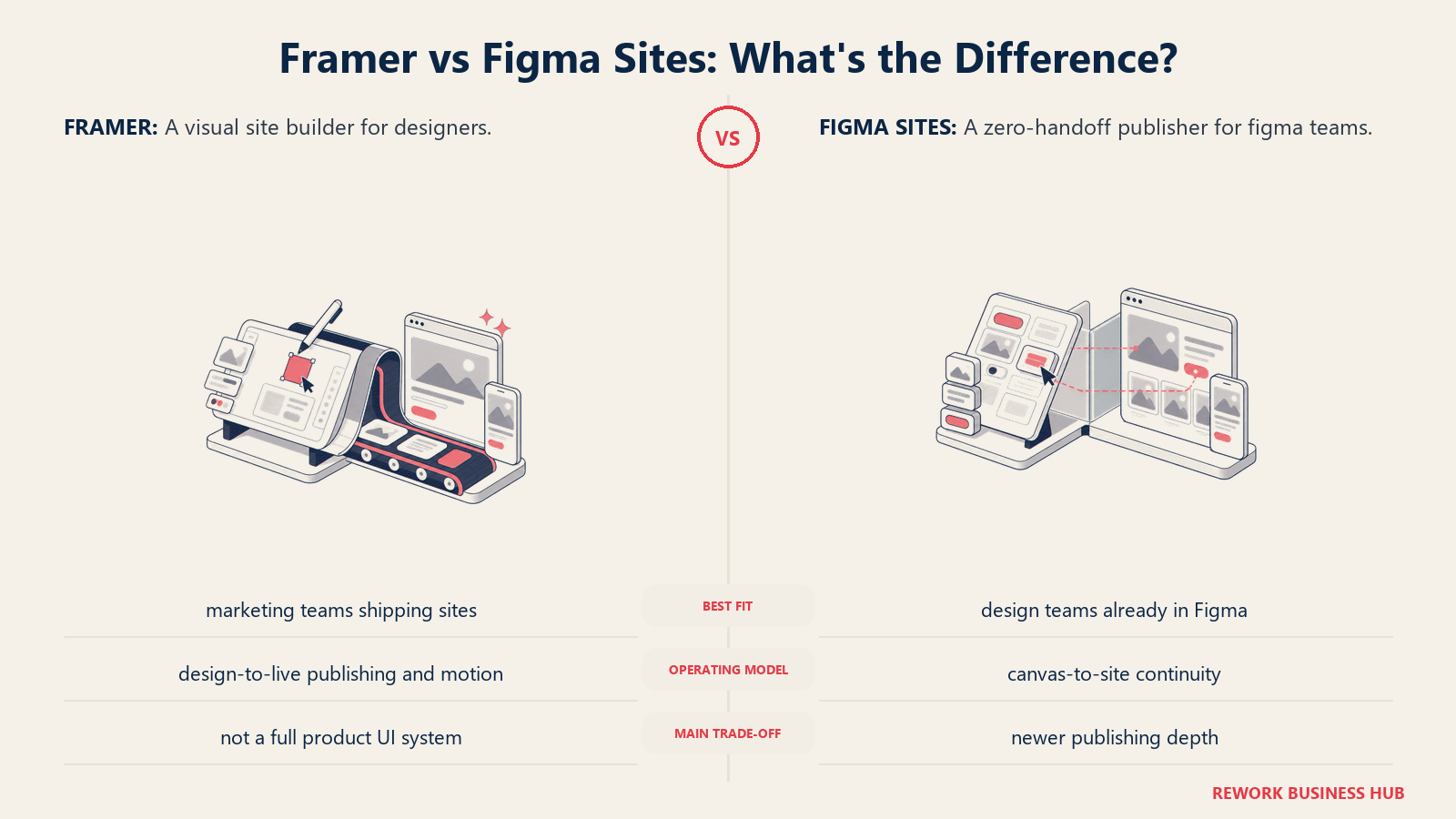
Methodology: The proposition is simple: eliminate the Figma-to-builder export. Designers work on the same canvas they always use, then publish directly from that canvas. Figma Sites supports responsive layouts, CMS collections (launched in public beta in November 2025), and preset interactions like marquee scrolling, hover effects, and custom cursors.
Target audience: Design teams already on Figma Professional or Organization plans who ship marketing sites and landing pages. Particularly relevant for design engineers and growth teams who want to reduce the number of tools in the stack.
| Pros | Cons |
|---|---|
| Zero design-to-web tool switch for Figma teams | CMS is in beta: limited features, collections caps unclear |
| Existing Figma components work natively | Included in paid Figma plans only (Professional at $16/seat/mo minimum) |
| AI-assisted layout generation via Figma Make | Animation and interaction capabilities still behind Framer |
| No separate subscription for basic use | Early product: rough edges expected |
Sizing fit:
| Team Size | Fit |
|---|---|
| Solo designer on Figma | Excellent if already paying for Pro |
| Small team (2-10) | Good for simple sites; CMS limitations may bite |
| Mid-size (10-50) | Moderate: wait for CMS to mature |
| Enterprise (50+) | Monitor: enterprise Figma already paying, but CMS depth not there yet |
Stage fit: Early adopters and design-forward teams willing to trade capability for workflow simplicity. Best for teams with straightforward site needs right now; revisit for complex CMS in 12 months.
Team vs company-wide: Design and marketing. Product designers won't use it for app UI work.
Pricing: Included with Figma paid plans. Professional: $16/seat/month (billed annually). Organization: $45/seat/month. Details at figma.com/pricing.
Best for: Figma teams who want to publish marketing sites without switching tools, and are OK with CMS capabilities that are still maturing.
4. Squarespace: The Polished Template Builder for Brand Sites
Squarespace doesn't try to be a design system. It tries to be a beautiful, reliable website that anyone can maintain. The templates are tighter, the design system is more opinionated, and the editing experience is simpler than Framer, Webflow, or Wix Studio. That's a trade-off, and it's the right one for a specific buyer.
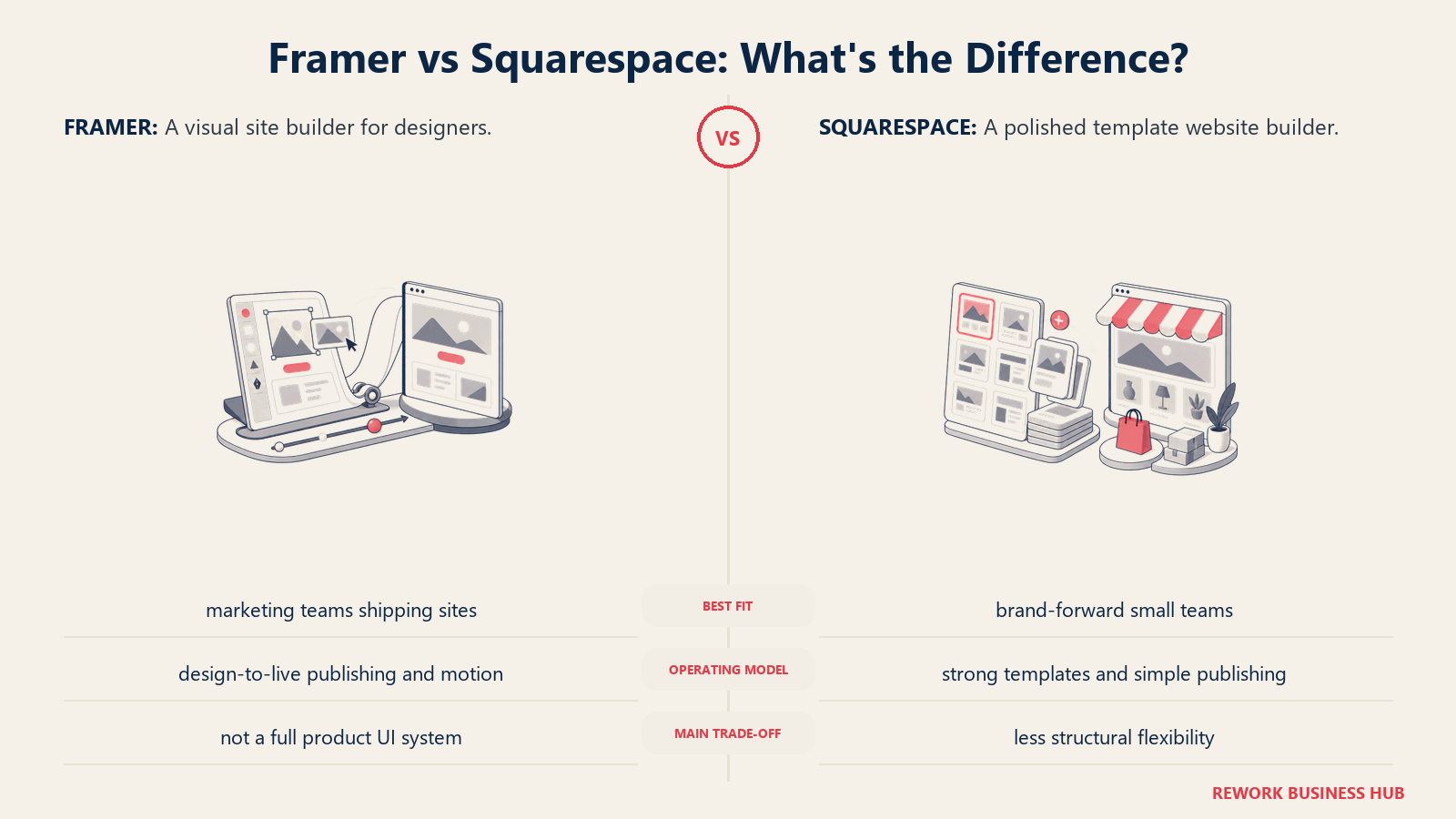
Methodology: Squarespace's approach is template-first simplicity. The platform makes it genuinely hard to build something that looks bad, because the design constraints are baked in. You're not building from a blank canvas; you're customizing within a system that maintains visual coherence even when non-designers make changes.
Target audience: Creative freelancers, service businesses, consultants, portfolio sites, and SMBs that want a professional online presence without a developer or a designer. Also e-commerce businesses running a combined website and online store.
| Pros | Cons |
|---|---|
| Polished templates with consistent design systems | Layout flexibility is limited compared to Framer or Webflow |
| E-commerce built in across all paid plans | Less CMS power for content-heavy blogs or resource libraries |
| Simple content editor for non-designers | Custom code requires higher plans |
| Solid SEO fundamentals out of the box | No developer workflow; hard to extend programmatically |
Sizing fit:
| Team Size | Fit |
|---|---|
| Solo creator or freelancer | Excellent |
| Small business (2-10) | Strong: managed, easy to delegate |
| Mid-size (10-50) | Limited: design constraints chafe at scale |
| Enterprise (50+) | Not a fit |
Stage fit: Early-stage businesses and solo operators who need a clean web presence fast. Not for teams building complex content operations.
Team vs company-wide: Marketing and ops. Anyone can edit without design background.
Pricing: Basic at $16/month, Core at $23/month, Plus at $39/month, Advanced at $99/month (all billed annually). Full plan details at squarespace.com/pricing.
Best for: Creatives, service businesses, and early-stage companies that want a beautiful, easy-to-maintain site without design or development overhead.
5. WordPress + Elementor: Maximum Extensibility for SEO Teams
WordPress powers roughly 43% of the web, and Elementor is the drag-and-drop page builder that makes it visual. Together, they're the default choice for teams where SEO is the primary growth channel, content volume is high, and plugin-level extensibility matters more than design elegance.
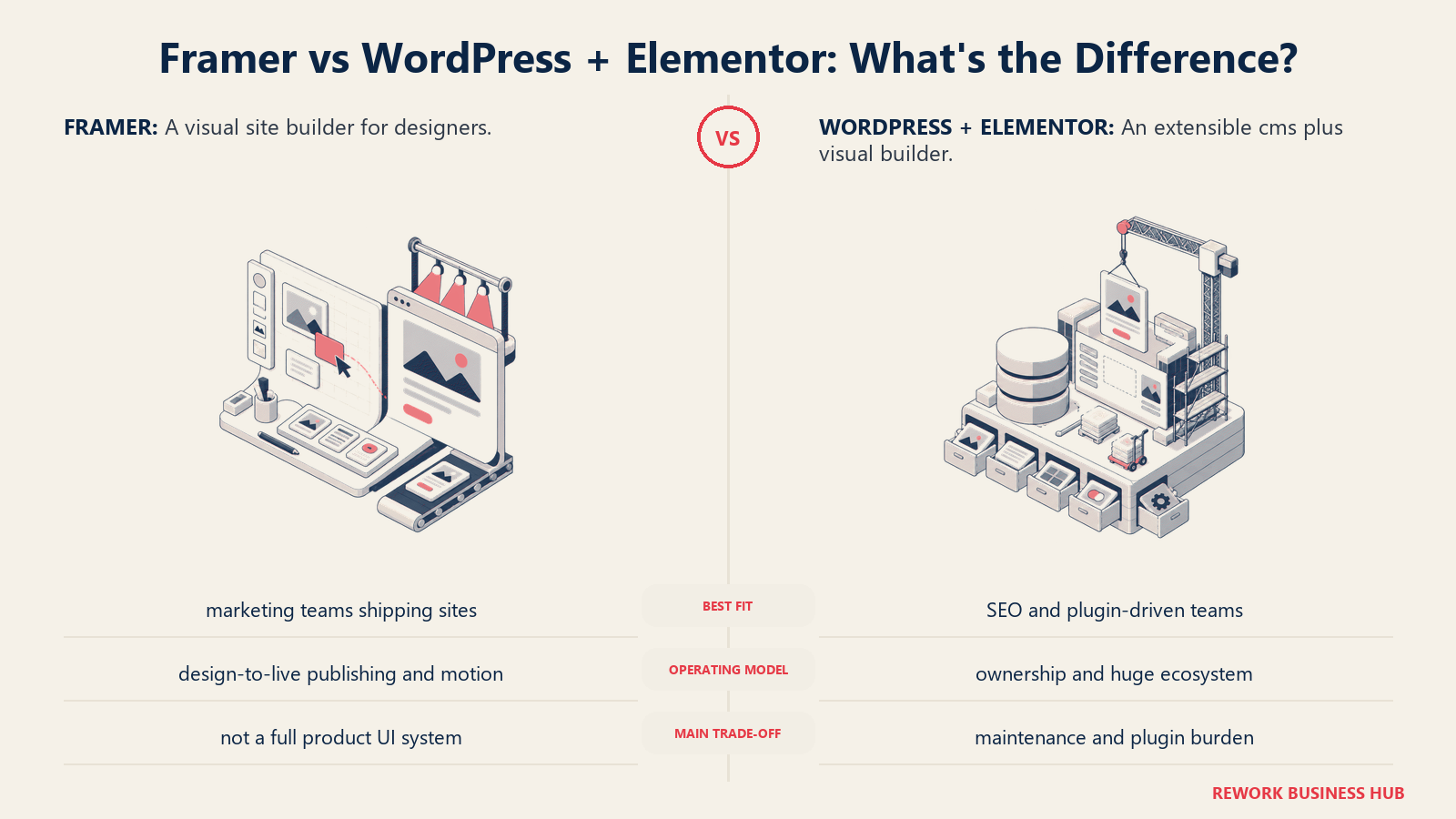
Methodology: WordPress treats the website as infrastructure you own and extend. You self-host (or use managed hosting like WP Engine or Kinsta), install plugins for every capability you need, and build your site on an open-source foundation with no vendor lock-in. Elementor adds a visual drag-and-drop layer. The tradeoff is that you're the system administrator.
Target audience: SEO-focused content teams, e-commerce businesses with complex needs, enterprises that need data ownership, and agencies with developers on staff. The ICP is a Director of Content or VP Marketing who runs a large content program and needs a CMS that can handle thousands of articles, custom post types, and deep SEO configurability.
| Pros | Cons |
|---|---|
| Plugin ecosystem: 60,000+ plugins for any capability | Self-managed: you own updates, security, performance |
| No platform lock-in: own your data, migrate freely | Elementor adds page weight if not configured carefully |
| SEO plugins (Yoast, Rank Math) unmatched in depth | Setup and maintenance overhead vs hosted builders |
| Full e-commerce via WooCommerce | Design quality depends heavily on theme and designer skill |
Sizing fit:
| Team Size | Fit |
|---|---|
| Solo blogger/creator | Good if technically capable |
| Small team (2-10) | Strong with a developer on the team |
| Mid-size (10-50) | Excellent: scales with content volume and plugins |
| Enterprise (50+) | Strong: full ownership, custom integrations |
Stage fit: Best for growth-stage and mature companies that have chosen SEO as a primary channel. Overkill for a simple brochure site or landing page.
Team vs company-wide: Marketing, content, and engineering. Non-technical editors can use Gutenberg or Elementor after initial setup.
Pricing: WordPress core is free. Elementor Pro starts at $59/year (Essential, 1 site). Managed hosting adds $10-$50/month depending on provider. Details at elementor.com/pricing.
Best for: Content-heavy SEO programs, e-commerce sites with complex requirements, and teams that want full ownership of their web infrastructure.
6. Plasmic: Design That Deploys into Your Codebase
Plasmic sits in a different category from most website builders. It's not a standalone hosted site; it's a visual editor that integrates directly with a React or Next.js codebase. Designers build components in Plasmic's canvas, and developers import them as real React components. The output isn't a hosted website; it's production code that lives in your stack.
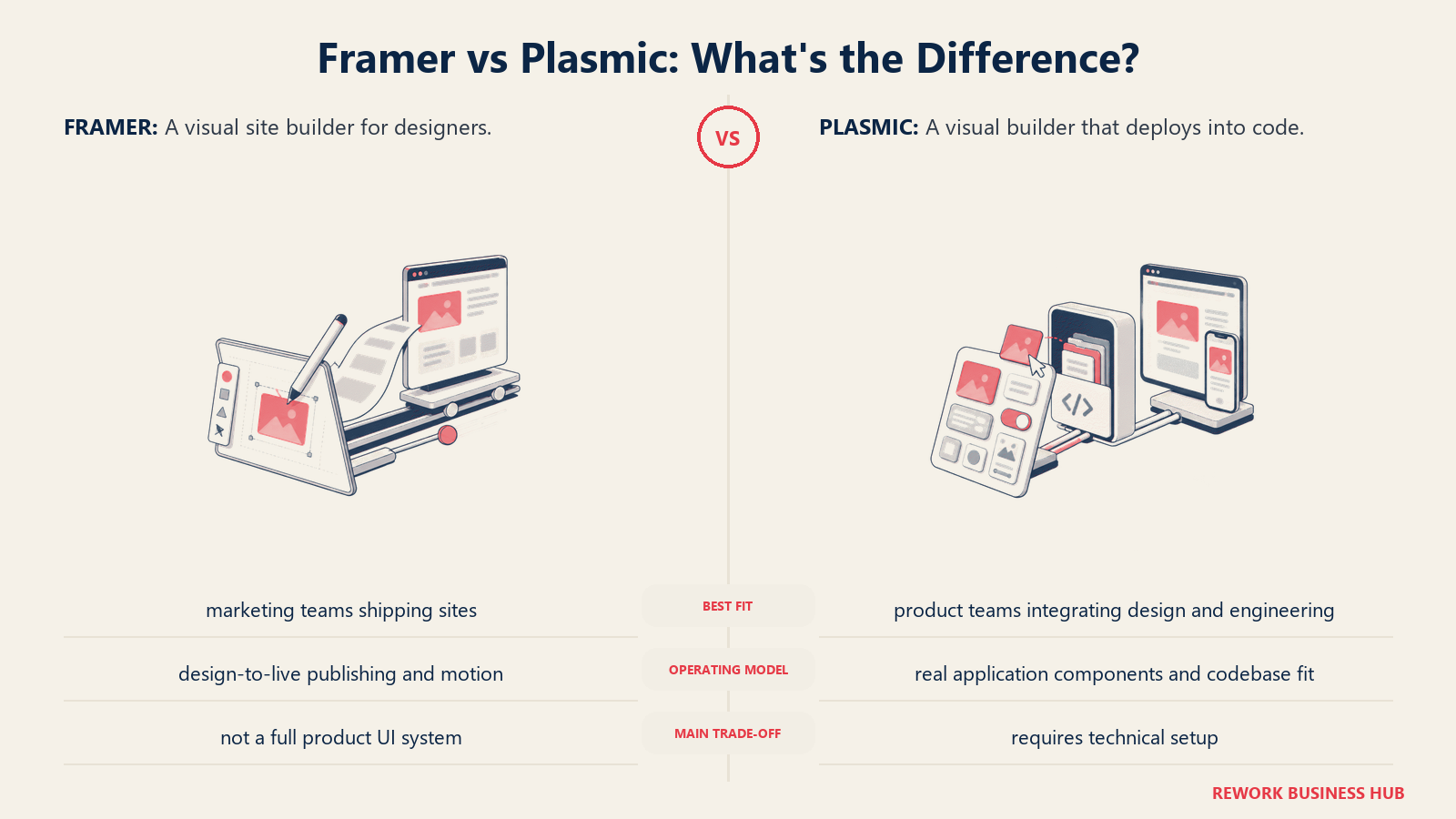
Methodology: Plasmic's bet is that the design-to-development handoff is the wrong model. Instead of designers handing specs to developers, Plasmic lets designers push changes directly to production. Developers set up the integration once; after that, designers and content editors can make layout and content changes without touching the codebase.
Target audience: Engineering-forward product companies with React or Next.js stacks, design engineers who straddle design and code, and companies where non-technical marketing teams need to own landing page content in a production React app without a developer escort.
| Pros | Cons |
|---|---|
| Visual edits publish directly to production code | Requires developer setup: not plug-and-play |
| Non-devs can edit live content post-setup | Onboarding is complex for design-only teams without a developer |
| Component-level integration with React/Next.js codebase | Not a standalone site builder: needs an existing stack |
| CMS and content management built in | Limited value for teams without a dev partner |
Sizing fit:
| Team Size | Fit |
|---|---|
| Solo designer (no dev) | Poor fit without developer |
| Small team (2-10) | Strong for design-engineering pairs |
| Mid-size (10-50) | Good for product teams with React stack |
| Enterprise (50+) | Viable for specific marketing-on-codebase workflows |
Stage fit: Growth-stage and mid-market product companies with React stacks who want to close the design-to-code gap. Requires at least one developer for setup.
Team vs company-wide: Product and engineering primarily. Marketing can own content editing post-setup.
Pricing: Free (hobby tier with 10K page views/month). Pro starts at $20/user/month for team features. Enterprise pricing on request. See plasmic.app/pricing.
Best for: Design and engineering teams who want to eliminate the handoff layer and ship visual changes directly into a production React/Next.js application.
7. Builder.io: Visual Development for Existing Codebases
Builder.io targets a specific enterprise problem: large companies with existing websites and developer teams who want non-developers to make visual changes without needing a developer ticket for every update. It integrates with any frontend framework (React, Vue, Angular, Next.js) and adds a visual editing layer on top of existing code.
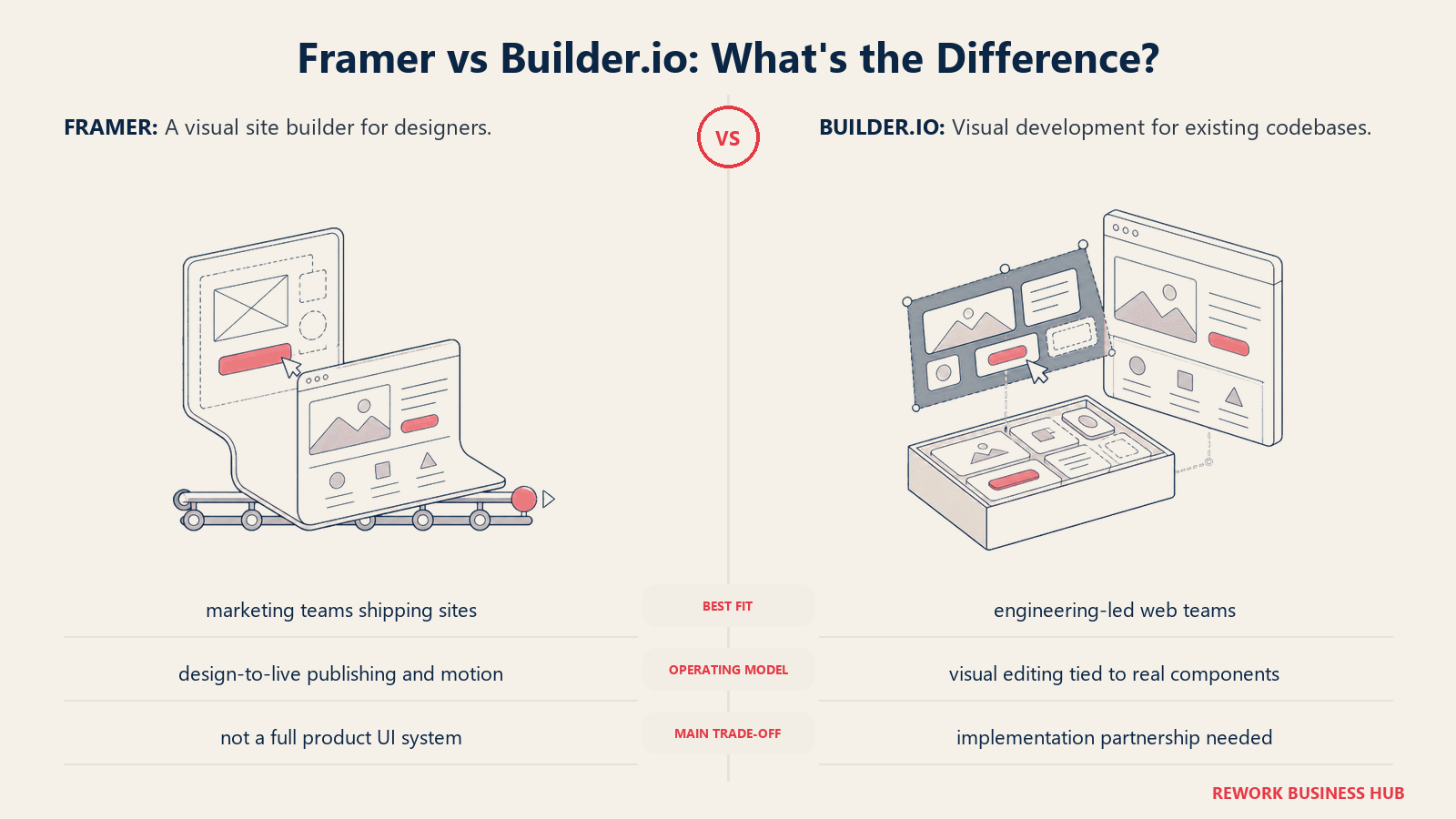
Methodology: Builder.io's model is headless: it stores content and layout visually, then serves it via API to any frontend. This means a marketing team can build and iterate on pages in Builder's visual editor while the underlying tech stack stays unchanged. A/B testing, personalization, and heatmaps are built into higher tiers.
Target audience: Enterprise marketing teams at companies with existing development infrastructure, headless commerce teams, and organizations with separate marketing and engineering departments that need a CMS layer that doesn't require developer time for every page change.
| Pros | Cons |
|---|---|
| Integrates with any existing framework: React, Vue, Angular | Steeper initial setup than pure no-code builders |
| A/B testing and personalization on higher plans | Not a standalone site builder for greenfield projects |
| Headless: works with existing CDN, hosting, analytics | Pricing tiers and limits require careful evaluation |
| Design-to-code via Figma plugin | Complex for small teams who just need a simple site |
Sizing fit:
| Team Size | Fit |
|---|---|
| Solo/small team (1-10) | Starter plan viable for simple headless use cases |
| Mid-size team (10-50) | Good: marketing independence from engineering |
| Enterprise (50+) | Strong: the primary sweet spot |
| Agency | Good for headless client builds |
Stage fit: Mid-market and enterprise companies with established codebases and developer teams. Not for greenfield sites or teams without frontend infrastructure.
Team vs company-wide: Marketing + engineering collaboration tool. Each side operates in their own layer.
Pricing: Starter at $19/month. Growth and Enterprise tiers with usage-based pricing. Full pricing at builder.io/m/pricing.
Best for: Enterprise marketing teams at companies with existing frontends who need visual editing independence from their development queue.
8. Dorik: The Best Free Tier in This List
Dorik is the most underrated builder in this comparison. Its free plan includes unlimited sites, unlimited custom domains, a full CMS, blog, forms, and SSL. No trial clock. No credit card. That's not a stripped-down free tier; that's a fully functional website platform. The catch is "Built with Dorik" branding on free sites, which removes with the Pro plan.
Methodology: Dorik is built for teams that want a capable, honest-priced website builder without the complexity of Webflow or the per-seat pricing models that add up on small teams. The AI builder generates layouts from prompts. The CMS is straightforward but functional for blogs, portfolios, and small business sites.
Target audience: Budget-conscious freelancers, small businesses, and agencies building client sites at low per-site cost. Also startups testing a web presence before committing to a more expensive platform.
| Pros | Cons |
|---|---|
| Genuinely unlimited free tier for basic sites | Smaller template library vs Squarespace or Wix |
| White-label agency plan for client billing | Less design precision than Framer or Webflow |
| Simple AI site builder for fast iteration | SEO tooling less mature |
| Affordable agency plan ($79/mo for unlimited client sites) | Plugin and integration ecosystem thin |
Sizing fit:
| Team Size | Fit |
|---|---|
| Solo freelancer | Excellent: free tier is genuinely useful |
| Small agency (2-10) | Strong: agency white-label plan is very cost-effective |
| Small business (2-20) | Good: simple site management at low cost |
| Mid-size team (10-50) | Limited by ecosystem and CMS depth |
Stage fit: Early-stage businesses testing a web presence and cost-conscious agencies building simple client sites. Not for complex content operations or design-heavy brand sites.
Team vs company-wide: Marketing and agency ops. Simple enough for any team member to use.
Pricing: Free forever (with Dorik branding). Pro at $39/month ($49/month-to-month). Agency at $79/month annually. Details at dorik.com/pricing.
Best for: Budget-focused teams and agencies who want a capable all-in-one builder at the lowest total cost of ownership.
9. Carrd: The Ultra-Light One-Page Builder
Carrd does one thing: single-page sites. It does it remarkably well, and at $9 per year, it's the cheapest serious option on this list. If your use case is a personal portfolio, a product landing page, a link-in-bio page, or a startup pre-launch capture page, Carrd is faster and cheaper than any other builder here.
Methodology: Carrd strips website building down to its simplest form: a single page with a canvas you control, a custom domain, and a form. No CMS, no blog, no product catalog. The constraint is the point. Most landing pages don't need multiple pages or a CMS; they need a clean, fast-loading single-page site that converts.
Target audience: Solo founders, freelancers, creators, and early-stage startup teams who need a single-page presence fast: a landing page, a coming-soon page, a portfolio, or a personal site.
| Pros | Cons |
|---|---|
| $9/year: cheapest option in this list | Single-page only: no multi-page sites |
| Extremely fast to build and launch | No CMS or blog capability |
| Clean, responsive output | Limited design flexibility vs Framer |
| Good for forms, embeds, and basic analytics | Not scalable for growing content operations |
Sizing fit:
| Team Size | Fit |
|---|---|
| Solo founder/creator | Excellent |
| Small team (2-10) | Good for a simple landing page or pre-launch site |
| Mid-size (10-50) | Too limited: move to a real multi-page builder |
| Enterprise (50+) | Not a fit |
Stage fit: Pre-launch and early-stage only. A Carrd site is a starting point, not a long-term home.
Team vs company-wide: Solo or small-team tool only.
Pricing: Pro Lite at $9/year. Pro Standard at $19/year (custom domain, forms, embeds). Pro Plus at $49/year (advanced forms, custom CSS). See carrd.co.
Best for: Solo founders and creators who need a single-page presence (landing page, portfolio, link-in-bio) at essentially zero cost.
10. Readymag: For Editorial Design and Digital Publications
Readymag comes from a different design tradition than most builders on this list. It's built for digital publications, editorial projects, and brand storytelling: the kind of work where typographic precision, scroll-based animation, and visual narrative matter more than CMS depth or SEO config. Think annual reports, interactive case studies, editorial microsites, and portfolio showcases.
Methodology: Readymag treats web design as a publishing medium. The editor is more constrained than Webflow but more typographically expressive than Squarespace or Wix. Scroll animations, parallax effects, and font controls are first-class features. It's not trying to be a general-purpose website builder.
Target audience: Brand designers, creative agencies, digital publications, and marketing teams building one-off editorial pieces, case study microsites, or brand launches where visual storytelling is the primary goal.
| Pros | Cons |
|---|---|
| Typography and layout control for editorial work | Not built for CMS-heavy content operations |
| Scroll animations and parallax built in | Limited e-commerce or multi-page site structure |
| Clean, fast output for branded microsites | Pricing is higher for what you get vs other tools |
| No code required for impressive visual results | Small community and integration ecosystem |
Sizing fit:
| Team Size | Fit |
|---|---|
| Solo creative/designer | Good for personal portfolio or editorial projects |
| Small agency (2-10) | Good for client editorial and brand projects |
| Mid-size team (10-50) | Limited: better for specific project types only |
| Enterprise (50+) | Use for specific brand campaigns, not main website |
Stage fit: Any stage, for specific project types. Not a primary website platform; more of a specialized tool for editorial and campaign work.
Team vs company-wide: Creative and brand design only.
Pricing: Personal at $14/month. Freelancer at $22/month. Advanced at $58.50/month (all billed annually). Details at readymag.com/pricing.
Best for: Brand designers and creative agencies who need typographic precision and scroll-based storytelling for editorial microsites and brand campaigns.
11. Softr: When Your "Website" Is Really a Portal or Internal Tool
Softr is the outlier on this list. It's not really competing with Framer as a marketing website builder; it's competing with the use case that sometimes gets shoehorned into a Framer site: a client portal, member directory, job board, or internal tool built on top of Airtable or Google Sheets data. If your "website" needs authentication, user roles, and real data, Softr is the cleaner answer.
Methodology: Softr's model is data-powered pages. You connect an Airtable base or Google Sheet, define who can see what with user roles, and Softr renders a functional web app: dashboards, directories, portals, and forms that update in real time as the underlying data changes. An AI Co-Builder generates an initial app from a text prompt.
Target audience: Operations teams, agencies building client portals, HR teams running employee directories, and startups building lightweight internal tools or member-facing apps on Airtable. Also relevant for no-code builders who need auth and role-based access without backend engineering.
| Pros | Cons |
|---|---|
| Auth and role-based access built in | Not a traditional website builder: limited design expression |
| Real-time Airtable/Sheets integration | Pricing scales with app users, not just seats |
| AI Co-Builder for fast app generation | Design constraints limit brand customization |
| SOC 2 certification for compliance-sensitive use cases | Not for SEO-focused public marketing sites |
Sizing fit:
| Team Size | Fit |
|---|---|
| Small team (2-20) | Excellent for internal tools and client portals |
| Mid-size (10-50) | Good for HR, ops, and client-facing portals |
| Enterprise (50+) | Viable with Business plan (500 app users) |
| Agency | Good for no-code client portal builds |
Stage fit: Any stage for internal tools. For client-facing portals, works best once you have an established Airtable workflow to connect.
Team vs company-wide: Operations, HR, and client-facing teams. Not a marketing team tool.
Pricing: Free (up to 10 app users). Basic at $49/month. Professional at $139/month. Business at $269/month. Details at softr.io/pricing.
Best for: Teams building data-driven portals, member directories, or internal tools on Airtable/Sheets who need authentication and user roles without backend development.
Stage Fit Matrix
| Tool | Startup (0-10) | Growth (10-50) | Mid-Market (50-200) | Enterprise (200+) |
|---|---|---|---|---|
| Webflow | Good | Excellent | Strong | Good |
| Wix Studio | Good | Strong | Good | Limited |
| Figma Sites | Good (Figma teams) | Moderate (CMS beta) | Monitor | Monitor |
| Squarespace | Excellent | Good | Limited | Not a fit |
| WordPress + Elementor | Good (with dev) | Excellent | Strong | Strong |
| Plasmic | Good (with dev) | Strong | Good | Viable |
| Builder.io | Limited | Good | Strong | Excellent |
| Dorik | Excellent | Good | Limited | Not a fit |
| Carrd | Excellent (landing page) | Limited | Not a fit | Not a fit |
| Readymag | Good (editorial) | Good (editorial) | Niche use | Niche use |
| Softr | Good (internal tools) | Strong | Good | Viable |
Sizing and Persona Table
| Tool | Team Size Sweet Spot | Primary Buyer | Secondary Buyer |
|---|---|---|---|
| Webflow | 5-100 | Head of Marketing | Senior Designer/Dev |
| Wix Studio | 1-30 (agencies) | Freelance Designer | Digital Agency Owner |
| Figma Sites | 2-50 (Figma users) | Design Lead | Head of Marketing |
| Squarespace | 1-20 | Business Owner | Marketing Manager |
| WordPress + Elementor | 5-200+ | VP Marketing / SEO Lead | Web Developer |
| Plasmic | 2-50 | VP Engineering | Head of Product |
| Builder.io | 20-500+ | VP Marketing (Enterprise) | Frontend Engineer |
| Dorik | 1-30 | Freelancer / Agency Owner | Small Business Owner |
| Carrd | 1-5 | Solo Founder | Creator / Freelancer |
| Readymag | 1-20 | Brand Designer | Creative Director |
| Softr | 2-100 | Ops/HR Manager | No-Code Builder |
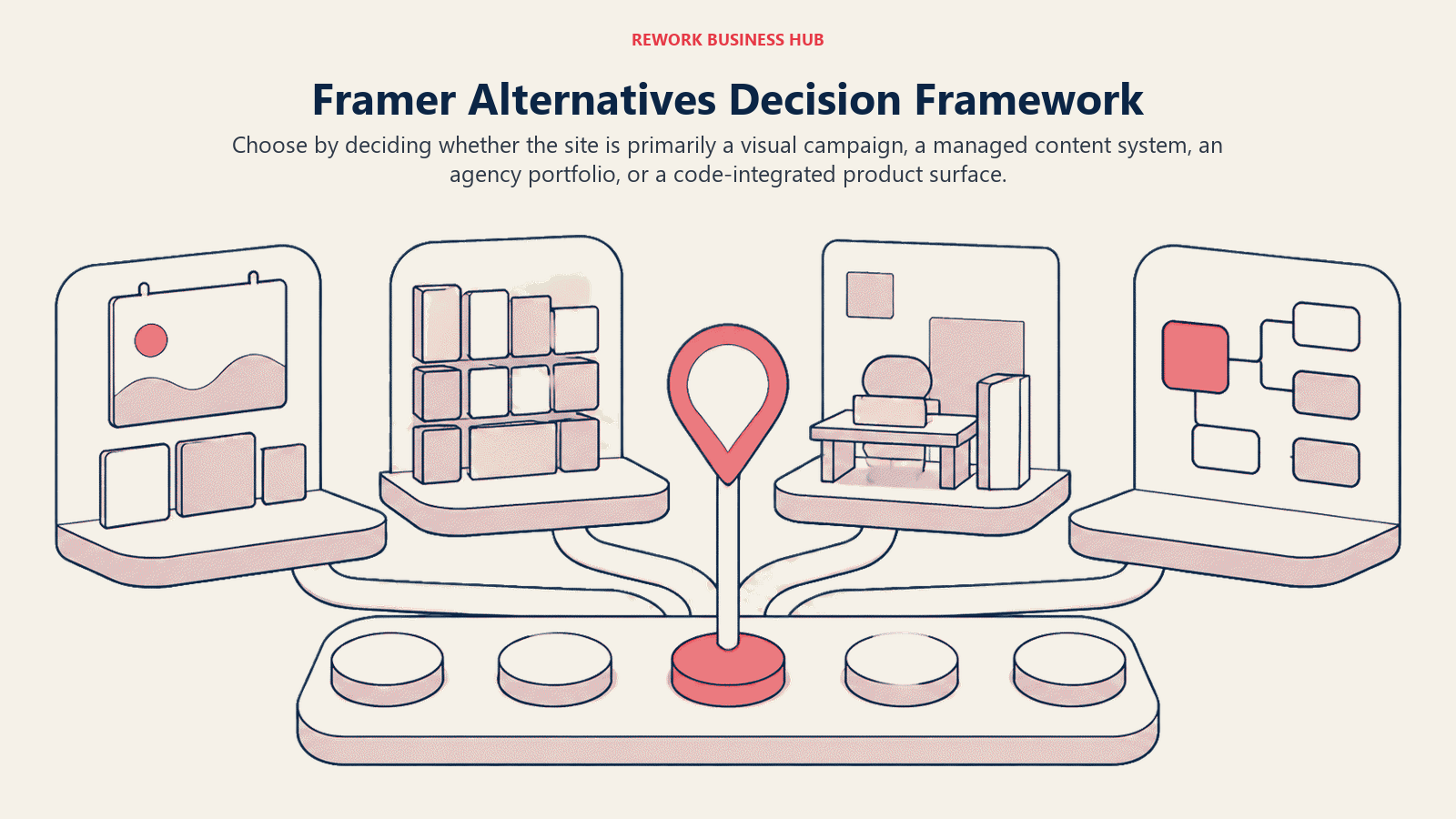
How to Choose: Decision Framework
| If you need... | Choose |
|---|---|
| More CMS depth and SEO control than Framer | Webflow |
| An agency workspace to manage client sites | Wix Studio |
| To stay in Figma and publish directly | Figma Sites |
| A polished site with minimal design decisions | Squarespace |
| Maximum SEO control and plugin extensibility | WordPress + Elementor |
| Visual editing that deploys into a React codebase | Plasmic |
| Marketing visual editing on top of existing enterprise code | Builder.io |
| The lowest total cost, including a real free tier | Dorik |
| A fast, cheap single-page landing page | Carrd |
| Editorial or brand microsite with typographic precision | Readymag |
| A client portal or internal tool on Airtable | Softr |
What Framer Still Does Best
Framer deserves credit for what it does genuinely well. If your situation fits these criteria, it may still be the right tool.
| Framer strength | Who it matters for |
|---|---|
| Design canvas with native animations and micro-interactions | Design engineers who want pixel-level control |
| Zero-step publish: design and live site are the same file | Marketing teams that ship and iterate fast |
| AI layout and copy generation built into the canvas | Teams without dedicated copywriters for early drafts |
| Fast launch from a template: live in hours, not days | Early-stage teams launching before they're ready |
| Beautiful output on limited CMS content: 10 collections, 2,500 items | Personal brands, small SaaS sites, simple portfolio/marketing combos |
The ceiling is real, but so is the floor. For the right team at the right scale, Framer is the best product in this list.
What to Do Next
Pick your top two candidates based on the decision framework, then run a two-week pilot. Don't evaluate in a demo; build something real: take one actual page from your current site (a product page, a blog index, a landing page) and rebuild it in each tool. The answer usually becomes obvious by day five.
If you're leaving Framer because of CMS limits, start with Webflow. If the main friction is SEO, WordPress with Elementor is the strongest long-term platform. If you're an agency tired of per-site billing complexity, Wix Studio and Dorik both offer multi-site agency plans worth comparing. And if your actual use case is a portal or internal tool, not a marketing site, Softr will save you from trying to bend a website builder into something it isn't.
For teams rebuilding their broader visual stack at the same time, the best Canva alternatives covers template-first design tools that non-designers use alongside whichever builder you choose, and the best Miro alternatives covers visual collaboration tools that often sit in the same team tooling review.
Camellia writes about design and web tooling for B2B teams. Last updated June 2026.

Principal Product Marketing Strategist
On this page
- Quick Comparison Table
- Why Teams Actually Leave Framer
- 1. Webflow: The Professional's CMS Website Builder
- 2. Wix Studio: The Agency-Grade All-in-One
- 3. Figma Sites: The Zero-Handoff Publisher for Figma Teams
- 4. Squarespace: The Polished Template Builder for Brand Sites
- 5. WordPress + Elementor: Maximum Extensibility for SEO Teams
- 6. Plasmic: Design That Deploys into Your Codebase
- 7. Builder.io: Visual Development for Existing Codebases
- 8. Dorik: The Best Free Tier in This List
- 9. Carrd: The Ultra-Light One-Page Builder
- 10. Readymag: For Editorial Design and Digital Publications
- 11. Softr: When Your "Website" Is Really a Portal or Internal Tool
- Stage Fit Matrix
- Sizing and Persona Table
- How to Choose: Decision Framework
- What Framer Still Does Best
- What to Do Next