BigCommerce vs Adobe Commerce: Which Handles a Complex Catalog Better?
Turn this article into takeaways for your work.


Each assistant summarizes the article only for you and suggests best practices for your work.
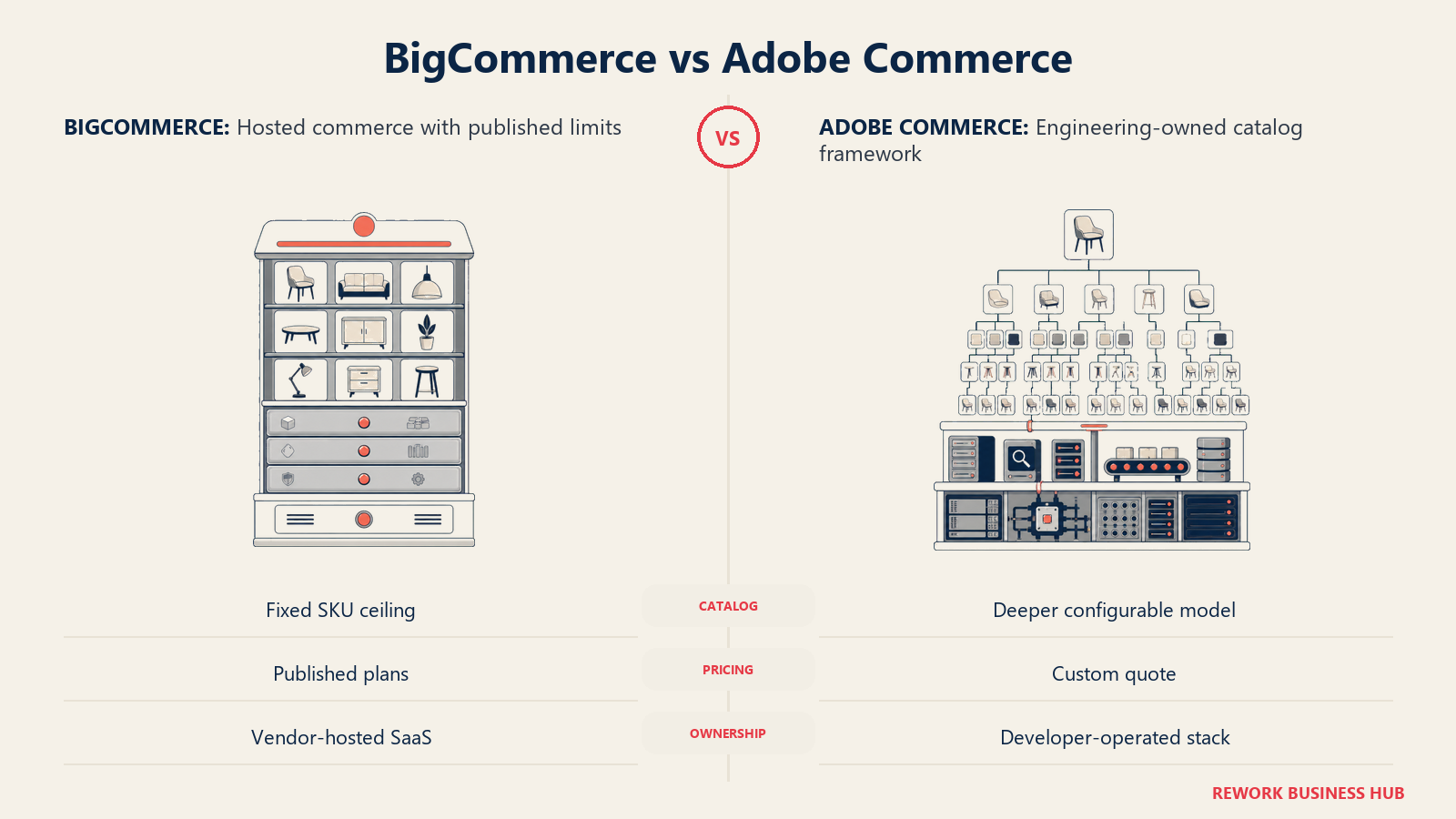
You can price a BigCommerce store in about four minutes. Every plan, every fee, and every sales cap sits on one public page. You cannot price Adobe Commerce at all without talking to Adobe, because Adobe publishes no figure for it anywhere: no tiers, no editions, no starting-from number. That asymmetry is not a footnote to this comparison. For most buyers it is the comparison, because it changes who has to be in the room, how long the evaluation takes, and what you are actually committing to when you sign.
The catalog question underneath it is just as sharp. BigCommerce caps a single product at 600 SKUs, a hard platform limit published in its own API reference. Adobe Commerce publishes no equivalent cap for its core platform, and its newer SaaS catalog service documents a ceiling of 10,000 variants per product. If your catalog is a few hundred products with a handful of options each, that gap never touches you and BigCommerce is the cheaper, faster answer. If you sell configurable industrial parts, made-to-order goods, or a wholesale catalog where one product legitimately explodes into thousands of orderable combinations, the gap is the whole decision. This guide works through both axes.
Key Facts
- BigCommerce enforces a hard platform limit of 600 SKUs per product and 255 characters per SKU, stated in its own API reference for product variants. (BigCommerce Developer Docs)
- Adobe publishes no price for Adobe Commerce. The product page carries no tiers, no editions, and no dollar figures of any kind, and every deal is quoted through Adobe sales. (Adobe)
- Adobe's own legal product description meters the licence on Gross Merchandise Value and Average Order Value, defining a Pricing Level as "the GMV and AOV tiers, Order Limit, or other pricing tier." (Adobe legal product description)
- Running Adobe Commerce 2.4.9 requires PHP 8.5, MariaDB 12.3 or MySQL 8.4, OpenSearch 3, Valkey 9, RabbitMQ 4.3, nginx 1.30, and Composer 2.10, per Adobe's published system requirements. (Adobe Experience League)
- Magento Open Source is still a free, self-hosted download on GitHub under the OSL 3.0 licence, and it is a different product from Adobe Commerce, which Adobe's own repository README recommends instead for full-featured stores. (GitHub)
TL;DR: BigCommerce vs Adobe Commerce at a Glance
| BigCommerce | Adobe Commerce | |
|---|---|---|
| Best for | Merchants who want native B2B and multi-storefront depth on a published, self-serve price | Large or complex operators whose catalog, B2B rules, or multi-brand structure exceed what a SaaS platform will bend to |
| Price transparency | Every plan, fee, and sales cap published | Nothing published: no tiers, no editions, no starting figure |
| Entry price | Core, $39/month monthly or $29/month billed annually | Not applicable, quote only |
| What the price is metered on | Trailing-twelve-month online sales volume, by plan | Gross Merchandise Value and Average Order Value tiers, per Adobe's product description |
| Hard variant limit per product | 600 SKUs, platform-wide | None published for the core platform |
| Hosting model | SaaS only, BigCommerce hosts | Cloud (Adobe-managed), managed services, or on-premise self-hosting |
| Who runs it day to day | An ecommerce manager, with a developer for theme and integration work | A development team or a certified implementation partner, ongoing |
| B2B | B2B Edition, layered on the Performance plan | Adobe Commerce B2B extension: company accounts, shared catalogs, negotiable quotes, purchase orders |
| Typical time to launch | Days to weeks for a standard store | Months, and the build is usually the largest line in the budget |
| The trap to avoid | Standard, Plus, and Pro are retired plan names as of June 1, 2026 | Confusing Adobe Commerce with Magento Open Source, which is free and unsupported |
Who Each Platform Is Built For
Both platforms sell into the same broad space, and both will happily run a catalog-heavy store. Where they part company is what you are buying: BigCommerce sells you a finished commerce platform that you configure, and Adobe Commerce sells you a commerce framework that you build on. That is not a quality judgment in either direction. It is a statement about where the work goes, who does it, and how much of your budget is a subscription versus a project.
The buyer profile follows from that. A BigCommerce evaluation usually runs through an ecommerce manager or a head of ecommerce, sometimes with a developer on call for theme and integration work. An Adobe Commerce evaluation almost always involves a CTO or a solution architect, plus an implementation partner, because you are choosing a stack as much as a product. If your organization does not have that second group and does not plan to hire or contract it, that is a genuine signal, and it usually points back to BigCommerce or to one of the platforms in our best ecommerce platforms in 2026 roundup rather than to Adobe.
Scale matters too, but less than people assume. Plenty of businesses at $20M in online sales run perfectly well on BigCommerce because their catalog is straightforward and their rules are simple. Plenty of smaller businesses genuinely need Adobe Commerce because their catalog is not straightforward at all: dimensional pricing, contract pricing per account, thousands of configurable combinations, or a catalog that has to render differently for six different buyer types. Complexity, not revenue, is the variable that pushes a store toward Adobe.
The Pricing Asymmetry, Stated Plainly
Here is the honest version, because most comparison content online muddies it. BigCommerce publishes a complete price list. Adobe publishes nothing. Not a starting price, not a range, not a tier name. If you want a number from Adobe, you request a quote and Adobe builds one for your business.
That is not evasiveness for its own sake. Adobe's licence is metered on how much you sell, so there is no single number to publish. But it does have three practical consequences for a buyer, and you should plan for all three: the evaluation takes longer, the price is negotiable in a way a published price is not, and you cannot benchmark your quote against a public figure the way you can with BigCommerce.
BigCommerce plan lineup (current names, effective June 1, 2026)
| Plan | Billed monthly | Billed annually | Online sales limit (TTM) | Open Payment Provider fee |
|---|---|---|---|---|
| Core | $39/month | $29/month | Up to $30,000 | 2.0% |
| Growth | $105/month | $79/month | Up to $100,000 | 1.0% |
| Scale | $399/month | $299/month | $33,333/month cap, 0.9% on GMV above it | 0.6% |
| Performance | Not listed | From $1,499/month billed annually | Custom | 0% with contract |
Two things to note before you budget from this table. The online sales limit is measured on a trailing twelve months basis, not a calendar year, so a seasonal spike can push you into the next tier earlier than an annual read suggests. And the Open Payment Provider Fee only applies when you process orders through a gateway outside BigCommerce's approved list; use an embedded, BigCommerce-approved provider and it drops to zero on every plan. Standard, Plus, and Pro are retired names as of June 1, 2026, which is why so much third-party comparison content still prints figures against plans that no longer exist. Our Shopify vs BigCommerce comparison works through that fee structure against Shopify's equivalent in more detail.
What actually drives an Adobe Commerce quote
Adobe does not publish a price, but it does publish how the licence is measured, in the legal product descriptions attached to each deployment option. That is the closest thing to a public pricing model Adobe offers, and it is more useful than any third-party range because it tells you which of your own numbers Adobe will ask for.
| Quote driver | What it means for your number |
|---|---|
| Gross Merchandise Value | The total value of transactions processed through your sites in a contract year, excluding shipping, handling, customs, taxes, and financing charges. The primary meter. |
| Average Order Value | GMV divided by the number of transactions in the same contract year. Two businesses at identical GMV can land in different tiers if one sells a few large orders and the other sells many small ones. |
| Pricing Level | Adobe's term for the GMV and AOV tiers, the Order Limit, or another agreed pricing tier. Cross your level and the contract is repriced. |
| Deployment option | Adobe Commerce on Cloud, on managed services, or on-premise. Each has its own product description and its own included infrastructure. |
| Add-on services | Live Search, Product Recommendations, Catalog Service, Adobe Commerce Optimizer, and Order Management are separately described products, not automatically bundled. |
| B2B | Adobe Commerce B2B is an extension you install and enable, not a default part of the base install. |
The number nobody publishes, and the one that actually decides whether Adobe Commerce is affordable for you, is not the licence at all. It is the build. Third-party implementation partners quote annual Adobe Commerce total cost in the tens of thousands to low hundreds of thousands of dollars (reported by implementation agency Elogic Commerce and others), and in nearly every one of those breakdowns the licence is a minority of the total. Treat any range you find online, including that one, as a partner's estimate of their own market rather than an Adobe figure, and get your own quote before you build a business case on it.
Adobe Commerce is not Magento Open Source
This is the single most confused point in the category, and it is worth being exact about, because the two products carry the same lineage and completely different economics.
| Magento Open Source | Adobe Commerce | |
|---|---|---|
| Price | Free download | Quoted by Adobe sales, nothing published |
| Licence | OSL 3.0, from the public GitHub repository | Commercial, under an Adobe ordering document |
| Hosting | You provide it, entirely | Adobe Cloud, Adobe managed services, or your own infrastructure |
| Support | Community, plus whatever partner you pay | Adobe support, tied to your contract |
| B2B, Live Search, Product Recommendations | Not included | Available as Adobe products and extensions |
| Who it fits | Teams with in-house engineering who want the codebase and will own everything around it | Businesses buying a supported, commercially backed platform |
| What Adobe says | Adobe's own repository README describes it as delivering basic ecommerce capabilities and recommends Adobe Commerce for full-featured stores | Positioned as the full-featured, cloud-optimized product |
If you have been quoted "Magento" by an agency, ask which one. A Magento Open Source build has no licence fee at all, which makes an agency quote look dramatically cheaper than an Adobe Commerce quote for the same scope, while shifting hosting, security patching, and upgrade work onto you permanently. Our best Magento alternatives roundup covers the platforms teams most often land on when that ongoing burden turns out to be heavier than expected.
Catalog Depth: Where the Two Platforms Genuinely Diverge
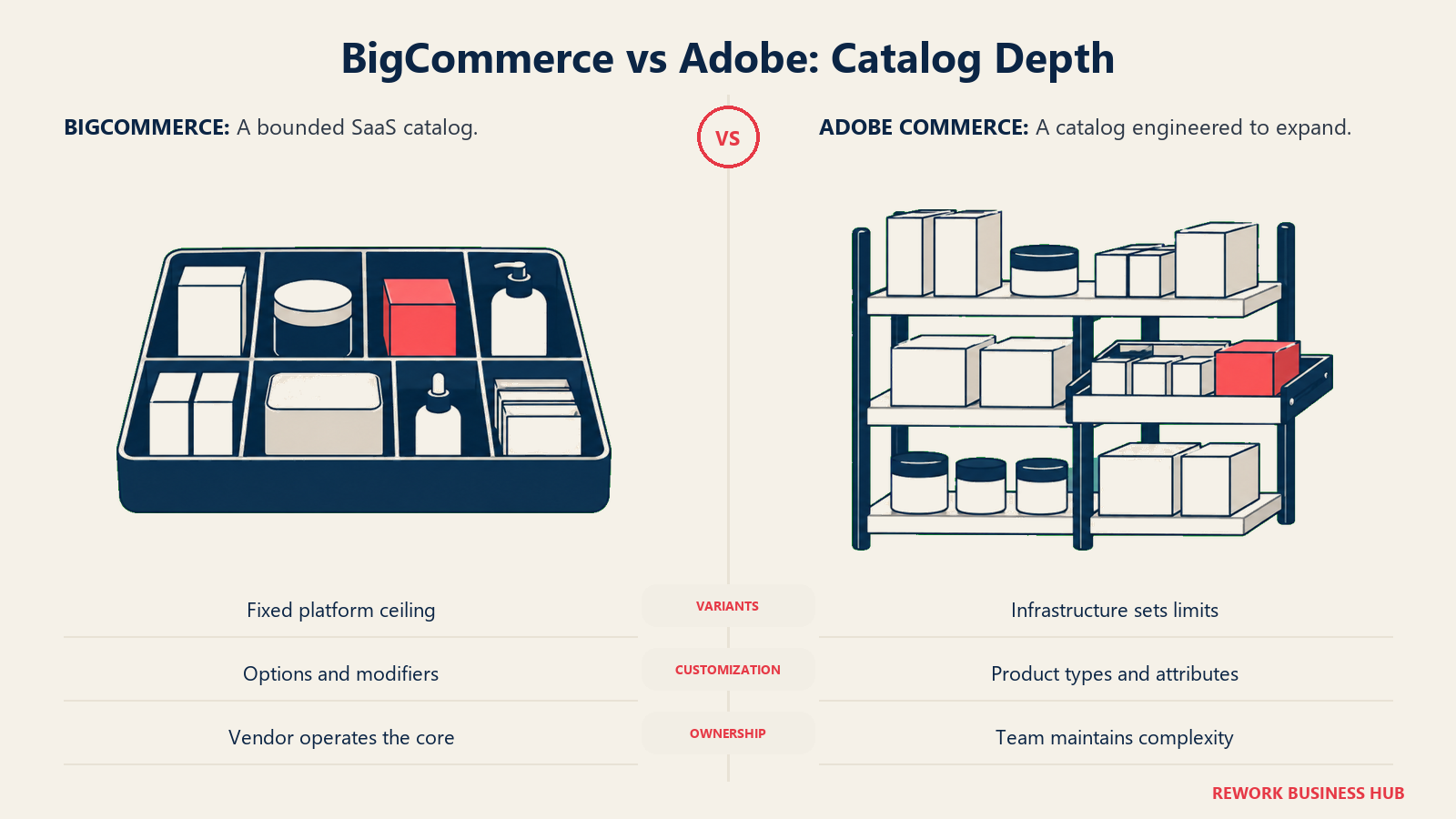
This is the section the rest of the comparison hangs on, so it gets the most room. Both platforms handle a normal catalog fine. The question is what happens at the edges: when one product has thousands of legitimate combinations, when the same SKU needs six different prices for six different buyers, or when the same catalog has to power four storefronts with different navigation.
Product model, variants, and SKU limits
| BigCommerce | Adobe Commerce | |
|---|---|---|
| Core product model | A product with variant options (which select a SKU) and modifiers (which change fulfillment without creating a SKU) | Simple, configurable, grouped, bundle, virtual, downloadable, and gift card product types |
| How variations are stored | Variants generated from option combinations on the parent product | Each variation of a configurable product is a separate simple product with its own SKU |
| Hard variant ceiling | 600 SKUs per product, platform-wide, and 255 characters per SKU | None published for the core platform |
| Ceiling in Adobe's SaaS catalog service | Not applicable | Adobe Commerce Optimizer documents 10,000 variants per product and 250,000 SKUs per catalog source, expandable in 100,000-SKU packs |
| Workaround when you exceed the limit | Modifiers, which add customization without a SKU, so you lose per-combination inventory tracking | Not usually needed; the constraint becomes indexing and infrastructure rather than a published cap |
| Attribute model | Product options and custom fields, defined per product | Attributes grouped into attribute sets that act as templates deciding which fields exist on a product record |
| Practical attribute ceiling | Not published as a hard number | Adobe Commerce Optimizer documents 200 filterable attributes, 200 searchable, 50 sortable, and 100 facets |
The 600-SKU limit deserves a straight answer rather than a scare. For the large majority of stores it is irrelevant: a shirt in eight colors and six sizes is 48 SKUs, nowhere near the ceiling. You hit 600 when options multiply, and options multiply fast. Four attributes with five values each is 625 combinations, and you are already over. Industrial and made-to-order catalogs cross it routinely, which is exactly the segment that ends up on Adobe.
BigCommerce's own answer is modifiers, and it is a real answer with a real cost. A modifier lets a shopper choose something (an engraving, a cut length, an insurance add-on) without generating a variant, which sidesteps the cap entirely. What you give up is per-combination inventory: you cannot track stock against a modifier choice the way you can against a variant, because no SKU exists for it. If your combinations are genuinely stocked items, that trade is a problem. If they are made or configured on demand, it is often the correct model anyway.
Adobe's side needs an equally honest caveat. "No published cap" is not the same as "unlimited". Every configurable variation in Adobe Commerce is a real simple product in the database that has to be indexed, cached, and searched, so a product with 5,000 variations is an infrastructure and indexing conversation, not a free lunch. The difference is that the ceiling is yours to raise with hardware and tuning rather than a fixed number you cannot argue with. Adobe's newer SaaS catalog and merchandising service, Adobe Commerce Optimizer, does publish concrete boundaries (10,000 variants per product, 250,000 SKUs per catalog source, 50 catalog sources), which is a useful reference point even if you are running the classic platform.
Catalog per storefront, category trees, and currencies
| BigCommerce | Adobe Commerce | |
|---|---|---|
| Structural unit | Channels, with Multi-Storefront layering storefronts on one catalog | Websites, stores, and store views in a cascading global to website to store to store view hierarchy |
| Catalog sharing | One catalog, with products explicitly assigned per channel | Stores under one website share a catalog; each store sets its own root category |
| Navigation per storefront | Separate category trees per storefront, so navigation can differ completely | Root category assigned per store determines that store's navigation |
| Per-storefront overrides | Channel-specific overrides on settings, product fields, and locale, inherited from global defaults unless overridden | Configuration scope resolves at global, website, or store view level, with store view typically used for language |
| Currency | Transactional currencies configured per storefront | Currency symbols and rates set at store view scope |
| Domain per storefront | Yes, per channel | Yes, a website can carry its own domain and a store view its own base URL |
| Plan or edition gating | Multi-Storefront is a Performance-tier capability | Part of the core platform architecture at every deployment option |
The clean way to hold the difference: BigCommerce gives you a shared catalog and lets you carve per-storefront views out of it, and Adobe gives you a hierarchy where scope is a first-class concept applied to almost every setting in the system. Adobe's model is more powerful and considerably more to learn. BigCommerce's is faster to set up and hits a ceiling sooner if your brands need to diverge structurally rather than cosmetically. If your requirement is closer to "four brands, four navigations, one warehouse", both handle it. If it is "four brands with different tax logic, different attribute sets, and different checkout rules", that is Adobe territory.
B2B price lists, company accounts, and quotes
| BigCommerce | Adobe Commerce | |
|---|---|---|
| Customer-specific pricing | Price Lists, assignable to customer groups and to specific storefronts | Shared catalogs with custom price structures per company |
| Catalog gating | Products assigned per channel and per customer group | One public shared catalog at a time, plus as many custom shared catalogs as you need |
| Company accounts | Part of B2B Edition | Company accounts with hierarchy, roles, and permissions |
| Quotes | Quote management in B2B Edition | Negotiable quotes, built into the B2B extension |
| Purchase orders and approvals | In B2B Edition | Purchase order approval rules and workflows |
| Reordering | Handled through B2B Edition workflows | Requisition lists and Quick Order |
| Credit terms | Invoicing and terms handled through B2B Edition | Pay on Account against company credit |
| How you get it | B2B Edition layered on the Performance plan | The B2B extension, installed and enabled on Adobe Commerce |
| What it costs | Not published; quoted with the Performance plan | Not published; part of the Adobe quote |
Neither vendor publishes a price for its B2B layer, so this is one row where both sides go dark and you have to ask. What differs is depth and default. Adobe Commerce B2B is a fuller model out of the box: company hierarchies with parent and subsidiary structures, per-company gated catalogs with their own pricing, negotiable quotes, purchase order approval chains, requisition lists, and payment on account against a company credit limit. BigCommerce's B2B Edition covers the same territory competently for most wholesale operations, and price lists assigned per customer group and per storefront handle the common case cleanly.
The honest routing rule: if your B2B is "our wholesale customers get their own prices and can reorder easily", BigCommerce covers it at a fraction of the effort. If your B2B involves multi-level account hierarchies, approval workflows that mirror your customer's internal procurement process, and negotiated quotes as a normal part of every deal, Adobe's model was designed for that and BigCommerce's is being stretched toward it. Ordering and stock behind either one is a separate problem; our best order management software in 2026 and best inventory management software in 2026 roundups cover the layer that sits underneath.
API Openness and Headless
| BigCommerce | Adobe Commerce | |
|---|---|---|
| Storefront API | GraphQL Storefront API, plus a REST Management API | GraphQL storefront API, plus REST and SOAP web APIs |
| Native headless framework | Catalyst, Next.js based, open source | Adobe Commerce headless storefront tooling plus Edge Delivery Services storefront |
| Published API rate limits | 20,000 calls/hour on Core and Growth equivalents, 60,000/hour on Scale equivalent, by contract on Performance, with an unlimited-rate option for select enterprise clients | Not published as a platform figure for self-managed deployments; your infrastructure is the limit |
| SaaS service limits | Not applicable | Adobe Commerce Optimizer publishes 100 SKUs per GraphQL request and a 10,000-product pagination depth |
| Extending the backend | Apps and API integrations; you cannot modify platform code | Full source access; you can modify and extend the codebase directly |
| Where custom logic lives | In your own services, called via API | In modules inside the application, or in App Builder services |
This table is the clearest picture of the two philosophies. BigCommerce is API-open and code-closed: you can build any front end you like and integrate anything, but the commerce engine itself is BigCommerce's and you work with what it exposes. Adobe Commerce is code-open in the literal sense, since you can read, modify, and extend the application. Everything you change is yours to maintain through every upgrade, which is exactly why Adobe builds tend to keep a development team attached long after launch.
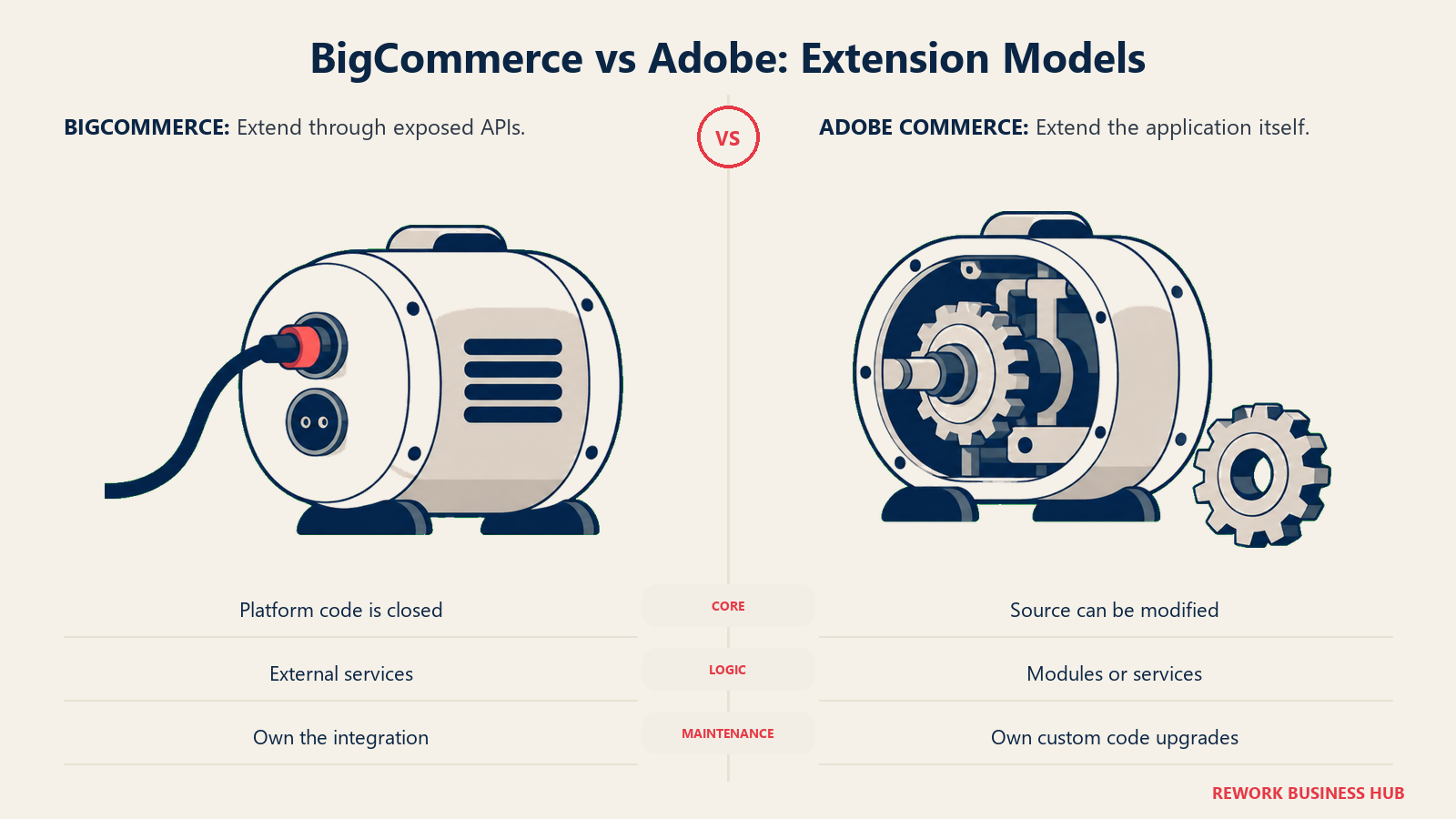
Rate limits tell the same story from the other direction. BigCommerce publishes hard numbers because it runs the infrastructure, and those numbers gate what an integration can do at each tier. Adobe publishes no equivalent for self-managed deployments because there is nothing central to limit; if your integration is slow, that is a capacity and tuning problem on your side of the line.
Total Cost of Ownership
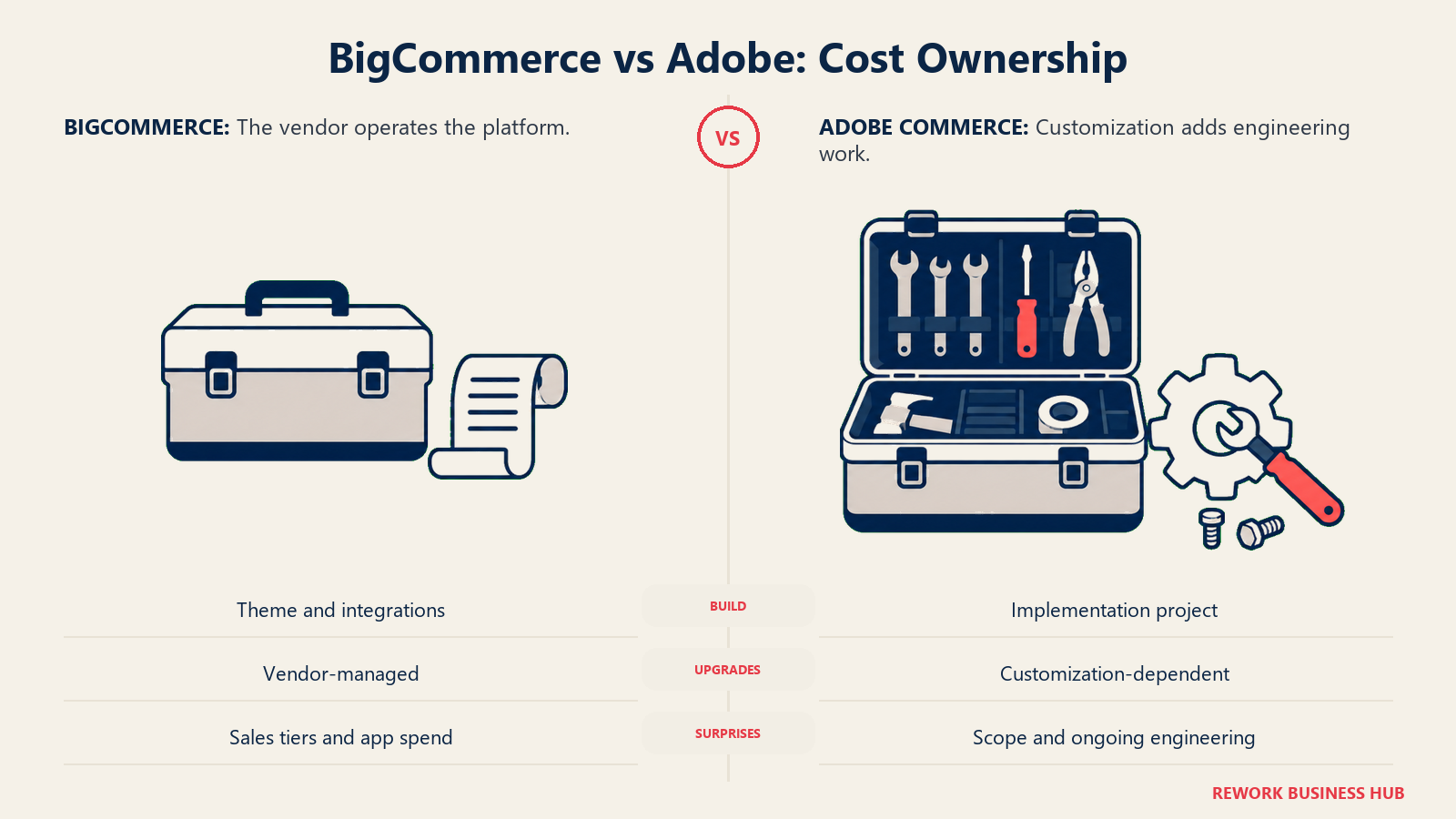
Comparing the subscription lines here is close to meaningless, because they measure different things. What follows is a structural comparison of where the money goes, not a price list, and the Adobe column deliberately does not contain figures Adobe has not published.
| Cost line | BigCommerce | Adobe Commerce |
|---|---|---|
| Platform subscription | Published: $29 to $399/month self-serve, from $1,499/month for Performance | Quoted, metered on GMV and AOV tiers |
| Hosting | Included, BigCommerce hosts everything | Included on Adobe Cloud and managed services; yours entirely on-premise |
| Payment fees | 2.0% to 0% Open Payment Provider Fee, waived with an approved provider, plus your processor's own rate | Your processor's rate; no platform percentage published |
| Initial build | Theme configuration and integrations; a standard store launches without heavy engineering | Usually the largest single line in the budget, and typically delivered by a certified partner |
| Ongoing engineering | Occasional, for theme and integration work | Effectively continuous: patching, upgrades, and custom module maintenance |
| Infrastructure skills required | None; it is SaaS | PHP 8.5, MariaDB 12.3 or MySQL 8.4, OpenSearch 3, Valkey 9, RabbitMQ 4.3, nginx, and Composer for 2.4.9 |
| Upgrades | Handled by BigCommerce, invisible to you | A project each time, proportional to how much you have customized |
| B2B layer | B2B Edition on Performance, quoted | B2B extension, quoted as part of the Adobe agreement |
| Where budget surprises come from | Crossing a trailing-twelve-month sales cap earlier than expected, and app subscriptions stacking | Build scope creep, and the licence repricing when you cross your Pricing Level |
The system requirements row is not filler, and it is the fastest way to sanity-check whether Adobe Commerce fits your organization. That list is a real stack with real operational obligations behind it, and someone has to own each piece for the life of the store. If reading it makes you think "we would need to hire for that", the answer is not that Adobe Commerce is bad. The answer is that its cost model assumes engineering capacity you would be adding, and that addition belongs in the comparison next to the licence. Teams that price the licence and forget the team are the ones who end up unhappy 18 months in.
BigCommerce's version of a budget surprise is smaller and more predictable: you grow past a trailing-twelve-month sales cap and get moved up a tier whether or not you needed the features that come with it. That is annoying, but it is arithmetic you can forecast from your own sales data today. Adobe's version is scope, which is much harder to forecast and much easier to underestimate.
Migration and Lock-In
| BigCommerce | Adobe Commerce | |
|---|---|---|
| Self-hosting option | No, SaaS only | Yes: on-premise is a supported deployment option |
| Code ownership | None; the platform is BigCommerce's | Full source access under your commercial licence |
| Data export | Products, customers, and orders as CSV, plus full API access | Database-level access, plus API export |
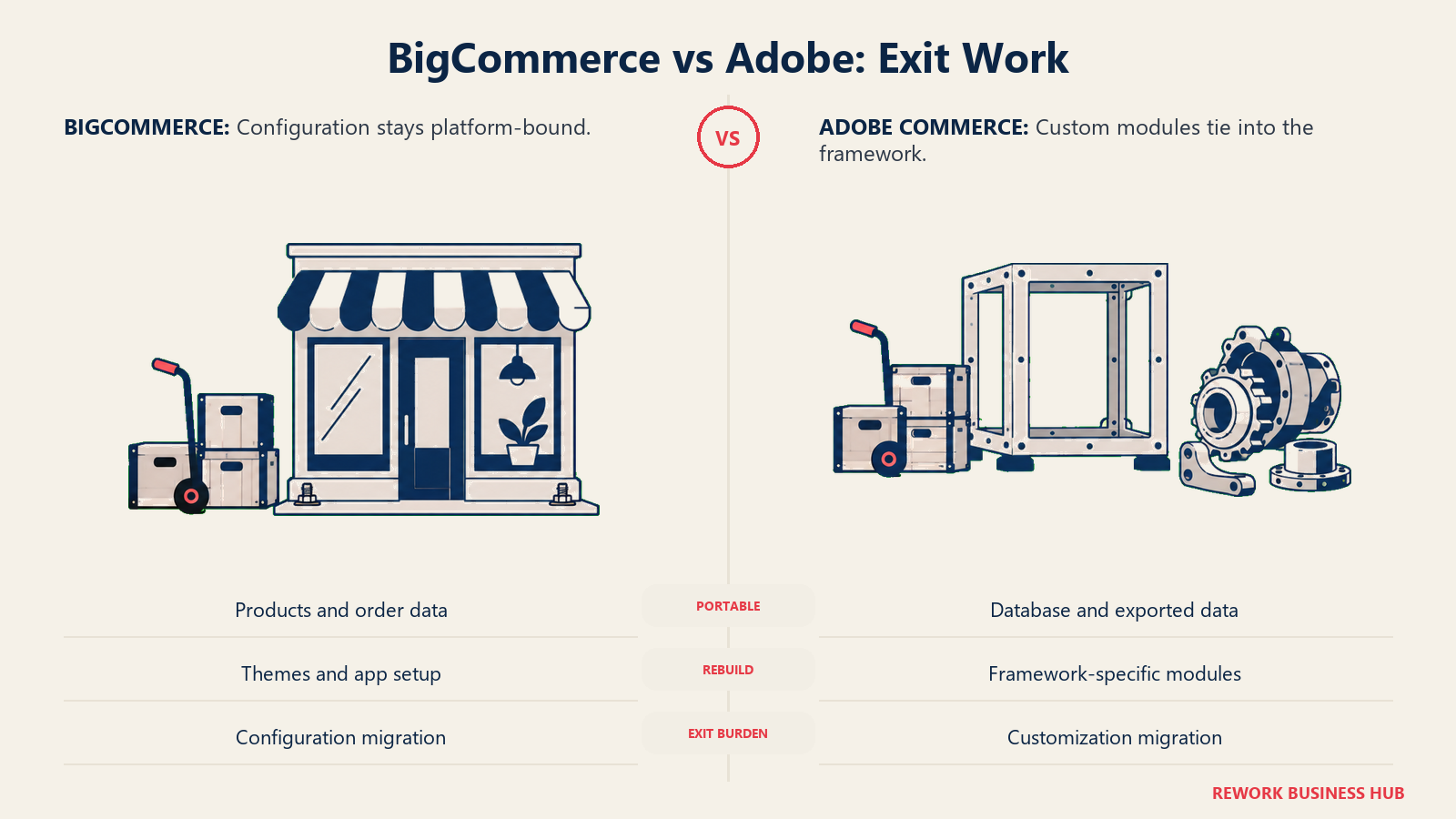
| What does not travel | Stencil theme customization, app configurations, and the apps themselves | Custom modules built against Adobe's framework, and any Adobe-hosted service configuration |
| Where lock-in actually bites | Admin configuration and channel setup that has to be rebuilt by hand | The custom code you commissioned, which was written for this framework and this version |
| Leaving for the free option | Not applicable | You can move to Magento Open Source and keep much of the codebase, giving up Adobe support and Adobe-only features |
| Realistic effort to leave | Weeks for a straightforward store | Months, proportional to how much you customized |
Adobe Commerce looks less locked-in on paper because you hold the code, and in one specific way it genuinely is: an on-premise Adobe Commerce store has a real path to Magento Open Source that BigCommerce has no equivalent for. But code ownership cuts both ways. Every custom module a partner wrote for you is an asset that only works here, and the more of them you have, the more expensive leaving becomes. BigCommerce's lock-in is shallower and duller: less to rebuild, but nothing you can take with you either. If replacing BigCommerce specifically is what you are weighing, our best BigCommerce alternatives roundup covers a wider field than Adobe alone.
Support and Implementation Partners
| BigCommerce | Adobe Commerce | |
|---|---|---|
| Standard support | Chat, email, and phone, varying by plan | Tied to your contract and deployment option |
| Dedicated contact | Performance merchants get a dedicated Customer Success Manager | Enterprise support relationships are part of the agreement |
| Who does the build | Often the merchant's own team, with a partner for complex work | Almost always a certified implementation partner |
| Partner ecosystem | BigCommerce Certified Partner network | A large, long-established Magento and Adobe partner ecosystem |
| Hiring pool | Ecommerce managers; smaller developer pool than Shopify's | Deep specialist developer pool, but specialist rates |
| Typical launch timeline | Days for a standard store, weeks to months with Multi-Storefront or B2B Edition | Months, and longer with ERP or PIM integration in scope |
One practical note that rarely makes it into comparison tables: on Adobe Commerce your implementation partner matters more than the platform choice does. The same licence produces a fast, maintainable store with one partner and an unmaintainable one with another, because so much of what you get is code they wrote. Spend evaluation time on the partner shortlist, not just the platform shortlist, and ask to see a store they built three years ago and still maintain.
When BigCommerce Is the Right Call
- You want a published price you can budget against today. Every plan, cap, and fee is on one page, and you can model your own costs without a sales call.
- Your catalog is complex but not extreme. Native price lists, customer groups, and per-channel category trees cover a lot of ground before the 600-SKU-per-product ceiling becomes relevant.
- You do not have, and do not want, a permanent development team. BigCommerce is SaaS: no PHP version to track, no search cluster to run, no upgrade projects.
- You need multiple storefronts off one catalog, not four structurally different businesses. Multi-Storefront's shared catalog with per-channel overrides is a clean fit for a multi-brand portfolio sharing one operation.
- Time to launch matters more than infinite flexibility. A standard store goes live in days, not quarters.
When Adobe Commerce Is the Right Call
- One product legitimately needs thousands of orderable combinations. BigCommerce's 600-SKU cap is hard, and modifiers cost you per-combination inventory tracking. Adobe has no equivalent published cap.
- Your B2B is genuinely complex. Company hierarchies, per-company gated catalogs, negotiable quotes, purchase order approval chains, and payment on account are core Adobe Commerce B2B capabilities, not workarounds.
- You need to change how commerce itself behaves. Source access means pricing logic, checkout rules, and tax handling can be rewritten rather than worked around through an API.
- You are running many brands or regions with structurally different rules. The website, store, and store view hierarchy applies scope to nearly every setting, which is more than per-channel overrides can express.
- You already have engineering capacity or a partner you trust. This is the precondition, not a bonus. Without it, the platform's strengths never arrive.
If Neither One Fits
If you want the code without the licence, Magento Open Source is the honest middle path: still a free, self-hosted download on GitHub under OSL 3.0, with the same lineage and none of Adobe's support, hosting, or commercial extensions. Adobe's own repository README steers full-featured buyers to Adobe Commerce for exactly that reason, so go in knowing you are taking on hosting, patching, and upgrades permanently. If the appeal is mainly "cheap and flexible", WooCommerce is usually the lighter answer, with a free core plugin and the real cost moving to hosting, extensions, and processing.
And if the actual gap is not the storefront at all, that changes the shortlist entirely. Plenty of teams evaluating these two platforms find that their storefront is fine and the pain is behind it: orders in one system, the customer record in a CRM, and stock in a third tool, held together by syncs that quietly drift. Rework's Commerce module runs order and commerce operations inside a wider platform that also carries Sales CRM, Lead, Inventory, Invoice, Product, and Work Ops, so the order, the customer record, and the stock count sit on one platform instead of three synced tools. Be clear about what it is not: Rework is not a storefront builder and not an enterprise commerce platform. There is no themed storefront, no template gallery, no D2C checkout, and nothing approaching Adobe's catalog depth, so it sits behind or beside whichever platform you pick rather than replacing it. Pricing is quoted per organization at rework.com/pricing, and it is built for mid-size operators of roughly 10 to 200 people, which for a lot of Adobe Commerce evaluators is a genuine downshift in scale rather than a like-for-like swap. If your organization is larger than that, take the operations point and solve it elsewhere.
Decision Framework
| If this is true for you | Pick |
|---|---|
| You need a price you can budget against without a sales cycle | BigCommerce |
| Your catalog stays comfortably under 600 SKUs on any single product | BigCommerce |
| You have no development team and do not plan to build one | BigCommerce |
| You need several storefronts sharing one catalog and one operation | BigCommerce |
| One product needs thousands of orderable combinations | Adobe Commerce |
| Your B2B needs company hierarchies, approval chains, and negotiated quotes | Adobe Commerce |
| You need to modify commerce logic itself, not integrate around it | Adobe Commerce |
| You want the codebase but not the commercial licence | Magento Open Source, self-hosted, with the full maintenance burden |
| You are weighing a hosted SaaS platform against a self-hosted build more broadly | See our Shopify vs WooCommerce comparison |
| The real gap is order, inventory, and customer data, not the storefront | See "If Neither One Fits" above |
| You want a wider shortlist than these two | See our best ecommerce platforms in 2026 |
What to Do Next
The comparison only resolves once you replace our examples with your own numbers. Work through it in this order.
- Count your worst product, not your average one. Find the single product in your catalog with the most orderable combinations and multiply out its options. If that number is comfortably under 600, BigCommerce's hard cap is a non-issue and you can stop worrying about it.
- Decide whether those combinations need stock tracking. If they do, modifiers are not a viable workaround and the 600 limit is real for you. If they are made or configured on demand, modifiers may be the right model regardless of platform.
- Get an Adobe quote before you build any business case around Adobe. No published figure exists, and the ranges circulating online are partner estimates. Ask for the quote and, separately, ask two implementation partners what the build costs.
- Price the team, not just the licence. Look at Adobe's system requirements for 2.4.9 and decide honestly who in your organization owns each component for the next three years. If the answer is "we would hire", put that in the comparison.
- Confirm which Magento you are being quoted. If an agency proposal says "Magento", ask whether it is Magento Open Source or Adobe Commerce. The scope can look identical while the licence line differs by everything.
- If the storefront is not the bottleneck, check the layer behind it with our best order management software in 2026 roundup before you re-platform something that is working.
Frequently Asked Questions about BigCommerce vs Adobe Commerce
How much does Adobe Commerce cost?
Adobe does not publish a price. Its Adobe Commerce product page lists no tiers, no editions, and no dollar figures, and every deal is quoted by Adobe sales. Adobe's legal product descriptions do explain how the licence is metered, on Gross Merchandise Value and Average Order Value tiers, so the only way to get a real number is to request a quote with your own sales figures.
Is Magento Open Source still free?
Yes. Magento Open Source remains a free, self-hosted download from the public magento/magento2 repository on GitHub under the OSL 3.0 licence. It is a different product from Adobe Commerce, and Adobe's own repository README describes it as delivering basic ecommerce capabilities while recommending Adobe Commerce for full-featured stores. You provide hosting, patching, and upgrades yourself.
What is BigCommerce's variant limit?
BigCommerce enforces a hard platform limit of 600 SKUs per product, with a 255-character limit on each SKU, stated in its own product variants API reference. If a product's options would generate more than 600 combinations, BigCommerce's documented approach is to use modifiers instead, which add shopper choices without creating a SKU. The trade-off is that you cannot track inventory against a modifier combination.
Does Adobe Commerce have a variant limit?
Adobe publishes no variant cap for the core platform, where the practical ceiling is your own infrastructure and indexing performance rather than a fixed number. Adobe Commerce Optimizer, Adobe's SaaS catalog and merchandising service, does publish boundaries: 10,000 variants per product and 250,000 SKUs per catalog source, expandable through licensing.
Which platform is better for B2B?
Adobe Commerce goes deeper. Its B2B extension ships company accounts with hierarchies and roles, shared catalogs with per-company pricing, negotiable quotes, purchase order approval workflows, requisition lists, and payment on account. BigCommerce's B2B Edition, layered on the Performance plan, covers the common wholesale cases well, including price lists assigned per customer group and per storefront. Neither vendor publishes a price for its B2B layer.
What happened to BigCommerce's Standard, Plus, and Pro plans?
They were renamed effective June 1, 2026. Standard became Core, Plus became Growth, Pro became Scale, and Enterprise became Performance. The same update introduced an Open Payment Provider Fee, from 2.0% on Core down to 0% on contracted Performance plans, charged when you process orders through a gateway outside BigCommerce's approved list.
Can I self-host either platform?
Adobe Commerce yes, BigCommerce no. Adobe supports on-premise deployment alongside its cloud and managed-services options, and running 2.4.9 yourself means owning PHP 8.5, MariaDB 12.3 or MySQL 8.4, OpenSearch 3, Valkey 9, RabbitMQ 4.3, nginx, and Composer. BigCommerce is SaaS only and hosts everything itself.
How long does each platform take to launch?
A standard BigCommerce store can go live in days, stretching to weeks or months once Multi-Storefront or B2B Edition is in scope. Adobe Commerce implementations are measured in months and are almost always delivered by a certified partner, with ERP or PIM integration extending that further. On Adobe, the build is usually a bigger line in the budget than the licence.
Which one handles multiple storefronts better?
They solve it differently. BigCommerce Multi-Storefront runs several storefronts off one shared catalog with separate category trees per storefront and channel-specific overrides on settings and product data. Adobe Commerce uses a website, store, and store view hierarchy where configuration scope applies to nearly every setting, which is more powerful for brands that differ structurally rather than cosmetically.

Principal Product Marketing Strategist
On this page
- Key Facts
- TL;DR: BigCommerce vs Adobe Commerce at a Glance
- Who Each Platform Is Built For
- The Pricing Asymmetry, Stated Plainly
- BigCommerce plan lineup (current names, effective June 1, 2026)
- What actually drives an Adobe Commerce quote
- Adobe Commerce is not Magento Open Source
- Catalog Depth: Where the Two Platforms Genuinely Diverge
- Product model, variants, and SKU limits
- Catalog per storefront, category trees, and currencies
- B2B price lists, company accounts, and quotes
- API Openness and Headless
- Total Cost of Ownership
- Migration and Lock-In
- Support and Implementation Partners
- When BigCommerce Is the Right Call
- When Adobe Commerce Is the Right Call
- If Neither One Fits
- Decision Framework
- What to Do Next