Best Skedda Alternatives in 2026: 13 Workplace and Space Booking Tools Compared
Turn this article into takeaways for your work.


Each assistant summarizes the article only for you and suggests best practices for your work.
Before anything else, a job check. Skedda books desks, meeting rooms, studios and courts, the physical spaces a team or a facility owns. It does not book a person's time with a client or a prospect. If you landed here wanting a link a customer can click to grab 30 minutes on your calendar, this is the wrong category entirely, and the best appointment scheduling software for 2026 roundup is the one you want. Same goes if the job is shift or rota scheduling for hourly staff, which the employee scheduling software roundup covers instead. This guide is strictly about the space-booking job Skedda does: giving people a floorplan, letting them claim a desk or a room, and stopping two people from double-booking the same physical spot.
Skedda earns its reputation in that job honestly. It's a clean, self-serve, floorplan-driven booking experience with no per-user cost, which is unusual in a category where most competitors charge per seat. Teams pick it for exactly that reason. They leave it for three others: the pricing splits by region in a way that catches US and Canadian buyers off guard, the product stops at booking (no visitor management, no badge or sensor hardware integrations, no desk-level utilization analytics the way a dedicated workplace platform provides), and a facilities team managing hundreds of desks across multiple buildings often needs planning and reporting depth Skedda was never built to carry. This guide covers 13 alternatives for that comparison, evaluated on workplace depth as much as booking mechanics. For the closest head-to-head on the two tools readers compare most, see Skedda vs Robin.
Key Facts
- Global office utilization reached 53% in 2025, up sharply from 38% in 2024 and 35% in 2023, the highest level recorded since before March 2020, according to CBRE's 2026 Global Workplace and Occupancy Insights.
- The same CBRE report found the global occupancy rate, people assigned to a building divided by physical seats available, hit 111% in 2025, up from 101% in 2024. That means the average organization now has more employees on the books than desks to put them at, which is exactly the math a booking tool exists to manage.
- 69% of organizations now have more than 40% of their people sharing desks rather than holding an assigned seat, and 48% target a sharing ratio between 1.01 and 1.49 people per desk, up from just 21% in 2024, per the same CBRE research. Not a single organization in the 2026 survey still targets a 1:1 desk ratio.
- The global desk booking software market was valued at $163.92 million in 2025 and is projected to reach $181.15 million in 2026, growing at an 8.28% CAGR toward $286.08 million by 2032, according to 360iResearch.
- Condeco, one of the longest-running names in room and desk booking, merged with iOffice + SpaceIQ in October 2022 to form Eptura, a consolidation that reflects how much the workplace-software category itself has been rolling up.
Why People Look Past Skedda
Skedda's core pitch holds up: a booker opens a floorplan, clicks an open desk or room, and the system enforces whatever rules an admin set (who can book what, how far in advance, for how long). No app download is required for a booker, and there's no per-user fee stacking cost as headcount grows, which is genuinely rare in this category. The 30-day trial requires no payment method, and Skedda has never sold a permanent free tier, so the trial is the only way to use it at no cost.
The pressure points show up once a team scales past a handful of spaces or wants more than a booking calendar. Pricing splits by region rather than by a single global rate: US and Canada customers pay from $249 per month (Plus, 35 spaces) or $349 per month (Premier, 45 spaces), both billed annually, with Enterprise as a custom quote. EMEA and APAC customers pay meaningfully less for the same tiers: Starter from $99 per month for 15 spaces, Plus at $149 per month for 20 spaces, Premier at $199 per month for 25 spaces. A US facilities team managing 35 desks pays close to $3,000 a year for a tool that, for a comparable European buyer, costs closer to $1,200. That gap is worth knowing before a demo, not after a quote.
| Skedda plan | Region | Monthly (billed annually) | Spaces included |
|---|---|---|---|
| Starter | EMEA/APAC only | $99/mo | 15 |
| Plus | EMEA/APAC | $149/mo | 20 |
| Plus | US/Canada | $249/mo | 35 |
| Premier | EMEA/APAC | $199/mo | 25 |
| Premier | US/Canada | $349/mo | 45 |
| Enterprise / AllBooked | Both regions | Talk to Sales | Custom |
The other gap is depth. Skedda schedules a space; it doesn't tell a facilities director which floor is chronically under-used, doesn't manage a visitor's badge from the front desk to a meeting room, and doesn't tie into access-control or occupancy-sensor hardware. Several tools on this list built their entire product around exactly those gaps.
Can It Actually Manage the Whole Workplace, or Just Book the Space?
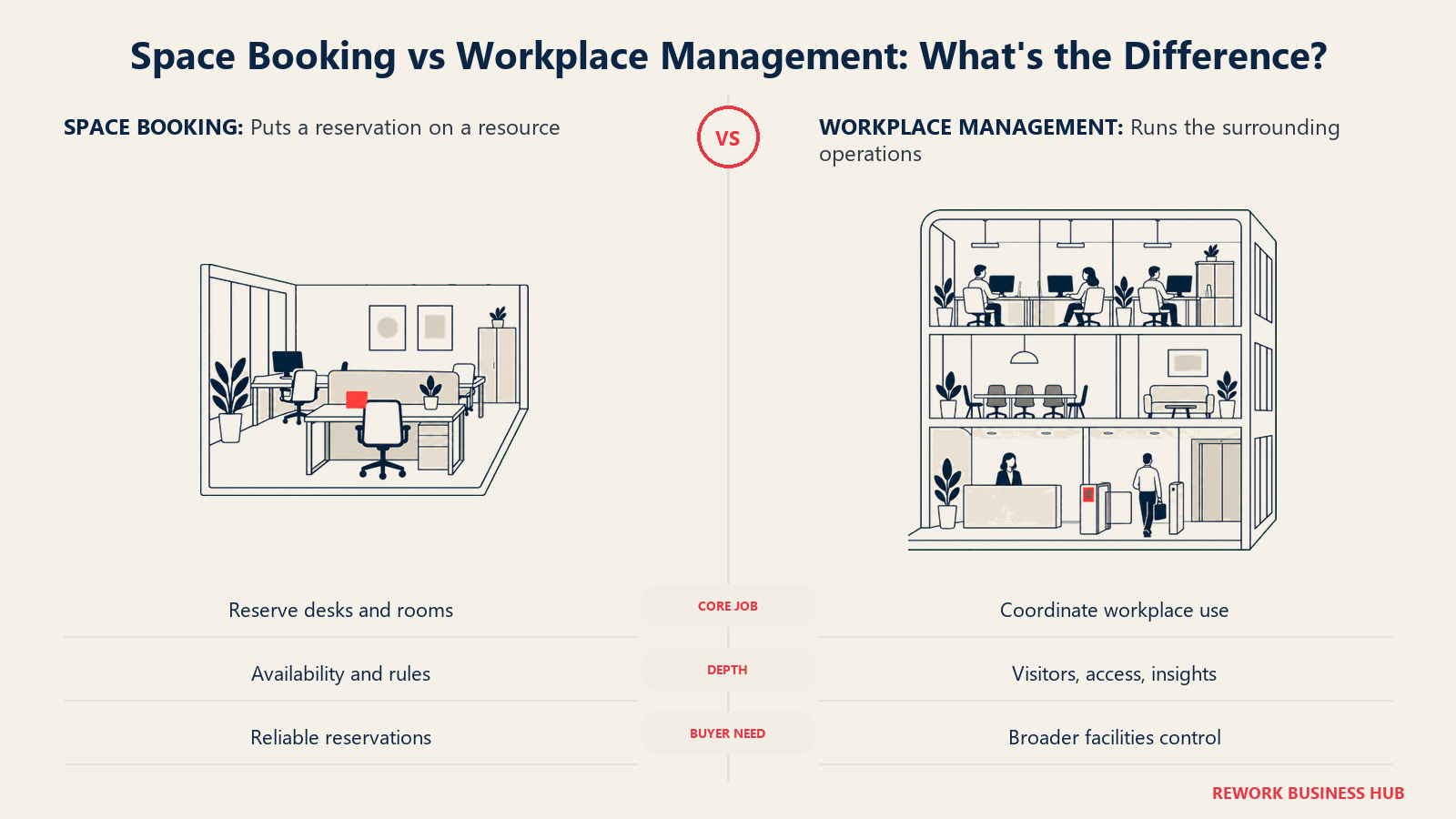
Every tool below can put a name on a desk or a room. Far fewer go past that into the analytics, visitor handling and hardware integration a facilities or IT team eventually asks for. Here's where each one actually sits before you shortlist.
| Tool | Floorplan editor | Desk-level utilization analytics | Visitor management | Badge/hardware integration |
|---|---|---|---|---|
| Robin | Yes | Yes | Via integration | Yes (access control, room displays) |
| Envoy | Yes | Yes | Yes, Envoy's origin product | Yes, deep badge and ID scanning |
| deskbird | Yes | Yes (Professional tier) | No | Partial (sensor integrations) |
| OfficeSpace Software | Yes, full CAFM | Yes | No, facilities-focused | Yes (sensors, asset tags) |
| Kadence | Yes | Yes, AI-forecasted | No | Partial |
| Rework (E-Booking) | No | No | No | No |
| Tactic | Yes | Yes (higher tiers) | No | Partial |
| Yarooms | Yes | Yes | Yes, priced add-on | Partial |
| Archie | Yes | Yes | Yes | Partial |
| Officely | Basic office map | No | No | No |
| Joan | Yes | Yes | Often included | Yes, its own E Ink hardware |
| Eptura (Condeco) | Yes, enterprise CAFM | Yes | Yes (via Proxyclick lineage) | Yes |
| Tribeloo | Yes | Partial | No | Partial (SSO/AD on top tier) |
Skedda itself, for reference, sits at "floorplan editor: yes" and everything else in that row: no. That's not a knock, it's the honest scope of the product. It's a different kind of gap than the one covered in the OnceHub alternatives guide, where the question is whether a tool can route a meeting to the right person. Here, nobody is being routed; the question is only whether the space itself gets managed with any depth beyond a calendar.
Quick Comparison Table
| Tool | Best For | Starting Price | Key Strength | Key Limitation |
|---|---|---|---|---|
| Robin | Teams that want booking tied to the calendar they already live in | Quote only, no published tiers | Deep native Outlook/Google Calendar booking, strong analytics | No published pricing at all |
| Envoy | Security-conscious offices that already run visitor management | Reservations from $5/resource/month (billed annually), plus an unpublished platform fee | Best-in-class visitor and badge handling, desk/room booking as an add-on | Platform fee not disclosed, so no true all-in price |
| deskbird | Mobile-first teams that want the simplest booking UX | $3.75 to $4.75 per active user/month (Business, varies by currency) | Fast, well-reviewed mobile app; free trial | Real analytics and floor plan AI sit behind custom-quoted tiers |
| OfficeSpace Software | Enterprise real estate teams that need CAFM-grade space planning | Quote only; per-plan platform fee plus per-employee overage | Full floor plan, move-management and asset tracking depth | Nothing published; likely overkill for a single-office buyer |
| Kadence | Teams that want AI-forecasted space planning alongside booking | Quote only; $250 per floor plan setup disclosed separately | SpaceOps forecasting layer most competitors don't have | No published per-user rate, 1-year minimum contract |
| Rework (E-Booking) | Teams that want booking tied to the CRM record instead of its own subscription | Quote on request | One record instead of three logins across booking, CRM and pipeline | No floorplan editor, no desk analytics, no visitor management |
| Tactic | Facilities teams that want to pay only for the resources they actually book | Custom, resource-based (desks/rooms/locations); sample quote $3,600 to $4,800/year for 100 desks | No forced per-user bundle, modular by resource type | No fixed published rate, no free plan |
| Yarooms | Teams that prefer one flat monthly fee over a per-seat bill | $99/month (Starter, up to 20 users) | Rare flat-fee model; visitor management as a clean add-on | Jumps to $399/month once past 20 users |
| Archie | Coworking spaces and flexible workspace operators | From $159/month per location (Starter) | Built for coworking from day one, room + visitor + desk in one | Priced per location, so a multi-site operator scales fast |
| Officely | Slack- or Teams-native teams that want the lightest possible footprint | Free for up to 5 users; Basic from $2.50/user/month | Cheapest per-seat option here, lives entirely inside Slack/Teams | No floorplan depth, no visitor management, no analytics |
| Joan | Teams that want physical E Ink room and desk displays | From EUR 49/month base, plus per-user and per-device add-ons | Its own hardware line, so the booking status is visible at the door | Costs scale with device count, which adds up across many rooms |
| Eptura (Condeco) | Enterprise portfolios that need the full Condeco-lineage feature set | Quote only, priced per user, 1-year minimum | Deepest enterprise workplace suite on this list, post-merger | No published price, heaviest implementation lift |
| Tribeloo | Mid-size teams that want simple per-resource pricing in euros | EUR 3.00/resource/month (Starter, billed annually) | Cheap per-resource rate with SSO on the top tier | Feature depth thinner than the enterprise-grade options |
1. Robin - Booking That Lives Inside the Calendar You Already Use
Robin's whole approach is that a booking tool shouldn't ask a person to learn a new interface. Its desk and room booking lives natively inside Outlook and Google Calendar, so booking a desk looks and feels like booking a meeting, which is the single biggest adoption lever a workplace tool has: nobody has to be trained on a new app.
Methodology. Floorplans, desk and room booking, and workplace analytics sit on top of a calendar-native booking layer, so employees book from the tool they already open forty times a day. Visitor management and access-control integrations extend the platform for security-minded offices without forcing everyone onto Robin's own app for the basic booking action.
Target audience and fit. Mid-size to enterprise IT and workplace teams that want adoption to happen with minimal change management, plus a genuine analytics layer once booking data starts accumulating. A weaker fit for a small team that just wants a cheap, simple booking page, since Robin doesn't publish a price at all.
| Pros | Cons |
|---|---|
| Native Outlook/Google Calendar booking removes the adoption barrier most tools fight | Zero published pricing, tiers, or per-desk rate anywhere on the site |
| Real desk-level analytics once data accumulates | No free trial listed publicly |
| Access-control and room-display hardware integrations available | Every evaluation starts cold, with no ballpark number to plan around |
Pricing: Quote only. Robin's pricing page has no named tiers, no per-desk rate, and no listed free trial, just a form and a note that education pricing exists. Do not trust a third-party "per desk" number as confirmed; the vendor has not published one.
Best for: Teams that want booking to disappear into the calendar workflow they already run, and are comfortable requesting a quote before seeing a number. See Skedda vs Robin for the direct head-to-head against the tool this guide is about.
2. Envoy - The Visitor Management Leader, With Desks Bolted On
Envoy didn't start as a desk-booking tool, and it shows in the best way. It started as a visitor management platform, the iPad-at-reception experience a huge share of Silicon Valley offices standardized on, and desk and room booking ("Reservations") is now one module inside that broader Envoy suite alongside Deliveries and Screens.
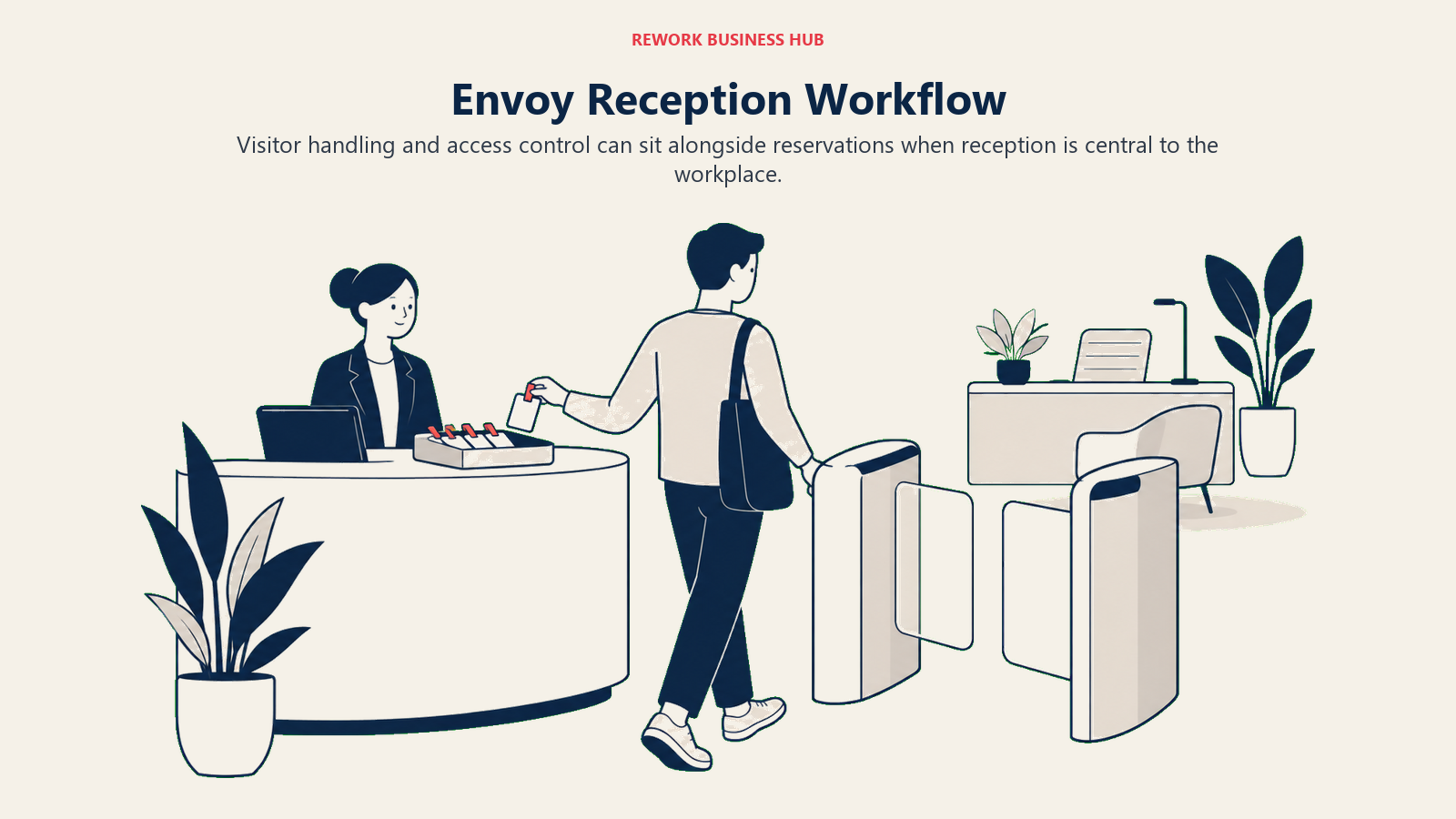
Methodology. Reservations covers desks, rooms and parking as bookable resources, priced per bookable resource per month, sitting alongside Envoy's Visitors product (its original and still strongest offering) and a Response module for workplace incident and threat intelligence. An organization can adopt just Reservations, but the platform's real strength shows once Visitors and badge-based access control are layered in.
Target audience and fit. Security-conscious offices, especially ones handling regulated visitors or requiring ID scanning, that want desk booking as one piece of a larger physical-security and workplace stack. A weaker fit for a team that only wants space booking and has no visitor-management need, since Envoy's pricing model adds an unpublished platform fee on top of the per-resource rate.
| Pros | Cons |
|---|---|
| Best-in-class visitor management, badge printing and ID scanning in the category | Every product line, including Reservations, carries a separate unpublished platform fee |
| Desks, rooms and parking all bookable as one resource type | A team that only needs desk booking pays for infrastructure built for a bigger job |
| Screens and Deliveries extend into digital signage and package handling | No free desk-booking tier; the free tier only covers limited Visitors usage |
Pricing: Visitors Basic is free with limits (100 entries/month, up to 50 employees in the directory); Premium is $362/month per location, billed annually. Reservations (desk, room, parking booking) is $5 per bookable resource per month, billed annually, plus an unpublished platform fee. Response (incident management) is $2/user/month, also plus the platform fee.
Best for: Offices that already run or plan to run Envoy Visitors and want desk booking to plug into the same badge-and-security stack rather than a separate vendor relationship.
3. deskbird - The Fastest App to Actually Get Adopted
deskbird's pitch is speed and simplicity: employees open the app, see who's coming in, and book a desk in two taps. It's consistently one of the best-reviewed apps in this category specifically because the core booking flow asks almost nothing of the person using it.
Methodology. Desk, room and parking booking ship on the Business plan, with smart booking recommendations nudging people toward under-used spaces. The deeper features, an AI-powered floor plan designer, workplace analytics, automated check-in via deskbird Dock, and workplace ticketing, sit on the custom-quoted Professional and Enterprise tiers.
Target audience and fit. Mid-size hybrid teams that want fast adoption without a lengthy rollout, and are willing to request a quote once they need the analytics or floor-plan tooling that separates deskbird from a basic booking calendar. A weaker fit for a team that specifically needs published Professional-tier pricing to budget against before a sales call.
| Pros | Cons |
|---|---|
| Business tier price is transparent and published, unusual in this category | Real analytics and the AI floor plan designer require a custom Professional quote |
| Free trial with no credit card required | Pricing varies by currency, so a global team needs to confirm the local rate |
| Add-ons (SAML/SCIM, kiosk mode, visitor pre-registration) let teams add only what they need | Add-on pricing itself isn't published either |
Pricing: Business is $3.75 to $4.75 per active user per month (figures vary by currency: EUR 2.75-3.50, CHF 2.75-3.50, GBP 2.50-3.25, CAD $5.00-6.50, AUD $5.50-7.25), billed monthly or annually. Professional and Enterprise are both custom-quoted.
Best for: Teams that want the cheapest published entry price with a genuinely well-reviewed app, and are fine requesting a quote once they outgrow the Business tier's feature set.
4. OfficeSpace Software - Enterprise Real Estate Planning, Not Just Booking
OfficeSpace is built for a different buyer than most of this list: a corporate real estate or facilities team managing floor plans, moves, adds, changes and physical assets across a large portfolio, where desk booking is one module inside a much larger CAFM (computer-aided facility management) platform.
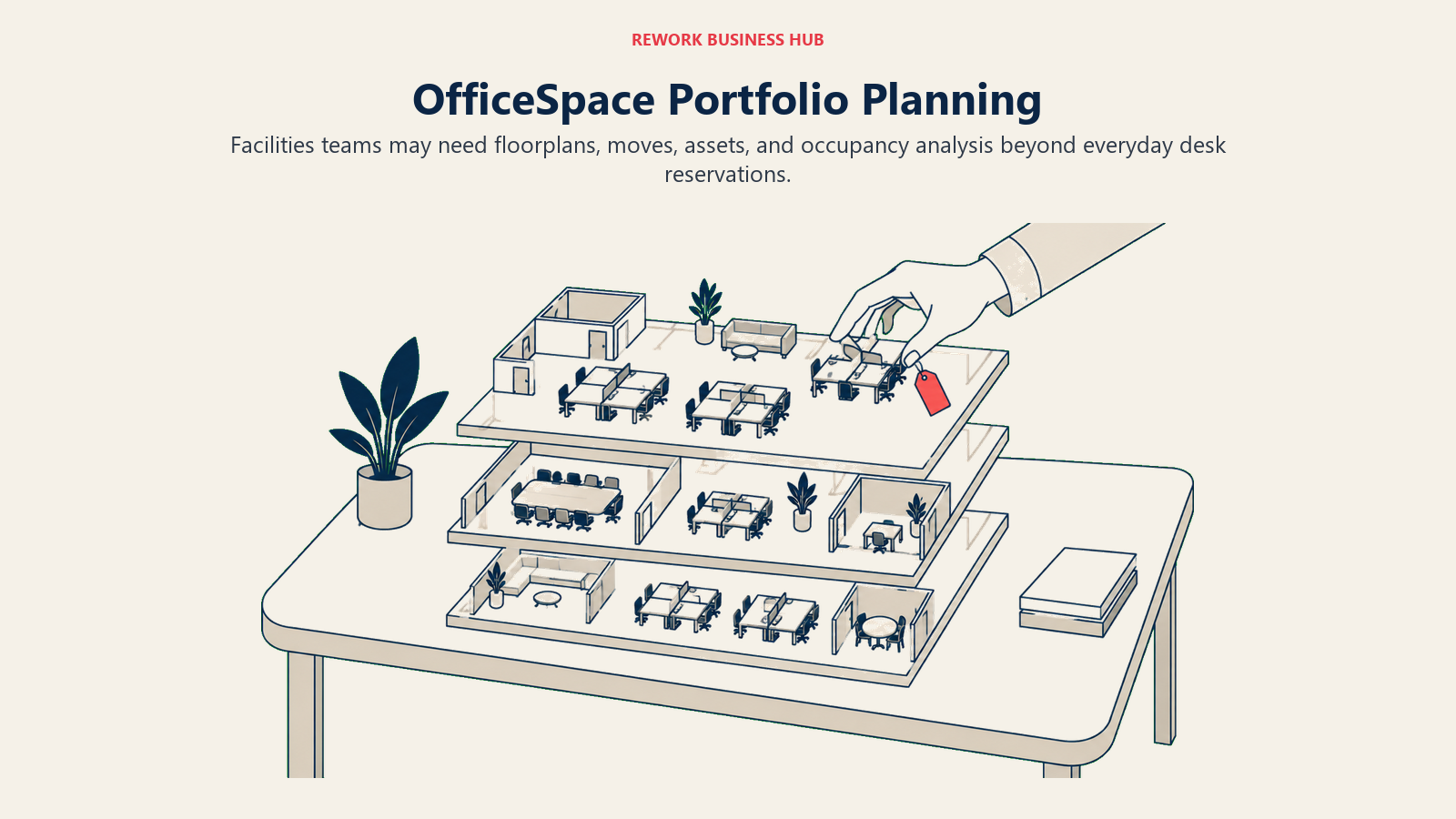
Methodology. Workplace plans (Essentials, Essentials Plus, Pro, Pro Plus) layer AI-assisted space planning and executive-level occupancy analytics on top of the booking basics, while a separate Asset Management line (Essentials, Pro) tracks physical assets and work orders. Each plan carries a fixed platform fee plus a per-employee rate for synced headcount beyond what the plan includes.
Target audience and fit. Enterprise facilities and real estate teams running space planning at a scale where floor-by-floor utilization data drives lease and build-out decisions. A poor fit for a small or mid-size office that just wants a booking calendar, since the pricing model and feature depth are built for portfolio-level planning.
| Pros | Cons |
|---|---|
| Genuine CAFM depth: floor plans, moves/adds/changes, asset tracking, work orders | Nothing is published; every number requires a sales conversation |
| AI-assisted space planning on the higher Workplace tiers | Overkill and likely overpriced for a single-office buyer |
| Separate Asset Management line for teams that need it | No free trial or free tier of any kind |
Pricing: Quote only. OfficeSpace's own pricing page states each plan carries "a fixed platform fee" and "a designated feature set and synced employee count," with additional employees billed per employee beyond that count. No dollar figures are published for any tier.
Best for: Corporate real estate and facilities teams that need floor-plan and asset-management depth Skedda was never built to carry, and are budgeting at a scale where a custom quote is expected anyway.
5. Kadence - Booking Plus AI-Forecasted Space Planning
Kadence's differentiator is the SpaceOps layer sitting on top of its WorkOps booking basics: instead of just reporting how a floor was used last month, it forecasts how much space a team will actually need and helps execute changes against that forecast. That's a meaningfully different pitch than a booking calendar with an analytics dashboard bolted on.
Methodology. WorkOps covers the essentials, desk and room booking, visitor management basics, and team coordination (who's in on which day). SpaceOps adds forecasting and execution tooling aimed at real estate decisions, billed on an active-user model, meaning Kadence only charges for a user in a month they actually made a booking.
Target audience and fit. Mid-size to enterprise workplace teams that want space planning to be forward-looking rather than a rear-view report, and are comfortable with a minimum one-year annual contract. A weaker fit for a small team that just wants a cheap booking calendar without planning ambitions.
| Pros | Cons |
|---|---|
| Active-user billing means you don't pay for employees who never book anything | Nothing is published; no ballpark number appears anywhere on the pricing page |
| SpaceOps forecasting is a genuine differentiator versus a plain analytics dashboard | Minimum one-year annual contract, no month-to-month option |
| Two clearly separated product tiers (WorkOps, SpaceOps) instead of a vague feature matrix | $250 per floor plan setup fee is disclosed but adds up fast across multiple floors |
Pricing: Quote only. Kadence's own page confirms active-user billing and a minimum one-year annual contract but discloses no per-user dollar figure. Floor plan upload and setup is a separately stated $250 per floor.
Best for: Teams that see space planning as a forecasting problem, not just a booking problem, and are ready to commit to an annual contract to get there.
6. Rework (E-Booking) - Booking That Lives on the CRM Record
Rework approaches this job differently than every other tool on this list. Instead of a standalone space-booking product with its own floorplans and analytics, Rework's E-Booking module is enterprise bookings with resource management built inside the same platform running a team's CRM, pipeline and cross-team workflows. It's worth being precise about what that means before shortlisting it: E-Booking is not a workplace-specific product competing on floorplan depth.
Methodology. A booking, whether it's a resource, a room, or a scheduled internal appointment, shares the same dataset as the rest of Rework's CRM and Work Ops modules, so it doesn't need a separate integration to show up in a pipeline view or trigger a workflow. That consolidation is the entire value case, not a feature-for-feature match against a dedicated workplace platform's floorplan editor or desk-level utilization analytics.
Target audience and fit. Mid-size operations teams, roughly 10 to 200 people, that are already running or evaluating Rework's CRM and Work Ops and want basic resource booking to stop being a separate subscription and a separate login. Not a fit for a solo operator or a 1-person team; Rework is built for teams coordinating across roles, not an individual managing their own booking calendar.
| Pros | Cons |
|---|---|
| Booking shares one record with the CRM, pipeline and workflow tools already in use | No floorplan editor, no desk-level utilization analytics, no visitor management |
| Removes a standalone booking subscription and login from the stack | No badge, sensor, or hardware integrations of any kind |
| Assignment and scheduling logic can draw on the same rules governing the rest of the platform | No published price; every evaluation starts with a quote |
Pricing: Quote on request. Pricing for Rework E-Booking is quoted per organization; see rework.com/pricing.
Not ideal for: Facilities or workplace teams that specifically need an interactive floorplan editor, desk-level utilization analytics, badge or sensor hardware integrations, or dedicated visitor management. Rework doesn't ship any of that depth, and it isn't sold or priced for solo or 1-user buyers.
Best for: Teams already running Rework's CRM that want basic resource booking to live on the same record as everything else, rather than adding a dedicated workplace platform for a lighter booking need.
7. Tactic - Pay for the Resources You Actually Book
Tactic's pricing philosophy is the opposite of a per-seat model: instead of charging for every employee whether they book anything or not, it charges based on the resources themselves, desks, rooms, locations, or custom assets, and lets teams buy products individually instead of forcing a bundle.
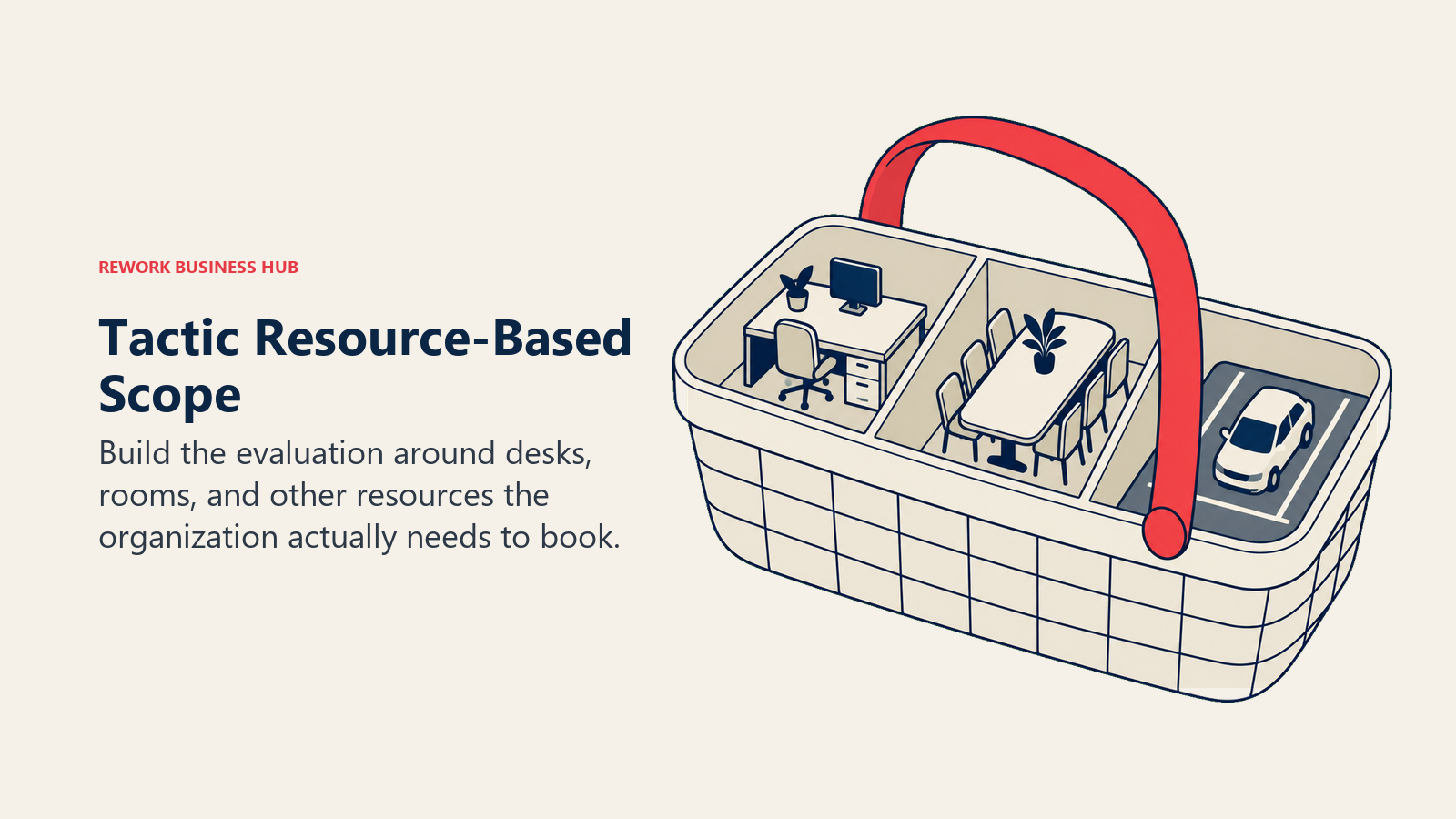
Methodology. Desk booking, room scheduling, and other modules can be purchased separately or combined, with the final number depending on resource count, number of locations, integrations, floor plans, onboarding scope and support tier. Tactic's own pricing estimator shows a sample configuration of 1 location, 150 employees and 100 desks landing between $3,600 and $4,800 per year.
Target audience and fit. Facilities teams that specifically want to avoid paying a per-user fee for employees who never book a desk, and are comfortable working through a configurator or demo to land on a final number. A weaker fit for a team that wants a fixed, publicly listed price to compare instantly against competitors.
| Pros | Cons |
|---|---|
| Resource-based pricing avoids paying for non-booking employees | No fixed published rate; every number comes from an estimator or a quote |
| Modular products mean you're not forced into a bundle you don't need | No free plan or trial mentioned on the pricing page |
| Sample estimate ($3,600-4,800/year for 100 desks) gives at least a ballpark | The estimate is illustrative, not a quote; your real number will vary |
Pricing: Custom, resource-based. No fixed monthly or annual tiers are published; the vendor's own estimator shows roughly $3,600 to $4,800 per year for a sample setup of 1 location, 150 employees and 100 desks with desk booking. Actual pricing depends on resources, locations, integrations and support level.
Best for: Facilities teams that want to pay per resource rather than per employee, and are willing to work through a configurator to get a real number instead of comparing sticker prices.
8. Yarooms - A Flat Monthly Fee Instead of a Per-Seat Bill
Yarooms breaks from nearly every other tool on this list by pricing per plan rather than per seat. A 15-person office and a 20-person office pay the exact same $99 a month on Starter; the price only changes when you cross a user-count threshold into the next tier.
Methodology. Core workplace management (desk booking, room scheduling, workplace analytics) ships across three flat-fee tiers scoped by user count, with Visitor Management sold separately as a per-location add-on. That structure rewards a team sitting comfortably inside a tier's user cap and penalizes one that's just a few people over it.
Target audience and fit. Small to mid-size offices whose headcount fits cleanly inside a tier (up to 20, up to 200, or 1,000-plus) and who'd rather budget a flat monthly number than calculate a per-seat total. A weaker fit for a team sitting just over a tier boundary, since crossing from 20 to 21 users jumps the bill from $99 to $399 a month.
| Pros | Cons |
|---|---|
| Flat per-plan pricing is easy to budget and doesn't punish adding one more employee within a tier | Crossing a tier's user-count ceiling by even one person quadruples the monthly cost |
| Visitor Management is a clean, separately priced add-on rather than a forced bundle | No free plan or trial mentioned on the pricing page |
| 20% savings advertised for annual billing across all three tiers | Jump from Starter (20 users) to Business (200 users) leaves a wide gap with no middle tier |
Pricing: Starter is $99/month (up to 20 users). Business is $399/month (up to 200 users), marked as the most popular tier. Enterprise is $899/month (1,000-plus users), described as custom for large teams. All three offer roughly 20% savings on annual billing. Visitor Management is a separate add-on at $99 per location per month.
Best for: Small or mid-size offices whose headcount sits comfortably inside a tier, who'd rather pay one flat monthly number than track a per-seat total as people join and leave.
9. Archie - Built for Coworking, Not Just Corporate Offices
Archie's roots are in coworking and flexible workspace operation, not single-tenant corporate offices, and that shows in what ships as core rather than add-on: room scheduling, visitor management, and even coworking-specific billing and member management sit alongside desk booking from the start.
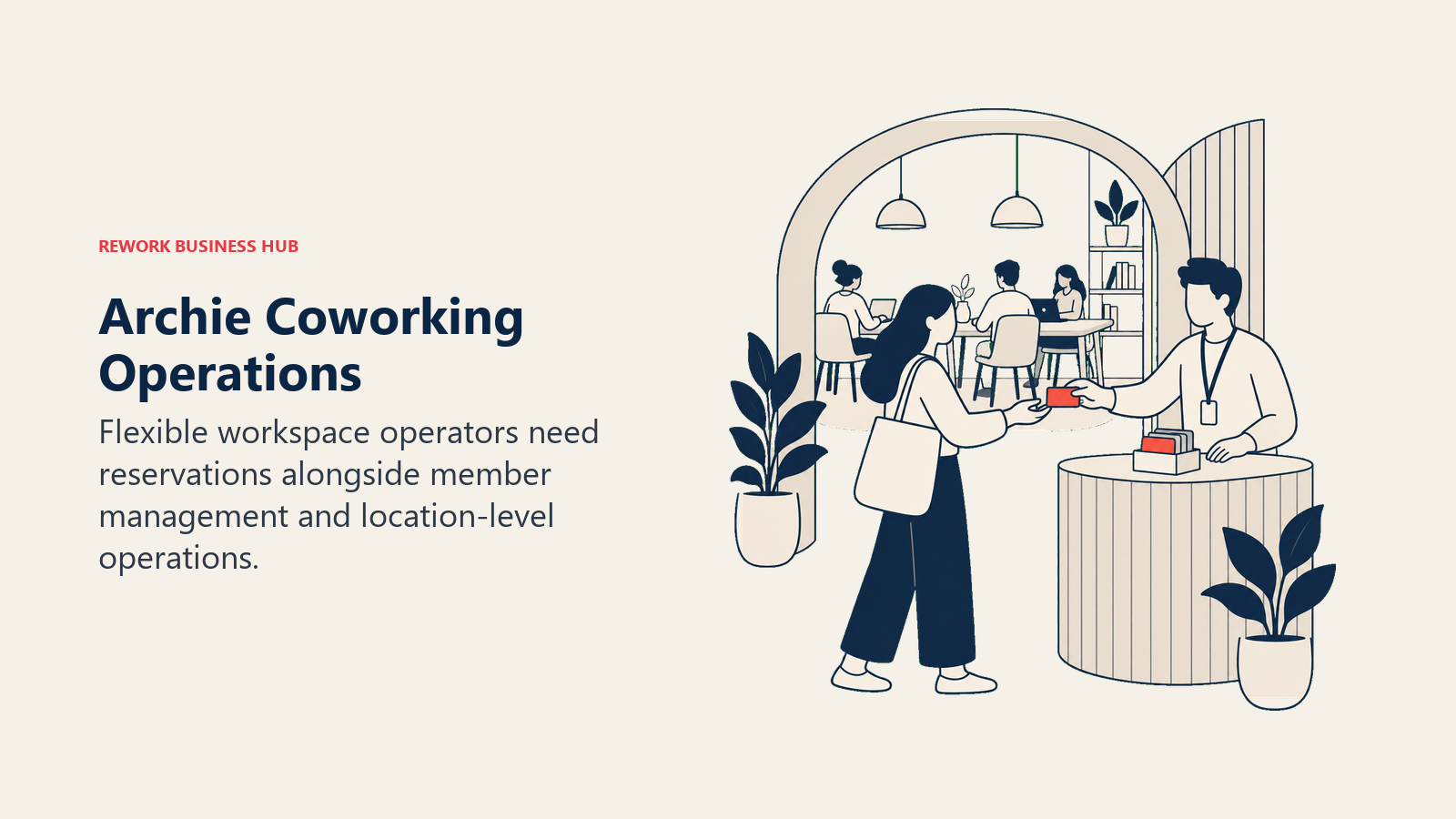
Methodology. Desk and room booking, visitor check-in, and floor plans are priced per location rather than per user, which fits a coworking operator running one plan per site far better than a per-seat model would. Archie also sells dedicated coworking software for operators running member billing and community features on top of the booking basics.
Target audience and fit. Coworking space operators and flexible workspace providers first, with corporate facilities teams as a secondary fit. A weaker fit for a single-office corporate buyer who doesn't need coworking-specific billing or community features, since the per-location pricing scales quickly for a multi-site company.
| Pros | Cons |
|---|---|
| Coworking-specific features (member billing, community tools) most competitors don't offer | Per-location pricing scales fast for a company with many offices, not many coworking sites |
| Visitor management and room scheduling included from the Starter tier | Enterprise pricing is fully custom with no published range |
| 14-day test environment after a demo, no commitment required | Starter tier covers only 1 location, so a multi-site buyer jumps straight to Pro |
Pricing: Starter is from $159/month per location. Pro is from $249/month, covering multiple locations, marked as the most popular tier. Enterprise is custom, including white-glove onboarding and custom data residency. A 14-day test environment is available after a demo.
Best for: Coworking operators and flexible workspace providers that need visitor management, member billing and desk booking in one place, built for that specific business model rather than adapted from a corporate-office tool.
10. Officely - The Lightest Possible Footprint, Built for Slack and Teams
Officely's entire premise is that a workplace tool shouldn't require anyone to leave the chat app they already live in. Desk booking, meeting room booking and even parking (through its Parkly product) run as Slack and Microsoft Teams apps, with no separate login or dashboard most employees ever need to visit.
Methodology. Simple Desk Booking and the fuller Flexible Work Enablement tier both operate as native Slack/Teams commands and messages, so booking a desk is a slash command, not a page load. Meeting Rooms and Parkly are priced and sold separately from the core desk-booking product, letting a team add only what it needs.
Target audience and fit. Small to mid-size teams already living in Slack or Teams that want the absolute lightest booking tool available, with no floorplan editor, analytics dashboard, or visitor-management ambitions. A poor fit for a facilities team that needs utilization reporting or badge integration, since Officely doesn't build toward that depth at all.
| Pros | Cons |
|---|---|
| Cheapest published per-seat rate on this entire list | No floorplan editor beyond a basic office map, no desk-level analytics |
| Free for up to 5 users, a genuine permanent free tier, not just a trial | No visitor management or hardware integration of any kind |
| Meeting Rooms and Parkly can be added independently, so you pay only for what you use | Splitting desks, rooms and parking into three separately billed products adds up if you need all three |
Pricing: Free for up to 5 users. Basic is $2.50 to $3.00 per user/month depending on monthly versus annual billing, unlimited users. Premium is $3.50 to $4.50 per user/month, also depending on billing cadence. Meeting Rooms is priced separately at $12 to $15 per space/month, and Parkly (parking) at $15 to $17.50 per space/month. Officely advertises up to 20% savings on annual billing across products.
Best for: Slack- or Teams-native small teams that want the cheapest possible entry point and have no need for floorplan depth, analytics, or visitor management.
11. Joan - Room and Desk Status You Can See From the Hallway
Joan's differentiator is hardware, not software. It started as an E Ink display company, the small, battery-powered panels mounted outside meeting rooms showing real-time booking status, and its booking platform grew around that hardware rather than the other way around.
Methodology. A base subscription covers the full platform, room booking, desk booking, parking and asset reservations, visitor management, and digital signage, with cost scaling by two separate levers: additional user accounts and additional device licenses (the physical E Ink displays and check-in tablets). Joan's own framing is direct: "if you don't use a solution, it doesn't add cost."
Target audience and fit. Offices that specifically want visible, at-the-door booking status via dedicated hardware, not just an app or a wall-mounted tablet running someone else's software. A weaker fit for a fully remote-first or budget-conscious team that has no interest in physical room displays, since device licensing is where Joan's cost concentrates.
| Pros | Cons |
|---|---|
| Purpose-built E Ink hardware most competitors don't manufacture themselves | Device licensing cost ($9.99-12.99/device/month) adds up fast across many rooms |
| One base subscription covers rooms, desks, parking, visitors and signage | Pricing is in euros, so USD budgets need a conversion step |
| 30-day free trial and a 30-day money-back guarantee on device purchases | The all-in-one pitch means you may pay for modules (visitor management, signage) you don't need |
Pricing: Base plan starts at EUR 49/month. Additional users are EUR 0.99/user/month billed annually (EUR 1.19 monthly). Additional device licenses are EUR 9.99/device/month billed annually (EUR 12.99 monthly). A 30-day free trial is available with no commitment required.
Best for: Offices that want a booking status visible on physical hardware at the door, not just inside an app, and are comfortable budgeting in euros with a per-device cost that scales with room count.
12. Eptura (Condeco) - The Enterprise Suite Built From a 2022 Merger
Condeco was one of the original names in room and desk booking, and it's now part of Eptura, formed when Condeco merged with iOffice + SpaceIQ in October 2022, later folding in Serraview, Archibus, Proxyclick and other workplace brands under one company. The Condeco name lives on inside Eptura's product, most visibly as the "Condeco mobile app," rather than as a standalone company.
Methodology. Eptura Workplace ships two published tier names, Advanced and Power, layering core booking and workplace management against more advanced capabilities including intelligent booking suggestions and Microsoft Teams integration. Pricing is set by the number of users on an annual subscription, with agreements running a minimum of one year.
Target audience and fit. Large enterprises that need the deepest, most consolidated workplace suite on this list, spanning booking, asset management, visitor management (via the Proxyclick lineage) and CAFM-style space planning under one vendor. A poor fit for a small or mid-size team, since the implementation scope and contract minimum are built for a much larger portfolio.
| Pros | Cons |
|---|---|
| Deepest consolidated feature set on this list, spanning nine merged product lines | No published pricing anywhere; every number requires a sales process |
| Condeco's booking lineage plus iOffice/SpaceIQ's space-planning depth in one suite | Minimum one-year annual contract, no month-to-month option |
| Visitor management inherited from the Proxyclick acquisition | Heaviest implementation lift of any tool on this list |
Pricing: Quote only. Eptura's own page states pricing is set "by the number of users supported" on an annual subscription with a minimum one-year term, but discloses no per-user dollar figure for either the Advanced or Power tier.
Best for: Large enterprises that want the full post-merger Condeco/iOffice/SpaceIQ feature set under one vendor relationship, and are budgeting for an enterprise-scale annual contract regardless of which tool they pick.
13. Tribeloo - Straightforward Per-Resource Pricing in Euros
Tribeloo keeps its pricing model simple: a flat euro rate per bookable resource, whether that's a desk, a meeting room, or a parking space, with three tiers separated mostly by integration depth and security features rather than by a confusing feature matrix.
Methodology. Starter covers basic booking rules and web/mobile access. Pro adds booking directly from Outlook or Google Calendar plus workspace optimization insights. Premium adds Active Directory provisioning and single sign-on for larger, more security-conscious deployments. All three scale the same way, per resource, per month.
Target audience and fit. Mid-size European or euro-budgeted teams that want simple, predictable per-resource pricing without a US-centric per-seat model. A weaker fit for a team that specifically needs the enterprise CAFM depth of OfficeSpace or Eptura, since Tribeloo's feature set is intentionally simpler than either.
| Pros | Cons |
|---|---|
| Simple per-resource pricing, easy to calculate against a known desk or room count | Feature depth (analytics, visitor management) is thinner than the enterprise-grade options |
| Calendar-native booking (Outlook/Google) available from the Pro tier | No permanent free plan; trials are available only on request |
| SSO and Active Directory provisioning available on Premium for larger deployments | Pricing in euros requires a conversion step for USD-first budgets |
Pricing: Starter is EUR 3.60/resource/month billed monthly, EUR 3.00/resource/month billed annually. Pro is EUR 4.50 monthly, EUR 3.75 annually. Premium is EUR 4.80 monthly, EUR 4.00 annually. No permanent free plan; free trials are available on request. Custom enterprise pricing exists for complex security and compliance needs.
Best for: Mid-size, euro-budgeted teams that want predictable per-resource pricing and calendar-native booking without stepping up to an enterprise CAFM platform.
Stage Fit and Sizing
| Tool | Solo / 1-2 sites | Small team / single office | Mid-size, multi-floor | Enterprise, multi-site |
|---|---|---|---|---|
| Robin | Weak | Moderate | Strong | Strong |
| Envoy | Weak | Moderate | Strong | Strong |
| deskbird | Moderate | Strong | Strong | Moderate |
| OfficeSpace Software | Weak | Weak | Moderate | Strong |
| Kadence | Weak | Moderate | Strong | Strong |
| Rework (E-Booking) | Weak (not built for solo) | Moderate | Strong | Strong |
| Tactic | Weak | Moderate | Strong | Strong |
| Yarooms | Moderate | Strong | Strong | Moderate |
| Archie | Strong (coworking) | Strong (coworking) | Moderate | Moderate |
| Officely | Strong | Strong | Moderate | Weak |
| Joan | Moderate | Moderate | Strong | Strong |
| Eptura (Condeco) | Weak | Weak | Moderate | Strong |
| Tribeloo | Moderate | Strong | Strong | Moderate |
Two entries are worth a note. Rework is deliberately weak for solo use, that isn't a gap, it's the product's stated positioning: E-Booking is built for teams already coordinating on the same CRM record, not an individual managing a single desk. And Archie's strength column skews toward coworking operators specifically, where its per-location, member-billing model is the best fit on this list, rather than toward large single-tenant corporate portfolios.
How to Choose: Decision Framework
| If you need... | Choose |
|---|---|
| To escape Skedda's US/Canada pricing wall with the cheapest possible per-seat rate | Officely (free up to 5 users) or Yarooms (flat $99/month up to 20 users) |
| Deep visitor management alongside desk and room booking | Envoy or Eptura (Condeco), or Yarooms if you only need it as an add-on |
| AI-forecasted space planning, not just a utilization report | Kadence |
| Enterprise CAFM depth: floor plans, asset tracking, move management | OfficeSpace Software or Eptura (Condeco) |
| Booking tied to the same record as your CRM and pipeline, not a separate subscription | Rework (E-Booking) |
| Physical hardware showing booking status outside the room | Joan |
| The lightest possible tool, living entirely inside Slack or Teams | Officely |
| Coworking or flexible workspace operation with member billing built in | Archie |
| Simple per-resource pricing in euros without enterprise complexity | Tribeloo |
| Calendar-native booking that adds zero new interface for employees | Robin |
What to Do Next
Start with the question this whole guide turns on: does your team need Skedda's core job, a clean floorplan and a booking calendar, or does it need the analytics, visitor management, and hardware depth that a dedicated workplace platform builds around? If it's the first, Officely, Yarooms, and Tribeloo all beat Skedda's US/Canada pricing without asking you to adopt more complexity than you need. If it's the second, Robin, Envoy, Kadence, OfficeSpace, and Eptura are worth the heavier evaluation.
Run a two-week pilot with your top two picks before committing a facilities team's workflow to either one. Book real desks and rooms through each, check whether the analytics or visitor-management features you actually need work the way the pricing page implied, and confirm which region's rate applies if the vendor splits pricing the way Skedda does. That settles more than a feature comparison can, and it costs less time than most vendors' demo cycle alone.
Camellia covers booking, scheduling and revenue operations tooling for B2B teams.

Principal Product Marketing Strategist
On this page
- Key Facts
- Why People Look Past Skedda
- Can It Actually Manage the Whole Workplace, or Just Book the Space?
- Quick Comparison Table
- 1. Robin - Booking That Lives Inside the Calendar You Already Use
- 2. Envoy - The Visitor Management Leader, With Desks Bolted On
- 3. deskbird - The Fastest App to Actually Get Adopted
- 4. OfficeSpace Software - Enterprise Real Estate Planning, Not Just Booking
- 5. Kadence - Booking Plus AI-Forecasted Space Planning
- 6. Rework (E-Booking) - Booking That Lives on the CRM Record
- 7. Tactic - Pay for the Resources You Actually Book
- 8. Yarooms - A Flat Monthly Fee Instead of a Per-Seat Bill
- 9. Archie - Built for Coworking, Not Just Corporate Offices
- 10. Officely - The Lightest Possible Footprint, Built for Slack and Teams
- 11. Joan - Room and Desk Status You Can See From the Hallway
- 12. Eptura (Condeco) - The Enterprise Suite Built From a 2022 Merger
- 13. Tribeloo - Straightforward Per-Resource Pricing in Euros
- Stage Fit and Sizing
- How to Choose: Decision Framework
- What to Do Next