Best Pabbly Connect Alternatives in 2026: 12 Automation Tools for Teams
Turn this article into takeaways for your work.


Each assistant summarizes the article only for you and suggests best practices for your work.
Pabbly Connect earns its fanbase for one reason: the pricing model is genuinely different. Filters, routers, formatters, and iterators don't count as billable tasks. Lifetime deals start at $349 for 3,000 tasks per month with no renewal ever. For a solo operator automating 20 stable workflows, that math is hard to beat. Pabbly also offers unlimited team members on every paid plan, which is unusually generous for a tool at this price point.
But teams that grow past the basics hit the same friction points. The connector library tops out around 1,000 apps, which sounds broad until you need Workday, SAP, or a modern SaaS integration that Pabbly hasn't prioritized. Error handling is basic, and debugging multi-step failures is frustrating. Support response times trail competitors. And as workflow complexity grows, agencies and ops teams find they've outgrown the UI before they've outgrown the task limit. This guide covers 12 real alternatives for solopreneurs, agencies, RevOps professionals, ops teams, and developers who've hit those walls and need an honest map of what's next.
If you're evaluating the broader automation landscape, the best Zapier alternatives guide covers no-code automation platforms specifically, and the best Make alternatives goes deeper on visual canvas tools. For teams that have moved past iPaaS and into workflow orchestration, the best Workato alternatives covers enterprise-grade options. The best n8n alternatives is worth reading if open-source self-hosting is on the table.
Quick Comparison Table
| Tool | Best For | Starting Price | Key Strength | Key Limitation |
|---|---|---|---|---|
| Make | Visual multi-step automation on a budget | Free; $9/mo (Core) | Operation-based billing, visual canvas, 3,000+ apps | Credit model complexity; enterprise governance gaps |
| Zapier | Non-technical teams needing the widest app coverage | Free; $19.99/mo (Starter) | 7,000+ app integrations, zero learning curve | Task billing compounds fast at volume |
| n8n | Developer teams wanting code-level control | Free (self-host); EUR 24/mo cloud | Open-source, unlimited workflows, code nodes | Requires technical setup |
| Integrately | One-click automations for SMB and agencies | Free; $19.99/mo (Starter) | 1-click ready automations, 1,200+ apps | Filters count as tasks; pricier than Pabbly at scale |
| Activepieces | Teams wanting low-cost automation with a self-hosting option | Free; $16/mo (Plus, billed yearly) | MIT community edition, same price self-hosted, SOC 2 | Credits replaced the unlimited-task plan; smaller ecosystem than Zapier/Make |
| OttoKit (SureTriggers) | WordPress-first teams and agencies | Free; $9/mo | Lifetime deal option, WordPress-native, task-fair pricing | Best value only for WordPress stacks |
| Albato | European and CIS market teams, embedded iPaaS | Free; from ~$15/mo (Pro) | Transaction-based model, white-label embedding | Pricing restructured Feb 2026, harder to predict |
| Latenode | Developers wanting execution-time billing | Free; then from $0.00012 per CPU second | Charges by runtime, not per task, built-in LLM access | Smaller community; not for non-technical users |
| Boost.space | Teams centralizing data AND automation in one place | From $15/mo | Unified data layer plus automation, lifetime deal available | Automation layer requires separate Make billing |
| Microsoft Power Automate | Microsoft 365 organizations | Free (M365); $15/user/mo (Premium) | Deep Microsoft ecosystem, RPA included | Weak outside Microsoft stack |
| Workato | Mid-market and enterprise ops with serious integration needs | From ~$10,000/year | Enterprise connectors, governance, agentic automation | Opaque pricing, six-figure contracts at scale |
| Tray.io | Mid-market teams needing Workato-like depth at softer pricing | From ~$595/mo (estimated) | Enterprise connectors, GenAI layer, stateful workflows | Sales-led pricing, no self-serve |
Pricing Model Comparison
| Tool | Billing Model | Free Tier | Self-Host Option |
|---|---|---|---|
| Pabbly Connect | Per task (filters/routers free) | 100 tasks/mo | No |
| Make | Per operation | 1,000 ops/mo | No |
| Zapier | Per task | 100 tasks/mo | No |
| n8n | Per execution (cloud); flat (self-host) | No cloud free tier | Yes (open-source) |
| Integrately | Per task (filters count) | 100 tasks/mo | No |
| Activepieces | Per credit (1 per run) | 100 credits/day | Yes (MIT community edition) |
| OttoKit | Per task | 20 workflows, basic | No |
| Albato | Per transaction + plan | Limited free tier | No |
| Latenode | Per compute second | Limited | No |
| Boost.space | Per record + AI credits | Limited | No |
| Power Automate | Per user (M365 standard free) | Standard connectors (M365) | No |
| Workato | Custom (task/recipe volume) | No | On-prem via OPA |
| Tray.io | Custom (sales-led) | No | No |
1. Make: The Visual Canvas for Complex Logic at Low Cost
Make (formerly Integromat) is the most natural upgrade path for Pabbly users who need more power without a massive price jump. Where Pabbly runs automations as linear step lists, Make builds them as visual flow diagrams: branching logic, iterators, aggregators, and filters are all visible on a canvas. When a complex workflow breaks, you can see exactly where it failed and why. That alone saves hours of debugging.
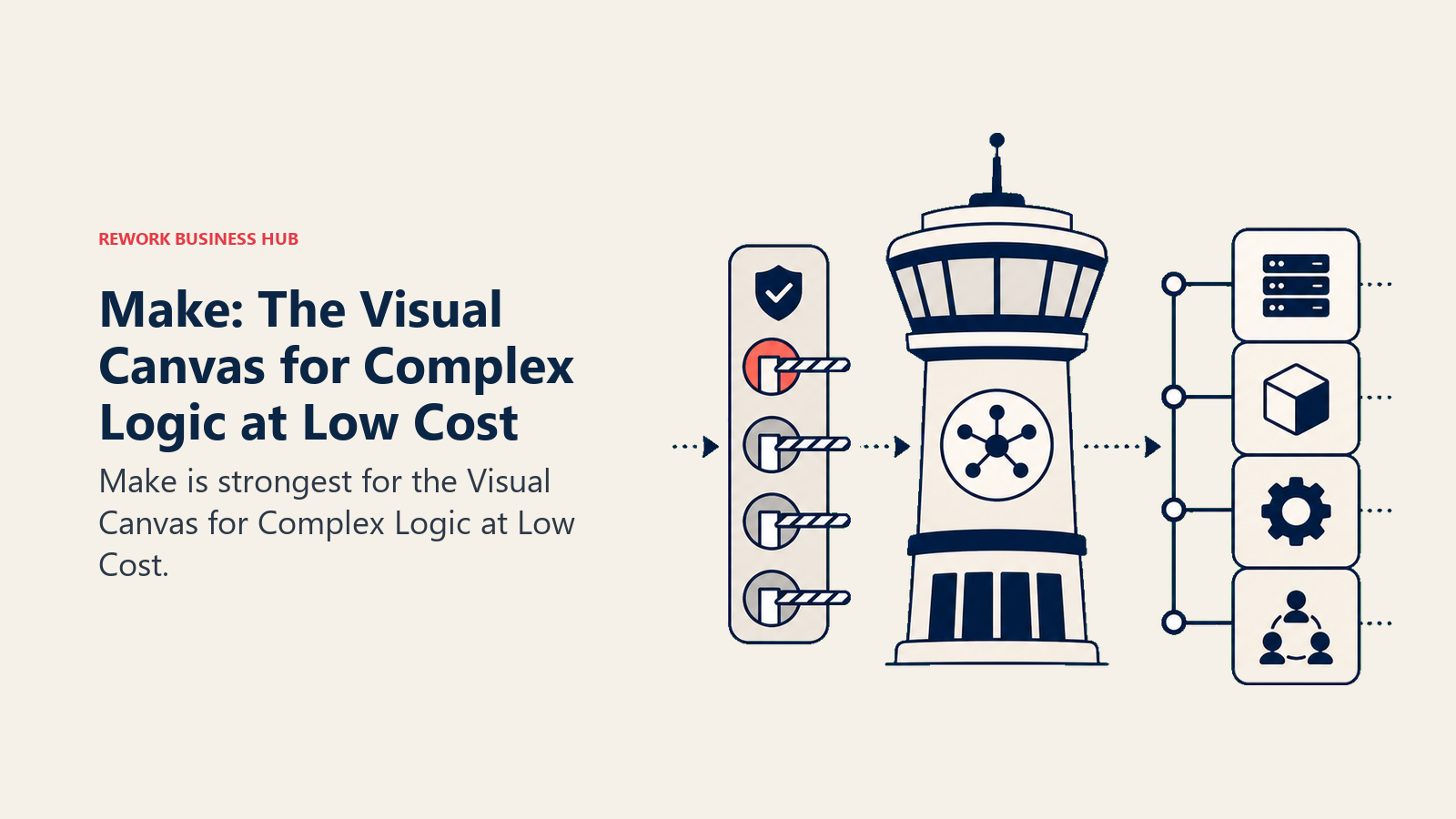
Methodology: Make's model is operation-based billing on a visual canvas. Each module execution counts as one operation, but the visual structure makes multi-branch workflows far easier to design and maintain than Pabbly's UI. Make's philosophy is that complex automation should be buildable by technical-leaning non-developers, not just engineers.
Target audience: RevOps analysts, marketing ops leads, digital agencies, and SaaS ops teams that have outgrown Zapier or Pabbly but aren't ready for enterprise pricing. The ICP is someone who manages tools day-to-day, is comfortable reading a flow diagram, and needs to automate 20-100 workflows across 10-30 apps.
| Pros | Cons |
|---|---|
| Visual canvas makes complex logic legible and debuggable | Operation-based billing harder to predict than task-based |
| Much cheaper than Zapier at mid-volume | Enterprise governance (audit logs, SSO) requires Enterprise plan |
| 3,000+ integrations with strong coverage | Fewer out-of-box templates than Zapier |
| Powerful data transformation inside scenarios | Learning curve steeper than Pabbly or Zapier |
Sizing fit:
| Team Size | Fit |
|---|---|
| Solo (1 person) | Strong |
| Small team (2-10) | Excellent |
| Mid-size (10-50) | Strong |
| Enterprise (50+) | Possible; governance gaps |
Stage fit: Strong from startup through mid-market. Agencies and growth-stage ops teams get the most value.
Team vs company-wide: Primarily used by automation specialists and technical ops. Broader adoption requires some training.
Pricing: Free (1,000 operations/mo, 2 active scenarios). Core at $9/mo (10,000 ops, annual). Pro at $16/mo. Teams at $29/mo. Enterprise custom. See Make pricing.
Best for: Technical-leaning ops and RevOps teams that want Pabbly-level affordability with significantly more power and a visual workflow canvas.
2. Zapier: The No-Code Default with the Widest App Coverage
Zapier is the automation platform most teams reach for when they first outgrow a tool like Pabbly. Its 7,000+ app integrations mean you're almost never stuck waiting for a connector to be built. And its trigger/action model is so intuitive that a non-technical ops manager can build a production workflow in 20 minutes without any training.
Methodology: Zapier bets on simplicity and breadth. Every Zap is one trigger plus one or more actions. Paths add conditional logic. The mental model never changes, which means onboarding new team members is fast. The tradeoff is less visual power than Make and no self-hosting option.
Target audience: Operations managers, RevOps leads, marketing ops teams, and agencies at companies from 10 to 500 people. The ICP is someone who manages a tool stack but doesn't write code. Also: teams where multiple non-technical people need to build and maintain their own automations.
| Pros | Cons |
|---|---|
| 7,000+ app integrations, largest ecosystem by far | Task-based billing compounds fast; no filter/router exemptions |
| Zero learning curve for non-technical users | Professional plan jumps steeply at higher task volumes |
| Reliable, high uptime, excellent documentation | No code-level customization |
| Paths and filters for conditional logic | Enterprise governance features are thin below Enterprise plan |
Sizing fit:
| Team Size | Fit |
|---|---|
| Solo (1 person) | Excellent |
| Small team (2-10) | Strong |
| Mid-size (10-50) | Good; watch task costs closely |
| Enterprise (50+) | Departmental automation only |
Stage fit: Best from startup through mid-market. At enterprise scale, task billing becomes expensive quickly and governance gaps appear.
Team vs company-wide: Both. Operations teams use it; individual contributors automate personal workflows. Company-wide adoption is common with Teams plan.
Pricing: Free (100 tasks/mo, 5 Zaps). Starter at $19.99/mo (750 tasks, multi-step). Professional at $49/mo (2,000 tasks). Team at $69/mo (2,000 tasks, shared workspace). Enterprise custom. See Zapier pricing.
Best for: Non-technical ops and RevOps teams that need the broadest possible app ecosystem and can't afford to wait for connectors to be built.
3. n8n: Open-Source with Code-Level Control
n8n is what you choose when your team needs full control over automation, down to the code level. It's open-source, so you can run it on your own infrastructure. And unlike Pabbly or Zapier, you're never paying per task: you pay for the cloud tier by execution, or you run your own server with no usage metering at all.
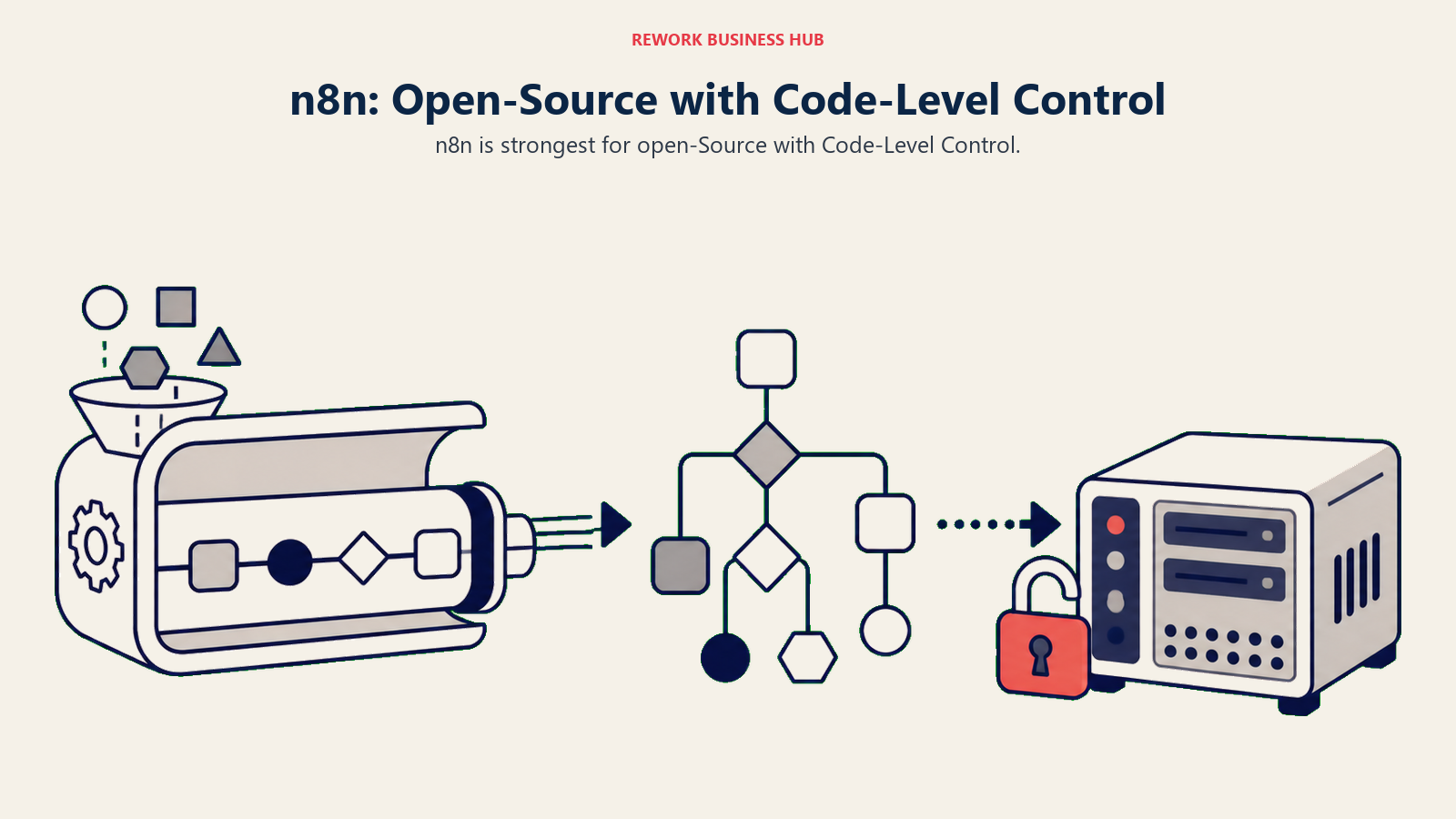
Methodology: n8n is built for developers and technical operators who want to write code inside workflows. Every node can run JavaScript or Python. You can build custom nodes, version-control workflows in Git, and run n8n in air-gapped environments. As of April 2026, n8n removed all active workflow limits across every plan, so you only pay based on executions.
Target audience: Engineering teams, DevOps engineers, technical RevOps leads, and startups that want to self-host their automation stack. The ICP is a software engineer or senior ops engineer who's comfortable with Docker and doesn't want to pay per task. Also: regulated industries where data can't leave their own infrastructure.
| Pros | Cons |
|---|---|
| Open-source; full data control via self-hosting | Requires technical setup and ongoing maintenance |
| Unlimited active workflows on every plan | UI less polished than Zapier or Make |
| JavaScript and Python code nodes built in | Self-hosting overhead is real for small teams |
| 500+ integrations; custom nodes possible | Not accessible to non-technical business users |
Sizing fit:
| Team Size | Fit |
|---|---|
| Solo (developer) | Excellent |
| Small team (2-10, technical) | Strong |
| Mid-size (10-50) | Strong with engineering support |
| Enterprise (50+) | Viable with Enterprise plan |
Stage fit: Strong from early-stage through enterprise, conditional on having engineering capacity.
Team vs company-wide: Engineering and technical ops. Not a business-user tool.
Pricing: Self-hosted free (open-source). Cloud Starter at EUR 24/mo (2,500 executions). Pro at EUR 60/mo (10,000 executions). Business at EUR 800/mo (40,000 executions, SSO). Enterprise custom. See n8n pricing.
Best for: Developer teams and technical operators who want code-level automation with no per-task billing and full infrastructure ownership.
4. Integrately: One-Click Automations for SMB Teams
Integrately is the most direct competitor to Pabbly Connect in terms of audience and positioning. It targets the same small business and agency segment with a large library of ready-to-activate automations, so setup time is far shorter than building from scratch. If you use common tools like HubSpot, Shopify, Mailchimp, or Slack, Integrately likely has a one-click template that's 90% there.
Methodology: Integrately's differentiator is pre-built automation. Its library has 20+ million ready-made automation templates across 1,200+ apps. The philosophy is that most automation use cases are common enough that you shouldn't need to build from scratch. The tradeoff is that filters, data transformations, and searches count as billable tasks, unlike Pabbly where those are free.
Target audience: Small business owners, digital marketing agencies, and ops teams at companies under 50 people. The ICP is a non-technical agency operator who runs 15-30 stable automations for clients and wants setup to be fast, not powerful. Also: solo operators upgrading from basic Zapier-style tools.
| Pros | Cons |
|---|---|
| 20+ million ready-made automation templates | Filters and data transformations count as billable tasks |
| 1,200+ app integrations with good SMB coverage | Grows more expensive than Pabbly at similar task volumes |
| 24x5 live chat support on paid plans | UI and reliability have some rough edges reported by users |
| No-code, very low learning curve | Enterprise connectors not available |
Sizing fit:
| Team Size | Fit |
|---|---|
| Solo (1 person) | Excellent |
| Small team (2-10) | Strong |
| Mid-size (10-50) | Moderate |
| Enterprise (50+) | Not recommended |
Stage fit: Early-stage through growth. Particularly strong for bootstrapped and agency businesses.
Team vs company-wide: Ops and marketing teams. Accessible for non-technical users.
Pricing: Free (100 tasks/mo). Starter at $19.99/mo (2,000 tasks, annual). Professional at $39/mo (10,000 tasks). Growth at $99/mo. Business at $239/mo. See Integrately pricing.
Best for: Small agencies and SMB teams that want the fastest path from "I need this automation" to "it's live," via pre-built templates. If Integrately turns out to be the wrong fit, the best Integrately alternatives guide compares 13 options on cost per task and seat limits.
5. Activepieces: Open Source at the Core, Now Billed in Credits
Activepieces is one of the fastest-growing automation platforms in 2026, and for good reason. The Plus plan runs $16/mo billed yearly and covers 10,000 credits a month, where one credit is a whole run however many steps it has. It's also open source at the core, so if you want to self-host, you can, at the same price. And the platform is SOC 2 Type II certified with GDPR and HIPAA compliance, which makes it viable for regulated use cases that Pabbly can't support.
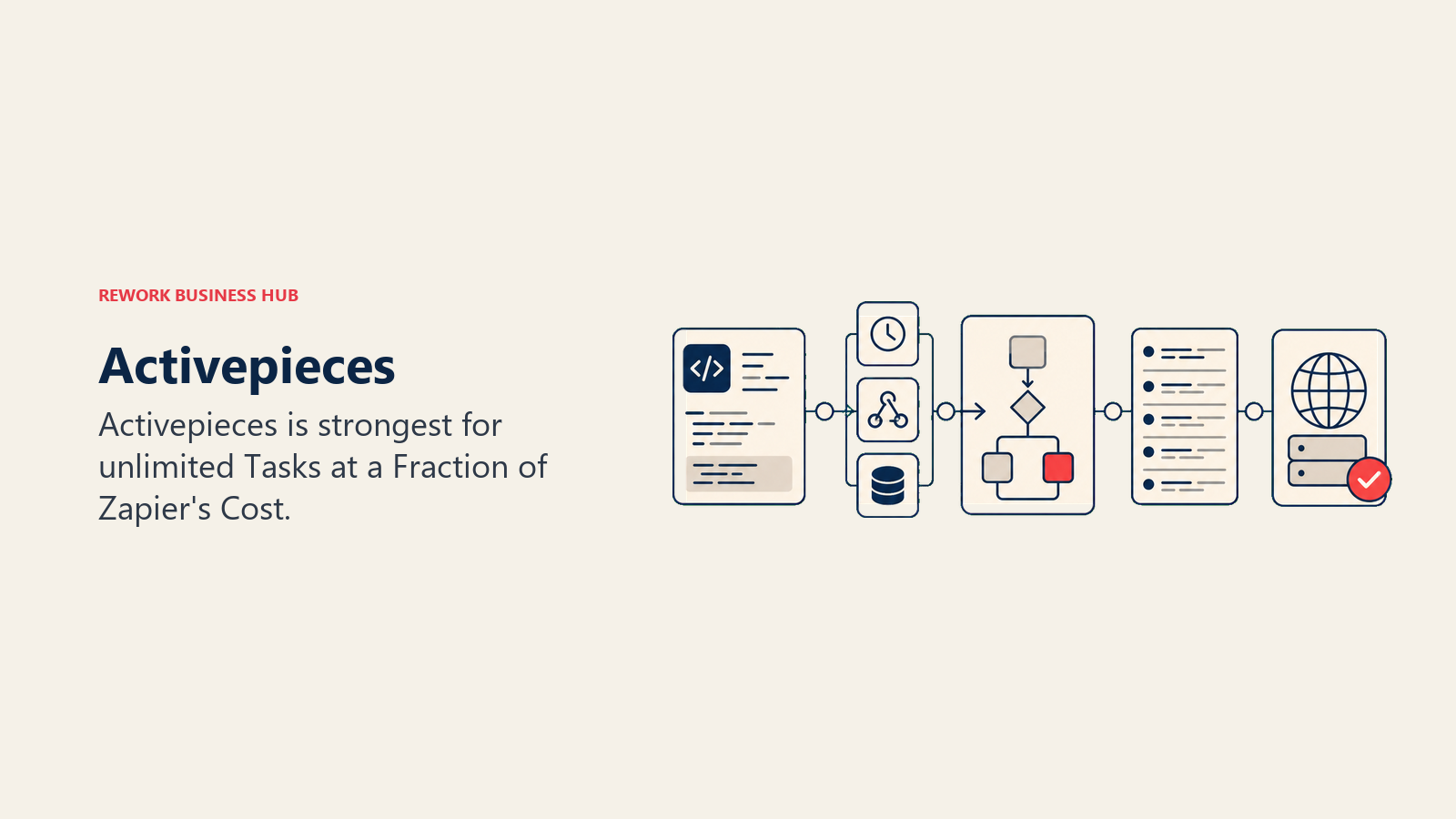
Methodology: Activepieces was designed as a genuinely open alternative to Zapier. The cloud version competes on price and feature parity. The self-hosted version gives developer teams the same code-node flexibility as n8n. Unlike Pabbly, Activepieces supports AI agents directly within workflows, with built-in GPT integration available even on the free plan.
Target audience: Ops teams, startup founders, technical marketers, and developers who want Zapier-equivalent functionality at Pabbly-equivalent pricing. The ICP is a RevOps or marketing ops lead at a Series A-B startup who's hit Zapier's billing ceiling and doesn't want to manage an n8n server.
| Pros | Cons |
|---|---|
| Unlimited tasks on Plus plan ($25/mo) | Smaller app ecosystem than Zapier or Make |
| Open-source with self-host option | Community support on lower tiers |
| SOC 2 Type II, GDPR, HIPAA compliant | Less mature than Zapier; fewer templates |
| Built-in AI agent support | Enterprise features require Business or Embed plans |
Sizing fit:
| Team Size | Fit |
|---|---|
| Solo (1 person) | Excellent |
| Small team (2-10) | Strong |
| Mid-size (10-50) | Strong |
| Enterprise (50+) | Business or Enterprise plan required |
Stage fit: Strong from startup through growth. Competitive at mid-market for price-sensitive orgs.
Team vs company-wide: Both. Ops-led teams adopt it; individual users build their own flows.
Pricing: Free (100 credits/day, unlimited flows). Plus at $16/mo billed yearly (10,000 credits/mo, up to 5 users). Team at $166/mo billed yearly (50,000 credits/mo, 25 users). Ultimate custom. Overage $0.007/credit. Self-hosted community edition free. See Activepieces pricing.
Best for: Ops and RevOps teams that need Zapier-level automation breadth and a credible compliance posture, now budgeted in credits rather than unlimited tasks. The best Activepieces alternatives guide covers where teams go when the credit table stops working.
6. OttoKit (formerly SureTriggers): WordPress-First Automation
OttoKit, rebranded from SureTriggers in mid-2025, is the automation platform most purpose-built for WordPress teams. If your business runs on WordPress with WooCommerce, LearnDash, Elementor, or other WordPress plugins, OttoKit has native integrations that generic platforms like Zapier handle awkwardly. And like Pabbly, it offers lifetime deal pricing that eliminates annual renewals.
Methodology: OttoKit's philosophy is that WordPress-native automations should be first-class citizens, not afterthoughts. Its plugin integrations are deeper than what Zapier provides via webhooks. The platform also competes on fair task pricing: paid plans are designed so you get more tasks per dollar than Pabbly's subscription tiers, and the lifetime deal option mirrors Pabbly's one-time payment model.
Target audience: WordPress agency owners, WooCommerce store operators, online course creators running LearnDash or LifterLMS, and freelancers managing multiple WordPress client sites. The ICP is an agency owner who runs 10-20 WordPress sites and needs automations that understand WordPress hooks and events natively.
| Pros | Cons |
|---|---|
| WordPress-native integrations far deeper than Zapier | Best value is specific to WordPress stacks |
| Lifetime deal option available (from ~$499) | Smaller connector library outside WordPress ecosystem |
| Fair task pricing; tasks counted similarly to Pabbly | Less suited for non-WordPress SaaS automation |
| Free plan includes 20 workflows | Enterprise connectors not available |
Sizing fit:
| Team Size | Fit |
|---|---|
| Solo (freelancer/agency) | Excellent (WordPress) |
| Small team (2-10) | Strong (WordPress) |
| Mid-size (10-50) | Moderate |
| Enterprise (50+) | Not recommended |
Stage fit: Early-stage and bootstrapped WordPress businesses. Agencies managing client sites.
Team vs company-wide: Ops and development teams managing WordPress infrastructure.
Pricing: Free (20 workflows, 1 WordPress connection). Paid plans from $9/mo (5,000 tasks, annual). Lifetime deal from ~$499 (one-time). See OttoKit pricing.
Best for: WordPress agencies and WooCommerce operators who want Pabbly-style pricing with native WordPress integration depth.
7. Albato: Flat-Rate Automation with an Embedded iPaaS Option
Albato is a lesser-known but genuinely solid Pabbly alternative, particularly strong in European and CIS markets and for SaaS companies that want to offer native integrations to their own customers via white-label embedding. As of February 2026, Albato restructured its pricing to separate plan tiers from transaction packages, giving users more flexibility but also requiring more attention when estimating monthly costs.
Methodology: Albato's model separates how you work from how much you use. You pick a plan (Free, Pro, Teams, or Custom) that defines your features and user capacity, then add a transaction package on top. This decoupling is unusual in the automation space and allows teams with spiky usage to scale up transactions temporarily without upgrading their whole plan. The platform also offers a white-label embedded iPaaS product for SaaS companies.
Target audience: SMB operators in European and CIS markets, digital agencies, and SaaS product teams that want to offer their customers native integration capabilities without building connectors internally.
| Pros | Cons |
|---|---|
| Decoupled plan/transaction billing allows flexible scaling | New pricing model (Feb 2026) is harder to predict upfront |
| White-label embedded iPaaS for SaaS companies | Smaller community and fewer templates than Zapier/Make |
| Good coverage of European and CIS market apps | Prices increased ~16% in Feb 2026 |
| Teams plan for collaborative automation | Less brand recognition in US market |
Sizing fit:
| Team Size | Fit |
|---|---|
| Solo (1 person) | Good |
| Small team (2-10) | Strong |
| Mid-size (10-50) | Strong (especially SaaS teams) |
| Enterprise (50+) | Custom plan available |
Stage fit: Growth through mid-market, particularly for SaaS companies building embedded integration products.
Team vs company-wide: Ops teams and SaaS product teams. White-label product is for customer-facing use.
Pricing: Free plan available. Pro plan from approximately $15/mo (annual, post-Feb 2026 pricing). Teams and Custom plans on request. Extra transactions at $0.02 each on Pro. See Albato pricing.
Best for: SaaS companies that want to offer white-label native integrations to customers, and European/CIS ops teams that need strong regional app coverage.
8. Latenode: Execution-Time Billing for Developer Teams
Latenode is the most cost-efficient option on this list for teams running complex, multi-step workflows at volume. Instead of charging per task or per operation, Latenode bills by compute time, meaning the same scenario that costs $123 on Zapier and $10 on Make costs roughly $1.38 on Latenode. For developers building automations that run frequently or process large data sets, that difference is meaningful.
Methodology: Latenode treats every workflow step as a serverless function billed by processing seconds at 256MB RAM. The platform includes native access to LLMs (OpenAI, Claude, Deepseek, LLaMA), making it a strong fit for AI-augmented automation without separate API billing overhead. It supports 1,200+ integrations and a full visual canvas alongside code nodes.
Target audience: Software engineers, backend developers, and technical ops leads at startups and scale-ups who need cost-efficient automation at volume. The ICP is a developer who has already priced out Zapier and Make and found them too expensive for their use case, or who needs LLM access built into workflows.
| Pros | Cons |
|---|---|
| Execution-time billing is dramatically cheaper at volume | Not accessible to non-technical users |
| Built-in LLM access (OpenAI, Claude, Deepseek) | Smaller community and fewer templates |
| Visual canvas plus code nodes | Less mature platform; some reliability gaps reported |
| Unlimited workflows on Grow plan and above | Billing model requires understanding to estimate costs |
Sizing fit:
| Team Size | Fit |
|---|---|
| Solo (developer) | Excellent |
| Small team (2-10, technical) | Strong |
| Mid-size (10-50) | Good for engineering-led workflows |
| Enterprise (50+) | Prime or Enterprise plan required |
Stage fit: Startup through growth for developer-led teams. Good complement to a business-user tool at mid-market.
Team vs company-wide: Engineering and technical ops only.
Pricing: Latenode re-metered onto CPU seconds in 2026. Free covers 10,000 CPU seconds a month across up to 5 active workflows. Pay as You Go adds unlimited active workflows and bills from $0.00012 per CPU second after the same 10,000 free, falling to $0.00005 per CPU second above 5 million a month. Step count does not multiply the bill, only runtime does. See Latenode pricing.
Best for: Developer teams running high-volume, complex automations where per-task billing would make Zapier or Make cost-prohibitive.
9. Boost.space: Data Centralization Plus Automation
Boost.space takes a different angle from every other tool on this list. Rather than being purely an automation platform, it's a unified data layer that can also run automations, built on top of Make.com's engine. Version 5.0 launched in February 2026 with a 50% lifetime discount event. For teams that want to centralize data records AND automate processes in one place, Boost.space reduces the number of platforms you need.
Methodology: Boost.space's model is a centralized database that syncs data from your tools (CRM, eCommerce, project management) into a single source of truth, with Make-powered automation on top. The bet is that most automation problems are actually data consistency problems first. If all your systems share a clean data layer, automating across them becomes simpler.
Target audience: Operations directors, founders, and RevOps leads at SMBs who are tired of syncing data between 5-10 tools with inconsistent schemas. The ICP is a COO or ops lead who wants both a clean data backbone and automation, and doesn't want to pay for two separate platforms to get both.
| Pros | Cons |
|---|---|
| Unified data layer plus automation in one platform | Automation engine runs on Make.com, so two billing items |
| Lifetime deal available (Feb 2026 event was 50% off) | Pricing structure more complex than pure automation tools |
| AI enrichment and data processing built in | Newer platform with less community documentation |
| Records-based billing is predictable for stable data volumes | Requires Make.com account separately for automation |
Sizing fit:
| Team Size | Fit |
|---|---|
| Solo (1 person) | Possible |
| Small team (2-10) | Strong |
| Mid-size (10-50) | Strong |
| Enterprise (50+) | Custom plan available |
Stage fit: Growth through mid-market, particularly for data-heavy ops teams consolidating their stack.
Team vs company-wide: Ops-led. Works best when multiple teams share the data layer.
Pricing: From approximately $15/mo (annual Pro plan). Lifetime deals available periodically. See Boost.space pricing. Note: Make.com subscription required separately for automation workflows.
Best for: Ops teams that want a unified data backbone AND automation without managing two separate systems, and are willing to accept Make.com as the underlying automation engine.
10. Microsoft Power Automate: The Default for Microsoft 365 Organizations
Power Automate is already inside your Microsoft 365 contract if your organization runs Teams, SharePoint, Outlook, and Dynamics. Standard connector flows are free for M365 users. That bundling changes the build-vs-buy equation: you're not choosing between Pabbly and Power Automate, you're deciding whether to use what you already have or pay for something more capable.
Methodology: Power Automate's approach is platform integration first, breadth second. It's designed to automate processes that touch Microsoft products, with RPA (attended and unattended bot automation) added for desktop and legacy system automation. The cloud flow builder is approachable for business users; the desktop flow/RPA layer requires more technical depth.
Target audience: IT administrators, operations managers, and business users at Microsoft-heavy organizations. Government, education, professional services, and enterprises already paying for Microsoft 365 E3 or E5. The ICP is an IT lead at a company where SharePoint and Teams are the primary collaboration tools.
| Pros | Cons |
|---|---|
| Free for Microsoft 365 users (standard connectors) | Weak outside Microsoft ecosystem |
| Deep Microsoft integrations (Teams, SharePoint, Dynamics, Azure) | Premium connectors (Salesforce, etc.) require $15/user/mo |
| RPA attended and unattended bots included | UI complexity increases fast for non-technical users |
| AI Builder for document processing included | Inconsistent support quality |
Sizing fit:
| Team Size | Fit |
|---|---|
| Solo (Microsoft shop) | Excellent |
| Small team (2-10) | Strong if Microsoft-first |
| Mid-size (10-50) | Strong within Microsoft ecosystem |
| Enterprise (50+) | Strong, especially with Dynamics 365 |
Stage fit: Any stage, as long as Microsoft 365 is the core productivity stack.
Team vs company-wide: Company-wide within Microsoft shops. Business users build flows; IT manages governance.
Pricing: Free for M365 users (standard connectors only). Premium at $15/user/mo (includes premium connectors, unlimited flows). Process (unattended RPA) at $150/bot/mo. See Power Automate pricing.
Best for: Microsoft 365 organizations that want to automate internal processes across Teams, SharePoint, Dynamics, and Azure without paying for a separate automation platform.
11. Workato: Enterprise iPaaS for Serious Integration Programs
Workato is a fundamentally different category from Pabbly. Where Pabbly serves stable SMB automation, Workato is enterprise-grade infrastructure for organizations with dedicated integration teams, complex multi-system environments, and governance requirements. Recipe-based versioning, audit trails, enterprise connectors for Workday and SAP, and an agentic automation layer (Workato One) all put it in a different conversation.
Methodology: Workato's model centers on recipes: reusable, versioned automation units with event orchestration, conditional logic, and error handling built in. The platform is designed for cross-departmental automation that involves IT, ops, and finance simultaneously. Its 2026 Workato One tier adds agentic AI orchestration on top of traditional recipe-based automation.
Target audience: RevOps directors, integration engineers, and IT leads at companies with $50M to $500M in revenue. The ICP is a VP of Operations or Director of IT at a company where Workday, Salesforce, and ServiceNow all need to talk to each other and someone owns that infrastructure full-time.
| Pros | Cons |
|---|---|
| Enterprise connectors (Workday, SAP, ServiceNow) | Standard tier starts ~$10K/year; Enterprise $84K-$180K+ |
| Recipe versioning, audit logs, RBAC, SSO | Opaque pricing requires sales engagement |
| Agentic automation layer (Workato One) | Implementation overhead assumes a dedicated specialist |
| On-prem connectivity via Workato OPA | Annual-only contracts at enterprise tier |
Sizing fit:
| Team Size | Fit |
|---|---|
| Solo (1 person) | Not a fit |
| Small team (2-10) | Not a fit |
| Mid-size (10-50) | Possible with IT support |
| Enterprise (50+) | Strong |
Stage fit: Mid-market and enterprise only. Not suited to early-stage or growth teams without a dedicated automation function.
Team vs company-wide: IT, integration engineering, and ops leadership. Not a self-service business-user tool.
Pricing: All plans custom, sales-led. Standard from ~$10K/year. Business $60K-$120K/year. Enterprise $84K-$180K/year. Workato One custom. See Workato pricing.
Best for: Mid-market and enterprise ops teams that need Workday, SAP, or ServiceNow integrations with enterprise governance and have budget for a dedicated integration program.
12. Tray.io: Enterprise Depth Without the Six-Figure Contract
Tray.io (now Tray.ai) occupies a similar position to Workato but targets a slightly earlier stage: mid-market and growth companies that need Workato-level capabilities but can't yet justify Workato-level contracts. Its GenAI automation layer ("Merlin"), stateful long-running workflows, and enterprise connectors make it one of the strongest alternatives for teams moving up-market from tools like Pabbly.
Methodology: Tray.ai's model centers on a low-code builder with enterprise-grade connectors and an AI automation layer. The platform is built for long-running, stateful workflows rather than simple trigger-action chains, which makes it better suited to complex multi-system processes. It also supports embedded iPaaS for SaaS product teams.
Target audience: Mid-market RevOps leads, integration engineers, and IT directors at companies with $50M to $500M ARR. The ICP is a director-level ops buyer who has evaluated Workato but needs to close the deal without a six-figure purchase order.
| Pros | Cons |
|---|---|
| Enterprise connectors (Salesforce, SAP, NetSuite) | Still sales-led pricing; no self-serve option |
| GenAI automation layer included | No public list pricing |
| Stateful, long-running workflows | Implementation typically requires a specialist |
| Embedded iPaaS for product teams | Fewer out-of-box templates than Zapier or Make |
Sizing fit:
| Team Size | Fit |
|---|---|
| Solo (1 person) | Not a fit |
| Small team (2-10) | Limited |
| Mid-size (10-50) | Strong |
| Enterprise (50+) | Strong |
Stage fit: Growth-stage and mid-market. Not designed for startups or very small teams.
Team vs company-wide: IT and integration engineering. Not a self-service business-user tool.
Pricing: Professional tier estimated from ~$595/mo (sales-led, unconfirmed list price). Enterprise custom. See Tray.io for current pricing via sales contact.
Best for: Mid-market integration engineering teams that need Workato-level enterprise connectors with more pricing flexibility and a modern GenAI automation layer.
Stage Fit Matrix
| Tool | Startup (1-10) | Growth (10-50) | Mid-Market (50-200) | Enterprise (200+) |
|---|---|---|---|---|
| Make | Strong | Excellent | Strong | Possible |
| Zapier | Excellent | Strong | Good (watch costs) | Departmental only |
| n8n | Strong (technical) | Strong | Good | Viable |
| Integrately | Excellent | Strong | Moderate | Not recommended |
| Activepieces | Excellent | Strong | Strong | Business plan |
| OttoKit | Excellent (WordPress) | Strong (WordPress) | Moderate | Not recommended |
| Albato | Good | Strong | Strong (SaaS teams) | Custom |
| Latenode | Excellent (devs) | Strong (devs) | Good (engineering) | Enterprise plan |
| Boost.space | Possible | Strong | Strong | Custom |
| Power Automate | Good (M365) | Strong (M365) | Strong (M365) | Strong (M365) |
| Workato | Avoid | Avoid | Possible | Strong |
| Tray.io | Avoid | Moderate | Strong | Strong |
Sizing and Persona Table
| Tool | Team Size Sweet Spot | Primary Buyer | Secondary Buyer |
|---|---|---|---|
| Make | 2-100 | Automation Specialist | RevOps Analyst |
| Zapier | 5-200 | RevOps Manager | Marketing Ops Lead |
| n8n | 1-50 (technical) | Senior Engineer | DevOps Lead |
| Integrately | 1-50 | Small Business Owner | Agency Owner |
| Activepieces | 1-100 | RevOps Lead | Startup Founder |
| OttoKit | 1-50 (WordPress) | Agency Owner | WooCommerce Operator |
| Albato | 5-100 | Ops Manager | SaaS Product Lead |
| Latenode | 1-50 (technical) | Software Engineer | Technical Ops Lead |
| Boost.space | 5-100 | COO / Ops Director | RevOps Lead |
| Power Automate | Any (M365 orgs) | IT Manager | Business Analyst |
| Workato | 200+ | VP of Operations | Integration Engineer |
| Tray.io | 50-500 | Director of IT | Integration Engineer |
How to Choose: Decision Framework
| If you need... | Choose |
|---|---|
| Visual complex workflows at a fraction of Zapier's cost | Make |
| The widest app ecosystem (7,000+ apps) with no technical setup | Zapier |
| Code-level control, no per-task billing, self-hosting option | n8n |
| The fastest one-click automation setup with pre-built templates | Integrately |
| A low monthly price with a free self-hosted option | Activepieces Plus |
| Pabbly-style lifetime deals with WordPress-native depth | OttoKit |
| Cheaper automation at high volume with LLM access built in | Latenode |
| A white-label embedded iPaaS for your SaaS customers | Albato |
| Unified data layer plus automation in one platform | Boost.space |
| Automation inside a Microsoft 365 stack at no extra cost | Power Automate |
| Enterprise connectors (Workday, SAP) with governance | Workato |
| Workato-level depth with mid-market pricing | Tray.io |
| Budget-first, stable automation for 5-20 apps, no scaling plans | Pabbly Connect (stay) |
| Strong automation plus compliance (SOC 2, HIPAA) at low cost | Activepieces |
| Self-hosted automation with full source code access | n8n or Activepieces (self-host) |
What to Do Next
Pick your top two based on the decision framework above. Then run a real two-week pilot on an actual workflow you currently have in Pabbly, not a demo scenario. Connect the same source and destination systems and measure the time from setup to first successful production run.
For most Pabbly users upgrading for more power: Make covers the majority of mid-market automation use cases at comparable cost, with a far better debugging experience. If your team has engineering capacity and wants zero per-task billing, n8n is the strongest option. For teams that need unlimited tasks at the lowest possible monthly rate without self-hosting, Activepieces Plus at $25/mo is hard to beat in 2026.
For teams moving up-market because they've genuinely outgrown SMB tools: Workato and Tray.io are the right conversations, but start with Tray.io if you're not yet ready for Workato's contract size. And if you're staying firmly in the Microsoft 365 ecosystem, Power Automate is almost certainly already paid for.
For more context on specific tools, the best Zapier alternatives and best Make alternatives guides go deeper on those platforms specifically. If Power Automate is on your shortlist, the best Power Automate alternatives covers the Microsoft-stack automation space in more detail.
Camellia writes about automation and operations tooling for B2B teams. Last updated June 2026.

Principal Product Marketing Strategist
On this page
- Quick Comparison Table
- Pricing Model Comparison
- 1. Make: The Visual Canvas for Complex Logic at Low Cost
- 2. Zapier: The No-Code Default with the Widest App Coverage
- 3. n8n: Open-Source with Code-Level Control
- 4. Integrately: One-Click Automations for SMB Teams
- 5. Activepieces: Open Source at the Core, Now Billed in Credits
- 6. OttoKit (formerly SureTriggers): WordPress-First Automation
- 7. Albato: Flat-Rate Automation with an Embedded iPaaS Option
- 8. Latenode: Execution-Time Billing for Developer Teams
- 9. Boost.space: Data Centralization Plus Automation
- 10. Microsoft Power Automate: The Default for Microsoft 365 Organizations
- 11. Workato: Enterprise iPaaS for Serious Integration Programs
- 12. Tray.io: Enterprise Depth Without the Six-Figure Contract
- Stage Fit Matrix
- Sizing and Persona Table
- How to Choose: Decision Framework
- What to Do Next