Best AI Interior Design Tools in 2026: 13 Tools Ranked by Realism, Price, and Room Type
Turn this article into takeaways for your work.


Each assistant summarizes the article only for you and suggests best practices for your work.
The best AI interior design tool in 2026 depends on what you're actually trying to do with it. If you want to see what your living room looks like in a new style before you buy a single throw pillow, Interior AI and RoomGPT turn a phone photo into a redesign in under a minute. If you're a real estate agent staging empty listings for MLS photos, Collov AI and REimagine Home are built for that exact workflow, with commercial licensing baked in. And if you're a working designer who needs floor plans, 3D walkthroughs, and client-ready presentations, Foyr Neo and Homestyler go well beyond a single restyled photo. This guide ranks 13 tools by what they're each genuinely good at, not by which one has the flashiest demo.
The category has gotten crowded fast, and pricing moved just as quickly. Several tools dropped free tiers entirely in the past year, others moved from flat unlimited plans to credit-based systems, and the gap between a $0 app and a $199-a-month professional plan is wider than it looks from the landing page. Every price below comes from vendor pricing pages or the most recent third-party pricing trackers, so you can compare real numbers instead of marketing copy.
Updated July 2026: What Changed
Pricing across this category has shifted from one-time or flat-unlimited plans toward credit-based subscriptions, following the same pattern seen in AI logo and image tools. Interior AI dropped its free tier entirely and now starts around $49 to $99 a month depending on billing term. Spacely AI moved from unlimited-render plans to a credit system in late 2025. Collov AI and REimagine Home, the two tools most built around real estate staging, both now separate "design-only" renders (cheaper) from renders that place real, shoppable furniture (more expensive), a distinction that didn't exist as clearly a year ago. If you're shopping the category as part of a wider AI toolkit rather than for interior design alone, our best AI tools in 2026 roundup covers the other 24 categories worth stacking alongside it.
Key Facts
- The AI in interior design market is projected to reach roughly $3.97 billion in 2026 and grow at a 20.9% CAGR through 2033, per Grand View Research.
- 31% of interior design and construction firms now use AI in their work, up from just 16% two years earlier, per Houzz's State of AI in Construction and Design survey.
- Design firms already using AI report an average productivity gain worth $74,400 a year, driven mostly by time saved on admin and early-stage visuals, per the same Houzz survey.
- The median U.S. renovation budget held at $20,000 in 2025, but homeowners planned to spend only $15,000 in 2026, a tightening budget that makes a free or low-cost AI preview more appealing before committing to a contractor, per Houzz's 2026 U.S. Houzz & Home Study.
- 83% of buyers' agents say staging, physical or virtual, makes it easier for a buyer to picture a property as their own home, and 49% of sellers' agents say staging reduces the time a home spends on the market, per NAR's Profile of Home Staging report.
- 91% of renovating homeowners still hire a professional even in an AI-assisted market, per Houzz, a reminder that these tools mostly supplement designers and contractors rather than replace them.
Quick Comparison Table
| Tool | Best For | Starting Price | Key Strength | Key Limitation |
|---|---|---|---|---|
| Interior AI | Broadest style library, quick restyles | $49/mo (annual) or $99/mo | 40+ styles, virtual staging, hyper-realism tier | No free tier; gets pricey at the top |
| RoomGPT | Cheapest way to try AI redesign | Free (1 credit); ~$15/mo for regular use | Simple, fast, viral-famous UI | Credit system with no generous free tier |
| REimagine Home | Conversational editing with real, shoppable products | $14 to $99/mo across 4 tiers | Chat-based iterative editing, real product placement | Cheapest tier lacks conversational mode |
| Collov AI | Real estate agents staging listings at volume | $19/mo (60 photo credits) | Built-in commercial/MLS licensing | Priced and built for real estate, not homeowners |
| Spacely AI | Balanced interior + exterior editing | $20/mo (500 credits) | Exterior editing suite most rivals lack | Credit system can run out fast on high-res renders |
| DreamHouse AI | Budget-friendly unlimited rendering | ~$24 to $39/mo | Unlimited plan removes render caps | Pricing and limits vary across sources; verify at checkout |
| Homestyler | Free-forever floor planning + real furniture | Free; $4.90 to $19.60/mo for extras | 300,000+ real, shoppable furniture items | AI restyle features are thinner than dedicated tools |
| Foyr Neo | Working designers needing pro-grade output | $39/mo (Basic) | 3D walkthroughs, AR, CAD-adjacent workflow | Overkill and pricey for a single-room preview |
| Planner 5D | Beginner-friendly floor plans + AI room design | Free; Premium $4.99/mo | Full floor-plan tool with an AI layer on top | Professional tier ($49.99/mo) is a steep jump from Premium |
| Decorai | Fast mobile-first redesign | $24/mo (monthly); $14/mo (annual) | Simple app, unlimited on top tier | Fewer style and furniture options than desktop rivals |
| AI Room Planner | Zero-cost experimentation | Free (beta) | No cost barrier at all | Beta status; pricing could change without notice |
| Midjourney | Maximum creative range for moodboards | $10/mo | Most distinctive, least generic-looking output | No room-accurate layout awareness; pure image generation |
| ChatGPT | General-purpose research and planning assistant | Free; Plus $20/mo | Combines room visuals with real advice, budgets, shopping lists | Weaker photorealism and spatial accuracy than dedicated tools |
Which Tool Fits Your Situation
| Your Situation | Best Fit | Why |
|---|---|---|
| Want to preview a redesign before buying anything | RoomGPT or Interior AI | Fast, photo-in-photo-out, minimal setup |
| Staging empty listings for MLS photos | Collov AI or REimagine Home | Built-in commercial licensing, real estate workflows |
| Working interior designer needing client presentations | Foyr Neo or Homestyler | 3D walkthroughs, floor plans, real furniture catalogs |
| Tight budget, want to try before paying | AI Room Planner or Planner 5D free tier | No cost, or a genuinely usable free plan |
| Need exterior and landscaping edits, not just interiors | Spacely AI or DreamHouse AI | Both handle exterior/landscape edits, not just rooms |
| Want maximum creative range for a moodboard | Midjourney | Least template-driven, most visually distinct output |
| Want visuals plus written advice, budgets, or shopping help | ChatGPT | Combines image generation with real planning conversation |
| Renovating on a defined budget and comparing costs | Decorai or DreamHouse AI | Cheapest recurring options for regular, ongoing use |
1. Interior AI: Broadest Style Library
Interior AI built its reputation on breadth: more than 40 style presets ranging from Scandinavian to Art Deco to Japanese Zen, applied to a photo of your actual room in under a minute. It's one of the more recognizable names in the category, and its virtual staging mode (turning an empty room into a furnished one) is strong enough that real estate professionals use it alongside dedicated staging tools.
The tradeoff is cost. Interior AI dropped its free tier in the past year, and prices climb quickly at the top: the Ultra tier, which unlocks hyper-realism rendering and parallel multi-room generation, runs into the hundreds per month. For someone who wants to try one room once, that's a lot to commit to upfront.
| What you get | What you don't |
|---|---|
| 40+ style presets, broadest library on this list | No free tier; you pay before seeing real output |
| Virtual staging for empty rooms | Ultra tier gets expensive fast for casual users |
| Hyper-realism rendering on top tiers | 3D walkthroughs limited to higher-priced plans |
| Dedicated render server for professional use | Fewer conversational/chat editing options than rivals |
Pricing: Pro from roughly $49/mo billed annually (or $99/mo month-to-month); Premium and Ultra scale up from there. Verify current tiers at interiorai.com.
Best for: Buyers who want the widest range of finished-looking styles and don't mind paying for it
2. RoomGPT: Cheapest Way to Try AI Redesign
RoomGPT is the tool most people have actually heard of, largely because it went viral early as a simple "upload a photo, pick a style, get a redesign" experience with almost no learning curve. That simplicity is still the whole pitch: there's no floor-plan editor, no 3D walkthrough, no furniture catalog to browse. You upload, you pick a theme, you get a result.
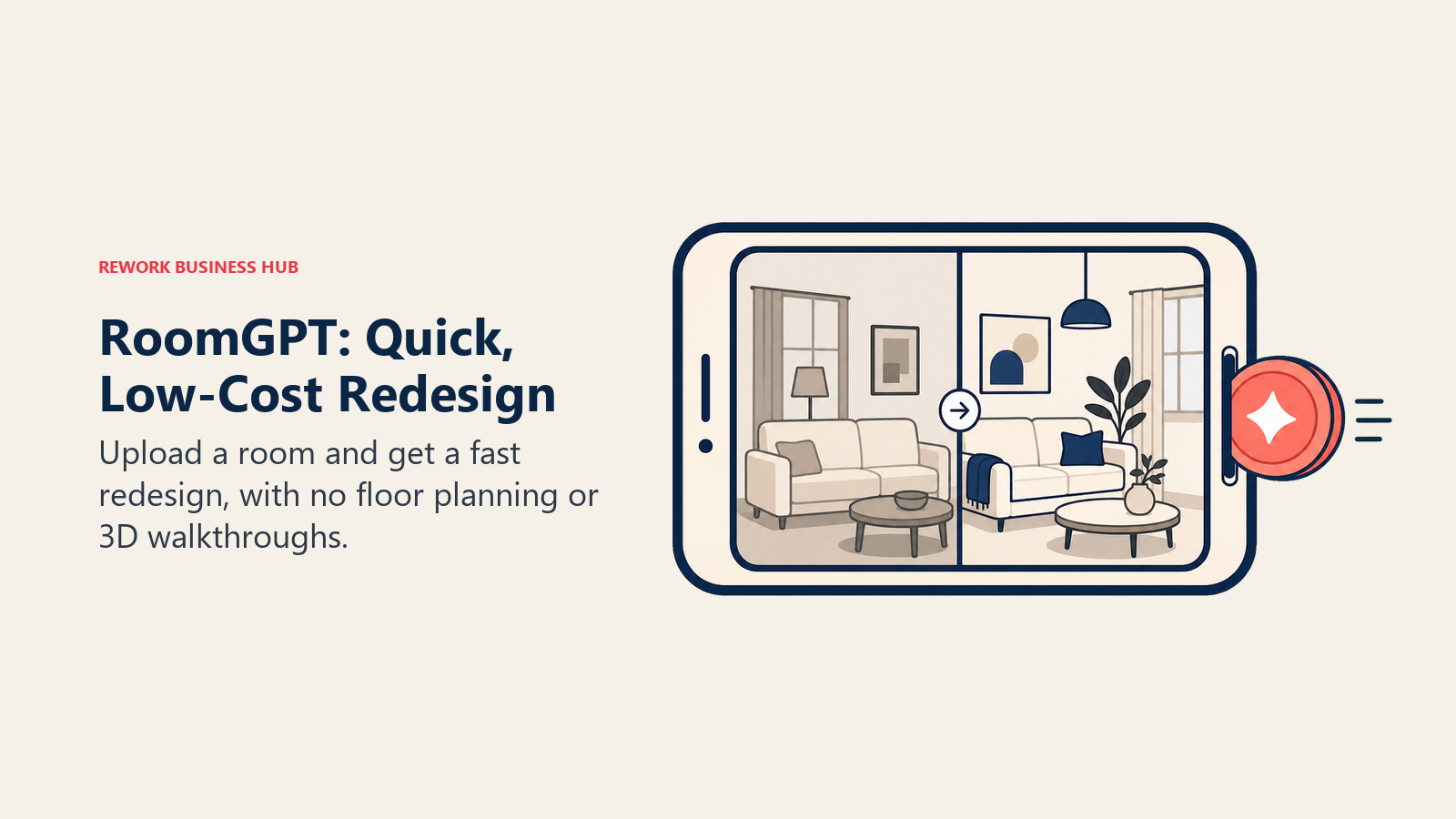
The free tier gives new users one credit, enough for a single room, after which additional credits run roughly $1 to $2 each, per third-party pricing trackers. A Basic plan around $15/month exists for people redesigning 10 or more rooms a year, which is a reasonable price if you're doing this regularly, but the lack of a generous free tier makes casual experimentation add up fast.
| What you get | What you don't |
|---|---|
| The simplest, fastest interface in the category | Only 1 free credit; real use requires paying |
| Recognizable, widely-used tool with a large user base | No floor-plan or 3D-walkthrough features |
| Reasonable monthly plan for frequent users | Style variety is thinner than Interior AI or Spacely |
| Fast turnaround per render | No real furniture shopping integration |
Pricing: 1 free credit; additional credits roughly $1 to $2 each; a Basic plan runs around $15/mo for regular use, per pricing trackers. Confirm current rates at roomgpt.io.
Best for: Anyone who wants a one-off redesign preview without learning a new tool
3. REimagine Home: Conversational Editing With Real Products
REimagine Home's differentiator is the editing flow itself. Instead of generating a static image and starting over if you don't like it, you describe changes in plain language ("make the sofa navy, swap the rug for something lighter") and it iterates on the same render. That conversational mode, available from the Pro tier up, is closer to working with a design assistant than clicking through style presets.
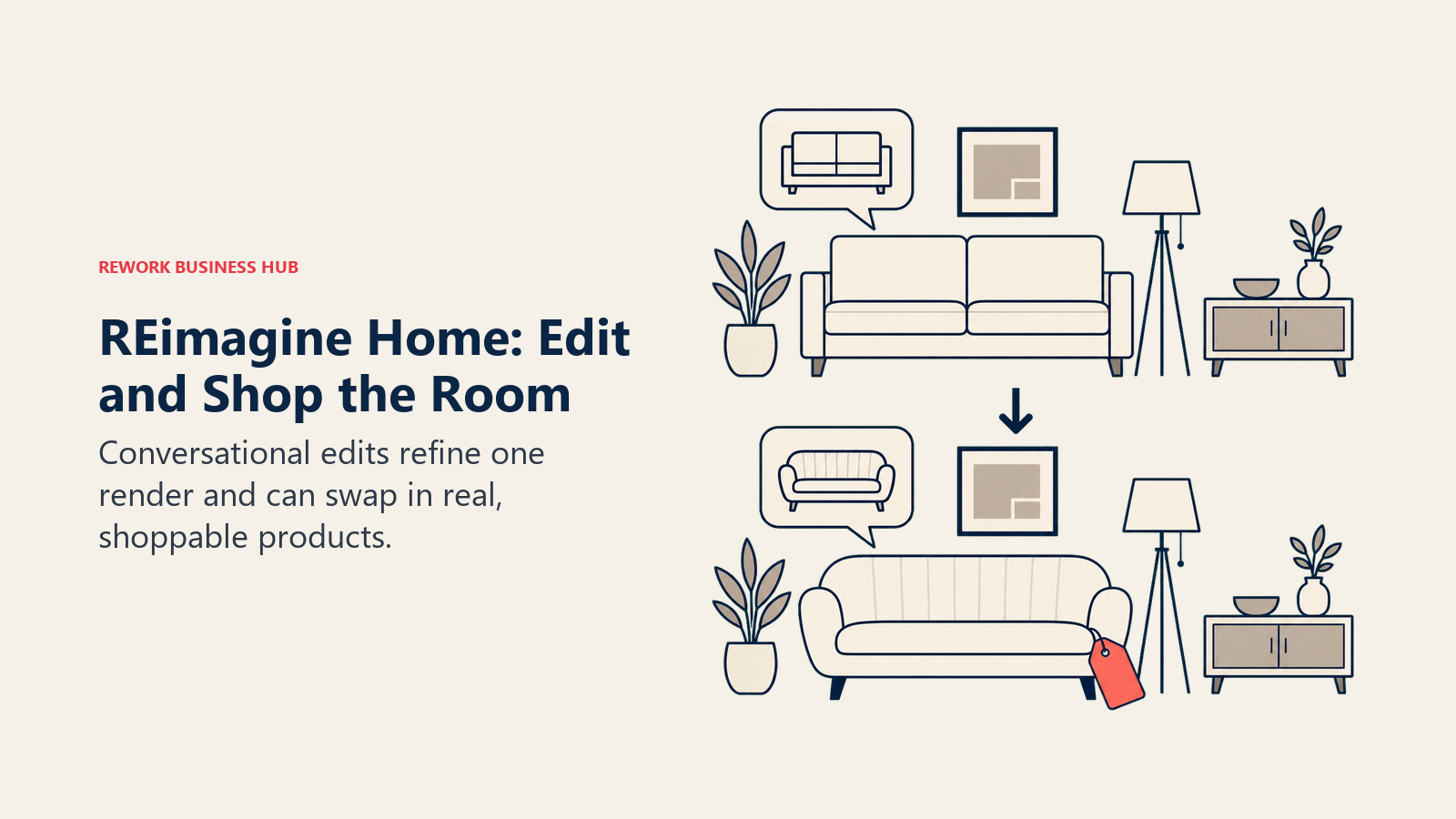
The other differentiator is real product placement: for 2 credits instead of 1, REimagine Home swaps in actual, shoppable furniture and decor rather than AI-imagined objects you can't buy anywhere. That matters if the end goal is an actual purchase, not just a visual, and it's a useful complement for home decor sellers who also lean on AI tools for ecommerce to merchandise those same products online. The Essential tier is the one catch, it uses the older, non-conversational tools, so budget-conscious users miss the tool's best feature unless they upgrade.
| What you get | What you don't |
|---|---|
| Conversational, iterative editing (Pro tier and up) | Essential tier lacks the conversational mode entirely |
| Real, shoppable product placement option | Costs 2 credits instead of 1 for real-product renders |
| 5 free designs to start, no card required | Credit allotments (30 to 900) require matching usage to the right tier |
| Reference-photo guidance for more accurate results | Higher tiers aimed at agencies, overkill for one homeowner |
Pricing: $14 to $99/mo across Essential, Pro, Advanced, and Agency tiers (30 to 900 credits/month)
Best for: Buyers who want to iterate on a design conversationally and end up with a real, buyable shopping list
4. Collov AI: Real Estate Staging at Volume
Collov AI is built specifically for real estate agents and brokerages, not homeowners redesigning their own space. Every plan includes commercial licensing for MLS listings, brochures, and ads out of the box, which matters because a homeowner-focused tool's terms of service often don't cover reselling or publicly listing the generated images.
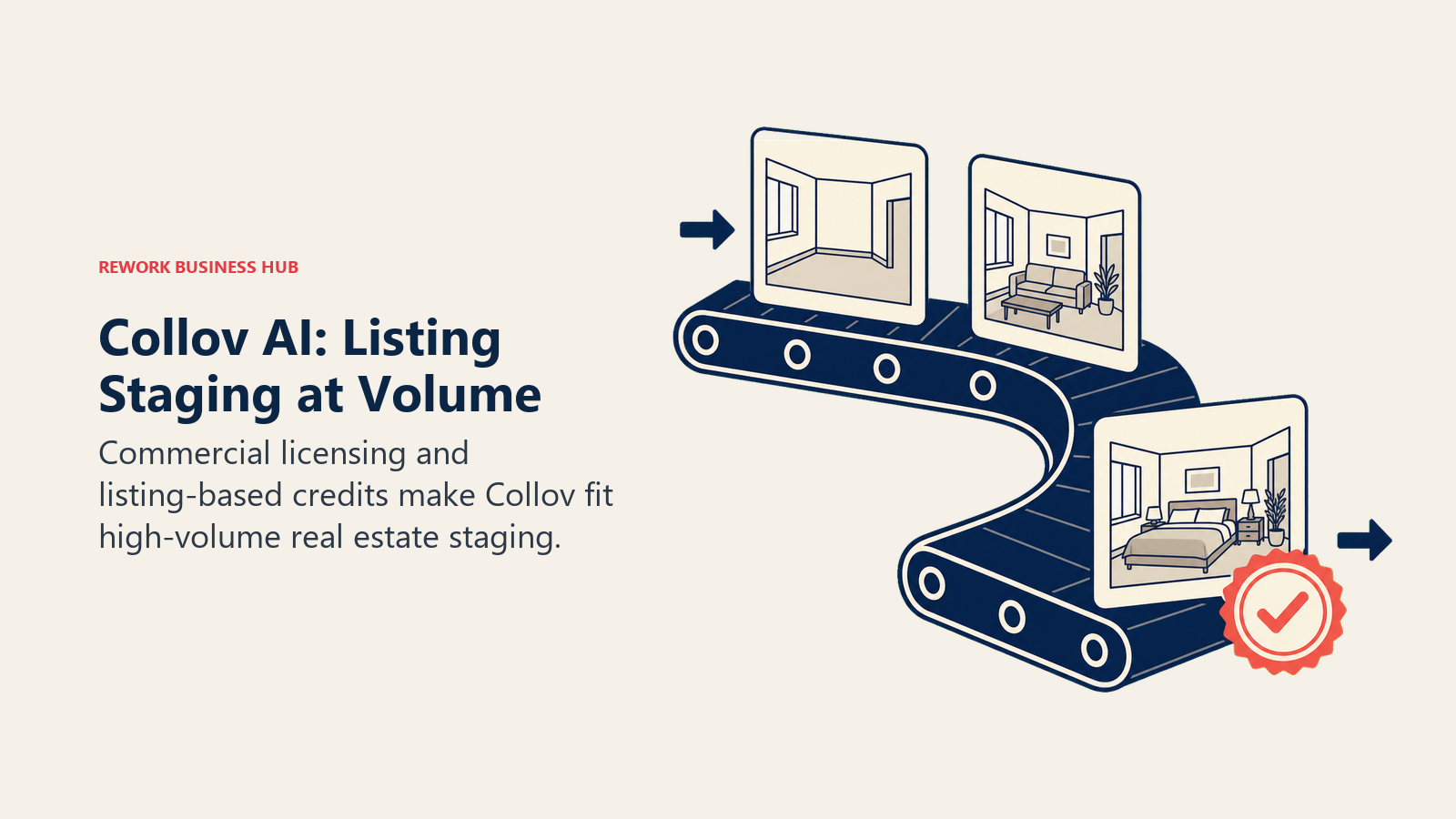
The pricing structure reflects that audience: it's priced and packaged around "how many listings am I staging this month," with the Standard plan's 60 photo credits fitting a handful of listings and the Enterprise tier's 526 credits built for a brokerage running staging across dozens of properties. If you're not staging listings professionally, the real estate-specific framing and pricing make this a worse fit than a general tool like Interior AI or RoomGPT.
| What you get | What you don't |
|---|---|
| Commercial/MLS licensing included on every plan | Built specifically for real estate, weaker fit for homeowners |
| Exterior editing suite unlocked at the Advanced tier | Entry tier (60 credits) covers only a few listings a month |
| Aggressive per-image pricing at higher tiers | No meaningful free tier to test before paying |
| Designed for brokerage-scale volume | Style variety narrower than general-purpose tools |
Pricing: Standard $19/mo (60 credits); Advanced $49/mo (150 credits); Premium $79/mo (263 credits); Enterprise $127/mo (526 credits), billed monthly or discounted annually
Best for: Real estate agents and brokerages staging multiple listings a month who need built-in commercial rights
5. Spacely AI: Balanced Interior and Exterior Editing
Most tools in this category focus almost entirely on interiors, leaving exterior and landscaping edits as an afterthought or missing feature. Spacely AI is one of the few that treats exterior editing (siding, roofing, landscaping, curb-appeal renders) as a genuinely built-out part of the product, not a bolted-on extra, which is the real reason to pick it over a pure interior tool.
Spacely moved from unlimited-render plans to a credit system in late 2025, which changed the math for heavy users. The free plan's 40 trial credits are enough to get a real sense of quality before paying, and the Studio plan (1,500 credits, up to 2 seats) is the practical middle tier for someone doing more than one room but not running an agency.
| What you get | What you don't |
|---|---|
| Genuine exterior/landscaping editing, not just interiors | Credit system means heavy use burns through allotments fast |
| 40 free trial credits with watermark-free downloads | Queue priority (faster renders) is tiered by plan |
| Support for 30+ currencies for international buyers | Personal plan (1 seat) doesn't cover small-team use |
| Clear credit top-up pricing if you run out | Fewer curated style presets than Interior AI |
Pricing: Free (40 credits); Personal $20/mo (500 credits); Studio $40/mo (1,500 credits); Agency $80/mo (3,500 credits), 20% off with annual billing
Best for: Buyers who need exterior and landscaping edits alongside interior redesigns
6. DreamHouse AI: Budget-Friendly Unlimited Rendering
DreamHouse AI's pitch is straightforward: a genuinely unlimited plan at a price closer to a streaming subscription than a design tool. For roughly $39/month, the unlimited tier removes render caps entirely and adds HD, watermark-free exports plus custom decor placement, which is a meaningfully different value proposition than the per-credit pricing most competitors use.
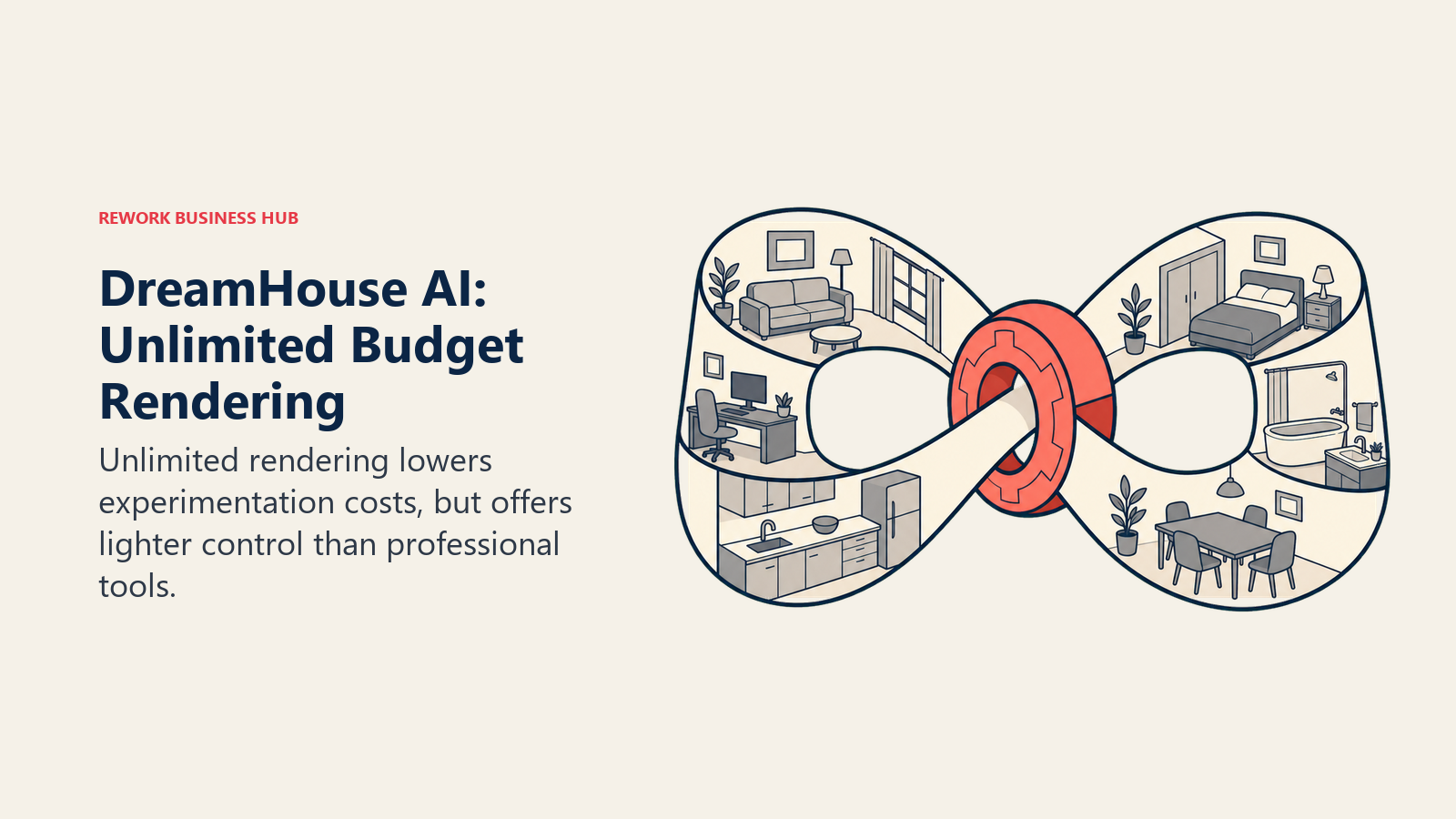
Reported pricing has varied across sources as the product has evolved (some list plans starting around $24/month, others cite pay-as-you-go credits as low as $0.05 per render), so it's worth confirming the current structure at checkout rather than trusting any single third-party summary, including this one. The core promise, unlimited or near-unlimited rendering at a lower price point than Interior AI or Collov, has held steady even as exact tier names shift.
| What you get | What you don't |
|---|---|
| Unlimited-render tier at a comparatively low price | Reported pricing varies across sources; confirm at signup |
| HD, watermark-free exports on paid plans | Smaller brand recognition than Interior AI or RoomGPT |
| Custom decor placement and AI virtual staging | Style library and polish feel less refined than category leaders |
| Free trial with no card required | Cloud storage and project folders are the main "pro" extras |
Pricing: Plans reported from roughly $24/mo, with an unlimited tier around $39/mo; pay-as-you-go credits from about $0.05/render. Confirm current pricing at dreamhouseai.com/pricing.
Best for: Frequent users who want unlimited or near-unlimited renders without a per-credit meter running
7. Homestyler: Free Floor Planning + a Massive Real Furniture Catalog
Homestyler's biggest asset isn't its AI restyle feature, it's the catalog behind it: more than 300,000 real, shoppable furniture and material items from actual manufacturers, mapped onto a genuinely usable free floor-planning tool. For anyone who wants to lay out a room to scale, not just restyle a photo, that combination is hard to match at this price.
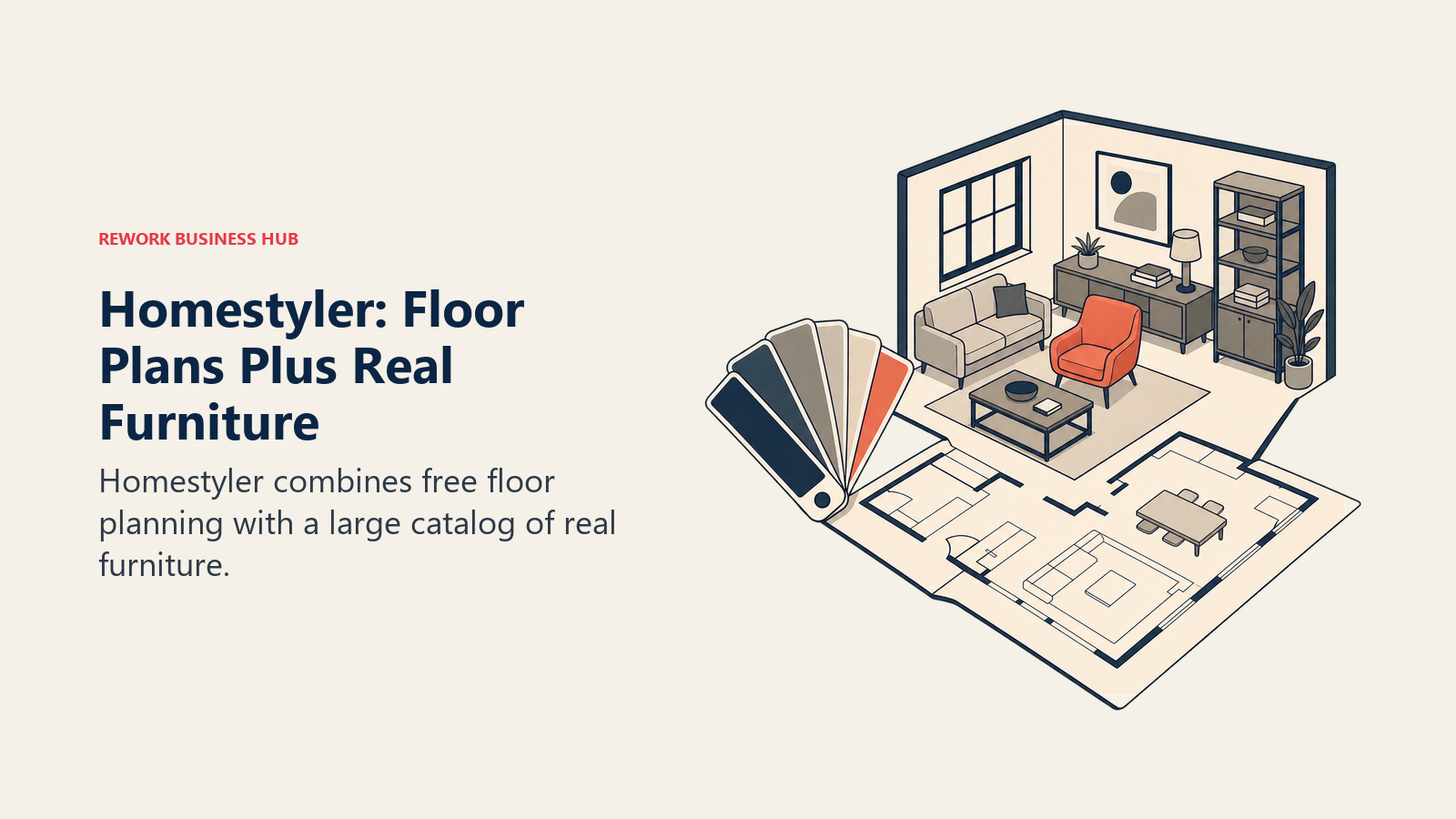
The AI-specific features (auto-generated style suggestions, quick restyle) are thinner than what a dedicated tool like Interior AI or RoomGPT offers, and most of the premium tiers ($4.90 to $19.60/mo) unlock rendering quality and model-library depth rather than net-new AI capability. Homestyler is best understood as a floor-planning and furniture-sourcing tool with AI features layered on top, not an AI-first restyle app. Canva has since added a similar AI interior design feature inside its broader design suite, worth a look if your team already lives in Canva; see our best Canva alternatives roundup if you're weighing Canva against dedicated design tools more generally.
| What you get | What you don't |
|---|---|
| Genuinely free 2D/3D floor planning | AI restyle features are thinner than dedicated tools |
| 300,000+ real, shoppable furniture and material items | Premium tiers are cheap but fragmented across several names |
| Both 2D floor plans and 3D renders in one tool | Team plan pricing is per-seat, adds up for small firms |
| Low-cost entry tiers ($4.90 to $9.90/mo) | Less "wow factor" restyle output than photo-first competitors |
Pricing: Free (Basic); Individual $4.90/mo; Master $9.90/mo; Team $19.60/seat/mo; Enterprise custom
Best for: Anyone who wants to plan a room to scale with real, buyable furniture, not just restyle a photo
8. Foyr Neo: Professional-Grade Output for Working Designers
Foyr Neo is aimed squarely at people who design rooms for a living, not homeowners previewing their own space. It combines 3D walkthroughs, AR visualization, and CAD-adjacent project tools into one platform, which makes it closer to a lightweight alternative to SketchUp or Chief Architect than to a photo-restyle app like RoomGPT. Designers who need to turn those walkthroughs into finished marketing clips can pair Foyr Neo with a tool from our best AI video generators in 2026 list.
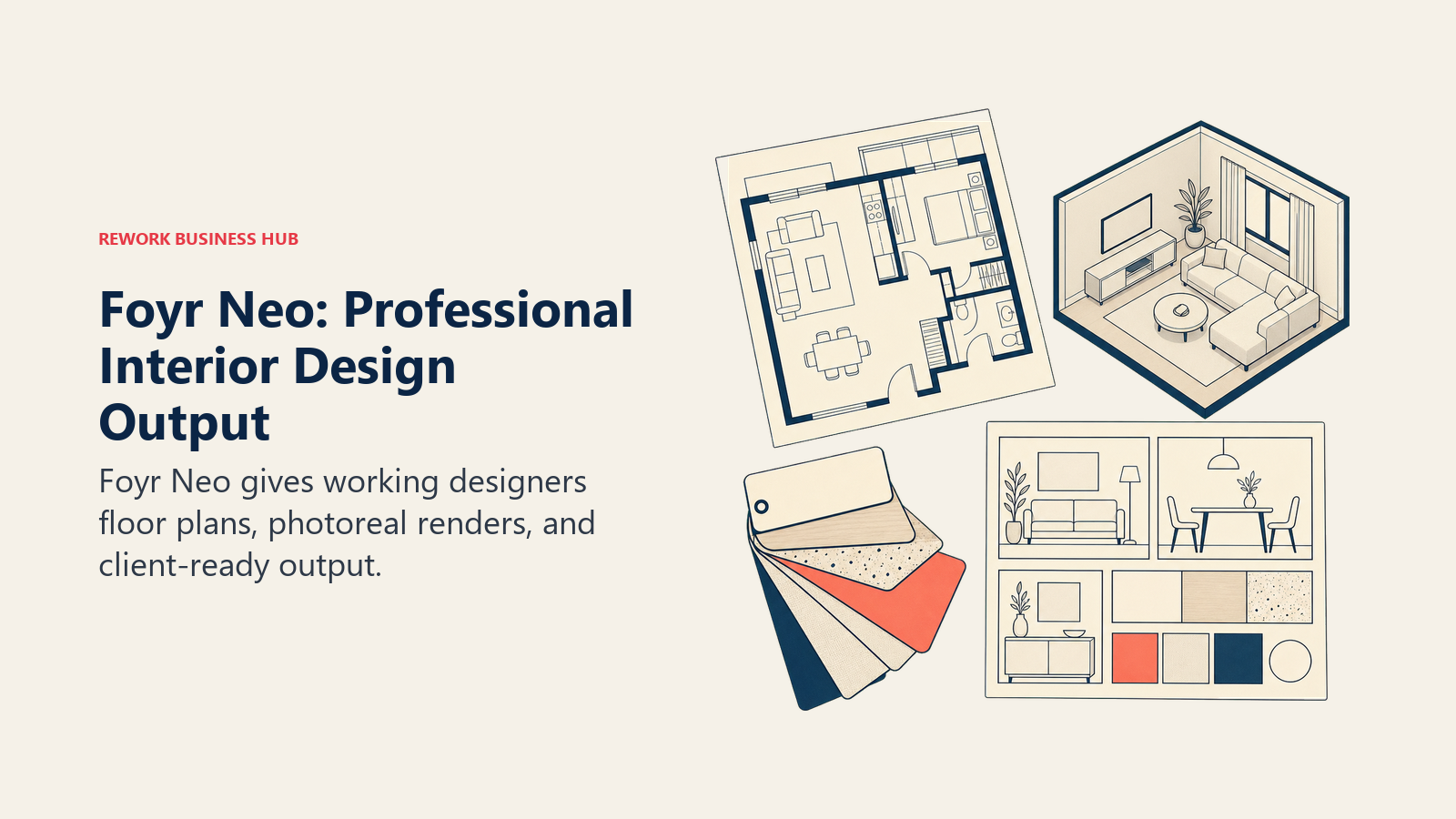
That professional focus shows up in both the price and the feature set. The Basic plan's 30 render credits and single-user limit fit a solo designer testing the platform, but the real value is in Standard and Premium, where 3D walkthroughs, AR, and multi-seat access turn Foyr Neo into an actual client-presentation tool. If you just want to see your own living room in a new color scheme, this is more tool (and cost) than you need.
| What you get | What you don't |
|---|---|
| 3D walkthroughs and AR visualization | Overkill and expensive for previewing a single room |
| CAD-adjacent project and client-presentation tools | Basic plan's 30 credits and 1 seat are limiting fast |
| 12K rendering and a dedicated success manager (Premium) | Steeper learning curve than a photo-restyle app |
| Multi-seat access on Standard and Premium | Free trial exists but the real product needs a paid plan |
Best for: Working interior designers who need client presentations, not homeowners previewing their own room
9. Planner 5D: Beginner-Friendly Floor Plans With an AI Layer
Planner 5D built its name as a floor-planning tool years before "AI interior design" was a category, and that history shows in the product: a genuinely capable free plan (unlimited projects, roughly half the furniture catalog, cross-device access) with an AI Design Generator layered on top at the Premium tier. For someone who wants both a to-scale floor plan and an AI-generated style suggestion, it's one of the few tools that does both reasonably well.
The pricing jump between tiers is worth noting: Premium is cheap at $4.99/month, but Professional (unlimited 4K renders, custom 3D model uploads, 360-degree walkthroughs, CAD export) jumps to $49.99/month, a 10x increase for features aimed squarely at professionals rather than homeowners.
| What you get | What you don't |
|---|---|
| A genuinely usable free floor-planning tool | Free tier caps you at roughly half the furniture catalog |
| AI Design Generator at a low $4.99/mo Premium tier | Professional tier ($49.99/mo) is a steep jump from Premium |
| Floor-plan upload conversion (photo of a plan to digital) | AI output is more "suggestion" than photorealistic restyle |
| Both 2D and 3D views in one workflow | 360 walkthroughs and CAD export are Professional-only |
Pricing: Free; Premium $4.99/mo ($59.99/yr); Professional $49.99/mo ($399.99/yr); Enterprise custom
Best for: Homeowners who want an actual floor plan, not just a restyled photo, plus a light AI layer on top
10. Decorai: Fast, Mobile-First Redesign
Decorai's whole product is built around speed on a phone: open the app, snap or upload a room photo, and get a restyled version back without touching a desktop tool. It's less feature-rich than Homestyler or Foyr Neo, but for someone who just wants to see a redesign idea while standing in the actual room, the mobile-first workflow is the point, not a limitation.
Pricing is genuinely confusing across the web platform and mobile app: the web platform runs $24/month (or $14/month billed annually) for unlimited renders, while the mobile app sells a separate $39.99/year Pro subscription. Check which version you're actually signing up for before paying, since the two aren't the same purchase.
| What you get | What you don't |
|---|---|
| Fast, phone-first redesign workflow | Web and mobile app pricing are separate, easy to confuse |
| Unlimited renders on the top web tier | Fewer style presets and furniture options than desktop rivals |
| Commercial usage license on every plan | Free tier is limited; real use requires a subscription |
| Annual billing cuts the monthly price roughly in half | No floor-planning or 3D-walkthrough features |
Pricing: Web: Starter $24/mo ($14/mo annual); Pro $49/mo ($29/mo annual); Unlimited $79/mo ($49/mo annual, unlimited designs); mobile app Pro is a separate $39.99/yr subscription
Best for: Anyone who wants to preview a redesign from their phone while standing in the room
11. AI Room Planner: Zero-Cost Experimentation
AI Room Planner is currently in beta and free to use with no stated limit, which makes it the lowest-friction way to try AI interior design without committing a dollar. It won't match the polish of a funded, subscription-based competitor, but for pure experimentation, price and access are hard to beat.

The obvious catch is that beta pricing can change without notice, and a free-forever beta is often a signal that monetization is still being figured out. Treat this as a genuinely useful free option today, not a guaranteed-free tool a year from now.
| What you get | What you don't |
|---|---|
| Completely free access during the current beta | Beta status means pricing could change without warning |
| No signup friction to start experimenting | Output polish trails funded, subscription-based competitors |
| Good for testing ideas before paying for anything else | Feature set is narrower than established tools |
| No credit-tracking or paywall to navigate | Long-term product roadmap is less certain than category leaders |
Pricing: Free during the current beta period, per airoomplanner.com
Best for: Budget-conscious users who want to experiment with zero financial commitment
12. Midjourney: Maximum Creative Range for Moodboards
Midjourney isn't an interior design tool in the way the rest of this list is, it's a general-purpose AI image model that happens to produce the most visually striking, least generic-looking room concepts of anything here. Designers and stylists reach for it specifically when they want inspiration or a moodboard, not a to-scale, buildable plan of their actual room. For a deeper look at how it stacks up against other image models, see our best AI image generators in 2026 roundup.
The limitation is exactly what you'd expect from a general image model applied to a spatial problem: no room-accurate layout awareness, no floor plan, and no guarantee the generated furniture exists anywhere you could buy it. It's a concepting tool, not a planning tool.
| What you get | What you don't |
|---|---|
| The most distinctive, least template-like room concepts | No spatial or layout accuracy, purely a generated image |
| Unlimited relaxed-mode generation on Standard and up | No connection to your room's actual dimensions or photo |
| Widely used by designers for early-stage inspiration | Furniture shown often isn't real or purchasable |
| Commercial use rights on every paid plan | No free trial; subscription required from day one |
Pricing: Basic $10/mo; Standard $30/mo; Pro $60/mo; Mega $120/mo (20% off with annual billing)
Best for: Designers and stylists who want raw creative inspiration, not a buildable plan of their actual room
13. ChatGPT: General-Purpose Research and Planning Assistant
ChatGPT isn't purpose-built for interior design, but it's the tool most people already have open, and its combination of image generation with real conversation makes it genuinely useful for the planning side of a room redesign, not just the visual. You can generate a styled room image, then ask it to build a shopping list, estimate a rough budget, or explain how to sequence a DIY project, all in the same conversation. Our Claude vs ChatGPT vs Gemini comparison covers how it stacks up against other assistants for this kind of mixed research-and-visual work.
The honest limitation is photorealism and spatial accuracy. ChatGPT's image generation (GPT Image) is good at style and mood but weaker than dedicated tools like Interior AI or Spacely at preserving your room's actual layout, windows, and proportions in the redesigned version.
| What you get | What you don't |
|---|---|
| Combines room visuals with real planning conversation | Weaker photorealism and spatial accuracy than dedicated tools |
| Free tier available; no separate app to learn | Roughly 50 images per 3-hour window on Plus, not unlimited |
| Can generate budgets, shopping lists, DIY sequencing | Won't preserve your exact room layout as reliably as photo-restyle tools |
| One assistant for design plus every other planning task | Not built for real estate commercial licensing or MLS use |
Pricing: Free; Plus $20/mo; Pro $200/mo
Best for: Anyone who wants visuals plus real planning help (budgets, shopping lists, next steps) in one place
AI Interior Design Buying Mistakes to Avoid
Most disappointing results in this category aren't a quality problem, they're a mismatch between the tool and the actual job. Before you pick one, check the mistakes below against what you're really trying to do. If you're weighing a broader AI toolkit for a small business built around home services, our best AI tools for small business guide is a useful next read.
| Mistake | What It Looks Like | What to Do Instead |
|---|---|---|
| Picking a homeowner tool for a real estate business | Using RoomGPT for MLS staging with no commercial license | Use Collov AI or REimagine Home, both include commercial rights |
| Buying a professional tool for a single-room preview | Paying $89/mo for Foyr Neo to see one repainted wall | Start with a free or low-cost tool like RoomGPT or AI Room Planner |
| Assuming the generated furniture is buyable | Falling in love with a chair that doesn't exist anywhere | Use a real-product mode (REimagine Home, Homestyler) if you plan to shop |
| Ignoring the credit system until you run out | Burning through a month's credits in one afternoon of iterating | Check credits-per-render and your expected usage before subscribing |
| Treating Midjourney or ChatGPT output as a buildable plan | Trying to recreate a Midjourney room exactly in your space | Use these for inspiration only, then a spatial tool for the real layout |
| Skipping the free tier before paying | Committing to a $49 to $99/mo plan on day one | Test with a free tier or trial credits first; quality varies more than price suggests |
Decision Framework
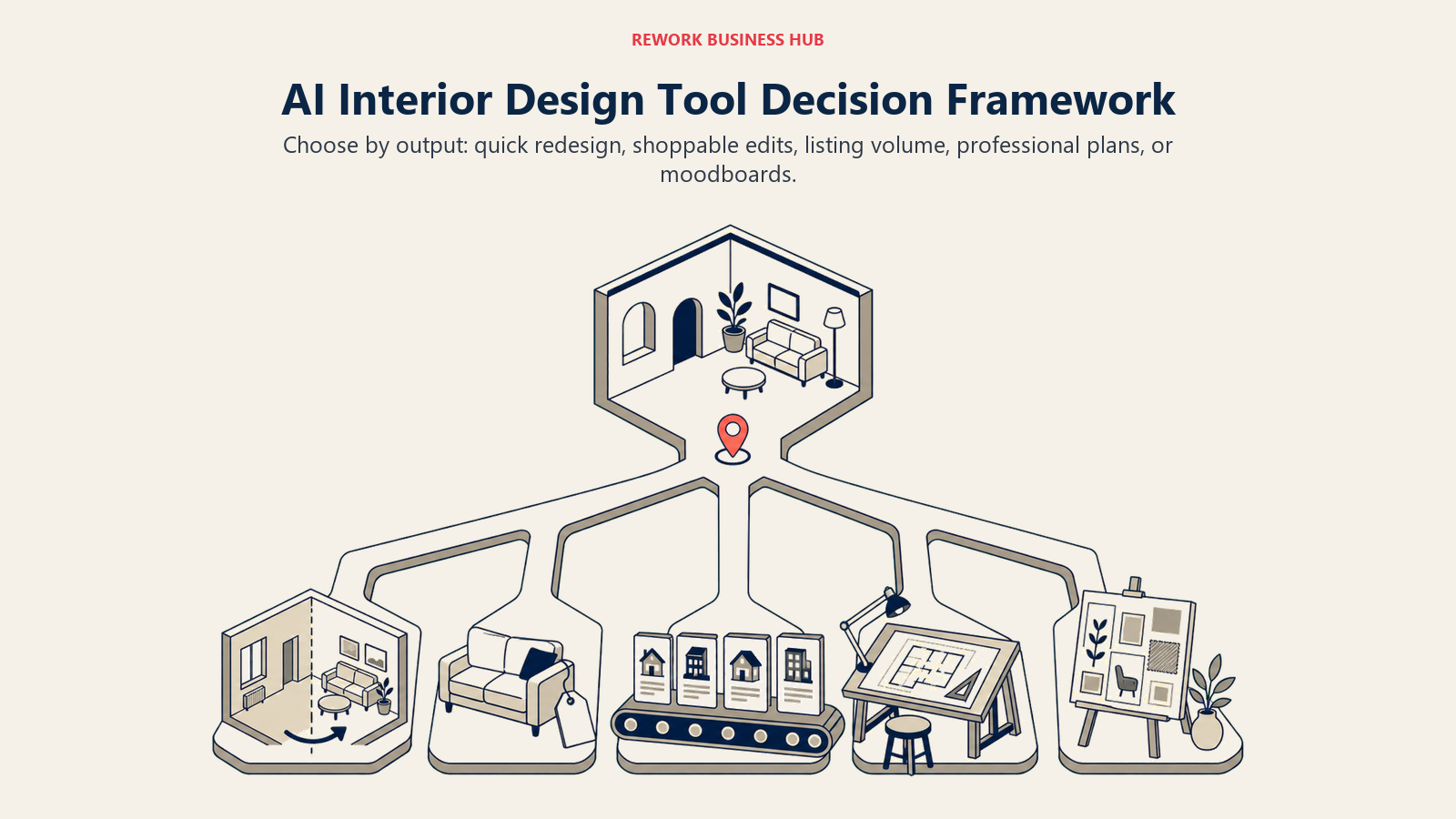
The best fit depends on whether you need a quick restyle, real products, listing volume, accurate floor plans, or client-ready presentations.
| If you need... | Pick... | Why |
|---|---|---|
| The widest range of finished, styled looks | Interior AI | 40+ presets, virtual staging, strong overall polish |
| The cheapest way to try a single redesign | RoomGPT | Simple, fast, minimal learning curve |
| Iterative editing with real, shoppable furniture | REimagine Home | Conversational editing plus real product placement |
| Commercial-ready staging for real estate listings | Collov AI | Built-in MLS licensing, priced for agent workflows |
| Interior and exterior edits in one tool | Spacely AI | One of the few with a genuine exterior/landscaping suite |
| Unlimited rendering on a tight budget | DreamHouse AI | Lower-cost unlimited tier vs credit-metered rivals |
| A free floor plan plus a real furniture catalog | Homestyler | 300,000+ real items, genuinely free base tool |
| Client presentations as a working designer | Foyr Neo | 3D walkthroughs, AR, CAD-adjacent project tools |
| A to-scale floor plan with a light AI layer | Planner 5D | Real floor planning, AI Design Generator at $4.99/mo |
| A quick redesign from your phone | Decorai | Mobile-first workflow, unlimited top tier |
| Zero-cost experimentation | AI Room Planner | Free during its current beta, no signup friction |
| Maximum creative range for a moodboard | Midjourney | Most distinctive output, used by designers for inspiration |
| Visuals plus real planning help in one place | ChatGPT | Combines image generation with budgets and shopping lists |
What to Do Next
Match the tool to the actual job before you pay for anything. If you just want to see a redesign idea, start free with RoomGPT, AI Room Planner, or Homestyler's Basic tier before committing to a subscription. If you're staging real listings, go straight to Collov AI or REimagine Home for the commercial licensing you'll actually need. And if you're a working designer who needs more than a single restyled photo, Foyr Neo or Homestyler's paid tiers are worth the higher price because they replace a heavier, more expensive professional tool, not because they're the flashiest demo in the category.

Principal Product Marketing Strategist
On this page
- Updated July 2026: What Changed
- Key Facts
- Quick Comparison Table
- Which Tool Fits Your Situation
- 1. Interior AI: Broadest Style Library
- 2. RoomGPT: Cheapest Way to Try AI Redesign
- 3. REimagine Home: Conversational Editing With Real Products
- 4. Collov AI: Real Estate Staging at Volume
- 5. Spacely AI: Balanced Interior and Exterior Editing
- 6. DreamHouse AI: Budget-Friendly Unlimited Rendering
- 7. Homestyler: Free Floor Planning + a Massive Real Furniture Catalog
- 8. Foyr Neo: Professional-Grade Output for Working Designers
- 9. Planner 5D: Beginner-Friendly Floor Plans With an AI Layer
- 10. Decorai: Fast, Mobile-First Redesign
- 11. AI Room Planner: Zero-Cost Experimentation
- 12. Midjourney: Maximum Creative Range for Moodboards
- 13. ChatGPT: General-Purpose Research and Planning Assistant
- AI Interior Design Buying Mistakes to Avoid
- Decision Framework
- What to Do Next