Analyze:AIが収集したデータをどう理解するか
Turn this article into takeaways for your work.


Each assistant summarizes the article only for you and suggests best practices for your work.
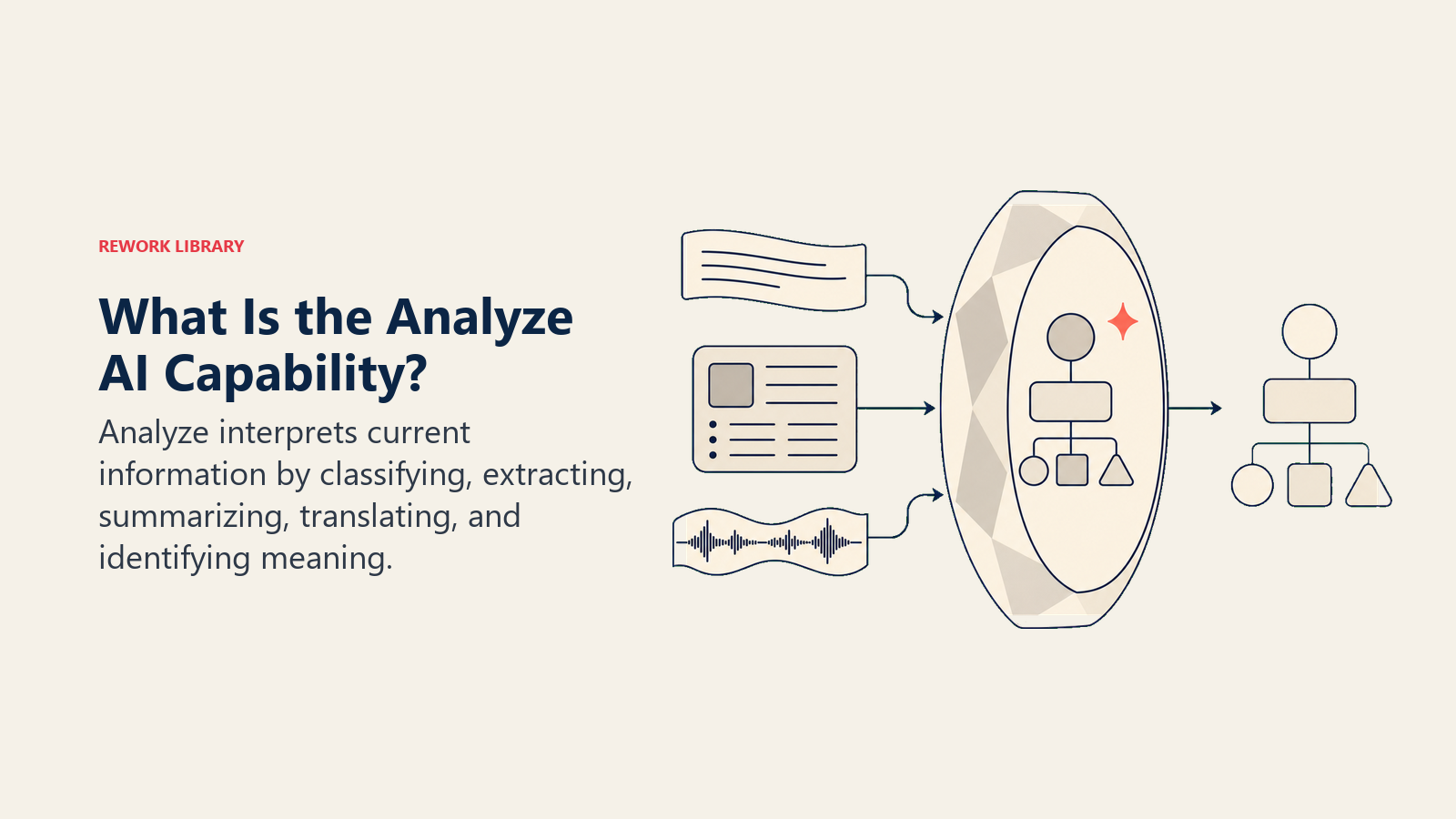
生データは、何かがそれを理解するまで資産にはなりません。それがAnalyzeの仕事です。そして、ベンダーが認めるかどうかにかかわらず、「AI搭載」をうたう製品の多くが実際に行っているのも、この仕事です。
インテリジェントルーティング、スマートタグ付け、自動スコアリング、センチメント分析など、呼び方はさまざまです。しかし、AIが何かを分類し、そこからフィールドを抽出し、あるいは要約しているなら、それはAnalyze機能です。ビジネスAIで最も一般的な機能でありながら、一握りの運用がしっかりしたチームを除けば、最も理解されていない機能でもあります。
モデルのせいにされるAIの失敗の多くは、実はAnalyzeレイヤーでの失敗です。誤ったカテゴリ。汎化しなかったトレーニングデータ。パイロットでは機能したのに、本番で静かに劣化した分類。出力が自信ありげに見えたため、誤りが高くつくまで誰も確認しなかったのです。
この記事は、Analyzeが実際に何をするのか、どこで確実に機能し、どこで壊れ、どうすれば責任を持たせられるのかを理解したいすべてのオペレーターのためのものです。
Analyzeが実際に行うこと
ACEフレームワークでは、Analyzeは5つのコア機能の2番目です:Ingest、Analyze、Predict、Generate、Execute。Ingestがデータを取り込むなら、Analyzeはそれを理解します。
Analyzeは取り込んだ情報を受け取り、「これは何か?」という問いに答えます。分類します。抽出します。要約します。翻訳します。誰が何を言い、どう感じ、何を求めていたかを識別します。
Predictは別の問いに答えます:「何が起きるか?」Analyzeは現在と過去に向いています。現在の状態を解釈します。このメールはクレームです、この契約には90日の支払い条項が含まれています、この顧客は不満を感じています。Predictはその解釈をもう一歩先へ進め、次に起きそうなことを予測します。
Searchはまた別です。Searchは文書を返します。Analyzeは意味を返します。「支払い条項に関する契約を探して」と知識ベースに尋ねるのはSearchです。「過去50件の契約における典型的な支払い条項を要約して」と尋ねるのはAnalyze(アウトプットにGenerateが加わる)です。
この違いは重要です。なぜなら、多くのAIツールが3つすべてを混同しているからです。実際にどの機能を使っているかを知ることで、どの失敗モードを予期すべきか、どの入力が必要かがわかります。
Analyzeの6つのサブ機能
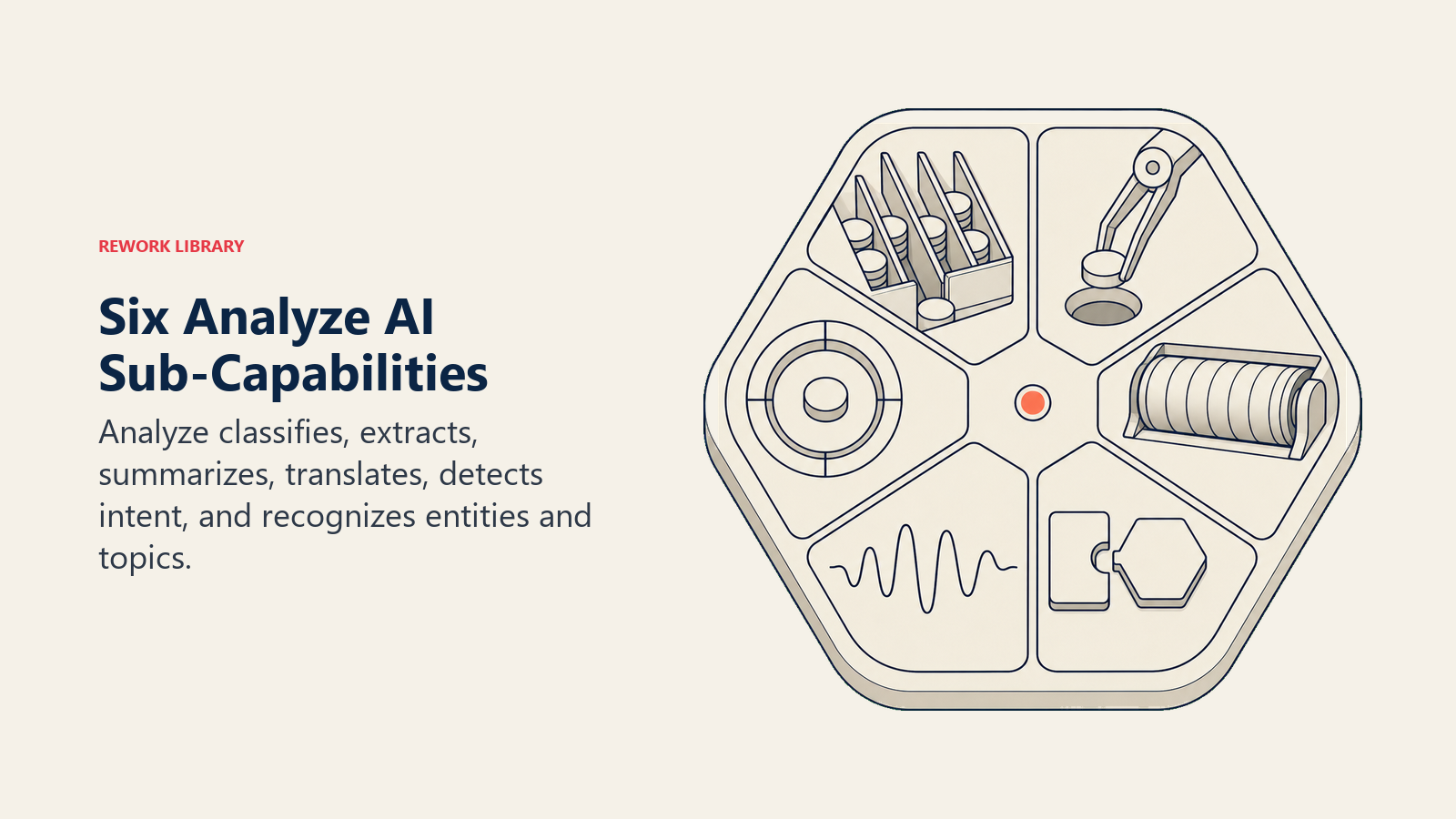
Analyzeは5つのACE機能の中で最も広範です。6つの異なる操作を包含し、それらはしばしば連携して機能しますが、個別に失敗することもあります。
1. 分類
分類は最も基本的なAnalyze操作です:何かをカテゴリに分けること。このメールは緊急かルーティンか?このリードは適格か否か?このサポートチケットは請求に関する質問か、バグレポートか、機能要望か?
分類器はラベルを割り当てます。二項(はい/いいえ)、多クラス(10のカテゴリのどれか?)、またはマルチラベル(セットから該当するすべてのカテゴリ)であり得ます。分類の品質は、モデルが学習したトレーニングデータの品質と関連性に完全に依存します。
これがLisaの採用ツールが躓いた場所です。分類器は地域の職種名の慣習をまたいで一般化しないトレーニングデータで訓練されていました。トレーニングデータの分布内では候補者を正しく分類し、それ以外ではすべて誤りました。
2. 抽出
抽出は非構造化テキストから特定の情報を取り出します。ベンダー契約から支払い条件、責任上限、更新条件を抽出する。履歴書からスキルごとの経験年数、直近の雇用主、学歴を抽出する。サポートチケットから製品バージョンとエラーコードを抽出する。
生のテキストが入り、構造化されたフィールドが出てきます。spaCy、Hugging Faceトランスフォーマー、OpenAIとAnthropicのAPIはすべて強力な抽出機能を持ちます。抽出が失敗するのは曖昧さの境界においてです:文脈なしに文書から「田中」を抽出する場合(どの田中?)、または複数のイベントを指す可能性のある日付を取り出す場合などです。
3. 要約
要約は長いコンテンツをその重要点に凝縮します。60ページのRFPが2段落になります。90分のセールスコールが5つのアクションアイテムと3つの異議になります。5,000件のアンケート回答が12のテーマになります。
良い要約は見た目よりも難しいです。モデルは何が重要かを判断する必要があり、そのためにはコンテキストと意図を理解することが必要です。調達向けの法的契約の要約は、コンプライアンス向けの要約とは異なります。対象者を指定できないツールは、実際に重要なことを見逃す汎用的な要約を生み出します。
GongとChorus(現在ZoomInfo傘下)はセールスコールの要約を主要製品として提供しています。Snowflake Cortexは構造化データクエリに対する要約機能を含んでいます。
4. 翻訳
ACEフレームワークにおける翻訳は言語翻訳よりも広い概念です。フォーマット翻訳も含みます:コードからドキュメント、データからナラティブ、音声からテキストへの変換です。
言語翻訳(英語からスペイン語、日本語からフランス語)はAIにおいてコモディティグレードになっています。難しいのはドメイン翻訳です。技術的な専門用語をエグゼクティブが行動できる平易な言語に変換する、またはカスタマーフィードバックを構造化された製品要件に翻訳する、といったことです。この種の翻訳は依然としてコンテキストとフレーミングに非常に敏感です。
5. センチメント・意図検出
センチメント検出は答えます:この文章を書いた人はどう感じているか?ポジティブ、ネガティブ、中立、あるいはより詳細に:不満、満足、混乱。意図検出は問います:この人が達成したいことは何か?
この2つはしばしばペアになりますが、混同してはなりません。「ついにこの機能がリリースされたんですね。何年も待っていました」と書く顧客はポジティブなセンチメントを持っていますが、暗にクレームを表明しています。意図検出はこれをサポートリクエストではなく機能採用メッセージとしてフラグを立てます。
センチメントと意図分析は、Zendesk AIが怒った顧客をシニアエージェントにルーティングしたり、Intercom Finがヘルプを必要としている顧客とChurn間近の顧客を区別したりすることを可能にします。
6. エンティティ・トピック認識
エンティティ認識はテキスト内の名前付きのものを識別・分類します:人、組織、日付、製品、場所、通貨、契約金額。トピック認識は、名前付きエンティティに依存せずにテキストが何について書かれているかを識別します。
エンティティ認識は「3月4日、Acme社はソフトウェアサービスで24万ドルの契約を締結した」を読み取り、日付(3月4日)、組織(Acme社)、金額(24万ドル)、種類(ソフトウェアサービス)を抽出します。トピックモデルはサポートチケットのコーパスを読んで、誰かが事前にラベルを付けることなく、クラスター(「アカウントアクセス」「請求の不一致」「機能要望」「パフォーマンス問題」)を識別します。
どちらも大量の非構造化データをスケールでナビゲーション可能にするための基本的な機能です。
6つの実際のビジネス事例
以下の各ワークフローは、中心的なサブ機能にタグをつけています。
受信トレイのトリアージ [分類+意図]: OpenAI API経由のAnalyzeレイヤーが1日500件の受信メールを「今日中に返信が必要」「FYIのみ」「返信不要」に分類し、最初のカテゴリ内で意図をタグ付けします。優先メッセージへの返信時間が60%短縮されました。
サポートチケットルーティング [分類+抽出]: Zendesk AIレイヤーが各チケットを問題タイプ別にタグ付けし、製品バージョンとアカウントティアを抽出します。チケットは自動的にルーティングされ、エンタープライズSLA達成率が71%から94%に向上しました。
セールスコール分析 [要約+センチメント]: GongまたはChorusを使って、すべての録音コールから要約、提起された上位3つの異議、見込み顧客のセンチメントの推移、競合製品への言及が生成されます。コーチングの会話が汎用的なものから具体的なものに変わります。
アンケート統合 [トピック認識+要約]: 5,000件の自由記述アンケート回答がHugging FaceトピックモデリングまたはクラスAPI経由で処理され、代表的な引用とセンチメントの内訳を含む12のテーマが約4時間で生成されます。AIなしでは2人が同じ作業に1週間かけていました。
履歴書選考 [抽出+分類]: パイロット後のLisaの会社は、Analyzeを抽出専用に使います。スキルごとの経験年数、直近の役職、資格を構造化フィールドに取り出します。採用担当者がそのフィールドを自分でフィルタリングとランク付けします。精度が向上し、「職種名の別表記」の問題はなくなります。採用担当者はブラックボックスのスコアではなく基礎データを見るからです。
カスタマーフィードバック分析 [センチメント+エンティティ認識]: Anthropic API上のAnalyzeパイプラインが言及された製品機能を抽出し、機能ごとにセンチメントを割り当て、顧客が称賛・批判するものをランク付けしたリストを生成します。プロダクトチームは四半期ごとの手動分析を待たずに1日以内に実行可能なインプットを得ます。
Analyze対Predict:最も重要な区別
これが最もコストがかかる混乱です。多くのAI製品は実際には予測をしているのに「分析」としてデータを記述します。ACEフレームワークにおける区別は時間的志向性です。
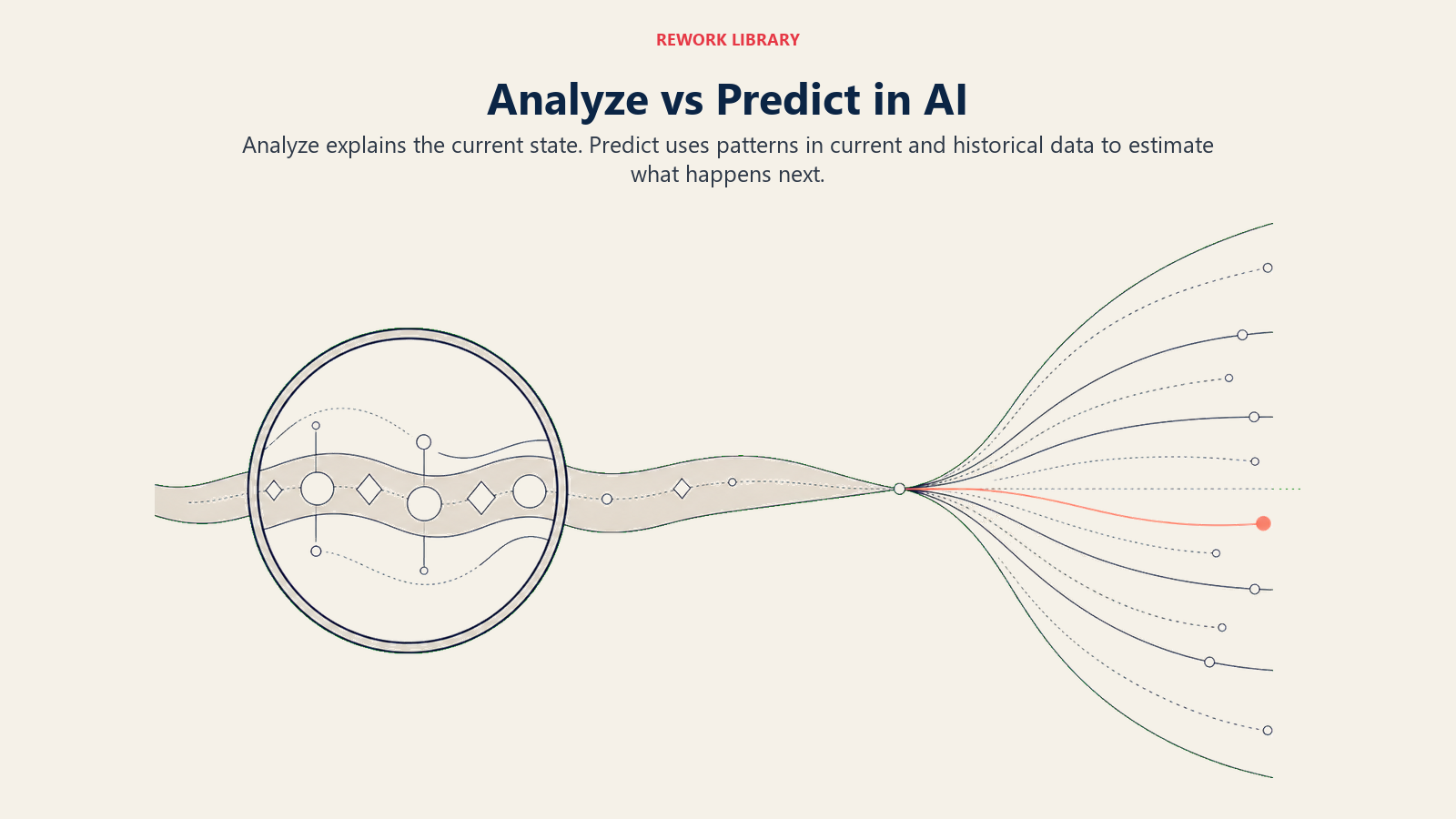
Analyzeは現在を解釈します。 このメールは請求クレームです。このコールには3つの異議がありました。この顧客はネガティブなセンチメントを持っています。これらのステートメントは、持っているデータに基づいて現在の状態を記述します。
Predictは将来を予測します。 この顧客は来四半期に73%の確率でChurnします。このリードは82%の確率でクローズします。この取引は99.4%の確率で不正です。これらのステートメントは過去のパターンに基づいて先を見通します。
失敗モードも異なります。Analyzeはカテゴリが誤っている、トレーニングデータが古い、またはコンテキストが曖昧な場合に失敗します。Predictは過去のパターンが現在の実態を反映しなくなった場合に失敗します。
「このリードは良い適合だ」と言うリードスコアリングツールはAnalyzeです(現在の属性に基づいた適合スコア)。「このリードはQ2に78%の確率でクローズする」と言うリードスコアリングツールはPredictです。どちらも有用です。どちらも異なる失敗をします。どちらを持っているかを知ることで、どの問題に注意すべきかがわかります。
Analyze対Search:2つの異なる役割
Searchは文書を返します。Analyzeは意味を返します。「請求に関する顧客のクレーム」を検索すると文書が得られます。「過去6ヶ月の請求関連チケットで顧客がクレームしたことを要約して」とAnalyzeに尋ねると、テーマ、頻度、代表的な引用、センチメントパターンが得られます。
実際のAIワークフローのほとんどは両方を組み合わせます:関連する文書を取得し(Ingest+検索)、次にAnalyzeで取得したものを理解し、次にGenerateで返答またはレポートを生成します。この組み合わせはRAG(Retrieval-Augmented Generation)パターンであり、Analyzeはそれを機能させる中間ステップです。
Analyzeの一般的なツール
| ユースケース | ツール |
|---|---|
| テキスト分類、抽出、センチメント | OpenAI API、Anthropic API、Hugging Face Transformers |
| NLPとエンティティ認識 | spaCy、Hugging Face、AWS Comprehend |
| セールスコール分析 | Gong、Chorus(ZoomInfo)、Fireflies |
| 構造化データ分析 | Snowflake Cortex、DuckDB、Google BigQuery ML |
| カスタマーサポート分類 | Zendesk AI、Intercom Fin、Freshdesk Freddy |
ほとんどの中規模企業はAnalyze機能をゼロから構築しません。プラットフォーム内にバンドルされて購入するか(セールスコールにはGong、サポートにはZendesk)、APIを通じて使用してカスタムワークフローを構築します(OpenAI、Anthropic)。APIルートはより多くの制御をもたらし、バンドルされたルートは早く出荷できます。
AnalyzeがどのようにACEの他の機能と連携するか
Analyzeはほとんどの場合、より大きなワークフローの中間レイヤーです。
IngestがAnalyzeを支えます。 コール録音が文字起こしになり(Ingest)、Analyzeが異議とセンチメントを抽出します。IngestはAnalyzeが処理できる形式に生のシグナルを変換します。
AnalyzeがPredictを支えます。 予測は過去の結果に対してパターンマッチングできる構造化入力を必要とします。Analyzeは、リードの職種を分類し、会社規模を抽出し、言及した製品をタグ付けすることで、これらの特徴を作ります。
AnalyzeがGenerateを支えます。 クレームを理解せずに良い返答を書くことはできません。Analyzeはチケットを読み、問題タイプとセンチメントを識別し、Generateが必要とするコンテキストを提供します。
Ingest → Analyze → GenerateのチェーンはビジネスAIで最も一般的なパターンの一つです。Meeting Intelligenceツール(Gong、Fireflies)はそれをそのまま実行します:コールを取り込み(Ingest)、何が起きたかを理解し(Analyze)、サマリーとフォローアップを生成します(Generate)。
失敗モード
Analyzeは制御された条件下では信頼性が高く、条件が変わると驚くほど脆くなります。最もよく見られる4つの失敗モードを示します。
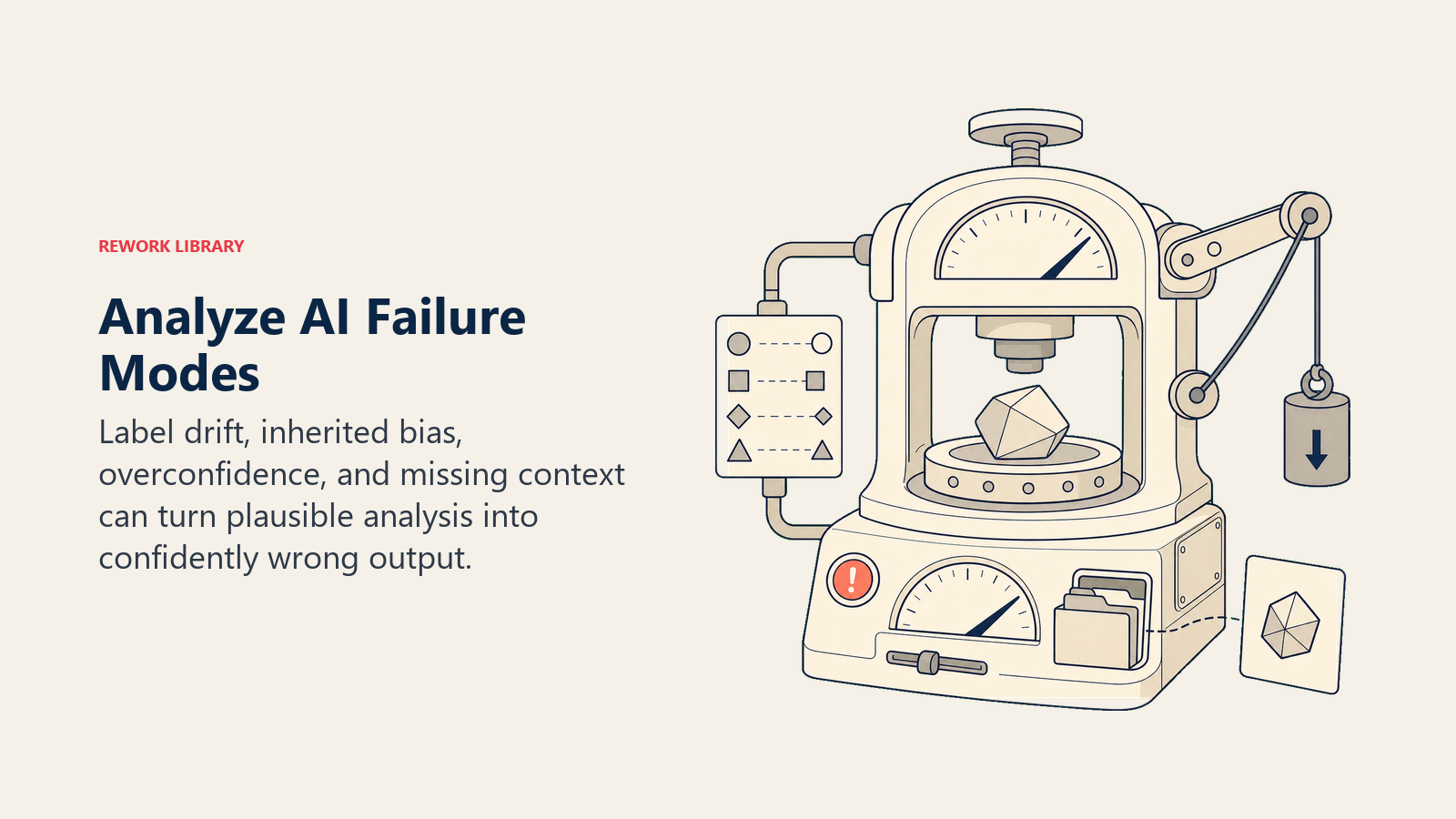
ラベルドリフト。 昨年のサポートチケットでトレーニングされた分類器は、昨年のサポートチケットで良いパフォーマンスを発揮します。製品、顧客、または彼らが報告する問題の種類が変化すると、分類器のカテゴリは新しいデータに合わなくなります。これはゆっくり(緩やかな劣化)または突然に(製品リリースがモデルが見たことのない種類のチケットを生み出す)起こることがあります。修正策は時間をかけて精度を監視し、定期的に再トレーニングすることです。
継承されたバイアス。 分類器はトレーニングデータから学習します。そのデータが過去の人間の判断を反映しており、それらの判断がバイアスを持っていた場合(採用、ローン承認、サポート優先度において)、分類器はそのバイアスをスケールで再現します。AIはバイアスをゼロから加えません。データにすでに存在するパターンを増幅します。これがAIを使った履歴書選考の失敗モードです:過去の採用データでトレーニングされた分類器は、過去の採用でも過小評価されていたグループの候補者を過小評価することが多いです。
過信したエッジケース。 ほとんどの分類器は信頼スコアを出力します。しかし分類器は、実際にはエッジケース、つまりモデルがこれまで見たことのない際どいケースである入力に対しても高い信頼スコアを示すことがよくあります。信頼スコアは安心感を与えます。分類は誤りです。高リスクな分類に対する人間のスポットチェックが、これを発見する唯一の方法です。
コンテキストを無視した抽出。 抽出はテキストから名前付きエンティティを取り出しますが、名前はそのコンテキストを運びません。「田中が契約に署名した」(どの田中?)、「契約は90日後に満了する」、いつから?抽出器は見つけたリテラルテキストを、曖昧さを解決せずに出力します。複数の当事者、日付、参照を持つ文書では、コンテキストを無視した抽出は完全に見えるが実際にはギャップのある構造化データを作り出します。
Analyze品質の測定方法
Analyzeは、ラベル付けされた出力を真実と比較できるため、ほとんどのAI機能よりも測定しやすいです。
精度と再現率。 ラベル付きテストセットを構築します。手動で正しく分類したサンプル入力。精度はモデルのポジティブ分類のうち実際にポジティブである割合を示します。再現率は実際のポジティブのうちモデルが捉えた割合を示します。良い分類器は両方が80%を超え、優秀であれば90%を超えます。
5%の人間によるスポットチェック。 Analyzeのアウトプットの約5%をサンプリングし、人間にレビューさせます。これはドリフトが集計メトリクスに現れる前に発見し、モデルがどのように失敗するかについての組織的な知識を構築します。単に失敗することだけではありません。
ドリフト検出。 30〜90日ごとにテストセットを再実行します。精度と再現率が低下している場合、データの分布が変化しており、モデルは再トレーニングが必要です。Lisaが使った採用ツールは、誰かが丁寧にアウトプットをレビューするまで、おそらく何ヶ月も劣化していたでしょう。
なぜAnalyzeが最も重要な機能なのか
今日AIベンダーに電話して、製品が何をするかを聞いてみてください。機能名が何であれ、基礎となる作業はおそらくAnalyzeです。ルーティング。タグ付け。要約。抽出。スコアリング。
5つのACE機能のうち、Analyzeが最も広範なビジネスワークフローに登場します。生データを人間や別のシステムが行動できるものに変換する解釈レイヤーです。それなしでは、Ingestはただ蓄積するだけ、Predictはパターンマッチングする対象がなく、Generateには作業するコンテキストがありません。
また、最も目立たない機能でもあります。機能しているとき、ユーザーは気づきません。メールが事前にソートされて届きます。チケットが正しくルーティングされます。コールが正確なサマリーを生成します。作業は失敗するまで見えません。そして失敗したとき、その失敗は通常「AIが間違っている」と言われます。ラベルドリフト、継承されたバイアス、コンテキストを無視した抽出のせいではなく。
これらの区別を知ることで、購入前にどんな質問をすべきか、導入後にどのメトリクスを監視すべきか、条件が変わったときにどの失敗を予期すべきかがわかります。
次に読むべきコンテンツ
- ACEフレームワーク :完全な機能マップと6層スタック
- Ingest機能:Analyzeを使えるデータで支えるもの
- Predict機能:Analyzeのアウトプットが予測の入力になる場所
- 7つのデータタイプ:Analyzeワークフローが消費するもの
- AIユースケースを読み解く:ACEの公式を使って