El stack de captación de leads del agente solitario: Instagram, WhatsApp y una hoja de cálculo

Turn this article into takeaways for your work.


Each assistant summarizes the article only for you and suggests best practices for your work.
Antes de tener cinco agentes, Maya era una sola persona en una mesa de cocina intentando recordar qué prospecto dijo qué y en qué aplicación. Este manual es el stack que hubiera querido que alguien le entregara el primer día.
El domingo en que perdió un lead
Una familia de cinco le había escrito por Instagram el jueves, dado seguimiento por WhatsApp el viernes, y enviado por correo sus preferencias de vuelo el sábado. Para el domingo por la noche ya no podía reconstruir qué les había dicho. El lunes reservaron con un competidor. Ese fin de semana decidió que necesitaba un sistema que pudiera manejar desde su teléfono sin parches improvisados.

Eligiendo los tres canales que convierten
Maya listó cada canal por el que los viajeros podían encontrarla y tachó siete de ellos. Facebook, Twitter, TikTok, LinkedIn, su viejo blog. Lo que quedó fueron tres que realmente producían consultas que valía la pena responder: Instagram para descubrimiento, WhatsApp para cerrar, y Google Business Profile para buscadores locales en modo de compra. Tres canales bien hechos superan a siete hechos de manera mediocre.

Instagram: perfil, destacados, regla de respuesta
Reescribió su biografía en una sola oración que nombraba qué reservaba, para quién, y el tamaño típico de grupo. Agregó tres grupos de destacados con itinerarios reales y rangos de precio reales, no aspiraciones genéricas. Su link en la biografía llevaba a una sola página, no a un Linktree con doce opciones.

El cambio más difícil fue su regla de respuesta. Dos horas durante horario laboral, a la mañana siguiente antes de las 10am para consultas fuera de horario. Cualquier cosa más lenta, prefería no responder en absoluto antes que fingir que no lo había visto.

WhatsApp Business: el inbox único
Todo prospecto de Instagram pedía pasarse a WhatsApp antes de tres mensajes, así que lo hizo oficial. Número separado, WhatsApp Business instalado, un perfil de empresa con horarios reales y una foto real. El saludo automático prometía una respuesta en 2 horas, lo que significaba que tenía que cumplir la promesa.

Escribió tres plantillas de respuesta rápida para las preguntas que recibía cada semana. Rango de precios, disponibilidad, condiciones de depósito. Copiar y pegar, y luego personalizar la primera oración. Ese solo hábito redujo su tiempo de respuesta a la mitad.
Una hoja de cálculo: elegida, no investigada hasta el cansancio
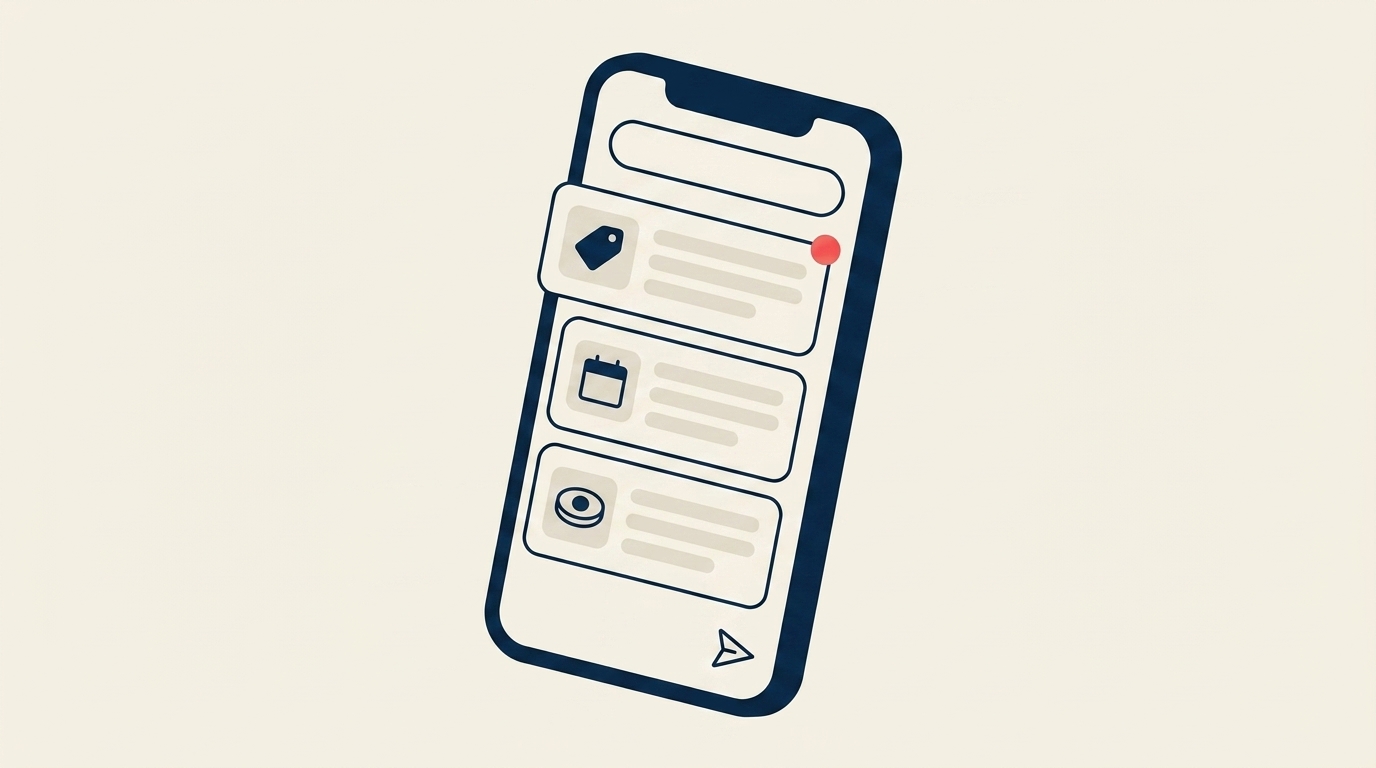
Maya revisó siete CRM y casi se inscribió a uno. Después hizo los números. Era una sola persona, y no era una persona de software, con quizás 30 conversaciones activas al mes. La mayoría de los CRM estaban hechos para equipos de ventas, cobraban por asiento en paquetes, e incluían funciones que no tocaría en tres años. Los asistentes de configuración por sí solos le habrían costado un fin de semana que no podía darse. Lo que en verdad necesitaba era simple. Una lista de contactos con etiquetas, cinco etapas de pipeline, un registro de cada mensaje en todos los canales, un recordatorio de tareas, y algo que su teléfono pudiera leer. Una hoja de cálculo gratuita (Google Sheets o Notion) le dio todo eso.

Había otra razón por la que Maya no peleó contra la curva de aprendizaje del CRM en el primer año. Quería estar involucrada de cerca. Cada DM de Instagram que respondía ella misma, cada seguimiento de WhatsApp que enviaba, cada fila de hoja de cálculo que escribía le enseñaba algo sobre cómo funcionaba realmente su agencia. Qué preguntas surgían más. Qué leads convertían. Qué canales traían curiosos sin intención real. En qué punto de la conversación surgía naturalmente un depósito. Un CRM con automatización habría escondido ese aprendizaje antes de que ella lo tuviera. Para cuando estuvo lista para contratar a su segundo agente, podía escribir un documento de capacitación de memoria, porque había hecho cada paso del proceso ella misma, y sabía qué herramientas necesitaba realmente su negocio.
El punto no era qué herramienta. Era tener un solo lugar donde vivía cada lead, y aprender cómo se veía en realidad el trabajo antes de automatizarlo. El CRM se convirtió en la respuesta correcta más tarde, una vez que estaba contratando a su tercer agente y el equipo necesitaba visibilidad compartida en un sistema que la hoja de cálculo ya no podía sostener. Para el primer año, lo simple superó a lo sofisticado.
El flujo que ejecutó treinta veces por semana
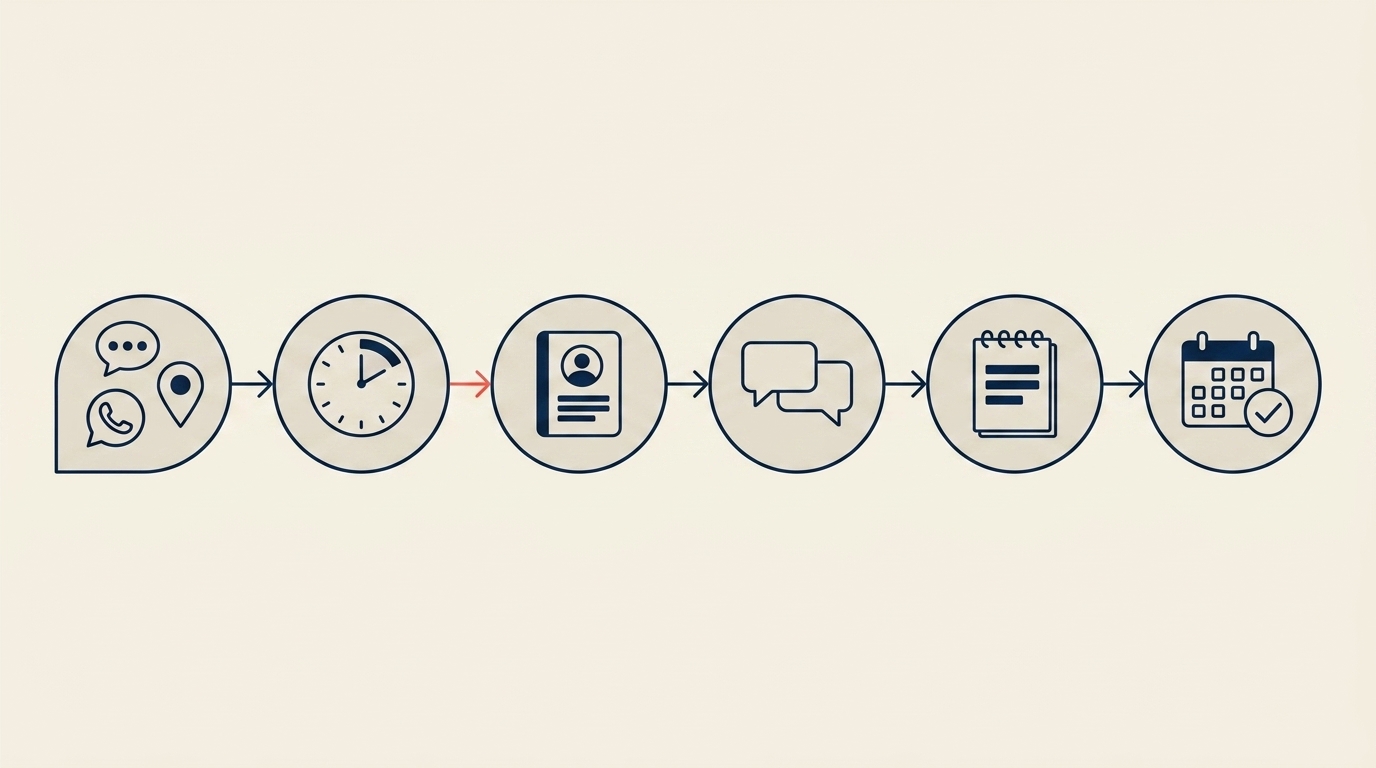
Llegaba una consulta por Instagram, WhatsApp, o su Google Profile. Respondía dentro del SLA con una pregunta calificadora sobre fechas y viajeros. En el momento en que el prospecto respondía, agregaba una fila a la hoja de cálculo. No después, no cuando reservaban. En ese instante. Cada intercambio después de eso recibía una nota en la fila, cada tramo silencioso recibía un recordatorio de seguimiento, y nada se caía por un hueco entre aplicaciones.
La señal de que es momento de crecer
El stack funciona hasta que deja de hacerlo. El disparador de Maya fue un miércoles en el que se le pasó su SLA de 2 horas tres veces en un día. Había rechazado dos reservas ese mes. Su pareja mencionó que el negocio le estaba comiendo los sábados otra vez. Fue entonces cuando dejó de agregar canales y empezó a agregar personas. Una vez que estaba contratando a su tercer agente y el equipo necesitaba visibilidad compartida sobre cada lead, la hoja de cálculo llegó a su límite. Ese es el momento en que un CRM se gana su lugar, el siguiente problema por resolver fue dividir leads de forma justa entre el nuevo equipo.

El resultado de su primera semana
Un fin de semana fue lo que tomó toda la configuración. WhatsApp Business con un número separado, Google Business Profile con mensajería habilitada, perfil de Instagram reescrito, una plantilla de hoja de cálculo con las columnas que en verdad necesitaba, respuestas rápidas, una landing page. Costo total en herramientas en el primer año, cero. Para el lunes siguiente, cada consulta de cada canal tenía un lugar adónde ir y un siguiente paso asignado. Eso fue todo el juego.

El stack del primer año de Maya (costo total: $0)
La lista completa, de principio a fin:
- Pipeline y contactos: Google Sheets o Notion. Una pestaña para consultas activas, una para reservado, un archivo. Cinco columnas de estado: Nuevo, Cotizado, Negociando, Reservado, Perdido.
- Mensajería: Meta Business Suite Inbox para Instagram y Messenger, más la aplicación WhatsApp Business para WhatsApp.
- Descubrimiento: Google Business Profile con mensajería habilitada.
- Formulario web: Google Forms, embebido en la landing page.
- Landing page: Carrd nivel gratuito o Google Sites.
- Recordatorios: Google Calendar para seguimientos.
Todo el stack cuesta $0 al mes. El único ítem pago en el primer año fue una SIM de trabajo separada ($10/mes), que se pagó sola la primera vez que un cliente le escribió a Maya a las 8am mientras tomaba su café.
Para seguir leyendo
- Cómo conseguir tus primeros 20 clientes sin una red de referidos. Lo que hizo Maya para llenar el stack con leads reales.
- Cómo dividir leads de forma justa entre 3-5 agentes. El problema que viene después una vez que el stack empieza a producir más leads de los que una persona puede manejar.
- Guía de implementación de CRM para viajes. Contexto más profundo sobre lo que debería hacer un CRM específico para viajes.
- Tiempo de respuesta al lead. Por qué el SLA de 2 horas no es arbitrario.

Growth Partner
On this page
- El domingo en que perdió un lead
- Eligiendo los tres canales que convierten
- Instagram: perfil, destacados, regla de respuesta
- WhatsApp Business: el inbox único
- Una hoja de cálculo: elegida, no investigada hasta el cansancio
- El flujo que ejecutó treinta veces por semana
- La señal de que es momento de crecer
- El resultado de su primera semana
- El stack del primer año de Maya (costo total: $0)
- Para seguir leyendo