The Real TCO of a CRM: 5 Hidden Cost Categories That Blow Budgets
Turn this article into takeaways for your work.


Each assistant summarizes the article only for you and suggests best practices for your work.
The CFO approves the CRM. The contract is signed. The invoices start arriving. And somewhere around month four, the finance team sends a question: "Weren't we paying $28 per seat? Why is the line item $3,200 this month for 25 people?"
It's a familiar conversation. The seat cost (the number on the pricing page) is what gets budgeted. The implementation partner, the admin's time, the Zapier subscription, the extra seats for ops and CS who "just need view access": those don't make it into the original budget because nobody in the vendor sales process mentions them upfront.
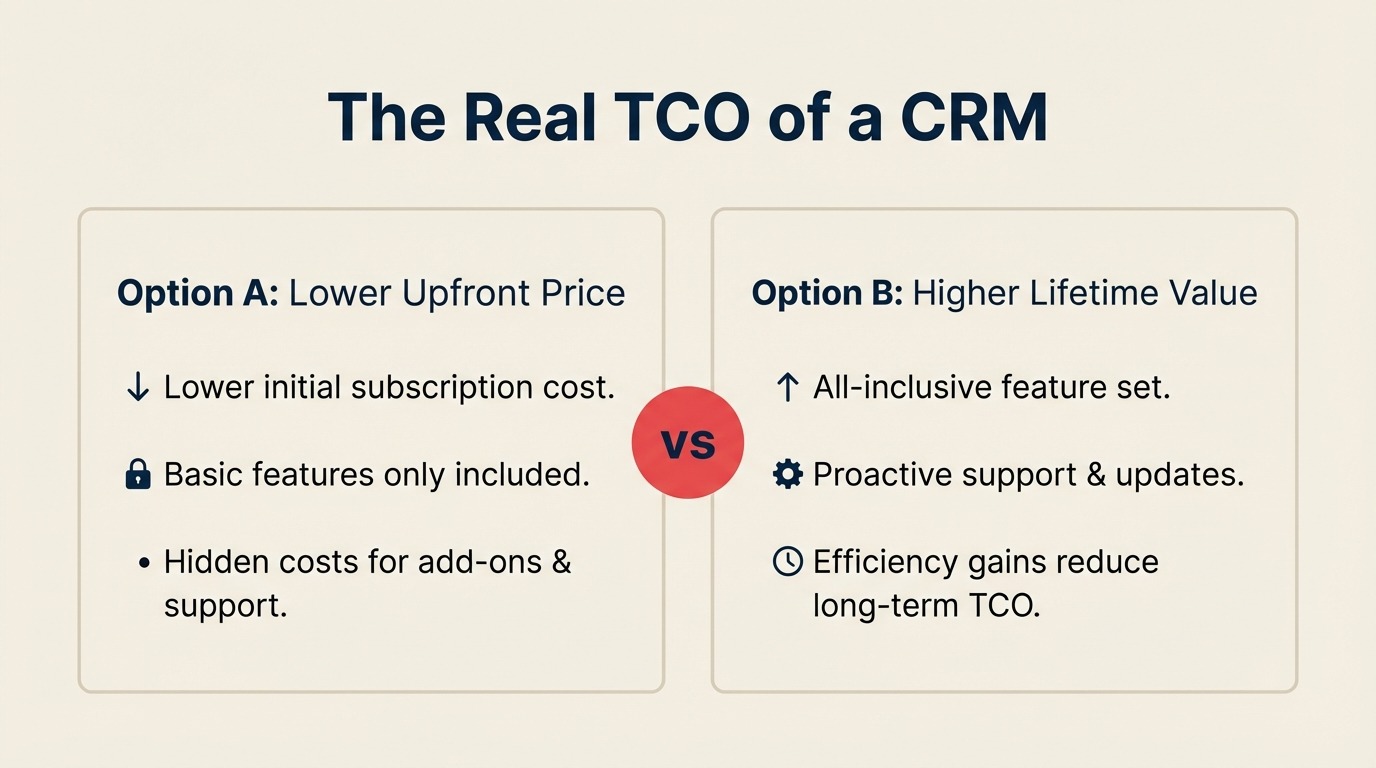
Seat cost is typically about 40% of your actual 12-month CRM spend. The other 60% lives in five categories. This article names all of them.
Category 1: Implementation and Setup
Implementation is the first line item that surprises buyers, and it's often the largest single cost outside of recurring seat fees.
What it includes:
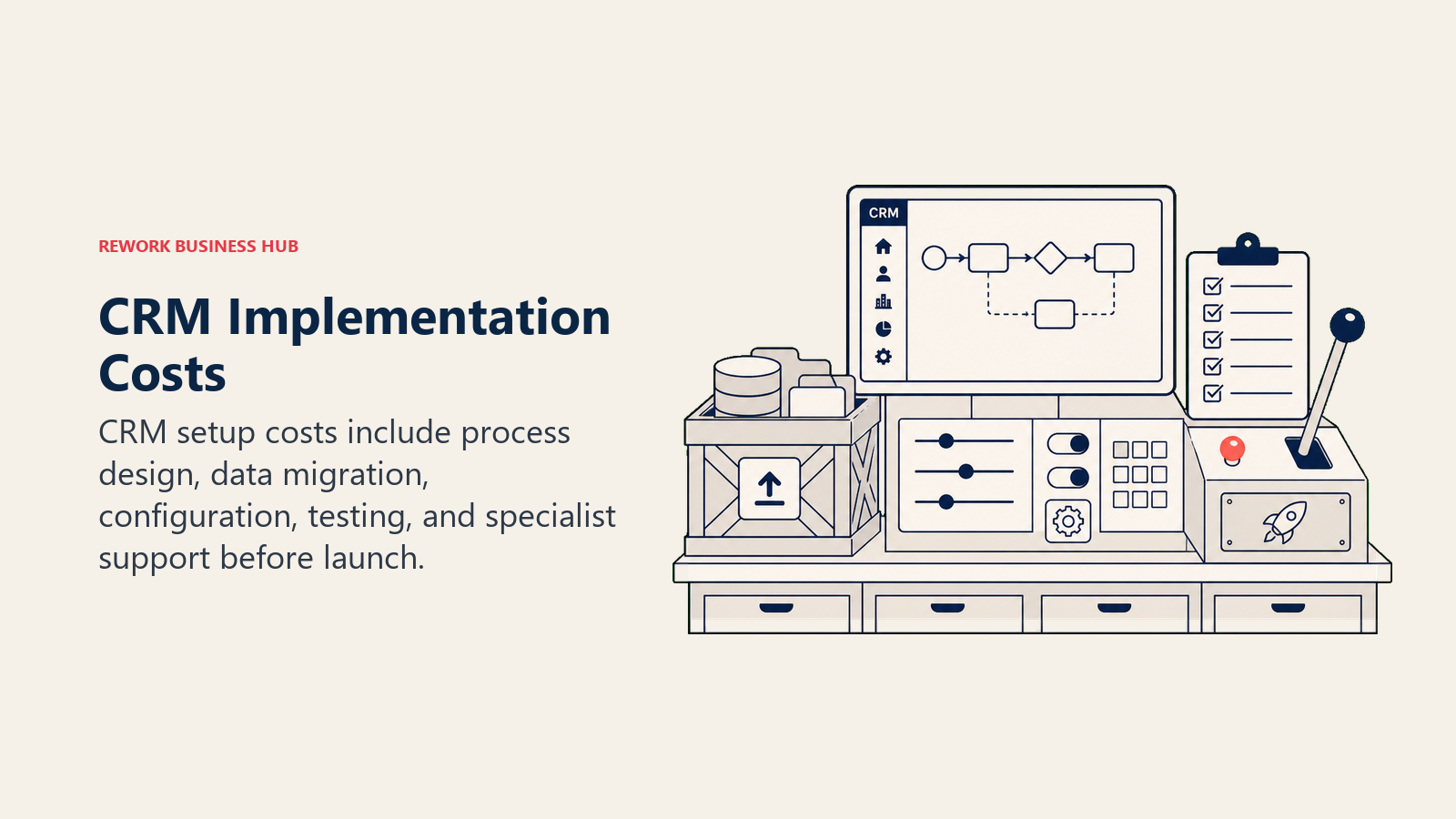
Partner or professional services fees: Many mid-market CRM deployments involve a certified implementation partner who handles configuration, data migration, and workflow setup. Rates range from $125–$250/hour for HubSpot and Salesforce partners. A standard 25-seat deployment typically runs 40–80 hours of partner time, putting partner fees at $5,000–$20,000 before you've made a single call. Gartner's TCO methodology categorizes these as direct acquisition costs, often the most underestimated line item in year one.
Internal project time: Someone on your team is coordinating the implementation. That's a real cost even if it's not a line item. A typical CRM rollout at 25 seats involves 60–100 hours of internal PM time spread across IT, RevOps, and the project lead. At a blended internal cost of $75/hour, that's $4,500–$7,500 in opportunity cost.
Data migration: Moving contacts, deals, and history from a spreadsheet or prior CRM is almost never clean. Expect deduplication work, field mapping decisions, and validation. A modest migration (under 50,000 records) typically adds 15–30 hours to the implementation; large or complex migrations can add $5,000–$15,000 in partner time alone.
What varies by platform:
Rework has a self-serve onboarding path that works for teams migrating from a spreadsheet or lightweight CRM with clean data. Their paid setup packages run $700–$4,500 (Launchpad to Transform) and cover a structured rollout. Preparing your data before migration can cut that time significantly regardless of which platform you're moving to. Salesforce implementations almost always require a certified partner. DIY is technically possible but rarely works at the Business tier. HubSpot sits in the middle: the product is friendlier to self-service, but complex setups with custom properties and workflow automation still benefit from a partner.
Realistic range for 25 seats:
- Rework: $0–$4,500 (self-serve to Transform setup package)
- HubSpot: $3,000–$12,000
- Salesforce: $8,000–$25,000+
Category 2: Admin and Ongoing Maintenance
A CRM is not a set-it-and-forget-it tool. Someone has to manage it.
What "admin" actually means in practice:
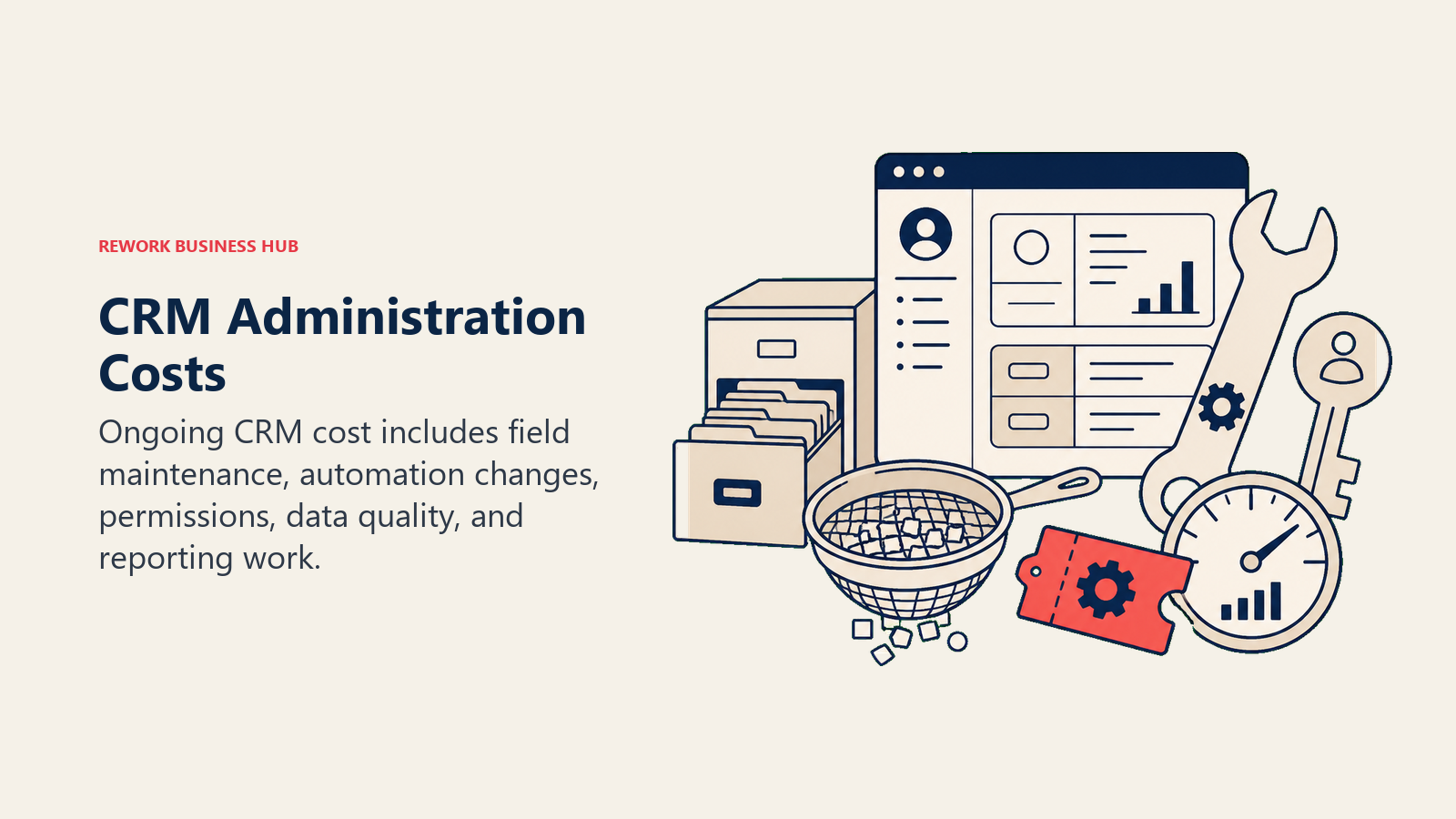
- Creating and maintaining custom fields as the sales process evolves
- Managing user roles and permissions when people join or leave
- Building and maintaining reports as leadership requests change
- Debugging broken workflows (because they do break)
- Managing integration health between CRM and other tools
- Data hygiene: deduplication, re-enrichment, archiving cold records
At a small company (under 20 seats), this work often falls on whoever is most technically comfortable: a RevOps manager, a sales ops analyst, or a sharp account executive who volunteered once. At 25–50 seats, most teams end up with at least 0.5 FTE of dedicated admin time. At 100+ seats, a full-time CRM admin is standard.
The cost math:
A RevOps analyst or CRM admin in the US earns $65,000–$90,000/year. Even at 25% of their time allocated to CRM administration, that's $16,000–$22,500/year in admin overhead that doesn't appear on the CRM invoice.
What varies by platform:
Salesforce has the steepest admin learning curve and typically requires Salesforce Admin certification for anyone managing a complex org. That certification costs $200 per exam attempt, plus training time. HubSpot's admin model is more accessible, and most RevOps generalists can manage it without specialized training. Rework is the most approachable of the three for non-specialist admins, which genuinely reduces ongoing maintenance cost for smaller teams.
Category 3: Training and Enablement
New software doesn't generate ROI until the team uses it. Getting there takes time and money.
Initial onboarding:
The first 30–60 days are the most resource-intensive. Reps need to learn the interface, understand the data model, and change habits they built around the old system. Onboarding typically involves:
- Live training sessions (internal or vendor-led): 4–8 hours per rep
- Self-paced learning: 2–5 hours per rep
- Manager training on reporting and forecasting: 4–6 hours
- Admin training on configuration and workflow management: 8–16 hours
At 25 reps at an average loaded cost of $80/hour, the first-month training burden is $8,000–$16,000 in real time cost, before anyone has made a deal in the new system.
Ongoing training:
New hires need onboarding. The product evolves and releases new features. Sales processes change and workflows need updating. Budget 2–4 hours per new rep per quarter for ongoing CRM training, plus periodic team refreshers when major features ship.
Vendor training programs:
HubSpot Academy is free and genuinely good. Most HubSpot onboarding can be supplemented with self-serve content at no extra cost. Salesforce Trailhead is also free, but the depth of the platform means you need significantly more training time. Rework offers live onboarding sessions as part of their white-glove package, but the product's relative simplicity means reps typically get up to speed faster.
Ramp time and lost productivity:
The often-forgotten training cost is the productivity dip during ramp. A rep who's still learning the CRM is slower to log calls, update deals, and run reports for 30–60 days. For a team of 10 reps, even a 15% productivity dip over six weeks represents real pipeline impact.
Category 4: Integrations
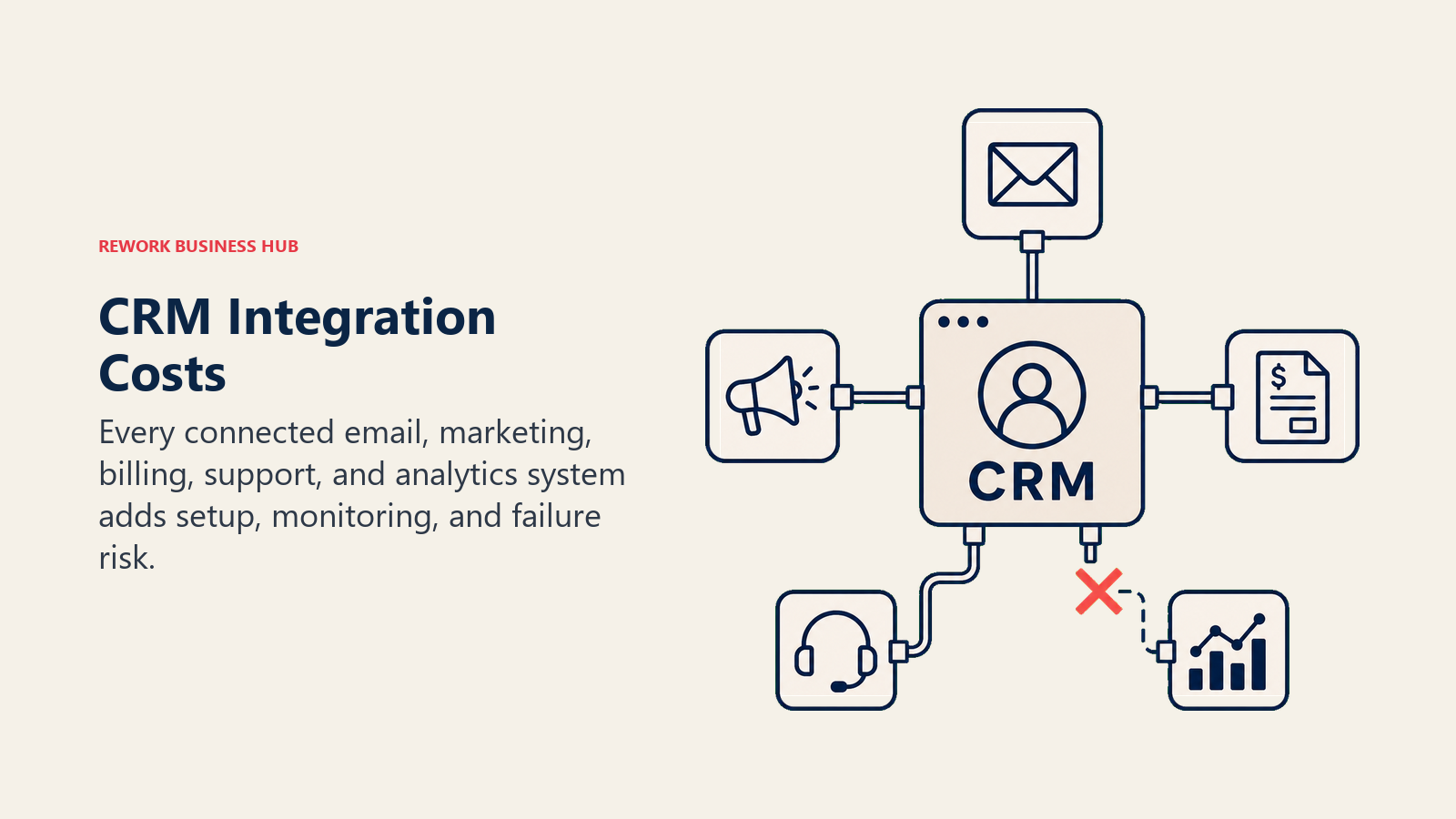
The CRM is rarely the only tool in your stack. It needs to talk to your email platform, your marketing automation, your billing system, your support tool, and your BI layer. Each connection has a cost.
Native integrations (usually free):
Most CRMs include native integrations with Gmail, Outlook, Slack, and a short list of common tools. Rework, HubSpot, and Salesforce all handle the standard connectors well at no extra charge. This is the free tier of integration.
Paid native connectors:
Integration with tools outside the core set often requires a paid connector. Rework's Salesforce bi-directional sync, for example, costs $150/month. HubSpot's Operations Hub (required for advanced sync and data automation) starts at $800/month on the Professional tier. Salesforce's AppExchange has thousands of integrations, and many cost $50–$500/month each.
Zapier or middleware overhead:
Teams that connect tools via Zapier or Make often undercount this cost. A mid-sized sales team running 10–15 active Zaps with moderate task volume can hit $100–$300/month on Zapier's Team plan. That's $1,200–$3,600/year for what feels like "just automation."
Custom API work:
When native connectors don't exist, you need custom development. A single custom integration (connecting the CRM to a proprietary quoting tool or a legacy ERP, for example) typically runs $5,000–$20,000 in development time, plus ongoing maintenance when either system updates its API.
What varies by platform:
Salesforce has the deepest integration ecosystem (AppExchange) but many connectors carry a separate subscription fee. HubSpot's integration quality is high for the marketing tech stack but thinner for operational tools. Rework has a growing connector library; teams with unusual stack requirements should validate integration support before committing.
Category 5: Seat Creep
This is the quietest budget leak in CRM purchasing.
Seat creep is what happens when you buy 25 seats for the sales team and, over the next 12 months, end up adding: a RevOps analyst who needs to pull reports, a CS team lead who wants to see deal history, a marketing manager who asks for pipeline visibility, and three executives who want to check a dashboard before the board meeting. That's eight new seats you didn't budget.
On the Rework Sales Engine, eight additional seats above the 5 included mean two extra blocks of 5 seats at $21/month each, or $504/year on yearly billing. That's a line item that appears without warning because someone in a meeting said "can you just give me access to that?"
Why it's hard to prevent:
CRM data becomes central to revenue operations fast. Once the pipeline lives in the CRM, everyone who touches revenue wants visibility. Restricting access creates shadow spreadsheets (which defeats the purpose). Adding seats is the path of least resistance.
How to mitigate it:
Before you sign, count every person who will realistically want access within 12 months. Not just your current sales reps. Include:
- Current sales reps (obvious)
- RevOps and sales operations
- Marketing (for pipeline and attribution)
- Customer success (for deal history context)
- Finance (for forecasting and quota data)
- Executives (for dashboards)
Buy that number, not the sales headcount alone. Overpaying for 5 seats you don't use in month one is cheaper than negotiating an out-of-cycle expansion in month six.
TCO Comparison: Rework vs. HubSpot vs. Salesforce at 25 Seats
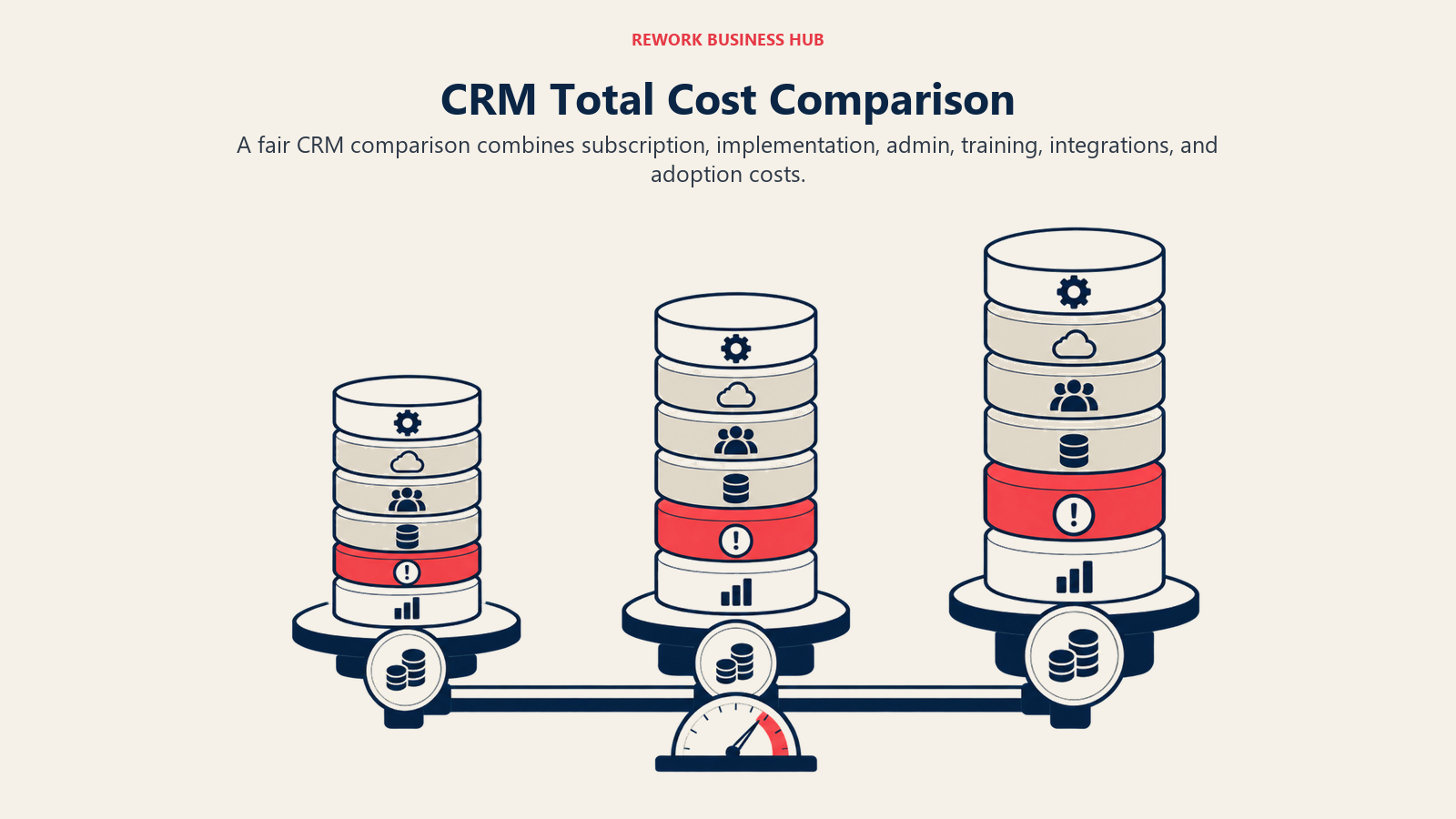
Here's a realistic 12-month cost model. This uses conservative mid-range estimates; your actual numbers will vary based on your implementation complexity, stack, and team.
| Cost Category | Rework Sales Engine | HubSpot Sales Pro | Salesforce Pro |
|---|---|---|---|
| Seat cost (annual) | $1,836 | $27,000 | $24,000 |
| Implementation | $2,500 | $7,500 | $15,000 |
| Admin overhead (0.25 FTE) | $17,500 | $17,500 | $22,000 |
| Training (initial + ongoing) | $8,000 | $8,000 | $10,000 |
| Integration costs | $2,400 | $4,800 | $6,000 |
| Add-ons used | $3,600 | $5,000 | $4,000 |
| Total 12-Month TCO | $35,836 | $69,800 | $81,000 |
A few honest caveats about this model:
Salesforce's higher TCO is real, but so is the product depth. For organizations with complex, multi-region sales processes, custom objects, and deep Salesforce customization, the platform justifies the premium. If you're comparing at the enterprise tier, Salesforce's feature set genuinely doesn't have a direct equivalent in the mid-market tools.
HubSpot's seat cost looks high in this comparison, but it includes marketing automation that Rework doesn't offer. If your current stack includes a separate marketing automation platform, HubSpot's combined CRM + MA can consolidate two tools into one. That changes the comparison.
Rework's lower total cost is real, but it reflects a simpler platform. The admin overhead estimate assumes Rework's more accessible admin model, which may not hold for teams with complex workflow requirements.
The Hidden Cost Nobody Talks About: Rep Adoption
Low adoption is the most expensive CRM outcome, and it doesn't show up in any vendor pricing model.
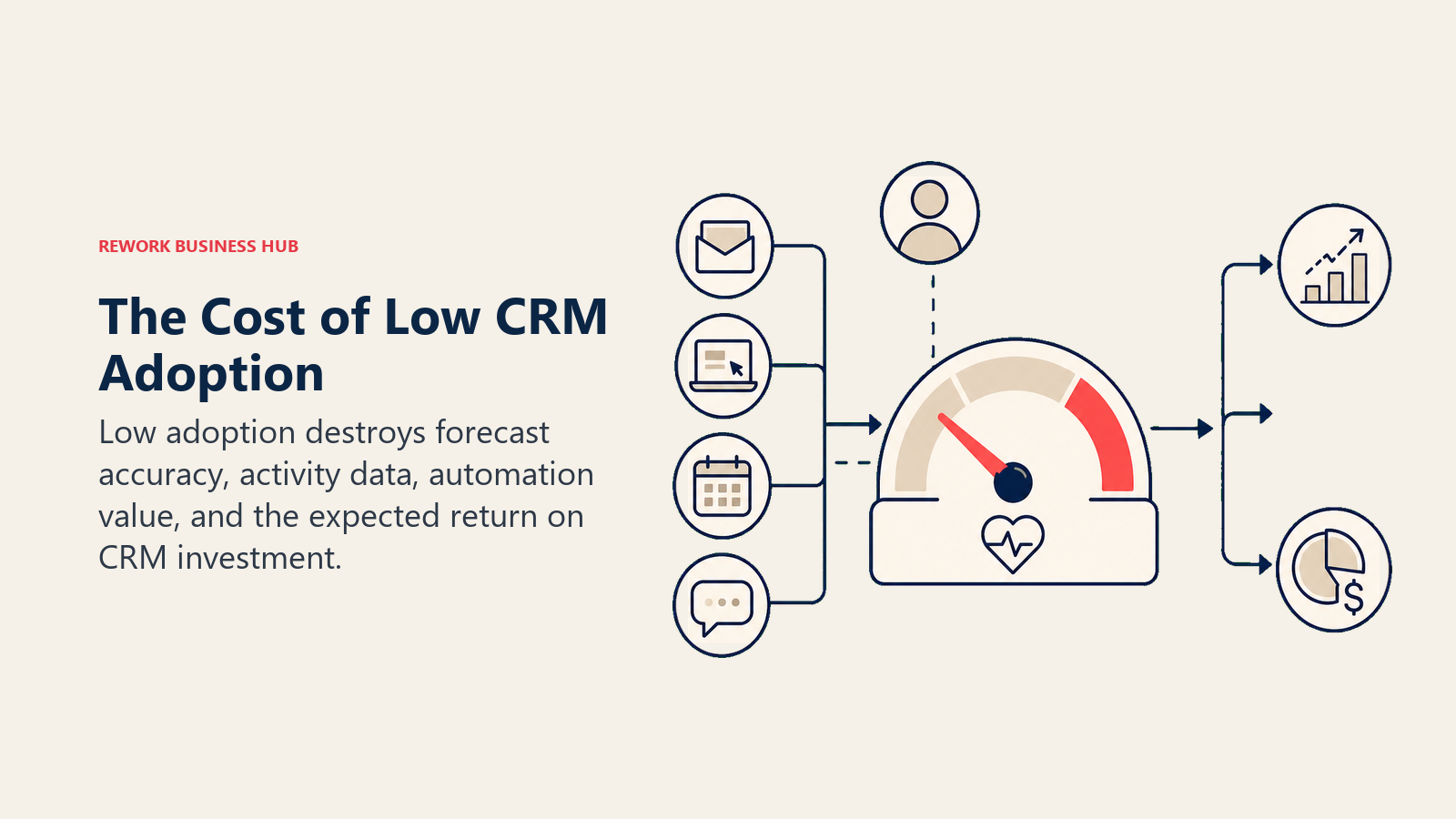
A CRM that your reps don't use consistently generates no forecast accuracy, no pipeline visibility, and no ROI on the investment. But you still pay the full seat cost every month. The common pattern: management selected the CRM, IT deployed it, and nobody consulted the reps who have to log 30 activities a week inside it. The CRM rollout and adoption guide is the most direct resource for teams who want to close the gap between "deployed" and "actually used."
How to calculate the adoption cost:
If your reps use the CRM 60% of the time instead of 100%, you're getting 60% of the data quality you need. That means your forecast is off by roughly 40%. For a sales team carrying $5M in annual pipeline, a 40% forecast variance means $2M of deals are either missing from visibility or incorrectly staged. The cost isn't just inefficiency. It's deals that slip because nobody followed up, or forecasts that miss because the board saw the wrong number.
What drives adoption:
The single strongest predictor of CRM adoption is interface simplicity. Reps adopt tools they can use without thinking. Salesforce's configurability is a feature for admins; it's a barrier for reps. HubSpot scores well on rep adoption by design. Rework's adoption rates among SMB and mid-market teams are generally high because the interface is direct.
Before you select a CRM based on feature depth, run a 2-week trial with 3–5 actual reps doing actual work. Their adoption will predict your long-term ROI more accurately than any feature comparison.
What to Ask Vendors Before You Sign
Eight questions that surface costs the sales process won't volunteer:
- What does your standard onboarding package include, and what costs extra? Get this in writing. "Onboarding" means different things at different vendors.
- What is your admin model, and is there a lower-cost viewer or read-only license? View-only access for executives and CS can save significant seat cost if the vendor offers it.
- Which integrations require a paid connector or additional subscription? Ask specifically about every tool in your current stack.
- What is your overage policy if we add seats mid-contract? Understand whether the expansion rate matches your contracted rate.
- What are your data export rights? Confirm you can export a full CSV at any time without restriction, and that your data isn't locked on contract cancellation.
- Is onboarding and initial training included, or is it a separate line item?
- What does your SLA cover, and what is the financial remedy if you miss it? "Best effort" uptime is not an SLA.
- What is the renewal lock-in period, and when do I need to notify you of non-renewal? Some contracts auto-renew on 90-day notice. Missing the window means another year at the same contract terms.
How to Build Your Own TCO Model
Five columns, one spreadsheet. This is the structure:
| Category | Year 1 | Year 2 | Year 3 | Notes |
|---|---|---|---|---|
| Seat cost | Annual billing rate × seats × 12 | |||
| Implementation | Year 1 only; migrations in Year 2+ if platform change | |||
| Admin overhead | FTE % × annual fully-loaded cost | |||
| Training | Initial (Year 1), new hire rate (Year 2+) | |||
| Integrations | Monthly recurring × 12 + any custom dev | |||
| Add-ons | List each add-on subscription | |||
| Total |
Run it for 3 years, not just 1. Year 1 looks expensive because of implementation. Year 2 and 3 show you the true steady-state cost, and that's the number to compare across platforms.
What to Do Next
If you're mid-evaluation: use the 8 questions above in your next vendor call. The answers will surface real cost numbers that don't appear on pricing pages.
If you're at renewal: build the 3-year TCO model before you sign another contract. The cost of switching CRMs is real (it shows up in Category 1 of this framework), but so is the cost of staying on a platform your team has outgrown. If Salesforce is what you're reconsidering, switching from Salesforce to Rework covers what the migration actually involves, including the cost items that belong in Category 1.
If you want a clean breakdown of what Rework specifically charges at each tier, read Rework Pricing Explained before your next vendor conversation.
Learn More

Principal Product Marketing Strategist
On this page
- Category 1: Implementation and Setup
- Category 2: Admin and Ongoing Maintenance
- Category 3: Training and Enablement
- Category 4: Integrations
- Category 5: Seat Creep
- TCO Comparison: Rework vs. HubSpot vs. Salesforce at 25 Seats
- The Hidden Cost Nobody Talks About: Rep Adoption
- What to Ask Vendors Before You Sign
- How to Build Your Own TCO Model
- What to Do Next
- Learn More