Best Scribe Alternatives in 2026: 13 Process Documentation Tools for Teams Past the 5-Seat Minimum
Turn this article into takeaways for your work.


Each assistant summarizes the article only for you and suggests best practices for your work.
The best Scribe alternative depends on which wall actually pushed you to look: the 5-seat minimum on its Team plan, the web-app-only capture on Basic, or wanting the same auto-captured steps in a different format entirely. Tango and Dubble match Scribe's core trick, click through a task once and get a shareable guide, without a seat floor. Guidde turns the same capture into an AI-narrated video, and Supademo turns it into a clickable, branching demo instead of a static page. And if the real gap is a training platform with quizzes and tracking, or in-app guidance rendered inside your own product, Trainual and Whatfix solve a different problem than a faster screenshot tool. This guide covers 13 tools, evaluated against the specific job Scribe does (auto-capturing a workflow into a shareable guide) rather than treated as a generic documentation comparison.
Scribe, formerly ScribeHow (scribehow.com now redirects to scribe.com, a rebrand that still trips up buyers searching for reviews under the old name), earned its following on one genuinely useful trick: install the browser extension, click through a task once, and it auto-generates a step-by-step guide with screenshots and instructions, no manual writing required. That's still the product's real strength, and nothing below beats it on pure simplicity. What pushes teams to look elsewhere is almost always the pricing structure. Basic (free) only captures web apps. Pro Personal, $35/month or $25/month billed annually, adds desktop and mobile capture but tops out at one seat. And Pro Team, the plan actually built for teams, starts at 5 seats at $17/seat/month billed monthly or $13/seat/month billed annually, meaning the real entry commitment is 5 times that per-seat rate before a single extra teammate joins.
Key Facts
- US knowledge workers waste 5.3 hours a week waiting on colleagues for information or recreating knowledge that already exists, a drag that costs large US businesses an average of $47 million a year, per Panopto's Workplace Knowledge and Productivity Report, conducted with YouGov.
- Roughly 60% of a person's time at work goes to "work about work," including documenting and searching for information, rather than the skilled work they were hired to do, per Asana's Anatomy of Work Index.
- Organizations with a standard onboarding process see 50% greater new-hire productivity, per the Society for Human Resource Management.
- Only 12% of employees strongly agree their organization does a great job onboarding new employees, according to Gallup.
- Employees finish work better 67% of the time when a video or image is added to plain text, and perform roughly 7% faster when communications include graphics, per TechSmith's visual communication research, as summarized by G2.
Quick Comparison Table
| Tool | Best For | Starting Price | Key Strength | Key Limitation |
|---|---|---|---|---|
| Tango | Free auto-capture with no seat minimum | Free (up to 10 users); $15/user/mo (Pro, 3+ users, annual) | No seat floor, unlike Scribe's 5-seat Team plan | PII redaction and SSO reserved for custom Enterprise |
| Guidde | AI-narrated video instead of a static doc | Free (25 videos); $29/mo (Pro, monthly) or $19/mo (annual) | Auto-generates a voiced video, not just screenshots | Business tier (5 creators) jumps to $59/mo monthly |
| Supademo | Interactive, clickable demos | Free (1 creator, 5 demos); $50/mo (Scale, monthly) or $38/mo (annual) | Branching, clickable format instead of a flat doc | Growth tier jumps to $450/mo for 5 bundled creators |
| iorad | Auto-capture plus live in-app guidance | Free (unlimited public tutorials); $200/mo (Individual) | Live Mode overlays guidance inside the live app | Steep jump from free straight to $200/mo, no mid-tier |
| Dubble | Unlimited free guides, no seat cap | Free (unlimited guides, unlimited seats); $18/mo/creator (Pro, annual) | Most generous free tier in this list | Video and audio capture require the paid Pro tier |
| Folge | One-time license, no recurring seat fee | Free (5 guides); $89 one-time (Personal license) | Lifetime license, no monthly bill ever | Team collaboration needs the pricier Business license |
| Loom | Async video instead of a written step guide | Free (up to 50 members, 25 videos); $18/user/mo (Business) | Deepest async-video ecosystem, generous free tier | Doesn't generate an editable written doc from a recording |
| Trainual | Full SOP and training platform with tracking | Quote-only (no published tiers) | Testing, completion tracking, org chart beyond one doc | No self-serve number, must book a demo |
| Whatfix | Enterprise in-app guidance for any application | Quote-only (flat fee plus user license fees) | Guidance renders live inside the target app | No self-serve pricing at any tier |
| UserGuiding | Budget in-app guidance with a published price | $174/mo (Starter, billed yearly, 2,000 MAU) | Cheapest self-serve digital adoption platform here | Starter caps at 15 guides and 1 seat |
| Notion | General wiki to house SOPs once written | Free; $10/member/mo (Plus) | One workspace for docs, tasks, and databases | No auto-capture, every guide is built by hand |
| Snagit | Cheapest solo capture tool | $39/user/year (Individual, billed yearly) | AI Step Capture bundles a click sequence automatically | No team plan or shared workspace |
| Document360 | Versioned, public-facing help center | Quote-only (no published tiers) | Purpose-built for customer-facing, SEO-indexed docs | Authored by hand, not auto-captured from clicks |
Why Teams Are Leaving Scribe
None of this means Scribe is a bad product. For a small team documenting web apps only, it still does that one job well. But the complaints pushing people toward alternatives are consistent, and the seat minimum is the newest one to bite.
| Pain Point | Who Feels It Most | Severity |
|---|---|---|
| Pro Team starts at 5 seats, so the entry bill assumes headcount you may not have yet | Teams of 2 to 4 people | High |
| Basic (free) captures web apps only, no desktop or mobile software | Ops teams documenting internal desktop tools | High |
| Rebrand from ScribeHow to scribe.com confuses buyers searching for reviews under the old name | New evaluators comparing tools by name | Low |
| Auto-redaction of PII and PHI, SSO, and translation are Enterprise-only | Regulated industries: healthcare, finance, legal | Medium |
| No built-in training layer: no quizzes, completion tracking, or org chart | L&D and onboarding teams that need more than a doc | Medium |
| No in-app guidance rendered inside the software being documented | Product and CS teams supporting their own app's users | Medium |
1. Tango: Free Auto-Capture With No Seat Minimum
Tango's core trick mirrors Scribe's exactly: install the browser extension, click through a task once, and it auto-generates a shareable, step-by-step guide with screenshots. What Tango does differently is the free tier's ceiling. Where Scribe's team plan starts assuming 5 seats, Tango's free plan works for up to 10 users with no credit card required, which covers most small teams outright before anyone pays anything.
ICP and sizing: Ops, CS, and IT teams at 1 to 50 person companies that want Scribe's auto-capture trick without a seat-minimum wall.
| Pros | Cons |
|---|---|
| Free for up to 10 users, no seat minimum | Desktop capture requires the paid Pro tier |
| Unlimited workflows, branded exports, viewer insights on Pro | Automatic PII redaction is Enterprise-only |
| PDF, Markdown, and HTML export built in | Enterprise pricing is a custom platform fee, not published |
Pricing: Free for up to 10 users. Pro, billed annually: $22/user/month for 1 to 2 users, $15/user/month for 3 or more. Pro billed monthly: $26/user/month (1 to 2 users), $20/user/month (3+). Enterprise custom, priced as a platform fee. Source: tango.ai/pricing.
Best for: Small teams that want Scribe's exact core workflow without paying per seat from day one.
Not ideal for: Teams that need automatic PII or PHI redaction below an Enterprise contract.
2. Guidde: AI-Narrated Video Instead of a Static Doc
Where Scribe outputs a static page of screenshots and captions, Guidde's whole premise is turning the same captured clicks into an AI-voiced video, complete with narration it writes and speaks for you. For teams whose real complaint about Scribe is "nobody reads the doc, they'd rather watch a two-minute video," Guidde automates the exact step Loom and Vidyard require a human to record.
ICP and sizing: Product marketing, sales enablement, and CS teams at 1 to 100 person companies that want video output without hiring a narrator.
| Pros | Cons |
|---|---|
| Auto-generates a spoken narration track, no recording required | Business tier (multi-creator) jumps to $59/mo billed monthly |
| Unlimited screenshots-to-video conversion on paid tiers | Free tier caps at 25 videos per creator per month |
| PDF, PPT, and video export formats | Premium voice and translation add-ons cost extra |
Pricing: Free: $0/creator/month, 25 videos. Pro: $29/creator/month billed monthly, or $19/creator/month billed annually (34% savings). Business (up to 5 creators): $59/creator/month billed monthly, or $39/creator/month billed annually. Enterprise custom. Source: guidde.com/pricing.
Best for: Teams that want the capture turned into a narrated video automatically, not a written doc.
Not ideal for: Teams that specifically want a fast, skimmable text doc; a video takes longer to consume than a screenshot page.
3. Supademo: Interactive, Clickable Demos Instead of Static Screenshots
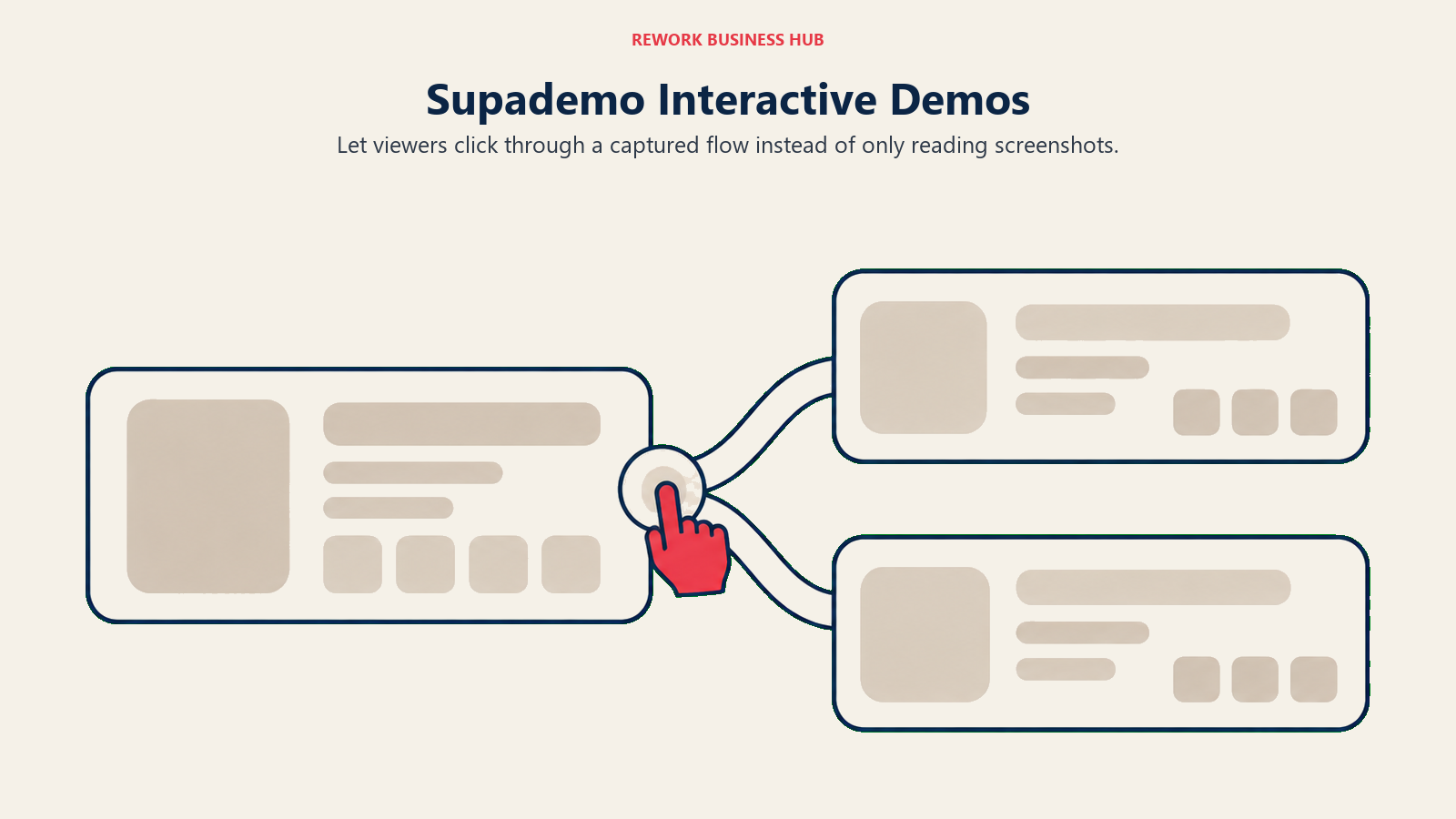
Supademo changes the output format entirely. Instead of a linear page a reader scrolls through, the captured flow becomes a clickable, branching demo a viewer can interact with, closer to using the actual product than reading a guide about it. That makes it a stronger fit for sales demos and interactive product tours than for a quick internal SOP.
ICP and sizing: Sales engineering, demo, and product marketing teams at 10 to 200 person companies that want an interactive demo experience, not a static doc.
| Pros | Cons |
|---|---|
| Branching, clickable demo format instead of flat screenshots | Growth tier jumps to $450/mo (or $350/mo annual) for 5 creators |
| AI text personalization built into the free tier | Free tier limited to 1 creator and 5 guided demos |
| HTML and sandbox demo modes on Growth and above | AI Demo Agent add-on is a separate, usage-based credit pack |
Pricing: Free: $0, 1 creator, 5 guided demos, 50 4K recordings/month. Scale: $50/month billed monthly, or $38/month billed annually, with 5 view-only collaborators. Growth: $450/month billed monthly, or $350/month billed annually, 5 creators bundled, additional at $50/month. Enterprise custom, starts at 10 creators bundled. Source: supademo.com/pricing.
Best for: Sales and CS teams that want a clickable, interactive demo rather than a static reference doc.
Not ideal for: Teams that just want the fastest possible internal SOP without a branching-demo learning curve.
4. iorad: Auto-Capture Plus Live In-App Guidance
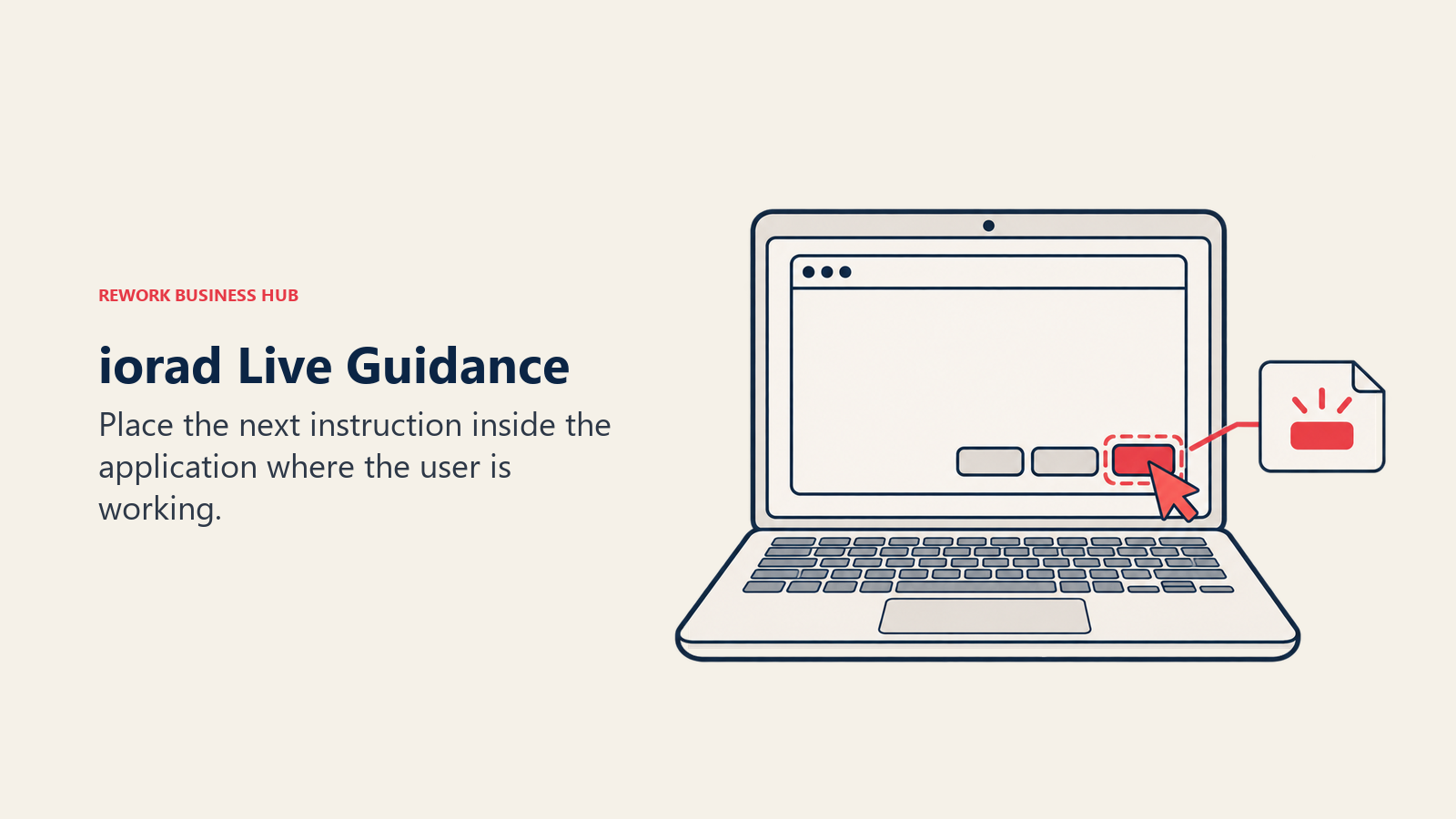
iorad has been building auto-capture tutorials longer than most names on this list, and its standout feature, Live Mode, projects the guide directly onto the live application as the user clicks through it, closer to in-app walkthrough software than a reference doc sitting in a separate tab.
ICP and sizing: L&D and ops teams at 5 to 100 person companies that want the guide to also function as live in-app guidance.
| Pros | Cons |
|---|---|
| Live Mode overlays guidance inside the actual application | Jump from free straight to $200/month, no lower paid tier |
| Unlimited tutorial capture and public tutorials, even on free | Team plan bundles only 1 seat before additional per-seat fees |
| Data masking and audio narration on the Individual plan | Enterprise is quote-only, sized for 20+ creators |
Pricing: Free: unlimited tutorial capture and unlimited public tutorials. Individual: $200/month, 1 creator. Team: $500/month, 1 seat included, $50/month per additional seat. Enterprise: quote upon request, for 20+ creators. Source: iorad.com/pricing.
Best for: Teams that want the guide to double as live in-app guidance, not just a static reference.
Not ideal for: Solo users or very small teams put off by jumping straight to $200/month for the first paid tier.
5. Dubble: Unlimited Free Guides, No Seat Cap
Dubble's free tier is the most generous unlimited-seat option in this list: unlimited guides, image editing, content blurring, embed and share options, and private viewers, all at no cost, with no user cap on the free plan at all. That makes it a direct swap for teams whose only complaint about Scribe was the seat minimum.
ICP and sizing: Small teams and consultants at 1 to 30 people who want Scribe's core trick free, with no seat ceiling.
| Pros | Cons |
|---|---|
| Unlimited guides and unlimited seats on the free plan | Video and audio recording require the paid Pro tier |
| No watermarks on video or images once on Pro | Pro's $18/mo rate is billed annually; standalone monthly costs more |
| Screenshot capture directly from recorded video | Enterprise pricing not published, contact-sales only |
Pricing: Free: unlimited guides, unlimited seats. Pro: $18/month per creator billed annually, with 3 creators included and $6/month per additional creator (Dubble notes a 20% discount for annual billing, so the standalone monthly rate runs higher, though it isn't printed separately). Enterprise: custom, contact sales. Source: dubble.so/pricing.
Best for: Small teams and consultants who want Scribe's exact core workflow at zero cost, with no per-seat ceiling.
Not ideal for: Teams that need video capture without upgrading; the free tier covers screenshots only.
6. Folge: One-Time License, No Recurring Seat Fee
Folge breaks from the subscription model every other tool on this list uses. A Personal license is a single, one-time purchase for lifetime access on one platform, no recurring monthly seat bill at all, which changes the math for a solo consultant or small agency that would rather own a license than rent one indefinitely.
ICP and sizing: Solo consultants, small agencies, and IT admins at 1 to 20 person companies that want to pay once instead of committing to a monthly seat fee.
| Pros | Cons |
|---|---|
| Lifetime license, one-time payment, no ongoing seat bill | Team collaboration and Confluence/Hudu export need the Business license |
| Free tier covers 5 guides with local storage and PDF export | Personal license covers one platform (Mac or Windows), one machine |
| Business license adds unlimited activations and transferable seats | Smaller ecosystem and integration list than subscription competitors |
Pricing: Free: 5 guides, local storage, PDF export, 2 templates. Personal license: EUR 75 / $89, one-time, one platform, one machine, unlimited guides, lifetime access. Business license: EUR 130 / $155 per seat, one-time, both Mac and Windows, unlimited activations, transferable licenses. Prices exclude VAT. Source: folge.me/pricing.
Best for: Budget-conscious solo users or small teams who'd rather pay once than commit to a monthly seat fee.
Not ideal for: Growing teams that need cloud-based collaboration across many contributors; that's the Business license's job, at a per-seat one-time cost.
7. Loom: Async Video Instead of a Written Step Guide
Loom takes a completely different format: record your screen and voice while doing the task once, and send the raw video link, no auto-generated screenshots or text at all. For teams whose real complaint about Scribe is "our team doesn't read docs, they'd rather watch a 90-second video," Loom is the best-known name to switch formats to entirely.
ICP and sizing: Support, CS, and ops teams at 10 to 500 person companies whose real gap is video, not a written step doc.
| Pros | Cons |
|---|---|
| Free tier covers up to 50 members, more generous than most Scribe tiers | Doesn't generate an editable, structured written doc from a recording |
| Unlimited videos and recording length once on Business | Auto-video enhancement and meeting recaps need Business + AI at $24/user/mo |
| Transcription in 50+ languages, even on the free plan | Recording is manual; nothing captures clicks automatically the way Scribe does |
Pricing: Starter (free): up to 50 members, 25 videos, 5-minute recordings. Business: $18/user/month. Business + AI: $24/user/month. Enterprise: custom. Annual billing saves up to 17%. Source: loom.com/pricing.
Best for: Teams whose Scribe complaint is really "we want a fast video, not a written doc." A full breakdown of this specific switch lives in the best Loom alternatives guide, for teams that still want video first over everything else.
Not ideal for: Anyone who specifically needs the automatically generated, editable text and screenshots Scribe produces; Loom's transcript is a byproduct of the recording, not a structured step doc.
8. Trainual: A Full SOP and Training Platform, Not Just a Capture Tool
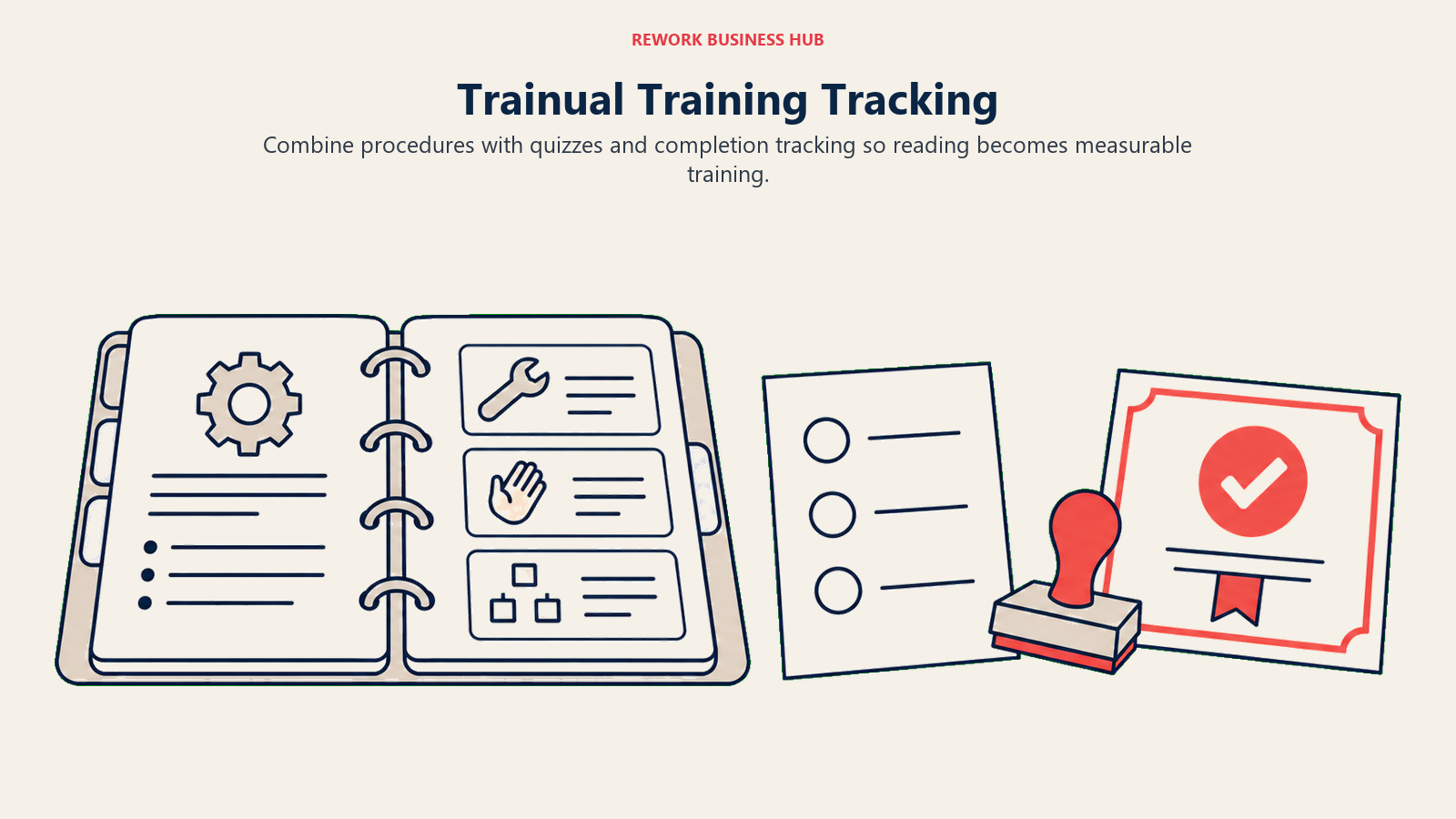
Trainual solves a bigger problem than Scribe does. Instead of one auto-captured guide, it's a training platform: unlimited AI-assisted documentation, an AI knowledge-search layer, 500+ role and department templates, a roles builder, gamification, and, critically, testing and completion tracking so you actually know who finished training and passed. For teams that outgrew a folder of standalone Scribe docs and need to know who read what, Trainual is a different category of tool, not a faster screenshot capturer. The underlying discipline of assigning ownership to a process, not just writing it down once, is covered in more depth in process documentation and standard operating procedures.
ICP and sizing: Directors of Operations, HR, and L&D at 10 to 300 person companies that need training tracking layered on top of documentation.
| Pros | Cons |
|---|---|
| Testing, completion tracking, and a roles builder beyond a single doc | No published pricing, must book a demo to get a number |
| 500+ templates and an AI knowledge search layer | Video storage caps vary by tier (2GB on Core) |
| Premium tier adds SSO and a custom domain | Not built to auto-capture a workflow from clicks the way Scribe does |
Pricing: Trainual's pricing page, names four tiers (Core, Pro, Premium, Enterprise) with no dollar figures published. The vendor states pricing "varies depending on the size of your team and the features you need" and routes every visitor to a demo booking. Source: trainual.com/pricing.
Best for: Teams that need training tracking, quizzes, and an org chart layered on top of documentation, not just a faster way to capture steps.
Not ideal for: Teams that want a self-serve number today without booking a demo first.
9. Whatfix: In-App Guidance Instead of a Separate Document
Whatfix solves yet another job. Instead of a guide that lives outside the product, it renders step-by-step guidance, tooltips, task lists, and pop-ups directly inside the live application, for employees using internal software or customers using yours. That's a fundamentally different fix than a better screenshot tool: nobody has to leave the app to find the answer.
ICP and sizing: VP IT and Heads of Digital Adoption at 200 to 5,000+ person companies rolling out guidance across internal or customer-facing applications.
| Pros | Cons |
|---|---|
| Guidance renders live inside the target application, not a separate tab | No self-serve pricing at any tier |
| Premium tier unlocks unlimited content aggregation and auto-translation | Standard tier caps content aggregation at 2,000 articles and 2 integrations |
| Deployable across employee-facing or customer-facing apps | Priced as a flat fee plus user license fees, not a simple per-seat number |
Pricing: Whatfix's pricing page, publishes no dollar figures at all. The vendor states cost is "a flat fee, plus user license fees," billed by total users for employee-facing apps or by monthly active users for customer-facing apps, across Standard, Premium, and Enterprise tiers. Source: whatfix.com/pricing.
Best for: Larger teams that want guidance rendered inside the actual application, not a separate reference doc.
Not ideal for: Small teams wanting a quick, self-serve number; Whatfix is priced through a sales conversation at every tier.
10. UserGuiding: A Budget In-App Guidance Platform With a Published Price
If Whatfix's enterprise scale and quote-only pricing is the wrong fit, UserGuiding does a similar job, in-app guides, tooltips, and checklists, at a fraction of the size, with an actual number printed on the page instead of a sales call.
ICP and sizing: Heads of Product and CS at 10 to 200 person companies that want in-app guidance with a published starting price.
| Pros | Cons |
|---|---|
| Published, self-serve pricing at every tier | Starter caps at 15 guides, 10 hotspots, and 1 seat |
| No-code event tracking and session replay on Growth | Enterprise pricing (SSO, HIPAA, SOC2) is still custom |
| AI Assistant included even on the entry Starter plan | Starter's 1 environment limits staging/testing separately |
Pricing: Starter: $174/month billed yearly, or $249/month billed monthly; 2,000 MAU, 1 seat, 15 guides. Growth: $349/month billed yearly, or $499/month billed monthly; 3 seats, event tracking, 3,000 session replays, A/B testing. Enterprise: custom. Source: userguiding.com/pricing.
Best for: Smaller product and CS teams that want in-app guidance with a published starting price instead of Whatfix's sales-only model.
Not ideal for: Teams past roughly 100K monthly active users, or needing SSO and HIPAA compliance below Enterprise.
11. Notion: A General Wiki to House the SOPs Once They're Written
Notion doesn't capture anything automatically; every guide gets built and formatted by hand. But it's the most common landing spot for teams that outgrew a folder of standalone Scribe docs and want those guides living inside a searchable, linked wiki alongside the rest of their operations, not a standalone doc library. For teams weighing Notion specifically against a more Atlassian-native wiki, Confluence vs Notion and the best Confluence alternatives guide cover that adjacent decision, and the best Nuclino alternatives guide covers a lighter general-wiki option if Notion itself feels like too much setup.
ICP and sizing: Founders and Heads of Ops at 1 to 200 person companies that want SOPs living in one general workspace next to projects and databases.
| Pros | Cons |
|---|---|
| One workspace for docs, tasks, and databases together | No browser extension that auto-captures clicks into a guide |
| Free tier is genuinely usable for small teams | Needs a dedicated admin or the workspace sprawls |
| Huge template ecosystem for structuring SOPs manually | AI features gated to the Business plan |
Pricing: Free plan available. Plus: $10 per member/month. Business: $20 per member/month, includes AI features. Enterprise: custom. Notion advertises a yearly discount without publishing the exact annual figure. Source: notion.com/pricing.
Best for: Teams that want SOPs to live inside one general workspace next to projects and databases, not a standalone doc library.
Not ideal for: Teams that want the capture itself automated; Notion has no extension that turns clicks into a formatted guide the way Scribe does.
12. Snagit: The Cheapest Way to Capture a Single Workflow Yourself
Snagit is the individual's tool in this list: a $39-per-user-per-year subscription that includes AI Step Capture, a feature that, like Scribe, bundles an entire click sequence into one annotated, scrollable document automatically, plus Smart Redact and Scrolling Capture for long pages.
ICP and sizing: Individual contributors, trainers, and technical writers at 1 to 10 person teams who want Scribe's auto-capture trick at the lowest price in this list.
| Pros | Cons |
|---|---|
| AI Step Capture auto-generates a document from a click sequence | No team plan, seat pooling, or shared workspace |
| Lowest published price point in this entire list | Sharing means exporting a file, not a live, updatable link |
| Scrolling Capture and Smart Redact built in | Subscription-only on the current pricing page, no lower one-time tier listed |
Pricing: $39 per user per year, billed yearly, individual subscription. Includes access to Camtasia Online and up to 25 hosted videos on Screencast. Source: techsmith.com/store/snagit.
Best for: An individual contributor or a very small team that wants Scribe's auto-capture trick at the lowest price here, without needing shared team infrastructure.
Not ideal for: Teams that need a shared, linkable guide library with multiple contributors; Snagit is licensed and used per person.
13. Document360: A Versioned, Public-Facing Help Center
Document360 solves a different problem than Scribe entirely: instead of auto-capturing an internal workflow, it's built to publish a versioned, SEO-indexed, customer-facing help center, the kind of documentation a support team maintains for external users rather than internal SOPs. If part of what's driving the search for Scribe alternatives is that the team also needs a public knowledge base, not just internal guides, Document360 is worth evaluating alongside a capture tool rather than instead of one. The best Document360 alternatives guide and the wider best knowledge management software roundup both cover this adjacent category in more depth.
ICP and sizing: Directors of Product Education at SaaS companies, roughly 10 to 200 people, that need a public help center alongside internal knowledge.
| Pros | Cons |
|---|---|
| Deep versioning and search analytics built for public docs | Quote-only, no dollar figures published |
| 14-day free trial, no card required | Not built to auto-capture a workflow from clicks |
| Strong fit for customer-facing, SEO-indexed documentation | Doesn't solve internal SOP capture; a different job than Scribe's |
Pricing: Document360's pricing page, publishes no plan names or dollar figures. It states pricing is built "around your specific configuration" based on team accounts, workspaces, languages, and AI usage, with a 14-day free trial and no card required. Source: document360.com/pricing.
Best for: Teams whose real gap is a customer-facing help center, layered alongside, not replacing, internal step capture.
Not ideal for: Teams wanting Scribe's core "auto-capture a click sequence" trick; Document360 is authored by hand, not generated from clicks.
Stage Fit Matrix
| Tool | Startup (0-10) | Growth (10-50) | Mid-Market (50-200) | Enterprise (200+) |
|---|---|---|---|---|
| Tango | Excellent | Strong | Good | Limited |
| Guidde | Excellent | Strong | Good | Viable |
| Supademo | Good | Strong | Good | Viable |
| iorad | Good | Good | Strong (Live Mode) | Viable |
| Dubble | Excellent | Good | Limited | Not viable |
| Folge | Excellent | Good | Limited | Not viable |
| Loom | Excellent | Strong | Strong | Good |
| Trainual | Limited (quote-only) | Good | Strong | Strong |
| Whatfix | Not viable | Limited | Good | Strong |
| UserGuiding | Good | Strong | Good | Viable |
| Notion | Excellent | Strong | Good (needs admin) | Viable |
| Snagit | Excellent (solo) | Limited | Not viable | Not viable |
| Document360 | Limited | Good (SaaS docs) | Strong | Good |
Sizing and Persona Table
| Tool | Team Size Sweet Spot | Primary Buyer | Secondary Buyer |
|---|---|---|---|
| Tango | 1-50 | Ops Manager / Team Lead | Customer Support Lead |
| Guidde | 1-50 | Product Marketer | Sales Enablement Manager |
| Supademo | 10-200 | Sales Engineer / Demo Lead | Product Marketing Manager |
| iorad | 5-100 | L&D Manager / Ops Lead | Customer Success Manager |
| Dubble | 1-30 | Founder / Ops Lead | Consultant |
| Folge | 1-20 | Solo Consultant / IT Admin | Small Agency Owner |
| Loom | 10-500 | Head of Content / CS Lead | Sales Team Lead |
| Trainual | 10-300 | Director of Operations | L&D Manager |
| Whatfix | 200-5,000 | VP IT / Head of Digital Adoption | Head of Product |
| UserGuiding | 10-200 | Head of Product | Product Marketing Manager |
| Notion | 1-200 | Founder / Head of Ops | Product Lead |
| Snagit | 1-10 | Individual Contributor / Trainer | Technical Writer |
| Document360 | 10-200 | Director of Product Education | Head of Customer Support |
How to Choose: Decision Framework
| If you need... | Choose |
|---|---|
| Scribe's core trick with no seat minimum | Tango or Dubble |
| The capture turned into a narrated video, not a static doc | Guidde |
| A clickable, branching demo instead of a screenshot doc | Supademo |
| The guide to double as live in-app guidance | iorad |
| To pay once instead of a monthly seat fee | Folge |
| Fast async video instead of a written doc | Loom |
| Training tracking, quizzes, and an org chart, not just docs | Trainual |
| Enterprise-scale in-app guidance for your own product | Whatfix |
| In-app guidance at a published, smaller-team price | UserGuiding |
| SOPs living inside a general team wiki | Notion |
| The cheapest possible solo capture tool | Snagit |
| A public-facing, versioned help center too | Document360 |
Frequently Asked Questions about Scribe Alternatives
Why does Scribe's website redirect from scribehow.com to scribe.com?
Scribe rebranded from ScribeHow to Scribe, and scribehow.com now 301-redirects to scribe.com. It's the same product and company, just a shorter name, but it confuses buyers searching for older reviews or comparisons published under "ScribeHow."
Why does Scribe's team plan require 5 seats minimum?
Scribe's Pro Team plan is priced at $17 per seat per month billed monthly, or $13 per seat per month billed annually, and starts at 5 seats. That means the real entry commitment is 5 times that per-seat rate (roughly $65 to $85 a month) before a team adds a single extra person, which is why teams of 2 to 4 people often look elsewhere first.
What's the best free Scribe alternative?
Dubble's free plan has no seat cap and includes unlimited guides. Tango's free plan covers up to 10 users. Loom's free Starter plan covers up to 50 members for video instead of written guides. None charge anything to start, unlike Scribe's Pro Team plan.
Which Scribe alternative turns a capture into a video instead of a written doc?
Guidde automatically narrates a captured workflow into an AI-voiced video. Loom takes the opposite approach: you record your own screen and voice live, with no auto-generated steps or screenshots at all. Guidde is closer to Scribe's "auto-generate it for me" model; Loom is closer to traditional screen recording.
Is there a Scribe alternative I can pay for once instead of monthly?
Folge sells one-time Personal and Business licenses instead of a recurring subscription, starting at $89 for a lifetime Personal license on one platform. Every other tool in this guide, including Scribe itself, bills on a recurring monthly or annual basis.
What if my team's real gap is in-app guidance, not documentation?
Whatfix and UserGuiding solve a different problem than Scribe: instead of a guide that lives outside the product, they render tooltips, task lists, and walkthroughs directly inside the live application. Whatfix is quote-only and sized for larger deployments; UserGuiding publishes a starting price and fits smaller product and CS teams.
How much does poor process documentation actually cost a company?
US knowledge workers waste 5.3 hours a week waiting on colleagues for information or recreating knowledge that already exists, costing large US businesses an average of $47 million a year, per Panopto's Workplace Knowledge and Productivity Report conducted with YouGov. Separately, Asana's Anatomy of Work Index found that roughly 60% of a person's workday goes to "work about work," including documentation and information searches, instead of the skilled work they were hired to do.
What to Do Next
Pick the two tools that match your actual reason for leaving Scribe, not just the two names you've already heard of, and run a real one-week test. Take one workflow your team documents often, an onboarding checklist, a support macro, a release process, and rebuild it in both tools with the person who'll actually maintain it going forward. If the seat minimum is the only thing pushing you to switch, start with Tango or Dubble: both match Scribe's core trick and neither charges anything for a small team to start.
For teams still deciding whether the real gap is a tooling problem or an ownership problem, process documentation and standard operating procedures cover what makes a guide actually get maintained once someone publishes it. And for personal note-taking that often sits next to a team's shared SOP library, the best Evernote alternatives guide covers that adjacent, individual-first category.
Camellia writes about productivity and process documentation tools for B2B teams. Last updated September 2026.

Principal Product Marketing Strategist
On this page
- Key Facts
- Quick Comparison Table
- Why Teams Are Leaving Scribe
- 1. Tango: Free Auto-Capture With No Seat Minimum
- 2. Guidde: AI-Narrated Video Instead of a Static Doc
- 3. Supademo: Interactive, Clickable Demos Instead of Static Screenshots
- 4. iorad: Auto-Capture Plus Live In-App Guidance
- 5. Dubble: Unlimited Free Guides, No Seat Cap
- 6. Folge: One-Time License, No Recurring Seat Fee
- 7. Loom: Async Video Instead of a Written Step Guide
- 8. Trainual: A Full SOP and Training Platform, Not Just a Capture Tool
- 9. Whatfix: In-App Guidance Instead of a Separate Document
- 10. UserGuiding: A Budget In-App Guidance Platform With a Published Price
- 11. Notion: A General Wiki to House the SOPs Once They're Written
- 12. Snagit: The Cheapest Way to Capture a Single Workflow Yourself
- 13. Document360: A Versioned, Public-Facing Help Center
- Stage Fit Matrix
- Sizing and Persona Table
- How to Choose: Decision Framework
- What to Do Next