Best Evernote Alternatives in 2026: 10 Note-Taking and Knowledge Management Tools
Turn this article into takeaways for your work.


Each assistant summarizes the article only for you and suggests best practices for your work.
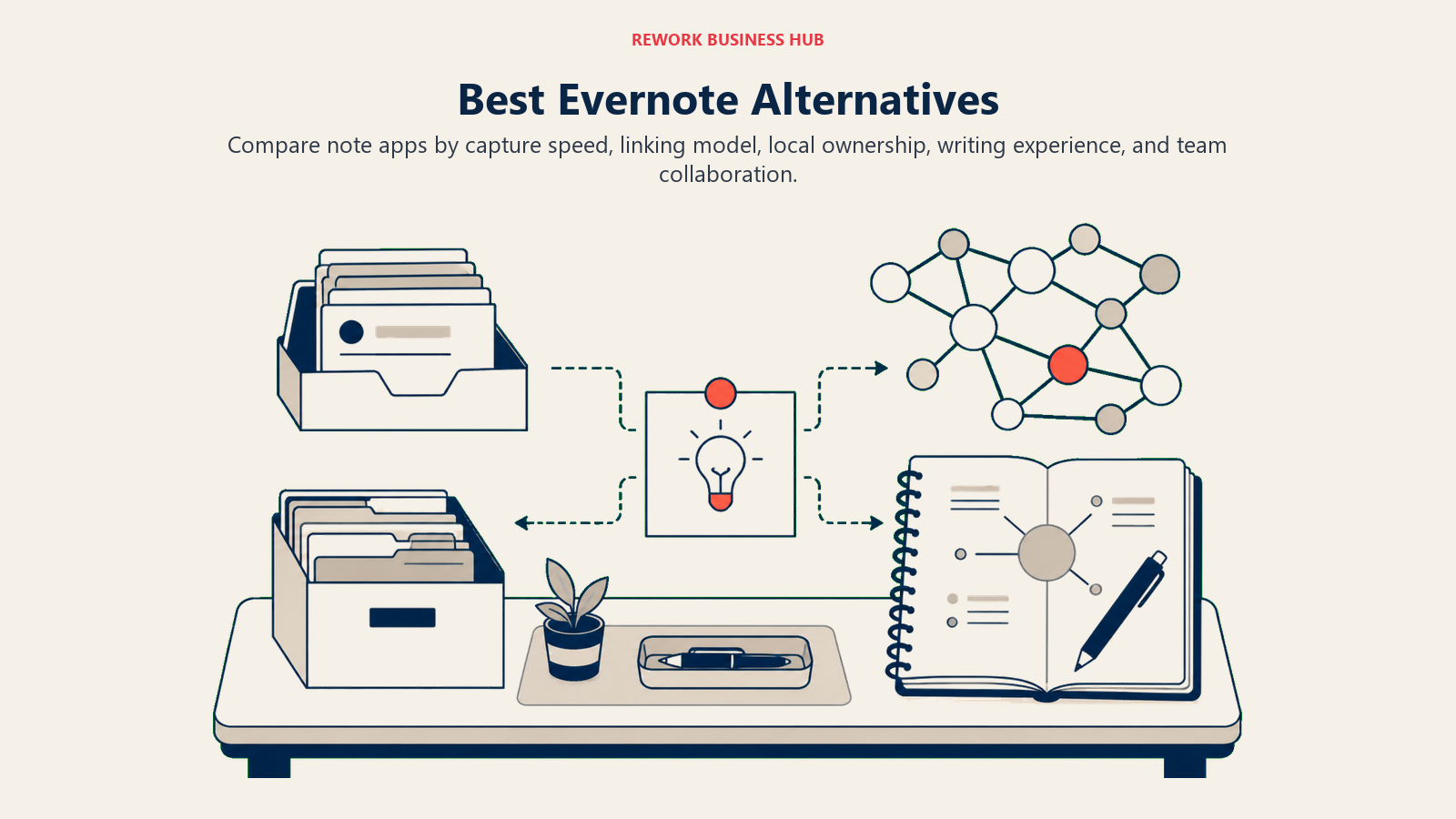
The best Evernote alternatives in 2026 are Notion for teams, Obsidian for a personal second brain, and Apple Notes for fast free notes on Apple devices. OneNote suits Microsoft 365 orgs, Bear and Craft fit Apple writers, Logseq and Capacities serve networked thinkers, Mem leans on AI, and Joplin wins on privacy. The right pick depends on whether you need a team wiki, a knowledge graph, or just reliable sync.
Evernote used to be the default answer to "where do you keep your notes?" That's no longer true. After Bending Spoons acquired the company in 2022, the free tier dropped from unlimited notes to just 50. Personal plan pricing climbed past $14/month. The desktop app shed features and felt slower. Sync errors that once got fixed in days now sat open for weeks. And if you relied on collaboration (shared notebooks, comments, shared workspaces), you quickly hit walls that competitors had already solved years ago.
If you're evaluating what comes next, you're in good company. Millions of Evernote users made the move between 2023 and 2025. The note-taking and knowledge management market has never been more crowded or more capable. The right tool depends on whether you need a personal second brain, a team wiki, a structured knowledge graph, or just a fast place to dump notes that syncs reliably across devices.
Teams choosing a knowledge management tool often evaluate it alongside their broader productivity suite. The best Google Workspace alternatives guide covers suites like Notion and OnlyOffice that bundle docs, notes, and collaboration into one platform, worth reading if you're considering replacing more than just Evernote.
Quick Comparison Table
| Tool | Best For | Starting Price | Key Strength | Key Limitation |
|---|---|---|---|---|
| Notion | Teams building wikis and project docs | Free; $10/user/mo (Plus) | Flexibility: databases, docs, wikis in one | Steep learning curve; can feel like building software |
| Obsidian | Knowledge workers building a personal second brain | Free (personal); $50/yr (Sync) | Local-first, Markdown, bidirectional links | No native real-time collaboration; sync requires setup |
| Apple Notes | Apple users wanting fast, reliable, free notes | Free (with Apple device) | Speed, Handwriting, iCloud sync | Apple ecosystem only; limited structure |
| Microsoft OneNote | Microsoft 365 users and enterprise teams | Free; included in M365 | Deep Office integration, free notebooks | Inconsistent formatting; no true database features |
| Bear | Writers and solo creatives on Apple devices | Free; $2.99/mo (Pro) | Beautiful Markdown editor, tagging | Apple-only; no Windows or Android |
| Logseq | Researchers and developers doing networked thinking | Free (open-source) | Outliner + graph + local-first | Less polished UI; steeper learning curve |
| Craft | Apple power users who want design-quality docs | Free; $5/mo (Pro) | Design quality, block-based, fast | Apple-centric; web version limited |
| Capacities | Knowledge workers who think in objects, not folders | Free; €9/mo (Pro) | Object-based notes (people, books, ideas) | Newer product; fewer integrations |
| Mem | Professionals who want AI to organize notes for them | Free; $14.99/mo (Pro) | AI-powered auto-organization | AI quality inconsistent; smaller community |
| Joplin | Privacy-conscious users and open-source advocates | Free (open-source) | Self-hostable, E2E encryption, Markdown | Limited UI polish; collaboration is manual |
Stage Fit Matrix
| Tool | Startup (1-10) | Growth (10-50) | Mid-Market (50-200) | Enterprise (200+) |
|---|---|---|---|---|
| Notion | Strong | Strong | Good | Moderate |
| Obsidian | Strong | Moderate | Individual use | Individual use |
| Apple Notes | Strong | Moderate | Limited | Not suitable |
| OneNote | Moderate | Strong | Strong | Strong (via M365) |
| Bear | Strong | Limited | Limited | Not suitable |
| Logseq | Strong | Moderate | Individual/team | Not suitable |
| Craft | Strong | Moderate | Limited | Not suitable |
| Capacities | Strong | Moderate | Limited | Not suitable |
| Mem | Strong | Moderate | Limited | Not suitable |
| Joplin | Strong | Moderate | Limited | Possible (self-host) |
Sizing and Persona Table
| Tool | Team Size Sweet Spot | Who Buys It | Primary Persona |
|---|---|---|---|
| Notion | 5-100 | COO, Head of Ops, Team Lead | Teams building documentation systems |
| Obsidian | 1-5 | Individual contributor | Researchers, writers, developers |
| Apple Notes | 1-10 | Individual user | Apple-first professionals |
| OneNote | 10-500+ | IT Admin, Office Manager | M365 orgs wanting included tooling |
| Bear | 1-5 | Writer, blogger, solo professional | Apple-first writers and creatives |
| Logseq | 1-10 | Developer, researcher | Networked thinkers, PKM enthusiasts |
| Craft | 1-20 | Designer, consultant, solo professional | Design-minded Apple users |
| Capacities | 1-20 | Knowledge worker, researcher | People who think in entities not folders |
| Mem | 1-10 | Busy professional, executive | People who want AI to do the organizing |
| Joplin | 1-50 | Developer, privacy advocate | Tech-savvy users or self-hosters |
1. Notion: The Flexible All-in-One Workspace
Notion's founding philosophy is that documents and databases are the same thing. A page can hold a table, a kanban board, a calendar, a gallery view, or plain text, and all of those are just "blocks." That flexibility is why Notion became the default choice for teams migrating away from a patchwork of Evernote + Google Docs + Trello + Confluence.
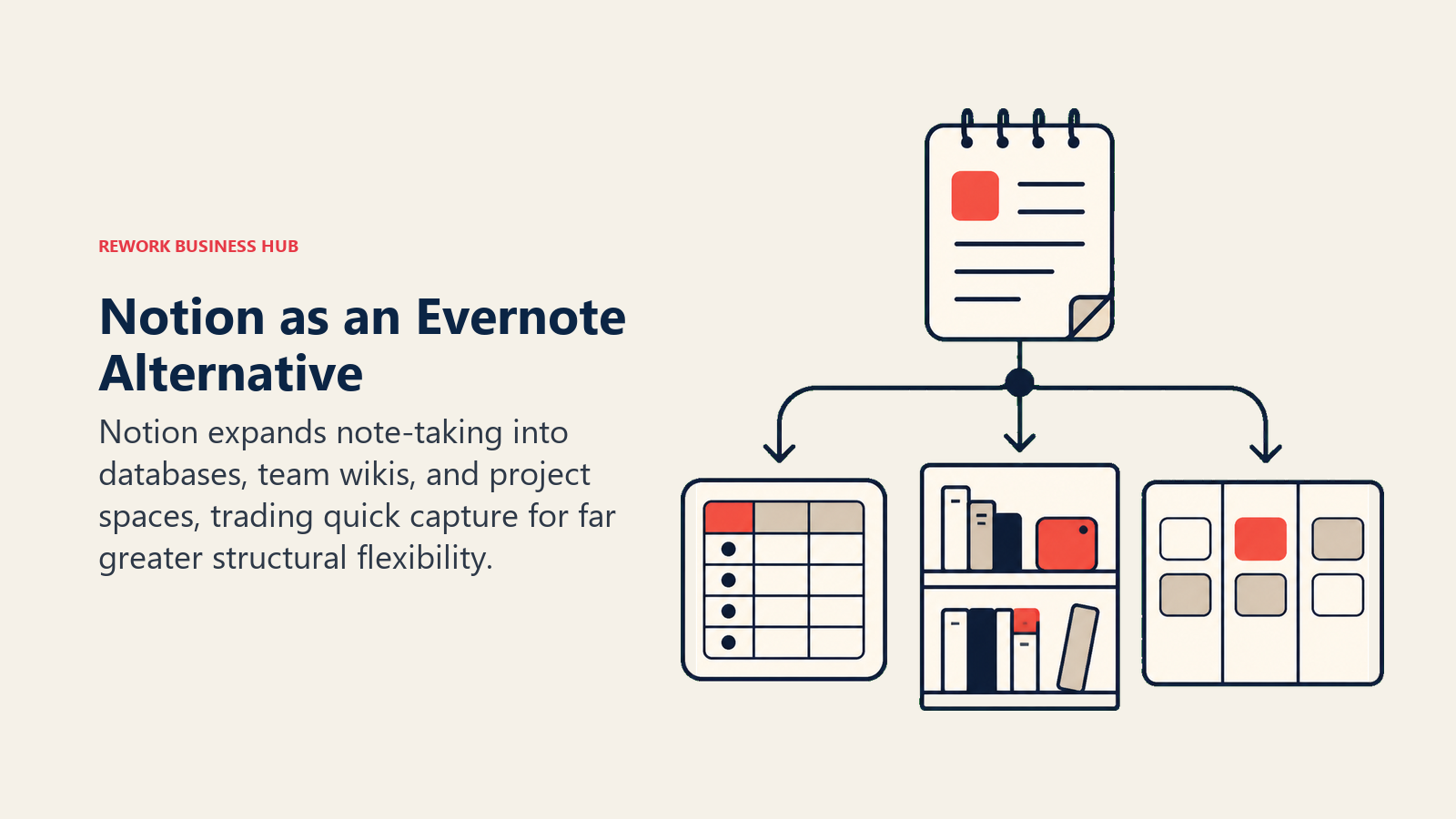
The target audience is broad but the sweet spot is growth-stage teams (10-100 people) who need a shared knowledge base and lightweight project tracking without the overhead of enterprise tools. It works well for product teams, ops teams, and early-stage companies building their first internal wiki. Larger organizations use it too, but IT departments often push back on the lack of enterprise-grade admin controls compared to Confluence or SharePoint.
Notion is a company-wide tool, not a team silo. A sales rep's CRM pipeline, an engineer's technical spec, and HR's onboarding docs can all live in the same workspace.
The AI features (Notion AI) launched in 2023 and have matured: summarize pages, draft content, translate, auto-fill database properties. Included in the Plus plan and above.
| Strengths | Limitations |
|---|---|
| Databases + docs in one surface | Can take weeks to set up properly |
| Generous free tier for individuals | Real-time sync can lag on large pages |
| Strong template ecosystem | Formula and automation logic has limits |
| Good web clipper | Mobile app slower than desktop |
| Notion AI included in paid plans | No offline-first mode |
Pricing: Free (1 member, unlimited blocks); Plus $10/user/mo; Business $20/user/mo; Enterprise custom. See Notion pricing for current plans.
Best for: Teams who want a single workspace for docs, wikis, and lightweight project tracking. Not ideal for: Solo note-takers who want simplicity, or enterprises needing strict compliance controls.
2. Obsidian: The Local-First Knowledge Graph
Obsidian's philosophy is radical simplicity with radical depth: your notes are Markdown files on your hard drive, nothing more. There's no proprietary format, no vendor lock-in, and no cloud dependency by default. What Obsidian adds on top of plain Markdown is a bidirectional linking system and a graph view that maps the relationships between your notes visually.
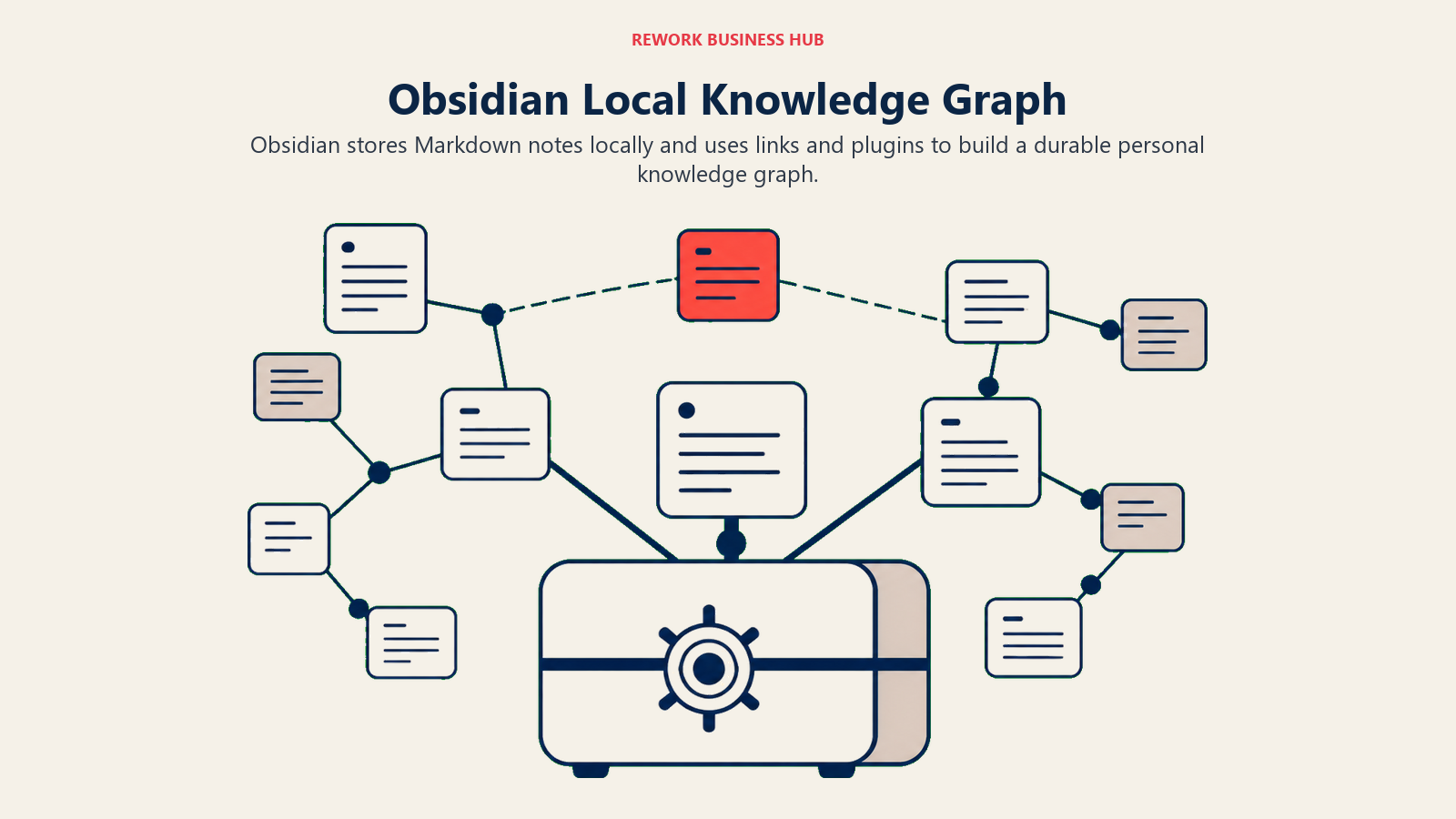
This makes it the tool of choice for researchers, developers, writers, and PKM (personal knowledge management) enthusiasts who want to build a "second brain," a system where ideas connect to other ideas over time. The Zettelkasten method fits Obsidian naturally.
The audience is individuals, not teams. Obsidian has no native real-time collaboration. Sync across devices requires either the paid Obsidian Sync service ($50/year) or a manual setup using iCloud, Dropbox, or Git. Teams sometimes use it with a shared Git repo, but that requires technical comfort.
Over 1,000 community plugins extend the core: Dataview for database-style queries on your notes, Calendar for daily journaling, Excalidraw for visual thinking, Templater for dynamic templates. The plugin ecosystem is one of Obsidian's biggest competitive advantages.
| Strengths | Limitations |
|---|---|
| Local-first, no vendor lock-in | No real-time collaboration |
| Bidirectional links and graph view | Sync setup requires effort |
| Enormous plugin ecosystem | Steeper learning curve than simple apps |
| Free for personal use | Mobile app less polished than desktop |
| Works offline by default | No web version |
Pricing: Free for personal use; Obsidian Sync $50/year; Obsidian Publish $96/year; Commercial license $50/user/year. See Obsidian pricing for current options.
Best for: Individual knowledge workers who want a permanent, locally-owned second brain. Not ideal for: Teams needing shared workspaces, or users who don't want to manage their own sync.
3. Apple Notes: The Fast, Free Default
Apple Notes is not trying to win a feature comparison. Its philosophy is speed, reliability, and frictionlessness on Apple hardware. Open, type, close. It syncs instantly over iCloud. The UI has been polished steadily since iOS 16, and features like Smart Folders, tags, Quick Note (available from any app on Mac), PDF scanning, and Apple Pencil handwriting recognition now cover a surprising range of real workflows.
The audience is Apple-ecosystem users who want their notes where their iPhone, Mac, and iPad already are, with zero subscription cost. It's become the default for millions of professionals who found Evernote's free tier too restricted and Notion too complex.
Apple Notes is a personal tool. Collaboration exists (you can share notes and folders) but it's lightweight, with no databases, no structured views, no project management. For solo note-taking with fast search and reliable sync, it's hard to beat at the price.
| Strengths | Limitations |
|---|---|
| Free with every Apple device | Apple ecosystem only (no Windows, no Android) |
| Instant iCloud sync | Limited structure - no databases or views |
| Quick Note feature on Mac | No web clipper with formatting fidelity |
| Handwriting support with Apple Pencil | Export options limited |
| No subscription required | Can't easily share with non-Apple users |
Pricing: Free.
Best for: Apple-first solo users who want fast, reliable, free note-taking. Not ideal for: Mixed-device environments, teams, or users needing structured knowledge management.
4. Microsoft OneNote: The Enterprise Default
OneNote's product philosophy sits in the Microsoft ecosystem: deep Office integration, shared notebooks in SharePoint and Teams, and no artificial limits on notebooks or pages. If your organization runs Microsoft 365, OneNote is already included, and that "free with what you pay for" positioning wins a lot of IT decisions.
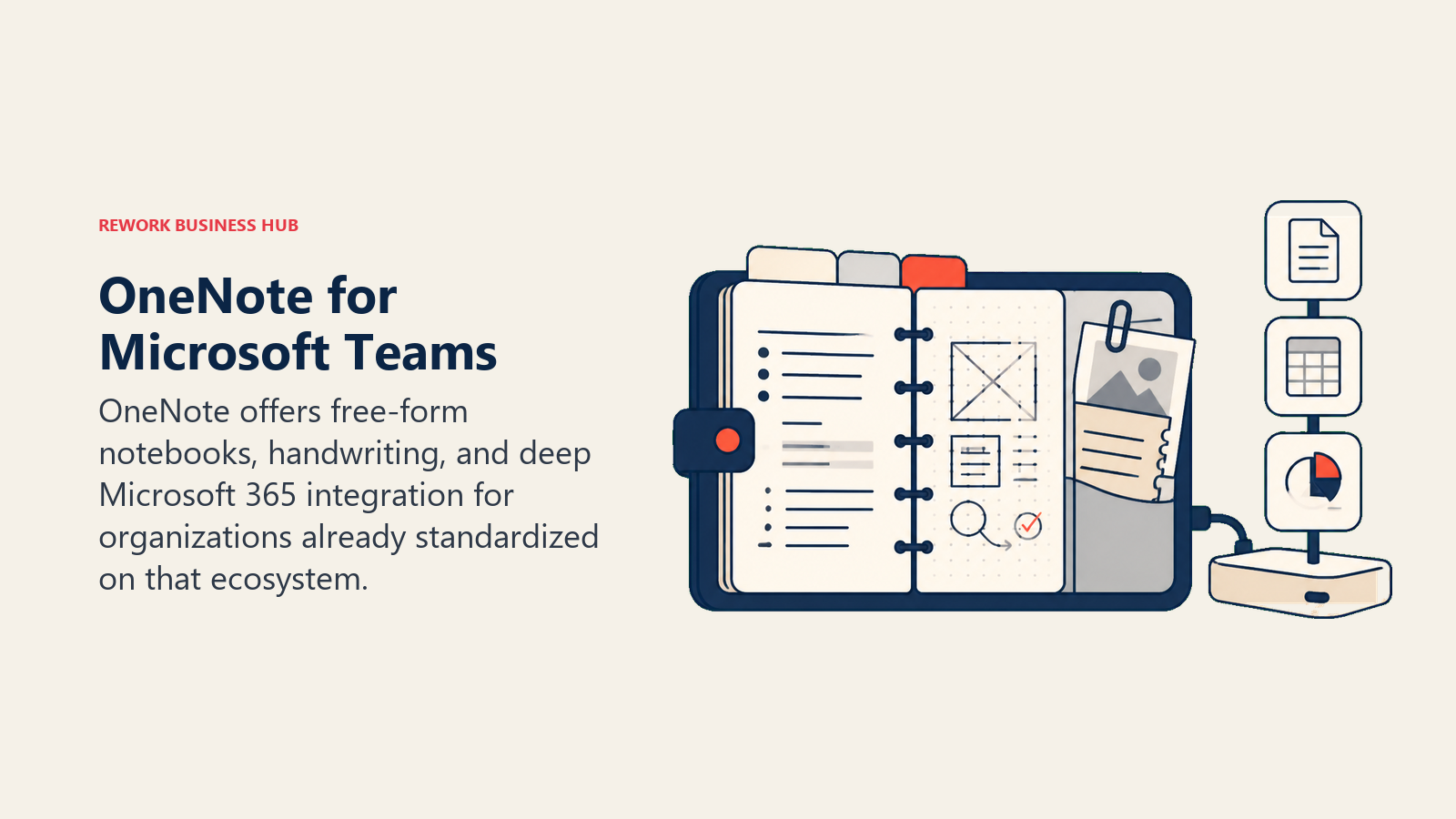
The target audience is enterprise and mid-market teams who are already in the Microsoft stack. Specifically: anyone who needs to take notes in Teams meetings, capture content from Outlook, or share structured notebooks across a department. OneNote works on every major platform (Windows, Mac, iOS, Android, web) with reasonable feature parity.
The criticism is consistent: formatting can be inconsistent, especially when mixing typed text with handwriting or pasted content. There's no block-based or database-based paradigm. It's closer to an infinite canvas with free-form text and objects. For structured knowledge management, it lags behind Notion and Obsidian. But for simple shared notebooks in an enterprise context, it's hard to displace.
| Strengths | Limitations |
|---|---|
| Free with Microsoft 365 | Formatting inconsistencies across platforms |
| Deep Teams and Outlook integration | No database or structured views |
| Works on all major platforms | UI feels dated compared to modern tools |
| No notebook or page limits | Search quality lower than competitors |
| Strong drawing and inking support | Collaboration features basic vs. Notion |
Pricing: Free standalone; included in Microsoft 365 ($6-$22/user/mo depending on plan).
Best for: Microsoft 365 organizations wanting integrated, shared notebook capabilities. Not ideal for: Teams wanting database-style knowledge management or modern block editing.
5. Bear: The Writer's Markdown Editor
Bear is opinionated software for a specific person: a writer or creative professional who lives on Apple devices, writes in Markdown, and wants a beautiful, distraction-free environment. It launched in 2016 and built a devoted following by doing one thing exceptionally well: a gorgeous, fast Markdown editor with powerful tagging (not folders) for organization.
The tagging system deserves a mention because it's where Bear differs from almost everything else. Tags are nested (writing/blog/drafts), inline in your notes, and the primary navigation mechanism. There are no folders. For writers who think in tags rather than hierarchies, this is liberating.
Bear 2.0 shipped in 2023 with collaborative notes for the first time, backlinks, table support, and improved export. It remains Apple-only (iOS, iPadOS, macOS). There's no Windows app, no Android app, and no web app. That limitation is real and intentional: Bear optimizes for Apple platform quality over cross-platform reach.
| Strengths | Limitations |
|---|---|
| Best-in-class Markdown editor for Apple | Apple-only - no Windows, Android, or web |
| Beautiful, distraction-free design | Not suitable for teams or collaboration |
| Hashtag-based organization is flexible | No database or structured views |
| Fast search across all notes | Fewer power features than Obsidian |
| Affordable Pro subscription | Limited import/export options |
Pricing: Free (limited sync and export); Pro $2.99/mo or $29.99/year. See Bear pricing for current plans.
Best for: Apple-first writers, bloggers, and creatives who want Markdown with design quality. Not ideal for: Teams, Windows users, or anyone needing structured knowledge management.
6. Logseq: The Outliner Knowledge Graph
Logseq's philosophy merges two ideas: the outliner (think Roam Research or WorkFlowy) and the knowledge graph (think Obsidian). Every note is an outline of bullets, and every bullet can link to other bullets and pages. Like Obsidian, notes are stored as plain Markdown files locally. Unlike Obsidian, the interface is built around the outliner metaphor rather than the document metaphor.
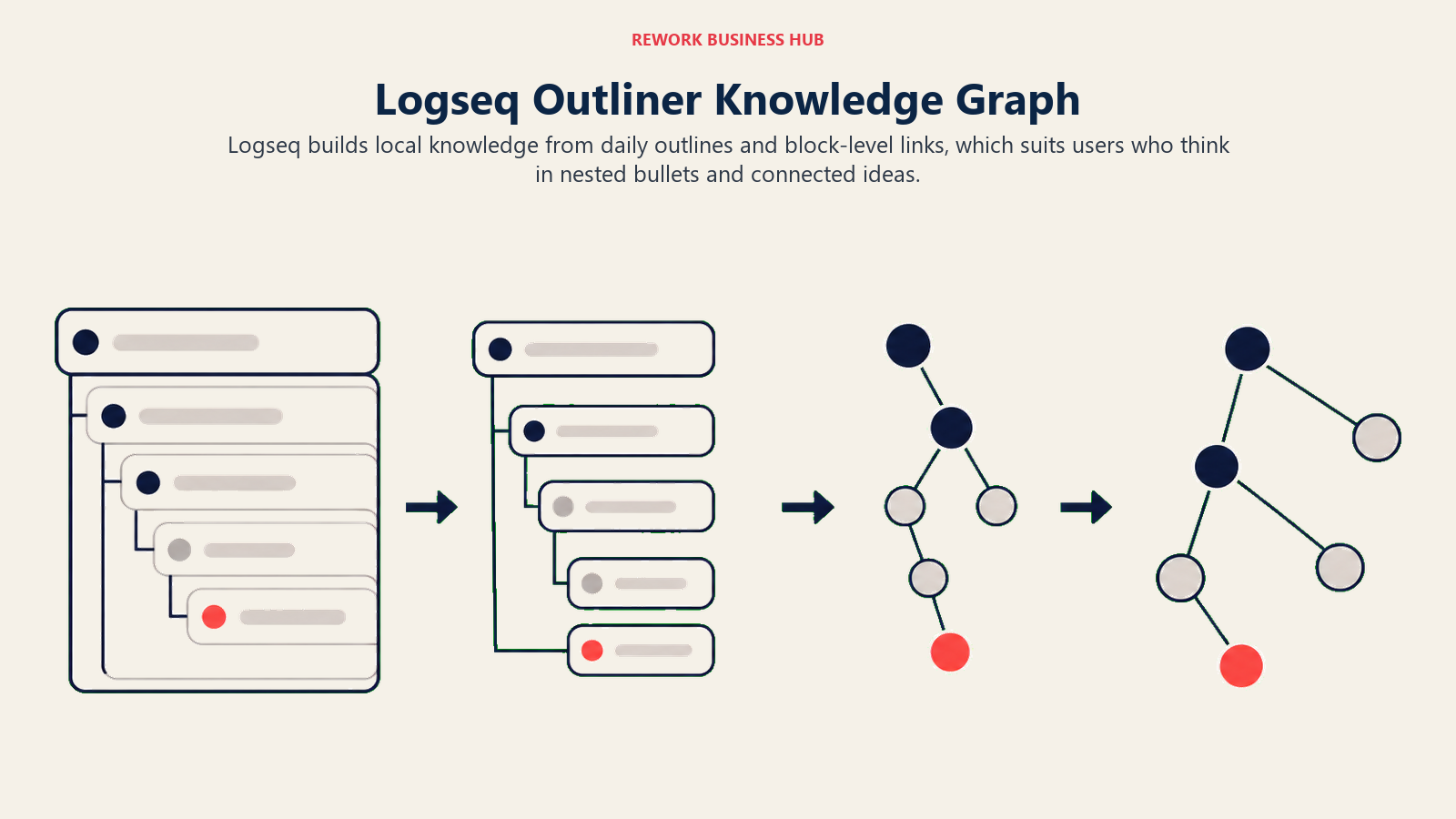
The audience is researchers, developers, and PKM power users who want to capture and connect ideas at the granular level of individual thoughts, not pages. The daily notes workflow is central: you open today's note, write in bullets, tag things, and Logseq builds the graph of connections over time without requiring you to pre-organize anything.
Logseq is open-source and free. A cloud sync service (Logseq Sync) is in development. The community is active and technical. And the plugin ecosystem, while smaller than Obsidian's, includes powerful tools for research workflows, spaced repetition, and PDF annotation.
Collaboration is the weak point. Logseq is built for individual thinking, not shared team wikis. Some teams use it via shared Git repos but it's not a smooth experience.
| Strengths | Limitations |
|---|---|
| Outliner + graph is uniquely powerful | Steeper learning curve than most alternatives |
| Local-first, open-source, free | Less polished UI than Bear or Craft |
| Bidirectional links and graph view | No real-time collaboration |
| PDF annotation built-in | Mobile app less mature |
| Active plugin and community ecosystem | Sync still requires setup |
Pricing: Free (open-source); Logseq Sync subscription in development.
Best for: Researchers, developers, and PKM enthusiasts who want to build a networked personal knowledge base. Not ideal for: Teams needing shared workspaces, or users who want a simple, clean interface.
7. Craft: Design-Quality Documents for Apple Power Users
Craft's founding philosophy is that documents should be beautiful by default. Not designed by the user. Beautiful out of the box. Block-based editing, clean typography, and export quality that makes sharing a doc feel like sharing a designed artifact. It launched in 2020 and won multiple Apple Design Awards.
The target audience is Apple power users who want something more polished than Apple Notes and more document-focused than Notion. Consultants, writers, product managers, and small teams who create a lot of external-facing documents (client reports, proposals, summaries) gravitate toward Craft because the output looks good without extra effort.
Craft has a web version and limited Windows support (via a web app), but it's clearly an Apple-first product. Collaboration exists (shared spaces, comments, real-time editing) but the scale is small team (2-20 people) rather than enterprise. The integration with Things, Reminders, and Calendar makes it work well as a personal productivity system on Apple hardware.
| Strengths | Limitations |
|---|---|
| Best design quality in the category | Apple-centric; web/Windows limited |
| Fast and responsive block editing | No databases or structured views |
| Beautiful document export (PDF, Markdown) | Collaboration limited to small teams |
| Backlinks and note connections | Fewer power features than Notion |
| Good Apple ecosystem integrations | Smaller community than Notion/Obsidian |
Pricing: Free (limited); Pro $5/mo or $45/year; Business $10/user/mo. See Craft pricing for current plans.
Best for: Apple power users creating high-quality documents and personal knowledge systems. Not ideal for: Large teams, Windows-primary users, or anyone needing database-style organization.
8. Capacities: Object-Based Knowledge Management
Capacities takes a different structural approach from every other tool on this list. Instead of notes organized in folders or linked by tags, Capacities organizes knowledge by object types: people, books, projects, ideas, daily notes. You define the types that matter to your work, and every note you create is an instance of a type with relevant properties.
If you read a book, you create a Book object. You attach notes, highlights, and connections to it. If you meet someone, you create a Person object with a log of interactions. Your daily notes connect to all the objects you touched that day. The result is a knowledge graph that's organized by semantic type rather than arbitrary folder structure.
The audience is knowledge workers, researchers, and anyone who thinks "I need to track relationships between things" rather than "I need to store files." It's newer than most tools on this list (launched 2022) and the product is still maturing, but the object-based philosophy resonates strongly with a specific kind of structured thinker.
| Strengths | Limitations |
|---|---|
| Object-based model is uniquely structured | Newer product; fewer integrations |
| Daily notes connect to all objects | Smaller community and template library |
| Clean, modern interface | Learning curve for the object model |
| Web, desktop, and mobile apps | Collaboration features still developing |
| Good for research and relationship tracking | Less suitable for simple note-taking |
Pricing: Free (limited objects); Pro €9/mo or €79/year. See Capacities pricing for current options.
Best for: Knowledge workers who want to organize notes around typed objects (people, books, projects) rather than folders. Not ideal for: Simple note-takers, or teams needing shared project management alongside notes.
9. Mem: AI-Organized Notes
Mem's bet is that manual organization is the wrong model for notes. You shouldn't have to decide where a note goes, what to tag it, or how to find it later. Mem's AI (called Mem X) learns from what you write and surfaces relevant notes automatically based on context, time, and content similarity. When you're writing a new note about a client meeting, Mem suggests related past notes without you asking.
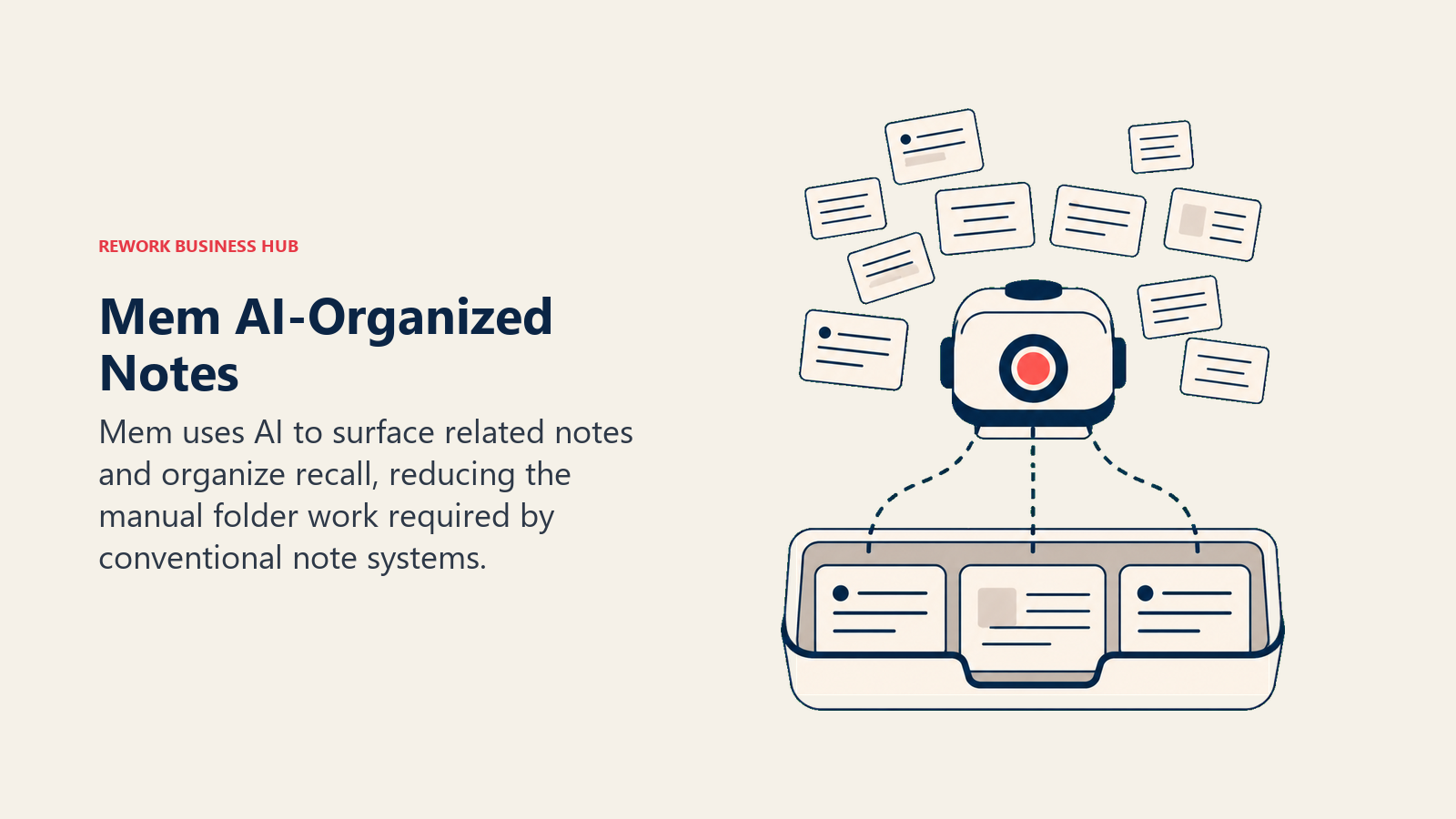
The audience is busy professionals and executives who capture a lot and have little patience for filing and maintenance. If you've ever found Evernote overwhelming because of the backlog of unorganized notes, Mem's pitch is appealing: dump it in, let AI figure it out.
The limitation is that AI-based organization is only as good as the AI, and Mem's quality is inconsistent. The suggested connections are sometimes brilliant and sometimes irrelevant. The product has iterated significantly since its 2021 launch, and the 2024-2025 version is more reliable. But power users report that Obsidian with Dataview or Notion with a well-built database gives more control.
| Strengths | Limitations |
|---|---|
| AI auto-organization reduces manual filing | AI quality inconsistent |
| Fast capture on mobile and desktop | Smaller community and template ecosystem |
| Smart search and memory surfacing | More expensive than simpler alternatives |
| Good for high-volume note capture | Less control for structured thinkers |
| Web and mobile apps available | Dependent on AI service quality |
Pricing: Free (basic); Pro $14.99/mo; Teams pricing available. See Mem pricing for current plans.
Best for: Professionals who capture a lot of notes and want AI to handle organization. Not ideal for: Users who want full control over structure, or those skeptical of AI-dependent workflows.
10. Joplin: Open-Source, Self-Hostable, Private
Joplin is the choice for people who don't want to trust their notes to any company's cloud. It's open-source, stores notes in Markdown with SQLite, and supports end-to-end encryption. Sync works via your own WebDAV server, Nextcloud, Dropbox, OneDrive, or Joplin Cloud (the official paid sync service). You own your data completely.
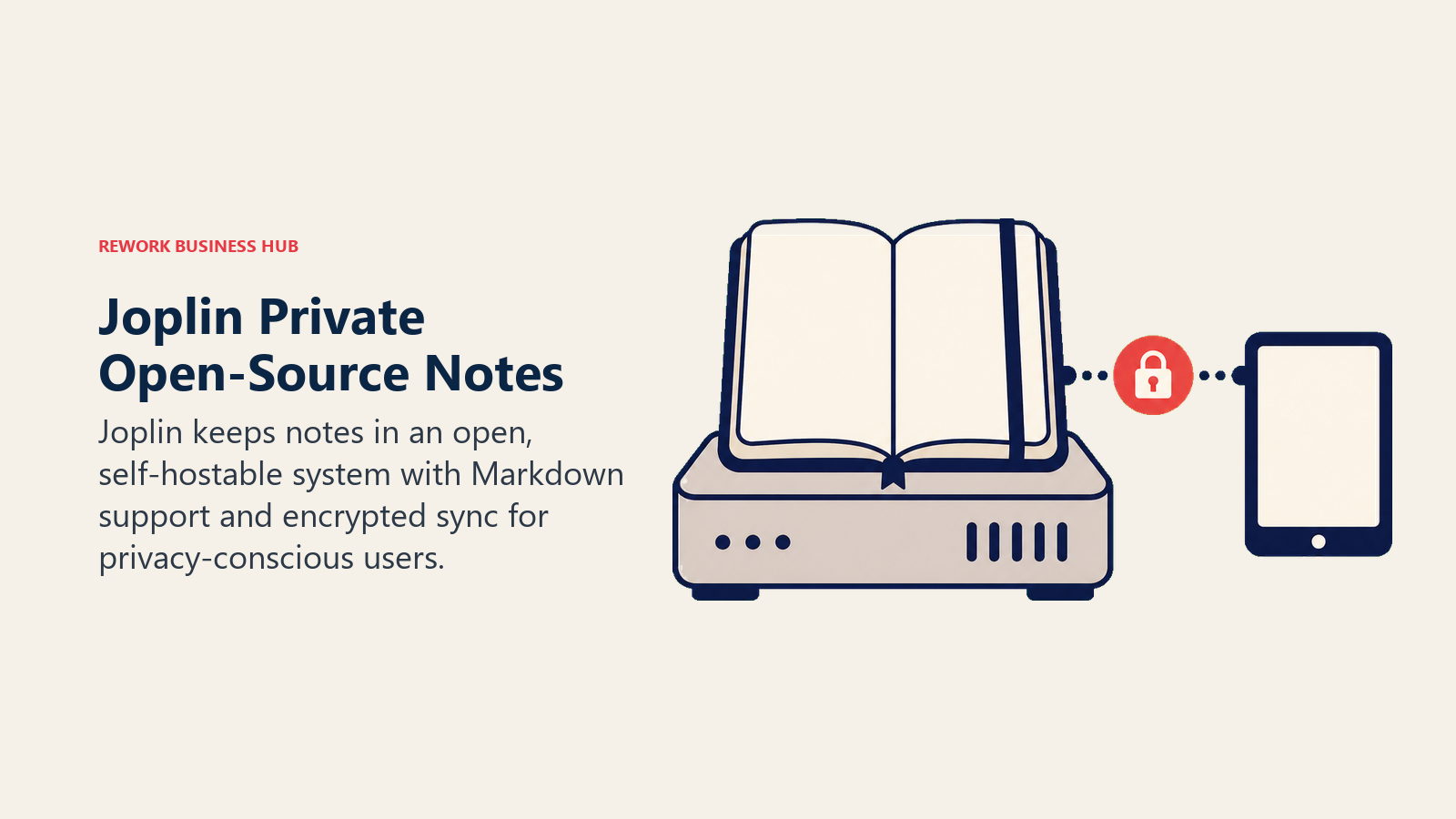
The audience is developers, privacy advocates, journalists, and technically competent professionals who prioritize data sovereignty over convenience. Joplin is not the most beautiful or the most capable, but it's the most trustworthy from a data ownership perspective. Many Evernote users who found Bending Spoons' acquisition alarming moved to Joplin specifically.
The UI is functional but not polished. The mobile app works but doesn't feel as fast as Bear or Apple Notes. Collaboration is limited to manual note sharing. But for a solo note-taking system with full ownership, strong search, web clipper, and Markdown support, Joplin is a serious competitor, especially at zero cost.
| Strengths | Limitations |
|---|---|
| Open-source and free | UI less polished than commercial apps |
| End-to-end encryption support | No real-time collaboration |
| Self-hostable with full data ownership | Mobile app less refined |
| Web clipper extension available | Sync setup requires effort |
| Active community and plugin ecosystem | Smaller feature set than Notion |
Pricing: Free (open-source); Joplin Cloud Basic $3.99/mo; Pro $7.99/mo (for sync and sharing features). See Joplin pricing for current options.
Best for: Privacy-conscious users, developers, and anyone who wants full data ownership with Markdown-based notes. Not ideal for: Teams needing collaboration features, or non-technical users who want simple setup.
Feature Comparison: Core Capabilities
| Feature | Notion | Obsidian | Apple Notes | OneNote | Bear | Logseq | Craft | Capacities | Mem | Joplin |
|---|---|---|---|---|---|---|---|---|---|---|
| Markdown support | Partial | Full | No | No | Full | Full | Full | Partial | Partial | Full |
| Offline access | Partial | Yes | Yes | Yes | Yes | Yes | Yes | Yes | Partial | Yes |
| Real-time collaboration | Yes | No | Limited | Yes | Limited | No | Yes | No | No | No |
| Databases / structured views | Yes | Via plugin | No | No | No | Via plugin | No | Yes | No | No |
| Bidirectional links | Yes | Yes | No | No | Yes | Yes | Yes | Yes | Partial | Via plugin |
| Mobile app | Yes | Yes | Yes | Yes | Yes | Yes | Yes | Yes | Yes | Yes |
| Web app | Yes | No | No | Yes | No | No | Partial | Yes | Yes | No |
| Self-hostable | No | Yes (files) | No | No | No | Yes (files) | No | No | No | Yes |
| AI features | Yes | Via plugin | Limited | Yes | No | Via plugin | No | Limited | Yes (core) | Via plugin |
| Free tier | Yes | Yes | Yes | Yes | Yes | Yes | Yes | Yes | Yes | Yes |
Pricing Comparison
| Tool | Free Tier | Entry Paid | Mid Tier | Notes |
|---|---|---|---|---|
| Notion | Unlimited personal blocks | $10/user/mo (Plus) | $20/user/mo (Business) | Team pricing adds up fast |
| Obsidian | Full app free | $50/year (Sync) | $96/year (Publish) | Commercial license extra |
| Apple Notes | Full app free | N/A | N/A | Requires Apple device |
| OneNote | Full app free | Included in M365 ($6+/user/mo) | Higher M365 tiers | Free standalone remains available |
| Bear | Basic free | $2.99/mo | $29.99/year | Affordable for individuals |
| Logseq | Full app free | Sync in development | N/A | Open-source |
| Craft | Limited free | $5/mo (Pro) | $10/user/mo (Business) | Good value for individuals |
| Capacities | Limited free | €9/mo (Pro) | €79/year | Newer pricing may change |
| Mem | Basic free | $14.99/mo (Pro) | Teams pricing | Most expensive individual plan |
| Joplin | Full app free | $3.99/mo (Cloud Basic) | $7.99/mo (Cloud Pro) | Cheapest paid sync option |
Platform Availability
| Tool | macOS | Windows | iOS | Android | Web | Linux |
|---|---|---|---|---|---|---|
| Notion | Yes | Yes | Yes | Yes | Yes | No |
| Obsidian | Yes | Yes | Yes | Yes | No | Yes |
| Apple Notes | Yes | No | Yes | No | iCloud.com only | No |
| OneNote | Yes | Yes | Yes | Yes | Yes | No |
| Bear | Yes | No | Yes | No | No | No |
| Logseq | Yes | Yes | Yes | No | Yes | Yes |
| Craft | Yes | Via web | Yes | No | Limited | No |
| Capacities | Yes | Yes | Yes | Yes | Yes | No |
| Mem | Yes | Yes | Yes | Yes | Yes | No |
| Joplin | Yes | Yes | Yes | Yes | No | Yes |
Use Case Match Table
| If you need... | Best fit | Runner-up |
|---|---|---|
| Team wiki + lightweight project management | Notion | OneNote |
| Personal second brain with full data ownership | Obsidian | Logseq |
| Fast, free notes on Apple devices | Apple Notes | Bear |
| Enterprise notes inside Microsoft 365 | OneNote | Notion |
| Markdown writing with design quality (Apple) | Bear | Craft |
| Networked outliner for research | Logseq | Obsidian |
| Beautiful documents and personal system (Apple) | Craft | Bear |
| Object-based knowledge management | Capacities | Notion |
| AI-organized notes with minimal manual work | Mem | Notion AI |
| Privacy-first, open-source, self-hostable | Joplin | Obsidian |
How to Choose: Decision Framework
| Your situation | Recommended tool | Why |
|---|---|---|
| You're on a team and need shared docs + databases | Notion | Best flexibility for team wikis and lightweight PM |
| You're solo and want to own your data forever | Obsidian | Local files, no lock-in, huge plugin ecosystem |
| You live in Apple ecosystem and want free + fast | Apple Notes | Already installed, best in class for Apple users |
| Your company runs Microsoft 365 | OneNote | Included, integrates with Teams and Outlook |
| You write a lot on Apple and want beauty + Markdown | Bear | Best Markdown editor for Apple writers |
| You're a researcher building connections between ideas | Logseq | Outliner + graph is the right model |
| You create polished documents for clients | Craft | Best document quality on Apple |
| You think in people, books, and projects (not folders) | Capacities | Object model matches how you think |
| You hate organizing and want AI to handle it | Mem | Auto-organization is the core product promise |
| You don't trust cloud vendors with your notes | Joplin | Open-source, E2E encrypted, self-hostable |
| You're leaving Evernote for general note-taking | Notion or Obsidian | Best coverage of common Evernote use cases |
Why People Leave Evernote
For context, here's what drove the migration wave, and what to look for in a replacement:
| Pain Point | What to Look For |
|---|---|
| Free tier limited to 50 notes | Tool with a genuinely usable free tier |
| Price increased to $14.99/mo for personal | Comparable features at lower cost |
| Bending Spoons acquisition concerns about future | Company with stable ownership or open-source model |
| Sync errors and reliability issues | Proven cross-device sync |
| UI feels dated and slow | Modern, fast interface |
| No meaningful collaboration | Real-time editing and shared spaces |
| Limited structure - everything in notebooks | Databases, tags, or object models for organization |
| Vendor lock-in with .enex export format | Standard formats: Markdown, plain text, PDF |
Most Evernote users fall into one of two camps: those who used it as a document capture and search tool (for whom Apple Notes, Joplin, or Obsidian works well), and those who tried to use it as a team knowledge base (for whom Notion is usually the right move).
If you already know which direction you're leaning, it helps to compare within that lane. For local-first knowledge graphs, the best Obsidian alternatives guide weighs Logseq, Capacities, and others side by side. For team wikis, the best Confluence alternatives roundup covers Notion and lighter options. And if your real pain was task tracking bolted onto notes, the best Todoist alternatives comparison separates note apps from dedicated to-do tools.
If you're also thinking about async communication patterns that affect how your team shares knowledge, not just where they store it, the async communication guide covers exactly that.
What to Do Next
Don't migrate everything at once. Pick your top two candidates from the table above, run a two-week pilot with real work (actual notes, actual search, actual sync across your devices). The tool that feels frictionless after two weeks is the right one for you. Export options from Evernote (File > Export All Notes as .enex or Markdown) are solid, and most tools on this list have direct Evernote import built in.
The note-taking market in 2026 is better than it's ever been. Evernote's decline opened space for more focused, more honest tools to emerge. Whatever you used Evernote for, there's a tool on this list that does it better.
Frequently Asked Questions
What is the best free Evernote alternative?
For a fully free option, Obsidian and Joplin stand out: both are free for personal use with no note limits, store your data as local Markdown files, and avoid vendor lock-in. Apple Notes is the best free choice if you live entirely on Apple devices, and Notion's free personal tier is the most flexible.
Is Notion or Obsidian a better Evernote replacement?
Notion is better for teams that need shared docs, databases, and lightweight project tracking in one workspace. Obsidian is better for individuals who want to own their data permanently and build a connected personal knowledge base. Pick Notion for collaboration, Obsidian for solo, local-first knowledge work.
Can I import my Evernote notes into these tools?
Yes. Most tools on this list, including Notion, Obsidian, Joplin, and Bear, offer direct Evernote import or accept Evernote's .enex and Markdown exports. Export from Evernote with File then Export All Notes, then run the destination tool's import to bring notes, tags, and attachments across.
Why did so many users leave Evernote?
The main drivers were a free tier cut to 50 notes, personal plan pricing above $14 per month, sync reliability issues, a dated and slower app, weak collaboration, and uncertainty after the 2022 Bending Spoons acquisition. Many users wanted modern structure, better pricing, or open formats they could own.
Which Evernote alternative is best for teams?
Notion is the most common team replacement because it combines notes, wikis, and databases in a shared workspace. Microsoft OneNote is the better fit for organizations already standardized on Microsoft 365, since it is included and integrates with Teams and Outlook.
Related: Teams moving to Notion as their Evernote replacement often discover it becomes their ops wiki too. The guide on team retrospectives that actually work covers how to structure knowledge capture from meetings inside a tool like Notion once the migration is done.

Principal Product Marketing Strategist
On this page
- Quick Comparison Table
- Stage Fit Matrix
- Sizing and Persona Table
- 1. Notion: The Flexible All-in-One Workspace
- 2. Obsidian: The Local-First Knowledge Graph
- 3. Apple Notes: The Fast, Free Default
- 4. Microsoft OneNote: The Enterprise Default
- 5. Bear: The Writer's Markdown Editor
- 6. Logseq: The Outliner Knowledge Graph
- 7. Craft: Design-Quality Documents for Apple Power Users
- 8. Capacities: Object-Based Knowledge Management
- 9. Mem: AI-Organized Notes
- 10. Joplin: Open-Source, Self-Hostable, Private
- Feature Comparison: Core Capabilities
- Pricing Comparison
- Platform Availability
- Use Case Match Table
- How to Choose: Decision Framework
- Why People Leave Evernote
- What to Do Next
- Frequently Asked Questions